9 Best Helpdesk Integration Platforms for Unified Support in 2026
Support teams using 6-10 disconnected tools waste valuable time and lose critical customer data. A helpdesk integration platform solves this by connecting your CRM, billing, project management, and communication apps into one unified system where information flows automatically and agents have complete context. This guide reviews the 9 best platforms for 2026, from AI-native solutions to enterprise iPaaS options, helping B2B teams eliminate tool-switching and deliver seamless support experiences.
 Grant CooperFounder11 min read
Modern support teams juggle an average of 6-10 different tools daily—from CRMs and billing systems to project management and communication apps. Without proper integration, agents waste time switching contexts, customers repeat themselves, and critical data falls through the cracks.
A helpdesk integration platform connects your support stack into a cohesive system where information flows automatically, tickets get enriched with relevant context, and workflows span multiple tools seamlessly.
Here are the top platforms that help B2B teams unify their support operations, covering everything from AI-native solutions to enterprise iPaaS options.
1. Halo AI
Best for: Teams wanting AI-powered support automation with native business system integrations
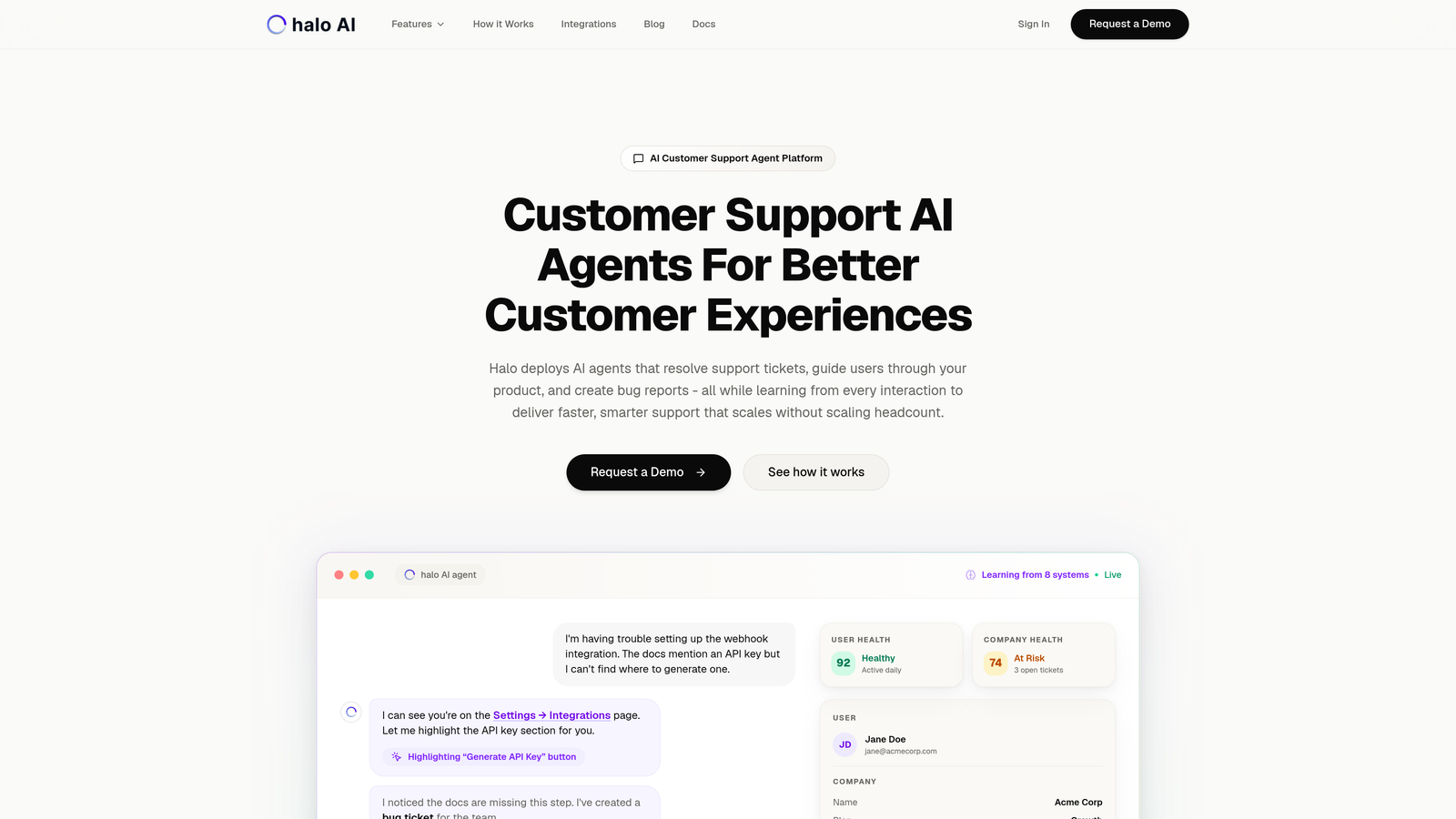
Halo AI takes a fundamentally different approach to helpdesk integration by building connectivity directly into an AI-native support platform rather than bolting automation onto existing systems.
Where This Tool Shines
Unlike traditional integration platforms that simply move data between systems, Halo's AI agents actively use information from connected tools to resolve tickets autonomously. When a customer asks about their billing status, the AI pulls real-time data from Stripe. When they report a bug, it automatically creates a detailed ticket in Linear with reproduction steps.
The page-aware widget understands exactly where users are in your product, combining visual context with data from your integrated systems to provide genuinely helpful guidance without requiring users to explain their situation repeatedly.
Key Features
Context-Aware AI Agents: Automatically pull customer data from HubSpot, billing info from Stripe, and conversation history from Intercom to resolve tickets without human intervention.
Auto Bug Ticket Creation: When issues are identified, the system creates detailed tickets in Linear with full context, screenshots, and reproduction steps.
Smart Inbox with Business Intelligence: Surface customer health signals, revenue intelligence, and anomaly detection by analyzing data across your entire business stack.
Live Agent Handoff: When complex issues require human expertise, agents receive the full context from all integrated systems in one view.
Continuous Learning: The AI improves from every interaction, becoming more effective at using integrated data to solve problems over time.
Best For
B2B product teams and support organizations that want to automate routine support while maintaining quality, particularly those already using tools like Zendesk, Freshdesk, or Intercom who need deeper intelligence from their business systems.
Pricing
Contact for custom pricing based on your team size and integration requirements.
2. Zapier
Best for: Non-technical teams needing quick, simple automations across thousands of apps
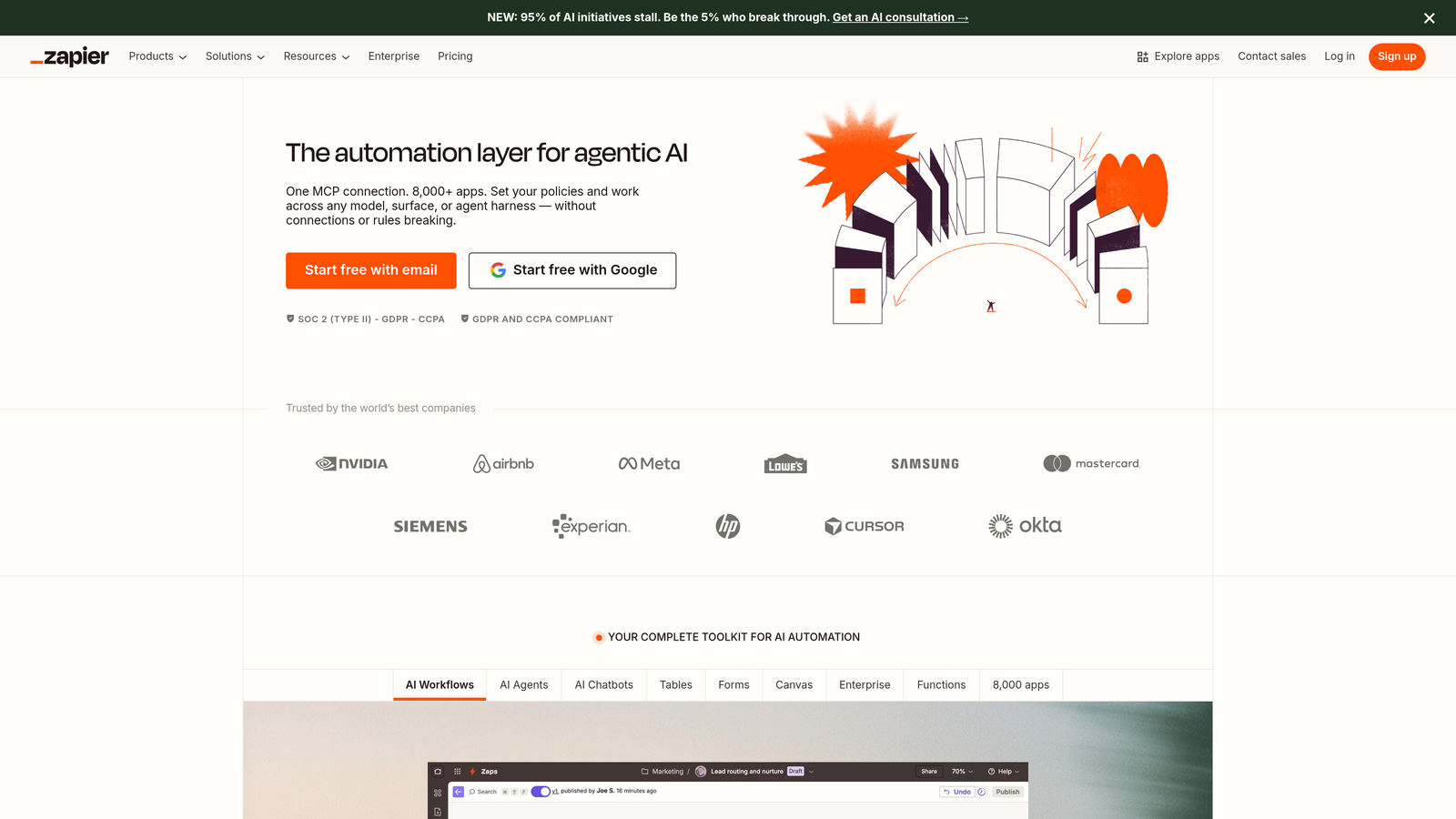
Zapier pioneered no-code automation and remains the most accessible entry point for teams wanting to connect their support tools without writing code.
Where This Tool Shines
Zapier's strength lies in its massive connector library and dead-simple interface. You can connect your helpdesk to over 6,000 apps in minutes, creating workflows (called "Zaps") that trigger actions based on events. The platform democratizes integration, letting support managers build automations that would traditionally require engineering resources.
The recent addition of Tables and Interfaces extends Zapier beyond simple trigger-action workflows, enabling teams to store data and create custom forms without additional tools.
Key Features
6,000+ App Integrations: Connect virtually any business tool, from major platforms to niche applications.
No-Code Zap Builder: Visual interface that anyone can use to create automations in minutes.
Multi-Step Workflows: Add filters, paths, and conditional logic to handle complex scenarios.
Tables for Data Storage: Store and manipulate data within Zapier without external databases.
Interfaces: Build custom forms and portals for data collection and display.
Best For
Small to mid-sized support teams without dedicated developers who need straightforward automations and have predictable, linear workflows.
Pricing
Free tier available with 100 tasks per month; paid plans start at $19.99/month for 750 tasks, scaling up to $599/month for unlimited tasks and advanced features.
3. Workato
Best for: Enterprise teams requiring robust governance, security, and complex workflow capabilities
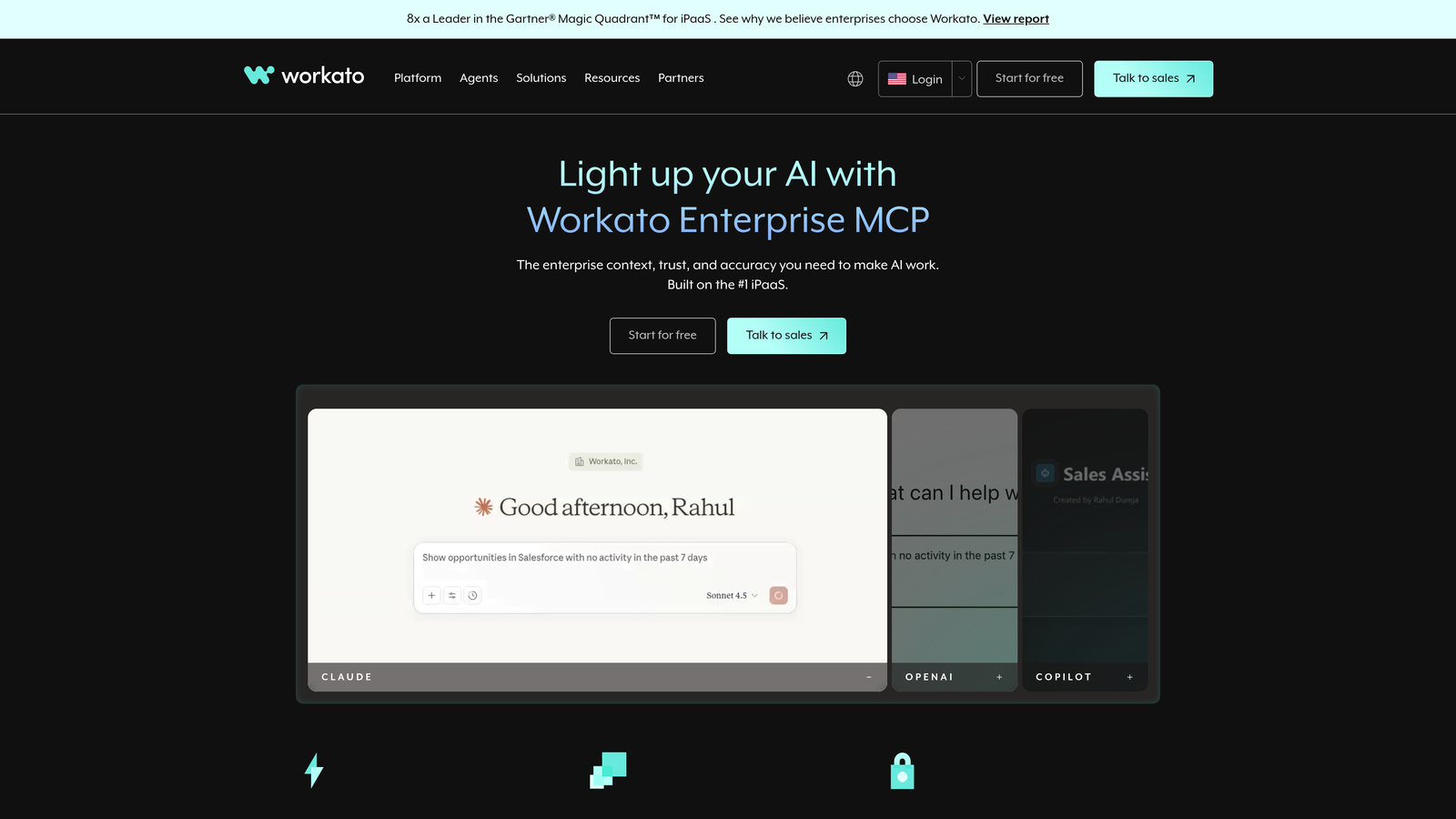
Workato positions itself as the enterprise-grade alternative to simpler automation platforms, offering sophisticated workflow capabilities with the security and compliance features large organizations demand.
Where This Tool Shines
Workato excels when you need to orchestrate complex, multi-system processes with proper version control, role-based access, and audit trails. The platform's "recipes" can handle intricate branching logic and error handling that would break simpler tools.
Workbot deserves special mention—it brings automation directly into Slack and Microsoft Teams, letting support teams trigger workflows and retrieve data without leaving their communication hub.
Key Features
1,000+ Pre-Built Connectors: Enterprise-focused integrations with strong API connectivity and webhook support.
Recipe-Based Workflow Builder: Visual interface for creating complex automations with reusable components.
Enterprise Security and Compliance: SOC 2, GDPR, HIPAA compliance with granular access controls and encryption.
Workbot for Team Chat: Execute workflows and query data directly from Slack or Microsoft Teams.
API Management: Build, manage, and monitor APIs alongside your integration workflows.
Best For
Enterprise support organizations with complex compliance requirements, IT oversight needs, and multi-department workflows spanning dozens of systems.
Pricing
Custom enterprise pricing based on number of recipes, tasks, and required features—typically starting in the five-figure annual range.
4. Tray.io
Best for: Technical teams building sophisticated automations with complex logic and API requirements
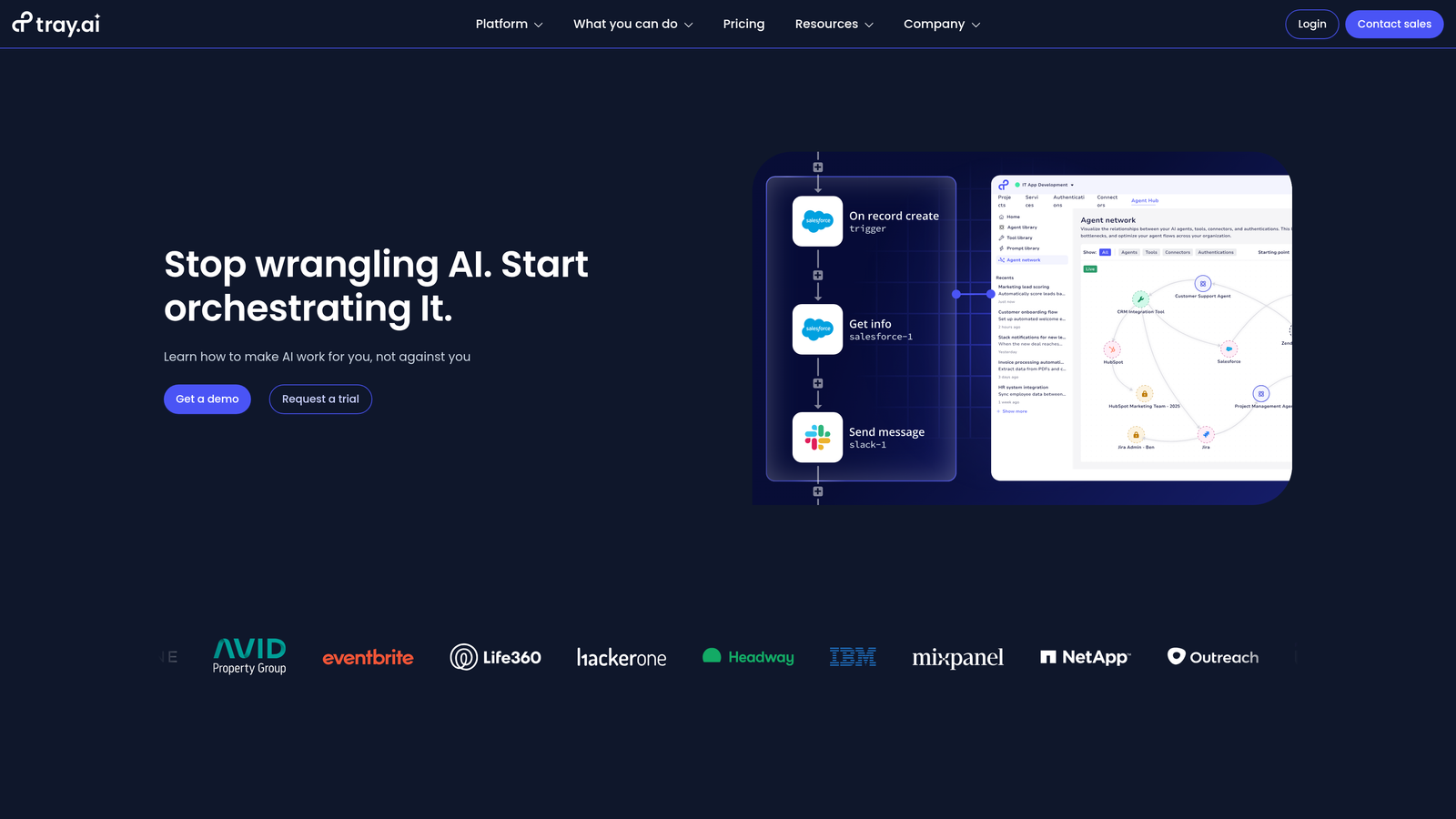
Tray.io bridges the gap between no-code simplicity and full custom development, offering a visual builder that doesn't sacrifice power for ease of use.
Where This Tool Shines
Tray.io's visual workflow builder handles complexity that would overwhelm simpler platforms. You can implement advanced branching logic, loops, and data transformations without writing code, while still having the option to drop into custom scripts when needed.
The Universal Connector is particularly valuable for support teams using specialized tools—it lets you connect to any API, even if Tray doesn't have a pre-built connector, without requiring your developers to build and maintain custom integrations.
Key Features
Visual Drag-and-Drop Builder: Create complex workflows with an intuitive interface that reveals underlying logic clearly.
Advanced Branching and Looping: Handle conditional logic, iterations, and parallel processing visually.
Universal Connector: Connect to any REST API without pre-built connectors or custom code.
Data Transformation Tools: Map, filter, and transform data between systems with built-in helpers.
Embedded Integration Options: White-label integration experiences for your customers.
Best For
Support operations teams with technical resources who need to build complex, custom workflows but want to avoid maintaining traditional code-based integrations.
Pricing
Custom pricing based on number of workflows, data volume, and required features—typically positioned as a mid-market to enterprise solution.
5. Make (formerly Integromat)
Best for: Teams wanting enterprise-level automation capabilities at accessible price points
Make offers remarkable power-to-price ratio, delivering visual workflow capabilities that rival enterprise platforms at costs accessible to small and mid-sized teams.
Where This Tool Shines
Make's visual scenario builder shows you exactly how data flows through your automation, making complex workflows easier to understand and debug than text-based alternatives. The platform handles advanced scenarios like error recovery, data aggregation, and conditional routing without requiring technical expertise.
The pricing model based on operations rather than tasks makes Make particularly attractive for high-volume support teams who would quickly exceed task limits on competing platforms.
Key Features
Visual Scenario Builder: See data flow through modules in real-time with clear visual connections.
Complex Branching and Error Handling: Build resilient workflows with fallback paths and retry logic.
1,500+ App Integrations: Connect to major platforms plus the ability to call any HTTP API.
Data Stores and Aggregators: Temporarily store data and combine records from multiple sources.
Scheduling and Webhook Triggers: Run scenarios on schedules or in response to real-time events.
Best For
Growing support teams who need sophisticated automation capabilities but aren't ready for enterprise-tier pricing, especially those with high-volume workflows.
Pricing
Free tier with 1,000 operations per month; paid plans start at $9/month for 10,000 operations, scaling to $299/month for 400,000 operations.
6. Celigo
Best for: Teams heavily invested in NetSuite or other ERP systems needing deep business system connectivity
Celigo specializes in connecting business-critical systems, particularly ERPs, with a focus on data accuracy and complex mapping scenarios that general-purpose platforms struggle with.
Where This Tool Shines
If your support team needs to access or update data in NetSuite, Celigo offers the deepest integration capabilities available. The platform understands ERP data structures and business logic in ways that generic connectors cannot match, ensuring that customer records, order information, and billing data stay synchronized accurately.
The pre-built integration apps provide turnkey solutions for common scenarios, dramatically reducing implementation time compared to building equivalent workflows from scratch.
Key Features
Deep NetSuite Integration: Native connectivity with comprehensive field mapping and business logic support.
Pre-Built Integration Apps: Turnkey solutions for common integration scenarios across popular platforms.
Error Management Dashboard: Centralized view of integration failures with guided resolution workflows.
B2B/EDI Capabilities: Handle electronic data interchange for supply chain and partner integrations.
Salesforce and HubSpot Connectors: Strong CRM connectivity for support teams using these platforms.
Best For
Support organizations at companies using NetSuite or other complex ERP systems who need reliable, accurate synchronization of customer and order data.
Pricing
Custom pricing for platform access; pre-built integration apps typically start around $499/month per connection.
7. Boomi
Best for: Large enterprises with hybrid cloud/on-premise requirements and master data management needs
Boomi, backed by Dell Technologies, serves enterprise organizations with complex deployment requirements spanning cloud applications, on-premise systems, and legacy infrastructure.
Where This Tool Shines
Boomi's AtomSphere platform handles deployment scenarios that cloud-only solutions cannot address. If your support team needs to access data from on-premise systems while also connecting to modern cloud applications, Boomi's hybrid architecture makes this possible without compromising security.
The Master Data Hub capability is particularly valuable for large support organizations dealing with duplicate customer records and inconsistent data across systems—it provides a single source of truth that all integrations can reference.
Key Features
AtomSphere Integration Platform: Cloud-native platform with on-premise deployment options via lightweight runtime agents.
Master Data Hub: Centralized data management ensuring consistency across all connected systems.
API Management: Create, secure, and monitor APIs alongside your integration workflows.
EDI and B2B Integration: Handle electronic data interchange and partner connectivity requirements.
Hybrid Deployment Options: Connect cloud and on-premise systems securely with flexible architecture.
Best For
Enterprise support organizations at companies with significant on-premise infrastructure, complex data governance requirements, or regulated industries requiring specific deployment models.
Pricing
Custom enterprise pricing based on deployment model, number of connections, and data volume—typically positioned for organizations with substantial integration budgets.
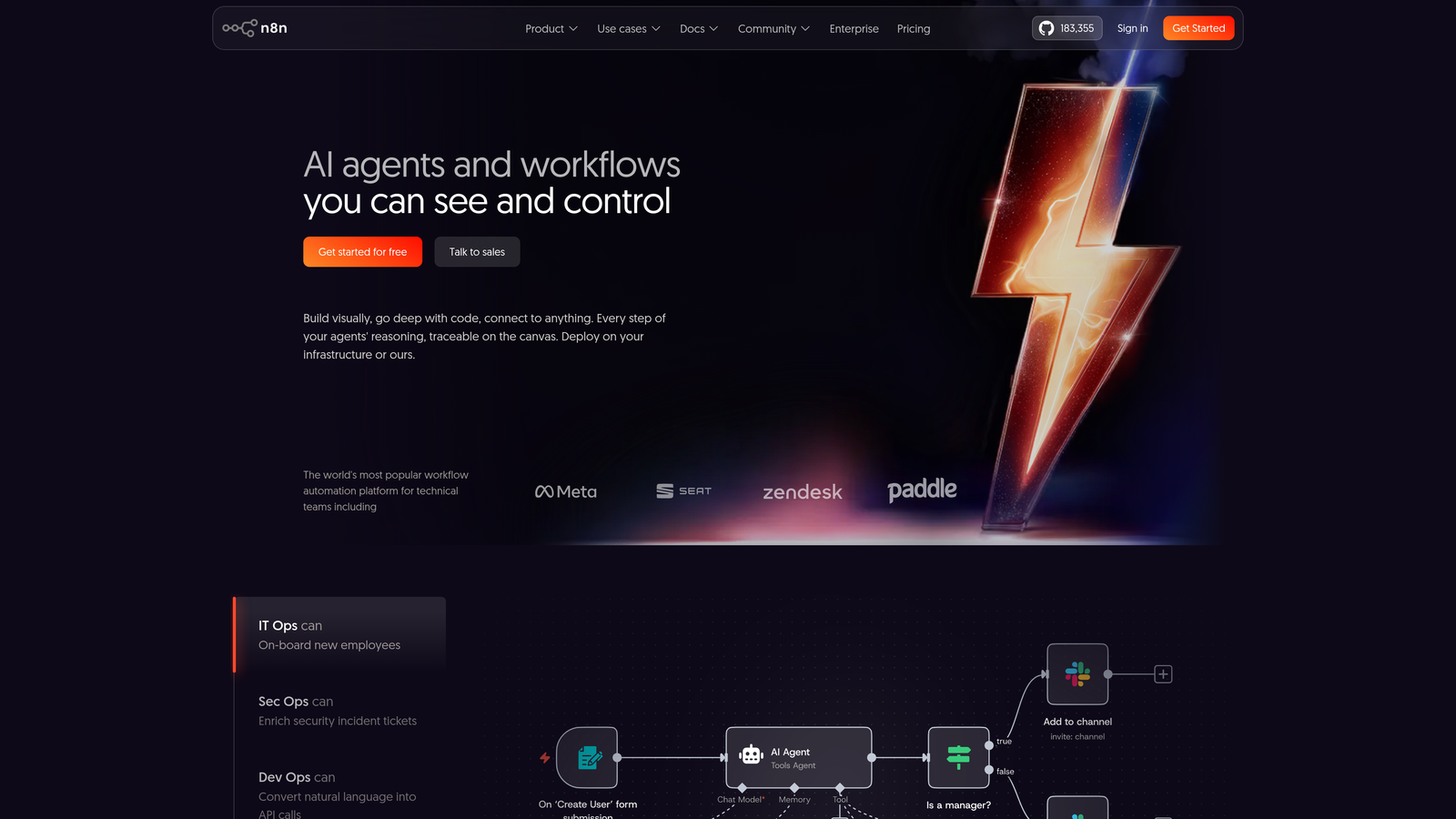
8. n8n
Best for: Teams requiring full data control through self-hosted deployment or open-source flexibility
n8n offers a unique value proposition in the integration space: powerful workflow automation with the option to self-host and maintain complete control over your data and infrastructure.
Where This Tool Shines
For support teams handling sensitive customer data or operating under strict compliance requirements, n8n's self-hosted option eliminates concerns about third-party data access. You can run the entire platform on your own infrastructure, ensuring that customer information never leaves your environment.
The fair-code license and active open-source community mean you're not locked into a vendor—you can modify the platform, contribute improvements, and benefit from community-built integrations and templates.
Key Features
Self-Hosted or Cloud Options: Choose between managed cloud service or complete self-hosting on your infrastructure.
Fair-Code License: Source code available with sustainable licensing that balances openness with commercial viability.
400+ Integrations: Growing library of community and official integrations with active development.
Code Nodes for Custom Logic: Write JavaScript directly in workflows when you need custom functionality.
Active Community and Templates: Benefit from shared workflows and integrations built by other users.
Best For
Support teams with technical resources who need complete data control, operate under strict compliance requirements, or want to avoid vendor lock-in with proprietary platforms.
Pricing
Free for self-hosted deployments; cloud hosting starts at $20/month for basic plans, scaling based on executions and features.
9. Paragon
Best for: SaaS companies building native integrations into their products for end customers
Paragon serves a different use case than other platforms on this list—it's designed for product teams who want to offer integrations as a feature of their application rather than just connecting internal systems.
Where This Tool Shines
If you're building a support tool or customer-facing application and want to offer integrations to your users, Paragon provides the infrastructure without requiring you to build and maintain dozens of individual connectors. Your customers get a white-labeled integration marketplace that feels native to your product.
The managed authentication handles the complex OAuth flows and credential management that typically consume significant engineering time, letting your team focus on building your core product instead of integration plumbing.
Key Features
Embedded Integration SDK: Drop integration capabilities into your product with pre-built UI components.
White-Label Integration Marketplace: Offer integrations to your customers under your brand.
Managed Authentication: Handle OAuth, API keys, and credential storage without building infrastructure.
Workflow Builder for End Users: Let your customers configure integration logic without contacting support.
Pre-Built Integration Catalog: Launch with dozens of ready-to-use connectors for popular business tools.
Best For
Product teams at SaaS companies who want to offer integrations as a product feature, particularly those building tools in the support, productivity, or business operations space.
Pricing
Custom pricing based on number of integrations offered, end-user volume, and required features—typically structured as a platform fee plus per-integration costs.
Making the Right Choice
The right helpdesk integration platform depends on where you fall on three key dimensions: technical resources, workflow complexity, and deployment requirements.
For AI-first automation: Halo AI stands out by embedding integration directly into intelligent support agents rather than treating connectivity as a separate concern. If you want your integrations to actively contribute to ticket resolution rather than just moving data around, this approach delivers fundamentally different value.
For quick wins without technical resources: Zapier and Make offer the fastest path to basic automations. Zapier wins on connector breadth and ease of use, while Make provides better value for high-volume workflows and more sophisticated logic.
For enterprise complexity: Workato, Tray.io, and Boomi serve organizations with governance requirements, complex workflows, and hybrid infrastructure. Workato leads on compliance and team collaboration features, Tray.io excels at visual complexity, and Boomi handles hybrid cloud/on-premise scenarios that others cannot.
For specialized needs: Celigo dominates NetSuite connectivity, n8n provides unmatched data control through self-hosting, and Paragon enables product teams to offer integrations as a feature rather than building connector infrastructure from scratch.
Most support teams benefit from starting with straightforward automations—syncing tickets to your CRM, creating tasks in project management tools, posting notifications to Slack. As your needs grow more sophisticated, you'll know whether you need enterprise governance, custom deployment options, or AI-powered automation.
Your support team shouldn't scale linearly with your customer base. Let AI agents handle routine tickets, guide users through your product, and surface business intelligence while your team focuses on complex issues that need a human touch. See Halo in action and discover how continuous learning transforms every interaction into smarter, faster support.