9 Best Tools to Integrate Your Customer Support Stack in 2026
Most support teams don't have a tool problem — they have an integration problem. This guide breaks down how to integrate support tools across your helpdesk, CRM, chat, and product tracker, covering 9 purpose-built platforms that help B2B SaaS teams unify their customer support stack, reduce agent friction, and deliver a seamless customer experience in 2026.
 Grant CooperFounder13 min read
Most support teams don't have a tool problem — they have an integration problem. Your helpdesk, CRM, product tracker, and chat widget each hold a piece of the customer picture, but when they don't talk to each other, agents waste time context-switching and customers repeat themselves across every channel.
The good news: the right integration strategy can collapse that fragmentation into a unified, automated support operation. Whether you're looking for an AI-native platform that connects everything out of the box, a no-code middleware layer to bridge your existing tools, or an API solution for embedding support data into your own product, there's a purpose-built approach for your situation.
The tools below were selected based on depth of native integrations, ease of setup, automation capabilities, scalability for B2B SaaS teams, and real business value beyond basic ticket management. Here are the top tools for integrating your customer support stack in 2026.
1. Halo AI
Best for: B2B SaaS teams wanting an AI-native support platform with deep, out-of-the-box integrations
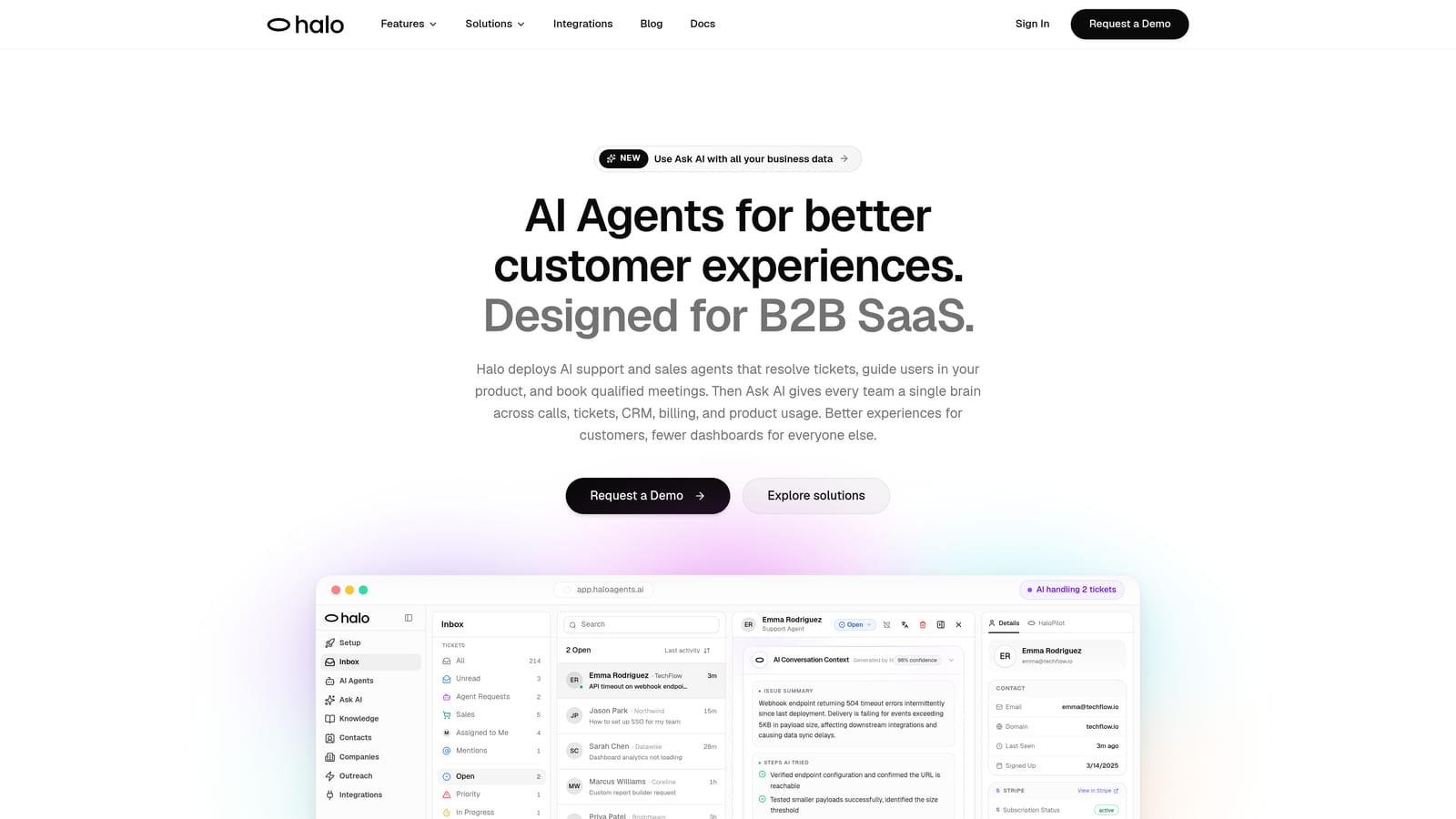
Halo AI is an AI-first customer support platform that deploys intelligent agents for ticket resolution, contextual user guidance, and automated bug reporting.
Where This Tool Shines
What separates Halo from most support tools is that integrations aren't an add-on — they're the foundation. When Halo connects to your CRM, billing system, and product tracker, that data flows directly into the AI agent's context engine. The result is an agent that can answer questions like "why did this customer churn?" or "what's the status of this bug?" without a human ever touching the ticket.
The page-aware chat widget is a standout capability. It sees what the user is looking at in real time and provides contextual visual guidance based on their current screen. When an issue needs engineering attention, Halo automatically creates a structured bug ticket in Linear and routes it directly to the right team — no copy-pasting, no manual triage.
Key Features
Native integrations across the full stack: Connects natively to Linear, Slack, HubSpot, Intercom, Stripe, Zoom, PandaDoc, and Fathom — no middleware required.
Page-aware chat widget: Understands the user's current context and delivers relevant, visual in-product guidance based on what they're seeing.
Autonomous AI agents with human escalation: Resolves tickets end-to-end and hands off to a live agent when complexity warrants it.
Auto bug ticket creation: Detects product issues and routes structured bug reports directly to engineering in Linear.
Smart inbox with business intelligence: Surfaces customer health signals, revenue anomalies, and churn indicators alongside support conversations.
Continuous learning: Improves resolution accuracy over time by learning from every interaction across your integrated stack.
Best For
B2B SaaS teams that want to replace a fragmented multi-tool stack with a single AI-native platform. Particularly well-suited for product-led growth companies where support, product, and engineering need to share context in real time.
Pricing
Contact for pricing. Halo operates on a demo-based sales model — visit haloagents.ai to book a walkthrough.
2. Zapier
Best for: Non-technical support ops teams connecting existing tools without writing code
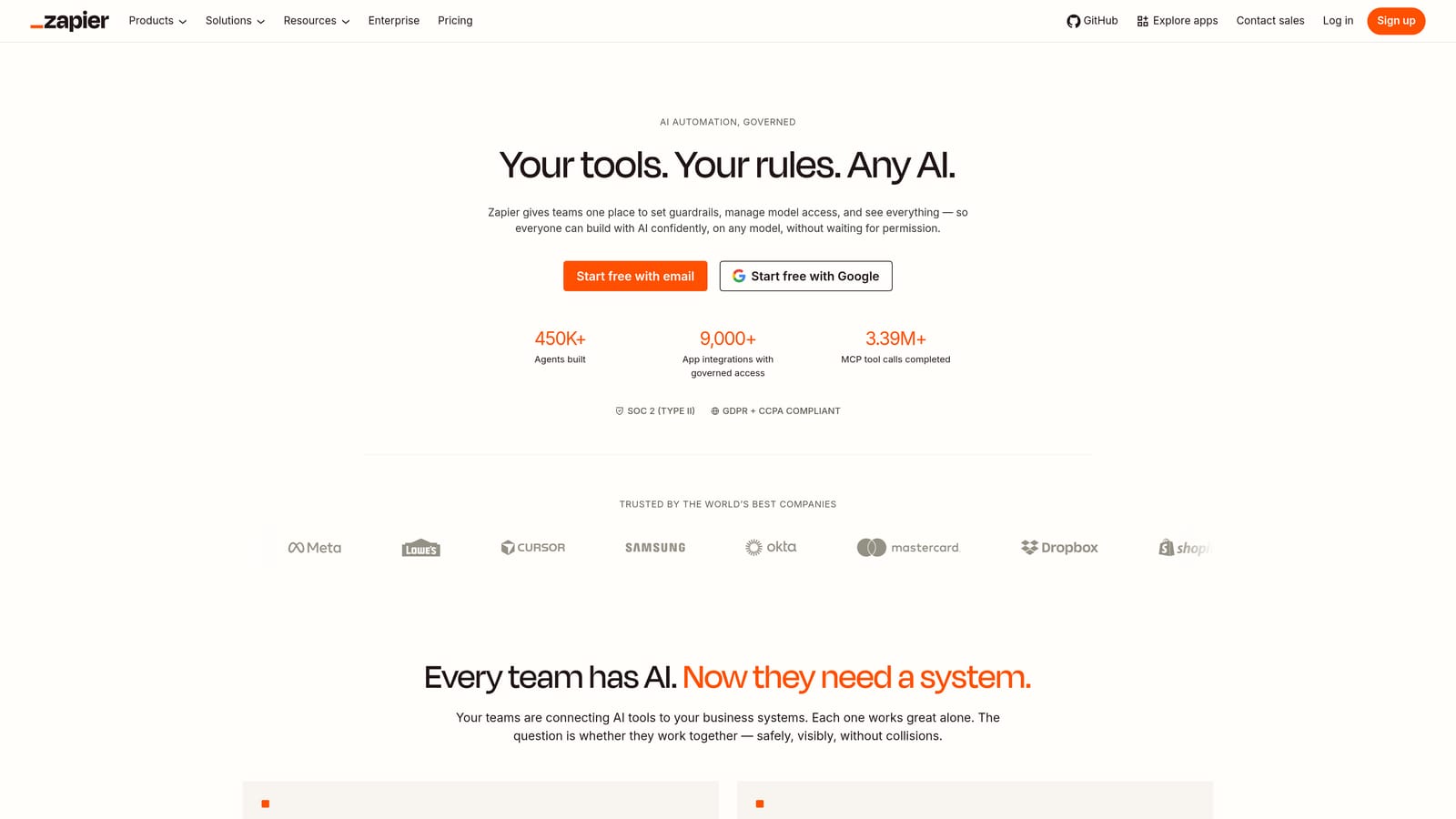
Zapier is the most widely used no-code automation platform, connecting thousands of apps through simple trigger-action workflows.
Where This Tool Shines
Zapier's strength is accessibility. A support ops manager with no engineering background can build a workflow that creates a HubSpot contact when a new Zendesk ticket arrives, then sends a Slack notification to the right channel — all in under an hour. That kind of rapid, code-free automation is genuinely valuable for teams that need to move fast.
Where Zapier runs into friction is at the edges: complex conditional logic, high-volume workflows, and data transformation requirements tend to push teams toward more powerful tools. For straightforward support automation, though, it's hard to beat the breadth of its app library.
Key Features
Thousands of app integrations: Covers all major helpdesks (Zendesk, Freshdesk, Intercom), CRMs (HubSpot, Salesforce), and communication tools.
No-code Zap builder: Accessible to non-technical users with a clean, guided setup experience.
Multi-step Zaps: Chain actions across multiple tools in a single automated workflow.
Tables and Interfaces: Lightweight data management features that complement automation workflows.
Best For
Support teams that already have a helpdesk and CRM in place and need a fast, accessible way to connect them. Best suited for low-to-medium workflow complexity and teams without dedicated engineering resources.
Pricing
Free tier available. Paid plans start around $19.99/month and scale based on task volume. Check Zapier's pricing page for current tiers.
3. Zendesk
Best for: Enterprise support teams needing a mature helpdesk with an extensive integration marketplace
Zendesk is an enterprise-grade helpdesk platform with one of the largest integration marketplaces in the support industry.

Where This Tool Shines
Zendesk's marketplace is genuinely impressive. With over 1,500 apps covering CRM, analytics, e-commerce, and communication categories, it's rare to find a tool that doesn't have a Zendesk connector. For organizations with complex, multi-system environments, that breadth reduces the need for custom engineering work.
The Sunshine platform gives engineering teams a framework for building custom apps directly within the Zendesk environment, which is useful when pre-built integrations don't quite fit. The tradeoff is that Zendesk's architecture is fundamentally additive — AI and integration capabilities are layered onto a traditional helpdesk foundation rather than built around them.
Key Features
1,500+ marketplace apps: Extensive pre-built integrations across CRM, analytics, e-commerce, and communication tool categories.
Native integrations: Direct connections to Salesforce, Slack, Jira, and major e-commerce platforms.
Robust API: Full REST API for custom integrations built by engineering teams.
Sunshine platform: Framework for building custom apps and experiences within the Zendesk environment.
Best For
Enterprise organizations with established support operations that need a proven, configurable system and a wide integration ecosystem. Teams with dedicated support engineering resources will get the most from Zendesk's customization capabilities.
Pricing
Suite Team starts around $55/agent/month billed annually. See Zendesk's pricing page for current plan details.
4. Intercom
Best for: Teams that prioritize in-conversation customer context from CRM and billing data
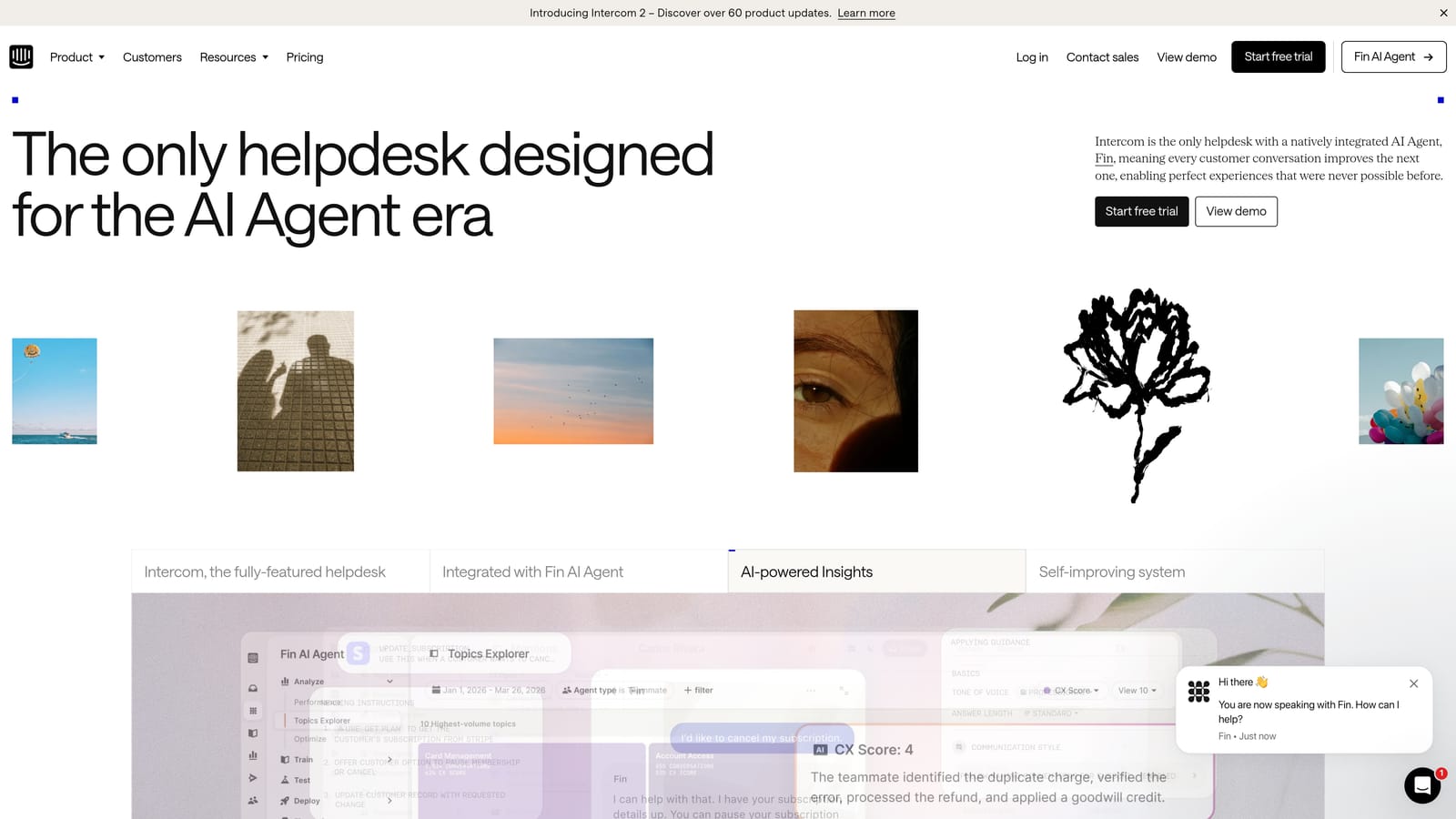
Intercom is a conversational support platform with a messenger-first design and strong native integrations that surface customer lifecycle context during live conversations.
Where This Tool Shines
Intercom's native integrations with HubSpot, Salesforce, and Stripe are particularly well-executed. When an agent opens a conversation, they can immediately see the customer's deal stage, subscription status, and recent activity — without leaving the messenger. That kind of contextual awareness reduces the "let me look that up" moments that slow down support interactions.
Intercom has also invested heavily in its Fin AI agent, which handles automated resolution with a defined human handoff path. For teams that want AI-assisted support without building from scratch, Fin provides a solid starting point within the Intercom ecosystem.
Key Features
Native CRM and billing integrations: Direct connections to HubSpot, Salesforce, and Stripe surface customer lifecycle context in-conversation.
Fin AI agent: Automated ticket resolution with configurable human handoff for complex issues.
Shared inbox: Combines chat, email, and in-app messaging in a single unified workspace.
Product tours and outbound messaging: Proactive support workflows tied to user behavior and lifecycle stage.
Best For
SaaS teams that want strong native CRM and billing context within their support conversations, and that are comfortable investing in the Intercom ecosystem for both support and outbound communication.
Pricing
Starts around $29/seat/month. AI features are available on higher tiers. Visit Intercom's pricing page for current plan details.
5. Make
Best for: Support ops teams that need sophisticated multi-step automation with conditional logic
Make is a visual workflow automation platform designed for complex integrations that go well beyond simple trigger-action automation.
Where This Tool Shines
Think of Make as Zapier for teams that have outgrown Zapier. The visual scenario builder supports branching logic, error handling, and data transformation between apps — which means you can build workflows like: "if a Zendesk ticket is marked urgent AND the customer's Stripe MRR is above a threshold, create a Linear issue, notify the account manager in Slack, and log the interaction in HubSpot." That kind of conditional, multi-system logic is where Make genuinely differentiates.
The tradeoff is a steeper learning curve. Make rewards users who invest time in understanding its data mapping and module system. For teams with a technically capable support ops person, that investment pays off in automation sophistication that simple tools can't match.
Key Features
Visual scenario builder: Drag-and-drop interface with branching logic for sophisticated support routing and automation.
Data transformation and filtering: Modify and filter data between apps without writing custom code.
Webhooks, APIs, and HTTP requests: Connect to virtually any tool, including those without native Make modules.
Higher operation limits: More granular control and higher volume capacity than simpler automation platforms.
Best For
Support teams with complex routing logic, high automation volume, or data transformation requirements. Best suited for teams with a technically capable support ops or RevOps person who can manage scenario configuration.
Pricing
Free tier available. Core plan starts around $9/month, scaling by operations. See Make's pricing page for current tiers.
6. HubSpot Service Hub
Best for: Teams already on HubSpot CRM that want native support without managing a separate sync
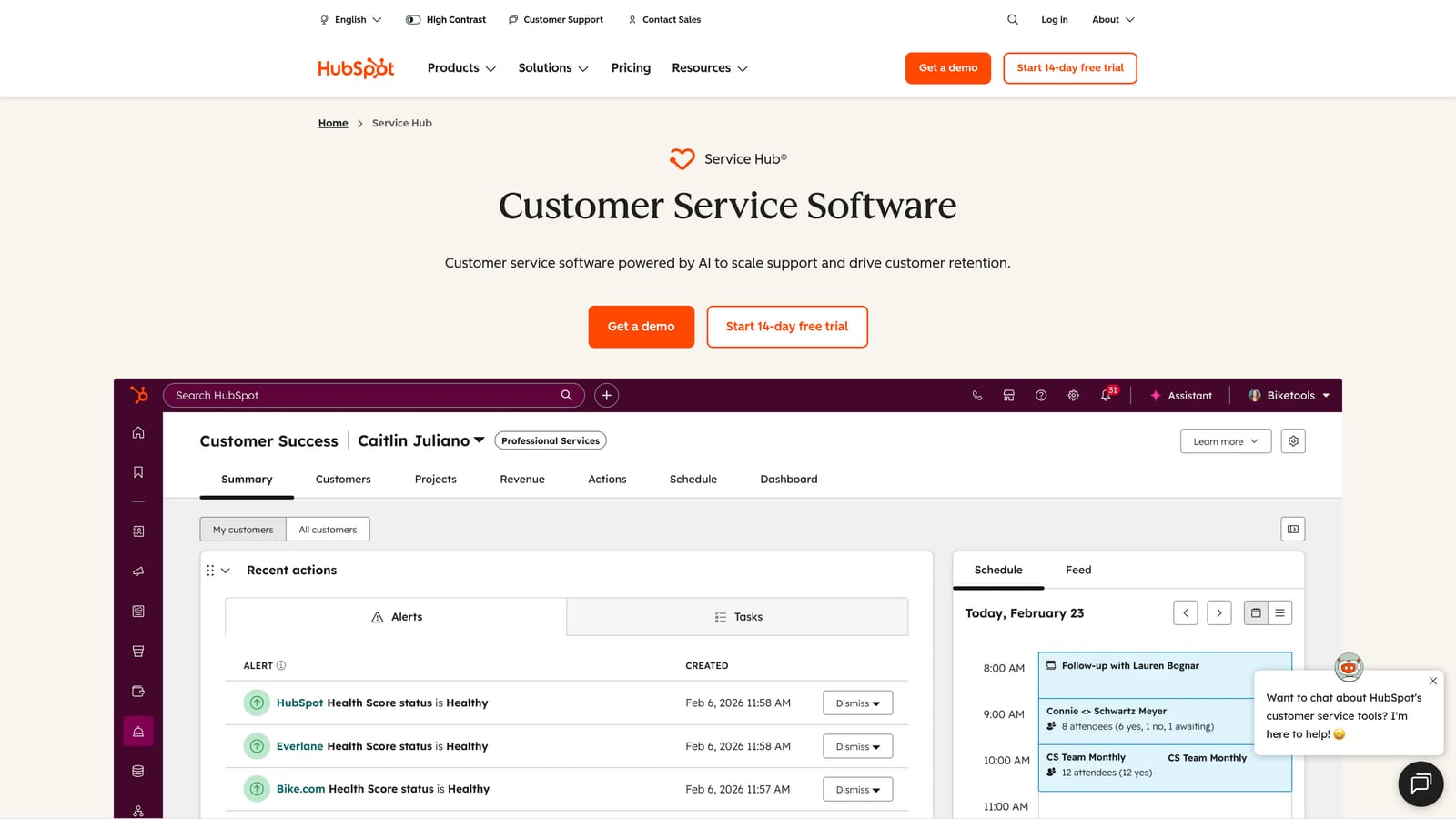
HubSpot Service Hub is a CRM-native support platform where every ticket and conversation ties directly to the HubSpot contact and deal record.
Where This Tool Shines
The core value proposition of Service Hub is elegantly simple: if your team is already working in HubSpot, your support data lives there too. No sync jobs, no field mapping, no "why doesn't this ticket show up in the CRM?" conversations. Every support interaction is automatically associated with the right contact, company, and deal record.
The cross-functional reporting is a genuine differentiator. Support leaders can build dashboards that combine ticket volume and CSAT data with sales pipeline and marketing attribution — something that typically requires stitching together multiple tools. For organizations that want a unified view of the customer across sales, marketing, and support, Service Hub removes significant friction.
Key Features
Native CRM connection: Tickets, live chat, and email support automatically linked to HubSpot contact and deal records.
Customer portal: Self-service ticket tracking for customers, reducing inbound volume.
Cross-functional reporting: Dashboards combining support metrics with sales and marketing data from the same CRM.
Full HubSpot suite integration: Native connections to Marketing Hub, Sales Hub, and Operations Hub.
Best For
Organizations already invested in the HubSpot ecosystem. Less suited for high-volume, complex support operations that need purpose-built helpdesk features — but excellent for teams where CRM alignment is the primary integration challenge.
Pricing
Free tier available. Starter plans begin around $15/seat/month. Visit HubSpot's pricing page for current plan details.
7. Freshdesk
Best for: Teams wanting to consolidate on a single vendor ecosystem with native CRM and ITSM connections
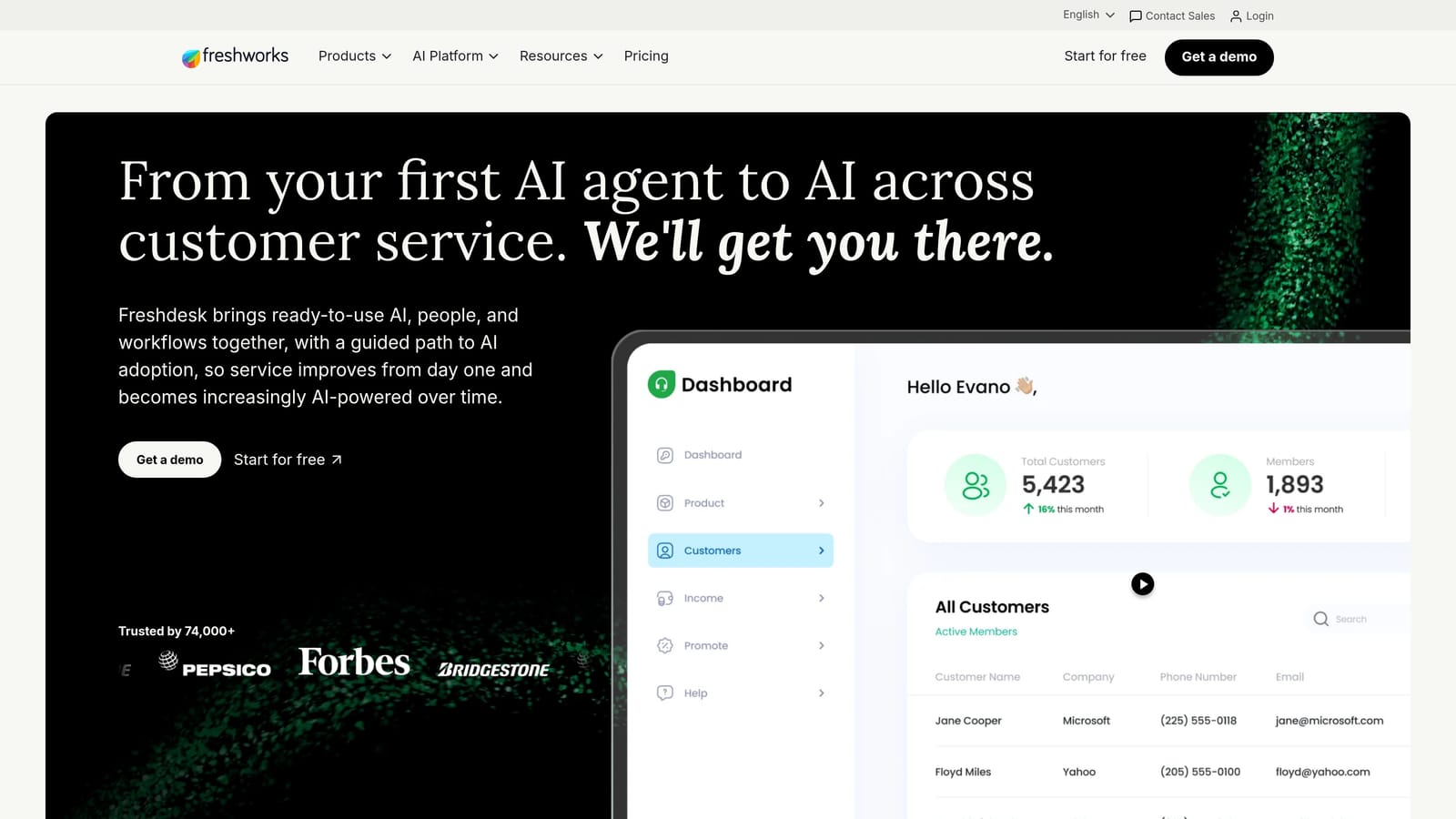
Freshdesk is a multichannel helpdesk platform with strong native integrations across the Freshworks product suite and a marketplace of third-party connectors.
Where This Tool Shines
Freshdesk's strongest integration story is within the Freshworks family. If your team uses Freshsales for CRM and Freshservice for IT service management, the native data sharing between those tools is seamless — customer records, asset data, and support history flow across the suite without configuration overhead. For teams that want to reduce vendor sprawl, consolidating on Freshworks is a legitimate strategy.
The multichannel inbox — covering email, chat, phone, social, and WhatsApp — is well-executed and reduces the need for separate channel connectors. Freddy AI adds automation for ticket classification and suggested responses, though it operates more as an assistant than an autonomous agent.
Key Features
Native Freshworks suite integration: Direct connections to Freshsales CRM and Freshservice ITSM for unified customer and IT data.
1,000+ marketplace integrations: Third-party app connectors covering major helpdesk, CRM, and communication categories.
Multichannel inbox: Email, chat, phone, social, and WhatsApp unified in a single support workspace.
Freddy AI: Automated ticket classification, suggested responses, and workflow automation.
Best For
Teams that want to consolidate on one vendor ecosystem and need strong multichannel support out of the box. A natural fit for organizations already using other Freshworks products.
Pricing
Free for up to 2 agents. Growth plan starts around $15/agent/month. See Freshdesk's pricing page for current tiers.
8. Merge
Best for: Product and engineering teams building integrations into their own SaaS product
Merge is a unified API platform that lets teams build a single integration connecting to dozens of helpdesks and CRMs simultaneously.
Where This Tool Shines
Merge solves a specific and painful problem: if you're building a SaaS product that needs to pull support data from your customers' helpdesks, you'd normally have to build and maintain separate integrations for Zendesk, Freshdesk, Jira Service Management, and every other platform your customers use. Merge replaces that with a single normalized API that handles the translation work for you.
This is infrastructure, not a support tool. Merge doesn't sit in your agents' workflow — it sits in your product's architecture. For engineering teams that have been asked to "just add a Zendesk integration" for the fifth time, Merge is the answer that scales.
Key Features
Single normalized API: One integration covers ticketing platforms (Zendesk, Freshdesk, Jira Service Management), CRM, and HRIS categories.
Automated field mapping: Data normalization across integrated platforms handled automatically, reducing custom mapping work.
Integration observability: Logging and issue detection to monitor the health of connected integrations.
Engineering-first design: Built for product and engineering teams embedding support data into their own product, not for end users.
Best For
SaaS product teams that need to build customer-facing integrations with multiple helpdesks or CRMs. Not intended as a day-to-day support tool — this is integration infrastructure for teams building connected products.
Pricing
Contact sales for pricing. Plans are based on linked accounts and usage volume. Visit Merge's pricing page for details.
9. Slack
Best for: Support teams that need a real-time operational hub for escalation, collaboration, and incident coordination
Slack is a team communication platform that functions as an operational layer for support teams, with native integrations to helpdesks, product trackers, and incident management tools.
Where This Tool Shines
Slack isn't a support tool in the traditional sense, but many support teams treat it as the connective tissue of their entire operation. Native integrations with Zendesk, Intercom, Linear, Jira, and PagerDuty mean that alerts, escalations, and ticket updates flow into the right channels automatically — keeping the whole team informed without anyone having to manually relay information.
Slack Connect is particularly useful for enterprise support teams. It allows direct channel communication with customer stakeholders, turning escalations into collaborative conversations rather than back-and-forth email threads. The Workflow Builder adds no-code automation for triage and routing within Slack itself, making it a lightweight automation layer on top of your existing stack.
Key Features
Native helpdesk and product tracker integrations: Direct connections to Zendesk, Intercom, Linear, Jira, and PagerDuty for real-time support alerts.
Slack Connect: Shared channels with external customers for managing enterprise escalations directly.
Workflow Builder: No-code automation for escalation routing, triage notifications, and on-call alerts within Slack.
Searchable message history: Operational record of support incidents, decisions, and escalation threads.
Best For
Support teams at companies where Slack is already the primary communication platform. Works best as a coordination and escalation layer alongside a dedicated helpdesk, rather than as a standalone support solution.
Pricing
Free tier available. Pro plan starts around $7.25/user/month. See Slack's pricing page for current plan details.
Which Tool Is Right for Your Support Stack?
The right integration strategy depends less on which tools are "best" and more on where your fragmentation actually lives. Here's how to think through it.
If you want to replace a fragmented multi-tool stack with a single AI-native platform, start with Halo AI. The integrations aren't bolted on — they feed the AI's context engine, which means your agents (human and artificial) always have the full customer picture. For teams where support, product, and engineering need to share context in real time, it's the most coherent starting point.
If you need no-code glue between tools you're not ready to replace, Zapier gets you moving fastest. For workflows with more complexity — conditional routing, data transformation, high volume — Make gives you the sophistication without requiring custom code.
If your team is already living in HubSpot, Service Hub eliminates the sync problem entirely. Every ticket is already a CRM record. Similarly, if you're consolidating on one vendor ecosystem, Freshdesk with the broader Freshworks suite reduces the number of integration points you need to manage.
For enterprise-scale operations that need a mature helpdesk with an extensive marketplace, Zendesk remains a proven anchor. And if you're building support integrations into your own SaaS product, Merge's unified API saves months of engineering time that would otherwise go toward maintaining point-to-point connectors.
The broader principle worth holding onto: the best support integration strategy isn't about adding more tools. It's about choosing fewer, smarter ones that share context natively — so your agents spend time solving problems, not hunting for information.
Your support team shouldn't scale linearly with your customer base. See Halo in action and discover how continuous learning transforms every interaction into smarter, faster support — with native integrations that bring your entire business stack into every conversation.