9 Best HubSpot Support Integration Tools in 2026
HubSpot's native support features often require teams to juggle multiple systems, but the right HubSpot support integration tools solve this by connecting CRM data directly with support workflows. This guide reviews the 9 best integration solutions for 2026, evaluated on integration depth, automation capabilities, and ease of setup—helping you transform HubSpot into a complete customer support command center where agents access full customer context without switching tabs.
 Matt PattoliFounder13 min read
HubSpot is powerful for managing customer relationships, but its native support capabilities often leave teams scrambling between systems. The right integration tools bridge this gap—connecting your CRM data with support workflows so agents have full customer context without tab-switching. Whether you need AI-powered ticket resolution, live chat that knows purchase history, or seamless helpdesk synchronization, these tools transform HubSpot from a CRM into a complete customer support command center.
We evaluated dozens of options based on integration depth, automation capabilities, ease of setup, and real-world support team feedback to bring you this curated list of the top HubSpot support integration tools.
1. Halo AI
Best for: Teams wanting AI-first support automation that learns continuously from every customer interaction
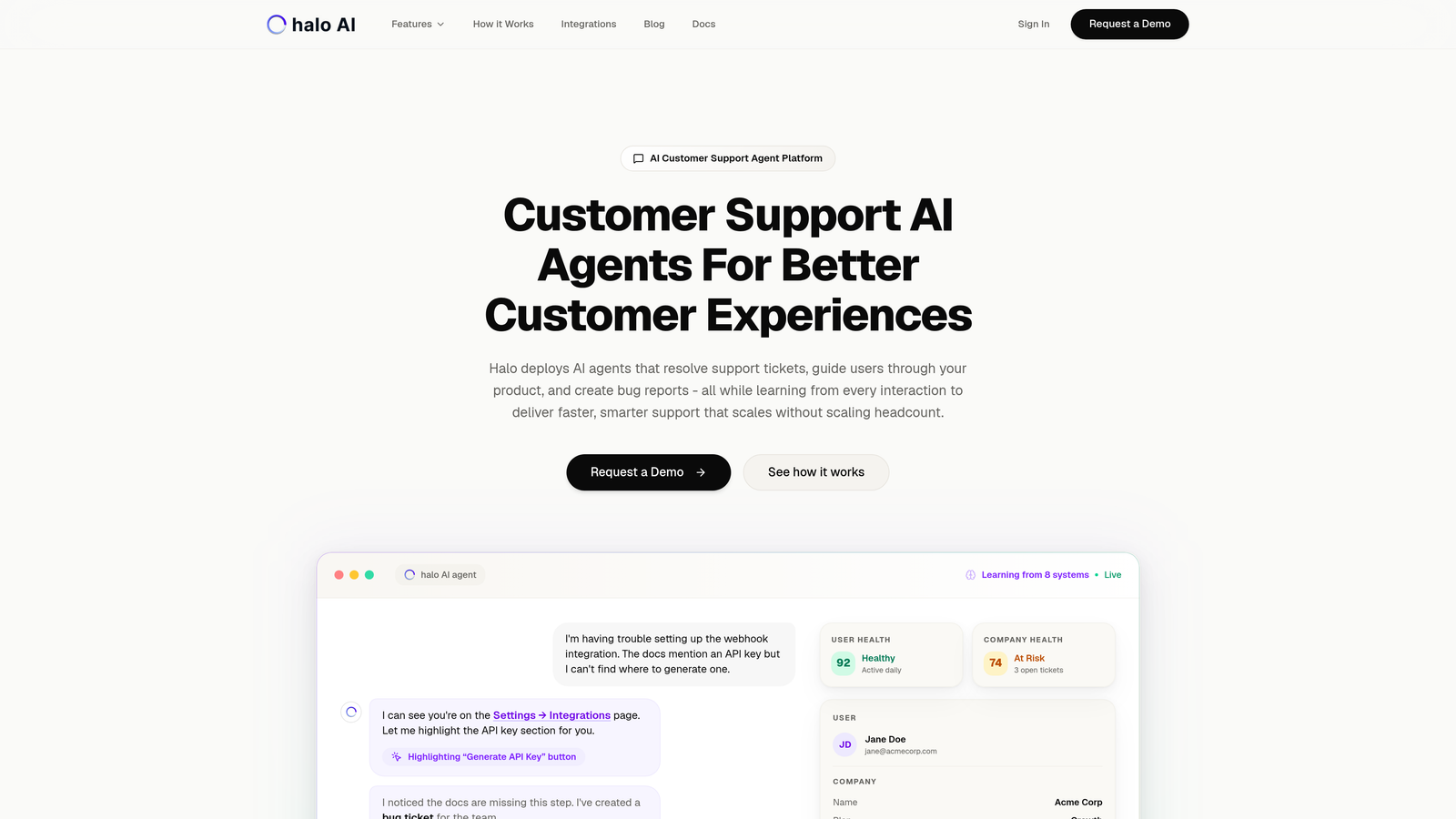
Halo AI is an AI-powered customer support platform that deploys intelligent agents to resolve tickets, guide users through your product, and create bug reports automatically.
Where This Tool Shines
Unlike traditional helpdesks that bolt AI onto existing systems, Halo AI is built AI-first from the ground up. Its agents don't just route tickets—they actually resolve them by understanding context from your entire business stack, including HubSpot CRM data, deal history, and customer lifecycle stage.
What sets Halo apart is its page-aware chat widget that sees what users see on your product. When a customer struggles with a specific feature, the AI agent provides visual UI guidance based on their exact screen context, not generic help articles. Every interaction trains the system to get smarter, creating a continuously improving support experience.
Key Features
Autonomous AI Agents: Resolve support tickets independently while learning from every interaction to improve future responses.
Page-Aware Context: Chat widget that understands what users see on screen, enabling precise visual guidance through your product.
Smart Inbox with Business Intelligence: Surface customer health signals, revenue intelligence, and anomaly detection beyond basic support metrics.
Native HubSpot Integration: Pull complete customer context including deals, contact properties, and interaction history without manual syncing.
Automatic Bug Ticket Creation: Detect product issues and create tickets in Linear automatically, with live agent handoff for complex cases.
Best For
B2B SaaS companies and product teams that want support to scale without scaling headcount. Particularly valuable for teams using Zendesk, Freshdesk, or Intercom who want AI capabilities that go beyond simple chatbots to deliver actual resolution and continuous improvement.
Pricing
Contact for pricing. The platform connects to your entire business stack including Linear, Slack, Intercom, Stripe, Zoom, PandaDoc, and Fathom alongside HubSpot.
2. Zendesk
Best for: Enterprise teams needing mature helpdesk infrastructure with extensive customization and app ecosystem
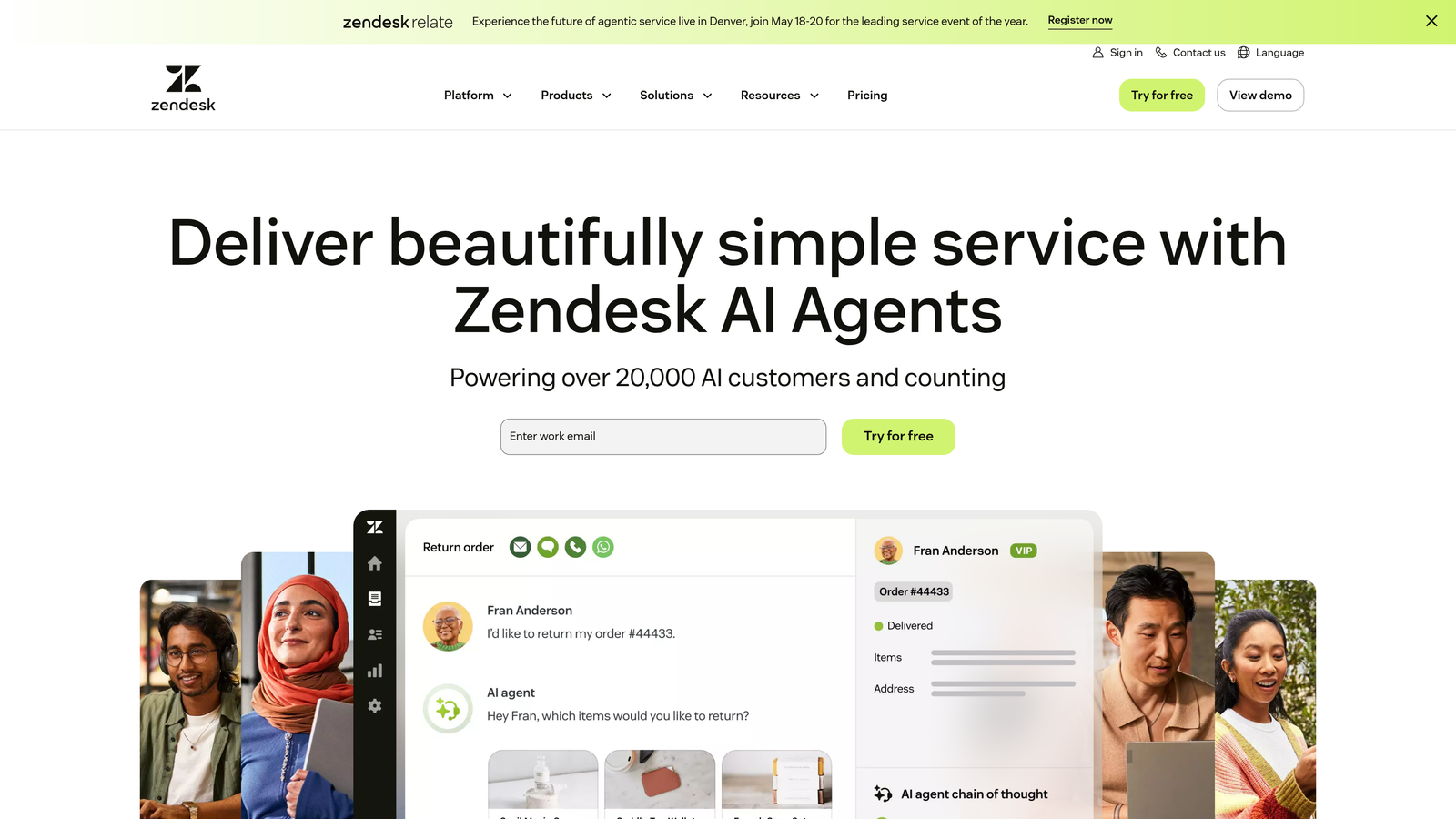
Zendesk is an enterprise-grade helpdesk platform offering robust bi-directional HubSpot integration for contact and ticket synchronization.
Where This Tool Shines
Zendesk brings decades of helpdesk expertise with a mature feature set that handles complex support operations at scale. The HubSpot integration syncs contacts, companies, deals, and tickets bi-directionally, ensuring your sales and support teams always see the same customer data.
The platform's extensive app marketplace means you can extend functionality almost infinitely. Whether you need advanced workforce management, quality assurance tools, or specialized reporting, there's likely a Zendesk app for it. This ecosystem maturity makes it a safe choice for enterprises with complex requirements.
Key Features
Bi-Directional HubSpot Sync: Automatically sync contacts, companies, deals, and custom fields between both platforms in real-time.
Advanced Ticket Routing: Route tickets based on HubSpot properties like deal stage, lifecycle stage, or custom fields.
Comprehensive Analytics: Built-in reporting dashboards with ability to segment by HubSpot data like customer tier or region.
Extensive App Marketplace: Over 1,000 integrations and apps to extend functionality beyond core helpdesk features.
Multi-Channel Support: Manage email, chat, phone, social media, and messaging apps from a unified agent workspace.
Best For
Enterprise organizations with complex support workflows, multiple product lines, or global teams requiring advanced routing, SLA management, and extensive reporting capabilities. Works well for companies already invested in the Zendesk ecosystem.
Pricing
Starts at $55 per agent per month for Suite Team plan. Enterprise plans with advanced features and higher volume support available at custom pricing.
3. Intercom
Best for: Product-led companies wanting conversational support that combines messaging, bots, and proactive customer engagement
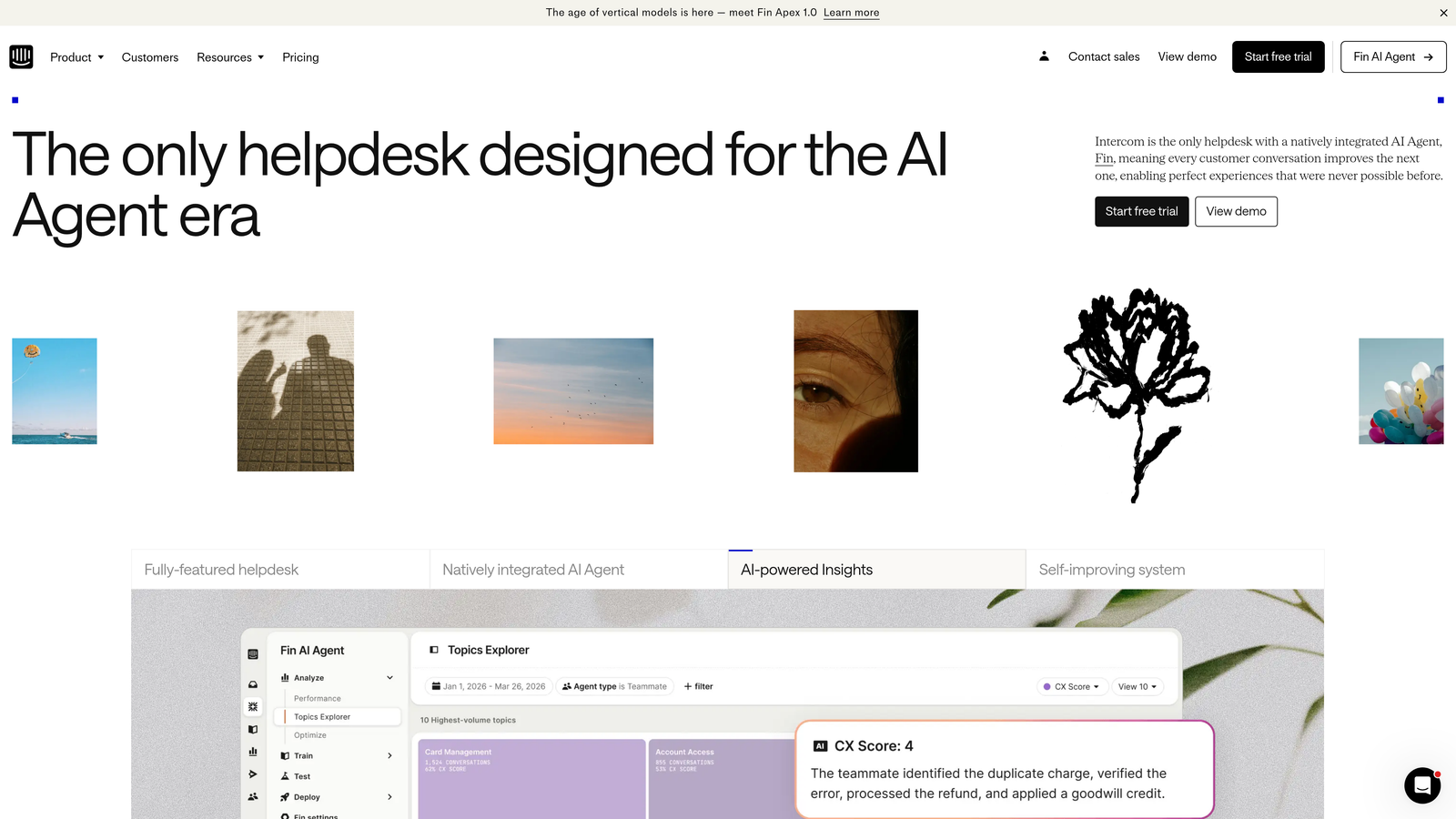
Intercom is a conversational support platform that blends in-app messaging, chatbots, and help center capabilities with HubSpot CRM enrichment.
Where This Tool Shines
Intercom excels at proactive, contextual customer engagement. Instead of waiting for customers to submit tickets, you can trigger messages based on HubSpot data like deal stage, lifecycle position, or custom properties. A high-value prospect stuck on onboarding? Your team gets alerted automatically with full CRM context.
The platform's product tour and onboarding tools make it particularly valuable for SaaS companies. You can guide users through features, announce updates, and provide self-service support without them leaving your product. The HubSpot integration ensures every conversation enriches customer records in both systems.
Key Features
In-App and Website Messaging: Engage customers directly within your product or website with contextual messages and chat.
HubSpot Contact and Company Sync: Automatically sync contact properties, company data, and conversation history between platforms.
Customizable Chatbots: Build automated workflows that qualify leads, answer common questions, and route complex issues to agents.
Product Tours: Create guided onboarding experiences and feature announcements triggered by HubSpot lifecycle stage or custom events.
Resolution Bot: AI-powered bot that suggests help articles and answers questions before escalating to human agents.
Best For
SaaS companies with product-led growth strategies who want to blend marketing, sales, and support into seamless customer conversations. Particularly effective for teams that prioritize proactive engagement over reactive ticket management.
Pricing
Starts at $39 per seat per month for Essential plan. Advanced features like product tours and custom bots require higher-tier plans starting around $99 per seat per month.
4. Freshdesk
Best for: Mid-market teams seeking strong omnichannel support capabilities at competitive pricing with native HubSpot integration
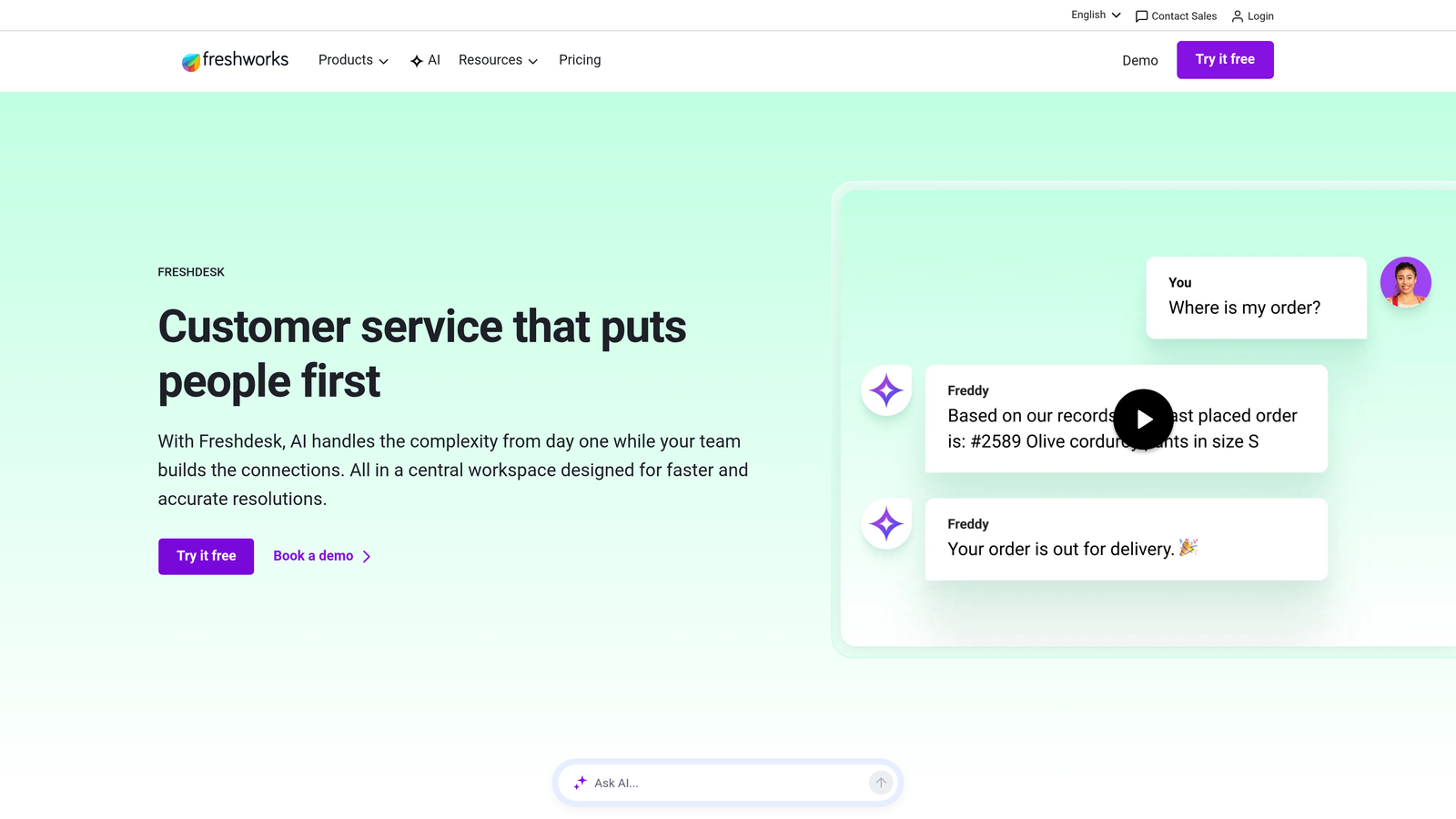
Freshdesk is an omnichannel helpdesk with native HubSpot App Marketplace integration offering robust features at mid-market price points.
Where This Tool Shines
Freshdesk delivers enterprise-level features without enterprise pricing. The native HubSpot App Marketplace integration means vetted, reliable syncing of contacts, tickets, and custom fields without third-party connectors. Mid-market teams get advanced automation, AI-powered ticket classification, and multi-channel support at a fraction of Zendesk's cost.
The platform's AI capabilities, called Freddy AI, automatically categorize tickets, suggest responses, and predict customer satisfaction scores. Combined with HubSpot data like customer tier or product usage, this creates intelligent routing that gets tickets to the right agent with full context immediately.
Key Features
Native HubSpot App Marketplace Integration: Official marketplace listing ensures reliable, maintained integration with regular updates.
Omnichannel Support: Manage email, chat, phone, social media, and WhatsApp conversations from a unified inbox.
Freddy AI: Automatically classify tickets, suggest agent responses, and predict customer satisfaction based on conversation content.
Team Collaboration: Parent-child ticketing, shared ownership, and internal notes keep teams coordinated on complex issues.
Custom Ticket Fields: Map HubSpot properties to Freshdesk fields for consistent data across both platforms.
Best For
Growing companies that need enterprise features but aren't ready for enterprise budgets. Particularly strong for teams supporting customers across multiple channels who want AI assistance without complex setup.
Pricing
Free tier available for up to 10 agents with basic features. Growth plan starts at $15 per agent per month, with Pro and Enterprise tiers adding advanced automation and AI capabilities.
5. Help Scout
Best for: Teams prioritizing simplicity and human-focused support over complex automation and enterprise features
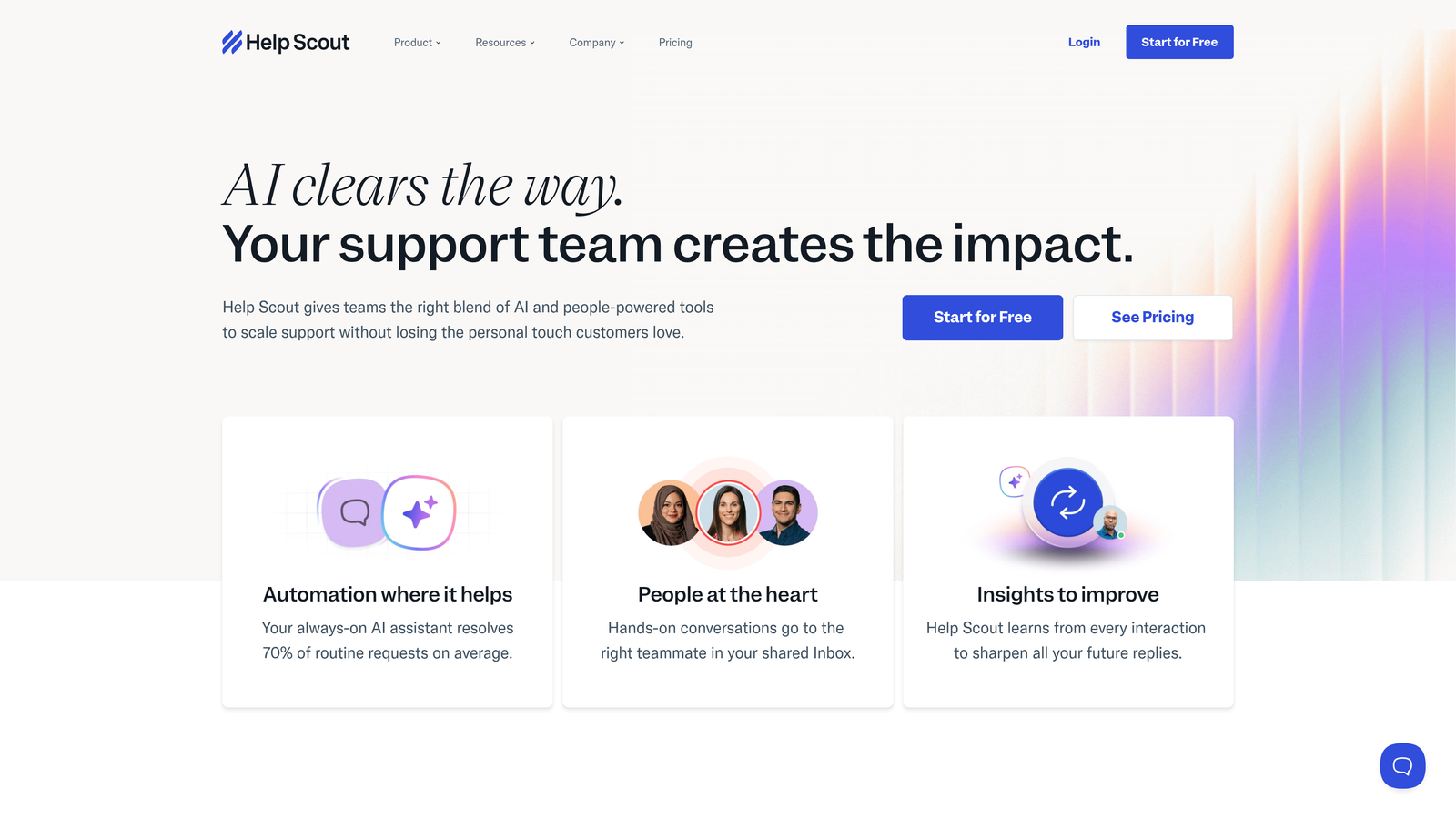
Help Scout is a straightforward helpdesk with clean HubSpot sidebar integration designed for teams that value clarity over complexity.
Where This Tool Shines
Help Scout strips away the overwhelming feature bloat common in enterprise helpdesks. The HubSpot sidebar integration displays contact details, deal information, and interaction history directly in the agent workspace without cluttering the interface. Agents see what matters, nothing more.
The shared inbox approach feels like email but with powerful collaboration features. Collision detection prevents duplicate responses, saved replies speed up common answers, and the included knowledge base (Docs) reduces ticket volume. For teams that want to focus on customer relationships rather than mastering complex software, Help Scout delivers exactly what's needed.
Key Features
HubSpot Sidebar Integration: View contact details, deals, and recent interactions directly in Help Scout without switching tabs.
Shared Inbox with Collision Detection: Prevent multiple agents from responding to the same conversation simultaneously.
Knowledge Base Included: Docs feature creates searchable help articles that reduce ticket volume and empower self-service.
Beacon Widget: Embeddable widget for websites that combines search, contact forms, and live chat in one clean interface.
Customer Profiles: Automatically enriched with HubSpot data including custom properties and deal history.
Best For
Small to mid-sized teams that value simplicity, clean interfaces, and human-focused support over complex automation. Ideal for companies where support is about building relationships, not processing high volumes of transactional tickets.
Pricing
Starts at $20 per user per month for Standard plan. Plus plan at $40 per user per month adds advanced reporting, live chat, and additional automation features.
6. Kustomer
Best for: High-volume support operations needing unified customer timelines and omnichannel conversation management
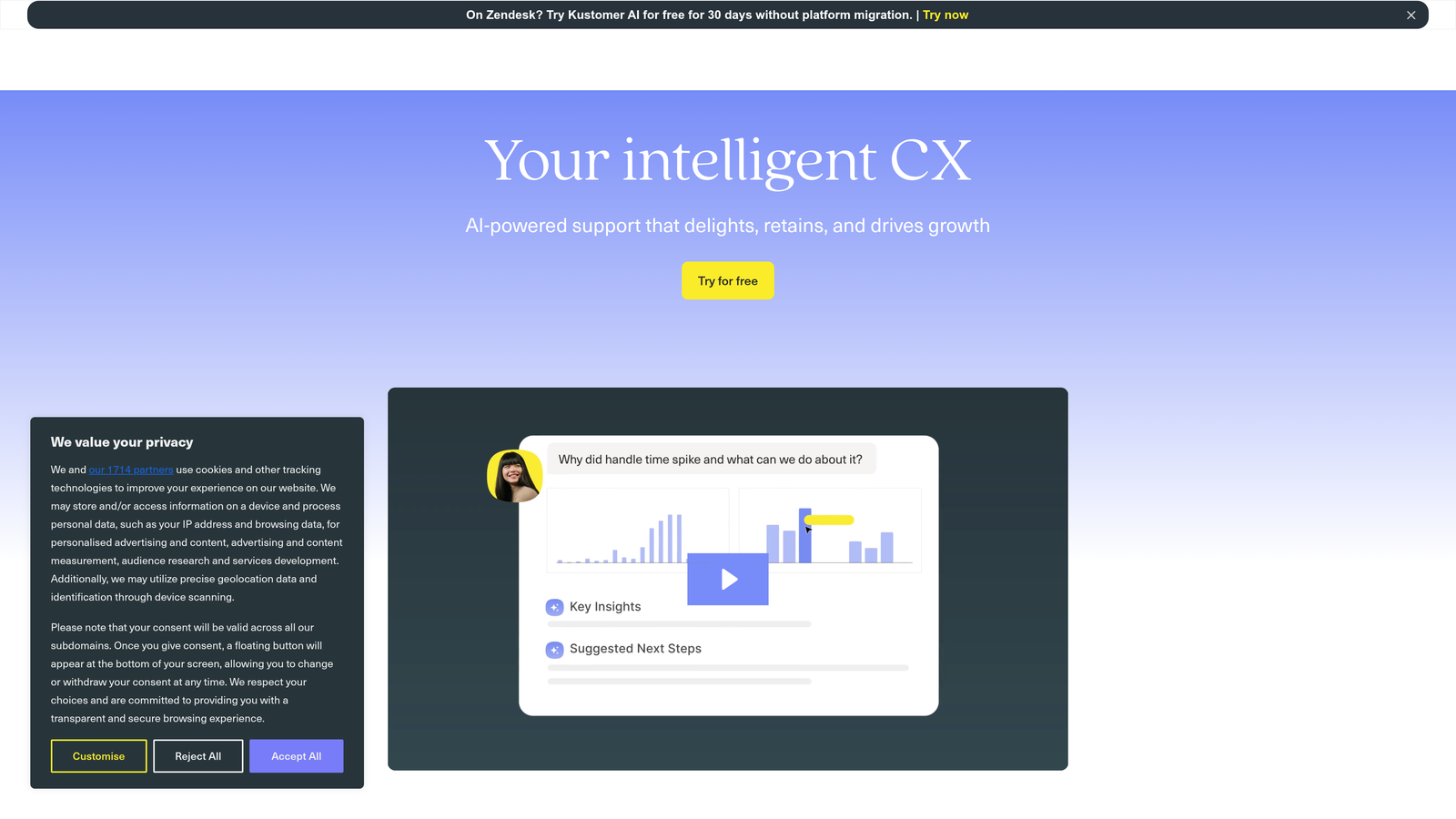
Kustomer is a customer service CRM with timeline-based views and HubSpot synchronization built for handling large conversation volumes efficiently.
Where This Tool Shines
Kustomer reimagines the helpdesk around customer timelines rather than individual tickets. Instead of fragmented ticket histories, agents see every interaction, purchase, support conversation, and product usage event in one chronological view. The HubSpot integration enriches this timeline with deal data, marketing interactions, and sales activities.
For high-volume operations, this context-rich approach dramatically reduces handle time. Agents don't need to piece together customer history from multiple systems or ask repetitive questions. The AI-powered routing uses both Kustomer data and HubSpot properties to match customers with the best-equipped agent automatically.
Key Features
Unified Customer Timeline: See every interaction, transaction, and touchpoint in chronological order regardless of channel or source.
HubSpot Deal and Contact Sync: Bi-directional synchronization of contacts, companies, deals, and custom properties.
AI-Powered Routing: Intelligent assignment based on agent skills, customer value from HubSpot, and conversation complexity.
Omnichannel Management: Handle email, chat, SMS, social media, and voice from a single interface with continuous conversation threads.
Custom Objects: Create data structures that match your business model and sync with HubSpot custom objects.
Best For
Enterprise and high-growth companies handling thousands of customer conversations daily across multiple channels. Particularly valuable for businesses with complex customer journeys requiring deep context and sophisticated routing.
Pricing
Starts at $89 per user per month for Enterprise plan. Pricing scales with conversation volume and required features, with custom quotes for large implementations.
7. Gorgias
Best for: E-commerce brands, especially Shopify stores, needing support tools with revenue attribution and order management
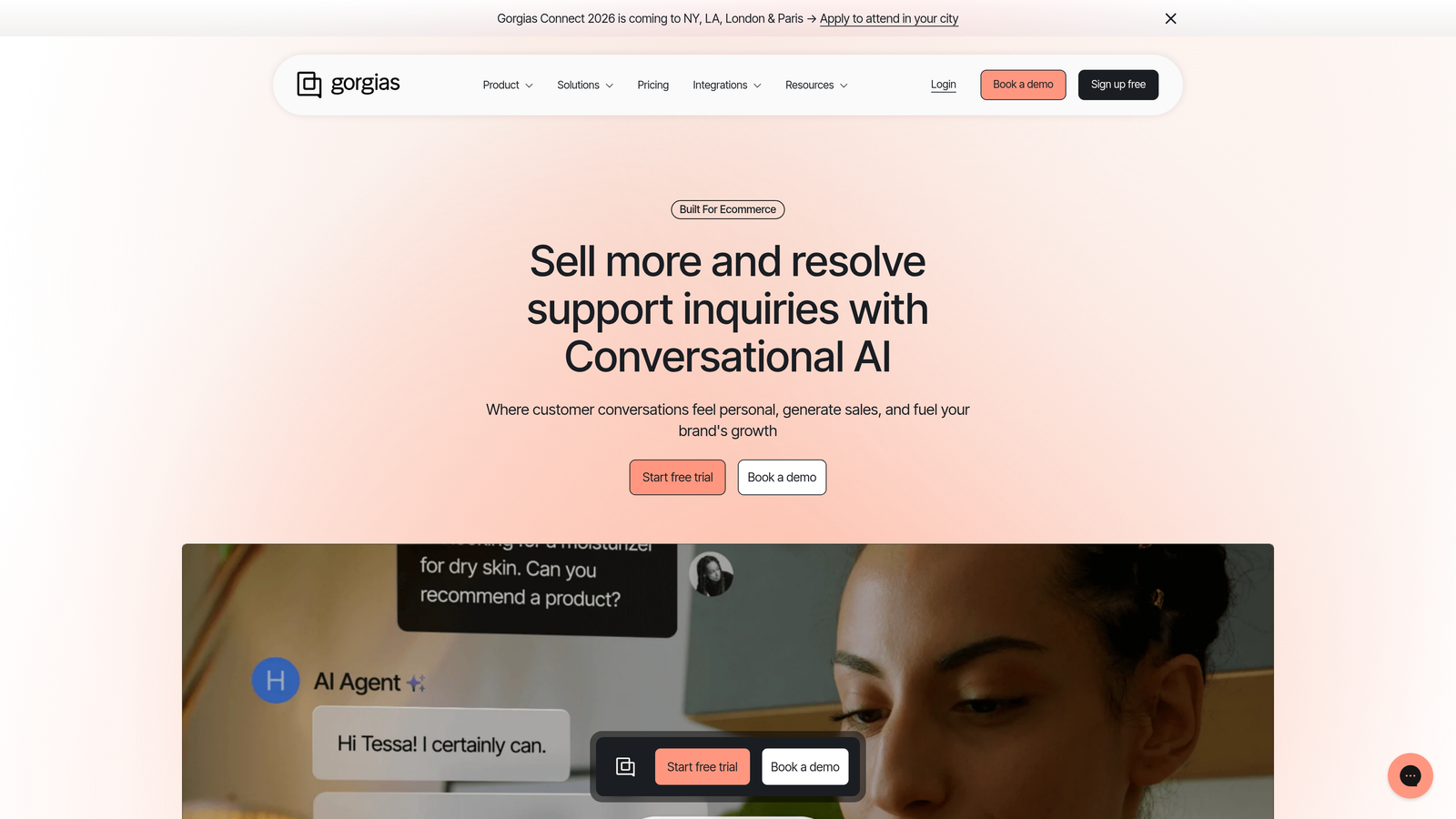
Gorgias is an e-commerce-focused helpdesk designed for online retailers with HubSpot integration for marketing alignment and customer lifecycle tracking.
Where This Tool Shines
Gorgias is built specifically for e-commerce operations. The platform pulls order data, shipping status, and purchase history directly into support conversations, letting agents modify orders, process refunds, and answer product questions without leaving the helpdesk. When integrated with HubSpot, marketing teams see which support interactions influence repeat purchases.
Revenue attribution sets Gorgias apart from general-purpose helpdesks. The platform tracks which support conversations lead to purchases, letting you measure support ROI and identify high-performing agents. Macros can include dynamic order data variables, so agents send personalized responses with tracking numbers or product recommendations in seconds.
Key Features
Deep E-commerce Integrations: Native connections to Shopify, Magento, BigCommerce with order management inside the helpdesk.
Revenue Attribution: Track which support conversations drive purchases and measure support team's impact on revenue.
Macros with Variables: Create templated responses that automatically insert customer name, order number, tracking info, and product details.
HubSpot Contact Sync: Synchronize customer data, purchase history, and support interactions to align marketing and support efforts.
Social Media Integration: Manage Instagram, Facebook, and TikTok comments and DMs alongside email and chat.
Best For
E-commerce brands and online retailers, particularly Shopify merchants, who need support tools that understand order management, inventory, and revenue attribution. Less suitable for B2B SaaS or service businesses.
Pricing
Starts at $10 per month for Starter plan (50 tickets). Basic plan at $60/month handles 300 tickets. Pro and Advanced plans scale with ticket volume, typically ranging from $360 to $900+ monthly.
8. Front
Best for: Collaborative teams managing customer communication across email, SMS, and social channels with shared accountability
Front is a collaborative inbox platform that combines email, chat, and SMS with HubSpot context for team-based customer communication.
Where This Tool Shines
Front transforms individual inboxes into team workspaces. Instead of forwarding emails or losing context in handoffs, teams collaborate directly within conversations using internal comments, assignments, and shared drafts. The HubSpot sidebar integration provides deal context, contact properties, and interaction history without interrupting workflow.
For teams where customer communication requires input from multiple people—sales engineering, account management, and support working together—Front's collaboration features prevent the chaos of scattered email threads. Everyone sees the same conversation history, internal discussions stay private, and accountability is clear through assignments and tags.
Key Features
Shared Inbox with Internal Comments: Collaborate on customer emails with private team discussions that customers never see.
HubSpot Sidebar Integration: View contact details, deals, and recent activities directly in Front without context switching.
Multi-Channel Support: Manage email, SMS, social media messages, and live chat from one unified interface.
Team Collaboration: Assign conversations, share drafts, and use @mentions to loop in specific teammates.
Rules and Workflows: Automate tagging, assignments, and routing based on HubSpot properties like deal stage or contact owner.
Best For
Teams where customer communication requires cross-functional collaboration between sales, support, and success. Particularly effective for B2B companies with complex sales cycles where multiple stakeholders contribute to customer conversations.
Pricing
Starts at $19 per seat per month for Starter plan. Growth plan at $59 per seat per month adds advanced automation, analytics, and integrations. Scale plan available for larger teams with custom pricing.
9. HubSpot Service Hub
Best for: Companies fully committed to the HubSpot ecosystem wanting zero integration complexity and unified reporting
HubSpot Service Hub is HubSpot's native customer service software with zero integration setup required for existing HubSpot users.
Where This Tool Shines
Service Hub eliminates integration headaches entirely. Since it's built directly into HubSpot, there's no syncing, no data mapping, and no worrying about which fields transfer between systems. Every ticket, conversation, and customer feedback survey automatically appears in the same CRM your sales and marketing teams already use.
The unified reporting is Service Hub's killer feature. You can build dashboards that combine support metrics with sales pipeline data, marketing campaign performance, and customer lifecycle analytics. Want to see how support ticket volume correlates with deal stage? Or which marketing campaigns generate the most support requests? These insights are trivial in Service Hub but require complex workarounds with separate systems.
Key Features
Native CRM Integration: Zero setup required—tickets, conversations, and feedback exist directly in your existing HubSpot CRM.
Ticketing and Help Desk: Create, route, and track support tickets with automation based on any CRM property.
Knowledge Base Builder: Create searchable help articles with the same editor used for marketing content.
Customer Feedback Surveys: Send NPS, CSAT, and custom surveys that automatically update contact records.
Unified Reporting: Build dashboards combining support, sales, and marketing data without complex integrations.
Best For
Companies already using HubSpot Marketing Hub or Sales Hub who want to consolidate their entire customer platform in one ecosystem. Less suitable for teams needing advanced helpdesk features or already invested in specialized support tools.
Pricing
Free tier available with basic ticketing and live chat. Starter plan at $20 per month per seat adds automation and simple reporting. Professional and Enterprise plans scale with advanced features and higher usage limits.
Making the Right Choice
Choosing the right HubSpot support integration depends on your team's specific needs and growth stage. For AI-first automation with contextual intelligence that learns continuously, Halo AI delivers page-aware support and business intelligence that goes beyond traditional helpdesks. Enterprise teams with complex workflows will find Zendesk's mature ecosystem and extensive app marketplace compelling for handling sophisticated routing and reporting requirements.
Product-led companies often thrive with Intercom's conversational approach, which blends proactive messaging with support to create seamless customer experiences. Mid-market teams get excellent value from Freshdesk's omnichannel capabilities and AI features at competitive pricing. Simplicity-seekers appreciate Help Scout's clean interface and human-focused approach that strips away overwhelming complexity.
E-commerce brands face a clear choice: Kustomer for high-volume support operations requiring unified customer timelines across all channels, or Gorgias for Shopify-specific needs with revenue attribution and order management built in. Collaborative teams where multiple people contribute to customer conversations benefit from Front's shared inbox model with internal comments and assignments.
And if you're fully committed to the HubSpot ecosystem, Service Hub eliminates integration complexity entirely while enabling unified reporting across support, sales, and marketing that's impossible with separate systems.
Start by mapping your current support gaps against each tool's strengths. Do you need AI that actually resolves tickets, or just routes them? Is your team drowning in context-switching between systems? Are you handling thousands of conversations daily or dozens? Do you need to prove support's revenue impact?
The best integration is the one your team will actually use. Your support team shouldn't scale linearly with your customer base. Let AI agents handle routine tickets, guide users through your product, and surface business intelligence while your team focuses on complex issues that need a human touch. See Halo in action and discover how continuous learning transforms every interaction into smarter, faster support.