9 Best In-App Customer Support Widgets for SaaS Teams in 2026
SaaS teams struggling with user churn can eliminate friction by embedding help directly inside their product using an in-app customer support widget. This guide evaluates the 9 best options available in 2026, comparing AI capabilities, contextual awareness, integration depth, and pricing across tools suited for lean startups and scaling B2B teams alike.
 Grant CooperFounder13 min read
If your users are hitting walls inside your product and can't find help fast, they churn. In-app customer support widgets solve this by embedding help directly where users need it: no tab-switching, no email queues, no friction. But not all widgets are created equal.
Some are basic chat launchers. Others are full AI-powered support layers that understand what page a user is on, resolve tickets autonomously, and hand off to humans when needed. This list covers the best in-app customer support widgets available in 2026, evaluated on AI capabilities, contextual awareness, integration depth, and pricing transparency.
Whether you're a lean SaaS startup or scaling a B2B product team, there's a strong option here. We've included notes on what each tool does best and where it falls short, so you can make a genuinely informed decision.
1. Halo AI
Best for: SaaS teams wanting AI-native, page-aware support with autonomous resolution and business intelligence
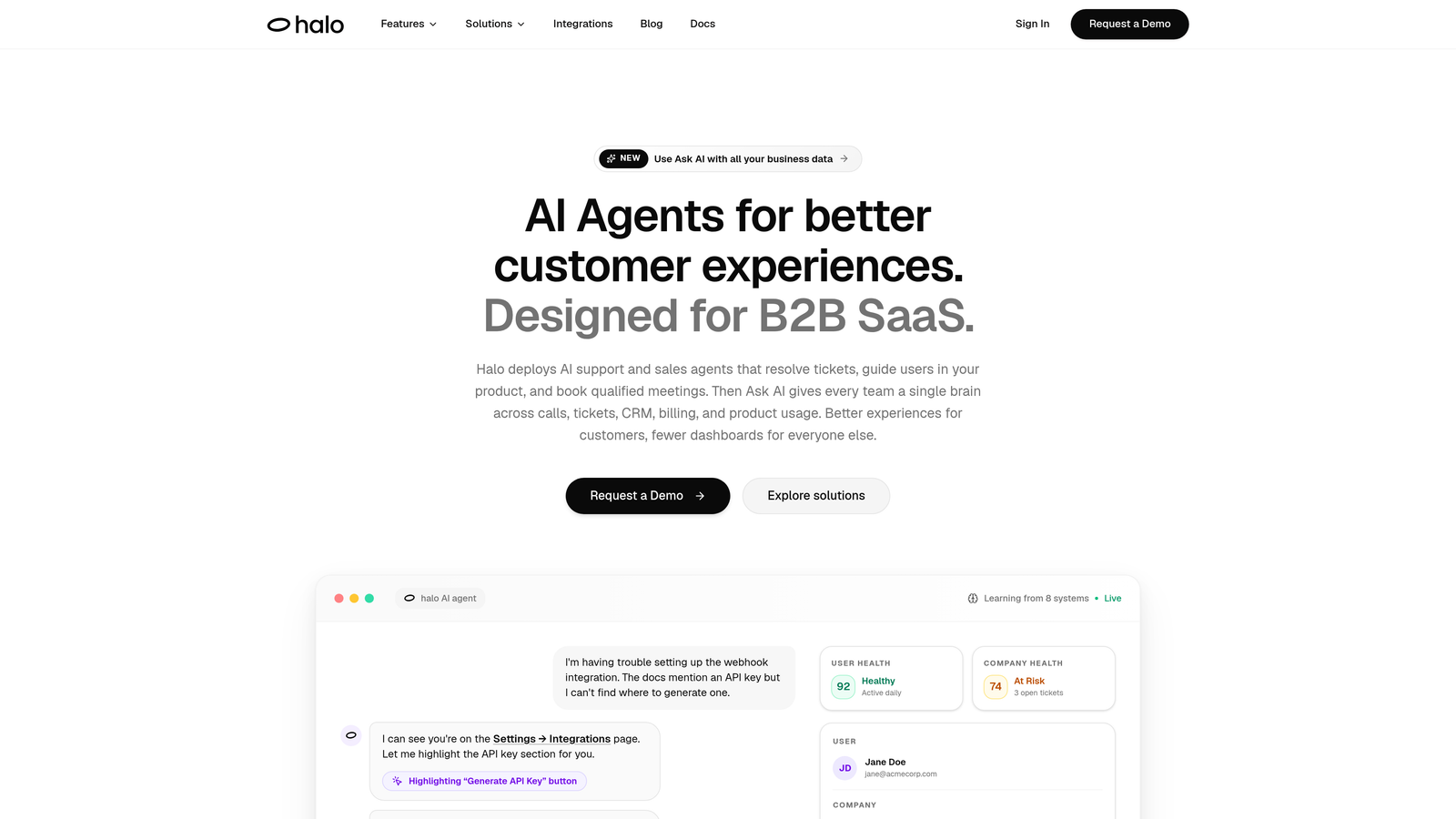
Halo AI is an AI-first in-app support agent built around contextual awareness, autonomous ticket resolution, and continuous learning from every interaction.
Where This Tool Shines
Most widgets accept a text message and try to match it to an article. Halo AI goes further: its page-aware context engine understands the user's current screen state, so the support experience is grounded in what the user is actually looking at, not just what they typed.
The visual UI guidance feature is particularly distinctive. Instead of sending users a wall of text instructions, Halo shows them exactly what to click, walking them through your product interface step by step. For complex SaaS products where onboarding friction is a real churn driver, this is a meaningful differentiator. The platform also generates business intelligence signals from support interactions: customer health indicators, revenue anomalies, and churn signals that surface in a smart inbox for your team.
Key Features
Page-Aware Context Engine: The widget reads the user's current screen state and delivers guidance specific to where they are in your product, not generic answers.
Visual UI Walkthroughs: Shows users exactly what to click with in-product visual guidance, reducing back-and-forth on how-to questions.
Autonomous Ticket Resolution with Smart Escalation: AI agents handle routine tickets independently and route complex issues to live agents with full context preserved.
Auto Bug Ticket Creation: Automatically generates bug reports routed to Linear or Jira with complete context captured at the moment of the issue.
Smart Inbox with Business Intelligence: Surfaces customer health signals, churn indicators, and revenue anomalies alongside support conversations.
Deep Integration Stack: Connects natively with Slack, HubSpot, Intercom, Stripe, Zoom, PandaDoc, and Fathom.
Best For
B2B SaaS product teams that want support to do more than deflect tickets. Particularly strong for teams where support insights should feed into product, revenue, and customer success workflows. Less suited to teams looking for a simple, lightweight chat embed with minimal setup.
Pricing
Subscription-based. Verify current plans and pricing directly at haloagents.ai, as tiers may have been updated.
2. Intercom
Best for: Teams wanting a mature, full-featured messaging platform with AI resolution and proactive engagement
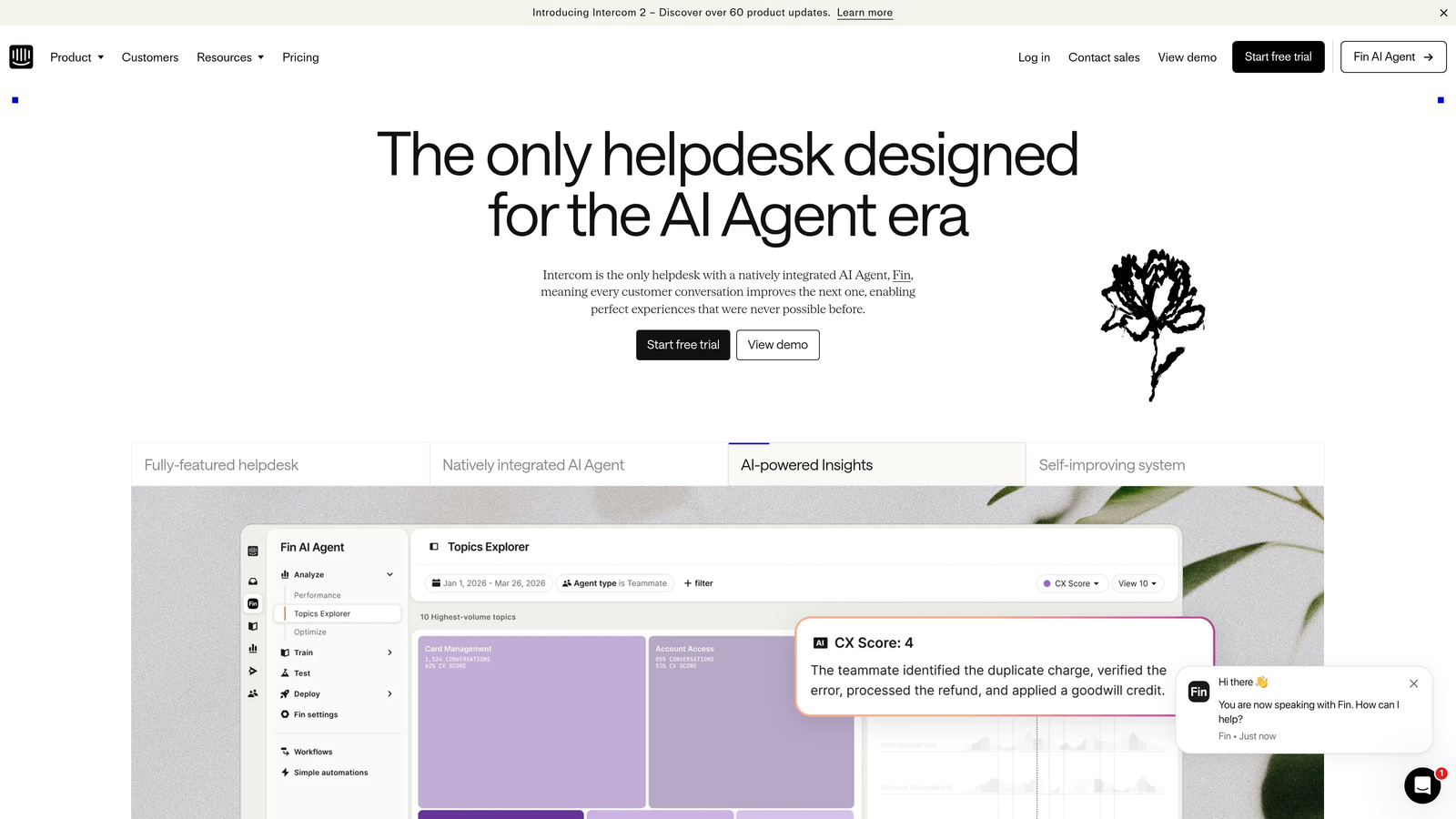
Intercom is one of the most established in-app messaging platforms, combining the Fin AI agent with a rich suite of proactive messaging, product tours, and omnichannel inbox tools.
Where This Tool Shines
Intercom's breadth is hard to match. The Fin AI agent handles autonomous query resolution, while the platform's proactive messaging tools let you reach users at the right moment with the right message, before they even open the widget. For teams that need both reactive support and proactive in-app engagement in one platform, Intercom covers a lot of ground.
The third-party integration marketplace is extensive, and Intercom's conversation routing and assignment rules give ops teams fine-grained control over how tickets flow through the system. The main consideration for smaller teams is cost: Intercom's pricing has historically been on the higher end at scale, so it's worth verifying current plans carefully before committing.
Key Features
Fin AI Agent: Handles autonomous query resolution using your knowledge base and conversation history.
Product Tours and Proactive Messages: In-app engagement tools for onboarding, feature announcements, and user education.
Omnichannel Inbox: Consolidates chat, email, and social conversations in a single workspace.
Conversation Routing Rules: Flexible assignment logic for directing tickets to the right team or agent.
Integration Marketplace: Hundreds of third-party app connections including CRM, billing, and analytics tools.
Best For
Mid-market to enterprise SaaS teams that need a mature, well-documented platform with strong AI capabilities and proactive messaging. Teams with tight budgets may find the cost challenging at scale.
Pricing
Tiered pricing; historically higher cost at scale. Verify current plans at intercom.com before evaluating fit.
3. Freshchat (Freshdesk)
Best for: Teams already in the Freshworks ecosystem needing tight helpdesk and chat integration
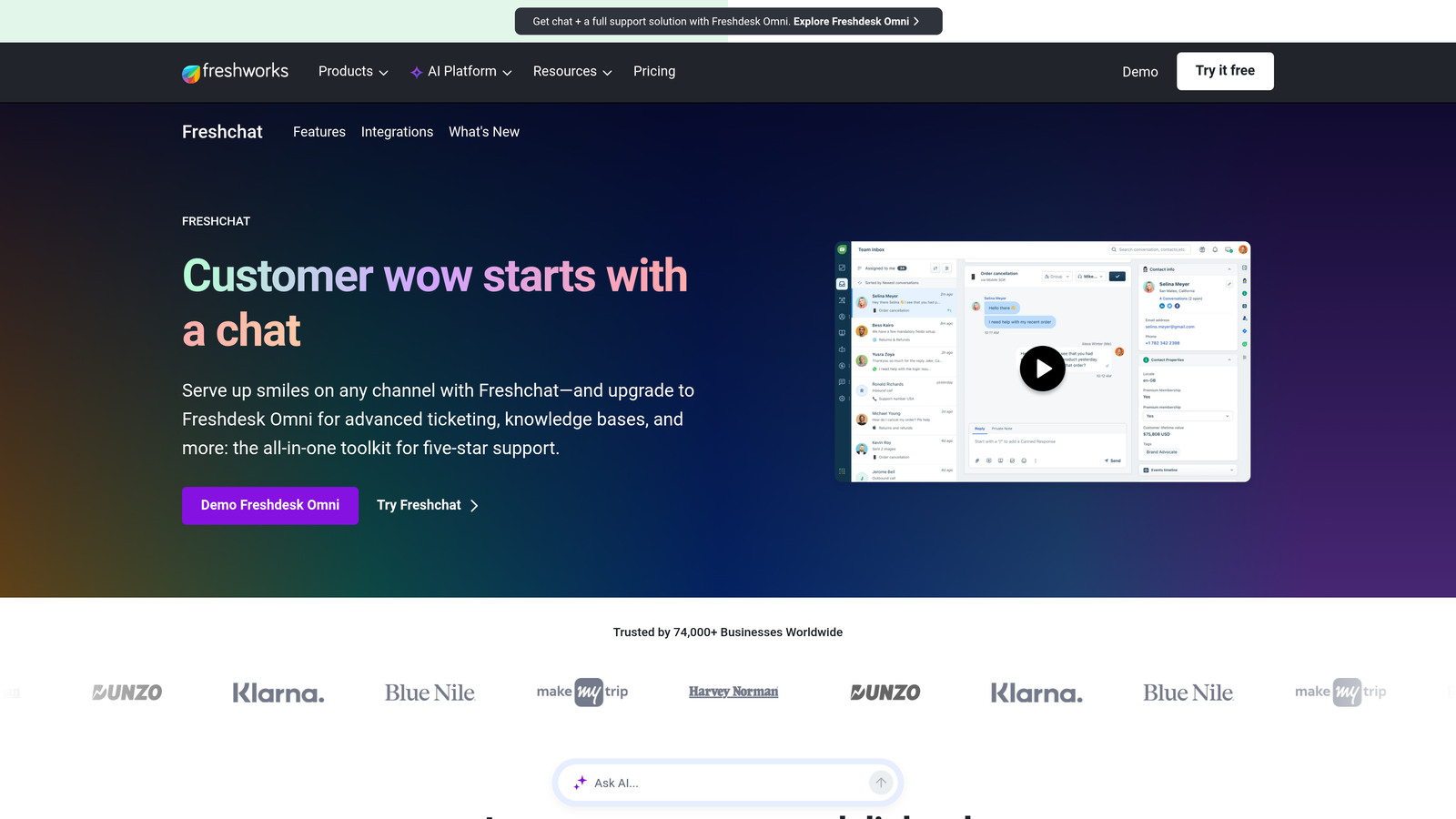
Freshchat is Freshworks' native in-app chat widget, tightly integrated with Freshdesk ticketing and powered by the Freddy AI engine for intent detection and automated resolution.
Where This Tool Shines
If your team is already running Freshdesk for ticketing, Freshchat is the natural extension. The two-way sync between chat conversations and Freshdesk tickets is seamless, meaning agents don't have to manage context across disconnected systems. Freddy AI handles intent detection and ticket deflection, and the multilingual support out of the box is a genuine advantage for teams serving global user bases.
The no-code bot flow builder makes it accessible for support ops teams without engineering resources. Freshchat also benefits from sitting inside the broader Freshworks ecosystem, which spans CRM, ITSM, and sales tools, so there's a clear upgrade path if your team's needs grow.
Key Features
Freddy AI: Intent detection and automated ticket deflection built into the core platform.
Native Freshdesk Sync: Two-way ticket sync ensures chat conversations and support tickets stay aligned.
Multilingual Support: Out-of-the-box language support for global teams without additional configuration.
No-Code Bot Builder: Visual flow builder for automating common query paths without engineering involvement.
Freshworks Ecosystem Integration: Connects naturally with Freshdesk, Freshsales, and Freshservice.
Best For
Teams already invested in the Freshworks stack. Also a solid choice for teams that want a reliable, well-supported AI chat widget without the complexity of a standalone platform.
Pricing
Free tier available; paid plans scale with agent count. Verify current pricing at freshworks.com.
4. Zendesk Web Widget
Best for: Enterprise teams running Zendesk Suite who need a widget deeply integrated with existing workflows
Zendesk's Web Widget brings Answer Bot deflection and full ticket creation into any web or mobile app, with deep integration into the Zendesk Suite's workflows and compliance infrastructure.
Where This Tool Shines
For teams already on Zendesk, the Web Widget is the lowest-friction way to extend support into the product. Answer Bot surfaces relevant help center articles before a ticket is created, reducing volume for agents. When escalation is needed, the handoff into the Zendesk ticket queue is seamless, with full conversation history preserved.
The enterprise compliance features are a genuine strength: RBAC, audit logging, and data residency options make it a viable choice for regulated industries. The flip side is that the widget can feel heavyweight for smaller teams that don't need the full compliance apparatus and just want fast, lightweight in-app support.
Key Features
Answer Bot Deflection: Surfaces knowledge base articles automatically before a user submits a ticket.
Seamless Ticket Escalation: Conversations escalate directly into the Zendesk ticket queue with full context.
Customizable Launcher and Branding: Visual customization options to match your product's design language.
Enterprise Compliance: RBAC, audit logging, and data residency for regulated environments.
Cross-Platform SDKs: Supports web, iOS, and Android deployments from a single configuration.
Best For
Enterprise SaaS teams already running Zendesk Suite. Teams not on Zendesk will likely find the onboarding overhead significant compared to lighter-weight alternatives.
Pricing
Included in Zendesk Suite plans. Verify current tier pricing at zendesk.com.
5. Crisp
Best for: Early-stage SaaS teams needing broad multichannel coverage at an accessible price point
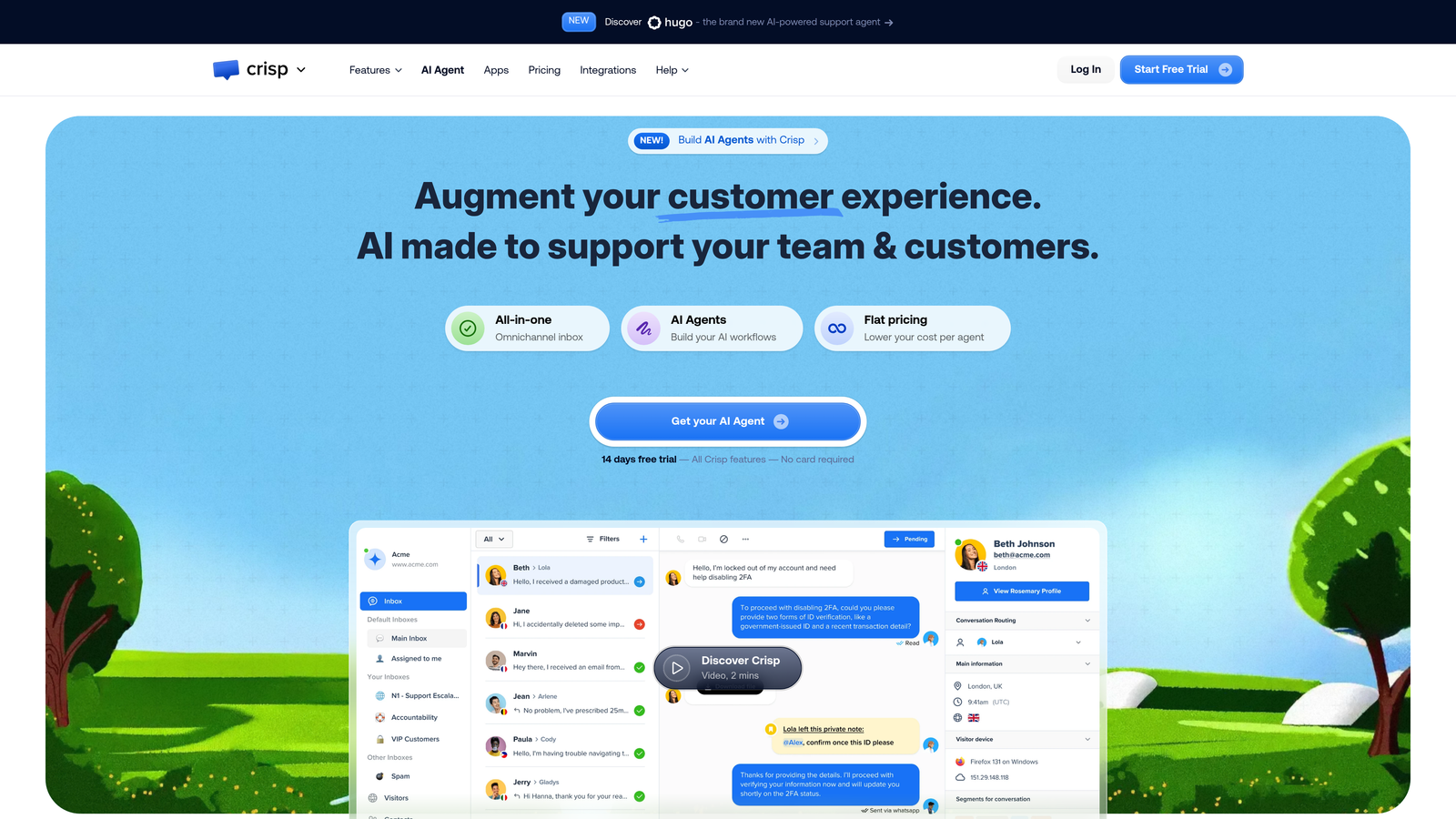
Crisp is a lightweight, affordable multichannel widget that consolidates chat, email, and social messages into a single inbox, built for small teams that need broad coverage without complexity.
Where This Tool Shines
Crisp's appeal is its simplicity and speed of setup. You can have a working multichannel widget embedded in your product within minutes, with conversations from chat, email, Twitter/X, and Messenger all flowing into one shared inbox. For early-stage teams where the support team is also the product team, this unified view reduces context-switching meaningfully.
The performance footprint is minimal, which matters when you're optimizing page load times on a young product. Crisp won't win on AI depth compared to the enterprise options on this list, but for teams where the priority is "get support working without a lot of overhead," it delivers well on that promise.
Key Features
Unified Multichannel Inbox: Consolidates chat, email, Twitter/X, and Facebook Messenger conversations in one workspace.
Team Collaboration: Shared inbox with internal notes, mentions, and assignment features for small teams.
Basic Chatbot Builder: Simple automation for common queries without requiring coding skills.
Knowledge Base Integration: Connects with a built-in docs tool for self-service article surfacing.
Lightweight Embed: Minimal performance impact on page load, important for product-led SaaS teams.
Best For
Bootstrapped or early-stage SaaS teams that need multichannel support coverage quickly and affordably. Less suited to teams needing deep AI resolution or complex workflow automation.
Pricing
Free plan available; Pro and Unlimited tiers for growing teams. Verify current pricing at crisp.chat.
6. Help Scout Beacon
Best for: Teams with strong knowledge bases who want proactive self-service before a conversation starts
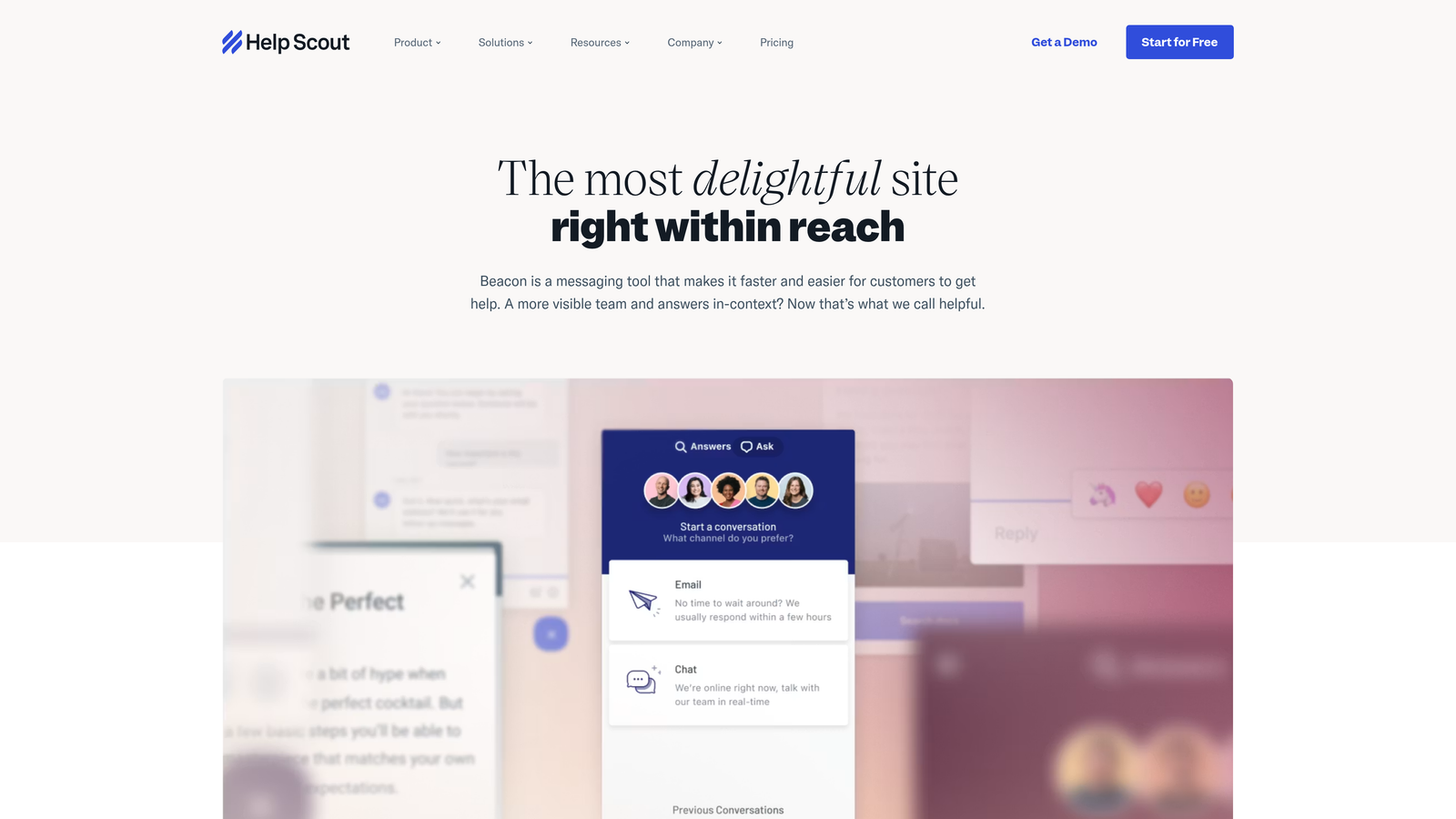
Help Scout Beacon is an embeddable widget that prioritizes self-service by proactively surfacing relevant knowledge base articles before a user even types a question.
Where This Tool Shines
Beacon's philosophy is deflection-first. As soon as a user opens the widget, it reads the current page context and surfaces articles it thinks are relevant, before any message is typed. For teams with a well-maintained Help Scout Docs knowledge base, this approach can significantly reduce inbound volume by giving users the answer they need immediately.
The UI is intentionally minimal and clean, which is a deliberate design choice. Beacon doesn't try to dominate your product's interface. If your brand's UX is important to you and you want a widget that sits quietly until needed, Beacon's aesthetic restraint is a genuine advantage. The trade-off is that real-time AI resolution isn't the focus here: Beacon escalates to Help Scout's email inbox, so it's better suited to teams with an email-first support philosophy than those needing instant resolution.
Key Features
Proactive Article Suggestions: Surfaces relevant knowledge base content based on the user's current page before they ask.
Minimal, Clean UI: Designed to complement your product's interface without visual disruption.
Email Inbox Escalation: Seamless handoff to Help Scout's shared email inbox for conversations needing human response.
Custom CSS Styling: Full visual customization to match your brand.
Satisfaction Ratings: Built-in CSAT ratings on conversations for ongoing quality tracking.
Best For
Teams with a robust Help Scout Docs knowledge base and an email-first support model. Less suited to teams that need real-time AI resolution or complex ticket routing.
Pricing
Included in Help Scout plans. Verify current tier pricing at helpscout.com.
7. Drift
Best for: PLG and revenue-led SaaS teams where support and sales pipeline overlap significantly
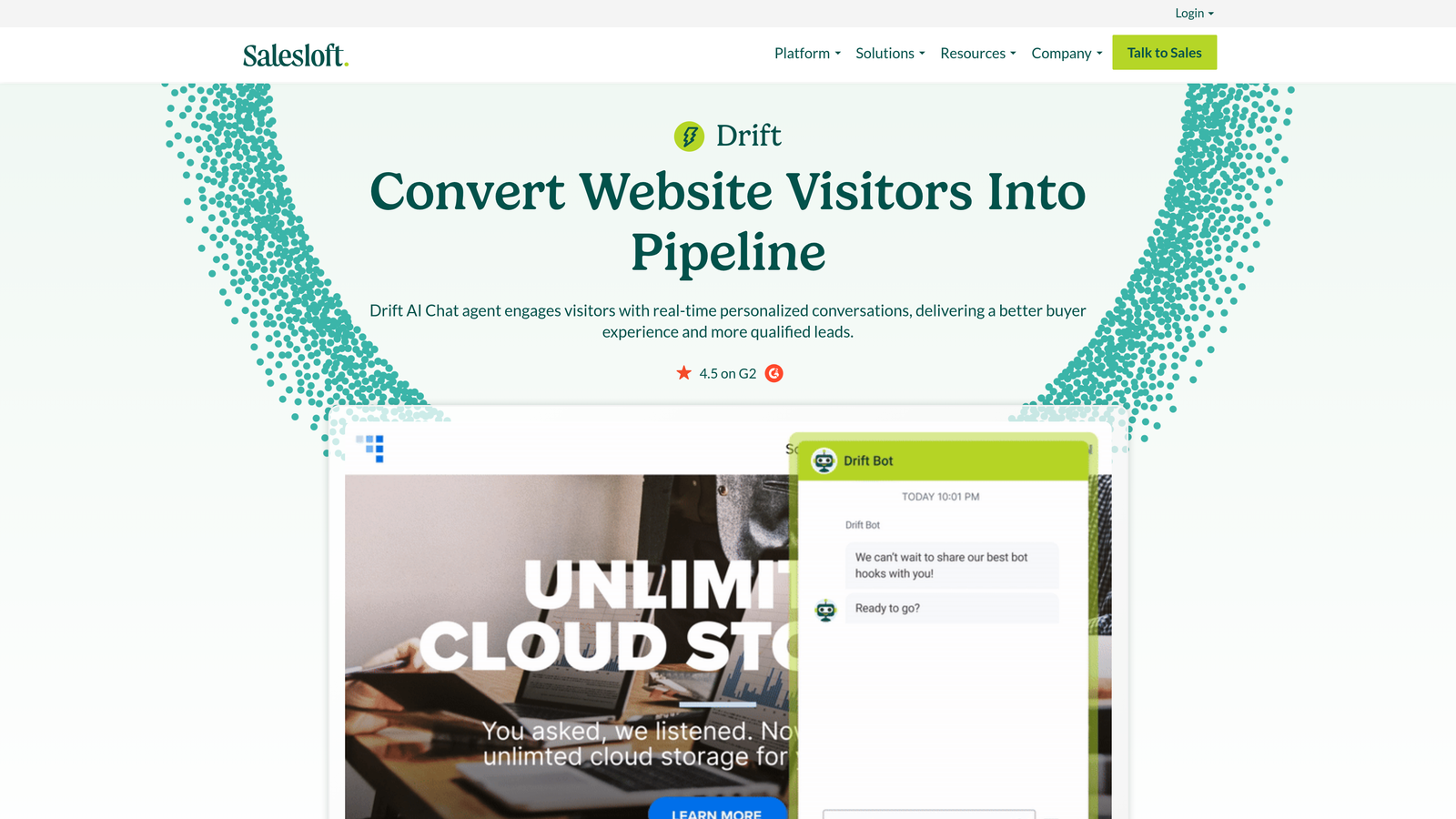
Drift, now part of Salesloft, blends support and sales conversations in a single widget, making it a strong choice for product-led growth teams where the line between a support question and a sales opportunity is thin.
Where This Tool Shines
Drift's core strength is revenue-aware routing. Playbooks can identify high-value accounts in real time and route them to the right sales or success rep, while standard support queries are handled by the AI chatbot. For SaaS teams where in-app conversations can influence expansion revenue or trial-to-paid conversion, this dual-purpose design is genuinely useful.
The meeting booking integration is a practical feature: a user can go from a support question to a booked call with a CSM without leaving the widget. Since joining the Salesloft family, Drift's positioning has leaned further into the revenue side, so teams looking for a pure support tool may find the sales-first design philosophy a mismatch for their needs.
Key Features
Revenue-Focused Routing and Playbooks: Identifies high-value accounts and routes them to sales or success reps automatically.
AI Chatbot for Qualification and Deflection: Handles common queries and qualifies leads simultaneously.
In-Chat Meeting Booking: Users can book calls with team members directly from the conversation window.
Account-Based Targeting: Personalizes messaging based on company, industry, or account tier.
CRM Integrations: Native connections with Salesforce, HubSpot, and Salesloft.
Best For
PLG, sales-led, or expansion-revenue-focused SaaS teams where support conversations have direct pipeline implications. Less suited to teams that need pure support automation without the sales overlay.
Pricing
Enterprise-focused pricing model. Verify current plans at drift.com.
8. Tidio
Best for: SMB SaaS teams wanting an accessible AI chatbot with a no-code visual builder
Tidio is an accessible AI chatbot and live chat widget featuring the Lyro AI agent and a visual drag-and-drop flow builder, aimed at SMB SaaS and e-commerce teams.
Where This Tool Shines
Tidio's entry point is genuinely accessible. The visual flow builder requires no coding knowledge, making it possible for a solo founder or a small support team to build meaningful automation without engineering resources. Lyro, Tidio's AI chatbot, handles common query resolution and can be trained on your knowledge base content relatively quickly.
The real-time visitor monitoring and triggered messaging features add a proactive dimension: you can set rules to reach out to users who appear stuck on a specific page. For teams that also run e-commerce or have mixed SaaS and transactional use cases, Tidio's Shopify and WordPress integrations make it more flexible than some pure-SaaS alternatives. The depth of AI reasoning and complex workflow support is more limited compared to enterprise options, which is a reasonable trade-off at this price point.
Key Features
Lyro AI Chatbot: AI-powered automated query handling trained on your knowledge base content.
Visual Flow Builder: Drag-and-drop automation builder requiring no coding skills.
Live Chat with Mobile App: Agents can handle live conversations from a mobile app when away from their desk.
Triggered Proactive Messages: Automatically reaches out to visitors based on behavior rules and page context.
E-commerce and CMS Integrations: Native Shopify and WordPress support alongside SaaS deployments.
Best For
SMB SaaS teams, early-stage startups, and teams with mixed SaaS and e-commerce use cases. Teams with complex B2B support workflows or enterprise compliance requirements will likely outgrow it.
Pricing
Free plan available; Lyro AI is available on paid tiers. Verify current pricing at tidio.com.
9. Chatwoot
Best for: Developer-led teams with data privacy, compliance, or custom infrastructure requirements
Chatwoot is an open-source, self-hostable customer support widget with a growing developer community and full control over data and deployment infrastructure.
Where This Tool Shines
Chatwoot's defining advantage is ownership. Because it's open-source under the MIT license, you have full access to the codebase, which means you can customize it to your exact requirements, audit it for security, and deploy it on your own infrastructure. For teams in regulated industries or geographies with strict data residency requirements, this level of control is often non-negotiable.
The API-first architecture makes Chatwoot a natural fit for developer-led teams that want to build custom integrations or embed support deeply into their own product infrastructure. The multichannel inbox covers chat, email, Twitter/X, WhatsApp, and Telegram, which is broad coverage for an open-source tool. The trade-off is that AI features require additional configuration and aren't as turnkey as commercial alternatives. You'll get more control, but you'll also take on more responsibility for setup, maintenance, and AI capability development.
Key Features
Open-Source MIT License: Full codebase access for customization, security auditing, and self-hosting.
Self-Hosted or Cloud Deployment: Choose your own infrastructure or use Chatwoot's managed cloud option.
Multichannel Inbox: Consolidates chat, email, Twitter/X, WhatsApp, and Telegram in one workspace.
API-First Architecture: Designed for custom integrations and deep embedding into your own systems.
No Per-Seat Ceiling on Self-Hosted: Self-hosted deployments aren't subject to per-agent pricing limits.
Best For
Developer-led SaaS teams, startups with strict data privacy requirements, and organizations in regulated industries that need infrastructure control. Less suited to teams wanting a fully managed, AI-turnkey solution with minimal configuration overhead.
Pricing
Free on self-hosted deployments; cloud plans available for managed hosting. Verify current cloud pricing at chatwoot.com.
Which Tool Is Right for Your Team?
The right in-app support widget depends on three variables: your team size, how much AI autonomy you need, and what your existing stack looks like.
If you're looking for AI-native architecture with genuine contextual awareness, autonomous resolution, and business intelligence built in, Halo AI is the strongest option on this list. It's built AI-first rather than bolting AI onto a legacy chat system, and the page-aware context engine and visual UI guidance features address support problems that most widgets don't even attempt to solve.
If your team is already deeply embedded in a helpdesk platform, the path of least resistance is usually the native widget for that platform. Zendesk teams should evaluate the Web Widget, Freshdesk teams should look at Freshchat, and Intercom users already have Fin available. These options won't require you to rethink your stack.
For early-stage teams on a budget: Crisp and Tidio both offer free plans and fast setup, with Tidio offering more AI capability and Crisp offering broader multichannel coverage.
For knowledge-base-first support philosophies: Help Scout Beacon is the cleanest implementation of proactive self-service available.
For PLG and revenue-led teams: Drift's sales-support blend is purpose-built for teams where in-app conversations drive pipeline.
For teams with data sovereignty requirements: Chatwoot's open-source, self-hosted model is the only option on this list that gives you full infrastructure control.
Your support team shouldn't scale linearly with your customer base. Let AI agents handle routine tickets, guide users through your product, and surface business intelligence while your team focuses on complex issues that need a human touch. See Halo in action and discover how continuous learning transforms every interaction into smarter, faster support.