9 Best In-App Support Widgets with AI in 2026
This guide ranks the 9 best in app support widget with AI options available in 2026, evaluating each on AI capability depth, contextual awareness, and B2B SaaS suitability. Whether you're replacing a legacy helpdesk widget or building your support stack from scratch, it identifies the clearest fit for every team size and use case.
 Grant CooperFounder14 min read
If your users have to leave your product to get help, you've already lost them. In-app support widgets have evolved far beyond static FAQ drawers — today's best options deploy AI agents that resolve tickets, guide users through your UI, and escalate intelligently when needed. For B2B SaaS teams, the right widget can meaningfully reduce support volume while improving the experience for both customers and agents.
This list covers the top in-app support widgets with AI available in 2026, evaluated on AI capability depth, contextual awareness, integration flexibility, and suitability for B2B product teams. Whether you're replacing a legacy helpdesk widget or building your support stack from scratch, there's a clear best fit for every team size and use case.
1. Halo AI
Best for: B2B SaaS teams that want deep AI context, autonomous ticket resolution, and business intelligence in a single platform.
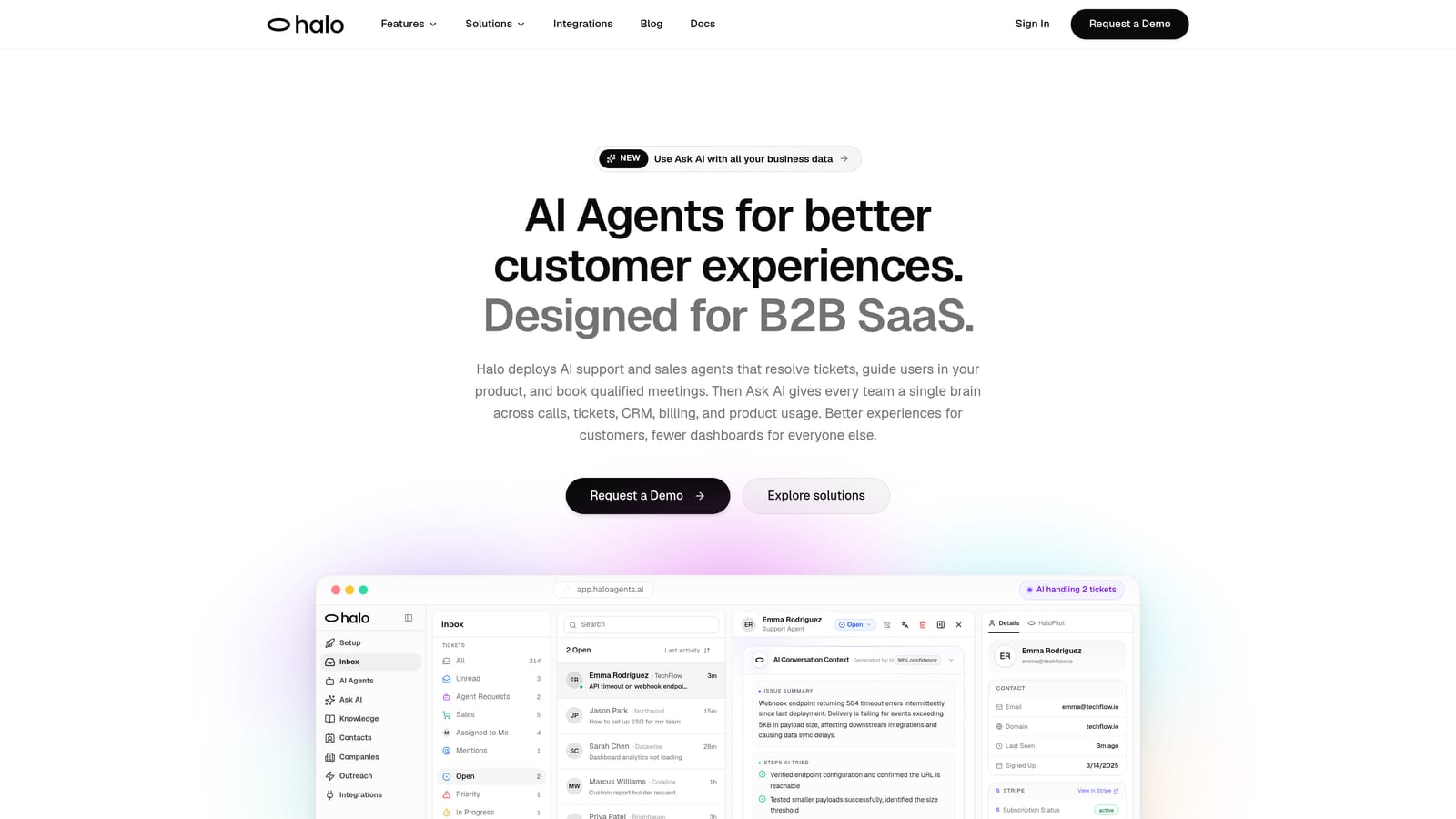
Halo AI is an AI-first in-app support platform featuring a page-aware chat widget that resolves tickets autonomously, guides users visually through your product, and connects to your entire business stack.
Where This Tool Shines
What separates Halo from most widgets on this list is its page-aware context engine. The widget doesn't just know a user sent a message — it knows exactly where in your product they are, what they're looking at, and can provide visual UI guidance to walk them through a solution without ever leaving the page. That's a meaningfully different experience than a generic chatbot that asks users to describe their problem from scratch.
Halo is also genuinely AI-first rather than a bolt-on to an existing helpdesk. Every resolved interaction feeds back into the system, so the AI gets sharper over time. When an issue is too complex for autonomous resolution, the live agent handoff is smooth and context-preserving — agents inherit the full conversation history and page context, not just a transcript.
Key Features
Page-Aware Chat Widget: The widget knows the user's exact location in your product and delivers contextual, visual UI guidance tailored to that specific screen.
Autonomous Ticket Resolution: Intelligent AI agents handle support tickets end-to-end without requiring human intervention for routine issues.
Auto Bug Ticket Creation: Automatically identifies and routes bug reports directly to Linear, keeping your engineering team in the loop without manual triage.
Smart Inbox with Business Intelligence: Goes beyond support metrics to surface customer health signals, revenue intelligence, and anomaly detection — turning your support data into strategic insight.
Live Agent Handoff: Escalates complex issues to human agents with full context preserved, ensuring no user has to repeat themselves.
Broad Integration Stack: Connects natively with Linear, Slack, HubSpot, Intercom, Stripe, Zoom, PandaDoc, and Fathom.
Continuous Learning: The AI improves from every interaction, building a compounding knowledge advantage over time.
Best For
Product teams at B2B SaaS companies who want AI that actually understands product context, not just keywords. Particularly strong for teams that need support to feed into engineering workflows (via Linear) and want business intelligence signals alongside ticket resolution metrics.
Pricing
Contact for pricing. You can book a demo directly at haloagents.ai to see the platform in action and get a quote tailored to your team size.
2. Intercom
Best for: Teams wanting a polished, well-integrated messenger widget with mature AI conversation handling at scale.
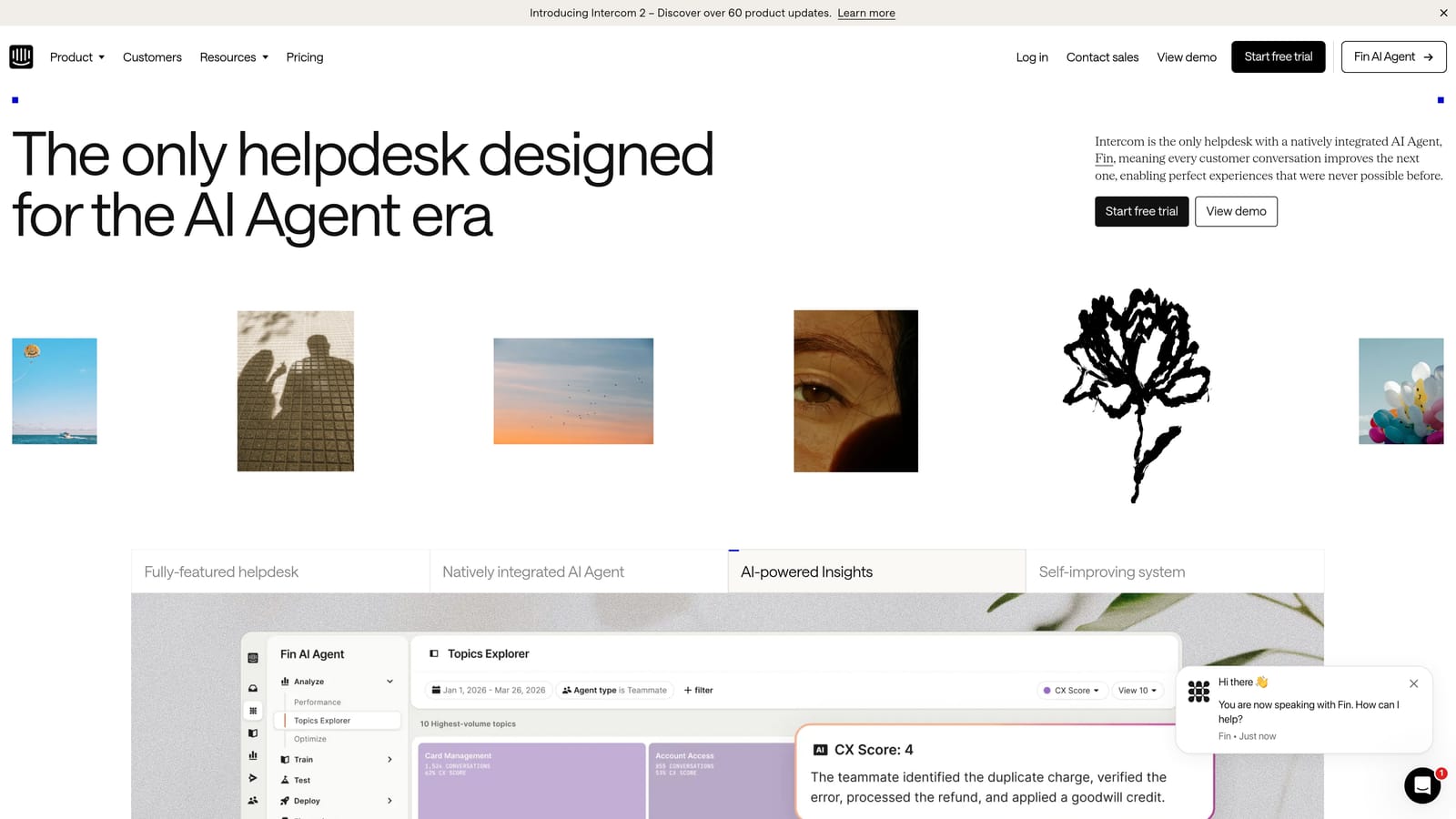
Intercom is one of the most established customer messaging platforms, featuring the Fin AI Agent for autonomous conversation handling built on large language model reasoning.
Where This Tool Shines
Intercom's Fin AI Agent has matured considerably and handles a meaningful portion of inbound support conversations without human intervention. The Intercom Messenger itself is one of the most polished in-app widget experiences available — highly customizable, responsive, and familiar to users across many SaaS products.
The platform's strength is its breadth. You get a messenger, inbox, customer data platform, and reporting suite all in one. For teams that want to consolidate their customer communication stack, Intercom is a compelling choice. The tradeoff is cost: pricing scales quickly, and Fin AI Agent is billed per resolution at volume, which can add up for high-traffic support teams.
Key Features
Fin AI Agent: Handles support conversations autonomously using LLM reasoning, drawing on your help content and conversation history.
Intercom Messenger: Highly customizable in-app widget with a clean, modern UI that works across web and mobile.
Integration Ecosystem: Connects with Salesforce, Stripe, GitHub, and hundreds of other tools via native integrations and Zapier.
AI-Assisted Reply Drafting: Helps human agents respond faster with AI-generated draft replies based on conversation context.
Customer Data Platform: Centralizes user attributes, events, and conversation history for richer agent context.
Best For
Mid-market and enterprise SaaS teams that want a full-featured messaging platform with strong AI and are willing to invest accordingly. Also well-suited for teams that use Intercom as their primary CRM-adjacent tool for customer communication.
Pricing
Base plans start at approximately $39/month. Fin AI Agent is priced per resolution at scale, so total cost varies significantly based on support volume.
3. Zendesk Web Widget
Best for: Enterprise teams already invested in the Zendesk ecosystem who want AI layered into their existing ticketing infrastructure.
Zendesk's Web Widget is the native in-app support widget for Zendesk Suite customers, offering AI-powered self-service tightly integrated with Zendesk's ticketing, routing, and reporting infrastructure.

Where This Tool Shines
If your team runs on Zendesk, the Web Widget is the path of least resistance to adding AI-powered self-service. It connects directly to your existing ticket workflows, macros, SLA rules, and reporting dashboards — no additional integration layer needed. The AI capabilities have evolved from the original Answer Bot into more capable agents that handle intent detection and contextual answer suggestions.
The widget also includes built-in help center search, so users can find documentation before a ticket is ever created. For enterprise teams with complex routing needs and strict SLA requirements, Zendesk's infrastructure is hard to beat. The limitation is flexibility: the widget is most powerful inside the Zendesk ecosystem and less adaptable if your stack diverges from it.
Key Features
AI Agents with Intent Detection: Identifies user intent and surfaces relevant answers before routing to a human agent.
Help Center Search: Built-in knowledge base search within the widget reduces ticket creation for common questions.
Deep Zendesk Integration: Connects directly to ticketing, macros, SLA management, and reporting — no middleware required.
Enterprise Routing: Sophisticated escalation and routing workflows for complex support organizations.
Customizable Widget UI: Brand-friendly customization options for color, language, and display behavior.
Best For
Enterprise support organizations already running Zendesk Suite who want to add AI self-service without changing their core infrastructure. Less compelling for teams not already in the Zendesk ecosystem.
Pricing
Suite plans start at approximately $55/agent/month. Advanced AI features are available on higher-tier plans.
4. Freshdesk Freshchat
Best for: Growing teams that need capable AI chat with multilingual support at a price point below Intercom and Zendesk.
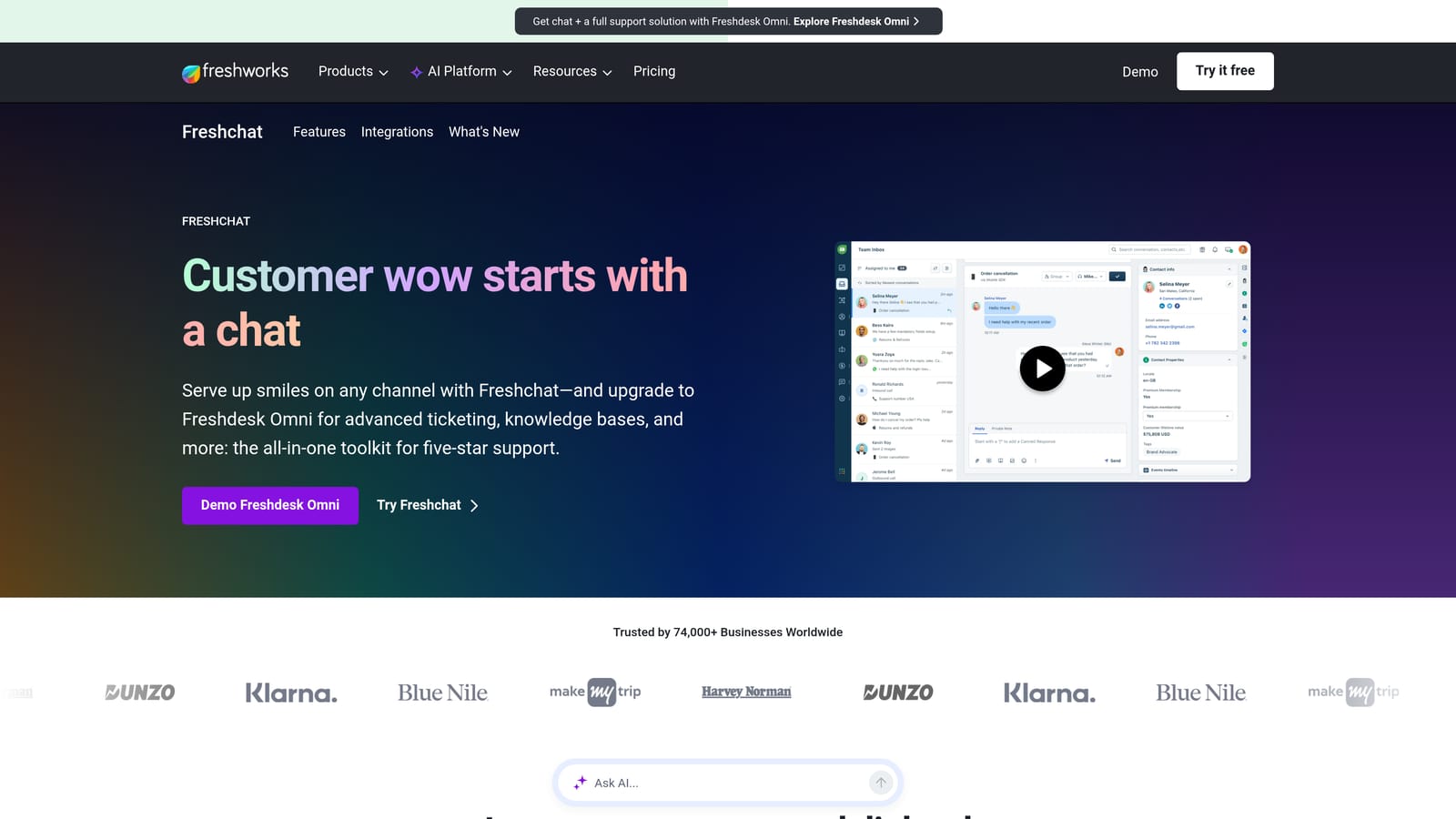
Freshchat is Freshworks' omnichannel AI chat product featuring Freddy AI for intent detection, bot automation, and multilingual support at competitive price points.
Where This Tool Shines
Freshchat's value proposition is strong AI capability at a lower cost than the category leaders. Freddy AI handles intent detection, automated responses, and agent assist features that rival what you'd find in more expensive platforms. The multilingual support is genuinely capable, making Freshchat a practical choice for teams with global customer bases.
The tight integration with Freshdesk ticketing and Freshworks CRM is a significant advantage if you're already in that ecosystem. Freshchat also supports web, mobile, WhatsApp, and other messaging channels from a single platform, which simplifies the stack for omnichannel support teams.
Key Features
Freddy AI Bot: Handles intent detection, automated responses, and common query resolution without human involvement.
Multilingual Support: Supports conversations in multiple languages, making it practical for global support teams.
Omnichannel Coverage: Web, mobile, WhatsApp, and additional messaging channels managed from one inbox.
AI-Suggested Replies: Helps agents respond faster with AI-generated reply suggestions based on conversation context.
Freshworks Ecosystem Integration: Tight connection with Freshdesk ticketing, Freshsales CRM, and the broader Freshworks suite.
Best For
Teams that want solid AI chat capabilities without enterprise-level pricing, and those already using Freshworks products. Also strong for companies with multilingual support requirements.
Pricing
A free plan is available for small teams. Paid plans start at approximately $19/agent/month, making it one of the more accessible options in this category.
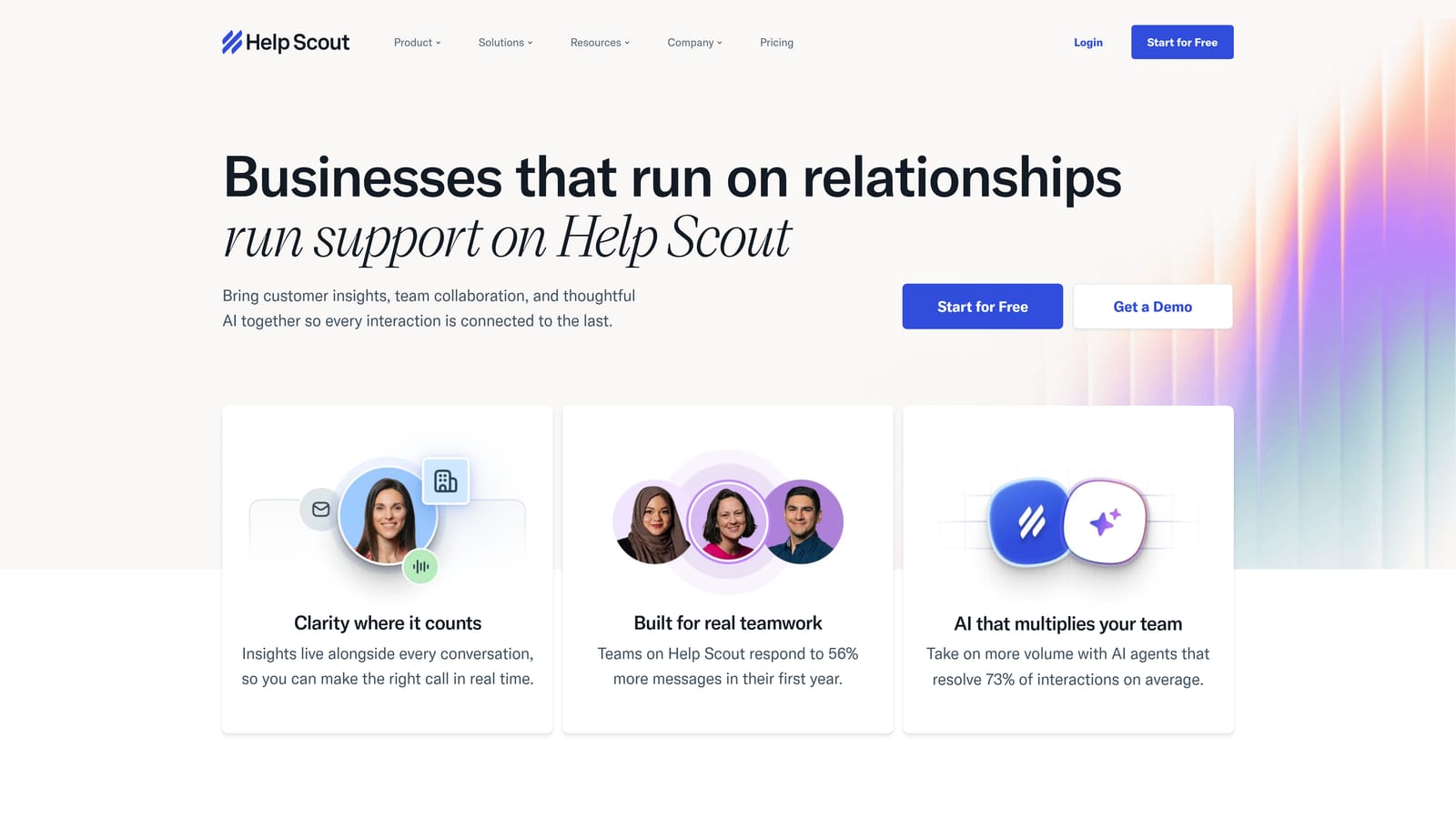
5. Help Scout
Best for: Teams where brand voice, empathy, and human-feeling support are as important as resolution speed.
Help Scout is a human-first support platform whose Beacon widget pairs clean UX with AI tools designed to augment agents and surface knowledge, prioritizing tone and empathy alongside efficiency.
Where This Tool Shines
Help Scout takes a deliberately different philosophy than most tools on this list. Rather than optimizing purely for autonomous AI resolution, it focuses on making human agents faster and more effective. The Beacon widget feels friendly and unobtrusive — it doesn't scream "chatbot" — and the integrated Docs knowledge base means users often find answers before starting a conversation.
The AI features (AI Summarize, AI Drafts, AI Assist) are thoughtfully designed for agent productivity rather than replacement. For companies where the support experience is a meaningful part of the brand, Help Scout's approach preserves the human element while still capturing AI efficiency gains.
Key Features
Beacon Widget: Clean, brand-friendly in-app widget with proactive messaging and integrated help center search.
AI Drafts and AI Assist: Generates draft replies and provides in-conversation suggestions to help agents respond faster and more accurately.
AI Summarize: Condenses long conversation threads so agents can get up to speed instantly on complex issues.
Docs Integration: Knowledge base content surfaces directly in the widget, reducing tickets for common questions.
Shared Inbox with Customer Profiles: Gives agents full customer history and context before they type a single word.
Best For
SaaS companies and service businesses where tone, empathy, and brand voice are central to the customer experience. Less suited for teams prioritizing fully autonomous AI resolution over human-assisted efficiency.
Pricing
Plans start at approximately $20/user/month, positioning Help Scout as a mid-range option with a strong feature-to-cost ratio for smaller teams.
6. Drift (Salesloft)
Best for: B2B teams where the in-app widget needs to serve both support and sales conversations simultaneously.
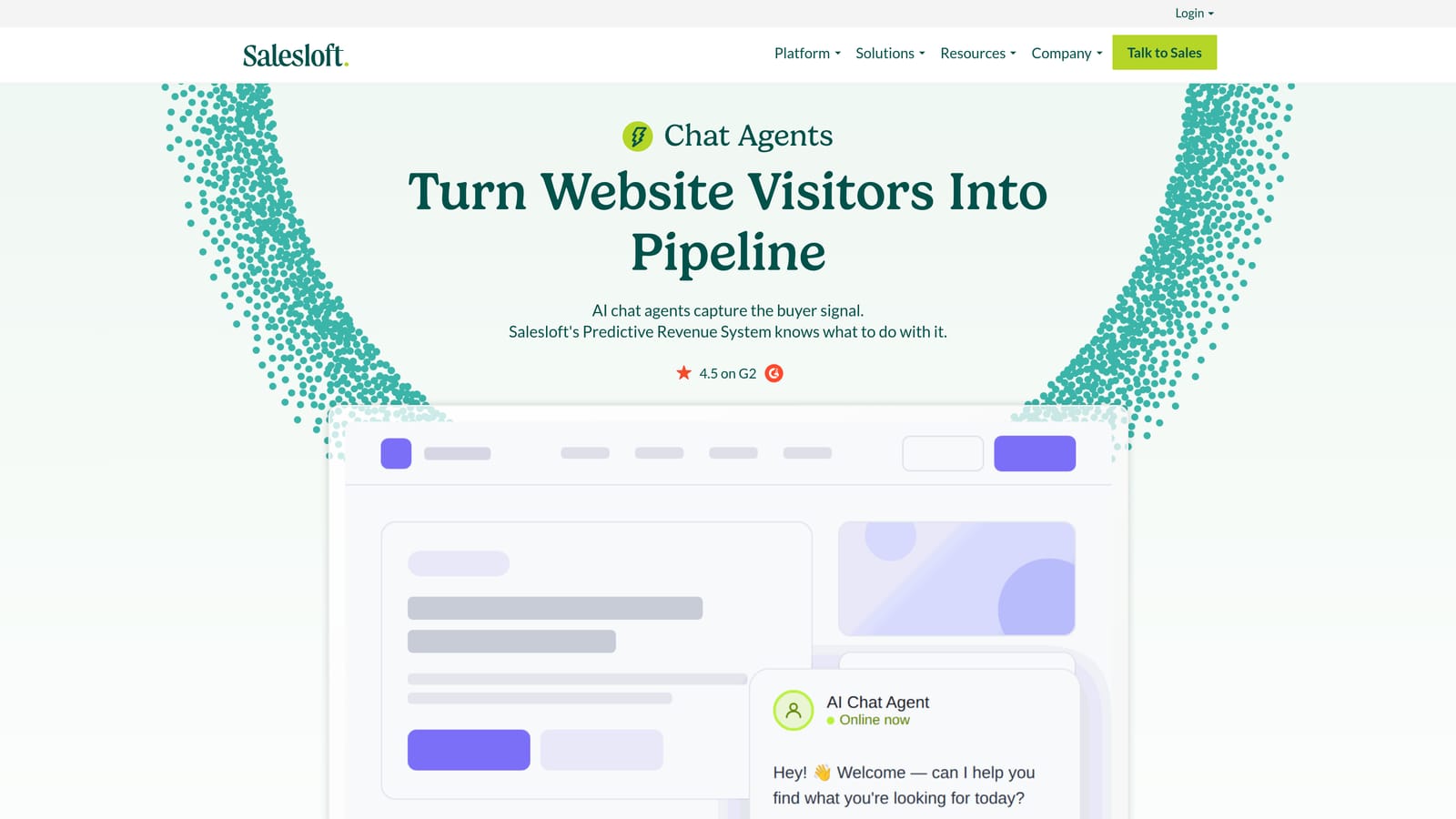
Drift, now part of Salesloft, is a conversational AI platform that blends support and sales in a single widget, with AI routing that distinguishes between support requests and revenue opportunities.
Where This Tool Shines
Drift's core differentiator is its ability to handle both support and sales intent within the same widget surface. The AI routing engine identifies whether an incoming conversation is a support request or a buying signal, then routes accordingly — to a support workflow or directly to a sales rep with meeting scheduling. For B2B SaaS companies where the product-led growth motion means prospects and customers often coexist in the same app, that dual-purpose capability is genuinely useful.
The integration with Salesforce, Marketo, and revenue intelligence tools reflects Drift's heritage as a sales-first platform. It's less optimized for pure support ticket resolution volume than tools like Halo or Intercom, but excels when the support widget also needs to be a revenue touchpoint.
Key Features
AI Conversation Routing: Distinguishes between support and sales intent, routing conversations to the appropriate workflow automatically.
Meeting Scheduling: Books sales rep meetings directly within the widget conversation flow.
Revenue Tool Integrations: Native connections to Salesforce, Marketo, and other go-to-market stack tools.
Playbooks: Automated conversation flows that handle common scenarios without human intervention.
Conversational Landing Pages: Extends the widget experience beyond in-app to marketing surfaces.
Best For
B2B SaaS companies with a combined support and sales motion, particularly those using Salesforce and Marketo as core GTM infrastructure. Less ideal for teams focused purely on support ticket resolution efficiency.
Pricing
Contact Drift for pricing. The platform is enterprise-focused, and pricing reflects that positioning.
7. Chatwoot
Best for: Technical teams that need full data control, self-hosting capability, and open-source flexibility.
Chatwoot is an open-source customer support platform that is self-hostable and increasingly AI-capable, offering technical teams full control over data and infrastructure.
Where This Tool Shines
Chatwoot occupies a unique position in this category: it's the only major option with a genuine open-source core (MIT license), meaning technical teams can self-host, inspect the codebase, and customize to their exact requirements. For companies in privacy-sensitive industries or those with strict data residency requirements, that's a meaningful advantage that commercial SaaS tools simply can't match.
The AI capabilities are growing through OpenAI-compatible integrations that power response suggestions and conversation assistance. They're less polished than purpose-built commercial AI features, but the community is active and development moves quickly. The cloud-hosted option provides a middle path for teams that want open-source flexibility without the infrastructure overhead.
Key Features
Open-Source Core: MIT-licensed codebase that can be self-hosted, forked, and customized without vendor lock-in.
OpenAI-Compatible AI Integrations: Connects to AI models for response suggestions and conversation assistance.
Multi-Channel Support: Web widget, email, WhatsApp, Slack, and additional channels from a single platform.
Custom Agent Roles and Workflows: Flexible team structures and routing logic for complex support organizations.
Cloud or Self-Hosted: Teams can choose their deployment model based on infrastructure preferences and compliance needs.
Best For
Engineering-led teams, privacy-conscious organizations, and companies in regulated industries that need full control over their support data and infrastructure. Less suited for teams that want polished, out-of-the-box AI without configuration work.
Pricing
The self-hosted version is free. Cloud-hosted plans start at approximately $19/month, making it one of the most cost-effective options for teams comfortable managing their own deployment.
8. Tidio
Best for: Early-stage SaaS teams and smaller companies that need fast deployment and simple AI chat configuration.
Tidio is an accessible AI chat platform featuring Lyro AI agent, designed for fast deployment and simple configuration — well-suited for teams that want AI-powered support without a long implementation timeline.
Where This Tool Shines
Tidio's strength is accessibility. Lyro AI agent handles common queries with relatively straightforward setup, and the visual chatbot builder means non-technical team members can configure conversation flows without developer involvement. For early-stage SaaS companies that need to get AI support running quickly, Tidio's time-to-value is hard to beat.
The platform combines live chat, AI bot, and email in one tool, which simplifies the stack for small support teams wearing multiple hats. It's worth noting that Tidio's roots are in e-commerce, and some features reflect that heritage — but the core AI chat functionality translates well to SaaS support workflows.
Key Features
Lyro AI Agent: Handles common support queries autonomously with relatively fast setup and minimal training required.
Visual Chatbot Builder: Drag-and-drop flow builder that non-technical team members can use to create conversation paths.
Unified Inbox: Live chat, AI bot responses, and email conversations managed from a single interface.
Pre-Built Templates: Conversation templates for common scenarios that accelerate initial deployment.
Broad Integration Support: Connects with popular SaaS tools and e-commerce platforms.
Best For
Early-stage SaaS teams, small businesses, and companies that prioritize fast deployment over deep customization. Less suited for complex B2B support workflows that require sophisticated routing, context awareness, or business intelligence.
Pricing
A free plan is available for very small teams. Lyro AI agent access starts at approximately $29/month, making it one of the more affordable AI chat options in the market.
9. Pylon
Best for: B2B teams whose customers primarily communicate via Slack Connect, Microsoft Teams, or enterprise messaging channels.
Pylon is a B2B support platform purpose-built for teams whose customers communicate via Slack Connect, Microsoft Teams, or other messaging channels, with AI-powered triage and response built into those surfaces.
Where This Tool Shines
Pylon addresses a real gap in the market: many B2B enterprise customers don't want to use a traditional in-app widget. They're already in Slack Connect channels or Teams workspaces with their vendors, and they want support to happen there. Pylon brings AI-powered triage, response, and ticket creation directly into those channels, converting unstructured Slack conversations into trackable support tickets without requiring customers to switch surfaces.
The account-level visibility and customer health signals make Pylon particularly useful for customer success and support teams managing named enterprise accounts. It's a different paradigm than a traditional in-app widget, but for developer-focused B2B companies and enterprise SaaS teams, it's often closer to how their customers actually want to communicate.
Key Features
Slack Connect and Teams Integration: AI-powered support triage and response within the messaging channels your customers already use.
Conversation-to-Ticket Conversion: Automatically converts Slack and Teams conversations into trackable, structured support tickets.
Account-Level Visibility: Customer health and account-level context for support teams managing enterprise relationships.
Engineering Tool Integrations: Native connections to Linear and Jira for routing product issues directly to engineering workflows.
AI-Powered Triage: Automatically categorizes and prioritizes incoming support requests across channels.
Best For
Developer-focused B2B SaaS companies and enterprise software teams whose customers prefer Slack Connect or Teams over traditional support widgets. Not a replacement for a web-based in-app widget, but a strong complement or alternative for the right customer profile.
Pricing
Contact Pylon for pricing. The platform is focused on B2B enterprise teams, and pricing is tailored to account size and support volume.
Which Tool Is Right for Your Team?
The right in-app support widget depends heavily on where your team is today and where you're trying to go. Here's a quick guide to the clearest use cases.
If you're a B2B SaaS team that wants the deepest AI context, autonomous resolution, and business intelligence signals in a single platform, Halo AI is the strongest starting point. The page-aware widget and continuous learning architecture set it apart from tools that layer AI onto legacy helpdesk infrastructure.
Enterprise teams already deeply invested in Zendesk or Intercom have strong native AI options that integrate cleanly with existing workflows. Switching costs are real, and both platforms have matured their AI considerably. If your stack is already built around one of them, the native widget is the pragmatic choice.
Budget-conscious teams or those in early stages should take a close look at Freshchat and Tidio. Both offer capable AI at accessible price points, with fast deployment timelines that don't require a dedicated implementation project.
For teams with unique requirements: Chatwoot is the clear choice if data control and self-hosting are non-negotiable. Drift makes sense when the support widget also needs to serve as a sales touchpoint. Pylon stands alone for teams whose enterprise customers live in Slack Connect or Teams.
Your support team shouldn't scale linearly with your customer base. Let AI agents handle routine tickets, guide users through your product, and surface business intelligence while your team focuses on complex issues that need a human touch. See Halo in action and discover how continuous learning transforms every interaction into smarter, faster support.