9 Best Integrated Customer Support Platforms in 2026
Fragmented support stacks cost B2B and SaaS teams time, context, and customer satisfaction — but the right integrated customer support platforms unify ticketing, live chat, AI automation, and analytics into one connected system. This guide evaluates the 9 best options in 2026 across integration depth, AI capabilities, deployment ease, and value for growing teams.
 Matt PattoliFounder12 min read
For B2B and SaaS teams, a fragmented support stack creates problems that compound daily: agents switching between five tabs, context lost between handoffs, and no single view of the customer. Integrated customer support platforms solve this by unifying ticketing, live chat, AI automation, and analytics into one connected system, so your team spends less time managing tools and more time actually helping customers.
But not all platforms integrate equally. Some bolt AI onto legacy helpdesks. Others offer deep native integrations that connect support to your CRM, product, and revenue stack. This list covers the best integrated customer support platforms in 2026, evaluated on depth of integration, AI capabilities, ease of deployment, and value for B2B teams. Whether you're scaling a lean support team or replacing a patchwork of tools, there's a platform here for you.
1. Halo AI
Best for: B2B SaaS teams wanting AI-first support that scales without scaling headcount.
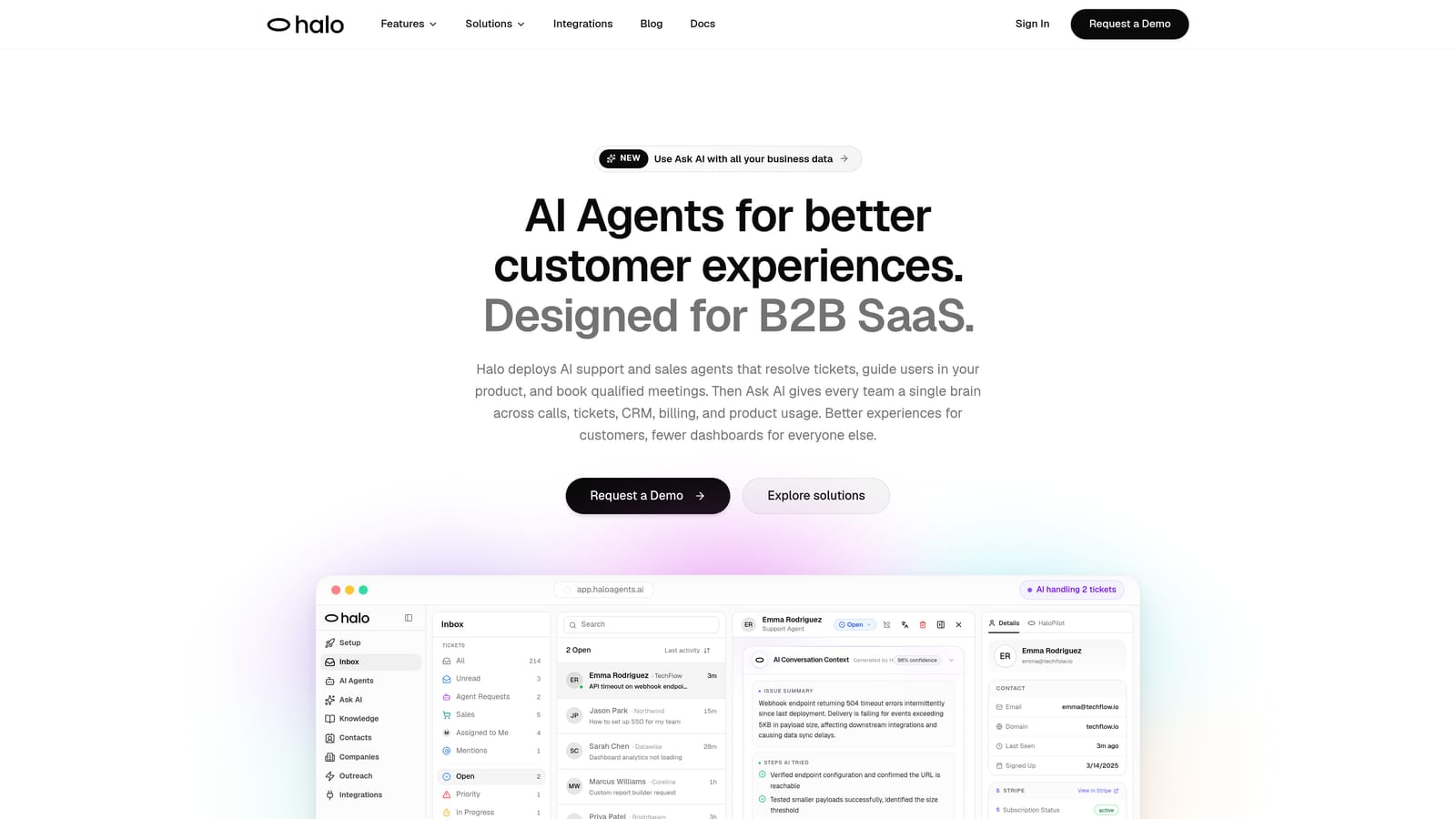
Halo AI is an AI-first customer support platform with intelligent agents, page-aware chat, smart inbox business intelligence, and deep native integrations across the entire business stack.
Where This Tool Shines
What sets Halo apart from most platforms on this list is its architecture. AI isn't layered on top of a legacy ticketing engine here. It's foundational to how the platform routes, resolves, and learns. Every interaction makes the system smarter, which means your deflection rates and response quality improve over time without manual tuning.
The page-aware chat widget is a genuine differentiator. Rather than asking users to describe their problem in text, Halo can see what the user sees in-product, providing contextual guidance that matches their actual state. Combined with auto bug ticket creation routed directly to Linear and a smart inbox that surfaces customer health signals and revenue anomalies, Halo positions support as a business intelligence layer, not just a cost center.
Key Features
Autonomous AI Agents: Resolve tickets end-to-end and learn from every interaction, continuously improving resolution quality without manual retraining.
Page-Aware Chat Widget: Sees what the user sees in-product to deliver contextual guidance that matches their actual workflow state.
Smart Inbox with Business Intelligence: Surfaces customer health signals, revenue anomalies, and churn indicators directly within the support interface.
Auto Bug Ticket Creation: Automatically generates and routes bug reports to Linear, closing the loop between support and engineering without manual steps.
Native Integrations: Two-way connections with Slack, HubSpot, Intercom, Stripe, Zoom, PandaDoc, and Fathom, with data flowing both ways natively.
Live Agent Handoff: Escalates complex issues to human agents with full context preserved, so nothing gets repeated.
Best For
B2B SaaS companies and product teams looking to automate routine ticket resolution, reduce engineering burden from bug reporting, and extract business intelligence from support interactions. Particularly strong for teams that want support to feed signals into customer success and revenue workflows.
Pricing
Contact for pricing. Halo operates on a demo-first model. Visit haloagents.ai to book a conversation with their team.
2. Zendesk
Best for: Enterprise teams needing mature ticketing, compliance certifications, and a broad app marketplace.
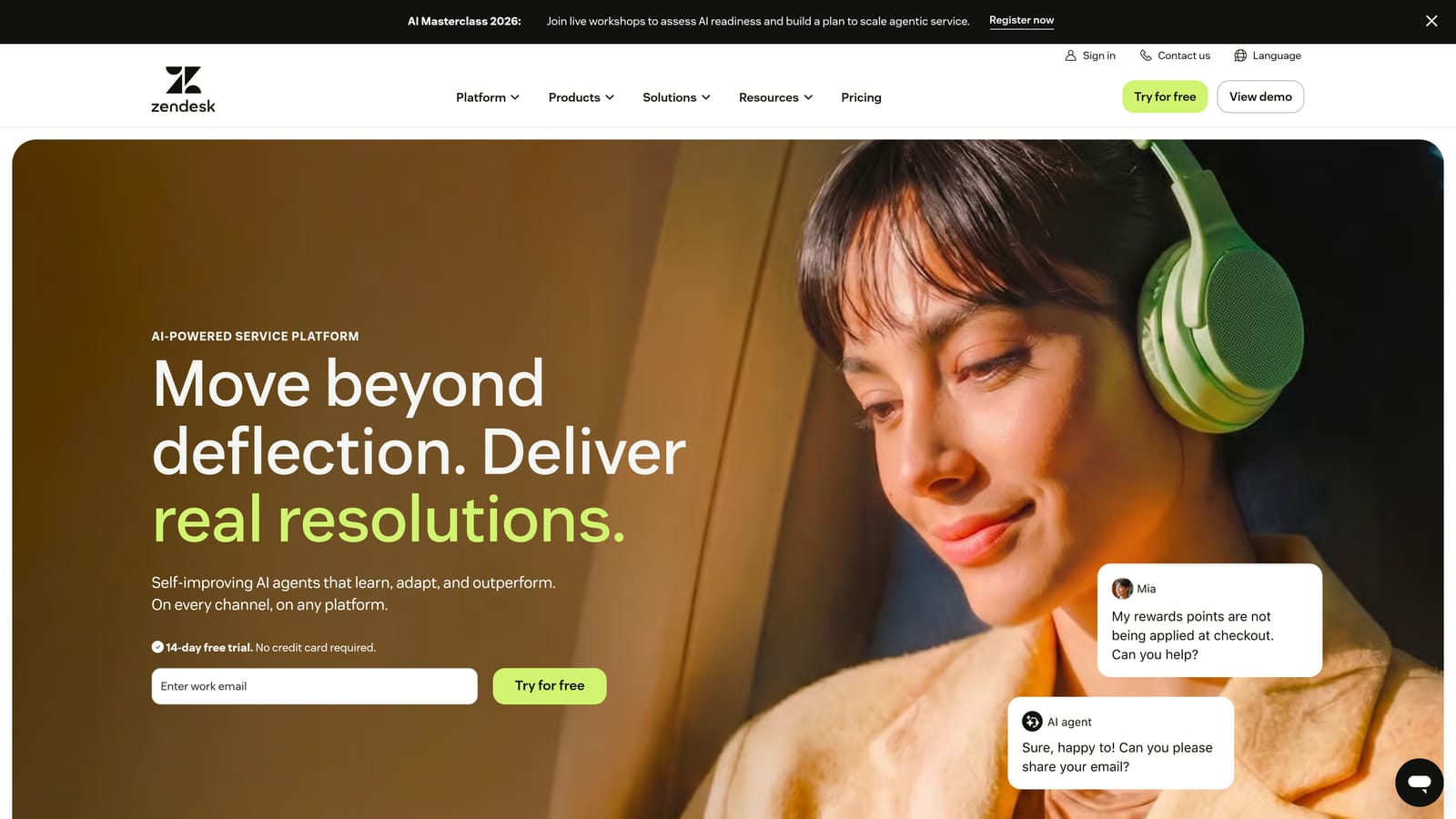
Zendesk is an enterprise-grade helpdesk platform with robust ticketing, SLA management, and one of the largest integration marketplaces in the industry.
Where This Tool Shines
Zendesk is the benchmark for enterprise ticketing. Its SLA management, advanced routing rules, and compliance certifications make it a natural fit for regulated industries or large support organizations that need predictable, auditable workflows. The 1,000+ marketplace integrations mean you can connect almost anything, though many of those connections are third-party rather than native.
The platform has invested heavily in AI features under the Zendesk AI umbrella, covering ticket classification, suggested replies, and intelligent routing. These capabilities are solid, though buyers evaluating Zendesk should understand that AI is layered onto a mature architecture rather than native to it.
Key Features
Advanced Ticketing and SLA Management: Configurable routing, escalation rules, and SLA policies built for high-volume enterprise environments.
1,000+ Marketplace Integrations: Broad connectivity across CRM, e-commerce, analytics, and productivity tools via the Zendesk marketplace.
Zendesk AI: Ticket classification, suggested replies, and intelligent triage to reduce manual agent workload.
Omnichannel Support: Unified inbox across email, live chat, voice, and social channels.
Enterprise Compliance: Security certifications and data governance features suitable for regulated industries.
Best For
Large enterprises with complex support workflows, strict compliance requirements, and dedicated IT resources to manage configuration and integrations. Less ideal for lean teams looking for fast deployment without significant setup investment.
Pricing
Suite plans start at approximately $55 per agent per month. Check zendesk.com for current pricing and plan details.
3. Intercom
Best for: SaaS teams where support, onboarding, and proactive customer engagement overlap.
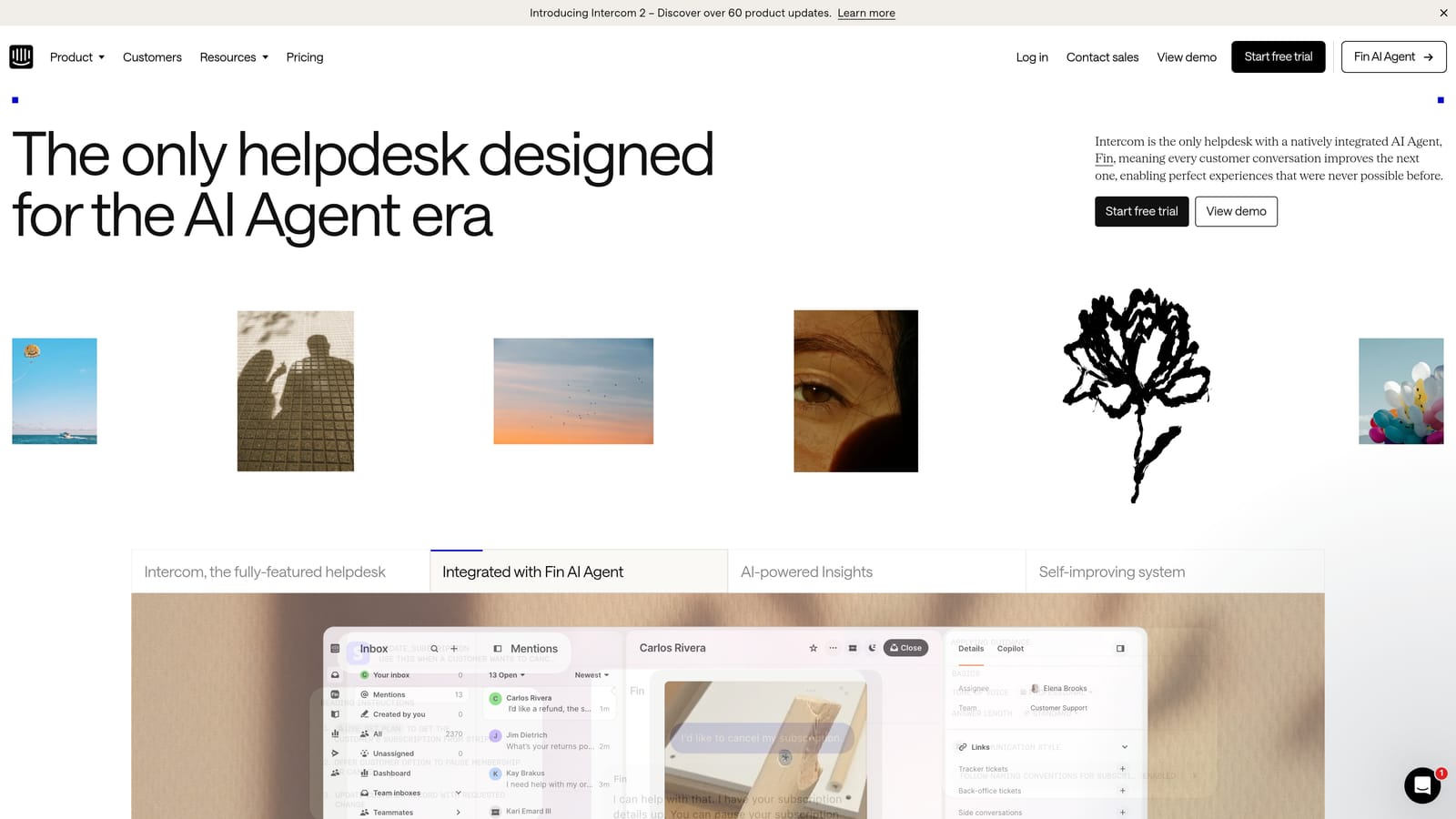
Intercom is a customer messaging platform that combines support ticketing, live chat, product tours, and proactive outreach in one connected system.
Where This Tool Shines
Intercom's strength is its breadth across the customer lifecycle. Where most helpdesks focus purely on reactive support, Intercom also handles onboarding tours, proactive messaging, and customer segmentation. This makes it particularly valuable for product-led growth companies where the line between support and customer success is intentionally blurry.
Their Fin AI agent has earned strong reviews for automated ticket resolution. The native integrations with Salesforce, HubSpot, and Stripe give support teams real customer context without leaving the platform.
Key Features
Fin AI Agent: Handles automated ticket resolution across channels, with escalation to human agents when needed.
Proactive Messaging and Product Tours: Enables in-app onboarding and outreach without a separate tool.
Unified Inbox: Consolidates chat, email, and social conversations in one workspace.
Native CRM Integrations: Two-way connections with Salesforce, HubSpot, and Stripe for enriched customer context.
Customer Data Platform: Behavioral segmentation based on product usage and interaction history.
Best For
SaaS companies with product-led growth motions where support, onboarding, and customer success share ownership of the customer relationship. Pricing scales with seat count and usage, so evaluate total cost carefully as your team grows.
Pricing
Tiered pricing that scales with seat count and usage volume. Visit intercom.com for current plan details.
4. Freshdesk
Best for: Mid-market teams wanting broad omnichannel coverage at competitive price points.
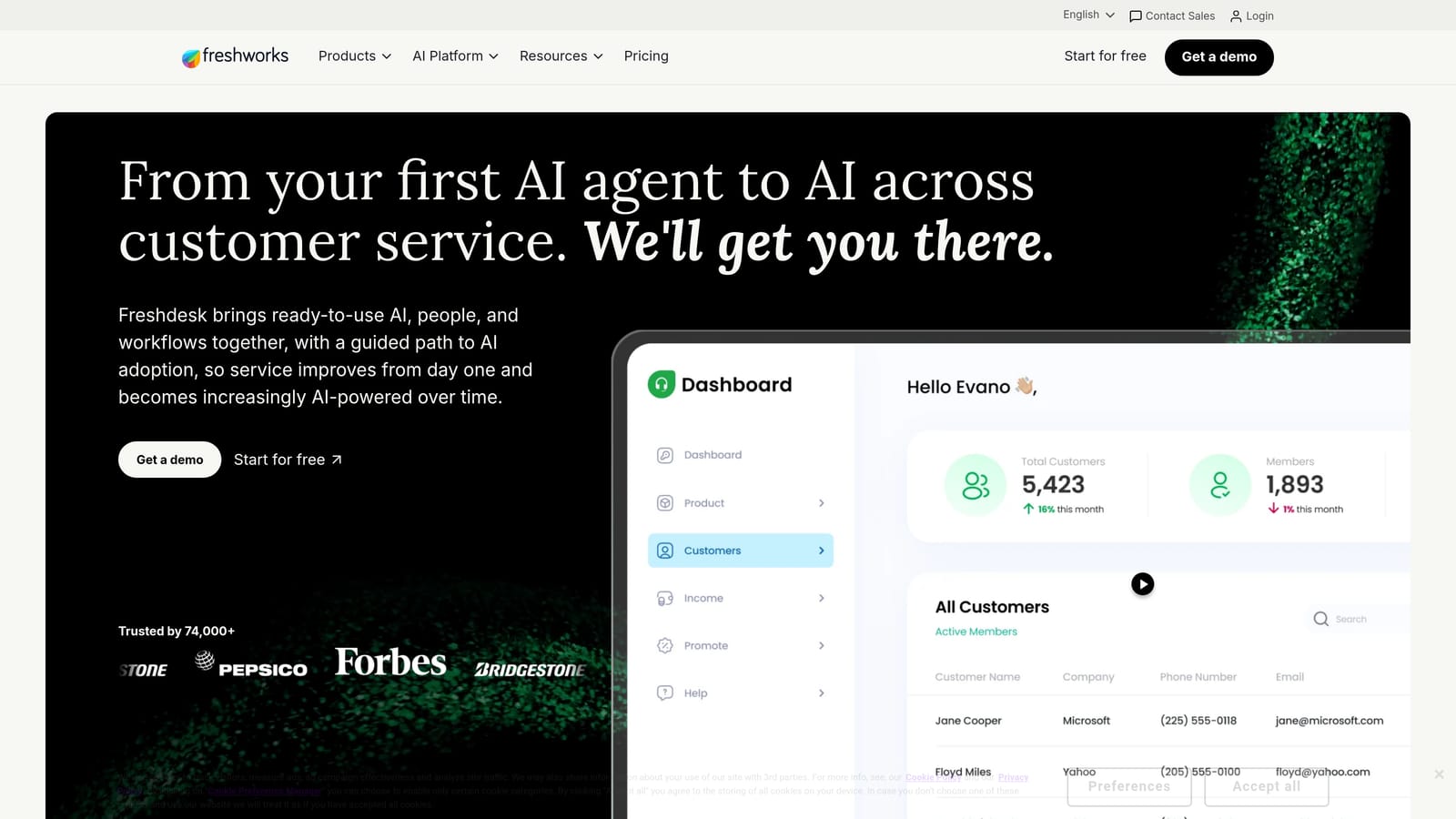
Freshdesk is Freshworks' omnichannel helpdesk with strong multi-channel coverage, Freddy AI, and a free tier that makes it accessible for growing teams.
Where This Tool Shines
Freshdesk covers more channels out of the box than most platforms at its price point: email, phone, live chat, social media, and WhatsApp are all supported natively. For teams that need broad coverage without building a complex integration stack, this is a meaningful advantage.
The Freshworks ecosystem is another draw. Teams that adopt Freshdesk can layer in Freshchat for messaging and Freshsales for CRM, consolidating their stack within one vendor. Freddy AI handles ticket classification and suggested responses, with capabilities that continue to mature across Freshworks product lines.
Key Features
Omnichannel Coverage: Native support for email, phone, chat, social media, and WhatsApp in one unified inbox.
Freddy AI: Ticket classification, suggested responses, and automation to reduce repetitive agent work.
Collision Detection: Prevents multiple agents from responding to the same ticket simultaneously.
Freshworks Ecosystem: Native connections with Freshchat, Freshsales, and other Freshworks products for a consolidated stack.
Free Tier: A functional free plan available for small teams getting started with structured support.
Best For
Mid-market teams that need omnichannel coverage across diverse communication channels and want the option to consolidate within the Freshworks ecosystem over time. The free tier also makes it accessible for early-stage teams.
Pricing
Free plan available. Paid plans start at competitive rates for the mid-market. Check freshworks.com/freshdesk for current pricing.
5. HubSpot Service Hub
Best for: Teams already on HubSpot CRM who want support natively connected to marketing and sales data.
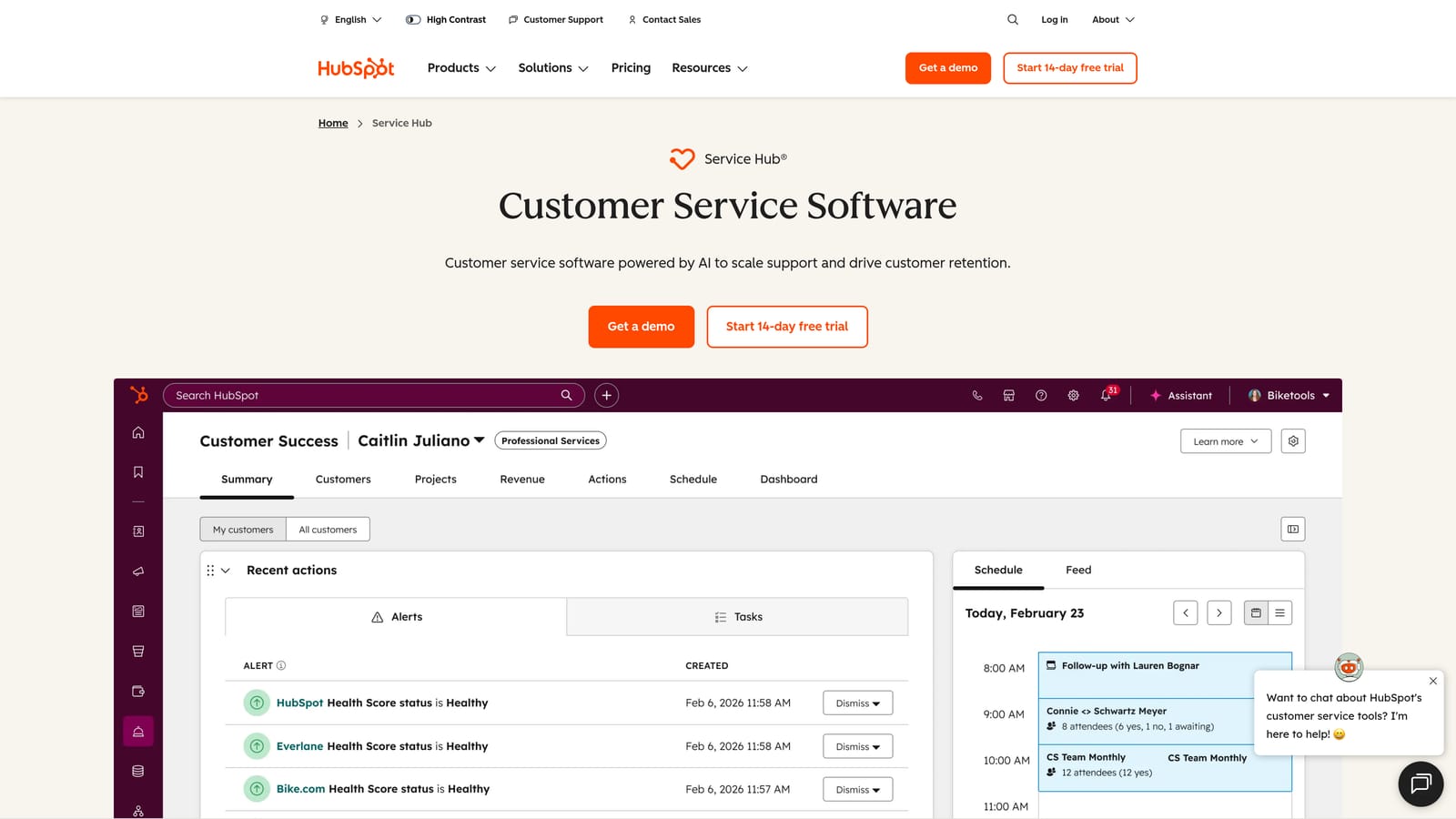
HubSpot Service Hub is customer service software built natively on the HubSpot CRM, giving every support interaction full contact and deal context.
Where This Tool Shines
If your team is already running sales and marketing on HubSpot, Service Hub is the most natural way to bring support into the same data layer. Every ticket is automatically linked to a contact record, company record, and any associated deal, so agents see the full customer picture without switching tools or running manual lookups.
This native CRM connection also means support data flows into your revenue reporting. Customer health, open issues, and support volume can inform renewal conversations and expansion plays in a way that's difficult to replicate when support lives in a separate system.
Key Features
Native CRM Integration: Every ticket linked to HubSpot contact and deal records automatically, with no manual sync required.
Shared Inbox and Live Chat: Unified conversation management across email and chat channels.
Knowledge Base and Customer Portal: Built-in self-service tools that reduce inbound ticket volume.
AI-Assisted Replies and Summarization: Helps agents draft responses and catch up on long conversation threads faster.
Revenue Visibility: Connects to HubSpot Sales and Marketing Hubs for a complete view of the customer across the funnel.
Best For
Companies already invested in HubSpot for CRM, sales, or marketing. The value compounds significantly when all three hubs are active. Less compelling as a standalone support tool if you're not on the HubSpot ecosystem.
Pricing
Free tools available. Professional and Enterprise tiers unlock the full feature set. Check hubspot.com for current plan details.
6. Salesforce Service Cloud
Best for: Large enterprises deeply committed to the Salesforce platform needing highly configurable workflows.
Salesforce Service Cloud is an enterprise customer service platform with deep CRM integration, Einstein AI, and extensive workflow configurability.
Where This Tool Shines
For organizations already running their business on Salesforce, Service Cloud offers the deepest possible integration between support and CRM data. Case records connect natively to accounts, opportunities, and contracts, giving support teams and account managers a genuinely unified view of enterprise customers.
Einstein AI handles case classification, routing, and next-best-action recommendations. The platform's configurability is unmatched: complex approval workflows, custom objects, and highly specific routing logic are all achievable. The trade-off is implementation complexity and cost, which typically requires a Salesforce implementation partner.
Key Features
Deep Salesforce CRM Integration: Native connection to Sales Cloud accounts, opportunities, and contracts with no middleware required.
Einstein AI: Case classification, intelligent routing, and next-best-action recommendations built into the platform.
Omnichannel Routing: Unified routing across voice, chat, email, and social channels based on agent skills and availability.
Highly Configurable Workflows: Custom approval processes, automation rules, and object models for complex enterprise requirements.
Self-Service and Field Service: Customer portal and field service management capabilities for organizations with on-site support needs.
Best For
Large enterprises already committed to Salesforce as their system of record. Implementation complexity and total cost of ownership are significant considerations. Teams without existing Salesforce infrastructure should evaluate carefully before committing.
Pricing
Enterprise per-user pricing. Visit salesforce.com for current plan details and to speak with their team.
7. Front
Best for: Relationship-based support teams and account managers who live in email and want collaboration without a traditional helpdesk.
Front is a collaborative shared inbox platform that brings email-native simplicity to customer support and account management teams.
Where This Tool Shines
Front is built for teams where support feels more like relationship management than ticket processing. There are no ticket numbers in the traditional sense. Instead, conversations are shared, commented on internally, and assigned much like a collaborative email client. This makes it particularly natural for customer success teams, account managers, and support teams handling high-value accounts.
The AI Compose and AI Summarize features help agents draft faster responses and quickly catch up on long threads. CRM integrations with Salesforce and HubSpot bring customer context into the conversation view without requiring agents to switch applications.
Key Features
Shared Inbox with Collaboration: Internal comments and @mentions on conversations without ticket numbers or traditional helpdesk structure.
AI Compose and Summarize: Drafts responses and summarizes long threads to reduce time spent reading and writing.
CRM Integrations: Connects with Salesforce, HubSpot, and other CRMs to surface customer context in conversation view.
Team Analytics: Visibility into response times, workload distribution, and team performance metrics.
Sequences: Enables proactive outreach campaigns directly from the shared inbox environment.
Best For
Customer success and account management teams handling relationship-based support, or support teams that prefer an email-native experience over traditional helpdesk interfaces. Less suited to high-volume, transactional support environments.
Pricing
Per-seat pricing across multiple tiers. Check front.com for current plan details.
8. Kustomer
Best for: High-volume consumer brands that need a full customer timeline across every channel in one view.
Kustomer is a CRM-first customer service platform with a timeline view that consolidates every customer interaction across channels into a single chronological feed.
Where This Tool Shines
Kustomer's timeline view is its defining feature. Rather than organizing support around individual tickets, it organizes around the customer. Every interaction, regardless of channel, appears in a single chronological feed. For high-volume brands where customers contact support repeatedly across different channels, this view dramatically reduces the time agents spend reconstructing context.
The platform's custom objects allow teams to store business-specific data alongside customer records, making it adaptable to industries with unique data requirements. AI-powered automation and intelligent routing handle volume efficiently.
Key Features
Timeline View: All customer interactions across every channel in one chronological feed, organized by customer rather than ticket.
Omnichannel Coverage: Email, chat, voice, SMS, and social media managed in a unified workspace.
AI-Powered Automation: Intelligent routing and automated workflows to manage high interaction volumes efficiently.
E-Commerce Integrations: Native connections with Shopify, Magento, and other e-commerce platforms.
Custom Objects: Store and display business-specific customer data alongside standard contact information.
Best For
High-volume consumer brands, particularly in e-commerce and retail, where customers contact support frequently across multiple channels. The platform leans more B2C than B2B in its design and integration priorities.
Pricing
Per-user pricing. Visit kustomer.com for current plan details.
9. Help Scout
Best for: Lean support teams wanting a clean, email-native helpdesk with self-service built in.
Help Scout is a simple, email-native helpdesk with a built-in knowledge base, live chat, and clean UX designed for teams that value clarity over complexity.
Where This Tool Shines
Help Scout's greatest strength is its approachability. The shared inbox feels like email rather than a traditional helpdesk, which means onboarding new agents, including those from non-support backgrounds, is fast. There are no steep learning curves or complex configuration requirements to get productive quickly.
The built-in Docs knowledge base and Beacon live chat widget mean teams get self-service and proactive support capabilities without adding another tool. The AI Drafts feature suggests replies based on conversation context, helping agents respond faster without sacrificing quality.
Key Features
Email-Native Shared Inbox: Familiar email interface that doesn't require agents to learn a new mental model for managing conversations.
Beacon Live Chat: In-app messaging and chat widget that connects to the same shared inbox workflow.
Docs Knowledge Base: Built-in self-service documentation that reduces inbound ticket volume without a separate tool.
AI Drafts: Suggests replies based on conversation context, reducing time spent composing responses from scratch.
Integrations: Native connections with HubSpot, Salesforce, Slack, Stripe, and Jira for common B2B workflows.
Best For
Lean support teams, early-stage companies, and organizations where simplicity and fast onboarding matter more than deep configurability. Also a strong choice for teams transitioning from managing support in a shared Gmail inbox.
Pricing
Per-user pricing with affordable tiers. Check helpscout.com for current plan details.
Which Platform Is Right for Your Team?
The right integrated customer support platform depends heavily on where you are in your growth journey and what you need support to do beyond resolving tickets.
If you're a B2B SaaS team that wants AI to handle routine tickets autonomously, surface churn signals, and connect support to your engineering and revenue stack, Halo AI is built specifically for that use case. Its AI-first architecture means you're not retrofitting intelligence onto a legacy system.
For large enterprises already committed to Salesforce, Salesforce Service Cloud offers the deepest CRM integration available, though implementation complexity is real. Teams on HubSpot will find HubSpot Service Hub the most natural fit for connecting support to their existing revenue data.
Zendesk and Intercom are proven choices for scaling teams that need broad capability and established ecosystems. Freshdesk wins on omnichannel coverage at competitive price points. Front is the standout for relationship-based support teams that live in email. Kustomer shines for high-volume consumer brands needing a customer-centric timeline view. And Help Scout remains the cleanest option for lean teams that value simplicity.
Your support team shouldn't scale linearly with your customer base. Let AI agents handle routine tickets, guide users through your product, and surface business intelligence while your team focuses on complex issues that need a human touch. See Halo in action and discover how continuous learning transforms every interaction into smarter, faster support.