Intelligent Support Ticket Triage: How AI Sorts, Prioritizes, and Routes Issues Before Humans Even See Them
Intelligent support ticket triage uses AI to automatically sort, prioritize, and route incoming support requests by urgency, customer value, and issue type—before any human agent reads them. This eliminates the manual sorting bottleneck that slows response times, ensures critical issues like enterprise billing disputes or widespread bugs get immediate attention, and brings consistency to decisions that traditionally varied by agent or shift.
 Matt PattoliFounder13 min read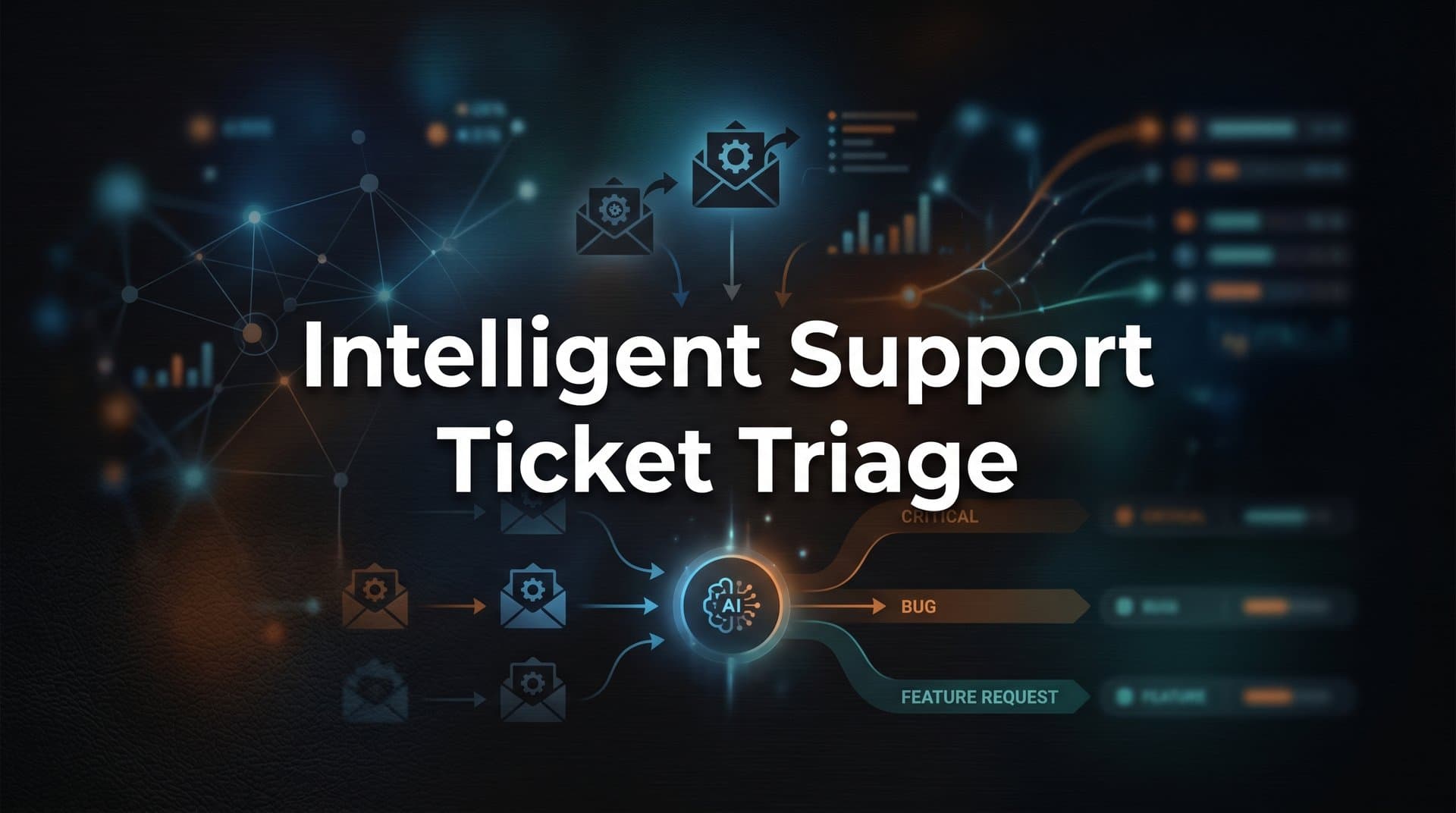
Picture your support inbox on a Monday morning after a weekend product incident. There's a billing dispute from an enterprise customer whose renewal is in two weeks. There's a critical authentication bug affecting dozens of users. There's a churning customer who's sent three increasingly frustrated messages. And right next to all of that: a password reset request and a question about where to find the invoice download button.
They're all sitting in the same queue, in the order they arrived, waiting for a human to read them one by one and decide what matters most.
This is the reality of manual triage, and it's a bottleneck hiding in plain sight. Before a single response gets written, agents spend meaningful time just sorting and categorizing. That overhead compounds as ticket volume grows. And the decisions made during triage, which ticket goes where, how urgent it is, which team should handle it, vary depending on who's doing the sorting, what shift they're on, and how many tickets they've already read that day.
Intelligent support ticket triage changes this entirely. Instead of waiting for a human to read and categorize each ticket, AI systems classify, score, and route every issue the moment it arrives. They read the ticket content, check the customer's account history, assess sentiment and urgency, and direct the ticket to exactly the right place before any agent has opened their inbox. The right issue reaches the right person at the right time, automatically and consistently.
This article breaks down exactly how that works, why it matters for your team and your customers, and what to look for when evaluating whether an AI triage system is genuinely intelligent or just a fancier version of keyword matching.
The Hidden Cost of Manual Triage
Here's a cost that rarely shows up in a support team's metrics dashboard: the time spent deciding what to work on before actually working on anything. Manual triage isn't just a step in the process; it's overhead that scales directly with ticket volume. Every ticket requires a human to read it, interpret it, assign a category, set a priority, and route it to the right queue. Multiply that by hundreds or thousands of tickets per day and you have a significant portion of your team's capacity consumed before a single customer problem is solved.
The bottleneck compounds in ways that are easy to underestimate. When triage slows down, every ticket in the queue waits longer, regardless of its urgency. A critical bug affecting enterprise accounts sits behind routine how-to questions simply because it arrived later in the queue. The customer experiencing the critical bug has no idea their issue is buried. They just know no one has responded.
Misrouting is a quieter problem, but it's just as damaging. When a billing dispute lands in the technical queue, the agent who picks it up either has to resolve it outside their expertise or transfer it, restarting the clock for the customer. When a complaint from a high-value account gets treated as a routine request, the opportunity to intervene before churn disappears. These misrouting events don't always generate a formal complaint. They just quietly erode customer satisfaction scores and renewal rates.
The consistency problem is perhaps the most insidious. Human triage decisions are inherently variable. An agent who's been triaging tickets for three hours makes different judgment calls than one who just started their shift. Urgency thresholds drift. Categories get applied loosely. One agent's "high priority" is another's "normal." This inconsistency makes it nearly impossible to improve systematically. If your routing rules are only as reliable as the human applying them, you can't build predictable SLA compliance on top of that foundation.
The result is a support operation where resolution times are hard to predict, customer experience varies based on factors the customer can't see, and agents spend a significant portion of their day on cognitive overhead rather than problem solving. Intelligent triage doesn't just speed this up. It removes the bottleneck entirely.
What Intelligent Triage Actually Does Under the Hood
The phrase "AI triage" gets used loosely, so it's worth being specific about what a genuinely intelligent system actually does when a ticket arrives. It's not keyword matching dressed up with machine learning branding. It's a fundamentally different approach to understanding what a customer is saying and what needs to happen next.
The process starts with natural language understanding. When a ticket arrives, the system reads the full body of the message, the subject line, and the metadata simultaneously. That metadata includes the channel the ticket came from, the customer's account tier, their usage history, their previous ticket history, and any health signals attached to their account. The AI isn't just reading words; it's reading words in context. "This isn't working" means something very different coming from a new user on a free trial than it does coming from an enterprise customer who's been with you for three years and hasn't logged in for two weeks.
Classification happens across multiple dimensions at once, in a single inference pass. The system determines issue type (billing, bug, how-to question, complaint, feature request), priority level (critical, high, normal, low), and routing destination (which team, which queue, or whether the ticket should go directly to an automated resolution flow). These aren't sequential decisions. They're simultaneous, which is part of what makes AI classification faster and more consistent than human triage.
Sentiment analysis runs in parallel with classification. The system identifies frustration markers, urgency language, and emotional tone, not just to flag "this customer seems upset," but to incorporate that signal into the priority score. A ticket that reads as technically routine but carries strong frustration signals from a customer with an upcoming renewal gets treated differently than the same technical question from a new user.
What genuinely separates intelligent triage from rule-based automation is the continuous learning loop. Rule-based systems, like the triggers and macros in traditional helpdesks, apply fixed logic that someone had to write manually. They break when ticket language doesn't match the expected pattern. AI triage systems, by contrast, improve over time by observing how agents handle tickets. When an agent reclassifies a ticket, resolves it faster than average, or escalates it, those outcomes feed back into the model. The system learns which classification decisions led to fast resolutions and high satisfaction scores, and it adjusts accordingly. The more tickets it processes, the better it gets at handling the edge cases and ambiguous multi-issue tickets that rule-based systems mishandle.
This is the architecture that platforms like Halo AI are built around: AI agents that don't just apply static routing rules, but learn from every interaction to make smarter decisions the next time a similar ticket arrives.
Priority Scoring: How AI Decides What Burns First
Priority scoring is where intelligent triage earns its keep. And the most important thing to understand about it is this: urgency isn't just a word in the subject line. A customer who writes "quick question" might be on the verge of churning. A customer who writes "URGENT!!!" might be asking about a feature that can wait until tomorrow. Intelligent systems understand the difference.
Mature AI triage incorporates account health signals directly into priority scoring. If a customer's usage has dropped significantly over the past 30 days, their NPS score is low, and their renewal date is approaching, a ticket from that customer gets elevated automatically, regardless of how the ticket itself is worded. The system is connecting support data to customer success data to make a judgment that a human triaging tickets in isolation couldn't make without switching to a different tool and looking up the account. That connection is what turns support from a reactive function into a proactive one.
Severity detection is another dimension that rule-based systems can't replicate. When multiple tickets arrive within a short time window sharing similar error messages, affected features, or user segments, an intelligent system recognizes this as a potential systemic issue rather than a series of isolated requests. Instead of routing each ticket individually, it flags the pattern as a possible incident, alerting the engineering team or triggering an automated escalation workflow. This is how support data becomes an early warning system for product incidents, often surfacing problems before they're visible in monitoring dashboards.
Priority scores are also dynamic, not fixed at the moment of arrival. A ticket that initially scores as low priority can be automatically re-scored as conditions change. If the customer sends a follow-up with escalating frustration, the score goes up. If a related bug gets confirmed by the engineering team, all tickets touching that issue get re-prioritized. If the account crosses a revenue threshold that triggers elevated SLA rules, the system adjusts without anyone having to manually find and update the ticket. This dynamic re-scoring is what keeps the queue accurate throughout the day, not just at the moment tickets arrive.
The practical outcome is a queue that reflects actual business risk, not just arrival order. Your agents open their inbox and the most important tickets are at the top, not because someone sorted them manually, but because the system has already weighed ticket content, customer health, account value, and issue severity to determine what needs attention first.
Routing Logic: Getting the Right Ticket to the Right Place
Classification and priority scoring tell you what a ticket is and how urgent it is. Routing logic determines what happens next. And this is where the operational leverage of intelligent triage becomes most visible.
Skill-based routing matches ticket complexity and topic to agent expertise profiles. A nuanced question about enterprise API integration behavior routes to a senior technical specialist who handles that category regularly. A straightforward password reset routes directly to an automated resolution flow, resolving itself without touching the human queue at all. This isn't just about efficiency; it's about quality. Customers with complex technical problems get agents who can actually solve them. Agents with deep expertise aren't spending their day on tickets that don't require it.
Channel-aware routing adds another layer of context. A chat message that originates mid-session on a specific product page carries information that an email doesn't: the user was on that page, probably trying to accomplish a specific task, and something went wrong. That context should inform which team receives the ticket and what they should know before they respond. Halo AI's page-aware architecture is built around exactly this principle, giving support agents visibility into what the customer was doing and seeing when they reached out. An email from a billing address, by contrast, signals a completely different workflow and team destination.
Escalation thresholds layer pre-configured business rules on top of AI routing decisions. These rules can combine multiple signals in ways that pure AI classification doesn't handle alone. If sentiment is negative and the account tier is enterprise and this is the customer's third ticket this week, the system can simultaneously route the ticket to a senior agent, trigger a Slack notification to the account manager, and log the escalation in the CRM. All of this happens automatically, before any human has read the ticket.
This is where deep integrations become critical. A triage system that routes tickets within your helpdesk but can't reach your Slack workspace, your CRM, or your project management tool is only completing half the job. Platforms like Halo AI connect to the full business stack, including Linear for bug tracking, Slack for team alerts, HubSpot for account context, and Stripe for billing signals, so routing decisions trigger the right actions across every system simultaneously. When a ticket arrives that looks like a reproducible bug, the system doesn't just route it to the engineering queue; it can automatically create a structured bug report in Linear with the relevant context already populated.
Beyond Routing: What Triage Intelligence Unlocks for Your Business
Here's where the value of intelligent triage extends well beyond faster resolution times. When every ticket is consistently classified using the same taxonomy, the aggregate data becomes something genuinely useful: a real-time picture of where your product is breaking down, where customers are getting confused, and where revenue is at risk.
Triage data is a product intelligence goldmine that most teams aren't mining. Recurring classification patterns reveal which features generate the most confusion, which error messages appear repeatedly, and where onboarding breaks down. If a specific category of how-to tickets spikes every time you ship a particular type of update, that's a signal your documentation or UX needs attention in that area. This kind of insight doesn't require a dedicated data analyst to surface; it emerges naturally from consistent classification, and it feeds directly into product roadmap prioritization.
Anomaly detection becomes possible when classification is consistent and comprehensive. A sudden spike in a specific issue category, say, a 300% increase in authentication-related tickets over a two-hour window, becomes statistically visible when every ticket is tagged with the same taxonomy. The system can trigger automated alerts before your team notices the trend manually, turning reactive support into proactive incident management. This is a capability that Halo AI's smart inbox is built to provide: not just organizing tickets, but surfacing patterns and anomalies that indicate something larger is happening.
Revenue intelligence emerges from connecting triage outcomes to customer data. When you can see that a cluster of billing tickets correlates with accounts approaching renewal, or that a specific bug is disproportionately affecting your highest-value customers, support data stops being a cost center metric and starts being a revenue signal. Customer success teams can intervene earlier. Sales teams can flag at-risk accounts before the renewal conversation goes sideways. The support inbox becomes an early warning system for the entire business, not just a queue to be emptied.
This is the compounding benefit of intelligent triage: it doesn't just improve support operations. It generates intelligence that improves your product, protects your revenue, and gives every team that touches the customer relationship better information to work with.
Evaluating AI Triage: What to Look for Before You Commit
Not all AI triage systems are created equal, and the differences matter enormously in practice. Here's what to look for when evaluating whether a system will actually deliver on the promise.
Contextual understanding, not keyword matching: The most important differentiator is whether the system classifies on context or just matches words to categories. A mature triage AI should handle ambiguous, multi-issue tickets and still route correctly. If a customer writes "I can't access my account and I'm also being charged twice," the system needs to identify two distinct issues, classify each appropriately, and route accordingly. A keyword-based system will match "charged" to billing and miss the access issue entirely. Ask vendors to show you how their system handles messy, real-world tickets, not just clean single-issue examples.
Integration depth with your business stack: Triage that can't read your CRM data, account tier, or product usage context is working with half the picture. The best systems connect to your full business stack so that routing decisions reflect real customer value, not just ticket content in isolation. Ask specifically about which data sources the system ingests at classification time and how it uses that data to influence priority scoring and routing decisions.
Transparency and human override capability: Agents need to be able to see why a ticket was classified and prioritized the way it was. If the system routes a ticket to the wrong queue, the agent needs to understand the reasoning and correct it easily. More importantly, those corrections need to feed back into the model's learning loop. A system that accepts overrides but doesn't learn from them is missing the mechanism that makes AI triage improve over time. This feedback loop is non-negotiable for long-term accuracy.
Handling of multi-issue and ambiguous tickets: Real support tickets are messy. Customers bundle multiple questions into one message, use vague language, and sometimes describe the same issue in ways that look completely different on the surface. Evaluate how the system handles these edge cases, because they're not edge cases in practice. They're a significant portion of your actual ticket volume.
The distinction between rule-based automation and genuinely intelligent triage becomes most visible in production, under real ticket volume, with real customer language. A demo with clean, pre-selected examples won't reveal this. Push for a pilot with your actual data.
The Bottom Line on Intelligent Triage
Intelligent support ticket triage isn't a faster version of what humans already do. It's a fundamentally different operating model. Every ticket is understood, scored, and directed the moment it arrives, based on its content, the customer's context, and the business signals attached to their account. No queue waiting. No inconsistent human judgment. No critical issues buried behind routine requests.
The progression is clear: AI classification identifies what each ticket is and what it needs. Priority scoring surfaces what matters most, incorporating account health, sentiment, and systemic patterns. Routing logic delivers each ticket to exactly the right place, triggering the right actions across your entire business stack. And the aggregate intelligence from all of that classification becomes product insight, anomaly detection, and revenue signals that benefit every team in your organization.
Teams that implement intelligent triage don't just resolve tickets faster. They generate insights that improve their product, protect revenue, and scale support without scaling headcount. The support inbox stops being a cost center and starts being one of the richest sources of customer intelligence in the business.
Your support team shouldn't scale linearly with your customer base. AI agents should handle routine tickets, guide users through your product, and surface business intelligence while your team focuses on complex issues that genuinely need a human touch. See Halo in action and discover how continuous learning transforms every interaction into smarter, faster support.