9 Best Intelligent Support Ticketing Systems in 2026
This guide evaluates the 9 best intelligent support ticketing systems in 2026, comparing AI-first platforms and established helpdesks across automation depth, routing capabilities, and autonomous resolution features. Designed for B2B and SaaS teams, it helps you identify the right solution to reduce manual triage, eliminate repetitive responses, and free your support team to focus on complex issues that genuinely require human attention.
 Matt PattoliFounder14 min read
If your support team is still manually triaging tickets, writing the same responses, and guessing which issues matter most, your ticketing system is working against you. Intelligent support ticketing systems use AI to automatically classify, route, resolve, and learn from every ticket, so your team spends less time on repetitive work and more time on issues that actually need a human.
This guide covers the best intelligent support ticketing systems available in 2026, evaluated across AI capabilities, automation depth, integrations, and value for B2B and SaaS teams. We've included tools ranging from AI-first platforms built around autonomous resolution to established helpdesks that have layered in machine learning, so you can find the right fit for where your team is today and where it's headed.
1. Halo AI
Best for: B2B SaaS teams that want AI-first, autonomous ticket resolution with business intelligence built in.
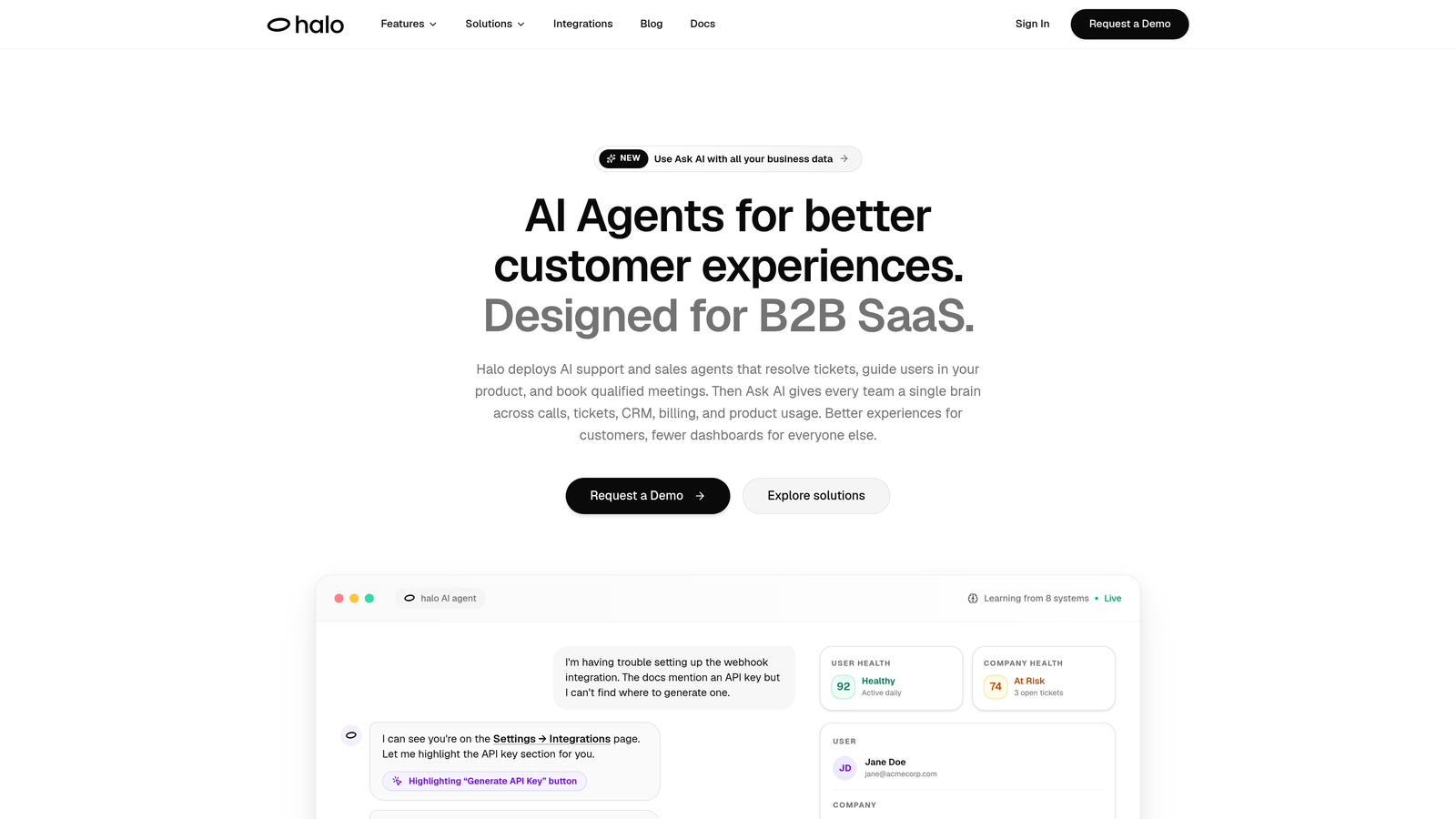
Halo AI is an AI-first customer support platform that deploys intelligent agents to autonomously resolve tickets, guide users through your product with page-aware context, auto-create bug reports, and surface business intelligence — all while learning from every resolved interaction.
Where This Tool Shines
Most ticketing tools treat AI as a feature layered on top of an existing helpdesk. Halo was built the other way around: the AI is the architecture. That distinction matters when you're evaluating how deeply the intelligence is woven into every part of the workflow, from the moment a ticket comes in to the moment it's resolved and learned from.
The standout capability here is page-aware context. When a user reaches out, Halo's AI agent understands what screen or feature they're currently on, which means it can provide genuinely contextual guidance rather than generic answers. Combined with a smart inbox that surfaces customer health signals, revenue anomalies, and product usage patterns, Halo turns your support queue into a source of business intelligence, not just a list of problems to close.
Key Features
Page-Aware AI Agents: The AI understands what screen or feature a user is on and delivers contextual guidance specific to that moment in the product.
Smart Inbox with Business Intelligence: Surfaces customer health signals, anomaly detection, and revenue intelligence directly from support interactions — not just ticket counts.
Automatic Bug Ticket Creation: When a support interaction reveals a product bug, Halo automatically creates and routes a structured bug ticket to engineering tools like Linear.
Live Agent Handoff: Complex issues that require human judgment are escalated seamlessly, with full conversation context passed to the live agent.
Deep Integration Stack: Connects natively with Linear, Slack, HubSpot, Intercom, Stripe, Zoom, PandaDoc, and Fathom, so support data flows into your entire business stack.
Continuous Learning: The AI improves with every resolved ticket, meaning the system gets smarter over time without requiring manual retraining.
Best For
Halo is purpose-built for B2B SaaS teams that want to move beyond reactive ticket management. If you're looking for a platform that connects support to product, engineering, and revenue workflows rather than operating as a siloed inbox, Halo is worth a serious look. Particularly well-suited for lean support teams scaling without scaling headcount.
Pricing
Contact for pricing. Halo is designed for B2B SaaS teams and pricing is scoped to your team's needs. Reach out via the website for a demo and custom quote.
2. Zendesk
Best for: Mid-market and enterprise teams that need a highly configurable, omnichannel helpdesk with a mature AI layer.
Zendesk is one of the most established helpdesk platforms in the market, with AI-powered triage, routing, and response suggestions layered onto a highly configurable ticketing backbone.

Where This Tool Shines
Zendesk's greatest strength is its ecosystem. The app marketplace, integration depth, and years of workflow customization options mean that almost any support process can be built on top of it. For teams that have already invested in Zendesk and want to add intelligence without switching platforms, the native AI features provide a meaningful upgrade.
Zendesk AI handles intelligent ticket triage, auto-categorization, and response suggestions. It's a solid step up from purely manual workflows, though teams evaluating it should understand that the AI is an enhancement to the existing platform rather than the foundation of it. At enterprise scale, pricing can climb steeply.
Key Features
Zendesk AI Triage: Automatically categorizes and routes incoming tickets based on intent, sentiment, and content.
Workflow Automation: Advanced triggers, macros, and automation rules let teams build complex support workflows without engineering support.
Omnichannel Support: Handles email, chat, voice, and social channels in a unified agent workspace.
App Marketplace: Hundreds of integrations covering CRM, analytics, e-commerce, and developer tools.
Reporting and Analytics: Robust dashboards covering ticket volume, resolution time, CSAT, and agent performance.
Best For
Teams that need a proven, enterprise-ready platform with extensive customization options and a large integration ecosystem. Particularly strong for organizations already embedded in the Zendesk ecosystem or those managing high-volume, omnichannel support operations.
Pricing
Starts at approximately $55/agent/month (Suite Team plan). Enterprise plans are priced on request and can scale significantly higher depending on AI add-ons and seat count.
3. Freshdesk
Best for: Growing teams that want AI-assisted support with a free starting tier and straightforward onboarding.
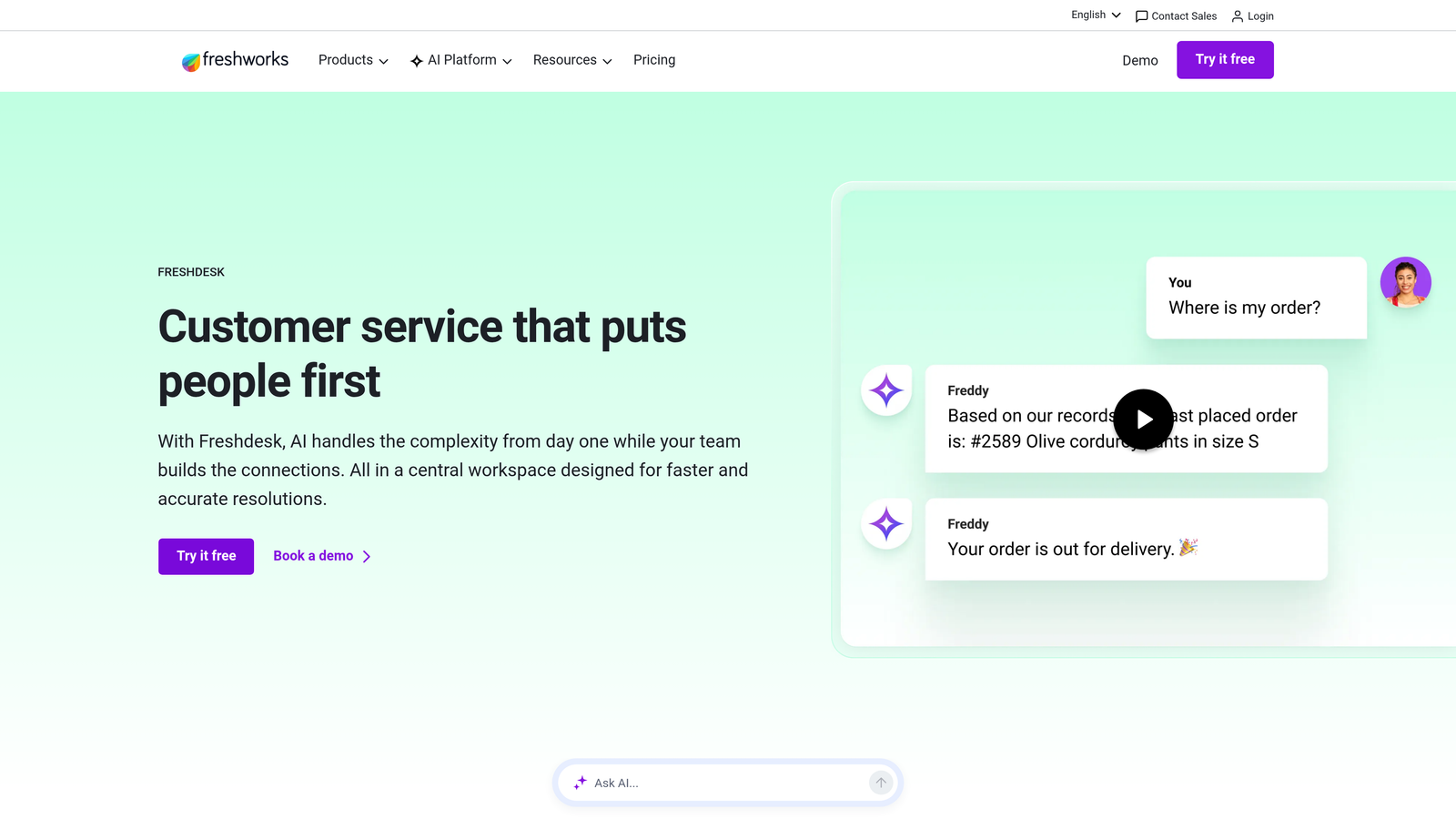
Freshdesk is a widely used helpdesk platform from Freshworks with Freddy AI built in for ticket categorization, suggested responses, and agent assistance across the support workflow.
Where This Tool Shines
Freshdesk hits a practical sweet spot for teams that want AI features without a steep price tag or complex implementation. Freddy AI handles the most time-consuming parts of ticket management: categorizing incoming requests, suggesting canned responses, and helping agents draft replies faster. The result is a noticeable reduction in repetitive manual work, especially for teams handling high volumes of similar requests.
The free tier for up to 10 agents makes Freshdesk genuinely accessible for smaller teams testing AI-assisted support before committing to a paid plan. Collision detection is a particularly useful feature for teams where multiple agents might otherwise pick up the same ticket simultaneously.
Key Features
Freddy AI: Automatically categorizes tickets and suggests relevant responses based on historical resolution patterns.
Collision Detection: Prevents two agents from working the same ticket at the same time, reducing duplicated effort and conflicting replies.
AI-Assisted Reply Drafting: Helps agents compose responses faster using context from the conversation and knowledge base.
Free Tier: Supports up to 10 agents at no cost, making it accessible for early-stage teams.
Omnichannel Support: Covers email, chat, phone, and social media from a single agent workspace.
Best For
Small to mid-sized teams that want AI-assisted ticketing without a large upfront investment. Freshdesk is a natural fit for teams growing out of shared inboxes and looking for structured ticket management with intelligent suggestions built in.
Pricing
Free plan available for up to 10 agents. Paid plans start at approximately $15/agent/month, with higher tiers unlocking more advanced AI and automation features.
4. Intercom
Best for: Chat-first SaaS teams that want AI to handle front-line resolution before conversations escalate to tickets.
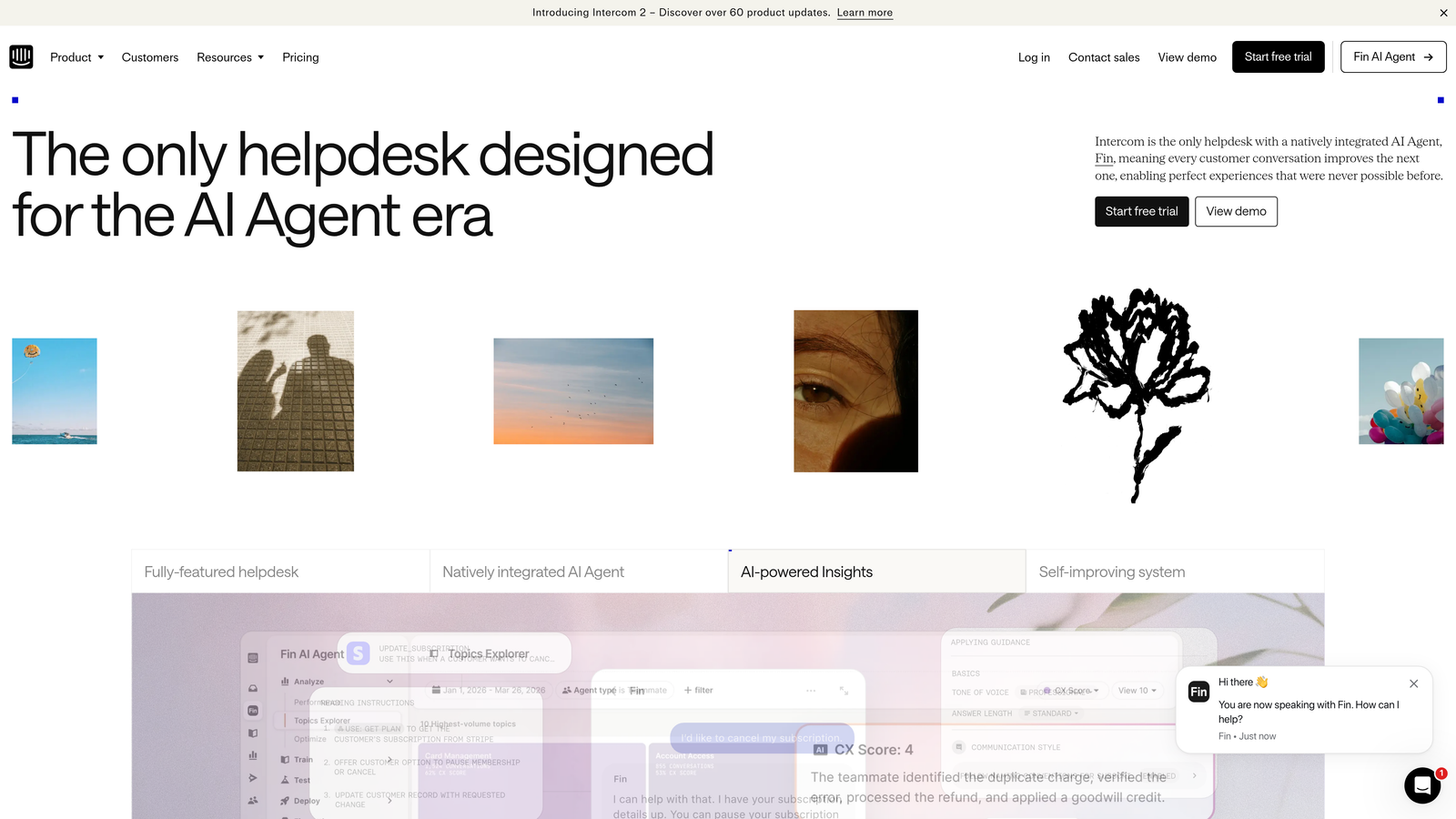
Intercom is a customer communications platform where the Fin AI agent handles front-line support conversations and escalates unresolved issues into structured tickets when human intervention is needed.
Where This Tool Shines
Intercom's approach inverts the traditional ticketing model. Rather than capturing every request as a ticket and routing it to a queue, Fin AI attempts to resolve the conversation immediately in the chat interface. Only when Fin can't resolve an issue does it escalate into a structured ticket. This deflection-first model can significantly reduce ticket volume for teams with a high proportion of repetitive, answerable questions.
The platform's strength is the richness of customer context available per conversation. Intercom surfaces user data, product usage history, and account details directly in the conversation view, giving both the AI and human agents meaningful context to work with. It's particularly well-suited for product-led SaaS companies with in-app support needs.
Key Features
Fin AI Agent: Handles front-line support conversations autonomously, resolving common queries before they enter the ticket queue.
Conversation-to-Ticket Workflow: Seamlessly escalates unresolved conversations into structured tickets with full context preserved.
Customer Data Platform: Surfaces rich user context, including product usage and account data, per conversation.
Proactive Support: Triggers contextual messages based on user behavior to deflect tickets before they're submitted.
In-App Messaging: Native chat widget built for product-embedded support experiences.
Best For
SaaS teams that prioritize conversational, chat-first support and want AI to deflect a meaningful portion of volume before it reaches the queue. Strong fit for product-led growth companies with in-app support needs.
Pricing
Starts at approximately $39/seat/month. Fin AI usage is priced per resolution, so total cost scales with the volume of AI-handled interactions.
5. Salesforce Service Cloud
Best for: Enterprise teams already in the Salesforce ecosystem that need case management tightly connected to CRM data.
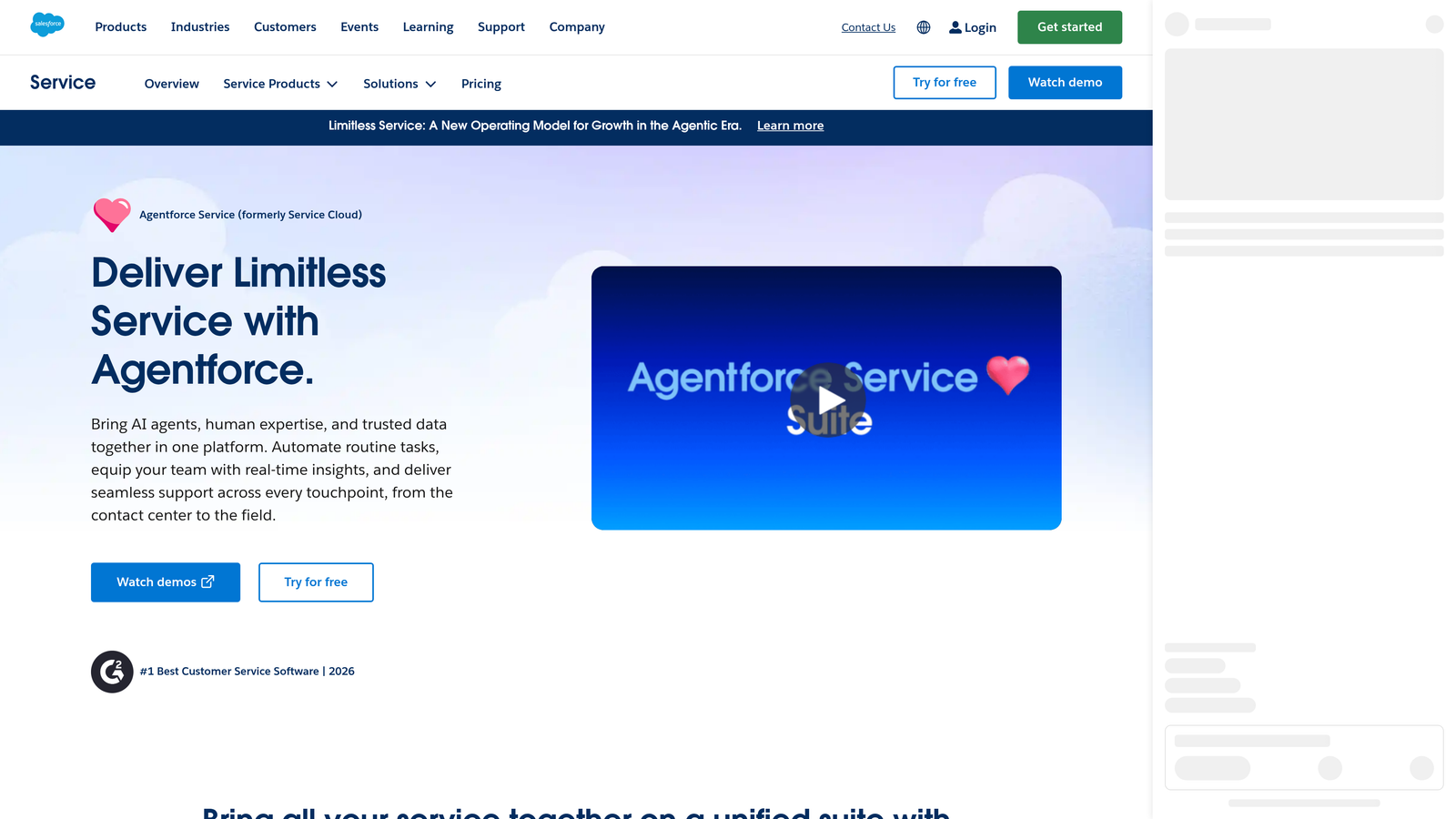
Salesforce Service Cloud is an enterprise-grade case management platform with Einstein AI deeply integrated into CRM data for intelligent routing, response recommendations, and next-best-action suggestions.
Where This Tool Shines
The core advantage of Service Cloud is context depth. Because every support case is natively tied to Salesforce account, contact, and opportunity data, agents and AI alike have access to the full customer relationship when handling an issue. Einstein AI uses that CRM data to make routing and response recommendations that are grounded in actual account history, not just ticket metadata.
For teams already running their sales and success workflows in Salesforce, Service Cloud eliminates the integration overhead that other helpdesks require. The tradeoff is complexity: Service Cloud is a powerful but heavyweight platform that requires meaningful configuration investment to deploy effectively.
Key Features
Einstein AI: Handles case classification, routing, and response recommendations using CRM data as context.
Native CRM Integration: Every ticket is tied to account, contact, and opportunity records without any integration setup.
Omni-Channel Routing: Routes cases based on agent availability, skill set, and case priority simultaneously.
Einstein Bots: Front-line deflection bots that handle common queries before escalating to human agents.
Salesforce Analytics: Reporting connected to the full Salesforce data model, including revenue and pipeline context.
Best For
Enterprise organizations already invested in Salesforce that want support operations tightly connected to sales and account management data. Less practical as a standalone purchase given the platform's complexity and cost structure.
Pricing
Starts at approximately $25/user/month (Starter tier). Enterprise and Unlimited tiers are significantly higher, and meaningful AI features typically require higher plan levels.
6. Zoho Desk
Best for: SMBs and growing teams that want AI-assisted ticketing with competitive pricing and strong workflow automation.
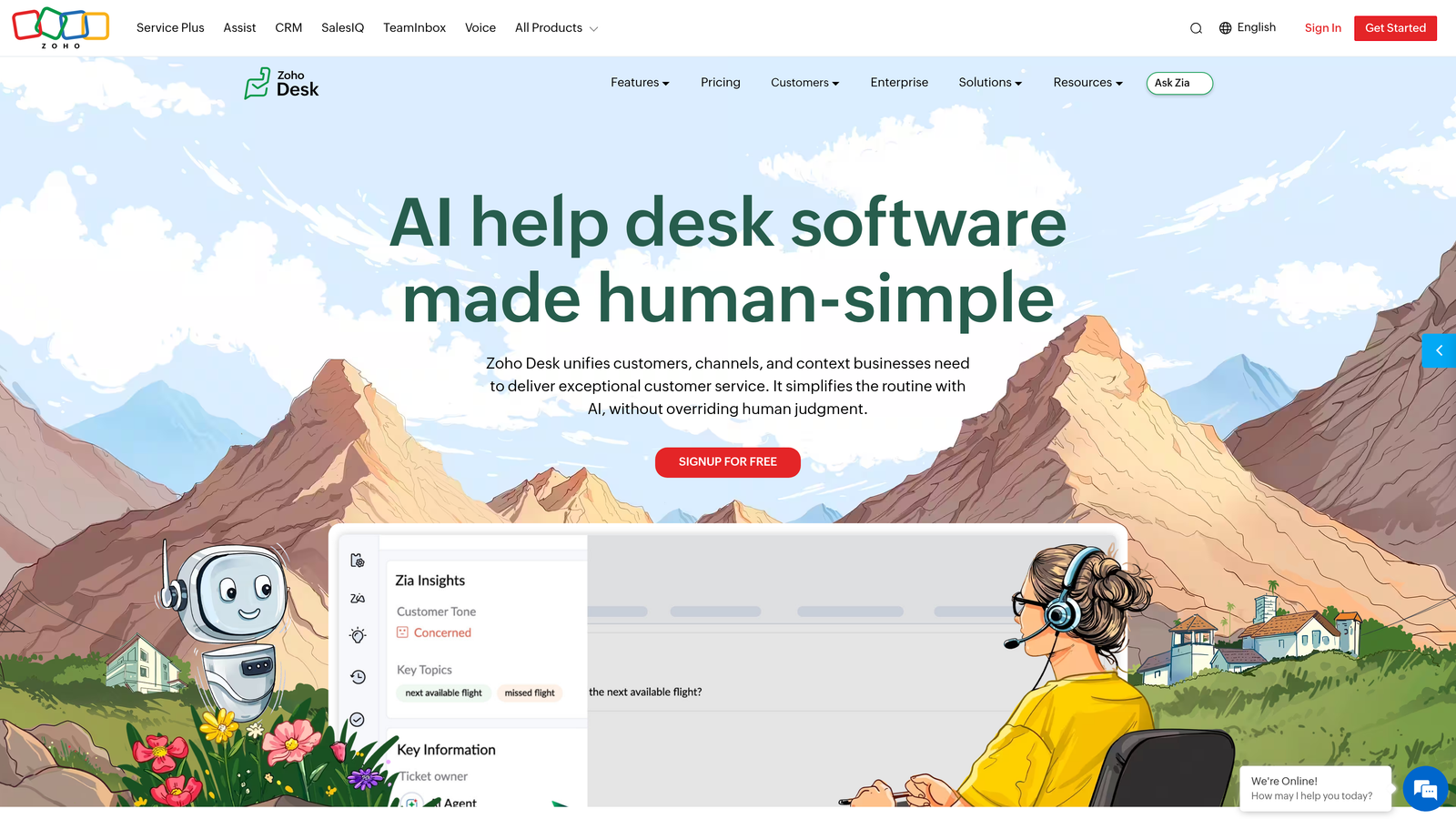
Zoho Desk is a context-aware helpdesk with Zia AI providing sentiment analysis, automatic tagging, anomaly detection, and response suggestions at a price point that's accessible for smaller teams.
Where This Tool Shines
Zia AI sets Zoho Desk apart from similarly priced competitors by going beyond basic ticket categorization. Sentiment scoring on incoming tickets helps supervisors prioritize frustrated customers before issues escalate. Anomaly detection flags unusual spikes in ticket volume or resolution time, giving teams early warning of systemic problems rather than discovering them in the weekly report.
For teams already using other Zoho products, the ecosystem integration is a genuine advantage. Zoho Desk connects natively with Zoho CRM, Zoho Analytics, and the broader Zoho suite, making it a natural choice for companies building their stack on Zoho's platform.
Key Features
Zia AI: Provides sentiment scoring, automatic ticket tagging, anomaly detection, and response suggestions across the support workflow.
Blueprint Workflow Automation: Visual workflow builder for multi-step support processes with conditional logic and approval steps.
Radar App: Real-time supervisor monitoring dashboard for tracking team performance and ticket health on mobile.
Zoho Ecosystem Integration: Deep native integration with Zoho CRM and the broader Zoho product suite.
Multi-Brand Support: Manage multiple brands and departments from a single Zoho Desk account.
Best For
SMBs and mid-market teams that want AI-assisted ticketing without enterprise pricing. Especially compelling for teams already using Zoho CRM or other Zoho products, where the native integration delivers immediate value.
Pricing
Free plan available for up to 3 agents. Paid plans start at approximately $14/agent/month, with AI features available on higher tiers.
7. HubSpot Service Hub
Best for: Teams using HubSpot CRM that want ticketing natively connected to contacts, deals, and marketing data.
HubSpot Service Hub is a ticketing and customer service platform built natively inside HubSpot CRM, giving every ticket full contact and deal history without any integration setup required.
Where This Tool Shines
The native CRM connection is the defining feature here. When a ticket comes in, agents immediately see the contact's full history: every email, deal, meeting, and previous support interaction. That context doesn't require a Zapier connection or API setup — it's just there. For teams running their go-to-market motion in HubSpot, Service Hub removes a meaningful amount of context-switching friction.
HubSpot has been expanding its AI capabilities through 2025 and into 2026, adding reply suggestions, conversation summarization, and AI-assisted drafting. The platform is still maturing on the AI front compared to purpose-built tools, but the roadmap is moving in a clear direction for teams already in the HubSpot ecosystem.
Key Features
Native CRM Ticketing: Every ticket is linked to HubSpot contacts, companies, and deals without integration overhead.
AI-Assisted Reply Suggestions: Generates draft responses and conversation summaries to speed up agent workflows.
Customer Portal: Self-service portal where customers can track ticket status and access knowledge base articles.
SLA Management: Automated escalation rules and SLA tracking with real-time alerts for at-risk tickets.
Shared Inbox: Connects email, live chat, and WhatsApp into a unified team inbox with assignment rules.
Best For
Teams already using HubSpot for sales and marketing that want support operations in the same platform. Less compelling as a standalone purchase if your team isn't already in the HubSpot ecosystem.
Pricing
Free tier available with basic ticketing features. Paid plans start at approximately $15/seat/month, with more advanced AI and automation features on higher tiers.
8. Jira Service Management
Best for: Technical support and IT teams that need tight integration between support tickets and engineering issue tracking.
Jira Service Management is an IT and technical support ticketing platform from Atlassian with deep integration into Jira Software, making it the natural choice for teams where support and engineering work closely together.
Where This Tool Shines
The defining capability is the direct escalation path from support ticket to engineering issue. When a customer reports a bug, agents can escalate it directly into Jira Software as a linked issue, with full context preserved. Engineering can see the customer impact; support can see when the fix ships. That closed loop is difficult to replicate with other helpdesks without significant custom integration work.
Atlassian Intelligence adds request summarization and suggested responses to reduce agent effort on incoming tickets. For IT teams specifically, the asset and configuration management features, along with built-in change management workflows, cover ITSM needs that general-purpose helpdesks don't address.
Key Features
Engineering Escalation: Direct escalation from support tickets to Jira Software issues with linked context and bidirectional status updates.
Atlassian Intelligence: Summarizes incoming requests and suggests responses to reduce manual effort on repetitive tickets.
Asset and Configuration Management: Built-in CMDB for IT teams managing hardware, software, and infrastructure assets.
Change Management Workflows: Approval workflows and change advisory board processes built into the platform.
Confluence Knowledge Base: Native integration with Confluence for self-service article suggestions and agent reference material.
Best For
Technical support teams, IT departments, and any team where support issues frequently need to be escalated to engineering. Strong fit for companies already using Jira Software and Confluence for development workflows.
Pricing
Free for up to 3 agents. Paid plans start at approximately $17.65/agent/month, with premium and enterprise tiers available for larger teams.
9. Help Scout
Best for: Teams that want AI assistance without full automation — keeping support interactions personal and human-feeling.
Help Scout is a streamlined support platform focused on human-feeling customer interactions, with AI features that assist agents without removing the personal touch from the experience.
Where This Tool Shines
Help Scout takes a deliberately measured approach to AI. Rather than automating resolution end-to-end, the platform uses AI to make human agents faster and better informed. AI Drafts suggests replies based on conversation context; AI Summarize condenses long threads so agents can pick up mid-conversation without reading every message. The result is a tool that accelerates human agents rather than replacing them.
This philosophy resonates with teams whose brand depends on genuinely personal support, where a robotic-feeling automated reply would do more harm than good. Help Scout is clean, focused, and relatively fast to onboard, making it a practical choice for teams that have outgrown shared inboxes but aren't ready for the complexity of enterprise helpdesks.
Key Features
AI Drafts: Suggests context-aware reply drafts based on the conversation thread and knowledge base content.
AI Summarize: Condenses long conversation threads into concise summaries for faster agent handoffs.
Docs Knowledge Base: Built-in knowledge base with AI-powered article suggestions surfaced in the chat widget.
Collision Detection: Prevents multiple agents from working the same conversation simultaneously.
Beacon Chat Widget: Embeddable chat widget with proactive messaging and self-service article suggestions before a conversation starts.
Best For
Small to mid-sized teams where the quality and tone of support interactions is a competitive differentiator. Particularly well-suited for companies that want AI to assist rather than automate, and for teams transitioning from shared inboxes to a structured support platform.
Pricing
Starts at approximately $22/user/month on the Standard plan. No free tier, but a trial is available.
Which Intelligent Ticketing System Is Right for Your Team?
The right choice here comes down to where your team sits today and what you're actually trying to solve. Here's a quick way to think through it.
If you want AI-first, autonomous resolution with business intelligence: Halo AI is built specifically for this. The page-aware context, smart inbox analytics, and continuous learning architecture make it the strongest option for B2B SaaS teams that want support to connect to the rest of the business, not just close tickets.
If you need a proven enterprise helpdesk with a large ecosystem: Zendesk remains the benchmark for omnichannel, high-volume operations. Salesforce Service Cloud is the right call if you're already deep in the Salesforce ecosystem and need case management tied to CRM data.
If you're chat-first and want AI deflection before tickets form: Intercom's Fin AI agent is purpose-built for this model. It's particularly strong for product-led SaaS companies with in-app support needs.
If you're a smaller team watching budget: Freshdesk and Zoho Desk both offer free tiers and competitive paid plans with meaningful AI features. HubSpot Service Hub makes sense if your team is already running in HubSpot.
If support and engineering work closely together: Jira Service Management's direct escalation path to Jira Software is hard to beat for technical teams. Help Scout is the right pick if you want AI assistance without full automation and care deeply about the human quality of your support interactions.
Your support team shouldn't scale linearly with your customer base. Let AI agents handle routine tickets, guide users through your product, and surface business intelligence while your team focuses on complex issues that need a human touch. See Halo in action and discover how continuous learning transforms every interaction into smarter, faster support.