9 Best Intelligent Support Triage Software Solutions in 2026
When support tickets overwhelm your team, intelligent support triage software uses AI and machine learning to automatically categorize, prioritize, and route requests to the right specialists. This comprehensive guide reviews nine leading platforms that transform ticket management from a manual bottleneck into an automated system, allowing support teams to focus on problem-solving rather than sorting through endless queues.
 Grant CooperFounder13 min read
When support tickets flood in faster than your team can sort them, intelligent triage becomes the difference between organized efficiency and overwhelming chaos. Modern intelligent support triage software uses AI and machine learning to automatically categorize, prioritize, and route incoming requests—ensuring urgent issues reach the right specialists immediately while routine questions get handled efficiently.
This guide examines nine leading solutions that transform ticket management from a manual bottleneck into an automated advantage, helping support teams focus on solving problems rather than sorting them.
1. Halo AI
Best for: Teams wanting AI agents that continuously learn and improve from every support interaction.
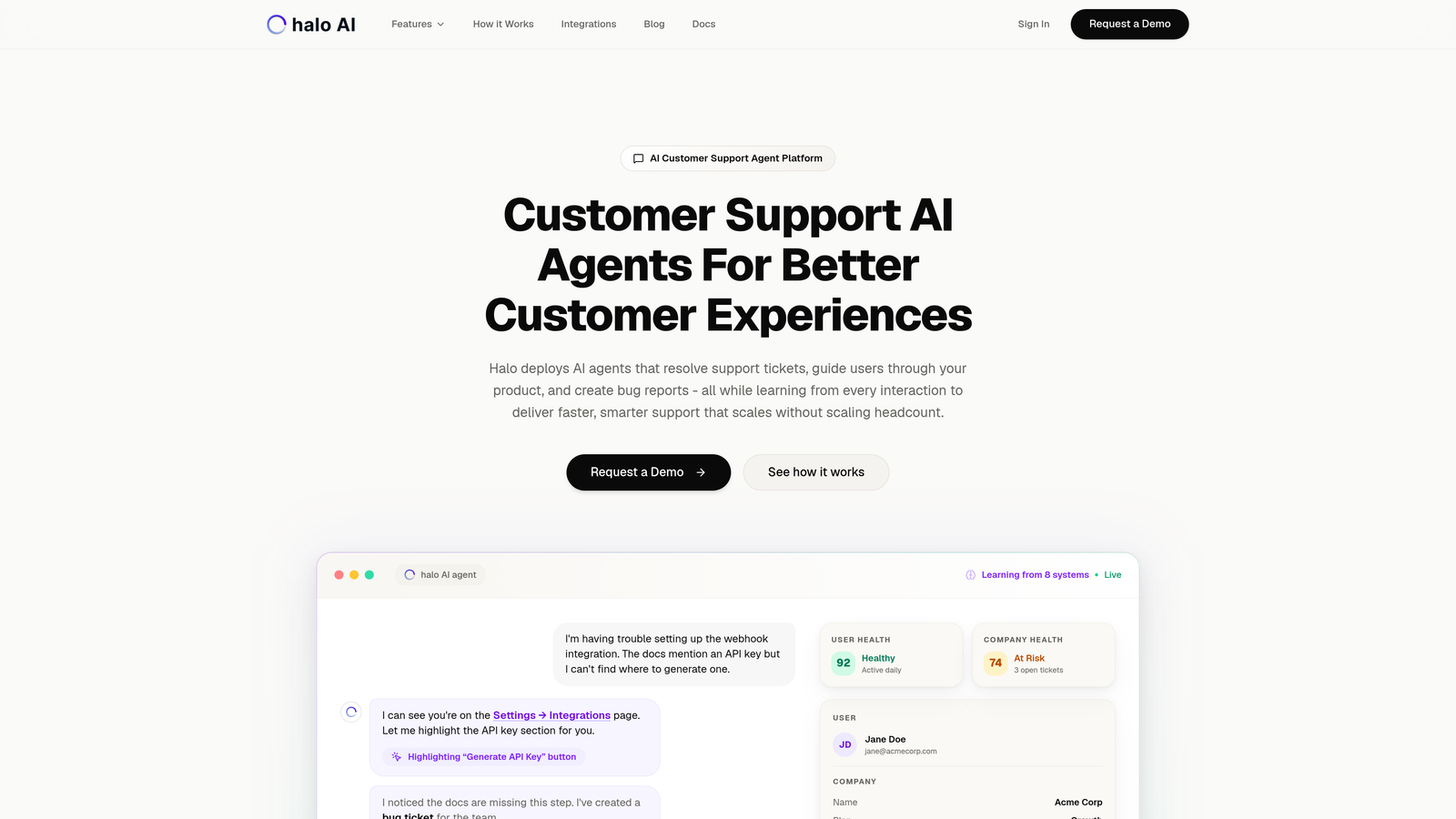
Halo AI is an AI-native customer support platform where intelligent agents don't just triage tickets—they resolve them, guide users through your product, and continuously learn from every interaction.
Where This Tool Shines
Unlike traditional helpdesks that bolted AI onto existing systems, Halo built its entire architecture around intelligent automation from day one. The platform's AI agents see what your users see through page-aware context, meaning they can provide visual guidance and understand issues in the actual environment where problems occur.
The continuous learning model sets Halo apart. Every resolved ticket, every user interaction, every bug report created feeds back into the system, making the AI smarter with each conversation. This isn't static automation—it's intelligence that compounds over time.
Key Features
Autonomous AI Agents: Resolve and triage tickets without human intervention, escalating only when complexity requires it.
Page-Aware Context: Sees your product interface alongside users, enabling visual guidance and accurate issue diagnosis.
Smart Inbox with Business Intelligence: Surfaces customer health signals, revenue intelligence, and anomaly detection beyond basic support metrics.
Auto Bug Ticket Creation: Converts support conversations into properly formatted bug reports in Linear automatically.
Multi-System Integrations: Connects across your entire business stack including Slack, HubSpot, Intercom, Stripe, Zoom, and PandaDoc.
Best For
B2B companies and product teams tired of scaling headcount linearly with customer growth. Particularly valuable for SaaS companies using helpdesk systems like Zendesk, Freshdesk, or Intercom who want intelligence that extends beyond support into business operations.
Pricing
Contact for pricing. The platform's value scales with learning, so pricing typically aligns with ticket volume and integration complexity.
2. Zendesk AI
Best for: Enterprise teams already invested in Zendesk ecosystem seeking advanced AI triage capabilities.
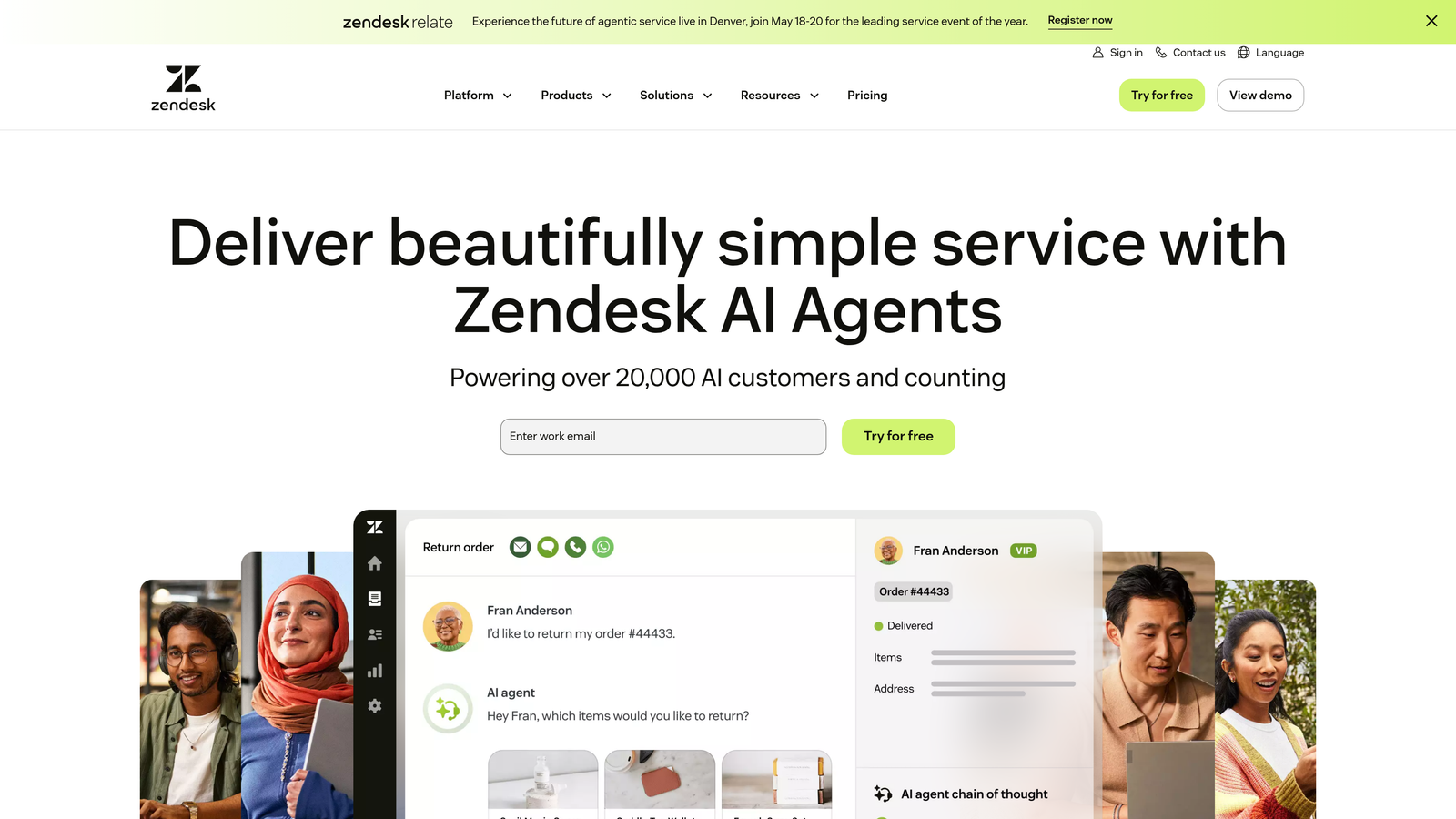
Zendesk AI brings enterprise-grade artificial intelligence directly into the Zendesk platform, offering intent detection, intelligent triage, and automated routing built on years of support conversation data.
Where This Tool Shines
Zendesk's AI benefits from massive training datasets across industries, making intent detection remarkably accurate out of the box. The system recognizes patterns in how customers phrase issues and can distinguish between "I can't log in" (urgent) and "How do I change my password?" (routine) with impressive precision.
The skills-based routing goes beyond simple category matching. It considers agent expertise, current workload, language capabilities, and historical resolution rates to make intelligent assignment decisions that improve first-contact resolution.
Key Features
Intent and Sentiment Detection: Automatically identifies what customers need and how they feel about it before tickets reach agents.
Intelligent Priority Assignment: Evaluates urgency based on content, customer tier, and business impact rather than manual tagging.
Macro Suggestions: Recommends pre-built responses based on ticket content, speeding up agent workflows.
Pre-Trained Models: Leverages Zendesk's extensive support conversation database for immediate accuracy without lengthy training periods.
Custom Workflow Integration: Connects triage decisions to Zendesk's automation and SLA management systems seamlessly.
Best For
Large support organizations already using Zendesk who need sophisticated triage without platform migration. Works particularly well for teams handling 1,000+ tickets monthly across multiple product lines or customer segments.
Pricing
AI capabilities available as add-on to Suite Professional and higher plans, with total cost starting around $115 per agent monthly. Enterprise deployments with custom AI training require higher-tier licensing.
3. Freshdesk Freddy AI
Best for: Growing teams wanting comprehensive AI assistance at mid-market pricing with minimal setup complexity.
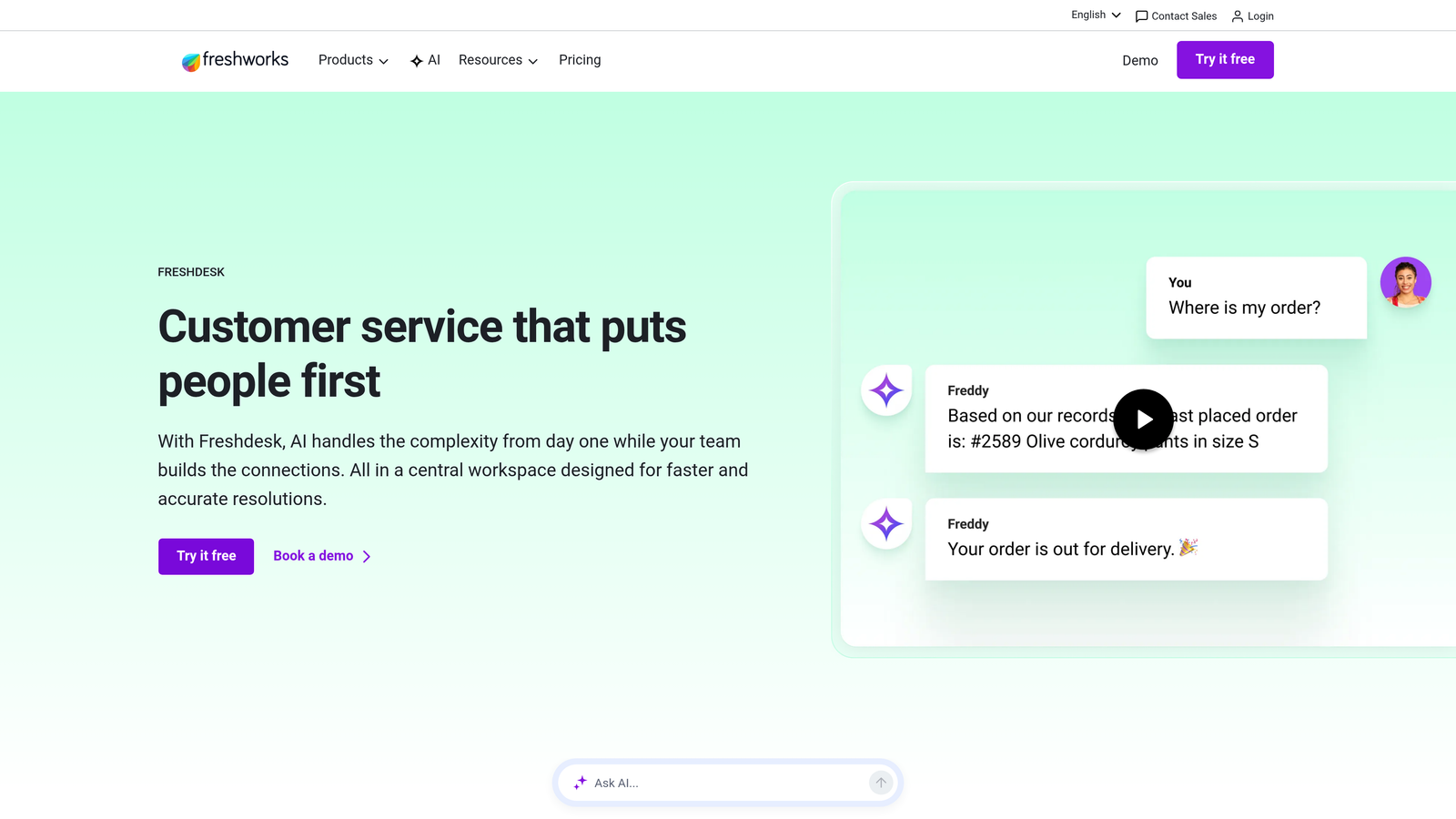
Freshdesk Freddy AI handles ticket classification, routing, and provides agents with contextual suggestions, making it easier for teams to scale support operations without proportional headcount increases.
Where This Tool Shines
Freddy AI excels at the practical details that slow down support teams. The "thank you detector" might sound minor until you realize how many tickets get unnecessarily reopened because agents respond to customer gratitude. That one feature alone can reduce ticket volume by 5-10% for some teams.
The canned response suggestions appear at exactly the right moment in agent workflows, analyzing ticket content and surfacing relevant templates without agents needing to search through dozens of saved replies. It's AI that genuinely speeds up work rather than adding another system to check.
Key Features
Auto-Triage with Prediction: Suggests categories and priority levels based on ticket content with one-click confirmation.
Skill-Based Assignment: Routes tickets to agents with relevant expertise and capacity, balancing workload automatically.
Knowledge Base Recommendations: Suggests relevant help articles to agents and customers, reducing resolution time.
Thank You Detection: Prevents ticket reopening when customers send appreciation messages, cleaning up queue management.
Agent Assist Panel: Displays AI suggestions in sidebar without disrupting agent workflow or requiring context switching.
Best For
Mid-sized support teams (10-50 agents) who need intelligent triage without enterprise complexity or budget. Particularly effective for companies with well-documented knowledge bases that AI can leverage for recommendations.
Pricing
Freddy AI included in Pro plan at $49 per agent monthly. Advanced features like custom AI models and deeper analytics available in Enterprise plan at $79 per agent monthly.
4. Intercom Fin
Best for: Product-led companies using chat-first support who want triage and resolution in a single conversational flow.
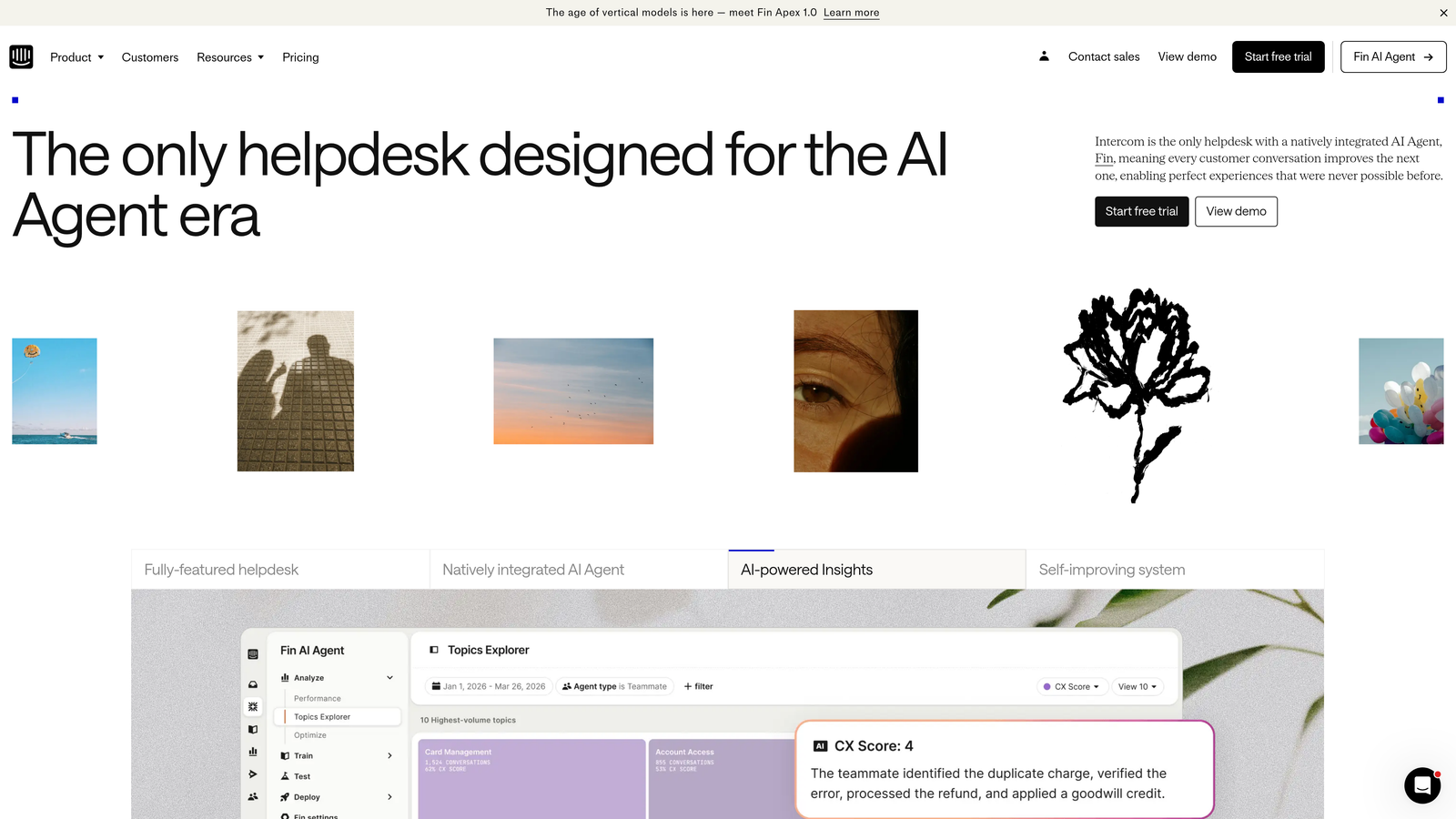
Intercom Fin combines conversational AI with intelligent triage, designed specifically for companies where support happens primarily through in-app chat rather than traditional ticketing systems.
Where This Tool Shines
Fin doesn't force conversations into traditional ticket categories. Instead, it understands intent within natural conversation flow and either resolves issues directly or routes to the right specialist—all while maintaining conversational context. Users never feel like they're being "transferred" in the traditional support sense.
The proactive support triggers represent triage happening before problems become tickets. Fin can detect when users are stuck on a specific page or workflow and offer assistance preemptively, routing complex situations to humans while handling routine guidance automatically.
Key Features
Conversational Intent Recognition: Identifies what users need within chat flow without requiring structured ticket forms.
Custom Training Capability: Learns your product's specific terminology and common issues for more accurate routing decisions.
Context-Aware Handoff: Transfers complex conversations to human agents with complete history and identified intent.
Resolution and Triage Combined: Handles both automatic resolution and intelligent routing in single interaction flow.
Proactive Triggers: Initiates support conversations based on user behavior patterns, preventing issues from becoming tickets.
Best For
SaaS companies with product-led growth models where users expect instant, conversational support. Especially valuable for teams wanting to reduce ticket volume through proactive assistance rather than just sorting existing requests.
Pricing
Fin operates on usage-based pricing at $0.99 per resolution. Base Intercom platform starts at $39 per seat monthly, with Fin costs scaling based on conversation volume handled.
5. Salesforce Service Cloud Einstein
Best for: Organizations deeply invested in Salesforce ecosystem needing triage that leverages complete customer relationship context.
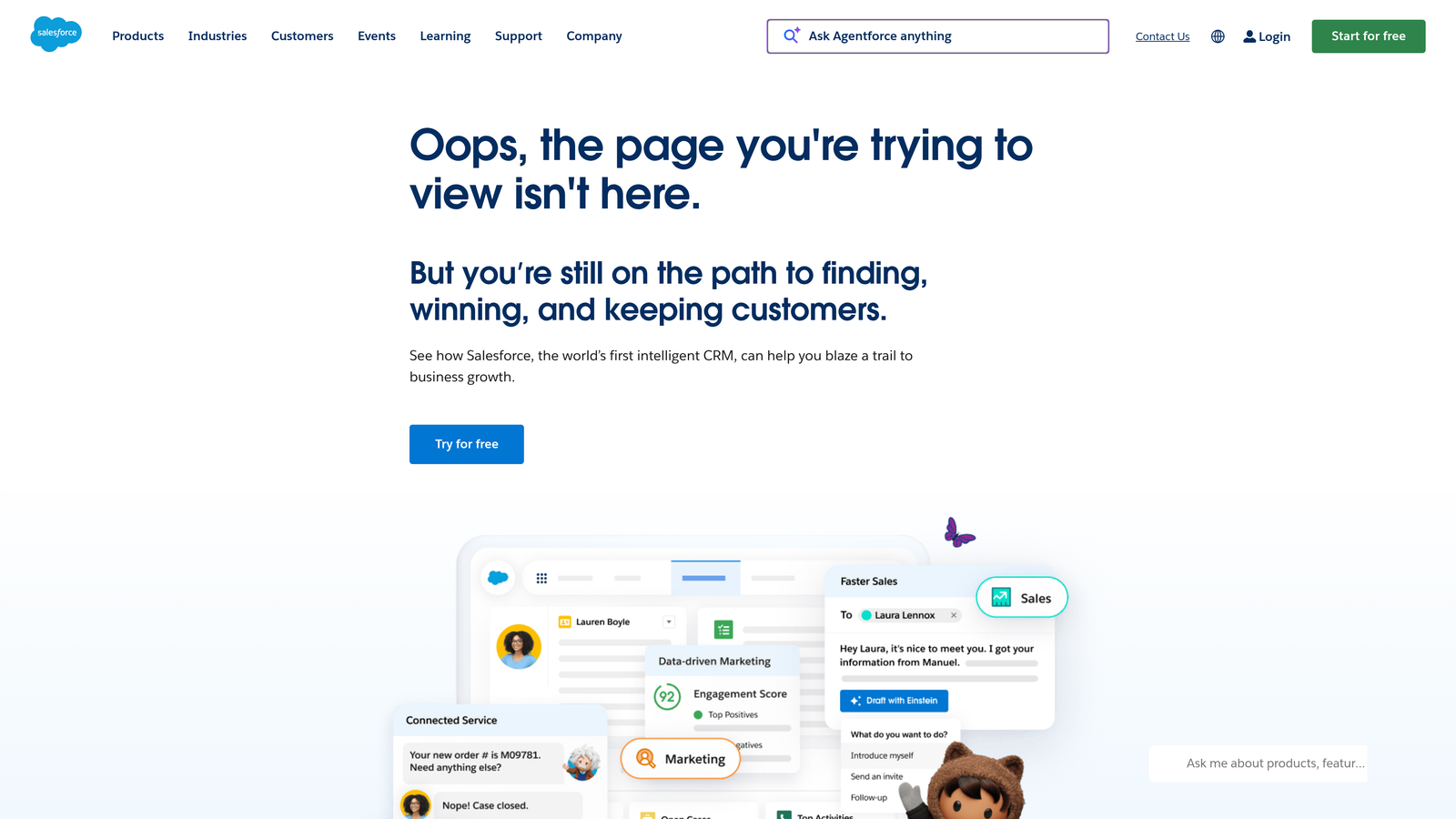
Salesforce Service Cloud Einstein offers AI-powered case management with classification, routing, and next-best-action recommendations that tap into the full Salesforce CRM data universe.
Where This Tool Shines
Einstein's competitive advantage lies in context depth. When triaging a support case, it doesn't just analyze the ticket content—it considers the customer's purchase history, contract value, recent interactions, open opportunities, and relationship health. A login issue from a customer in renewal negotiations gets routed very differently than the same issue from a free trial user.
The Next Best Action recommendations extend triage beyond simple routing. Einstein suggests whether agents should offer a product upgrade, schedule a training session, or escalate to account management based on the complete customer picture, turning support interactions into relationship opportunities.
Key Features
Einstein Case Classification: Automatically categorizes cases using historical data and natural language understanding.
Intelligent Routing with CRM Context: Assigns cases based on customer value, relationship status, and agent expertise simultaneously.
Next Best Action Recommendations: Suggests optimal resolution paths considering business context beyond the immediate issue.
Omni-Channel Routing: Triages across voice, chat, email, and social channels with consistent intelligence.
Custom AI Model Training: Allows enterprises to train classification models on industry-specific terminology and workflows.
Best For
Enterprise organizations already using Salesforce CRM who need support triage that considers the complete customer relationship. Most valuable when support decisions should factor in account value, renewal status, or expansion opportunities.
Pricing
Service Cloud Enterprise at $165 per user monthly provides base platform. Einstein features require additional licensing, with total costs typically ranging $200-300+ per user monthly for full AI capabilities.
6. Kustomer IQ
Best for: High-volume e-commerce operations needing omnichannel triage across email, chat, social, and SMS simultaneously.
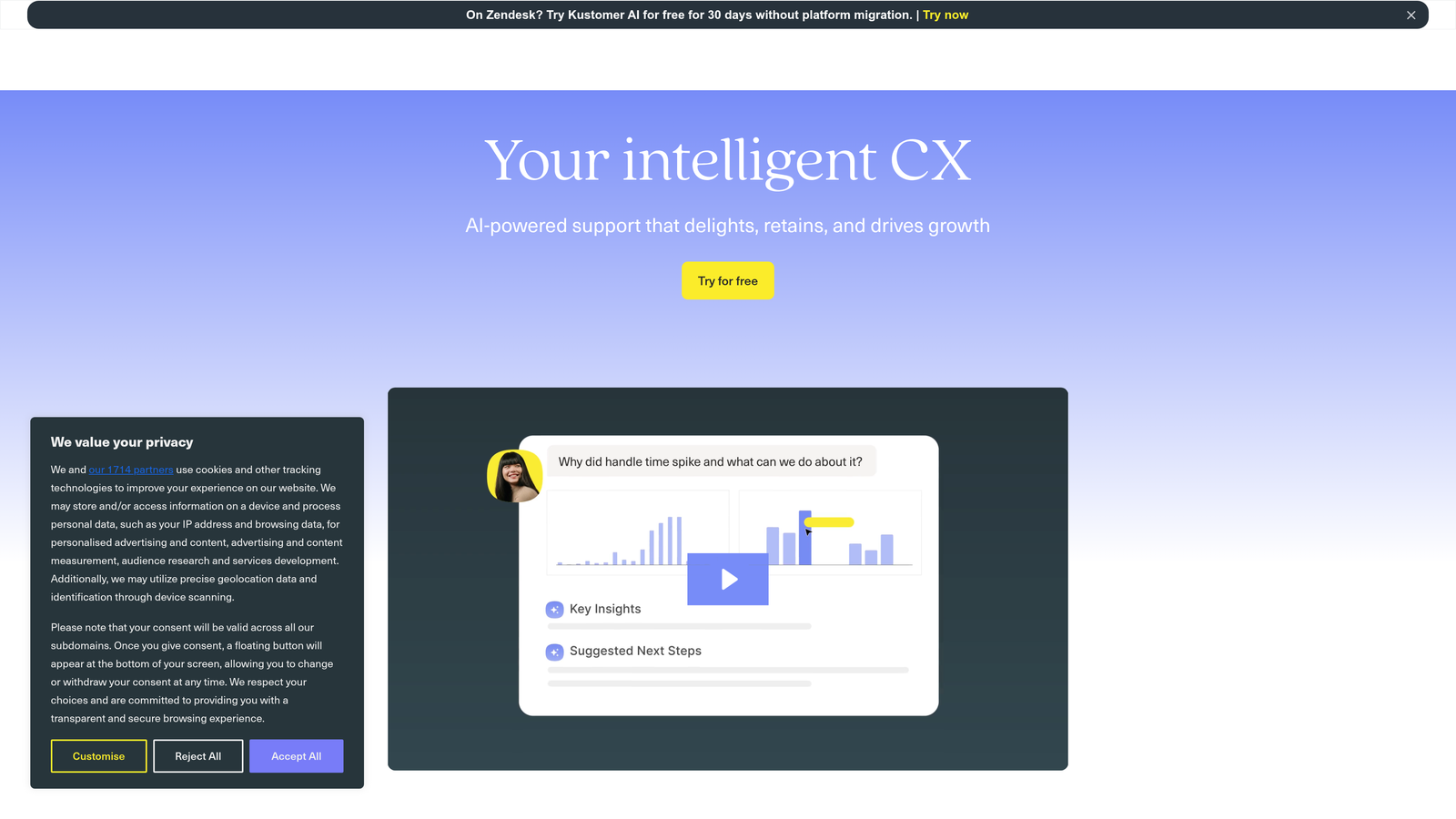
Kustomer IQ adds an AI layer to Kustomer's CRM-based support platform, specializing in conversation classification and routing for retail and e-commerce companies managing thousands of daily interactions.
Where This Tool Shines
Kustomer's customer timeline view gives triage AI unprecedented context. Instead of treating each message as an isolated ticket, IQ sees the complete conversation history across all channels—the Instagram DM about a damaged product, the follow-up email with photos, the chat asking about replacement status. This timeline-aware triage prevents duplicate handling and ensures continuity.
The sentiment-based priority escalation proves particularly valuable for e-commerce where a single viral complaint can damage brand reputation. IQ detects rising frustration and escalates conversations before they become social media disasters, routing upset customers to senior agents proactively.
Key Features
Omnichannel Conversation Classification: Categorizes and routes interactions from email, chat, social media, and SMS with unified intelligence.
Customer Timeline Context: Considers complete interaction history across channels when making routing decisions.
Sentiment-Based Escalation: Automatically prioritizes conversations showing frustration or dissatisfaction for senior agent handling.
Queue Management Automation: Balances workload across teams handling different product categories or customer segments.
E-Commerce Platform Integration: Connects directly to Shopify, Magento, and BigCommerce for order context in triage decisions.
Best For
E-commerce brands handling 5,000+ monthly conversations across multiple channels. Particularly effective for direct-to-consumer companies where support happens wherever customers are—Instagram, Facebook, email, chat—rather than through traditional ticketing.
Pricing
Enterprise plan at $89 per user monthly includes IQ features. Volume-based pricing available for large e-commerce operations with dedicated account management and custom training.
7. Zoho Desk Zia
Best for: Budget-conscious growing teams wanting AI triage capabilities without enterprise-level investment or complexity.
Zoho Desk Zia offers sentiment analysis, anomaly detection, and ticket classification designed for small to mid-sized support teams who need intelligent automation at accessible pricing.
Where This Tool Shines
Zia's anomaly detection catches patterns that manual triage misses. When ticket volume suddenly spikes on a specific topic, or when resolution times for a particular category start climbing, Zia alerts managers before small issues become major problems. This predictive aspect of triage helps teams stay ahead of emerging issues.
The auto-tagging and field prediction reduce manual data entry that bogs down triage workflows. Zia watches how agents categorize tickets and starts making accurate predictions, learning your specific taxonomy without requiring complex rule configuration or training datasets.
Key Features
Sentiment and Tone Analysis: Detects customer emotion in ticket content to inform priority and routing decisions.
Ticket Anomaly Detection: Identifies unusual patterns in volume, category distribution, or resolution times for proactive management.
Auto-Tagging and Prediction: Learns from agent behavior to suggest tags, categories, and field values automatically.
Knowledge Base Suggestions: Recommends relevant help articles to agents based on ticket content analysis.
Workflow Automation Triggers: Initiates automated actions based on AI-detected conditions without manual rule creation.
Best For
Growing support teams (5-25 agents) who need AI assistance without the price tag of enterprise platforms. Works well for companies already using other Zoho products who want integrated triage across the ecosystem.
Pricing
Zia available on Professional plan at $23 per user monthly. Full AI feature set including custom training and advanced analytics on Enterprise plan at $40 per user monthly.
8. Help Scout Plus AI
Best for: Teams prioritizing human-centric support who want AI to enhance rather than replace agent decision-making.
Help Scout Plus AI provides intelligent assistance through conversation summaries, draft suggestions, and smart routing while maintaining a philosophy that AI should support agents rather than automate them away.
Where This Tool Shines
Help Scout's AI conversation summaries transform how team coordination works during triage. When an agent picks up a ticket that's been partially handled by a colleague, they get an AI-generated summary of key points rather than reading through entire thread history. This speeds up context gathering without losing important details.
The collision detection prevents the duplicate work that plagues manual triage systems. When multiple agents open the same conversation, Help Scout alerts them immediately, avoiding situations where two people spend time crafting responses to the same issue.
Key Features
AI Conversation Summaries: Generates concise overviews of long ticket threads for quick context understanding.
Draft Reply Suggestions: Offers starting points for agent responses based on conversation content and tone.
Content-Based Smart Routing: Analyzes conversation topics to suggest appropriate team or agent assignment.
Collision Detection: Prevents multiple agents from working on the same conversation simultaneously.
Clean Interface Design: Presents AI suggestions without cluttering agent workspace or disrupting natural workflow.
Best For
Support teams that value personal customer relationships and want AI to handle administrative overhead rather than customer interaction. Ideal for companies with 10-30 agents where maintaining brand voice consistency matters more than maximum automation.
Pricing
Plus plan at $40 per user monthly includes all AI features. No separate AI licensing or usage-based fees—capabilities included in standard subscription.
9. Gorgias
Best for: E-commerce businesses needing triage that understands order status, shipping, and revenue context automatically.
Gorgias specializes in e-commerce support with intent-based triage and deep integrations with Shopify, BigCommerce, and Magento that inform routing decisions with order and customer data.
Where This Tool Shines
Gorgias's revenue-based ticket prioritization transforms how e-commerce teams think about triage. A question from a customer who just placed a $2,000 order gets routed differently than the same question from someone with a $30 cart—not because the customer is more important as a person, but because the business impact of resolution speed differs dramatically.
The automated responses for common e-commerce questions handle the high-volume, low-complexity issues that plague online retail. "Where is my order?" tickets get instant, accurate responses pulled from actual shipping data, freeing agents to focus on complex product questions, returns, or upset customers who need human attention.
Key Features
Intent Detection for Orders: Recognizes order-related queries and routes based on issue type (shipping, returns, modifications).
Revenue-Based Prioritization: Considers customer lifetime value and current order value when assigning priority levels.
Automated E-Commerce Responses: Handles common queries about order status, shipping, and tracking with real data from commerce platforms.
Deep Shopify Integration: Pulls order history, customer data, and product information directly into triage decisions.
Self-Service Order Management: Allows customers to modify orders, update addresses, or track shipments without creating tickets.
Best For
E-commerce businesses handling primarily order-related support volume. Most effective for Shopify stores processing 500+ monthly orders where shipping and order status inquiries dominate ticket queues.
Pricing
Starts at $10 monthly for 50 tickets with basic automation. Pro plan at $360 monthly covers 2,000 tickets and includes advanced intent detection and routing. Volume pricing available for high-ticket operations.
Making the Right Choice
The best intelligent support triage software depends on where support happens for your business and what you're optimizing for beyond simple ticket sorting.
For AI-native intelligence that continuously improves, Halo AI stands out by treating learning as a core feature rather than a bolt-on capability. Teams wanting triage that gets smarter with every interaction—and extends beyond support into business intelligence—will find the most value here.
Enterprise teams already invested in specific ecosystems should look at Zendesk AI or Salesforce Service Cloud Einstein. The integration depth and context these platforms provide often outweighs standalone triage features, particularly when support decisions should consider customer relationship data.
E-commerce operations face different triage challenges than SaaS companies. Gorgias and Kustomer IQ specialize in the high-volume, order-focused support that dominates online retail, with revenue-aware prioritization and commerce platform integrations that generic triage tools lack.
Budget-conscious growing teams should evaluate Zoho Desk Zia and Freshdesk Freddy AI. Both offer legitimate AI capabilities at mid-market pricing, with enough sophistication to handle complex routing without enterprise-level investment or implementation timelines.
For teams prioritizing human-centric support, Help Scout Plus AI and Intercom Fin take different approaches but share a philosophy: AI should enhance agent effectiveness rather than replace human judgment. These platforms excel when maintaining personal customer relationships matters more than maximum automation.
Start your evaluation by analyzing your current triage bottlenecks. Are agents spending hours categorizing tickets manually? Do urgent issues sit in queues while routine questions get immediate attention? Does your team lack visibility into which customer issues carry business impact beyond the immediate support request?
Your support team shouldn't scale linearly with your customer base. Let AI agents handle routine tickets, guide users through your product, and surface business intelligence while your team focuses on complex issues that need a human touch. See Halo in action and discover how continuous learning transforms every interaction into smarter, faster support.