9 Best Tools to Eliminate Support Context Switching in 2026
Support teams waste significant time and focus switching between disconnected tools to resolve a single ticket — a productivity drain caused by the lack of support context switching tools. This guide evaluates nine solutions for B2B SaaS teams, from AI agents that handle tickets end-to-end to unified inboxes and automation layers that consolidate your support stack and surface the right customer data automatically.
 Matt PattoliFounder14 min read
Every time a support agent tabs between their helpdesk, CRM, bug tracker, Slack, and billing system to answer a single ticket, they lose time, lose context, and lose the thread of the conversation. This constant context switching is one of the most underrated drains on support team productivity, and customer experience suffers quietly as a result.
The tools below were selected specifically for how directly they address this problem. Each was evaluated on integration depth, AI capabilities, scalability for B2B SaaS teams, and real-world usability for support and product teams. Whether you need an AI agent that resolves tickets end-to-end, a unified inbox that surfaces the right data automatically, or an automation layer that connects your stack, there's a solution here worth your attention.
1. Halo AI
Best for: SaaS teams that want AI agents to eliminate context switching entirely
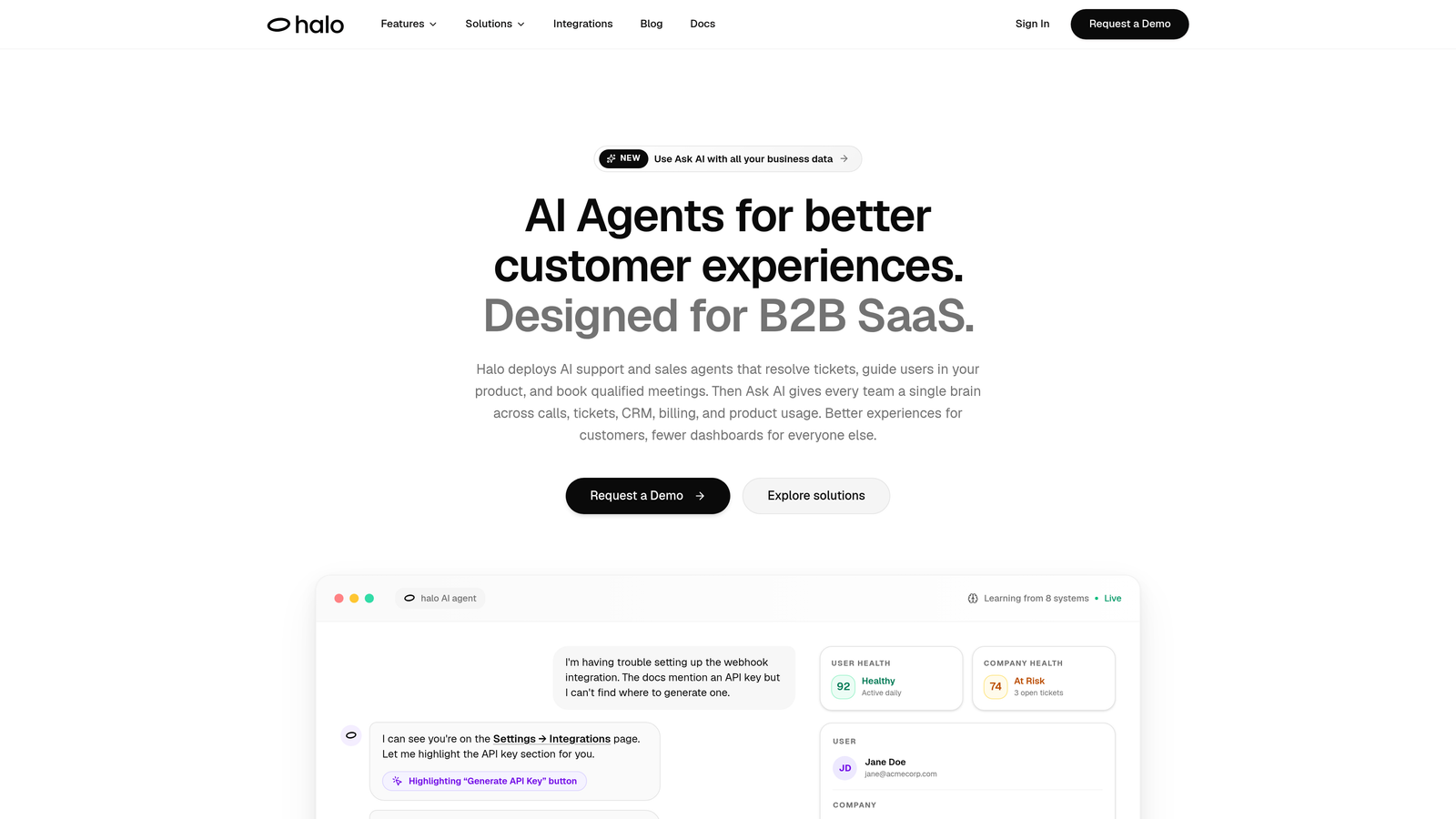
Halo AI is an AI-first customer support platform designed from the ground up to remove the need for agents to tab between tools.
Where This Tool Shines
Most helpdesks consolidate channels but still leave agents hunting for context across CRM tabs, Slack threads, and bug trackers. Halo takes a different approach: it brings all of that context into a single intelligent surface, and in many cases, the AI agent resolves the ticket before a human ever needs to get involved.
What makes Halo genuinely distinctive is page-aware context. The AI understands what screen the user is on when they reach out, which means agents and AI alike already know the situation without asking. Combined with autonomous ticket resolution and seamless handoff to live agents with full context preserved, it's one of the few platforms built specifically around eliminating the switching problem rather than just reducing it.
Key Features
Page-Aware AI Agents: The AI sees what the user sees on-screen, providing context-aware support without agents needing to ask basic orientation questions.
Full Stack Integrations: Connects to Linear, Slack, HubSpot, Intercom, Stripe, Zoom, PandaDoc, and Fathom in one platform, so agents never need to open a separate app for customer or product data.
Smart Inbox with Business Intelligence: Surfaces customer health signals, revenue context, and anomaly detection alongside tickets, turning support into a source of strategic insight.
Auto Bug Ticket Creation: Automatically creates bug tickets in Linear or connected trackers directly from support conversations, eliminating manual Jira and Linear switching.
Live Agent Handoff with Full Context: When escalation is needed, the handoff preserves the entire conversation and context so human agents never start from zero.
Best For
B2B SaaS teams that want to scale support without scaling headcount. Particularly well-suited for product-led companies where support agents need visibility into product usage, billing, and engineering context simultaneously.
Pricing
Contact haloagents.ai directly for pricing. Given the platform's scope, pricing is tailored to team size and use case.
2. Intercom
Best for: SaaS companies wanting AI deflection with unified messaging in one inbox
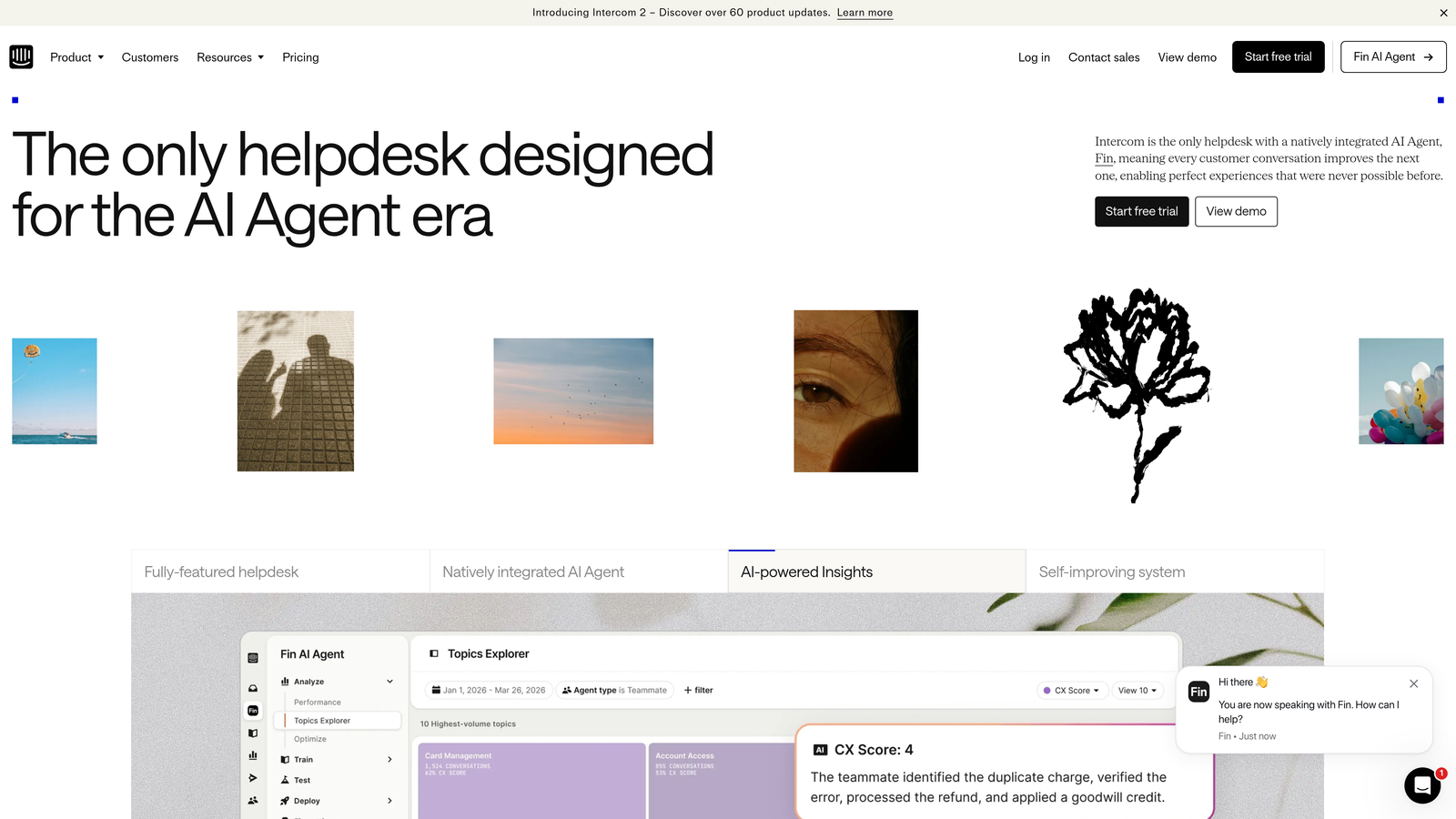
Intercom is a customer messaging platform combining a unified inbox with Fin, its AI agent, built to handle support volume while keeping customer data visible in context.
Where This Tool Shines
Intercom is strong for teams that already use it for product messaging and want to extend that into support. The customer profile sidebar surfaces account data, conversation history, and product events directly inside the ticket view, which meaningfully reduces the need to flip to a CRM mid-conversation.
Fin, Intercom's AI agent, handles common questions using your help center content and can resolve a meaningful portion of inbound volume before it reaches a human. For teams already embedded in the Intercom ecosystem, this is one of the smoother paths to AI-assisted support.
Key Features
Fin AI Agent: Resolves common questions using your help center content, reducing inbound volume without requiring human intervention.
Unified Inbox: Consolidates chat, email, and in-app messages into a single queue so agents aren't managing separate inboxes.
Customer Profile Sidebar: Surfaces account data, conversation history, and product events in-ticket without requiring a CRM tab.
Broad Integrations: Connects with Salesforce, HubSpot, Stripe, and major SaaS tools to pull in relevant customer context.
Conversation Routing Automation: Reduces manual queue management through intelligent assignment and routing rules.
Best For
SaaS companies already using Intercom for in-app messaging who want to extend into AI-assisted support without adopting a separate platform. Less ideal for teams with complex multi-channel needs beyond chat and email.
Pricing
Starter plans begin at approximately $39 per seat per month. Fin AI is priced per resolution. Verify current pricing at intercom.com as rates change.
3. Zendesk
Best for: Mid-market and enterprise teams needing broad channel consolidation
Zendesk is one of the most widely deployed helpdesk platforms, offering a centralized agent workspace that pulls tickets from email, chat, social, and voice into a single queue.

Where This Tool Shines
Zendesk's Agent Workspace is genuinely effective at reducing channel-switching. Email, live chat, social mentions, and voice calls all land in one interface, which eliminates the most obvious form of context switching for high-volume teams. AI-powered triage and macro suggestions also reduce the cognitive load of categorizing and routing tickets manually.
The platform's depth is both its strength and its complexity. With over 1,000 marketplace integrations, teams can connect Salesforce, Jira, Slack, and more, but getting those integrations to surface context cleanly often requires configuration work. It's a powerful platform that rewards investment in setup.
Key Features
Agent Workspace: Consolidates email, chat, social, and voice into one view so agents work from a single interface.
AI Triage and Macro Suggestions: Reduces manual decision-making on ticket categorization, tagging, and response selection.
1,000+ Marketplace Integrations: Connects to Salesforce, Jira, Slack, Shopify, and a wide range of SaaS tools.
Side Conversations: Lets agents loop in internal teams or external parties without leaving the ticket interface.
Advanced Reporting and SLA Tracking: Built-in analytics reduce the need to export data to separate reporting tools.
Best For
Mid-market and enterprise support teams with high volume across multiple channels. Teams with dedicated support ops resources who can invest in configuration and integration management will get the most from Zendesk.
Pricing
Suite Team starts at approximately $55 per agent per month. Verify current pricing at zendesk.com.
4. Freshdesk
Best for: Growing teams that want omnichannel support with built-in AI at an accessible price
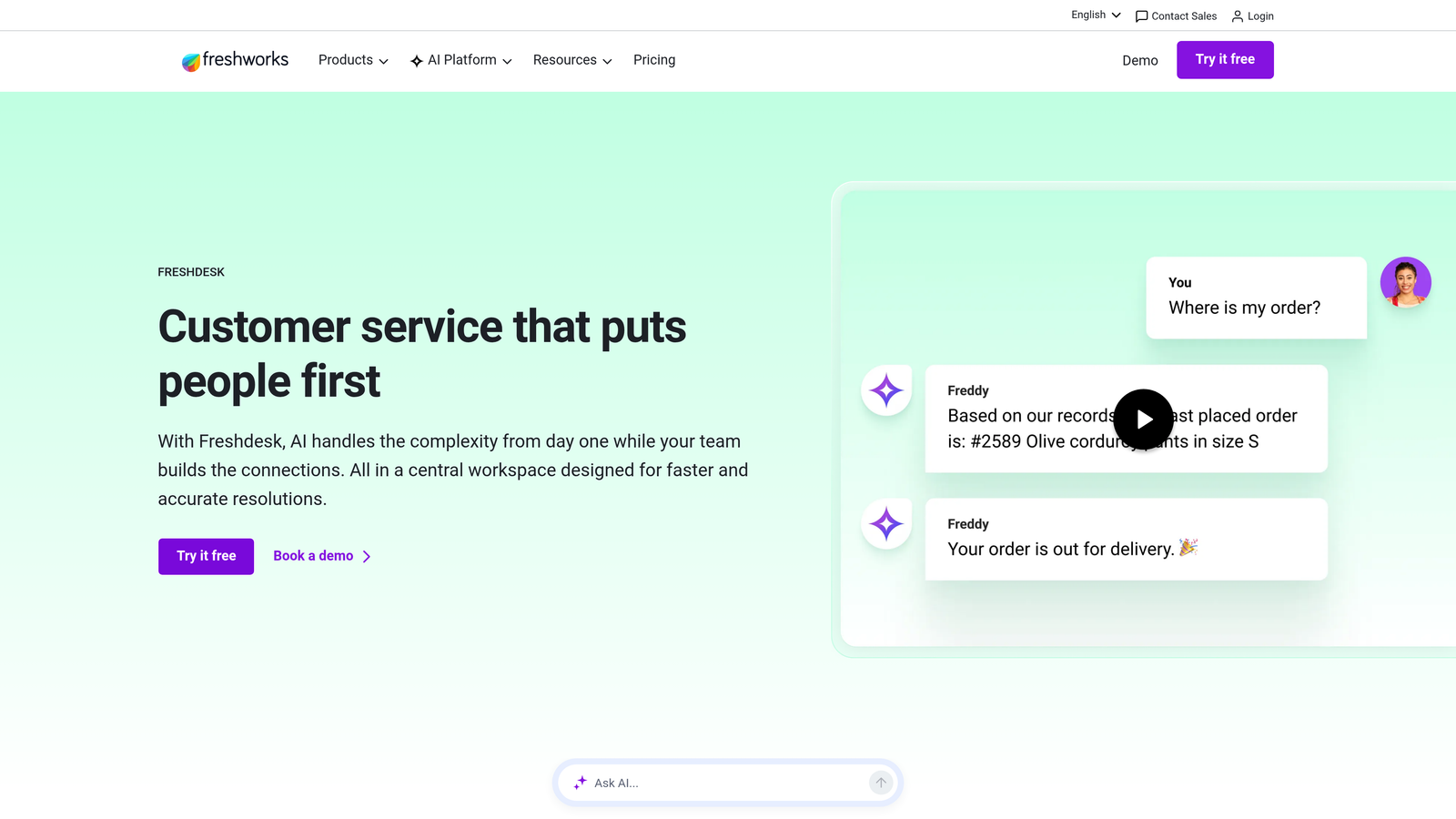
Freshdesk is an omnichannel helpdesk with built-in AI (Freddy) that surfaces customer history and response suggestions directly in the ticket view.
Where This Tool Shines
Freshdesk's Freddy AI is genuinely useful for reducing in-ticket switching. It suggests responses, surfaces relevant knowledge base articles, and shows customer history alongside the open ticket, so agents spend less time hunting for context. The Customer 360 view consolidates prior tickets, account details, and CSAT scores in one place.
For smaller teams or those with tighter budgets, Freshdesk offers a functional free tier that still reduces channel fragmentation meaningfully. It won't match Zendesk's depth or Halo's AI-first architecture, but it delivers solid context consolidation at a lower cost.
Key Features
Freddy AI: Suggests responses and surfaces relevant knowledge base articles in-ticket, reducing the need to search separately.
Omnichannel Inbox: Handles email, chat, phone, and social from a single interface.
Customer 360 View: Shows prior tickets, account details, and CSAT scores alongside the active conversation.
Native Integrations: Connects with Slack, Jira, HubSpot, and Shopify out of the box.
Accessible Pricing: Functional free tier available, with paid plans that scale affordably for small and mid-sized teams.
Best For
Small to mid-sized SaaS teams looking for an omnichannel helpdesk with AI assistance without the enterprise price tag. A strong starting point for teams moving off email-only support.
Pricing
Free tier available. Growth plan starts at approximately $15 per agent per month. Verify current pricing at freshdesk.com.
5. Guru
Best for: Support teams that lose time switching to wikis, Notion, or Google Docs mid-ticket
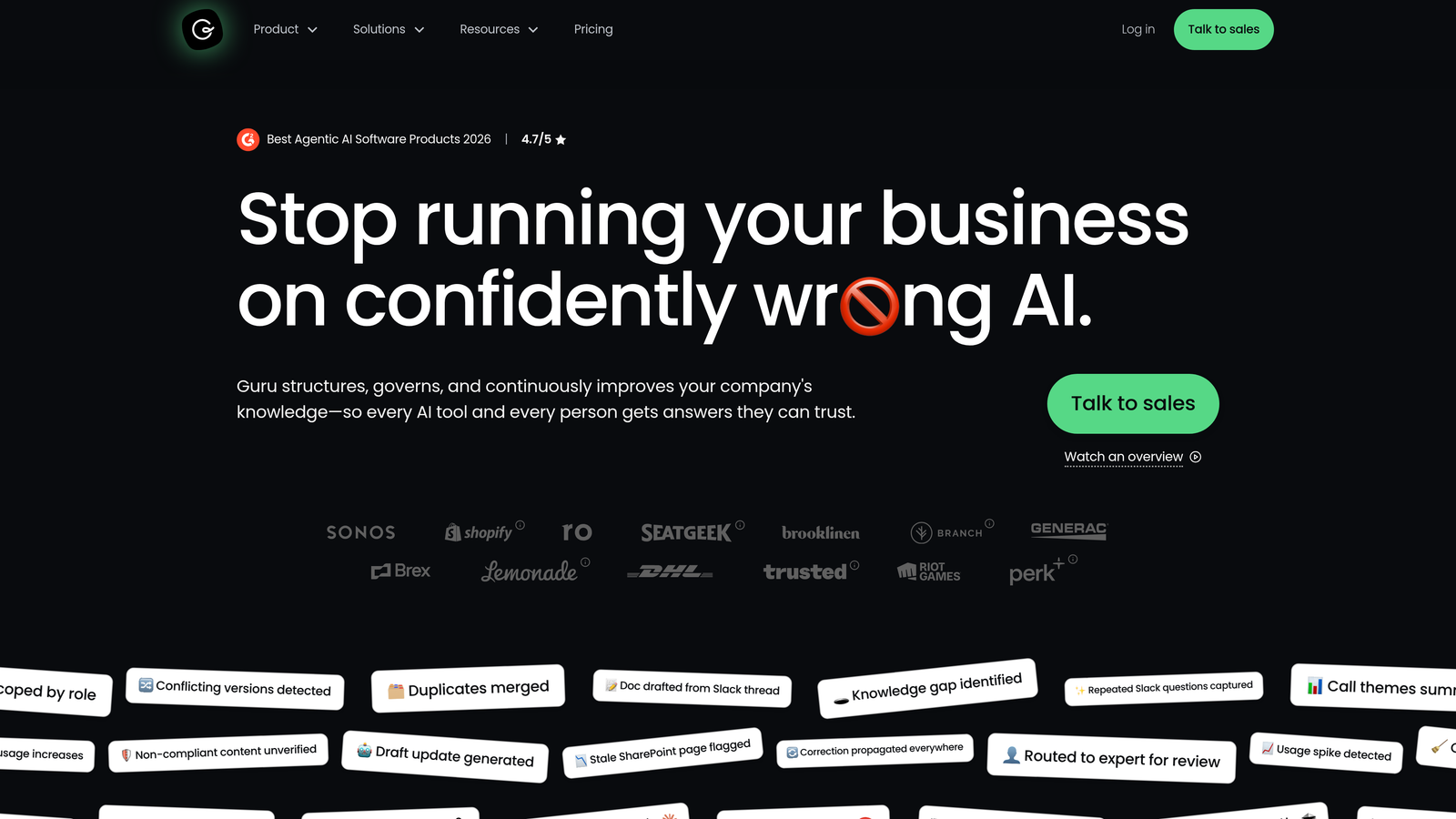
Guru is a knowledge management platform with an AI assistant and browser extension that surfaces verified answers inside whatever tool an agent is already using.
Where This Tool Shines
Guru targets a very specific and very common form of context switching: the moment an agent opens a new tab to look up a procedure, a product policy, or a troubleshooting step. The browser extension surfaces relevant knowledge cards directly inside Zendesk, Intercom, Salesforce, and other tools, so the answer comes to the agent rather than the agent going to find it.
The knowledge verification workflow is a practical differentiator. Outdated internal documentation is a real problem in fast-moving SaaS environments, and Guru's system ensures agents are always seeing current, verified information rather than stale wiki articles.
Key Features
Browser Extension: Surfaces relevant knowledge cards inside Zendesk, Intercom, Salesforce, and other tools without requiring a tab switch.
AI Search: Searches across connected knowledge sources including Confluence, Google Drive, and Notion using natural language.
Knowledge Verification Workflows: Ensures agents always see up-to-date, approved information rather than outdated documentation.
Slack Integration: Enables quick knowledge lookups directly within Slack conversations without leaving the channel.
Knowledge Gap Analytics: Shows which topics agents search for most, helping teams identify documentation gaps proactively.
Best For
Support teams with substantial internal knowledge bases who are losing time switching to documentation tools mid-ticket. Works best as a complement to an existing helpdesk rather than a standalone solution.
Pricing
Free tier available. Paid plans start at approximately $10 per user per month. Verify current pricing at getguru.com.
6. Assembled
Best for: Support managers and team leads toggling between WFM tools and their helpdesk
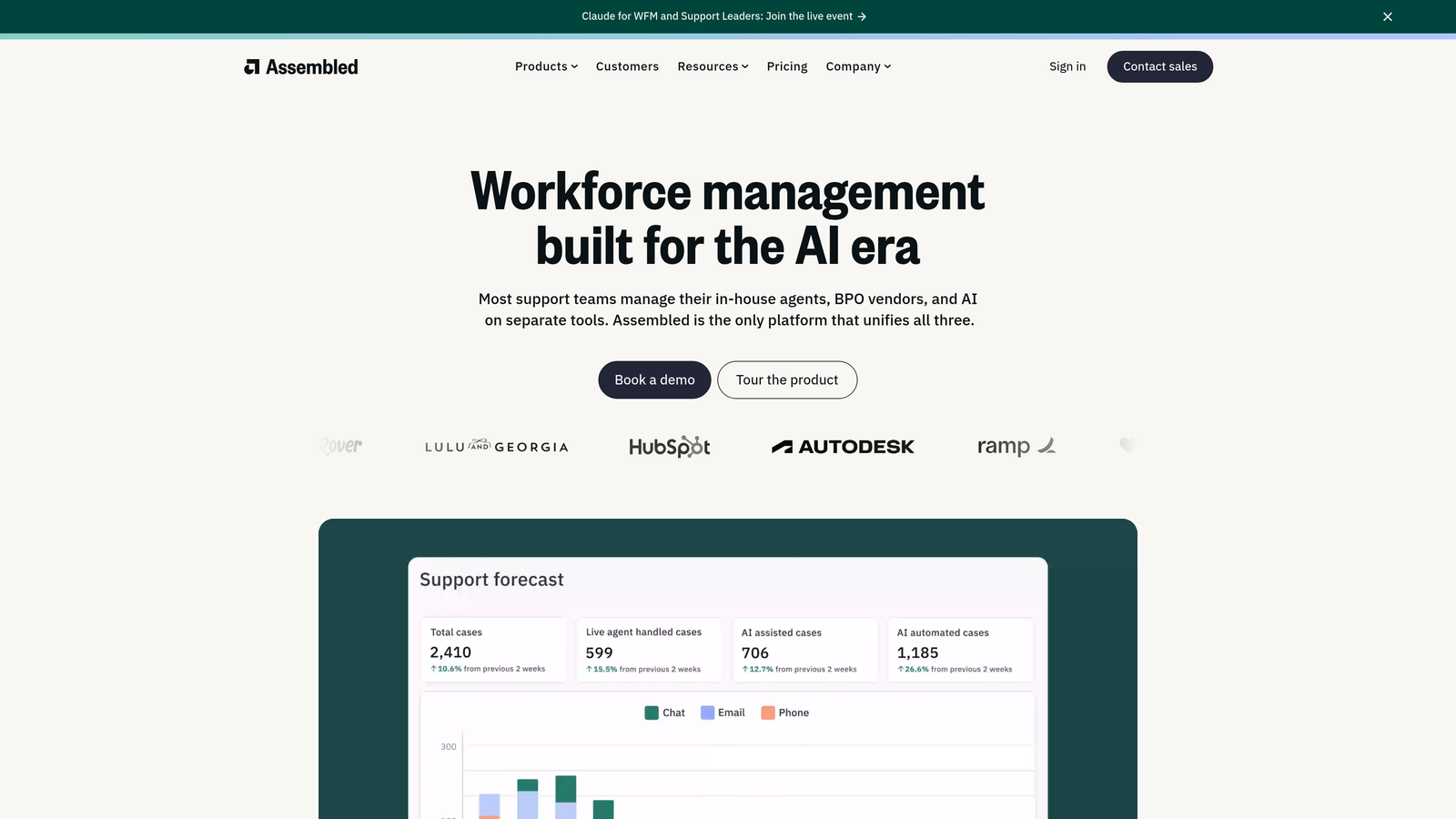
Assembled is a workforce management platform built specifically for support teams, combining scheduling, forecasting, and real-time queue visibility in one interface.
Where This Tool Shines
Context switching isn't just an agent problem. Support managers often toggle between spreadsheets, their helpdesk, and a separate WFM tool just to understand whether they're staffed correctly for current volume. Assembled solves this by pulling real-time queue data from Zendesk, Intercom, and Salesforce directly into the same interface where scheduling and forecasting happen.
For support ops teams, the elimination of spreadsheet exports and manual data reconciliation is the primary value. Scenario planning for volume spikes and coverage gaps is built in, which means fewer urgent Slack messages and fewer reactive staffing decisions made with incomplete information.
Key Features
Real-Time Queue Data: Pulls live queue and staffing data from Zendesk, Intercom, and Salesforce into a single view.
Integrated Forecasting and Scheduling: Combines both functions in one interface, eliminating spreadsheet exports and manual reconciliation.
Agent Adherence Tracking: Monitors performance and schedule adherence without requiring a separate tool.
Scenario Planning: Enables proactive planning for volume spikes and coverage gaps before they become crises.
Helpdesk Integration: Connects directly to major helpdesks so managers don't duplicate data entry across systems.
Best For
Support managers and operations leads at teams with 15 or more agents who are currently managing workforce planning across multiple disconnected tools. Less relevant for very small teams without dedicated ops functions.
Pricing
Pricing is not publicly listed. Contact Assembled directly at assembled.com for a quote.
7. Zapier
Best for: Teams that need to connect their support stack without engineering resources
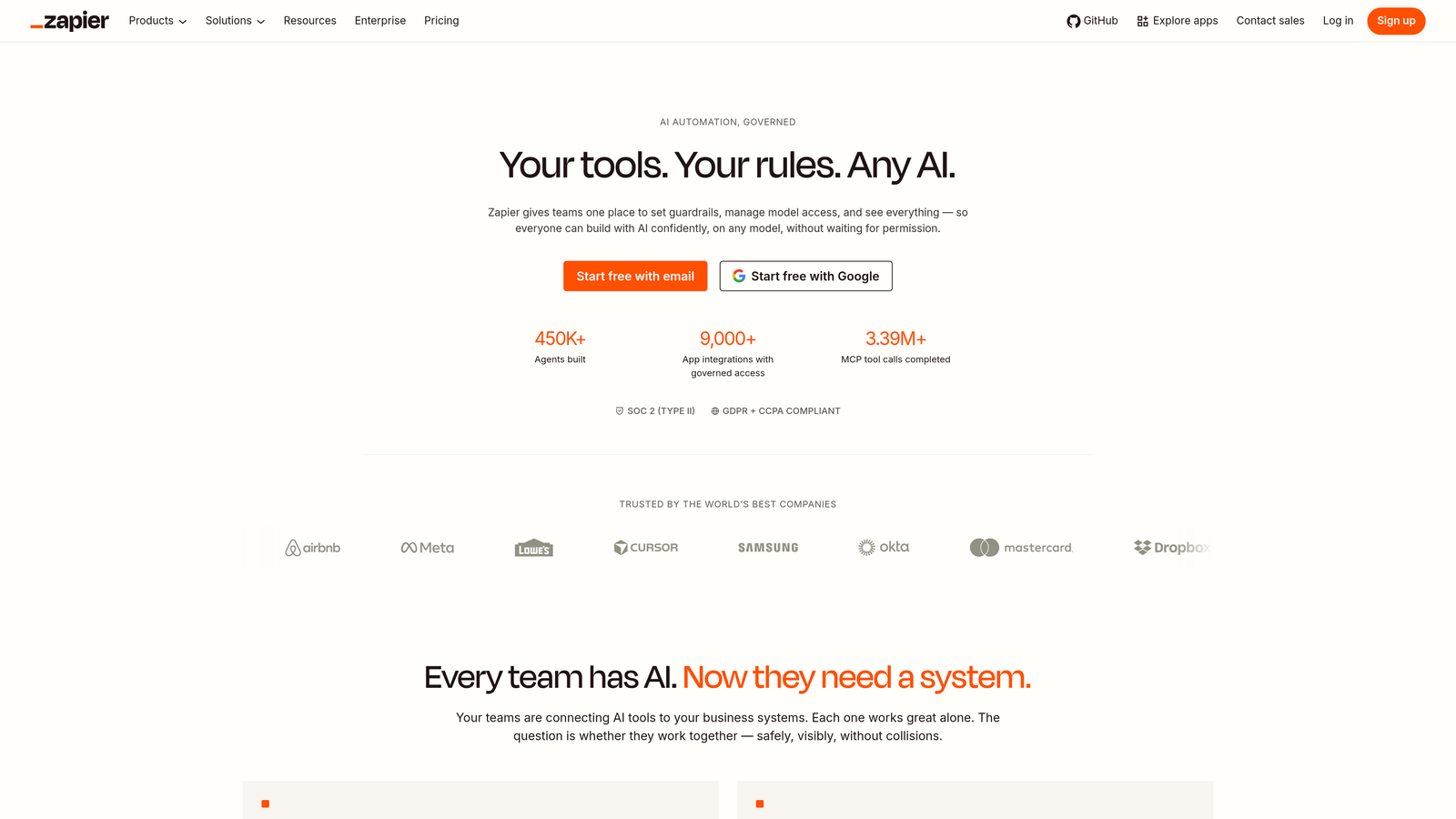
Zapier is an automation platform that connects your support stack to eliminate manual data transfer between tools, making it practical for teams that can't wait for custom integrations to be built.
Where This Tool Shines
Zapier isn't a support tool in the traditional sense, but it addresses a very real source of context switching: the manual work of moving information between systems that don't natively talk to each other. When an agent has to copy a customer's account details from HubSpot into a Zendesk ticket field, that's a Zapier problem waiting to be solved.
For support ops teams without dedicated engineering support, the no-code workflow builder is genuinely accessible. Common use cases include auto-populating ticket fields with CRM data, creating Linear or Jira issues from support tickets automatically, and triggering Slack escalation notifications without leaving the helpdesk.
Key Features
6,000+ App Integrations: Connects Zendesk, Freshdesk, HubSpot, Jira, Linear, Slack, and thousands of other tools.
Auto-Populate Ticket Fields: Pulls CRM data into helpdesk ticket fields automatically so agents see customer context immediately on open.
Automated Bug Ticket Creation: Creates Linear or Jira issues from support tickets without requiring agents to switch applications.
Slack Escalation Triggers: Sends Slack notifications for escalations automatically, removing the need to manually post updates.
No-Code Workflow Builder: Accessible to support ops teams without requiring engineering involvement for most use cases.
Best For
Support and ops teams that need to bridge gaps between tools quickly without custom development. Works best as a glue layer between existing platforms rather than a primary support tool.
Pricing
Free tier available. Paid plans start at approximately $19.99 per month. Verify current pricing at zapier.com.
8. Notion AI
Best for: Teams that document SOPs and runbooks in Notion and want faster in-workflow retrieval
Notion AI is an AI assistant built into Notion workspaces that lets support agents search runbooks, SOPs, and product documentation using natural language, without opening a separate browser tab.
Where This Tool Shines
For teams that already live in Notion, this is the lowest-friction way to reduce documentation-related context switching. Instead of searching through nested pages or opening a separate tab to find the right troubleshooting guide, agents can ask a natural language question and get a summarized answer pulled from existing Notion content.
It's worth being clear about what Notion AI is not: it's not a helpdesk, and it won't replace a dedicated knowledge management tool like Guru for teams with complex verification needs. But for teams whose internal documentation already lives in Notion, it meaningfully reduces the time spent hunting through pages under ticket pressure.
Key Features
Natural Language Search: Searches your entire Notion workspace using conversational queries rather than keyword navigation.
Document Summarization: Condenses long runbooks and documentation pages into quick answers for agents working under time pressure.
Response and Note Drafting: Drafts ticket responses and internal notes based on existing knowledge base content.
No Additional Tool Required: Works within Notion, so teams already using it don't need to adopt another platform.
Slack Integration: Connects to Slack for quick in-channel lookups without leaving the conversation.
Best For
Support teams whose internal knowledge base already lives in Notion and who want faster retrieval without switching to a dedicated knowledge tool. Less useful if your documentation is spread across multiple platforms.
Pricing
Notion AI is included in the Notion Plus plan at approximately $16 per user per month. Verify current pricing at notion.so.
9. Salesforce Service Cloud
Best for: Enterprise teams already in the Salesforce ecosystem that need support and CRM in one surface
Salesforce Service Cloud is an enterprise support platform deeply integrated with Salesforce CRM, giving agents a unified console with complete customer history, open cases, and AI-powered recommendations without leaving Salesforce.
Where This Tool Shines
For enterprise teams already running their business on Salesforce, Service Cloud eliminates the most painful form of context switching: the constant toggle between a support tool and the CRM. The agent console combines CRM data, case history, and product usage in a single view, which is genuinely powerful when your customer data is already living in Salesforce.
Einstein AI adds next-best-action recommendations and automatic case classification, reducing the cognitive load on agents handling complex enterprise accounts. The native integration with Salesforce Sales Cloud also means support agents can see open opportunities, renewal dates, and account health signals that would otherwise require a separate CRM lookup.
Key Features
Unified Agent Console: Combines CRM data, case history, and product usage in a single view, eliminating CRM-to-support switching.
Einstein AI: Surfaces next-best-action recommendations, case classification, and customer 360 insights automatically.
Omni-Channel Routing: Directs cases to the right agent based on skills and availability without manual assignment.
Native Salesforce CRM Integration: Eliminates the need to toggle between Service Cloud and Sales Cloud for account context.
Embedded Knowledge Base and Macros: Built into the agent workspace so agents don't need to open a separate documentation tool.
Best For
Enterprise support teams already invested in the Salesforce ecosystem. The platform's value compounds significantly when Sales Cloud is also in use. Less compelling for teams not already on Salesforce given the implementation complexity and cost.
Pricing
Starter plans begin at approximately $25 per user per month, with enterprise tiers significantly higher. Verify current pricing at salesforce.com.
Which Tool Is Right for Your Team
The right choice depends on where your context switching problem actually lives. Here's a quick framework for matching your situation to the right solution.
If your goal is AI-first ticket resolution for a B2B SaaS team, where agents and AI alike need full visibility into customer, product, and billing context without switching tools, Halo AI is the most purpose-built option on this list. It's the only platform here designed specifically around eliminating context switching as a core architectural principle rather than as a feature.
For teams that want a unified omnichannel inbox with strong AI deflection, Intercom is the natural fit if you're already using it for in-app messaging. Zendesk works well for higher-volume teams with multiple channels and the ops resources to configure it properly. Freshdesk is the more accessible option for smaller teams watching budget.
If the switching problem is documentation-related, where agents are constantly opening new tabs to find answers, Guru is the most direct solution. It brings knowledge to the agent rather than making the agent go find it. Notion AI is a strong alternative if your knowledge base already lives in Notion and you want to avoid adding another tool.
For teams that need to connect a fragmented stack without engineering resources, Zapier is the practical choice. It won't replace a unified platform, but it can eliminate a significant amount of manual data transfer in the meantime. And for enterprise teams running on Salesforce, Service Cloud closes the CRM-to-support gap more effectively than any third-party integration can.
Your support team shouldn't scale linearly with your customer base. Let AI agents handle routine tickets, guide users through your product, and surface business intelligence while your team focuses on complex issues that need a human touch. See Halo in action and discover how continuous learning transforms every interaction into smarter, faster support.