9 Best Tools for Overwhelmed Support Teams in 2026
Discover the top overwhelmed support team solutions for 2026, covering AI-powered tools that autonomously resolve tickets, automate repetitive workflows, and reduce queue volume without adding headcount. From self-service knowledge bases to integrations with Zendesk and Intercom, this guide helps lean startup teams and scaling B2B operations find the right fit for faster resolution times and smarter support.
 Grant CooperFounder13 min read
When your support queue is growing faster than your team can handle, the answer isn't always hiring more agents. The right tools can deflect repetitive tickets, automate workflows, and give your team the breathing room to focus on complex issues that actually need a human touch.
This list covers the best solutions for overwhelmed support teams in 2026, from AI agents that resolve tickets autonomously to knowledge base platforms that help customers help themselves. Whether you're running a lean startup support operation or managing a scaling B2B product team, there's something here that fits your situation.
Each pick was evaluated on its ability to reduce ticket volume, speed up resolution times, and integrate with common helpdesk stacks like Zendesk, Freshdesk, and Intercom. One transparency note: Halo AI appears first because it's the platform behind this content. The remaining recommendations are genuinely independent.
1. Halo AI
Best for: B2B SaaS teams that want fully autonomous AI agents resolving tickets end-to-end
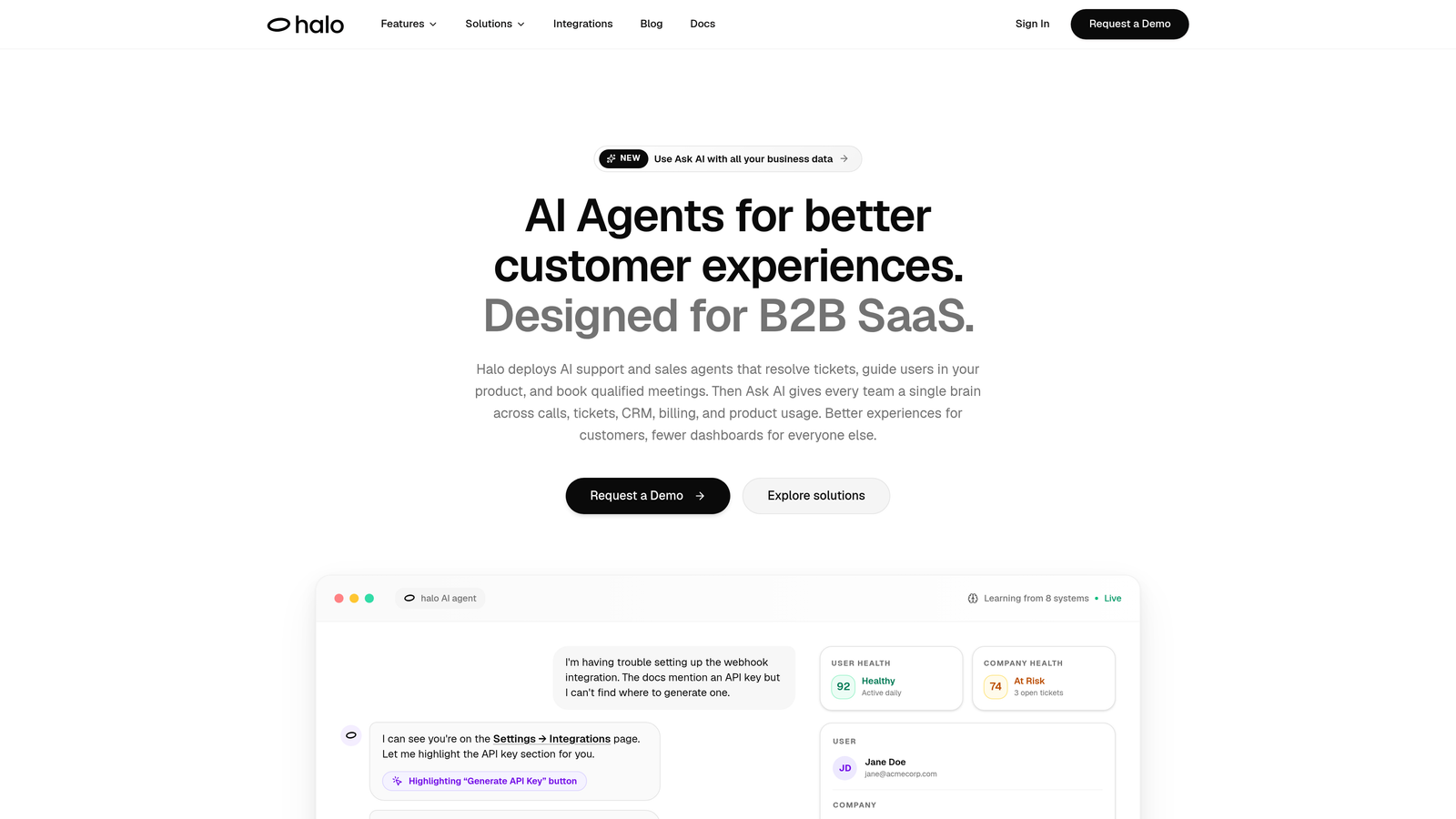
Halo AI is an AI-first customer support platform that deploys intelligent agents to resolve tickets, guide users through your product, and surface business intelligence — all while learning from every interaction.
Where This Tool Shines
Most AI support tools are bolt-ons layered on top of existing helpdesks. Halo was built AI-first, which means the intelligence is baked into the architecture rather than added as an afterthought. That distinction shows up in capabilities like page-aware context: the AI sees exactly what the user sees on-screen, enabling it to give precise, step-by-step guidance rather than generic answers.
The other standout is the smart inbox. Beyond resolving tickets, Halo surfaces customer health signals, revenue intelligence, and anomaly detection. Your support queue stops being just a cost center and starts functioning as a business intelligence layer.
Key Features
Autonomous AI Agents: Resolves Tier 1 and Tier 2 tickets without human involvement, handling everything from how-to questions to account actions.
Page-Aware Chat Widget: The AI understands which page the user is on and what they're looking at, enabling contextual in-product guidance that generic chatbots can't match.
Smart Inbox with Business Intelligence: Surfaces customer health signals, anomaly detection, and revenue insights directly from support interactions.
Auto Bug Ticket Creation: Converts support tickets directly into Linear issues without manual copying, closing the loop between support and engineering automatically.
Live Agent Handoff: Escalates to a human agent when needed, with full conversation context preserved so the agent isn't starting from scratch.
Deep Integrations: Connects natively with Linear, Slack, HubSpot, Intercom, Stripe, Zoom, PandaDoc, and Fathom.
Best For
Product teams and B2B SaaS companies that need more than ticket deflection. If you want an AI that takes autonomous action, learns continuously, and connects support data to your broader business stack, Halo is built specifically for that use case.
Pricing
Visit haloagents.ai for current pricing details. Plans are tailored to team size and usage.
2. Intercom
Best for: Mid-market SaaS teams with high inbound chat volume needing end-to-end AI conversation resolution
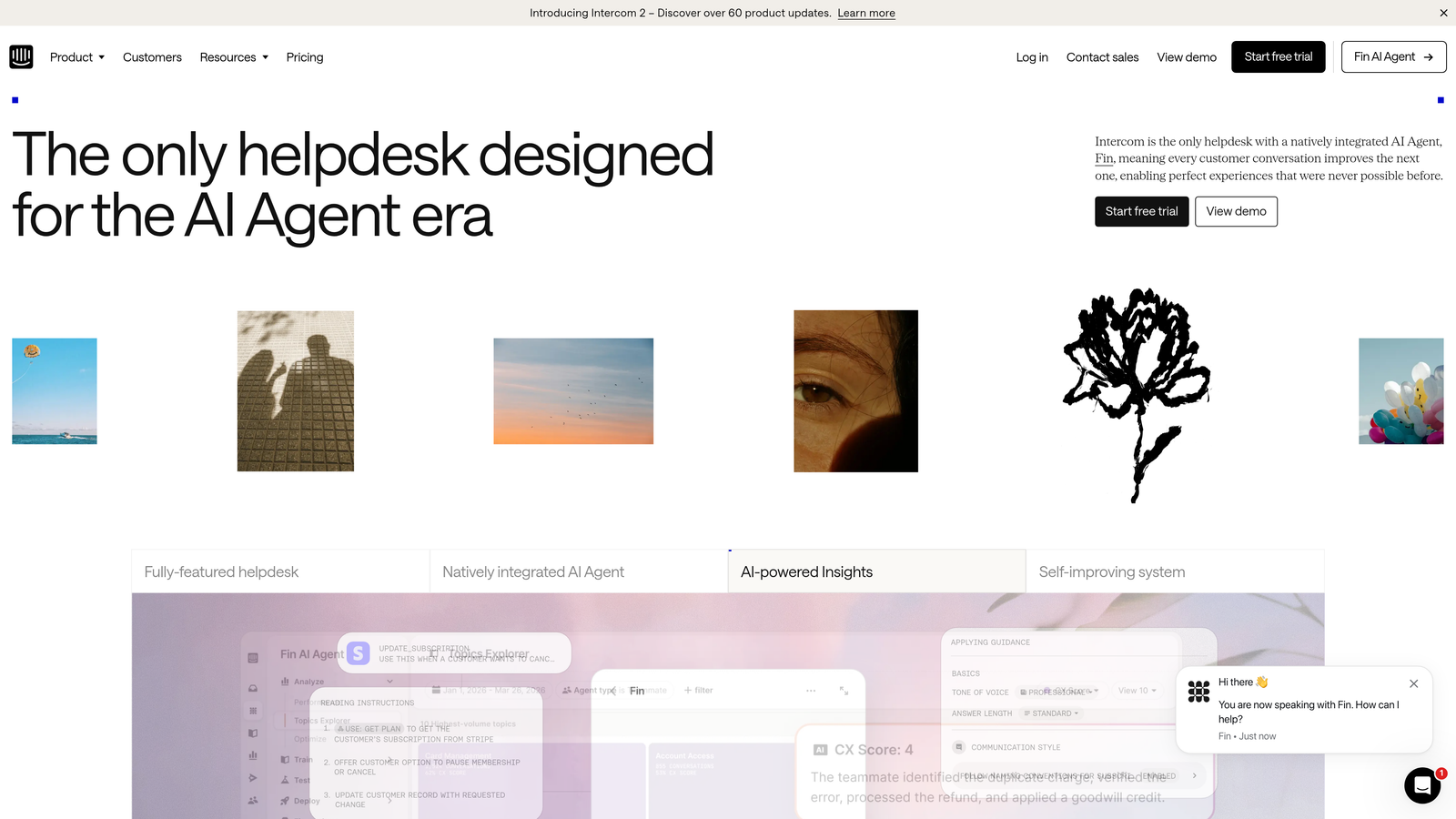
Intercom is a mature customer messaging platform with a native AI agent called Fin, built to resolve support conversations autonomously across chat, email, and in-app channels.
Where This Tool Shines
Intercom's strength is the unified inbox. Chat, email, and in-app messages all land in one place, which eliminates the channel-switching that fragments agent attention. Fin, their AI agent built on large language model technology, handles a meaningful portion of inbound conversations without routing them to a human at all.
The workflow builder is also genuinely powerful. You can design routing logic, escalation triggers, and automation sequences without needing engineering involvement, which matters when your team is already stretched thin.
Key Features
Fin AI Agent: Resolves support conversations end-to-end, pulling from your help center and knowledge base to generate accurate answers.
Unified Inbox: Combines live chat, email, and in-app messaging into a single view for agents.
Visual Workflow Builder: Drag-and-drop automation for routing, tagging, and escalation logic.
CSAT Tracking and Reporting: Built-in satisfaction scoring and resolution analytics to measure AI and agent performance.
Large Integration Ecosystem: Connects with Salesforce, HubSpot, Stripe, and hundreds of other tools.
Best For
Teams that live in chat-first support environments and want a proven AI agent without building custom infrastructure. Intercom works especially well for SaaS products with a strong in-app messaging component.
Pricing
Tiered plans based on seat count; Fin AI Agent is billed per resolution rather than per seat, which can be cost-effective at scale but worth modeling before committing.
3. Zendesk
Best for: Teams that need deep workflow customization, SLA management, and robust reporting alongside AI assistance
Zendesk is the industry-standard helpdesk platform for structured ticket management, offering an AI layer for intent detection, auto-tagging, and suggested replies alongside extensive workflow customization.

Where This Tool Shines
Zendesk's depth is hard to match. SLA management, routing rules, custom ticket fields, and a marketplace of hundreds of integrations make it the go-to choice for teams that need to configure support operations precisely. When you're dealing with high ticket volumes across multiple channels, that structure becomes essential.
The AI layer, powered by their acquisition of Ultimate.ai, adds intent detection and auto-tagging that helps tickets reach the right queue faster. It won't resolve tickets autonomously the way a dedicated AI agent platform will, but it meaningfully reduces the manual triage burden.
Key Features
AI-Powered Intent Detection: Automatically classifies and tags incoming tickets to route them to the right team or queue.
Advanced SLA Management: Configurable SLA policies with escalation rules and breach alerts.
Extensive App Marketplace: Hundreds of integrations covering CRM, billing, engineering, and communication tools.
Omnichannel Support: Handles email, chat, voice, and social channels from a single platform.
Robust Analytics Dashboards: Detailed reporting on ticket volume, resolution time, agent performance, and customer satisfaction.
Best For
Established teams with complex routing requirements, multiple support tiers, or strict SLA obligations. Zendesk is particularly strong for organizations that need deep reporting and audit trails.
Pricing
Suite plans start at a mid-range per-agent monthly price; AI features are available at higher tiers. Enterprise pricing available for larger organizations.
4. Freshdesk
Best for: SMBs and growing teams that need structured helpdesk functionality without enterprise pricing
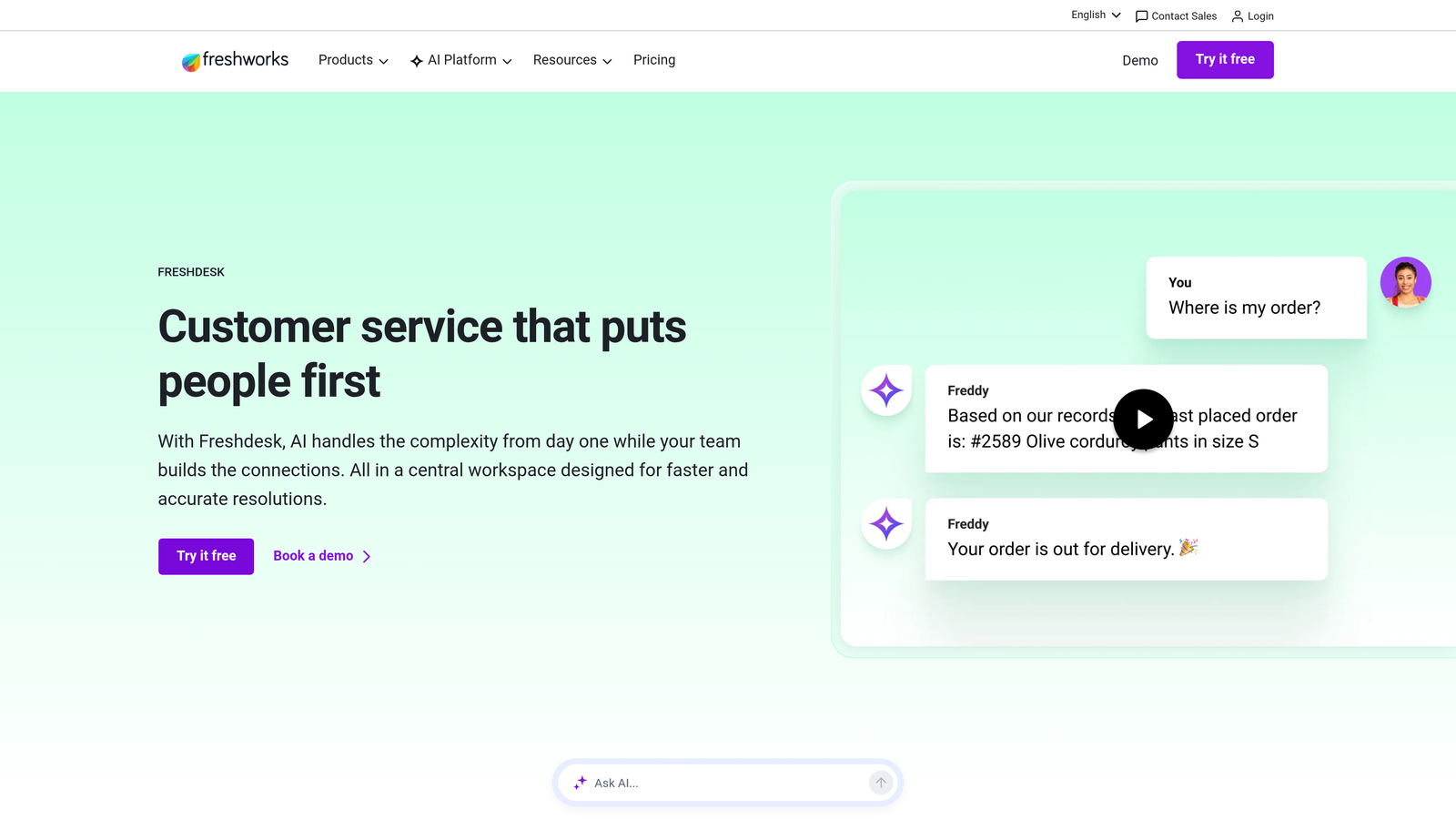
Freshdesk is a cost-competitive helpdesk platform with Freddy AI for auto-triage and self-service deflection, well-suited for teams that need solid support infrastructure without a large budget commitment.
Where This Tool Shines
Freshdesk's value proposition is straightforward: you get most of what Zendesk offers at a lower price point, with a free plan that's actually usable for small teams. Freddy AI handles auto-triage and suggests replies, reducing the manual sorting that consumes agent time when queues spike.
Collision detection is a small but genuinely useful feature. When two agents open the same ticket simultaneously, Freshdesk flags it immediately, preventing duplicated effort that's surprisingly common when teams are moving fast under pressure.
Key Features
Freddy AI: Provides suggested replies, auto-triage, and self-service deflection to reduce inbound ticket volume.
Free Plan: Available for small teams with core helpdesk features included at no cost.
Omnichannel Support: Covers email, chat, phone, and social media from a unified platform.
Collision Detection: Alerts agents when multiple team members are working the same ticket simultaneously.
Built-in CSAT Surveys: Automatically collects customer satisfaction ratings after ticket resolution.
Best For
Startups and SMBs that need a structured helpdesk with AI assistance but aren't ready to commit to enterprise-level pricing. Also a strong choice for teams migrating off email-only support for the first time.
Pricing
Free plan available for up to ten agents; paid plans scale with agent count and feature access. Generally priced below comparable Zendesk tiers.
5. Guru
Best for: Support teams losing time hunting for accurate answers across scattered internal documentation
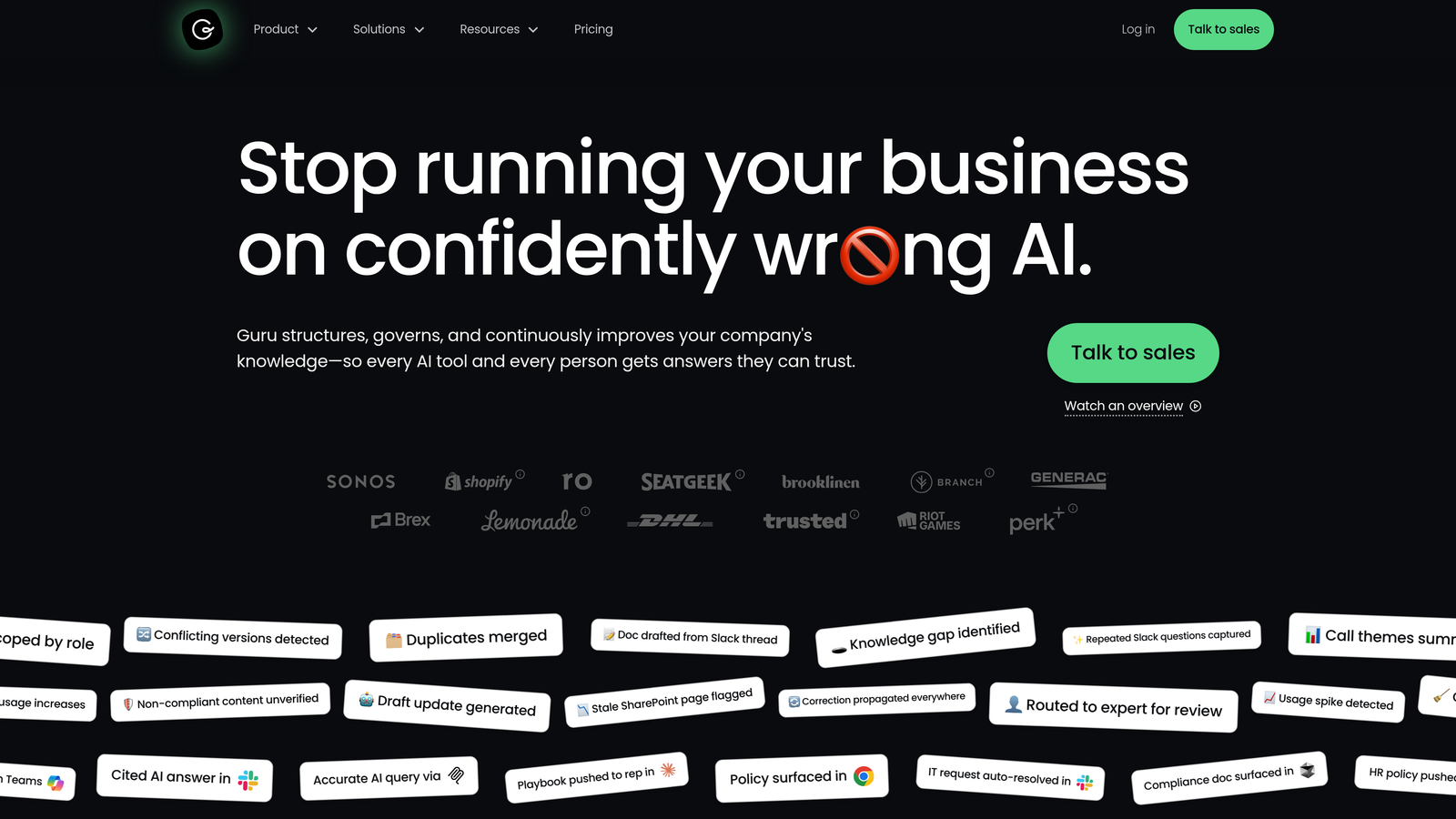
Guru is an AI-powered knowledge management platform that surfaces verified answers directly inside the tools support agents already use, eliminating the context-switching that slows resolution times.
Where This Tool Shines
The core insight behind Guru is that agents often know the answer exists somewhere, they just can't find it fast enough. The browser extension and Slack integration push relevant knowledge cards to agents in real time, based on what they're currently working on. That means less tab-switching and fewer "let me check on that and get back to you" replies.
Verification workflows are equally important. Knowledge bases go stale fast in growing SaaS companies. Guru assigns ownership to knowledge cards and prompts subject matter experts to verify accuracy on a schedule, so agents aren't confidently sharing outdated information.
Key Features
Browser Extension: Pushes relevant answers to agents in context, without requiring them to leave their current workflow.
Slack Integration: Enables instant knowledge retrieval directly inside Slack conversations.
AI Search: Searches across internal docs, wikis, and connected sources to surface the most relevant answer.
Verification Workflows: Assigns knowledge ownership and prompts regular review to keep information accurate.
Knowledge Gap Analytics: Shows which questions agents search for most without finding answers, revealing documentation gaps.
Best For
Support teams of ten or more agents where information fragmentation is visibly slowing resolution. Particularly valuable for teams supporting complex products with frequent updates.
Pricing
Tiered by team size with a free trial available. Pricing scales based on number of users and feature access.
6. Notion
Best for: Teams that need a flexible internal wiki for runbooks and escalation guides without a dedicated knowledge tool budget
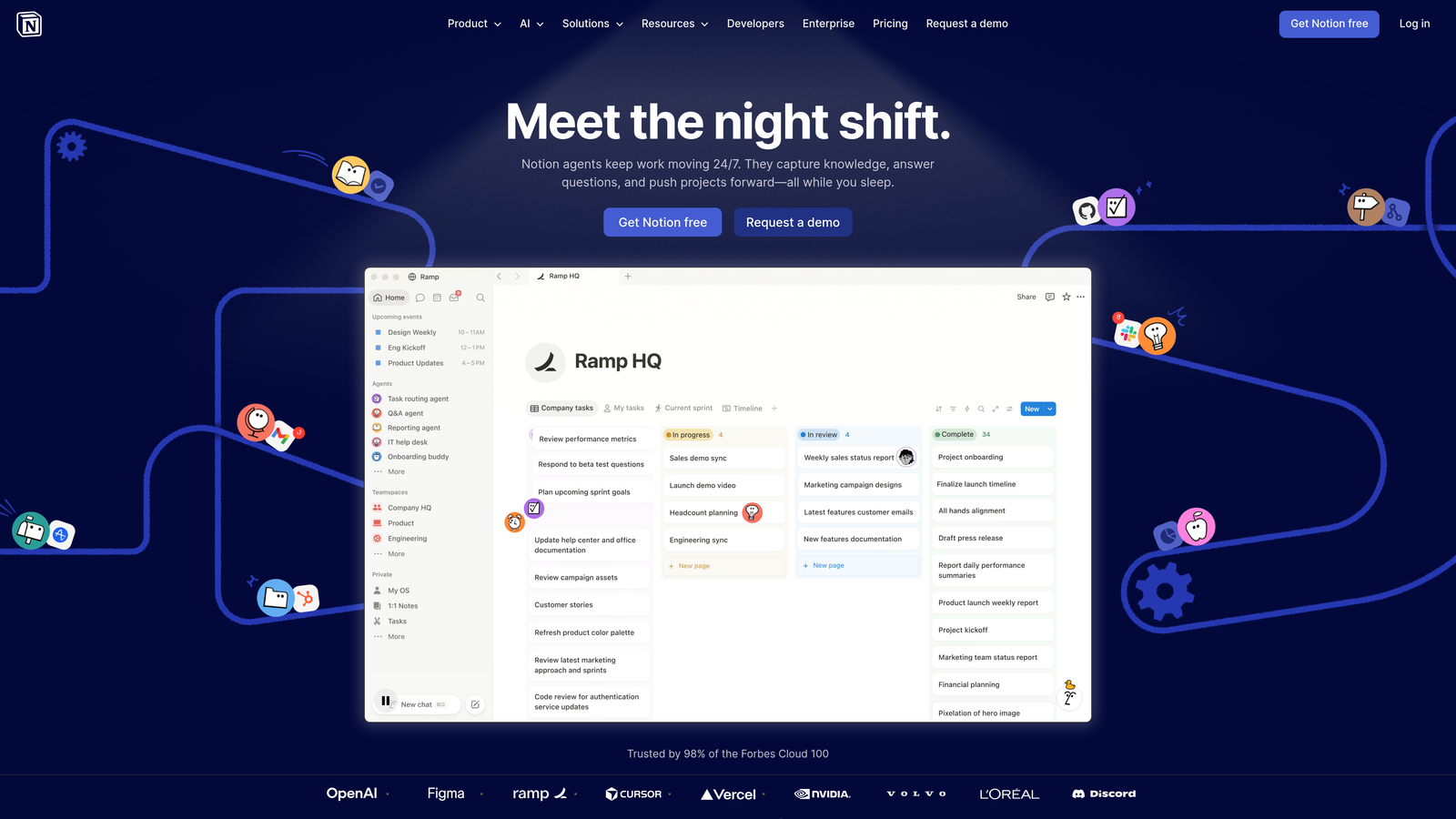
Notion is a flexible workspace tool that many support teams use as a lightweight internal wiki for runbooks, escalation guides, and product FAQs, now enhanced with AI search and writing assistance.
Where This Tool Shines
Notion's flexibility is its biggest asset. You can structure a support knowledge base exactly the way your team thinks, using databases, linked pages, and templates without conforming to a rigid tool's opinionated structure. For teams that are still figuring out what their documentation actually needs to look like, that freedom is valuable.
Notion AI adds a practical layer on top: agents can search across the entire workspace using natural language, get summaries of long runbooks, and draft new documentation faster. It won't replace a purpose-built knowledge management tool at scale, but for teams in early stages, it's often more than enough.
Key Features
Flexible Page and Database Structure: Build any documentation architecture your team needs without being constrained by a fixed template.
Notion AI: Natural language search, page summarization, and writing assistance built directly into the workspace.
External Sharing: Pages can be shared with customers as a lightweight help center or made internal-only for agent use.
Support Runbook Templates: Pre-built templates for escalation guides, incident response, and onboarding documentation.
Integrations: Connects with Slack, Jira, and other tools via API and native integrations.
Best For
Early-stage teams and startups building their first structured knowledge base. Notion is an excellent starting point before investing in a dedicated knowledge management platform like Guru.
Pricing
Free personal plan available; team plans are priced at a reasonable per-seat rate. Notion AI is available as an add-on.
7. Linear
Best for: Support teams whose tickets frequently surface product bugs that need fast engineering triage
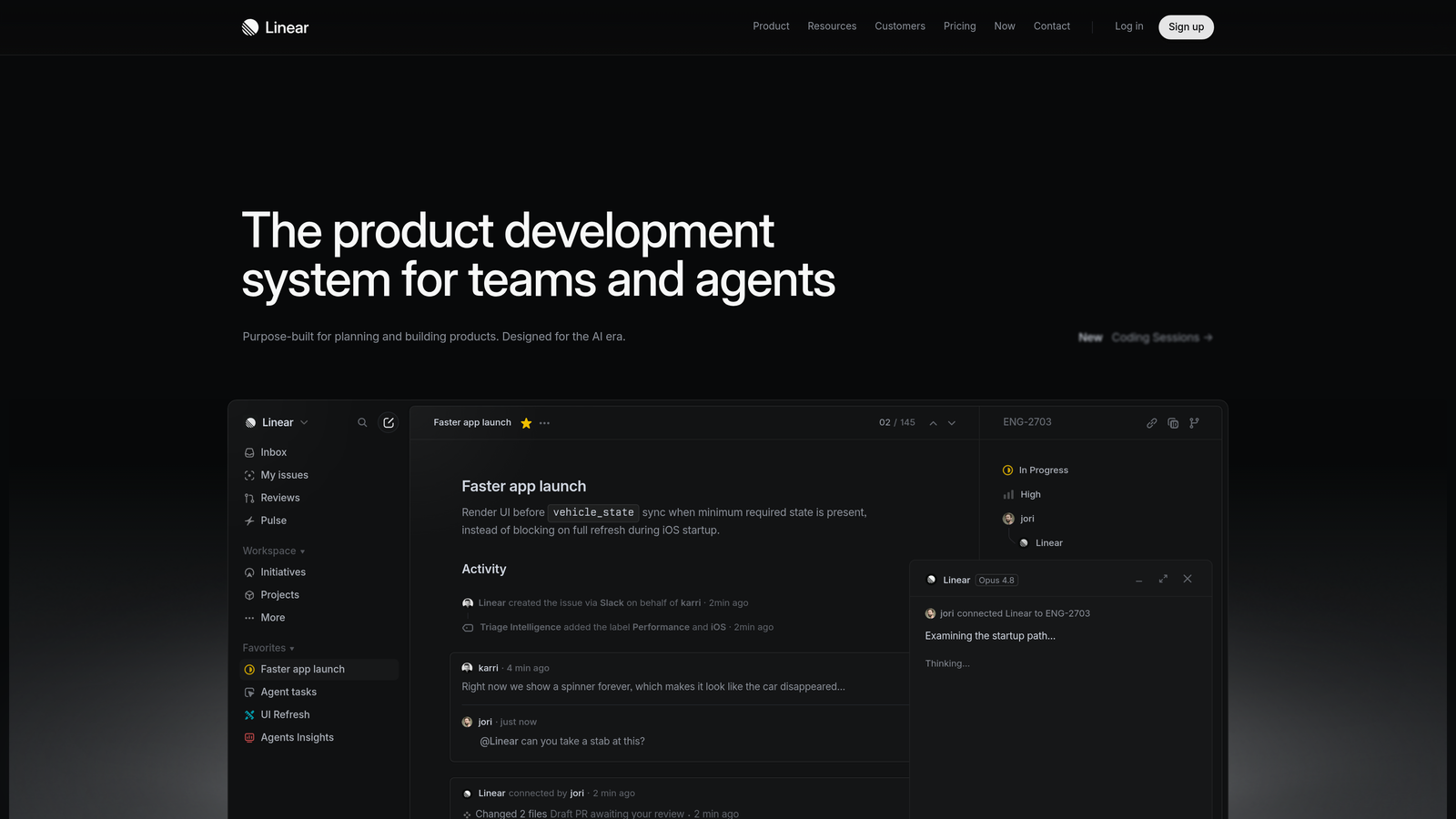
Linear is a fast, opinionated issue tracker built for engineering teams that becomes an essential coordination layer when support tickets regularly uncover product bugs.
Where This Tool Shines
The gap between support and engineering is where bugs go to die. An agent identifies a reproducible issue, writes it up in the helpdesk, and then manually recreates it in whatever issue tracker engineering uses. That handoff is slow, error-prone, and deeply frustrating for everyone involved.
Linear's clean API makes it straightforward for support tools, including Halo AI, to auto-create bug tickets directly from support conversations. The result is a closed loop: a customer reports an issue, it becomes a Linear ticket automatically, and engineering can triage it without waiting for a manual handoff.
Key Features
Fast Keyboard-Driven Interface: Designed for speed, with keyboard shortcuts that make creating and updating issues significantly faster than most trackers.
Clean API: Enables support tools to auto-create issues programmatically, eliminating manual ticket duplication.
Project and Cycle Tracking: Gives engineering visibility into sprint planning and progress alongside incoming bug reports.
Slack Integration: Sends issue notifications and status updates directly to relevant Slack channels.
Git Integration: Links issues to code changes so engineers can trace a bug from customer report to deployed fix.
Best For
SaaS product teams where support and engineering work closely together and bug escalation is a frequent, high-priority workflow. Essential if you're using Halo AI's auto bug ticket creation feature.
Pricing
Free for small teams; paid plans available for larger organizations needing advanced features and higher usage limits.
8. Slack
Best for: Teams that need a fast, reliable escalation path between support, engineering, and product
Slack is the de facto internal communication tool for tech companies, serving as a critical escalation and coordination layer for support teams that need rapid access to engineering, product, and leadership.
Where This Tool Shines
When a customer hits a critical bug or an enterprise account goes dark, your team needs a fast path to the people who can help. Slack's shared channels and dedicated escalation channels create that path without the friction of email threads or ticketing system comments that nobody checks in real time.
The integration story is equally important. Halo AI, Zendesk, Intercom, and most major support tools all pipe alerts into Slack, which means your team can monitor ticket urgency, escalation triggers, and anomaly alerts without constantly switching between platforms.
Key Features
Dedicated Escalation Channels: Create structured channels for urgent issues, VIP accounts, or specific product areas.
Support Tool Integrations: Receives alerts and updates from Zendesk, Intercom, Halo AI, and most major helpdesk platforms.
Shared Channels: Connect support and engineering teams in a single channel for faster bug escalation and context sharing.
Workflow Builder: Automates alert routing, on-call notifications, and escalation triggers without custom code.
Message History Search: Search past incident discussions to find context from similar issues that were resolved previously.
Best For
Any tech company with a support team larger than two or three people. Slack is table stakes for coordination, but its value multiplies when integrated with your support tools for automated alerting and escalation.
Pricing
Free plan available with limited message history; paid plans unlock extended history, more integrations, and advanced admin controls.
9. Loom
Best for: Technical SaaS support teams handling complex questions that create long, unproductive back-and-forth text threads
Loom is an async video messaging tool that helps support agents resolve complex technical questions faster by recording a screen walkthrough instead of writing lengthy text explanations.
Where This Tool Shines
Some support tickets are genuinely hard to explain in writing. A customer is confused about a multi-step workflow, or they're hitting an edge case that requires showing exactly where to click. Writing a thorough text reply takes twenty minutes and still leaves room for misinterpretation. A Loom recording of the same walkthrough takes three minutes and removes the ambiguity entirely.
Viewer engagement analytics add a useful dimension: you can see whether the customer actually watched the video, how far they got, and whether they rewatched specific sections. That context helps agents decide whether a follow-up is needed without waiting for the customer to reply.
Key Features
One-Click Screen and Camera Recording: Capture screen walkthroughs with optional webcam overlay in seconds, without downloading software.
Shareable Video Links: Send a link that works inside any helpdesk reply, email, or Slack message without file size issues.
Viewer Engagement Analytics: See whether customers watched your video, how much they viewed, and where they replayed.
Automatic Transcription: Every recording is transcribed automatically for accessibility and searchability.
Integrations: Works with Notion, Slack, Zendesk, and other major platforms via native integrations and embed support.
Best For
Technical support teams at SaaS companies where products have complex UIs, multi-step workflows, or frequent "how do I do X" questions that are faster to show than explain in writing.
Pricing
Free plan available with recording limits; paid team plans remove limits and unlock advanced analytics and admin features.
Which Tool Is Right for Your Situation
The right starting point depends on where your team is feeling the most pain. Here's a quick way to think through it.
If your primary problem is raw ticket volume overwhelming your team, start with an AI agent. Halo AI is purpose-built for autonomous resolution with continuous learning baked in. Intercom's Fin is a strong alternative for teams already invested in the Intercom ecosystem and dealing with high chat volume.
If your agents are slowed down by information hunting, searching across Slack threads and outdated docs to answer questions they've answered before, prioritize a knowledge management tool. Guru is the dedicated solution. Notion is a practical starting point if budget is tight.
If bugs reported through support are falling through the cracks between your team and engineering, Linear with an automated handoff workflow closes that gap. Halo AI's native Linear integration makes this particularly seamless if you're using both tools.
For teams just getting started with structured support, Freshdesk offers a strong foundation with a free plan, AI assistance, and room to grow without locking you into enterprise pricing too early.
The common thread across all these tools: they work best in combination. An AI agent handling Tier 1 and Tier 2 tickets, a clean knowledge base feeding accurate answers, and a fast escalation path through Slack and Linear creates a support system that scales without burning out your team. Each tool solves a different bottleneck, and the teams that compound these solutions see the biggest gains.
Your support team shouldn't scale linearly with your customer base. Let AI agents handle routine tickets, guide users through your product, and surface business intelligence while your team focuses on complex issues that need a human touch. See Halo in action and discover how continuous learning transforms every interaction into smarter, faster support.