9 Best PandaDoc Support Integration Tools in 2026
When sales teams close deals in PandaDoc, support agents need immediate access to contract details, onboarding information, and billing context to resolve customer issues efficiently. The best PandaDoc support integration tools automatically connect signed documents to helpdesk platforms, enabling agents to access critical document information without switching systems, while triggering automated workflows based on signature events and contract changes.
 Matt PattoliFounder11 min read
When your sales team closes deals in PandaDoc, your support team needs instant visibility. Contract questions, onboarding issues, and billing disputes all require context that lives inside signed documents. The right integration tools bridge this gap, connecting PandaDoc to your support workflows so agents can resolve issues faster without switching between systems.
This guide covers the top tools that integrate PandaDoc with customer support platforms, from AI-powered solutions that automatically surface document context to native connectors that sync data between systems. Whether you need real-time document status in your helpdesk or automated workflows triggered by signature events, these tools help support teams deliver faster, more informed responses.
1. Halo AI
Best for: AI-powered support automation with intelligent PandaDoc context surfacing
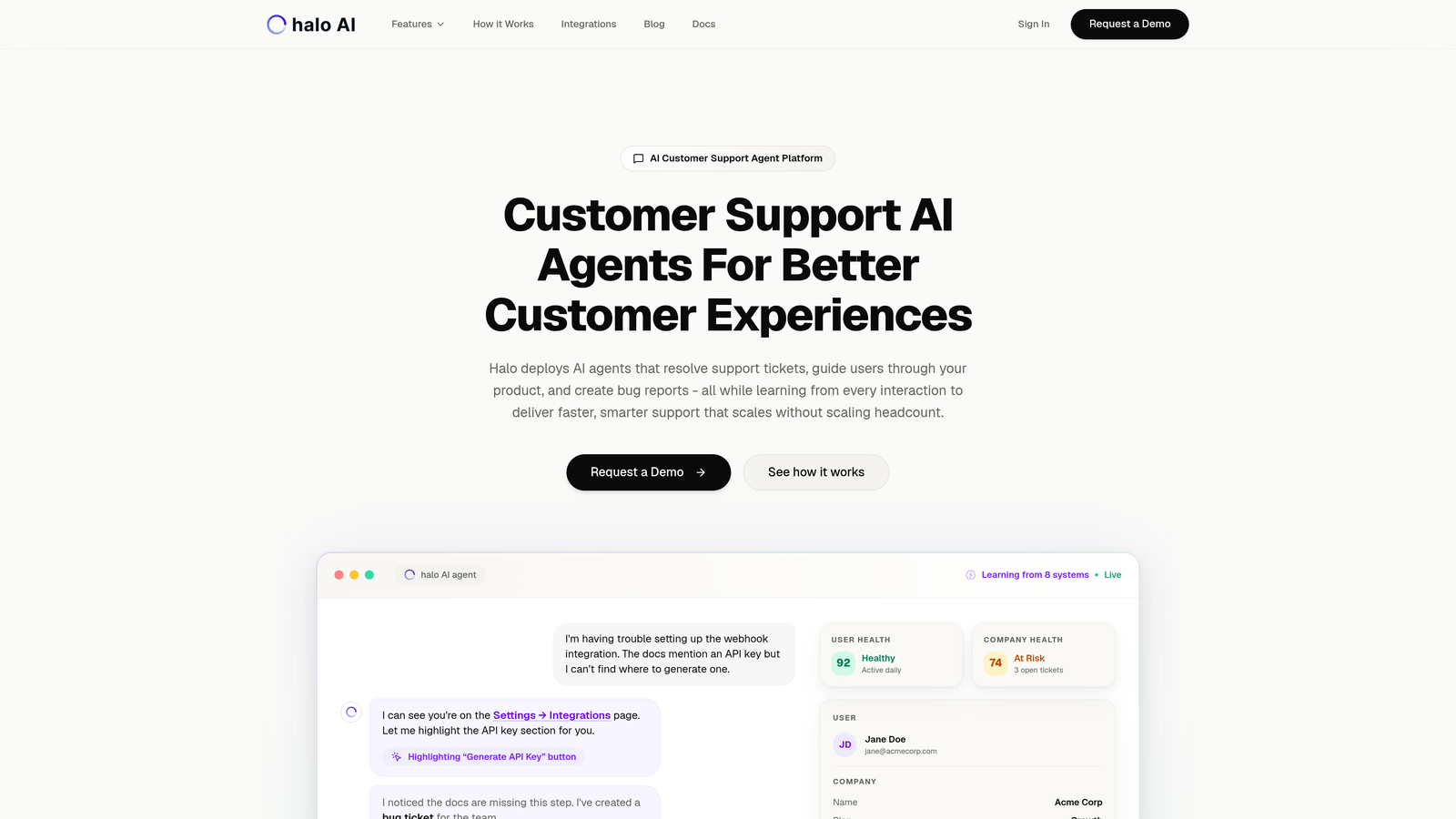
Halo AI is an AI-powered customer support platform that automatically surfaces PandaDoc document context during support conversations.
Where This Tool Shines
Halo AI takes a fundamentally different approach to PandaDoc integration by using AI agents that understand document context rather than just displaying static data. When a customer reaches out with a billing question or contract dispute, Halo's AI agents automatically pull relevant PandaDoc document details without requiring manual lookups.
The platform's page-aware chat widget can guide users through document-related issues in real-time, seeing what they see on screen and providing contextual assistance. This eliminates the back-and-forth typically required when customers have questions about specific contract terms or signature requirements.
Key Features
Native PandaDoc Integration: Automatically pulls document status, signature history, and contract details during support interactions.
AI Agents with Document Context: Understands contract terms and document status when resolving support tickets, providing informed responses without human intervention.
Page-Aware Guidance: Chat widget sees what users see, helping them navigate document signing or review processes.
Business Stack Connectivity: Connects PandaDoc data with CRM, billing systems, and communication tools for complete customer context.
Continuous Learning: Improves document-related response accuracy over time by learning from every interaction.
Best For
B2B companies with complex sales contracts who need AI-powered support that can intelligently handle document-related inquiries without constant human escalation. Particularly valuable for teams already using multiple business tools who want unified customer context.
Pricing
Contact for pricing based on team size and integration requirements.
2. Zapier
Best for: No-code automation connecting PandaDoc to thousands of support apps
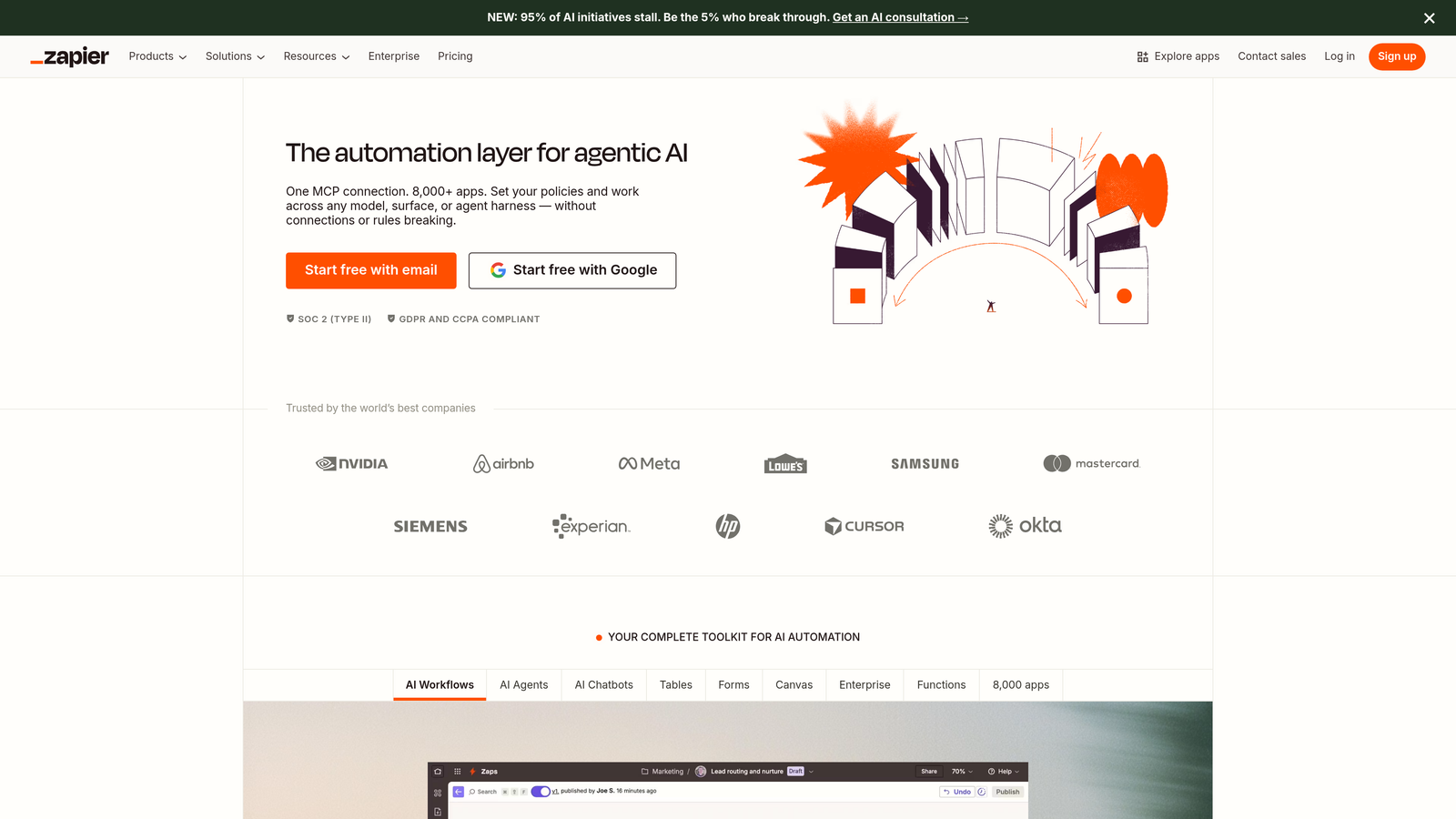
Zapier is a no-code automation platform that connects PandaDoc to major helpdesk systems through pre-built triggers and actions.
Where This Tool Shines
Zapier makes PandaDoc integration accessible to teams without technical resources. When a document is sent, viewed, or signed in PandaDoc, Zapier can automatically create support tickets, update customer records, or notify your team through your preferred communication channels.
The platform's strength lies in its massive app ecosystem. You can connect PandaDoc to Zendesk, Freshdesk, Intercom, or virtually any other support tool without writing code. Multi-step Zaps allow you to build sophisticated workflows that route document data exactly where your team needs it.
Key Features
Pre-Built PandaDoc Triggers: Automate workflows based on document events like sent, viewed, completed, or signed.
5,000+ App Integrations: Connect to every major helpdesk, CRM, and communication platform.
Multi-Step Workflows: Build complex automation sequences with filters, delays, and conditional logic.
Data Formatting Tools: Transform PandaDoc data to match your support system's requirements.
Error Recovery: Automatic retry mechanisms and error notifications keep workflows running smoothly.
Best For
Small to mid-sized teams who need quick, reliable PandaDoc automation without technical overhead. Ideal when you're connecting PandaDoc to popular support platforms and don't need highly customized integration logic.
Pricing
Free tier available with 100 tasks per month. Paid plans start at $19.99/month for 750 tasks, with professional and team plans offering higher limits and advanced features.
3. Make (formerly Integromat)
Best for: Visual automation with advanced data manipulation for complex workflows
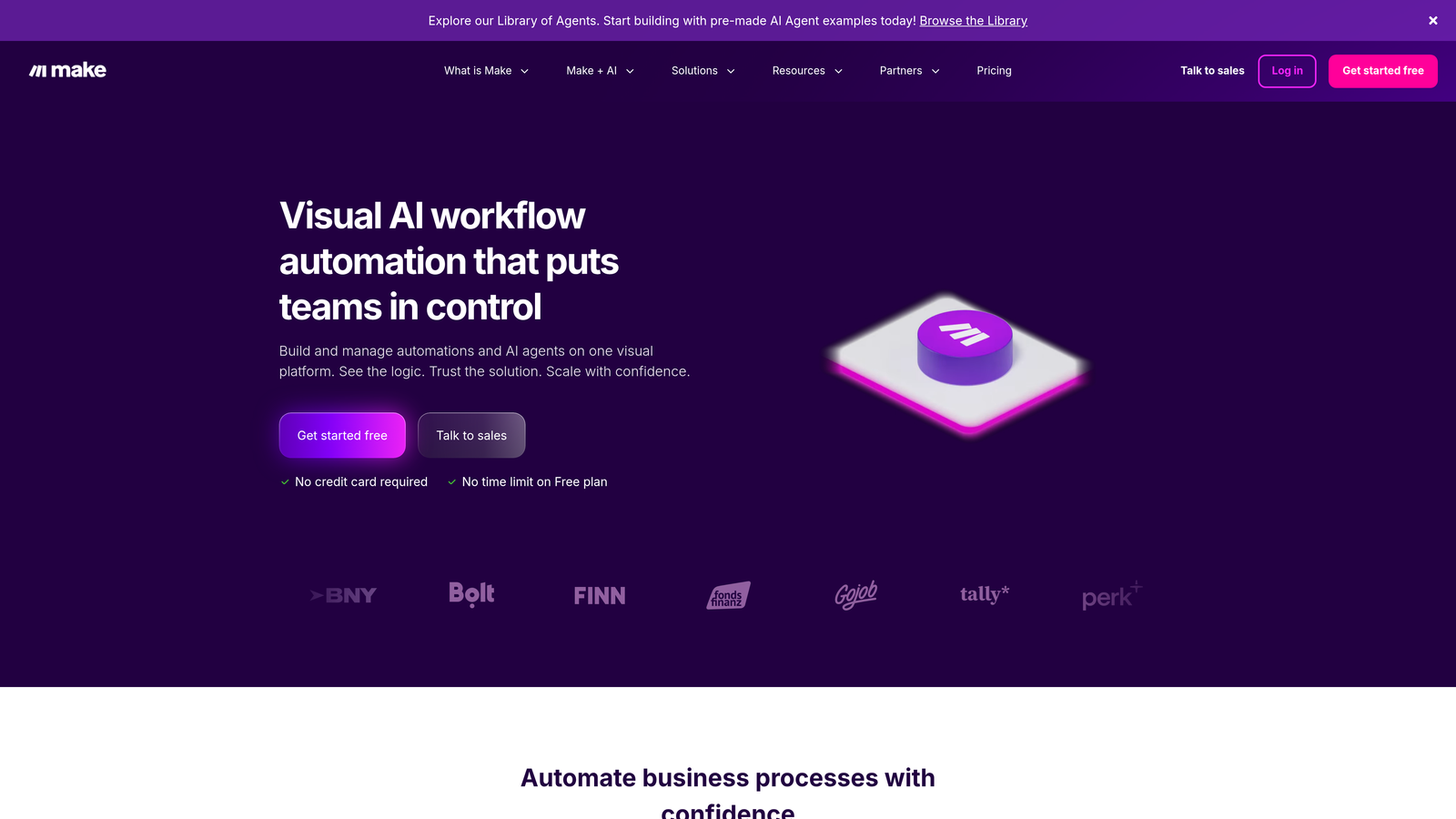
Make is a visual automation platform offering sophisticated data routing and conditional logic for PandaDoc-to-support integrations.
Where This Tool Shines
Make excels when your PandaDoc integration needs go beyond simple trigger-action pairs. The visual scenario builder lets you create complex workflows with branching logic, data transformations, and error handling that would require custom code in other platforms.
Think of Make as the power user's automation tool. You can parse PandaDoc document fields, apply conditional routing based on contract values, and transform data formats before sending to your support system. The platform's execution history and debugging tools make it easier to troubleshoot when workflows don't behave as expected.
Key Features
Visual Scenario Builder: Drag-and-drop interface shows exactly how data flows through your automation.
Advanced Conditional Logic: Route PandaDoc data differently based on document type, value, or custom fields.
Comprehensive API Coverage: PandaDoc module supports the full range of API operations.
Built-In Error Handling: Retry mechanisms, error routes, and detailed execution logs.
Data Transformation Tools: Parse, format, and manipulate document data before sending to support systems.
Best For
Technical teams who need granular control over PandaDoc automation and want to build sophisticated workflows with complex data routing. Best when you have unique integration requirements that pre-built solutions can't handle.
Pricing
Free tier includes 1,000 operations per month. Paid plans start at $9/month for 10,000 operations, scaling up based on volume and team features.
4. HubSpot Service Hub
Best for: Unified customer service platform with native PandaDoc ecosystem integration
HubSpot Service Hub is a customer service platform that natively integrates PandaDoc through HubSpot's connected ecosystem.

Where This Tool Shines
HubSpot Service Hub offers the tightest integration if you're already using HubSpot CRM. PandaDoc documents automatically sync to contact records, giving support agents complete visibility into contract history, proposal status, and signed agreements without leaving their support interface.
The real power comes from having sales, marketing, and support data in one place. When a customer opens a support ticket about a billing issue, your agent sees the original proposal, signed contract, and all previous support interactions on a unified timeline. This context dramatically reduces resolution time for document-related inquiries.
Key Features
Native PandaDoc Sync: Documents automatically appear on contact records with status updates in real-time.
Unified Customer Timeline: See document history alongside support tickets, emails, and CRM activities.
Integrated Ticketing System: Handle support requests with full context from sales and contract data.
Knowledge Base Tools: Create self-service resources about document processes and contract questions.
Customer Portal: Let customers check their own document status and contract details.
Best For
Companies already using HubSpot CRM who want seamless document-to-support integration. Particularly valuable for businesses where support teams frequently need to reference sales contracts and proposals.
Pricing
Free tools available with basic features. Service Hub Starter plans begin at $45/month for two users, with Professional and Enterprise tiers offering advanced automation and reporting.
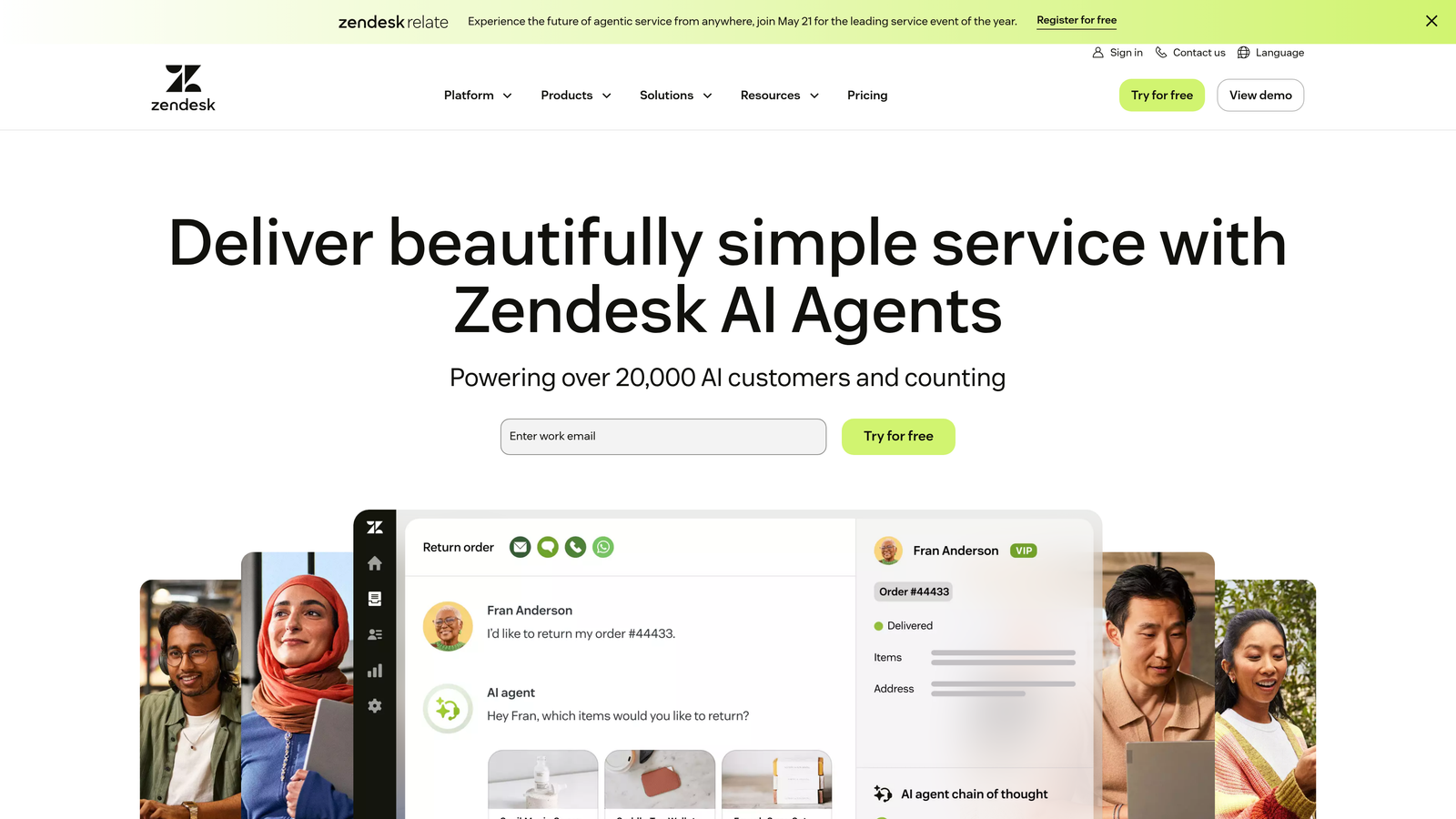
5. Zendesk
Best for: Enterprise helpdesk with flexible PandaDoc integration options
Zendesk is an enterprise helpdesk platform that integrates with PandaDoc through marketplace apps and automation platforms.
Where This Tool Shines
Zendesk's strength lies in its enterprise-grade ticketing capabilities combined with flexible integration options. While it doesn't offer native PandaDoc integration, custom sidebar apps can display document status directly in the agent interface, and the robust API enables sophisticated custom integrations.
For teams handling high support volumes, Zendesk's automation rules can route tickets based on PandaDoc data pulled through Zapier or Make. The platform's reporting capabilities let you track support metrics related to document issues, identifying common pain points in your contract or proposal processes.
Key Features
Custom Sidebar Apps: Display PandaDoc document status and details without leaving the ticket interface.
Automation Platform Integration: Connect to PandaDoc through Zapier, Make, or custom API development.
Robust API Access: Build custom integrations that match your exact workflow requirements.
Enterprise Security: SOC 2 compliance, SSO, and advanced security controls for sensitive document data.
Advanced Reporting: Track support metrics related to document-related tickets and resolution patterns.
Best For
Enterprise teams with significant support volumes who need powerful ticketing capabilities and can invest in custom integration development. Best when you require enterprise security and compliance features.
Pricing
Suite Team plans start at $55/agent/month. Growth, Professional, and Enterprise tiers offer progressively advanced features, with Enterprise plans requiring custom quotes.
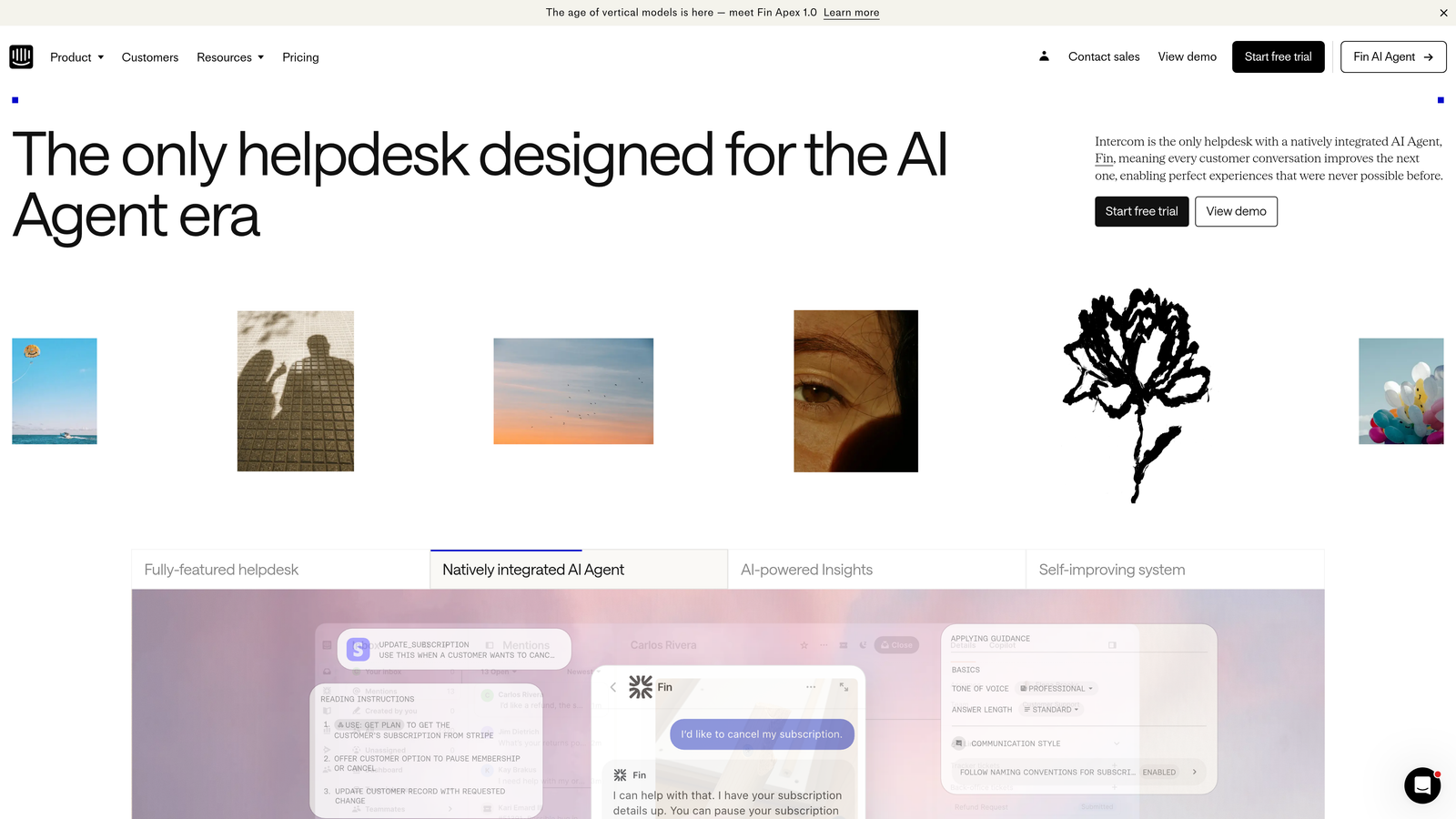
6. Intercom
Best for: Conversational support with proactive PandaDoc-triggered messaging
Intercom is a conversational support platform that surfaces PandaDoc context through integrations and custom apps.
Where This Tool Shines
Intercom excels at proactive, conversation-based support. When integrated with PandaDoc through Zapier or custom apps, you can trigger targeted messages based on document events. If a customer views a proposal but doesn't sign within 48 hours, Intercom can automatically start a conversation offering assistance.
The platform's messenger interface makes it natural to guide customers through document-related questions in real-time. Support agents see customer data in the sidebar, and with proper integration, that can include recent PandaDoc activity and document status. This contextual awareness makes conversations more productive and reduces repetitive questions.
Key Features
Messenger-Based Support: Real-time conversations with rich customer data displayed in sidebar.
Proactive Messaging: Trigger automated conversations based on PandaDoc document events.
Zapier Integration: Connect PandaDoc events to Intercom workflows without coding.
Custom Apps Framework: Build deeper integrations that display document data directly in conversations.
Behavioral Targeting: Send targeted messages based on document viewing or signing patterns.
Best For
Product-led companies who want conversational support and can benefit from proactive outreach based on document activity. Ideal when you want to reduce friction in the proposal-to-signature process through timely assistance.
Pricing
Essential plan starts at $39/seat/month. Advanced and Expert plans offer additional features, with pricing scaling based on team size and message volume.
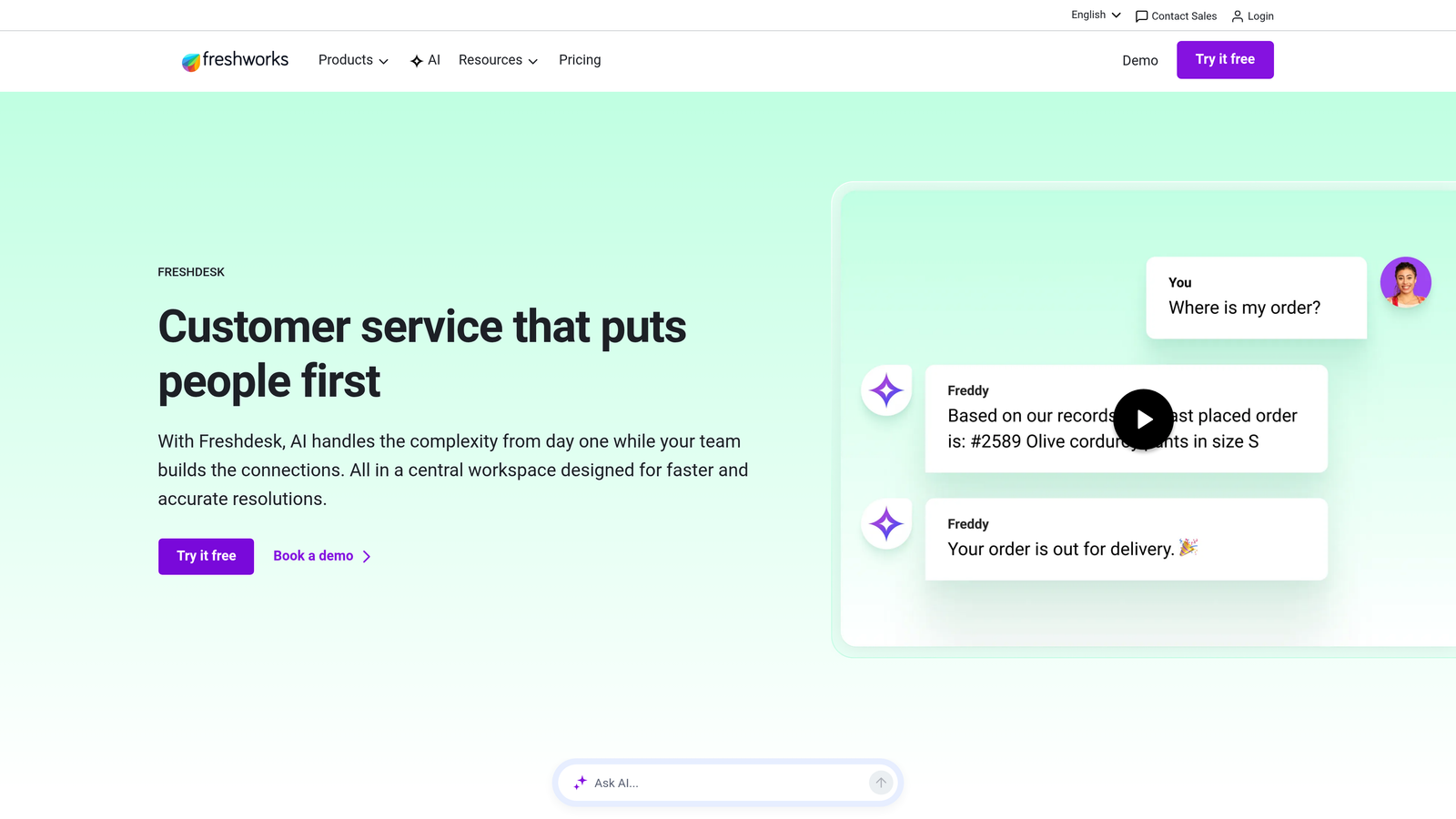
7. Freshdesk
Best for: Affordable helpdesk with marketplace apps and automation options
Freshdesk is a cost-effective helpdesk solution offering marketplace apps and automation for PandaDoc integration.
Where This Tool Shines
Freshdesk delivers solid helpdesk functionality at a price point that works for growing teams. The marketplace includes apps that extend functionality, and Zapier or Make connections enable PandaDoc automation without enterprise-level investment.
The platform's automation rules can route tickets based on document data, ensuring contract questions reach the right team members. For teams just starting to build support processes around PandaDoc workflows, Freshdesk offers a low-risk entry point with room to scale as needs evolve.
Key Features
Marketplace Apps: Extend Freshdesk with third-party integrations and custom functionality.
Automation Platform Support: Connect to PandaDoc through Zapier or Make for workflow automation.
Ticket Routing Rules: Automatically assign document-related tickets based on custom criteria.
Team Collaboration: Internal notes and assignment features keep teams coordinated on complex issues.
Affordable Scaling: Pricing that grows with your team without sudden enterprise-tier jumps.
Best For
Small to mid-sized teams who need reliable helpdesk functionality with PandaDoc integration but can't justify enterprise helpdesk pricing. Best when you're building support processes and want flexibility to evolve.
Pricing
Free tier available for up to 10 agents with basic features. Growth plan starts at $15/agent/month, with Pro and Enterprise tiers offering advanced automation and reporting.
8. Salesforce Service Cloud
Best for: Enterprise service platform with deep Salesforce ecosystem integration
Salesforce Service Cloud is an enterprise service platform offering native PandaDoc integration through the Salesforce AppExchange.
Where This Tool Shines
Salesforce Service Cloud provides the deepest integration for companies already invested in the Salesforce ecosystem. The native PandaDoc app links documents directly to cases, accounts, and opportunities, creating a complete view of customer interactions from initial proposal through support resolution.
Einstein AI capabilities can analyze patterns in document-related support cases, intelligently routing complex contract questions to specialized agents. The platform's comprehensive reporting lets you identify which document types generate the most support inquiries, informing improvements to your proposal and contract processes.
Key Features
Native AppExchange Integration: Install PandaDoc app directly from Salesforce marketplace for seamless connectivity.
Document-to-Case Linking: Associate PandaDoc documents with support cases and customer accounts automatically.
Einstein AI Routing: Intelligent case assignment based on document type and complexity.
Comprehensive Analytics: Track support metrics related to document issues across your entire customer base.
Unified Data Model: Sales, service, and document data all in one platform for complete customer context.
Best For
Enterprise organizations already using Salesforce CRM who need sophisticated service capabilities with complete document visibility. Best when you require advanced analytics and AI-powered case routing.
Pricing
Starter plans begin at $25/user/month for basic features. Professional plans start at $80/user/month, with Enterprise plans at $165/user/month offering full AI and analytics capabilities.
9. Tray.io
Best for: Enterprise integration platform with governance controls and scalability
Tray.io is an enterprise integration platform offering pre-built PandaDoc connectors with governance controls for large-scale operations.
Where This Tool Shines
Tray.io bridges the gap between no-code automation tools and custom development. The visual workflow builder makes it accessible to business users, while enterprise governance features satisfy IT security requirements. This combination works well for large organizations that need PandaDoc integration across multiple departments and support teams.
The platform's scalable infrastructure handles high-volume operations without performance degradation. When you're processing hundreds of document events daily and need reliable, auditable automation, Tray.io provides the infrastructure and controls that simpler automation tools can't match.
Key Features
Low-Code Workflow Builder: Visual interface for building complex integrations without extensive coding.
Pre-Built PandaDoc Connector: Full API access through tested, maintained connector with comprehensive documentation.
Enterprise Governance: Role-based access controls, audit logs, and compliance features for regulated industries.
Scalable Infrastructure: Handle high-volume document processing with guaranteed uptime and performance.
Advanced Error Handling: Sophisticated retry logic and error notification for mission-critical workflows.
Best For
Enterprise organizations with complex integration requirements, high document volumes, and strict governance needs. Best when you need IT-approved automation that can scale across multiple teams and departments.
Pricing
Contact Tray.io for enterprise pricing based on workflow complexity, volume, and required governance features. Typically positioned for mid-market to enterprise customers.
Making the Right Choice
The best PandaDoc support integration depends on your existing tech stack, team size, and automation sophistication. Halo AI stands out for teams wanting AI-powered support that intelligently surfaces document context without manual lookups. If you're already using HubSpot or Salesforce, their native integrations provide the tightest ecosystem connectivity.
For teams just starting with automation, Zapier offers the fastest path to basic PandaDoc-to-support workflows. Make provides more control when you need complex data routing. Zendesk and Intercom serve different support philosophies—traditional ticketing versus conversational support—both with solid integration options.
Freshdesk hits the sweet spot for growing teams balancing functionality and budget. Tray.io makes sense when you're operating at enterprise scale with governance requirements that simpler tools can't meet.
Your support team shouldn't scale linearly with your customer base. Let AI agents handle routine tickets, guide users through your product, and surface business intelligence while your team focuses on complex issues that need a human touch. See Halo in action and discover how continuous learning transforms every interaction into smarter, faster support.