9 Best Product Guided Support Software Tools in 2026
Product guided support software delivers contextual, in-app assistance that helps users overcome obstacles without leaving your product or waiting for support agents. This guide reviews the 9 best platforms for 2026, evaluated on contextual awareness, AI capabilities, integration depth, and scalability—helping you choose tools that reduce resolution times, improve customer satisfaction, and free your support team to handle complex issues instead of repetitive questions.
 Matt PattoliFounder11 min read
Product guided support software bridges the gap between where users get stuck and the help they need—right inside your product. Instead of forcing customers to hunt through knowledge bases or wait for agent responses, these tools provide contextual assistance that sees what users see and guides them through challenges in real-time.
The result? Faster resolutions, happier customers, and support teams that can focus on complex issues rather than repetitive questions.
We evaluated dozens of platforms based on contextual awareness, integration depth, AI capabilities, and scalability to bring you the top solutions for 2026. Here are the tools that stood out.
1. Halo AI
Best for: Teams wanting AI-native support that learns from every interaction and sees user context
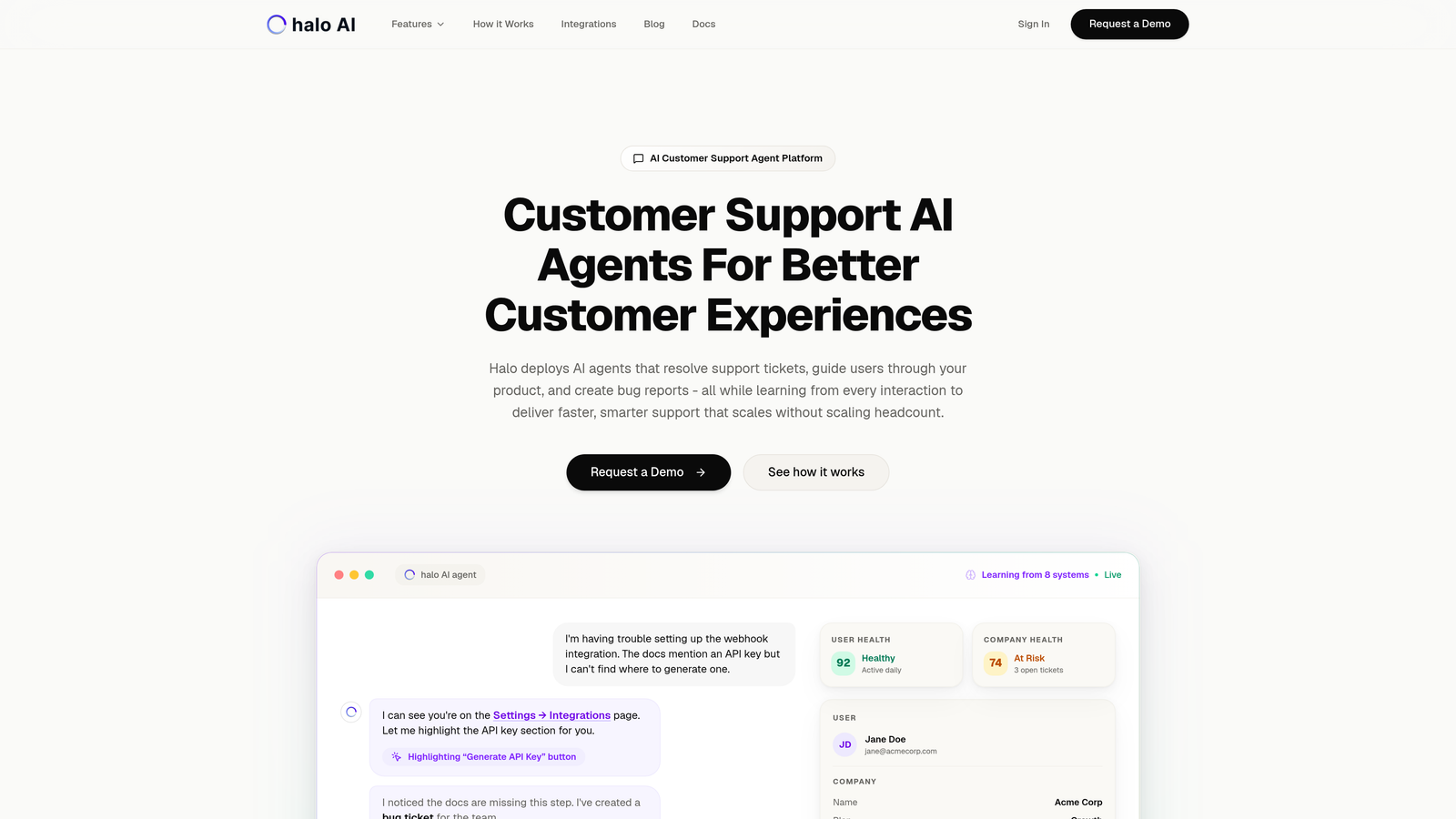
Halo AI is an AI-powered customer support platform that resolves tickets autonomously while providing page-aware guidance that understands exactly what users see on screen.
Where This Tool Shines
Unlike platforms that bolt AI onto existing helpdesk systems, Halo is built AI-first from the ground up. Its page-aware chat widget doesn't just answer questions—it sees your product's UI in real-time and provides visual guidance based on what's actually on the user's screen.
The continuous learning architecture means every resolved ticket, every user interaction, and every bug report makes the system smarter. Your support quality improves automatically without manual knowledge base updates or constant retraining.
Key Features
Page-Aware Chat Widget: Sees what users see on screen and provides contextual visual guidance through your product's UI.
Autonomous AI Agents: Resolve support tickets independently, escalating to humans only when complexity requires it.
Continuous Learning: Every interaction trains the system, improving response quality and accuracy over time without manual intervention.
Auto Bug Ticket Creation: Automatically creates detailed bug reports in Linear when issues are identified during support conversations.
Multi-System Integrations: Connects across your entire stack including Linear, Slack, HubSpot, Intercom, Stripe, Zoom, and PandaDoc for unified context.
Best For
B2B companies and product teams that want intelligent support automation without sacrificing quality. Particularly valuable for SaaS businesses using helpdesk systems like Zendesk, Freshdesk, or Intercom who need contextual assistance that scales.
Pricing
Contact for pricing based on your support volume and integration requirements.
2. Pendo
Best for: Product teams needing combined analytics, in-app guidance, and user feedback collection
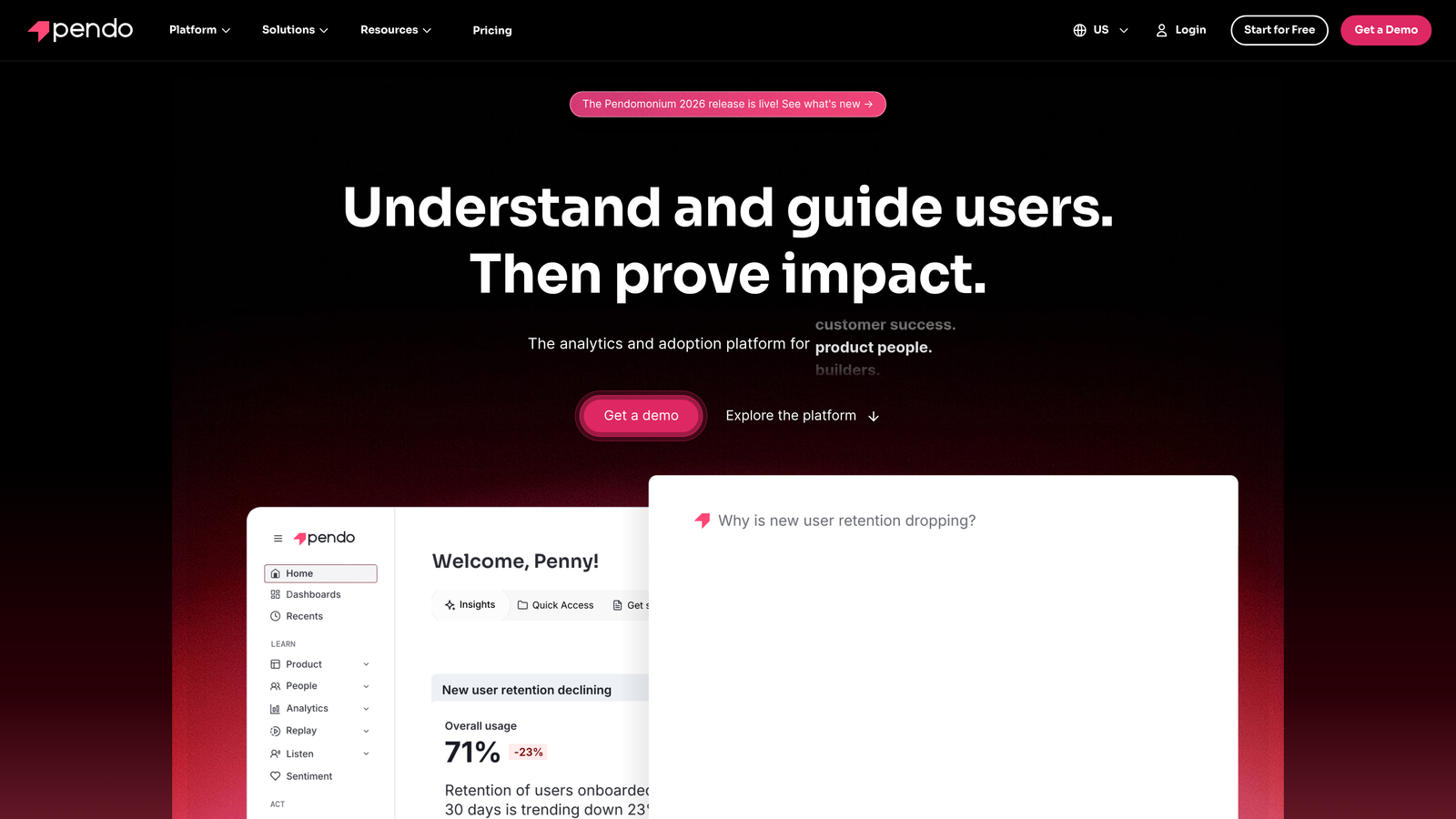
Pendo is a product experience platform that combines behavioral analytics with in-app guides and feedback tools for data-driven product guidance.
Where This Tool Shines
Pendo's retroactive analytics capability sets it apart—you can analyze user behavior without having to tag events beforehand. This means you can investigate drop-off points or feature usage patterns even if you didn't plan for that analysis upfront.
The platform excels at closing the loop between what users do (analytics), what they need help with (guides), and what they think (feedback). This unified view helps product teams make informed decisions about where to invest guidance resources.
Key Features
Retroactive Analytics: Analyze user behavior patterns without pre-tagging events, making investigation faster and more flexible.
Behavioral Targeting: Trigger in-app guides based on specific user actions, segments, or engagement patterns.
In-App Feedback and NPS: Collect user sentiment and product feedback directly within your application at contextually relevant moments.
Resource Center: Build a self-service help hub inside your product with guides, videos, and documentation.
Cross-Platform Support: Deploy guides and collect data across web and mobile applications with consistent tracking.
Best For
Product managers and growth teams at mid-market to enterprise companies who need analytics and guidance in one platform. Especially valuable if you want to correlate guide effectiveness with actual product usage data.
Pricing
Free tier available for basic analytics. Paid plans require custom pricing based on monthly active users and features needed.
3. WalkMe
Best for: Enterprise organizations guiding users through complex multi-application workflows
WalkMe is an enterprise digital adoption platform designed for guiding users through complex applications and cross-system workflows.
Where This Tool Shines
WalkMe operates at enterprise scale with security and compliance features that meet the strictest requirements. The platform can guide users across multiple applications in a single workflow—think Salesforce to SAP to internal systems—maintaining context throughout.
The Workstation capability extends guidance beyond web applications to desktop software, making it valuable for companies with legacy systems or complex enterprise tool stacks. WalkMe doesn't just guide—it can automate repetitive tasks entirely.
Key Features
Cross-Application Workflows: Guide users through processes that span multiple systems while maintaining context and continuity.
AI-Powered Automation: Automate repetitive tasks and form-filling to reduce user effort and errors.
Enterprise Security: SOC 2, GDPR, and HIPAA compliance with enterprise-grade security controls and audit capabilities.
Workstation for Desktop: Extend guidance to desktop applications beyond web-based tools.
Advanced Analytics: Track user progress through workflows, identify friction points, and measure adoption rates across systems.
Best For
Large enterprises with complex application ecosystems, particularly those in regulated industries requiring strict compliance. Ideal for companies investing heavily in digital transformation initiatives.
Pricing
Enterprise pricing model; contact WalkMe for a custom quote based on user count and deployment scope.
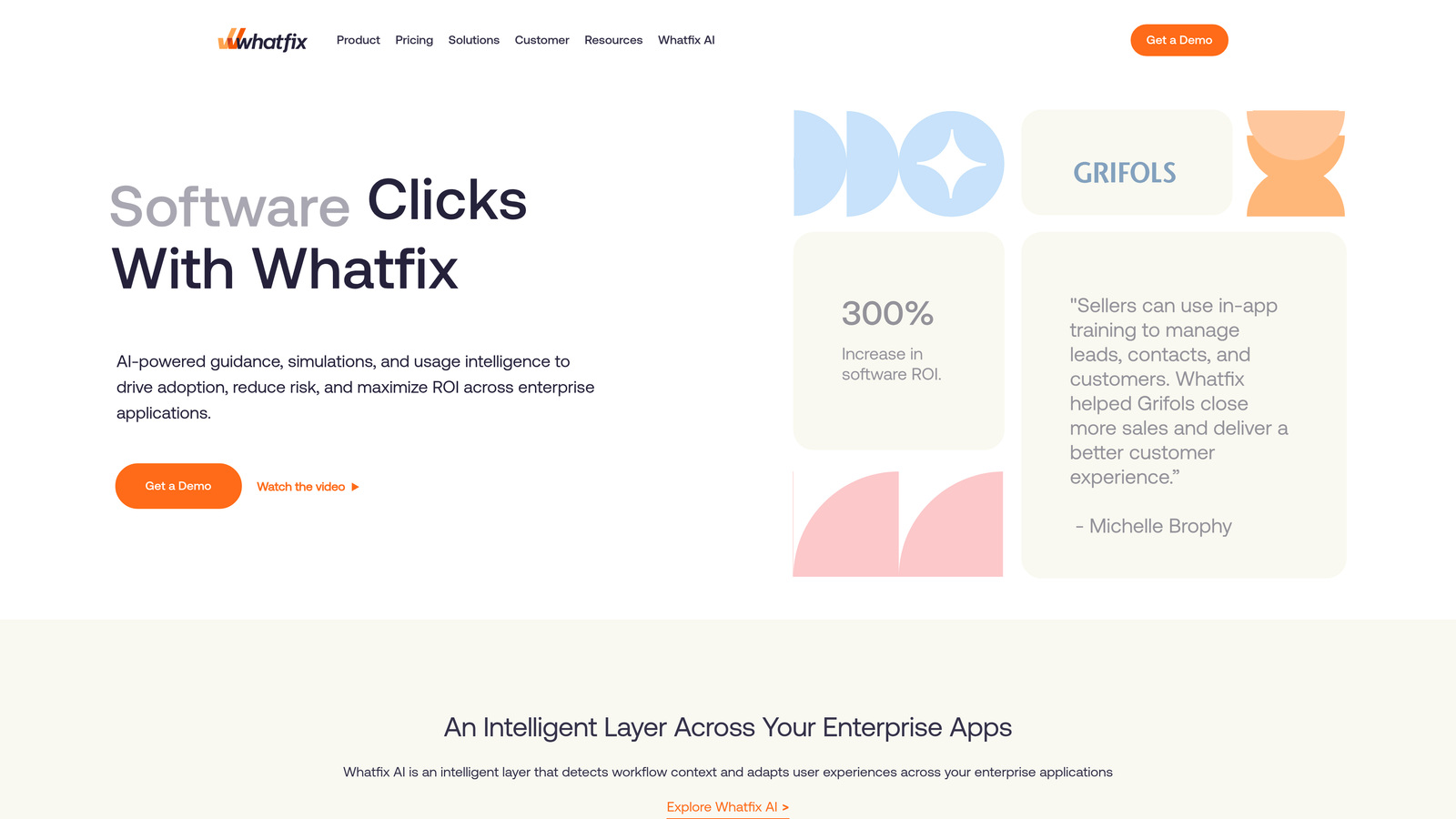
4. Whatfix
Best for: Organizations needing guidance for both customer-facing products and internal enterprise applications
Whatfix is a digital adoption platform serving dual use cases: customer onboarding and employee training on enterprise applications.
Where This Tool Shines
Whatfix's versatility in content formats gives you flexibility in how you deliver guidance. Beyond standard flows, you can embed videos, PDFs, and interactive simulations—useful when different user segments prefer different learning styles.
The self-help widget with contextual search means users can find answers without leaving their workflow. The platform analyzes which pages users are on and surfaces relevant guides automatically, reducing the need for users to know what to search for.
Key Features
Multi-Format Content: Create flows, embed videos, link PDFs, and build simulations to match different learning preferences.
Self-Help Widget: Contextual search that surfaces relevant guides based on the user's current page and recent actions.
Task Lists and Smart Tips: Persistent checklists guide users through multi-step processes with progress tracking.
Guide Performance Analytics: Track completion rates, drop-off points, and user engagement with each guide element.
Enterprise Application Support: Pre-built content for common enterprise systems like Salesforce, Workday, and Oracle.
Best For
Mid-market to enterprise companies that need one platform for both customer product adoption and internal employee training on business applications.
Pricing
Custom pricing based on whether you're using it for customer-facing products, internal applications, or both. Contact for quote.
5. Intercom
Best for: Teams prioritizing conversational support combined with product tours and messaging
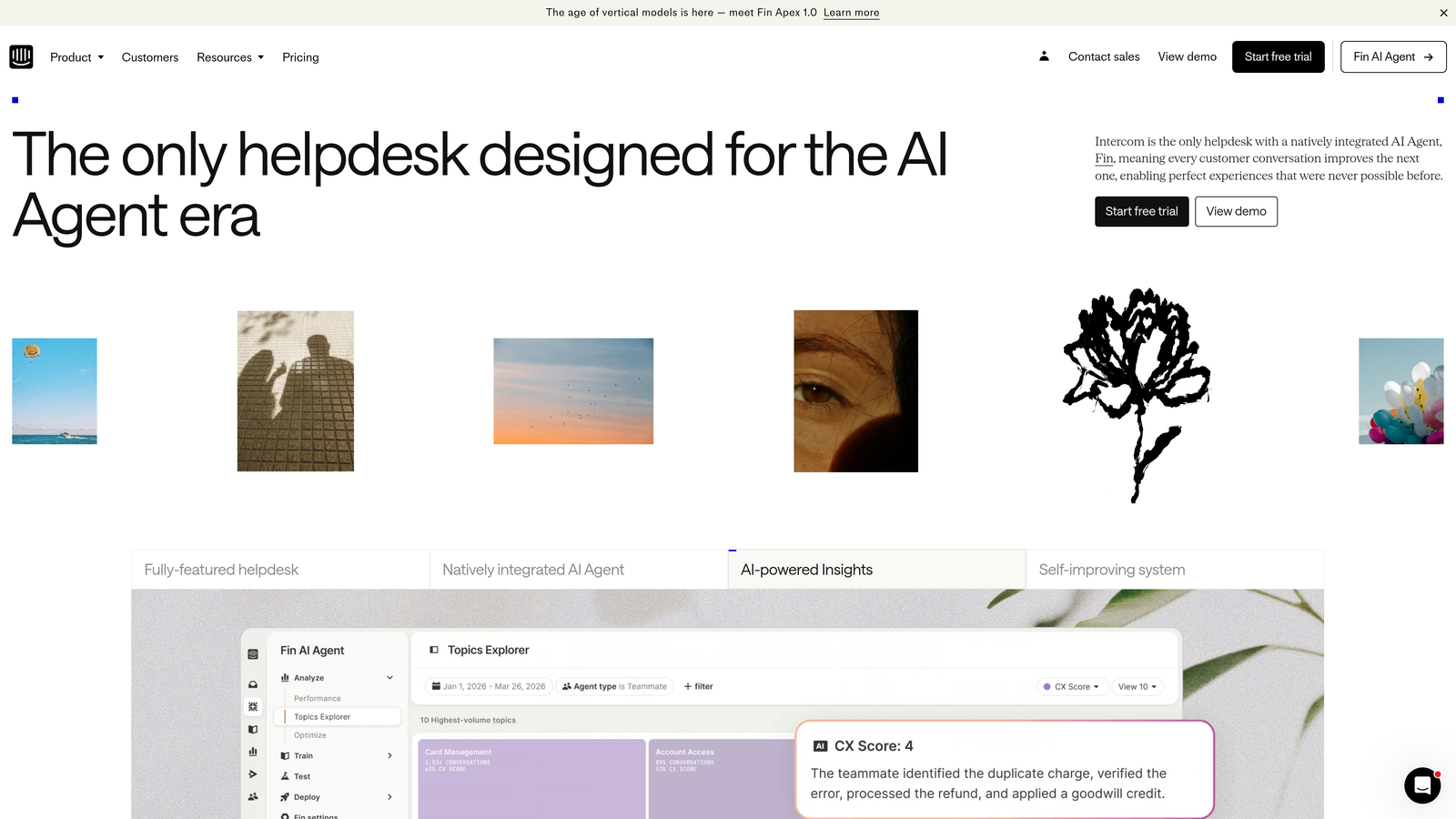
Intercom is a customer messaging platform that combines in-app communication, product tours, and AI-powered support resolution.
Where This Tool Shines
Intercom's messenger-first approach means all guidance happens through a familiar chat interface users already associate with getting help. This reduces the learning curve compared to platforms that introduce entirely new UI patterns.
The Fin AI agent can resolve common support questions automatically while seamlessly handing off to human agents when needed. This hybrid approach lets you deflect routine inquiries without sacrificing quality on complex issues that need human judgment.
Key Features
Messenger-First Communication: All product tours, tooltips, and support happen through a unified chat interface users recognize.
Product Tours: Multi-step guided flows that walk users through features with contextual messaging and visual highlights.
Fin AI Agent: Automated resolution of support questions using your knowledge base, with intelligent escalation to human agents.
Outbound Messaging: Proactively reach users based on behavior triggers or segment membership with targeted announcements.
Unified Inbox: Support teams see all customer conversations—automated and human—in one place for complete context.
Best For
SaaS companies that want messaging, support, and product guidance in one platform. Works well for teams already using Intercom for support who want to add product tours without introducing another tool.
Pricing
Starts at $39 per seat per month for the Essential plan. Fin AI usage is billed separately based on resolution volume.
6. Appcues
Best for: Product-led growth teams needing no-code onboarding flows and feature announcements
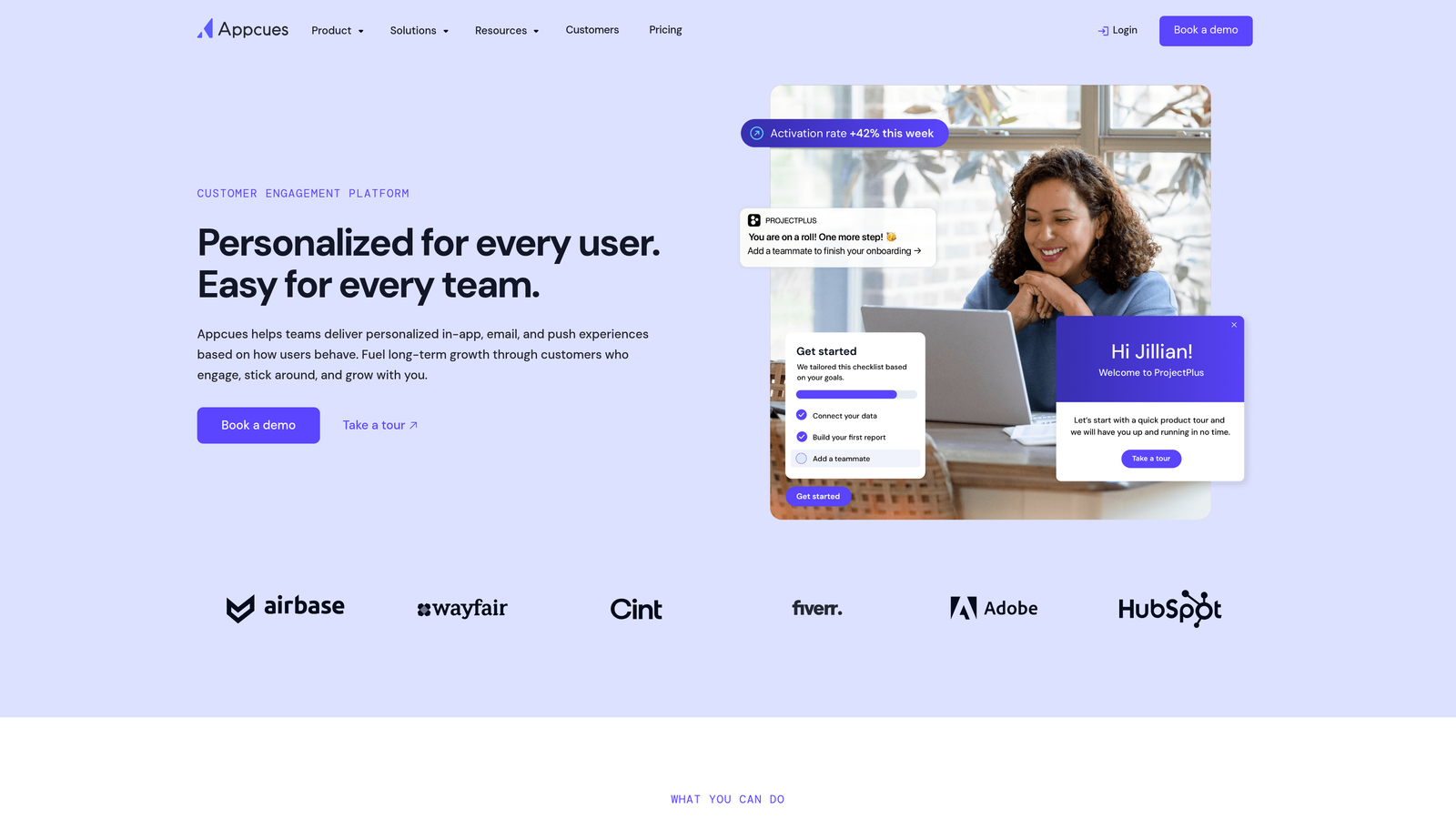
Appcues is a no-code product adoption platform focused on user onboarding and feature announcement flows.
Where This Tool Shines
Appcues excels at speed of implementation. Non-technical product managers can build, publish, and iterate on onboarding flows without waiting for developer resources. The visual builder makes creating multi-step tours straightforward even for team members without design experience.
The checklist feature creates persistent progress indicators that guide users through setup tasks. Unlike one-time tours that users might skip, checklists remain accessible and track completion, improving activation rates for complex products.
Key Features
No-Code Flow Builder: Create modals, tooltips, slideouts, and hotspots with a visual editor requiring zero coding knowledge.
Checklists and Hotspots: Persistent task lists guide users through multi-step onboarding with visual indicators on relevant UI elements.
NPS and Survey Capabilities: Collect user feedback and satisfaction scores at contextually relevant moments in the user journey.
Event-Based Targeting: Trigger flows based on user actions, page visits, or custom events from your application.
Mobile SDK Support: Deploy flows in mobile applications with native iOS and Android SDKs.
Best For
Product-led SaaS companies with limited developer resources who need to move quickly on onboarding improvements. Particularly valuable for teams running frequent experiments on activation flows.
Pricing
Starts at $249 per month for the Essentials plan with basic features and limited monthly active users.
7. Userpilot
Best for: Growth teams wanting experimentation capabilities and advanced segmentation for product experiences
Userpilot is a product growth platform combining in-app experiences, analytics, and A/B testing for optimization.
Where This Tool Shines
Userpilot's segmentation engine lets you target experiences with precision beyond basic user properties. You can create segments based on feature usage patterns, engagement scores, or custom events—then test different onboarding approaches for each segment.
The A/B testing capability means you're not guessing which onboarding flow works better. Run controlled experiments on different approaches, measure completion rates and downstream activation, then deploy the winner. This data-driven approach helps justify product-led growth investments.
Key Features
Advanced User Segmentation: Build complex segments based on behavioral patterns, feature usage, and custom event combinations.
A/B Testing for Flows: Run controlled experiments on different onboarding approaches and measure impact on activation metrics.
Resource Center Builder: Create an in-app help hub with searchable guides, videos, and documentation organized by topic.
Product Analytics Integration: Track feature usage, funnel completion, and user paths alongside your guidance experiences.
Localization Support: Deploy flows in multiple languages with translation management and locale-based targeting.
Best For
Data-driven product teams at growth-stage SaaS companies who want to optimize onboarding through experimentation rather than intuition.
Pricing
Starts at $249 per month for the Starter plan. Higher tiers unlock advanced analytics and increased monthly active user limits.
8. Chameleon
Best for: Teams requiring deep customization control and brand-matched styling for in-app experiences
Chameleon is a highly customizable in-app guidance platform with CSS-level styling control and microsurvey capabilities.
Where This Tool Shines
Chameleon gives designers and brand-conscious teams the styling control they need to make in-app experiences feel native to their product. CSS-level customization means you're not limited to predefined themes—you can match your exact brand guidelines down to specific fonts, shadows, and animations.
The rate limiting feature prevents guide fatigue by controlling how many experiences users see within a time period. This thoughtful approach to user experience helps maintain engagement rather than overwhelming users with constant tooltips and modals.
Key Features
CSS-Level Customization: Control every visual aspect of guides with custom CSS, matching your exact brand guidelines and design system.
Launchers for On-Demand Help: Persistent buttons or widgets that users can access when they need guidance rather than interrupting their workflow.
Microsurveys with Branching: Collect feedback with conditional logic that adapts questions based on previous answers.
Rate Limiting: Control experience frequency to prevent overwhelming users with too many guides in a short period.
HubSpot and Salesforce Integrations: Sync user properties and events with your CRM for coordinated marketing and product experiences.
Best For
Design-forward SaaS companies with strong brand guidelines who need in-app experiences that feel completely native to their product aesthetic.
Pricing
Free tier available for basic features. Paid plans start at $279 per month with increased limits and advanced capabilities.
9. Stonly
Best for: Support teams needing interactive decision-tree guides and embedded help widgets
Stonly is an interactive guide platform with decision-tree knowledge bases and embeddable help widgets.
Where This Tool Shines
Stonly's decision-tree approach mirrors how support agents actually troubleshoot issues—asking questions to narrow down the problem before providing solutions. This creates more accurate resolutions than static help articles because users get guidance tailored to their specific situation.
The agent-facing guidance tools make Stonly valuable beyond customer self-service. Support agents can use the same interactive guides during live conversations, ensuring consistent troubleshooting approaches across your team while reducing training time for new agents.
Key Features
Step-by-Step Interactive Guides: Decision-tree flows that adapt based on user responses, providing tailored solutions rather than generic articles.
Decision-Tree Knowledge Base: Organize help content as branching logic that guides users to the right answer through questions.
Embeddable Help Widgets: Deploy guides directly in your product interface or support portal with customizable styling.
Agent-Facing Guidance: Support teams can use the same interactive guides during live conversations for consistent troubleshooting.
API for Custom Integrations: Connect Stonly to your existing tools and systems with a flexible API for custom workflows.
Best For
Support-heavy SaaS companies with complex troubleshooting scenarios where one-size-fits-all help articles fall short. Especially valuable if you want to empower both customers and agents with the same guided content.
Pricing
Free tier available for basic interactive guides. Paid plans require custom pricing based on usage and features.
Making the Right Choice
Choosing the right product guided support software depends on your specific needs and constraints. For teams wanting AI-native support that truly understands user context, Halo AI offers page-aware intelligence that learns continuously from every interaction. The platform's ability to see what users see and resolve tickets autonomously makes it particularly valuable for scaling support without scaling headcount.
Enterprise organizations with complex multi-application workflows often gravitate toward WalkMe or Whatfix for their robust digital adoption capabilities and cross-system guidance. These platforms shine when you need to guide users through processes that span multiple enterprise systems.
Product-led growth teams frequently prefer Appcues or Userpilot for their no-code simplicity and experimentation features. If you're running frequent onboarding experiments and need to move quickly without developer resources, these platforms remove implementation friction.
If conversational support is your priority and you want messaging combined with product tours, Intercom offers a unified messenger-first approach. Teams already using Intercom for support can add product guidance without introducing another tool to their stack.
Design-conscious teams requiring deep customization control will appreciate Chameleon's CSS-level styling capabilities, while support-heavy companies with complex troubleshooting scenarios should evaluate Stonly's decision-tree approach.
Start by identifying your primary use case—onboarding optimization, feature adoption, real-time troubleshooting, or employee training. Then evaluate which platform's core strengths align with your goals. Consider your technical resources, existing tool stack, and whether you need customer-facing or employee-facing solutions.
Your support team shouldn't scale linearly with your customer base. Let AI agents handle routine tickets, guide users through your product, and surface business intelligence while your team focuses on complex issues that need a human touch. See Halo in action and discover how continuous learning transforms every interaction into smarter, faster support.