9 Best Product Guided Support Tools for SaaS Teams in 2026
Product guided support tools embed intelligent assistance directly into your SaaS application, helping users get contextual answers without leaving your product. This guide reviews the 9 best platforms for 2026 that enable in-app support through AI-powered agents, interactive walkthroughs, and embedded help widgets—evaluated on contextual awareness, implementation ease, AI capabilities, and integration depth to help you reduce friction and prevent churn.
 Matt PattoliFounder12 min read
When users get stuck in your product, they don't want to leave it to find help. They want answers right where they are—contextual, instant, and relevant to exactly what they're looking at on their screen.
Product guided support tools make this possible by embedding intelligent assistance directly into your application. They guide users through features, troubleshoot issues in real-time, and reduce the friction that leads to churn.
This roundup covers the leading tools that help SaaS teams deliver in-app support experiences, from AI-powered agents that understand page context to interactive walkthroughs and embedded help widgets. We evaluated each based on contextual awareness, ease of implementation, AI capabilities, and integration depth with existing support stacks.
1. Halo AI
Best for: Teams wanting AI-first support with deep page-level context and continuous learning
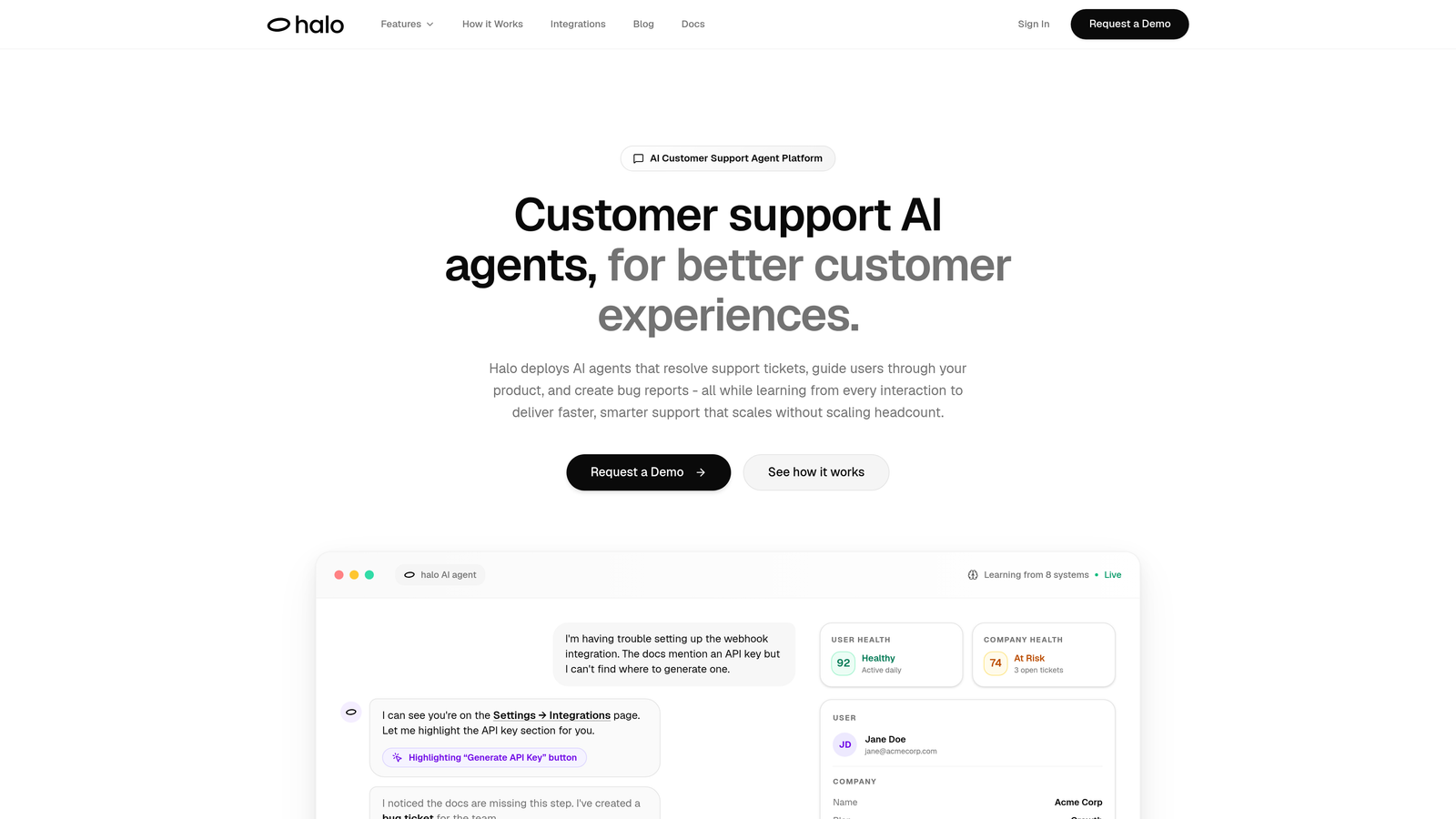
Halo AI is an AI-powered customer support platform built around page-aware intelligence that sees exactly what users see in your product.
Where This Tool Shines
The defining feature here is contextual awareness that goes beyond typical chatbots. Halo's AI agents understand which page users are viewing, what UI elements they're interacting with, and can provide visual guidance pointing to specific buttons or features on screen.
What sets it apart is the continuous learning architecture. Every support interaction—whether resolved by AI or escalated to humans—feeds back into the system, making responses smarter over time. This isn't a bolt-on chatbot; it's an AI-first platform designed to understand your product deeply.
Key Features
Page-Aware Context: The AI sees your product's UI in real-time, enabling visual guidance that points users to exact interface elements.
Autonomous Ticket Resolution: AI agents handle common support requests end-to-end without human intervention, learning from every resolution.
Auto Bug Ticket Creation: Automatically generates engineering tickets in Linear when support conversations reveal product issues.
Business Intelligence Layer: Surfaces customer health signals, revenue intelligence, and anomaly detection beyond basic support metrics.
Deep Integration Stack: Connects with Linear, Slack, HubSpot, Intercom, Stripe, Zoom, PandaDoc, and Fathom for unified business context.
Best For
B2B SaaS teams who want support that scales without scaling headcount. Particularly strong for product-led companies where users need guidance within the application itself, and for teams already using modern tools like Linear and Slack who want everything connected.
Pricing
Contact for pricing. The platform is designed for mid-market to enterprise SaaS companies with significant support volume.
2. Intercom
Best for: Teams wanting a unified platform combining messaging, AI resolution, and product tours
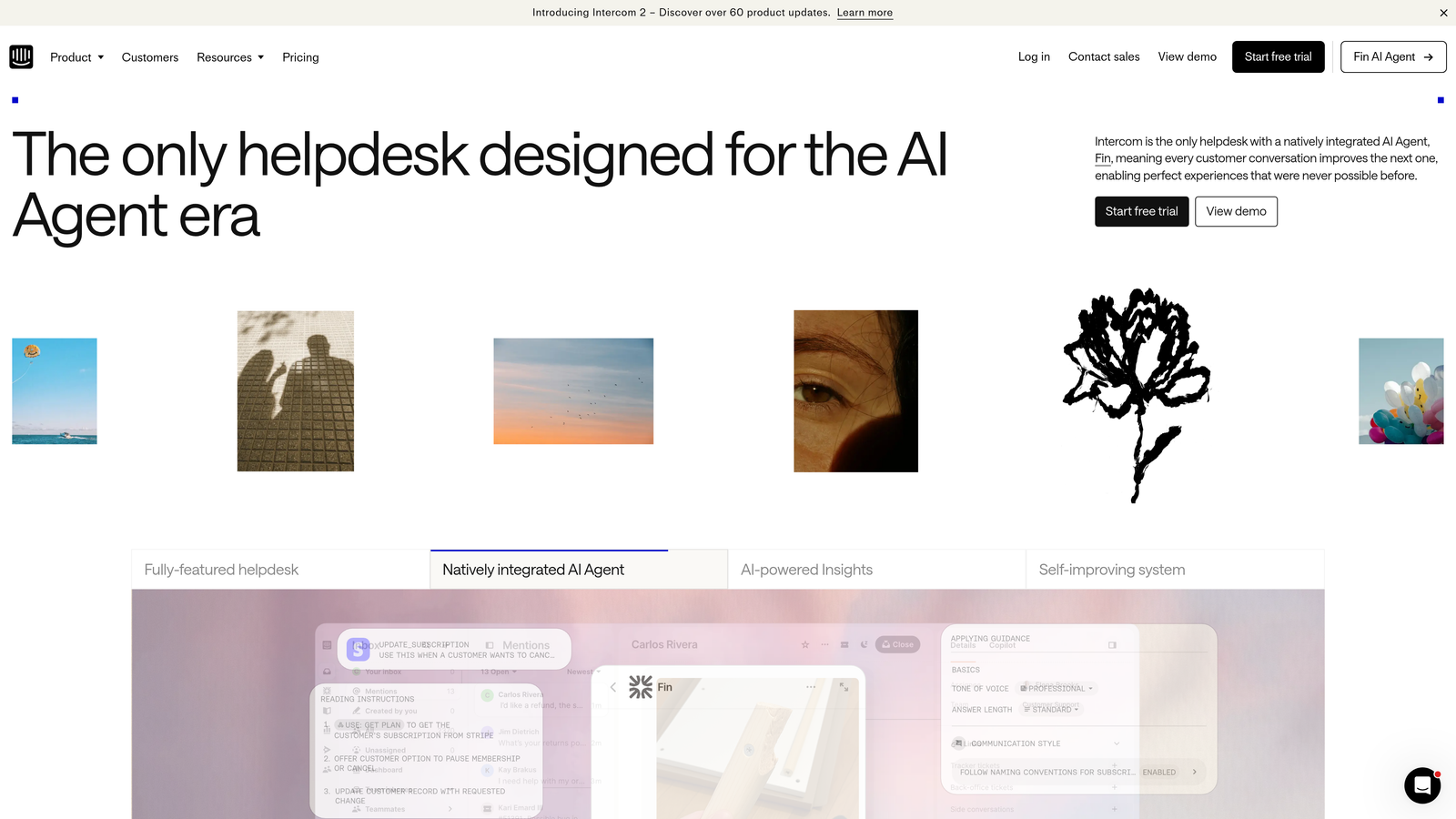
Intercom is a comprehensive customer messaging platform that combines live chat, AI chatbot capabilities, product tours, and help center functionality in one system.
Where This Tool Shines
Intercom's strength lies in its unified approach to customer communication. You get live chat, automated messaging, product tours, and their Fin AI agent all working from the same inbox and customer data.
The platform has evolved from a simple chat widget into a full customer service suite. Their Fin AI agent can resolve common tickets autonomously, while the product tours feature lets you build in-app guidance without leaving the Intercom ecosystem.
Key Features
Fin AI Agent: Automated ticket resolution powered by AI that learns from your help center and past conversations.
Product Tours: Visual walkthroughs and tooltips you can build to guide users through features and workflows.
Unified Inbox: Single view of all customer conversations across chat, email, and social channels.
Custom Bot Builder: Create branching conversation flows for specific use cases without coding.
Integration Ecosystem: Extensive app marketplace connecting to CRMs, analytics tools, and business systems.
Best For
Teams who want everything in one place—support, messaging, and product guidance. Works particularly well for companies already using Intercom for chat who want to expand into automated support and in-app experiences.
Pricing
Starts at $39 per seat per month for the Essential plan. Fin AI pricing is usage-based, calculated per resolution. Total cost can scale significantly with team size and AI usage.
3. Pendo
Best for: Product-led teams wanting analytics-driven guidance with deep adoption insights
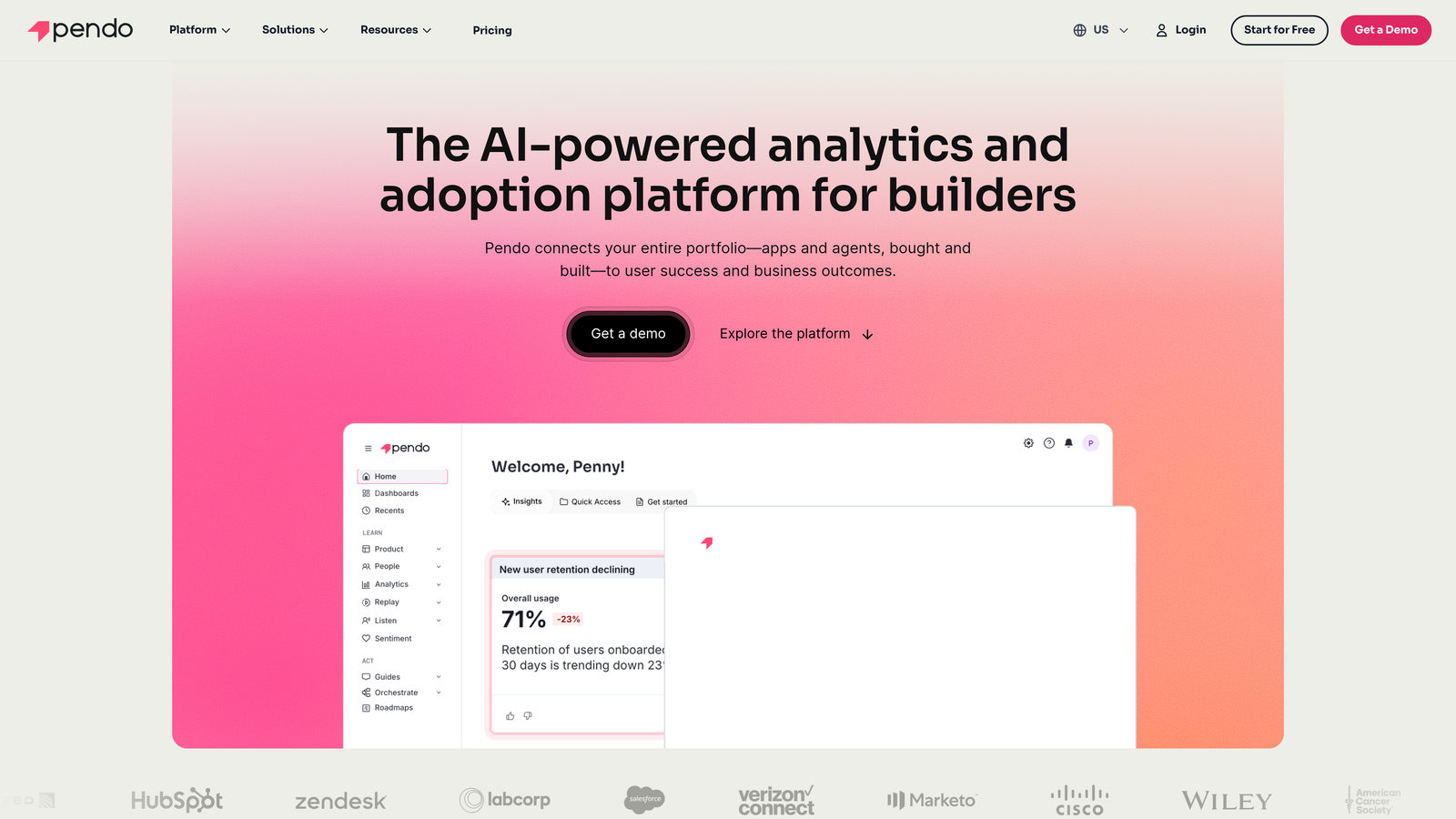
Pendo is a product experience platform that combines in-app guides with product analytics and user feedback collection to create data-driven guidance experiences.
Where This Tool Shines
Pendo takes a product analytics-first approach to guided support. You're not just building walkthroughs in the dark—you can see exactly how users interact with features, where they get stuck, and trigger guidance based on actual behavior patterns.
The session replay capability adds another dimension. When users struggle, you can watch exactly what happened, then build targeted guides to prevent similar issues. This feedback loop between analytics and guidance is where Pendo excels.
Key Features
Behavior-Triggered Guides: Launch in-app walkthroughs based on user actions, feature usage, or segment membership.
Product Analytics: Track feature adoption, user flows, and engagement metrics to identify where guidance is needed.
Resource Center: Embeddable self-service hub where users can access guides, videos, and documentation without leaving your product.
Session Replay: Watch recordings of user sessions to understand friction points and improve guidance.
Feedback Collection: Built-in NPS surveys and feedback forms to capture user sentiment alongside usage data.
Best For
Product teams who make decisions based on data and want to tie guidance directly to feature adoption metrics. Particularly valuable for companies with complex products where understanding user behavior is critical.
Pricing
Free tier available with limited features. Paid plans typically start around $7,000 annually, scaling with user volume and feature access. Enterprise pricing available for larger organizations.
4. WalkMe
Best for: Enterprise organizations needing guidance across multiple complex applications and workflows
WalkMe is an enterprise digital adoption platform designed to guide users through complex workflows across web applications, desktop software, and enterprise systems.
Where This Tool Shines
WalkMe operates at enterprise scale with features built for complex, multi-application environments. Unlike tools focused on single-product guidance, WalkMe can create workflows that span multiple systems—guiding a user through a process that touches Salesforce, SAP, and internal tools.
The Workstation product extends guidance to desktop applications, not just web interfaces. This makes WalkMe particularly valuable for enterprises with legacy systems or specialized software where users need consistent guidance.
Key Features
Cross-Application Workflows: Build guidance that spans multiple systems and applications in a single flow.
AI-Powered Automation: Suggests process improvements and automates repetitive tasks based on user behavior patterns.
Enterprise Security: SOC 2, HIPAA, and GDPR compliance with advanced security controls for regulated industries.
Desktop Application Support: WalkMe Workstation provides guidance for desktop software, not just web apps.
Advanced Analytics: Deep insights into process completion, user struggles, and system adoption across your entire tech stack.
Best For
Large enterprises with complex technology ecosystems who need to drive adoption across multiple systems. Common in healthcare, financial services, and organizations undergoing digital transformation with legacy systems.
Pricing
Enterprise pricing model with contracts typically starting around $50,000 annually. Cost scales with user volume, number of applications, and feature requirements.
5. Whatfix
Best for: Mid-market to enterprise teams focused on self-help experiences and interactive training
Whatfix is a digital adoption platform specializing in contextual self-help widgets, interactive walkthroughs with branching logic, and in-app training content.
Where This Tool Shines
Whatfix excels at creating sophisticated, branching walkthroughs that adapt based on user choices. Instead of linear guides, you can build decision trees that respond to different scenarios and user needs.
The self-help widget is particularly well-designed. It sits persistently in your application, providing contextual help content that changes based on which page or feature users are viewing. This reduces the need for users to search through documentation or leave your product.
Key Features
Branching Walkthroughs: Create interactive guides with conditional logic that adapts to different user paths and scenarios.
Contextual Self-Help Widget: Persistent help button that surfaces relevant content based on user location within your product.
Task Lists: Guided checklists that walk users through multi-step processes with progress tracking.
Effectiveness Analytics: Measure which guidance content actually helps users complete tasks and where they still struggle.
Multi-Format Export: Repurpose guidance content into videos, PDFs, or documentation for different learning preferences.
Best For
Organizations that prioritize self-service support and want to reduce ticket volume through comprehensive in-app help. Works well for products with complex workflows where users need different guidance based on their role or use case.
Pricing
Contact for pricing. Typically positioned for mid-market to enterprise customers with pricing based on user volume and feature access.
6. Userpilot
Best for: Product growth teams building onboarding flows and feature adoption campaigns without code
Userpilot is a product growth platform focused on creating in-app experiences, onboarding sequences, and feature announcements through a no-code builder.
Where This Tool Shines
Userpilot's no-code approach makes it accessible to product managers and marketers who want to launch experiences without engineering bottlenecks. The visual builder is intuitive, letting you create modals, tooltips, and slideouts in minutes.
User segmentation is particularly robust. You can target experiences based on user properties, behavior patterns, feature usage, or custom attributes. This precision targeting means users only see guidance relevant to their specific journey stage.
Key Features
No-Code Experience Builder: Visual editor for creating modals, tooltips, banners, and slideouts without touching code.
Advanced Segmentation: Target experiences based on user properties, behavior, feature usage, or custom event triggers.
Resource Center: Embeddable help hub supporting multiple content types including guides, videos, and links.
A/B Testing: Test different experience variations to optimize conversion and engagement rates.
Product Analytics Integration: Built-in analytics to track feature adoption, funnel completion, and user engagement.
Best For
Product-led growth teams who want to iterate quickly on onboarding and feature adoption without depending on engineering. Ideal for SaaS companies focused on user activation and expansion revenue.
Pricing
Starter plan begins at $249 per month for up to 2,000 monthly active users. Pricing scales with user volume across Growth and Enterprise tiers.
7. Appcues
Best for: Teams prioritizing fast implementation and clean user experiences with minimal engineering
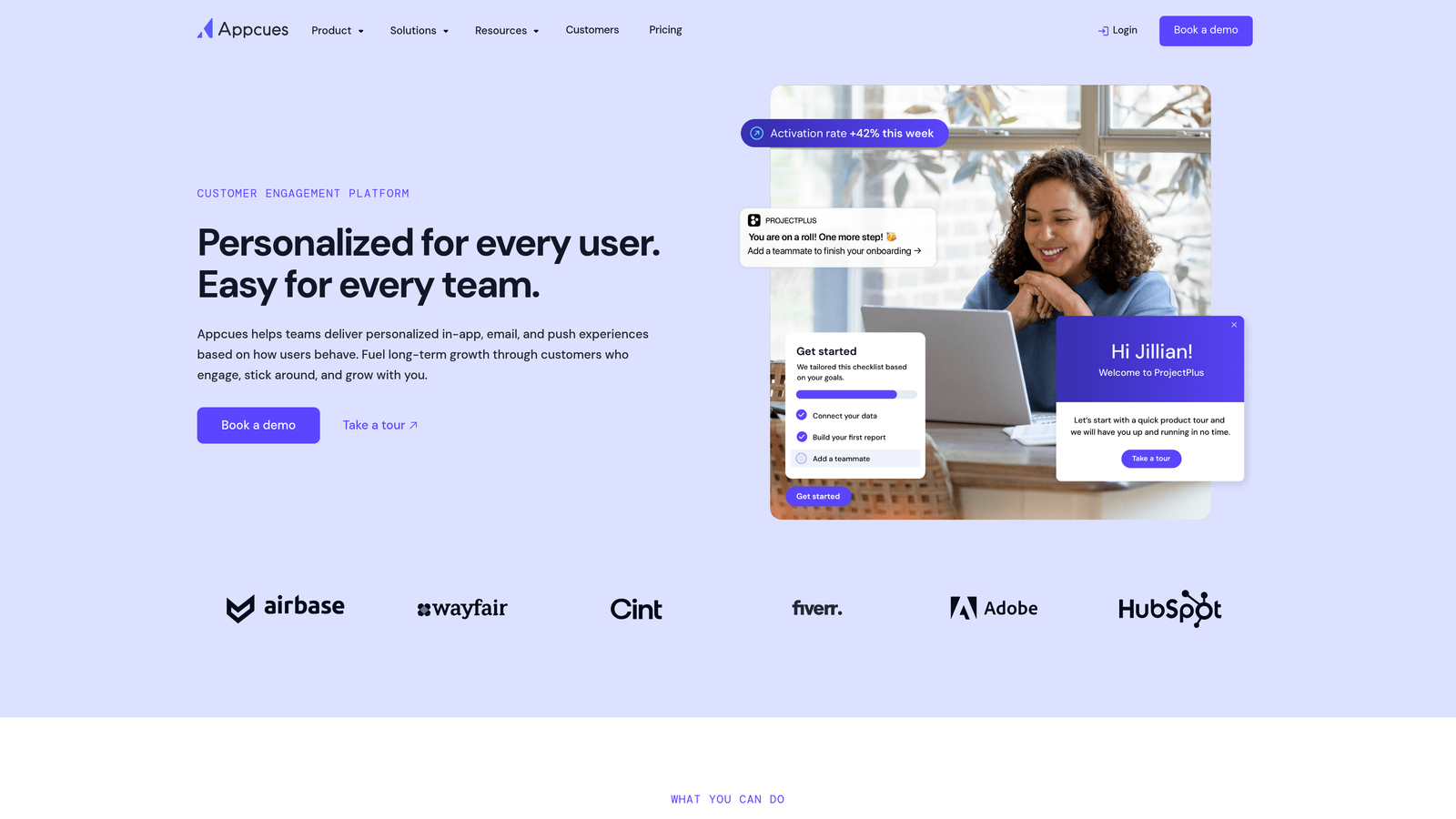
Appcues is a user onboarding and adoption platform that makes it simple to build modals, tooltips, and onboarding checklists with minimal technical setup.
Where This Tool Shines
Appcues is built for speed. You can go from installation to first live experience in under an hour. The drag-and-drop flow builder removes friction, letting product teams launch onboarding sequences without waiting for development cycles.
The checklist feature is deceptively powerful. Users see a persistent progress tracker showing what steps they've completed and what's next. This gamification element significantly improves activation rates for new users working through onboarding.
Key Features
Drag-and-Drop Builder: Visual editor for creating flows with modals, tooltips, and hotspots without coding.
Multiple UI Patterns: Modals for announcements, slideouts for contextual help, tooltips for feature highlights, and banners for notifications.
Onboarding Checklists: Persistent progress trackers that guide users through activation steps with completion tracking.
NPS and Feedback: Built-in survey tools to capture user sentiment and feedback at key journey moments.
Event Tracking: Monitor user actions and set goals to measure onboarding effectiveness and feature adoption.
Best For
Teams who value clean UX and want to launch quickly without complex setup. Particularly strong for companies focused on user onboarding and activation where time-to-value is critical.
Pricing
Starts at $249 per month for the Essentials plan. Pricing is usage-based with tiers scaling on monthly active users and feature access.
8. Chameleon
Best for: Design-conscious teams wanting highly customizable in-app messaging and microsurveys
Chameleon is an in-app messaging platform offering deep customization for tours, tooltips, persistent launchers, and contextual microsurveys.
Where This Tool Shines
Chameleon gives you granular control over styling and appearance. While other tools offer templates, Chameleon lets you customize CSS directly, ensuring your in-app experiences match your brand perfectly.
The rate limiting feature is thoughtful. You can prevent experience fatigue by controlling how often users see messages, ensuring guidance feels helpful rather than intrusive. This attention to user experience details sets Chameleon apart.
Key Features
CSS Customization: Direct access to style controls for pixel-perfect brand matching and design consistency.
Persistent Launchers: Always-available help buttons that users can access anytime without searching for support.
Microsurveys: Contextual feedback collection at specific moments in the user journey with minimal disruption.
Rate Limiting: Control message frequency to prevent overwhelming users with too many experiences.
Integration Depth: Strong connections with Segment, HubSpot, and other growth tools for unified user data.
Best For
Product teams with strong design standards who need complete control over how in-app experiences look and feel. Works well for brands where visual consistency is non-negotiable.
Pricing
Starts at $279 per month for the Startup plan. Pricing scales with monthly active users and feature requirements across Growth and Enterprise tiers.
9. Stonly
Best for: Teams focused on interactive, decision-tree style help content and troubleshooting guides
Stonly is an interactive knowledge base platform specializing in step-by-step guides with branching logic and decision trees for complex troubleshooting.
Where This Tool Shines
Stonly takes a fundamentally different approach to help content. Instead of static articles, you build interactive guides that adapt based on user responses. This is particularly powerful for troubleshooting where the solution depends on specific symptoms or configurations.
The decision tree format reduces cognitive load. Users answer simple questions and the guide narrows down to the exact solution they need, rather than making them read through irrelevant information to find the one relevant paragraph.
Key Features
Interactive Step-by-Step Guides: Build guides that progress based on user input, showing only relevant information.
Decision Trees: Branching logic for troubleshooting that adapts to different scenarios and user situations.
Embeddable Widgets: Place interactive guides anywhere in your product, help center, or even external sites.
Guided Knowledge Base: Transform traditional help articles into interactive experiences that guide users to solutions.
AI Content Suggestions: Get recommendations for improving guide content based on user behavior and completion rates.
Best For
Support teams dealing with complex troubleshooting where solutions vary based on user configuration, setup, or symptoms. Particularly effective for technical products with multiple variables affecting resolution.
Pricing
Free plan available with basic features. Paid plans start at $199 per month, scaling with team size and advanced features like analytics and integrations.
Making the Right Choice
Choosing the right product guided support tool depends on where your team sits on the spectrum between automation and human touch.
For teams wanting AI-first support that understands page context and learns continuously, Halo AI offers the deepest contextual awareness. The platform sees what users see and gets smarter with every interaction, making it ideal for product-led companies focused on scaling support without scaling headcount.
If you need a unified platform combining messaging, tours, and AI resolution in one ecosystem, Intercom remains a strong choice. Teams already using Intercom for chat can expand into automated support and product guidance without adding another vendor.
Product-led growth teams focused on analytics-driven guidance will find Pendo or Userpilot compelling. Both connect guidance directly to product analytics, letting you see what works and iterate based on data rather than guesswork.
Enterprises with complex digital adoption needs across multiple systems often turn to WalkMe or Whatfix. These platforms handle cross-application workflows and legacy system guidance that simpler tools can't address.
For teams prioritizing fast implementation and clean user experiences, Appcues and Chameleon deliver. You can launch onboarding flows in hours, not weeks, with minimal engineering involvement.
And if interactive, decision-tree style help content is your focus—particularly for complex troubleshooting—Stonly stands out with its branching guide format.
Your support team shouldn't scale linearly with your customer base. Let AI agents handle routine tickets, guide users through your product, and surface business intelligence while your team focuses on complex issues that need a human touch. See Halo in action and discover how continuous learning transforms every interaction into smarter, faster support.