9 Best Product Tour Automation Software Tools in 2026
This guide evaluates the 9 best product tour automation software tools for 2025, helping SaaS teams choose solutions that go beyond basic walkthroughs to deliver adaptive, context-aware onboarding that reduces support tickets and accelerates time-to-value. Tools are assessed across implementation ease, integration depth, and scalability for B2B teams of all sizes.
 Matt PattoliFounder13 min read
Product tour automation software has become essential for SaaS teams trying to reduce time-to-value, cut support ticket volume, and improve user onboarding without adding headcount. The challenge is that most tools in this space focus narrowly on linear walkthroughs, leaving users stranded the moment they go off-script.
This list covers tools that handle product tours and in-app guidance across the full spectrum: from classic step-by-step walkthroughs to AI-driven, context-aware guidance that adapts in real time. Whether you're a product team building onboarding flows or a support leader trying to deflect repetitive "how do I..." tickets, there's a fit here.
Selection criteria include ease of implementation, depth of in-app guidance, integration ecosystem, scalability, and how well each tool supports both onboarding and ongoing support use cases. All tools are evaluated for B2B SaaS teams of all sizes.
1. Halo AI
Best for: Teams that want product guidance and support ticket resolution in a single AI-native platform
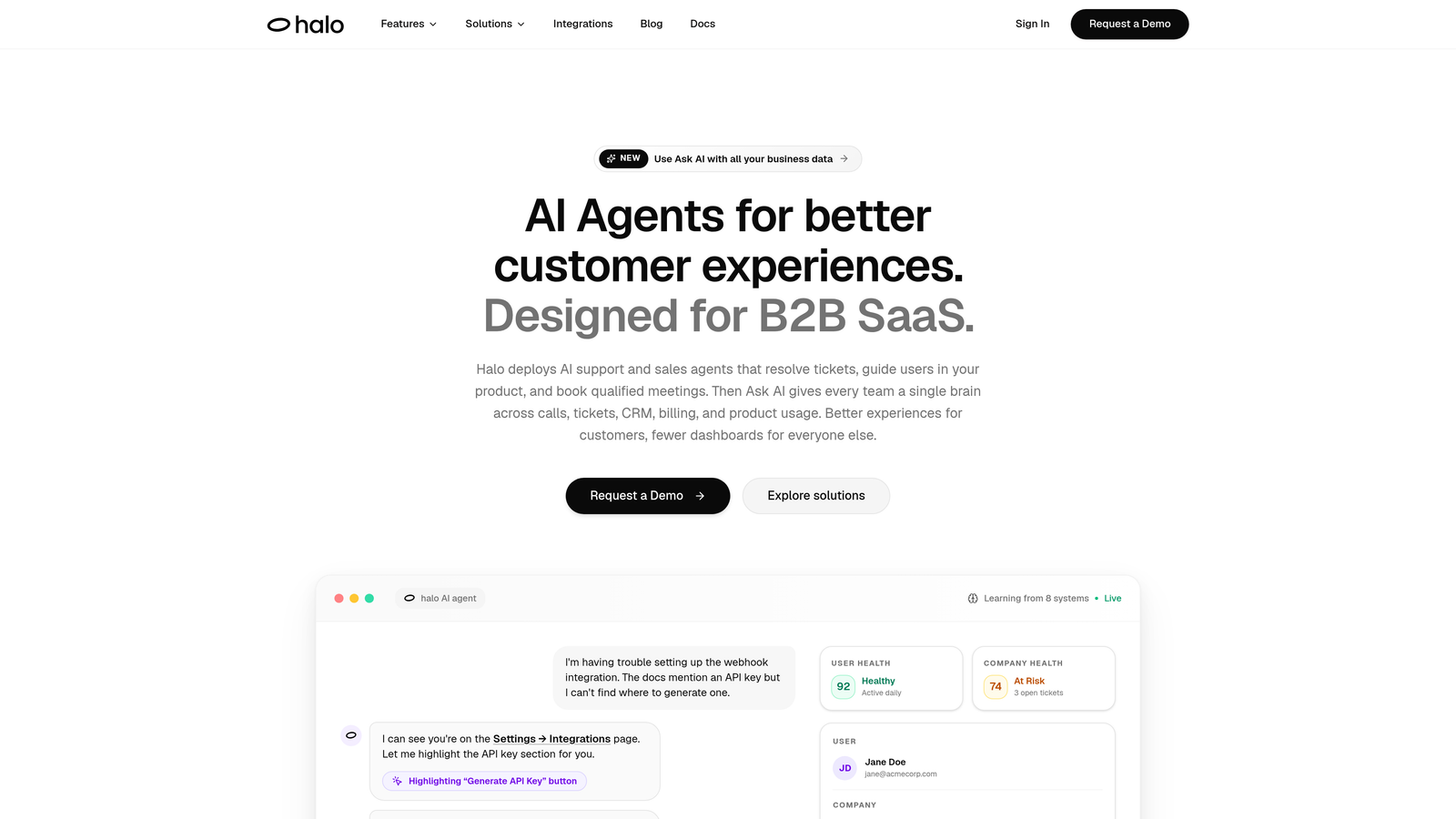
Halo AI is an AI-powered customer support platform with page-aware in-app guidance that resolves tickets and walks users through your product on demand.
Where This Tool Shines
Most product tour tools operate on a fixed script: you build a flow, users follow it, and when they deviate, they're on their own. Halo takes a fundamentally different approach. Its page-aware chat widget sees what the user sees on-screen and delivers contextual visual walkthroughs triggered by real user questions, not just a pre-planned sequence.
This makes Halo particularly powerful for teams dealing with both onboarding and ongoing support in the same breath. When a user asks "how do I set up an integration?", Halo doesn't just return a help article. It guides them through the steps visually, in context, on the exact page they're on. And if something goes wrong, it can automatically create a bug ticket without the user ever needing to contact support.
Key Features
Page-Aware Chat Widget: Understands the user's current screen context and delivers relevant visual UI guidance without requiring them to navigate away.
AI Ticket Resolution: AI agents handle support tickets autonomously, resolving common questions and guiding users through product features on demand.
Auto Bug Ticket Creation: Detects errors or guidance failures and automatically generates bug reports, routing them to the right team via Linear, Slack, or your preferred tool.
Live Agent Handoff: Escalates complex issues to human agents seamlessly when the situation goes beyond AI scope.
Smart Inbox with Business Intelligence: Goes beyond support metrics to surface customer health signals, revenue intelligence, and usage anomalies across your entire customer base.
Deep Integration Ecosystem: Connects natively with Zendesk, Freshdesk, Intercom, Linear, Slack, HubSpot, Stripe, Zoom, PandaDoc, and Fathom.
Best For
SaaS teams that want to eliminate the gap between product guidance and customer support. Particularly well-suited for support leaders trying to deflect high-volume "how do I..." tickets and product teams who want always-on onboarding without maintaining a separate tour tool. Works especially well for companies already using Zendesk, Freshdesk, or Intercom as their helpdesk backbone.
Pricing
Visit haloagents.ai for current pricing and plan details.
2. Appcues
Best for: Product and growth teams building no-code onboarding flows at mid-market SaaS companies
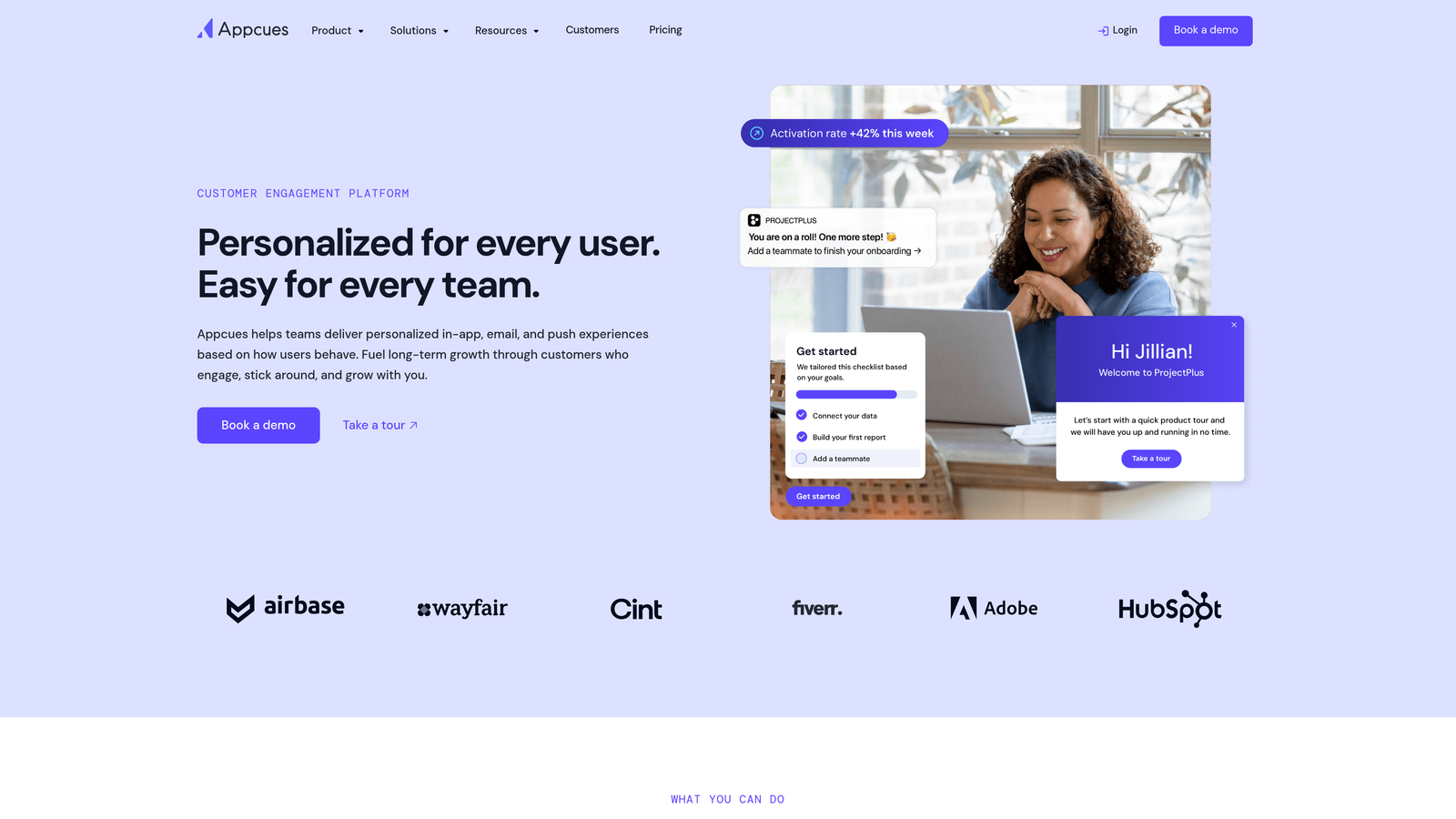
Appcues is a well-established no-code onboarding platform with a visual builder for creating tours, checklists, modals, and NPS surveys.
Where This Tool Shines
Appcues has earned its reputation as a go-to for product teams who want to ship onboarding improvements without pulling engineering resources. The visual builder is genuinely intuitive, and most teams can get their first flow live without touching a line of code.
Where it particularly stands out is in user segmentation. You can target flows based on plan tier, user role, behavioral signals, or custom attributes, which means your onboarding experience for a power user on an enterprise plan looks nothing like what a free-tier user sees on day one.
Key Features
Visual No-Code Builder: Build and publish tours, tooltips, and modals without engineering involvement for most use cases.
User Segmentation: Target flows by plan, role, behavior, or custom attributes for highly personalized onboarding.
NPS and Feedback Collection: Built-in surveys let you capture user sentiment without a separate tool.
Analytics Integrations: Native connections to Segment, Amplitude, Mixpanel, and HubSpot keep your onboarding data in sync with your broader analytics stack.
Checklists and Resource Centers: Give users a structured path through onboarding and a self-serve hub for ongoing help.
Best For
Mid-market SaaS product and growth teams that want a mature, well-documented no-code onboarding platform. Less suited for teams that need reactive, support-driven guidance or AI-powered ticket resolution alongside their tours.
Pricing
Starts at approximately $249/month on the Essentials tier. Verify current pricing at appcues.com.
3. Pendo
Best for: Enterprise teams that want to combine behavioral analytics with targeted in-app guidance
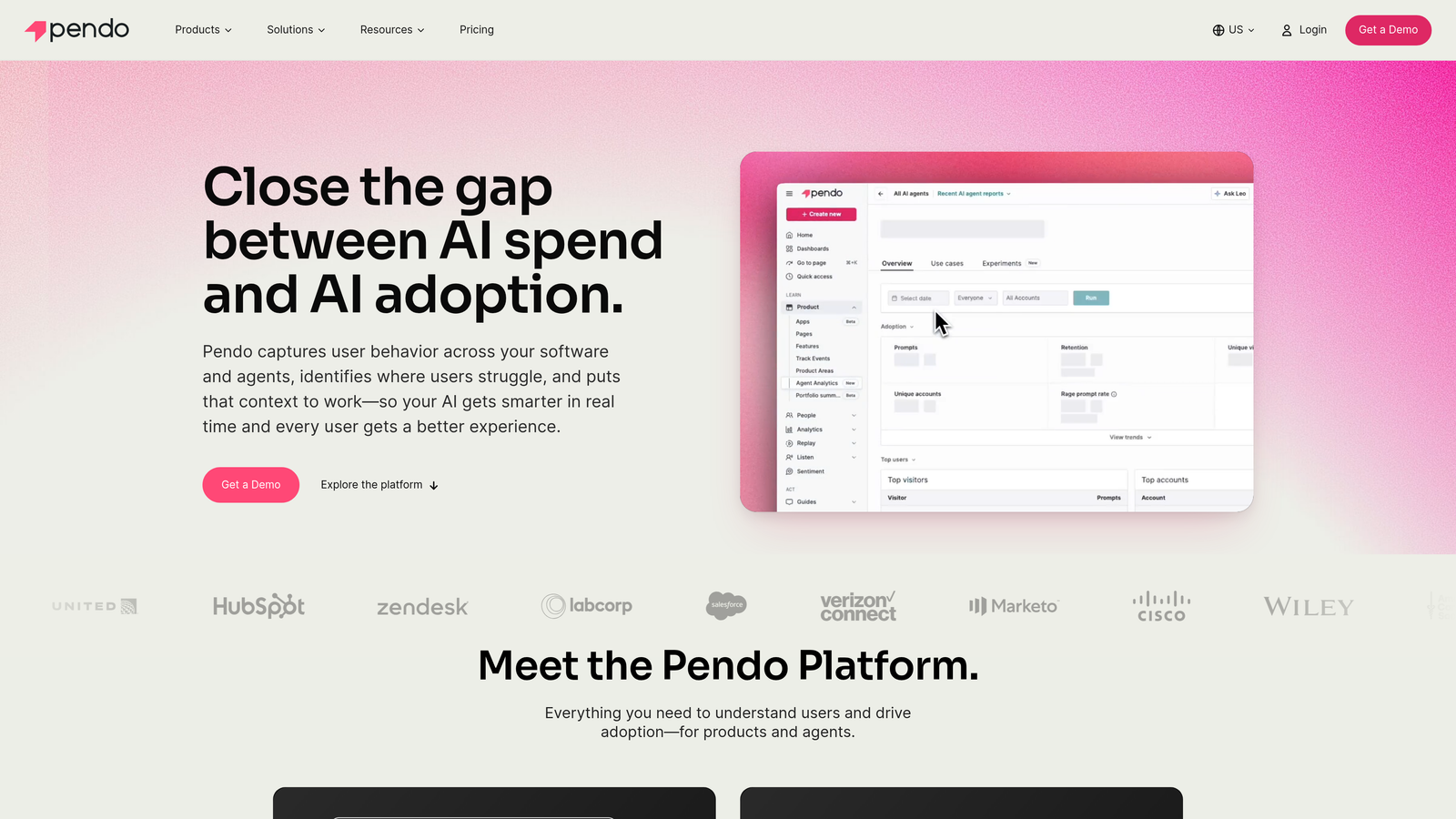
Pendo is an enterprise product analytics platform with built-in in-app guidance that lets teams build tours informed by real usage data.
Where This Tool Shines
Pendo's core differentiator is the feedback loop between data and guidance. Most tour tools let you build flows based on what you think users need. Pendo lets you build flows based on what users actually do, using session data, feature usage heatmaps, and funnel analysis to identify exactly where users drop off before you build a single tooltip.
This makes Pendo especially valuable for teams that are data-driven about activation and adoption. You're not guessing which features need a walkthrough; you're seeing it in the numbers and responding directly.
Key Features
Behavioral Analytics: Feature usage tracking, session data, and funnel analysis reveal real friction points across your user base.
In-App Guides: Tours, tooltips, banners, and modals that can be triggered based on actual usage patterns rather than just time-based rules.
NPS and Qualitative Feedback: Collect structured and open-ended feedback in-app to complement quantitative data.
Data-Driven Targeting: Trigger guidance based on what users have and haven't done, not just who they are.
Free Tier: Smaller teams can get started without a paid commitment, which is relatively rare in this category.
Best For
Enterprise and growth-stage SaaS teams with dedicated product analytics needs. Best when you want your guidance strategy to be grounded in behavioral data. The enterprise pricing model makes it less accessible for early-stage startups.
Pricing
Free tier available for smaller teams; paid plans are enterprise-quoted. Verify current pricing at pendo.io.
4. Intercom Product Tours
Best for: Teams already running support and messaging on Intercom who want to add guided onboarding without a separate tool
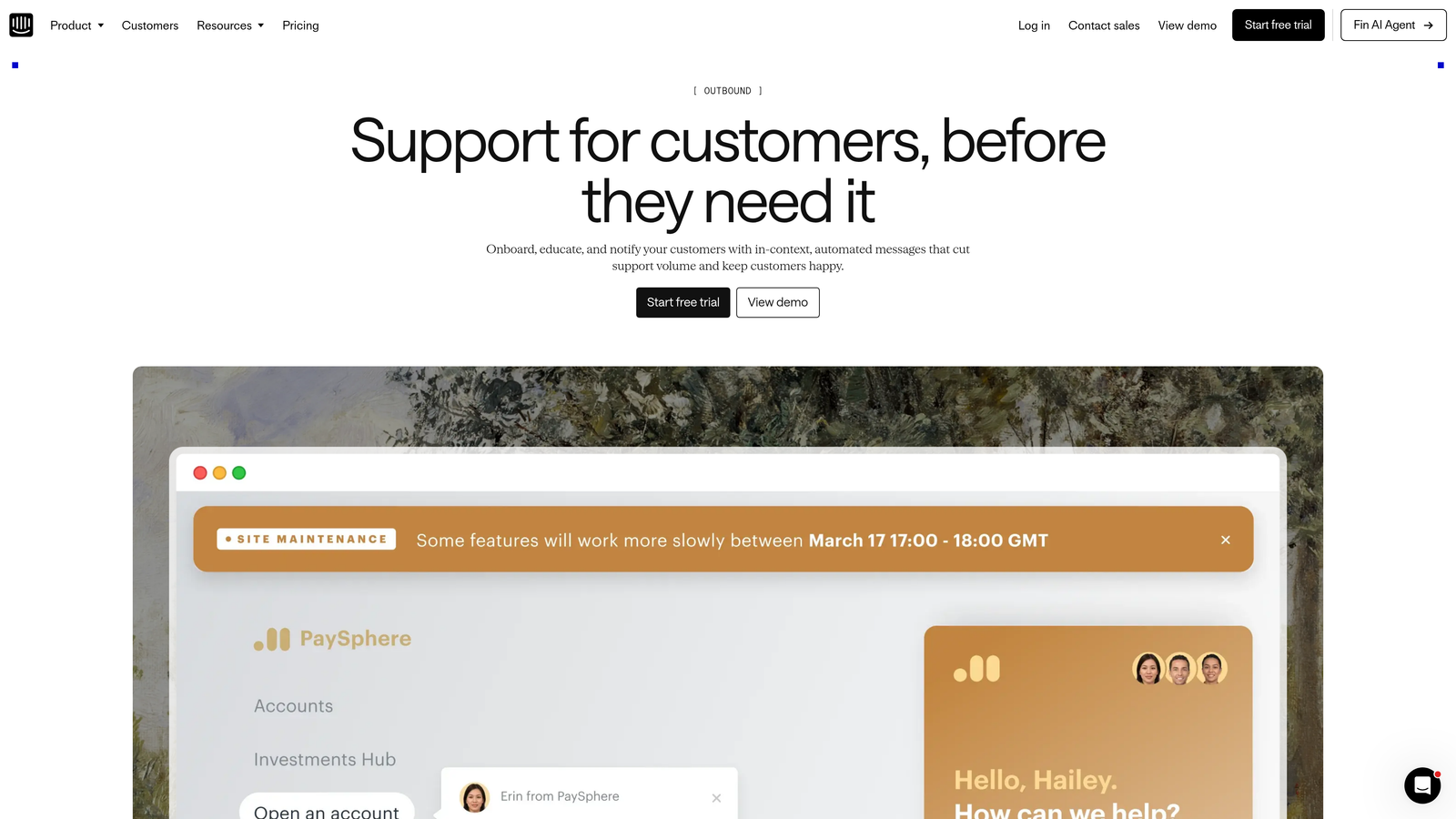
Intercom Product Tours is a native tour add-on within the Intercom platform, designed for teams that want onboarding flows integrated directly into their existing support and messaging workflows.
Where This Tool Shines
The biggest advantage here is consolidation. If your team is already managing support conversations, proactive messaging, and user segments inside Intercom, adding Product Tours means you're not introducing another vendor, another login, or another data silo. Tours can be triggered directly from support conversations or proactive outreach using the audience segments you've already built.
That tight integration is also its limitation. As a standalone product tour tool, it lacks some of the depth you'd get from purpose-built platforms. But for teams where "good enough, fully integrated" beats "best-in-class, separately managed," it's a strong fit.
Key Features
Native Intercom Integration: Tours live inside the same platform as your messenger, inbox, and automation workflows.
Conversation-Triggered Tours: Launch guided tours directly from support conversations or proactive messages.
Pointer-Style UI: Step-by-step guided tours with visual pointer elements that direct user attention.
Existing Audience Segments: Use the user segments you've already built in Intercom to target tours without duplicating setup work.
No Separate Tool Management: One platform, one contract, one integration for teams already on Intercom.
Best For
Teams fully committed to the Intercom ecosystem who want basic onboarding tours without adding a new vendor. Not ideal as a standalone choice if you're not already on Intercom.
Pricing
Product Tours is an add-on to existing Intercom plans. Verify current pricing at intercom.com.
5. WalkMe
Best for: Large enterprises managing digital adoption across complex, multi-application software environments
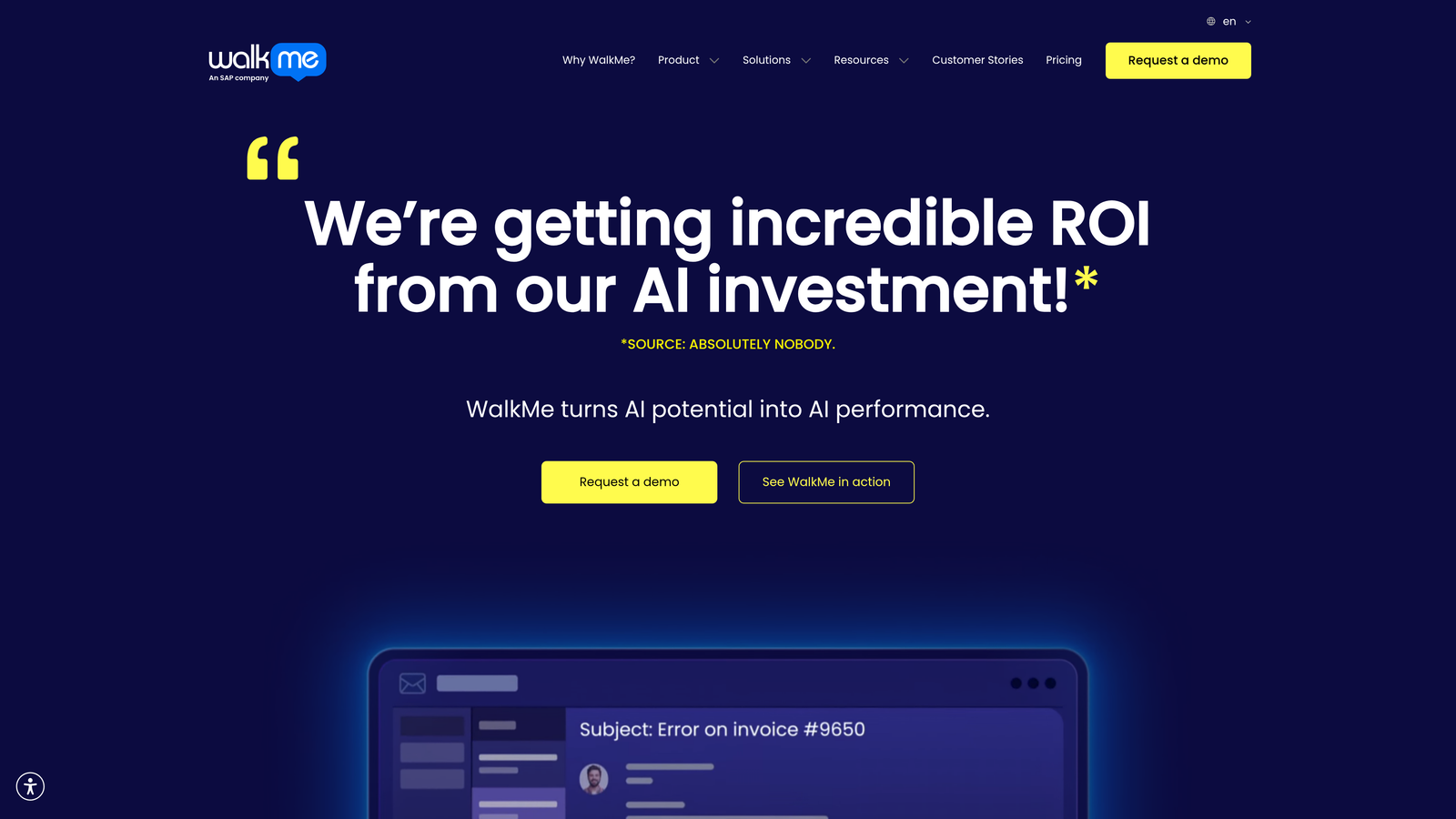
WalkMe is one of the original Digital Adoption Platforms, built for enterprise environments with complex multi-application software stacks and internal tool adoption requirements.
Where This Tool Shines
WalkMe operates at a different scale than most tools on this list. While others are built for SaaS product teams guiding their own customers, WalkMe is designed for IT and HR teams managing how thousands of employees adopt enterprise software like Salesforce, SAP, or Workday. It's less about onboarding your customers and more about onboarding your workforce at scale.
For organizations running large digital transformation programs, WalkMe's ability to work across multiple enterprise applications in a single deployment is genuinely difficult to replicate with lighter-weight tools. The tradeoff is complexity: implementation is heavier, pricing is enterprise-quoted, and it's almost certainly overkill for a SaaS startup.
Key Features
Smart Walk-Thrus: Step-by-step guided workflows that adapt to the user's current state within an application.
Cross-Application Support: Works across Salesforce, SAP, Workday, and other enterprise platforms in a single deployment.
ShoutOuts and SmartTips: Proactive in-app communication tools for announcements, tips, and contextual help.
Enterprise Analytics Dashboard: Adoption tracking and engagement metrics across applications and user populations.
Workflow Automation: Automates repetitive tasks within guided workflows to reduce manual steps for users.
Best For
Large enterprises and IT/HR teams managing digital adoption across complex internal software environments. Not the right fit for SaaS startups or teams primarily focused on customer-facing onboarding.
Pricing
Enterprise and custom-quoted only. Verify current pricing at walkme.com.
6. Userflow
Best for: Lean SaaS teams that need to ship onboarding flows fast without heavy implementation overhead
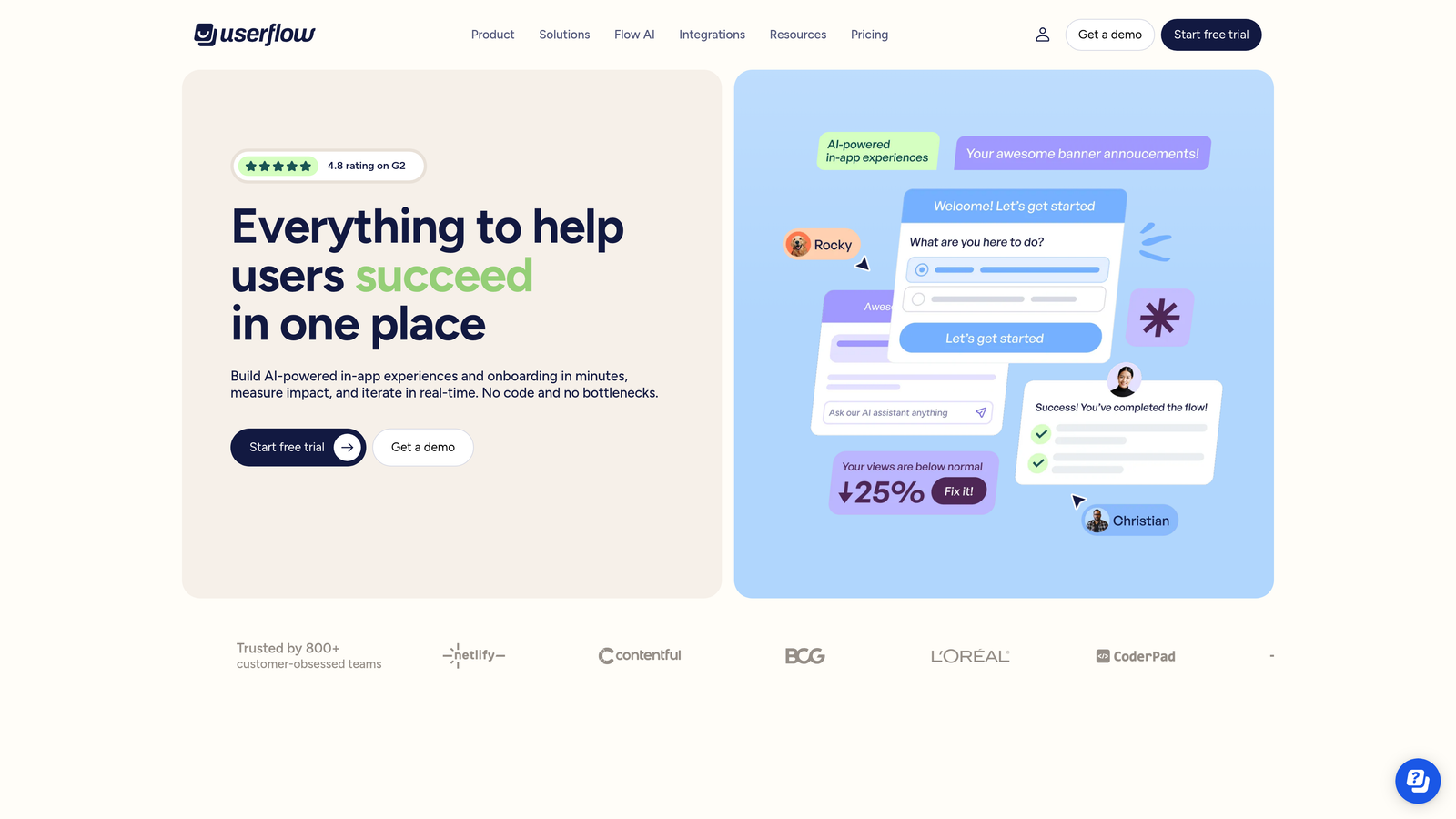
Userflow is a modern, fast-to-deploy tour builder known for its clean interface and ability to get flows live quickly, often without engineering involvement.
Where This Tool Shines
Speed is Userflow's calling card. Teams frequently report getting their first flow live on the same day they start implementation, which is a meaningful advantage when you're trying to ship onboarding improvements without a long setup cycle. The no-code builder is clean and well-designed, and the conditional logic is strong enough to handle personalized paths without becoming unwieldy.
It also appeals to developers who want to work closer to the metal. The JavaScript SDK is well-documented and gives engineering teams clean hooks to integrate Userflow into their existing stack without fighting the tool.
Key Features
Fast Implementation: Flows can go live the same day with minimal setup, making it one of the quickest to deploy in this category.
No-Code Visual Builder: Intuitive interface with strong conditional logic for creating personalized onboarding paths.
Resource Centers: Self-serve help hubs that give users access to tours, guides, and onboarding content on demand.
Native Flow Analytics: Completion rates, drop-off points, and step-level data built into the platform.
Developer-Friendly SDK: Clean JavaScript SDK for teams that want programmatic control alongside the visual builder.
Best For
Lean SaaS teams and startups that want Appcues-level functionality with a faster ramp and less complexity. A strong choice when implementation speed is a priority and you don't need enterprise-grade analytics.
Pricing
Starts at approximately $240/month. Verify current pricing at userflow.com.
7. Chameleon
Best for: Growth-focused teams that treat onboarding as a continuous experiment rather than a one-time setup
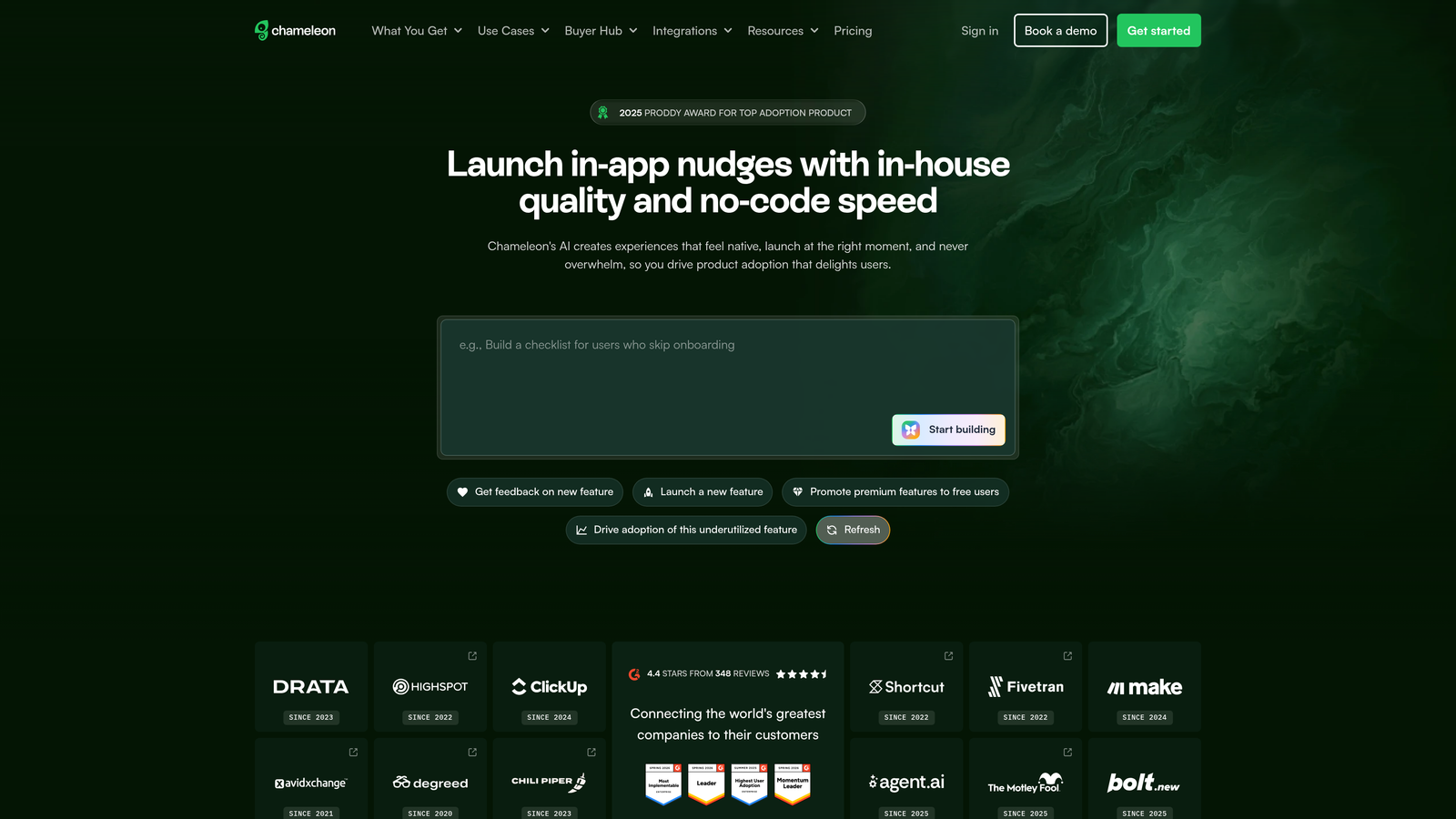
Chameleon is an in-app experience platform built around personalization, A/B testing, and AI-assisted flow creation for teams that iterate aggressively on their onboarding strategy.
Where This Tool Shines
Chameleon is built for teams that don't just want to ship onboarding flows but want to test them. The A/B testing capability for tours, tooltips, and modals is more developed here than in most competitors, making it a natural fit for growth teams running structured experiments on activation and feature adoption.
The AI-assisted builder is also a genuine time-saver for teams creating multiple flow variants. Rather than building each version from scratch, you can use AI to accelerate the creation process and get to testing faster. Add in the granular segmentation and launcher widget, and Chameleon gives teams a lot of surface area to work with.
Key Features
A/B Testing: Test different versions of tours, tooltips, and modals to optimize onboarding performance over time.
Granular Segmentation: Target by user attributes, plan tier, behavioral signals, and custom data for precise personalization.
AI-Assisted Builder: Accelerates flow creation using AI suggestions, reducing the time from idea to live experiment.
In-App Surveys and Microsurveys: Collect contextual feedback at specific moments in the user journey without interrupting the experience.
Launcher Widget: Gives users self-serve access to tours, announcements, and resources from anywhere in your product.
Best For
Growth and product teams running a product-led growth motion who want to treat onboarding as an ongoing optimization program. Best when you have enough user volume to make A/B testing statistically meaningful.
Pricing
Starts at approximately $279/month. Verify current pricing at chameleon.io.
8. Userpilot
Best for: PLG SaaS teams optimizing activation and feature adoption with tightly coupled analytics and guidance
Userpilot is an all-in-one product-led growth platform that combines tours, checklists, resource centers, surveys, and product analytics in a single tool built specifically for PLG motions.
Where This Tool Shines
Userpilot's strength is the tight coupling between its analytics layer and its guidance layer. You're not just building tours in isolation; you're building them in a platform that also tracks activation milestones, feature adoption rates, and user journey progression. That connection makes it easier to identify where users are getting stuck and respond with the right in-app experience.
For teams running a product-led growth model where the product itself drives acquisition, activation, and expansion, having all of these tools in one platform reduces the integration overhead that comes with stitching together separate analytics and onboarding tools.
Key Features
Tours, Checklists, and Modals: Full suite of in-app guidance formats in a single platform without needing separate tools for each.
Built-In Product Analytics: Activation tracking, feature adoption metrics, and user journey analysis without a separate analytics tool.
Resource Center: Self-serve onboarding hub that gives users access to guides, tours, and help content on demand.
In-App NPS and Micro-Surveys: Collect user feedback at the right moment in the journey without external survey tools.
Journey-Stage Targeting: Segment and target users based on where they are in the activation and adoption funnel.
Best For
SaaS teams running a product-led growth motion who want analytics and guidance tightly integrated. A strong alternative to pairing a dedicated tour tool with a separate analytics platform.
Pricing
Starts at approximately $249/month. Verify current pricing at userpilot.com.
9. Intro.js
Best for: Engineering-led teams that want full ownership of their product tour implementation with no vendor lock-in
Intro.js is a lightweight open-source JavaScript library for building step-by-step product tours with no monthly fees, no vendor dependencies, and complete control over implementation.
Where This Tool Shines
Every other tool on this list involves a monthly subscription and a vendor relationship. Intro.js is the exception. It's MIT-licensed, free to use, and puts your engineering team in complete control of how tours are built, styled, and triggered. For companies that want to own their onboarding layer entirely, or that have specific customization requirements that SaaS tools can't accommodate, this is often the most practical path.
The tradeoff is real: there's no visual builder, no built-in analytics, and no non-technical team member is shipping a new flow without developer involvement. But for teams with strong engineering capacity and a preference for owning their stack, Intro.js delivers solid functionality without the overhead of a vendor platform.
Key Features
Open Source (MIT License): Free to use, modify, and distribute with no licensing restrictions for most use cases.
Lightweight JavaScript Library: Minimal dependencies keep your page load impact low compared to heavier SaaS platforms.
Full Customization: Complete control over styling, tour logic, step sequencing, and trigger conditions.
Tours, Hints, and Tooltips: Core tour formats are well-supported with clean, documented APIs.
Active Community: Well-maintained documentation and an active open-source community for support and contributions.
Best For
Engineering-led teams or companies that want to avoid vendor lock-in and have the developer resources to build and maintain their own tour implementation. Not practical for teams without dedicated engineering capacity.
Pricing
Free under the MIT open-source license; a Pro license is available for commercial use. Verify details at introjs.com.
Which Tool Is Right for Your Team?
The right product tour tool depends less on feature checklists and more on where your team sits in the onboarding-to-support spectrum and how much engineering involvement you can sustain.
For teams that want to combine product guidance with support ticket resolution in a single AI-native platform, Halo AI stands apart from the rest of this list. Most tour tools are purely proactive: you build a flow, you publish it, and users either follow it or they don't. Halo's page-aware, reactive approach means users get guided help when they actually need it, triggered by their own questions rather than a predetermined sequence.
If you're a mid-market SaaS team with a dedicated product or growth function and no immediate need for support integration, Appcues and Userflow are both proven choices. Appcues brings more maturity and integration depth; Userflow wins on implementation speed. For teams that want to run onboarding as a continuous growth experiment, Chameleon's A/B testing capabilities make it the strongest option in that niche.
Enterprise teams managing adoption across complex internal software stacks should look at Pendo for analytics-driven guidance or WalkMe for multi-application enterprise environments. And if you're already deep in the Intercom ecosystem, Product Tours is the path of least resistance for adding basic guided onboarding without a new vendor.
For engineering-led teams that want full ownership and zero vendor lock-in, Intro.js remains the most practical open-source option. Just go in with clear eyes about the maintenance commitment.
Your support team shouldn't scale linearly with your customer base. Let AI agents handle routine tickets, guide users through your product, and surface business intelligence while your team focuses on complex issues that need a human touch. See Halo in action and discover how continuous learning transforms every interaction into smarter, faster support.