9 Best Product Usage Guidance Software Tools in 2026
Product usage guidance software delivers contextual, in-app help that prevents user abandonment by providing interactive walkthroughs, tooltips, and personalized assistance exactly when users encounter friction. This evaluation of the top 9 platforms in 2026 examines implementation complexity, AI-driven intelligence, integration capabilities, and pricing to help you choose tools that reduce churn by guiding users to value faster.
 Matt PattoliFounder12 min read
Most users abandon products before discovering their value. They sign up, click around for a few minutes, hit friction, and disappear. The problem isn't your product. It's that users need help at the exact moment they're stuck, not three days later when they've already churned.
Product usage guidance software solves this by delivering contextual help exactly when users need it. Think interactive walkthroughs that appear at decision points, tooltips that explain features without leaving the page, and intelligent assistance that adapts to what each user is trying to accomplish. The best tools don't just overlay instructions on your interface. They understand user behavior, personalize guidance based on context, and help you identify where people struggle.
We evaluated these tools based on implementation complexity, intelligence capabilities, integration ecosystems, and pricing transparency. Here are the top product usage guidance platforms transforming how companies onboard and activate users.
1. Halo AI
Best for: AI-powered contextual guidance that understands exactly what users see on screen
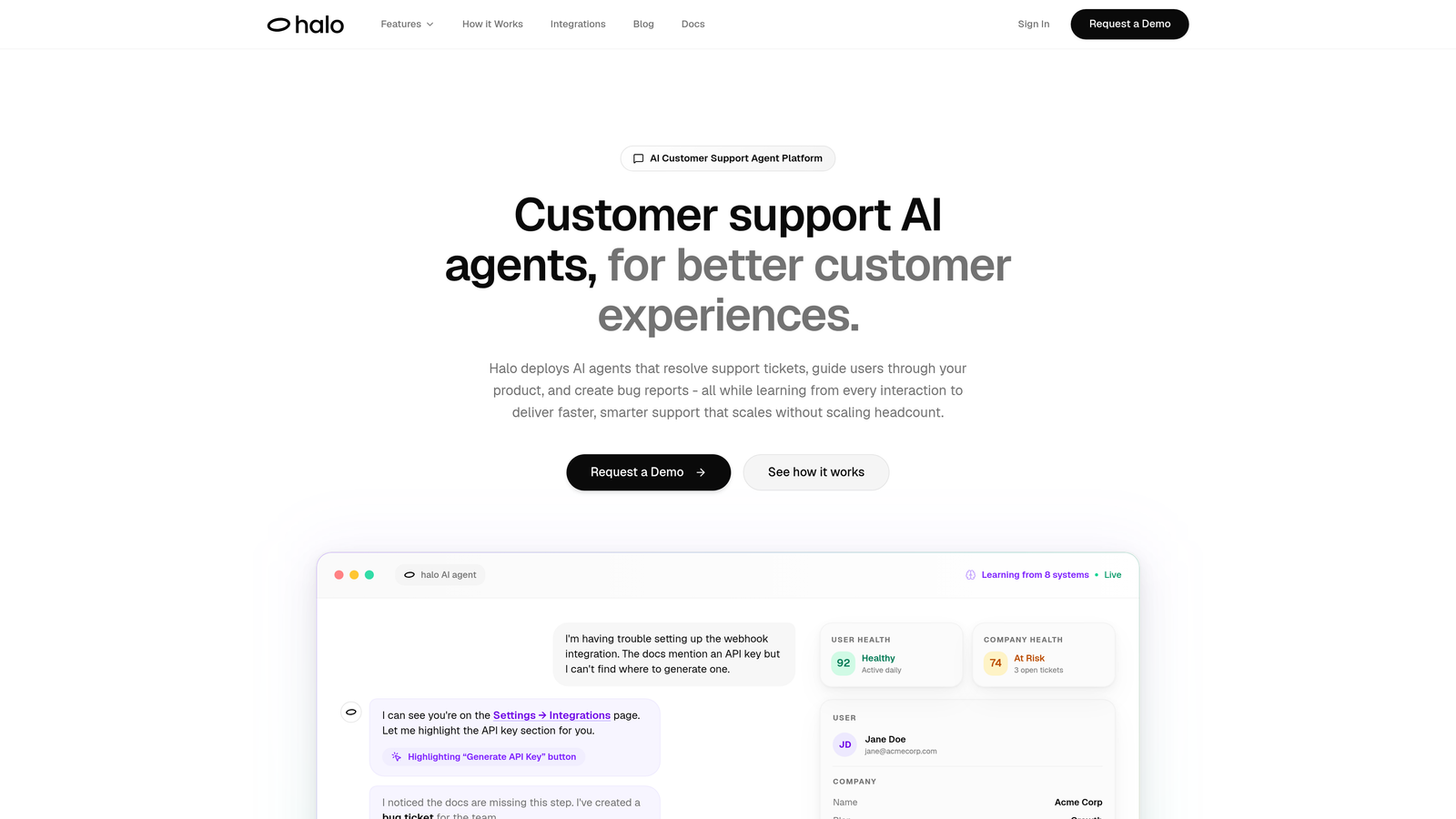
Halo AI is an AI-powered customer support platform with a page-aware chat widget that provides product guidance by visually understanding the user's current screen.
Where This Tool Shines
Halo's page-aware context sets it apart from traditional guidance tools. The AI agents don't just respond to questions. They see what users see, understanding visual elements and UI state in real-time to provide guidance that references specific buttons, fields, or sections visible on screen.
The platform learns continuously from every interaction. Each support conversation, bug report, and successful resolution feeds back into the system, making future guidance smarter and more precise. This creates a feedback loop where your product assistance actually improves over time without manual updates.
Key Features
Page-Aware Context: AI visually understands the user's current screen to provide guidance that references specific UI elements they're looking at.
Conversational AI Agents: Guide users through features with natural language that adapts to their questions and current context.
Automatic Bug Ticket Creation: When guidance reveals product issues, automatically creates tickets in Linear with full context.
Continuous Learning: Every interaction trains the system to deliver faster, more accurate guidance over time.
Business Stack Integrations: Connects with Linear, Slack, HubSpot, Intercom, Stripe, Zoom, PandaDoc, and Fathom for comprehensive context.
Best For
B2B SaaS companies and product teams that want intelligent, context-aware guidance without building static walkthroughs. Particularly valuable for teams using helpdesk systems like Zendesk, Freshdesk, or Intercom who want AI-first support that scales without scaling headcount.
Pricing
Contact for pricing. Demo available to see page-aware guidance in action.
2. Pendo
Best for: Enterprise product teams needing deep analytics combined with in-app guidance capabilities
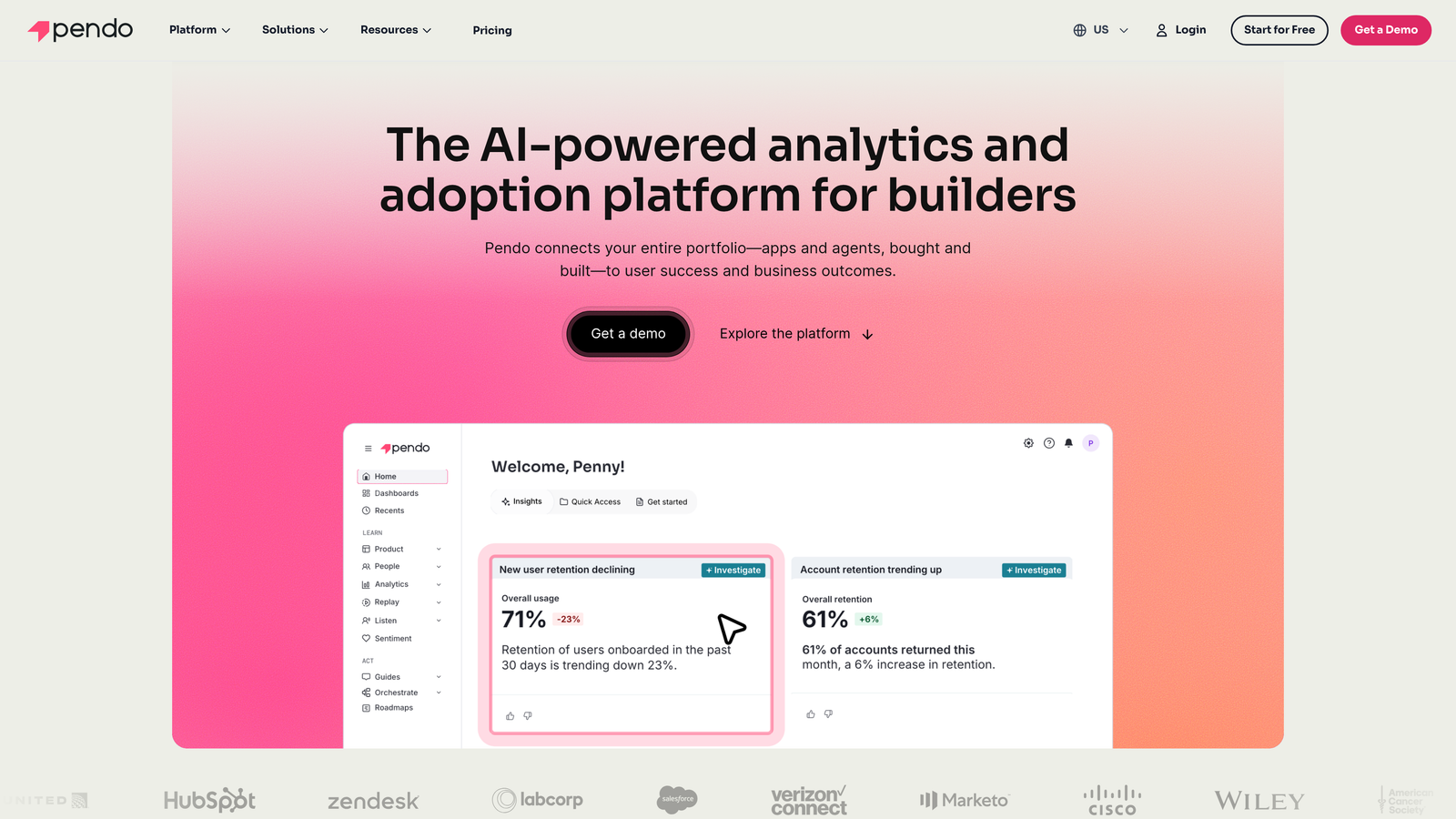
Pendo is a product experience platform that combines retroactive analytics with segmented in-app guides and feedback collection.
Where This Tool Shines
Pendo's analytics foundation gives you visibility into exactly how users interact with your product before you build guidance. The retroactive analytics mean you don't need to tag events in advance. You can analyze historical behavior to identify friction points, then deploy targeted guides to address them.
The resource center functionality creates a self-service hub within your product. Users can search for help articles, watch tutorials, and access walkthroughs without leaving your application. This reduces support volume while keeping users engaged with your product.
Key Features
Retroactive Product Analytics: Analyze user behavior without pre-tagging events, identifying friction points after they occur.
Segmented In-App Guides: Deploy walkthroughs and tooltips targeted to specific user segments based on behavior or attributes.
Resource Center: Self-service help hub embedded in your product with search, articles, and tutorials.
NPS and Feedback Collection: Gather user sentiment and feature requests directly within your application.
Mobile App Support: Deploy guidance across both web and mobile applications from a single platform.
Best For
Enterprise product teams that need both analytics and guidance in one platform. Ideal for companies with complex products where understanding usage patterns is as important as deploying walkthroughs.
Pricing
Free tier available for basic analytics. Paid plans start at custom pricing for growth teams.
3. WalkMe
Best for: Complex digital transformation initiatives requiring cross-platform guidance and workflow automation
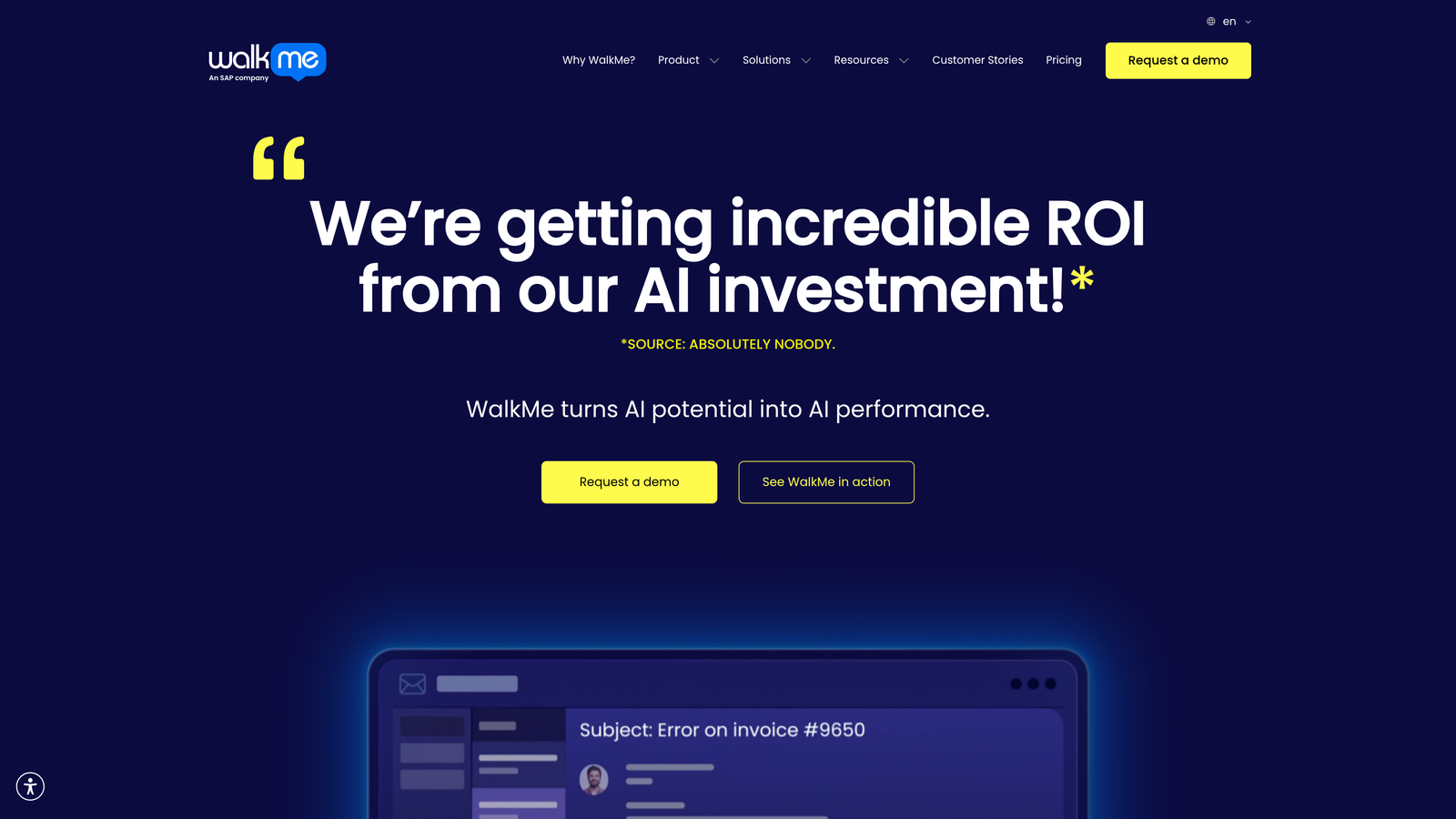
WalkMe is an enterprise digital adoption platform providing guidance across web, desktop, and mobile applications.
Where This Tool Shines
WalkMe handles the complexity of enterprise environments where users work across multiple systems. The platform can guide employees through workflows that span different applications, automating repetitive tasks while providing contextual help at each step.
The workflow automation capabilities go beyond simple guidance. WalkMe can actually perform actions on behalf of users, auto-filling forms, clicking buttons, and executing multi-step processes. This makes it particularly valuable for employee onboarding and complex enterprise software adoption.
Key Features
Cross-Platform Guidance: Deploy consistent walkthroughs across web applications, desktop software, and mobile apps.
Workflow Automation: Automate repetitive tasks and multi-step processes while guiding users through complex workflows.
AI-Powered Insights: Identify adoption gaps and receive recommendations for where to deploy guidance.
Enterprise Security: SOC 2 compliance, SSO support, and role-based access controls for large organizations.
Employee Productivity Analytics: Track how guidance impacts employee efficiency and task completion rates.
Best For
Large enterprises undergoing digital transformation or deploying complex software systems to employees. Companies that need guidance across multiple platforms and workflow automation capabilities.
Pricing
Enterprise pricing model. Contact WalkMe for a custom quote based on your organization size and requirements.
4. Whatfix
Best for: Employee onboarding and training with multi-format content delivery and global localization
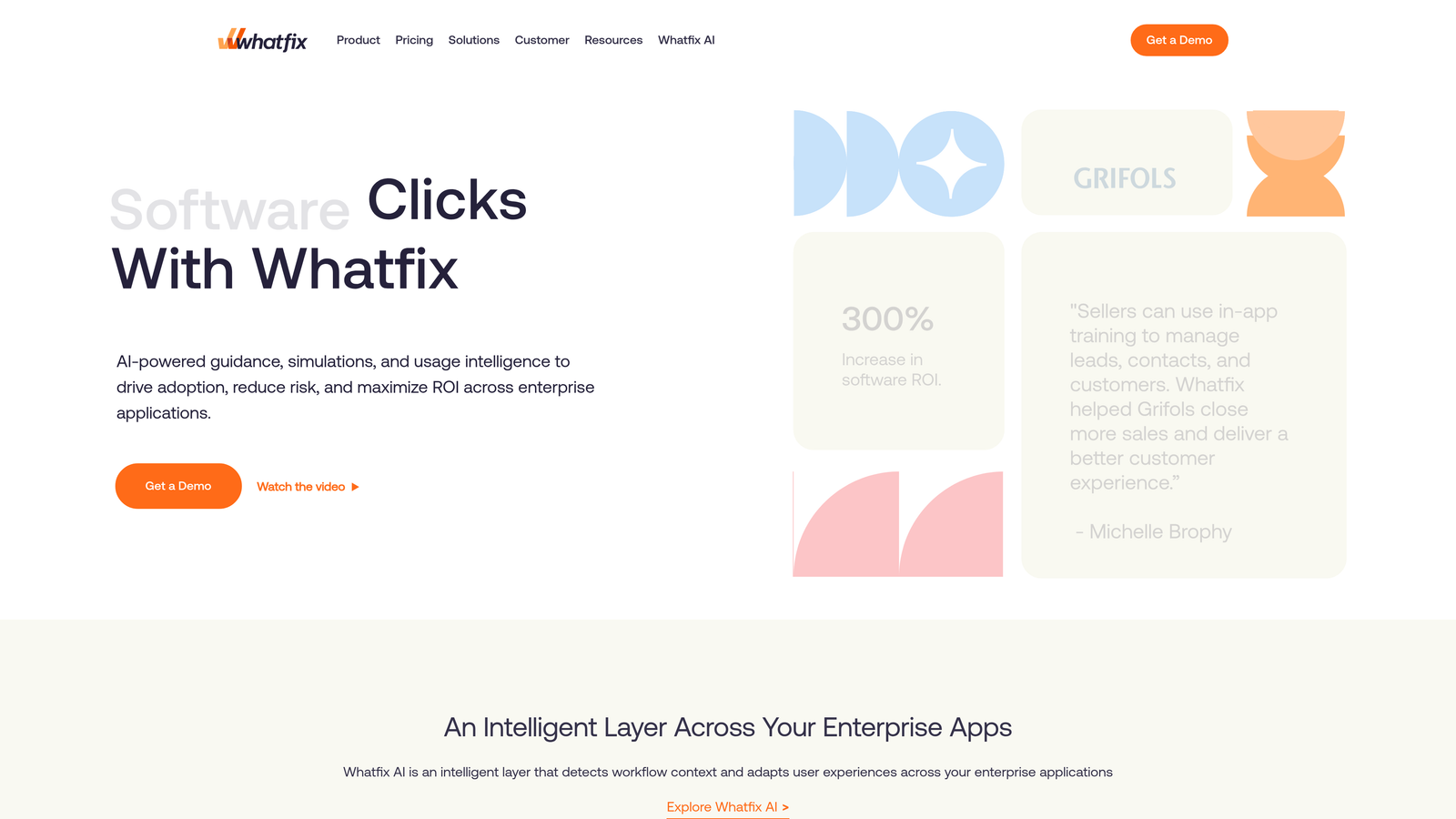
Whatfix is a digital adoption platform focused on employee training with strong support for localized content across formats.
Where This Tool Shines
Whatfix's multi-format approach lets you deliver guidance however employees learn best. Some people prefer interactive walkthroughs. Others want video tutorials or downloadable PDFs. Whatfix supports all formats from a single platform, letting you create comprehensive training programs that accommodate different learning styles.
The auto-localization feature is particularly valuable for global teams. Create content once in your primary language, and Whatfix can automatically translate it into dozens of languages. This dramatically reduces the effort required to deploy consistent training across international offices.
Key Features
Multi-Format Content: Deploy walkthroughs, video tutorials, PDFs, and interactive simulations from one platform.
Auto-Localization: Automatically translate training content into multiple languages for global teams.
Task Lists and Workflows: Create structured onboarding paths with checklists and guided workflows.
Adoption Analytics: Track completion rates, time-to-proficiency, and identify where employees struggle.
LMS Integration: Connect with learning management systems to incorporate in-app guidance into formal training programs.
Best For
Companies with global teams needing localized employee training content. Organizations that want to combine formal LMS training with in-app guidance for comprehensive onboarding programs.
Pricing
Contact for pricing. Offers both employee-facing and customer-facing solutions with different pricing structures.
5. Appcues
Best for: Product teams needing no-code onboarding flows and feature announcements without engineering resources
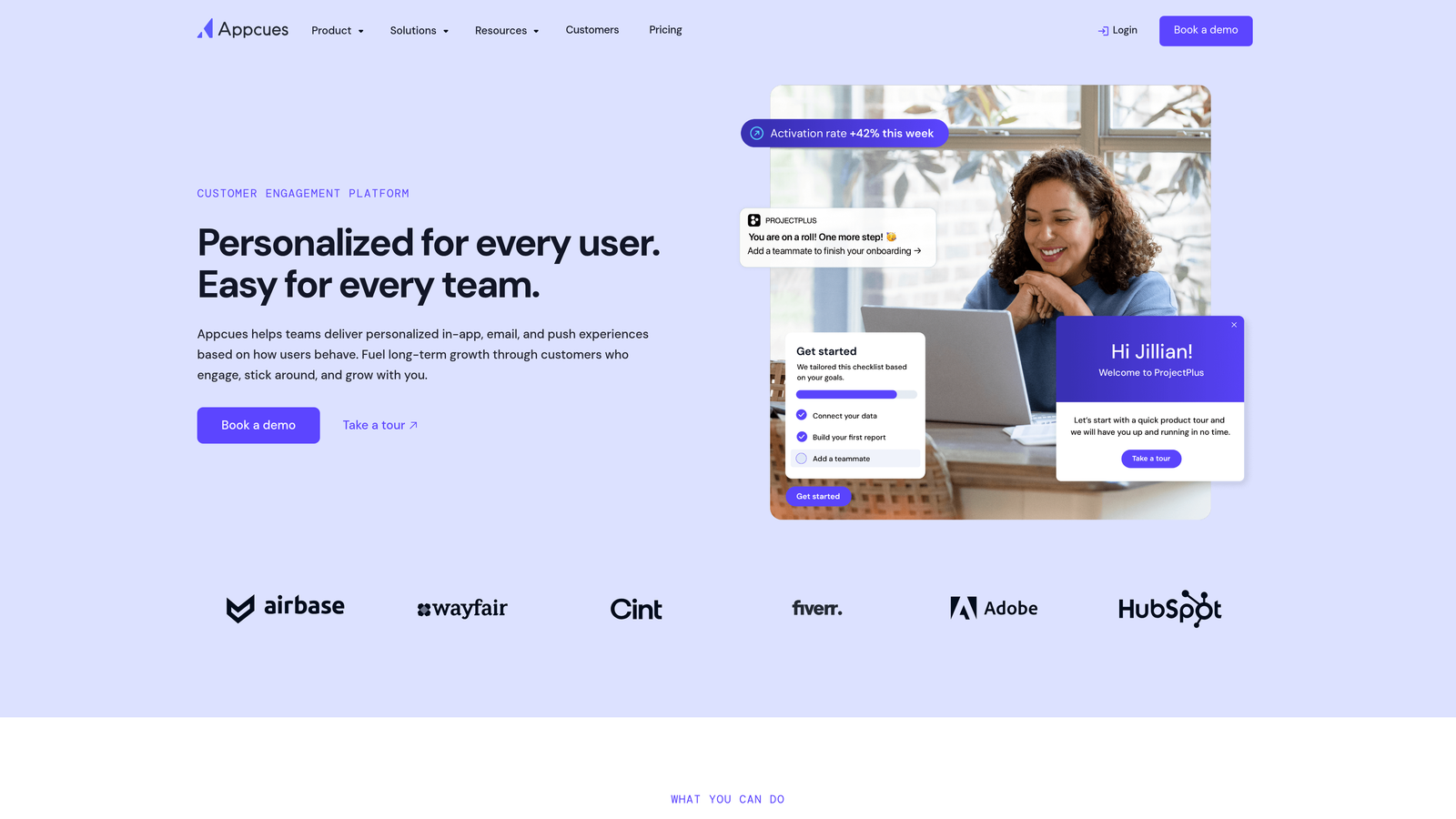
Appcues is a no-code product adoption platform with a visual editor for building onboarding flows and surveys.
Where This Tool Shines
Appcues puts power in the hands of product managers and marketers. The visual editor lets non-technical team members build and deploy onboarding flows without writing code or waiting for engineering sprints. Point, click, and publish. This speed means you can iterate on onboarding experiences based on user feedback without development bottlenecks.
The checklist functionality creates visible progress for users. Instead of wondering what to do next, users see exactly which setup steps they've completed and what remains. This gamification element significantly improves activation rates by making progress tangible and rewarding.
Key Features
No-Code Flow Builder: Visual editor lets non-technical users create and publish onboarding flows without engineering.
Checklists and Progress Tracking: Show users their completion status to encourage activation and feature adoption.
Event-Based Targeting: Trigger flows based on user actions, attributes, or specific events within your product.
NPS and Survey Tools: Collect user feedback and sentiment scores directly within onboarding experiences.
Analytics Integrations: Connect with Segment, Amplitude, and Mixpanel to incorporate product analytics data.
Best For
Product teams that want to own their onboarding experience without relying on engineering resources. Companies that iterate frequently on user flows and need deployment speed.
Pricing
Starts at $249/month for the Essentials plan. Growth and Enterprise tiers available with advanced features and higher user limits.
6. Userpilot
Best for: Product-led growth teams combining in-app experiences with feature adoption analytics and A/B testing
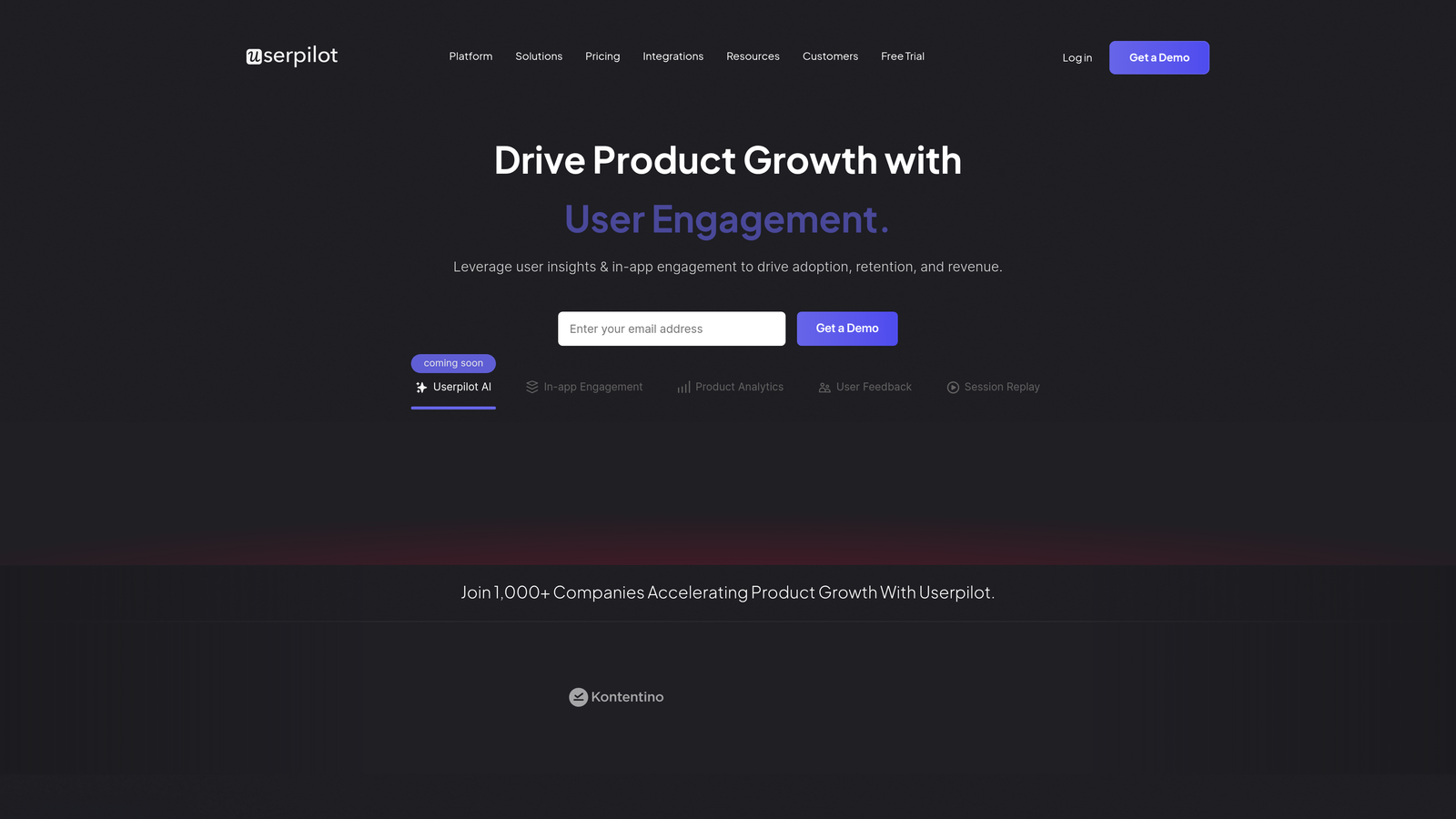
Userpilot is a product growth platform that integrates in-app guidance with behavioral analytics and experimentation capabilities.
Where This Tool Shines
Userpilot's feature tagging system lets you track adoption of specific product capabilities without custom event instrumentation. Tag features visually in the interface, and Userpilot automatically tracks how many users interact with them. This makes it easy to measure the impact of your guidance efforts on actual feature usage.
The A/B testing functionality means you can experiment with different onboarding approaches. Test whether a tooltip performs better than a modal, or whether a three-step flow converts better than a five-step flow. Data-driven optimization becomes part of your onboarding strategy rather than guesswork.
Key Features
Feature Tagging: Visually tag product features to track adoption without custom event code.
A/B Testing: Experiment with different onboarding flows and measure impact on activation and retention.
Resource Center: Searchable help center embedded in your product with articles, videos, and flows.
Behavioral Segmentation: Target guidance based on how users actually interact with your product.
Product Analytics Dashboard: Track user journeys, funnels, and cohort retention alongside guidance performance.
Best For
Growth-focused product teams that want to experiment with onboarding and measure impact on key metrics. Companies that prioritize data-driven optimization of user experiences.
Pricing
Starts at $249/month for the Starter plan. Growth tier at $499/month includes advanced analytics and experimentation features.
7. Chameleon
Best for: Teams requiring deep styling customization and developer-friendly options for brand-consistent experiences
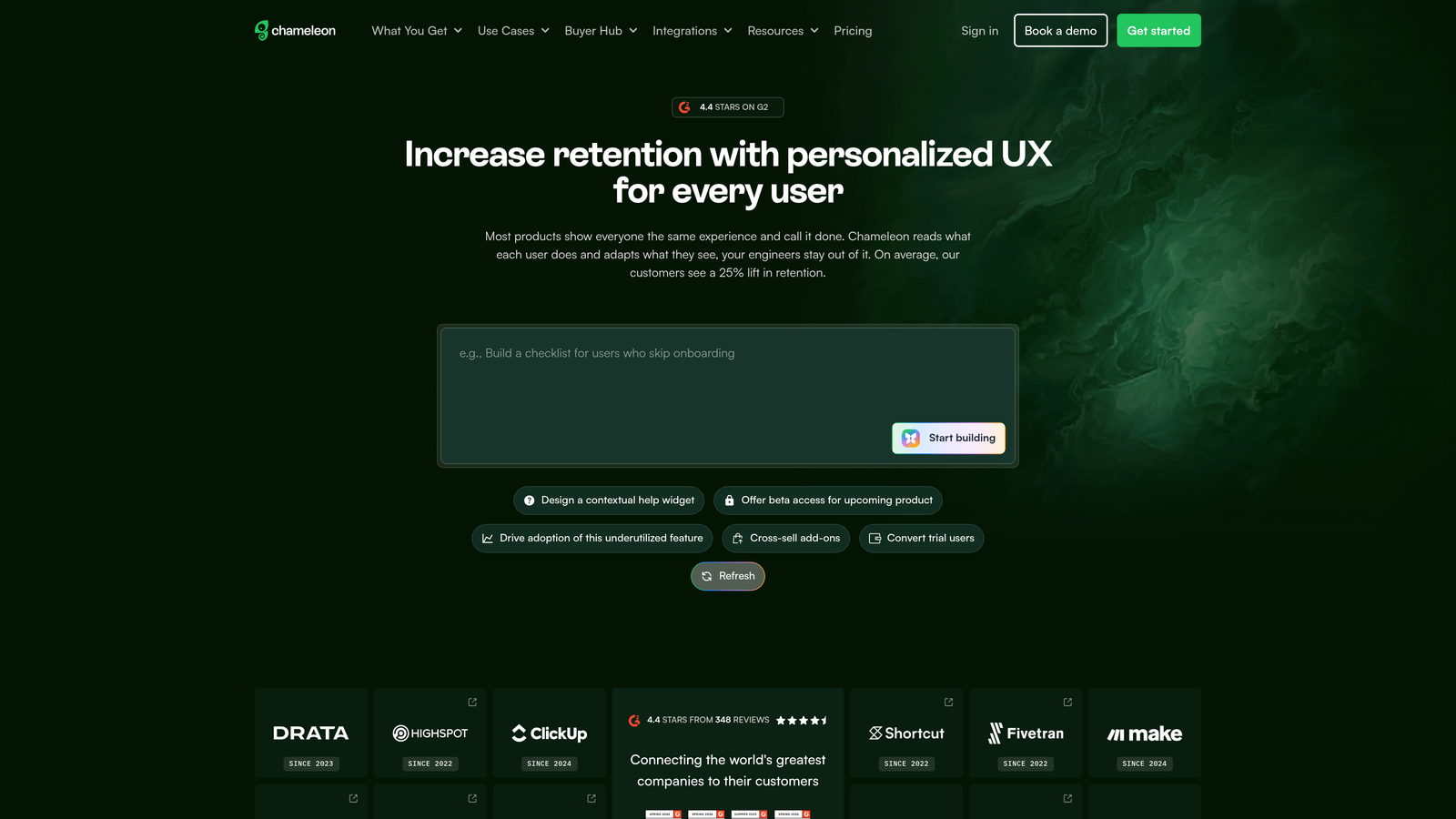
Chameleon is a highly customizable product adoption platform offering advanced CSS control and developer tools.
Where This Tool Shines
Chameleon gives designers and developers unprecedented control over how guidance looks and behaves. The advanced CSS customization means you're not stuck with generic tooltip styles. Every element can be styled to match your brand exactly, creating seamless experiences that feel native to your product rather than bolted on.
The rate limiting feature prevents user fatigue by controlling how many messages users see over time. You can set rules that ensure users never see more than one tour per session or limit surveys to once per week. This thoughtful approach to user experience prevents the guidance fatigue that plagues many implementations.
Key Features
Advanced CSS Customization: Full control over styling with custom CSS for brand-consistent experiences.
Launchers: Create persistent in-app help menus that users can access anytime for self-service guidance.
Microsurveys: Deploy contextual feedback surveys at specific moments in user journeys.
Rate Limiting: Prevent user fatigue by controlling frequency of tours, tooltips, and surveys.
Developer-Friendly: Robust API and JavaScript SDK for custom integrations and advanced implementations.
Best For
Companies with strong design systems that need pixel-perfect control over guidance appearance. Teams with developer resources who want to build custom integrations or advanced targeting logic.
Pricing
Starts at $279/month for the Startup plan. Growth and Enterprise tiers available with additional features and user capacity.
8. Intercom Product Tours
Best for: Existing Intercom users wanting guided walkthroughs integrated with their messenger and support workflows
Intercom Product Tours is a product tour add-on that integrates seamlessly with the Intercom messenger platform.
Where This Tool Shines
If you're already using Intercom for customer support, Product Tours creates a unified experience. Users don't distinguish between getting help from support and getting guided through features. Everything happens in the familiar Intercom messenger, reducing cognitive load and keeping the experience consistent.
The video tour capability lets you show rather than tell. Instead of text instructions, you can record video walkthroughs with interactive elements. Users watch the video, then click through the actual interface following the demonstrated steps. This combination of demonstration and practice accelerates learning.
Key Features
Video Tours: Create video walkthroughs with interactive elements that guide users through your product.
Messenger Integration: Tours launch from the Intercom messenger for a unified support and guidance experience.
Behavioral Triggers: Launch tours based on user actions, events, or specific pages they visit.
Mobile-Responsive: Tours automatically adapt to mobile devices for consistent cross-platform experiences.
Built-In Analytics: Track tour completion rates and identify where users drop off within the Intercom dashboard.
Best For
Companies already invested in the Intercom ecosystem who want to add product guidance without introducing another tool. Teams that value unified support and guidance experiences.
Pricing
Available as an add-on to Intercom plans. Included in some higher-tier Intercom packages. Contact Intercom for specific pricing details.
9. Userflow
Best for: Startups and growing teams needing quick deployment, fast performance, and affordable pricing
Userflow is a lightweight product adoption tool designed for speed and simplicity without sacrificing essential features.
Where This Tool Shines
Userflow's lightweight script loads fast and doesn't impact your product's performance. Many guidance tools add noticeable page load time. Userflow prioritizes speed, ensuring your onboarding flows don't slow down the experience they're meant to improve.
The resource center versioning feature is particularly smart for teams that ship frequently. When you update your product, you can version your help content accordingly. Users see documentation and walkthroughs that match their current version, preventing confusion from outdated instructions.
Key Features
Fast, Lightweight Script: Minimal performance impact with quick-loading guidance that doesn't slow your product.
Resource Center with Versioning: Help content that adapts to different product versions for accurate, current guidance.
Checklists and Progress Bars: Visual progress indicators that encourage users to complete onboarding steps.
Event Tracking: Track user interactions and completion without writing custom event code.
Localization Support: Translate flows into multiple languages for international user bases.
Best For
Startups and growing companies that need professional product guidance without enterprise pricing. Teams that prioritize performance and quick implementation over advanced customization.
Pricing
Starts at $200/month for the Startup plan. Pro tier at $600/month includes additional features and higher user limits.
Making the Right Choice
Your ideal product usage guidance platform depends on your specific context and priorities. If you want AI-powered guidance that understands visual context and learns from every interaction, Halo AI delivers intelligent assistance that improves over time. For enterprise teams needing deep analytics alongside guidance, Pendo combines both in one platform.
Complex digital transformation initiatives with cross-platform requirements point toward WalkMe's workflow automation capabilities. Global teams needing localized employee training should consider Whatfix's multi-format, auto-translated content. Product managers wanting no-code control will appreciate Appcues' visual builder and quick deployment.
Growth teams focused on experimentation benefit from Userpilot's A/B testing and feature adoption analytics. Companies with strong design systems requiring pixel-perfect customization should explore Chameleon's advanced CSS controls. Existing Intercom users gain the most value from Product Tours' seamless messenger integration. Budget-conscious startups needing fast deployment at lower price points will find Userflow delivers essential features without enterprise costs.
The trend toward AI-driven guidance is accelerating. Static walkthroughs that show the same steps to every user are giving way to intelligent systems that adapt based on context, behavior, and what users are actually trying to accomplish. The most effective guidance doesn't just overlay instructions on your interface. It understands what users see, responds to their questions conversationally, and learns from every interaction to provide better assistance over time.
Your support team shouldn't scale linearly with your customer base. Let AI agents handle routine tickets, guide users through your product, and surface business intelligence while your team focuses on complex issues that need a human touch. See Halo in action and discover how continuous learning transforms every interaction into smarter, faster support.