How to Reduce Support Email Volume: A Step-by-Step Guide for B2B Teams
B2B SaaS support teams can reduce support email volume by building proactive systems that address repeat questions before they become tickets. This step-by-step guide walks through a practical audit-based approach to identifying the root causes of inbox overload and implementing scalable solutions that improve response times and customer trust without adding headcount.
 Matt PattoliFounder15 min read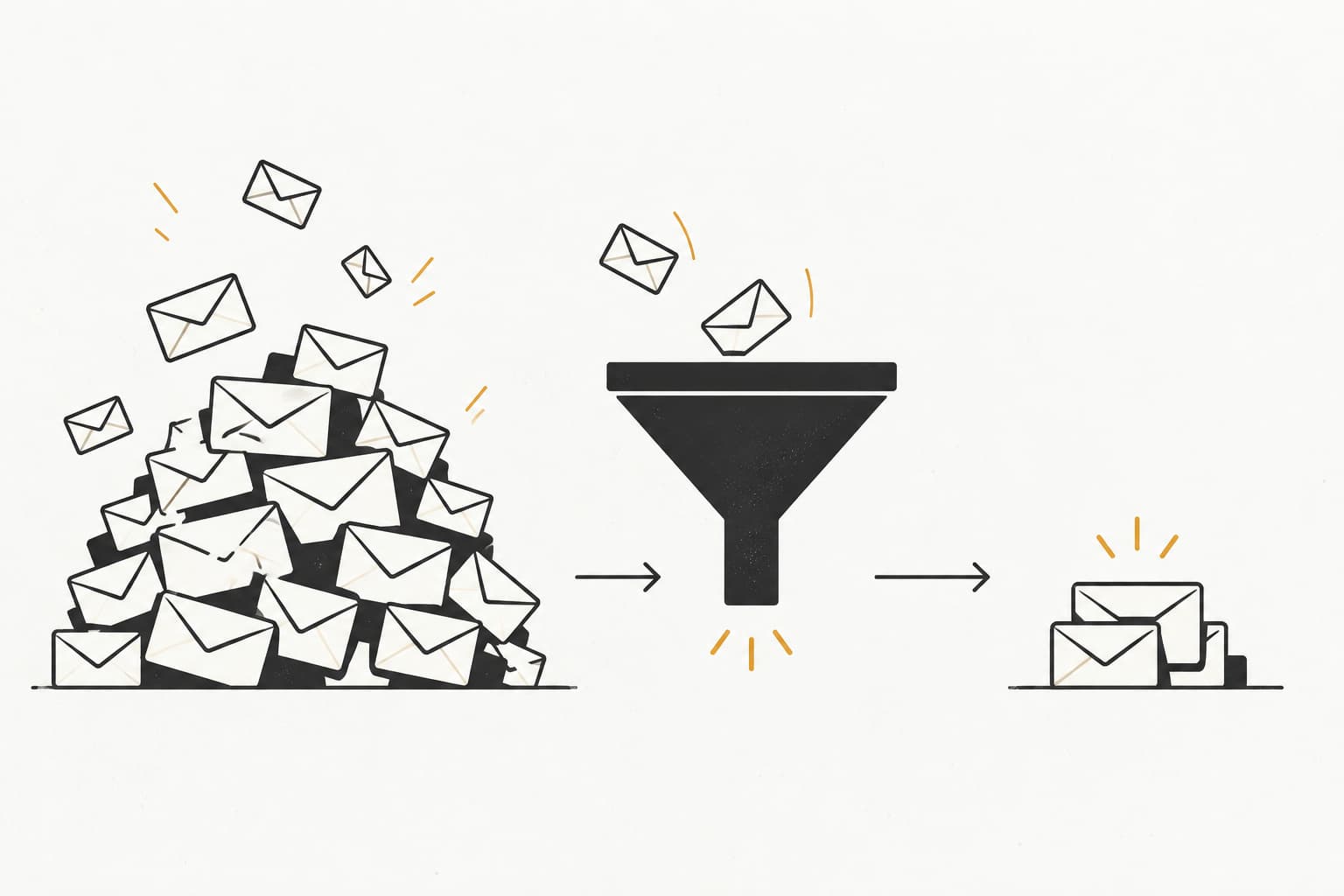
Every support team reaches a tipping point where the inbox stops being manageable and starts being a liability. Tickets pile up, response times slip, and your team spends most of their day answering the same questions they answered last week—and the week before that.
If you're running support for a B2B SaaS product, this pattern is especially costly. Your customers are often technical users with high expectations, and slow or repetitive support erodes trust fast.
Here's the thing: most support email volume is preventable. A significant portion of incoming tickets are repeat questions about the same features, the same errors, and the same processes. That means the path to a lighter inbox isn't hiring more agents. It's building systems that answer questions before they become tickets.
This guide walks you through a practical, sequential approach to reduce support email volume without sacrificing customer experience. You'll learn how to audit what's actually driving your ticket volume, fix the most common sources at the root, deploy self-service tools that customers actually use, and layer in automation to handle what slips through.
Each step builds on the last, so by the end you'll have a compounding system, not just a quick fix. Whether you're using Zendesk, Freshdesk, Intercom, or a dedicated AI support platform, these steps are platform-agnostic and immediately actionable.
Let's start where every good support strategy should: the data.
Step 1: Audit Your Ticket Data to Find the Real Culprits
Before you change anything, you need to understand what's actually driving your volume. This sounds obvious, but most teams skip straight to solutions and end up optimizing for the wrong things. A documentation overhaul won't help if your tickets are actually driven by a confusing onboarding flow. An AI chatbot won't reduce volume if customers are writing in about billing disputes that require human judgment.
Start by pulling 30 to 90 days of ticket data. This window is long enough to capture patterns without being so large that older data obscures recent product changes. Export everything you have: subject lines, first-message content, ticket tags, resolution types, and assigned categories if you have them.
Now group tickets into themes. If you have formal tagging in place, use it. If you don't, scan subject lines and first messages manually or use a simple spreadsheet to cluster similar questions. You're looking for your top 10 recurring ticket categories by volume. These are your highest-leverage targets because fixing one root cause can eliminate dozens of tickets per month.
Once you have your categories, make a critical distinction: which tickets are fixable and which are unavoidable?
Fixable tickets include things like documentation gaps, confusing UI flows, missing in-product guidance, or unclear onboarding steps. These are tickets that shouldn't exist if your product and content are working well.
Unavoidable tickets include genuine bugs, billing disputes, account-specific issues, and complex technical problems that genuinely require human involvement. These are the tickets your agents should be spending time on.
The goal of this audit isn't to eliminate all tickets. It's to identify the preventable ones so you can systematically remove them from the queue. Understanding the full scope of high support ticket volume problems makes it easier to separate fixable patterns from genuinely unavoidable ones.
A common pitfall here is letting perfect be the enemy of good. You don't need a sophisticated categorization system to do this audit. Ticket subject lines and first messages are usually enough to identify patterns. Start rough and refine over time.
Success indicator: You finish this step with a ranked list of ticket categories by volume, each labeled as either preventable or non-preventable. That list becomes your roadmap for everything that follows.
Step 2: Close the Documentation Gaps Driving Repeat Questions
Your audit probably revealed something uncomfortable: a meaningful chunk of your incoming tickets are questions your help center should already be answering. Either the content doesn't exist, it's outdated, or customers simply can't find it. All three problems are fixable, and fixing them is one of the highest-ROI moves you can make to reduce support email volume.
Start by mapping your top recurring ticket categories against your existing help content. For each of your top five ticket categories, ask: Is there an article that answers this question completely? Is it current? Would a customer actually find it if they searched for it?
Resist the urge to document everything at once. Prioritizing your top five categories first means you're tackling the tickets that are costing you the most time right now. You can work down the list over subsequent weeks.
When you write or update help content, mirror the language customers actually use. This is where many help centers go wrong. Internal product terminology rarely matches how customers describe their problems. If your customers are writing in asking "how do I add another user to my account," your article title should reflect that phrasing, not "Managing Team Member Permissions." Use actual ticket subject lines as article titles and H2 headings wherever possible. This improves both searchability and relevance.
Once your content exists, make sure customers can find it at the moment they're confused. In-product contextual links are far more effective than a standalone knowledge base. If a user is on your billing page and something looks wrong, a link to your billing FAQ right there on the page is infinitely more useful than hoping they'll navigate to your help center and search for the right article.
Don't neglect your existing documentation either. Stale content drives repetitive support tickets just as much as missing content. A help article that describes a feature that no longer works the way it's documented will generate frustrated tickets from users who followed the instructions and got a different result. Build a review cadence into your documentation process: quarterly reviews at minimum, and immediate updates whenever a product change affects documented workflows.
Success indicator: Each of your top five ticket categories has a corresponding help article that answers the question completely, uses customer language, and is accessible from within the product at the relevant moment.
Step 3: Deploy a Self-Service Layer Customers Will Actually Use
A well-stocked help center is necessary but not sufficient. The problem is that customers don't always go looking for help content before they reach for the email compose button. Your self-service layer needs to intercept that impulse and redirect it toward an answer.
The most effective way to do this is with a chat widget that has real deflection capability. When a user starts typing a question, the widget should surface relevant articles in real time. This sounds simple, but execution matters enormously. A widget that returns generic FAQs regardless of what the user types will frustrate customers rather than help them. The matching needs to be accurate, and the articles surfaced need to actually answer the question.
Page-aware context takes this further. A widget that knows a user is on your billing settings page should surface billing-related articles by default, not your general getting-started guide. This kind of contextual customer support automation dramatically improves deflection rates because it meets customers where they are, not where you think they should be. Halo AI's page-aware chat widget is built around this principle: the AI sees what the user sees and surfaces guidance relevant to that specific context.
Beyond the chat widget, set up an email-to-ticket deflection flow. When a customer submits a support email, trigger an automated response immediately that includes two or three articles relevant to their question, based on subject line or content analysis. Many customers will find their answer in that response and never need a human reply. Those who don't will still benefit from the reduced wait time because your agents can focus on tickets that actually require them.
The metric to track here is deflection rate: the percentage of support interactions that are resolved without agent involvement. Be careful to distinguish deflection from abandonment. Deflection means the customer found their answer. Abandonment means they gave up. You can tell the difference by tracking whether users who interacted with self-service content subsequently submitted a ticket anyway. A high deflection rate with low follow-up ticket submission is the goal.
A common pitfall: deploying a generic chatbot that can't answer real questions. If your widget consistently fails to surface useful answers, customers will learn to ignore it and go straight to email. Worse, they'll associate your support experience with friction. Start with a focused set of high-confidence answers tied to your top ticket categories and expand from there.
Success indicator: Within 30 days of deployment, you have a measurable deflection rate from your self-service layer and can see a corresponding reduction in tickets for the categories you've targeted.
Step 4: Automate Responses to Your Highest-Volume Ticket Types
Some tickets will always make it past your self-service layer. The question is: which of those tickets have a consistent, correct answer every single time? Those are your automation candidates.
Go back to your audit data from Step 1. Look at your highest-volume preventable ticket categories and identify the ones where the answer doesn't vary meaningfully based on the customer's situation. Status inquiries, password reset instructions, feature availability questions, basic onboarding steps, and plan comparison questions often fall into this bucket. These are tickets where a human agent is adding very little value by personally crafting a response, and where automated support for high-volume tickets can deliver a faster, more consistent experience.
Start with static response templates for these categories. A well-written template that fires immediately on ticket creation is faster than any human response time and sets the right expectation for customers who are used to waiting hours for a reply.
Then go further. AI-powered responses can personalize answers based on the customer's account context, plan tier, or usage data. Instead of a generic "here's how to add a user" response, an AI agent can check whether the customer is on a plan that supports multiple users and tailor the answer accordingly. This kind of context-aware automation handles a much wider range of tickets accurately than static templates alone.
Set up routing rules so automated responses fire immediately on ticket creation for matched categories. Speed matters here: a customer who gets a useful answer within seconds of submitting a ticket has a very different experience than one who waits two hours for the same answer.
Every automated response should include a clear escalation path. Something like "If this doesn't answer your question, reply to this message and a member of our team will follow up." This is critical. Customers who feel stuck with an automated response that doesn't fit their situation will become frustrated and escalate anyway, often with more urgency. Making the escalation path obvious prevents that frustration from building. For a deeper look at structuring these handoffs, see how customer support handoff automation keeps escalations smooth and frustration-free.
Review your automated response performance monthly. Product updates, pricing changes, and new features can make previously accurate automated answers incorrect. An outdated automated response is worse than no response because it erodes trust.
Success indicator: Your automated responses are handling a meaningful share of your top ticket categories, and CSAT scores for those categories are positive or neutral, indicating customers are finding the answers useful.
Step 5: Fix the Product and Process Issues Creating Tickets at the Source
Here's a perspective shift that changes how the best support teams operate: high ticket volume isn't just a support problem. It's a product feedback signal. When customers are repeatedly writing in about the same feature, that's not a documentation issue or a support capacity issue. It's a UX problem.
The teams that reduce support email volume fastest are the ones that treat their ticket data as user research and share it with their product team regularly. Not as a complaint list, but as structured signal about where customers are getting stuck. A ranked list of ticket categories by volume, shared with product on a monthly cadence, gives product managers concrete data about which friction points are costing the most customer effort and support resources.
When you're prioritizing what to bring to the product team, focus on fixes that would eliminate entire ticket categories, not just reduce individual ticket counts. A UI change that makes a previously confusing workflow obvious can eliminate dozens of tickets per month in one shot. That's a fundamentally different kind of leverage than improving a help article.
Pay particular attention to your onboarding flow. Confusion that happens in week one generates tickets for months. If your audit revealed that a significant share of tickets come from new users who can't complete a critical setup step, that's a strong signal that your onboarding needs work. Teams building product-led growth support automation into their onboarding see the sharpest reductions here, because the product itself guides users before confusion turns into a ticket. Map your top ticket categories against the customer lifecycle stage when they occur. Early-stage confusion is especially high-leverage to fix because it affects every new customer you acquire.
For process-driven tickets, consider whether the process itself can be made self-serve. "How do I cancel my subscription?" and "Where is my invoice?" are questions that shouldn't require a support interaction. If customers are emailing you to do things they could do themselves in the product, the answer is to build that capability into the product, not to get faster at answering the email.
Success indicator: After product changes ship, you see a month-over-month reduction in tickets tied to the specific features or processes those changes addressed. This is the clearest possible evidence that you're fixing problems at the source.
Step 6: Get Ahead of Tickets Before They're Sent
Many of the tickets that hit your inbox are entirely predictable. You know your billing cycle runs on the first of the month. You know you have a maintenance window scheduled next Tuesday. You know new users typically get stuck on a specific setup step around day three. If you know these things, you can communicate proactively and prevent the "what's going on?" ticket flood before it starts.
Proactive communication is one of the most underused levers for reducing support email volume. The principle is simple: send customers the information they're about to need before they realize they need it. A brief email before a planned maintenance window, an in-app notification before a billing charge, a check-in message when a new user hasn't completed a critical setup step—each of these prevents a predictable ticket. This approach is especially valuable during seasonal support volume spikes, when predictable surges can overwhelm a team that hasn't communicated ahead of time.
Set up automated check-ins at key onboarding milestones. If a user hasn't completed a step that's required to get value from your product, reach out before they get stuck and frustrated. Framing matters here: this should feel like helpful guidance, not a reminder that they're behind. The goal is to remove the friction before it generates a ticket.
Use product usage data to identify customers showing signs of confusion. Repeated failed actions on the same feature, low adoption of a feature they've expressed interest in, or a sudden drop in login frequency are all signals worth acting on. A proactive outreach triggered by these signals, offering help before the customer asks for it, prevents tickets and builds trust simultaneously.
For known bugs or service incidents, a status page is essential. Publish it, keep it updated in real time, and link to it prominently in your product and automated responses. When something is broken and customers can see that you're aware of it and working on it, the "is something broken?" ticket volume drops sharply. Customers don't need a personal response; they need to know you know.
Success indicator: You see a reduction in ticket spikes during events that previously caused volume surges. Billing cycle weeks, maintenance windows, and major feature releases stop generating the same flood of inbound questions they used to.
Step 7: Measure, Iterate, and Build a Compounding System
The steps above aren't a one-time project. They're the foundation of an ongoing operational discipline. The teams that sustain low ticket volume over time are the ones that measure consistently, review regularly, and treat support efficiency as a living system rather than a completed initiative.
Track three core metrics on a weekly basis. First, total ticket volume normalized by your active customer count (tickets per customer, not raw ticket numbers, which will naturally grow as you scale). Second, deflection rate from your self-service layer. Third, first-contact resolution rate, which tells you how often your agents are resolving tickets in a single response.
Run a monthly re-audit of your ticket categories. New product features, pricing changes, and new customer segments will create new ticket patterns. The categories driving your volume six months from now may be completely different from the ones driving it today. A monthly review keeps your documentation, automation, and product feedback loops pointed at the right targets.
As your AI tools learn from resolved tickets, their deflection accuracy improves over time. This is one of the genuine advantages of AI-first support architecture: the system gets better without proportional effort. Each resolved ticket becomes training signal that makes future deflection more accurate. This compounding effect means your investment in the system pays increasing returns over time. To understand how to quantify those returns, an AI support automation ROI calculator can help you measure the real business value as your system matures.
Build a formal feedback loop between your support data and your documentation, product, and onboarding teams. A monthly ticket category report shared across these teams keeps everyone aligned on where customers are struggling and ensures that improvements compound rather than stall.
Success indicator: Consistent month-over-month reduction in your tickets-per-customer ratio, even as your customer base grows. That's the clearest sign that your system is working and compounding.
Putting It All Together
Reducing support email volume isn't about deflecting customers. It's about building a support experience so good that most questions never need to become tickets in the first place.
When you work through these seven steps in sequence, you're not just cutting inbox noise. You're creating a self-reinforcing system: better documentation reduces repeat questions, better self-service reduces deflectable tickets, automation handles the predictable remainder, and product fixes eliminate entire categories at the root.
The teams that execute this well typically find that their agents spend less time on repetitive work and more time on the complex, high-value interactions that actually require human judgment. That's a better experience for customers and a more sustainable environment for your team.
Start with your audit. Everything else follows from knowing exactly what's driving your volume. From there, each step builds on the last, and the system gets smarter over time.
Your support team shouldn't scale linearly with your customer base. AI agents can handle routine tickets, guide users through your product, and surface business intelligence while your team focuses on complex issues that need a human touch. See Halo in action and discover how continuous learning transforms every interaction into smarter, faster support.
How Halo helps
Halo's AI-first inbox unifies support email and chat, drafts replies grounded in your knowledge and customer context, and lets HaloPilot handle the repetitive threads so your team handles the judgment calls. Learn more about Halo's AI-first inbox.