9 Best Slack Support Integration Software for Teams in 2026
Slack support integration software connects your helpdesk with Slack to eliminate the friction of switching between customer tickets and team communication. This guide reviews the 9 best tools in 2026 that bring ticket notifications, customer context, and resolution workflows directly into Slack, helping teams respond faster and stay aligned without constant tab-switching.
 Matt PattoliFounder10 min read
Your support tickets are piling up in one system while your team lives in Slack. Sound familiar? The disconnect between where your team communicates and where customer issues get tracked creates friction, delays, and frustrated customers. Slack support integration software bridges this gap by bringing ticket notifications, customer context, and resolution workflows directly into your team's natural workspace.
The right integration eliminates context-switching, speeds up response times, and keeps everyone aligned without forcing agents to bounce between tabs. We evaluated dozens of options based on real-time sync capabilities, automation features, ease of setup, and how well they handle the full support lifecycle within Slack. Here are the top tools that stand out for teams serious about streamlining their support operations.
1. Halo AI
Best for: Teams wanting AI agents to autonomously resolve tickets within Slack workflows
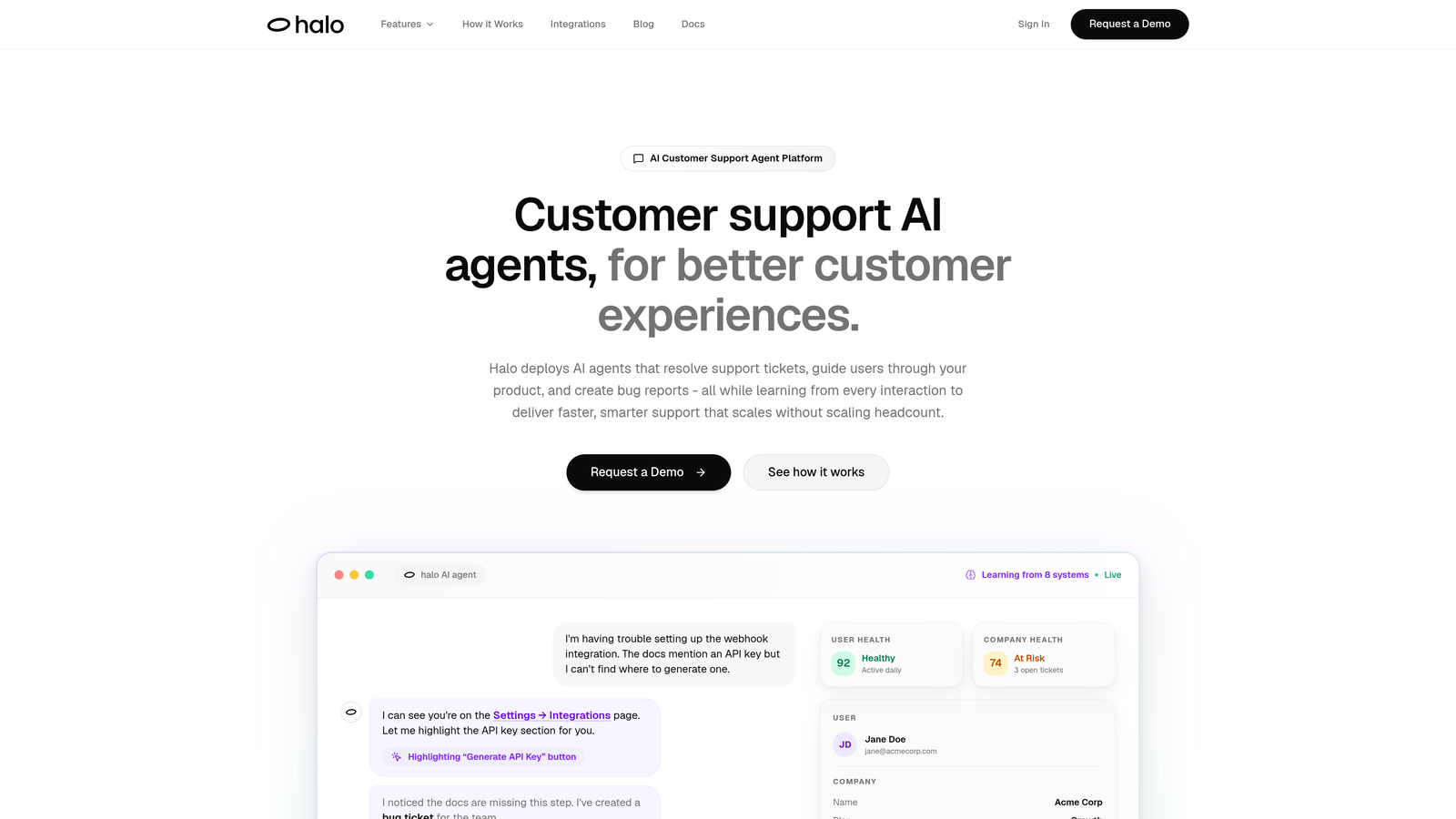
Halo AI is an AI-powered customer support platform that deploys intelligent agents to resolve tickets, guide users, and surface business intelligence directly in Slack.
Where This Tool Shines
Unlike traditional integrations that simply pipe notifications into Slack, Halo's AI agents actively resolve support tickets without human intervention. The platform learns from every interaction, continuously improving its ability to handle complex issues autonomously.
The page-aware context feature sets it apart—the AI understands what users are actually seeing in your product, enabling it to provide visual guidance and contextual help that generic chatbots can't match. This means faster resolutions and fewer escalations to human agents.
Key Features
Autonomous AI Agents: Resolve support tickets independently within Slack, learning from each interaction to improve over time.
Page-Aware Context: Understands what users see in your product to provide accurate visual guidance and troubleshooting.
Auto Bug Ticket Creation: Automatically creates detailed bug reports in Linear when issues are identified during support interactions.
Business Intelligence: Surfaces customer health signals, revenue intelligence, and anomaly detection beyond basic support metrics.
Smart Handoff: Seamlessly escalates complex issues to human agents with full context when AI reaches its limits.
Best For
B2B SaaS companies and product teams looking to scale support without scaling headcount. Particularly valuable for teams already using helpdesk systems like Zendesk or Intercom who want AI-first automation rather than bolt-on solutions.
Pricing
Contact for pricing based on team size and feature requirements.
2. Zendesk for Slack
Best for: Enterprise teams already invested in Zendesk's ecosystem needing robust ticket management
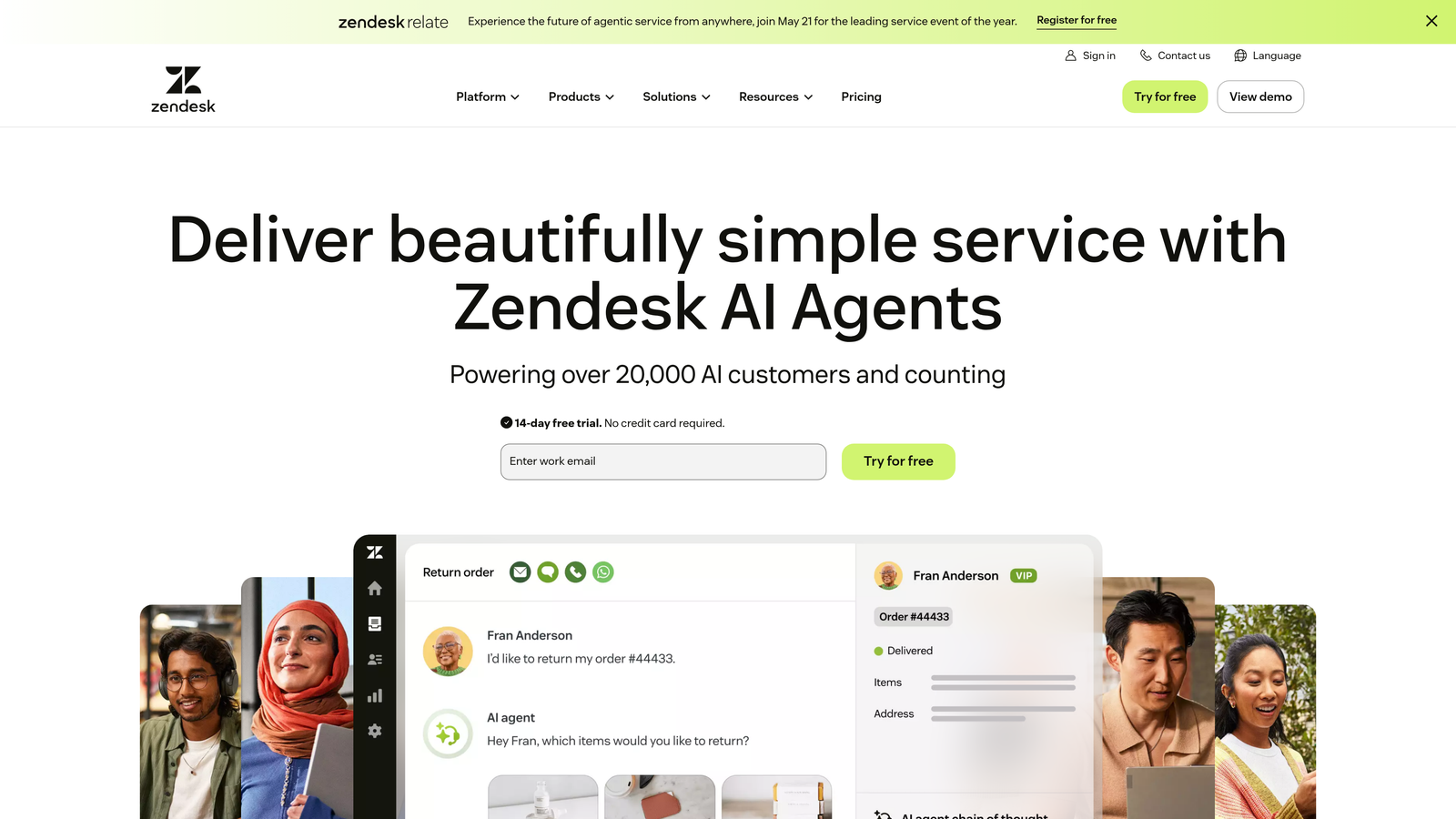
Zendesk for Slack is the native integration from the leading enterprise helpdesk, enabling ticket creation, updates, and collaboration without leaving Slack.
Where This Tool Shines
Zendesk's integration offers the deepest feature set for teams already using their platform. The bi-directional sync is rock-solid, ensuring nothing falls through the cracks when agents work across both systems.
Side conversations let internal teams collaborate on complex tickets without exposing those discussions to customers. This keeps your team aligned while maintaining professional customer-facing communication.
Key Features
Direct Ticket Management: Create and update tickets directly from Slack messages with full field customization.
Real-Time Notifications: Configure which ticket events trigger Slack alerts in specific channels or DMs.
Side Conversations: Collaborate internally on tickets without customers seeing the discussion thread.
Answer Bot Integration: Leverage Zendesk's AI for automated responses to common questions within Slack.
Custom Triggers: Set up advanced notification rules based on ticket properties, SLAs, and custom fields.
Best For
Medium to large enterprises with complex support operations already using Zendesk. Teams that need enterprise-grade reliability and extensive customization options will appreciate the depth here.
Pricing
Included with Zendesk plans starting at $55 per agent per month.
3. Freshdesk Slack Integration
Best for: Growing teams seeking affordable helpdesk features with solid Slack connectivity
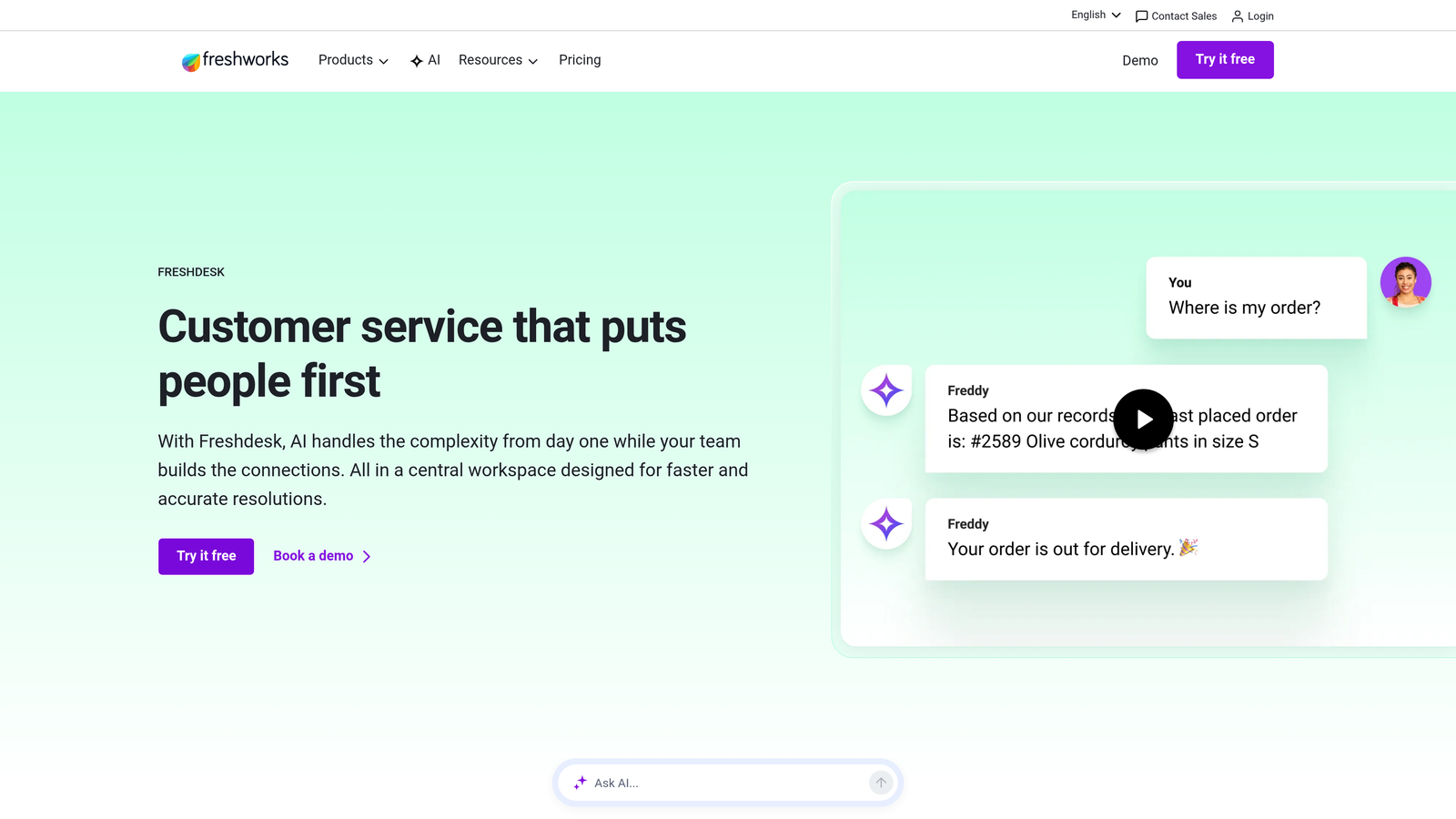
Freshdesk Slack Integration connects Freshdesk's ticketing system with Slack for streamlined team collaboration on customer issues.
Where This Tool Shines
Freshdesk strikes a sweet spot between affordability and functionality. The integration handles the essentials exceptionally well—converting Slack messages to tickets, pushing updates, and enabling collaboration—without overwhelming users with complexity.
The automation workflows are particularly useful. You can trigger Slack notifications based on specific ticket conditions, ensuring the right people get alerted at the right time without notification overload.
Key Features
Message-to-Ticket Conversion: Turn any Slack message into a Freshdesk ticket with context preserved.
SLA Alerts: Receive proactive notifications when tickets approach SLA breaches.
Thread Collaboration: Discuss tickets within Slack threads while updates sync back to Freshdesk.
Workflow Automation: Set up custom automation rules that trigger Slack notifications based on ticket events.
Multi-Channel Support: Manage tickets from email, chat, phone, and social media all from within Slack.
Best For
Small to mid-sized support teams that want professional helpdesk capabilities without enterprise pricing. Ideal if you're outgrowing email but aren't ready for Zendesk's complexity or cost.
Pricing
Included with Freshdesk plans starting at $15 per agent per month.
4. Intercom's Slack App
Best for: Product-led companies using conversational support and in-app messaging
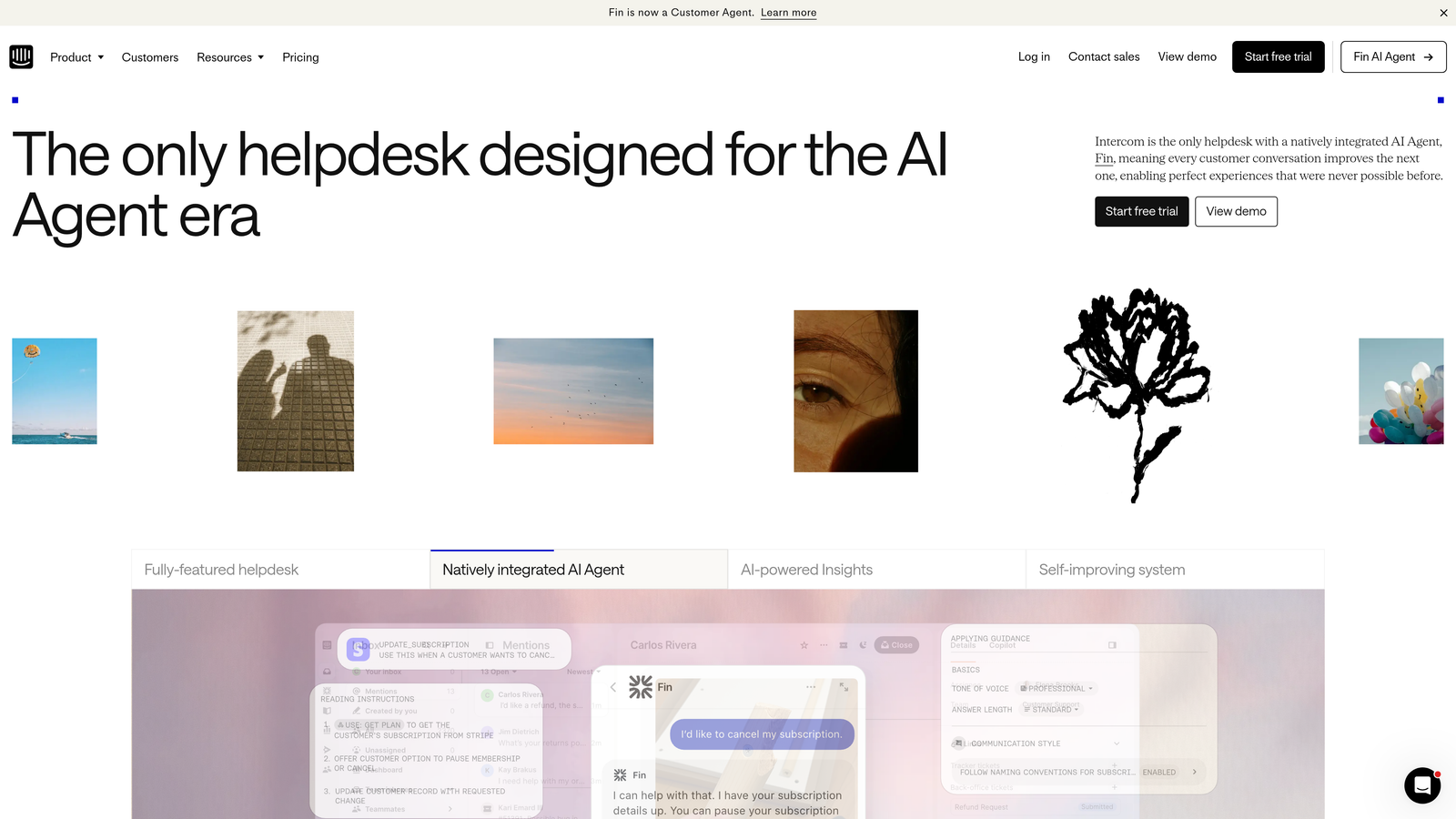
Intercom's Slack App is a conversation-first support platform with Slack integration for real-time alerts and team collaboration on customer conversations.
Where This Tool Shines
Intercom's philosophy centers on conversations, not tickets, and the Slack integration reflects that approach. You get immediate notifications when high-value customers start conversations, enabling your team to jump in quickly when it matters most.
The ability to reply directly from Slack keeps your team responsive without forcing them to context-switch. For product teams that live in Slack, this eliminates the friction of opening another tab every time a customer needs help.
Key Features
Real-Time Conversation Alerts: Get instant notifications when customers start conversations, with customizable filters.
Direct Slack Replies: Respond to customer messages directly from Slack without opening Intercom.
Team Mentions: Loop in colleagues with @mentions and add internal notes visible only to your team.
Custom Notification Preferences: Configure which inboxes and conversation types trigger Slack alerts.
AI Feature Integration: Leverage Intercom's AI capabilities including automated answers and conversation routing.
Best For
SaaS companies using Intercom's messenger for in-app support and sales. Particularly valuable for product-led growth teams where quick response to trial users drives conversions.
Pricing
Included with Intercom plans starting at $39 per seat per month.
5. Help Scout + Slack
Best for: Teams prioritizing simplicity and clean workflows over feature complexity
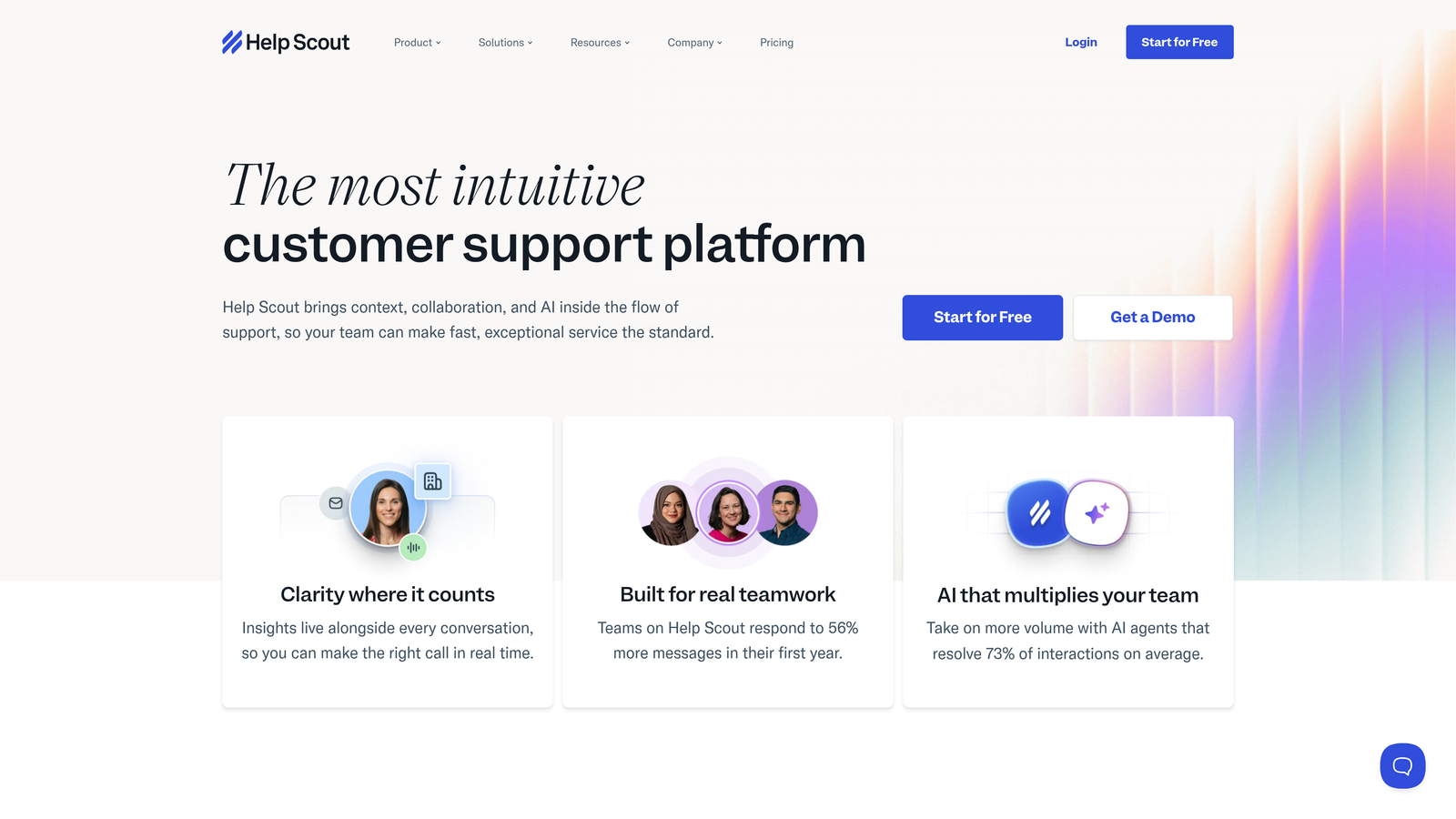
Help Scout + Slack brings Help Scout's shared inbox philosophy to Slack with essential notifications and quick actions.
Where This Tool Shines
Help Scout deliberately keeps things simple, and their Slack integration follows the same philosophy. You get exactly what you need—notifications about new conversations, assignments, and mentions—without drowning in options.
The customer context included with each notification is thoughtfully designed. You see previous conversation history and relevant customer details right in Slack, giving agents the information they need to respond intelligently without opening Help Scout.
Key Features
New Conversation Notifications: Get alerted when customers reach out, with full context included.
Assignment Alerts: Know immediately when conversations are assigned to you or your team.
Quick Reply: Respond to simple questions directly from Slack without switching applications.
Customer Context: View conversation history and customer details within Slack notifications.
Customizable Channels: Route different notification types to specific Slack channels for organization.
Best For
Small to medium support teams that value simplicity and user experience over advanced automation. Perfect if your team finds other helpdesks overwhelming or over-engineered.
Pricing
Included with Help Scout plans starting at $20 per user per month.
6. Halp by Atlassian
Best for: Internal support teams managing IT, HR, and operations requests in Slack
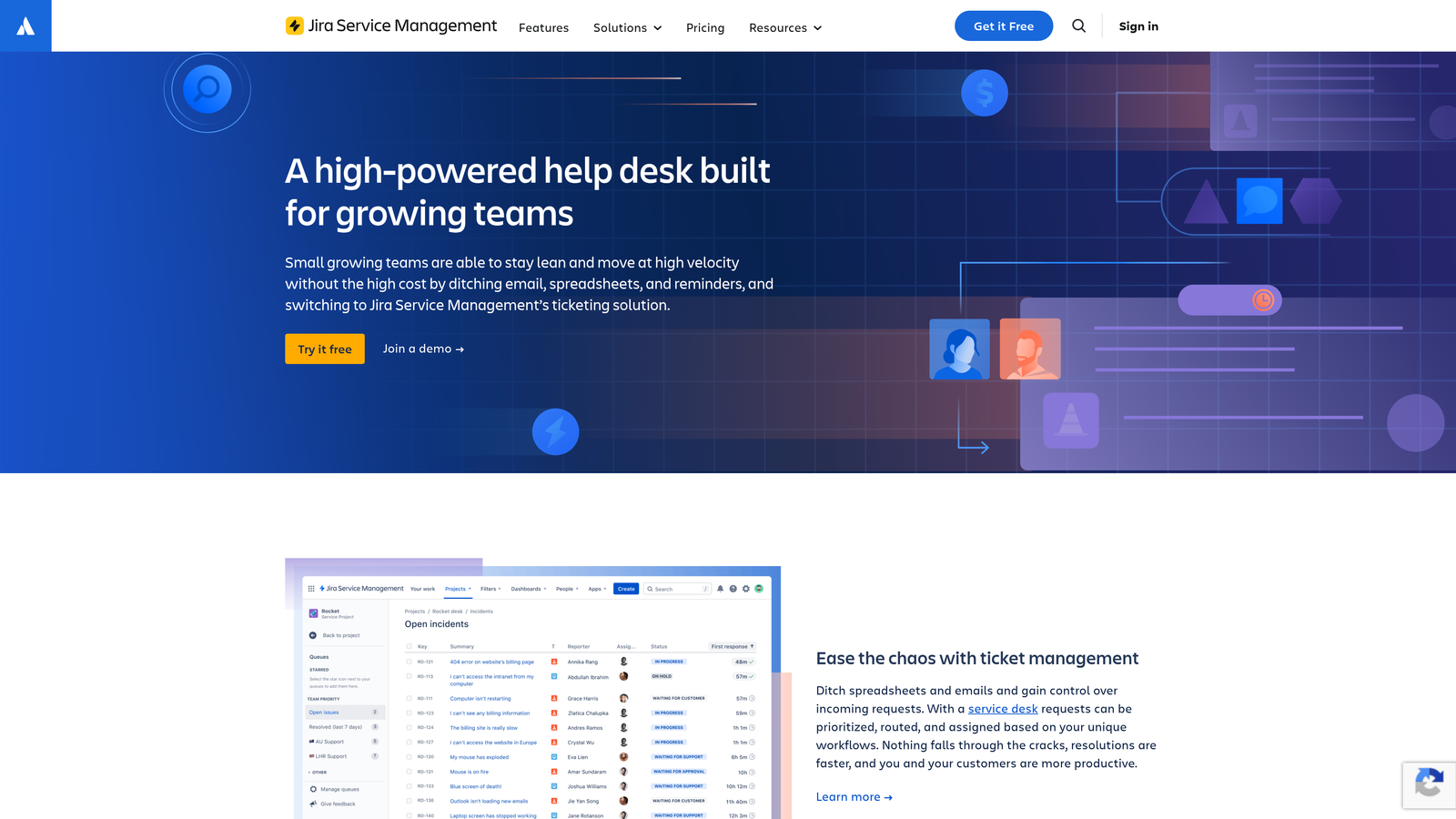
Halp by Atlassian is a native Slack ticketing system designed for internal support teams, with deep Jira and Confluence integration.
Where This Tool Shines
Halp transforms Slack into a full-featured ticketing system without requiring employees to learn another tool. The emoji reaction workflow is brilliant—teammates can convert any message into a ticket just by reacting with a specific emoji.
The two-way Jira sync is invaluable for IT and operations teams. Simple requests stay in Slack, while complex issues automatically escalate to Jira with full context, creating a seamless workflow between casual requests and formal project tracking.
Key Features
Emoji Ticket Creation: Convert any Slack message into a ticket using emoji reactions or slash commands.
Jira Sync: Automatically escalate complex tickets to Jira with bi-directional updates.
Request Forms: Build custom intake forms that appear directly in Slack for structured information gathering.
SLA Tracking: Monitor response and resolution times with built-in reporting and analytics.
Knowledge Base Integration: Surface relevant Confluence articles automatically when similar requests are detected.
Best For
Internal support teams handling IT help desk, HR requests, or operations support. Especially powerful for organizations already using Atlassian's ecosystem.
Pricing
Free for small teams, paid plans from $5 per agent per month.
7. Thena
Best for: B2B teams managing customer relationships in shared Slack Connect channels
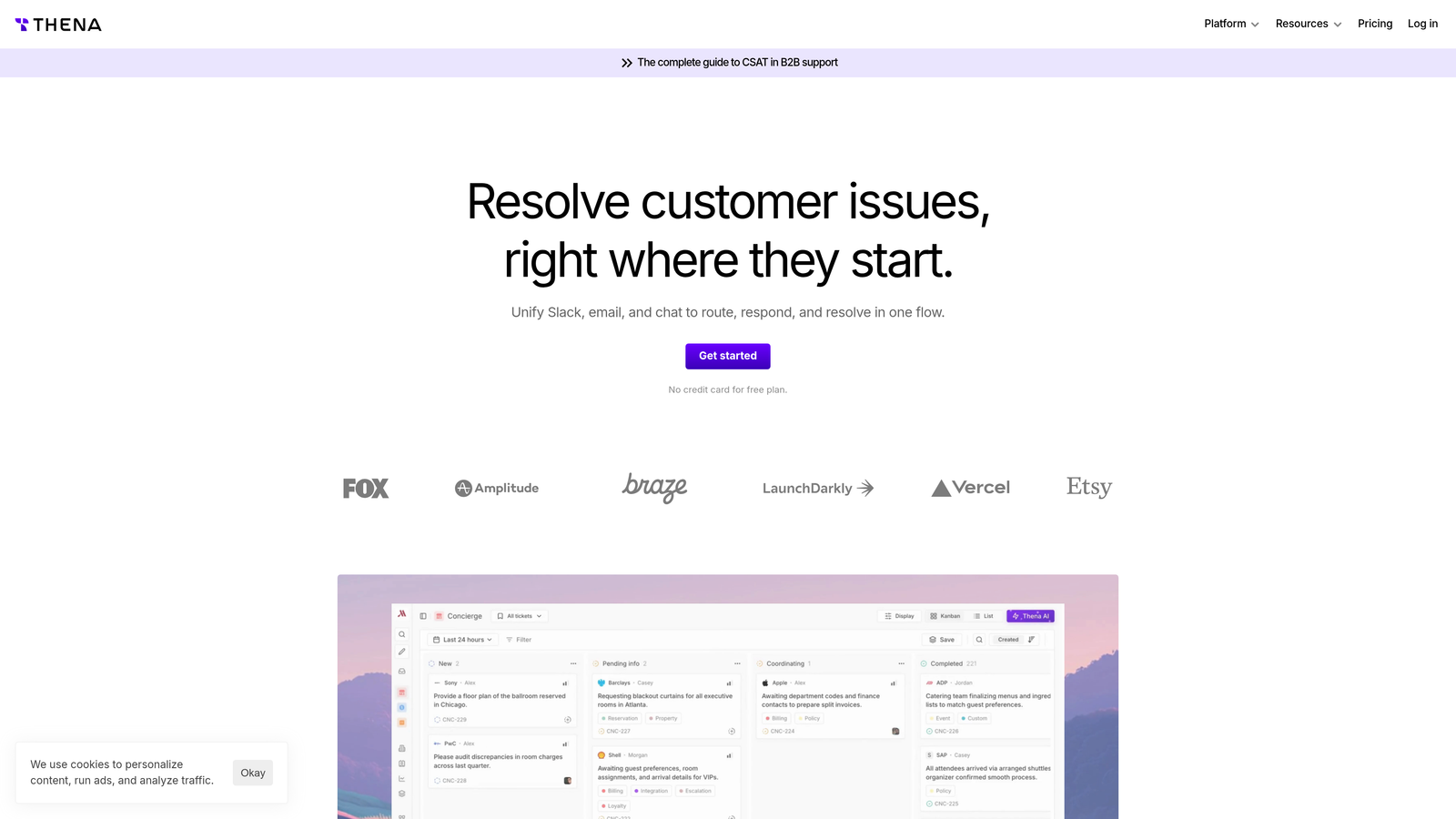
Thena is purpose-built for B2B teams managing customer relationships in shared Slack channels, converting messages into trackable requests.
Where This Tool Shines
Thena solves a specific problem that B2B companies face: managing customer support in shared Slack Connect channels. Traditional helpdesks don't work well when customers and your team are collaborating in the same space.
The automatic request detection is impressively smart. Thena identifies when a customer asks for something in a shared channel and converts it into a trackable request, ensuring nothing gets lost in busy channel conversations.
Key Features
Automatic Request Detection: AI identifies customer requests in shared channels and converts them to trackable tickets.
Customer Health Scoring: Monitor engagement patterns and response times to identify at-risk accounts.
SLA Management: Track and enforce response time commitments across all customer Slack channels.
CRM Integration: Pull customer context from your CRM to inform support interactions.
Analytics Dashboard: Measure response times, request volume, and team performance across all customer channels.
Best For
B2B SaaS companies using Slack Connect to collaborate with customers. Essential if you manage multiple customer Slack channels and need visibility into requests and response times.
Pricing
Starting at $5 per user per month.
8. Suptask
Best for: Teams wanting lightweight ticketing without external helpdesk software
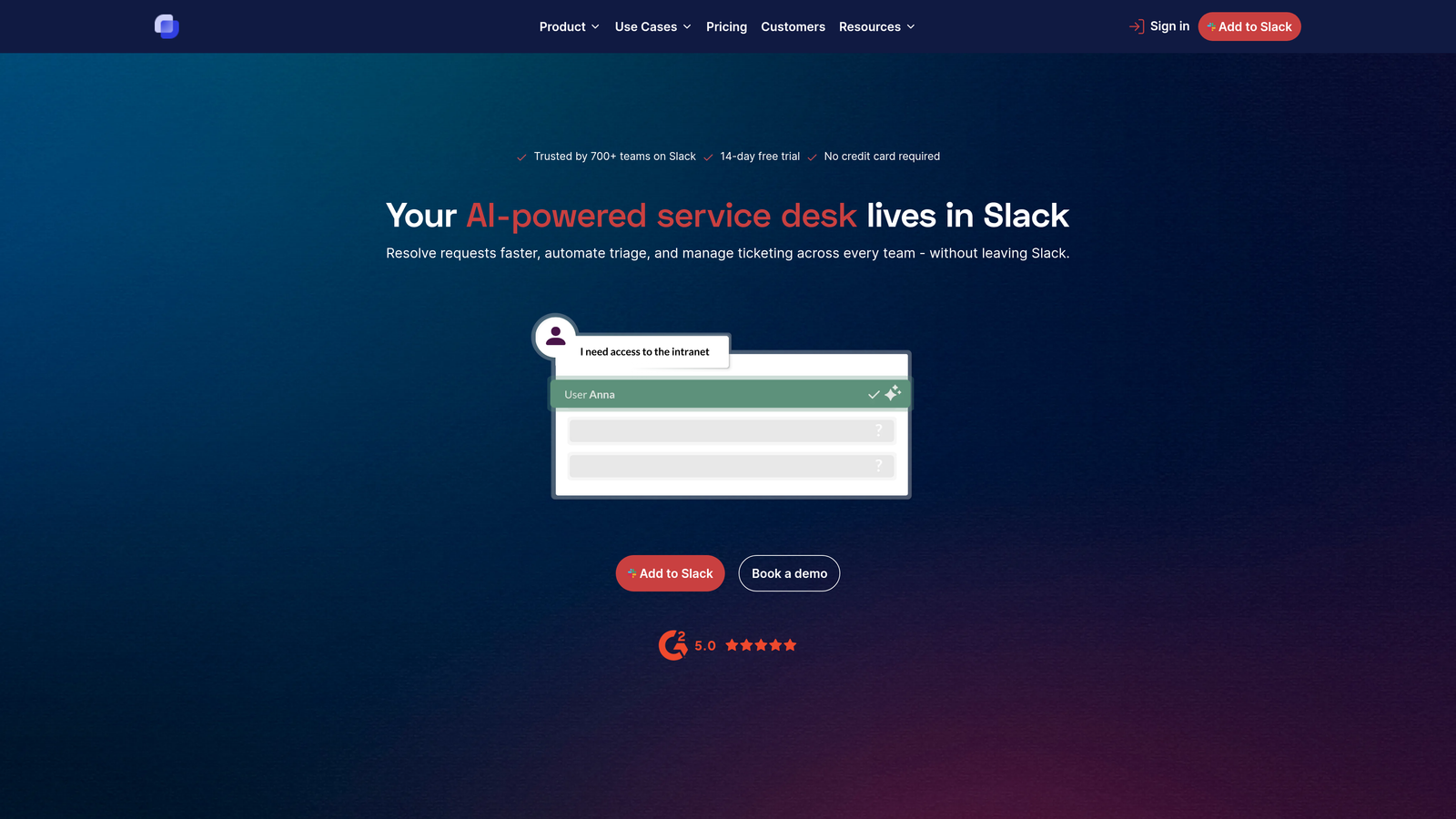
Suptask is a lightweight ticketing system that lives entirely within Slack, requiring no external helpdesk software.
Where This Tool Shines
Suptask keeps everything inside Slack. There's no separate helpdesk to log into, no additional software to maintain, and no context-switching between applications. For small teams or simple use cases, this simplicity is a major advantage.
The private ticket discussions feature lets your team collaborate on sensitive issues without exposing internal conversations. You can discuss a customer request privately while maintaining a clean, professional thread visible to the requester.
Key Features
Native Slack Ticketing: Complete ticketing workflow lives entirely within Slack with no external system required.
Custom Forms: Build intake forms with custom fields to gather structured information upfront.
Private Discussions: Collaborate internally on tickets in private threads invisible to requesters.
Priority Management: Set priorities and statuses to organize and triage incoming requests.
Basic Reporting: Track ticket volume, response times, and team performance with simple analytics.
Best For
Small teams handling internal support requests who want ticketing capabilities without the overhead of a full helpdesk platform. Great for startups or departments with straightforward support needs.
Pricing
Free tier available, Pro plans from $7 per agent per month.
9. Zoho Desk Slack Integration
Best for: Teams using Zoho's ecosystem seeking integrated support workflows
Zoho Desk Slack Integration connects Zoho Desk's helpdesk capabilities with Slack for notifications, ticket creation, and team collaboration.
Where This Tool Shines
Zoho Desk's integration delivers solid fundamentals at an attractive price point. The workflow automation capabilities let you build sophisticated notification rules that keep your team informed without overwhelming them with alerts.
The real value emerges if you're using other Zoho products. The integration with Zoho's broader ecosystem—CRM, Projects, Analytics—creates a unified workspace where support data flows seamlessly across your business tools.
Key Features
Ticket Notifications: Receive updates on ticket creation, assignment, and status changes in Slack.
Message-to-Ticket: Convert Slack messages into Zoho Desk tickets with full context preservation.
Workflow Automation: Trigger Slack notifications based on custom rules and ticket conditions.
Zoho Ecosystem Integration: Connect with Zoho CRM, Projects, and Analytics for unified workflows.
Custom Notification Rules: Configure granular controls over which events trigger Slack alerts.
Best For
Small to medium businesses already using Zoho's suite of products. The integration makes most sense when you're leveraging multiple Zoho tools and want them working together.
Pricing
Included with Zoho Desk plans starting at $14 per agent per month.
Making the Right Choice
The best Slack support integration depends on your existing tech stack and support philosophy. If you're already committed to Zendesk, Freshdesk, Help Scout, Intercom, or Zoho Desk, their native integrations deliver solid functionality at no additional cost.
For internal support teams managing IT, HR, or operations requests, Halp's Jira integration and emoji-based workflows make it the clear choice. B2B companies collaborating with customers in shared Slack channels should look at Thena's purpose-built approach to managing those relationships. Teams wanting simple ticketing without external software will appreciate Suptask's lightweight, Slack-native design.
The bigger question is whether notification-based integrations are enough, or if you need intelligence that actually resolves issues. Traditional integrations pipe tickets into Slack, but you still need humans to handle every request. That approach doesn't scale when your customer base grows faster than your support team.
Your support team shouldn't scale linearly with your customer base. Let AI agents handle routine tickets, guide users through your product, and surface business intelligence while your team focuses on complex issues that need a human touch. See Halo in action and discover how continuous learning transforms every interaction into smarter, faster support.