9 Best Smart Support Inbox Software for B2B Teams in 2026
Discover the 9 best smart support inbox software platforms built for B2B teams in 2026, evaluated across AI intelligence, automated triage, routing sophistication, and analytics capabilities. This guide helps growing SaaS and mid-market teams identify the right solution—from lean startups to scaling operations—where AI acts as a co-pilot rather than just a filing cabinet.
 Matt PattoliFounder13 min read
Traditional helpdesk inboxes were built to organize. Modern B2B teams need something smarter: tools that triage automatically, surface business intelligence, route conversations intelligently, and increasingly, resolve tickets without human involvement at all. The category has shifted from "shared inbox with labels" to AI-powered platforms that act more like a co-pilot than a filing cabinet.
Choosing the right smart support inbox isn't straightforward. The tools below were evaluated on five criteria: depth of AI intelligence, triage and routing sophistication, analytics and business intelligence capabilities, integration ecosystem, and scalability for growing B2B teams. Whether you're running a lean startup or scaling a mid-market SaaS product, there's a meaningful difference between these platforms. For broader context on the category, explore our guides on AI helpdesk software and customer service automation.
Here are the top smart support inbox tools worth evaluating in 2026.
1. Halo AI
Best for: B2B SaaS teams wanting an AI-native inbox with business intelligence and autonomous resolution
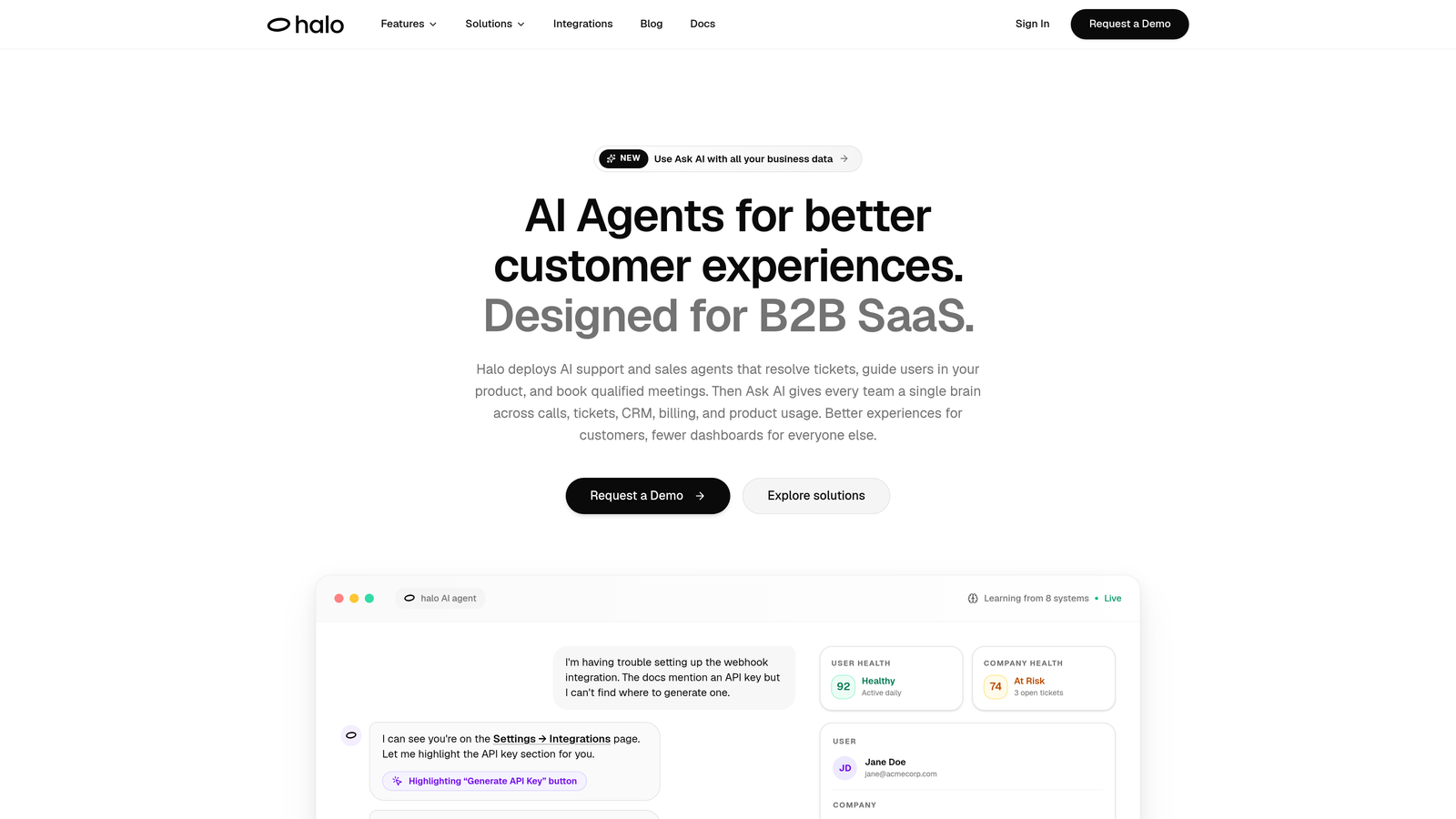
Halo AI is an AI-first smart support platform built to resolve tickets, surface business insights, and guide users through your product without scaling headcount.
Where This Tool Shines
Most helpdesks added AI as a layer on top of existing infrastructure. Halo was built differently: AI is the architecture, not an add-on. That distinction matters when you need autonomous resolution rather than just suggested replies. The platform doesn't just route tickets faster; it actively resolves them, learns from every interaction, and feeds intelligence back into the system.
What sets Halo apart in the smart inbox category is the business intelligence layer. Beyond standard support metrics, the inbox surfaces customer health signals, revenue intelligence, and anomaly detection. Your support inbox becomes a source of product and revenue insight, not just a queue to clear.
Key Features
Smart Inbox with Business Intelligence: Surfaces customer health signals, revenue intelligence, and anomaly detection directly within the inbox view, giving teams context beyond support metrics.
Autonomous AI Agents: AI agents resolve tickets end-to-end and continuously learn from every interaction, improving resolution accuracy over time without manual retraining.
Page-Aware Chat Widget: The chat widget understands which page a user is on and what they're seeing, enabling contextual guidance and visual UI walkthroughs rather than generic responses.
Auto Bug Ticket Creation: Automatically creates bug tickets in Linear and notifies engineering via Slack when support conversations indicate a product issue, closing the loop between support and engineering.
Live Agent Handoff: When a conversation exceeds AI scope, it escalates to a human agent with full conversation context intact, so customers never have to repeat themselves.
Best For
B2B SaaS companies that want AI-native support infrastructure rather than a traditional helpdesk with AI features bolted on. Particularly strong for product-led growth teams where support, product, and engineering need to stay tightly connected. Also well-suited for teams managing complex integrations across tools like HubSpot, Stripe, Intercom, Zoom, and PandaDoc.
Pricing
Contact for pricing. Built specifically for B2B SaaS teams scaling support operations, with pricing structured around team size and usage rather than per-agent seat counts.
2. Zendesk Advanced AI
Best for: Enterprise teams needing proven, scalable helpdesk infrastructure with AI layered on top
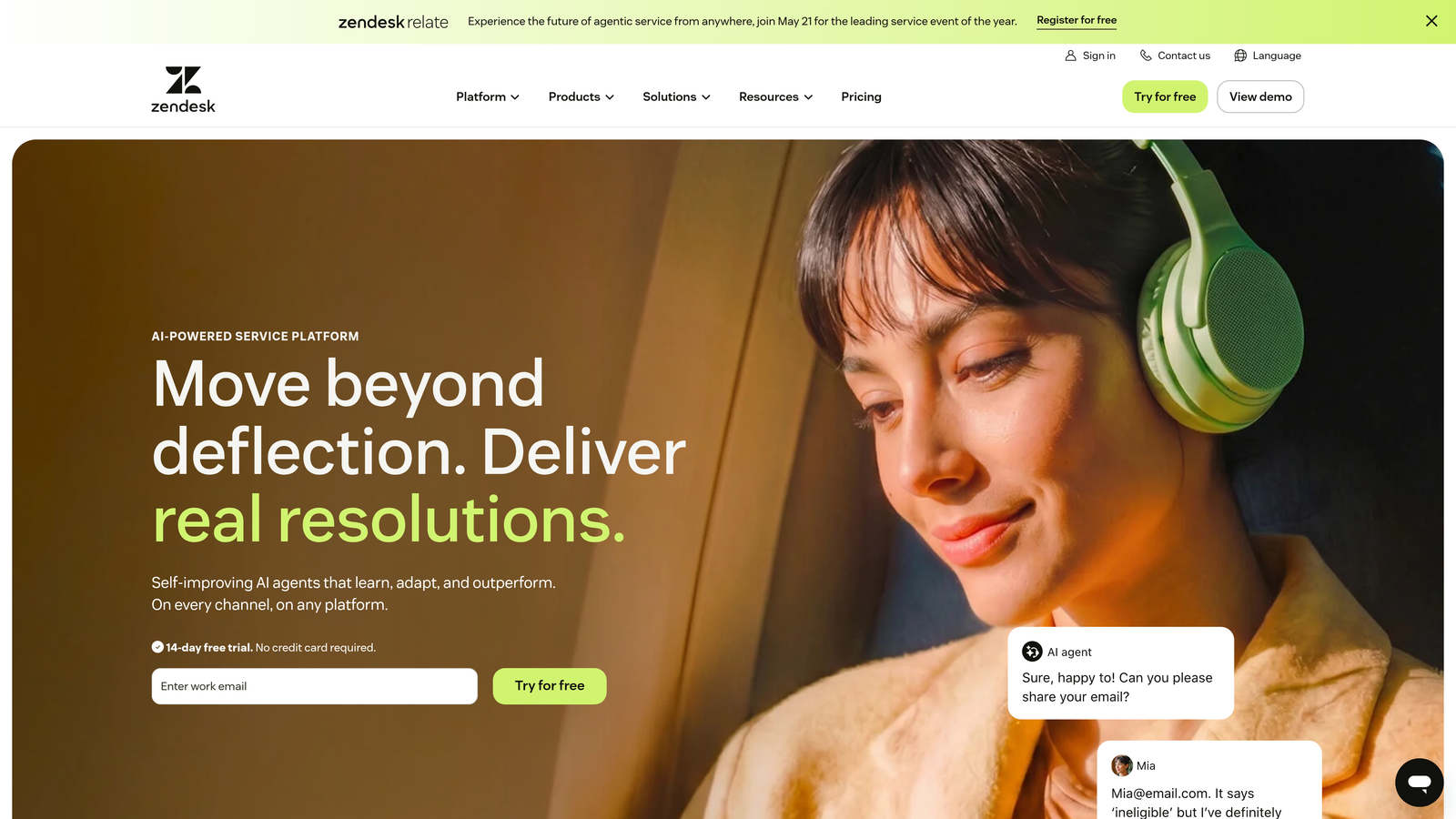
Zendesk is the enterprise helpdesk standard, now augmented with Advanced AI for intelligent triage, auto-classification, and AI-generated reply suggestions.
Where This Tool Shines
Zendesk's strength is its maturity. With years of deployment across thousands of enterprise customers, the platform handles complex workflows, multi-brand setups, and high ticket volumes with reliability that newer tools are still building toward. The Advanced AI add-on brings meaningful intelligence to that foundation: automatic intent and sentiment classification, AI-generated ticket summaries, and skills-based routing that considers agent capacity alongside priority.
The integration marketplace is genuinely impressive. With over 1,500 apps available, connecting Zendesk to your existing tech stack is rarely a problem. For teams already embedded in the Zendesk ecosystem, Advanced AI is a natural upgrade rather than a platform switch.
Key Features
Intelligent Triage: Automatically classifies ticket intent, language, and sentiment at the point of creation, reducing manual sorting and improving routing accuracy.
AI-Generated Suggested Replies and Summaries: Surfaces reply suggestions and condenses long ticket threads so agents can respond faster with full context.
Advanced Routing: Routes tickets based on agent skills, current capacity, and ticket priority rather than simple round-robin assignment.
1,500+ App Marketplace: Extensive integrations across CRM, analytics, project management, and communication tools.
Robust Reporting Dashboards: Detailed analytics for ticket volume, resolution time, CSAT, and agent performance.
Best For
Large enterprise teams with complex support operations, multiple brands, or high compliance requirements. Also a strong fit for organizations already invested in the Zendesk ecosystem looking to add AI without migrating platforms.
Pricing
Suite plans start around $55/agent/month. Advanced AI is a separate add-on with additional cost per agent per month.
3. Intercom Fin AI + Inbox
Best for: Product-led SaaS teams wanting conversational AI resolution integrated with product engagement data
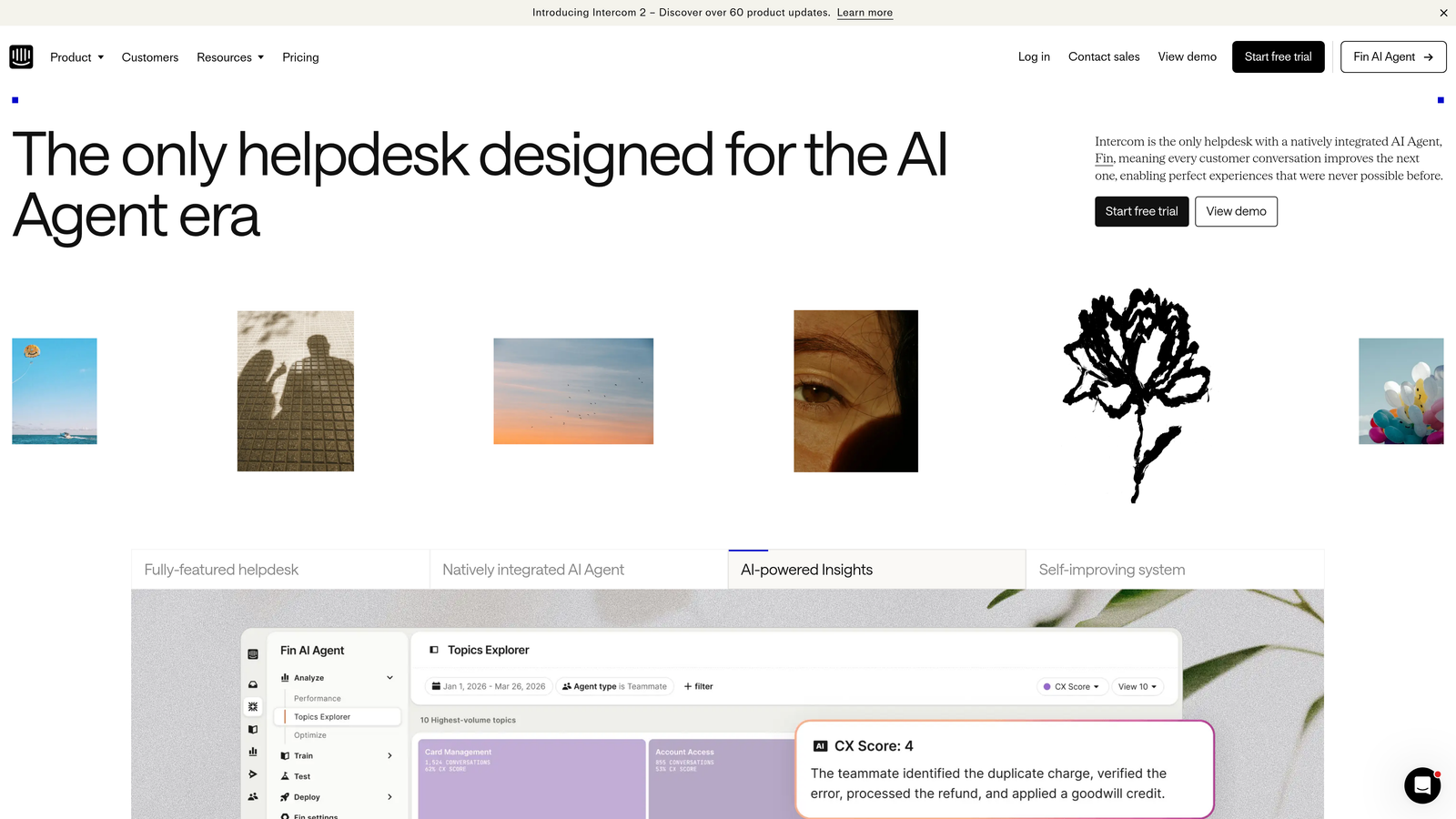
Intercom combines its Fin AI agent for frontline autonomous resolution with a modern inbox that surfaces rich customer context and product usage signals.
Where This Tool Shines
Intercom's approach is to resolve as much as possible before a ticket ever reaches a human agent. Fin handles common questions autonomously, and when a conversation does land in the inbox, agents see customer data, full conversation history, and product engagement context in a single view. That combination of resolution-first AI and context-rich handoff is genuinely useful for SaaS support teams.
The in-app messaging layer adds another dimension. Product tours, tooltips, and targeted messages integrate directly with the support workflow, making Intercom a platform that spans support, onboarding, and product communication in one place.
Key Features
Fin AI Agent: Resolves common questions autonomously before they reach the human inbox, reducing ticket volume at the source.
Context-Rich Inbox: Surfaces customer data, conversation history, and product usage context alongside every conversation.
In-App Messaging and Product Tours: Integrated support for proactive engagement, onboarding flows, and tooltips alongside reactive support.
Custom Workflows and Routing: Automation for escalation, assignment, and SLA management with a visual workflow builder.
Strong API Ecosystem: Well-documented API and integrations with CRM, analytics, and product tools.
Best For
SaaS companies with product-led growth motions where support and product engagement overlap significantly. Strong for teams that want a single platform spanning in-app messaging, onboarding, and customer support.
Pricing
Starts at $39/seat/month. Fin AI usage is billed per resolution rather than per seat, so costs scale with AI activity volume.
4. Freshdesk (Freddy AI)
Best for: Mid-market teams wanting solid AI-assisted triage at a cost-effective price point
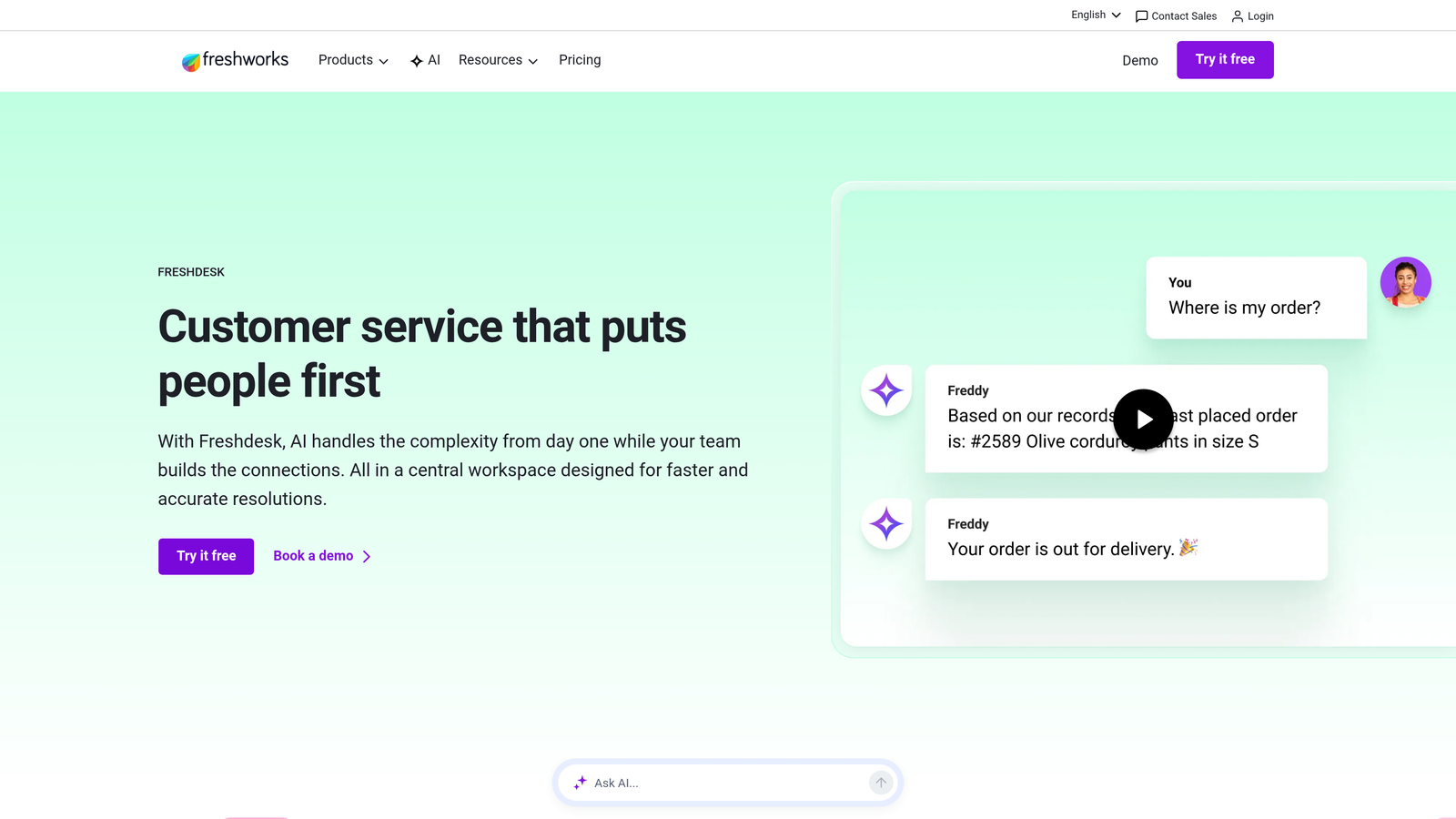
Freshdesk is a widely-used mid-market helpdesk where Freddy AI adds auto-triage, suggested responses, and sentiment analysis to a familiar, easy-to-adopt inbox interface.
Where This Tool Shines
Freshdesk hits a practical sweet spot: enough AI capability to meaningfully reduce manual work, at a price point that doesn't require enterprise budget approval. Freddy AI learns from past resolutions to suggest responses, flags frustrated customers via sentiment analysis, and handles auto-triage without requiring significant configuration investment.
The omnichannel inbox spanning email, chat, phone, and social is well-executed for the price. Teams migrating from basic shared inboxes or early-stage tools will find Freshdesk's onboarding straightforward, and the free tier makes it accessible for smaller operations getting started.
Key Features
Freddy AI Auto-Triage: Automatically categorizes and prioritizes incoming tickets, with response suggestions drawn from past resolutions.
Sentiment Analysis: Flags conversations from frustrated customers for priority handling before situations escalate.
Omnichannel Inbox: Unified inbox spanning email, live chat, phone, and social media channels.
Free Tier Available: Supports up to 2 agents on the free plan, making it accessible for early-stage teams.
Integration Marketplace: Connects with popular CRM, project management, and communication tools.
Best For
Growing mid-market teams that need solid AI-assisted triage without enterprise pricing. Also a practical starting point for early-stage companies that may outgrow free tools but aren't ready for platform-level investment.
Pricing
Free plan available for up to 2 agents. Paid plans start around $15/agent/month, making it one of the more accessible options in the category.
5. Front
Best for: Teams managing high-volume email-based support with collaboration and SLA requirements
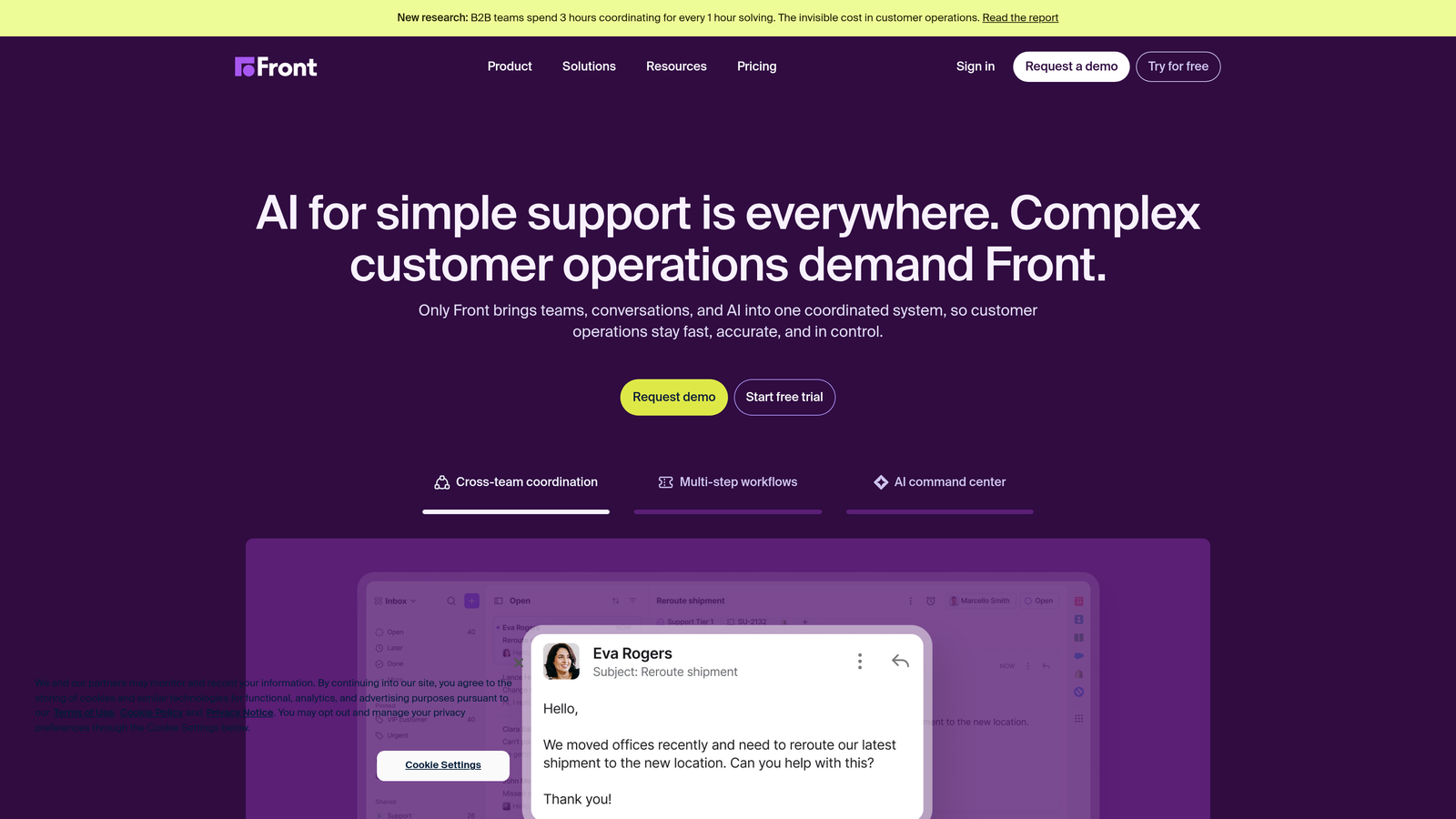
Front is a collaborative shared inbox platform with AI-powered tagging, auto-routing, and SLA management built for teams handling support across email, SMS, and social channels.
Where This Tool Shines
Front's core differentiator is collaboration. Internal comments, @mentions, and real-time assignment visibility mean teams can work on conversations together without the chaos of forwarded emails or duplicate responses. For support operations where escalation and internal coordination are frequent, that collaborative layer is genuinely valuable.
The AI features in Front focus on reducing routing overhead: auto-tagging based on content, rule-based assignment, and workload balancing across team members. SLA tracking is well-implemented, with visibility into breach risk before it becomes a problem rather than after.
Key Features
Collaborative Shared Inbox: Internal comments, @mentions, and real-time assignment visibility allow teams to coordinate without leaving the inbox.
AI-Powered Tagging and Auto-Routing: Automatically tags conversations and routes them based on content analysis and configurable rules.
SLA Tracking and Workload Balancing: Monitors SLA compliance across the team and distributes workload to prevent bottlenecks.
Multi-Channel Support: Unified inbox for email, SMS, social media, and live chat.
CRM and Analytics Integrations: Connects with Salesforce, HubSpot, and reporting tools for customer context alongside support conversations.
Best For
Teams with high email volume where internal collaboration and SLA management are top priorities. Also well-suited for account management and customer success teams where support blends with relationship management.
Pricing
Starts at $19/seat/month, with higher tiers unlocking advanced analytics, integrations, and automation capabilities.
6. Help Scout
Best for: Lean teams wanting smart AI features without the complexity of enterprise platforms
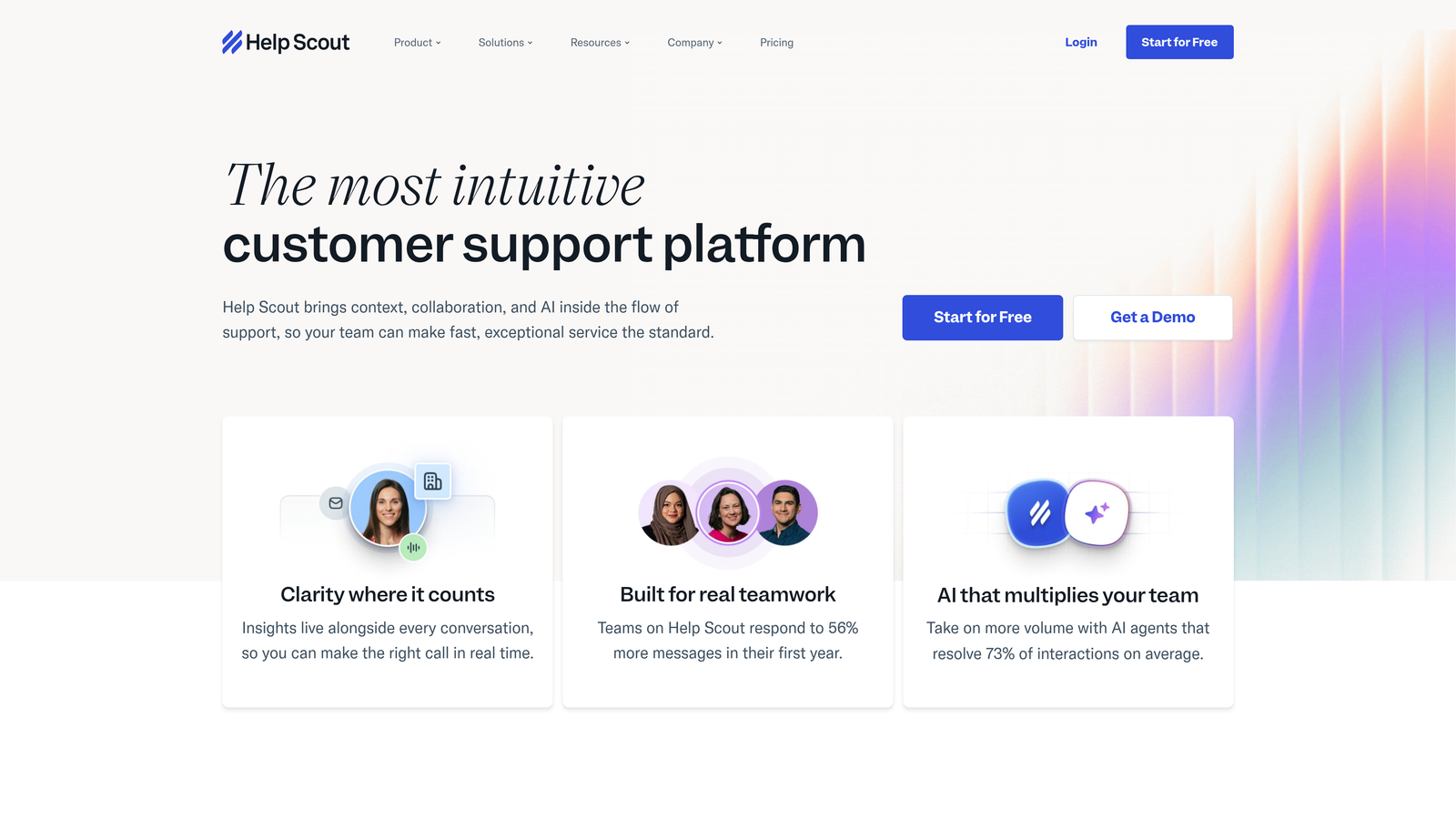
Help Scout is a lightweight, human-first support inbox that adds AI Summarize and AI Drafts to a clean, fast-to-adopt interface built for teams that value simplicity.
Where This Tool Shines
Help Scout's philosophy is that support should feel human, even when AI is involved. The AI features here are practical and unobtrusive: Summarize condenses long threads so agents don't have to scroll through history, and AI Drafts generates reply suggestions based on conversation context. Neither feature requires configuration overhead to deliver value.
The Beacon in-app widget adds embedded self-service and live chat capabilities without requiring a separate tool. For small-to-mid-size teams that want to move fast and avoid complex admin work, Help Scout's minimal onboarding friction is a genuine advantage.
Key Features
AI Summarize: Condenses long conversation threads into quick overviews so agents get up to speed without reading every message.
AI Drafts: Generates reply suggestions based on conversation context, reducing the time spent writing responses from scratch.
Beacon In-App Widget: Embedded self-service and live chat widget for in-product support without a separate tool.
Clean, Simple UI: Minimal learning curve with fast onboarding, designed to get teams productive quickly.
Integrated Knowledge Base: Docs knowledge base connects directly with the inbox for easy agent reference during conversations.
Best For
Small to mid-size teams that prioritize simplicity and human-feeling support interactions. Particularly well-suited for companies where support volume doesn't yet justify enterprise platform investment but AI assistance would meaningfully reduce agent workload.
Pricing
Starts at $25/user/month, with all core AI features included in standard plans rather than gated behind add-ons.
7. Gorgias
Best for: E-commerce brands on Shopify or BigCommerce needing order-aware support automation
Gorgias is a vertically-focused smart inbox built specifically for e-commerce, surfacing order data directly in the inbox and connecting support activity to revenue impact.
Where This Tool Shines
Gorgias does one thing exceptionally well: e-commerce support. The Shopify and BigCommerce integrations are deep enough that agents see order status, shipping details, and refund eligibility without switching tabs. That context eliminates a significant source of handle time in retail support operations, where the majority of tickets revolve around order-related questions.
The revenue statistics feature is a useful differentiator. Tying support interactions to sales impact gives support teams a business case for their work beyond CSAT scores, which matters when advocating for resources internally.
Key Features
Deep E-Commerce Integration: Shopify and BigCommerce data including orders, shipping, and refund information surfaces directly in the inbox view.
Macros and Automation Engine: Pre-built responses and automation rules handle high-volume repetitive tickets at scale.
Revenue Statistics: Connects support interactions to sales impact, showing which conversations influence conversion and retention.
AI Intent Detection and Auto-Responses: Identifies common order-related queries and responds automatically without agent involvement.
Centralized Omnichannel Inbox: Unified inbox spanning email, live chat, social media, and SMS.
Best For
E-commerce brands running on Shopify or BigCommerce with significant order-related support volume. Less suited for B2B SaaS teams, but the category leader for direct-to-consumer retail support operations.
Pricing
Starts at $10/month for 50 tickets, with pricing scaling based on ticket volume rather than agent seat count.
8. Missive
Best for: Small teams and agencies wanting a unified inbox, team chat, and task management in one lightweight tool
Missive is a collaborative inbox that combines shared email, internal team chat, and task management with AI-assisted drafting in a single affordable interface.
Where This Tool Shines
Missive's appeal is consolidation for lean teams. Rather than managing a separate support inbox, team chat tool, and task manager, Missive brings all three into one interface. Internal discussion threads sit alongside customer conversations, so context never gets lost between channels. For agencies or small teams where the same people handle both internal coordination and customer communication, that unification reduces significant context-switching overhead.
The AI drafting features are practical rather than transformative: reply suggestions and draft generation that speed up response time without requiring deep configuration. The rules engine handles auto-assignment and tagging for basic workflow automation.
Key Features
Unified Interface: Shared inbox, team chat, and task management in a single workspace rather than separate tools.
AI-Assisted Drafting: Reply suggestions and draft generation to speed up response time for common inquiries.
Internal Discussion Threads: Conversation-specific internal threads allow team coordination without leaving the inbox.
Rules Engine: Auto-assignment and tagging rules for basic workflow automation without complex configuration.
Affordable Pricing: One of the most cost-effective options in the category, with a free plan for small teams.
Best For
Small teams, agencies, and early-stage companies that need consolidated communication without the overhead or cost of enterprise support platforms. Less suited for high-volume B2B SaaS support operations with complex routing needs.
Pricing
Free plan available. Paid plans start at $14/user/month, making it one of the most accessible options in the smart inbox category.
9. Dixa
Best for: Mid-to-large teams needing intelligent omnichannel routing with agent skills matching
Dixa is a conversational customer service platform with a sophisticated routing engine that factors in agent skills, availability, and customer history for optimized inbox management across all channels.
Where This Tool Shines
Dixa's routing intelligence is its standout capability. Rather than simple round-robin or priority-based assignment, the platform considers agent skill profiles, current availability, customer history, and channel context together. The result is smarter queue management that puts the right conversation in front of the right agent rather than just the next available one.
The drag-and-drop flow builder makes custom routing logic accessible without requiring developer involvement. For operations teams managing complex escalation paths or multi-team support structures, that visual configurability is a meaningful time saver compared to code-based workflow tools.
Key Features
Intelligent Routing Engine: Routes conversations based on agent skills, availability, and customer interaction history rather than simple queue logic.
Unified Omnichannel Inbox: Single inbox spanning phone, live chat, email, and social media channels.
Real-Time Analytics and Performance Dashboards: Live visibility into conversation volume, agent performance, and queue health.
Drag-and-Drop Flow Builder: Visual tool for building custom routing logic and escalation paths without developer support.
Customer Recognition: Surfaces full interaction history across all channels when a returning customer makes contact.
Best For
Mid-to-large support teams with complex routing requirements, multiple channels, and a need for real-time operational visibility. Particularly strong for organizations where skills-based routing would meaningfully improve first-contact resolution rates.
Pricing
Contact for pricing. Dixa is typically positioned for mid-to-large teams, and pricing reflects that scale.
Choosing the Right Smart Inbox for Your Team
The right smart support inbox depends less on feature checklists and more on what your team actually needs to solve. Here's a quick map to cut through the options.
If you're a B2B SaaS team that wants AI-native architecture, autonomous resolution, and business intelligence beyond support metrics, Halo AI is built specifically for that use case. It's the only platform in this list where the AI isn't layered on top of a legacy helpdesk but is the foundation of how the system works.
For enterprise teams with complex workflows and deep integration requirements, Zendesk Advanced AI remains the proven choice. If your support motion is conversational and your product is central to the experience, Intercom Fin AI brings resolution-first AI and product context together effectively. Freshdesk serves mid-market teams well when budget is a constraint but AI capability still matters.
For collaboration-heavy email operations, Front is purpose-built. Help Scout wins on simplicity for lean teams. Gorgias is the clear choice for e-commerce. Missive suits small teams and agencies that want consolidation over specialization. And Dixa excels when intelligent routing across multiple channels is the primary challenge.
Your support team shouldn't scale linearly with your customer base. Let AI agents handle routine tickets, guide users through your product, and surface business intelligence while your team focuses on complex issues that need a human touch. See Halo in action and discover how continuous learning transforms every interaction into smarter, faster support.