9 Best Smart Support Inbox Solutions for B2B Teams in 2026
Modern B2B support teams are overwhelmed by rising ticket volumes and outdated helpdesk tools — Smart Support Inbox Solutions change the equation by combining AI-powered triage, intelligent routing, and autonomous resolution with actionable business intelligence. This guide evaluates the 9 best options available in 2026 to help teams of any size find the right fit.
 Grant CooperFounder14 min read
Modern B2B support teams are caught in a frustrating bind. Ticket volume keeps climbing, customer expectations keep rising, and the traditional helpdesk inbox — where agents manually triage, tag, and respond to every conversation — simply can't keep pace. The math doesn't work anymore.
Smart support inbox solutions change the equation entirely. Instead of just organizing tickets, they surface context, predict intent, route intelligently, and in many cases resolve issues autonomously. The best ones go further, extracting business intelligence from support conversations that would otherwise disappear into a closed ticket.
This guide covers the top smart support inbox solutions available in 2026, evaluated on AI capability, integration depth, ease of deployment, and the quality of insights they surface beyond basic ticket metrics. Whether you're running a lean startup support operation or scaling a B2B team managing thousands of monthly tickets, there's a solution here that fits your workflow.
1. Halo AI
Best for: B2B teams that want AI-first ticket resolution with business intelligence built into the inbox
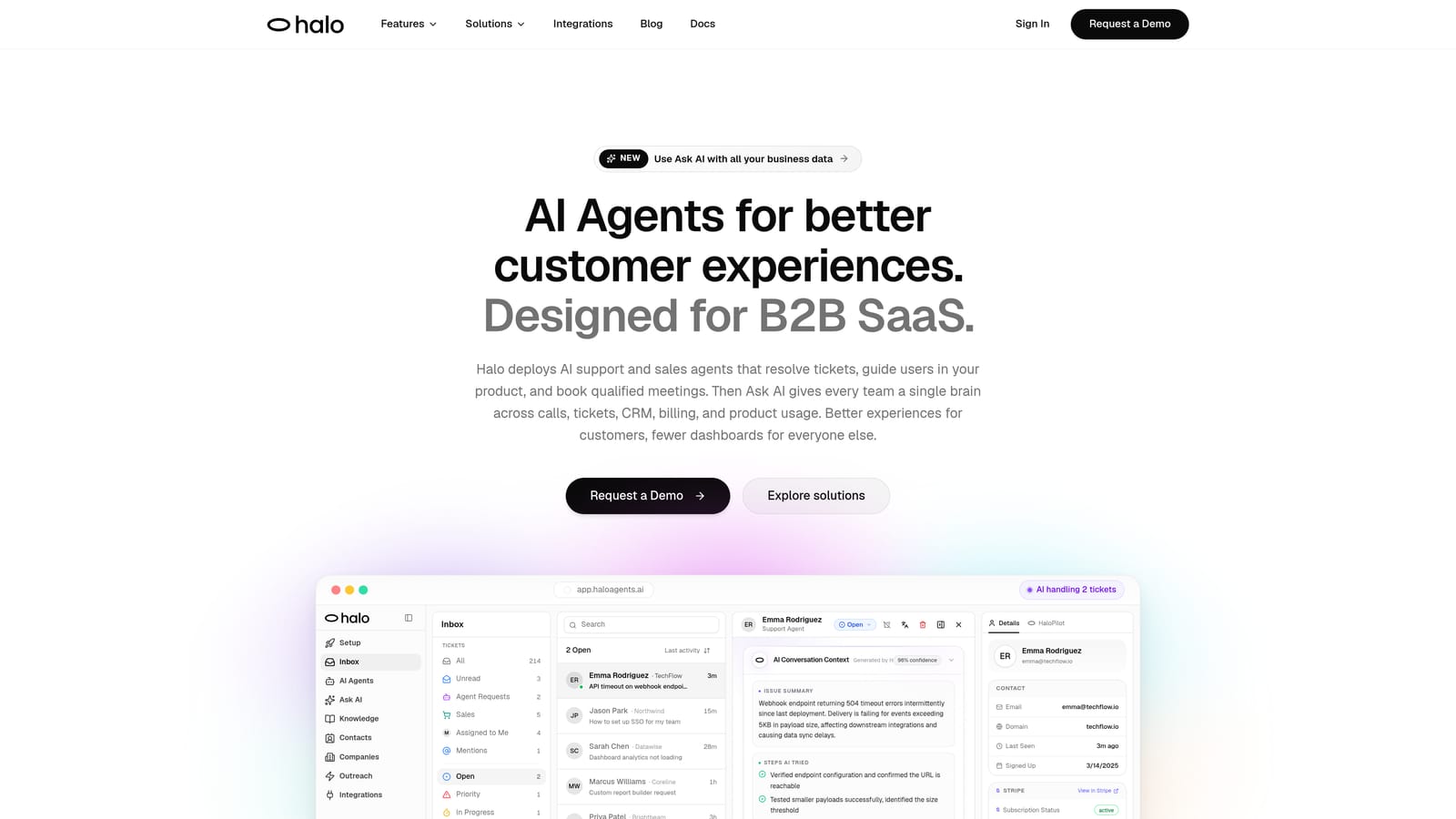
Halo AI is a purpose-built AI customer support platform with a smart inbox that goes well beyond ticket management, surfacing business intelligence, customer health signals, and revenue insights from every support interaction.
Where This Tool Shines
Most support platforms treat the inbox as a queue to be emptied. Halo treats it as a data source. The Smart Inbox doesn't just organize incoming tickets; it analyzes patterns across conversations to surface anomaly detection, customer health signals, and revenue intelligence. If a cluster of users is hitting the same friction point, or if a high-value account is showing signs of churn risk, Halo surfaces that signal rather than burying it in a closed ticket.
The page-aware AI agent is another genuine differentiator. It can see what page a user is on and what they've done recently, enabling contextual guidance that goes beyond keyword matching. When the AI reaches the limits of what it can resolve autonomously, it hands off to a live agent with full context intact, so the customer never has to repeat themselves.
Key Features
Smart Inbox with Business Intelligence: Surfaces customer health signals, revenue intelligence, and anomaly detection directly from support conversation patterns.
Page-Aware AI Agents: AI can see what users see in real time, enabling visual UI guidance and deeply contextual responses.
Autonomous Ticket Resolution: AI handles routine tickets end-to-end, with live agent handoff for complex issues that require human judgment.
Auto Bug Ticket Creation: Product issues are automatically identified and routed to Linear or other engineering tools without manual intervention.
Deep Integration Stack: Connects to HubSpot, Slack, Stripe, Intercom, Zoom, PandaDoc, Fathom, and Linear, meaning the AI has context from your entire business stack.
Continuous Learning: Every resolved interaction improves the AI's future performance, compounding value over time.
Best For
B2B SaaS companies and product teams that want AI to be the primary responder rather than a helpful assistant. Particularly strong for teams already using tools like Linear, HubSpot, or Stripe who want their support inbox connected to the full business context rather than operating in isolation.
Pricing
Contact for pricing. A demo is available at haloagents.ai/demo to see the Smart Inbox and AI agents in action before committing.
2. Intercom
Best for: Teams that want a mature conversational support platform with a proven AI agent for autonomous resolution
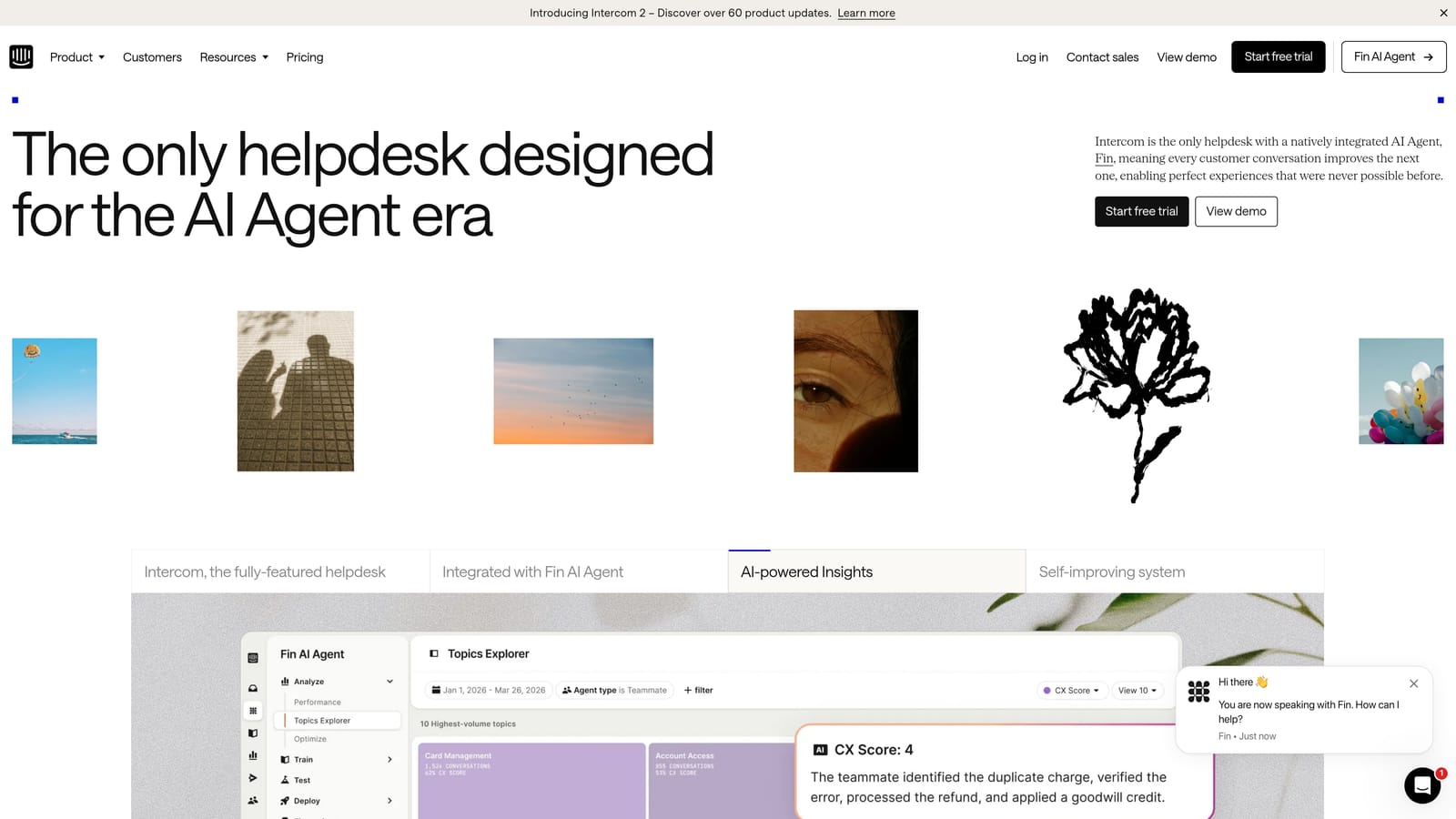
Intercom is a well-established conversational support platform built around its messenger ecosystem, with Fin AI agent as its headline product for autonomous query resolution.
Where This Tool Shines
Intercom's strength is the combination of a robust shared inbox and a genuinely capable AI agent. Fin is trained on your support content and can handle a meaningful portion of common queries without human involvement. The messenger experience is polished, and the underlying inbox infrastructure — SLA tracking, assignment rules, conversation routing — is mature and reliable.
For teams that have already built their support operation around Intercom's messenger, the path to AI-assisted resolution is relatively smooth. The ecosystem of integrations is extensive, and the analytics layer gives teams solid visibility into conversation trends and CSAT performance.
Key Features
Fin AI Agent: Autonomous resolution for common queries, trained on your existing support content and knowledge base.
Shared Inbox: SLA tracking, assignment rules, and conversation management for team-based support operations.
Omnichannel Coverage: Chat, email, and in-app messaging unified in one inbox view.
Integration Ecosystem: Connects to Salesforce, HubSpot, Stripe, and many others for cross-system context.
Conversation Analytics: CSAT tracking and conversation trend data for team performance visibility.
Best For
Mid-market to enterprise B2B teams that have invested in the Intercom ecosystem and want to layer AI resolution on top of an already-working support infrastructure. Less ideal for teams starting fresh who want an AI-first architecture rather than AI added to a legacy foundation.
Pricing
Starts at approximately $39/seat/month. Full AI features, including Fin, require higher-tier plans, which can make total cost of ownership higher than the entry price suggests.
3. Zendesk
Best for: Large enterprise support organizations needing deep workflow customization and omnichannel coverage
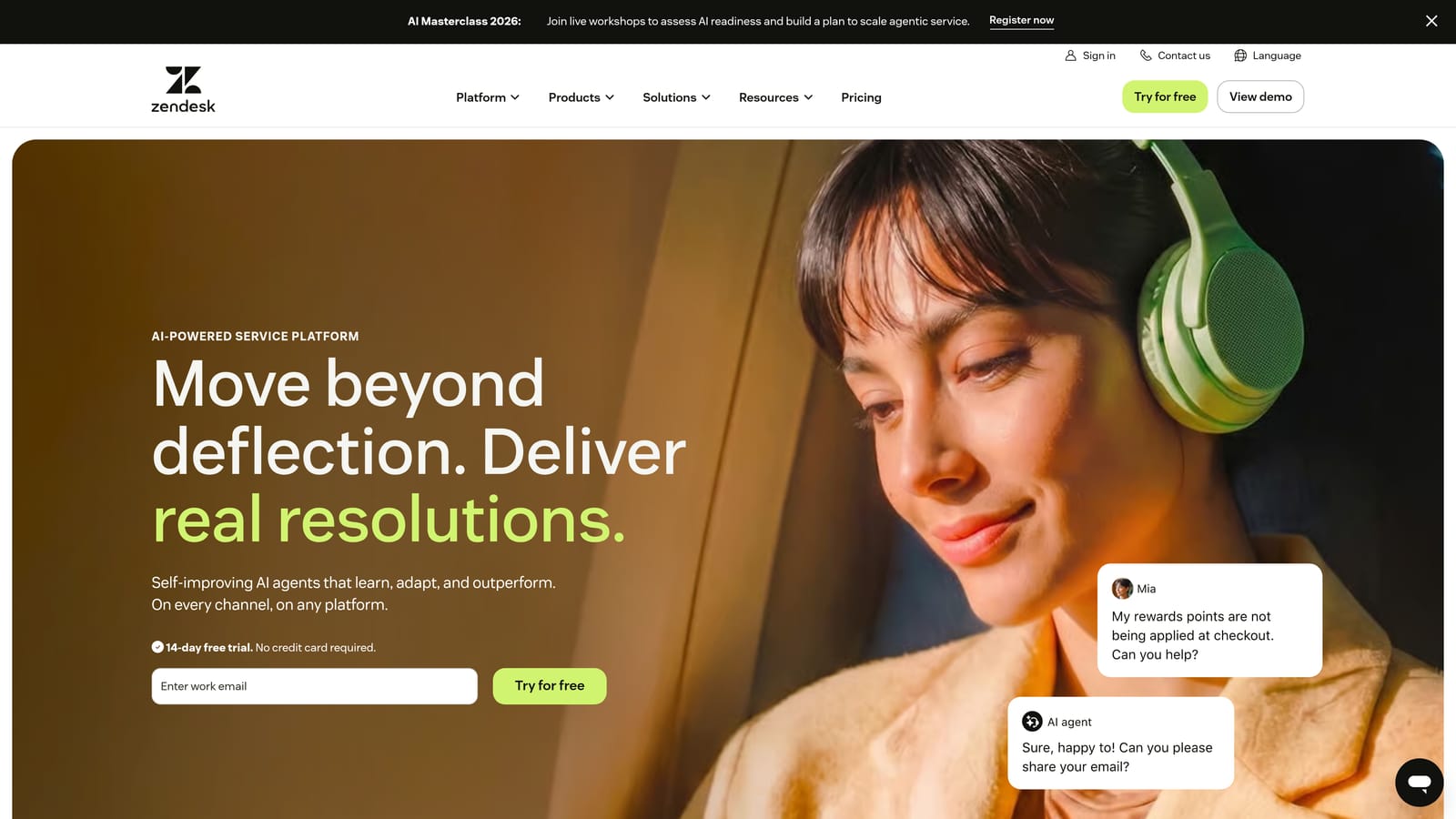
Zendesk is the enterprise-grade omnichannel support platform with AI-powered triage, intent detection, and extensive workflow customization built for large, complex support organizations.
Where This Tool Shines
Zendesk's scale and configurability are genuinely impressive. The AI layer handles intelligent triage, sentiment analysis, and intent detection, and the macro suggestion system helps agents respond faster without sacrificing quality. For organizations with complex routing requirements, multiple support tiers, or strict SLA obligations, Zendesk's workflow engine is hard to match.
The app marketplace with over a thousand integrations means almost any tool your team uses can be connected. The tradeoff is complexity: Zendesk takes meaningful effort to configure and maintain, and the AI add-ons come at additional cost on top of already substantial per-agent pricing.
Key Features
Zendesk AI: Intelligent triage, sentiment analysis, and intent detection powered by an OpenAI partnership.
AI-Assisted Agent Responses: Macro suggestions and AI-drafted replies to speed up agent productivity.
Omnichannel Inbox: Email, chat, voice, social, and messaging unified across channels.
Advanced Workflow Engine: Highly configurable routing, SLA management, and escalation rules.
Marketplace Depth: Over a thousand app integrations covering virtually every business tool category.
Best For
Enterprise B2B organizations with large support teams, complex routing requirements, and the internal resources to configure and maintain a sophisticated platform. Smaller teams may find the overhead disproportionate to their needs.
Pricing
Suite plans start at approximately $55/agent/month. AI add-ons are priced separately, which can push total costs significantly higher for teams that want full AI capability.
4. Freshdesk
Best for: Growing mid-market B2B teams that want AI-assisted support without enterprise pricing or complexity
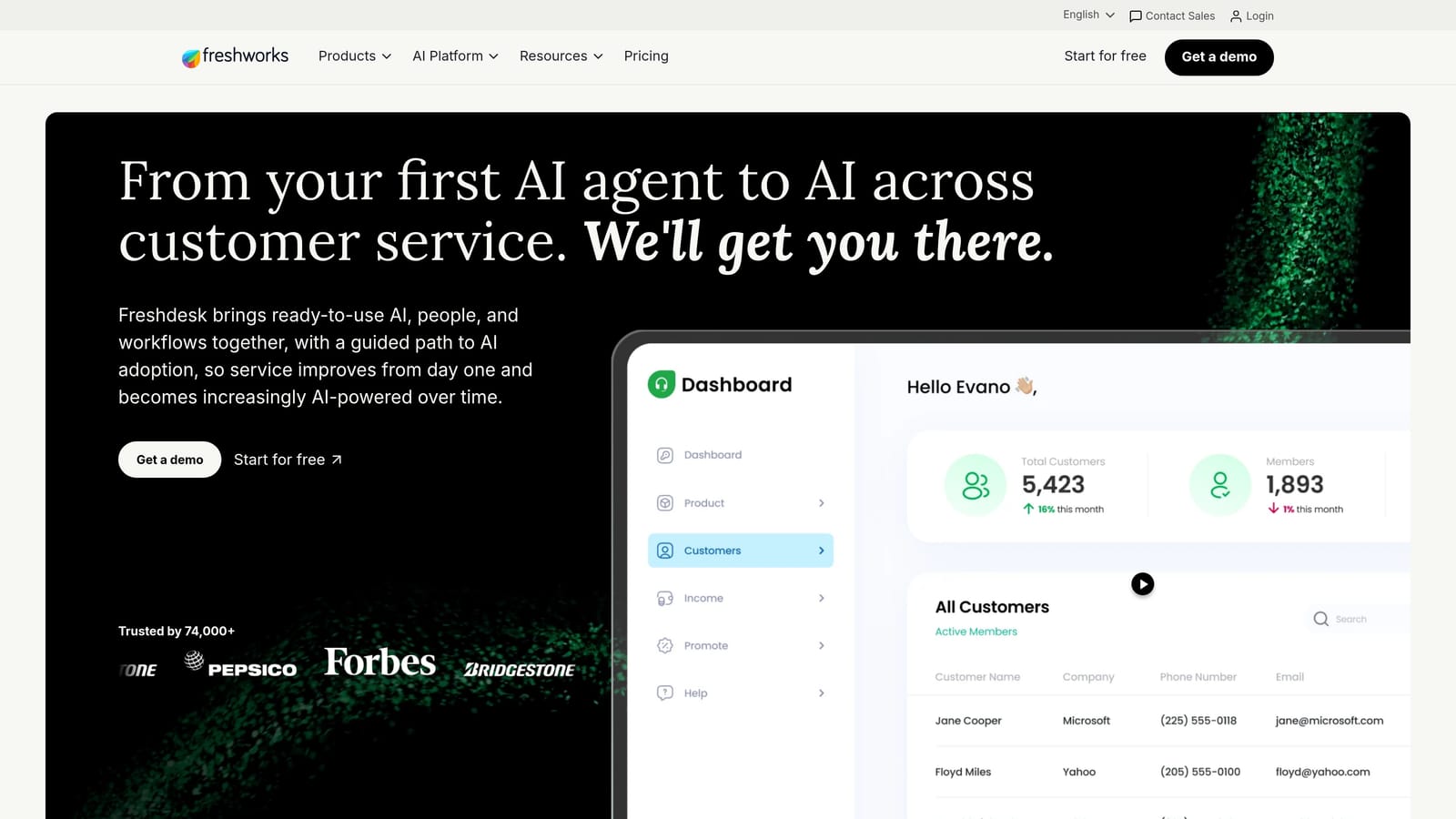
Freshdesk is Freshworks' B2B helpdesk platform featuring Freddy AI for ticket categorization, auto-suggestions, and agent assistance at pricing that makes sense for teams not yet at enterprise scale.
Where This Tool Shines
Freshdesk hits a practical sweet spot for growing teams. Freddy AI handles the time-consuming parts of inbox management — categorizing tickets, suggesting responses, auto-triaging based on intent — without requiring the configuration overhead of an enterprise platform. The Freshdesk Copilot feature assists agents with AI-drafted replies, reducing handle time on complex tickets.
The knowledge base integration is well executed: Freddy can surface relevant articles to agents mid-conversation, and the self-service layer can deflect straightforward questions before they become tickets. For teams moving off a basic shared inbox for the first time, Freshdesk provides a clear, manageable upgrade path.
Key Features
Freddy AI: Ticket categorization, suggested responses, and auto-triage based on intent and content.
Freshdesk Copilot: AI-drafted agent replies that maintain quality while reducing response time.
Omnichannel Inbox: Email, chat, phone, and social managed in a single view.
Automation Rules: Routing and escalation workflows that reduce manual triage work.
Knowledge Base Integration: AI-powered article suggestions surfaced to agents and customers in context.
Best For
Mid-market B2B teams that want meaningful AI assistance without the complexity or cost of enterprise platforms. A strong choice for teams outgrowing basic shared inboxes but not yet ready to commit to Zendesk-level investment.
Pricing
A free plan is available for small teams. Paid plans start at approximately $15/agent/month, making this one of the more accessible options in the category for teams watching budget carefully.
5. Help Scout
Best for: Teams that prioritize human-quality support with AI that assists agents rather than replacing them
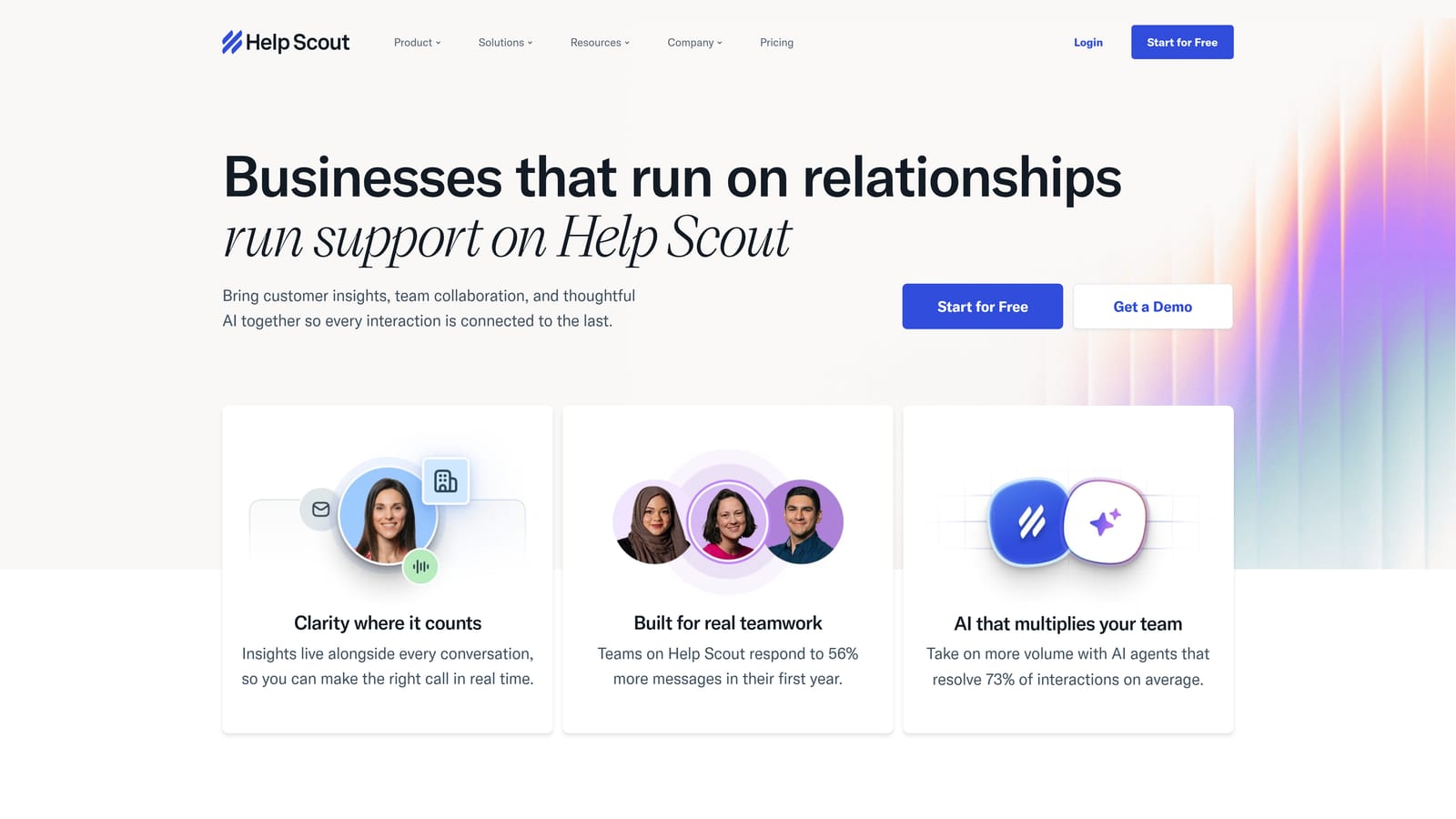
Help Scout is a human-centered shared inbox platform with AI features designed to make agents faster and more effective, not to sideline them from the conversation.
Where This Tool Shines
Help Scout's philosophy is clear: AI should amplify human support, not automate it away. The Summarize feature condenses long conversation threads so agents can get up to speed instantly. Drafts generates response suggestions that agents review and refine rather than send blindly. It's a more conservative AI approach, and for many B2B teams, that's exactly right.
The collaboration features are particularly well-executed. Collision detection prevents two agents from drafting simultaneous responses to the same ticket. Internal notes and @mentions keep team communication contained within the conversation context. The Beacon widget brings this same experience into your product for in-app support, and AI Answers can deflect common questions before they ever reach the inbox.
Key Features
AI Summarize: Condenses long threads so agents can understand full context in seconds rather than minutes.
AI Drafts: Generates response suggestions for agent review, speeding up replies without removing human judgment.
AI Answers: Self-service deflection layer that resolves common questions before they become tickets.
Collision Detection: Prevents duplicate agent responses on the same conversation.
Beacon Widget: In-app support experience with contextual help content and live chat capability.
Best For
B2B teams where support quality and human touch are non-negotiable, particularly those in industries where customers expect a thoughtful, personalized response rather than an automated one. Also a strong fit for teams new to shared inbox tools who want fast onboarding and a clean UI.
Pricing
Starts at approximately $20/user/month. Straightforward pricing with no separate AI add-on fees at entry level, which makes budgeting predictable.
6. Front
Best for: B2B teams where support and account management responsibilities overlap in the same inbox
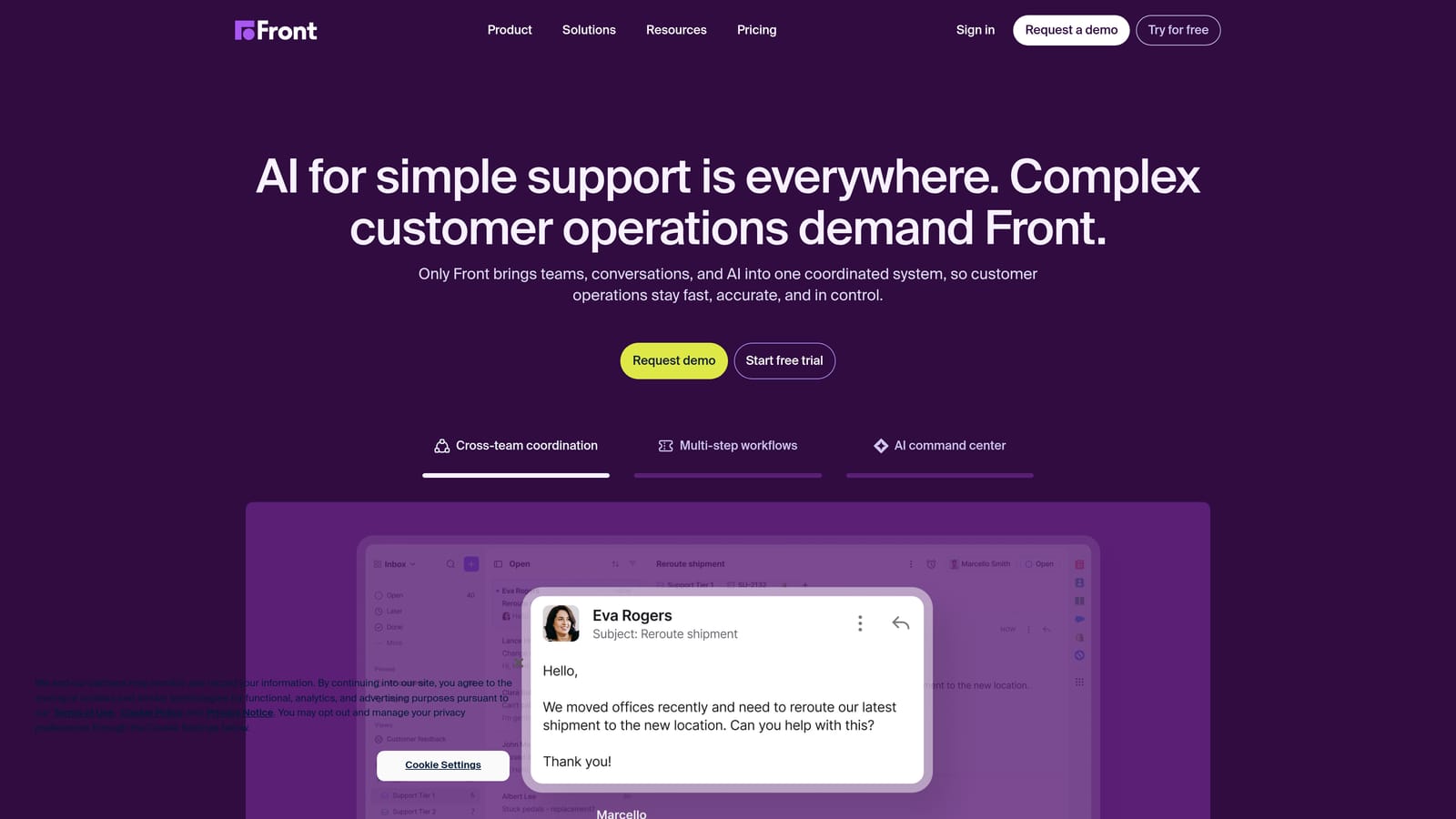
Front is an omnichannel inbox that unifies email, SMS, WhatsApp, and social channels with AI drafting, CRM-style contact timelines, and strong analytics built for teams managing both support and relationship work.
Where This Tool Shines
Front's defining characteristic is the CRM-style contact timeline. Every conversation a customer has had, across every channel, is visible in a single chronological view. For B2B teams where the person handling a support ticket also manages the account relationship, this context is genuinely valuable. Agents don't have to switch between a helpdesk and a CRM to understand who they're talking to.
The AI drafting and conversation summarization features are solid, and CSAT prediction gives team leads early visibility into conversations that might be trending negative before they escalate. The analytics layer is one of the stronger ones in this category, covering team performance, conversation trends, and SLA adherence in meaningful depth.
Key Features
Unified Omnichannel Inbox: Email, SMS, WhatsApp, social, and live chat in a single inbox view.
AI Drafting and Summarization: AI-generated response drafts and thread summaries to reduce agent effort.
CRM-Style Contact Timelines: Full customer interaction history across all channels in one chronological view.
CSAT Prediction: Early signals on conversations likely to result in negative satisfaction scores.
SLA Management and Analytics: Team performance tracking, conversation trend analysis, and SLA adherence reporting.
Best For
B2B teams where support agents double as account managers or customer success representatives, and where full relationship context in the inbox is more valuable than autonomous AI resolution.
Pricing
Starts at approximately $19/seat/month. AI features are available in higher tiers, so teams wanting full AI capability should account for that in their evaluation.
7. Groove
Best for: Small B2B support teams that need smart shared inbox features without enterprise complexity or cost
Groove is a lightweight smart shared inbox built for small teams that want AI-assisted support without the overhead, configuration burden, or pricing of larger platforms.
Where This Tool Shines
Groove's value proposition is simplicity. It does the core shared inbox job well — collision detection, routing, tagging, team assignment — and layers in AI reply suggestions and conversation summarization without making the product feel complicated. For a team of two to ten people handling support alongside other responsibilities, that's often exactly the right balance.
Setup is fast, the learning curve is minimal, and the flat-rate pricing model removes the anxiety of per-agent costs that can surprise growing teams. Groove isn't trying to be Zendesk; it's trying to be the best tool for the team that doesn't need Zendesk.
Key Features
AI Reply Suggestions: Context-aware response suggestions to help agents respond faster without starting from scratch.
Conversation Summarization: Quick summaries of long threads so agents can get up to speed without reading every message.
Shared Inbox with Collision Detection: Prevents duplicate responses and keeps team coordination visible.
Basic Automation: Routing and tagging rules that reduce manual triage without requiring complex configuration.
Self-Service Knowledge Base: Built-in knowledge base with a customer-facing widget for common question deflection.
Best For
Small B2B teams, early-stage startups, and lean support operations that need a smarter shared inbox without the cost or complexity of enterprise platforms. Not the right fit for teams that need autonomous AI resolution or deep business intelligence from support data.
Pricing
Starts at approximately $16/user/month with transparent, flat-rate pricing and no per-agent surprises as the team grows.
8. Tidio
Best for: B2B teams with high chat volume that want autonomous AI conversations with seamless human handoff
Tidio is a live chat and AI chatbot platform that combines Lyro AI for autonomous conversation handling with a clean shared inbox for human agents, all in one system.
Where This Tool Shines
Tidio's Lyro AI is the centerpiece. It handles conversations autonomously using your existing support content as its knowledge base, resolving common questions without any human involvement. When Lyro reaches the edge of what it can confidently answer, it hands off to a human agent with the full conversation context intact. The transition is smooth, and customers rarely experience the jarring handoff that plagues less well-integrated systems.
The pricing model is another genuine strength. Lyro AI is included at entry-level pricing, which makes autonomous AI resolution accessible for teams that can't justify enterprise-tier costs. For B2B companies with high chat volume and predictable question patterns, the economics can be compelling.
Key Features
Lyro AI: Autonomous chatbot trained on your support content, handling conversations end-to-end without human involvement.
Seamless Human Handoff: Smooth transition to live agents when Lyro reaches its resolution limits, with full context preserved.
Unified Inbox: Live chat, email, and Messenger managed together in a single agent view.
Knowledge Base Training: Lyro learns from your existing support articles and documentation automatically.
Accessible AI Pricing: Autonomous AI resolution available at entry-level tiers, not locked behind enterprise plans.
Best For
B2B teams with high chat volume and well-documented support content that want autonomous AI resolution without enterprise pricing. Particularly effective when support questions follow predictable patterns that can be addressed from a solid knowledge base.
Pricing
A free plan is available for basic live chat. Lyro AI starts at approximately $29/month, making it one of the more affordable autonomous AI options in the category.
9. Kustomer
Best for: Support teams that need full customer lifecycle context — purchases, interactions, and product usage — visible in the inbox
Kustomer is a CRM-native support platform with a timeline-based inbox that consolidates complete customer history across support, sales, and product data into a single chronological view.
Where This Tool Shines
Kustomer's timeline view is genuinely differentiated. Rather than showing agents only the current support conversation, it surfaces everything: past tickets, purchase history, subscription status, product usage events, and previous interactions across all channels. For B2B support teams where context is everything — where understanding a customer's renewal timeline or recent product behavior changes how you respond — this consolidated view is a meaningful advantage.
The AI layer handles intent routing and auto-responses for common queries, and conversation summarization reduces the time agents spend getting up to speed on complex histories. The tradeoff is price: Kustomer is one of the more expensive options in this list, which makes it better suited to teams where the depth of customer context genuinely justifies the investment.
Key Features
Timeline View: Full customer history across support, sales, and product data consolidated in one chronological inbox view.
AI Intent Routing: Automatic routing based on detected intent, directing tickets to the right team or queue without manual intervention.
Auto-Responses and AI Drafts: Automated handling of common queries and AI-assisted draft responses for complex ones.
Conversation Summarization: AI-generated summaries of long customer histories so agents can act quickly.
Omnichannel Coverage: Email, chat, voice, SMS, and social unified in the timeline-based inbox.
Best For
B2B teams where support is deeply intertwined with the full customer lifecycle, particularly those in subscription businesses where renewal context, product usage data, and purchase history are essential to delivering effective support. The price point makes it best suited to teams where this depth of context creates clear, measurable value.
Pricing
Starts at approximately $89/user/month, making it one of the premium-priced options in this category. Teams should evaluate whether the CRM-native context depth justifies the cost relative to alternatives.
Which Smart Inbox Is Right for Your Team?
The right choice depends less on which platform has the longest feature list and more on which model of AI fits your support philosophy and your team's actual workflow.
If you want AI to be the primary responder with business intelligence surfaced from every interaction, Halo AI is the most purpose-built option in this list. It's the only platform here that treats the inbox as a source of revenue intelligence and customer health signals, not just a queue to be cleared.
For teams already invested in the Intercom ecosystem, Intercom with Fin offers a relatively smooth path to autonomous resolution without rebuilding your support infrastructure. Zendesk remains the right answer for large enterprise organizations with complex routing needs and the resources to configure it properly.
If budget is a priority and your team is small, Groove and Tidio both offer meaningful AI capability at accessible price points. Help Scout is the standout choice for teams where human-quality responses are non-negotiable. Front shines when support and account management responsibilities live in the same inbox. Freshdesk hits the mid-market sweet spot. And Kustomer earns its premium price for teams where full customer lifecycle context changes every support interaction.
Your support team shouldn't scale linearly with your customer base. Let AI agents handle routine tickets, guide users through your product, and surface business intelligence while your team focuses on complex issues that need a human touch. See Halo in action and discover how continuous learning transforms every interaction into smarter, faster support.