9 Best Support Agent Efficiency Software Tools in 2026
Discover the 9 best support agent efficiency software tools in 2026, evaluated on automation depth, AI capabilities, and real-world usability to help overwhelmed support teams handle rising ticket volumes, reduce resolution times, and deliver better customer experiences without expanding headcount.
 Grant CooperFounder14 min read
Support teams are under more pressure than ever. Ticket volumes keep climbing, customer expectations keep rising, and headcount budgets stay flat. The result: burned-out agents, slower resolution times, and customers who feel like they're talking to a wall.
Support agent efficiency software changes that equation. Whether by automating repetitive tickets, surfacing the right information faster, routing conversations intelligently, or giving agents real-time AI assistance mid-conversation, the right tool can fundamentally shift what your team is capable of.
But not all tools work the same way. Some bolt AI onto an existing helpdesk. Others are built AI-first from the ground up. Some focus on deflection; others on agent augmentation. And a few do both.
This list covers the best support agent efficiency tools available in 2026, evaluated on automation depth, integration flexibility, ease of deployment, and how genuinely useful they are for the agents actually using them every day. Whether you're running a lean startup support team or scaling an enterprise operation, there's a fit here.
1. Halo AI
Best for: B2B SaaS teams wanting AI-first architecture with deep integrations and business intelligence.
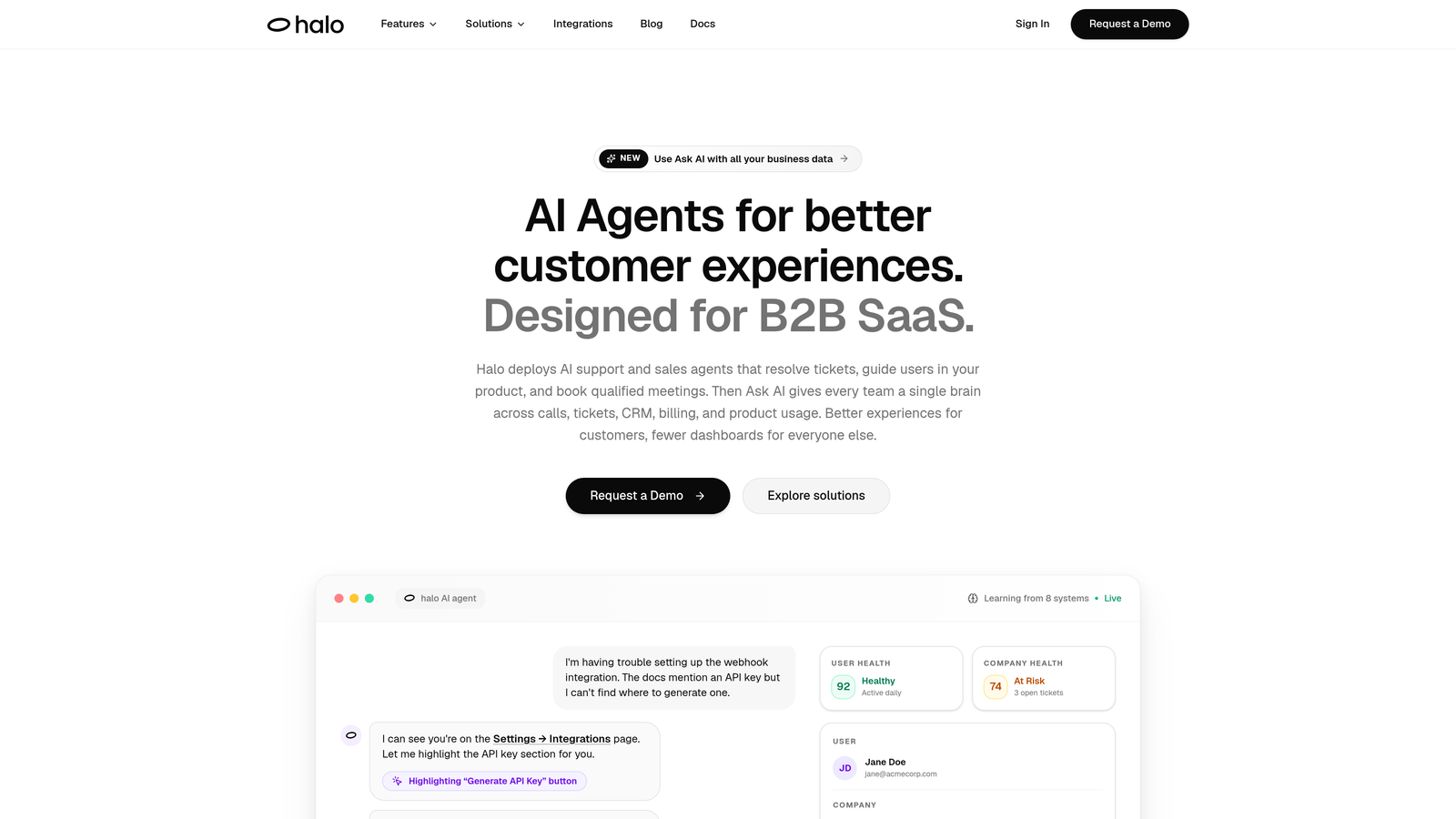
Halo AI is an AI-first customer support platform built for B2B SaaS teams, featuring page-aware agents, smart inbox analytics, auto bug ticket creation, and live agent handoff.
Where This Tool Shines
What separates Halo from most tools on this list is its architecture. Rather than layering AI onto an existing helpdesk, Halo is built AI-first from the ground up. That distinction matters in practice: the AI agents don't just respond to text queries, they understand what page the user is currently on, what state the product is in, and can provide visual UI guidance rather than generic text answers.
The smart inbox goes beyond ticket management. It surfaces business intelligence signals alongside support data: customer health indicators, anomaly detection, and revenue signals that help support leaders spot churn risk or billing friction before it escalates. That's a layer of value most support tools don't even attempt.
Key Features
Intelligent AI Agents: Autonomous ticket resolution with continuous learning from every interaction, so accuracy improves over time without manual retraining.
Page-Aware Chat Widget: Understands the user's current product context, enabling precise UI guidance rather than generic knowledge base responses.
Smart Inbox with Business Intelligence: Surfaces customer health signals, anomaly detection, and revenue indicators alongside standard support metrics.
Auto Bug Ticket Creation: Automatically generates and routes bug reports directly to Linear, eliminating manual handoffs between support and engineering.
Live Agent Handoff: Escalates complex issues to human agents with full conversation context preserved, so nothing gets repeated.
Deep Integration Stack: Connects with Slack, HubSpot, Intercom, Stripe, Zoom, PandaDoc, and Fathom for a unified view across your business stack.
Best For
B2B SaaS companies that want more than ticket deflection. Halo is particularly well-suited to product-led growth teams where the support agent needs to understand the product deeply, and to operations leaders who want business intelligence signals flowing out of their support function, not just CSAT scores.
Pricing
Contact for pricing. Visit haloagents.ai to book a demo and explore plans suited to your team size and use case.
2. Zendesk
Best for: Enterprise teams needing a mature, deeply integrated helpdesk with AI layered on top.
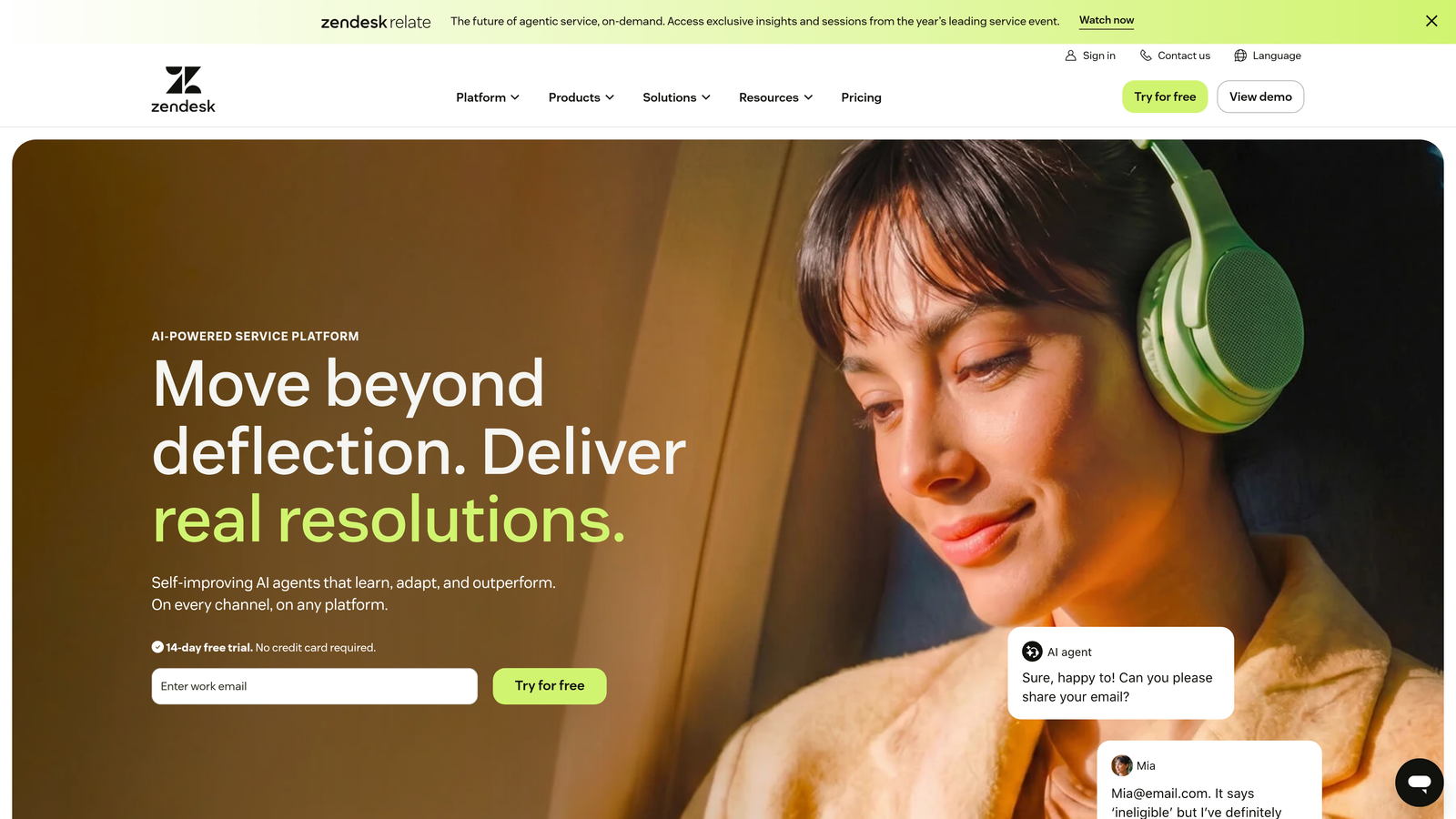
Zendesk is an enterprise-grade helpdesk platform with AI-powered triage, routing, and agent assist capabilities built into one of the most widely deployed support suites in the industry.
Where This Tool Shines
Zendesk's strength is its maturity. Years of enterprise deployment mean the platform handles complex ticket workflows, multi-brand setups, and SLA management at scale with reliability that newer tools haven't yet earned. The Intelligent Triage feature automatically categorizes and scores incoming tickets, reducing the cognitive load on agents deciding where to focus first.
The marketplace is genuinely impressive: over a thousand integrations means Zendesk slots into almost any existing stack. The tradeoff is configuration complexity. Getting the most out of Zendesk's AI features often requires meaningful setup time and ongoing administration, which smaller teams may find challenging.
Key Features
Intelligent Triage: Automatic ticket categorization and priority scoring to surface the most urgent issues first.
AI-Suggested Replies: Macro recommendations and draft responses that agents can review and send with a single click.
Advanced Routing and SLA Management: Rule-based and AI-assisted routing across channels, with SLA tracking at scale.
1,000+ Integration Marketplace: Connects with virtually every tool in a modern support stack.
Zendesk AI Suite: Add-on tier offering deeper automation, agent copilot, and autonomous resolution capabilities.
Best For
Mid-market and enterprise support teams that need a proven, full-featured helpdesk with AI as a layer on top. Also strong for organizations that need complex multi-channel workflows and have the admin resources to configure them properly.
Pricing
Suite Team starts at $55 per agent per month. AI features are available on higher tiers. Pricing scales significantly with advanced capabilities.
3. Intercom
Best for: Teams already in the Intercom ecosystem looking to add autonomous AI deflection.
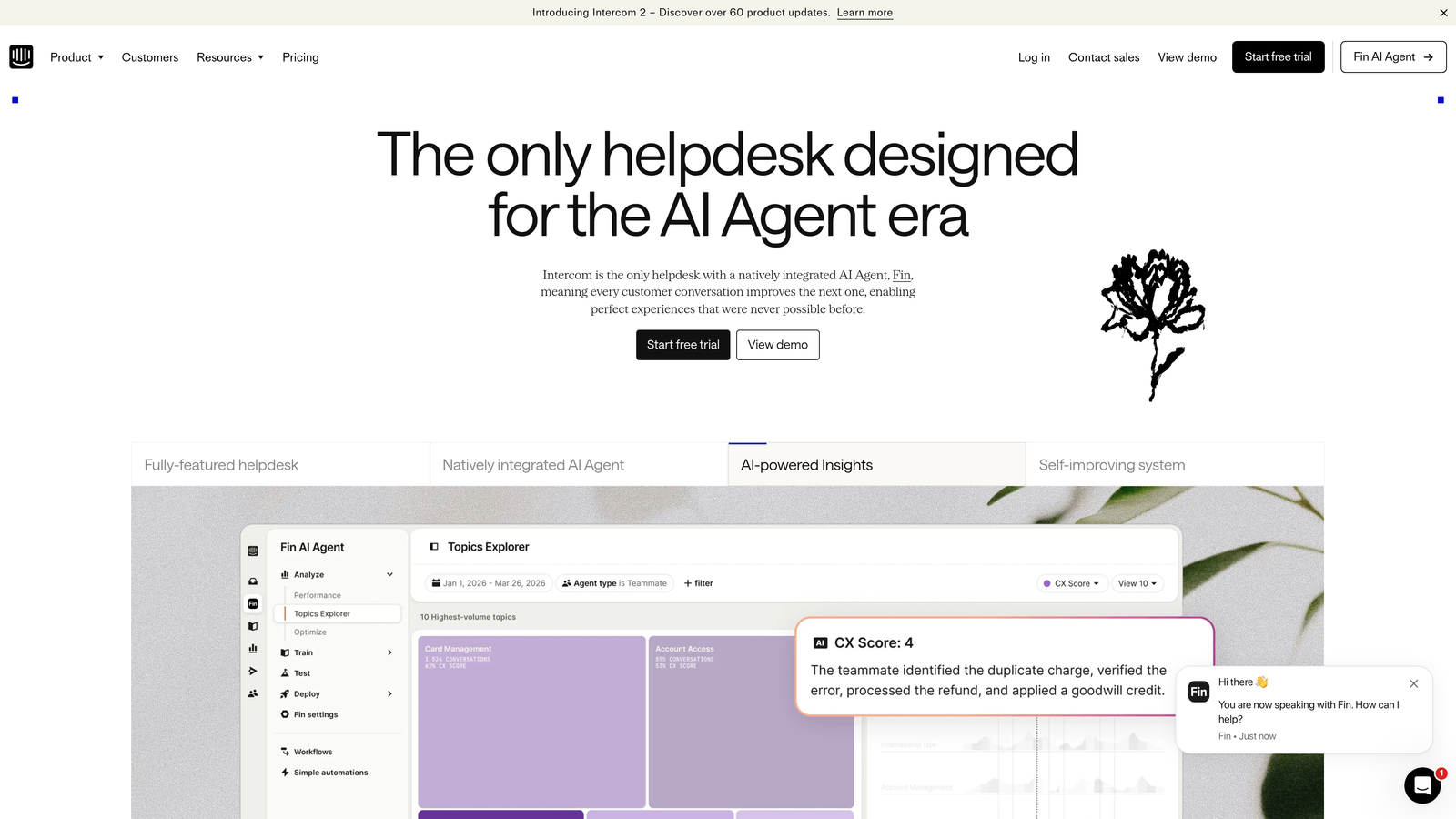
Intercom is a conversational support platform featuring Fin, an AI agent that deflects common tickets using your knowledge base and hands off seamlessly to human agents when needed.
Where This Tool Shines
Fin is one of the more capable AI deflection agents available today. It draws on your existing knowledge base to answer common questions autonomously, and the handoff to a live agent when Fin can't resolve something is genuinely smooth. For teams already using Intercom's broader suite, the integration is seamless: product tours, outbound messaging, and support all live in one place.
The AI Copilot feature assists agents during live conversations with real-time suggestions, conversation summaries, and next-step recommendations. For teams handling high volumes of chat-based support, this combination of deflection and augmentation is compelling.
Key Features
Fin AI Agent: Autonomous ticket deflection across chat and email using your company's knowledge base.
AI Copilot: Real-time agent assist during live conversations with suggestions and conversation context.
Omnichannel Inbox: Combines chat, email, and social into a single agent-facing workspace.
Conversation Summarization: Automatic summaries and next-step suggestions to reduce post-conversation admin time.
Full Intercom Suite Integration: Connects with product tours, banners, and outbound messaging for a unified customer experience platform.
Best For
Teams already using Intercom for customer messaging who want to add AI deflection without switching platforms. Less suitable for teams not in the Intercom ecosystem, where the switching cost may outweigh the benefits.
Pricing
Essential plan from $29 per seat per month. Fin AI resolution is billed per resolved conversation, so costs scale with deflection volume.
4. Freshdesk
Best for: SMBs and growing teams wanting omnichannel support with AI assist at accessible price points.
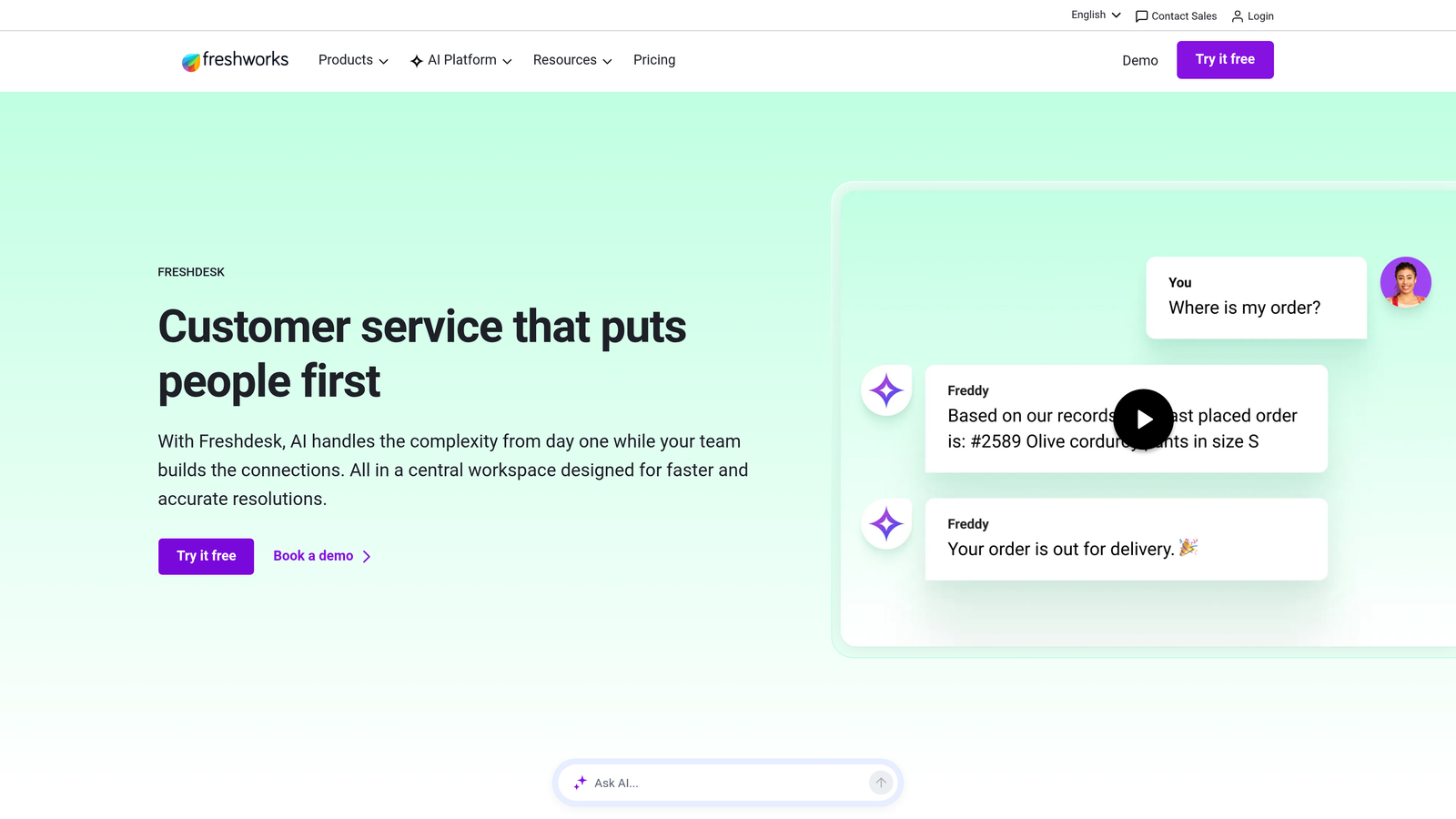
Freshdesk is an omnichannel helpdesk platform with Freddy AI providing agent assist, auto-triage, and canned response suggestions across email, chat, phone, and social.
Where This Tool Shines
Freshdesk's value proposition is breadth at an accessible price. The free plan and competitive entry-level tiers make it one of the few tools where a small team can get started without a significant budget commitment. Freddy AI handles the core efficiency use cases well: suggesting replies, summarizing tickets, and triaging incoming volume so agents spend less time on admin.
Collision detection is a practical feature that often goes unmentioned in competitor comparisons. When two agents open the same ticket simultaneously, Freshdesk flags it, preventing duplicated effort and contradictory responses. Small detail, real impact on team efficiency.
Key Features
Freddy AI: Suggested replies, ticket summarization, and auto-triage across channels.
Omnichannel Support: Unified inbox for email, chat, phone, and social media conversations.
Collision Detection: Alerts when multiple agents are working the same ticket simultaneously.
Freddy Copilot and Freddy Insights: Advanced AI assist and analytics available on higher tiers for teams ready to go deeper.
Competitive Free Tier: Full omnichannel access with core features at no cost for teams getting started.
Best For
SMBs, early-stage startups, and budget-conscious teams that need omnichannel helpdesk functionality with solid AI assist without enterprise-level pricing. Also a good fit for teams growing into AI features gradually.
Pricing
Free plan available. Growth tier from $15 per agent per month. AI features (Freddy Copilot and Freddy Insights) available on Pro and above.
5. Guru
Best for: Teams losing time to knowledge hunting across tools, docs, and Slack threads.
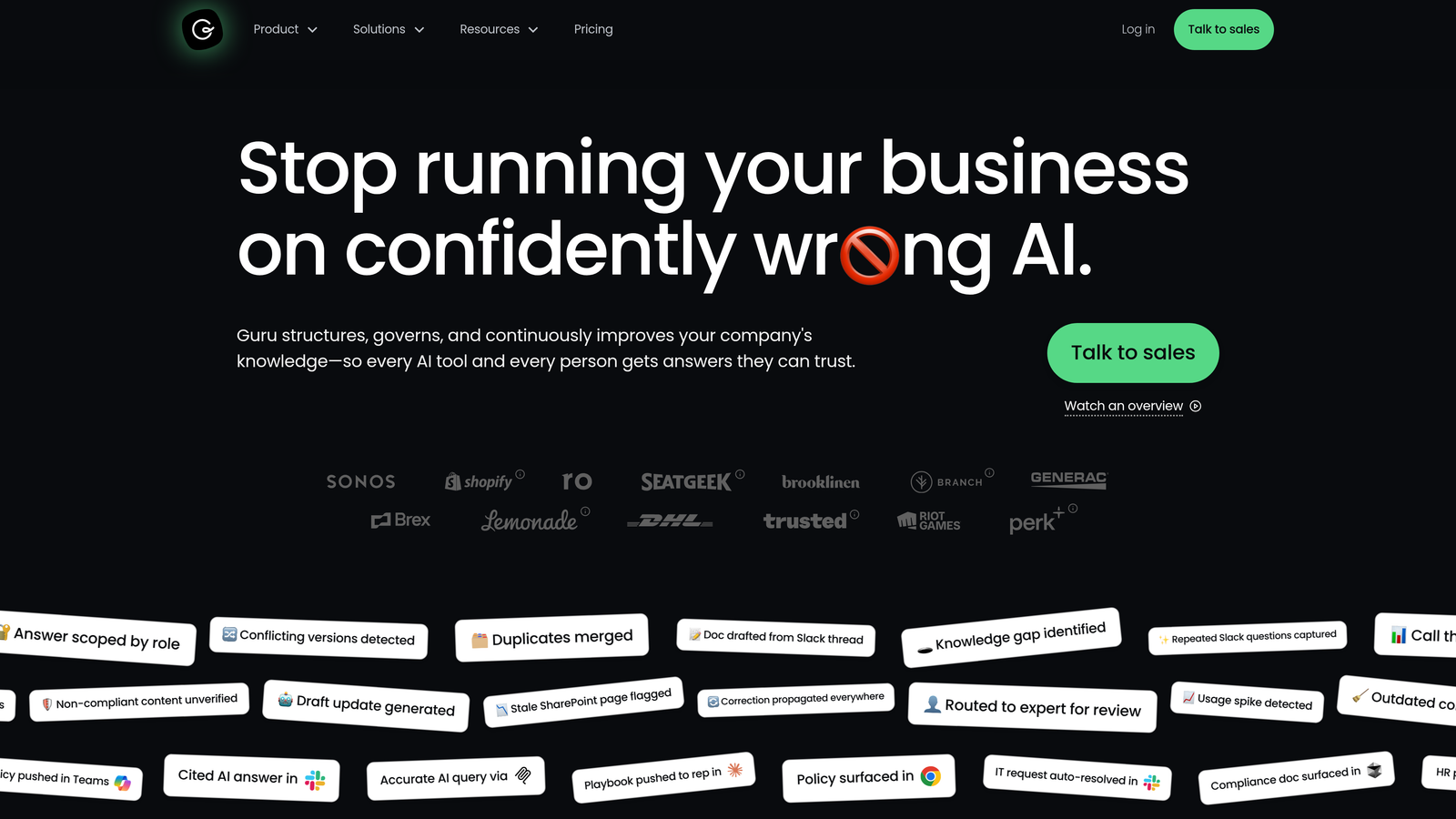
Guru is an AI-powered knowledge management platform that surfaces verified answers directly inside Slack, Chrome, and helpdesk tools, reducing the time agents spend searching for information.
Where This Tool Shines
Guru addresses a specific but significant inefficiency: agents spending minutes per ticket hunting for the right answer across wikis, Slack history, and shared docs. The browser extension surfaces relevant knowledge cards while agents work in any tool, without requiring them to switch context. During onboarding, this is especially valuable as new agents can find accurate answers without escalating to senior teammates.
Knowledge verification workflows are a standout feature. Guru prompts subject matter experts to review and confirm cards on a schedule, so agents aren't acting on outdated information. For teams with large, frequently-updated knowledge bases, this keeps accuracy from drifting over time.
Key Features
AI Search: Finds relevant answers across all connected knowledge sources with a single query.
Browser Extension: Surfaces knowledge cards contextually while agents work in any tool or helpdesk.
Knowledge Verification Workflows: Scheduled review prompts keep information accurate and up to date.
Slack Integration: Delivers instant answers inside Slack without requiring agents to leave the conversation.
Knowledge Gap Analytics: Identifies which topics agents search for most without finding good answers.
Best For
Support teams with large or complex knowledge bases, high agent turnover, or distributed teams where institutional knowledge is hard to access consistently. Works alongside existing helpdesks rather than replacing them.
Pricing
Free for up to 3 users. Paid plans from $10 per user per month, scaling with team size and feature requirements.
6. Assembled
Best for: Support operations teams managing scheduling, forecasting, and real-time adherence at scale.
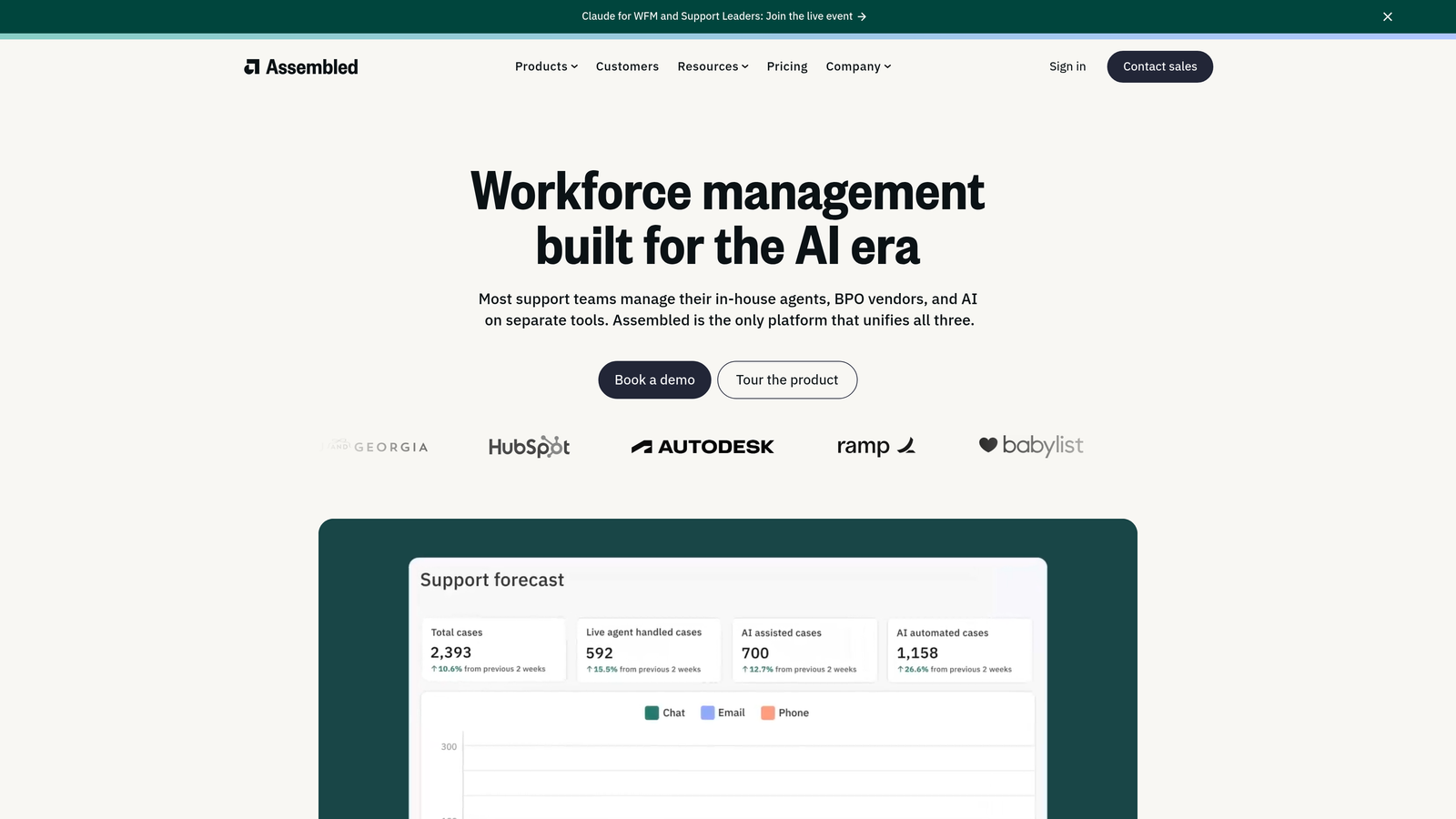
Assembled is a workforce management platform that helps support operations teams forecast demand, schedule efficiently, and monitor real-time agent adherence across channels and time zones.
Where This Tool Shines
Agent efficiency isn't just about what happens during a ticket. If agents are understaffed during peak hours or overstaffed during slow periods, productivity suffers regardless of how good the helpdesk software is. Assembled tackles the scheduling layer that most support tools ignore entirely.
The demand forecasting engine uses historical ticket volume patterns to predict future load, enabling managers to build schedules that match capacity to demand rather than guessing. Scenario planning for seasonal spikes helps ops teams prepare proactively rather than scrambling reactively when volumes surge.
Key Features
Demand Forecasting: Predicts ticket volume based on historical patterns to inform accurate staffing decisions.
Schedule Optimization: Builds efficient schedules across time zones, channels, and shift types.
Real-Time Adherence Monitoring: Gives managers live visibility into whether agents are following their scheduled activities.
Scenario Planning: Models capacity needs for seasonal spikes, product launches, or team changes.
Helpdesk Integrations: Deep connections with Zendesk, Salesforce, and Intercom for data-driven forecasting.
Best For
Support operations teams managing 20 or more agents across multiple channels or time zones. Particularly valuable for teams where scheduling inefficiency is a known driver of agent burnout or missed SLAs.
Pricing
Contact for pricing. Assembled is designed for teams of 20 or more agents and is priced accordingly.
7. Gorgias
Best for: E-commerce brands handling high volumes of order-related support tickets.
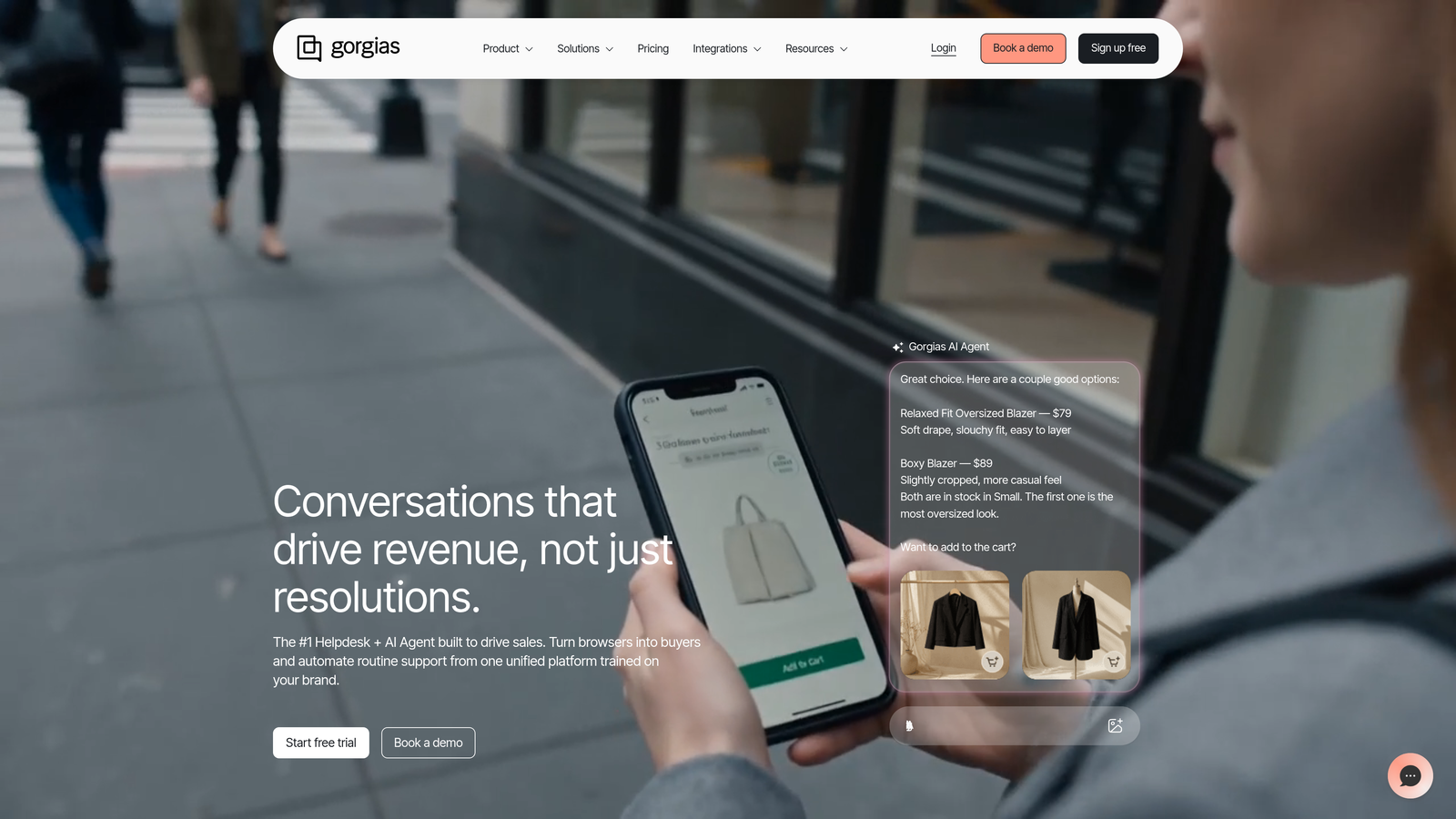
Gorgias is a support helpdesk built specifically for e-commerce brands, with deep Shopify integration and automation rules designed around order status, returns, and tracking queries.
Where This Tool Shines
For e-commerce teams, a significant portion of incoming tickets are variations of the same few questions: where's my order, how do I return this, can I change my address. Gorgias automates these at the rule level, pulling live order data from Shopify and responding without agent involvement. The result is that agents spend their time on genuinely complex issues rather than copying and pasting tracking links.
The revenue analytics feature is a differentiator worth noting. Gorgias tracks which support interactions lead to purchases, giving teams data to show that support isn't just a cost center. For brands where customer conversations frequently influence buying decisions, this visibility is commercially valuable.
Key Features
Native E-Commerce Integrations: Deep connections with Shopify, WooCommerce, and Magento for live order data inside the inbox.
Automated Order Responses: Handles order status, tracking, and return requests autonomously using live store data.
Macros and Rules Engine: Configurable automation for high-volume repetitive ticket types.
Revenue Analytics: Tracks how support interactions influence conversions and purchasing behavior.
Omnichannel Inbox: Consolidates email, chat, social, and SMS into a single agent workspace.
Best For
E-commerce brands on Shopify or WooCommerce with high ticket volumes dominated by order-related queries. Less relevant for SaaS, services, or non-transactional support use cases.
Pricing
Starter from $10 per month for up to 50 tickets. Pricing scales by ticket volume rather than per agent, which can be cost-effective for larger teams with manageable ticket counts.
8. Tethr
Best for: Support leaders who need conversation analytics to drive systematic team performance improvement.
Tethr is a conversation intelligence platform that analyzes support calls and chats to surface coaching opportunities, customer effort scores, compliance risks, and performance patterns across the team.
Where This Tool Shines
Most support tools tell you what happened: ticket volume, resolution time, CSAT. Tethr tells you why performance varies and what to do about it. By analyzing the content of actual conversations, it identifies patterns that explain which agent behaviors correlate with high customer effort and which ones drive fast, satisfying resolutions.
For QA teams and support managers, the coaching opportunity identification is particularly useful. Rather than manually sampling calls to find training moments, Tethr surfaces them automatically, flagging specific interactions where an agent missed an opportunity or a customer showed signs of frustration. Compliance risk flagging adds an additional layer of value for regulated industries.
Key Features
Customer Effort Scoring: AI analysis of calls and chats to quantify how hard customers are working to get help.
Coaching Opportunity Identification: Automatically surfaces specific interactions with agent skill gaps or missed best practices.
Compliance Risk Flagging: Scans conversation transcripts for language or patterns that create regulatory exposure.
Topic and Theme Clustering: Groups conversations by subject to identify systemic issues driving support volume.
Performance Benchmarking: Compares agent cohorts against each other and against best-practice baselines.
Best For
Enterprise support leaders, QA managers, and operations teams that need data-driven visibility into conversation quality and agent performance at scale. A strong complement to helpdesk tools rather than a replacement.
Pricing
Contact for pricing. Tethr is enterprise-focused and priced for larger teams with significant conversation volume.
9. Tidio
Best for: Small teams and early-stage businesses deploying automated support quickly with minimal setup.
Tidio is a live chat and AI chatbot platform featuring Lyro AI for automated deflection, designed for fast deployment and accessible pricing for small teams and growing businesses.
Where This Tool Shines
Tidio's primary advantage is speed to value. Teams can go from signup to live chat with AI deflection in a matter of hours, not weeks. Lyro AI handles common questions using the company's knowledge base, and the visual flow builder means non-technical team members can build and modify chatbot logic without writing code.
For businesses just beginning to automate support, Tidio offers a practical on-ramp. The free plan provides genuine functionality, and the mobile app means agents can handle live chats without being desk-bound. It's not designed for complex enterprise workflows, but for its target audience, that simplicity is a feature rather than a limitation.
Key Features
Lyro AI Chatbot: Deflects common questions autonomously using your existing knowledge base content.
Live Chat with Mobile App: Enables agents to handle conversations from any device, not just desktop.
Visual Flow Builder: No-code chatbot automation that non-technical team members can configure and adjust.
E-Commerce Integrations: Native connections with Shopify and WordPress for order and product context.
Conversation Analytics: Basic reporting on volume, resolution rates, and chatbot performance.
Best For
Small businesses, early-stage startups, and solo support operators who need live chat and basic AI deflection without enterprise complexity or pricing. Also a reasonable starting point for e-commerce businesses before they outgrow it.
Pricing
Free plan available with core live chat features. Lyro AI from $29 per month. Paid plans scale by conversation volume rather than per agent.
Which Tool Is Right for Your Team?
The honest answer is: it depends on where your biggest efficiency gap actually lives. Not every team needs the same thing, and buying the most feature-rich platform won't help if the problem is scheduling, knowledge access, or conversation quality rather than ticket automation.
Here's a quick way to think about it by team type:
AI-first B2B SaaS teams: Halo AI is the strongest fit here. Page-aware agents, continuous learning, business intelligence signals, and deep integrations make it purpose-built for product-led SaaS environments where support and product context overlap.
Enterprise helpdesk consolidation: Zendesk remains the default choice for large organizations that need mature workflow management, complex routing, and a broad integration ecosystem.
Teams already using Intercom: Fin AI deflection and the AI Copilot are the natural next step without switching platforms. The per-resolution pricing model is worth modeling against your actual deflection rate before committing.
SMB and budget-conscious teams: Freshdesk's free tier and accessible growth pricing make it the practical starting point. Tidio is the right call if the primary need is fast-to-deploy chat and basic deflection.
Knowledge management gap: Guru works alongside whatever helpdesk you already use. If agents are losing time hunting for answers, it addresses that specifically without requiring a platform switch.
Workforce scheduling challenges: Assembled is the only tool on this list focused on the staffing layer. If scheduling inefficiency is a known driver of burnout or missed SLAs, it's worth evaluating on its own terms.
E-commerce brands: Gorgias is purpose-built for this use case in a way that general helpdesks simply aren't. The Shopify integration depth alone justifies the evaluation.
QA and coaching analytics: Tethr fills a gap that most helpdesks leave entirely open. If you need to understand why performance varies across your team, it's the right tool for that specific problem.
Before choosing, it's worth asking three questions: Where is your team actually losing time right now? Does this tool solve that specific problem, or does it solve adjacent problems you don't have? And will your agents actually use it, or will it add complexity without adoption?
Your support team shouldn't scale linearly with your customer base. Let AI agents handle routine tickets, guide users through your product, and surface business intelligence while your team focuses on complex issues that need a human touch. See Halo in action and discover how continuous learning transforms every interaction into smarter, faster support.