9 Best Tools to Stop Support Agents Switching Between Apps in 2026
Constant context-switching forces support agents to juggle helpdesks, CRMs, bug trackers, and billing platforms before resolving a single ticket — slowing response times and burning out teams. This guide reviews the 9 best tools for eliminating support agents switching between tools, evaluated on integration depth, automation capability, and how effectively each one keeps agents in a single unified interface.
 Grant CooperFounder13 min read
Every support team knows the pain: a ticket comes in, and your agent is instantly bouncing between a helpdesk, a CRM, a bug tracker, a communication tool, and maybe a billing platform — all before they can send a single reply. That context-switching isn't just frustrating. It slows resolution times, increases errors, and burns out your best people.
The good news is that a new generation of tools is designed specifically to reduce or eliminate this fragmentation. Some consolidate workflows into a unified interface. Others use AI to pull context from multiple systems automatically. And a few do both. This list covers the top tools for eliminating tool-switching in customer support environments, evaluated on integration depth, automation capability, interface design, and how much each one actually reduces the need to leave the platform.
1. Halo AI
Best for: B2B SaaS teams that want AI agents to handle cross-tool work automatically
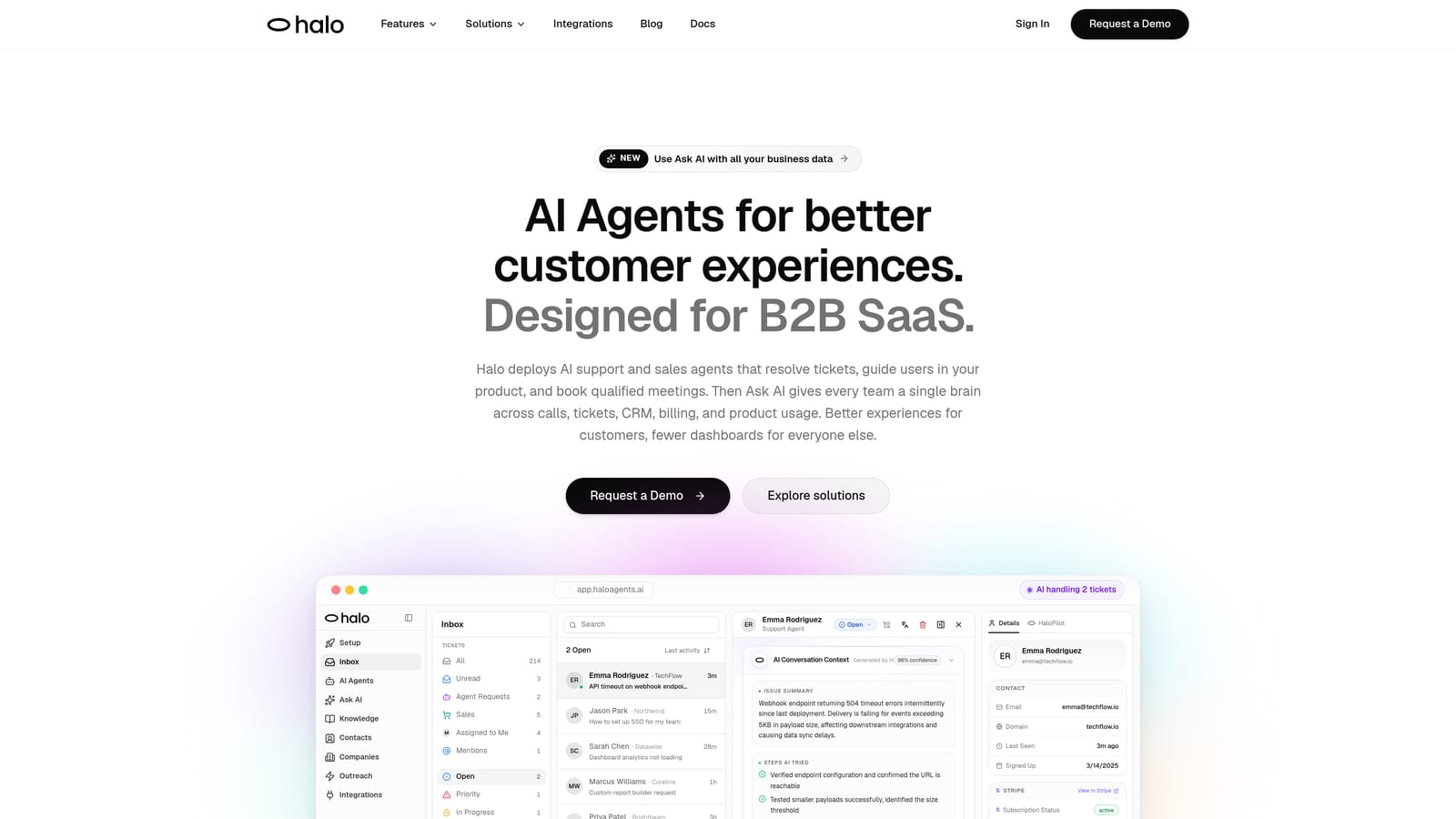
Halo AI is an AI-native customer support platform that uses intelligent agents to resolve tickets, guide users, auto-create bug reports, and surface business intelligence across your entire stack.
Where This Tool Shines
Most tools reduce switching by giving agents a better place to work. Halo AI takes a different approach: it removes the need for agents to do the switching at all. The AI agents operate across your connected systems autonomously, pulling context, creating tickets, and assembling escalation packages before a human ever touches a conversation.
The page-aware chat widget is particularly notable. It understands what a user is looking at inside your product and delivers in-context guidance without the agent needing to ask clarifying questions or open a separate session. For B2B SaaS support teams, this closes one of the most common sources of back-and-forth that drags out resolution times.
Key Features
Page-aware AI agents: The chat widget sees what users see in your product, enabling precise, contextual guidance without additional investigation.
Auto bug ticket creation: When a conversation surfaces a bug, Halo AI automatically creates a ticket in Linear — no manual handoff, no copy-pasting, no tab-switching required.
Smart inbox with business intelligence: The inbox surfaces customer health signals, revenue anomalies, and other business-level context alongside the ticket queue so agents understand the full picture.
Live agent handoff with assembled context: When a conversation escalates, the human agent receives a fully pre-assembled context package — conversation history, customer data, and relevant signals — ready to act on immediately.
Native integrations across the stack: Connects natively with Zendesk, Intercom, Slack, HubSpot, Stripe, Zoom, PandaDoc, Fathom, and Linear — covering the tools most B2B support teams already use.
Best For
Halo AI is the strongest fit for B2B SaaS companies with growing support volumes who want to scale resolution capacity without scaling headcount. It's especially valuable for teams where bug escalation, CRM context, and billing data are regularly part of the support workflow.
Pricing
Contact for pricing. A demo is available at haloagents.ai to see the platform in action before committing.
2. Zendesk
Best for: Enterprise support teams wanting a mature, integration-rich helpdesk hub
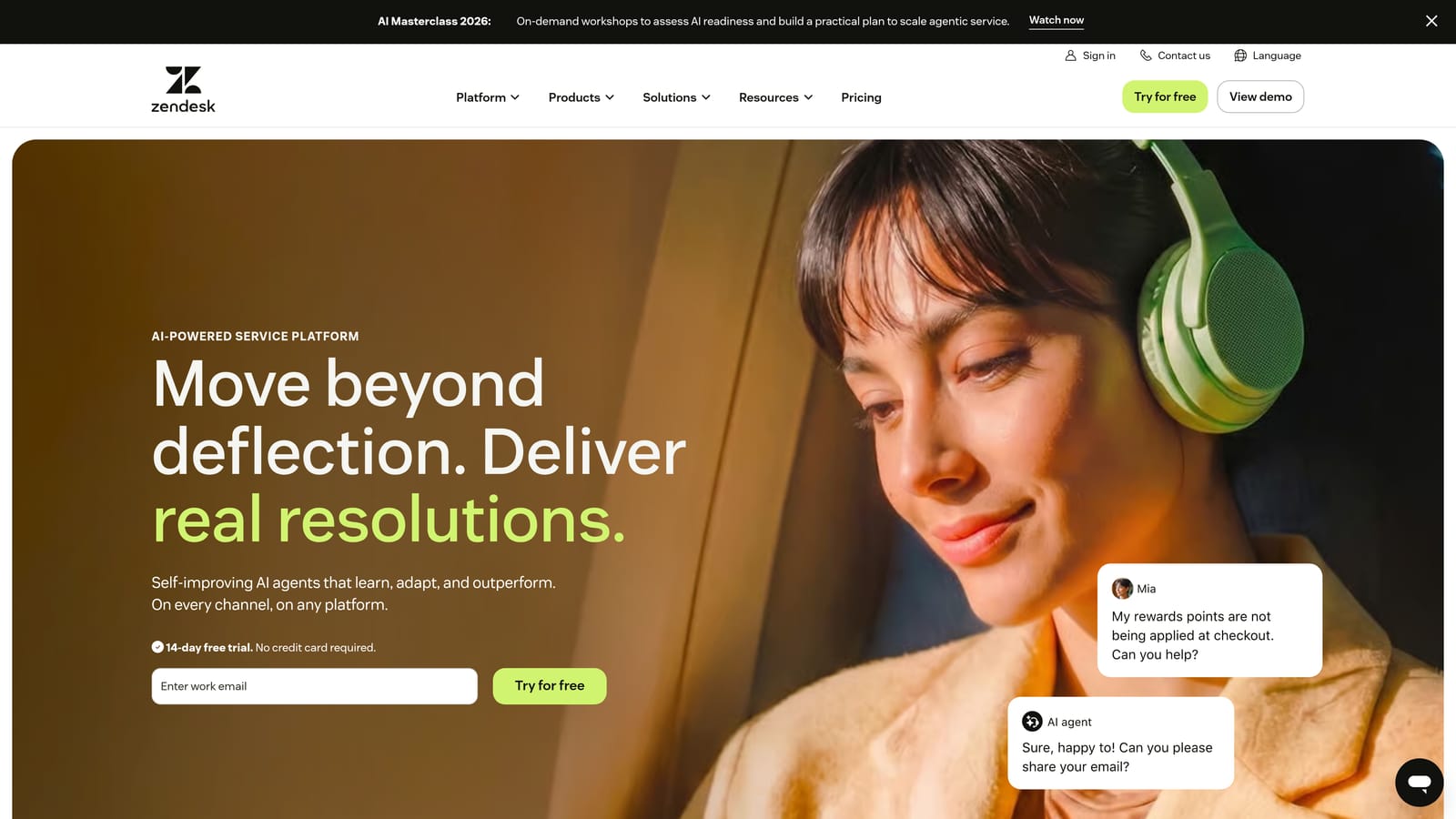
Zendesk is an enterprise helpdesk platform with a large integration marketplace, AI-powered automation, and robust ticket management across multiple support channels.
Where This Tool Shines
Zendesk's biggest strength against the switching problem is its integration marketplace. With over 1,500 integrations available, teams can pull data from CRMs, billing tools, and project trackers directly into the agent workspace without opening a separate tab. The unified agent workspace consolidates email, chat, voice, and social channels into a single queue.
The side conversation feature is particularly useful for escalations. Agents can loop in internal teams or external partners without leaving the ticket, which eliminates one of the most common reasons agents bounce into Slack or email mid-resolution.
Key Features
1,500+ marketplace integrations: Reduces cross-tool switching by surfacing external data inside the Zendesk interface.
Zendesk AI: Handles automated ticket triage, suggested responses, and intent detection to reduce manual processing.
Unified agent workspace: Combines email, chat, voice, and social channels in a single view.
Side conversations: Enables internal escalations and external collaboration without leaving the ticket.
Advanced SLA management and reporting: Built-in dashboards reduce the need to export data to separate analytics tools.
Best For
Zendesk is best suited for enterprise support teams with complex routing requirements, strict SLA obligations, and existing investments in the Zendesk ecosystem. It reduces switching through integration depth rather than AI-native automation.
Pricing
Suite Team starts at $55 per agent per month, billed annually. Higher tiers unlock advanced AI and customization features.
3. Intercom
Best for: Teams consolidating customer-facing chat, email, and in-app messaging channels
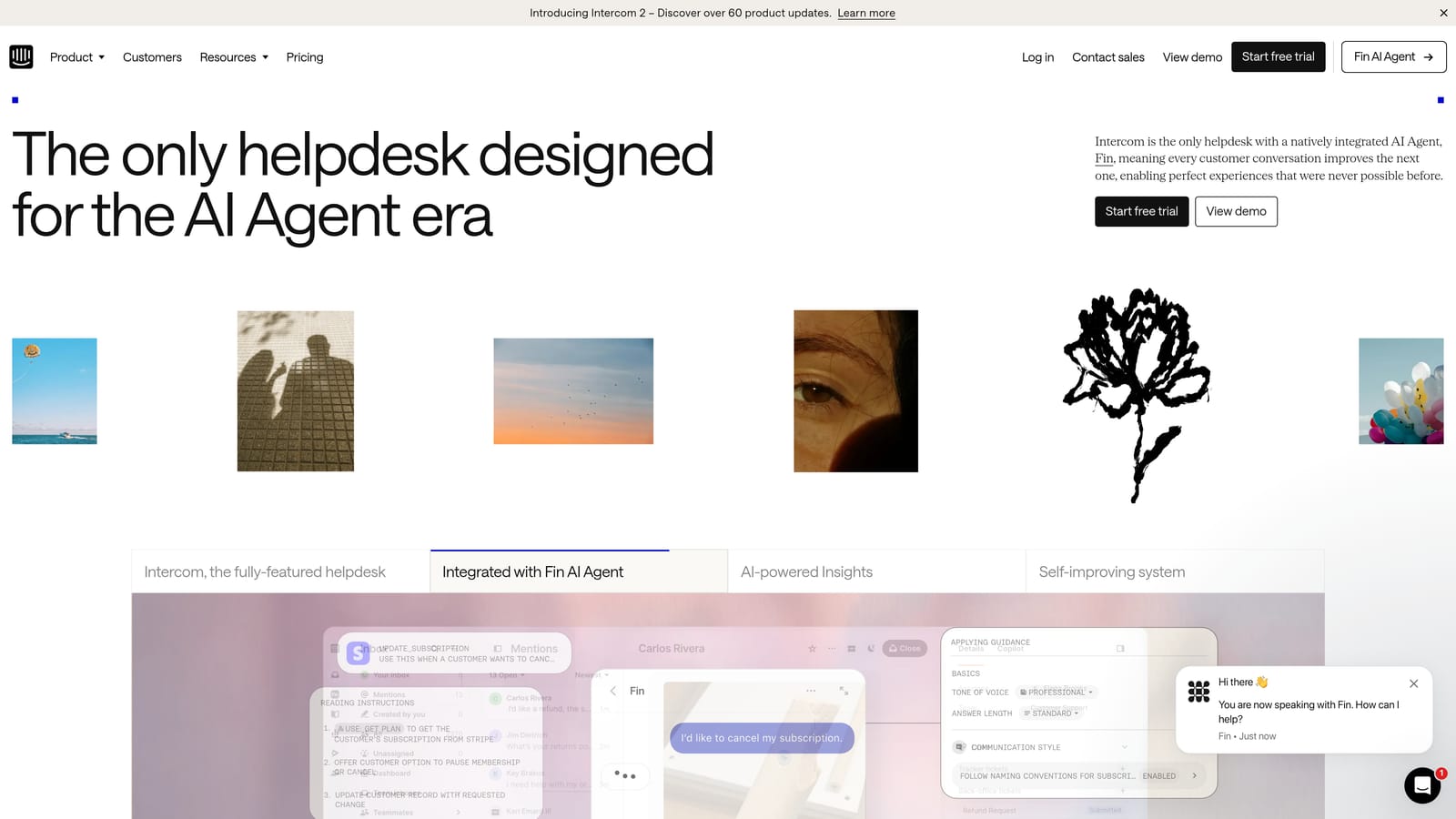
Intercom is a customer communications platform combining live chat, email, in-app messaging, and AI-powered support in a unified inbox designed to reduce channel fragmentation.
Where This Tool Shines
Intercom's unified inbox is genuinely strong at solving the channel-fragmentation version of the switching problem. When agents are managing conversations across chat, email, and in-app messaging, Intercom merges all of those streams into a single interface. The in-context customer data panel means agents can see relevant CRM-style information without opening a separate tool.
The Fin AI agent handles a meaningful portion of incoming tickets autonomously, which reduces the volume that reaches human agents in the first place. Fewer tickets means fewer opportunities for switching to occur.
Key Features
Unified inbox: Merges chat, email, and in-app messages into one stream, eliminating channel-based tab-switching.
Fin AI agent: Handles routine tickets autonomously, reducing human agent workload and associated tool navigation.
In-context customer data panel: Surfaces customer information alongside conversations to reduce CRM tab-switching.
Workflow builder: Enables multi-step automation without code, reducing manual handoff steps between tools.
Proactive messaging and product tours: Reduces inbound ticket volume by addressing common questions before they become tickets.
Best For
Intercom is the strongest choice for teams whose primary switching problem is channel fragmentation across customer-facing communication. It's less focused on back-end integration with engineering or billing tools.
Pricing
Essential plan starts at $29 per seat per month. The Fin AI agent is priced as a separate add-on, so total cost scales with usage.
4. Freshdesk
Best for: SMB and mid-market teams wanting multi-channel consolidation at an accessible price point
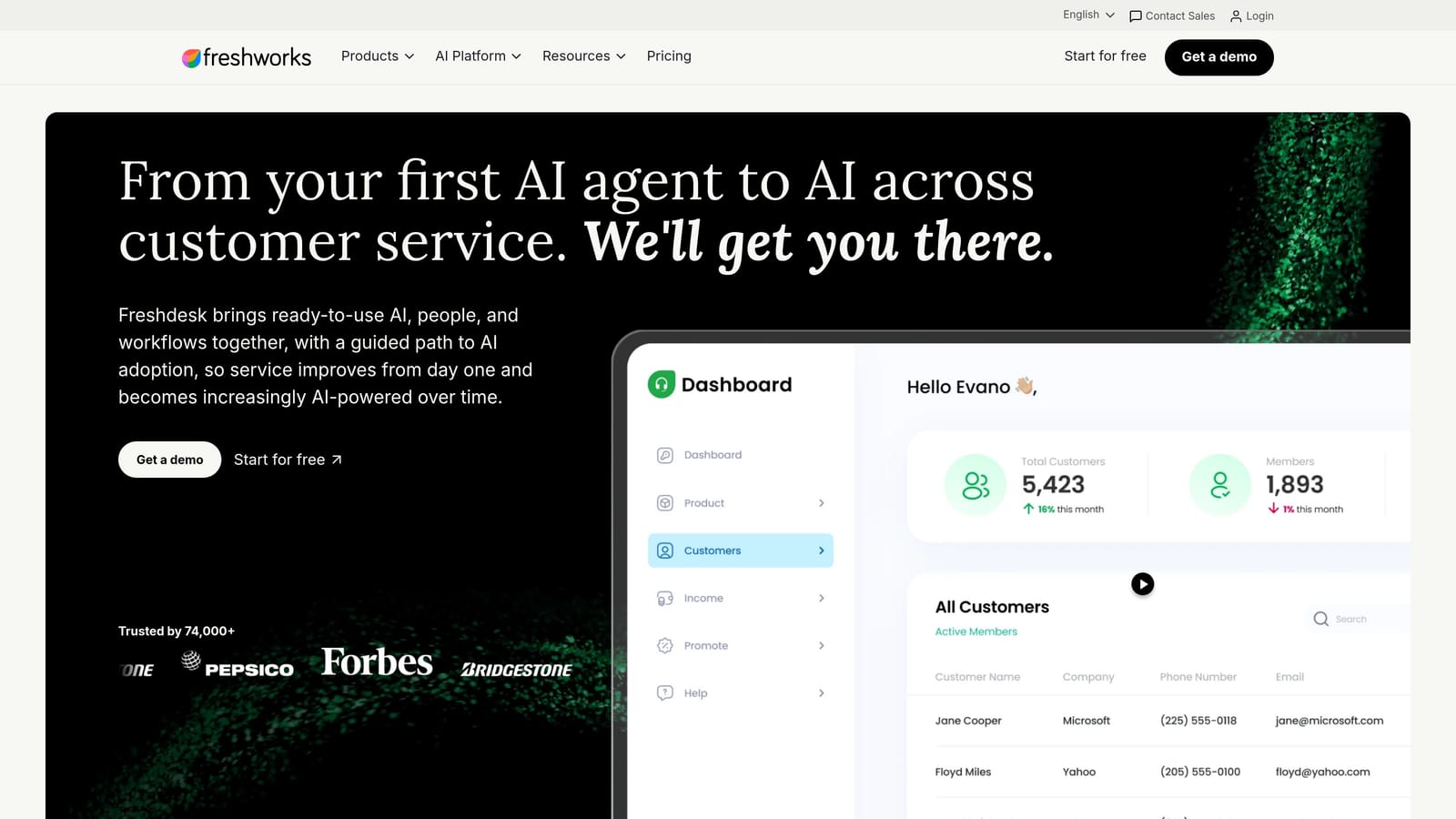
Freshdesk is a multi-channel helpdesk platform with native phone, chat, and email consolidation plus Freddy AI, offering strong value for teams wanting to reduce tool sprawl affordably.
Where This Tool Shines
Freshdesk's native integration with Freshcaller (phone) and Freshchat (messaging) is its most direct answer to the switching problem. Instead of connecting a separate phone system and chat tool, those channels live inside the same platform. For smaller teams that can't justify enterprise-tier tooling, this native consolidation is meaningful.
Freddy AI adds automated ticket summarization, suggested responses, and auto-triage, which reduces the cognitive load that often drives agents to seek context elsewhere.
Key Features
Native Freshcaller and Freshchat integration: Eliminates the need for separate phone and messaging tools entirely.
Freddy AI: Handles ticket summarization, suggested responses, and auto-triage to reduce manual processing steps.
Collision detection: Prevents multiple agents from working the same ticket simultaneously, reducing coordination overhead.
Parent-child ticketing: Manages complex multi-team escalations within the platform without external project tools.
Marketplace integrations: Connects to CRM, billing, and project management tools to surface external data in-context.
Best For
Freshdesk is well-suited for SMB and mid-market teams that need phone, chat, and email in one place without enterprise pricing. It's a practical consolidation play rather than an AI-first architecture.
Pricing
Free plan available. Growth plan starts at $15 per agent per month, billed annually.
5. Linear
Best for: Engineering-support integration that eliminates manual bug escalation switching
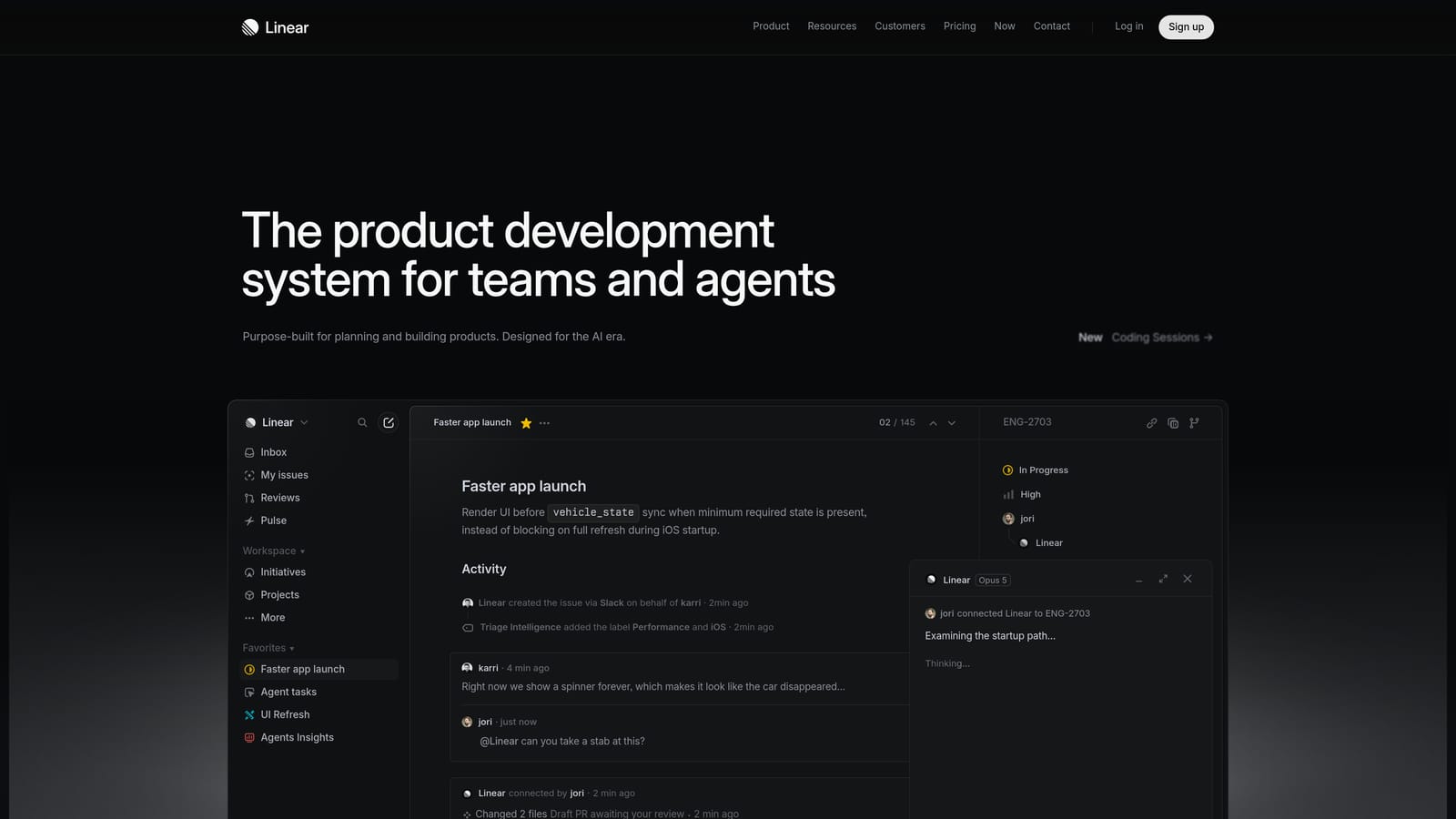
Linear is a modern issue tracking tool built for engineering teams, widely used as the target destination for support-to-engineering escalations.
Where This Tool Shines
Linear isn't a support tool, but it belongs on this list because bug escalation is one of the most common reasons support agents leave their helpdesk mid-ticket. When a customer reports a bug, the typical workflow involves opening a separate tab, creating an issue manually, copying context from the conversation, and then returning to the ticket. Linear's clean interface and robust API make it the most popular target for eliminating this specific switching trigger.
When connected to a support platform like Halo AI, Linear tickets can be created automatically from support conversations, removing the manual step entirely. Bi-directional sync keeps agents informed of fix progress without requiring them to check Linear separately.
Key Features
Clean, fast issue creation: Minimal friction interface reduces the time cost of manual bug ticket creation when automation isn't in place.
Robust API: Enables deep integration with support tools for automated ticket creation and status sync.
Bi-directional sync: Available with Zendesk and other helpdesks, keeping support and engineering aligned without manual updates.
Cycle and project tracking: Gives support teams visibility into fix timelines without needing to ask engineering directly.
Git integration: Links issues to code changes for full traceability from bug report to resolution.
Best For
Linear is the right choice for any engineering-led team that wants clean issue tracking. Its value in a support context is maximized when it's connected to a support platform that automates the creation step.
Pricing
Free for small teams. Standard plan at $8 per user per month, billed annually.
6. Slack (with Support Integrations)
Best for: Internal escalation and collaboration without leaving the messaging environment
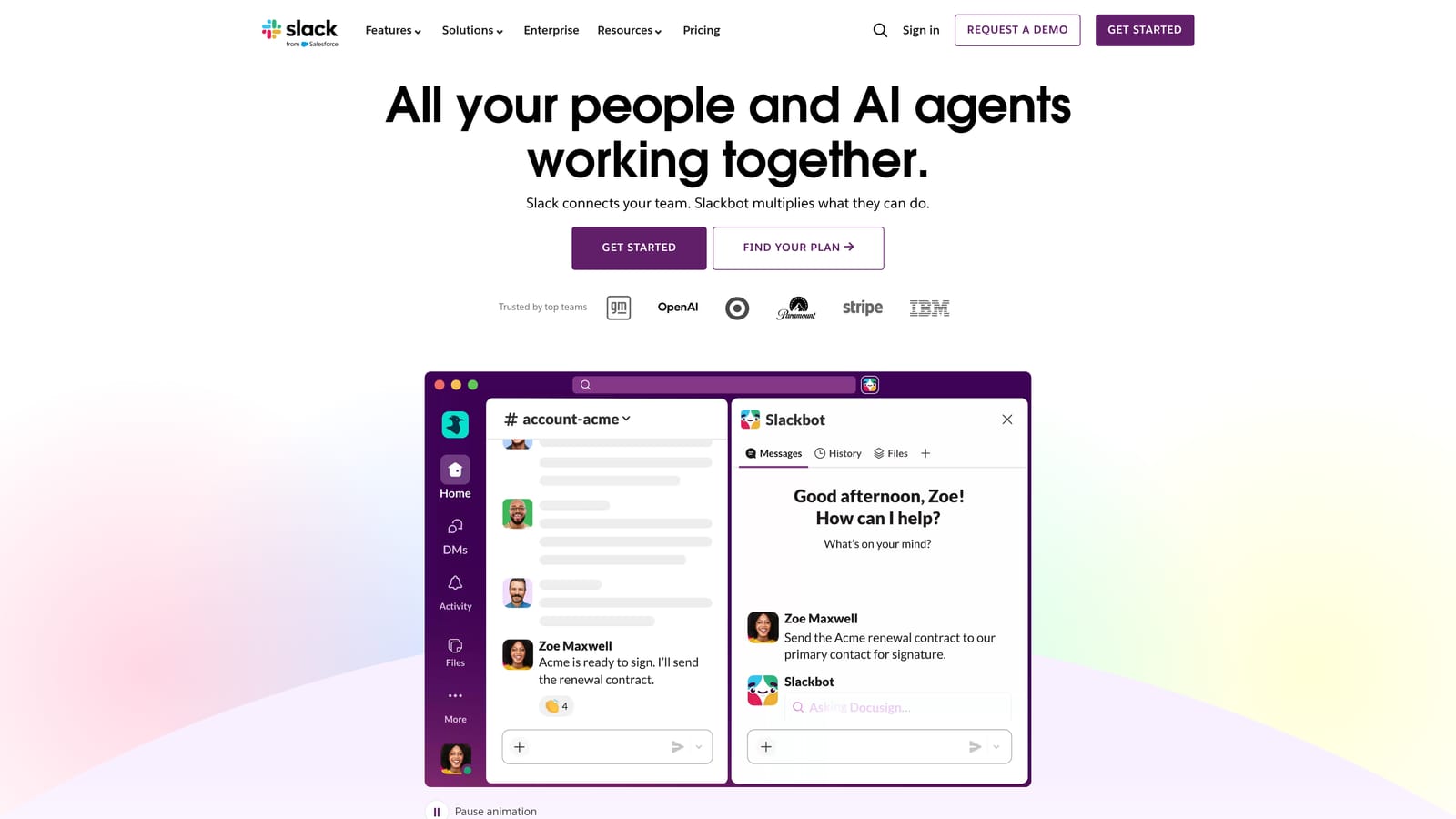
Slack is a team messaging platform that, when connected to a helpdesk via native integrations or automation tools, allows support agents to handle escalations and ticket updates without switching apps.
Where This Tool Shines
For many support teams, Slack is already the de facto internal communication layer. The switching problem it solves is the one that happens after a ticket arrives: the agent needs to loop in an engineer, get approval from a manager, or escalate to a specialized team. Without integrations, that means leaving the helpdesk, finding the right Slack channel, and then returning. With native Zendesk and Intercom integrations, ticket creation and updates can happen directly in Slack channels.
Slack Connect extends this to external collaborators, which is useful for enterprise support teams coordinating with vendor or partner teams on complex escalations.
Key Features
Native helpdesk integrations: Zendesk and Intercom integrations allow ticket creation and status updates directly in Slack channels.
Slack Connect: Real-time collaboration with external teams on escalations without switching to email or a separate portal.
Workflow Builder: Automates notifications and approval routing without code, reducing manual handoff steps.
Searchable message history: Reduces repeat information requests by making past decisions and context findable.
Huddles: Quick voice escalation without switching to a separate phone or video tool.
Best For
Slack is most effective for teams where internal collaboration and escalation are the primary switching triggers. It's less suited as a primary customer-facing support interface and works best as a connected layer alongside a dedicated helpdesk.
Pricing
Free plan available. Pro plan at $7.25 per user per month, billed annually.
7. HubSpot Service Hub
Best for: Teams that need CRM and support ticket data in a single view
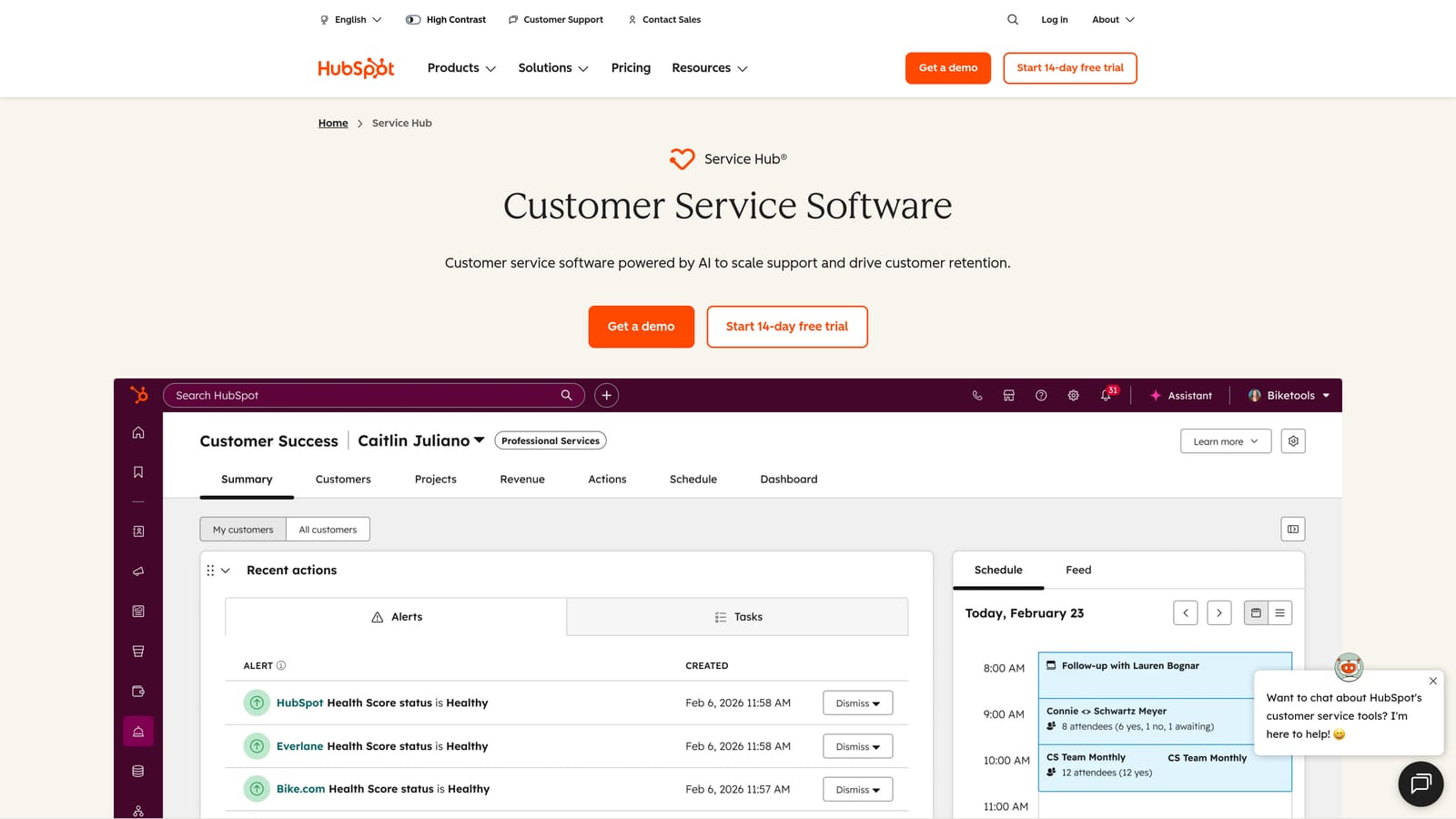
HubSpot Service Hub is a customer service platform built on HubSpot's CRM, giving support agents full customer history alongside their ticket queue without opening a separate CRM system.
Where This Tool Shines
The most common reason support agents open a CRM tab mid-ticket is to understand who they're talking to: what plan the customer is on, what deals are in progress, what marketing campaigns they've interacted with. HubSpot Service Hub eliminates that specific switch by placing the full CRM contact record directly alongside the ticket queue. Agents get deal stage, contact history, and company data in the same interface.
For teams already using HubSpot for sales and marketing, Service Hub is a natural consolidation point. The data is already there — Service Hub just makes it accessible to support without a separate tool.
Key Features
Unified ticket and CRM view: Support tickets and full CRM contact records appear in a single interface, eliminating CRM tab-switching.
Customer portal: Self-service ticket tracking reduces inbound volume and repetitive status-check contacts.
Knowledge base builder: AI-assisted article suggestions help teams build self-service content that reduces ticket creation.
Conversation intelligence: Call recording and analysis built in, removing the need for a separate call analytics tool.
SLA management and CSAT surveys: Performance tracking tools built into the platform reduce reliance on external reporting tools.
Best For
HubSpot Service Hub is the strongest fit for teams already in the HubSpot ecosystem who need support and CRM data unified. It's less focused on AI automation than dedicated AI-first platforms.
Pricing
Starter at $15 per seat per month. Professional at $90 per seat per month, billed annually.
8. Guru
Best for: Eliminating knowledge-search switching by surfacing answers inside existing tools
Guru is an AI-powered knowledge management platform that surfaces relevant answers inside the tools agents already use, removing the need to switch to a wiki or document repository mid-ticket.
Where This Tool Shines
One of the most frequent and underappreciated causes of agent switching is knowledge lookup. An agent is working a ticket, doesn't know the answer, and opens a new tab to search Notion, Confluence, Google Docs, or a shared drive. Guru addresses this specific trigger by embedding a browser extension that surfaces relevant knowledge cards directly inside Zendesk, Intercom, Salesforce, and other tools.
The AI-powered search understands natural language queries, which means agents can ask a question in plain English and get a relevant card rather than navigating a folder structure. Verification workflows ensure that what surfaces is accurate and current.
Key Features
Browser extension for in-tool knowledge surfacing: Delivers relevant knowledge cards inside Zendesk, Intercom, Salesforce, and more without leaving the interface.
AI-powered natural language search: Agents can query the knowledge base conversationally rather than navigating folder hierarchies.
Verification workflows: Ensures knowledge stays accurate and up to date with scheduled review cycles.
Slack integration: Delivers answers in Slack without requiring agents to open a separate knowledge tool.
Knowledge gap analytics: Shows which searches are failing to return results, highlighting content that needs to be created.
Best For
Guru is the right choice for teams whose primary switching trigger is knowledge lookup. It addresses one specific problem very well, making it a strong complement to any primary helpdesk rather than a standalone solution.
Pricing
Free for up to 3 users. All-in-One plan starts at $18 per user per month, billed annually.
9. Zapier
Best for: Automating specific cross-tool workflows without code or a platform migration
Zapier is a no-code workflow automation platform that connects support tools to CRMs, billing systems, and project trackers, reducing the manual data entry that forces agents to switch between apps.
Where This Tool Shines
Zapier doesn't give you a unified interface. What it does is eliminate the repetitive manual steps that force agents to open a second tool just to enter data that already exists somewhere else. Think: a new ticket is created in Zendesk, so Zapier automatically creates a contact in HubSpot and posts a notification to a Slack channel. That's three manual steps removed with a single Zap.
For teams with specific, repeatable cross-tool workflows, Zapier is often the fastest path to reducing switching without a platform migration. It works with over 6,000 apps, which means it can connect virtually any combination of tools in a typical support stack.
Key Features
6,000+ app integrations: Covers virtually every tool in a modern support stack, including niche billing and CRM platforms.
Multi-step Zaps: Automates complex cross-tool workflows with conditional logic, filters, and branching paths.
Filters and conditional logic: Handles edge cases in ticket routing and data sync without requiring developer involvement.
Tables and Interfaces: Lightweight data management and form tools that reduce reliance on additional platforms for simple use cases.
Zapier AI: Natural language automation building lets non-technical users describe a workflow and have Zapier configure it.
Best For
Zapier is best for teams that have identified specific, high-frequency manual switching workflows and want to automate them without migrating platforms. It's a bridge, not a destination — and it works best alongside a primary helpdesk rather than as a replacement for one.
Pricing
Free plan available, covering 100 tasks per month. Professional plan starts at $19.99 per month, billed annually.
Which Tool Is Right for Your Team?
The right answer depends on which version of the switching problem is costing your team the most time. Here's a quick decision guide based on use case.
If you want AI to handle the cross-tool work for you: Halo AI is the most direct solution. Instead of giving agents a better place to switch between tools, it removes the switching requirement by having AI agents operate across your stack autonomously. It's the strongest fit for B2B SaaS teams with complex support workflows involving bug escalation, CRM context, and billing data.
If you're consolidating customer-facing channels: Intercom is the strongest choice for teams whose primary problem is managing chat, email, and in-app messaging from multiple places. Zendesk is the better option if you need enterprise-grade routing, SLA management, and a deep integration marketplace. Freshdesk is the most accessible option for SMB and mid-market teams that need phone, chat, and email consolidated without enterprise pricing.
If CRM and support data need to be unified: HubSpot Service Hub is the natural fit, especially for teams already using HubSpot for sales and marketing.
If knowledge lookup is your biggest switching trigger: Add Guru as a layer on top of your existing helpdesk. It's purpose-built for this problem and integrates cleanly with most major platforms.
If you need to automate specific cross-tool workflows quickly: Zapier is the fastest path to eliminating repetitive manual steps without a platform migration. Linear is the right pairing for any team where bug escalation is a frequent switching trigger.
Your support team shouldn't scale linearly with your customer base. Let AI agents handle routine tickets, guide users through your product, and surface business intelligence while your team focuses on complex issues that need a human touch. See Halo in action and discover how continuous learning transforms every interaction into smarter, faster support.