9 Best Support AI Software Tools for Small Teams in 2026
Small support teams need tools that punch above their weight, and this guide reviews the 9 best support AI software for small teams in 2026 — evaluated on ease of setup, automation depth, integration flexibility, and transparent pricing. Whether you're a two-person startup or a scaling SaaS company, these picks help you deliver enterprise-grade responsiveness without enterprise-level headcount.
 Grant CooperFounder13 min read
Small support teams face a real paradox: customers expect enterprise-grade responsiveness, but headcount budgets don't stretch that far. AI support software has become the practical answer, not as a replacement for human agents, but as a force multiplier that handles repetitive tickets, surfaces context instantly, and escalates intelligently when a human touch is needed.
The challenge is that most AI support tools were built for large operations with dedicated IT teams and six-figure implementation budgets. Small teams need something that deploys fast, integrates with the tools they already use, and actually learns from their specific product and customer base.
This list focuses on tools that genuinely serve lean support teams, evaluated on ease of setup, automation depth, integration flexibility, and transparent pricing. Whether you're a two-person startup or a growing SaaS company looking to scale support without scaling headcount, there's a strong option here for you. For more context on how AI is reshaping support workflows, see our guides on ticket deflection and contextual customer support.
1. Halo AI
Best for: Small teams that want autonomous AI support with business intelligence built in
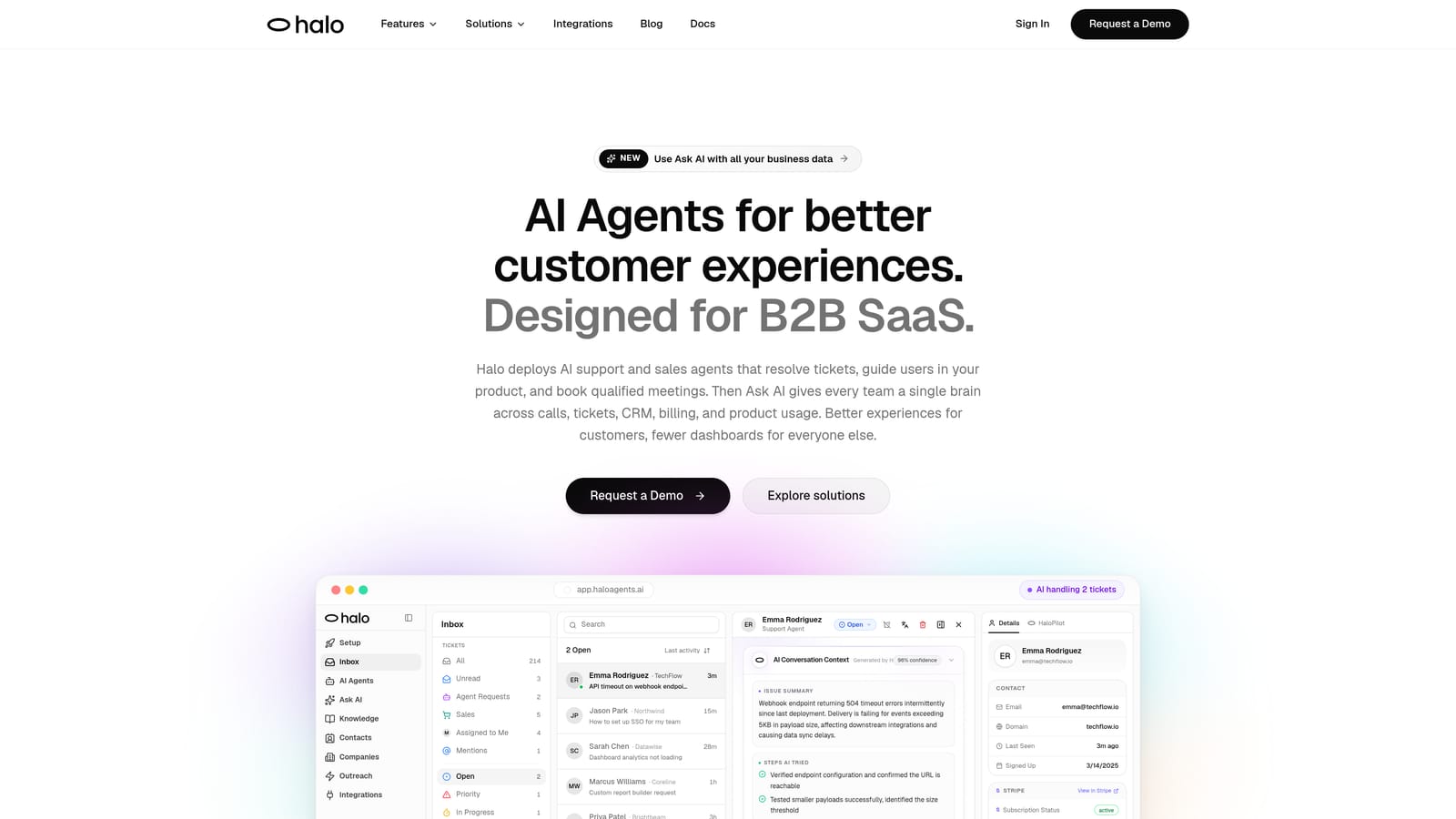
Halo AI is an AI-first customer support platform that deploys intelligent agents to resolve tickets, guide users through your product, and surface business intelligence, all while learning from every interaction.
Where This Tool Shines
What separates Halo from most tools on this list is its page-aware context. The chat widget understands which page or feature a user is currently viewing and can provide visual UI guidance specific to that context. This means your AI agent isn't just answering generic questions; it's responding to what the user is actually experiencing right now.
The smart inbox goes beyond standard ticket metrics. It surfaces customer health signals, revenue anomalies, and performance analytics that most support tools simply don't track. For a small team wearing multiple hats, having this business intelligence baked into your support workflow is a meaningful advantage.
Key Features
Page-Aware Chat Widget: The AI sees which page the user is on and delivers contextually relevant guidance, including visual UI walkthroughs.
Autonomous Ticket Resolution: Intelligent AI agents handle support queries end-to-end, with live agent handoff built in for complex issues that need human judgment.
Smart Inbox with Business Intelligence: Surfaces customer health signals, revenue anomalies, and support performance analytics beyond basic ticket counts.
Auto Bug Ticket Creation: Automatically generates bug tickets connected directly to Linear, reducing manual work when users report product issues.
Deep Integration Stack: Connects to Slack, HubSpot, Intercom, Stripe, Zoom, PandaDoc, and Fathom, making it compatible with the tooling most SaaS teams already run.
Continuous Learning: Every resolved interaction feeds back into the AI, so the system genuinely gets smarter about your product and customers over time.
Best For
SaaS teams and B2B product companies that want AI-first support without retrofitting an existing helpdesk. Particularly strong for teams where support insights need to connect to product, sales, and revenue workflows.
Pricing
Contact haloagents.ai directly for current pricing details. Pricing is not publicly listed.
2. Intercom
Best for: Teams already on the Intercom platform who want to add AI resolution without switching tools
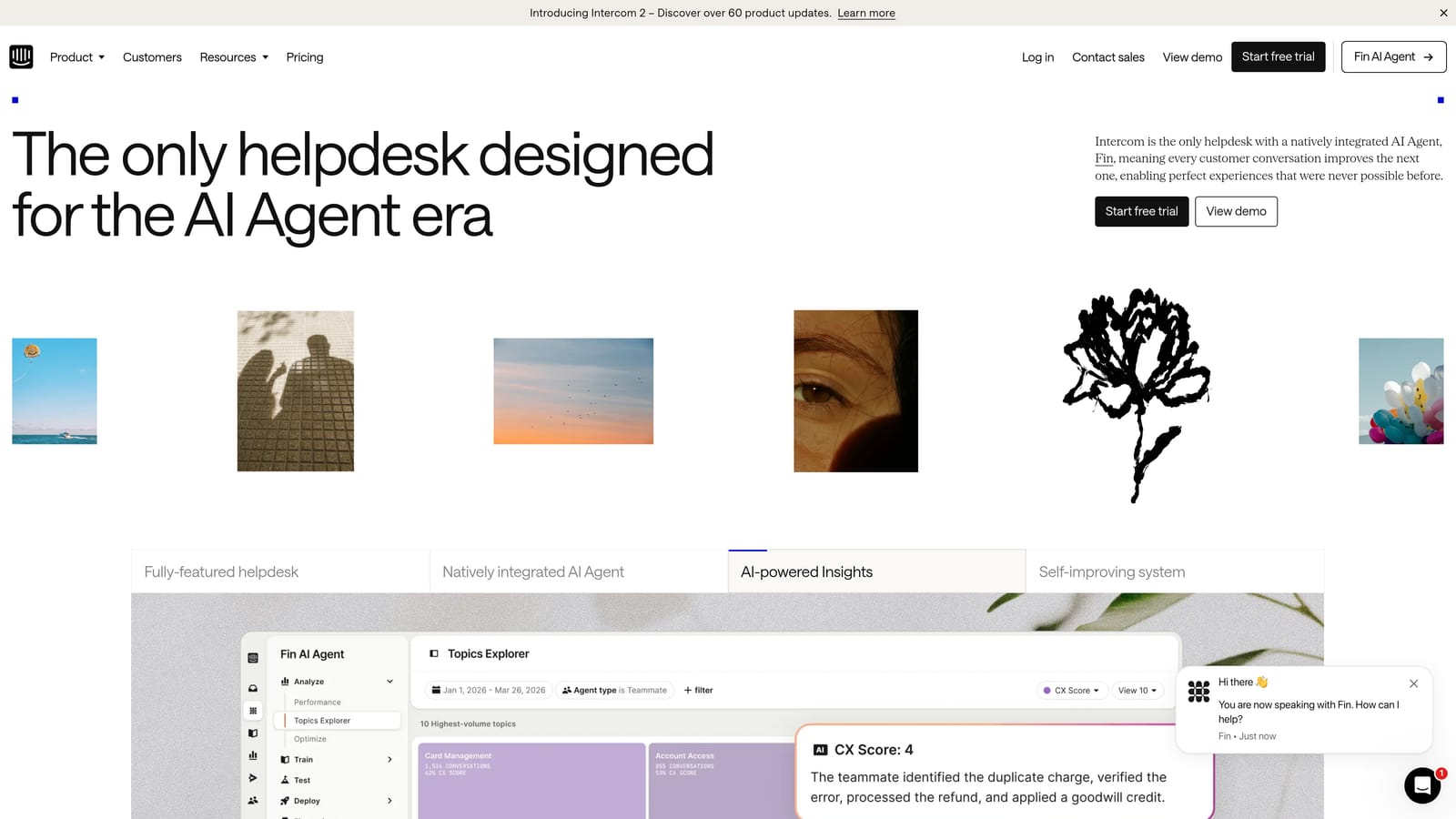
Intercom is a mature customer messaging platform with Fin, an AI agent built to resolve support queries using your existing help content.
Where This Tool Shines
Intercom's core strength is its infrastructure maturity. The unified inbox combining chat, email, and in-app messaging has been refined over years, and Fin slots into that existing architecture rather than disrupting it. If your team already lives in Intercom, activating Fin is a natural next step rather than a migration project.
The AI Copilot feature is particularly useful for small teams where agents need to move quickly. It surfaces suggested replies and relevant knowledge base content in real time, reducing the cognitive load on agents handling unfamiliar queries.
Key Features
Fin AI Agent: Handles autonomous query resolution using your existing help content and documentation.
Unified Inbox: Combines chat, email, and in-app messaging into a single agent workspace.
AI Copilot: Provides real-time reply suggestions and knowledge surfacing to assist human agents.
Workflow Automation Builder: Robust no-code automation for routing, tagging, and follow-up sequences.
App Marketplace: Extensive third-party integrations and API access for custom workflows.
Best For
Teams that are already using Intercom as their primary support and messaging layer. Also a solid choice for SaaS companies that need strong in-app messaging alongside AI resolution. Note that AI features sit on higher-tier plans, which can be a consideration for very small teams on tight budgets.
Pricing
Tiered plans with AI features available on higher tiers. Check intercom.com for current pricing, as it changes periodically.
3. Freshdesk
Best for: Budget-conscious teams transitioning from email-only support who want a free starting point
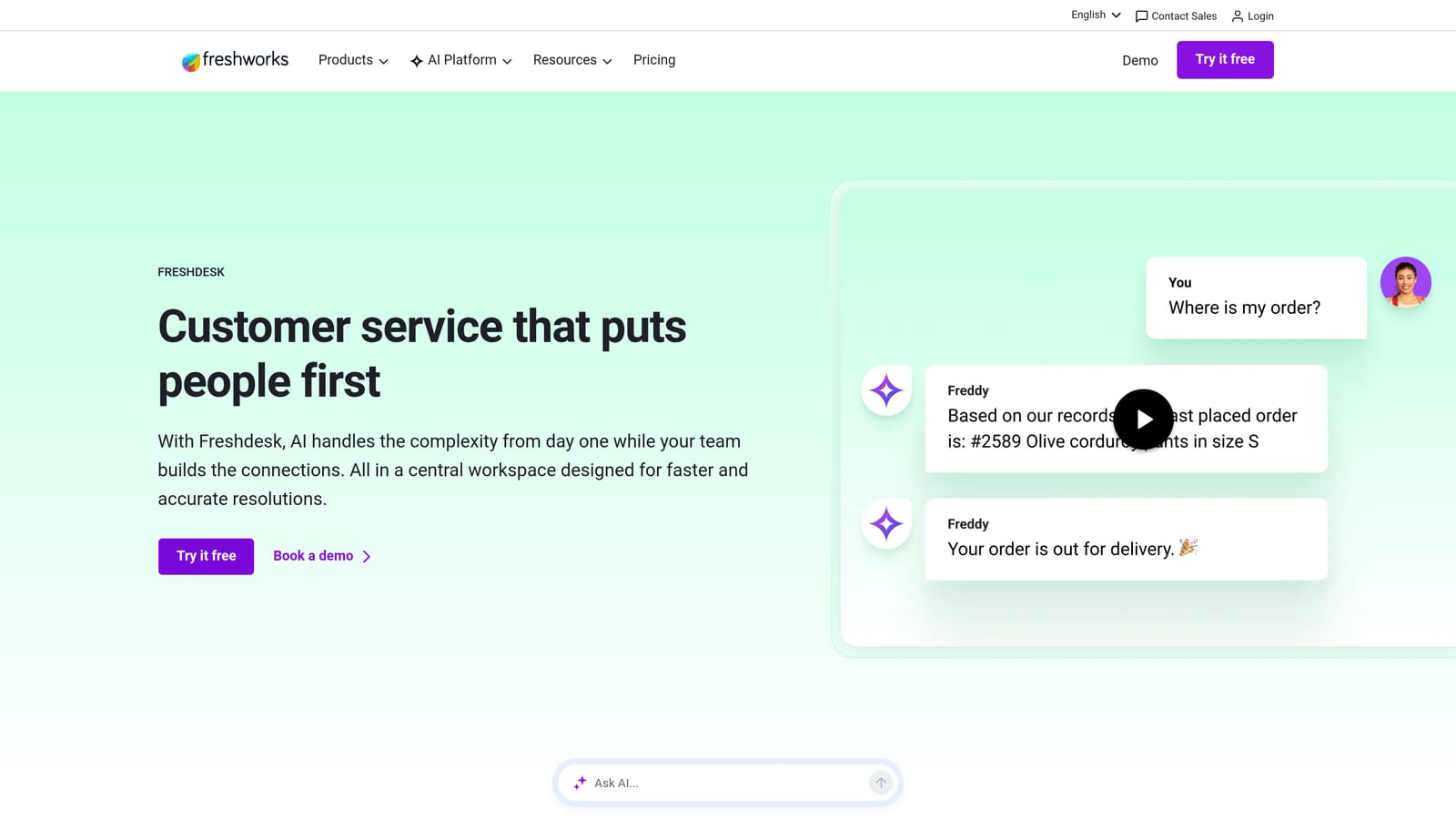
Freshdesk is a traditional helpdesk platform with Freddy AI layered in for self-service, agent assistance, and support analytics.
Where This Tool Shines
Freshdesk's free tier makes it one of the most accessible entry points in this list. For teams just moving off shared Gmail inboxes or basic email routing, Freshdesk provides a structured ticketing environment without an upfront cost. The Freddy AI suite then becomes available as teams grow and upgrade.
Freddy Insights is worth calling out specifically. It provides anomaly detection for support volume, which helps small teams spot unusual spikes before they become crises. For a lean team without a dedicated analytics function, this kind of automated alerting is genuinely useful.
Key Features
Freddy Self Service: AI-powered deflection and chatbot flows that handle common queries before they reach agents.
Freddy Copilot: Reply suggestions and conversation summarization to speed up agent responses.
Freddy Insights: Analytics and anomaly detection for support volume and performance trends.
Free Tier: A genuinely usable free plan for very small teams getting started with structured ticketing.
Multi-Channel Ticketing: Handles email, chat, phone, and social from a unified inbox.
Best For
Very small teams or early-stage companies that need a free starting point with room to grow. Also well-suited to teams coming from email-only support who want structure without a steep learning curve.
Pricing
Free plan available; paid plans start at accessible price points. Check freshdesk.com for current tier details.
4. Tidio
Best for: Small teams that need AI chat up and running fast without technical resources
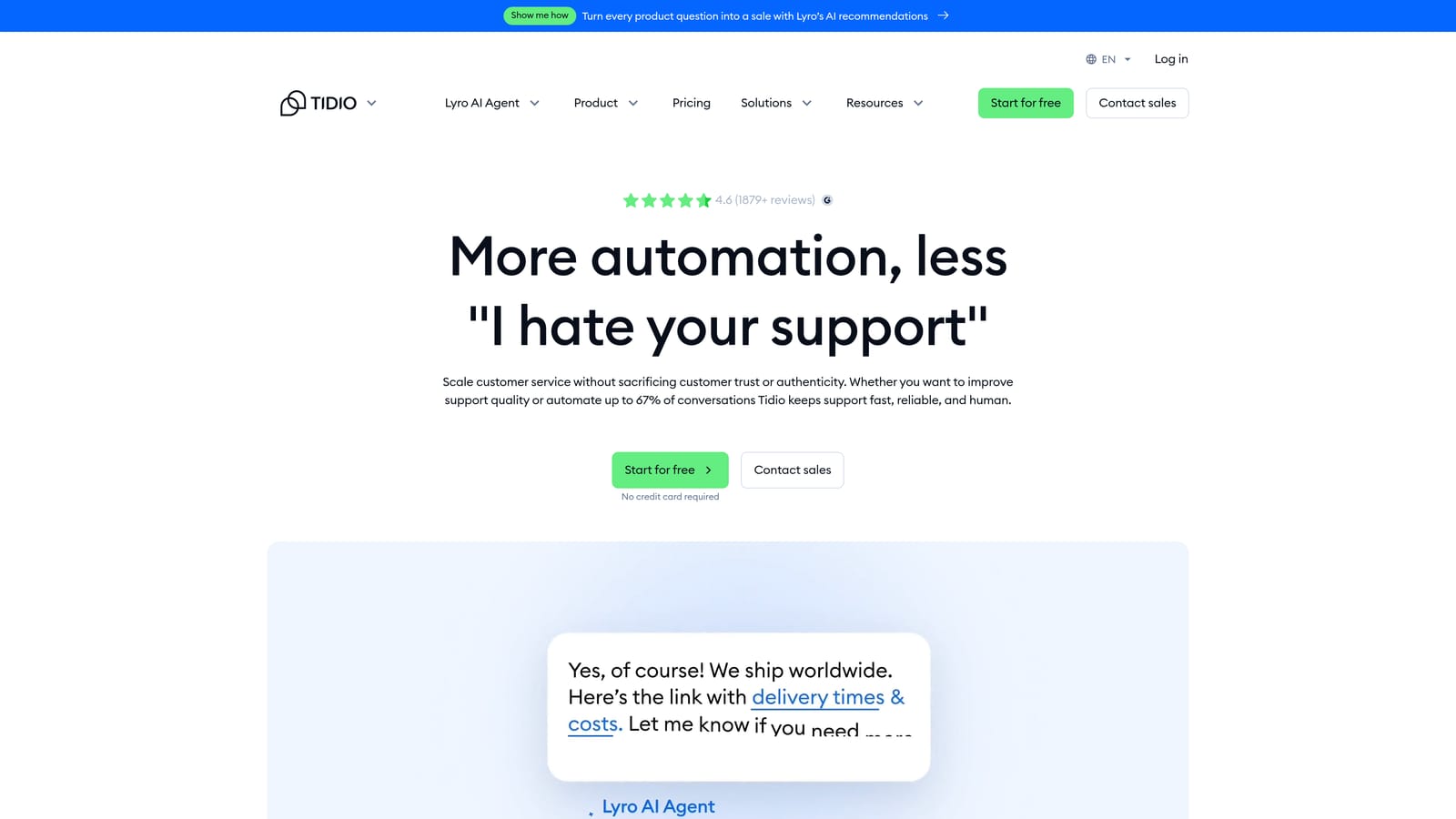
Tidio is a live chat and AI chatbot platform with Lyro, an AI agent designed for fast deployment and conversational support.
Where This Tool Shines
Tidio's reputation for fast setup is well-earned. The platform is designed to be operational quickly without requiring technical resources, making it a realistic option for founders or small teams who don't have engineering support to configure a support stack. The visual no-code bot builder is intuitive enough that non-technical team members can build and modify flows.
Lyro, Tidio's AI agent, is trained on your existing FAQ content and handles conversational queries with reasonable accuracy out of the box. The live chat with agent takeover ensures that when Lyro hits its limits, a human can step in without friction.
Key Features
Lyro AI Chatbot: Automated query resolution trained on your existing support content.
Visual No-Code Bot Builder: Drag-and-drop flow editor accessible to non-technical team members.
Live Chat with Agent Takeover: Seamless handoff from AI to human agent when needed.
Email and Messenger Integration: Connects beyond website chat to cover additional channels.
Fast Setup: Designed to be deployable without engineering involvement or lengthy configuration.
Best For
Small teams, e-commerce businesses, and early-stage SaaS companies that prioritize speed of deployment over deep customization. Particularly useful when there's no dedicated technical resource to manage setup.
Pricing
Free plan available; Lyro AI is on paid tiers. Check tidio.com for current pricing details.
5. Zoho Desk
Best for: Teams already using Zoho CRM or other Zoho products who want native AI integration
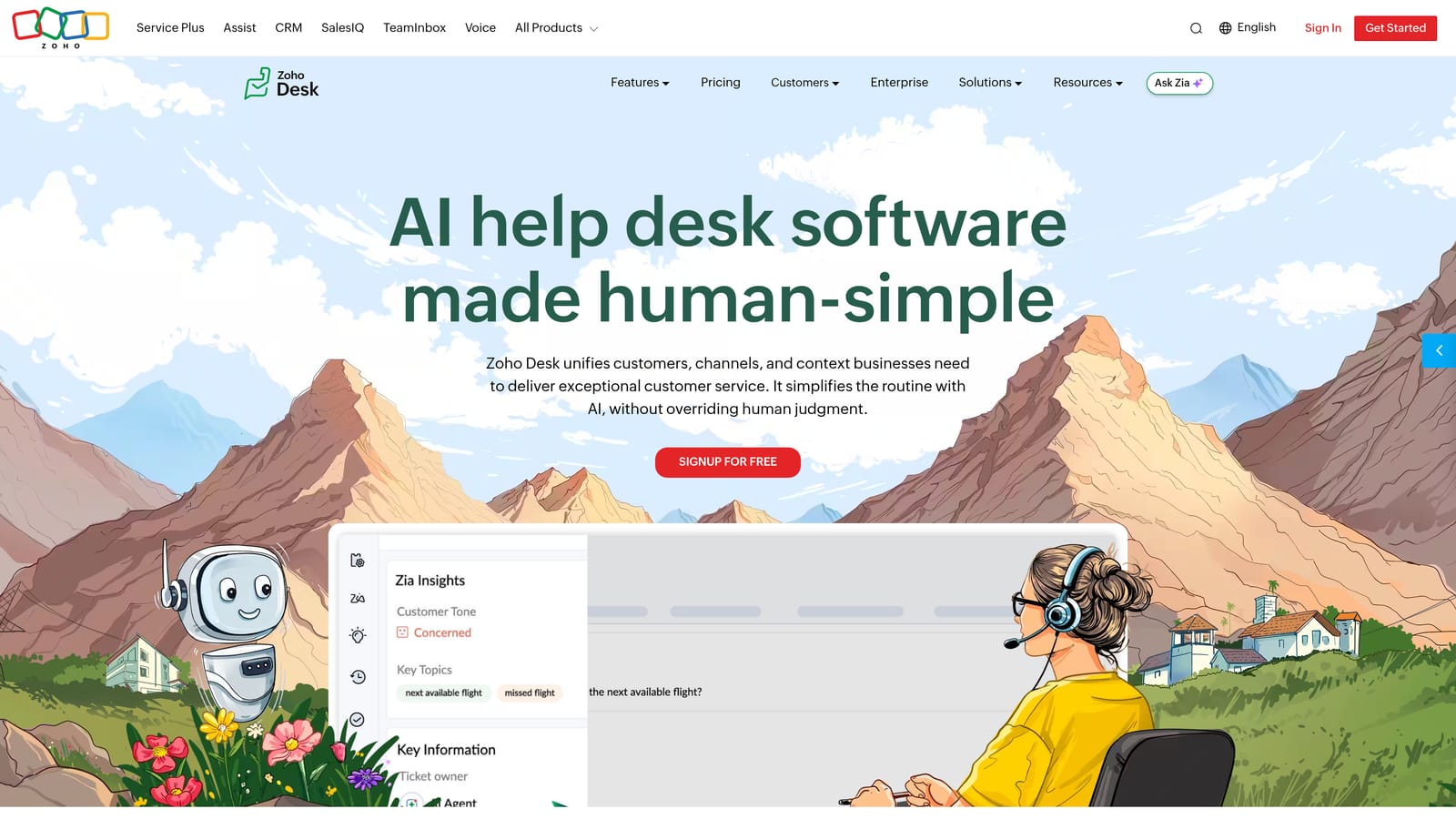
Zoho Desk is a helpdesk platform with Zia AI for sentiment analysis, ticket tagging, and agent suggestions, tightly integrated with the broader Zoho ecosystem.
Where This Tool Shines
If your team is already running Zoho CRM, Zoho Books, or other Zoho products, Desk is the natural support layer. The native integration means customer data flows between tools without custom connectors, giving agents CRM context directly inside the helpdesk.
Zia's sentiment analysis is a practical differentiator for small teams. When you're handling a high volume of tickets with limited agents, automatically prioritizing frustrated or at-risk customers helps ensure the most urgent conversations get attention first.
Key Features
Zia AI: Sentiment analysis, ticket prioritization, and anomaly detection for support volume spikes.
AI-Powered Response Suggestions: Zia surfaces relevant replies to help agents respond faster and more consistently.
Anomaly Detection: Flags unusual ticket volume patterns before they escalate.
Native Zoho Integration: Deep connection with Zoho CRM and other Zoho apps without third-party connectors.
Multi-Channel Support: Handles email, chat, phone, and social from a single inbox.
Best For
Teams already invested in the Zoho ecosystem. Also a strong option for cost-conscious teams: Zoho Desk offers a free plan for up to three agents, making it one of the more affordable options for very small operations.
Pricing
Free plan for up to three agents; competitive tiered pricing beyond that. Check zoho.com/desk for current plan details.
6. Help Scout
Best for: Teams with a strong brand voice that want AI to assist agents rather than replace them
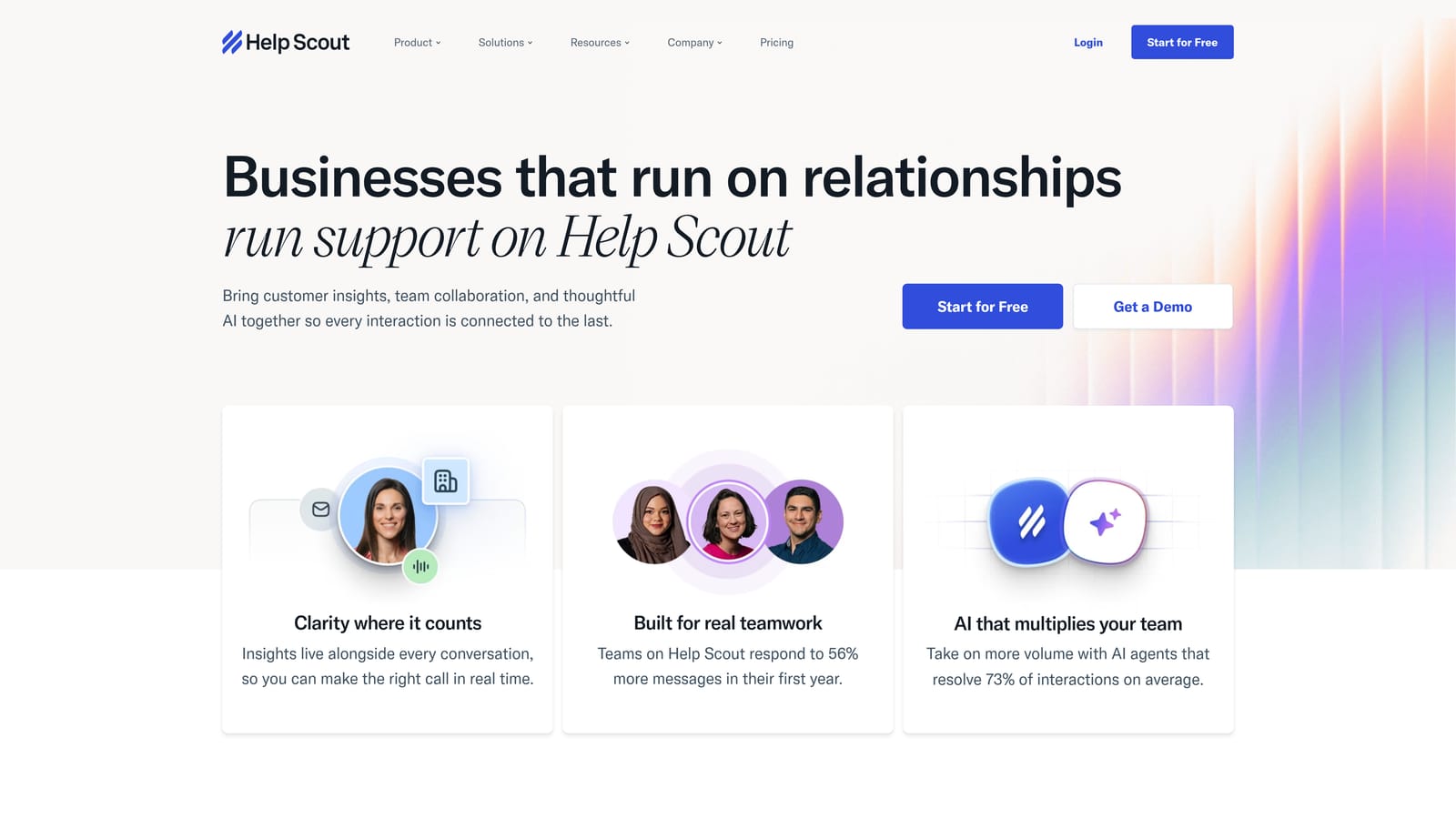
Help Scout is a human-first support platform that uses AI to assist agents with drafting, summarizing, and answering, without trying to automate them out of the picture.
Where This Tool Shines
Help Scout's philosophy is deliberate: AI should make agents better, not invisible. The AI Drafts feature generates suggested replies that match the agent's own writing style, which matters enormously for teams where brand voice is a differentiator. Customers still feel like they're talking to a person, just a faster and more consistent one.
The clean, minimal UX deserves mention. Many support platforms accumulate complexity over time, and onboarding new team members becomes its own project. Help Scout's low learning curve means a new agent can be productive quickly, which is a real operational benefit for small teams with limited time for training.
Key Features
AI Drafts: Generates suggested email replies that adapt to the agent's writing voice and style.
AI Summarize: Condenses long conversation threads into quick context summaries for agents picking up mid-conversation.
AI Answers: Self-service deflection powered by your Docs knowledge base, handling common queries before they reach the inbox.
Shared Inbox with Collision Detection: Prevents two agents from responding to the same ticket simultaneously.
Clean, Minimal UX: Low learning curve with a design that prioritizes agent efficiency over feature density.
Best For
Teams where brand voice and customer relationship quality are primary concerns. Particularly well-suited to companies where customers expect a personal, human-feeling response and full AI automation would feel out of place.
Pricing
Tiered plans designed to be accessible for small teams. Check helpscout.com for current pricing.
7. Forethought
Best for: Teams on Zendesk or Salesforce that want AI capabilities without migrating their helpdesk
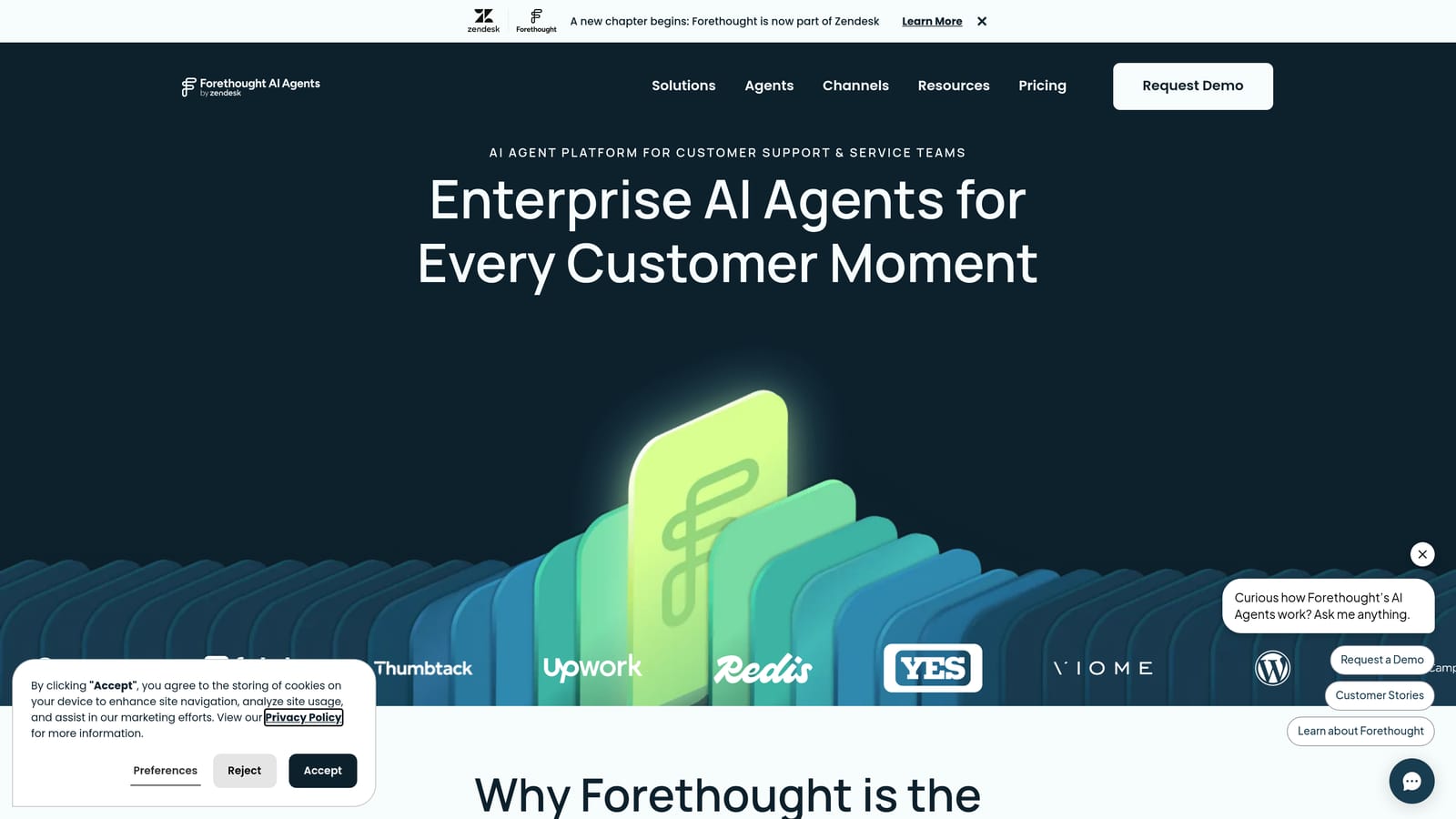
Forethought is an AI layer that sits on top of existing helpdesks, adding deflection, intelligent routing, and agent assist without requiring a platform migration.
Where This Tool Shines
The core value proposition is additive rather than disruptive. If your team has years of ticket history, custom workflows, and agent familiarity built into Zendesk or Salesforce, switching platforms is a significant cost. Forethought lets you add meaningful AI capabilities on top of what you already have.
The Solve product handles deflection before tickets are even created, which is where the highest leverage often sits. Routing the right tickets to the right agents via Triage reduces the cognitive overhead of manual queue management, which is particularly valuable for small teams where agents are generalists rather than specialists.
Key Features
Solve: AI-powered ticket deflection that intercepts and resolves queries before they enter the ticket queue.
Triage: Predictive routing based on intent and sentiment analysis, directing tickets to the most appropriate agent or queue.
Assist: Real-time agent suggestions and knowledge surfacing during live conversations.
No Migration Required: Works alongside Zendesk, Salesforce, and other major helpdesks without replacing them.
Intent and Sentiment Analysis: Understands the nature and emotional tone of incoming queries to inform routing decisions.
Best For
Teams already committed to Zendesk or Salesforce Service Cloud that want AI capabilities without the disruption of switching platforms. Also useful for teams that have significant historical ticket data they don't want to leave behind.
Pricing
Contact Forethought directly for pricing. Check forethought.ai for current details.
8. Kustomer
Best for: Small teams handling high volumes across multiple channels who need unified omnichannel support
Kustomer is a CRM-native support platform that unifies customer conversations across all channels with AI automation across the full customer timeline.
Where This Tool Shines
Kustomer's differentiator is the full customer timeline view. Rather than treating each ticket as an isolated event, Kustomer surfaces the entire history of a customer's interactions, purchases, and previous issues alongside each new conversation. For small teams where agents need to be context-aware without spending time digging through records, this is a meaningful productivity gain.
The omnichannel unification is genuinely comprehensive: email, chat, social, SMS, and voice all flow into a single inbox. Teams dealing with customers who contact them through multiple channels will find this consolidation significantly reduces the risk of fragmented conversations and missed follow-ups.
Key Features
Unified Omnichannel Inbox: Email, chat, social, SMS, and voice consolidated in a single agent workspace.
Full Customer Timeline: CRM context built directly into the support view, showing complete customer history alongside each conversation.
AI Automation: Automated routing, tagging, and deflection across all channels.
Proactive Messaging: Outbound automation for proactive customer communication and follow-up.
Flexible Workflow Builder: Customizable automation logic without requiring engineering resources.
Best For
Teams handling diverse channel volume where omnichannel consolidation is a priority. Particularly strong for companies where customer history and CRM context need to be immediately visible during support interactions.
Pricing
Per-agent pricing model. Check kustomer.com for current plan details.
9. Kommunicate
Best for: Developer-leaning teams that want control over AI behavior with custom LLM integrations
Kommunicate is a developer-friendly AI chatbot platform that supports custom LLM integrations and no-code bot building with seamless live agent handoff.
Where This Tool Shines
Kommunicate sits at an interesting intersection: it offers a no-code bot builder for non-technical team members alongside code-level customization for developers who want deeper control. This flexibility means a small team with even one technical resource can build something meaningfully tailored to their product, rather than being constrained by a rigid template system.
The custom LLM integration support is particularly relevant in 2026, as many teams want to leverage specific AI models rather than being locked into a vendor's proprietary AI. Kommunicate supports OpenAI, Dialogflow, and other integrations, giving teams meaningful choice over the intelligence layer powering their chatbot.
Key Features
No-Code Bot Builder: Visual flow editor accessible to non-technical team members for building and modifying bot conversations.
Custom LLM Integrations: Supports OpenAI, Dialogflow, and other models, giving teams control over their AI layer.
Seamless Live Agent Handoff: Smooth transition from AI bot to human agent when conversations exceed bot capability.
Multilingual Support: Out-of-the-box support for multiple languages without additional configuration.
Embeddable Chat Widget: Customizable branding and widget design to match your product's look and feel.
Best For
Teams with at least one technical resource who want control over their AI chatbot's behavior without building infrastructure from scratch. Also a good fit for multilingual support requirements or teams with specific LLM preferences.
Pricing
Tiered plans with a free trial available. Check kommunicate.io for current pricing.
Which Tool Is Right for Your Team?
The right choice depends less on feature lists and more on where your team is today and where it needs to go. Here's a quick guide to cut through the noise.
For full AI autonomy with business intelligence: Halo AI is the strongest option for SaaS teams that want an AI-first platform built to learn continuously, surface revenue signals, and integrate deeply with the tools product and sales teams already use.
For teams on existing Intercom or Zendesk stacks: Intercom's Fin AI is the natural upgrade path if you're already in that ecosystem. Forethought is the right call if you're on Zendesk or Salesforce and can't justify a platform migration.
For budget-conscious teams starting out: Freshdesk's free tier and Tidio's fast setup make both accessible entry points. Freshdesk suits teams coming from email-only support; Tidio suits teams that need a chatbot live quickly with minimal technical involvement.
For Zoho ecosystem users: Zoho Desk's native integration with Zoho CRM and competitive pricing make it the obvious choice if you're already in that stack.
For human-first teams: Help Scout's AI-assist approach is purpose-built for teams where agent voice and relationship quality matter more than full automation.
For omnichannel consolidation: Kustomer handles the widest channel mix with the deepest CRM context, making it the strongest fit for teams juggling email, chat, social, and voice simultaneously.
For custom bot builders: Kommunicate gives developer-leaning teams the flexibility to integrate their preferred LLM and build tailored conversation flows without starting from scratch.
Your support team shouldn't scale linearly with your customer base. Let AI agents handle routine tickets, guide users through your product, and surface business intelligence while your team focuses on complex issues that need a human touch. See Halo in action and discover how continuous learning transforms every interaction into smarter, faster support.