9 Best Support Anomaly Detection Software Tools in 2026
This guide reviews the 9 best support anomaly detection software tools available in 2026, helping support teams identify sudden ticket spikes, sentiment shifts, and system irregularities in real time before they escalate into customer churn. Each tool is evaluated on detection accuracy, integration depth, and alert configurability to match both lean SaaS teams and enterprise-scale operations.
 Grant CooperFounder13 min read
When your support queue suddenly spikes at 2 AM, or a specific error message starts flooding in from a new product release, the difference between catching it in minutes versus hours can mean the difference between a minor incident and a major churn event. Support anomaly detection software monitors your ticket volume, response patterns, sentiment trends, and system signals in real time, alerting your team before small problems become customer-facing crises.
This guide covers the best tools available in 2026, from AI-native support platforms with built-in anomaly intelligence to dedicated observability and monitoring solutions. Whether you're running a lean support team at a growing SaaS company or managing enterprise-scale operations, there's a tool here that fits your stack. We've evaluated each option on detection accuracy, integration depth, alert configurability, and overall value for B2B support teams.
1. Halo AI
Best for: B2B SaaS teams wanting anomaly detection built directly into their AI support platform
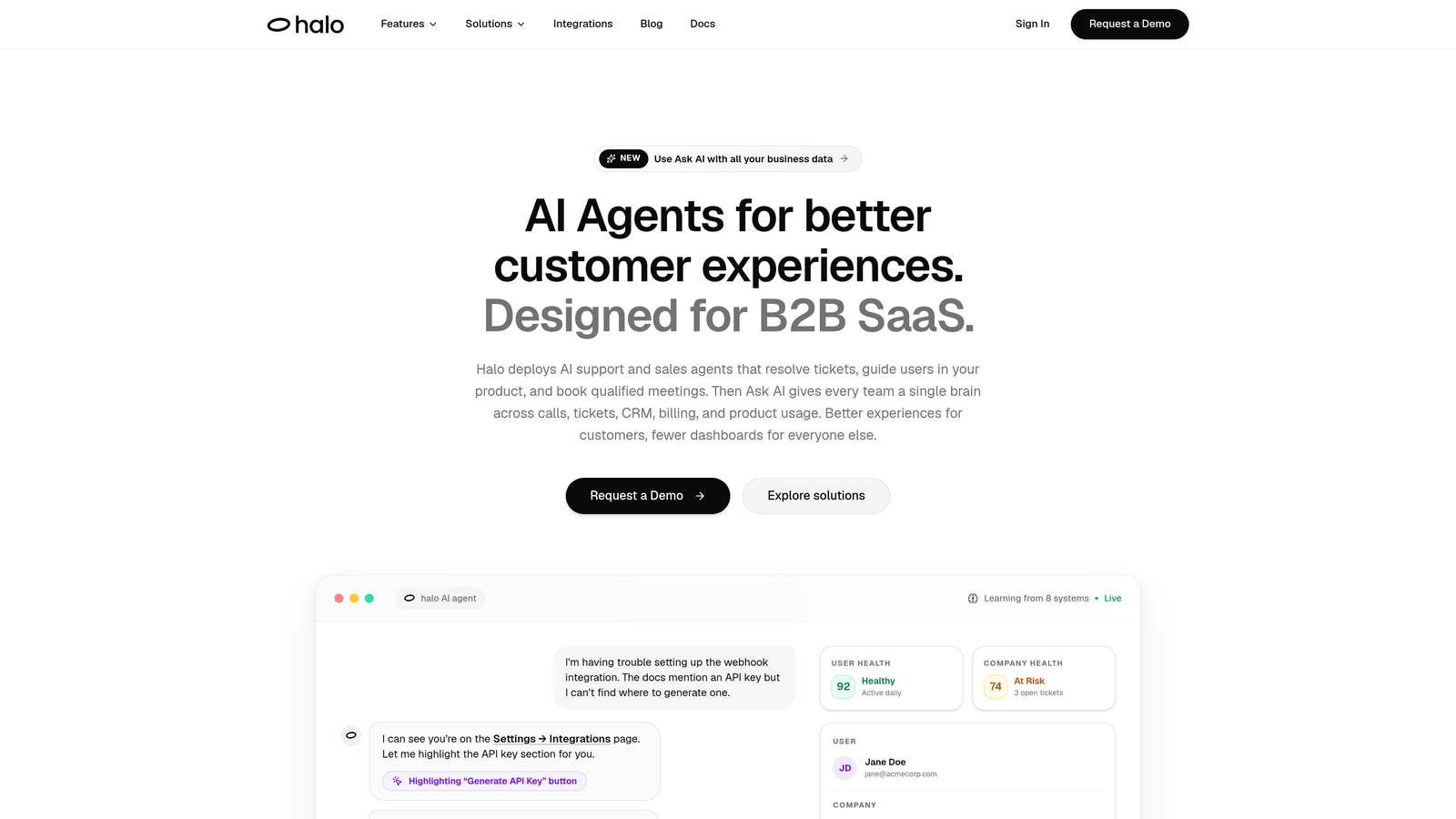
Halo AI is an AI-native customer support platform with anomaly detection woven into its core business intelligence layer, not bolted on as an afterthought.
Where This Tool Shines
Most support tools treat anomaly detection as a reporting feature. Halo AI treats it as operational intelligence. The Smart Inbox continuously analyzes ticket patterns, sentiment drift, volume spikes, and customer health signals, surfacing what matters before your team has to go looking for it.
What sets Halo apart is the page-aware context layer. Because the AI understands what users are experiencing in-product at the moment of contact, it can distinguish between a single confused user and a product-wide incident affecting a specific feature. When patterns suggest a real engineering issue, Halo can automatically create a bug ticket in Linear, closing the loop between support signals and your development team without manual intervention.
Key Features
Smart Inbox Business Intelligence: Detects unusual ticket patterns, volume anomalies, and sentiment drift in real time, giving your team a continuous read on support health.
Page-Aware AI Agents: Understands in-product context to help distinguish isolated user errors from product-wide incidents affecting multiple customers simultaneously.
Auto Bug Ticket Creation: Routes detected anomalies directly to engineering via Linear integration, turning support signals into actionable development tasks automatically.
Customer Health Scoring: Surfaces churn-risk signals emerging from support interaction patterns, connecting support anomalies to revenue intelligence.
Cross-Stack Correlation: Integrates with Slack, HubSpot, Stripe, Intercom, Zoom, PandaDoc, and Fathom to correlate support anomalies with signals from across your entire business stack.
Continuous Learning Architecture: Improves detection accuracy over time as the system learns from every resolved interaction, getting smarter the more you use it.
Best For
B2B SaaS companies and product teams that want anomaly detection embedded in their support workflow rather than managed as a separate tool. Particularly strong for teams who need the loop closed automatically between support signals and engineering response. If you're also exploring broader customer support intelligence analytics, Halo's platform covers both in one place.
Pricing
Contact for pricing at haloagents.ai. Given the platform's AI-native architecture and cross-stack integration depth, pricing is tailored to team size and use case.
2. Zendesk Explore
Best for: Teams already on Zendesk who want native reporting and threshold-based alerting
Zendesk Explore is the native analytics and reporting layer built into the Zendesk platform, offering threshold-based alerting and trend visualization for support metrics.
Where This Tool Shines
If your team is already running on Zendesk, Explore is the path of least resistance for basic anomaly monitoring. It gives you pre-built dashboards for ticket volume, CSAT, and first-response time without any integration work. You can set custom alerts when values cross thresholds you define, which covers the most common use case of catching unexpected volume spikes.
The limitation is that Explore is fundamentally a reporting tool with alerting capabilities, not a purpose-built anomaly detection system. It won't surface patterns you didn't think to configure thresholds for, and it requires manual setup to catch anything beyond obvious metric breaches.
Key Features
Pre-Built Dashboards: Ready-to-use visualizations for ticket volume, CSAT, and first-response time trends without custom configuration.
Custom Metric Alerts: Set threshold-based notifications when any tracked metric exceeds values you define.
Native Data Access: Full integration with all Zendesk ticket, agent, and channel data, no API work required.
Shareable Reports: Cross-team visibility during incidents through shareable dashboard links and scheduled report delivery.
Best For
Support teams already committed to the Zendesk ecosystem who want reporting and basic alerting without adding another tool to their stack. Less suitable for teams wanting proactive, ML-driven anomaly detection that surfaces unexpected patterns automatically.
Pricing
Included in Zendesk Suite plans. Suite Team starts at $55/agent/month billed annually. Explore's more advanced features are available on higher Suite tiers.
3. Intercom
Best for: Teams wanting to combine anomaly detection with proactive outbound messaging to affected users
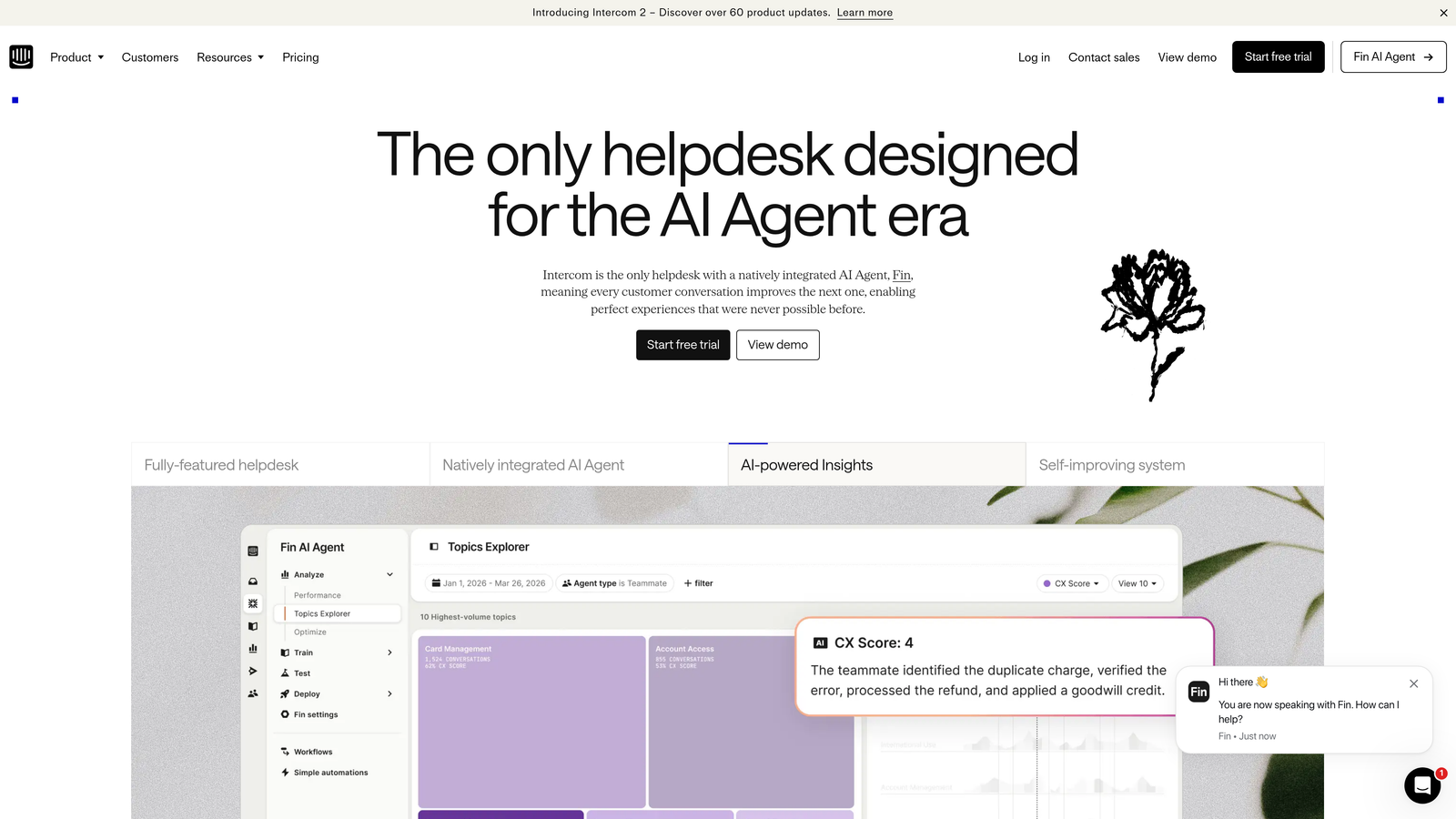
Intercom is a conversational support platform that surfaces volume trend anomalies and can automatically reach out to affected user segments when issues are detected.
Where This Tool Shines
Intercom's strength in anomaly detection isn't just about alerting your team — it's about acting on what you find. When conversation volume spikes around a specific topic, Intercom can trigger proactive outbound messages to the affected user segment, getting ahead of the problem before users have to reach out themselves. That proactive loop is genuinely useful for SaaS teams managing product incidents.
The AI-powered tagging and topic clustering also helps surface emerging issue categories that you might not have anticipated. If a new error message suddenly appears across dozens of conversations, Intercom's clustering can group those tickets before a human has read through them all.
Key Features
Conversation Volume Trend Reporting: Visual spike indicators that highlight unusual conversation volume increases by topic or channel.
Proactive Outbound Messaging: Automatically reach affected user segments when anomalies are detected, turning reactive support into proactive communication.
AI-Powered Topic Clustering: Groups emerging issue categories to surface new problem types before they become widespread.
Fin AI Deflection Signals: Unusual deflection rate changes from Fin AI can serve as an early warning signal for new or unusual issue types.
Best For
SaaS teams that want to combine support monitoring with proactive customer communication. Particularly strong for product-led growth companies where getting ahead of user issues during incidents directly affects retention.
Pricing
Starts at $29/seat/month. Advanced reporting and automation features are available on higher tiers. Enterprise pricing available on request.
4. Freshdesk (Freddy AI Insights)
Best for: SMB support teams wanting embedded AI anomaly insights without a separate analytics tool
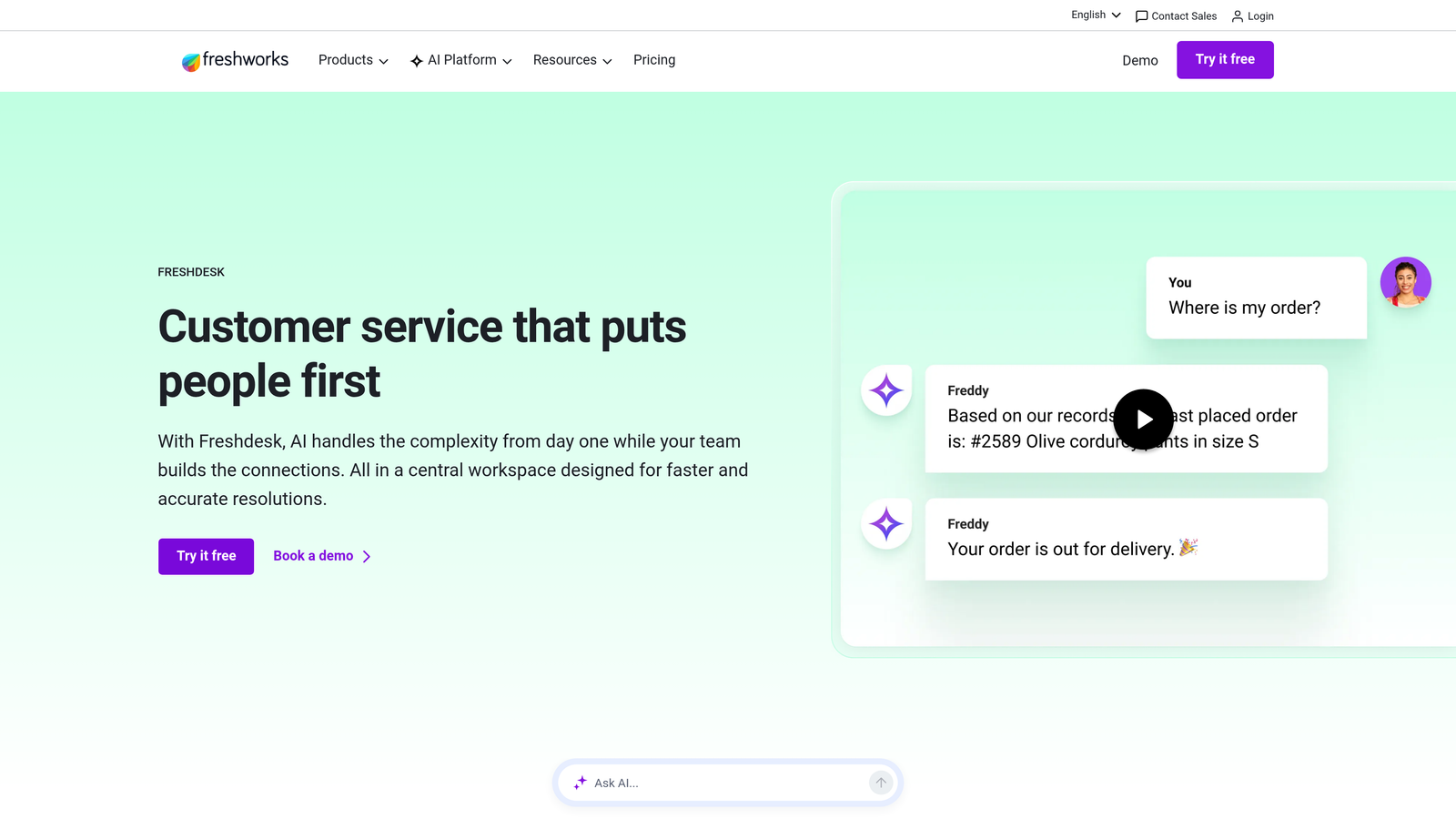
Freshdesk is a helpdesk platform whose AI layer, Freddy AI, surfaces unusual ticket trends and recommends response actions directly within the support interface.
Where This Tool Shines
Freshdesk's approach to anomaly detection is pragmatic and accessible. Freddy AI Insights are embedded directly in the helpdesk workflow, which means your support agents encounter anomaly signals while working their queue rather than having to check a separate dashboard. For lean teams without a dedicated analytics function, this embedded approach reduces the likelihood that important signals get missed.
The sentiment analysis timeline is a particularly useful feature for catching gradual drift. A sudden spike in negative sentiment across a ticket category can indicate a problem that hasn't yet manifested as a volume anomaly, giving teams an earlier warning signal.
Key Features
Freddy AI Insights: Detects unusual spikes in ticket categories and tags, surfacing anomalies directly in the helpdesk interface.
Suggested Actions: When anomalous patterns are identified, Freddy recommends response actions to help agents address root causes faster.
Sentiment Analysis Trends: Tracks sentiment shifts across ticket timelines to catch gradual drift before it becomes a volume problem.
Native Integration: Fully embedded in Freshdesk with no separate integration or configuration required to activate AI insights.
Best For
Small to mid-sized support teams on Freshdesk who want AI-assisted anomaly detection without the overhead of configuring a separate observability tool. Freddy AI features are available on Pro and Enterprise tiers.
Pricing
Free plan available. Paid plans start at $15/agent/month. Freddy AI Insights features are available on Pro and Enterprise tiers.
5. Datadog
Best for: Technical teams wanting to correlate infrastructure incidents with support ticket volume in a single platform
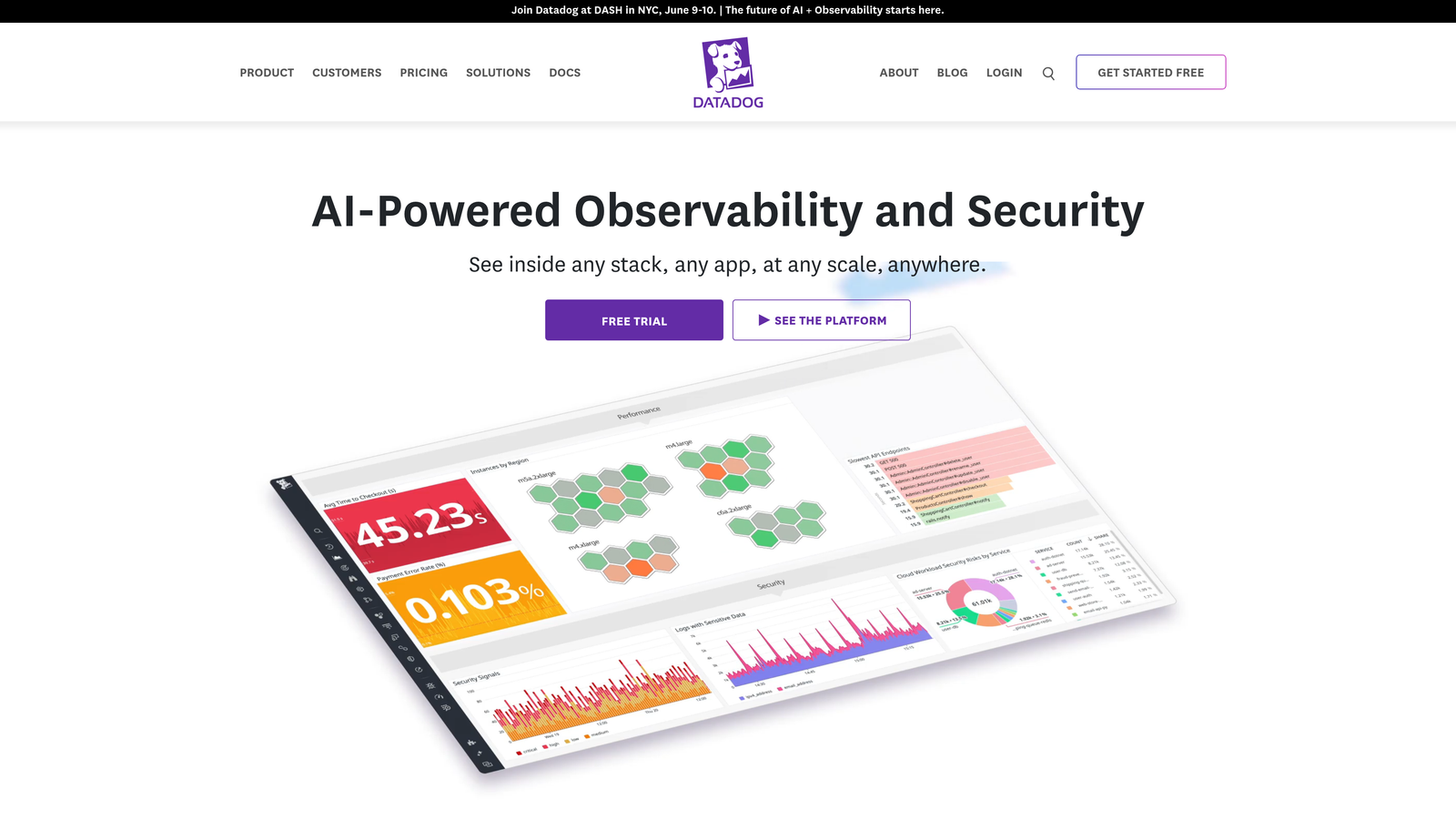
Datadog is an enterprise observability platform that can correlate infrastructure incidents with support metric spikes, giving engineering and support teams a unified view of system health and customer impact.
Where This Tool Shines
Datadog's anomaly detection algorithms are genuinely sophisticated. The platform offers agile, robust, and adaptive detection modes, each suited to different signal characteristics, and applies them to any ingested metric. For technical teams at SaaS companies, the real power comes from ingesting support ticket data (via Zendesk or Intercom APIs) alongside infrastructure metrics, so you can see a deployment event, an infrastructure anomaly, and a support volume spike on the same timeline.
The forecasting capability is also worth noting. Datadog can predict volume anomalies before they peak using historical patterns, giving operations teams a chance to staff up or prepare responses before the wave hits.
Key Features
Native Anomaly Detection Algorithms: Agile, robust, and adaptive modes applied to any ingested metric, with automatic baseline learning.
Cross-Stack Correlation: Combine support volume data with infrastructure events, deployments, and application metrics on a unified timeline.
Flexible Alerting: Notifications via Slack, PagerDuty, email, and webhooks with fine-grained alert configuration.
ML-Based Forecasting: Predict volume anomalies before they peak using machine learning applied to historical metric patterns.
Best For
Engineering-led organizations and technical support teams at larger SaaS companies who want infrastructure observability and support monitoring in one place. Requires engineering setup to pipe support data into Datadog effectively.
Pricing
Infrastructure monitoring starts at $15/host/month. APM, log management, and additional modules are priced separately. Costs can scale significantly at enterprise usage levels.
6. Grafana
Best for: Technical teams wanting full control over anomaly detection logic with no vendor lock-in
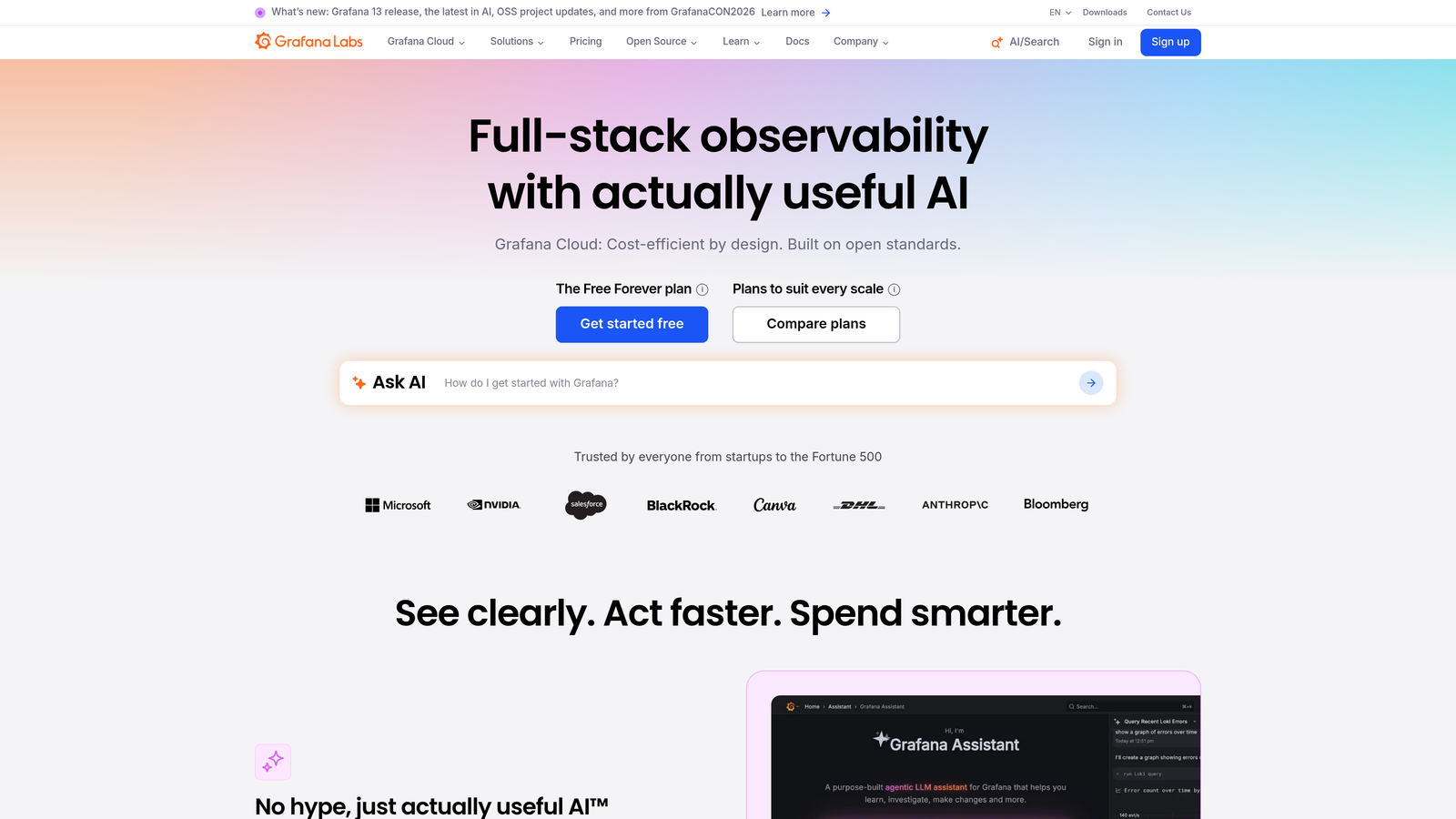
Grafana is an open-source observability platform offering highly customizable anomaly detection dashboards through ML plugins, ideal for teams who want to own their detection logic entirely.
Where This Tool Shines
Grafana's open-source core means you're not constrained by a vendor's opinionated approach to what an anomaly is. You define the logic, the thresholds, the data sources, and the alerting rules. For data-mature teams with engineering resources, this flexibility is a genuine advantage over SaaS-only tools.
Grafana Machine Learning, available through Grafana Cloud, adds ML-based anomaly detection on top of time-series metrics without requiring you to build models from scratch. Combined with Grafana's ability to connect to virtually any data source via plugins, this makes it a powerful option for teams with heterogeneous data stacks.
Key Features
Grafana Machine Learning: ML-powered anomaly detection on time-series metrics available through Grafana Cloud, with automatic baseline learning.
Fully Customizable Alerting: Define your own alerting rules, thresholds, and notification routing with granular control.
Universal Data Source Connectivity: Plugins for Prometheus, Elasticsearch, MySQL, and dozens of other data sources enable anomaly detection across your entire data stack.
Open-Source Core: Self-hosted deployment with no vendor lock-in, giving teams complete ownership of their detection infrastructure.
Best For
Engineering teams and data-mature organizations who want maximum flexibility and are comfortable with the configuration overhead that comes with it. Less suitable for support teams without technical resources to manage the setup.
Pricing
Open-source self-hosted version is free. Grafana Cloud has a free tier available. Paid Grafana Cloud plans start at $8/user/month, with additional usage-based costs for metrics and logs.
7. Kustomer
Best for: Teams tracking long-term customer health patterns alongside ticket volume anomalies
Kustomer is a CRM-native support platform that surfaces anomalies in individual customer interaction timelines, making it useful for teams who care as much about individual customer health as aggregate volume trends.
Where This Tool Shines
Where most anomaly detection tools focus on aggregate metrics, Kustomer adds a customer-level dimension. The unified timeline view makes it easy to spot when a specific customer's interaction frequency or sentiment has shifted dramatically, which can be an early signal of churn risk that wouldn't show up in volume-level reporting.
The AI-powered conversation insights layer helps surface emerging topic clusters across the customer base, giving support leaders a view of what's changing in the types of issues customers are raising, not just how many.
Key Features
Unified Customer Timeline: Highlights unusual interaction frequency or sentiment shifts at the individual customer level, not just in aggregate.
AI-Powered Conversation Insights: Surfaces emerging topic clusters to identify new issue types before they become widespread.
Custom Reporting with Threshold Alerts: Set alerts on key support metrics with flexible custom reporting configurations.
CRM Data Integration: Correlates support anomalies with customer lifecycle stage, contract value, and other CRM data points for richer context.
Best For
Enterprise support teams that manage complex, high-value customer relationships and need to connect support anomaly signals to customer health and lifecycle data. The per-seat cost reflects its enterprise positioning.
Pricing
Starts at $89/user/month. Kustomer operates at the enterprise end of the market. Contact for detailed pricing based on team size and requirements.
8. Gorgias
Best for: E-commerce brands needing support anomaly detection tied directly to order and fulfillment data
Gorgias is an e-commerce-focused helpdesk that ties support volume anomalies directly to order, fulfillment, and product data, making it particularly useful for brands with high seasonal variance or complex fulfillment operations.
Where This Tool Shines
Gorgias solves a specific problem that general-purpose support tools handle poorly: connecting a spike in "where is my order" tickets to a specific fulfillment delay or a surge in "product defect" tickets to a specific SKU batch. By linking support volume directly to Shopify order and fulfillment events, Gorgias makes the root cause of many e-commerce anomalies immediately visible.
The revenue impact statistics are a useful addition for teams that need to justify support investments. Seeing the financial exposure associated with a support anomaly in real time changes how quickly teams prioritize response.
Key Features
Order-Linked Volume Dashboards: Support volume data connected to Shopify order and fulfillment events for immediate root cause context.
Automated Issue Tagging: Surfaces unusual issue categories tied to specific products, promotions, or fulfillment events automatically.
Revenue Impact Statistics: Shows the financial impact of support anomalies in real time, connecting customer experience to business outcomes.
Threshold-Triggered Automation: Macros and automation rules can be triggered when volume thresholds are breached, enabling faster response.
Best For
Direct-to-consumer e-commerce brands, particularly those running on Shopify, who experience high seasonal variance and need support anomaly detection tied to their commerce operations. Less relevant for pure B2B SaaS teams.
Pricing
Starter plan begins at $10/month for up to 3 agents. Higher plans scale by ticket volume rather than seat count, which suits high-volume e-commerce operations.
9. Anomalo
Best for: Data teams wanting to catch upstream data pipeline anomalies before they cascade into customer-facing support issues
Anomalo is a dedicated data quality monitoring platform that detects anomalies in upstream data pipelines, useful for data-mature teams who want to address data issues before they surface as customer problems.
Where This Tool Shines
Anomalo operates one layer upstream from most tools on this list. Rather than monitoring support tickets after customers have already been affected, it monitors the data pipelines that power your product and business operations. A data quality anomaly in a billing pipeline or a feature flag dataset can generate a wave of support tickets hours later. Anomalo catches the anomaly at the source.
For teams running data warehouses on Snowflake, BigQuery, or Databricks, the no-code anomaly rules with ML-based baseline learning make it accessible to data analysts without requiring data engineering expertise for every new monitor.
Key Features
Automated Data Warehouse Monitoring: Detects anomalies across tables in Snowflake, BigQuery, and Databricks with automatic baseline learning.
No-Code Anomaly Rules: ML-based baseline learning accessible to data analysts without requiring custom model development.
Slack and Email Alerting: Immediate notifications when data quality anomalies are detected, routed to the right team members.
Root Cause Analysis: Traces anomalies back to source data changes, helping teams identify whether a pipeline issue, schema change, or upstream source is responsible.
Best For
Data engineering and analytics teams at data-mature companies who want to prevent customer-facing incidents by catching data quality issues earlier in the stack. Complements rather than replaces support-layer anomaly detection tools.
Pricing
Contact Anomalo directly for pricing. As an enterprise-focused data quality platform, pricing is tailored to data volume and team requirements.
Which Tool Is Right for Your Team
The best support anomaly detection software depends on where you need the intelligence to live and how much engineering overhead you're willing to accept.
If you want anomaly detection built into your AI support platform from day one, with automatic bug ticket creation and cross-stack correlation, Halo AI is the most complete option for B2B SaaS teams. The continuous learning architecture means detection accuracy improves over time, and the page-aware context layer adds a dimension of signal quality that threshold-based tools simply can't replicate. Teams exploring customer support anomaly detection as part of a broader support intelligence strategy will find Halo's approach particularly well-matched to that goal.
For teams already committed to specific ecosystems, the native options are compelling. Zendesk Explore and Freshdesk's Freddy AI Insights both deliver solid threshold-based monitoring without adding tools to your stack. Intercom stands out if proactive outbound messaging to affected users is part of your incident response playbook.
Technical teams with engineering resources should evaluate Datadog for infrastructure-correlated anomaly detection or Grafana for maximum flexibility and control. Kustomer suits enterprise teams tracking individual customer health alongside aggregate patterns, while Gorgias is the clear choice for e-commerce brands with Shopify-linked fulfillment operations. Anomalo fills a unique niche for data teams who want to catch problems before they reach customers at all.
Your support team shouldn't scale linearly with your customer base. Let AI agents handle routine tickets, guide users through your product, and surface business intelligence while your team focuses on complex issues that need a human touch. See Halo in action and discover how continuous learning transforms every interaction into smarter, faster support. You can also explore how intelligent customer health scoring connects support anomaly signals directly to retention outcomes.