9 Best Support Automation Platforms in 2026 (And What to Look for Before You Buy)
This guide evaluates nine leading support automation platforms for 2026, helping teams define their support automation platform requirements before buying—covering ticket volume, AI capabilities, integration needs, and scalability considerations to match the right tool to your specific operational context.
 Matt PattoliFounder14 min read
Choosing a support automation platform isn't just about picking the tool with the most features. It's about finding one that actually meets your operational requirements. The wrong choice means paying for capabilities you don't need, missing integrations your team depends on, or deploying a system that can't scale with your growth.
This guide covers nine platforms worth evaluating in 2026, with an honest breakdown of what each one does well, where it falls short, and who it's genuinely built for. Whether you're migrating from a legacy helpdesk, layering AI onto an existing stack, or building a support operation from scratch, the right platform depends on your specific requirements: ticket volume, integration needs, AI maturity, and how much you want automation to handle autonomously versus with human oversight.
We've also included a quick requirements checklist at the end to help you match platform capabilities to your actual needs before committing to a demo or trial.
1. Halo AI
Best for: B2B SaaS teams that want AI-first autonomous resolution with deep business intelligence built in.
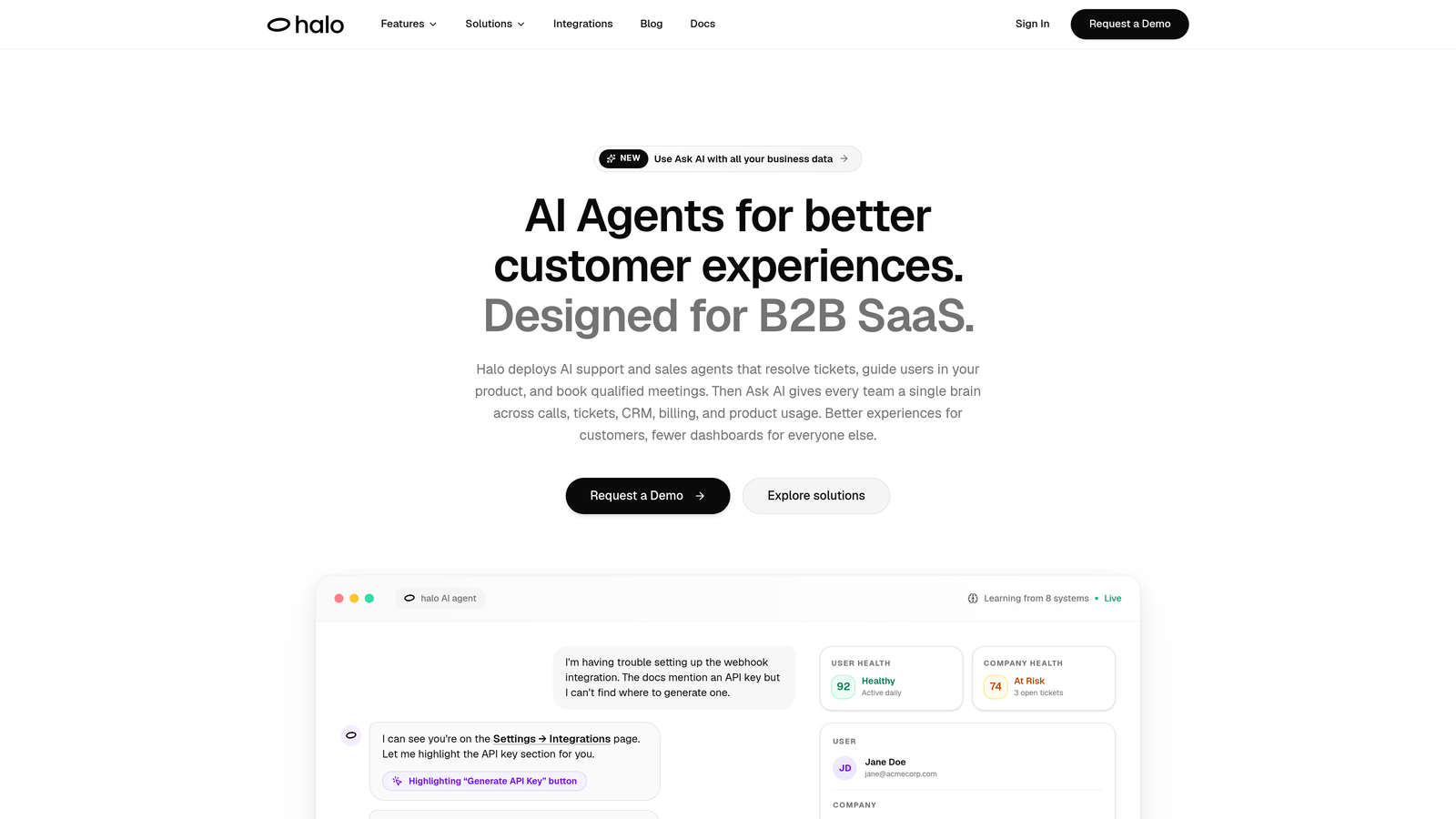
Halo AI is an AI-native customer support platform built around autonomous ticket resolution, not a traditional helpdesk with AI bolted on.
Where This Tool Shines
Most support platforms treat AI as an add-on layer sitting on top of an existing ticketing system. Halo is architected differently: the AI is the core, and everything else is built around it. That distinction matters when you're evaluating how much of your ticket volume can actually be resolved without human involvement.
The page-aware chat widget is a genuinely differentiated capability. Rather than responding to what a user types, Halo understands where they are in your product UI and provides contextually relevant guidance. Combined with continuous learning from every resolved interaction, the system gets meaningfully smarter over time rather than plateauing after initial setup.
Key Features
Page-Aware Chat Widget: Understands the user's current location in your product UI to deliver contextually relevant support, not just keyword-matched responses.
Autonomous Ticket Resolution: AI agents resolve tickets end-to-end with continuous learning from every interaction, improving resolution rates over time.
Auto Bug Ticket Creation: Automatically generates and routes bug reports to Linear or your issue tracker, a capability that's rare in this space.
Smart Inbox with Business Intelligence: Goes beyond ticket counts to surface customer health signals, anomaly detection, and revenue intelligence directly in the inbox.
Deep Native Integrations: Connects natively with Slack, HubSpot, Stripe, Zoom, PandaDoc, Fathom, and Intercom, with read and write capabilities across the stack.
Live Agent Handoff: Transfers complex escalations to human agents with full context intact, so customers never have to repeat themselves.
Best For
SaaS product teams and B2B companies that want their support function to generate business intelligence, not just close tickets. Particularly strong for teams already using Linear, HubSpot, or Stripe who want those systems connected to their support layer.
Pricing
Contact for pricing. Given the AI-first architecture and business intelligence capabilities, pricing is typically scoped to team size and ticket volume.
2. Intercom
Best for: Teams already in the Intercom ecosystem who want AI-assisted resolution layered onto existing messaging workflows.
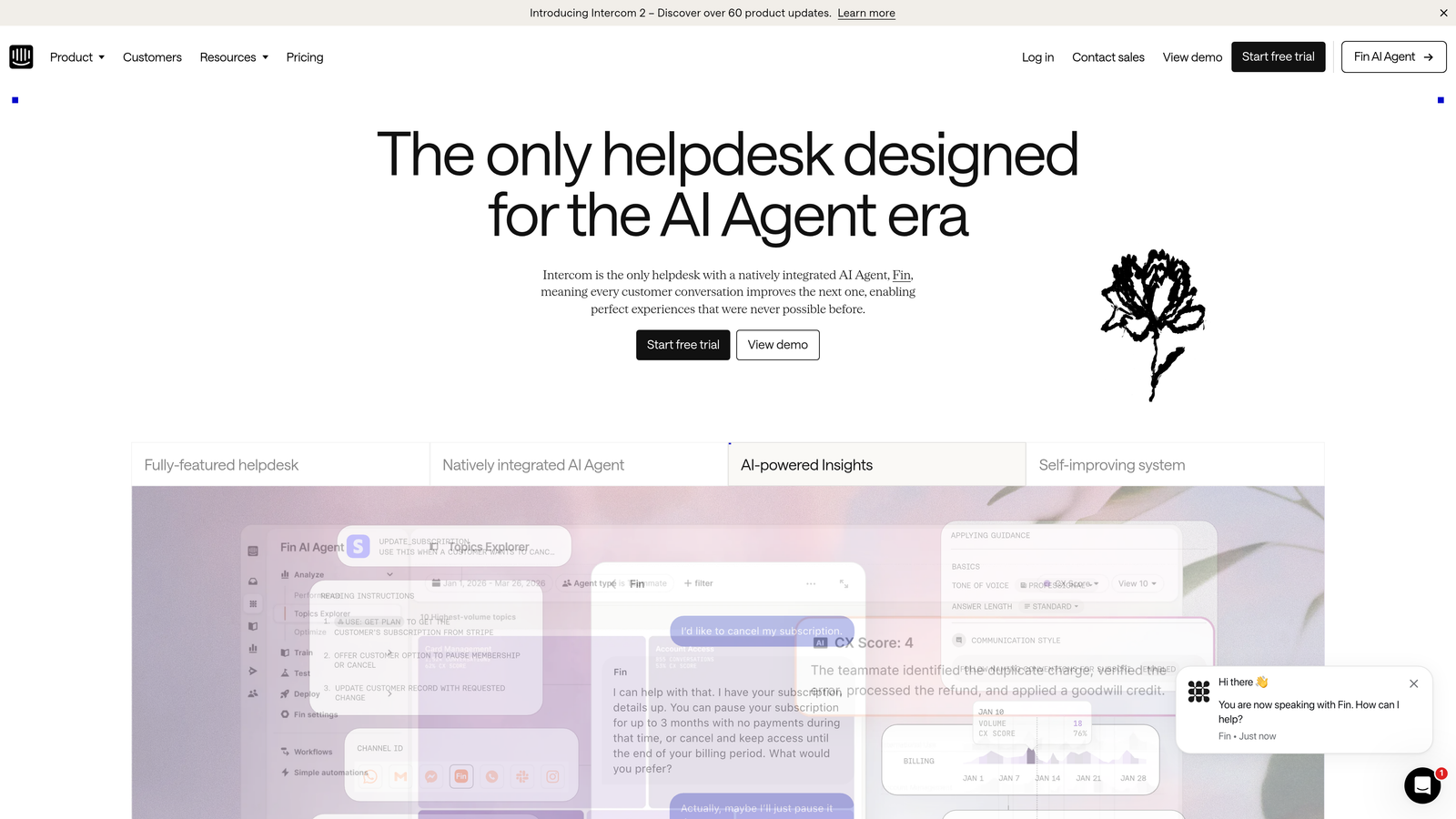
Intercom is a customer messaging platform with Fin, its AI agent, handling automated support resolution alongside in-app messaging and proactive engagement tools.
Where This Tool Shines
Fin AI is trained on your help center content and handles a meaningful portion of inbound queries autonomously. For teams that have already invested in building out their Intercom knowledge base, the path to automation is relatively short. The in-app messaging infrastructure is also mature and well-documented.
Intercom's integration ecosystem is one of the strongest in the category. If your team is already using Intercom for customer communications, adding Fin is a natural extension rather than a platform migration. The shared inbox with AI-assisted response suggestions also helps agents move faster on tickets that do require human attention.
Key Features
Fin AI Agent: Trained on help center content to handle autonomous resolution of common queries using large language models.
In-App Messaging: Proactive support workflows that reach users at the right moment in their product journey.
AI-Assisted Inbox: Shared inbox with response suggestions that help agents reply faster without full automation.
Developer Platform: Well-documented APIs and a broad integration ecosystem for teams with custom stack requirements.
Best For
Teams already invested in the Intercom platform who want to extend their existing setup with AI resolution rather than migrate to a new system. Also strong for product-led growth companies where in-app messaging is central to the support strategy.
Pricing
Base plans start at approximately $39/month; Fin AI resolution is priced separately, typically on a per-resolution basis. Total cost scales with usage.
3. Zendesk
Best for: Enterprise teams with high ticket volumes, complex SLA requirements, and large integration ecosystems.
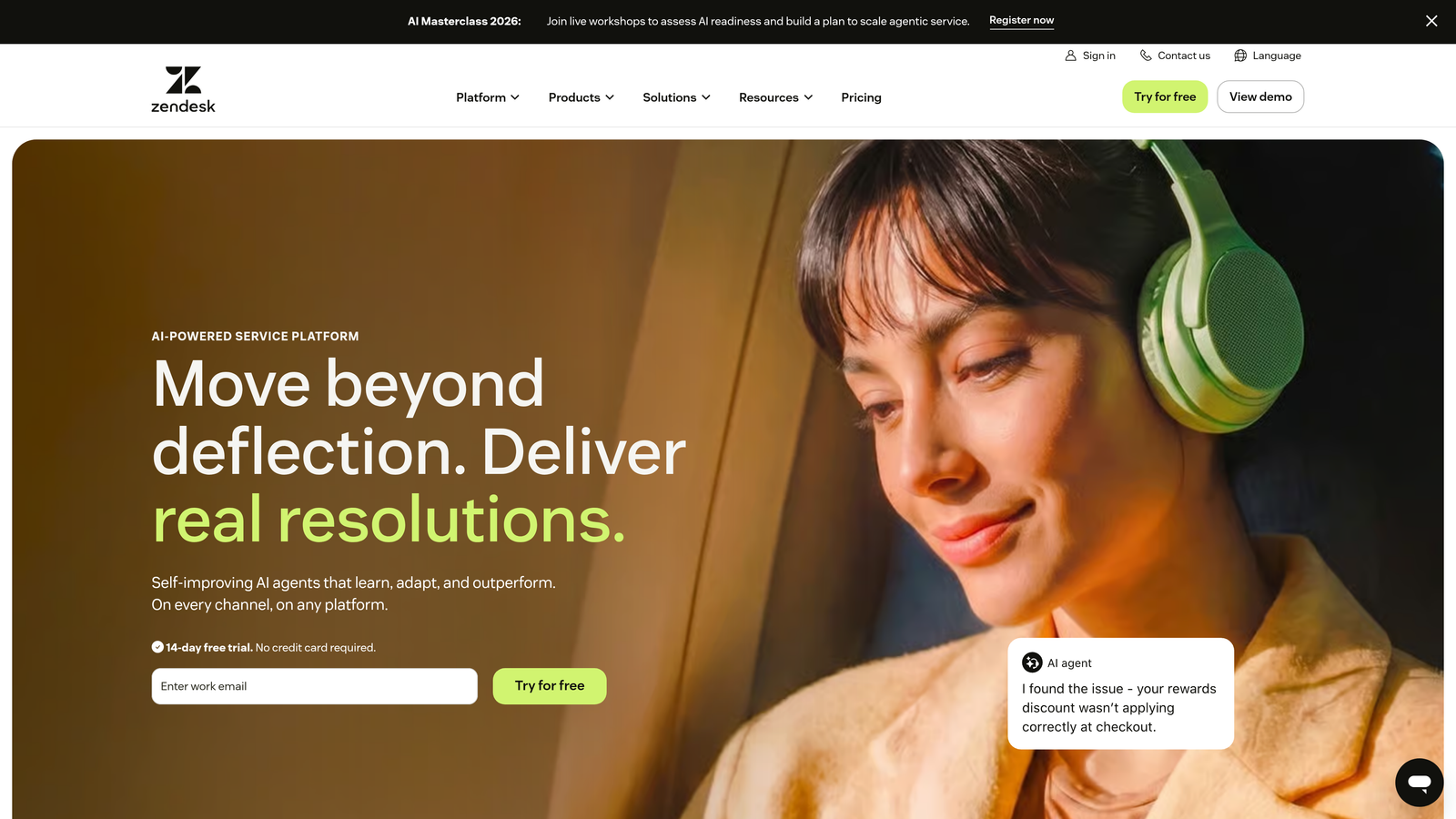
Zendesk is the market leader in enterprise ticketing, with AI triage, routing, and agent assistance built into the Suite alongside one of the largest integration marketplaces available.
Where This Tool Shines
Zendesk's maturity shows in its compliance tooling, SLA management, and reporting infrastructure. For enterprise teams operating across multiple channels with strict service level requirements, Zendesk provides a level of configurability that few platforms match. The 1,000+ marketplace integrations mean you can connect almost any tool in your stack.
The AI capabilities have expanded significantly, with intelligent triage handling routing, tagging, and intent detection at scale. For high-volume operations, this reduces the manual overhead of ticket management considerably. That said, Zendesk often requires a dedicated admin to configure and maintain, which is a real resource consideration for smaller teams.
Key Features
AI-Powered Triage: Automated tagging, intent detection, and routing that reduces manual ticket management overhead at scale.
Zendesk AI Agents: Autonomous deflection capabilities built into the Suite for handling common query types without human involvement.
SLA Management: Mature compliance and service level tooling designed for enterprise support operations with strict requirements.
Integration Marketplace: Over 1,000 integrations covering virtually every tool category in the modern support stack.
Best For
Enterprise support organizations with large agent teams, complex routing requirements, and compliance needs. Less suited for small teams or those who want minimal configuration overhead.
Pricing
Suite plans start at approximately $55/agent/month. Enterprise tiers are priced separately. Total cost scales significantly with seat count.
4. Freshdesk
Best for: SMBs and growing teams that want omnichannel helpdesk capabilities with AI assistance at an accessible price point.
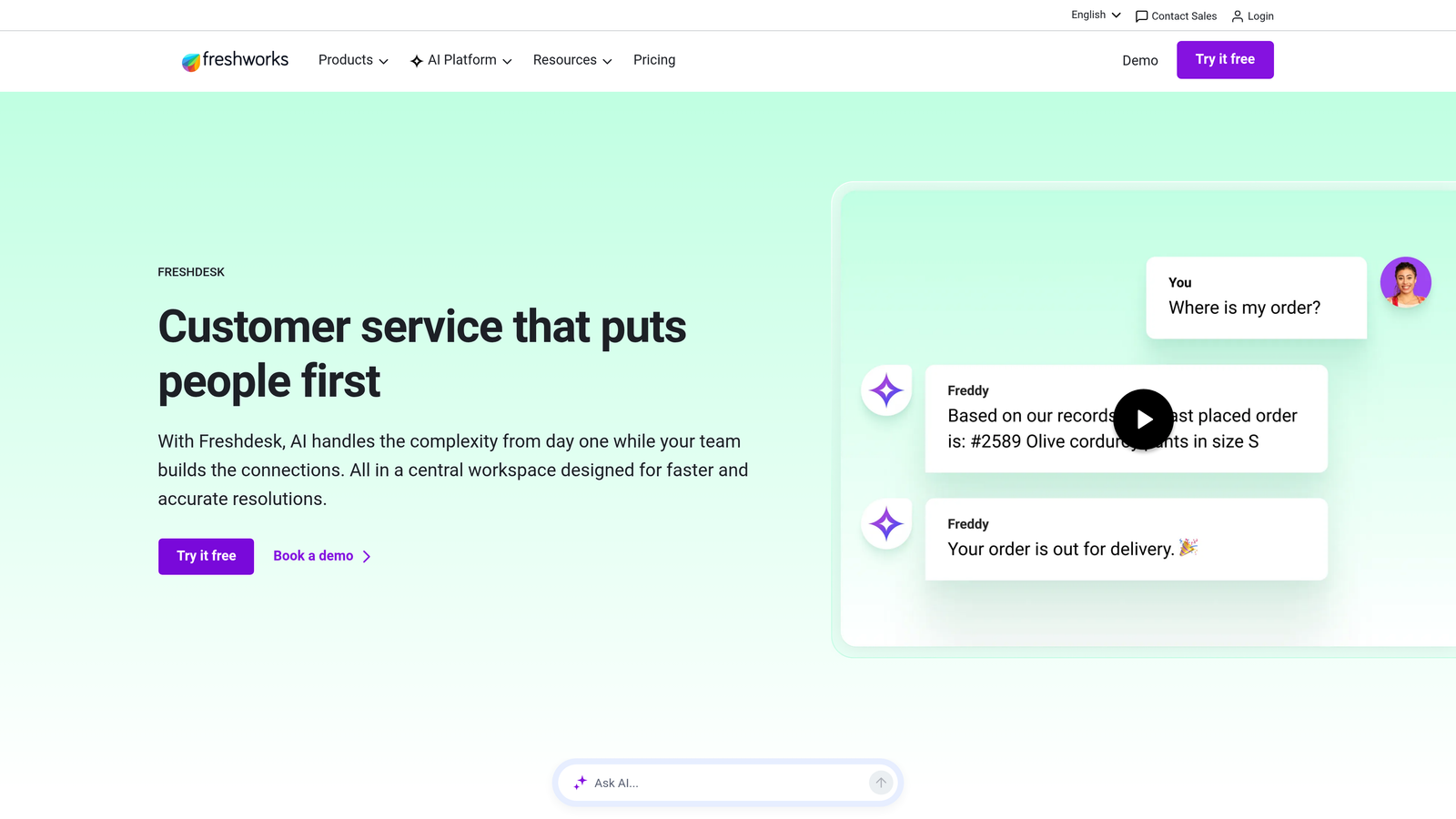
Freshdesk is an omnichannel helpdesk with Freddy AI handling triage, agent suggestions, and basic bot automation, part of the broader Freshworks product ecosystem.
Where This Tool Shines
Freshdesk's pricing makes it genuinely accessible for teams that can't justify enterprise-tier spend. The omnichannel coverage is broad, handling email, chat, phone, and social from a single interface. For teams already using Freshsales or Freshservice, the native integrations within the Freshworks ecosystem reduce the integration complexity significantly.
Freddy Copilot assists agents with suggestions rather than replacing them entirely, which suits teams that want AI support without full autonomy. The trade-off is that autonomous resolution rates are typically lower than AI-native platforms, making Freshdesk a better fit for teams where human oversight of responses is a priority.
Key Features
Freddy AI: Covers auto-triage, sentiment analysis, and agent response suggestions across the ticket queue.
Omnichannel Coverage: Unified inbox across email, chat, phone, and social channels without requiring separate tools.
Freddy Copilot: Agent assistance layer that suggests responses and surfaces relevant knowledge base articles in context.
Freshworks Ecosystem: Native integration with Freshsales and Freshservice for teams using multiple Freshworks products.
Best For
SMBs and mid-market teams that need omnichannel coverage and AI assistance without enterprise-level spend. Also a strong fit for organizations already using other Freshworks products.
Pricing
Free plan available for small teams. Paid plans start at approximately $15/agent/month, making it one of the more accessible options in this category.
5. Tidio
Best for: Small teams and e-commerce businesses that need quick deployment with basic AI-powered chat automation.
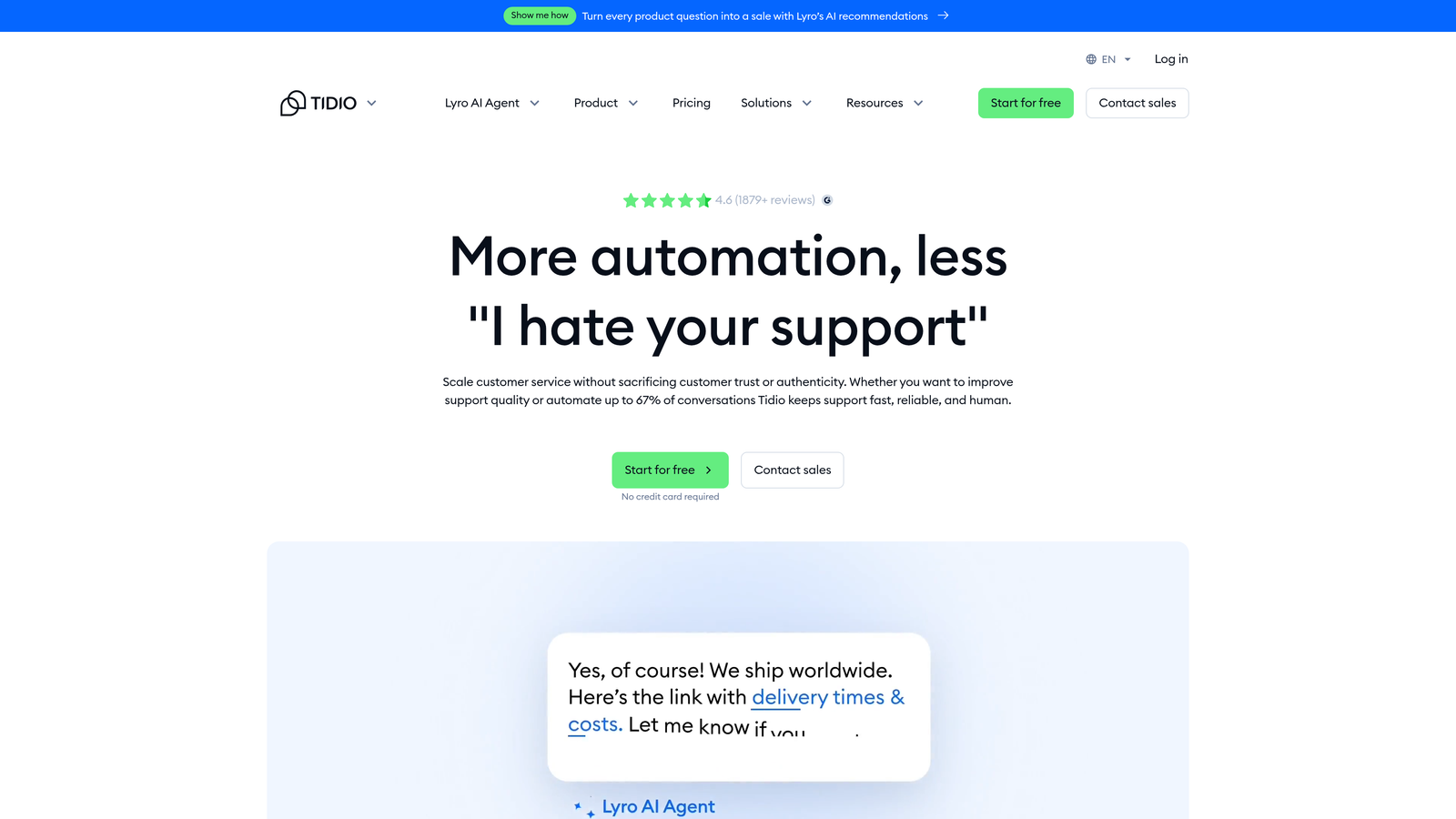
Tidio is a lightweight chat and automation platform with Lyro AI handling intent-based responses, designed for fast deployment without technical overhead.
Where This Tool Shines
Tidio's primary advantage is speed to value. Teams can typically deploy a functional chat automation setup in under a day using the visual flow builder, without writing a line of code. For e-commerce teams on Shopify or WooCommerce, the native integrations make it easy to handle common order-related queries automatically.
Lyro AI handles intent recognition and FAQ-style responses well for lower-complexity support scenarios. The platform is genuinely accessible for non-technical teams, which is a meaningful differentiator when you don't have a dedicated support ops function to manage configuration.
Key Features
Lyro AI: Conversational AI for intent-based automated responses, designed for FAQ and common query handling.
Visual Flow Builder: No-code automation builder that lets non-technical teams create conversation flows without developer involvement.
Fast Deployment: Basic setup typically achievable in under a day, reducing time-to-value significantly.
E-Commerce Integrations: Native connections with Shopify and WooCommerce for order-aware support automation.
Best For
Small teams and e-commerce businesses with relatively straightforward support scenarios. Not well-suited for complex B2B support environments or teams that need deep CRM or project management integrations.
Pricing
Free plan available. Lyro AI starts at approximately $29/month, making it one of the most accessible AI-powered options in this list.
6. Kustomer
Best for: High-touch support teams that want CRM-native context built into every customer interaction.
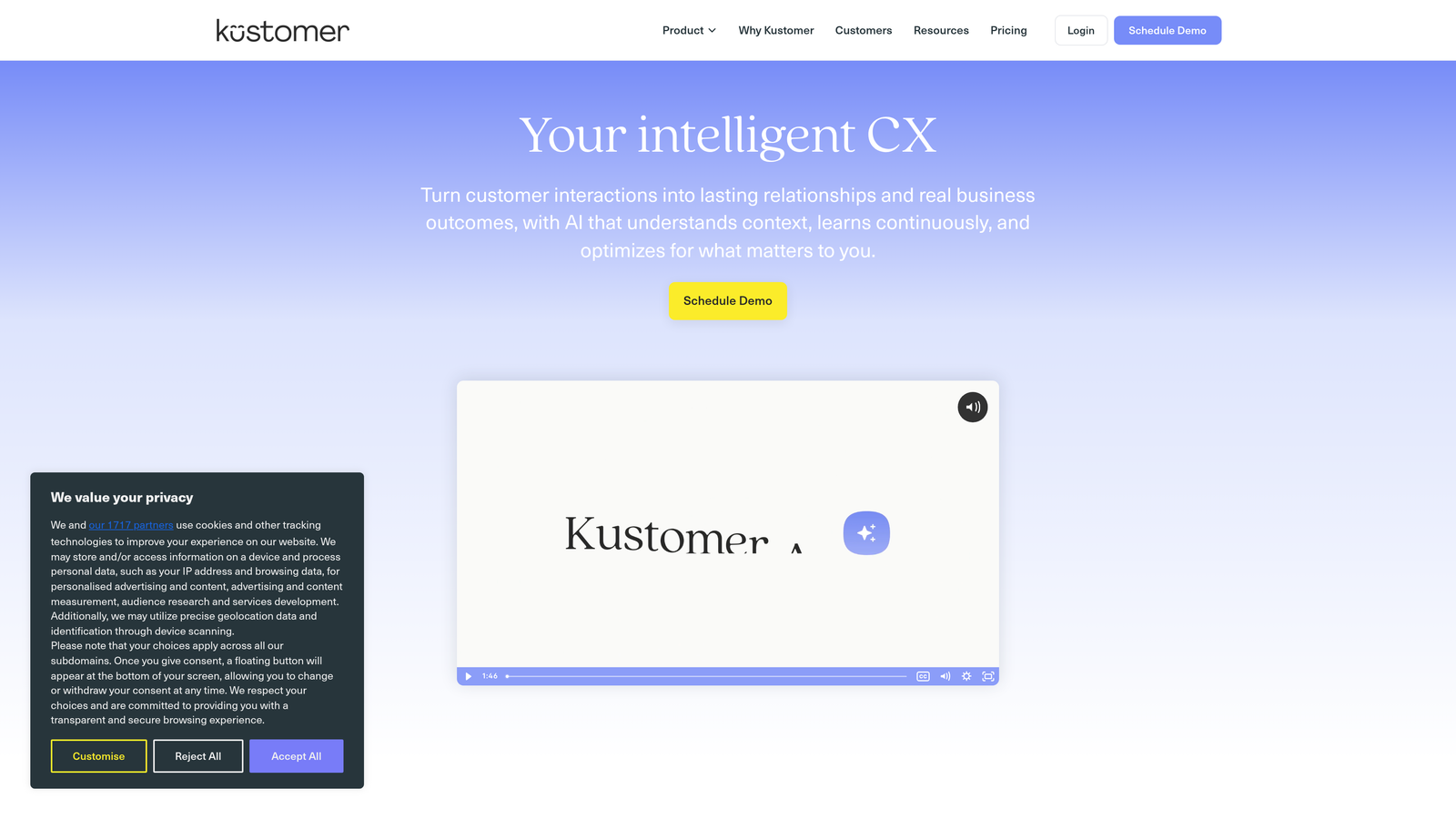
Kustomer is a CRM-native support platform that organizes interactions around a unified customer timeline rather than individual ticket queues, with AI workflows triggered by customer data and behavior.
Where This Tool Shines
Kustomer's core architectural decision, building around the customer rather than the ticket, creates a fundamentally different agent experience. Every interaction is visible in the context of the full customer relationship: purchase history, previous conversations, account status. For support teams operating in relationship-driven models, this context changes how agents approach every conversation.
The AI workflows in Kustomer trigger based on customer data and behavior rather than just keyword matching, which allows for more nuanced automation logic. A workflow can behave differently for a high-value customer versus a new user, which is difficult to replicate in ticket-centric platforms.
Key Features
Unified Customer Timeline: Every interaction, across all channels, organized around the customer record rather than individual tickets.
Data-Triggered AI Workflows: Automation logic that responds to customer attributes and behavior, not just inbound message content.
Omnichannel Support: Handles email, chat, social, and phone with CRM context available in every channel.
Relationship-Driven Model: Designed for teams where customer lifetime value and relationship quality are central to support strategy.
Best For
Support teams in high-touch industries where customer relationship context is as important as ticket resolution speed. Less suited for teams that primarily need high-volume autonomous deflection.
Pricing
Enterprise pricing; contact for a quote. Typically per-agent pricing at the enterprise tier.
7. Gorgias
Best for: E-commerce brands, particularly Shopify merchants, that need order-aware automation and revenue attribution tied to support.
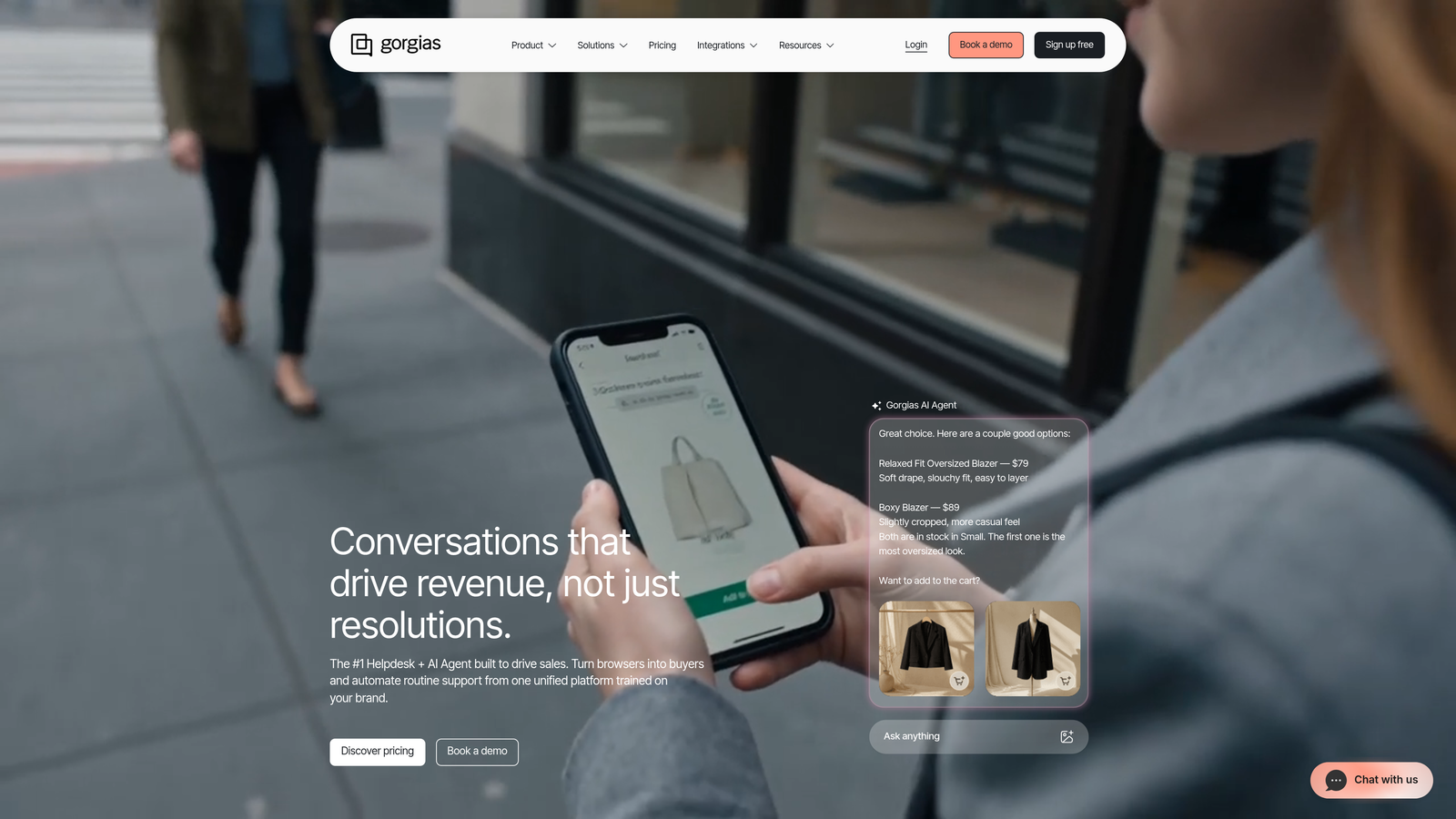
Gorgias is purpose-built for e-commerce support, with deep Shopify integration, order data pulled directly into ticket context, and revenue tracking tied to support interactions.
Where This Tool Shines
If you're running a DTC brand on Shopify, Gorgias is built specifically for your use case. Order status, tracking information, and purchase history appear directly in the ticket view without any manual lookup. Auto-close rules handle the high-volume, low-complexity queries that dominate e-commerce inboxes, like shipping status and return requests, without agent involvement.
The revenue attribution feature is genuinely useful for e-commerce teams trying to justify support investment. Connecting support interactions to downstream purchases gives you data that most support platforms simply don't surface. The trade-off is clear: Gorgias is purpose-built for e-commerce, and that focus shows in both its strengths and its limitations for non-e-commerce use cases.
Key Features
Native E-Commerce Integrations: Deep connections with Shopify, WooCommerce, and BigCommerce that pull order data directly into ticket context.
Auto-Close Rules: Automated handling of high-volume e-commerce queries like order status and tracking without agent involvement.
Revenue Attribution: Tracks the relationship between support interactions and customer purchases to quantify support's business impact.
Order-Aware Automation: Automation logic that can act on order data, not just message content, enabling more accurate and useful responses.
Best For
DTC and e-commerce brands on Shopify or WooCommerce with high volumes of order-related queries. Not designed for SaaS or B2B support environments.
Pricing
Starts at approximately $10/month for 50 tickets, with pricing scaling by ticket volume rather than agent seats.
8. Drift (Salesloft)
Best for: B2B companies where the same chat channel serves both support and sales qualification.
Drift, now part of the Salesloft revenue platform, is a conversational platform that blends support automation with sales qualification and routing in a single interface.
Where This Tool Shines
Drift's differentiation is the deliberate blending of support and sales workflows. For B2B companies where a website visitor might be a prospect, a current customer, or someone with a support issue, Drift's AI qualification logic routes conversations to the right team based on context. That's a genuinely useful capability when you don't want separate chat tools for support and sales.
The integration with Salesloft adds revenue context to conversations, which is valuable for teams where support interactions frequently touch commercial relationships. It's worth noting that Drift's product direction has evolved post-acquisition, so verifying current capabilities and pricing directly with the vendor is advisable before committing.
Key Features
AI-Powered Qualification: Chat AI that handles support queries and qualifies sales prospects within the same conversation flow.
Intelligent Routing: Routes conversations between support and sales teams based on visitor intent and account data.
Salesloft Integration: Revenue context from the Salesloft platform available in chat conversations for commercial-aware support.
Conversation Playbooks: Automated conversation flows that guide users through support or qualification paths based on their responses.
Best For
B2B companies where support and sales share a chat channel and need intelligent routing between functions. Less suited for teams that need a dedicated, high-volume support automation platform.
Pricing
Contact for pricing. Drift is enterprise-focused, and pricing has shifted post-acquisition. Direct verification with the vendor is recommended.
9. Help Scout
Best for: Teams that want clean, simple shared inbox tooling with selective AI assistance and no complex configuration.
Help Scout is a human-first support platform with a shared inbox, integrated knowledge base, and AI assistance designed to support agents rather than replace them.
Where This Tool Shines
Help Scout's philosophy is deliberately different from AI-native platforms: humans stay in control, and AI assists rather than acts autonomously. AI Drafts suggest responses that agents review and send, which suits teams where response quality and brand voice consistency are priorities over deflection volume. The clean UX is frequently cited by users as a reason they stay on the platform.
For small to mid-sized teams that don't need high-volume autonomous resolution, Help Scout removes a lot of the overhead that comes with more complex platforms. There's no lengthy configuration process, no dedicated admin requirement, and the integrated Docs knowledge base and Beacon chat widget cover the core self-service use case without additional tooling.
Key Features
AI Drafts: AI-generated response suggestions that agents review before sending, keeping humans in control of every customer interaction.
Beacon Chat Widget: Embedded chat with integrated docs surfacing, allowing users to find answers before escalating to an agent.
Shared Inbox: Clean, collaborative inbox without the complexity of enterprise ticketing systems.
Built-In Knowledge Base (Docs): Integrated self-service documentation that connects directly to the support workflow.
Best For
Small to mid-sized teams that prioritize response quality and simplicity over autonomous resolution volume. Not the right fit for teams that need high deflection rates or complex automation logic.
Pricing
Starts at approximately $22/user/month, with straightforward per-seat pricing and no resolution-based add-ons.
Requirements Checklist: Questions to Ask Before You Buy
Before you book a demo or start a trial, get clear answers to these questions. The platforms that can answer them confidently are the ones worth your time.
Autonomous resolution scope: What percentage of our specific ticket types does the AI handle autonomously today? Ask for a breakdown by category, not just an overall number. Aggregate resolution rates can mask weak performance in the categories that matter most to your team.
Edge case handling: How does the system handle topics it doesn't know? A platform that escalates gracefully is very different from one that generates a confident but wrong answer. Ask to see this demonstrated with your own data, not a vendor-curated demo scenario.
Integration depth: What does the integration with your CRM, billing system, or project management tool actually do? Read data only, or read and write? A Zapier connection is not the same as a native integration, and that distinction matters for automation quality.
Time to value: How long does it take to reach meaningful automation rates after deployment? Some platforms require weeks of training data before the AI performs reliably. Others are functional within days. Know which you're buying.
Error handling: When the AI is wrong, who catches it and how? What's the feedback loop that prevents the same mistake from recurring? This is a question many vendors struggle to answer clearly, which itself is informative.
Pricing model: Is pricing based on seats, resolutions, or usage? What does overage look like? Per-resolution pricing can become unpredictable at scale; per-seat pricing can be expensive for large teams with low ticket volume. Make sure the model fits your usage pattern.
Finding the Right Fit for Your Operation
The honest answer is that no single platform wins across every use case. Here's a quick orientation by situation.
If you're a SaaS team that wants AI-first autonomous resolution with business intelligence, Halo AI is worth evaluating first. The page-aware context, auto bug ticket creation, and smart inbox capabilities are differentiated, and the AI-native architecture means you're not fighting against a legacy ticketing model to get autonomous resolution working.
If you're an enterprise team with complex SLA requirements and a large existing stack, Zendesk's maturity and marketplace depth are hard to match. If you're already deep in the Intercom ecosystem, adding Fin AI is a lower-friction path than migrating platforms.
For e-commerce brands on Shopify, Gorgias is purpose-built for your use case in a way that general-purpose platforms aren't. For teams that want human oversight to stay central, Help Scout's deliberate approach to AI assistance is a feature, not a limitation.
For B2B companies where support and sales share a chat channel, Drift's qualification and routing logic solves a real problem. For SMBs watching budget, Freshdesk's pricing and omnichannel coverage offer strong value without enterprise-level spend.
Your support team shouldn't scale linearly with your customer base. Let AI agents handle routine tickets, guide users through your product, and surface business intelligence while your team focuses on complex issues that need a human touch. See Halo in action and discover how continuous learning transforms every interaction into smarter, faster support.