9 Best Support Automation Platforms in 2026: Selection Criteria & Top Picks
Choosing a support automation platform is high-stakes — the wrong pick wastes months of implementation time and leaves customers underserved. This guide evaluates nine platforms against eight concrete support automation platform selection criteria, from AI resolution quality and continuous learning to integration depth and total cost of ownership, giving B2B teams a clear framework for making the right call in 2026.
 Grant CooperFounder15 min read
Choosing the wrong support automation platform can mean months of wasted implementation time, frustrated agents, and customers who still can't get answers fast enough. The market is crowded, ranging from legacy helpdesks bolting on AI features to purpose-built AI-native platforms that operate autonomously from day one.
This guide cuts through the noise. We evaluated nine platforms against the criteria that actually matter for B2B teams: AI resolution quality and learning capability, integration depth, escalation handling, analytics beyond vanity metrics, and total cost of ownership. Whether you're migrating from a traditional helpdesk or building your support stack from scratch, these are the platforms worth your evaluation time.
Selection criteria used: AI resolution quality, continuous learning capability, context awareness, native integrations, live agent handoff quality, business intelligence depth, deployment speed, and pricing transparency.
What Separates Good Support Automation from Great Support Automation
Before diving into the tools, it's worth understanding the two distinct categories that have emerged in this market. The first is legacy helpdesks with AI added: platforms like Zendesk, Freshdesk, and Salesforce Service Cloud that built their foundations on ticket management and layered AI on top, often through acquisitions or partnerships. These tend to have deep feature sets and enterprise compliance credentials, but the AI can feel bolted on rather than native.
The second category is AI-native platforms, built from the ground up with autonomous resolution as the primary goal. These typically offer faster time-to-value, continuous learning from every interaction, and more autonomous operation. They may have fewer legacy features but integrate deeply with modern SaaS stacks.
When evaluating any platform, push vendors on these specific questions: What percentage of tickets does your AI resolve end-to-end without human intervention? How does the AI learn from new tickets, automatically or through manual retraining? What happens exactly when the AI doesn't know the answer? Which integrations are native versus webhook or Zapier workarounds?
Red flags to watch for: vague AI claims without demo evidence, pricing that requires custom quotes for basic tiers, and no clear escalation path. Green flags: willingness to demo on your actual use cases, transparent pricing, and references from companies with similar profiles to yours.
1. Halo AI
Best for: B2B SaaS teams that want autonomous ticket resolution without scaling headcount
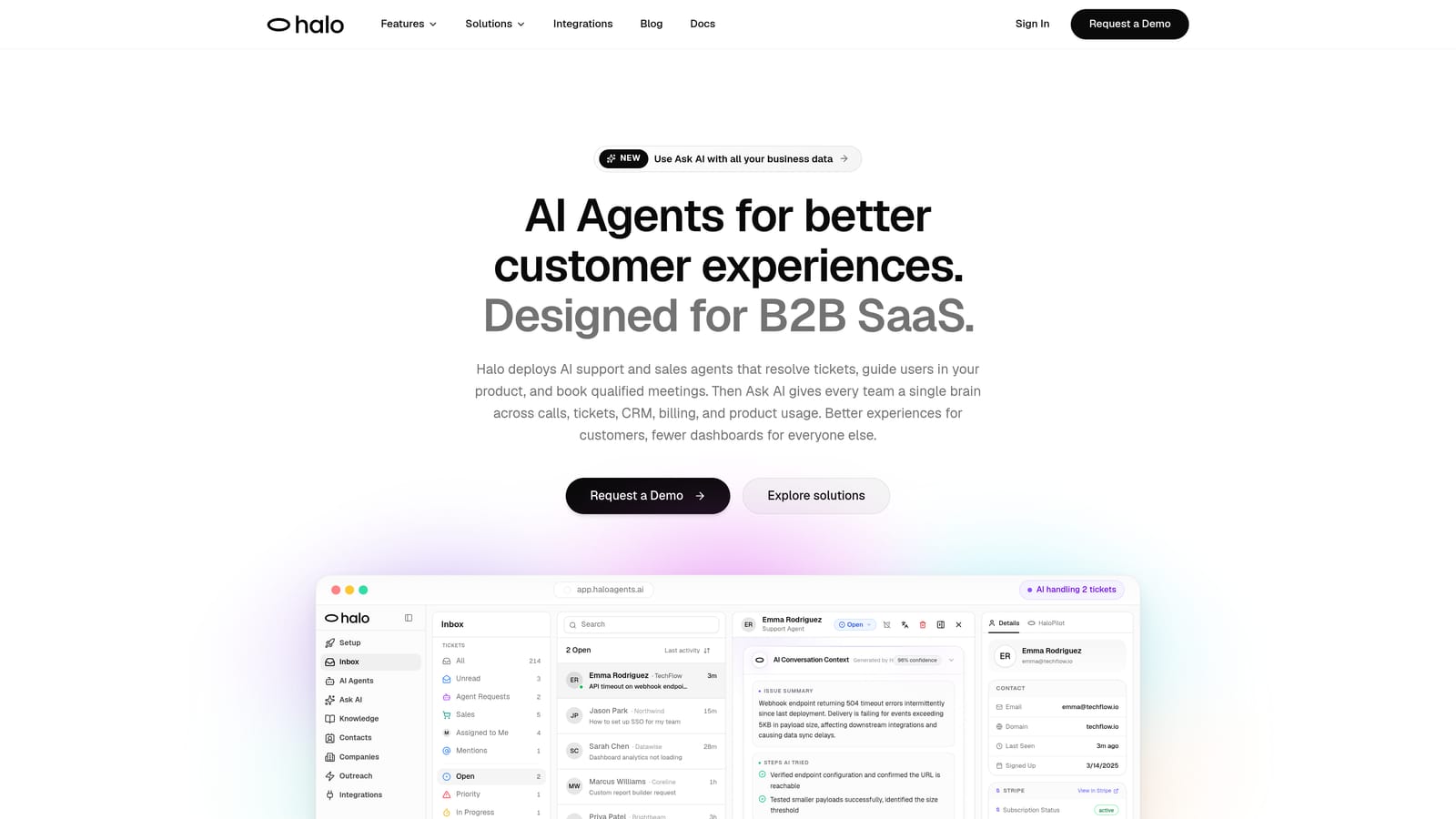
Halo AI is an AI-native customer support platform that resolves tickets autonomously, guides users through your product with page-aware context, and surfaces business intelligence that goes well beyond standard support metrics.
Where This Tool Shines
Halo AI's most distinctive capability is its page-aware chat widget. Unlike traditional chat tools that treat every conversation the same, Halo understands exactly where a user is in your product, what they're looking at, and what they're likely trying to accomplish. This context makes AI responses dramatically more relevant without requiring the user to explain their situation from scratch.
The platform also stands out for its business intelligence layer. The smart inbox surfaces customer health signals, revenue intelligence, and anomaly detection, turning your support data into strategic insights rather than just ticket counts. For B2B SaaS teams where a single churned account can be significant, this kind of signal is genuinely valuable.
Key Features
Page-Aware Chat Widget: Understands what users are viewing in your product to deliver contextually relevant responses without requiring users to re-explain their situation.
Autonomous Ticket Resolution: AI agents resolve tickets end-to-end with continuous learning from every interaction, improving accuracy over time without manual retraining.
Auto Bug Ticket Creation: Automatically identifies and routes bug reports directly to engineering via native Linear integration, closing the loop between support and product.
Smart Inbox with Business Intelligence: Surfaces customer health signals, revenue intelligence, and anomaly detection alongside standard support metrics.
Native Integration Stack: Connects natively with Slack, HubSpot, Intercom, Stripe, Zoom, PandaDoc, Fathom, and Linear, not through Zapier workarounds.
Graceful Live Agent Handoff: Escalates to human agents with full conversation context preserved, so agents never start cold.
Best For
Halo AI is purpose-built for B2B SaaS teams that need to scale support without scaling headcount. It's particularly well-suited for product-led growth companies where support, product feedback, and customer health monitoring need to work together rather than in silos.
Pricing
Contact for pricing. Halo AI is built for B2B SaaS teams and pricing reflects team size and usage volume. Reach out directly for a tailored quote.
2. Intercom
Best for: Teams that want conversational in-product support with strong lifecycle messaging
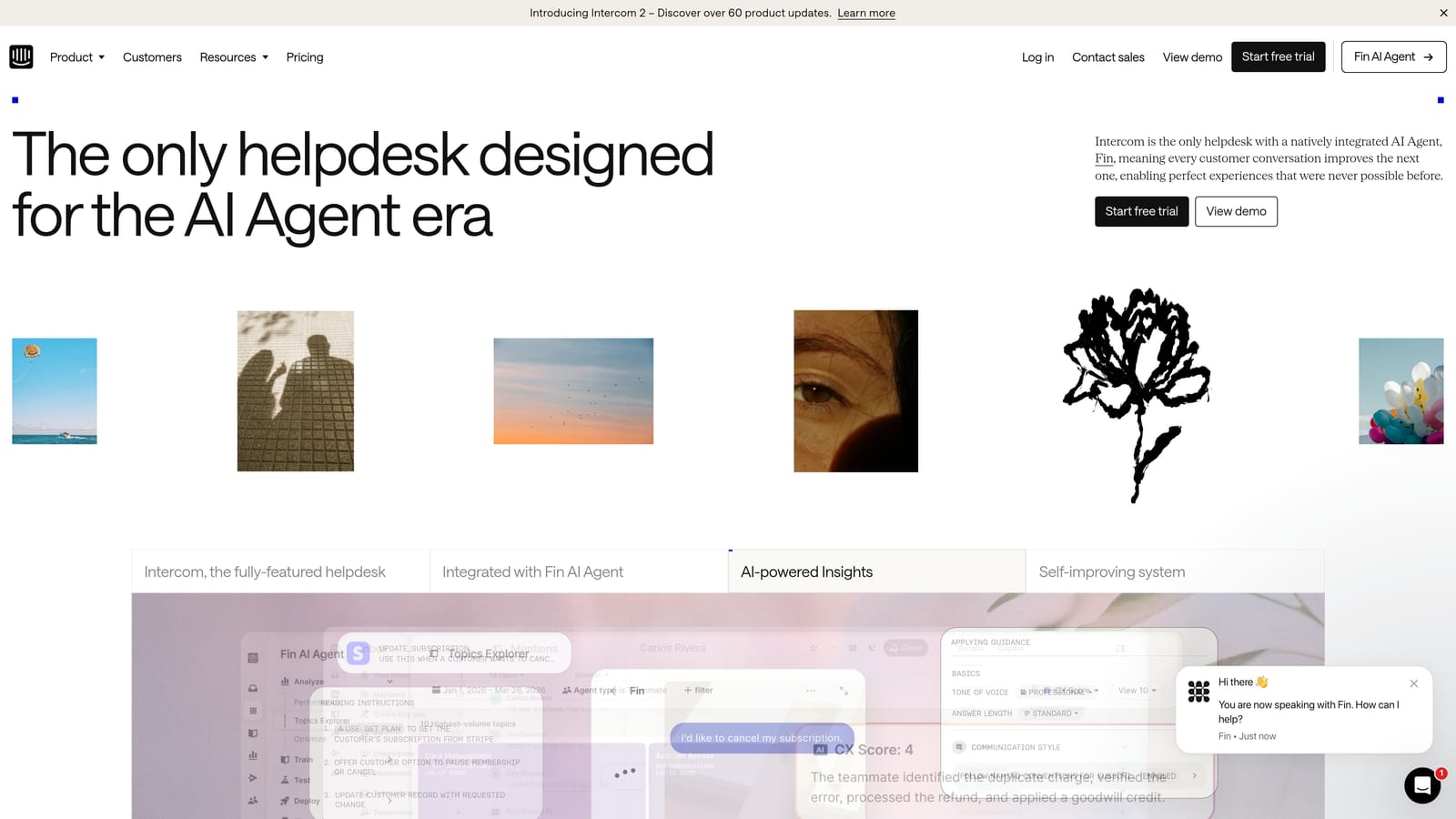
Intercom is a well-established conversational support platform with a Fin AI agent for autonomous query resolution and strong in-product messaging capabilities.
Where This Tool Shines
Intercom's Fin AI agent handles common queries by drawing from your knowledge base, and the platform's conversational UX is genuinely polished. For teams that want support to feel like a natural extension of the product experience, Intercom delivers that better than most.
Where Intercom particularly excels is in combining support with customer lifecycle communication. If your team needs to send targeted in-app messages, onboarding sequences, and support responses from a single platform, Intercom's unified approach reduces tool sprawl significantly.
Key Features
Fin AI Agent: Resolves common queries autonomously using your knowledge base content, with handoff to human agents when needed.
Unified Inbox: Combines chat, email, and in-app messaging into a single view for agents.
In-Product Messaging: Supports customer lifecycle communication including onboarding flows, announcements, and proactive outreach.
Conversation Routing: Intelligent assignment and routing automation based on conversation content and customer attributes.
Integration Ecosystem: Broad third-party integrations covering CRM, analytics, and productivity tools.
Best For
Intercom suits growth-stage SaaS companies that want support and customer communication in one platform. Teams that rely heavily on in-app messaging for onboarding and lifecycle campaigns will find the combined toolset particularly efficient.
Pricing
Starts at approximately $39/month; scales with seat count and usage volume. Pricing can increase significantly for larger contact volumes, so model your expected usage carefully before committing.
3. Zendesk
Best for: Large enterprises with complex multi-channel support operations
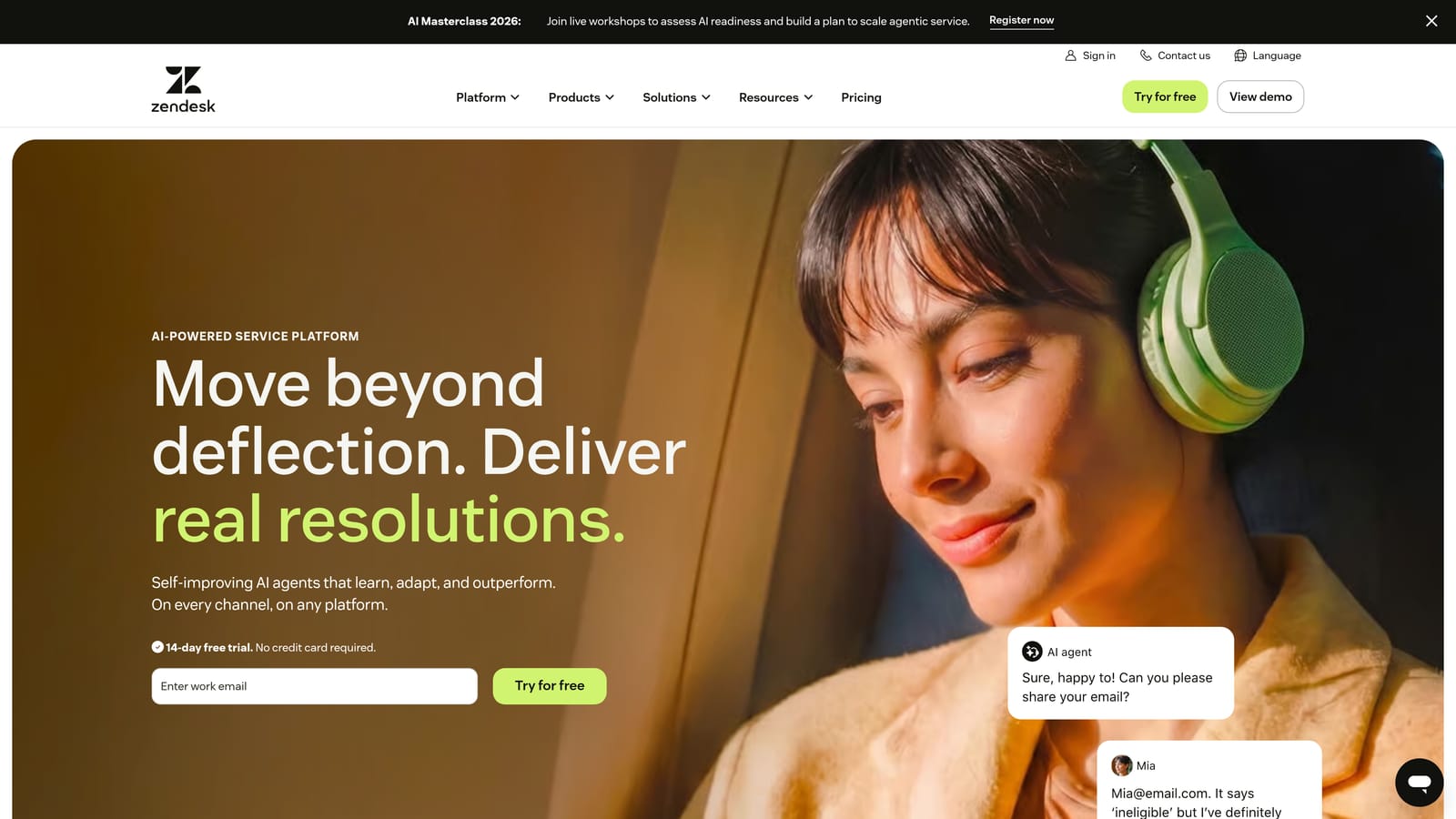
Zendesk is the market-leading enterprise ticketing platform with AI Agents layered onto mature multi-channel support infrastructure.
Where This Tool Shines
Zendesk's depth is unmatched in the enterprise tier. SLA management, CSAT tracking, compliance features, and complex routing logic have been refined over years of enterprise deployments. If you need omnichannel coverage across email, chat, voice, social, and messaging with detailed audit trails and reporting, Zendesk has the infrastructure to support it.
The trade-off is configuration complexity. Zendesk typically requires dedicated admin resources to set up and maintain properly. The AI capabilities, while improving, still feel more like additions to a ticket-first workflow than a native AI-first experience. Teams with lean ops capacity should factor in the ongoing maintenance overhead.
Key Features
AI Agents: Handles ticket deflection and automated responses, evolved significantly from the earlier Answer Bot product.
SLA and Compliance Management: Deep SLA tracking, CSAT measurement, and compliance features suited for regulated industries.
Omnichannel Coverage: Email, chat, voice, social, and messaging all managed from a single platform.
Marketplace Integrations: Extensive third-party integration catalog covering most enterprise software categories.
Advanced Reporting: Customizable dashboards and analytics with drill-down capability for large support operations.
Best For
Zendesk is the right choice for large organizations with dedicated support operations teams, complex routing requirements, and enterprise compliance needs. It's less ideal for lean SaaS teams that want fast deployment and autonomous AI resolution out of the box.
Pricing
Suite plans start at approximately $55/agent/month; enterprise tiers with advanced AI and compliance features are priced significantly higher. Expect additional costs for AI add-ons at scale.
4. Freshdesk
Best for: SMBs and mid-market teams looking for affordable omnichannel helpdesk capabilities
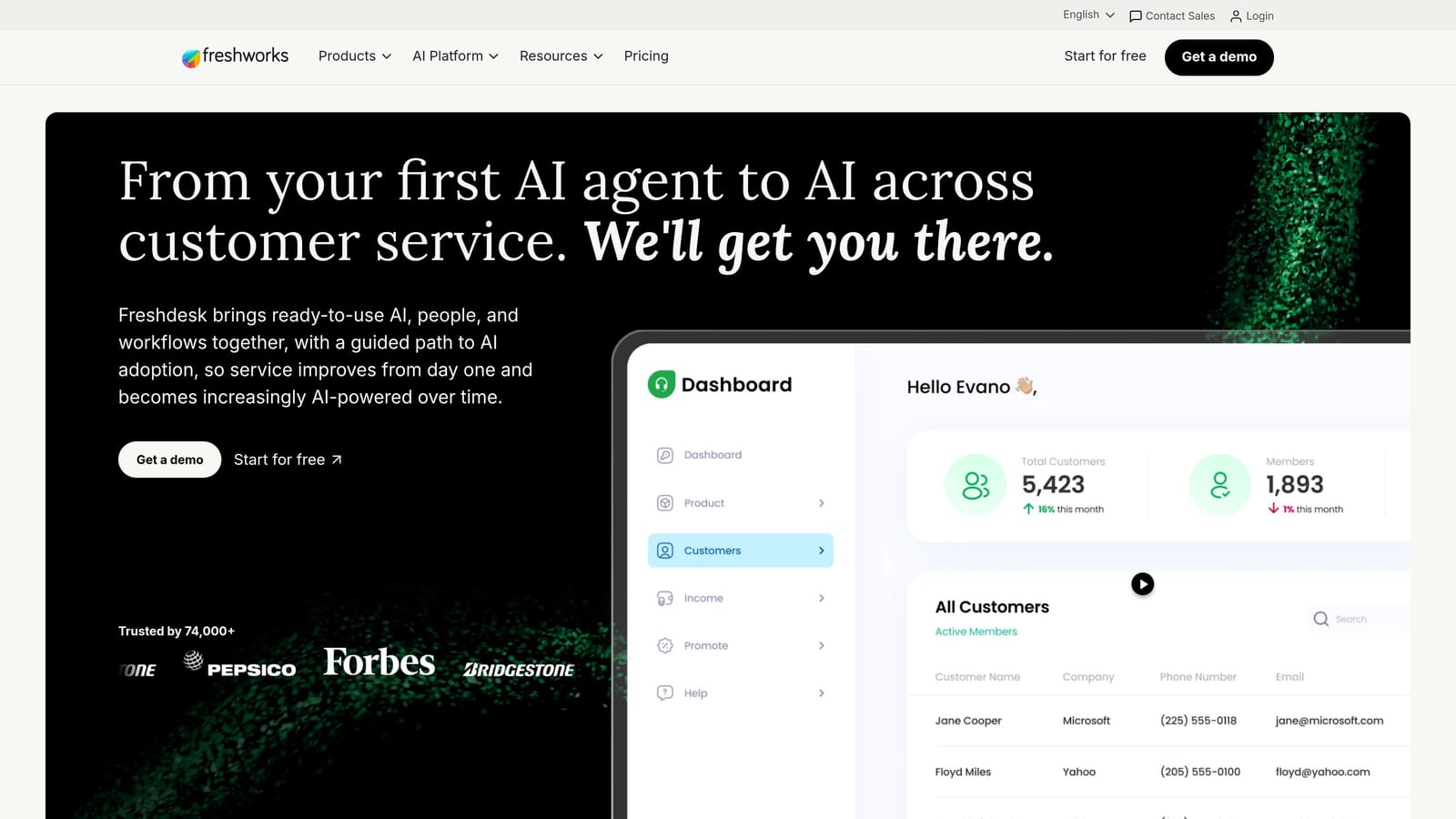
Freshdesk is an SMB-friendly omnichannel helpdesk with Freddy AI for automation, response suggestions, and ticket summarization.
Where This Tool Shines
Freshdesk punches above its price point for teams that need solid omnichannel coverage without enterprise-level spend. The platform handles email, chat, phone, and social media from a unified inbox, and Freddy AI adds useful automation layers including response suggestions and ticket summarization.
The collision detection feature is a practical differentiator for smaller teams: it prevents two agents from accidentally working the same ticket simultaneously, which is a surprisingly common problem in shared inboxes. The free tier also makes Freshdesk genuinely accessible for early-stage teams testing their support workflows.
Key Features
Freddy AI: Provides auto-suggestions, ticket summarization, and resolution assistance to help agents work faster.
Omnichannel Inbox: Manages email, chat, phone, and social media support from a single unified view.
Collision Detection: Alerts agents when another team member is already working on a ticket to prevent duplicate effort.
Canned Responses and Workflow Automation: Pre-built response templates and automation rules to reduce repetitive manual work.
Free Tier: A functional free plan available for small teams with basic needs.
Best For
Freshdesk suits SMBs and mid-market teams that need reliable omnichannel support without the cost or complexity of enterprise platforms. Teams moving off email-only support for the first time will find the onboarding straightforward.
Pricing
Free plan available for small teams; paid plans start at approximately $15/agent/month. A solid value for the feature set at the SMB tier.
5. Salesforce Service Cloud
Best for: Enterprises already invested in the Salesforce ecosystem
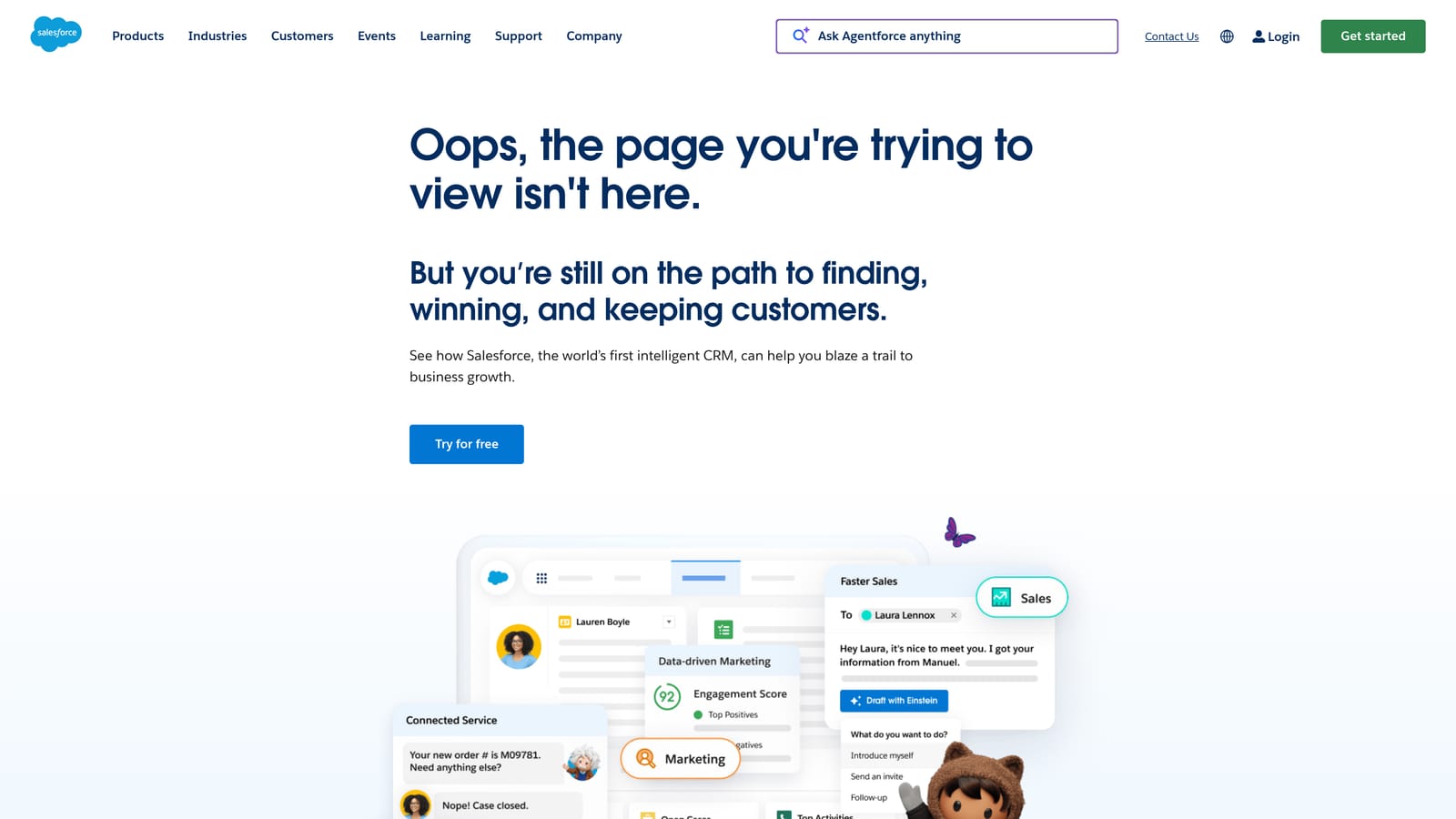
Salesforce Service Cloud is an enterprise support platform deeply integrated with Salesforce CRM, using Einstein AI to personalize service interactions with full customer data context.
Where This Tool Shines
If your organization runs on Salesforce, Service Cloud is the natural extension for support. Einstein AI draws on your full CRM data to personalize support interactions with context that standalone helpdesks simply can't match: purchase history, deal stage, account health, and more all inform how cases are handled.
The platform's breadth is also notable. Case management, SLA tracking, entitlement management, field service, and self-service portals are all available within the same ecosystem. For enterprises with complex service operations spanning multiple channels and customer segments, that consolidation has real value. The catch is implementation complexity: Service Cloud typically requires system integrator partners and significant configuration time before it delivers that value.
Key Features
Einstein AI: Leverages CRM data for personalized, context-rich support interactions informed by the full customer record.
360-Degree Customer View: Connects sales, service, and marketing data in a single customer profile.
Case and Entitlement Management: Advanced SLA tracking and entitlement rules for complex service agreements.
Self-Service and Field Service: Customer portal and field service capabilities for organizations with diverse service channels.
Salesforce Ecosystem Integration: Native connection to the full Salesforce platform including Sales Cloud, Marketing Cloud, and AppExchange.
Best For
Salesforce Service Cloud is the right fit for enterprises already operating in the Salesforce ecosystem that need support tightly integrated with CRM data. It's generally overkill for SMBs or teams without existing Salesforce infrastructure.
Pricing
Starts at approximately $25/user/month for the Starter tier; enterprise plans with full AI and customization capabilities are significantly higher. Factor in implementation and ongoing admin costs when evaluating total cost of ownership.
6. Drift (Salesloft)
Best for: Revenue teams where sales and support conversations overlap significantly
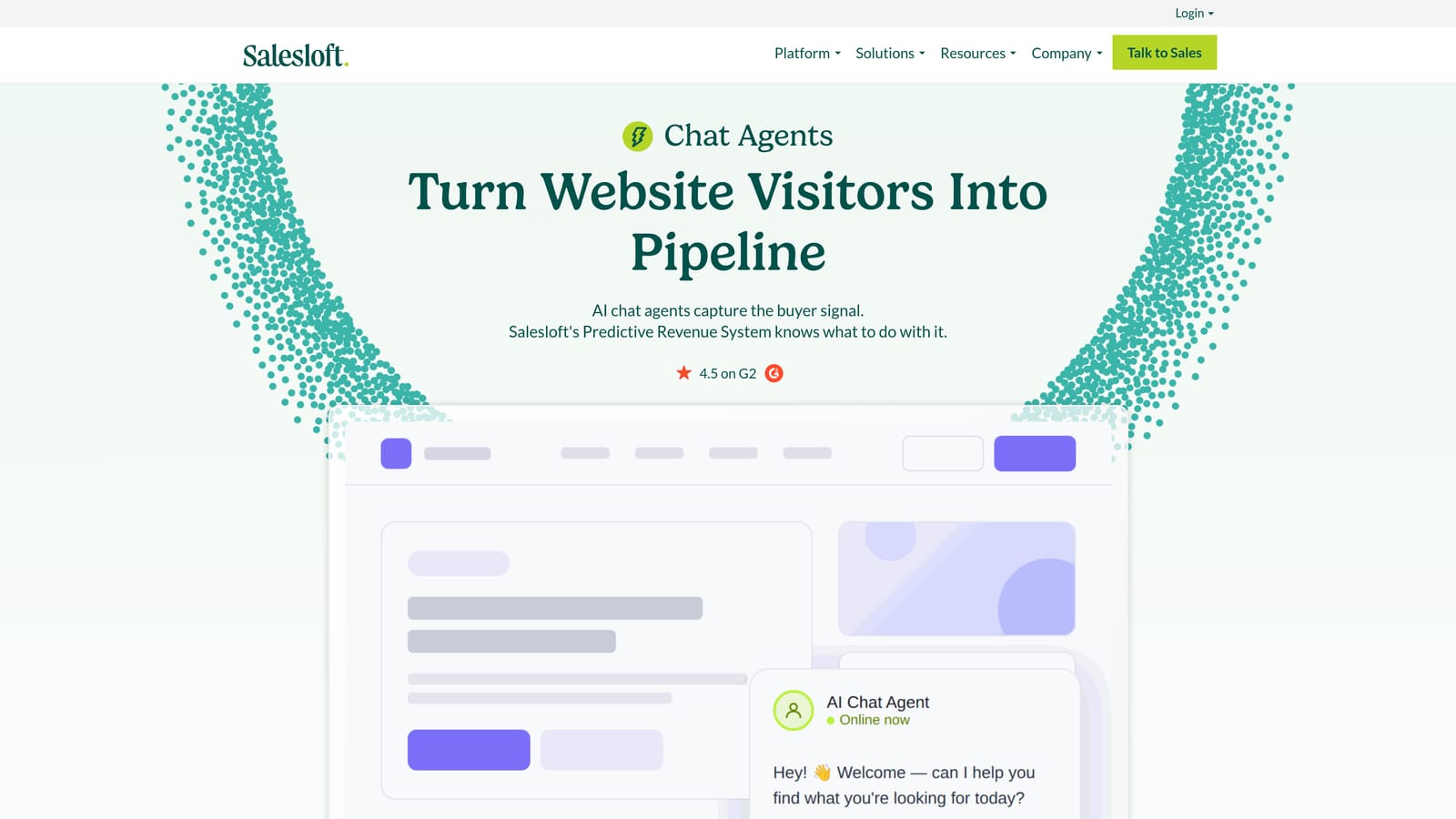
Drift is a conversational AI platform bridging support and revenue generation, with strong chatbot routing for B2B teams where sales and support functions intersect.
Where This Tool Shines
Drift's strength lies at the intersection of support and revenue. If your support conversations frequently surface upsell opportunities, or if prospects and customers interact through the same chat channel, Drift's playbook-driven approach to conversation routing is genuinely useful. The platform can qualify visitors, route them to the right team, and schedule meetings without human intervention.
Since the Salesloft acquisition, Drift has leaned further into revenue-focused use cases. For pure support automation, other platforms on this list may offer deeper resolution capabilities. But for B2B teams where support is part of a broader revenue motion, Drift's integrated approach reduces the friction of handing conversations between sales and support.
Key Features
AI Chatbot for Routing: Qualifies conversations and routes them intelligently based on visitor behavior and attributes.
Playbooks: Configurable conversation flows that guide interactions based on visitor context and intent signals.
Meeting Scheduling: Integrates calendar booking directly into chat flows to reduce back-and-forth friction.
Revenue Attribution Reporting: Tracks support-influenced pipeline to connect support activity to revenue outcomes.
CRM Integrations: Native connections to Salesforce, HubSpot, and other major CRM platforms.
Best For
Drift suits B2B revenue teams that need conversational AI bridging sales and support. It's less suited for teams focused primarily on deep ticket resolution or high-volume autonomous support without a revenue component.
Pricing
Custom pricing following the Salesloft acquisition. Contact sales for current plans and packaging, as pricing structures have evolved post-merger.
7. Gladly
Best for: High-volume consumer brands that want to organize support around people, not tickets
Gladly is a people-centric support platform that organizes all conversations around the customer rather than individual tickets, with AI assist capabilities for high-volume consumer brands.
Where This Tool Shines
Gladly's core philosophy is a genuine differentiator: instead of ticket numbers, every customer has a single lifelong conversation timeline. Agents see the complete history of every interaction across every channel in one view, which eliminates the frustrating experience of customers repeating themselves every time they reach out.
This model works particularly well for consumer brands with high repeat-contact rates. Retail and DTC companies find Gladly's approach aligns well with their customer relationship goals. For pure B2B SaaS contexts, the platform is less commonly deployed, and some of the AI capabilities are more focused on agent assist than fully autonomous resolution.
Key Features
Lifelong Customer Timeline: All conversations across every channel appear in a single, chronological customer view without ticket numbers fragmenting the history.
AI-Powered Agent Assist: Suggested responses and routing assistance to help agents work more efficiently.
Omnichannel Coverage: Voice, chat, email, SMS, and social media managed from a unified platform.
Task Automation and Routing: Intelligent routing rules and task automation to manage conversation flow.
Customer Lifetime Value Reporting: Built-in reporting focused on CLV metrics rather than purely operational support data.
Best For
Gladly is best suited for mid-market and enterprise consumer brands, particularly in retail, DTC, and subscription commerce, where customer relationship continuity is a core service differentiator. B2B SaaS teams may find other platforms a better fit.
Pricing
Custom pricing targeted at mid-market and enterprise brands. Contact Gladly directly for current pricing based on your team size and volume.
8. Kustomer
Best for: Subscription and e-commerce businesses that want CRM-native support
Kustomer is a CRM-native support platform with a full customer timeline view and AI-powered workflows, well-suited for subscription and e-commerce businesses.
Where This Tool Shines
Kustomer's built-in CRM is its defining feature. Rather than integrating with a separate customer database, Kustomer aggregates all customer touchpoints, purchase history, and behavioral data into a single timeline that agents see immediately when a conversation opens. This context enables more intelligent AI workflows triggered by customer data rather than just conversation content.
One consideration worth noting: Kustomer is owned by Meta, which raises data governance questions for some enterprise buyers, particularly in regulated industries or markets with strict data residency requirements. It's worth raising this directly with Kustomer's team during evaluation if data privacy is a priority for your organization.
Key Features
Customer Timeline: Aggregates all touchpoints, purchase history, and interactions in a single unified view for agents.
AI Workflows: Automation triggered by customer data and behavioral signals, not just conversation keywords.
Omnichannel Inbox: Intelligent routing across chat, email, social, and messaging channels.
Built-In CRM: Reduces the need for a separate customer database, keeping all data in one platform.
Proactive Support Capabilities: Triggers outreach based on customer signals before issues escalate.
Best For
Kustomer is a strong fit for subscription businesses and e-commerce companies where customer purchase data should directly inform support interactions. Teams that want CRM and support in one platform without maintaining separate systems will find the consolidated approach appealing.
Pricing
Starts at approximately $89/user/month; enterprise pricing available for larger deployments. Higher per-seat cost reflects the combined CRM and support functionality.
9. Help Scout
Best for: Small teams that want support to feel human without complex tooling
Help Scout is a simple, email-native support platform with AI drafts and summarization, designed for small teams that want effective support without heavyweight configuration.
Where This Tool Shines
Help Scout's greatest strength is its simplicity. The interface is clean, the learning curve is minimal, and the platform stays out of the way so agents can focus on conversations. For small teams that want support to feel personal and human rather than automated, Help Scout's email-native approach is genuinely well-executed.
The AI features are practical rather than transformative: AI Drafts suggests email responses based on conversation context, and AI Summarize helps agents quickly catch up on long threads. These are useful productivity additions rather than autonomous resolution capabilities. Teams expecting high-volume AI deflection will need to look elsewhere, but teams prioritizing quality human responses with AI assistance will find Help Scout's approach well-calibrated.
Key Features
AI Drafts: Suggests email responses based on conversation context to speed up agent replies without removing the human touch.
AI Summarize: Quickly condenses long conversation threads so agents can get up to speed without reading every message.
Shared Inbox with Collision Detection: Prevents duplicate agent responses with real-time collision alerts and private internal notes.
Docs Knowledge Base: Built-in self-service documentation with search, reducing inbound volume for common questions.
Simple Reporting: Focused on response time and happiness score, keeping metrics accessible without overwhelming complexity.
Best For
Help Scout is ideal for small teams, early-stage startups, and organizations where support volume is manageable and the priority is quality human interaction over autonomous resolution. It's not designed for complex automation or enterprise-scale ticket volumes.
Pricing
Starts at approximately $22/user/month with a free trial available. One of the more straightforward pricing structures on this list, which is consistent with the platform's overall philosophy of simplicity.
Matching the Right Platform to Your Team
The honest answer is that no single platform is right for every team. The decision comes down to where you are in your growth stage, what your existing stack looks like, and how much autonomous resolution you actually need versus how much human-assisted support you want to preserve.
Here's a quick framework to help narrow your choice:
If you're a B2B SaaS team scaling without scaling headcount: Halo AI's AI-native architecture, page-aware context, and business intelligence layer make it the strongest fit. The continuous learning capability means the system improves with every ticket rather than requiring manual retraining.
If you're a growth-stage SaaS company that also needs lifecycle messaging: Intercom's combined support and customer communication platform reduces tool sprawl and delivers a polished conversational experience.
If you're a large enterprise with complex compliance and routing requirements: Zendesk or Salesforce Service Cloud have the depth and compliance credentials to handle enterprise-scale operations, though both require significant configuration investment.
If you're an SMB looking for affordable omnichannel coverage: Freshdesk's pricing and feature set offer strong value at the SMB tier, with a free plan for teams just getting started.
If you're a small team that wants simplicity above all else: Help Scout's clean, email-native approach keeps things human and manageable without overwhelming your team with configuration complexity.
One final piece of advice: whatever platform you shortlist, insist on a live demo using your actual support scenarios, not a scripted walkthrough. The difference between a platform that looks good in a demo and one that actually handles your edge cases is where most implementation disappointments originate.
Your support team shouldn't scale linearly with your customer base. Let AI agents handle routine tickets, guide users through your product, and surface business intelligence while your team focuses on complex issues that need a human touch. See Halo in action and discover how continuous learning transforms every interaction into smarter, faster support.