9 Best Support Conversation Analysis Tools in 2026
Support conversation analysis tools help B2B and SaaS teams move beyond reactive ticket-closing by surfacing patterns, churn signals, and agent performance gaps across hundreds of interactions. This guide ranks nine AI-powered platforms — evaluated on ML capabilities, helpdesk integrations, and actionability of insights — so teams can choose the right tool for turning raw support data into proactive intelligence.
 Grant CooperFounder13 min read
Every support conversation is a data point, but most teams only read the ones that escalate. The rest get closed, archived, and forgotten — taking with them the product friction signals, churn indicators, and agent performance gaps that could have changed how your team operates.
Support conversation analysis tools change that equation. They surface patterns across hundreds or thousands of interactions, turning raw ticket and chat data into actionable intelligence. Whether you're looking for AI-driven resolution, automated QA scoring, CSAT trend analysis, or full-stack business intelligence, there's a tool built for your workflow.
This list covers nine tools that help B2B and SaaS teams extract real intelligence from support interactions. Selection criteria include native AI or ML analysis capabilities, integration depth with common helpdesks, actionability of insights, and suitability for B2B SaaS teams. Tools are ranked by overall value for teams looking to move from reactive support to proactive intelligence.
1. Halo AI
Best for: SaaS teams that want AI-native ticket resolution and business intelligence from support conversations
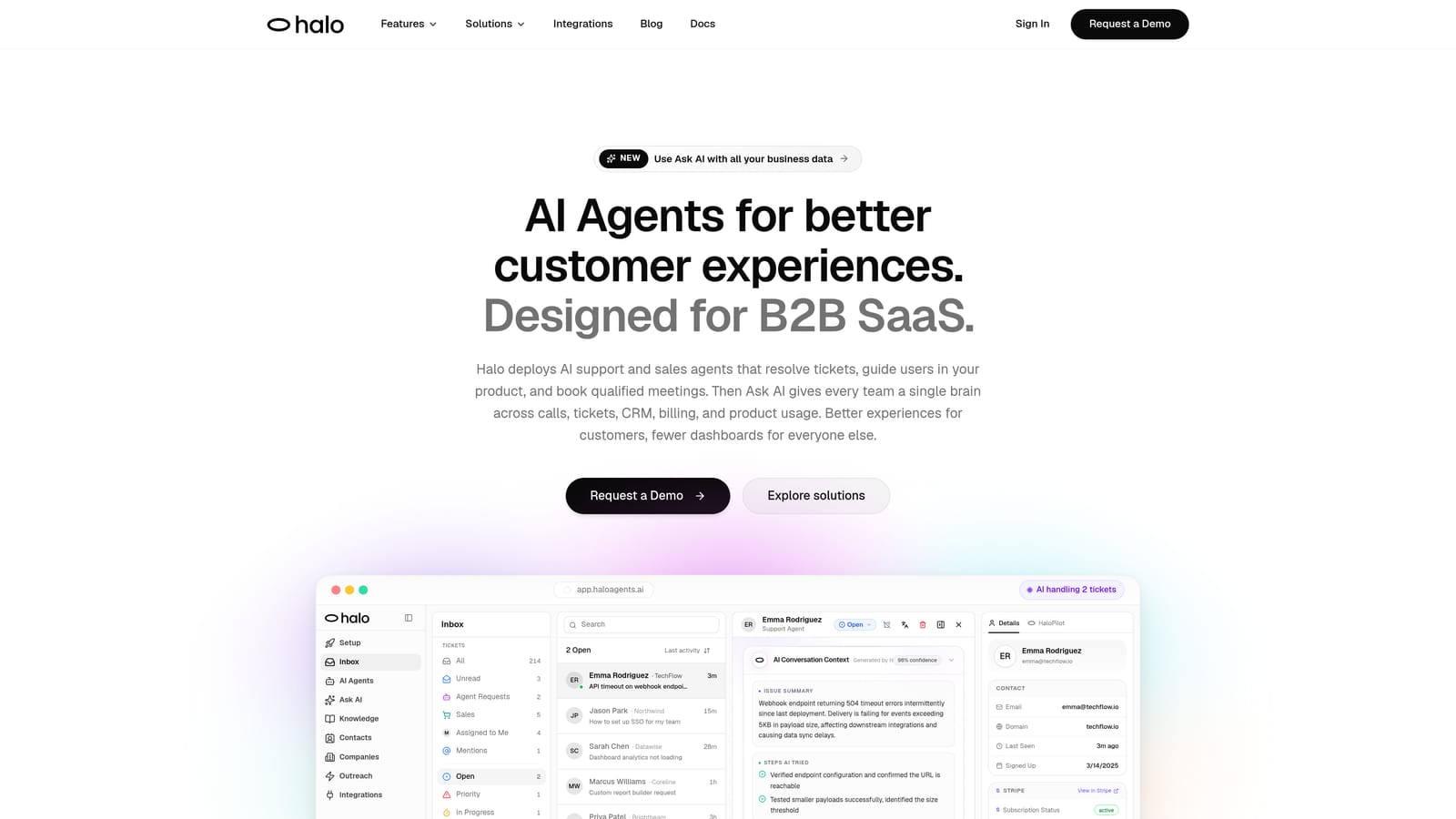
Halo AI is an AI-first customer support platform that resolves tickets autonomously while converting conversation patterns into business intelligence that feeds product and revenue workflows.
Where This Tool Shines
Most support tools tell you what happened after the fact. Halo AI is different because analysis isn't a separate reporting layer — it's a byproduct of the resolution process itself. The smart inbox continuously processes conversations to surface customer health signals, revenue anomalies, and product friction patterns as they emerge, not in a weekly dashboard review.
The page-aware context is a genuine differentiator. Halo's AI agents see what the user sees in real time, which means resolutions are contextual rather than generic. That same contextual awareness feeds into richer conversation data, because the system understands not just what a user asked but where they were in your product when they asked it.
Key Features
Smart Inbox with Business Intelligence: Surfaces customer health signals, revenue intelligence, and anomaly detection beyond standard support metrics — turning your inbox into a strategic data source.
Page-Aware AI Agents: AI sees the user's current product context to deliver precise, situationally relevant resolutions rather than generic answers.
Auto Bug Ticket Creation: Automatically routes bug reports from support conversations directly to Linear, closing the loop between support and engineering without manual handoffs.
Live Agent Handoff: Transfers complex conversations to human agents with full context preserved, so agents never start from scratch.
Continuous Learning: Every resolved interaction improves the system's future performance, compounding intelligence over time rather than staying static.
Multi-Stack Integrations: Connects with HubSpot, Slack, Stripe, Intercom, Zoom, PandaDoc, and Fathom — meaning conversation insights flow into the tools your product, sales, and success teams already use.
Best For
B2B SaaS teams that want support intelligence feeding directly into product and revenue workflows, not just support metrics. Particularly well-suited for teams scaling support without scaling headcount, and for organizations where the boundary between support, CS, and product discovery overlaps.
Pricing
Contact for pricing. A demo is available at haloagents.ai to see the platform in action before committing.
2. Intercom
Best for: Teams already using Intercom who want native conversation analytics alongside their support workflows
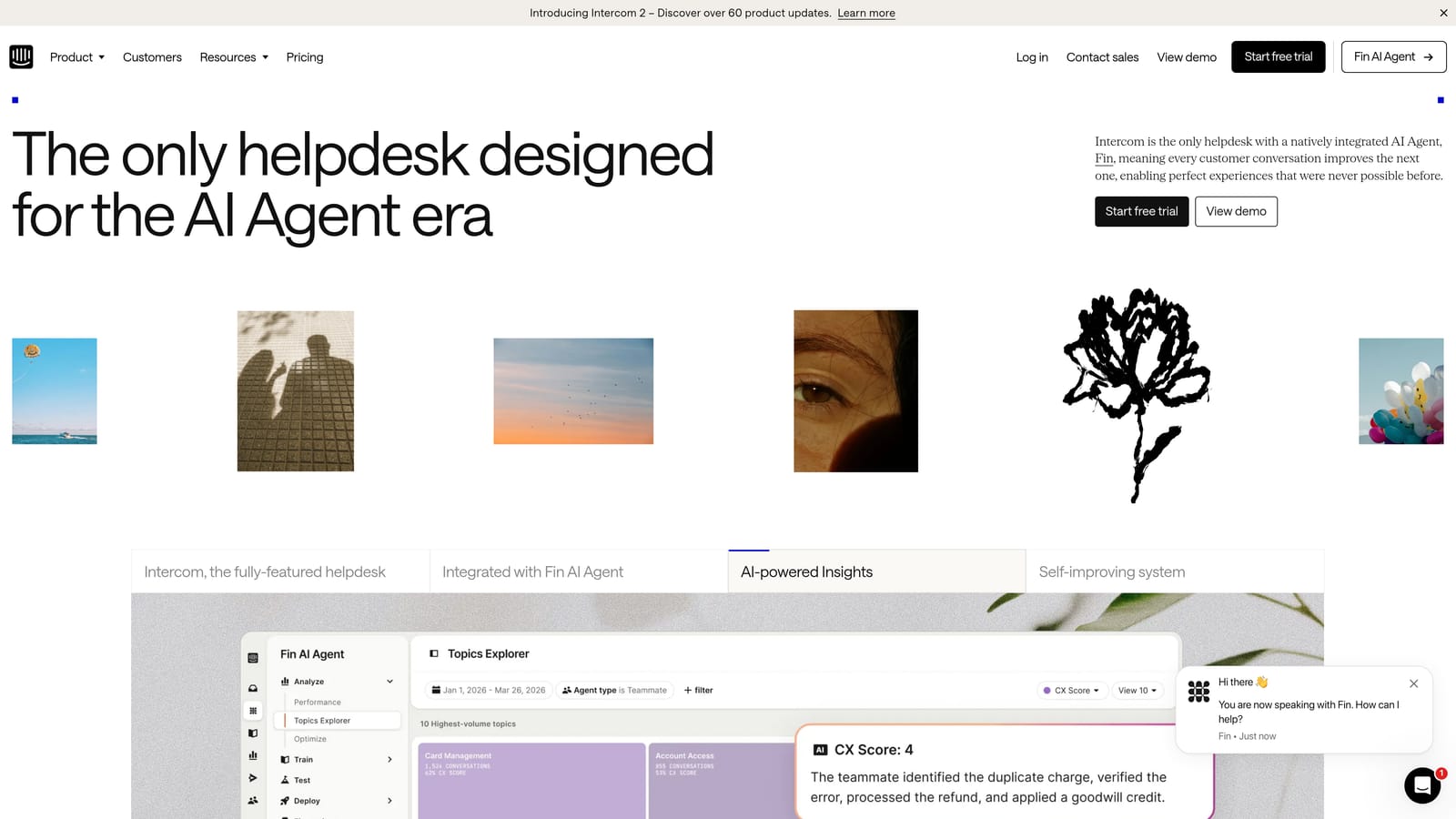
Intercom is a conversational support platform with built-in analytics covering conversation trends, CSAT, and resolution rates, plus the Fin AI agent for automated responses.
Where This Tool Shines
Intercom's strength is ecosystem cohesion. If your team already handles support conversations in Intercom, the native reporting gives you solid visibility into what's happening without needing to pipe data into a separate analytics tool. Conversation tagging and topic categorization make it reasonably straightforward to identify recurring themes.
The Fin AI agent adds automated resolution capability on top of the analytics layer, which means teams can act on conversation patterns without switching tools. That said, teams wanting deeper cross-channel or product-level signals may find the native analytics limiting compared to dedicated intelligence platforms.
Key Features
Fin AI Agent: Handles automated conversation resolution using your existing knowledge base and support content.
Native Reporting: Covers conversation volume, resolution rates, and CSAT trends out of the box.
Conversation Tagging: Enables topic categorization across conversations for pattern identification.
Outbound Analytics: Combines inbound support data with outbound messaging performance for a fuller picture of customer engagement.
Best For
Teams already invested in the Intercom ecosystem who want built-in conversation analytics without adding another tool. Also relevant for teams using Halo AI alongside Intercom, since the two integrate directly.
Pricing
Starts at $39 per seat per month. AI features are available on higher-tier plans. Pricing details at intercom.com.
3. Zendesk Explore
Best for: Zendesk Suite users who need robust ticket, agent, and CSAT reporting within their existing platform
Zendesk Explore is the analytics and reporting layer within Zendesk Suite, offering pre-built and custom dashboards for ticket, agent, and CSAT analysis.
Where This Tool Shines
Explore does what it promises for teams deeply embedded in Zendesk: it makes ticket data accessible and reportable. Pre-built dashboards cover the metrics most support managers care about — volume, handle time, SLA compliance, CSAT — without requiring any custom setup. The drill-down capability on CSAT trends is particularly useful for identifying where satisfaction dips are concentrated.
Where Explore is less strong is on the "why" behind the data. It surfaces what happened clearly, but AI-driven insight generation isn't its core function. Teams wanting to understand sentiment shifts, emerging product issues, or churn signals from conversation content will likely need to supplement Explore with a dedicated analysis layer.
Key Features
Pre-Built Dashboards: Ready-to-use reporting on ticket volume, handle time, and SLA compliance from day one.
Agent Performance Reporting: Tracks individual and team performance across channels.
CSAT Trend Analysis: Drill-down capability to identify where satisfaction issues are concentrated by time, channel, or agent.
Custom Report Builder: Allows teams to build bespoke reports for metrics specific to their operations.
Best For
Support teams running their operations on Zendesk Suite who need solid operational reporting. Less suited for teams wanting AI-generated insights or cross-system intelligence that extends beyond the Zendesk data model.
Pricing
Included in Zendesk Suite plans. Suite Team starts at $55 per agent per month. Verify current pricing at zendesk.com.
4. Gong
Best for: B2B CS and support teams handling high-touch customer interactions via calls and video meetings
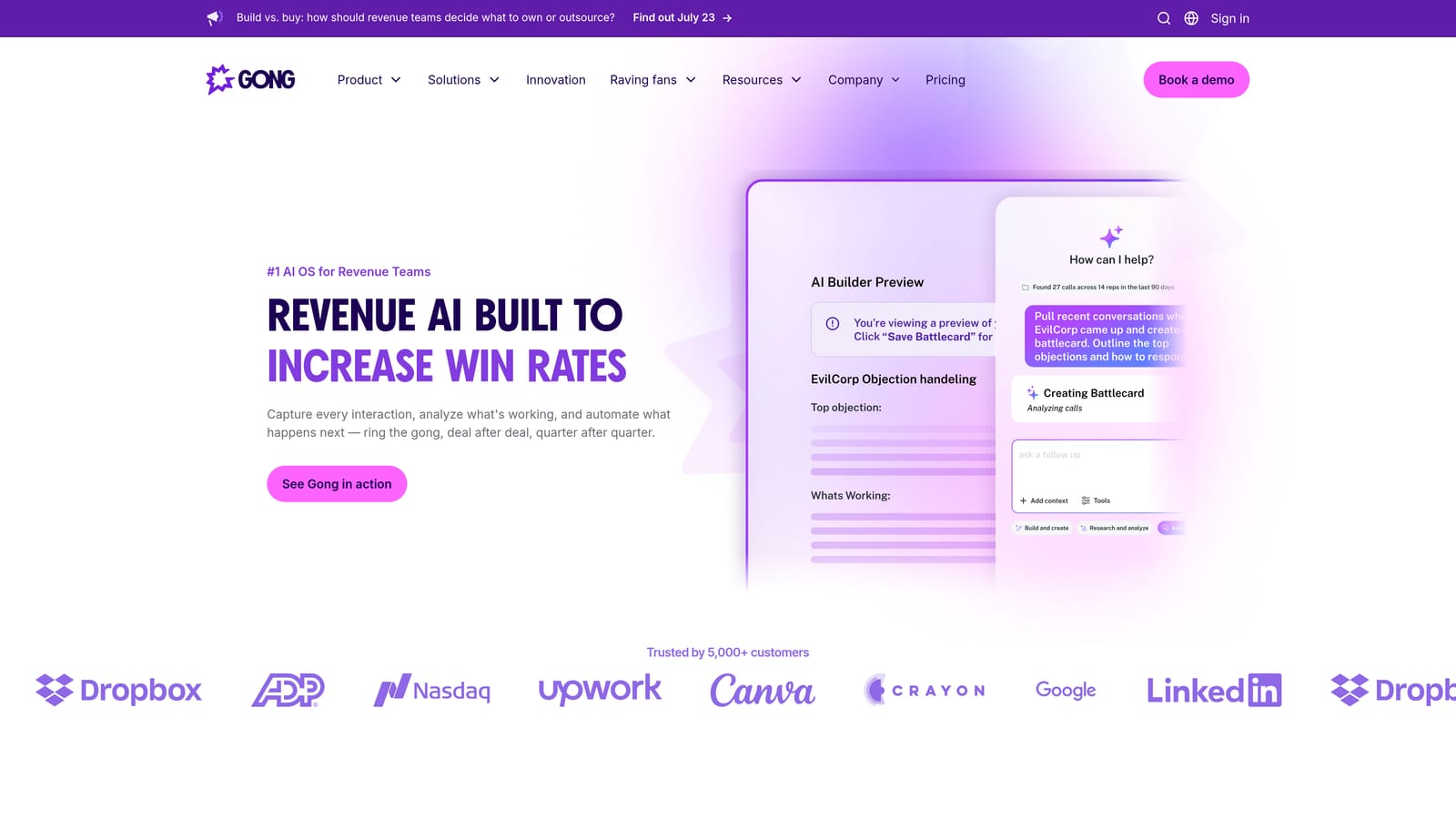
Gong is a conversation intelligence platform that analyzes sales and CS calls to surface risk signals, coaching opportunities, and customer sentiment patterns across voice and video interactions.
Where This Tool Shines
Gong was built for the spoken conversation, and it shows. If your support or customer success function involves calls and video meetings — renewal discussions, escalation calls, onboarding sessions — Gong's ability to transcribe, tag, and analyze those conversations at scale is genuinely powerful. Keyword and topic tracking across a library of recorded calls makes it easy to identify when certain themes are increasing in frequency.
The deal and renewal risk flagging is where Gong earns its place for B2B teams specifically. When support conversations overlap with account health and renewal signals, Gong can surface those patterns in a way that pure ticket-analytics tools cannot. It's less relevant for teams whose support is primarily ticket-based with no voice component.
Key Features
AI Transcription and Analysis: Automatically transcribes and analyzes calls and video meetings for topic patterns and sentiment signals.
Keyword and Topic Tracking: Monitors specific terms, competitor mentions, and themes across your entire conversation library.
Risk Flagging: Identifies deal and renewal risk signals emerging from conversation patterns.
Coaching Workflows: Surfaces low-performance conversations for manager review and structured coaching.
Best For
B2B SaaS teams where support and CS overlap, particularly those handling high-touch accounts via calls. Less suited for primarily ticket-based support operations.
Pricing
Custom enterprise pricing. Contact Gong directly for a quote at gong.io.
5. Chorus by ZoomInfo
Best for: CS and support teams needing call recording, transcription, and AI analysis with ZoomInfo data enrichment
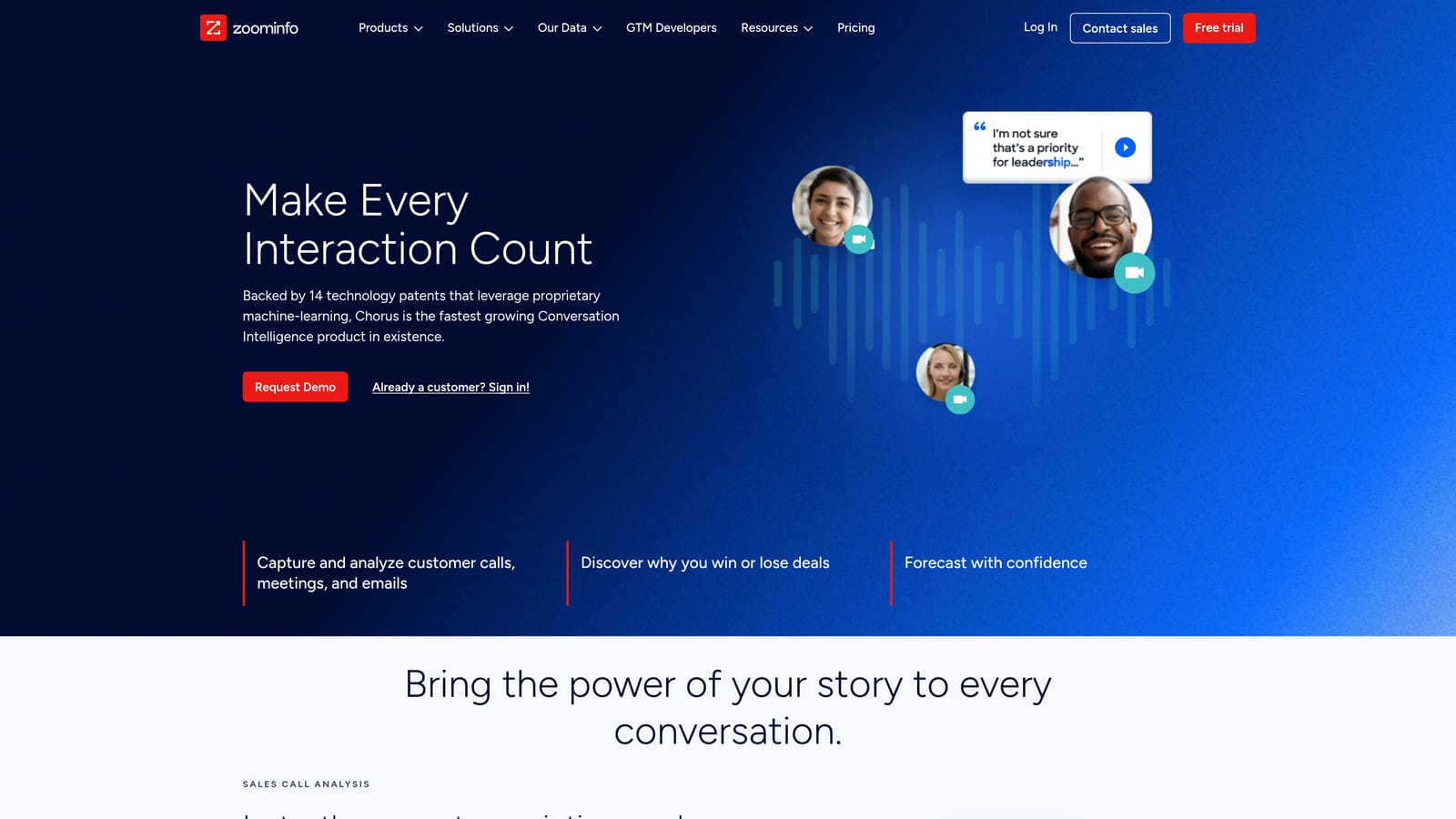
Chorus by ZoomInfo is a call recording and conversation analysis tool that transcribes and scores customer-facing voice and video interactions for CS and support teams.
Where This Tool Shines
Chorus covers similar ground to Gong in the call intelligence space, with the added dimension of ZoomInfo's contact and company data enrichment. That integration means conversation analysis can be layered with firmographic context — useful for understanding whether support patterns correlate with specific customer segments, company sizes, or industries.
Conversation scoring and rep performance analysis give support managers a structured way to evaluate call quality across the team. For organizations already using ZoomInfo as part of their go-to-market stack, Chorus can feel like a natural extension rather than a standalone addition.
Key Features
Automatic Call Recording and Transcription: Captures and converts voice and video interactions into searchable, analyzable text.
Keyword and Competitor Tracking: Monitors specific topics and competitive mentions across recorded conversations.
Conversation Scoring: Rates interactions against defined criteria for rep performance analysis.
ZoomInfo Data Enrichment: Layers contact and company intelligence onto conversation data for richer context.
Best For
Teams already in the ZoomInfo ecosystem handling high-touch support or CS calls. Particularly valuable when understanding conversation patterns by customer segment or account profile matters.
Pricing
Custom enterprise pricing. Contact ZoomInfo for a quote at zoominfo.com.
6. Medallia
Best for: Large enterprise CX teams that need unified customer intelligence across support, survey, NPS, and social channels
Medallia is an enterprise experience management platform that combines support conversation data with survey, NPS, and social feedback for a unified view of customer intelligence.
Where This Tool Shines
Medallia's core value proposition is the unified signal. Rather than analyzing support conversations in isolation, it ingests data from multiple feedback channels simultaneously — support transcripts, NPS surveys, CSAT scores, social mentions — and applies AI-powered text analytics to identify patterns across all of them. For large organizations where customer experience is measured across many touchpoints, that unified view is difficult to replicate with point solutions.
Closed-loop action management is a standout capability: when Medallia surfaces a problem, it provides workflows for assigning and tracking resolution rather than just flagging the issue. Role-based dashboards mean executives, managers, and frontline teams each see the view most relevant to their decisions.
Key Features
Multi-Channel Feedback Ingestion: Combines support transcripts with survey, NPS, and social data for a unified intelligence layer.
AI Text Analytics and Sentiment Scoring: Applies machine learning to identify themes and sentiment patterns across large conversation datasets.
Closed-Loop Action Management: Provides workflows to assign, track, and resolve issues surfaced by the platform.
Role-Based Dashboards: Tailored views for executives, managers, and frontline teams.
Best For
Large enterprise CX and VoC teams that need to unify support conversation data with broader customer feedback programs. Typically not the right fit for SMB or mid-market SaaS teams given implementation complexity and enterprise pricing.
Pricing
Enterprise pricing. Contact Medallia directly for a quote at medallia.com.
7. Qualtrics XM for Customer Service
Best for: Organizations running formal, research-grade VoC programs that include support conversation data
Qualtrics XM for Customer Service is an experience management platform with statistical text analytics applied to support conversation data alongside CSAT and NPS survey inputs.
Where This Tool Shines
Qualtrics brings research-grade statistical rigor to conversation analysis. Its text analytics go beyond basic sentiment scoring to include topic discovery, trend tracking, and predictive modeling — which means teams can identify not just what customers are saying now, but where patterns are heading. That predictive capability for churn and escalation risk is particularly relevant for B2B SaaS teams managing complex customer relationships.
The integration between support transcript analysis and formal survey data (CSAT, NPS) gives CX leaders a more complete picture than either source provides alone. Like Medallia, Qualtrics is primarily positioned for enterprise organizations with dedicated VoC programs rather than lean SaaS support teams.
Key Features
Statistical Text Analytics: Applies rigorous statistical methods to support transcripts for topic discovery and sentiment analysis.
Trend Tracking: Monitors how conversation themes evolve across large datasets over time.
Survey Data Integration: Combines support transcript analysis with CSAT and NPS data for a unified view.
Predictive Analytics: Models churn and escalation risk based on conversation patterns.
Best For
Enterprise organizations with formal VoC programs and dedicated CX research functions. Teams looking for a lightweight conversation analysis solution will find Qualtrics over-engineered for their needs.
Pricing
Enterprise pricing. Contact Qualtrics for a quote at qualtrics.com.
8. Freshdesk Analytics
Best for: Freshdesk users who want native reporting on support conversations without adding a separate analytics tool
Freshdesk Analytics is the built-in analytics module within Freshdesk, providing reporting on support conversations, agent performance, and customer satisfaction metrics.
Where This Tool Shines
For teams already running support on Freshdesk, the native analytics module covers the operational reporting basics cleanly. CSAT reports, first contact resolution rates, SLA compliance, and agent performance leaderboards are all available without any additional setup or data pipeline configuration. The ticket trend analysis by channel, type, and priority helps managers understand where volume is shifting and why.
The custom report builder extends the built-in dashboards for teams with specific reporting requirements. That said, Freshdesk Analytics is fundamentally a reporting tool rather than an intelligence platform. It tells you what your data shows; it doesn't generate AI-driven insights or surface patterns you didn't know to look for.
Key Features
Pre-Built CSAT and SLA Reports: Ready-to-use reporting on satisfaction scores, first contact resolution, and SLA compliance.
Agent Performance Leaderboards: Tracks individual performance and workload distribution across the team.
Ticket Trend Analysis: Breaks down volume and patterns by channel, ticket type, and priority level.
Custom Report Builder: Enables teams to build tailored reports beyond the pre-built options.
Best For
Support teams on Freshdesk who want solid operational reporting included in their existing plan. Not the right choice for teams needing AI-driven insight generation or cross-system intelligence.
Pricing
Included in Freshdesk plans. The Growth plan starts at $15 per agent per month. Verify current pricing at freshworks.com.
9. Klaus (Zendesk QA)
Best for: Support managers running structured QA programs who want AI to score 100% of conversations rather than random samples
Klaus, now part of Zendesk, is an AI-powered conversation QA tool that auto-scores every support interaction against quality rubrics, enabling complete conversation review at scale.
Where This Tool Shines
The fundamental problem Klaus solves is sampling bias in QA. Traditional quality assurance programs review a small percentage of conversations, which means poor-quality interactions can go undetected for extended periods. Klaus's AI auto-scoring applies your QA rubric to every conversation automatically, so nothing slips through. That shift from sampled to complete review changes what's possible in a structured quality program.
The CSAT correlation analysis is a particularly useful feature: it connects QA scores to satisfaction outcomes, helping managers understand which quality dimensions actually drive customer satisfaction versus which are internally defined but customer-neutral. Agent coaching workflows triggered by low-scoring conversations close the loop between analysis and improvement.
Key Features
AI Auto-QA Scoring: Automatically scores 100% of support conversations against your defined quality rubrics.
Customizable Scorecards: Allows teams to define QA criteria that match their specific quality standards.
Coaching Workflows: Triggers structured coaching actions when conversations score below threshold.
CSAT Correlation Analysis: Connects QA scores to customer satisfaction outcomes to identify which quality factors matter most.
Best For
Support managers and QA leads running formal quality assurance programs, particularly within the Zendesk ecosystem post-acquisition. Teams not already on Zendesk should evaluate whether the platform commitment makes sense before adopting Klaus specifically.
Pricing
Available as part of Zendesk Suite. Contact Zendesk for QA add-on pricing at zendesk.com.
Which Tool Is Right for Your Team?
The right support conversation analysis tool depends almost entirely on what kind of intelligence you're trying to extract and what your existing stack looks like. Here's a quick way to think through the decision.
AI-native resolution with business intelligence: Halo AI is the clear choice for SaaS teams that want support conversations feeding product signals, churn risk, and revenue anomalies into the broader business, not just generating support metrics.
Existing Intercom stack: Stay native. Intercom's built-in analytics and Fin AI agent cover the essentials without adding complexity, and Halo AI integrates with Intercom if you want to layer in deeper intelligence.
Zendesk ecosystem: Zendesk Explore handles operational reporting well. If you also need QA automation, Klaus (Zendesk QA) pairs naturally with it for complete conversation review.
Call-heavy CS and support: Gong and Chorus by ZoomInfo both excel at voice and video conversation analysis. Gong tends to lead on depth of insight; Chorus adds value if you're already using ZoomInfo's data platform.
Enterprise VoC programs: Medallia and Qualtrics XM are built for organizations running formal, multi-channel experience management programs. Both require significant implementation investment but offer unified intelligence at enterprise scale.
Freshdesk users: Freshdesk Analytics is included in your plan and covers operational reporting adequately. For teams wanting AI-driven insights beyond what's built in, a dedicated analysis layer will be necessary.
QA programs: Klaus is purpose-built for structured quality assurance and the shift to 100% conversation review. It's most valuable within the Zendesk ecosystem post-acquisition.
Your support team shouldn't scale linearly with your customer base. Let AI agents handle routine tickets, guide users through your product, and surface business intelligence while your team focuses on complex issues that need a human touch. See Halo in action and discover how continuous learning transforms every interaction into smarter, faster support.