9 Best Support CRM Integration Platforms in 2026
Discover the 9 best support CRM integration platforms of 2026, from AI-native solutions to traditional helpdesks with robust CRM connectors. This guide evaluates each platform's ability to unify your helpdesk, CRM, and communication tools so agents always have complete customer context, eliminating data silos and enabling seamless information flow across support, sales, and customer success teams.
 Matt PattoliFounder13 min read
When your support team and CRM live in separate silos, customers feel it. They repeat themselves on every call. Agents scramble between tabs to piece together account history. And the insights buried in support conversations never make it back to sales or customer success.
A support CRM integration platform solves this by connecting your helpdesk, CRM, and communication tools into a unified workflow where customer data flows automatically and agents always have the full picture. But not all integration platforms are built the same. Some bolt CRM data onto an existing helpdesk. Others are AI-first systems that actively use that data to resolve tickets autonomously. And some are middleware layers that simply pass information between tools without adding intelligence.
This list covers the top support CRM integration platforms available in 2026, from AI-native agents that connect your entire stack to traditional helpdesks with solid CRM connectors. We've evaluated each tool on integration depth, automation capability, ease of setup, and overall value for customer-facing teams.
1. Halo AI
Best for: B2B SaaS teams that want AI agents to resolve tickets autonomously using full CRM and product context.
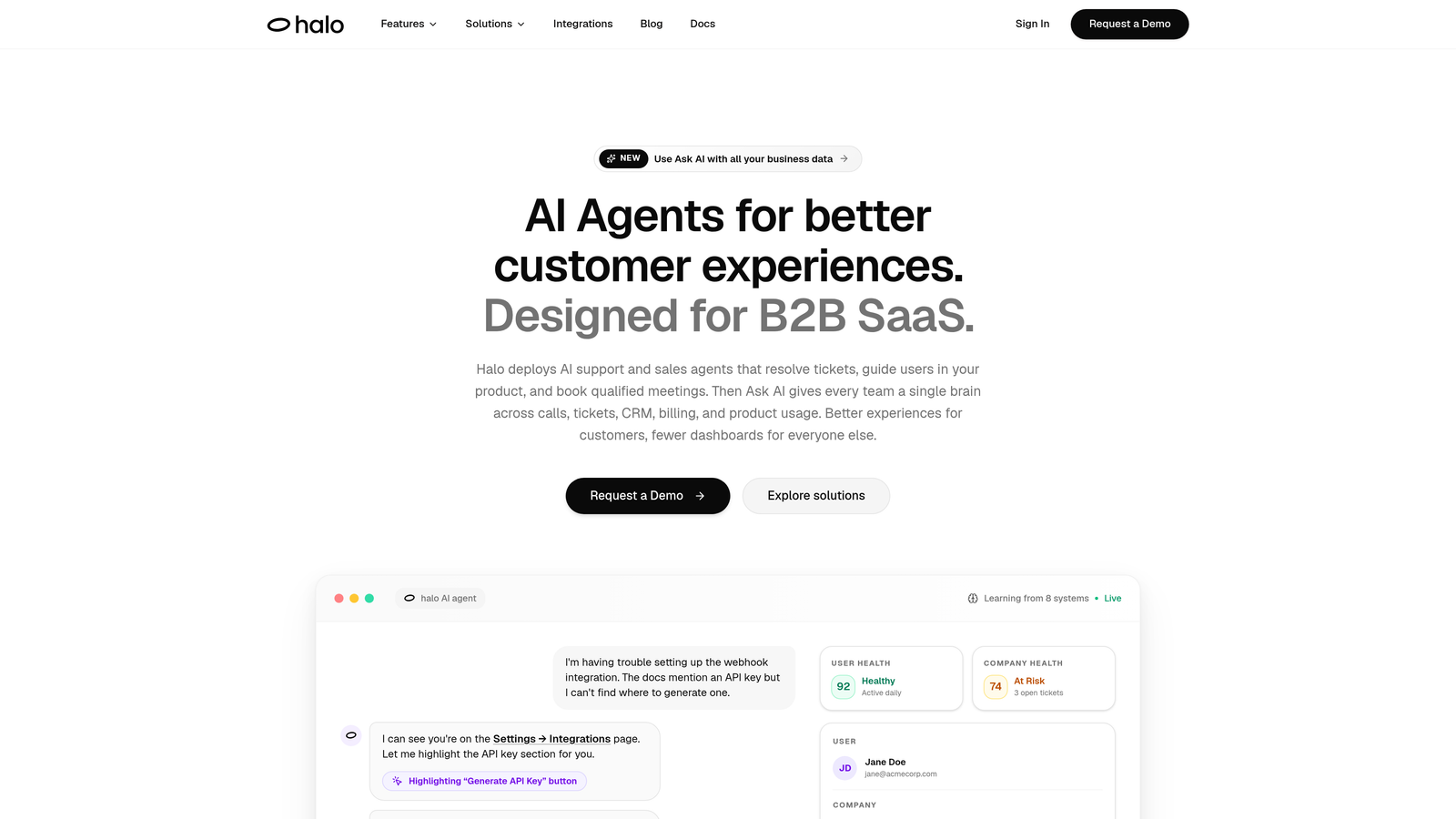
Halo AI is an AI-native customer support platform that connects your helpdesk, CRM, product data, and business tools into a single intelligent agent, resolving tickets autonomously, guiding users through your product, and surfacing business intelligence from every interaction.
Where This Tool Shines
Unlike platforms that add AI as a feature layer on top of an existing helpdesk, Halo is built from the ground up as an AI-first system. That architectural difference matters: when the AI resolves a ticket, it's drawing on live CRM context, subscription data from Stripe, product usage signals, and the specific page the user is currently viewing. This isn't keyword matching — it's genuinely contextual resolution.
The smart inbox goes beyond ticket management. It surfaces customer health signals, revenue context, and anomaly detection, turning your support queue into a source of business intelligence. For product and customer success teams, this means support data starts feeding back into the broader picture of account health rather than sitting in a siloed helpdesk.
Key Features
Autonomous AI Agents: Resolve tickets using live CRM and product context without requiring agent intervention for routine issues.
Page-Aware Chat Widget: The AI sees what page and UI state the user is on, enabling precise contextual guidance rather than generic answers.
Smart Inbox with Business Intelligence: Surfaces customer health signals, revenue context, and anomaly detection directly in the support interface.
Auto Bug Ticket Creation: Automatically identifies and routes product issues to Linear, closing the loop between support and engineering.
Live Agent Handoff: Escalates complex issues to human agents with full conversation context preserved, so nothing gets repeated.
Native Integrations: Connects with HubSpot, Intercom, Stripe, Linear, Slack, Zoom, PandaDoc, and Fathom out of the box.
Best For
Halo is the strongest fit for B2B SaaS companies and product-led growth teams that want to move beyond ticket management into autonomous resolution. If you're using HubSpot and Stripe and want your support AI to understand subscription status and account health before it even responds, this is built for that workflow.
Pricing
Visit haloagents.ai for current pricing details. Plans are designed for teams looking to scale support without scaling headcount.
2. Zendesk
Best for: Enterprise teams that need a mature, battle-tested helpdesk with a wide integration marketplace.
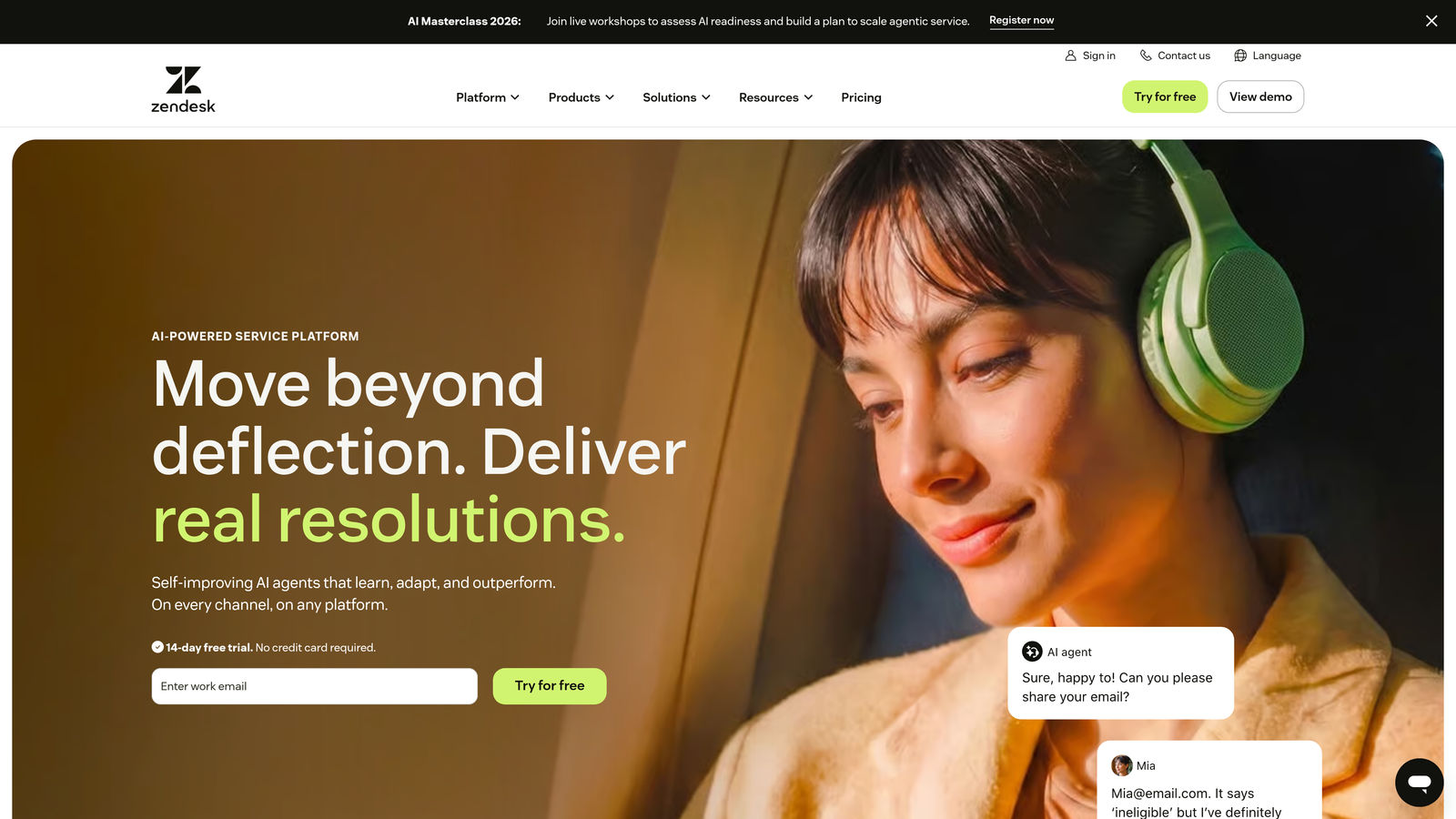
Zendesk is an established enterprise helpdesk with one of the broadest integration marketplaces in the industry, connecting support workflows to CRMs, communication tools, and data platforms at scale.
Where This Tool Shines
Zendesk's primary advantage is breadth. With over 1,500 marketplace integrations, it's rare to find a CRM or business tool that doesn't connect to it. Native connectors for Salesforce, HubSpot, and Microsoft Dynamics are well-maintained, and the platform has a long track record of enterprise-grade reliability.
For teams with complex SLA requirements, Zendesk's reporting and SLA management capabilities are among the most mature in the category. The addition of Zendesk AI adds ticket triage and automated response capabilities, though it's layered onto the platform rather than architected into the core.
Key Features
1,500+ Marketplace Integrations: Covers virtually every CRM, communication tool, and data platform teams might use.
Zendesk AI: Handles ticket triage, automated responses, and intelligent routing for common request types.
SLA Management and Reporting: Robust tools for tracking response times, escalation rules, and team performance metrics.
Omnichannel Support: Manages email, chat, voice, and social channels from a unified agent workspace.
Best For
Enterprise support teams with established CRM environments and a need for deep reporting, SLA tracking, and broad integration coverage. Particularly strong for organizations that have already standardized on Salesforce or Microsoft Dynamics.
Pricing
Multiple tiers available for teams of all sizes. Check zendesk.com for current rates, as enterprise pricing varies by feature set and volume.
3. HubSpot Service Hub
Best for: Teams already in the HubSpot ecosystem who want support and CRM on a single shared database.
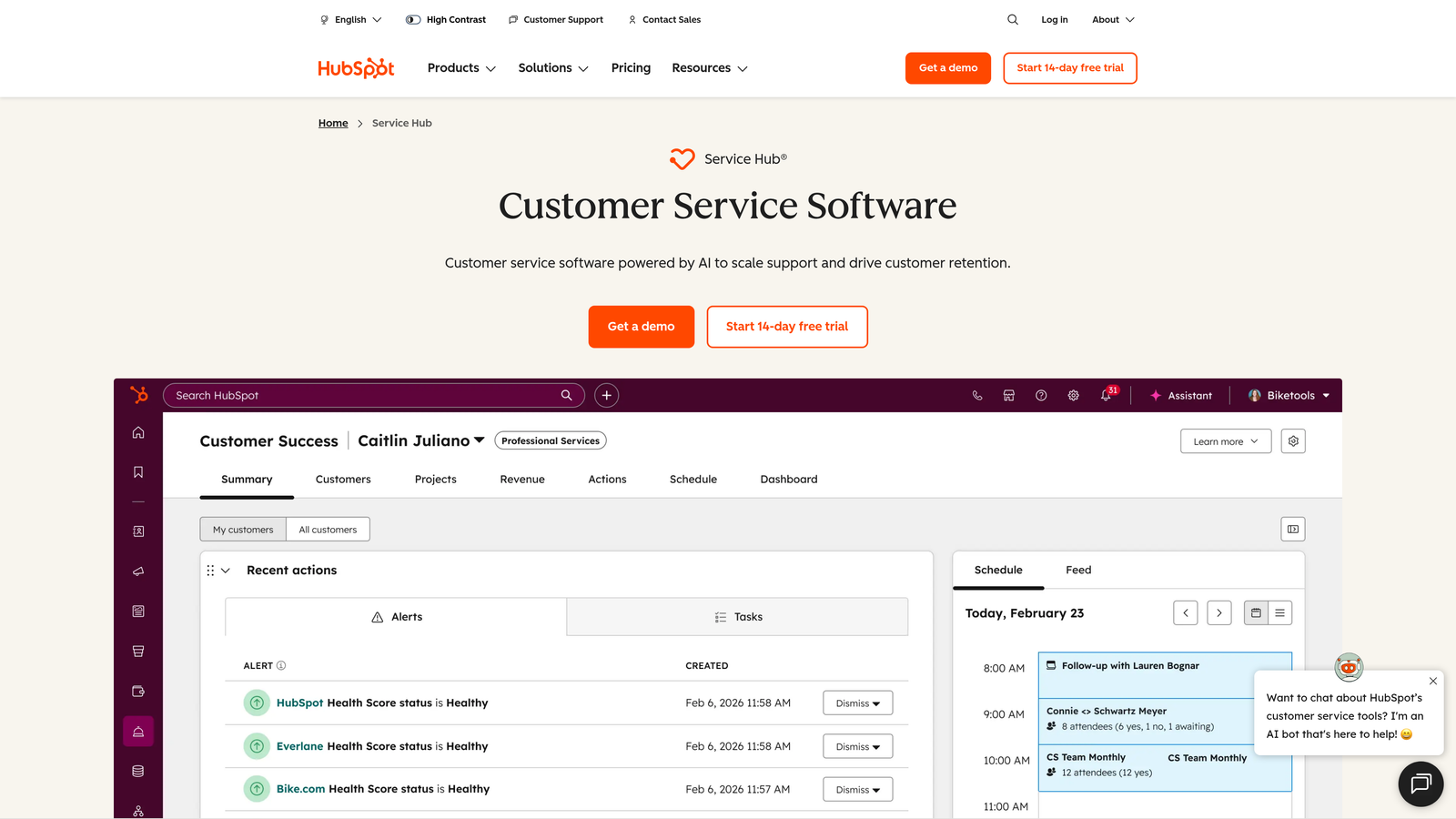
HubSpot Service Hub is a support ticketing platform that shares the same native database as HubSpot CRM, eliminating integration overhead entirely for teams already invested in the HubSpot ecosystem.
Where This Tool Shines
The defining advantage here is that there's no integration to maintain. Support tickets, contact records, deal history, and company data all live in the same database. When an agent opens a ticket, they're seeing the same contact record that sales and marketing are working from. No sync delays, no field mapping issues, no duplicate data.
For growing SaaS teams that have already adopted HubSpot for marketing and sales, adding Service Hub is the path of least resistance to a unified customer view. The Breeze AI assistant adds automated response and summary capabilities that layer naturally into existing HubSpot workflows.
Key Features
True Native CRM Integration: No sync required — tickets, contacts, and company records share the same database across all HubSpot hubs.
Ticket Pipeline and Knowledge Base: Full support workflow management alongside a self-service knowledge base and customer portal.
Breeze AI Assistant: Automates responses, generates summaries, and surfaces relevant knowledge base content for agents.
Customer Feedback Surveys: NPS and CSAT surveys tied directly to CRM contact records for closed-loop reporting.
Best For
Teams that are already on HubSpot Marketing or Sales Hub and want to extend that investment into support without managing a separate integration. Also a strong choice for companies that want customer feedback data directly connected to CRM records.
Pricing
A free tier is available with core ticketing features. Paid plans scale with features and contact volume. Check hubspot.com/products/service for current plan details.
4. Freshdesk
Best for: Budget-conscious teams looking for solid CRM integration and AI features without enterprise pricing.
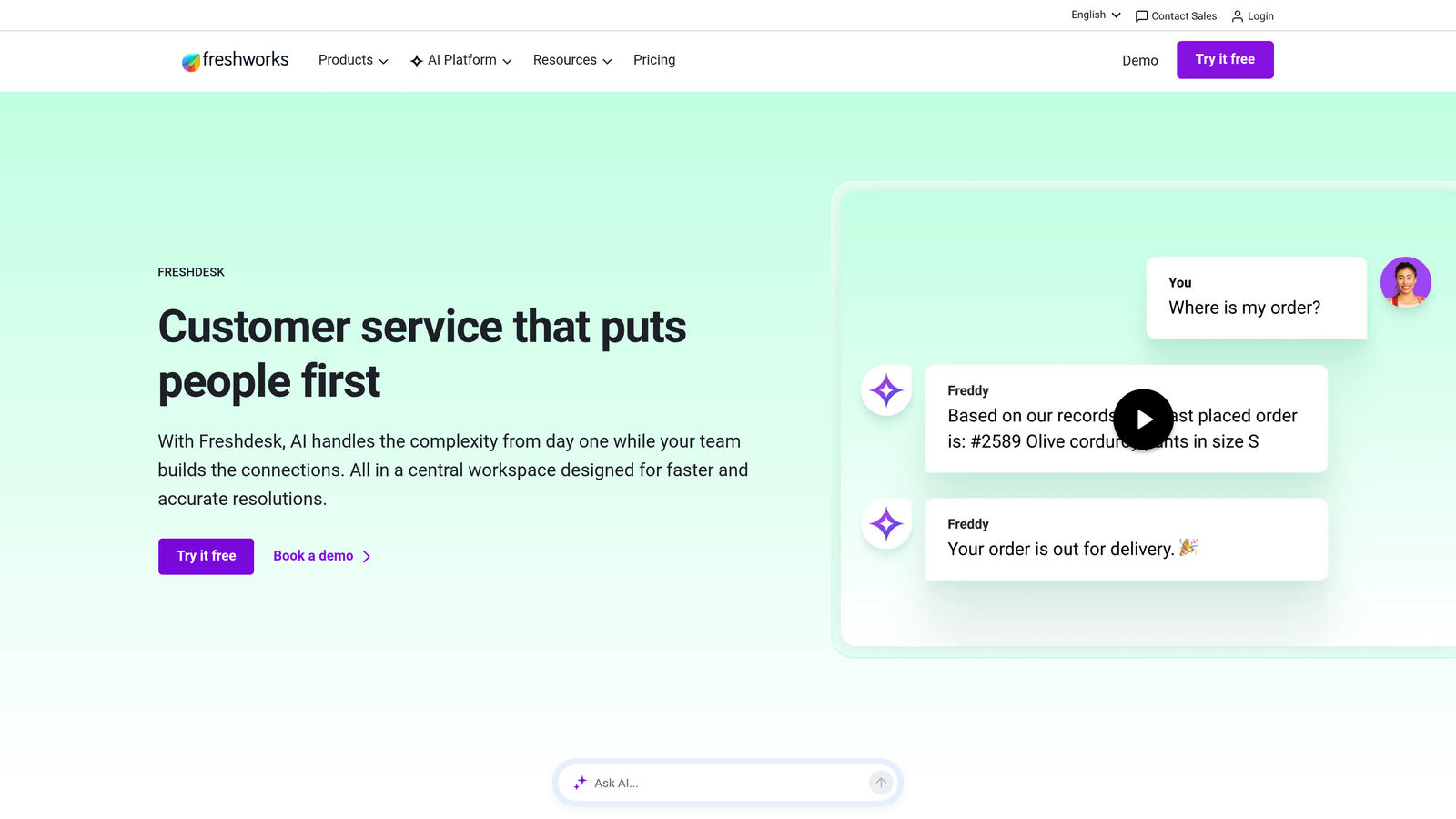
Freshdesk is a popular helpdesk platform within the Freshworks suite, offering native CRM integration with Freshsales and broad third-party connectors at competitive price points.
Where This Tool Shines
Freshdesk occupies a strong middle ground: more affordable than Zendesk or Salesforce Service Cloud, but with a genuinely capable feature set. The native Freshsales integration means teams using both products get a unified customer context without additional setup, and the Freddy AI assistant handles ticket categorization and automated responses across the board.
For smaller teams or companies evaluating their first helpdesk-CRM integration, the free plan provides a low-risk entry point to test the workflow before committing to a paid tier.
Key Features
Native Freshsales Integration: Unified customer context across support and CRM for teams using the Freshworks suite.
Freddy AI: Handles ticket categorization, automated responses, and agent assistance for common request types.
Third-Party CRM Connectors: Marketplace integrations with Salesforce, HubSpot, and other major CRMs for teams outside the Freshworks ecosystem.
Free Plan: Core helpdesk functionality available at no cost, making it accessible for early-stage teams.
Best For
SMBs and mid-market teams looking for competitive pricing relative to enterprise alternatives. Particularly well-suited for teams already using Freshsales who want to avoid managing a cross-platform integration.
Pricing
Free plan available. Growth, Pro, and Enterprise tiers offer progressively more features and automation. Check freshdesk.com for current rates.
5. Intercom
Best for: SaaS companies that want in-app, messenger-first support driven by CRM attributes and product usage data.
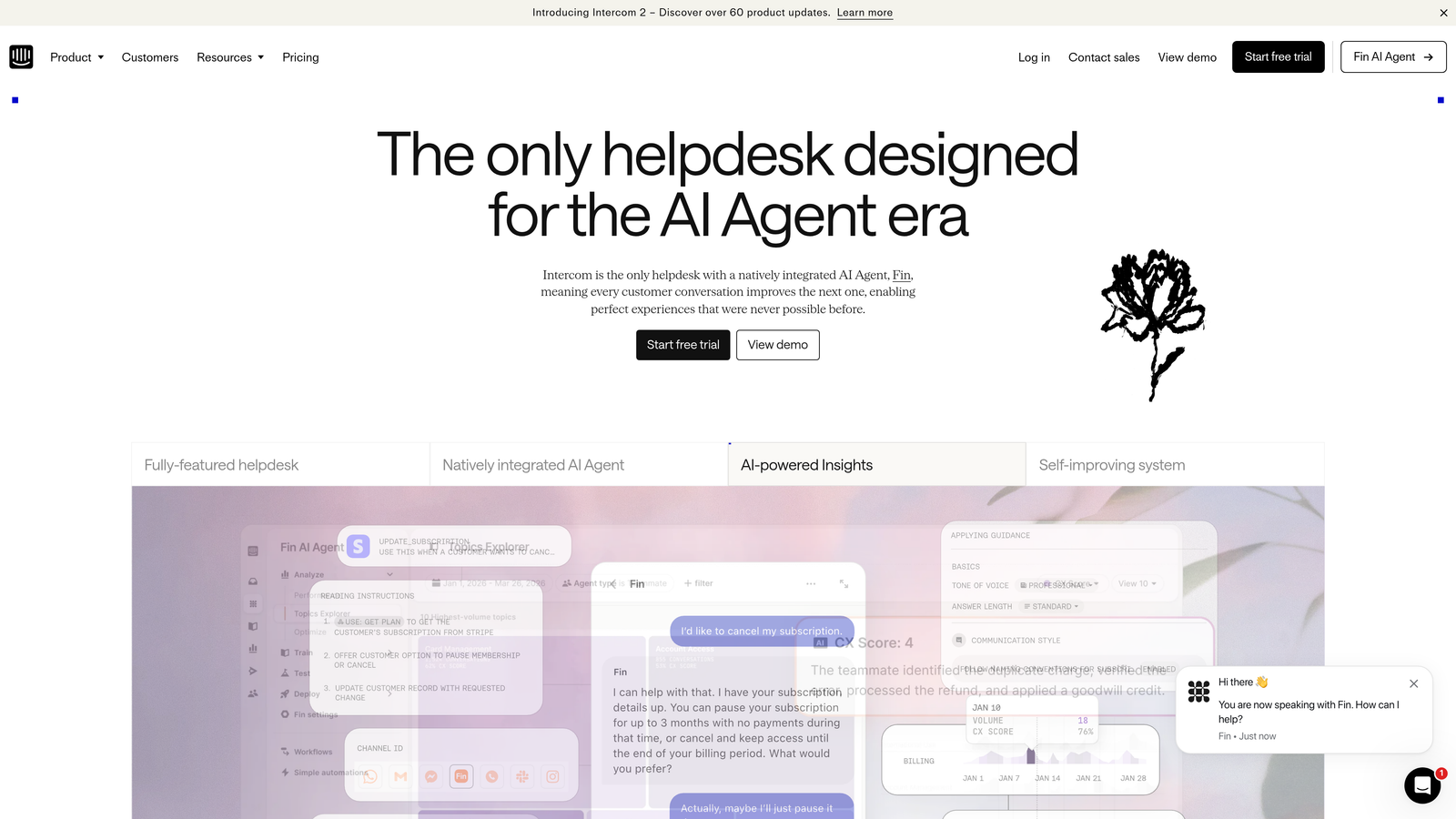
Intercom is a messenger-first customer platform that surfaces CRM attributes to power personalized automated conversations, particularly strong for in-app SaaS support and onboarding flows.
Where This Tool Shines
Where most support platforms treat chat as one channel among many, Intercom is built around the conversation as the primary unit of customer interaction. The platform's ability to use CRM attributes, plan type, usage behavior, and lifecycle stage to trigger targeted messaging makes it especially powerful for product-led growth contexts where onboarding and support overlap.
Fin, Intercom's AI agent, handles automated resolution with reasonable accuracy for common SaaS support questions. The combination of Fin's automation and CRM-driven messaging rules means many routine interactions never require a human agent at all.
Key Features
Fin AI Agent: Handles automated ticket resolution using your knowledge base and conversation history.
CRM Attribute-Driven Automation: Triggers messages and workflows based on contact properties from connected CRMs like Salesforce, HubSpot, and Pipedrive.
In-App Messenger with Product Tours: Combines support with onboarding flows and feature announcements in a single in-app experience.
Omnichannel Inbox: Consolidates conversations from chat, email, and social into a unified agent workspace.
Best For
Product-led SaaS companies where support and onboarding blur together, and where CRM segmentation should drive how and when users receive support messages. Less suited for high-volume transactional support environments.
Pricing
Seat-based pricing with additional resolution-based pricing for Fin AI usage. Check intercom.com for current plan details.
6. Salesforce Service Cloud
Best for: Enterprise organizations with an existing Salesforce investment that need deep CRM-support integration.
Salesforce Service Cloud is the enterprise-grade support module built natively within Salesforce CRM, providing unmatched depth of integration between support cases and customer relationship data.
Where This Tool Shines
If your organization already runs on Salesforce, Service Cloud is the most complete integration possible because it's not an integration at all. Cases, contacts, accounts, opportunities, and service history all live in the same Salesforce org. Sales reps see open support cases on account records. Support agents see deal history and account tier on every case. That bidirectional visibility is genuinely difficult to replicate with a third-party helpdesk.
Einstein AI adds case classification and next-best-action recommendations, and the Flow automation builder allows sophisticated workflow customization without code, though realizing that potential typically requires dedicated Salesforce admin expertise.
Key Features
Native Salesforce CRM: Cases, contacts, accounts, and opportunities unified in a single org with no sync required.
Einstein AI: Handles case classification, routing recommendations, and next-best-action suggestions for agents.
Omni-Channel Routing: Intelligently assigns cases to agents based on skills, availability, and workload.
Flow Automation Builder: Visual, low-code tool for building complex support workflows tied to CRM data and triggers.
Best For
Enterprise teams with existing Salesforce infrastructure and a dedicated admin or developer to manage configuration. The depth of CRM integration is unmatched, but realizing it requires investment in implementation and ongoing administration.
Pricing
Per-user, per-month pricing across multiple editions. Check salesforce.com for current rates and edition comparisons.
7. Zoho Desk
Best for: Teams in the Zoho ecosystem looking for strong CRM integration at accessible price points.
Zoho Desk is a helpdesk platform tightly integrated with Zoho CRM and the broader Zoho One suite, offering strong value for teams already invested in the Zoho ecosystem.
Where This Tool Shines
Zoho Desk's strongest argument is value density. The native Zoho CRM integration surfaces customer context in every ticket without additional configuration, and the Zia AI assistant adds ticket tagging, sentiment analysis, and anomaly detection at price points that significantly undercut enterprise competitors.
For teams outside the Zoho ecosystem, Zoho Desk still offers connectors for Salesforce and HubSpot, making it a viable option even if you're not going all-in on Zoho One. The free plan gives small teams a genuine starting point before committing to a paid tier.
Key Features
Native Zoho CRM Integration: Customer context from Zoho CRM surfaces automatically on every support ticket.
Zia AI Assistant: Handles ticket tagging, sentiment analysis, and anomaly detection across the support queue.
Third-Party CRM Connectors: Integrations with Salesforce and HubSpot for teams outside the Zoho ecosystem.
Accessible Pricing: Significantly more affordable than enterprise alternatives, with a free plan for getting started.
Best For
SMBs and mid-market teams using Zoho CRM who want a native support integration without the overhead of enterprise platforms. Also a good fit for budget-conscious teams that need solid AI features without premium pricing.
Pricing
Free plan available. Standard, Professional, and Enterprise tiers offer progressively more features. Check zoho.com/desk for current rates.
8. Kustomer
Best for: High-volume businesses that need a unified customer timeline with rich interaction history across every channel.
Kustomer is a CRM-native support platform that treats every support interaction as a data point on a unified customer timeline, built for businesses that need rich customer history in every conversation.
Where This Tool Shines
Kustomer's core differentiator is the customer timeline view. Rather than organizing work around tickets, it organizes around the customer: every email, chat, order, return, and interaction appears in a single chronological view. For high-volume e-commerce and subscription businesses where a customer might have dozens of interactions across channels, this context makes a significant difference in resolution quality.
The CRM-first architecture means support data automatically enriches customer records rather than sitting in a separate system. Kustomer IQ handles AI-powered automation and routing, and strong integrations with Shopify, Recharge, and similar platforms make it particularly well-suited for e-commerce operations.
Key Features
Unified Customer Timeline: Aggregates all interactions across channels into a single chronological customer view.
Kustomer IQ: AI-powered automation handles routing, suggested responses, and workflow triggers based on customer data.
E-Commerce Integrations: Native connections with Shopify, Recharge, and other platforms for order and subscription context in every ticket.
CRM-First Architecture: Support interactions automatically enrich customer records, keeping the full history in one place.
Best For
High-volume e-commerce, subscription, and direct-to-consumer businesses where customer history depth matters more than traditional ticket-centric workflows. Less suited for B2B SaaS teams with complex product integration needs.
Pricing
Per-user, per-month pricing. Check kustomer.com for current rates and plan details.
9. Zapier
Best for: Teams that need to bridge a niche CRM and helpdesk combination when native integrations don't exist.
Zapier is a no-code workflow automation platform that connects virtually any CRM and helpdesk combination, enabling custom data flows without engineering resources when native integrations fall short.
Where This Tool Shines
Zapier isn't a support platform. It's the connective tissue between platforms, and that's precisely where it earns its place on this list. When you're running a niche CRM that your helpdesk doesn't natively support, or when you need a specific data flow that existing integrations don't handle, Zapier fills that gap without requiring a developer.
With connections to over 7,000 apps, it's rare to find a combination that Zapier can't bridge. Multi-step Zaps allow for reasonably complex data routing, such as creating a CRM contact when a support ticket is opened, updating deal stage when a ticket resolves, or notifying a Slack channel when a high-value account submits a bug report.
Key Features
7,000+ App Connections: Covers virtually every CRM and helpdesk combination, including niche tools with limited native integrations.
No-Code Workflow Builder: Drag-and-drop interface for building trigger-action automations without engineering resources.
Multi-Step Zaps: Supports complex data routing across multiple apps in a single automated workflow.
Complementary Role: Works best alongside a primary support platform to fill integration gaps rather than as a standalone solution.
Best For
Teams using platforms with limited native CRM connectors, or anyone needing highly specific data flows between support and CRM tools that existing integrations don't cover. Think of it as a fallback layer, not a primary integration strategy.
Pricing
Free tier available with limited task volume. Paid plans scale with task usage. Check zapier.com for current plan details.
Which Platform Is Right for Your Team?
The right support CRM integration platform depends heavily on where you're starting from and what you're trying to achieve. Here's a quick guide to cut through the noise.
If you want AI-native autonomous resolution: Halo AI is purpose-built for this. It's not a helpdesk with AI bolted on; it's an AI agent that uses your CRM, product, and billing data to resolve tickets without human intervention, while surfacing business intelligence your team can actually act on.
If your team is already on HubSpot: HubSpot Service Hub is the obvious choice. True native CRM integration with no sync to maintain means you can extend your existing investment rather than managing a separate tool.
If you're an enterprise Salesforce shop: Salesforce Service Cloud gives you the deepest possible integration between cases and CRM records. The implementation overhead is real, but for organizations already running on Salesforce, the unified data model is hard to match.
If budget is a primary constraint: Freshdesk and Zoho Desk both offer free plans and competitive paid tiers with solid CRM integration and AI features. Freshdesk is the better fit if you're also using Freshsales; Zoho Desk wins if you're in the Zoho ecosystem.
If you need to bridge a custom stack: Zapier fills the gaps when native integrations don't exist. Use it as a complement to your primary platform, not a replacement for purpose-built integration.
Your support team shouldn't scale linearly with your customer base. Let AI agents handle routine tickets, guide users through your product, and surface business intelligence while your team focuses on complex issues that need a human touch. See Halo in action and discover how continuous learning transforms every interaction into smarter, faster support.