9 Best Support Data Analytics Platforms to Transform Customer Insights in 2026
Support data analytics platforms transform raw customer service tickets into strategic business intelligence that reveals churn risks, product issues, and revenue opportunities. This guide evaluates the nine best support data analytics platforms for 2026 based on real-time capabilities, AI-powered insights, integration depth, and value for scaling teams—helping you move beyond basic ticket counting to uncover patterns that drive meaningful business decisions.
 Grant CooperFounder12 min read
Your support team handles hundreds of conversations daily, but how much actionable intelligence are you actually extracting from them? Support data analytics platforms turn raw ticket data into strategic insights—revealing churn risks, product friction points, and revenue opportunities hiding in plain sight.
The right platform doesn't just count tickets; it surfaces patterns that drive business decisions.
We evaluated dozens of tools based on real-time analytics capabilities, integration depth, AI-powered insights, and value for growing teams. Here are the top platforms worth your attention in 2026.
1. Halo AI
Best for: Teams wanting AI-powered support automation combined with business intelligence analytics
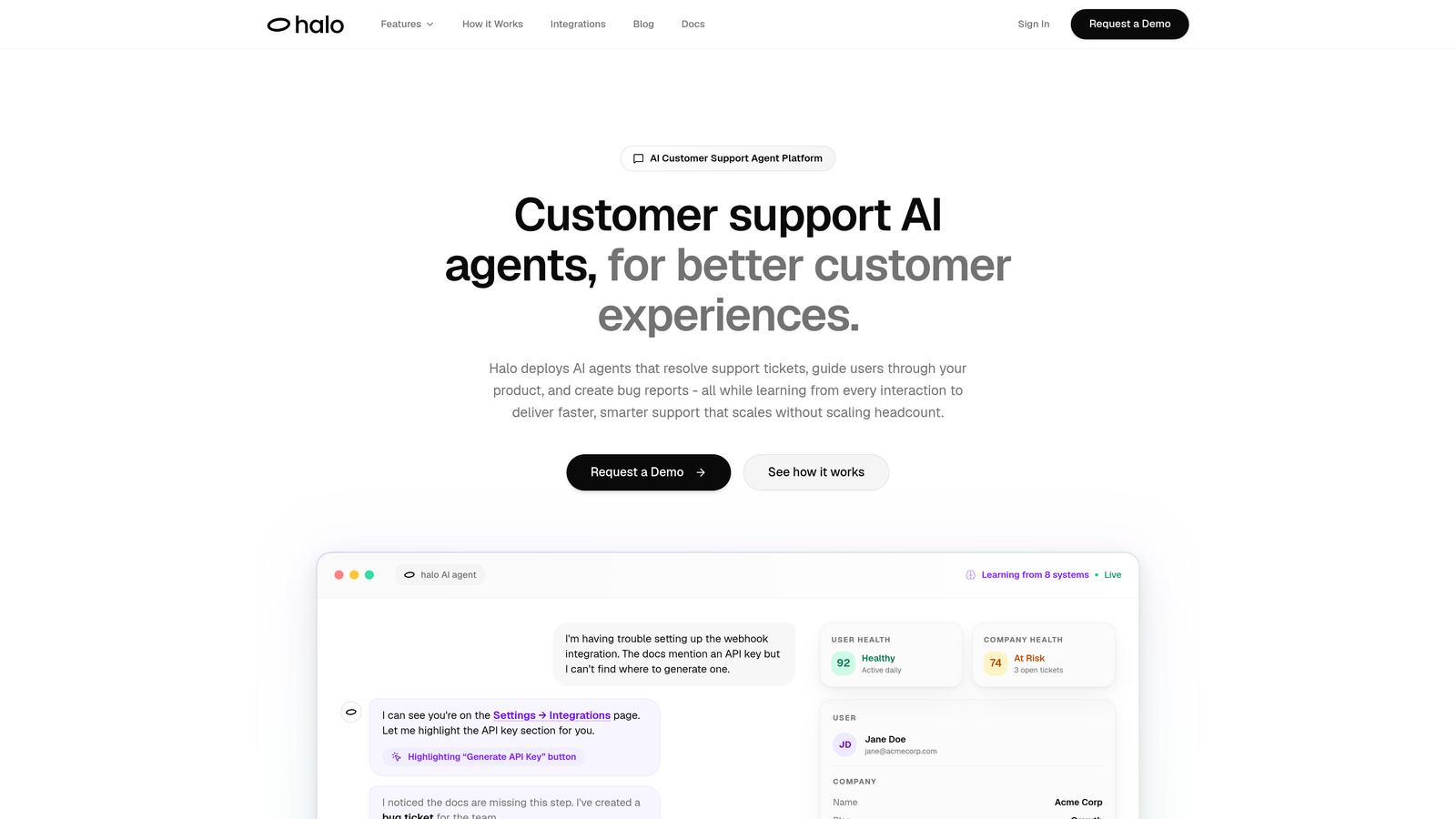
Halo AI takes a fundamentally different approach to support analytics by combining autonomous ticket resolution with embedded business intelligence.
Where This Tool Shines
Unlike traditional analytics platforms that simply report on what your support team did, Halo's AI agents actively resolve tickets while simultaneously extracting business intelligence from every interaction. The platform sees what your customers see through page-aware context, enabling it to understand issues in their full product context.
What sets Halo apart is its continuous learning architecture. Every resolved ticket, every customer interaction, every bug report created feeds back into the system, making the AI smarter with each conversation. This means your analytics improve automatically as your support volume grows.
Key Features
Smart Inbox with Business Intelligence: Embedded analytics surface customer health signals, revenue opportunities, and emerging issues directly within your support workflow.
Customer Health Scoring: AI analyzes conversation patterns, product usage, and interaction history to flag churn risks before they escalate.
Revenue Intelligence: Connects support conversations to revenue data from your CRM and payment systems, showing which issues impact expansion or retention.
Anomaly Detection: Automatically identifies unusual patterns—sudden spikes in specific error types, emerging product friction, or changes in customer sentiment.
Cross-System Intelligence: Integrates with your entire business stack (Linear, Slack, HubSpot, Intercom, Stripe) to provide unified insights beyond support metrics.
Best For
B2B SaaS companies and product teams that need both autonomous support resolution and strategic business intelligence. Particularly valuable if you're using multiple helpdesk systems and want unified insights across your entire customer support operation.
Pricing
Contact for pricing; demo available to see the platform in action with your specific use case.
2. Zendesk Explore
Best for: Zendesk users wanting native analytics without additional integrations
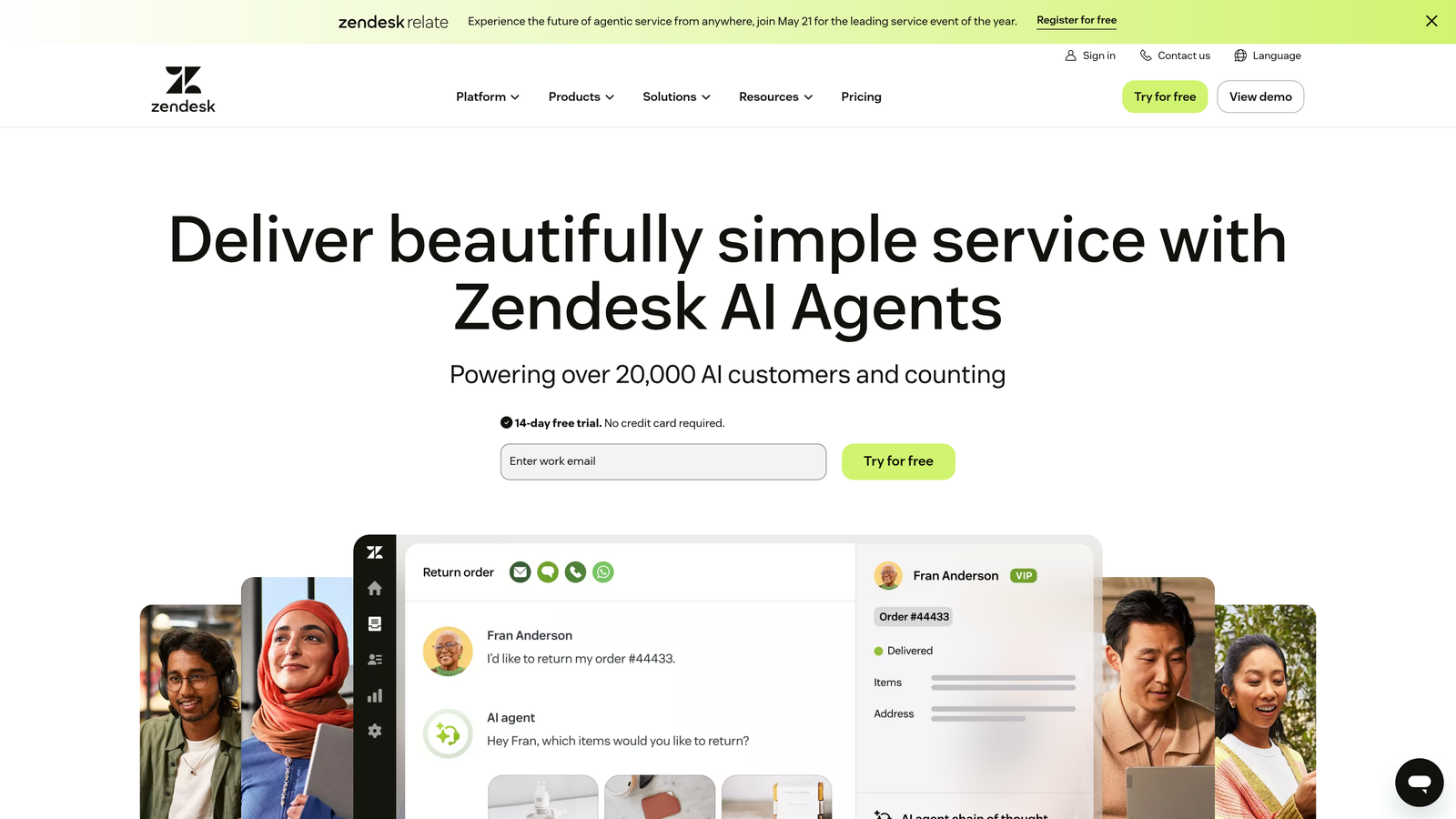
Zendesk Explore is the built-in analytics engine for Zendesk's support platform, offering pre-configured dashboards and custom reporting capabilities.
Where This Tool Shines
If you're already using Zendesk, Explore provides immediate value without requiring external tools. The pre-built dashboards follow industry best practices, giving you professional-grade analytics from day one. You can track everything happening across email, chat, phone, and social channels in one unified view.
The drag-and-drop report builder makes custom analytics accessible to non-technical team members. You can slice data by virtually any dimension—agent, channel, time period, ticket type—and schedule automatic delivery to stakeholders.
Key Features
Pre-Built Dashboards: Industry-standard reports for ticket volume, resolution time, customer satisfaction, and agent performance launch-ready.
Cross-Channel Reporting: Unified analytics across all support channels including email, live chat, phone calls, and social media interactions.
Custom Report Builder: Drag-and-drop interface for creating custom reports without SQL knowledge or technical expertise.
Scheduled Delivery: Automatically send reports to stakeholders on daily, weekly, or monthly schedules via email.
Historical Analysis: Access both real-time metrics and historical trends to identify patterns over time.
Best For
Organizations already committed to the Zendesk ecosystem who want reliable, straightforward analytics without managing separate BI tools. Works well for teams that prioritize operational metrics over predictive intelligence.
Pricing
Included with Zendesk Suite plans; available as standalone add-on starting at $9 per agent per month.
3. Intercom Analytics
Best for: Product-focused teams correlating support conversations with user engagement
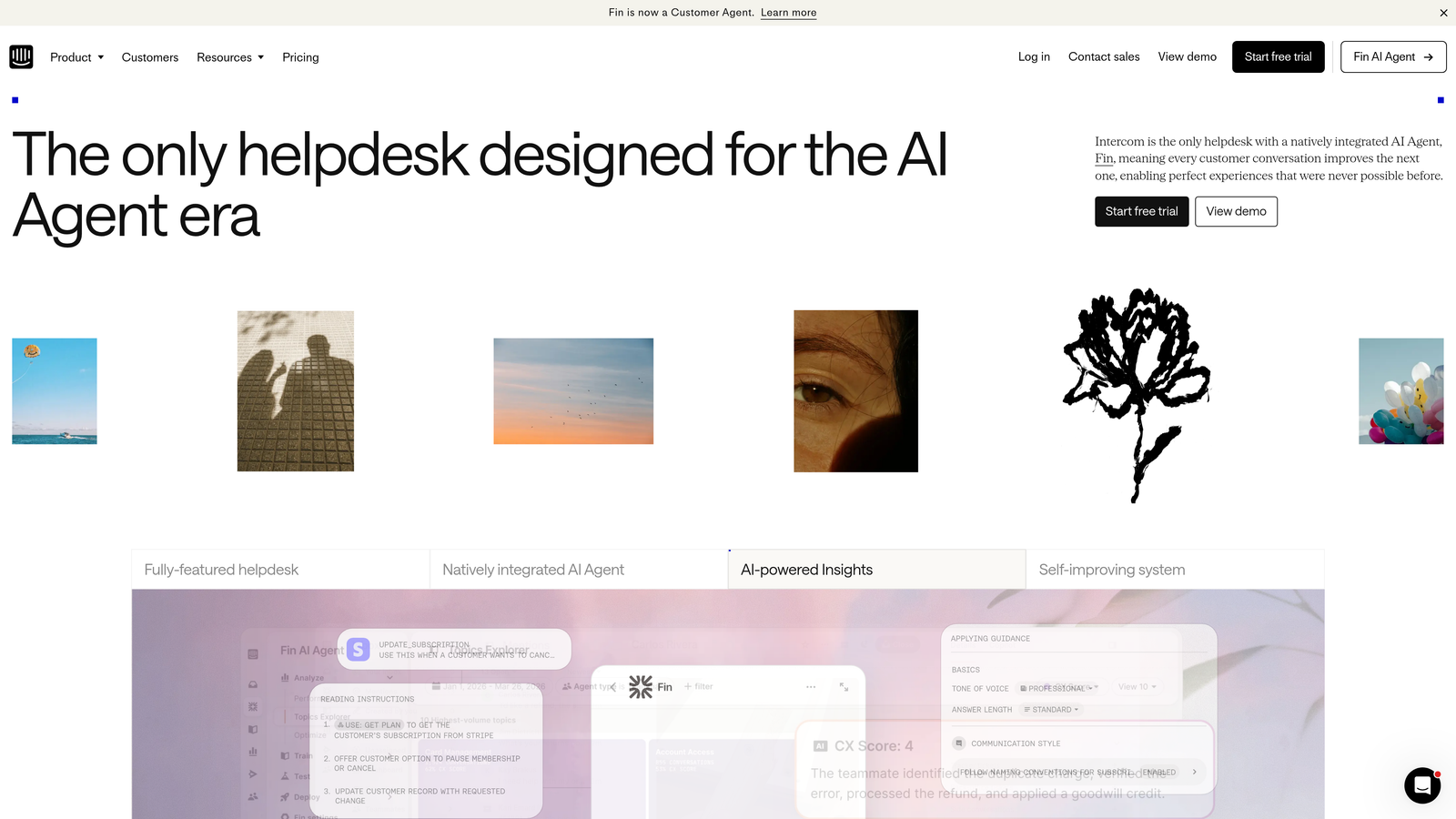
Intercom Analytics provides native reporting for Intercom users, with particular strength in connecting support interactions to product usage patterns.
Where This Tool Shines
Intercom's analytics excel at showing how support conversations relate to product adoption. You can see which features generate the most questions, track how product tours impact support volume, and measure whether proactive messaging reduces inbound tickets.
The bot effectiveness measurement is particularly valuable if you're using Intercom's automation features. You can track exactly which automated flows are working, where users drop off, and when human escalation becomes necessary.
Key Features
Conversation Performance: Track resolution rates, response times, and conversation volume across your team with granular filtering.
Team Benchmarking: Compare individual agent performance and identify coaching opportunities based on resolution speed and customer satisfaction.
Bot Analytics: Measure automated conversation success rates, escalation patterns, and areas where bots need improvement.
Product Engagement Correlation: Connect support conversations to product tour completion, feature adoption, and user journey progression.
Customer Journey Insights: See the full context of customer interactions across marketing, sales, and support touchpoints.
Best For
Product teams using Intercom who need to understand the relationship between support conversations and product usage. Especially valuable for SaaS companies focused on user onboarding and feature adoption.
Pricing
Analytics included with Intercom plans starting at $74 per month for the base tier.
4. Freshdesk Analytics
Best for: Growing teams wanting accessible analytics without overwhelming complexity
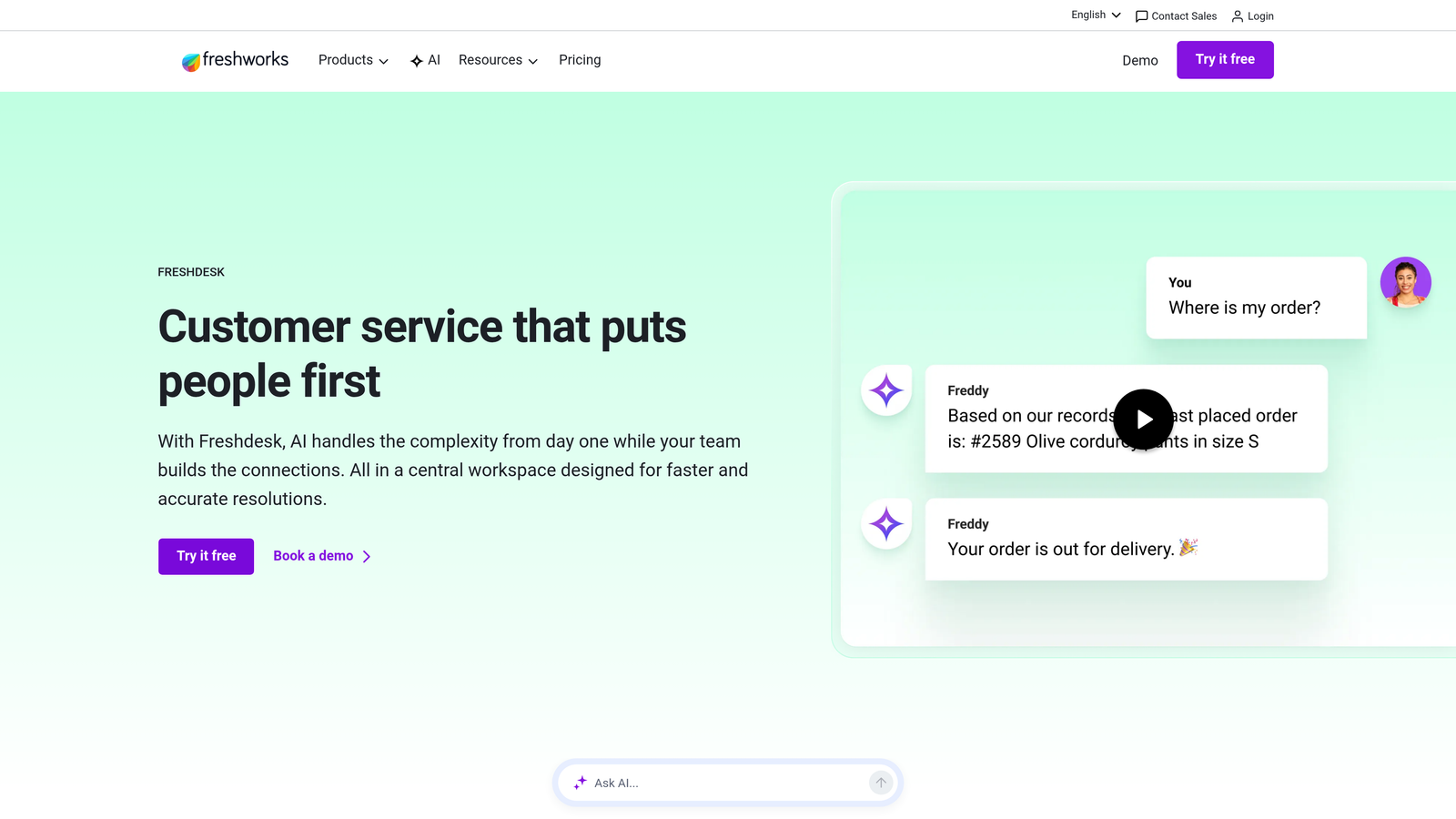
Freshdesk Analytics offers curated reports and customizable dashboards within the Freshdesk platform, balancing ease of use with analytical depth.
Where This Tool Shines
Freshdesk strikes a sweet spot between simplicity and capability. The curated report library covers the most common support metrics without requiring you to build everything from scratch. When you need custom views, the dashboard builder is straightforward enough for non-technical managers.
SLA tracking is particularly well-implemented, with visual indicators showing which tickets are at risk of breaching service level agreements. This makes it easy to prioritize work and maintain commitments to customers.
Key Features
Curated Report Library: Pre-built reports for common scenarios like ticket trends, agent workload, and customer satisfaction analysis.
SLA Performance Tracking: Visual dashboards showing SLA compliance rates, at-risk tickets, and breach patterns across different priority levels.
Agent Performance Metrics: Individual and group performance tracking including resolution time, ticket volume, and customer ratings.
Satisfaction Analytics: Track CSAT scores, identify trends, and correlate satisfaction with specific agents, issue types, or resolution times.
Ticket Trend Analysis: Identify patterns in ticket volume, common issues, and seasonal fluctuations to inform staffing and training decisions.
Best For
Small to mid-sized support teams that need reliable analytics without dedicated data analysts. Works well for organizations prioritizing operational efficiency over advanced predictive capabilities.
Pricing
Analytics features included in Pro plan at $49 per agent per month; more advanced capabilities in higher tiers.
5. Salesforce Service Analytics
Best for: Enterprise organizations needing unified analytics across sales, marketing, and service
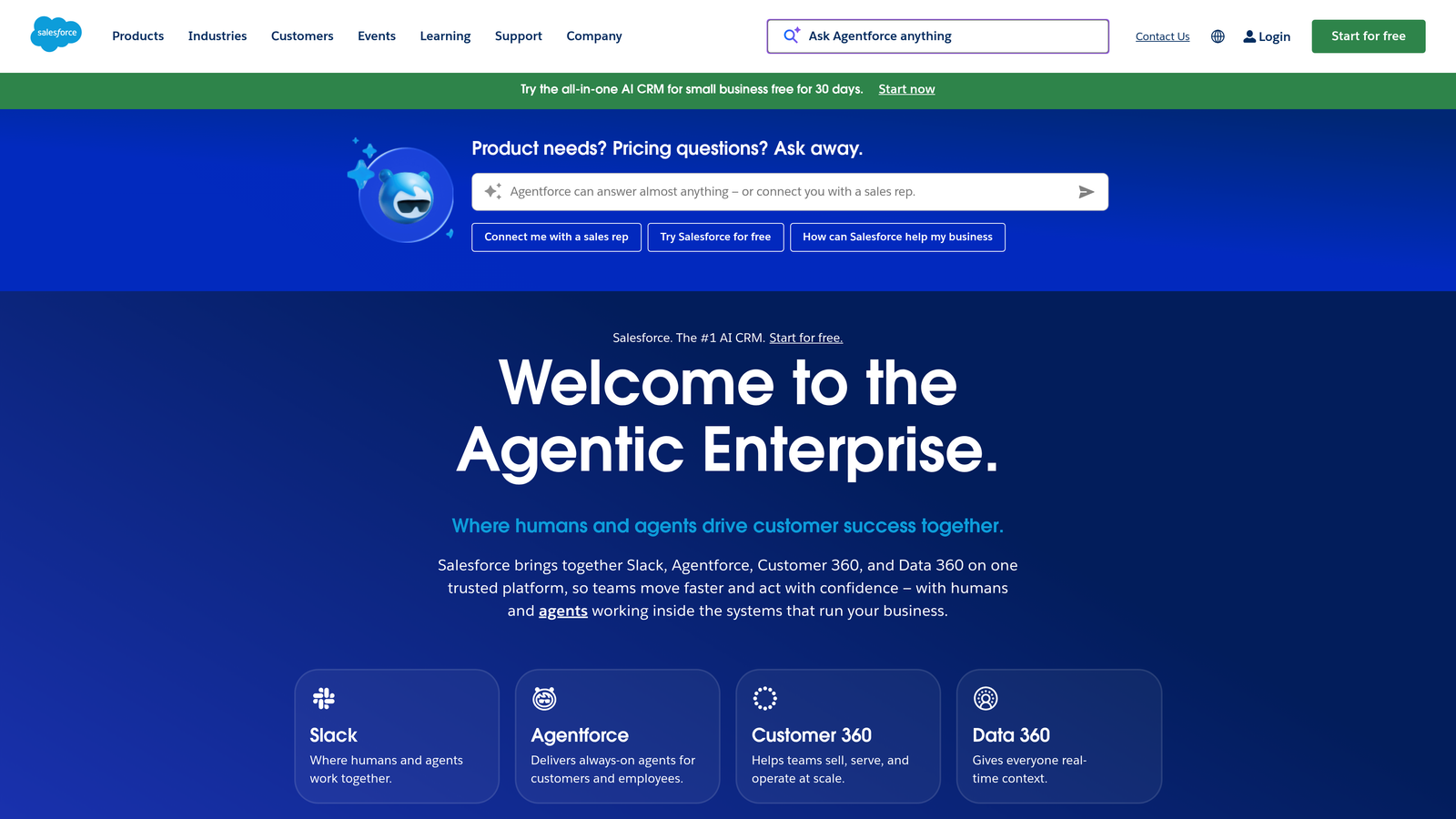
Salesforce Service Analytics delivers enterprise-grade reporting with Einstein AI integration, connecting support data to your entire customer relationship ecosystem.
Where This Tool Shines
When your support operation is part of a larger Salesforce implementation, Service Analytics provides the unified customer view that standalone tools can't match. You see how support interactions relate to sales opportunities, marketing campaigns, and overall customer lifetime value.
Einstein AI adds predictive capabilities that go beyond historical reporting. The system can recommend optimal case routing, predict escalation likelihood, and suggest next-best actions based on patterns across your entire customer base.
Key Features
Einstein AI Predictions: Machine learning models predict case escalation, suggest optimal routing, and recommend actions based on historical patterns.
Unified Customer 360: Connect support interactions to sales opportunities, marketing engagement, and customer account health in one view.
Cross-Departmental Analytics: Break down silos with reporting that spans sales, marketing, and service teams for complete customer journey visibility.
Advanced Case Routing: AI-powered routing optimization ensures cases reach the right agent based on skills, workload, and historical success rates.
Tableau Integration: Connect to Tableau for advanced visualization and custom analytics beyond standard dashboards.
Best For
Large enterprises with complex support operations and existing Salesforce implementations. Best suited for organizations that need support analytics integrated with sales and marketing data.
Pricing
Service Cloud Enterprise starts at $165 per user per month; Einstein AI and advanced analytics features available as add-ons with variable pricing.
6. Gorgias Analytics
Best for: E-commerce brands connecting support conversations directly to revenue impact
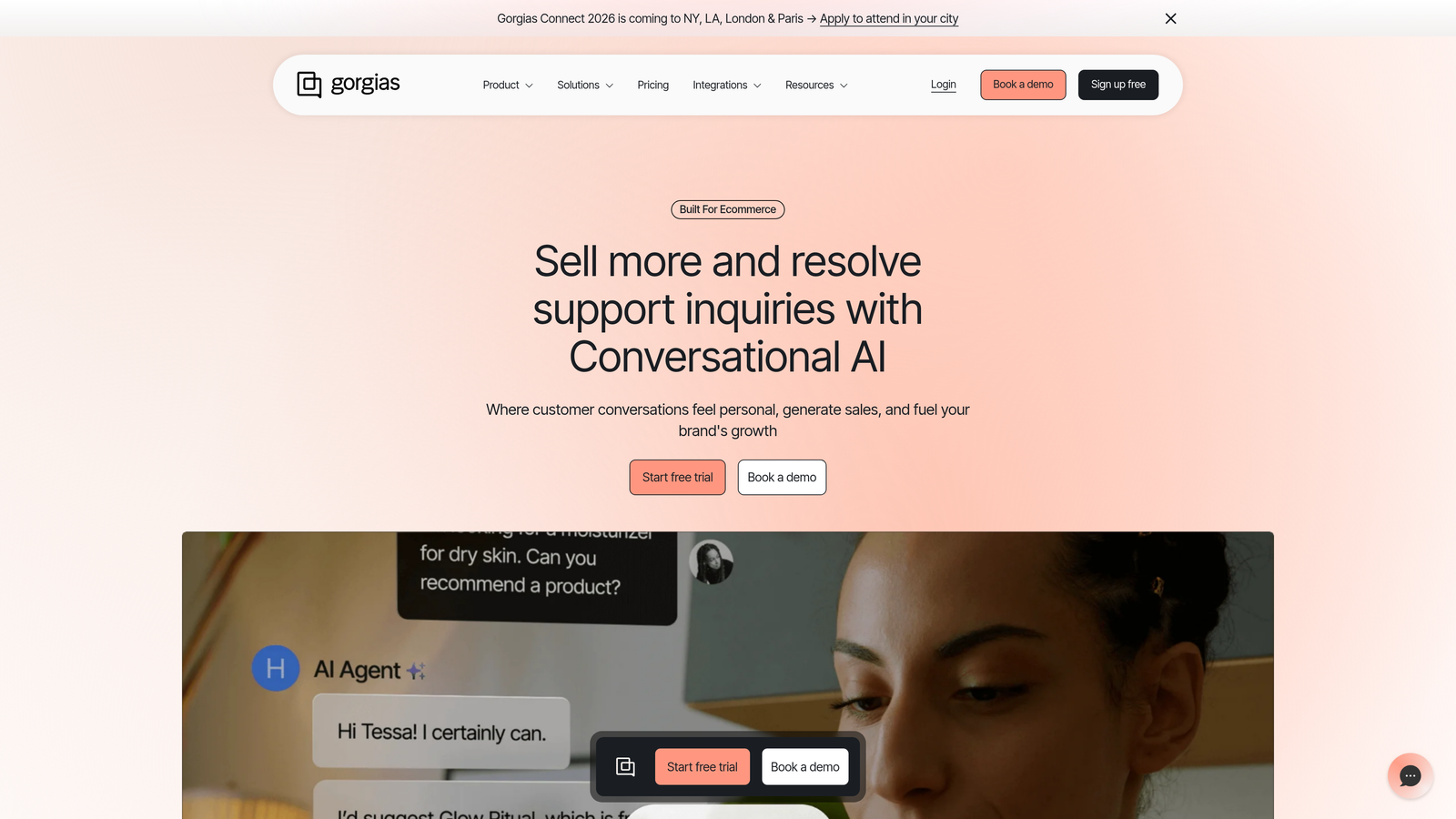
Gorgias Analytics specializes in e-commerce support analytics, showing exactly how support interactions influence purchasing decisions and customer lifetime value.
Where This Tool Shines
Gorgias answers the question every e-commerce support leader asks: "How does support impact revenue?" The platform tracks revenue attribution per ticket, showing which support conversations led to purchases and which prevented returns or cancellations.
The distinction between pre-sale and post-sale conversations is particularly valuable. You can see which agents are best at converting browsers into buyers versus which excel at retaining customers and preventing churn.
Key Features
Revenue Attribution: Track revenue generated or saved through specific support tickets, showing ROI of your support team.
Pre-Sale vs Post-Sale Tracking: Separate analytics for conversations that drive new purchases versus those that resolve post-purchase issues.
E-Commerce Integration: Deep connections to Shopify, BigCommerce, and other platforms pull order data, cart information, and customer purchase history.
Agent Revenue Impact: Score individual agents based on their influence on purchasing decisions and customer retention.
Automation Performance: Measure how automated responses impact conversion rates and customer satisfaction in e-commerce contexts.
Best For
E-commerce businesses that need to justify support investment through clear revenue metrics. Particularly valuable for direct-to-consumer brands where support conversations directly influence purchasing decisions.
Pricing
Starts at $10 per month for 50 tickets; pricing scales with ticket volume and additional features.
7. Klaus
Best for: Teams focused on conversation quality and agent coaching
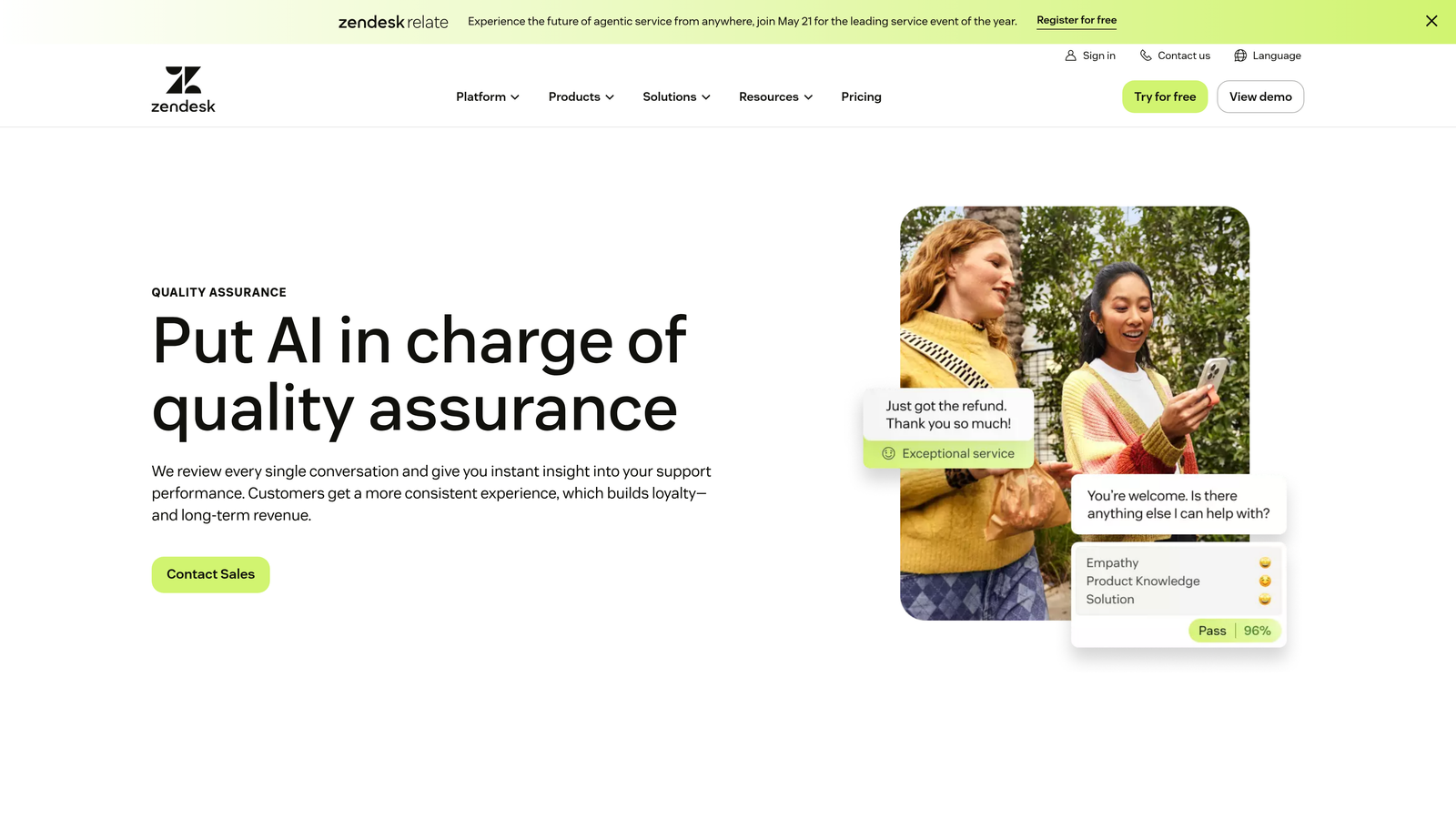
Klaus takes a different approach to support analytics by focusing on conversation quality rather than operational metrics, using AI to score interactions and identify coaching opportunities.
Where This Tool Shines
Klaus excels at the qualitative side of support analytics. While most platforms count tickets and measure speed, Klaus evaluates whether those tickets were actually handled well. The AI scoring system reviews conversations for tone, completeness, accuracy, and customer satisfaction indicators.
The coaching workflow transforms quality assurance from a periodic review process into continuous improvement. Managers can leave inline feedback, track improvement over time, and identify specific skill gaps across their team.
Key Features
AI-Powered Scoring: Automated conversation analysis evaluates quality based on customizable criteria including tone, resolution effectiveness, and policy compliance.
Quality Assurance Workflows: Structured review processes with inline feedback, dispute resolution, and conversation calibration across reviewers.
Performance Benchmarking: Compare individual agent quality scores against team averages and identify top performers for peer learning.
Coaching Insights: Identify specific improvement areas for each agent with concrete examples from their actual conversations.
Multi-Platform Integration: Works with Zendesk, Intercom, Freshdesk, Front, and other major helpdesks to analyze conversations wherever they happen.
Best For
Support teams that prioritize conversation quality and agent development over pure volume metrics. Particularly valuable for organizations where brand voice and customer experience quality are competitive differentiators.
Pricing
Contact for pricing based on team size and review volume; free trial available.
8. Geckoboard
Best for: Teams wanting real-time support dashboards displayed on office TVs
Geckoboard specializes in real-time dashboard displays, pulling support data from multiple sources into unified, visually striking displays designed for team visibility.
Where This Tool Shines
Geckoboard solves the "data visibility" problem. When your support metrics live inside individual platforms, only people who log in see them. Geckoboard puts key metrics on TVs, large monitors, or shared screens where the entire team maintains constant awareness.
The TV dashboard mode is specifically designed for readability from across a room. Metrics update in real-time, creating a sense of urgency and shared accountability that static reports can't match.
Key Features
60+ Integrations: Pre-built connections to major helpdesks, CRMs, analytics platforms, and business tools without custom development.
Real-Time Refresh: Dashboards update automatically with live data, showing current ticket queues, response times, and team performance.
TV Dashboard Mode: Optimized layouts and large typography designed specifically for display on office TVs and large monitors.
No-Code Setup: Build dashboards by selecting metrics from connected tools without writing code or complex queries.
Goal Tracking: Set targets for key metrics and display progress with visual indicators that show at-a-glance status.
Best For
Support teams that work in shared physical spaces and want constant visibility into performance metrics. Works well for organizations that value transparency and real-time awareness over deep analytical capabilities.
Pricing
Starts at $39 per month for one dashboard; additional dashboards and advanced features available in higher tiers.
9. Metabase
Best for: Technical teams wanting full SQL access to support databases
Metabase is an open-source business intelligence platform that gives technical teams complete control over support analytics through direct database access.
Where This Tool Shines
When pre-built dashboards and limited query builders feel constraining, Metabase provides the flexibility to answer any question your data can answer. You connect directly to your support database and write SQL queries for complete analytical freedom.
The open-source nature means you can self-host for complete data control, customize the platform to your exact needs, and benefit from community-contributed enhancements. For organizations with specific compliance requirements or unique analytical needs, this flexibility is invaluable.
Key Features
Direct Database Connections: Connect to MySQL, PostgreSQL, MongoDB, and other databases where your support data lives for complete query access.
SQL and Visual Builders: Write custom SQL queries for complex analysis or use the visual query builder for simpler reports.
Self-Hosted or Cloud: Deploy on your own infrastructure for maximum control or use Metabase Cloud for managed hosting.
Embeddable Dashboards: Embed analytics directly into your internal tools, customer portals, or other applications.
Active Community: Benefit from community-contributed visualizations, query templates, and integrations beyond the core platform.
Best For
Organizations with technical resources who need analytical flexibility beyond what helpdesk-native tools provide. Particularly valuable for companies with custom support systems or complex data integration requirements.
Pricing
Free for self-hosted open-source version; Metabase Cloud starts at $85 per month for hosted deployment.
Making the Right Choice
Your analytics needs depend on where you are in your support journey. If you're already committed to a major helpdesk platform, their native analytics (Zendesk Explore, Intercom Analytics, Freshdesk Analytics) provide immediate value without additional complexity.
E-commerce teams should seriously consider Gorgias for its revenue attribution capabilities. When you can show exactly how support conversations impact purchasing decisions, justifying team investment becomes straightforward.
For organizations prioritizing conversation quality over volume metrics, Klaus transforms quality assurance from periodic reviews into continuous coaching. Teams wanting constant visibility should explore Geckoboard's real-time TV dashboards.
Technical teams with complex requirements benefit from Metabase's SQL access and self-hosting options. Enterprise organizations already invested in Salesforce gain unified customer views through Service Analytics.
But here's the thing: traditional analytics platforms show you what happened. The emerging category combines analytics with action—platforms that don't just report on support conversations but actively resolve them while extracting intelligence.
Your support team shouldn't scale linearly with your customer base. Let AI agents handle routine tickets, guide users through your product, and surface business intelligence while your team focuses on complex issues that need a human touch. See Halo in action and discover how continuous learning transforms every interaction into smarter, faster support.
The best analytics platform is the one that helps you make better decisions. Choose based on where you need visibility most—operational efficiency, revenue impact, conversation quality, or predictive intelligence. Your customers are already telling you what they need; the right platform helps you hear them.