9 Best Support Efficiency Improvement Tools in 2026
Support efficiency improvement tools help B2B teams automate repetitive workflows, resolve tickets faster, and scale customer service without expanding headcount. This 2026 guide reviews nine specialized platforms—from AI-powered autonomous agents to workflow automation and analytics tools—that tackle support efficiency from multiple angles, helping teams handle growing ticket volumes while focusing on complex customer problems.
 Matt PattoliFounder13 min read
Every minute your support team spends on repetitive tasks is a minute they're not solving complex customer problems. As ticket volumes grow and customer expectations rise, B2B companies are turning to specialized tools that automate workflows, surface insights, and help agents work smarter.
This guide covers top tools that tackle support efficiency from different angles—AI-powered resolution, workflow automation, knowledge management, and analytics. Whether you're drowning in tickets or looking to scale without adding headcount, you'll find options that fit your stack and budget.
1. Halo AI
Best for: B2B companies seeking autonomous AI agents that learn from every support interaction
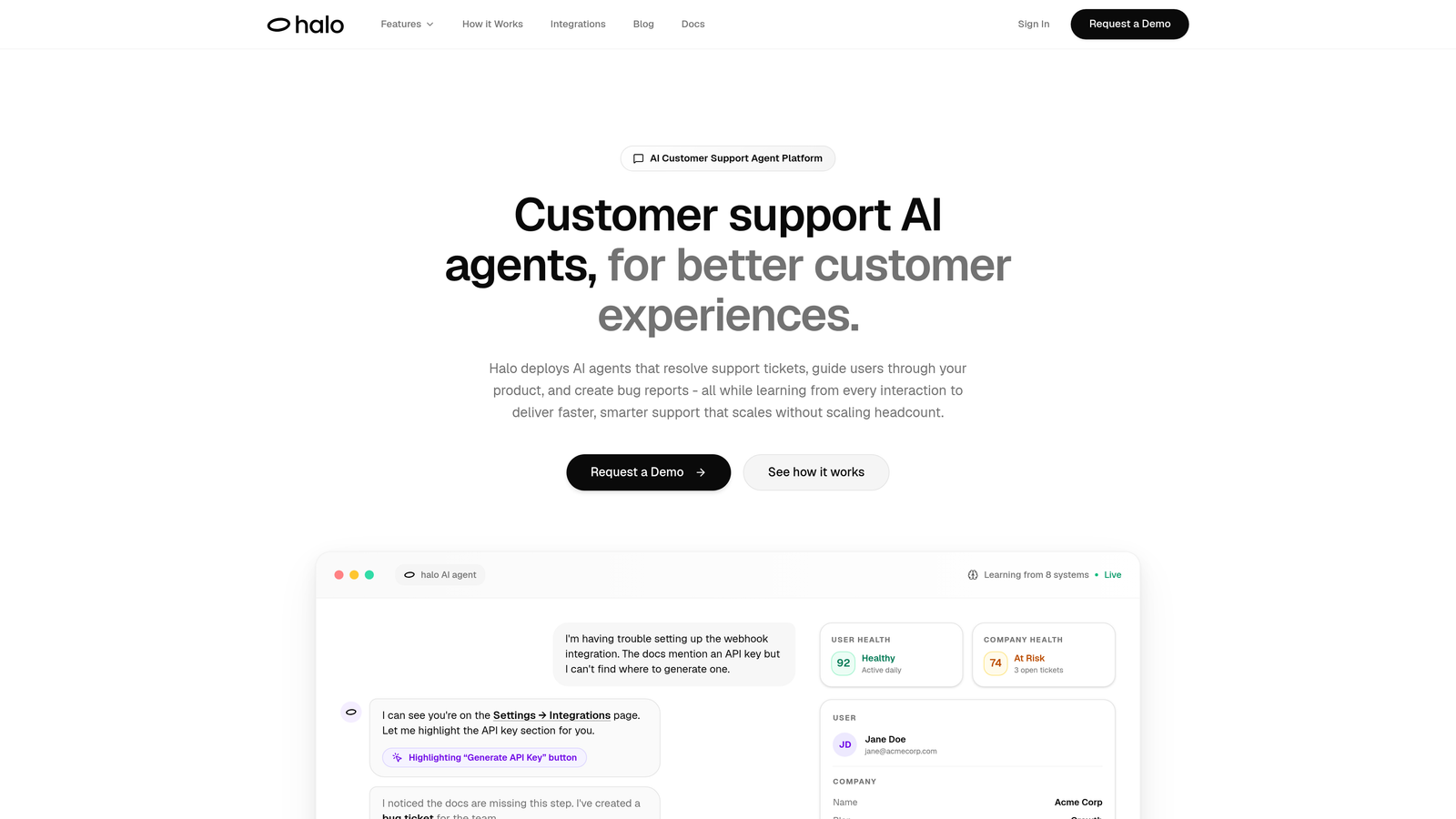
Halo AI is an AI-first customer support platform that deploys intelligent agents to resolve tickets, guide users through products, and create bug reports autonomously.
Where This Tool Shines
Unlike traditional helpdesks with AI bolted on, Halo is built from the ground up as an AI-native platform. The agents don't just follow rules—they learn from every interaction, getting smarter over time. This means your support quality improves continuously without manual intervention.
What sets Halo apart is its page-aware context. The system sees what your users see, enabling it to provide visual UI guidance and contextual help that traditional chat widgets can't match. When users are stuck on a specific screen, Halo knows exactly where they are and what they're trying to do.
Key Features
Autonomous AI Agents: Resolve support tickets without human intervention, handling routine inquiries while learning from each conversation to improve future responses.
Page-Aware Chat Widget: Provides visual UI guidance based on what users see on their screen, offering contextual help that adapts to user location within your product.
Smart Inbox with Business Intelligence: Goes beyond ticket management to surface customer health signals, revenue intelligence, and anomaly detection across your support data.
Auto Bug Ticket Creation: Automatically generates and routes bug reports to Linear when issues are detected, closing the loop between support and product teams.
Live Agent Handoff: Seamlessly escalates complex issues to human agents when needed, maintaining conversation context for smooth transitions.
Best For
B2B product teams using helpdesk systems like Zendesk, Freshdesk, or Intercom who want to automate routine support while gaining business intelligence. Particularly valuable for companies that need deep integrations with their existing stack—Linear, Slack, HubSpot, Stripe, Zoom, and PandaDoc.
Pricing
Contact for pricing; demo available to see the platform in action with your specific use case.
2. Zendesk
Best for: Enterprise teams needing comprehensive omnichannel support with extensive customization options
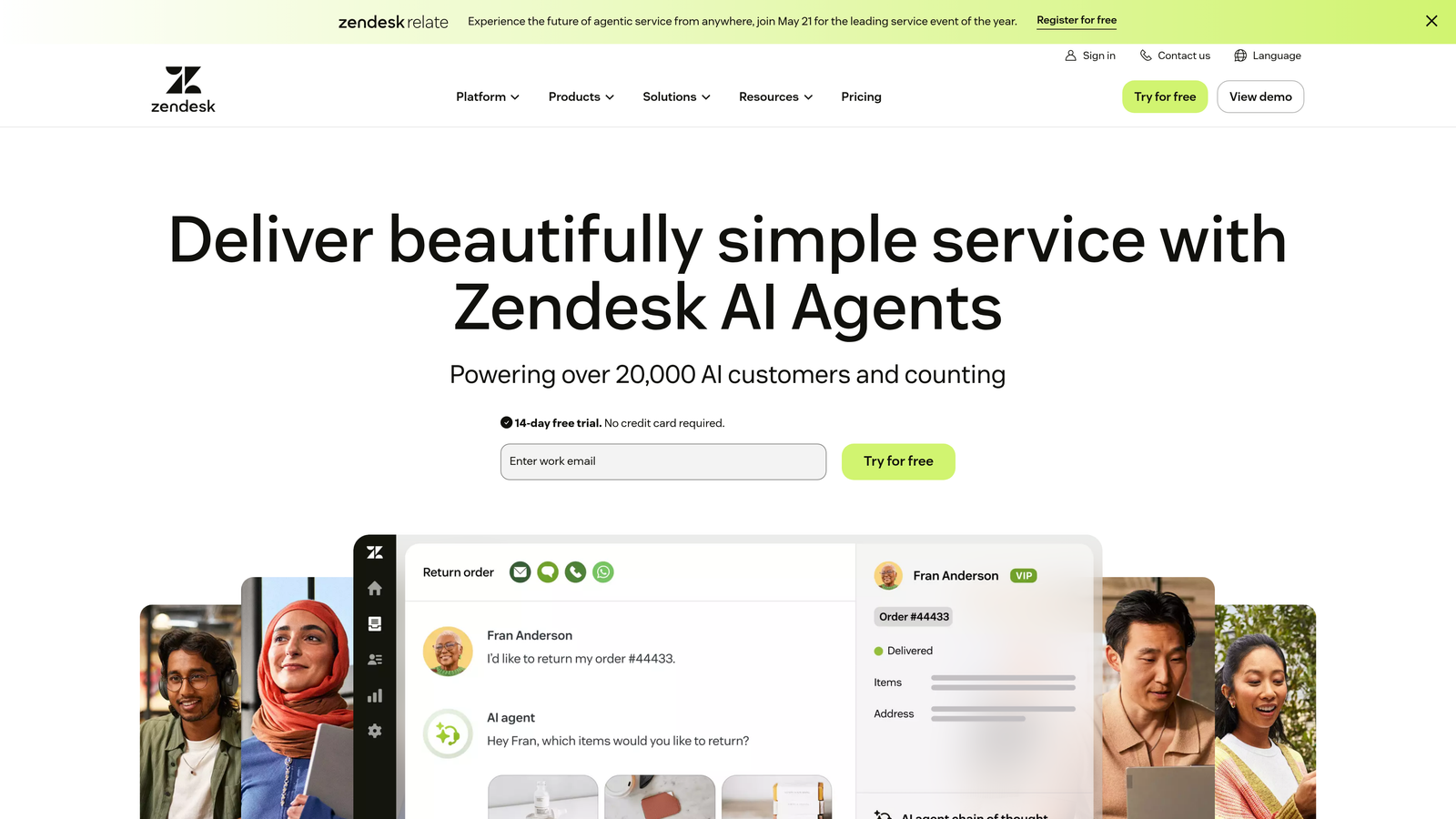
Zendesk is an established helpdesk platform offering enterprise-grade ticketing, automation, and reporting capabilities across multiple support channels.
Where This Tool Shines
Zendesk excels at handling complex support operations at scale. The platform manages email, chat, phone, social media, and messaging channels from a unified interface, making it ideal for teams juggling multiple communication streams. The automation engine is powerful, letting you build sophisticated workflows with triggers, conditions, and actions.
The app marketplace is one of Zendesk's strongest assets. With hundreds of integrations available, you can connect virtually any business tool to your support workflow. This extensibility makes Zendesk adaptable to almost any tech stack or industry requirement.
Key Features
Omnichannel Ticket Management: Consolidates customer conversations from email, chat, phone, social media, and messaging apps into a single queue with unified agent workflows.
Advanced Automation and Triggers: Creates complex conditional workflows that route tickets, update fields, send notifications, and escalate issues based on customizable business rules.
Extensive App Marketplace: Offers hundreds of pre-built integrations and apps that extend functionality for CRM, analytics, project management, and specialized industry needs.
Robust Reporting and Analytics: Provides customizable dashboards tracking ticket volume, resolution times, agent performance, customer satisfaction, and custom metrics.
AI-Powered Answer Bot: Suggests help articles to customers based on their inquiry, enabling self-service resolution before tickets reach agents.
Best For
Enterprise B2B companies with complex support operations spanning multiple channels and departments. Teams that need deep customization, extensive reporting, and a mature ecosystem of integrations will benefit most from Zendesk's comprehensive feature set.
Pricing
Starts at $55/agent/month for Suite Team; higher tiers available for advanced features and enterprise needs.
3. Intercom
Best for: Product-led companies wanting conversational support combined with proactive engagement and onboarding
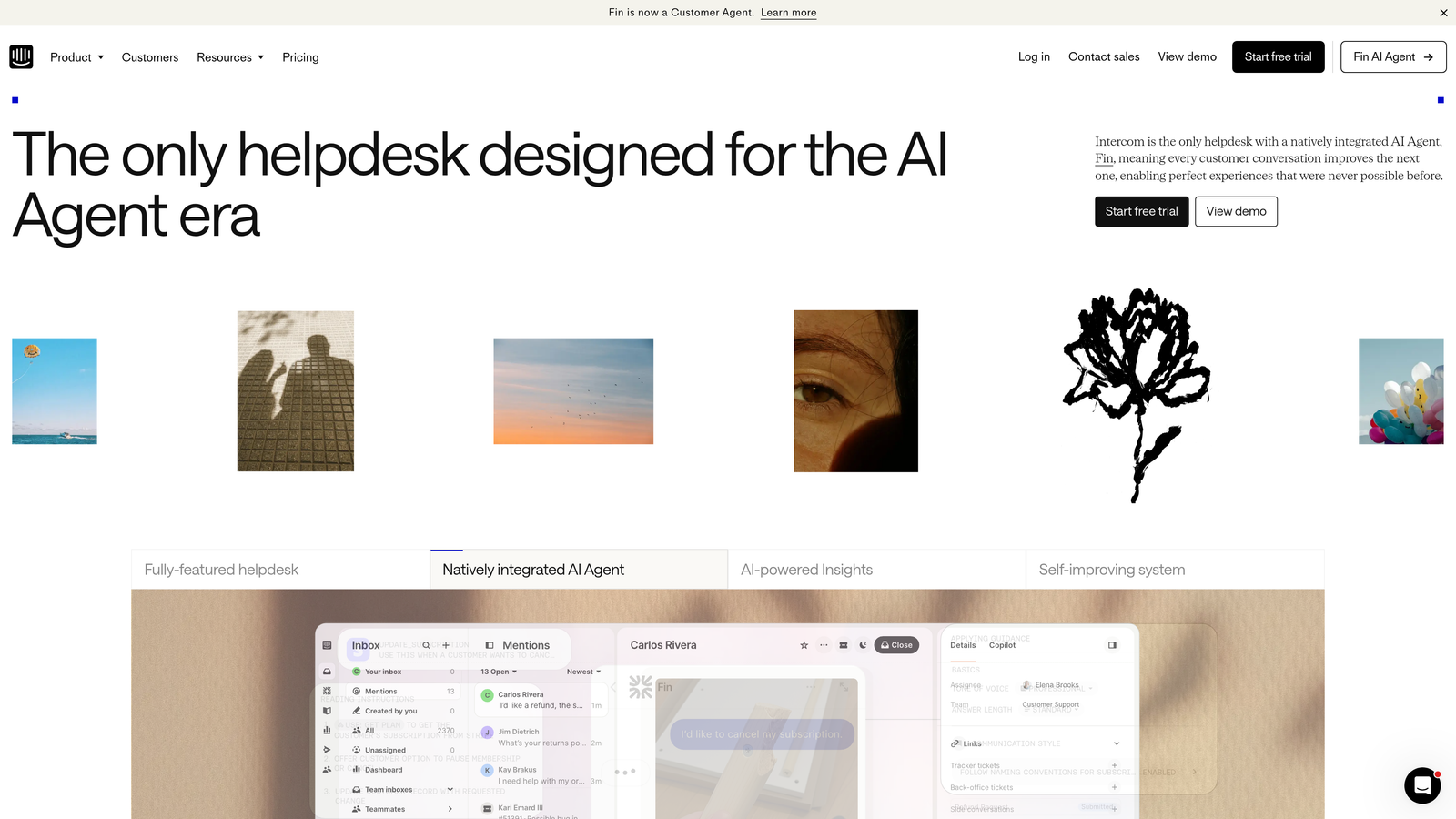
Intercom is a conversational support platform that blends messenger-based customer communication with AI automation and product tours.
Where This Tool Shines
Intercom's messenger-first approach creates a more modern support experience than traditional email ticketing. The platform enables proactive outreach—you can message users based on behavior, lifecycle stage, or product usage patterns. This shifts support from purely reactive to strategic customer engagement.
The Fin AI agent handles common questions automatically, learning from your knowledge base and past conversations. Combined with product tours and onboarding flows, Intercom helps reduce support volume by guiding users to success before they need to ask for help.
Key Features
Messenger-First Support Experience: Delivers real-time chat support with a modern interface that customers can access across web and mobile, maintaining conversation history.
Fin AI Agent: Resolves customer questions automatically using your knowledge base and conversation history, with pricing based on successful resolutions rather than seat licenses.
Product Tours and Onboarding Flows: Creates guided experiences that walk users through features, reducing support inquiries by proactively addressing common questions.
Proactive Messaging Capabilities: Triggers targeted messages based on user behavior, lifecycle stage, or custom events to engage customers before issues arise.
Unified Inbox Across Channels: Consolidates conversations from messenger, email, and social channels into a single workspace with team collaboration features.
Best For
SaaS companies with product-led growth strategies who want to combine support with marketing and onboarding. Teams that value proactive engagement and want to reduce support volume through in-app guidance will find Intercom's approach particularly effective.
Pricing
Starts at $39/seat/month for the core platform; Fin AI priced separately per resolution, making costs variable based on automation usage.
4. Freshdesk
Best for: Growing teams seeking powerful automation and AI capabilities at competitive pricing
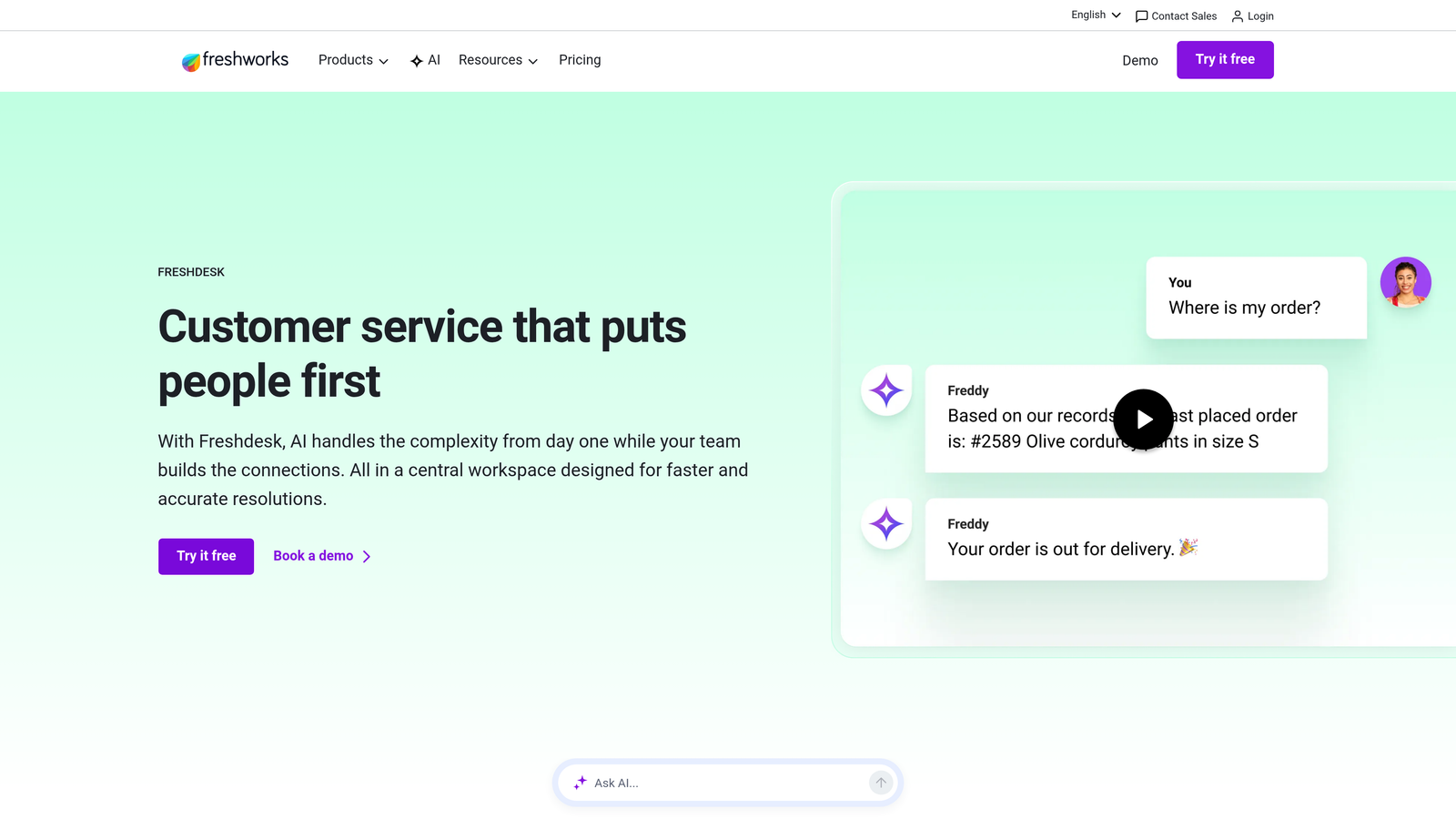
Freshdesk is a scalable helpdesk solution featuring Freddy AI capabilities and scenario-based automation for efficient ticket management.
Where This Tool Shines
Freshdesk delivers enterprise-level features at mid-market pricing, making advanced automation accessible to smaller teams. The scenario automations handle complex workflows that would require multiple triggers in other platforms—you can chain conditions and actions to model real business processes without custom development.
Freddy AI provides intelligent suggestions to agents, predicting ticket fields, recommending solutions, and identifying sentiment. The free tier is genuinely functional, making Freshdesk a strong option for early-stage companies that need room to grow.
Key Features
Intuitive Ticket Management: Organizes customer inquiries with customizable views, filters, and ticket properties that adapt to your support workflow and team structure.
Freddy AI for Automation: Suggests ticket assignments, predicts field values, recommends knowledge articles to agents, and detects customer sentiment to prioritize urgent issues.
Scenario Automations: Creates complex multi-step workflows with conditional logic, enabling sophisticated ticket routing and escalation without technical expertise.
Collaboration Tools: Facilitates team efficiency with parent-child ticketing, shared ownership, private notes, and team huddles for discussing complex cases.
Self-Service Portal Builder: Enables customers to find answers, submit tickets, and track progress through a customizable branded portal with knowledge base integration.
Best For
B2B companies scaling their support operations who need robust automation and AI features without enterprise pricing. Teams that want scenario-based workflows and collaboration tools will appreciate Freshdesk's balance of capability and cost.
Pricing
Free tier available with basic features; paid plans start at $15/agent/month, scaling to enterprise tiers with advanced AI and customization.
5. Help Scout
Best for: Teams prioritizing personal customer relationships over high-volume ticket processing
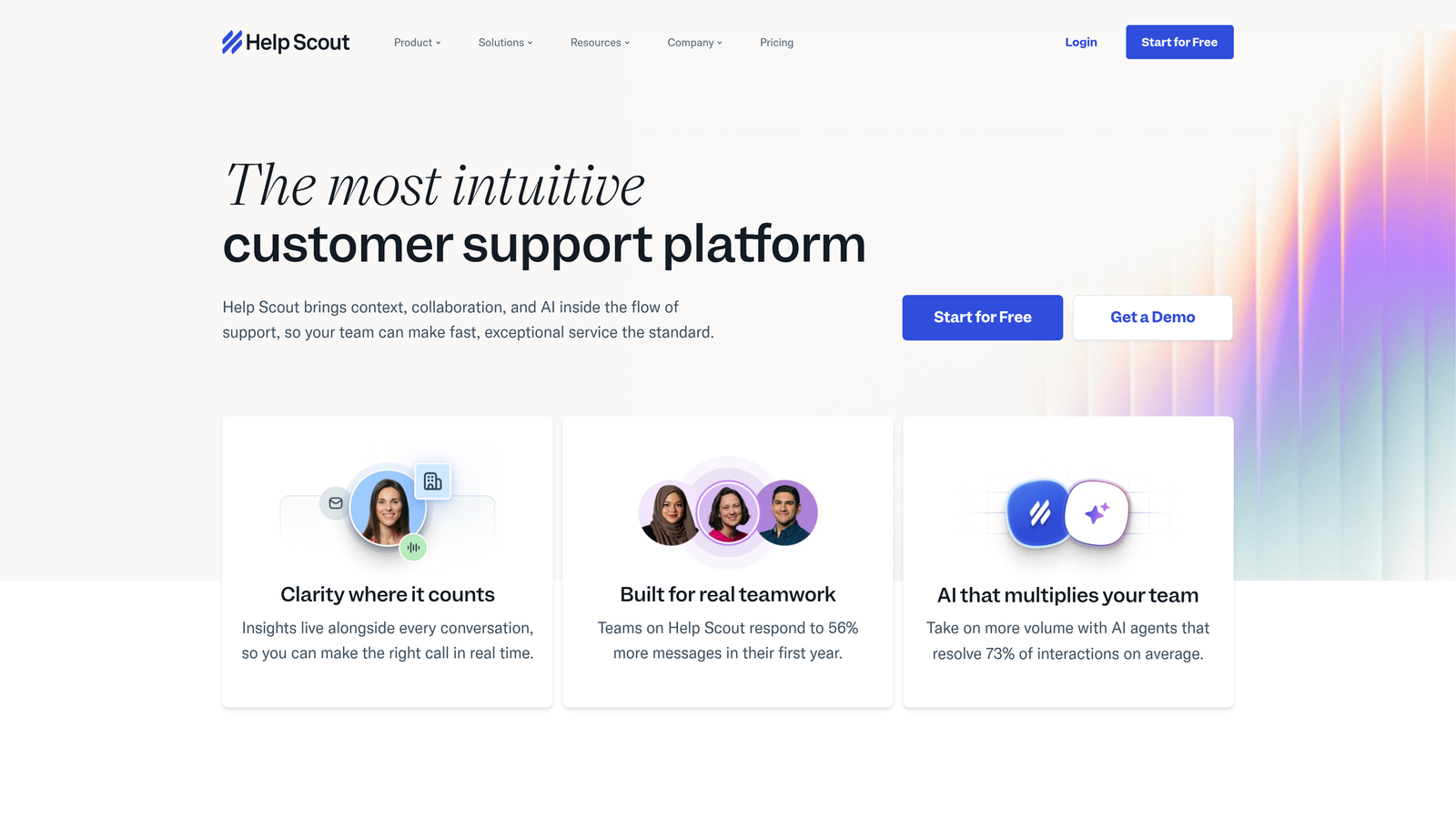
Help Scout is a customer-focused helpdesk emphasizing human connections through a shared inbox, knowledge base, and in-app support widget.
Where This Tool Shines
Help Scout intentionally avoids the complexity of enterprise helpdesks, focusing instead on making support feel personal. The shared inbox looks like email rather than a ticket queue, which many teams find more natural. Collision detection prevents agents from duplicating work, while the interface keeps conversations feeling human rather than transactional.
The Beacon widget provides contextual help within your product, suggesting relevant knowledge base articles based on the page users are viewing. This reduces support volume by surfacing answers at the moment of need.
Key Features
Shared Inbox with Collision Detection: Manages customer emails in a familiar interface with visual indicators when teammates are viewing the same conversation, preventing duplicate responses.
Docs Knowledge Base: Creates searchable help documentation with categories, articles, and related content suggestions that integrate with the Beacon widget for contextual self-service.
Beacon Widget: Embeds in-app support that shows relevant help articles based on user location, enables messaging, and collects feedback without leaving your product.
Saved Replies and Workflows: Accelerates common responses with text templates and automates repetitive tasks like tagging, assignment, and status updates.
Customer Satisfaction Ratings: Collects feedback after conversations to measure support quality and identify improvement opportunities at both team and individual levels.
Best For
B2B companies with moderate support volumes who value relationship quality over processing speed. Teams that want simplicity and a more human approach to customer communication will find Help Scout's philosophy aligned with their values.
Pricing
Starts at $20/user/month with all core features included; scales to higher tiers for additional automation and customization options.
6. Gorgias
Best for: E-commerce companies needing order management capabilities directly within support conversations
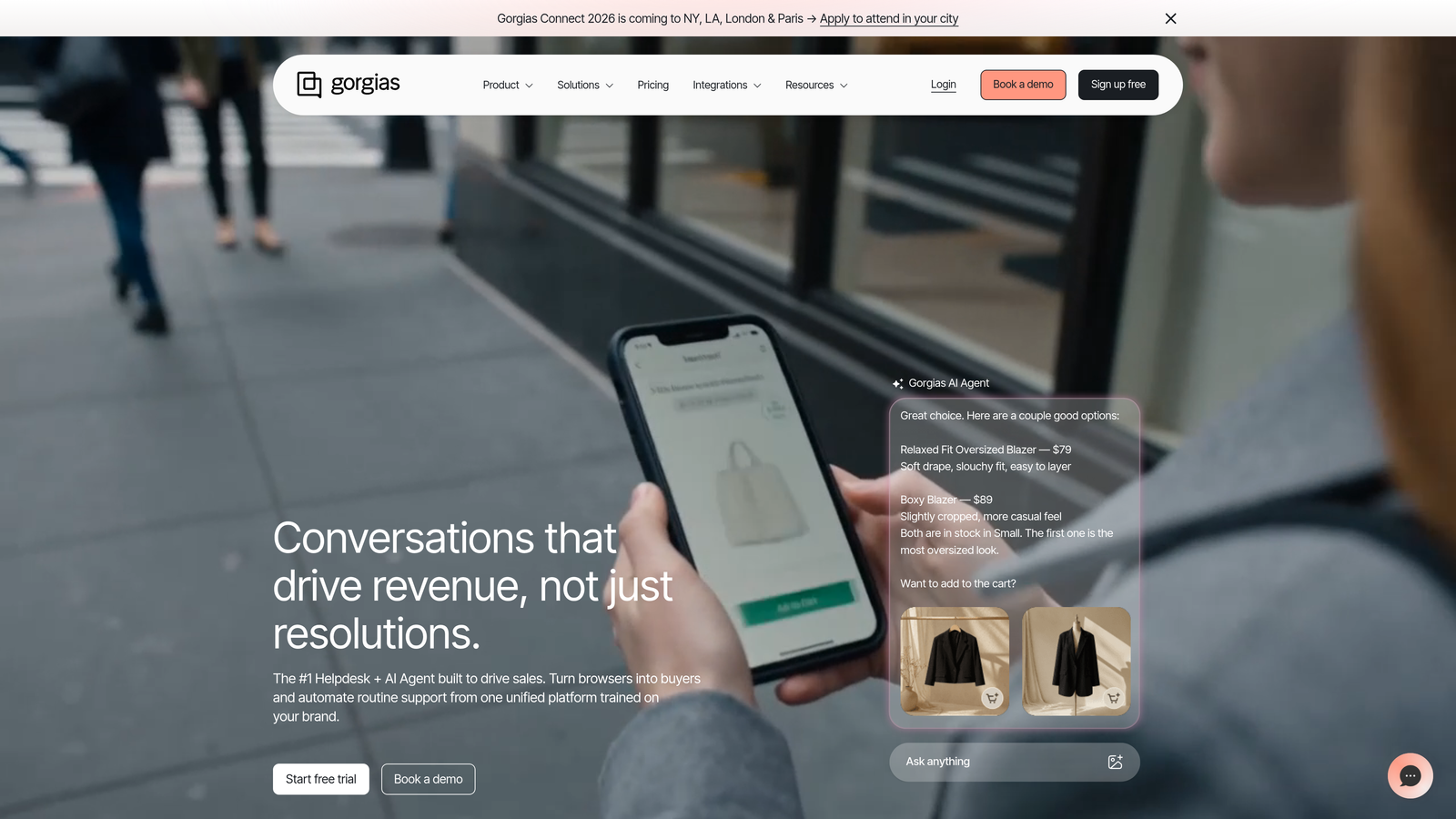
Gorgias is an e-commerce-focused helpdesk with deep Shopify integration, enabling support teams to manage orders, refunds, and customer data without switching platforms.
Where This Tool Shines
Gorgias is purpose-built for e-commerce, with integrations that pull order details, shipping information, and customer history directly into the support interface. Agents can process refunds, modify orders, and update shipping addresses without leaving the conversation, dramatically reducing resolution time for common e-commerce inquiries.
The macro system uses dynamic variables that pull customer-specific data into templated responses, making personalized replies scalable. Revenue attribution tracking shows which support interactions lead to purchases, helping justify support as a revenue driver rather than cost center.
Key Features
Deep E-commerce Platform Integrations: Connects with Shopify, BigCommerce, and Magento to display order details, customer history, and purchase data within support conversations.
Order Management Within Tickets: Enables agents to process refunds, cancel orders, modify shipping addresses, and update order status without switching to separate admin panels.
Macros with Dynamic Variables: Creates templated responses that automatically populate with customer-specific information like order numbers, tracking details, and personalized product recommendations.
Revenue Attribution Tracking: Measures support's impact on sales by tracking which conversations lead to purchases, helping demonstrate ROI and optimize support strategies.
Social Media and SMS Support: Manages customer inquiries from Instagram, Facebook, SMS, and email in a unified inbox with consistent workflows across channels.
Best For
E-commerce businesses on Shopify, BigCommerce, or Magento who handle high volumes of order-related inquiries. Teams that need to resolve shipping, refund, and product questions quickly will benefit from Gorgias's specialized e-commerce capabilities.
Pricing
Starts at $10/month for 50 tickets; scales based on ticket volume with higher tiers offering automation, integrations, and advanced features.
7. Guru
Best for: Support teams struggling with knowledge fragmentation across multiple systems and documentation sources
Guru is a knowledge management platform that surfaces verified information to agents within their workflow, reducing time spent searching for answers.
Where This Tool Shines
Guru solves the problem of agents hunting through multiple wikis, Google Docs, and Slack threads for information. The browser extension brings knowledge directly into the tools agents already use—Zendesk, Slack, Salesforce, and web browsers. AI-powered suggestions surface relevant information based on the conversation context, eliminating manual searches.
The verification workflow ensures knowledge stays accurate. Cards can be assigned owners who receive reminders to review and update content, preventing the knowledge rot that plagues traditional wikis. Analytics show which knowledge gets used most, helping identify gaps and prioritize documentation efforts.
Key Features
AI-Powered Knowledge Suggestions: Automatically recommends relevant information based on conversation context, ticket content, or search queries without requiring manual lookups.
Browser Extension for In-Workflow Access: Brings knowledge directly into Zendesk, Slack, Salesforce, Gmail, and web browsers, eliminating context switching and tab juggling.
Verification Workflows for Accuracy: Assigns knowledge owners who receive scheduled reminders to review and update content, ensuring information remains current and trustworthy.
Analytics on Knowledge Usage: Tracks which cards get viewed, shared, and used most frequently, revealing content gaps and helping prioritize documentation improvements.
Integrations with Major Platforms: Connects with Slack, Zendesk, Salesforce, Intercom, and other business tools to centralize knowledge access across your tech stack.
Best For
B2B support teams with complex products and distributed knowledge across multiple systems. Companies experiencing long ramp times for new agents or frequent questions about where to find information will see immediate value from Guru's centralized approach.
Pricing
Free tier available for basic knowledge management; paid plans start at $10/user/month with advanced features, analytics, and integrations.
8. Klaus
Best for: Support leaders focused on quality assurance, agent coaching, and consistent customer experience
Klaus is a quality assurance platform that uses AI to identify conversations needing review and enables structured coaching for support teams.
Where This Tool Shines
Klaus transforms QA from a manual sampling process into an AI-driven system. Instead of randomly reviewing 5% of tickets, Klaus identifies conversations that matter—edge cases, escalations, new product questions, and potential quality issues. This targeted approach means you review the conversations that actually improve team performance.
The customizable scorecards let you define what quality means for your team, with weighted categories and specific criteria. Feedback is delivered directly to agents with context, making coaching actionable rather than abstract. Quality trends over time reveal whether coaching is working and where systematic issues exist.
Key Features
AI-Powered Conversation Sampling: Identifies high-value conversations for review based on sentiment, complexity, escalation status, and custom criteria rather than random sampling.
Customizable Scorecards: Defines quality standards with weighted categories, specific criteria, and rating scales that reflect your team's priorities and brand voice.
Agent Coaching and Feedback Tools: Delivers structured feedback directly to agents with conversation context, enabling targeted improvement and tracking coaching impact over time.
Quality Trend Analytics: Visualizes quality metrics across time periods, teams, and individual agents to identify patterns, measure improvement, and spot systematic issues.
Integrations with Major Helpdesks: Connects with Zendesk, Intercom, Front, Help Scout, and other platforms to review conversations without leaving your QA workflow.
Best For
B2B companies scaling support teams who need consistent quality as they grow. Support leaders who want data-driven coaching and systematic quality improvement will benefit from Klaus's structured approach to QA.
Pricing
Contact for pricing based on team size and review volume; demo available to see the platform with your actual support data.
9. Assembled
Best for: Support teams managing complex scheduling across multiple channels and time zones
Assembled is a workforce management platform providing forecasting, scheduling, and real-time performance visibility for support operations.
Where This Tool Shines
Assembled brings contact center-level workforce management to modern support teams. The demand forecasting uses historical ticket data and seasonality patterns to predict staffing needs, helping you avoid both understaffing and overstaffing. Scheduling tools account for agent skills, preferences, and availability while ensuring coverage across channels and time zones.
Real-time adherence monitoring shows whether agents are working scheduled tasks or handling unexpected volume spikes. This visibility enables dynamic adjustments—if chat volume surges, you can see which agents could shift from email to real-time channels. The cross-channel optimization is particularly valuable for teams juggling email, chat, phone, and social media support.
Key Features
Demand Forecasting and Capacity Planning: Predicts ticket volume across channels using historical data, seasonality, and trends to determine optimal staffing levels and prevent coverage gaps.
Agent Scheduling and Shift Management: Creates schedules that balance coverage needs with agent preferences, skills, and availability while accounting for time zones and channel requirements.
Real-Time Adherence Monitoring: Tracks whether agents are working scheduled activities, highlights deviations, and enables managers to make dynamic staffing adjustments during volume spikes.
Cross-Channel Staffing Optimization: Allocates agents across email, chat, phone, and social media based on demand patterns and skill sets to maximize efficiency without overspecialization.
Integrations with Support Platforms: Connects with Zendesk, Intercom, Salesforce Service Cloud, and other helpdesks to pull ticket data for accurate forecasting and scheduling.
Best For
B2B companies with larger support teams handling multiple channels and time zones. Teams experiencing staffing inefficiencies, coverage gaps, or difficulty balancing workload across channels will see immediate operational improvements from Assembled's workforce management capabilities.
Pricing
Contact for pricing based on team size and feature requirements; implementation support available for complex scheduling needs.
Matching Your Efficiency Goals to the Right Tool
The right support efficiency tool depends on where your bottlenecks actually are. If you're drowning in repetitive tickets that could be automated, AI-powered platforms like Halo AI or Intercom's Fin agent will deliver immediate relief. Teams struggling with knowledge fragmentation should look at Guru, while those focused on quality and coaching will benefit from Klaus.
Think about your integration needs carefully. The best tool is worthless if it doesn't connect to your existing stack. If you're using Linear for product management, HubSpot for CRM, and Slack for team communication, you need a platform that brings those systems together rather than creating another silo.
Consider your growth trajectory. Freshdesk and Help Scout work well for teams scaling from small to mid-size, offering room to grow without enterprise complexity. Zendesk and Assembled serve larger operations with complex channel management needs. E-commerce teams should evaluate Gorgias's specialized capabilities against general-purpose helpdesks.
The efficiency gains compound when you combine tools strategically. A helpdesk handles ticket management, a knowledge platform reduces search time, QA tools improve consistency, and workforce management optimizes scheduling. Many high-performing support teams use three or four specialized tools rather than trying to force one platform to do everything.
Your support team shouldn't scale linearly with your customer base. Let AI agents handle routine tickets, guide users through your product, and surface business intelligence while your team focuses on complex issues that need a human touch. See Halo in action and discover how continuous learning transforms every interaction into smarter, faster support.