9 Best Support Escalation Management Software Tools in 2026
Support escalation management software automates the routing and prioritization of complex customer tickets, ensuring critical issues reach the right specialists before they lead to customer churn. This comprehensive guide reviews the nine leading platforms in 2026, comparing their escalation automation features, integration capabilities, real-time alerting systems, and overall value specifically for B2B support teams managing high-stakes customer relationships.
 Matt PattoliFounder11 min read
When a customer issue escalates, every minute counts. The difference between a resolved complaint and a churned customer often comes down to how quickly and intelligently your team can route, prioritize, and handle complex tickets. Support escalation management software automates the triage process, ensures the right issues reach the right specialists, and provides visibility into bottlenecks before they become crises.
This guide evaluates top platforms based on escalation automation capabilities, integration depth, real-time alerting, and overall value for B2B support teams.
1. Halo AI
Best for: B2B teams seeking AI-native escalation with continuous learning capabilities
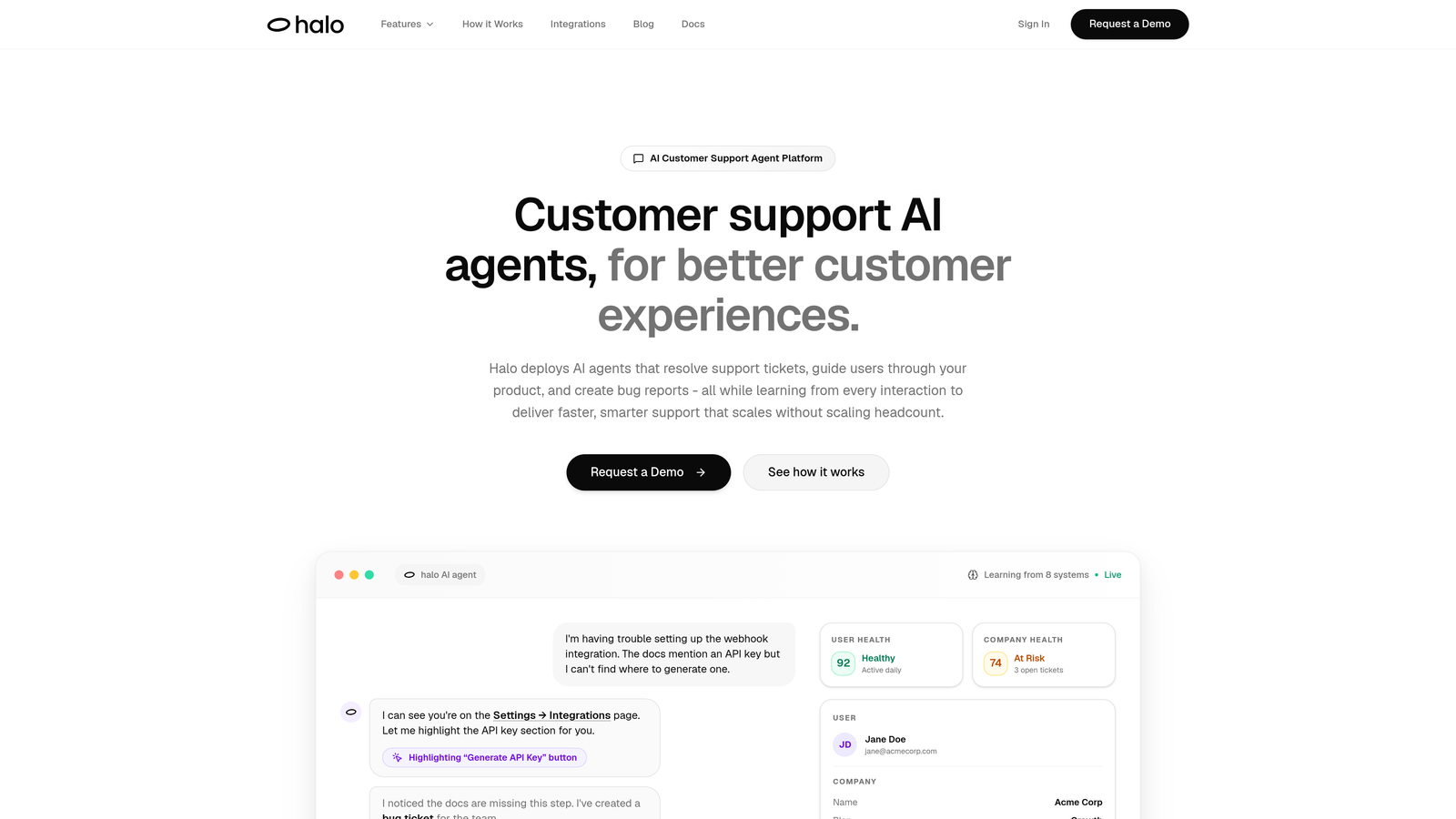
Halo AI is an AI-powered customer support platform that handles routine tickets autonomously while intelligently escalating complex issues to human specialists.
Where This Tool Shines
Halo AI takes a fundamentally different approach to escalation management by learning from every interaction. Instead of relying on static rules that require constant maintenance, the platform observes patterns in how your team resolves issues and adapts its escalation logic accordingly.
The page-aware context feature gives escalated tickets a significant advantage. When an AI agent hands off to a human specialist, that person sees exactly what the customer was viewing, eliminating the frustrating "can you send me a screenshot?" back-and-forth that wastes time during critical escalations.
Key Features
Intelligent Live Agent Handoff: AI agents recognize when issues exceed their capability and route to appropriate specialists with full conversation context.
Page-Aware Context: Escalated tickets include visual understanding of what users see in your product, enabling faster specialist diagnosis.
Continuous Learning: The platform analyzes resolution patterns and refines escalation triggers without manual rule updates.
Smart Inbox with Business Intelligence: Beyond support metrics, provides customer health signals and revenue intelligence to prioritize escalations strategically.
Multi-System Integrations: Connects escalated tickets to Linear for bug tracking, Slack for team alerts, and HubSpot for customer context.
Best For
B2B product teams tired of maintaining complex escalation rules manually. Particularly valuable for companies with technical products where visual context accelerates specialist resolution, and organizations seeking business intelligence beyond traditional support metrics.
Pricing
Contact for pricing. The platform targets mid-market and enterprise teams prioritizing autonomous operation over per-agent seat costs.
2. Zendesk
Best for: Enterprise teams needing comprehensive SLA management and marketplace integrations
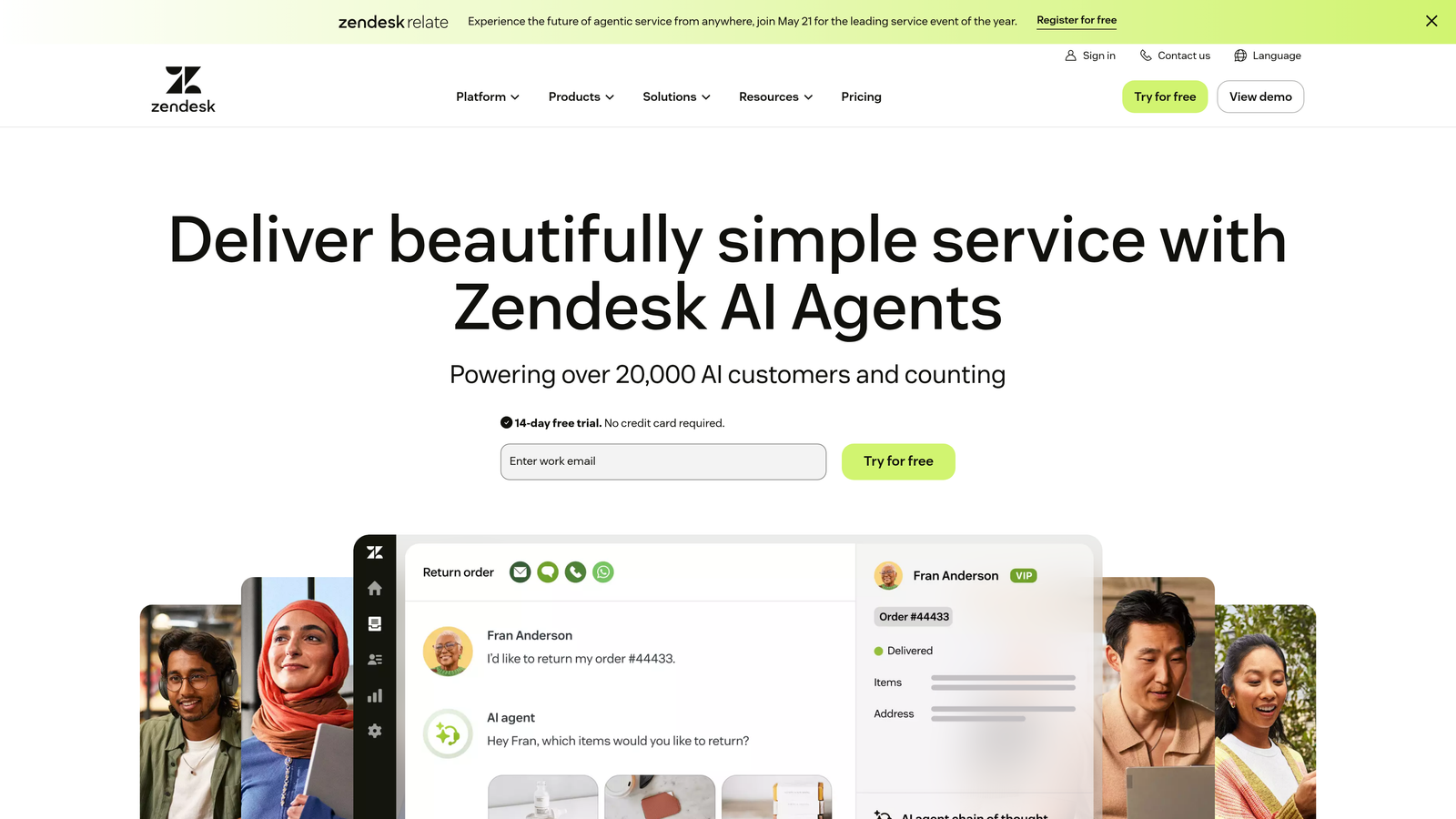
Zendesk is an established helpdesk platform offering robust escalation triggers, skills-based routing, and extensive integration options.
Where This Tool Shines
Zendesk excels at giving enterprise support teams granular control over escalation workflows. The platform's SLA policies go beyond simple time-based triggers, allowing you to define breach notifications based on business hours, ticket priority combinations, and custom fields.
The marketplace ecosystem with over 1,500 integrations means you can connect escalations to virtually any tool in your stack. When a ticket escalates, you can automatically create Jira issues, send Slack notifications, update Salesforce records, or trigger PagerDuty alerts.
Key Features
Customizable Escalation Triggers: Time-based, keyword-based, and conditional automations route tickets to appropriate teams without manual intervention.
SLA Policies with Breach Notifications: Define escalation paths when tickets approach or exceed response time targets across multiple priority levels.
Skills-Based Routing: Match escalated tickets to agents with specific expertise tags, ensuring specialists handle issues in their domain.
Real-Time Dashboards: Monitor escalation patterns, breach risks, and team workload to identify bottlenecks before they impact customers.
Extensive Marketplace: Connect escalations to 1,500+ third-party tools for comprehensive workflow automation.
Best For
Large support organizations with established processes and complex SLA requirements. Teams that need deep integration with existing enterprise tools and have dedicated administrators to configure escalation rules.
Pricing
Suite Team starts at $55 per agent per month. Enterprise plans with advanced escalation features run significantly higher, typically requiring annual contracts.
3. Freshdesk
Best for: Growing teams wanting scenario automations for multi-step escalation workflows
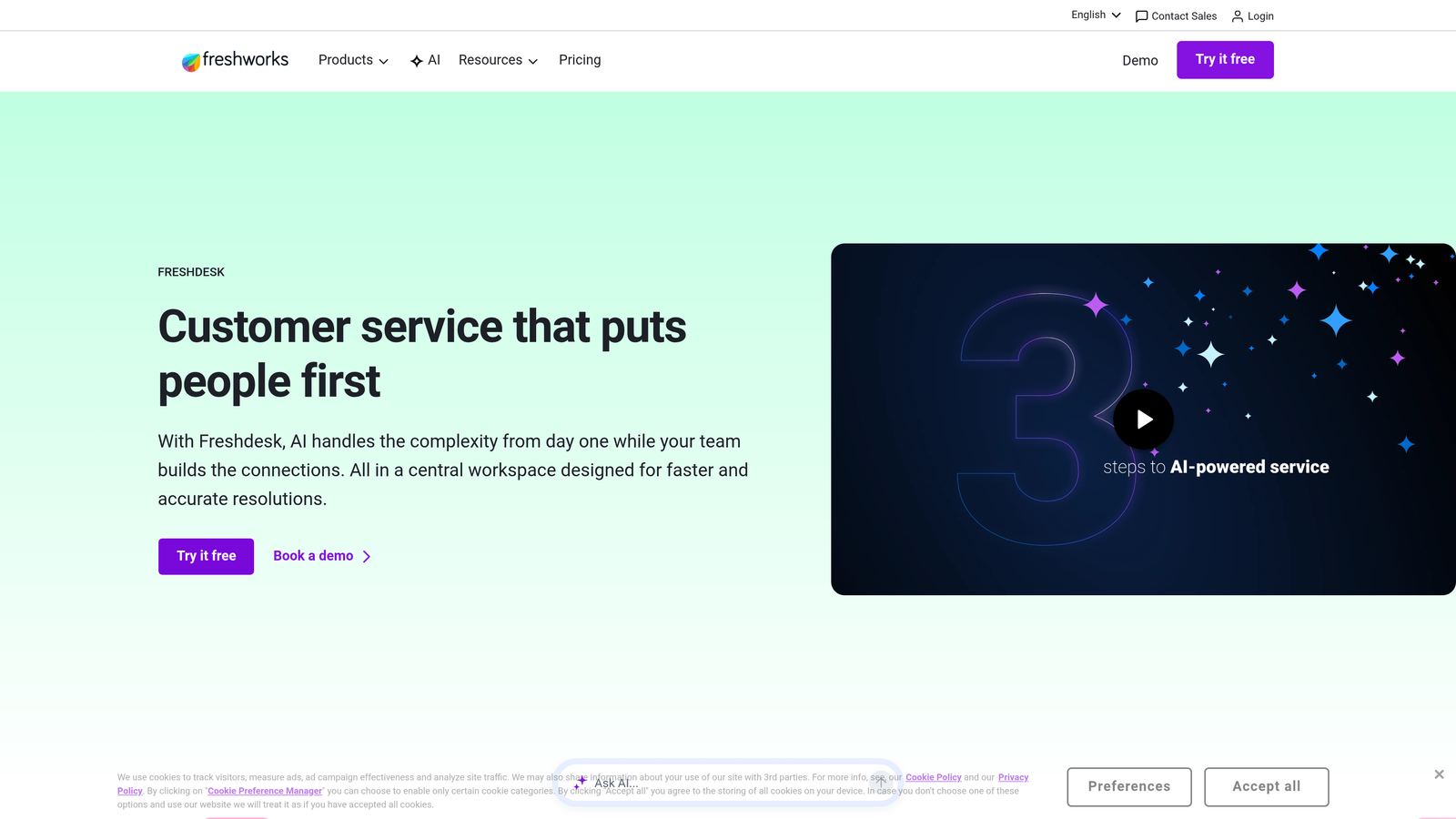
Freshdesk is a scalable helpdesk platform featuring scenario automations, parent-child ticketing, and AI-suggested escalations.
Where This Tool Shines
Freshdesk's scenario automations handle complex escalation paths that go beyond simple if-then rules. You can design multi-step workflows where escalation depends on previous actions, customer segment, product tier, or time elapsed across multiple conditions.
The parent-child ticketing structure proves particularly valuable for escalations that spawn multiple related issues. When a customer problem requires involvement from product, engineering, and billing teams, you can create child tickets that roll up to a parent escalation, maintaining visibility without fragmenting the conversation.
Key Features
Scenario Automations: Build multi-condition escalation workflows that evaluate ticket history, customer data, and time-based triggers simultaneously.
Round-Robin and Load-Balanced Assignment: Distribute escalated tickets evenly across specialist teams to prevent burnout and maintain consistent response times.
Parent-Child Ticketing: Create escalation chains where related issues connect to a master ticket for unified tracking.
Freddy AI: Analyzes ticket content and suggests appropriate escalation paths based on historical resolution patterns.
Collision Detection: Prevents multiple agents from simultaneously handling the same escalated ticket.
Best For
Mid-sized support teams experiencing growing complexity in their escalation needs. Companies that want sophisticated automation without enterprise-level pricing or implementation timelines.
Pricing
Free tier available for basic helpdesk functionality. Pro plan with advanced escalation features starts at $49 per agent per month.
4. Intercom
Best for: Product-led companies prioritizing seamless bot-to-human escalation experiences
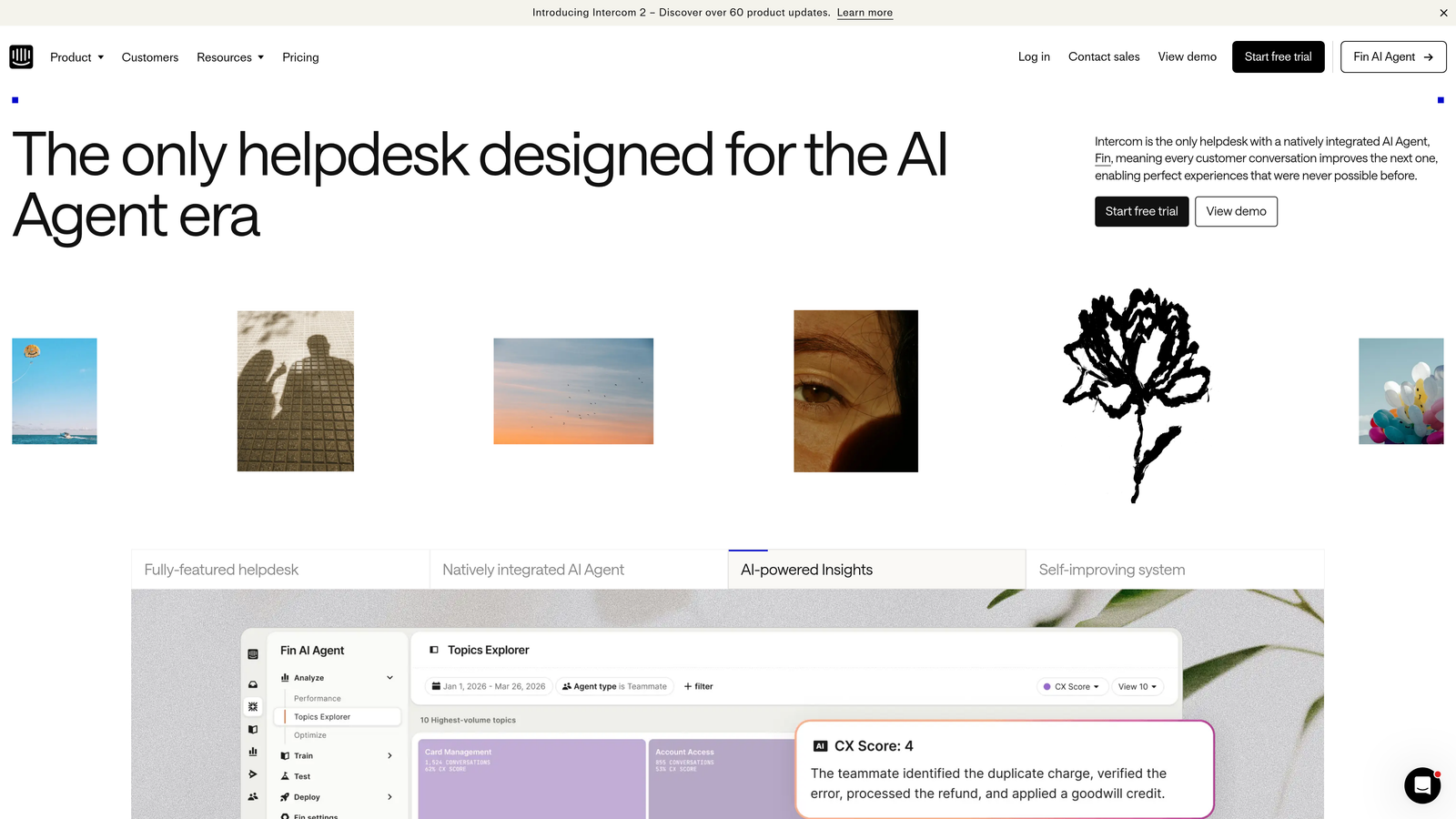
Intercom is a conversational support platform offering intelligent handoff triggers and in-app escalation without channel switching.
Where This Tool Shines
Intercom's escalation experience feels natural because it happens within the same conversation interface. When Fin AI determines it can't resolve an issue, the handoff to a human specialist occurs seamlessly—the customer doesn't get redirected to email or a ticketing portal.
The platform's strength lies in maintaining conversation context during escalation. Your specialist sees the entire bot interaction history, customer profile data, and in-product behavior leading up to the escalation, eliminating the need to ask customers to repeat themselves.
Key Features
Fin AI with Intelligent Handoff: AI bot recognizes when issues exceed its capability and routes to appropriate human specialists with full context.
In-App Escalation: Customers experience smooth transitions from bot to human without leaving your product interface.
Team Inbox with Assignment Rules: Automatically route escalated conversations to specialists based on topic, customer segment, or team availability.
Custom Workflows: Design escalation paths that consider customer lifecycle stage, product usage patterns, and conversation history.
Real-Time Monitoring: Track active conversations and intervene in bot interactions before they require formal escalation.
Best For
SaaS companies with in-app support experiences and product-led growth strategies. Teams that prioritize customer experience continuity over traditional ticket-based workflows.
Pricing
Essential plan starts at $39 per seat per month. Advanced escalation features typically require higher-tier plans with custom pricing.
5. Salesforce Service Cloud
Best for: Enterprise organizations leveraging Salesforce CRM for customer context in escalations
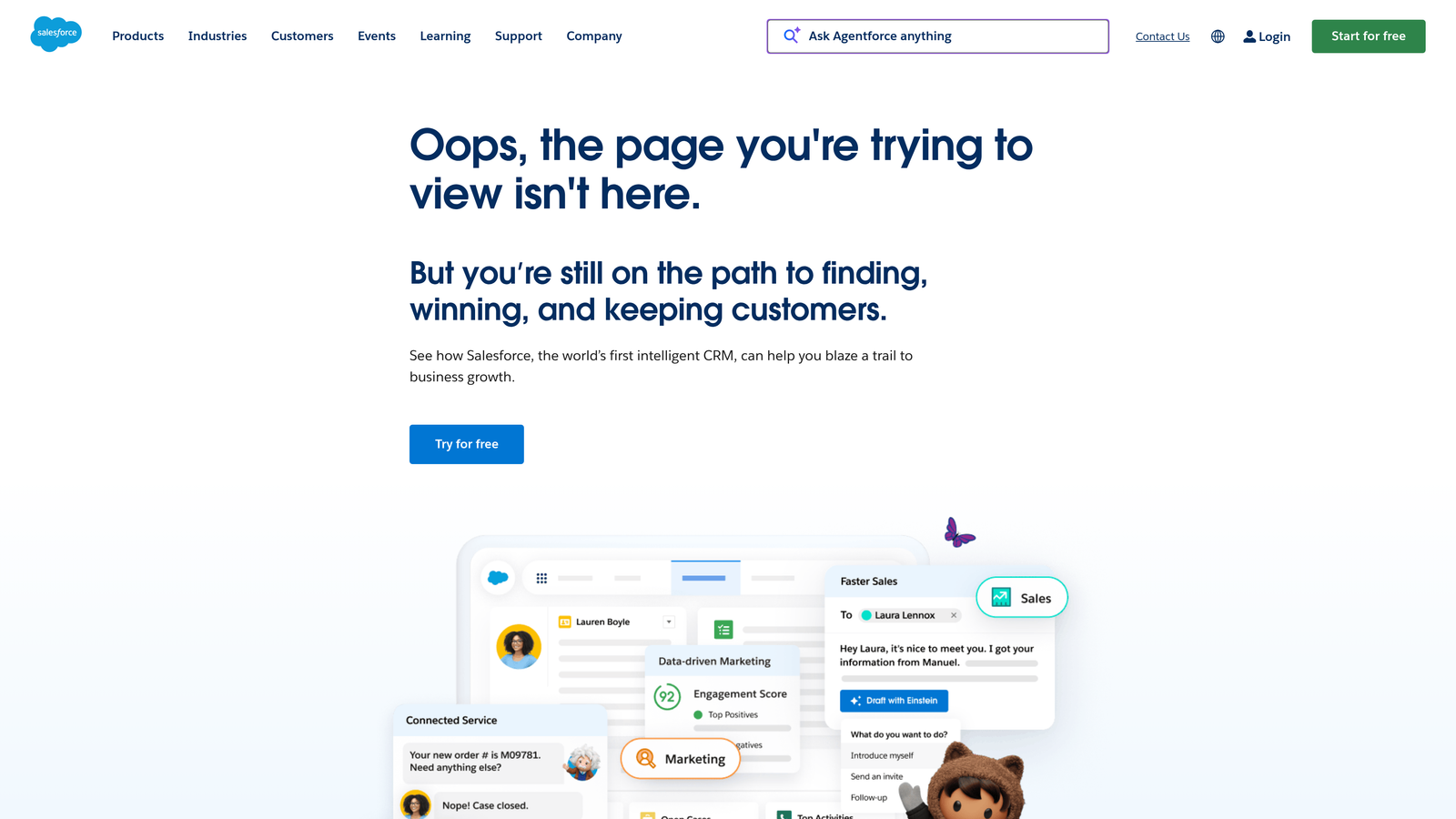
Salesforce Service Cloud is an enterprise service platform with omni-channel routing, Einstein AI predictions, and deep CRM integration.
Where This Tool Shines
Service Cloud's integration with Salesforce CRM gives escalation specialists unprecedented customer context. When a case escalates, your team sees account value, renewal dates, past purchase history, open opportunities, and executive relationships—all in one view.
Einstein AI's predictive escalation capabilities analyze historical patterns to flag cases likely to escalate before they breach SLAs. This proactive approach lets teams intervene early on accounts that matter most, rather than reacting to every breach notification.
Key Features
Omni-Channel Routing: Escalate cases from email, chat, phone, social media, or messaging apps to appropriate specialists regardless of channel origin.
Einstein AI Predictions: Machine learning identifies cases at high risk of escalation based on customer sentiment, case complexity, and historical patterns.
Case Milestone Tracking: Monitor escalation stages with breach alerts and automated notifications when cases approach critical thresholds.
Deep CRM Integration: Access complete customer relationship data during escalations to prioritize strategically important accounts.
Flow Builder: Design custom escalation workflows with visual automation tools that connect to any Salesforce object or external system.
Best For
Large enterprises already invested in the Salesforce ecosystem. Organizations where support escalations require visibility into sales, marketing, and account management data for proper prioritization.
Pricing
Starter plan begins at $25 per user per month with limited features. Enterprise plan at $165 per user per month includes advanced escalation capabilities and Einstein AI.
6. HubSpot Service Hub
Best for: Growing businesses wanting CRM-connected escalation with customer health scoring
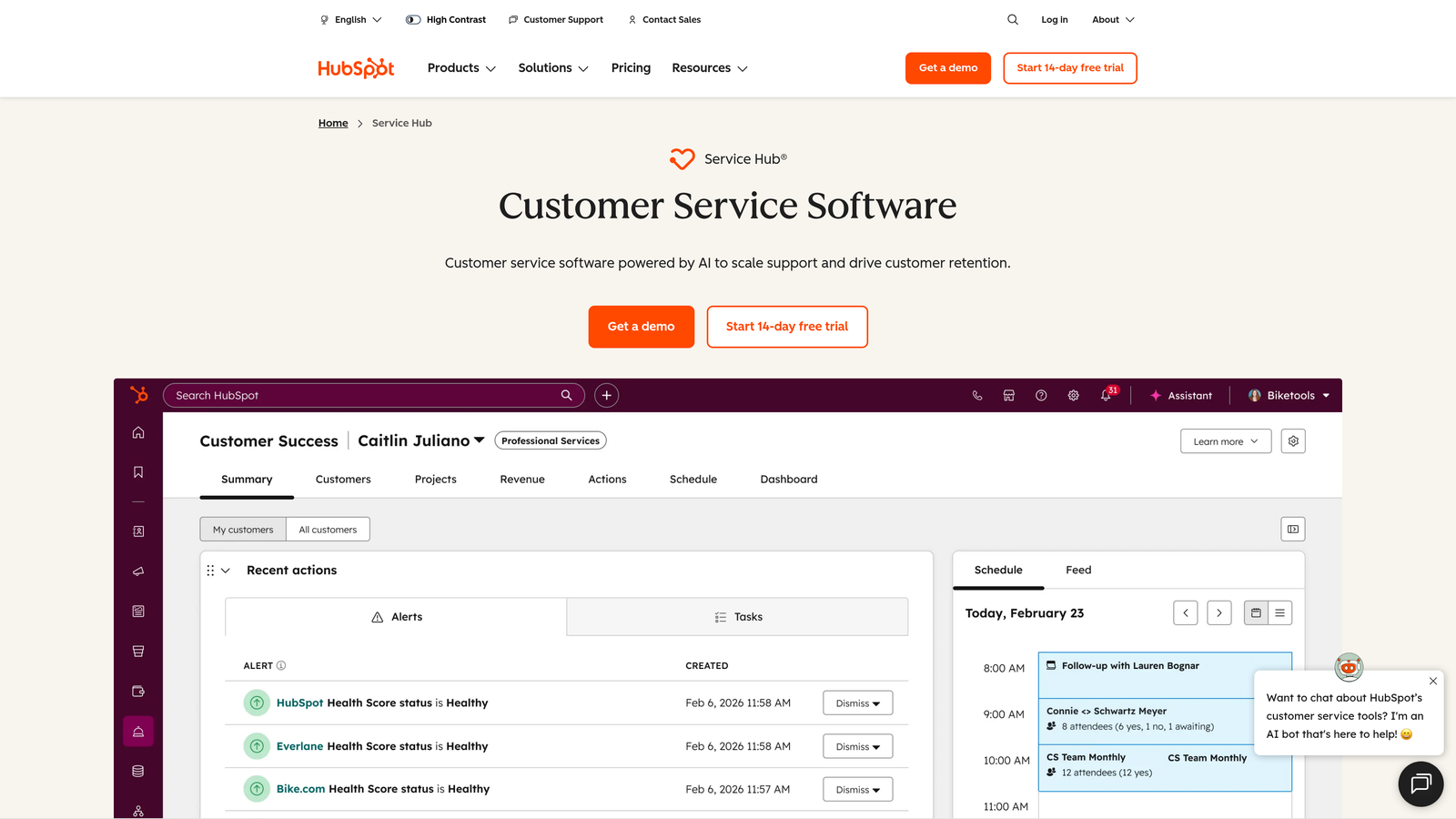
HubSpot Service Hub is a CRM-integrated service platform featuring ticket pipelines, SLA management, and customer health indicators.
Where This Tool Shines
HubSpot's ticket pipeline approach brings sales-style visibility to support escalations. You can visualize how tickets move through escalation stages, identify where they get stuck, and measure conversion rates between stages just like you would with deals.
The customer health scoring feature adds strategic dimension to escalation decisions. When a ticket escalates, you immediately see whether it's from a promoter with high health scores or a detractor at risk of churn, enabling smarter prioritization beyond simple SLA rules.
Key Features
Ticket Pipelines: Visualize escalation stages and automate transitions based on time elapsed, agent actions, or customer responses.
SLA Management: Define escalation triggers when tickets approach or breach response time targets across different priority levels.
Customer Health Scoring: Prioritize escalations based on account health indicators, NPS scores, and churn risk rather than just time-based SLAs.
Unified CRM View: Access complete customer interaction history across marketing, sales, and service touchpoints during escalations.
Reporting Dashboards: Track escalation patterns, identify recurring issues, and measure specialist resolution rates.
Best For
Companies using HubSpot for marketing and sales who want unified customer data across the entire lifecycle. Teams that prioritize customer retention metrics alongside traditional support KPIs.
Pricing
Free tools available with basic ticket management. Professional plan with advanced escalation features starts at $90 per month (not per user) for up to 5 users.
7. PagerDuty
Best for: Technical teams managing incident escalation with on-call scheduling and alerting
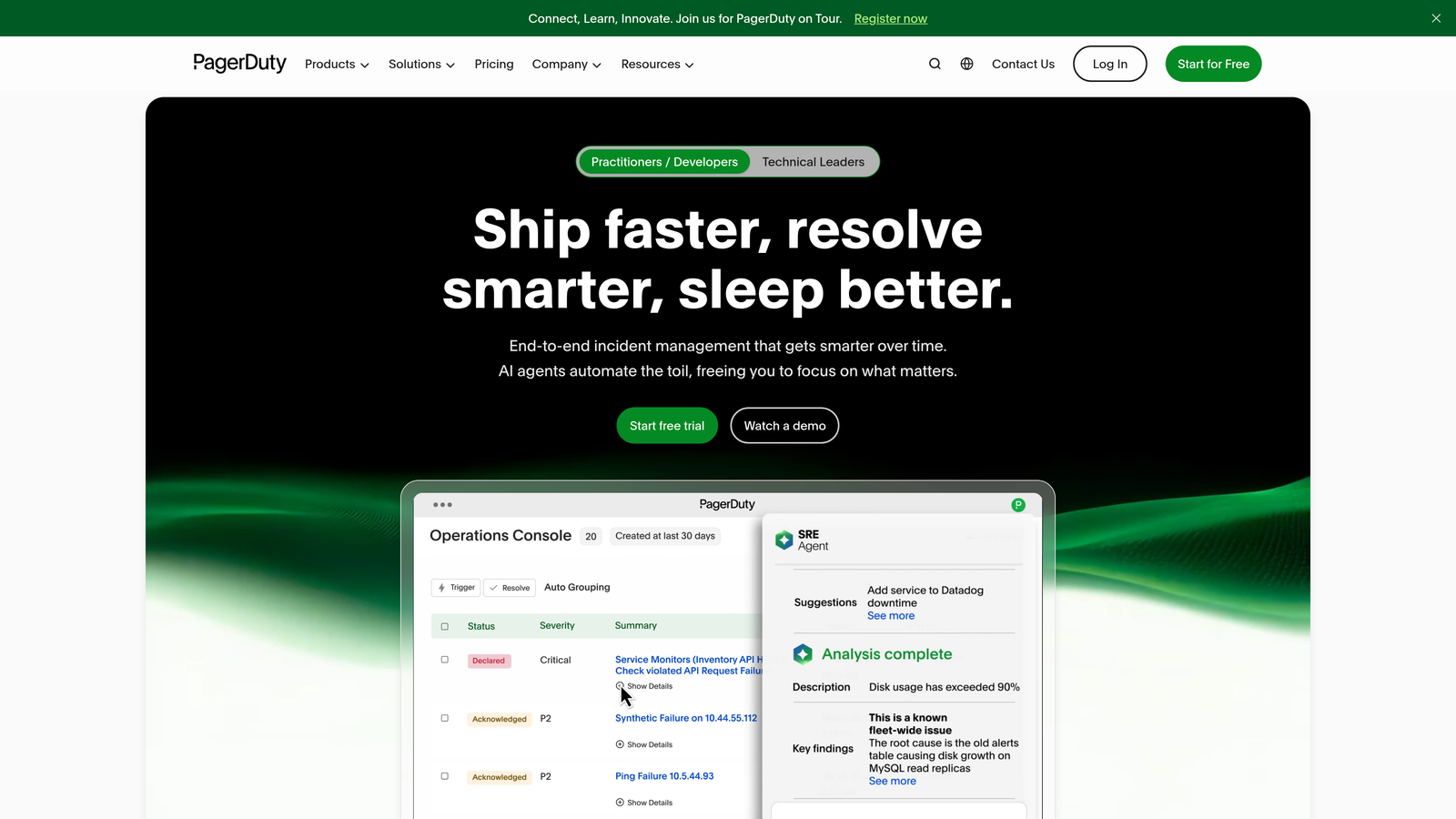
PagerDuty is an incident management platform specializing in multi-level escalation policies, on-call rotation, and real-time alerting.
Where This Tool Shines
PagerDuty treats every escalation as an incident requiring immediate attention. The platform's multi-level escalation policies ensure critical issues reach the right specialist even if the first responder doesn't acknowledge within your defined timeframe.
The on-call scheduling automation proves invaluable for teams supporting products 24/7. When a customer issue escalates outside business hours, PagerDuty automatically alerts the designated specialist, escalates to backup if needed, and logs the entire chain for post-incident analysis.
Key Features
Multi-Level Escalation Policies: Define primary, secondary, and tertiary escalation paths with automatic progression if specialists don't acknowledge alerts.
On-Call Scheduling: Automate specialist rotation with fair distribution, time-off management, and override capabilities for urgent situations.
Monitoring Tool Integration: Connect alerts from Datadog, New Relic, Prometheus, and other observability platforms to trigger customer-facing escalations.
Real-Time Alerting: Notify specialists via phone, SMS, push notification, or email with customizable urgency levels.
Incident Response Automation: Trigger escalation workflows, create war rooms, and coordinate cross-functional response automatically.
Best For
DevOps and technical support teams where escalations often stem from infrastructure issues or product incidents. Organizations with global support coverage requiring sophisticated on-call management.
Pricing
Free tier supports up to 5 users with basic escalation features. Professional plan starts at $21 per user per month with advanced automation.
8. Front
Best for: Collaborative teams wanting shared escalation visibility with internal context
Front is a collaborative inbox platform featuring shared assignments, SLA tracking, and internal escalation discussions.
Where This Tool Shines
Front's shared inbox model transforms escalations into team efforts rather than individual assignments. When a complex issue arrives, multiple specialists can collaborate on the response in real-time, adding internal comments that provide escalation context without cluttering the customer-facing conversation.
The platform's analytics surface escalation patterns that traditional helpdesks miss. You can identify which types of issues consistently require escalation, which customers generate the most complex tickets, and which specialists resolve escalations most efficiently.
Key Features
Shared Inbox Assignments: Route escalated conversations to teams or individuals while maintaining visibility for all relevant stakeholders.
SLA Tracking: Monitor escalation response times with automated alerts when tickets approach breach thresholds.
Internal Comments: Discuss escalation strategy privately within the same thread as customer communication.
Rules Engine: Automate escalation routing based on sender, subject keywords, message content, or time-based conditions.
Response Time Analytics: Track how long escalations take to resolve and identify bottlenecks in specialist handoffs.
Best For
Small to mid-sized teams where support, sales, and success collaborate on customer issues. Companies that value transparency and want all stakeholders to see escalation context.
Pricing
Starter plan begins at $19 per seat per month with basic escalation features. Growth plan with advanced automation costs more.
9. Zoho Desk
Best for: Budget-conscious teams seeking visual escalation workflow design with AI assistance
Zoho Desk is an affordable helpdesk platform offering Blueprint workflow automation, Zia AI suggestions, and multi-department routing.
Where This Tool Shines
Zoho Desk's Blueprint feature lets you design escalation workflows visually, making complex routing logic accessible to non-technical administrators. You can map out exactly how tickets should progress through escalation stages, what information specialists need at each step, and when to notify stakeholders.
The integration with Zoho's broader ecosystem provides surprising value for the price point. Escalated tickets can automatically update CRM records in Zoho CRM, create tasks in Zoho Projects, or generate analytics reports in Zoho Analytics without additional integration costs.
Key Features
Blueprint Workflow Designer: Create visual escalation paths with drag-and-drop tools that show exactly how tickets move between teams.
Zia AI Suggestions: Receive AI-powered recommendations for escalation routing based on ticket content and historical patterns.
Time-Based and Criteria-Based Rules: Trigger escalations automatically when tickets meet specific conditions or remain unresolved past thresholds.
Multi-Department Routing: Escalate tickets across support, sales, product, and engineering departments with unified tracking.
Zoho Ecosystem Integration: Connect escalations to CRM, project management, and analytics tools without additional integration fees.
Best For
Small businesses and startups that need sophisticated escalation capabilities without enterprise pricing. Companies already using other Zoho products who want unified customer data.
Pricing
Free tier supports up to 3 agents with basic features. Professional plan with Blueprint and advanced escalation starts at $23 per agent per month.
Making the Right Choice
Selecting the right escalation management tool depends on your team's size, technical complexity, and existing stack. For AI-native escalation that learns and improves autonomously, Halo AI offers a compelling approach—particularly if you value continuous learning over static rule maintenance. Enterprise teams with established Salesforce or Zendesk infrastructure may prefer extending those platforms rather than introducing new systems.
Technical teams handling infrastructure incidents should consider PagerDuty's specialized alerting and on-call management. Product-led companies prioritizing seamless customer experiences will appreciate Intercom's in-app escalation. Budget-conscious teams can achieve sophisticated workflows with Zoho Desk's Blueprint feature at a fraction of enterprise platform costs.
Whatever you choose, prioritize tools that reduce manual triage, provide clear escalation visibility, and integrate with your existing workflows. The best escalation system is one that your team actually uses consistently, not the one with the most features on a comparison chart.
Your support team shouldn't scale linearly with your customer base. Let AI agents handle routine tickets, guide users through your product, and surface business intelligence while your team focuses on complex issues that need a human touch. See Halo in action and discover how continuous learning transforms every interaction into smarter, faster support.