9 Best Support Platforms for Remote Teams in 2026
Finding the right support platform for remote teams requires tools that handle time zone differences, enable seamless collaboration, and maintain service quality across distributed locations. This guide evaluates the nine best customer support platforms in 2026 based on real-time collaboration capabilities, AI automation, integration options, and remote-friendly features that help distributed teams deliver consistent customer experiences.
 Matt PattoliFounder11 min read
Managing customer support across distributed teams presents unique challenges—different time zones, asynchronous communication, and the need for seamless handoffs between agents who may never meet in person. The right support platform bridges these gaps, enabling remote teams to deliver consistent, high-quality customer experiences regardless of where team members are located.
We've evaluated dozens of platforms to identify the tools that truly excel for distributed support operations, considering factors like real-time collaboration features, AI-powered automation, integration capabilities, and ease of use across locations. Here are the top platforms that stand out for remote teams in 2026.
1. Halo AI
Best for: Teams seeking autonomous AI resolution that learns continuously from every interaction
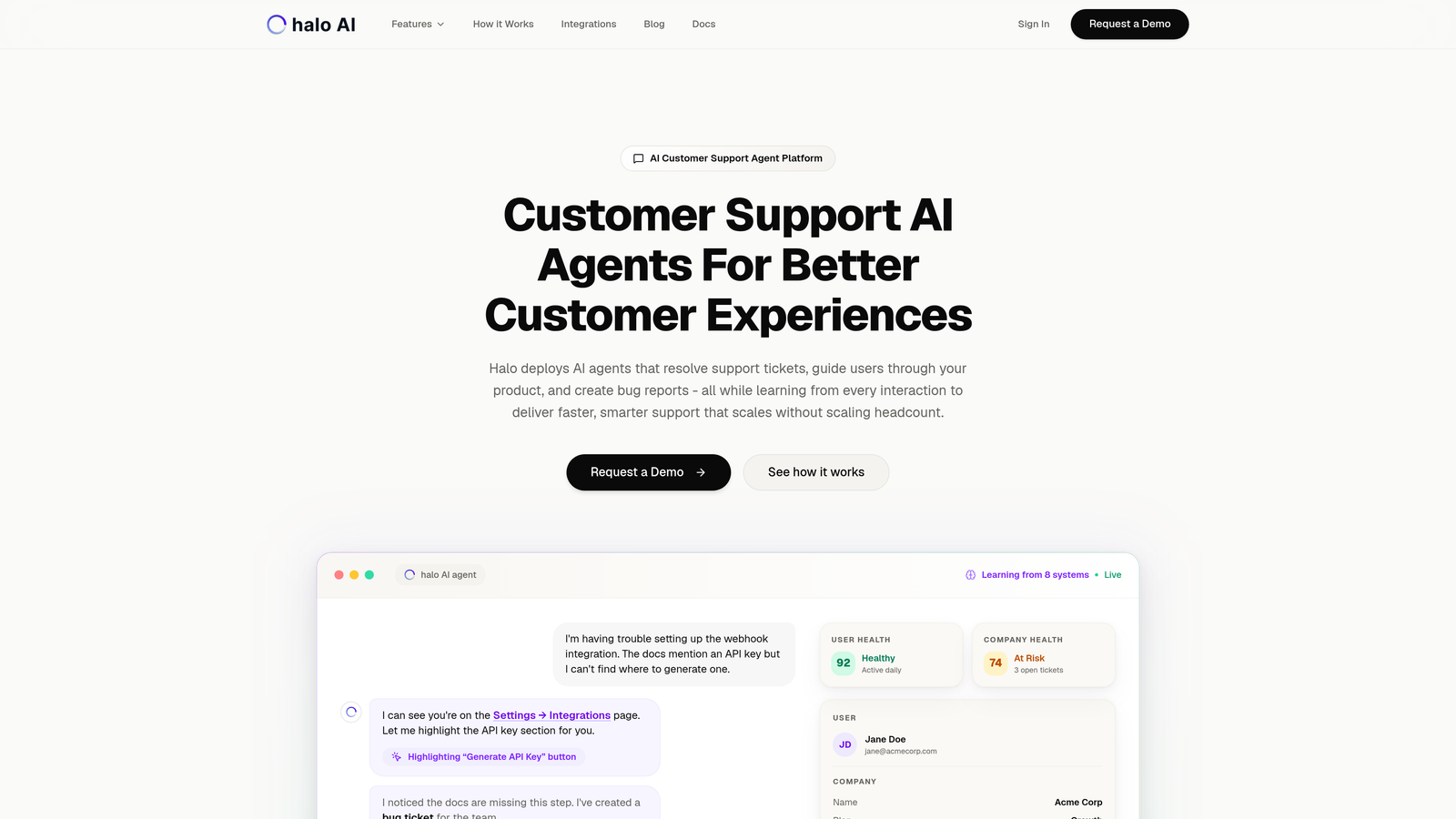
Halo AI is an AI-first customer support platform designed to handle the heavy lifting of support operations autonomously.
Where This Tool Shines
Unlike traditional helpdesks with AI bolted on, Halo operates as an intelligent layer that actually resolves tickets rather than just routing them. The platform's page-aware context means it can see what your customers see, enabling it to provide visual guidance through your product interface.
For remote teams, this translates to consistent support quality regardless of which timezone the customer reaches out from. The AI learns from every interaction, continuously improving its ability to handle complex scenarios while seamlessly escalating to human agents when needed.
Key Features
Autonomous AI Agents: Resolves support tickets independently, handling routine queries without human intervention while learning from each interaction.
Page-Aware Chat Widget: Provides visual UI guidance by understanding what users see on their screen, enabling precise troubleshooting.
Smart Inbox with Business Intelligence: Surfaces customer health signals, revenue intelligence, and anomaly detection beyond basic support metrics.
Auto Bug Ticket Creation: Automatically creates detailed bug reports in Linear when technical issues are identified, with full context.
Multi-System Integrations: Connects to Slack, Linear, HubSpot, Intercom, Stripe, Zoom, and more for unified operations.
Best For
B2B SaaS companies and product teams looking to scale support without scaling headcount. Particularly valuable for distributed teams that need consistent support quality across time zones and want business intelligence insights beyond traditional support metrics.
Pricing
Contact for pricing based on your team size and requirements.
2. Zendesk
Best for: Enterprise organizations requiring comprehensive omnichannel support with advanced workflow automation
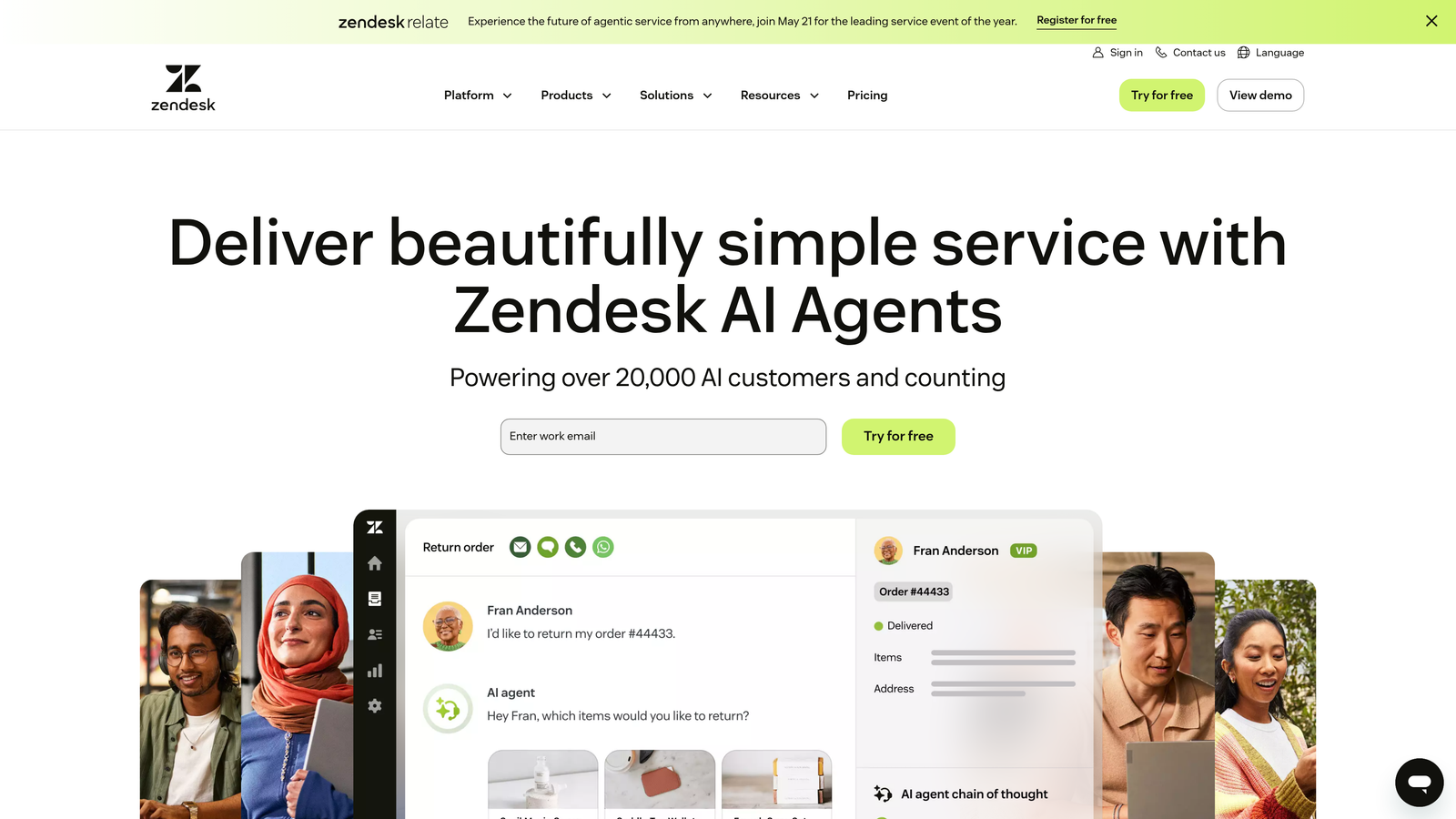
Zendesk is an enterprise-grade customer service platform with deep functionality across every support channel.
Where This Tool Shines
Zendesk's strength lies in its maturity and breadth. With over a decade of development, it handles complex enterprise workflows that smaller platforms struggle with. The skills-based routing system intelligently distributes tickets to agents based on expertise, language, and availability across global teams.
For distributed teams, the platform's robust reporting dashboards provide visibility into team performance across regions. The extensive marketplace offers 1,500+ integrations, making it easy to connect with whatever tools your remote team already uses.
Key Features
Omnichannel Ticketing: Unified interface for email, chat, phone, social media, and messaging apps with consistent customer history.
Advanced Workflow Automation: Sophisticated triggers and automations that route tickets, update fields, and notify teams based on complex conditions.
Skills-Based Routing: Automatically assigns tickets to the right agent based on expertise, language, timezone, and current workload.
Comprehensive Analytics: Detailed dashboards tracking team performance, customer satisfaction, resolution times, and SLA compliance across locations.
Extensive Integration Marketplace: Over 1,500 pre-built integrations with CRM, project management, and communication tools.
Best For
Large enterprises with complex support operations spanning multiple regions, languages, and channels. Teams that need granular control over workflows and have the resources to manage a feature-rich platform.
Pricing
Starts at $55/agent/month for Suite Team, with higher tiers offering additional features and customization options.
3. Freshdesk
Best for: Growing teams seeking intuitive collaboration features at competitive pricing
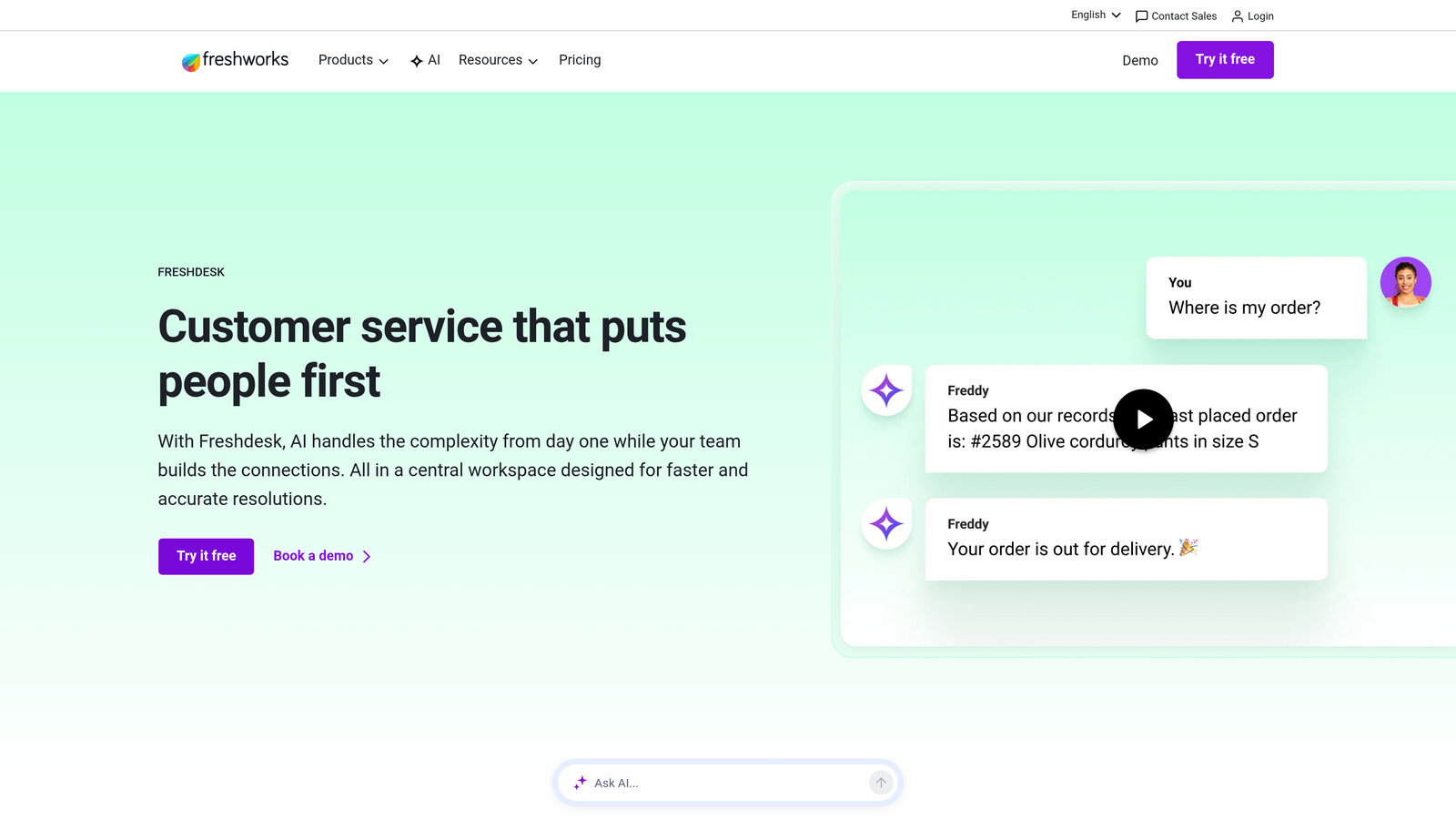
Freshdesk is an approachable helpdesk solution that balances powerful features with ease of use.
Where This Tool Shines
Freshdesk makes distributed team collaboration feel natural. The collision detection system prevents multiple agents from working on the same ticket simultaneously—a common pain point when teams span multiple time zones. Agents can see in real-time who's viewing or responding to tickets.
Freddy AI handles automated responses and intelligent routing, learning from your team's historical responses. The generous free tier makes it accessible for small remote teams just starting out, with a clear upgrade path as needs grow.
Key Features
Team Inbox with Collision Detection: Real-time visibility into which agents are viewing or responding to tickets, preventing duplicate work.
Freddy AI: Automated responses, intelligent ticket routing, and suggested solutions based on historical data and patterns.
Shared Templates and Canned Responses: Team-wide response library ensuring consistent communication across all agents and locations.
SLA Management with Timezone Support: Automatically adjusts SLA targets based on business hours across different regions.
Free Tier: Unlimited agents on the free plan with basic ticketing, making it accessible for small distributed teams.
Best For
Small to mid-sized remote teams that need robust collaboration features without enterprise complexity. Companies looking for competitive pricing with room to scale as the team grows.
Pricing
Free tier available for unlimited agents with basic features. Paid plans start at $15/agent/month with advanced automation and reporting.
4. Intercom
Best for: Product-led SaaS companies prioritizing proactive engagement and in-app support
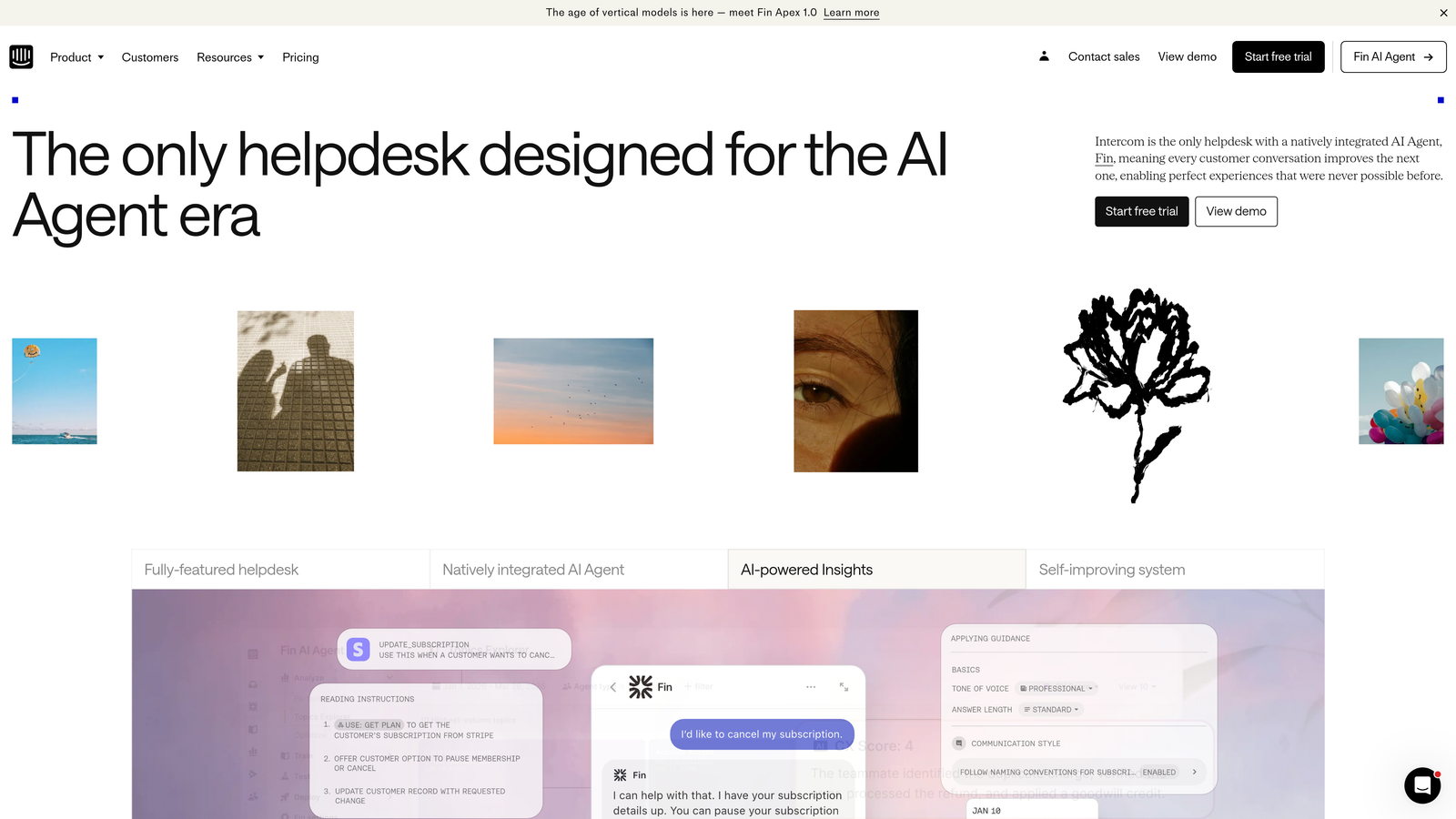
Intercom is a customer messaging platform focused on proactive engagement rather than reactive ticketing.
Where This Tool Shines
Intercom shifts the paradigm from waiting for problems to preventing them. The in-app messenger lets your distributed team reach customers at the right moment with targeted messages, product tours, and contextual help. This proactive approach reduces ticket volume, which is especially valuable when support coverage spans multiple time zones.
Fin AI agent handles common questions autonomously, providing instant responses even when your human agents are offline. The platform excels at helping remote teams provide support that feels immediate and personal despite the distance.
Key Features
In-App Messenger: Embedded support widget with targeted messaging based on user behavior, page location, and customer attributes.
Fin AI Agent: Autonomous AI that resolves common queries instantly, learning from your knowledge base and past conversations.
Product Tours and Onboarding: Interactive guides that reduce support volume by helping users discover features themselves.
Custom Bots and Routing: Automated conversation flows that qualify issues and route to the right team member across locations.
Strong API and Integrations: Extensive developer tools and pre-built integrations with product analytics and CRM platforms.
Best For
Product-led SaaS companies where in-app support and proactive engagement drive customer success. Remote teams that want to reduce reactive support volume through self-service and automation.
Pricing
Starts at $39/seat/month for Essential plan, with additional costs for Fin AI and advanced features.
5. Help Scout
Best for: Teams prioritizing simplicity, authentic relationships, and minimal learning curve
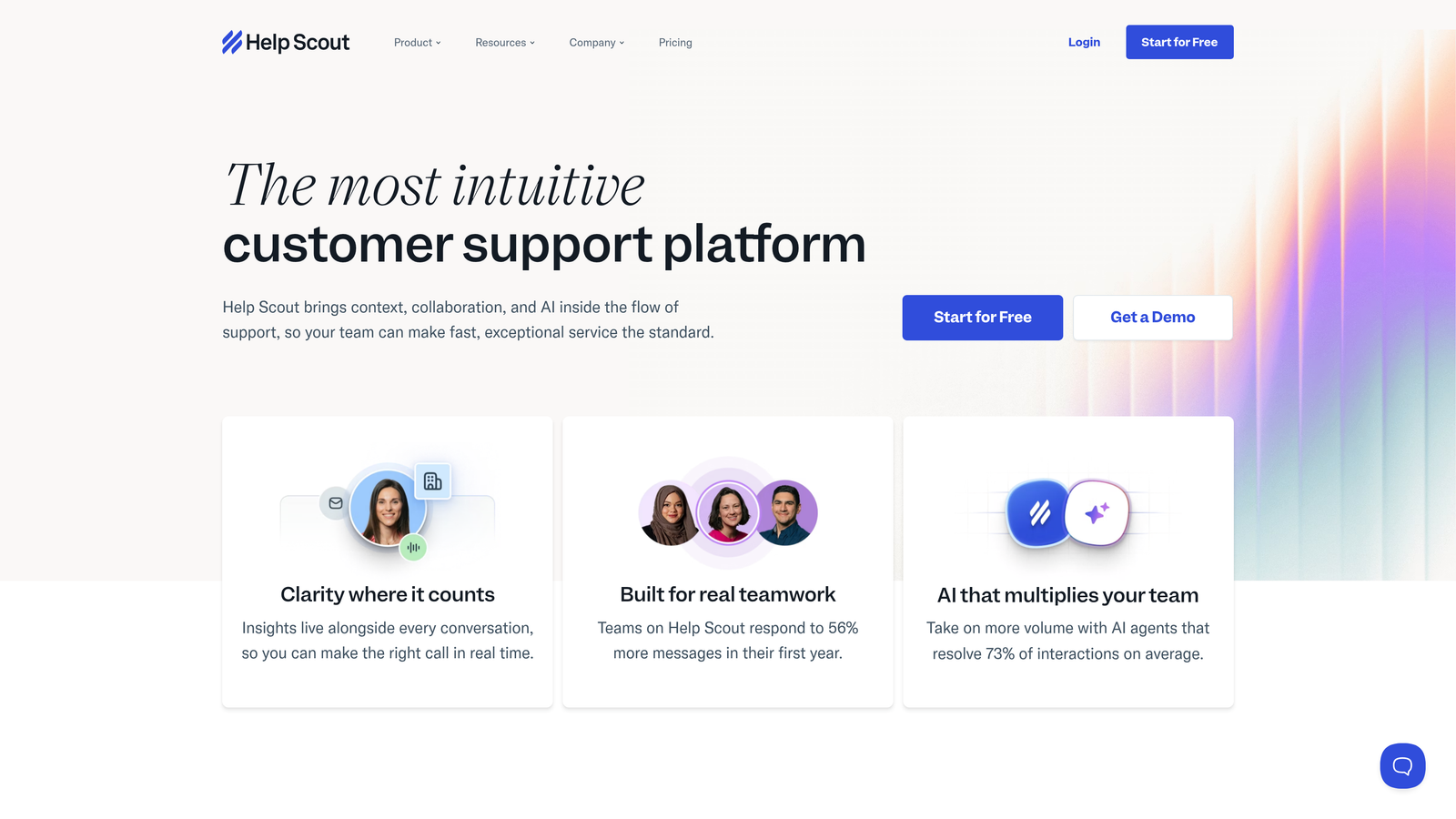
Help Scout is a human-focused helpdesk that emphasizes genuine customer connections over complex workflows.
Where This Tool Shines
Help Scout deliberately keeps things simple. The interface feels like familiar email, which means remote team members can start contributing immediately without extensive training. This matters when you're onboarding distributed agents who can't easily tap a colleague on the shoulder for help.
The collision detection and internal notes make asynchronous collaboration seamless. Agents can leave context for teammates in other time zones, ensuring smooth handoffs without real-time communication. The platform's philosophy centers on building relationships rather than just closing tickets efficiently.
Key Features
Shared Inbox with Collision Detection: Email-like interface with real-time visibility into who's working on what, preventing duplicate responses.
Beacon Embedded Help: Widget that combines knowledge base search, contact forms, and live chat in a single interface.
Docs Knowledge Base: Built-in help center with AI-powered article suggestions based on customer questions.
Customer Profiles: Complete conversation history and customer context visible to all team members regardless of location.
Clean, Minimal Interface: Deliberately simple design that reduces cognitive load and training time for new remote agents.
Best For
Remote teams that value simplicity and authentic customer relationships over complex automation. Companies where support is seen as relationship-building rather than ticket-processing.
Pricing
Starts at $25/user/month for Standard plan with core features and unlimited mailboxes.
6. Front
Best for: Teams seeking unified collaboration across email, chat, and messaging channels
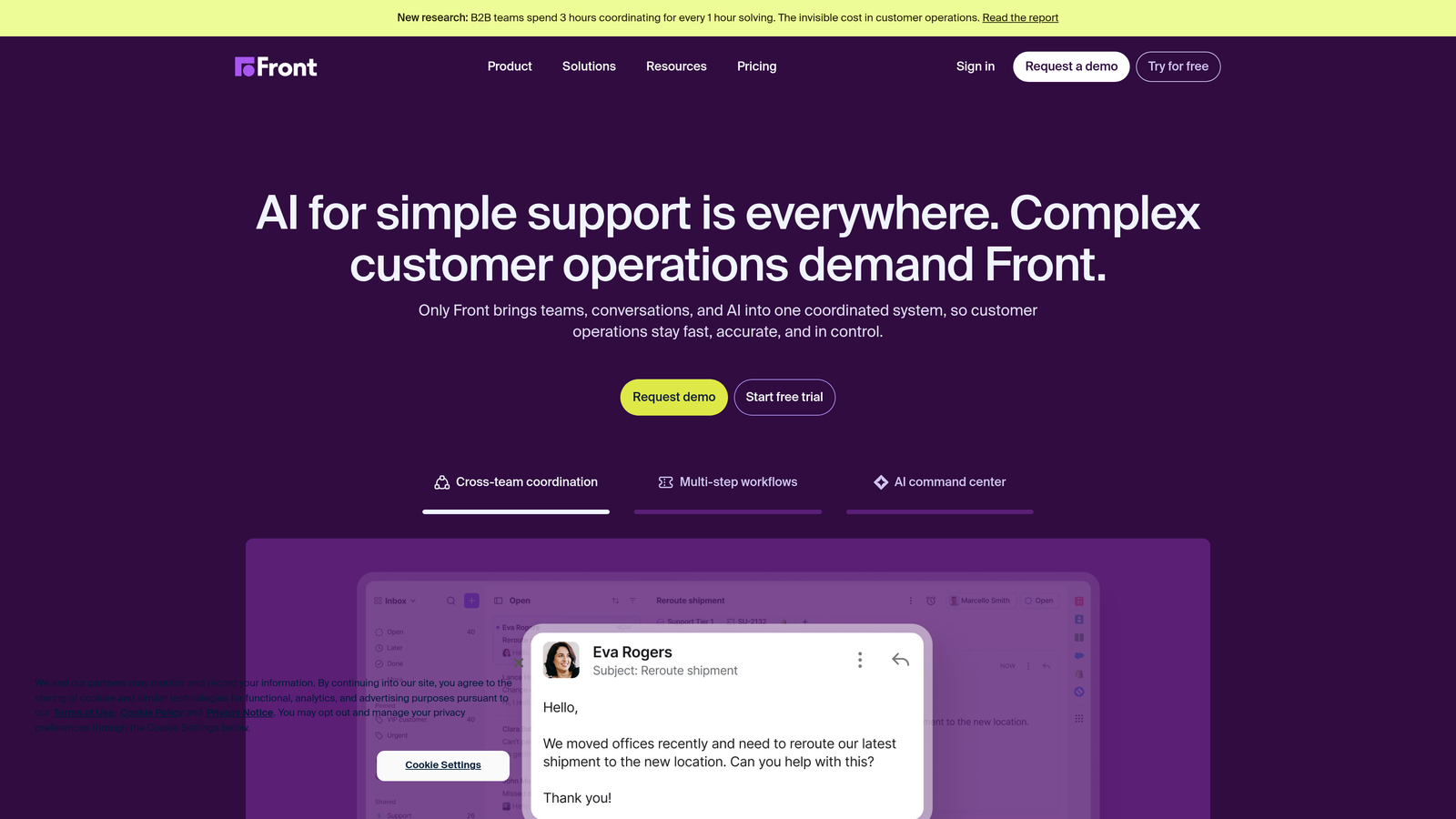
Front is a collaborative inbox platform that brings scattered communication into a single workspace.
Where This Tool Shines
Front excels at making team email collaborative. Instead of forwarding messages or CC'ing teammates, remote agents can @mention colleagues, leave internal comments, and discuss customer issues within the same interface. This creates a shared context that's especially valuable when team members work asynchronous schedules.
The analytics provide transparency into team workload and response times across locations. Managers can see which regions are overwhelmed and redistribute work accordingly, preventing burnout in distributed teams.
Key Features
Shared Inboxes: Team email addresses with internal comments and @mentions for collaborative problem-solving.
Assignment Workflows: Clear ownership of conversations with visual indicators of who's responsible across the team.
Response Time Analytics: Detailed metrics on team performance, individual load, and SLA compliance across time zones.
CRM and Project Tool Integrations: Native connections to Salesforce, HubSpot, Asana, and other tools remote teams rely on.
Familiar Email Interface: Minimal learning curve for teams already comfortable with email-based communication.
Best For
Distributed teams that primarily use email for customer communication and want to add collaboration without switching to a traditional helpdesk. Companies seeking transparency into team workload across locations.
Pricing
Starts at $19/seat/month for Starter plan with basic shared inbox features.
7. Zoho Desk
Best for: Budget-conscious teams already using Zoho ecosystem or needing multi-brand support
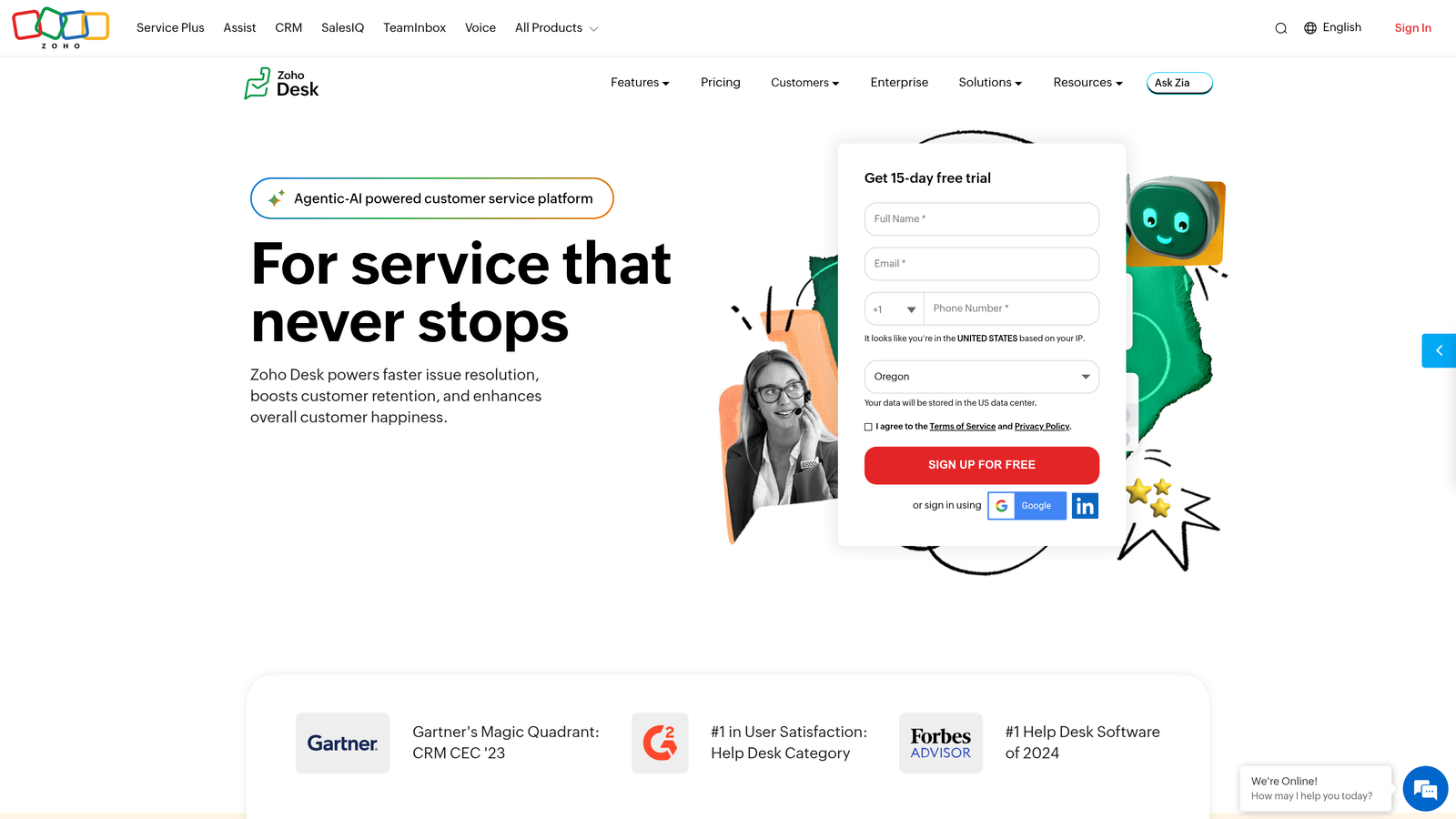
Zoho Desk is a context-aware helpdesk with strong automation and seamless Zoho integration.
Where This Tool Shines
Zoho Desk delivers enterprise-level features at small business prices. The Zia AI assistant provides sentiment analysis on incoming tickets, helping remote managers identify frustrated customers who need priority attention even when they can't review every ticket personally.
The work modes feature lets agents prioritize tickets based on urgency, customer value, or department—particularly useful when distributed teams need to coordinate who handles what. If you're already using Zoho CRM or other Zoho apps, the native integration eliminates data silos between sales and support.
Key Features
Zia AI Assistant: Sentiment analysis, automatic tagging, and response suggestions based on ticket content and customer history.
Multi-Department and Multi-Brand: Separate portals and workflows for different brands or departments within a single account.
Work Modes: Customizable views that let agents focus on high-priority tickets based on defined criteria.
Native Zoho Integration: Seamless connection with Zoho CRM, Projects, Analytics, and other Zoho ecosystem apps.
Generous Free Tier: Three agents free forever with core ticketing features, ideal for small remote teams testing the waters.
Best For
Small to mid-sized remote teams on tight budgets, especially those already invested in the Zoho ecosystem. Companies managing multiple brands or departments from a single platform.
Pricing
Free for up to 3 agents with basic features. Paid plans start at $14/agent/month with advanced automation and analytics.
8. Gorgias
Best for: E-commerce operations needing deep Shopify integration and order management
Gorgias is an e-commerce-focused helpdesk built specifically for online retail support needs.
Where This Tool Shines
Gorgias transforms e-commerce support from a cost center into a revenue driver. Agents can modify orders, issue refunds, and update shipping directly within support tickets without switching to Shopify admin. This matters immensely for distributed teams where context-switching between tools wastes valuable time.
The macros with dynamic variables pull order details automatically, enabling remote agents to provide personalized responses without manually looking up information. Revenue tracking shows which support interactions lead to additional purchases, helping justify support investment to leadership.
Key Features
One-Click E-commerce Integrations: Deep connections to Shopify, BigCommerce, and Magento with automatic order data syncing.
In-Ticket Order Management: Modify orders, process refunds, and update shipping without leaving the support interface.
Dynamic Macros: Automated responses that pull customer-specific order details, shipping status, and purchase history.
Revenue Attribution: Track which support interactions lead to purchases, measuring support's impact on revenue.
Social and SMS Support: Unified inbox for Instagram, Facebook, SMS, and email with consistent customer context.
Best For
E-commerce companies with distributed support teams handling high volumes of order-related inquiries. Retailers that want to measure support's impact on revenue and customer lifetime value.
Pricing
Starts at $10/month for 50 tickets, scaling based on ticket volume rather than agent count.
9. Kayako
Best for: Teams needing complete customer journey visibility across all touchpoints
Kayako is a unified customer service platform providing comprehensive journey tracking across channels.
Where This Tool Shines
Kayako's SingleView timeline presents every customer interaction in chronological order—emails, chats, phone calls, and help center visits all in one place. For remote teams, this shared context eliminates the need to ask customers to repeat themselves when conversations hand off between agents in different time zones.
The live chat includes real-time visitor tracking, showing which pages customers are browsing. This contextual awareness helps distributed agents provide relevant help without lengthy back-and-forth, which is especially valuable when asynchronous communication creates delays.
Key Features
SingleView Customer Timeline: Chronological view of all customer interactions across channels with full conversation history.
Live Chat with Visitor Tracking: Real-time visibility into which pages customers are viewing during chat conversations.
Collaborative Ticketing: Internal notes and @mentions for seamless handoffs between agents across time zones.
Multi-Language Help Center: Searchable knowledge base with support for multiple languages and automatic translation.
Multi-Brand Support: Separate portals and branding for different products or customer segments within one account.
Best For
Remote teams that prioritize understanding the complete customer journey rather than just resolving individual tickets. Companies managing multiple brands or serving international customers across languages.
Pricing
Contact for pricing based on your team size and feature requirements.
Making the Right Choice
Selecting the right support platform depends on your team's specific needs and working style. For teams seeking AI-first automation that learns continuously, Halo AI offers autonomous resolution with intelligent escalation that makes distributed support feel effortless. Enterprise organizations with complex workflows spanning multiple regions will find Zendesk's comprehensive feature set and advanced routing valuable.
Growing teams on tighter budgets should consider Freshdesk or Zoho Desk, both offering robust collaboration features at competitive prices with generous free tiers. Product-led SaaS companies often thrive with Intercom's engagement-focused approach that prevents issues before they become tickets. Teams prioritizing simplicity and authentic relationships may prefer Help Scout's clean, email-like interface that requires minimal training for new remote agents.
Front excels for teams already centered around email communication who want to add collaboration without switching platforms entirely. E-commerce operations benefit tremendously from Gorgias's specialized integrations that let agents manage orders without context-switching. Kayako provides comprehensive customer journey visibility for teams that need to understand the complete context across touchpoints.
Whichever platform you choose, prioritize tools that facilitate seamless collaboration across time zones, provide clear visibility into team workload distribution, and integrate smoothly with your existing stack. Look for features like collision detection to prevent duplicate work, internal notes for asynchronous handoffs, and analytics that help managers balance workload across regions.
The best remote support isn't about replicating an office environment—it's about building systems that make distributed work an advantage. Your support team shouldn't scale linearly with your customer base. Let AI agents handle routine tickets, guide users through your product, and surface business intelligence while your team focuses on complex issues that need a human touch. See Halo in action and discover how continuous learning transforms every interaction into smarter, faster support.