8 Best Support Platforms with Project Management Integration in 2026
Discover the 8 best support platforms with project management integration that eliminate the frustrating handoff gap between customer support and engineering teams. This guide evaluates tools based on integration depth, automation capabilities, and B2B SaaS fit—helping teams seamlessly connect bug reports, tickets, and project workflows without manual copy-pasting or lost context.
 Grant CooperFounder13 min read
When a customer reports a bug, who owns the fix? Too often, the answer involves a frustrating chain of copy-pasted tickets, Slack messages, and manual handoffs between support and engineering teams. The gap between customer-facing helpdesks and internal project management tools costs teams time, context, and customer trust.
The good news: a new generation of support platforms either natively includes project management features or connects deeply enough with tools like Linear, Jira, and Asana that the handoff becomes nearly invisible. This list covers platforms that genuinely bridge that gap, whether you need AI-powered ticket resolution that auto-creates bug reports, a unified workspace for support and dev ops, or a helpdesk with robust project tracking built in.
Each tool has been evaluated on depth of integration, automation capabilities, and how well it serves B2B SaaS teams specifically. If you're also exploring the broader landscape of automated customer support or comparing AI helpdesk software, those guides are worth reading alongside this one.
1. Halo AI
Best for: B2B SaaS teams that want AI to automatically resolve tickets and route bug reports to engineering
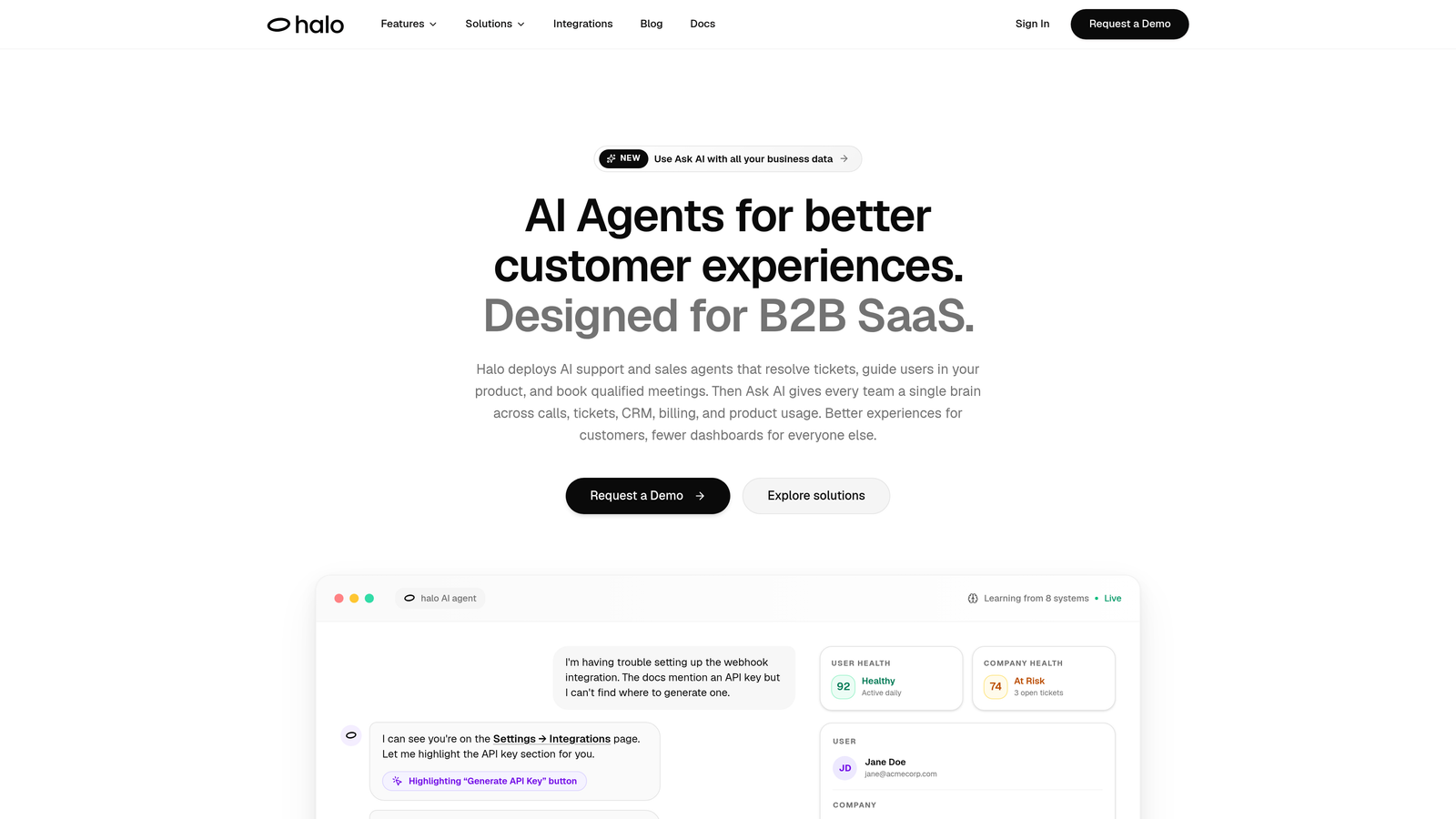
Halo AI is an AI-first customer support platform that resolves tickets, guides users through your product with page-aware context, and creates structured bug reports routed directly to engineering tools like Linear — without any manual handoffs.
Where This Tool Shines
Most support platforms treat project management integration as an afterthought: a Zapier trigger here, a manual "create Jira issue" button there. Halo AI approaches the problem differently. When its AI agents detect a bug report in a conversation, they automatically generate a structured ticket with full context and route it to your connected engineering tool. No copy-paste. No context loss. No human remembering to do it.
The page-aware chat widget is another genuine differentiator. Because the AI can see what page and UI state the user is currently on, it provides contextual guidance that generic chatbots simply can't match. Combined with continuous learning from every resolved interaction, the system gets measurably more useful over time rather than plateauing after initial setup.
Key Features
Auto bug ticket creation: AI detects bug reports in conversations and creates structured tickets routed to Linear, Jira, or other connected tools automatically.
Page-aware chat widget: AI agents see the user's current page and UI state, enabling genuinely contextual guidance rather than generic responses.
Smart inbox with business intelligence: Goes beyond basic support metrics to surface customer health signals, anomaly detection, and revenue intelligence.
Deep integrations: Connects natively with Linear, Slack, HubSpot, Intercom, Stripe, Zoom, PandaDoc, and Fathom.
Live agent handoff: Escalates complex issues to human agents with full conversation context preserved, so nothing gets repeated.
Best For
Product teams at B2B SaaS companies who want AI handling the support-to-engineering pipeline autonomously. Particularly strong for teams already using Linear for engineering work, where the native integration creates a nearly seamless bug triage workflow without adding headcount.
Pricing
Visit haloagents.ai for current pricing details. Plans are designed to scale with usage rather than penalize team growth.
2. Zendesk
Best for: Enterprise teams needing breadth of integration and proven scalability across support workflows
Zendesk is one of the most established helpdesk platforms, with a broad marketplace of project management integrations and native side-conversation features for looping in engineering teams.

Where This Tool Shines
Zendesk's real strength is its ecosystem. With a mature marketplace covering Jira, Asana, Trello, Monday.com, and dozens of other tools, large organizations can typically plug Zendesk into whatever engineering or project workflow they already use. The side conversations feature is particularly useful: agents can engage engineering or other internal teams directly from within a support ticket without ever leaving the platform, keeping context anchored to the original customer issue.
For enterprise teams with complex SLA requirements, multi-department routing, and high ticket volumes, Zendesk's configurability is hard to match. The tradeoff is setup complexity and a pricing model that can grow quickly as you add agents and features.
Key Features
Side conversations: Engage engineering or other internal teams from within a support ticket without leaving the platform, preserving the original customer context.
Marketplace integrations: Native connections with Jira, Asana, Trello, Monday.com, and a wide range of other project management tools.
Zendesk AI: Ticket triage, conversation summarization, and suggested responses to reduce manual agent workload.
SLA management: Robust tracking and alerting to ensure response and resolution time commitments are met across teams.
Configurable workflows: Highly flexible automation and routing rules suited to enterprise-scale support operations.
Best For
Large organizations with established support operations that need a proven, scalable platform with broad integration coverage. Less ideal for lean SaaS teams looking for out-of-the-box AI automation without significant configuration work.
Pricing
Paid plans start at approximately $19/agent/month; enterprise tiers are available. Costs can scale significantly with advanced AI and reporting features.
3. Linear + Intercom
Best for: Product-led SaaS teams that want tight bidirectional sync between customer conversations and engineering issues
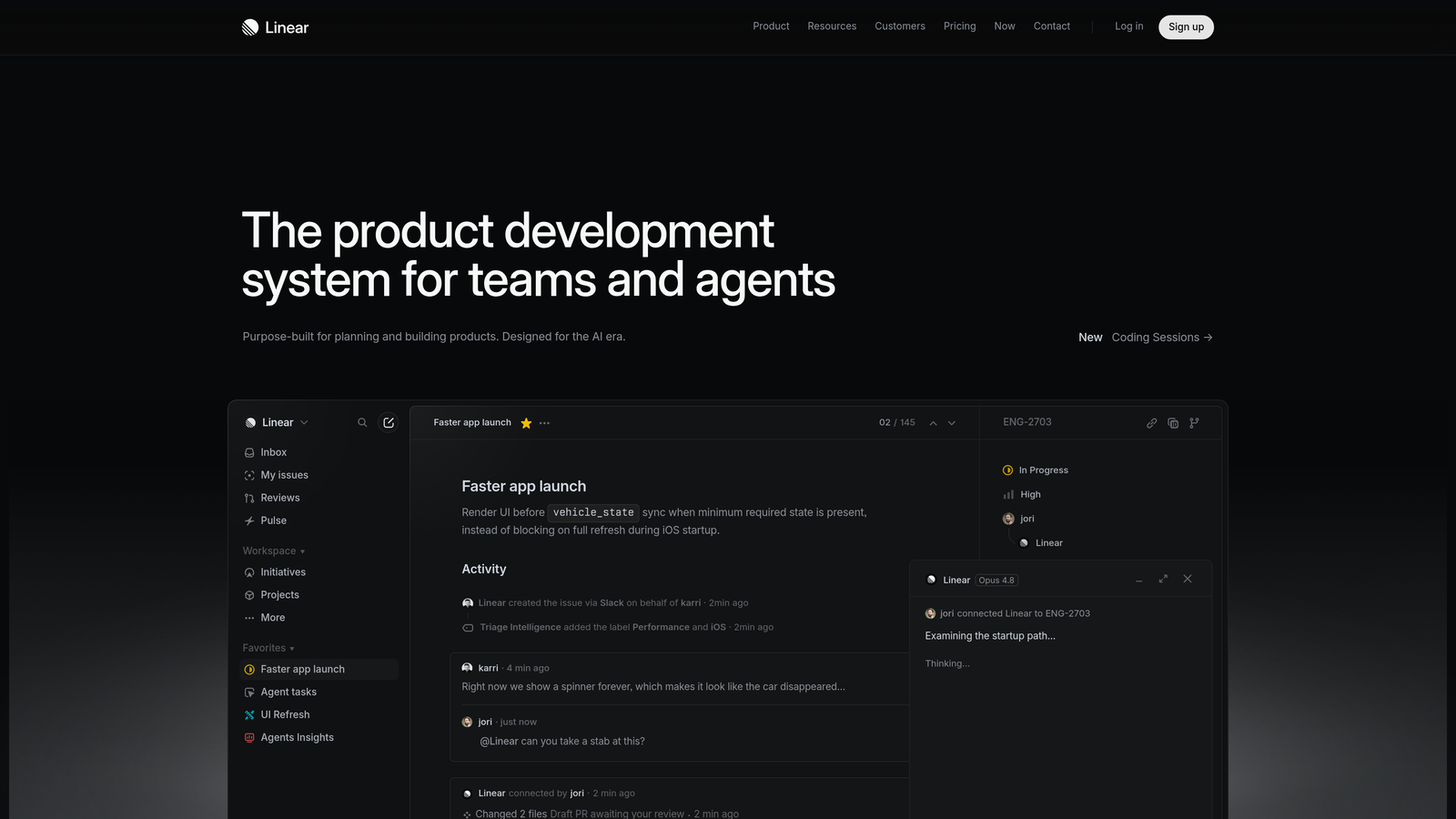
Linear paired with Intercom is a powerful combination for product-led SaaS teams: Intercom handles customer-facing support while its native Linear integration turns conversations into tracked engineering issues with bidirectional status sync.
Where This Tool Shines
This pairing works because it respects how each team actually operates. Engineers stay in Linear's fast, keyboard-driven interface. Support agents stay in Intercom. The native integration keeps both sides informed: support agents can see when an issue moves to "in progress" or "done," while engineers see the original customer context without needing to switch tools or ask for a summary.
The bidirectional sync is what separates this from a simple one-way "create issue" button. When a bug gets fixed, the status update flows back to the support conversation automatically. That kind of closed-loop communication is genuinely difficult to replicate with generic Zapier-style automations.
Key Features
Native Intercom–Linear integration: Create Linear issues directly from Intercom conversations with a few clicks, no third-party connector required.
Bidirectional status sync: Support agents see issue progress; engineers see the customer context that triggered the issue.
Linear's issue management interface: Fast, keyboard-first design that engineering teams consistently prefer over heavier alternatives.
Intercom Fin AI agent: Handles common queries autonomously before escalation, reducing the volume that reaches human agents.
Slack notifications: Keeps both teams aligned on status changes without requiring either side to switch tools.
Best For
SaaS teams where engineering already uses Linear and support already uses Intercom. Less compelling if you're starting from scratch and don't have existing investment in either tool.
Pricing
Linear offers a free plan for small teams; paid plans start at approximately $8/user/month. Intercom uses modular pricing that varies by usage and features selected.
4. Freshdesk
Best for: Mid-market teams that want a single-vendor path from customer ticket to internal project management
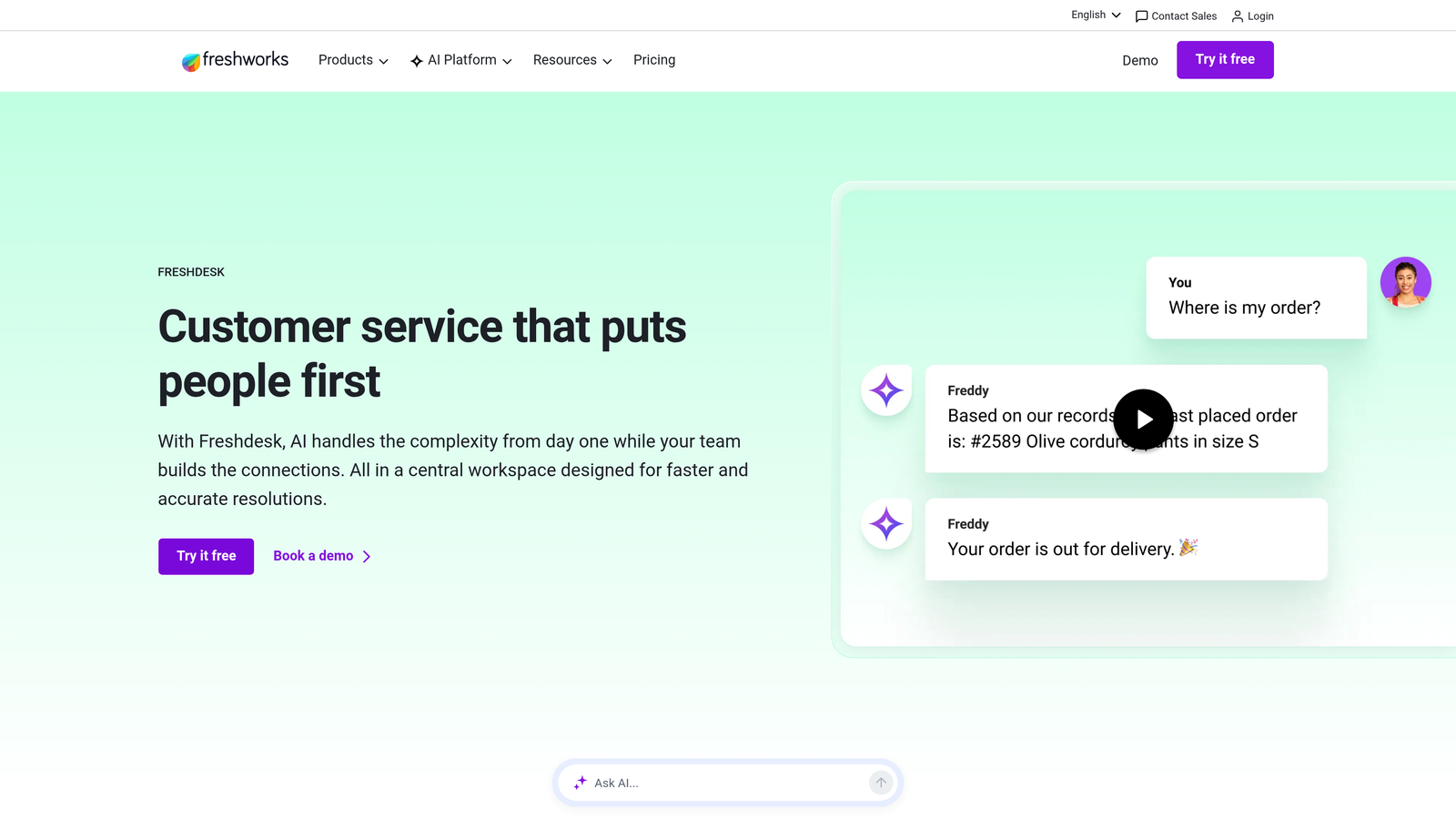
Freshdesk is a mid-market helpdesk that connects natively with Freshservice for IT and project service management, giving teams a single-vendor path from customer ticket to internal project without stitching together separate tools.
Where This Tool Shines
The Freshworks ecosystem is the main draw here. Teams that use both Freshdesk for customer support and Freshservice for IT or internal project management get native escalation paths that don't require third-party connectors. A support ticket can become a tracked project task in Freshservice without manual data entry, which is a meaningful time saver for teams handling a mix of customer issues and internal service requests.
For teams outside the Freshworks ecosystem, the marketplace still covers Jira, Asana, and Trello. Freddy AI adds automation for ticket triage and response suggestions, though it's generally less sophisticated than dedicated AI-first platforms.
Key Features
Native Freshdesk-to-Freshservice escalation: Support tickets can be promoted to Freshservice projects without manual data transfer, keeping context intact.
Freddy AI: Handles ticket suggestions, auto-triage, and canned response recommendations to reduce repetitive agent work.
Omnichannel support: Email, chat, phone, and social channels unified in a single inbox.
Marketplace integrations: Connects with Jira, Asana, and Trello for teams not using the Freshworks stack.
Competitive pricing: Transparent, mid-market pricing with a free tier for small teams getting started.
Best For
Mid-market companies that want a single vendor handling both customer support and internal service management, or teams looking for solid helpdesk functionality at a lower price point than enterprise alternatives.
Pricing
Free plan available; paid plans start at approximately $15/agent/month.
5. Help Scout
Best for: Teams that prioritize clean UX and human-in-the-loop support over heavy automation
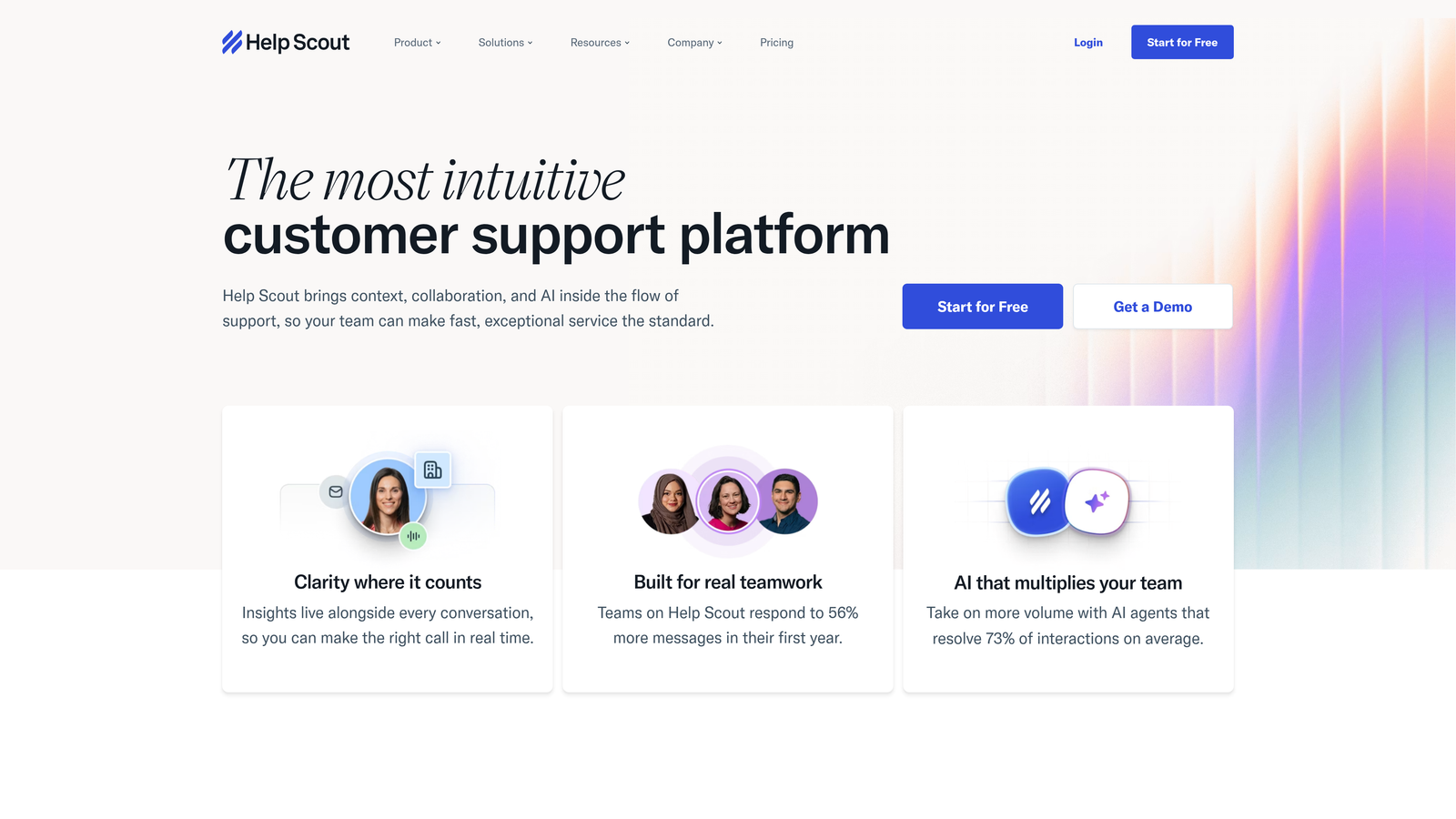
Help Scout is a clean, human-focused shared inbox platform that connects to project tools via integrations and workflows, suited to teams that want simplicity over complex automation layers.
Where This Tool Shines
Help Scout's strength is its low friction. The shared inbox is genuinely easy to use, collision detection prevents two agents from responding to the same ticket simultaneously, and private notes let teams discuss context without cluttering the customer-facing thread. For support teams that find Zendesk or Jira Service Management overwhelming, Help Scout offers a much gentler learning curve.
The project management integration story relies primarily on Zapier and workflow automations rather than native connections, which means setup requires more effort. But for teams that handle a manageable ticket volume and prefer human judgment over automated routing, that tradeoff is often acceptable.
Key Features
Shared inbox with collision detection: Prevents duplicate responses and keeps team communication organized through private notes.
Docs knowledge base: Included on all plans, making it easy to deflect common questions without a separate tool.
Workflow automations: Trigger actions in connected project tools via Zapier, enabling basic handoffs to engineering without native integrations.
Beacon widget: In-product help and chat for proactive support without requiring a separate live chat platform.
Transparent pricing: Per-user model with no feature gating surprises across plan tiers.
Best For
Small-to-mid-size teams that value simplicity and clean UX over deep automation. Not ideal for teams that need tight, native bidirectional sync with engineering tools without relying on Zapier.
Pricing
Plans start at approximately $20/user/month with a straightforward per-user structure.
6. Jira Service Management
Best for: Teams already using Jira Software for engineering who want the tightest possible native loop between support and dev
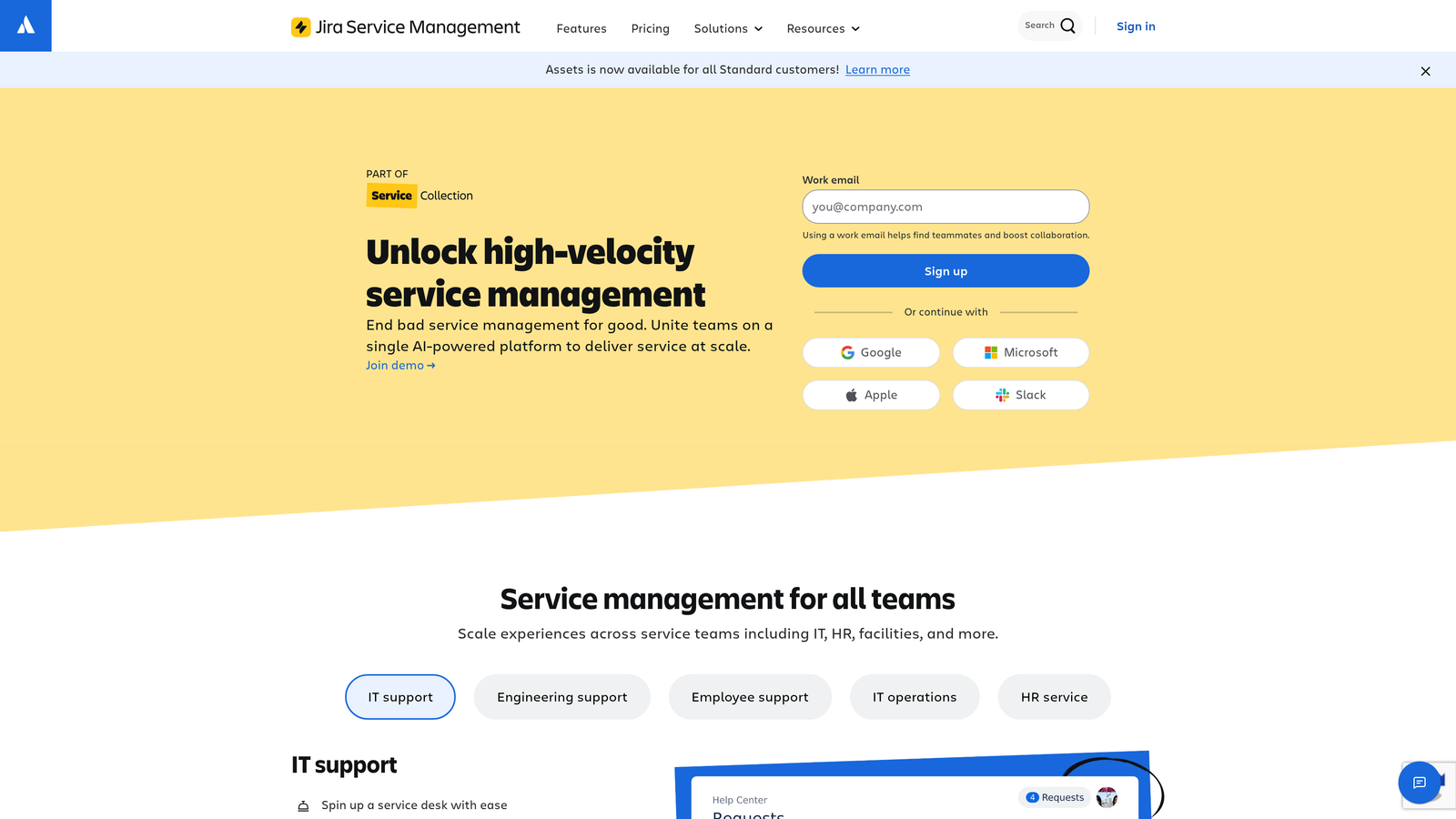
Jira Service Management is Atlassian's dedicated service management platform with native two-way linking to Jira Software, making it the natural choice for teams already managing engineering work in Jira.
Where This Tool Shines
If your engineering team lives in Jira Software, this is the most direct path to closing the loop between a customer issue and a dev ticket. Service requests and bug reports link natively to Jira Software issues, with two-way visibility: support agents see when a linked issue moves through the development pipeline, and engineers see the customer context that generated the request. No third-party connector, no sync delays.
The Confluence integration also adds a meaningful knowledge management layer. Teams can link support articles directly to Jira issues and build a feedback loop between documentation gaps and incoming ticket volume. The main caveat is complexity: Jira Service Management can feel overengineered for pure customer support use cases if you're not already embedded in the Atlassian ecosystem.
Key Features
Native two-way Jira linking: Customer service requests link directly to Jira Software dev tickets with bidirectional visibility built in.
SLA tracking and queues: Built-in SLA management with customizable queues and approval workflows for structured service delivery.
Confluence integration: Connect support documentation to engineering work, creating a feedback loop between knowledge gaps and incoming requests.
AI-powered virtual agent: Deflects common requests before they reach human agents, reducing repetitive ticket volume.
Scalable pricing: Free tier for small teams with a clear path to enterprise-grade features.
Best For
Organizations already using Jira Software, Confluence, or Bitbucket who want native service management without adding a separate vendor. Less compelling for teams without existing Atlassian investment.
Pricing
Free for up to 3 agents; paid plans start at approximately $17.65/agent/month.
7. Intercom
Best for: Product-led SaaS companies managing onboarding, proactive support, and engineering handoffs in one platform
Intercom is a conversational support platform with strong AI capabilities and native integrations with Linear, GitHub, and Slack, well suited to product-led SaaS companies that want support and onboarding handled in a single place.
Where This Tool Shines
Intercom occupies a unique position: it's simultaneously a support tool, an onboarding tool, and a product communication platform. For product-led growth companies, that breadth is genuinely useful. The Fin AI agent handles a meaningful proportion of repetitive queries autonomously, and the native Linear and GitHub integrations mean engineering handoffs don't require a separate connector or workflow tool.
Product tours and in-app messaging let support teams get proactive, reducing inbound volume rather than just managing it. The tradeoff is pricing: Intercom's modular model can become expensive as usage scales, particularly for teams that need multiple channels and advanced automation features simultaneously.
Key Features
Fin AI agent: Handles a high proportion of repetitive support queries autonomously, reducing the load on human agents.
Native Linear and GitHub integrations: Link conversations to engineering issues directly without third-party connectors.
Product tours and in-app messaging: Proactive support capabilities that reduce inbound ticket volume before issues arise.
Inbox routing and assignment rules: Team-based routing ensures conversations reach the right person without manual triage.
Robust reporting: Conversation volume, resolution rates, and CSAT tracking in one dashboard.
Best For
Product-led SaaS companies that want to unify support, onboarding, and engineering handoffs in one platform. Teams with high ticket volumes should model costs carefully before committing, as pricing scales with usage.
Pricing
Modular pricing; starter plans from approximately $39/month, scaling with seat count and feature usage.
8. Plane
Best for: Technical teams that want full control over a customizable, open-source support-to-engineering workflow
Plane is an open-source project management platform that technical teams can customize to ingest customer feedback alongside engineering issues, giving complete control over the support-to-development workflow.
Where This Tool Shines
Plane's open-source foundation is its defining characteristic. For engineering-led teams that want to self-host, customize data handling, and build their own integrations between support tools and project tracking, Plane offers a level of flexibility that SaaS-only tools simply can't match. The intake views feature lets teams capture customer feedback as trackable issues, creating a lightweight feedback triage system without needing a separate tool.
It's worth being clear about what Plane is not: a mature customer support platform. It lacks the helpdesk-specific features of Zendesk or Freshdesk, and connecting it to customer-facing support channels requires API work or third-party connectors. It's best understood as the engineering side of the equation, with teams pairing it with a dedicated support inbox tool.
Key Features
Open-source codebase: Self-host for full data control, custom integrations, and workflow flexibility without vendor lock-in.
Intake views: Capture and triage customer feedback as trackable issues within the same system engineers use for sprint work.
Cycles and modules: Sprint-style planning with cycles and module grouping for structured project management alongside issue tracking.
GitHub and Slack integrations: Connect existing developer workflows with an API available for custom support tool connections.
Flexible deployment: Cloud and self-hosted options, with no per-seat pricing on self-hosted deployments.
Best For
Technical teams with engineering resources to configure and maintain a self-hosted setup, particularly those with strong data sovereignty requirements or a desire to avoid per-seat SaaS pricing at scale.
Pricing
Free self-hosted with no per-seat limits; cloud plans include a free tier with paid options available for additional features.
Which Platform Is Right for Your Team?
The right choice here usually comes down to one foundational question: where does your team's workflow actually start? In the support inbox or the engineering backlog? Build outward from the answer.
If your priority is AI-powered ticket resolution that automatically creates and routes bug reports to engineering tools like Linear or Jira, Halo AI is purpose-built for that workflow. It's the only platform on this list designed from the ground up to bridge support and engineering through AI automation rather than manual integration work.
If you're an enterprise team deeply invested in Atlassian, Jira Service Management offers the tightest native loop between customer issues and dev sprints. Zendesk remains the safe choice for large organizations needing breadth of integration across many tools and departments. For product-led SaaS teams, the Intercom and Linear pairing is hard to beat for keeping support and engineering aligned without a heavy platform investment.
Before committing, ask yourself three questions: Where do your engineers actually track work? How much AI automation do you want handling tickets without human review? And does your support team need to see project status, or does engineering just need to see support context? The answers will narrow the field quickly.
Your support team shouldn't scale linearly with your customer base. Let AI agents handle routine tickets, guide users through your product, and surface business intelligence while your team focuses on complex issues that need a human touch. See Halo in action and discover how continuous learning transforms every interaction into smarter, faster support.
For more on building an intelligent support operation, explore our guides on AI support agents and customer support automation benefits.