9 Best Support Queue Optimization Tools in 2026
Support queue optimization tools help customer service teams manage overwhelming ticket volumes by intelligently routing requests, automating repetitive work, and balancing workloads across agents. This evaluation of the top 9 platforms in 2026 examines AI-powered solutions that reduce wait times, prevent agent burnout, and improve customer satisfaction through smarter ticket management and automated resolution capabilities.
 Grant CooperFounder12 min read
When support tickets pile up faster than your team can handle them, customers wait longer, agents burn out, and satisfaction scores plummet. Support queue optimization tools tackle this challenge by intelligently routing tickets, automating repetitive tasks, and giving teams visibility into workload distribution.
The right tool can transform a chaotic inbox into a streamlined operation where urgent issues get immediate attention and routine questions resolve themselves. We evaluated dozens of platforms to find the ones that actually deliver results—considering factors like AI capabilities, integration depth, ease of implementation, and real-world performance at scale.
Here are the top tools worth your attention in 2026.
1. Halo AI
Best for: Teams wanting autonomous ticket resolution that learns and improves continuously
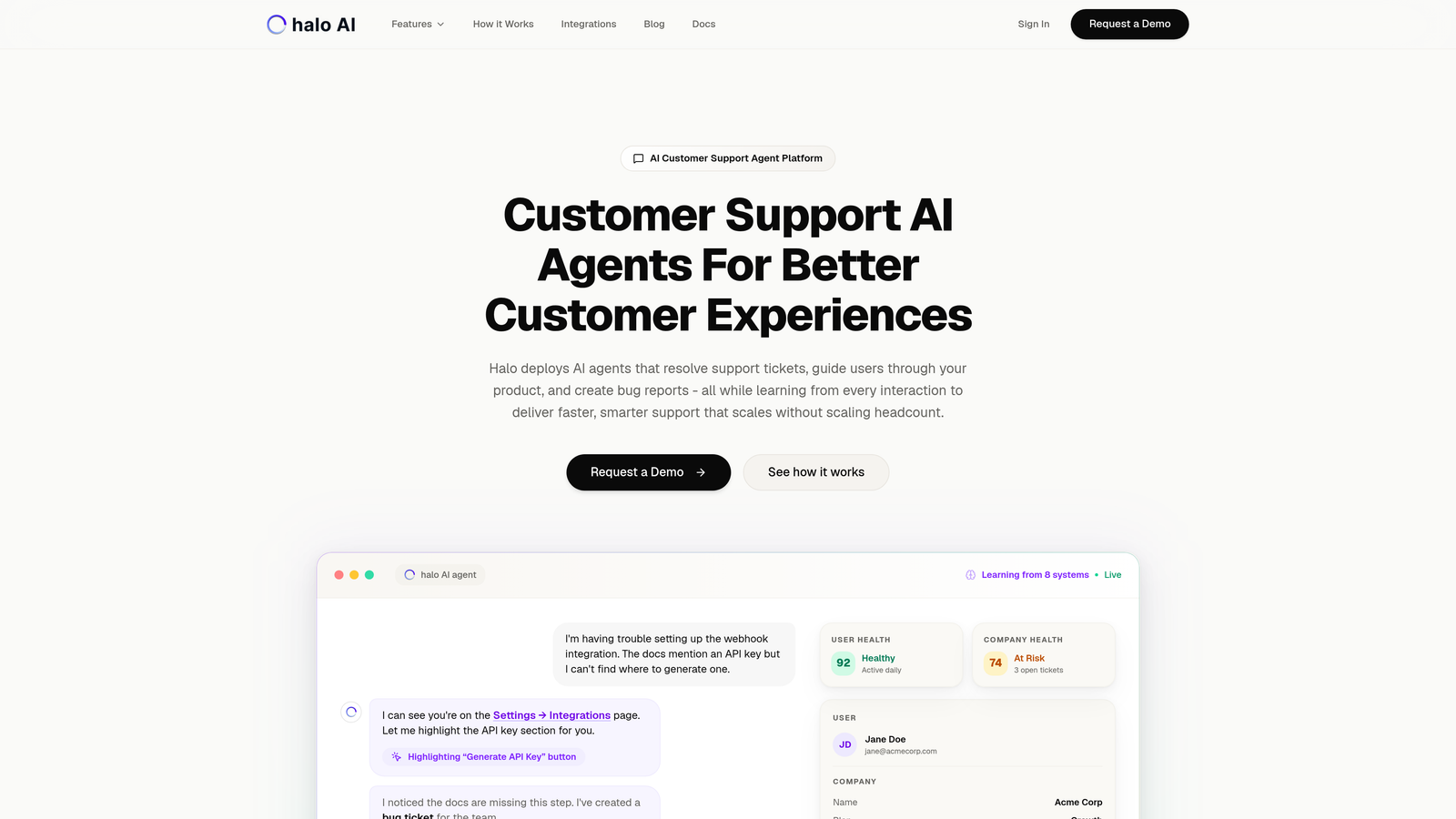
Halo AI takes a fundamentally different approach to support queue optimization by deploying AI agents that actually resolve tickets rather than just routing them.
Where This Tool Shines
Unlike traditional helpdesks that bolt AI features onto existing systems, Halo operates as an AI-first platform where agents autonomously handle support tickets from start to finish. The platform learns from every interaction, continuously improving its ability to resolve issues without human intervention.
What sets Halo apart is its page-aware context—the system sees exactly what your users see in your product, enabling it to provide visual guidance and contextual help that goes far beyond standard chatbot responses. This contextual awareness dramatically improves resolution accuracy.
Key Features
Autonomous AI Agents: Resolve tickets end-to-end without requiring human review for routine issues, freeing your team for complex problems.
Page-Aware Chat Widget: Understands user context by seeing their screen, providing visual UI guidance that traditional chatbots cannot match.
Smart Inbox with Business Intelligence: Goes beyond support metrics to surface customer health signals, revenue intelligence, and anomaly detection across your business.
Automatic Bug Ticket Creation: Identifies technical issues and automatically creates detailed bug reports for your engineering team with proper context.
Deep Stack Integrations: Connects seamlessly with Linear, Slack, HubSpot, Intercom, Stripe, Zoom, PandaDoc, and Fathom to access data across your entire business.
Best For
B2B SaaS companies and product teams looking to scale support without scaling headcount. Particularly valuable for teams already using helpdesk systems like Zendesk, Freshdesk, or Intercom who want autonomous resolution capabilities rather than just better routing.
Pricing
Contact for pricing. The platform typically delivers ROI through reduced ticket volume and faster resolution times rather than per-seat cost savings.
2. Zendesk Advanced AI
Best for: Enterprise teams deeply invested in the Zendesk ecosystem
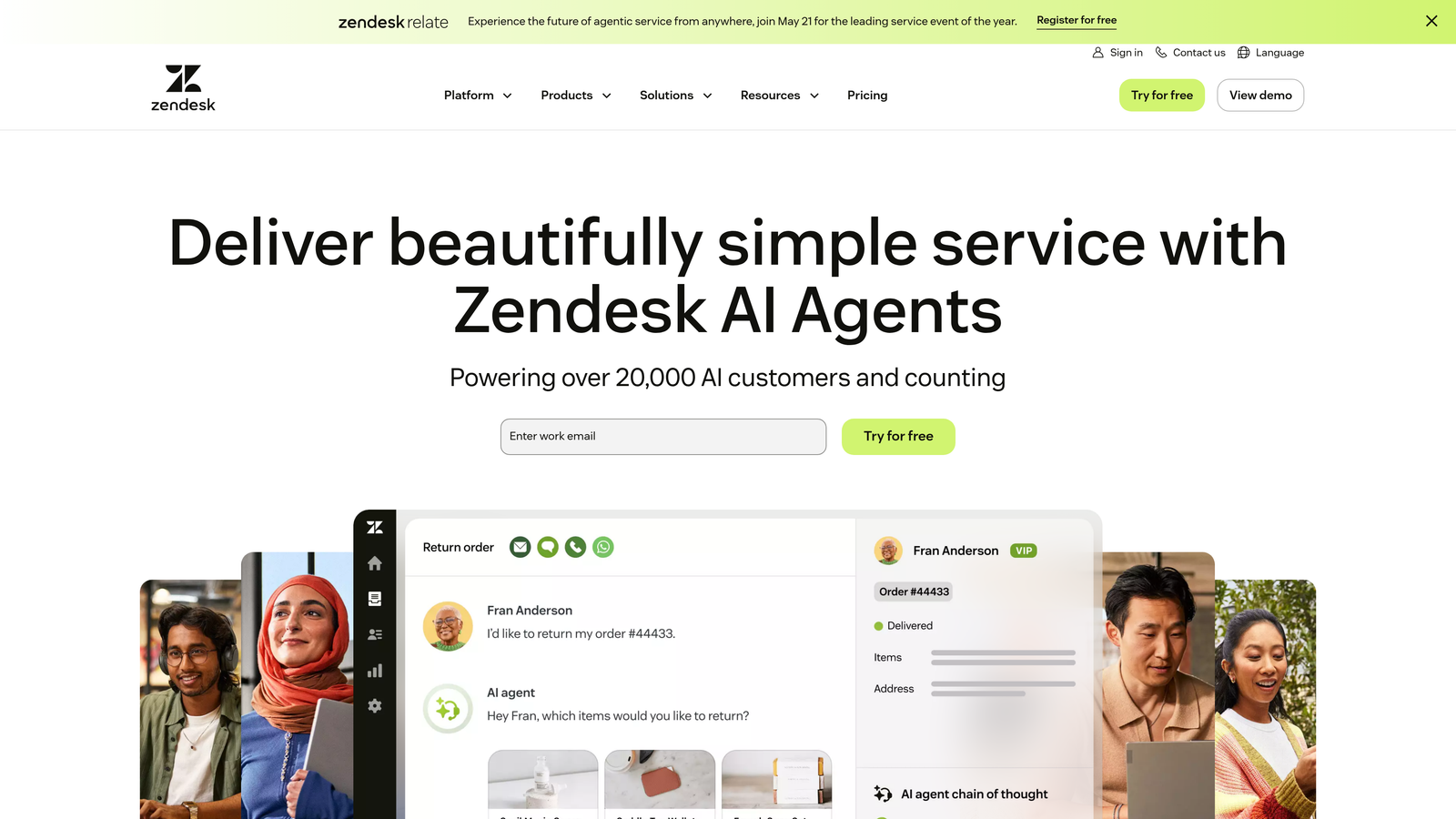
Zendesk Advanced AI brings intelligent triage and routing capabilities to one of the most established helpdesk platforms in the market.
Where This Tool Shines
Zendesk's AI layer analyzes incoming tickets for intent and sentiment, automatically categorizing and routing them to the most qualified agents. The system suggests macros and responses based on ticket content, helping agents resolve issues faster.
The platform's strength lies in its maturity and breadth. If your team already lives in Zendesk, the Advanced AI features integrate seamlessly with your existing workflows, views, and reporting structures without requiring a platform migration.
Key Features
Intelligent Triage: AI-powered intent and sentiment detection automatically categorizes and prioritizes incoming tickets based on urgency and content.
Skills-Based Routing: Matches tickets to agents based on expertise, language, availability, and historical performance for optimal assignment.
Macro Suggestions: Recommends pre-built responses and next actions based on ticket content, reducing time spent on routine replies.
Custom Reporting: Robust analytics and dashboards track queue health, agent performance, and resolution patterns across your entire operation.
Marketplace Integrations: Extensive app ecosystem connects to hundreds of third-party tools for specialized workflows and data enrichment.
Best For
Large enterprises with complex support operations already using Zendesk Suite. Teams that need advanced routing capabilities but aren't ready to change their core helpdesk platform.
Pricing
Suite Professional starts at $115 per agent per month. Advanced AI capabilities require additional licensing on top of base subscription costs.
3. Freshdesk Freddy AI
Best for: Mid-market teams seeking affordable AI-powered triage and productivity tools
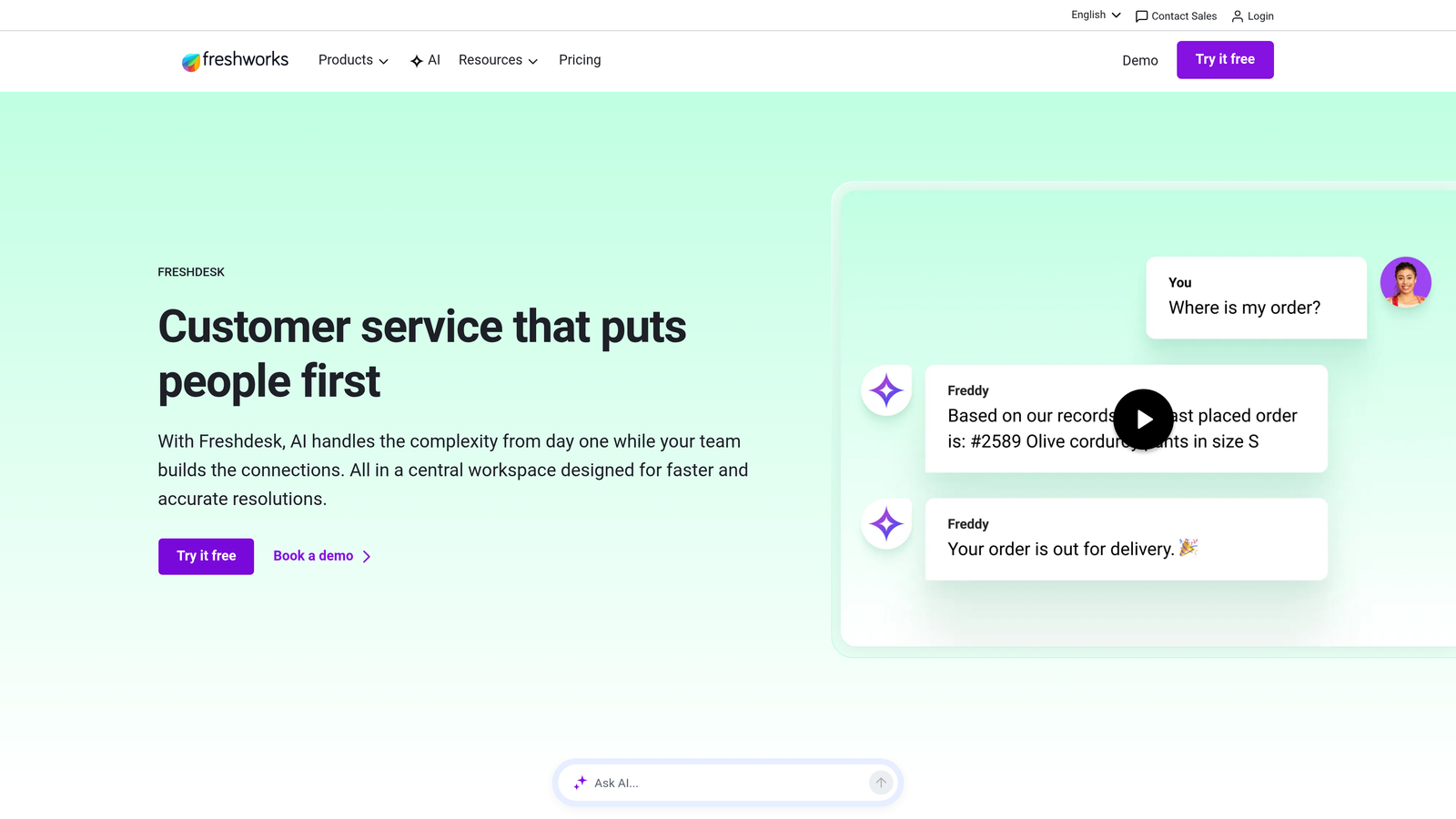
Freshdesk Freddy AI delivers intelligent ticket categorization and agent assistance at a price point accessible to growing teams.
Where This Tool Shines
Freddy AI handles the repetitive work of ticket triage—automatically suggesting categories, priorities, and even field values based on ticket content. This reduces manual data entry and ensures consistent ticket classification across your team.
The platform includes collision detection that alerts agents when multiple people open the same ticket, preventing duplicate responses. Combined with scenario-based automation rules, Freshdesk helps smaller teams operate with the efficiency of much larger organizations.
Key Features
Auto-Triage and Field Suggestions: Freddy analyzes ticket content and automatically suggests appropriate categories, priorities, and custom field values.
Canned Responses and Scenario Automation: Pre-built response templates and workflow rules handle common scenarios without manual intervention.
SLA Management: Built-in escalation rules ensure high-priority tickets receive attention before they breach service level agreements.
Collision Detection: Real-time alerts prevent multiple agents from working on the same ticket simultaneously, avoiding duplicate effort.
Knowledge Base Integration: Connects directly to your help center, allowing agents to insert articles and Freddy to suggest relevant documentation.
Best For
Growing companies with 10-50 support agents who need AI-powered optimization without enterprise pricing. Teams transitioning from basic helpdesks to more sophisticated queue management.
Pricing
Pro plan starts at $49 per agent per month. Freddy AI capabilities are included in Growth and Enterprise tiers, making it accessible for mid-market budgets.
4. Intercom Fin
Best for: Product-led companies prioritizing conversational self-service and in-app support
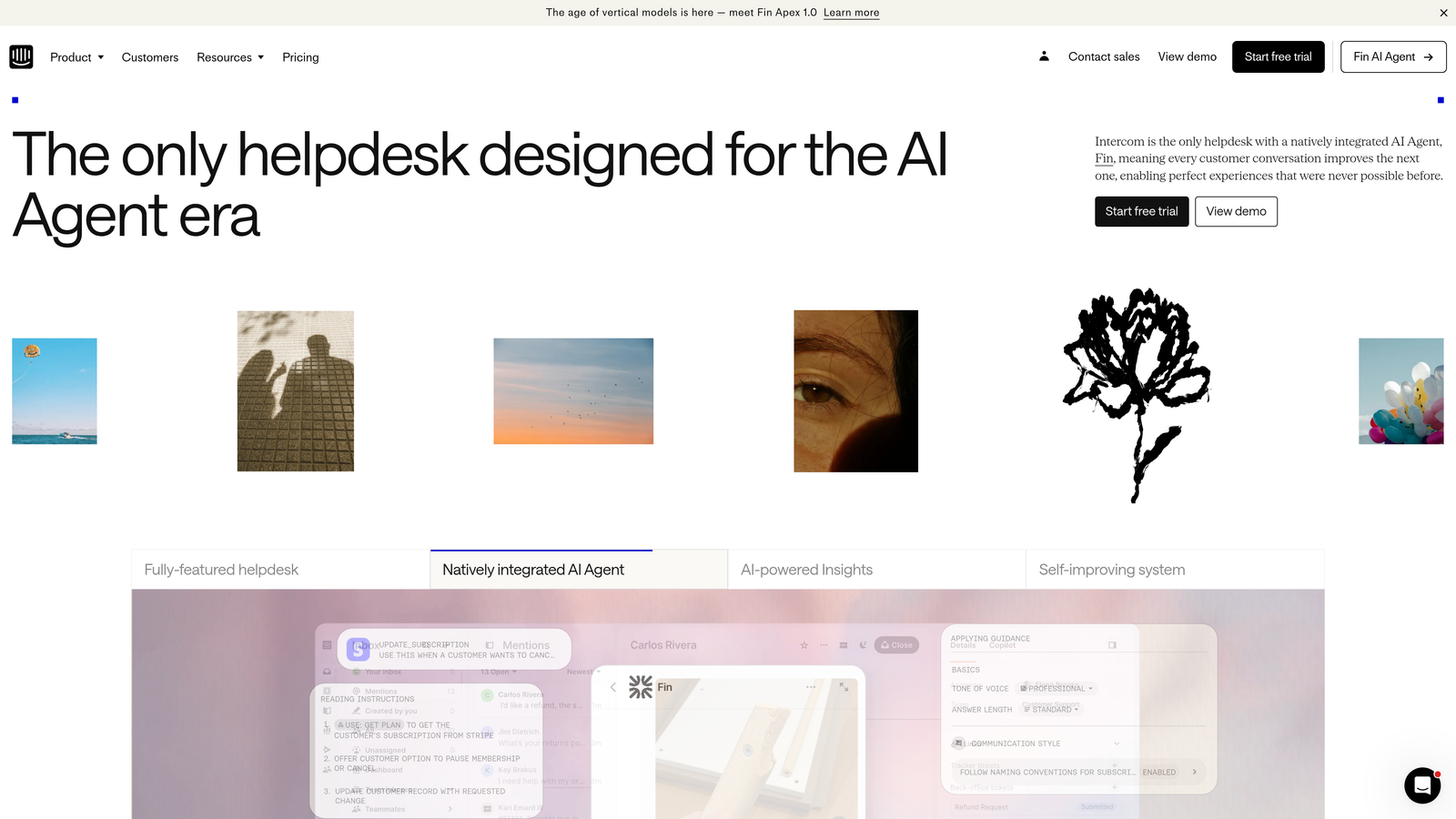
Intercom Fin focuses on resolving support questions through natural dialogue before they ever reach your human queue.
Where This Tool Shines
Fin operates as a conversational AI agent that attempts to resolve customer questions using natural language understanding trained on your help center and custom data sources. When it cannot resolve an issue confidently, it seamlessly hands off to human agents with full conversation context.
The platform excels at deflection rather than just routing. By resolving common questions automatically, Fin reduces the number of tickets that enter your queue in the first place—a fundamentally different optimization approach than traditional triage systems.
Key Features
AI-First Resolution: Natural language understanding attempts to fully resolve customer questions through conversation before escalating to humans.
Custom Training: Learns from your specific help center content, documentation, and historical conversations to provide accurate, brand-appropriate answers.
Seamless Handoff: Transfers conversations to human agents with complete context when AI resolution isn't possible or appropriate.
Product Tours Integration: Combines support conversations with in-app messaging and product guidance for a unified user experience.
Topic-Based Routing: Automatically routes conversations that need human attention to the right team based on question content and urgency.
Best For
SaaS companies with strong self-service content who want to maximize deflection rates. Teams already using Intercom for customer communication who want to add autonomous resolution capabilities.
Pricing
Essential plan starts at $39 per seat per month for the base platform. Fin AI is charged per resolution, typically adding significant cost for high-volume teams.
5. Kustomer
Best for: Omnichannel support teams needing unified customer context across all touchpoints
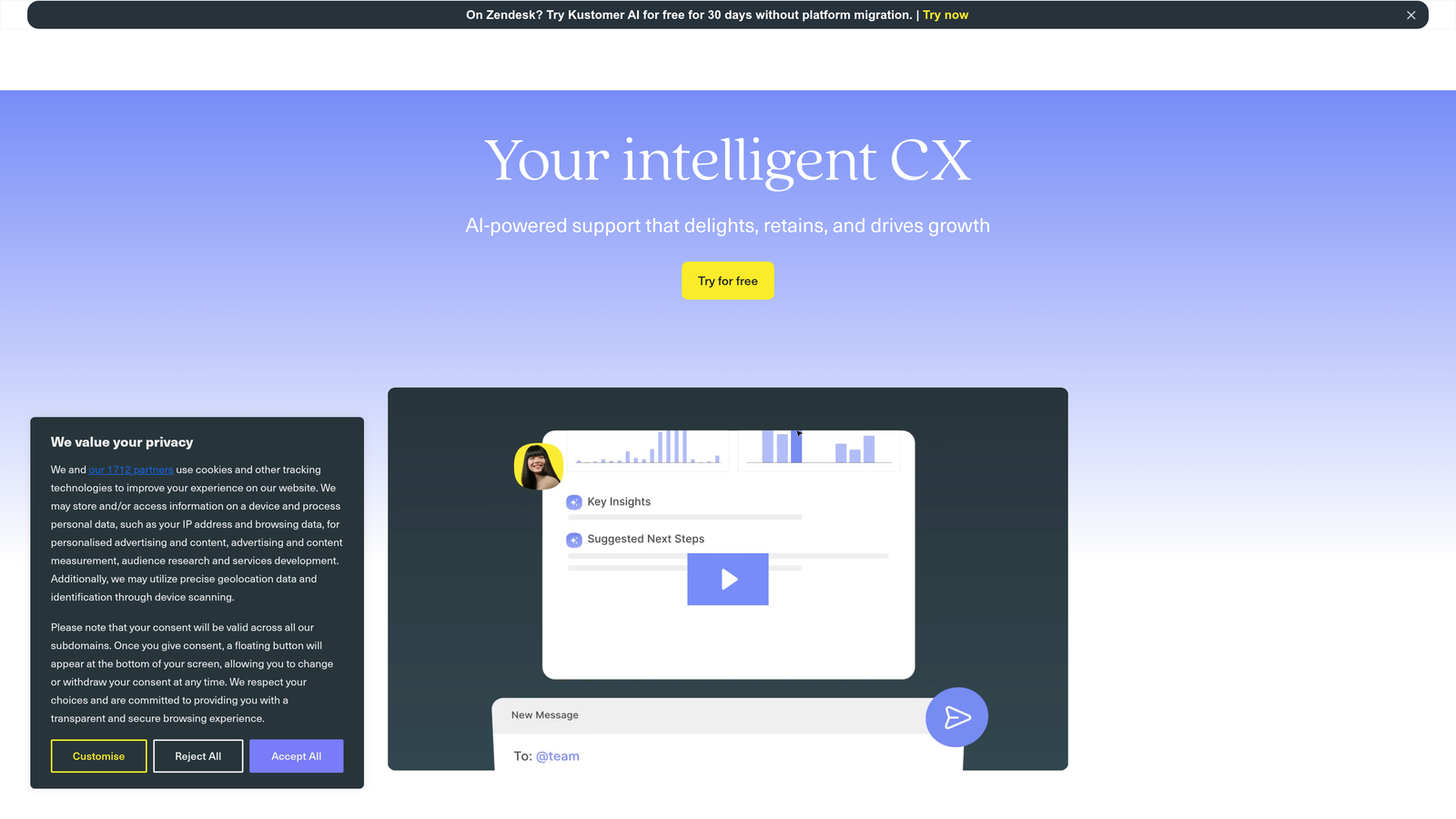
Kustomer reimagines the helpdesk as a CRM-first platform where every customer interaction appears in a single, chronological timeline.
Where This Tool Shines
Rather than organizing support around individual tickets, Kustomer creates a unified customer timeline that shows every interaction across email, chat, phone, and social media. This context-rich view helps agents understand the full customer relationship before responding.
The platform's business rules engine enables sophisticated routing logic based on customer attributes, conversation history, and real-time data from integrated systems. This makes queue optimization more intelligent than simple round-robin or skills-based assignment.
Key Features
Single Customer Timeline: Unified view of all customer interactions across channels, eliminating the need to search through multiple tickets for context.
Business Rules Engine: Flexible automation for routing, assignment, and workflows based on customer data, conversation attributes, and external triggers.
Real-Time Dashboards: Live queue visibility and performance metrics help managers identify bottlenecks and redistribute workload dynamically.
Native Voice and Chat: Built-in phone and messaging capabilities eliminate the need for separate communication tools and integrations.
E-Commerce Integrations: Deep connections to Shopify, Magento, and other platforms surface order data directly in the agent workspace.
Best For
Retail and e-commerce brands managing high volumes of customer interactions across multiple channels. Teams that need customer relationship context beyond individual ticket history.
Pricing
Enterprise plan starts at $89 per user per month. The platform targets mid-market and enterprise customers rather than small teams.
6. Assembled
Best for: Support leaders focused on workforce management and capacity planning
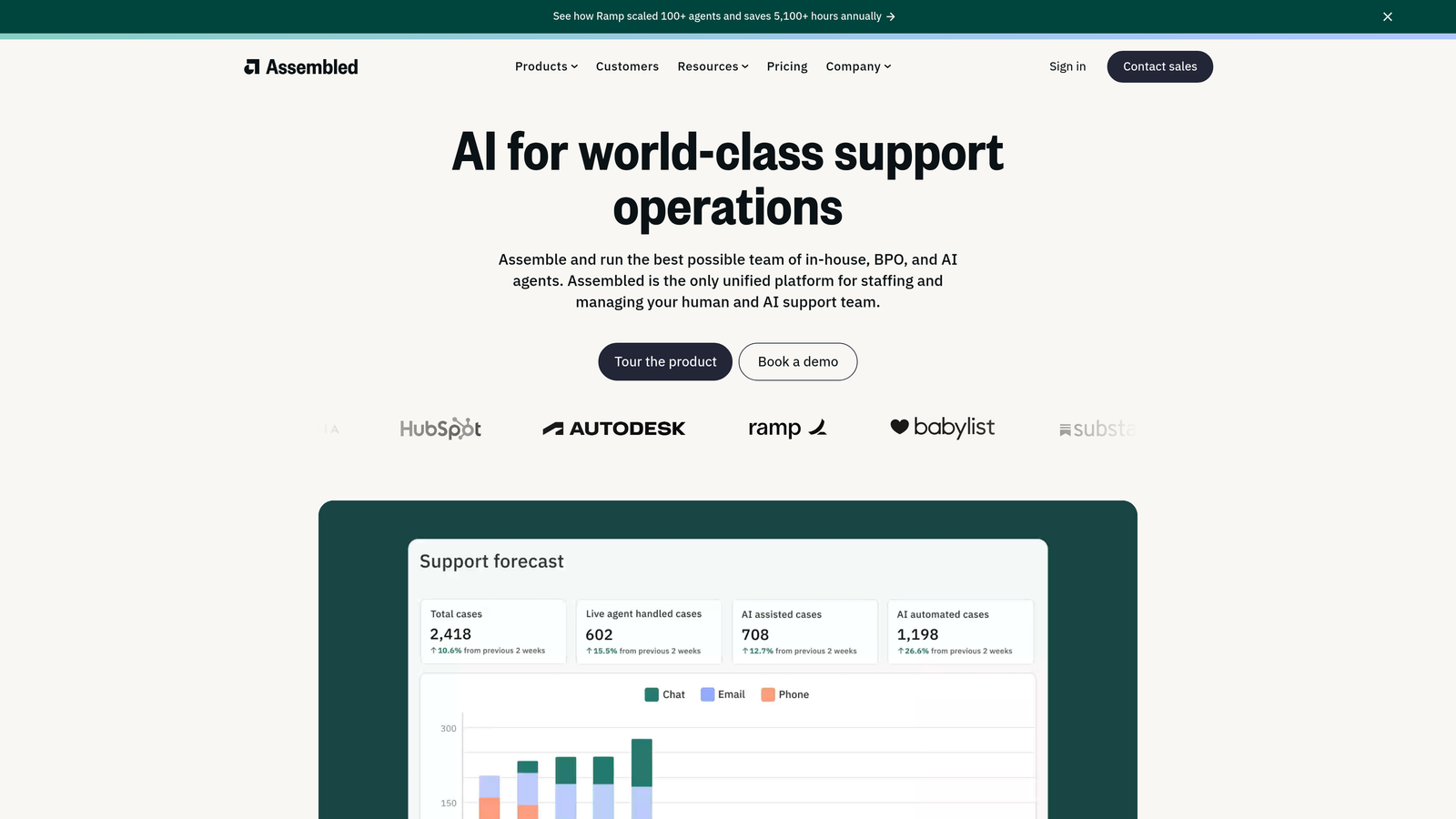
Assembled approaches queue optimization from a staffing angle—ensuring you have the right number of agents with the right skills available when ticket volume peaks.
Where This Tool Shines
Assembled uses AI to forecast ticket volume based on historical patterns, seasonality, and business events. It then generates optimal agent schedules that match predicted demand, reducing both understaffing and overstaffing situations.
The platform monitors real-time adherence, alerting managers when agents deviate from scheduled activities. This visibility helps teams maintain service levels even during unexpected volume spikes or agent absences.
Key Features
AI-Powered Forecasting: Predicts ticket volume by channel, time of day, and day of week based on historical data and identified patterns.
Automated Schedule Generation: Creates optimal agent schedules that balance predicted demand with individual availability and preferences.
Real-Time Adherence Monitoring: Tracks whether agents are working scheduled activities and alerts managers to deviations that could impact service levels.
Helpdesk Integrations: Connects to Zendesk, Intercom, Front, and other platforms to pull ticket data for forecasting and reporting.
Capacity Planning: What-if scenarios help leaders model the impact of hiring decisions, policy changes, or new product launches on staffing needs.
Best For
Support teams with 20+ agents where staffing optimization delivers significant cost savings. Organizations struggling with inconsistent service levels due to workload imbalances.
Pricing
Contact for pricing. Costs typically scale with team size and are justified by labor cost savings and improved service level achievement.
7. Gorgias
Best for: E-commerce brands using Shopify, BigCommerce, or Magento
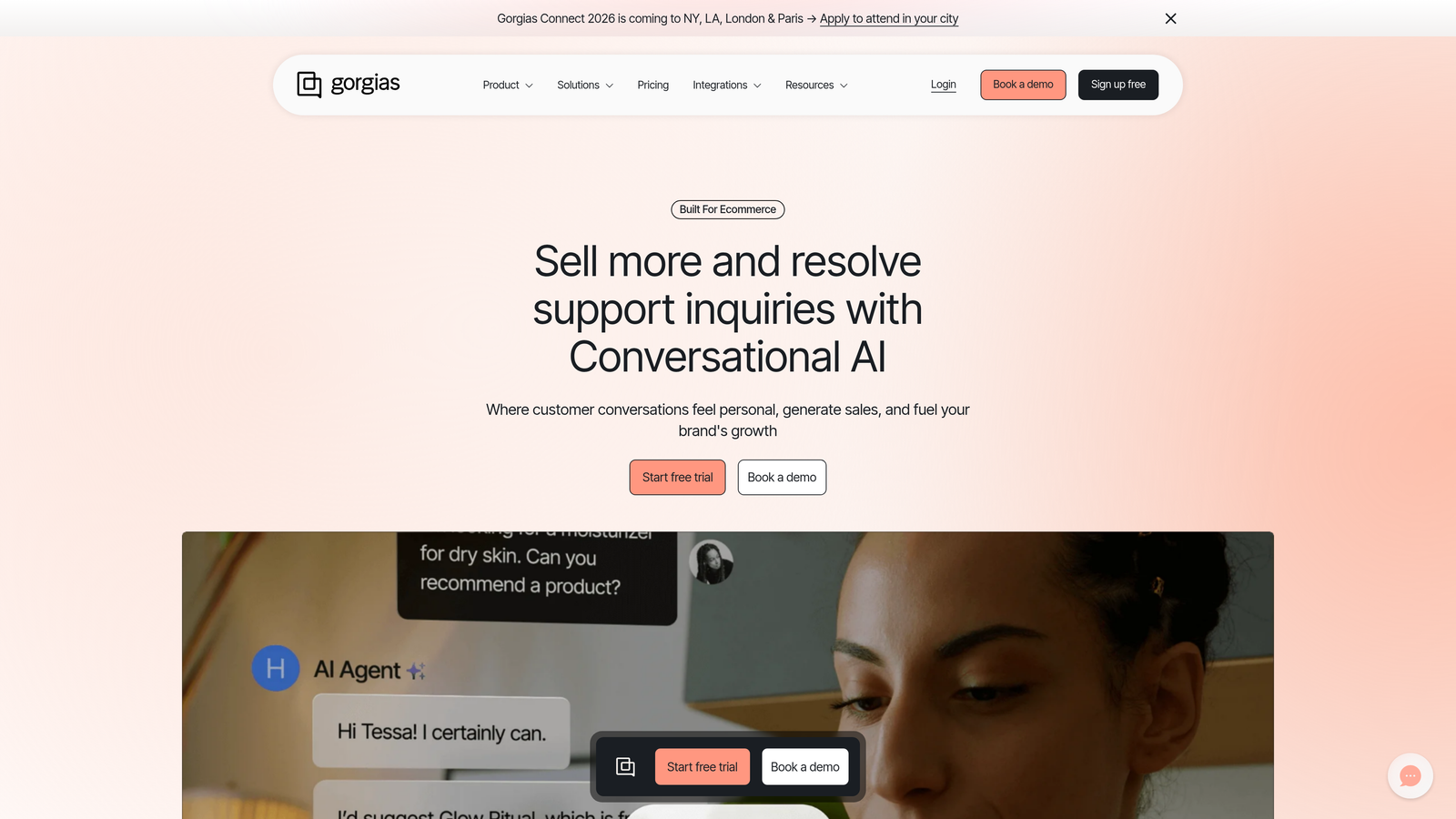
Gorgias specializes in support queue optimization for online retailers, with deep integrations into e-commerce platforms and order management systems.
Where This Tool Shines
Gorgias automatically pulls order data, shipping information, and customer purchase history directly into the support interface. Agents can view order details, process refunds, and update shipping addresses without leaving the helpdesk or switching between systems.
The platform's automation rules handle common e-commerce inquiries like "Where is my order?" by pulling tracking information and responding automatically. This deflection dramatically reduces queue volume for repetitive questions that don't require human judgment.
Key Features
One-Click E-Commerce Integration: Native connections to Shopify, BigCommerce, and Magento surface order data directly in tickets without custom development.
Automated Order Responses: Pre-built rules answer common questions about shipping status, return policies, and order modifications without agent involvement.
Revenue Attribution: Tracks which support conversations lead to purchases, quantifying the revenue impact of your support team.
Dynamic Macros: Response templates automatically insert customer-specific order data, reducing copy-paste errors and response time.
Social and SMS Support: Manages Instagram, Facebook, SMS, and email conversations in a single queue for consistent customer experience.
Best For
Online retailers with high volumes of order-related support inquiries. E-commerce brands that need support agents to access order management capabilities without separate system access.
Pricing
Starter plan at $10 per month covers 50 tickets. Pricing scales with monthly ticket volume rather than agent count, making it accessible for small teams with variable workloads.
8. Help Scout
Best for: Small to mid-size teams prioritizing simplicity and human-focused support
Help Scout delivers clean, straightforward queue management without overwhelming teams with complex automation options.
Where This Tool Shines
Help Scout's collision detection prevents the frustrating scenario where multiple agents respond to the same customer simultaneously. When an agent opens a conversation, others see a real-time indicator that someone is already handling it.
The platform emphasizes workflows over heavy automation. Simple if-then rules handle tagging, assignment, and status changes based on conversation content or customer attributes. This approach works well for teams that want some automation without building complex rule sets.
Key Features
Collision Detection: Real-time indicators show which conversations teammates are currently viewing or responding to, preventing duplicate effort.
Workflows for Assignment: Automated tagging, routing, and status updates based on conversation attributes keep queues organized without manual sorting.
Beacon Widget: Embeddable help widget provides in-app access to knowledge base articles and contact forms, reducing ticket volume through self-service.
Saved Replies: Pre-written response templates with variable insertion help agents respond consistently to common questions.
Built-In Satisfaction Ratings: Automatic customer satisfaction surveys after conversation resolution provide feedback without third-party integration.
Best For
Growing companies with 5-25 support agents who value simplicity over advanced automation. Teams transitioning from shared email inboxes to dedicated helpdesk software.
Pricing
Standard plan starts at $25 per user per month, making it one of the more affordable options for small teams seeking professional helpdesk capabilities.
9. Dixa
Best for: Teams managing voice, email, and chat from a single agent interface
Dixa provides a unified agent workspace where all customer conversations appear in one browser-based interface regardless of channel.
Where This Tool Shines
Dixa's intelligent routing considers both ticket priority and agent skills when assigning conversations. High-priority issues automatically jump to the front of the queue, while specialized questions route to agents with relevant expertise.
The platform maintains conversation continuity when customers switch channels. If a customer starts a conversation via chat and then calls, the agent sees the full history immediately. This context prevents customers from repeating themselves across channels.
Key Features
Single Browser Interface: Agents handle phone calls, emails, chats, and social messages from one workspace without switching between tools.
Priority-Based Routing: Automatically assigns conversations based on urgency, customer value, and agent availability to optimize resolution time.
Real-Time Analytics: Live dashboards show queue depth, wait times, and agent status to help managers redistribute workload dynamically.
Native Multi-Channel Support: Built-in phone system, email, chat, and social media capabilities eliminate the need for separate communication tools.
Cross-Channel Continuity: Conversation history follows customers across channels, providing agents with full context regardless of how customers reach out.
Best For
Support teams handling significant phone volume alongside digital channels. Organizations consolidating multiple communication tools into a single platform.
Pricing
Essential plan starts at $39 per agent per month. Phone capabilities and advanced routing features may require higher-tier plans.
Making the Right Choice
The right support queue optimization tool depends on your primary challenge and existing infrastructure.
If you're looking to reduce ticket volume through autonomous resolution rather than just better routing, Halo AI's learning-focused approach delivers the most significant long-term impact. Teams already invested in established helpdesks can add AI capabilities through Zendesk Advanced AI or Freshdesk Freddy AI without platform migration.
For product-led companies prioritizing self-service deflection, Intercom Fin excels at resolving questions before they reach human agents. E-commerce brands benefit from Gorgias's specialized order management integrations and automated responses for common retail inquiries.
Teams struggling with staffing imbalances should evaluate Assembled for workforce management capabilities that ensure the right coverage during peak hours. If your challenge is managing conversations across multiple channels, Dixa and Kustomer provide unified interfaces that maintain customer context regardless of touchpoint.
Small teams seeking straightforward optimization without complexity will find Help Scout's simple workflows and collision detection sufficient for their needs. The key is matching tool capabilities to your specific bottleneck—whether that's routing intelligence, staffing optimization, or autonomous resolution.
Your support team shouldn't scale linearly with your customer base. Let AI agents handle routine tickets, guide users through your product, and surface business intelligence while your team focuses on complex issues that need a human touch. See Halo in action and discover how continuous learning transforms every interaction into smarter, faster support.