9 Best Support Request Prioritization Tools in 2026
Not all support tickets are equal — and the best support request prioritization tools help teams move beyond FIFO queues by surfacing high-impact tickets using AI, customer health signals, revenue context, and sentiment analysis. This guide evaluates nine leading tools across AI capabilities, integration depth, and scalability to help B2B support teams find the right fit.
 Grant CooperFounder14 min read
Not every support ticket deserves the same urgency. A churn-risk enterprise account flagging a billing error is a fundamentally different situation from a free-tier user asking how to export a CSV — yet many support teams still process both in the order they arrive. That gap between ticket volume and business impact is where prioritization tools earn their keep.
The best support request prioritization tools go beyond simple SLA tiers and FIFO queues. They factor in customer health signals, revenue context, sentiment, and product usage to surface the tickets that actually matter most. Whether you're evaluating AI-native platforms built around intelligent triage, helpdesk tools with built-in AI layers, or standalone workflow tools that add prioritization logic on top of your existing stack, the right choice depends on your team size, tech stack, and how sophisticated you want your routing logic to be.
This list covers tools across all three categories, evaluated on AI and ML capabilities, integration depth with CRM and billing data, ease of configuration for non-technical teams, and scalability for growing B2B SaaS operations. Here are the top support request prioritization tools worth considering in 2026.
1. Halo AI
Best for: B2B SaaS teams that want revenue-aware, AI-native ticket prioritization beyond rule-based triage
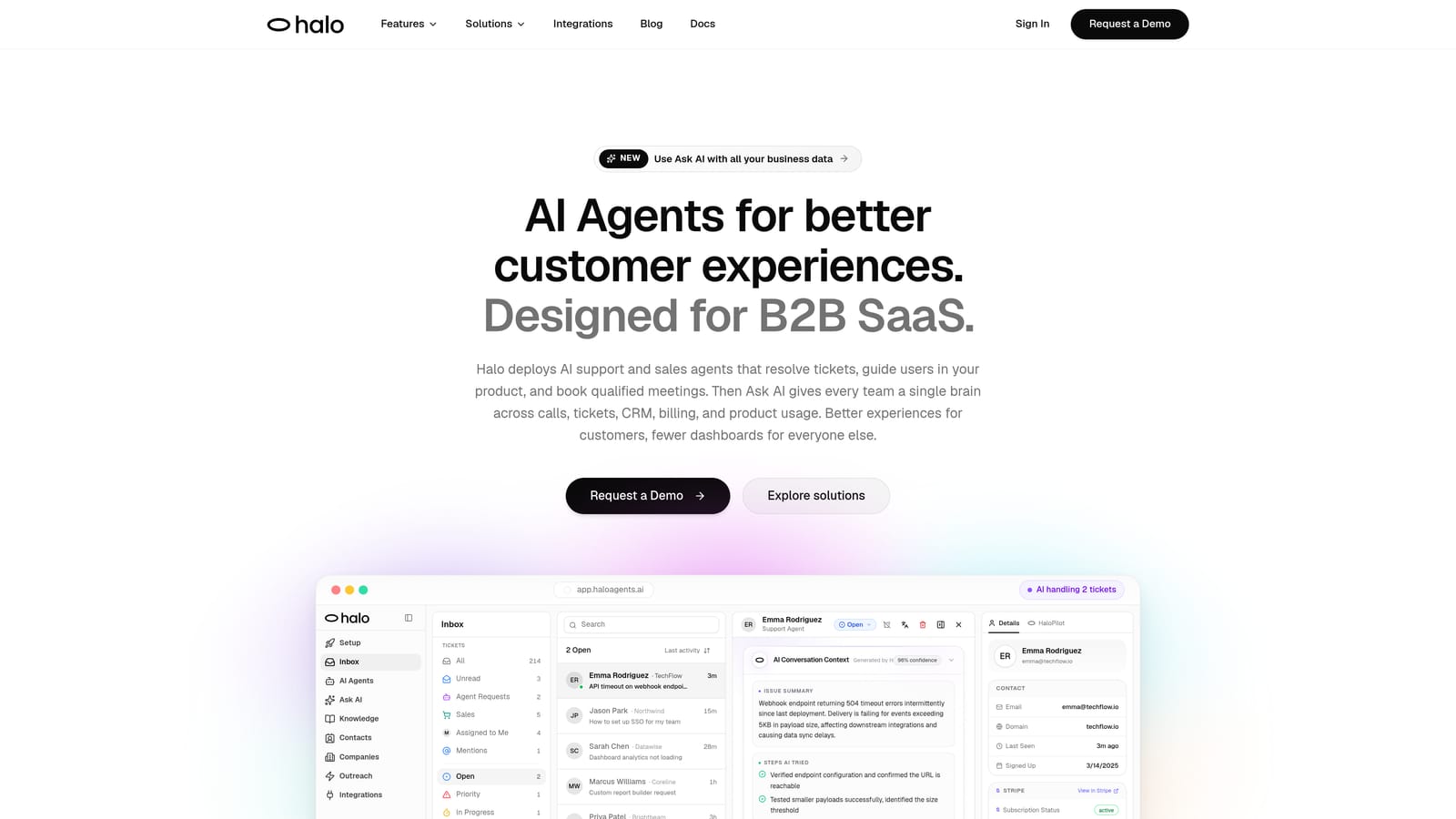
Halo AI is an AI-first customer support platform with a Smart Inbox that prioritizes tickets using business intelligence signals, not just when they arrived.
Where This Tool Shines
Most prioritization tools ask you to configure rules: if account tier equals Enterprise, set priority to High. Halo AI works differently. Its Smart Inbox surfaces customer health signals, revenue context, and anomaly detection alongside standard ticket metadata, so your team sees which conversations carry real business risk rather than which ones simply arrived first.
The page-aware AI agents add another layer that most tools miss entirely. Instead of responding to what a user typed, Halo understands what they're actually looking at in your product, enabling contextually accurate prioritization and resolution. When a critical issue surfaces, auto bug ticket creation routes it directly to Linear so engineering sees it immediately, without anyone manually copying details across systems.
Key Features
Smart Inbox with Business Intelligence: Surfaces customer health signals, revenue context, and anomalies to identify which tickets carry real business risk, not just high SLA urgency.
Page-Aware AI Agents: Understands what the user sees in-product for contextually accurate prioritization and resolution, a capability most helpdesks don't offer at all.
Auto Bug Ticket Creation: Automatically routes critical product issues to Linear so engineering receives them fast, without manual handoff from support.
Live Agent Handoff: Escalates complex or high-stakes tickets to human agents with full context preserved, so nothing falls through the cracks during transition.
Multi-System Integrations: Connects to Slack, HubSpot, Intercom, Stripe, Zoom, PandaDoc, and Fathom for revenue-aware triage across your entire business stack.
Continuous Learning: Improves prioritization accuracy with every resolved interaction, meaning the system gets smarter the longer you use it.
Best For
Product-led B2B SaaS teams that want to move beyond bolt-on AI and rule-based routing. Particularly well-suited for teams where support touches revenue directly and where engineering escalation speed matters. Also strong for teams already using HubSpot, Stripe, or Linear who want those data sources to inform ticket priority automatically.
Pricing
Contact for pricing at haloagents.ai. Given the enterprise-grade intelligence layer and multi-system integrations, it's designed for teams that have outgrown standard helpdesk triage.
2. Zendesk
Best for: Enterprise teams needing sophisticated AI triage with deep customization and broad integrations
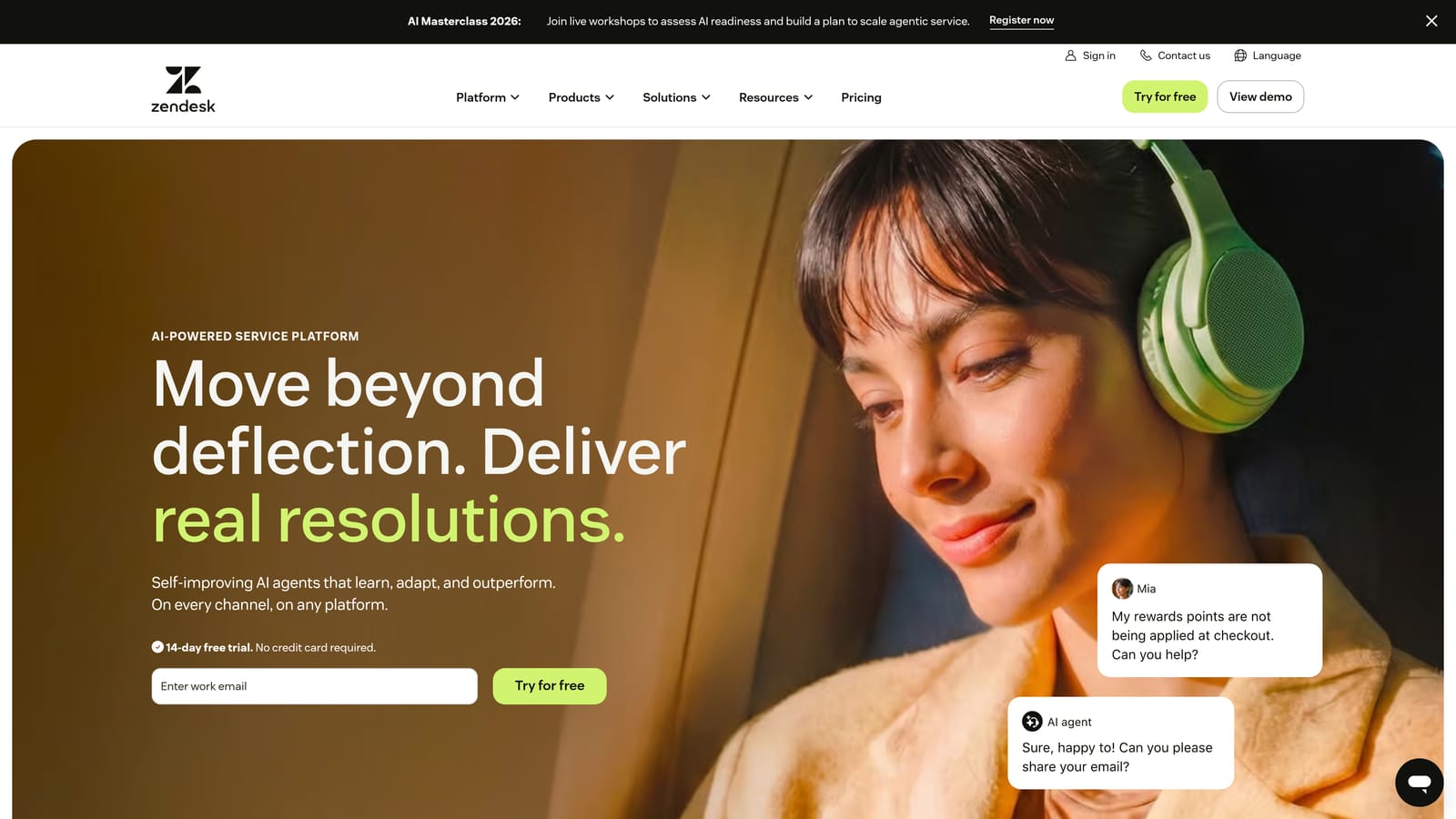
Zendesk is an enterprise-grade helpdesk platform with Zendesk AI providing intent detection, sentiment analysis, and language identification for automated ticket routing and prioritization.
Where This Tool Shines
Zendesk AI, evolved from its earlier Intelligent Triage product, automatically detects intent, sentiment, and language to assign priority labels without manual tagging. For large teams handling thousands of tickets daily, this automation alone removes a significant operational burden.
Where Zendesk gets genuinely powerful is in layering AI signals with custom business logic. You can combine sentiment scores with account tier, topic category, and channel to build nuanced routing rules that reflect how your business actually works. The trade-off is configuration complexity: getting this right typically requires technical resources and ongoing maintenance.
Key Features
Zendesk AI Intelligent Triage: Auto-detects intent, sentiment, and language to assign priority labels without manual tagging at scale.
Custom Routing Rules: Combines AI signals with business logic such as account tier, topic, and channel for nuanced, multi-factor prioritization.
SLA Management: Automated escalation triggers when priority tickets approach breach thresholds, keeping teams accountable to response commitments.
Broad Integration Ecosystem: Connects to CRMs, billing tools, and internal systems, enabling data-enriched triage across your stack.
Best For
Enterprise support organizations with dedicated operations or admin resources to configure and maintain complex routing logic. Less suited for smaller teams that need prioritization to work well out of the box without heavy setup.
Pricing
Suite Team starts at $55/agent/month. AI features are available on higher tiers. Costs can scale significantly for large teams, so evaluate total cost of ownership carefully.
3. Freshdesk
Best for: Mid-market teams that want AI-powered prioritization without heavy configuration
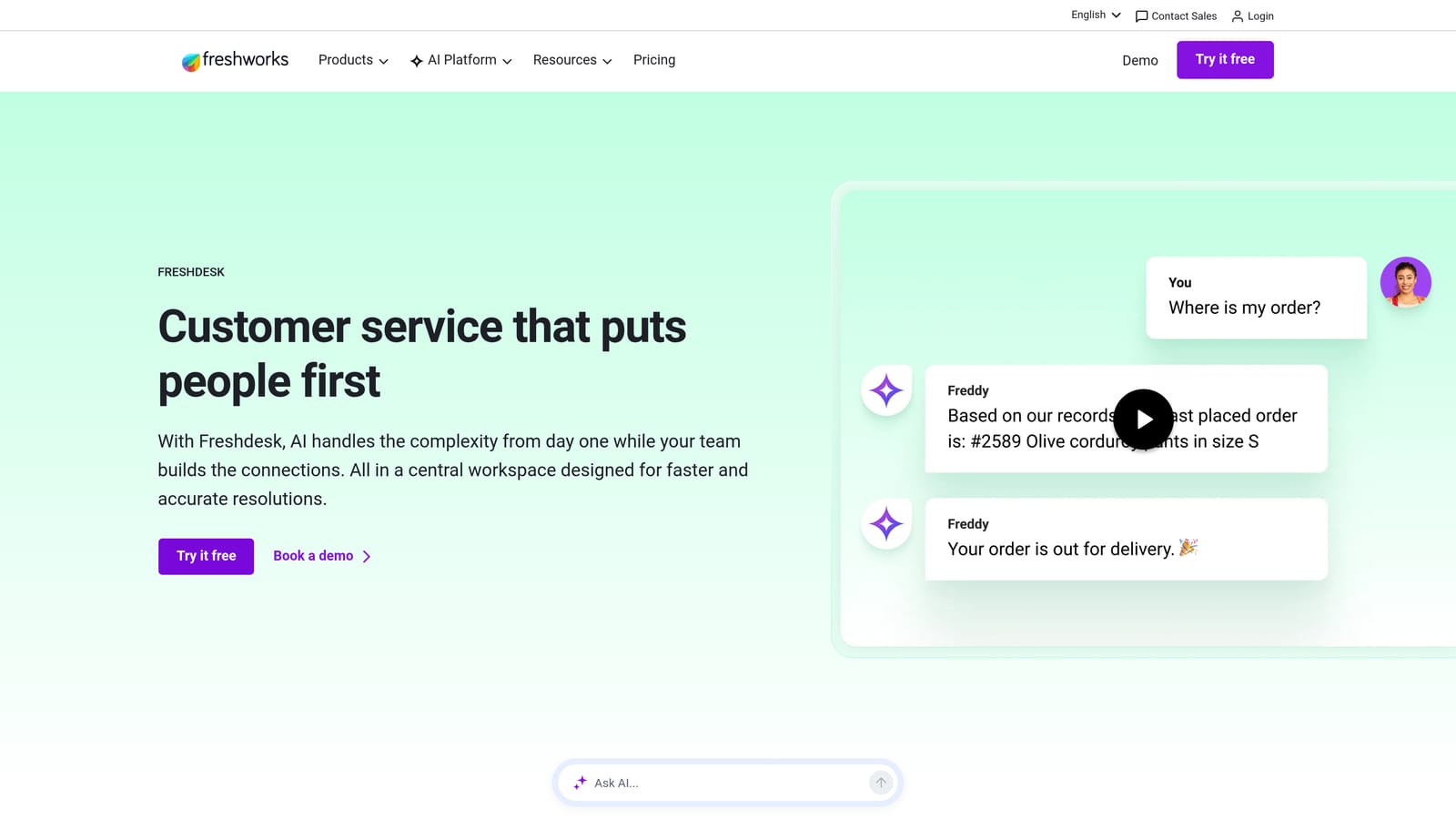
Freshdesk is a mid-market helpdesk platform where Freddy AI delivers automatic ticket prioritization through sentiment analysis and SLA breach prediction with minimal setup required.
Where This Tool Shines
Freshdesk's strength is accessibility. Freddy AI scores tickets using sentiment and urgency signals right out of the box, which means teams get meaningful prioritization without needing to configure complex rule sets first. For teams that don't have a dedicated support ops function, this out-of-the-box intelligence is genuinely valuable.
The SLA breach prediction feature is particularly practical. Rather than reacting when a ticket has already breached, Freddy flags tickets that are trending toward a miss before it happens, giving agents and managers time to intervene.
Key Features
Freddy AI Auto-Prioritization: Scores tickets using sentiment and urgency signals out of the box, with no manual rule configuration required to get started.
SLA Breach Prediction: Flags tickets likely to miss SLA before they actually do, enabling proactive intervention rather than reactive escalation.
Freddy Copilot: Assists agents with suggested responses to speed resolution of high-priority items, reducing handle time on urgent tickets.
Skill-Based Routing: Matches urgent tickets to agents with the right expertise, ensuring priority flags translate into faster, better resolutions.
Best For
Mid-market SaaS and technology companies that want AI-powered triage without enterprise-level complexity or pricing. Also a strong fit for teams migrating from purely manual prioritization who want a gentler learning curve.
Pricing
Free plan available. Growth starts at $15/agent/month. Freddy AI features are available on higher tiers. One of the more accessible entry points in this category.
4. Intercom
Best for: Revenue-aware routing for teams where Intercom is already the primary customer messaging layer
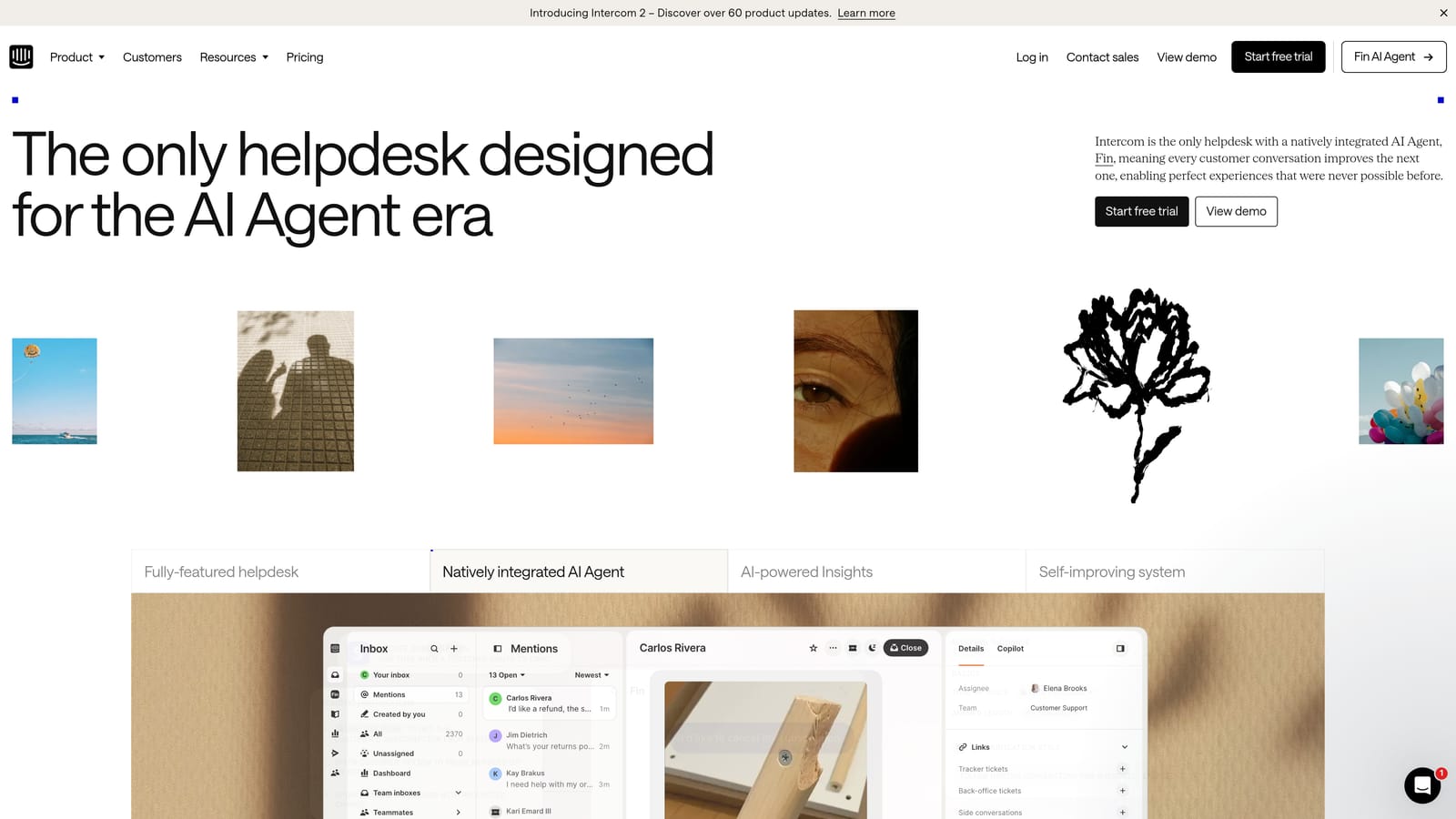
Intercom is a conversation-first support platform where Fin AI handles triage and prioritization using customer data attributes including plan tier, MRR, and product usage.
Where This Tool Shines
Intercom's prioritization advantage is its native access to customer data. Because many teams use Intercom as both their messaging and CRM layer, Fin AI can route conversations based on actual revenue signals without needing a separate integration to pull that context in. A conversation from a high-MRR account gets treated differently from the start.
The omnichannel inbox consolidates chat, email, and in-app messages with unified priority scoring, which is valuable for teams managing customer conversations across multiple surfaces. Custom bots add configurable triage workflows that can segment by topic, urgency, or customer segment before a human agent ever gets involved.
Key Features
Fin AI Routing: Prioritizes conversations based on customer attributes like plan tier and MRR, making revenue-aware triage a native capability rather than a workaround.
Customer Data-Driven Triage: Connects CRM and billing data to surface which conversations need the fastest response based on actual business value.
Omnichannel Inbox: Consolidates chat, email, and in-app messages with unified priority scoring across all channels.
Custom Bots: Configurable workflows that triage by topic, urgency, or customer segment before human agents engage.
Best For
SaaS teams already using Intercom as their primary customer communication platform. Less suited for teams using a separate helpdesk who would need to duplicate their customer data layer to get the same revenue-aware routing benefits.
Pricing
Starts at $29/seat/month. Fin AI is usage-based pricing on top of the base plan. Costs can grow quickly at higher conversation volumes, so model your usage before committing.
5. Linear
Best for: Engineering-adjacent teams that need a structured pipeline from customer bug reports to development priority
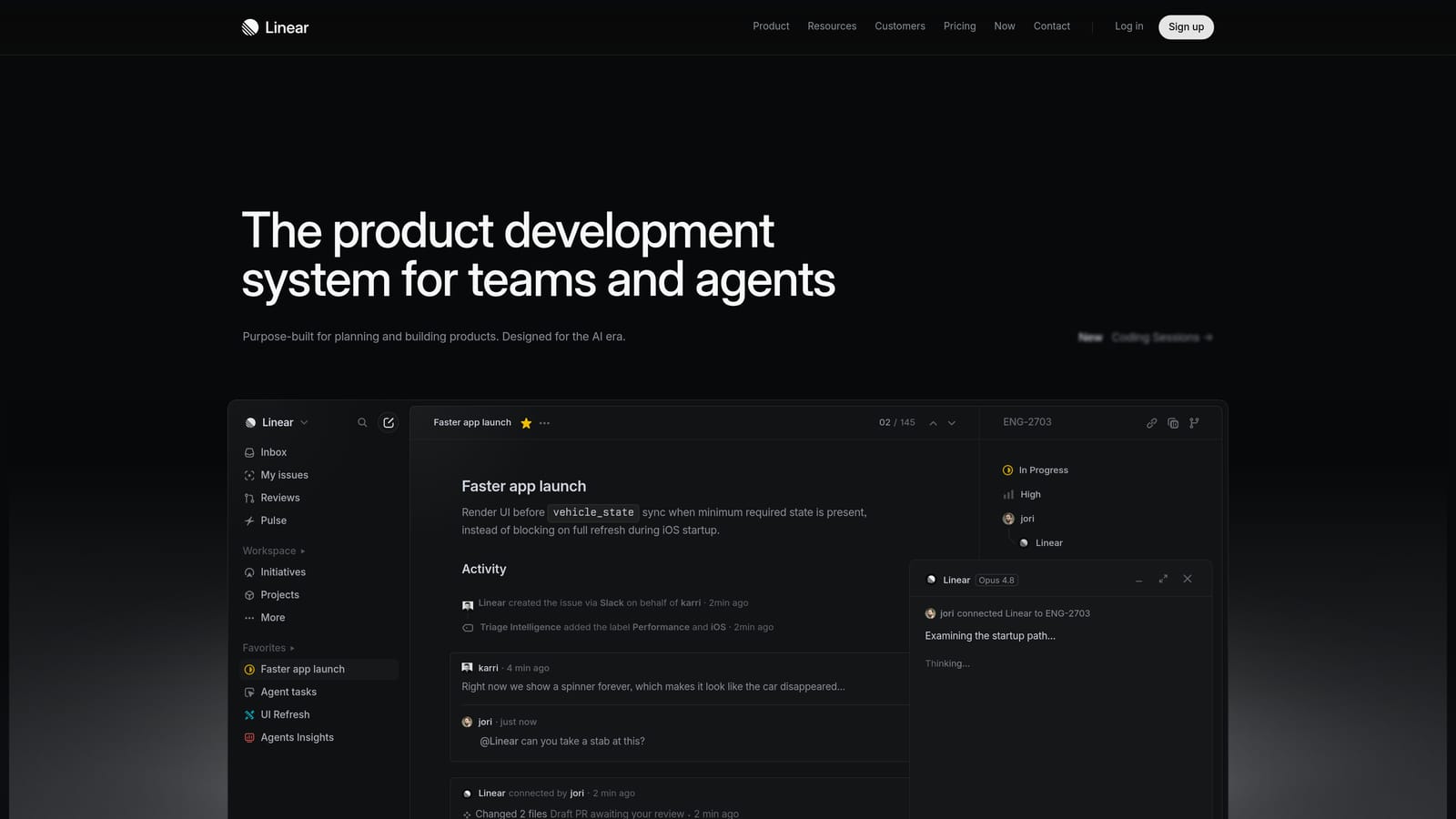
Linear is an engineering project management tool widely used to prioritize escalated bug tickets from customer support into development workflows.
Where This Tool Shines
Linear isn't a support tool in the traditional sense, but it fills a critical gap in the prioritization chain: what happens after a high-priority ticket is identified as a product bug. Without a structured handoff, critical customer-reported issues frequently get lost between support and engineering. Linear's four-level priority system (Urgent, High, Medium, No Priority) combined with cycle-based urgency scoring gives engineering teams a clear, actionable queue.
When paired with AI support platforms like Halo AI, Linear becomes part of an automated escalation pipeline. Bug tickets created automatically from customer reports arrive in Linear already tagged with the right priority, so engineering doesn't have to interpret support team notes or manually reprioritize an unstructured backlog.
Key Features
Four-Level Priority System: Urgent, High, Medium, and No Priority labels with cycle-based urgency scoring to keep critical items visible across sprint cycles.
Support-to-Engineering Pipeline: Integrates with AI support tools including Halo AI for automatic bug ticket creation directly from customer reports.
SLA-Style Due Dates: Ensures critical customer-reported issues don't get buried in the backlog as sprint priorities shift.
Team Notifications: Slack alerts when high-priority tickets are created or updated, keeping engineering teams informed without requiring them to monitor Linear constantly.
Best For
Product and engineering teams at SaaS companies where customer-reported bugs need a clear, fast path into the development workflow. Most valuable when paired with an AI support layer that can automate the bug ticket creation step.
Pricing
Free for small teams. Plus plan at $8/user/month. Enterprise pricing available for larger organizations. One of the more affordable tools in this list given the operational value it adds to escalation workflows.
6. Tidio
Best for: SMBs that want AI-powered urgency detection and human escalation running quickly without complex configuration
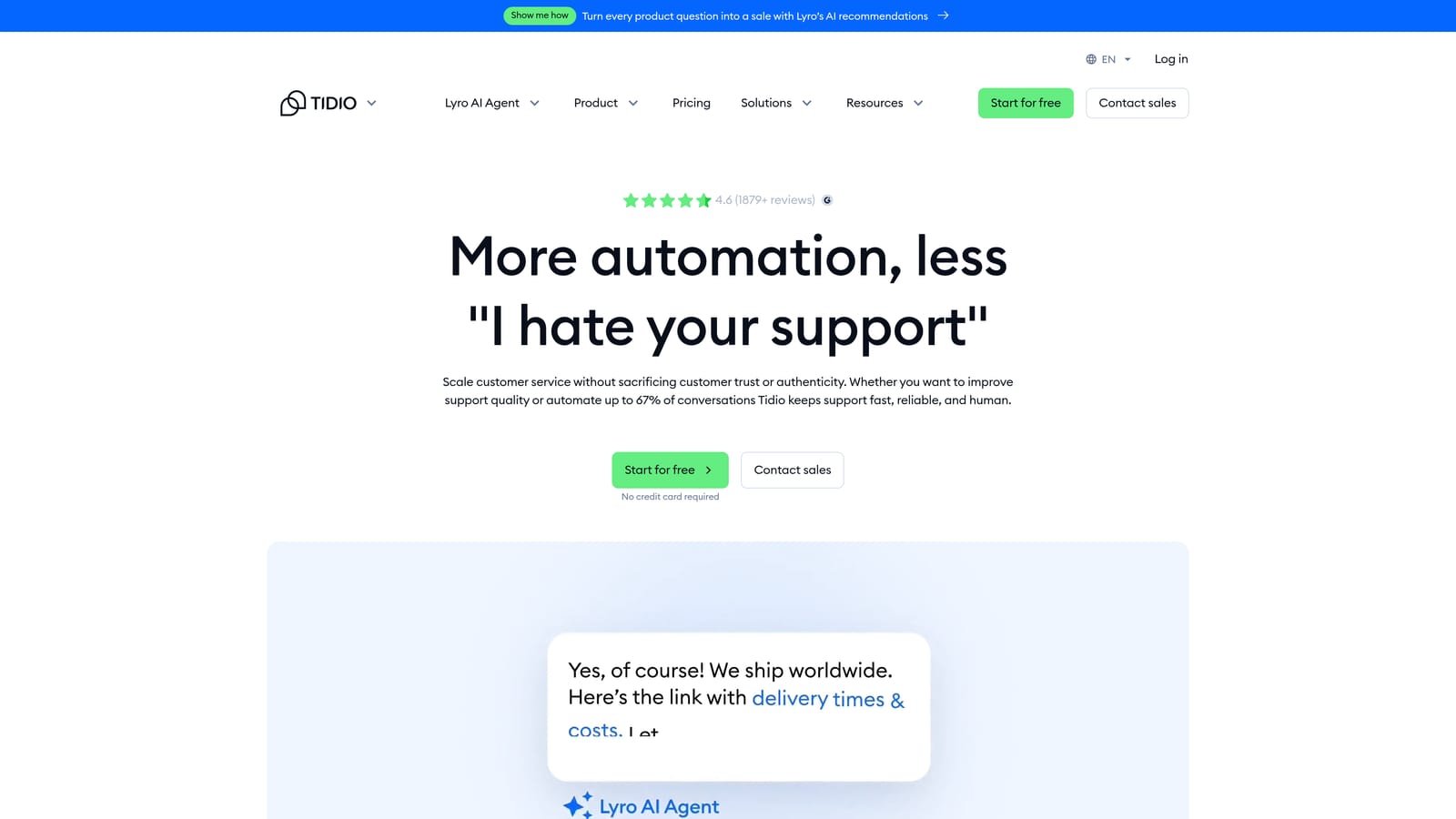
Tidio is an AI-powered chat and support platform where Lyro AI identifies urgent conversations in real time and escalates to human agents automatically.
Where This Tool Shines
Tidio's appeal is speed of implementation. Where enterprise tools require weeks of configuration and custom rule-building, Tidio's prioritization logic can be active within hours. For small SaaS teams or e-commerce businesses that need meaningful triage without a dedicated support ops function, that simplicity is a genuine competitive advantage.
Lyro AI identifies high-urgency conversations in real time using keyword and context signals, then escalates to a human agent with the full conversation history preserved. The handoff is smooth enough that customers rarely experience a jarring transition, which matters when the conversation is already high-stakes.
Key Features
Lyro AI Real-Time Urgency Detection: Identifies high-priority conversations and escalates without manual intervention, operating continuously across chat channels.
Automated Routing Rules: Assigns conversations by topic, urgency keyword, or customer type using configurable logic that non-technical admins can manage.
Live Agent Handoff: Smooth escalation with full conversation context preserved, ensuring agents have what they need when they take over.
Quick Setup: Prioritization logic can be active in hours, not weeks, making it practical for teams without dedicated support operations resources.
Best For
SMBs, early-stage SaaS teams, and e-commerce businesses that want AI-powered prioritization without the configuration overhead or pricing of enterprise platforms. Teams that will outgrow it quickly may want to evaluate more scalable options from the start.
Pricing
Free plan available. Lyro AI starts at $29/month. Accessible entry-level pricing makes it one of the lower-risk options to test before committing to a more complex platform.
7. Help Scout
Best for: Teams that want transparent, auditable prioritization logic with human control over automation
Help Scout is a human-first shared inbox platform with workflow automation for rule-based prioritization, AI summarization to accelerate triage, and a philosophy that keeps humans in control of routing decisions.
Where This Tool Shines
Help Scout occupies a distinct position in this list: it deliberately favors rule-based, auditable prioritization over black-box ML models. For teams where compliance, transparency, or stakeholder trust in automation is a concern, that's not a limitation — it's a feature. Admins can build, inspect, and adjust prioritization logic without engineering help, and they can explain exactly why a ticket was routed the way it was.
The AI conversation summarization feature is a practical addition that speeds up triage without changing the fundamental routing logic. Agents handling a long, complex thread can get instant context rather than reading every message, which meaningfully reduces handle time on high-priority tickets.
Key Features
Workflow Automation: Tags, assigns, and routes tickets by keyword, sender, or customer tier automatically, using logic that's easy to read and modify.
AI Conversation Summaries: Agents get instant context on long threads without reading every message, accelerating triage on complex priority tickets.
Custom Views: Create priority-filtered queues for VIP customers or urgent topics, giving teams a focused workspace without manual sorting.
Transparent Prioritization: Rule-based logic is fully auditable and adjustable without engineering involvement, keeping non-technical admins in control.
Best For
Small to mid-market teams that value simplicity, transparency, and human oversight over fully automated ML-driven triage. Also a strong fit for teams in regulated industries where explainability of routing decisions matters.
Pricing
Standard plan at $22/user/month. Plus plan at $44/user/month. Straightforward per-user pricing with no usage-based AI costs layered on top.
8. Assembled
Best for: Operations leaders who need staffing coverage to match ticket priority, not just priority labels
Assembled is a workforce management platform that adds a staffing-aware dimension to ticket prioritization, ensuring high-priority tickets have an available agent, not just a flag.
Where This Tool Shines
Here's a problem most prioritization tools don't solve: a ticket can be correctly labeled "Urgent" and still sit untouched for hours if no qualified agent is available to handle it. Assembled addresses this gap directly. It monitors priority ticket volume against real-time agent capacity and forecasts when high-priority queues will become under-resourced before the situation becomes critical.
This makes Assembled a complement to your helpdesk rather than a replacement. It doesn't compete with Zendesk or Intercom on triage logic — it ensures the human side of your prioritization system actually functions when volume spikes or staffing gaps emerge.
Key Features
Real-Time Queue Monitoring: Tracks priority ticket volume against available agent capacity, surfacing coverage gaps as they develop rather than after the fact.
Staffing Forecasts: Predicts when high-priority queues will be under-resourced before it happens, enabling proactive scheduling adjustments.
Scheduling Integration: Adjusts agent schedules to ensure coverage for critical ticket categories, aligning workforce planning with actual support demand.
Helpdesk Integrations: Connects with Zendesk, Intercom, Salesforce Service Cloud, and others to pull live queue data into staffing decisions.
Best For
Mid-market and enterprise support operations teams managing large agent workforces across multiple queues. Most valuable for organizations where staffing gaps are a recurring cause of SLA breaches on high-priority tickets.
Pricing
Contact for pricing. Assembled is typically positioned for mid-market and enterprise teams, so expect pricing to reflect that segment. Not the right fit for small teams with simple staffing needs.
9. Kustomer
Best for: High-volume omnichannel teams that need priority scoring informed by the full customer relationship history
Kustomer is a CRM-native support platform with AI-powered intent detection and sentiment analysis that scores ticket priority across email, chat, social, and voice using the complete customer timeline.
Where This Tool Shines
Kustomer's differentiator is context depth. Rather than scoring a ticket based on the current message alone, Kustomer's AI factors in the full customer history: purchases, past interactions, sentiment trends, and lifecycle stage. A customer who has contacted support three times this month about the same issue should be treated differently than a first-time contact — and Kustomer's priority scoring reflects that.
The unified customer timeline also means agents handling escalated tickets arrive fully informed. They don't need to ask customers to repeat context that's already in the system, which reduces friction on exactly the conversations where friction is most damaging. One note worth flagging for buyers: Kustomer has changed ownership in recent years (acquired by Meta, then sold back to independence), which is worth factoring into long-term vendor evaluation.
Key Features
Unified Customer Timeline: Full history of purchases, interactions, and sentiment informs priority scoring, giving AI models richer context than message-level signals alone.
AI Intent Detection: Automatically categorizes and prioritizes tickets by topic and urgency across channels, reducing manual triage at scale.
Omnichannel Priority Queue: Single view of all high-priority conversations regardless of whether they came in via email, chat, social, or voice.
Automated Workflows: Trigger escalations or priority changes based on customer attributes or sentiment shifts, enabling dynamic reprioritization as situations evolve.
Best For
High-volume B2C and omnichannel B2B teams where customer relationship history is a meaningful input to support priority. Strong for organizations that want CRM and support priority logic unified in a single platform rather than integrated across separate tools.
Pricing
Enterprise starts at $89/user/month. Contact for volume pricing. At this price point, it's firmly positioned for established teams with complex omnichannel support needs.
Which Tool Is Right for Your Team?
The right prioritization tool depends less on feature checklists and more on where your current system actually breaks down. Start by asking an honest question: are you routing tickets by arrival time and SLA tier, or by actual business impact? If the answer is the former, that's the gap these tools are designed to close.
For enterprise teams with dedicated support operations resources, Zendesk and Kustomer offer the depth and customization to build sophisticated, multi-signal routing logic. If omnichannel volume is your primary challenge, Kustomer's unified timeline gives priority scoring a richer foundation than most alternatives.
Mid-market teams that want meaningful AI triage without heavy configuration will find Freshdesk and Intercom well-suited to their needs, particularly if Intercom is already your customer messaging layer and revenue-aware routing is a priority.
For SMBs and early-stage teams, Tidio and Help Scout offer accessible entry points with different philosophies: Tidio for fast AI-powered escalation, Help Scout for transparent rule-based control. Engineering-adjacent teams should seriously evaluate Linear as the missing link between customer-reported bugs and development priority, especially when paired with an AI support layer that automates the handoff.
If your team is ready to move beyond rule-based triage entirely, Halo AI is built for exactly that transition. Its Smart Inbox surfaces business intelligence signals that most helpdesks simply don't have access to: customer health, revenue context, anomaly detection. Pair that with page-aware AI agents, automated bug escalation to Linear, and continuous learning from every resolved interaction, and you have a prioritization system that gets smarter over time rather than staying static.
Your support team shouldn't scale linearly with your customer base. Let AI agents handle routine tickets, guide users through your product, and surface business intelligence while your team focuses on complex issues that need a human touch. See Halo in action and discover how continuous learning transforms every interaction into smarter, faster support.