8 Best Support Systems with Business Analytics in 2026
This guide evaluates eight support platforms that go beyond basic helpdesk reporting to deliver a true support system with business analytics — tracking churn signals, customer health, product usage, and revenue intelligence. Whether you're a lean startup or an enterprise team, these tools help you transform support data into organization-wide decisions.
 Grant CooperFounder11 min read
Most support platforms tell you how many tickets got closed. The best ones tell you why customers are struggling, which issues signal churn risk, and what product gaps are costing you revenue. That's the difference between a basic helpdesk and a support system with real business analytics.
This guide covers eight platforms that go beyond standard reporting, tracking resolution rates, customer health signals, product usage patterns, and revenue intelligence alongside traditional support metrics. Whether you're running a lean support team at a Series A startup or managing enterprise-scale ticket volume, these tools help you turn support data into decisions that matter across your entire organization.
We evaluated each platform on depth of analytics, AI capabilities, integration ecosystem, and how well support insights connect to broader business outcomes.
1. Halo AI
Best for: B2B SaaS teams that want support analytics connected to customer health and revenue signals
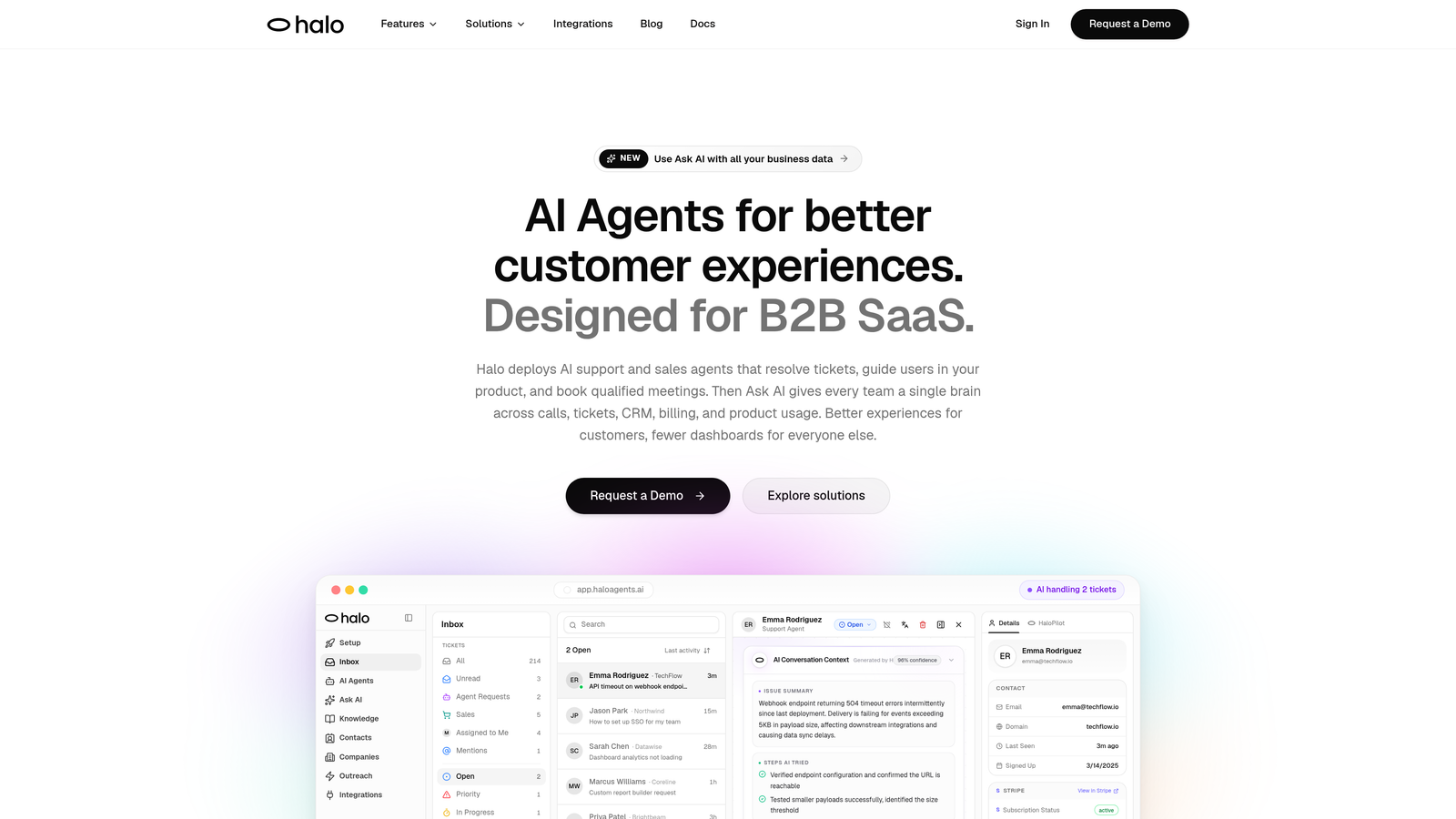
Halo AI is an AI-native customer support platform with a smart inbox that surfaces business intelligence alongside ticket resolution.
Where This Tool Shines
Most helpdesks bolt AI onto an existing ticket management system. Halo was built AI-first, which means the intelligence isn't a layer on top — it's the foundation. The smart inbox doesn't just organize tickets; it surfaces customer health signals, flags revenue anomalies, and identifies product gaps that would otherwise stay buried in ticket volume.
The page-aware chat widget is a particularly strong differentiator. It sees what users see in real time, allowing AI agents to provide contextual guidance rather than generic answers. Combined with continuous learning from every interaction, the platform gets sharper over time without manual retraining.
Key Features
Smart Inbox with Business Intelligence: Surfaces customer health signals, revenue anomalies, and product gap indicators directly alongside support tickets.
Page-Aware Chat Widget: Understands the user's current context within your product to deliver precise, relevant guidance rather than generic responses.
AI Agents with Continuous Learning: Resolve tickets autonomously and improve from every interaction, reducing repetitive workload without sacrificing quality.
Auto Bug Ticket Creation: Automatically routes identified bugs to engineering tools like Linear, closing the loop between support and product teams.
Deep Integration Ecosystem: Connects to HubSpot, Slack, Stripe, Intercom, Zoom, PandaDoc, and Fathom, linking support data across your entire business stack.
Live Agent Handoff: Escalates complex or sensitive issues to human agents with full context preserved, so customers never have to repeat themselves.
Best For
B2B SaaS product and support teams that want more than operational metrics. Particularly valuable for companies where support insights need to feed into retention, product roadmap, and revenue conversations — not just a support team dashboard.
Pricing
Contact for pricing. Halo is positioned for B2B SaaS teams and scales based on your specific requirements and usage.
2. Zendesk
Best for: Mid-market and enterprise teams needing deep, configurable reporting across large ticket volumes
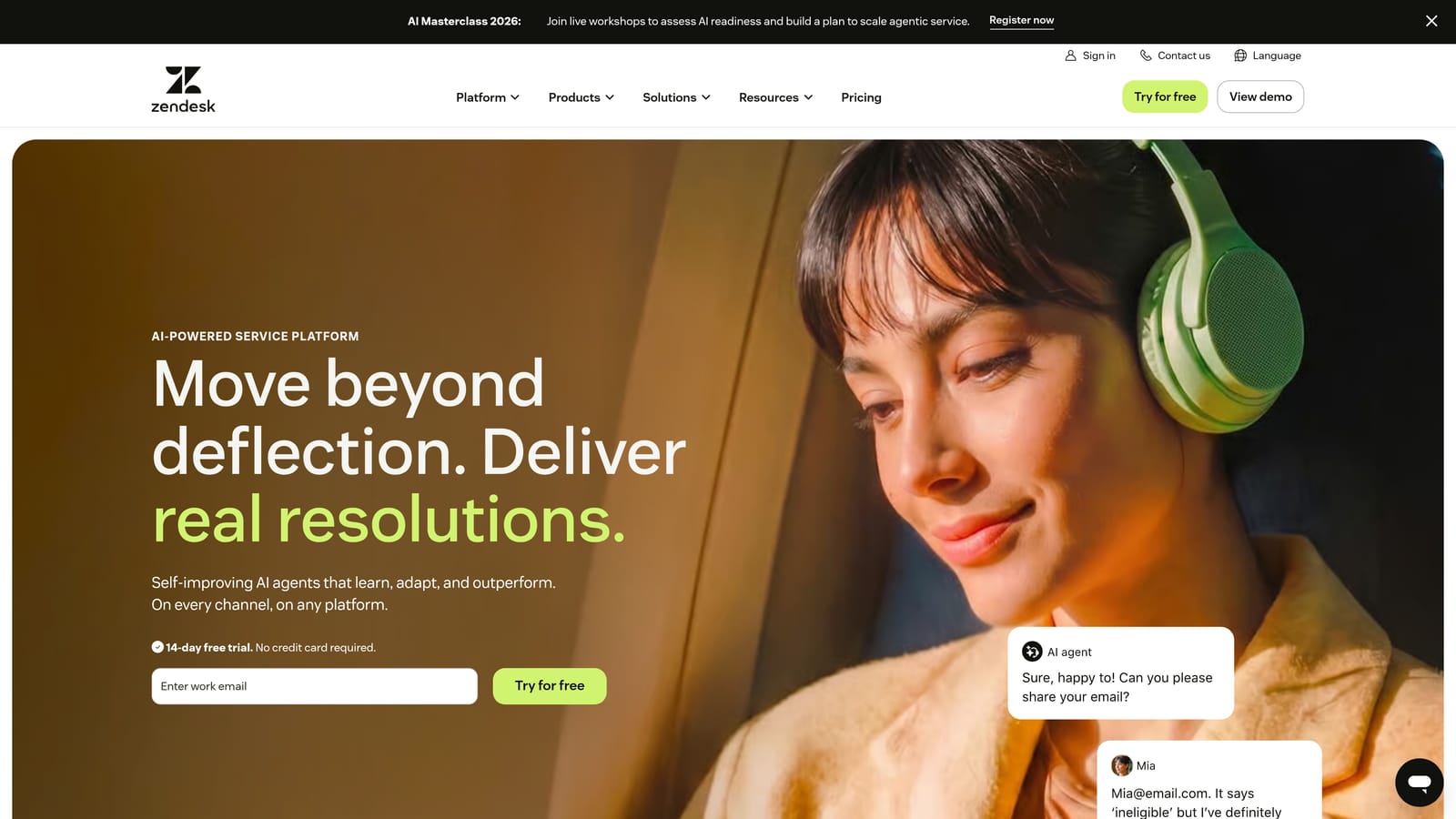
Zendesk is an enterprise helpdesk platform with a mature analytics suite built for teams that need granular control over their reporting.
Where This Tool Shines
Zendesk's Explore analytics engine is one of the most configurable in the market. Teams can build custom dashboards tracking virtually any combination of ticket, agent, and customer metrics. For organizations with complex SLA requirements or multi-team structures, that flexibility is genuinely valuable.
The tradeoff is setup time. Getting meaningful dashboards out of Zendesk often requires significant configuration work and, at enterprise scale, dedicated admin resources. The depth is there, but you have to build it.
Key Features
Explore Analytics: Custom report builder with pre-built and configurable dashboards covering virtually every support metric.
CSAT and NPS Tracking: Built-in customer satisfaction and sentiment measurement with response-level detail.
SLA Compliance Reporting: Tracks breach rates, response times, and resolution windows across teams and ticket types.
AI-Powered Triage: Suggests responses and routes tickets based on content and priority signals.
Integration Marketplace: Broad ecosystem of pre-built connectors to CRMs, billing tools, and product platforms.
Best For
Enterprise and mid-market support teams with dedicated operations resources who need highly configurable reporting and can invest time in setup and maintenance. Less ideal for lean teams wanting out-of-the-box intelligence.
Pricing
Suite Team starts at approximately $55 per agent per month. Enterprise plans vary significantly based on features and scale.
3. Intercom
Best for: SaaS teams running product-led growth motions that want support and product engagement data in one place
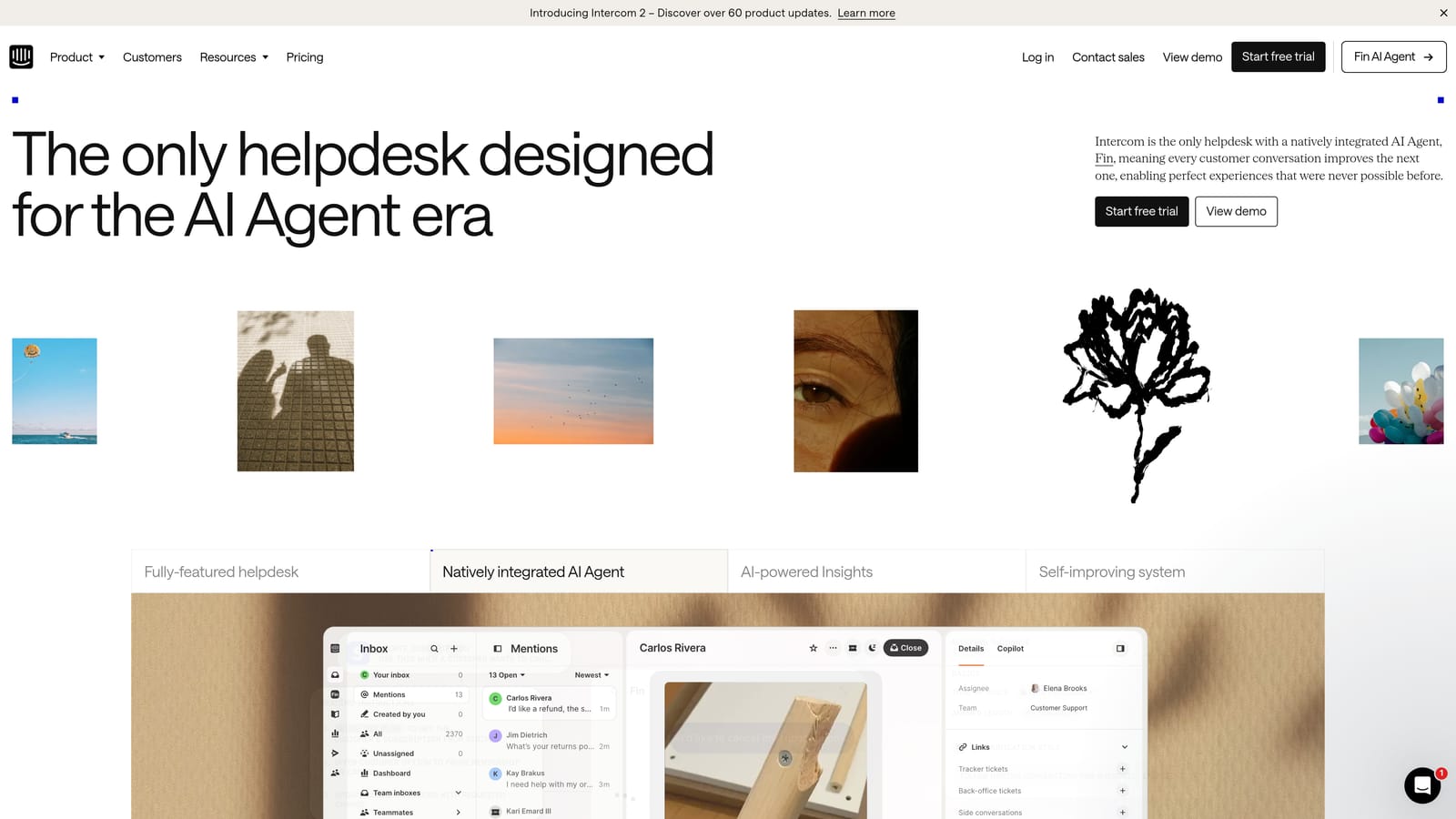
Intercom is a conversational support platform that connects support analytics with product engagement data, making it well-suited for SaaS companies where support and activation are closely linked.
Where This Tool Shines
Intercom's strength is context. Because it handles both inbound support and outbound messaging, analytics span the full customer journey rather than just the ticket queue. Teams can see how support interactions correlate with product usage patterns, making it easier to identify where users are getting stuck.
The Fin AI agent handles ticket deflection with solid resolution rate reporting, giving support leaders clear visibility into what the AI is resolving versus what's reaching humans.
Key Features
Fin AI Agent: Handles ticket deflection with transparent resolution rate reporting and escalation tracking.
Conversation Analytics: Covers chat, email, and in-app support channels in a unified reporting view.
Product Usage Connections: Links support data with customer lifecycle and engagement signals for richer context.
CSAT and Team Performance Dashboards: Standard satisfaction tracking alongside agent efficiency metrics.
Outbound Messaging Analytics: Tracks proactive campaigns alongside inbound support, giving a complete picture of customer communication.
Best For
SaaS teams that want support and product engagement analytics in a single platform. Particularly strong for product-led growth companies where support, onboarding, and activation are handled by overlapping teams.
Pricing
Starts at approximately $39 per seat per month. Fin AI agent usage is priced separately on a usage basis.
4. Freshdesk
Best for: SMB and mid-market teams wanting accessible analytics with AI-driven anomaly detection at a lower price point
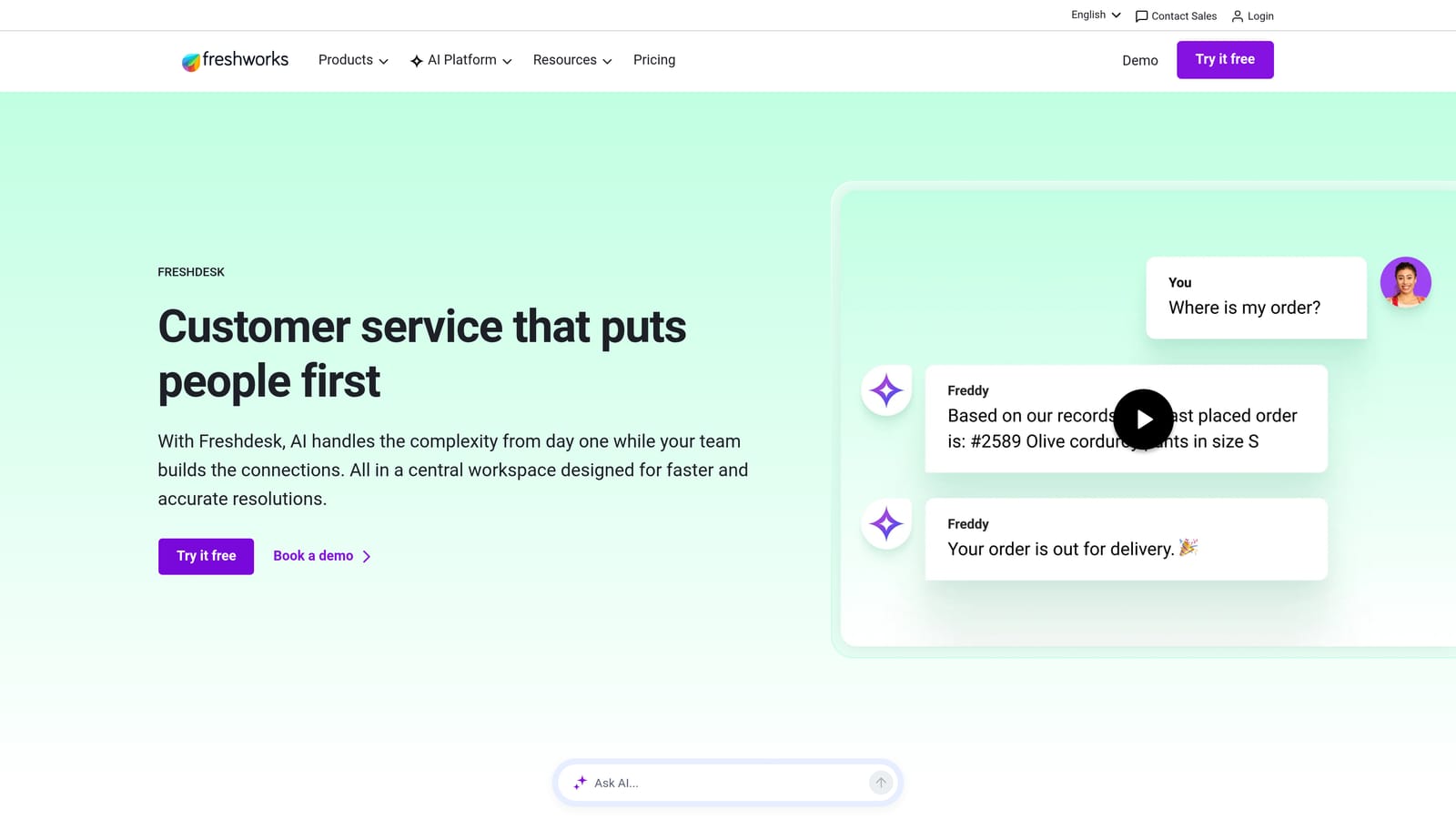
Freshdesk is an accessible helpdesk platform with Freddy AI layered on top of standard ticket, agent, and CSAT reporting.
Where This Tool Shines
Freshdesk lowers the barrier to entry for teams that want meaningful analytics without enterprise-level complexity or cost. The platform's reporting covers the essentials well, and Freddy AI Insights adds a layer of proactive intelligence by surfacing anomalies and surfacing recommendations rather than waiting for teams to dig through raw data.
For teams that don't have a dedicated analytics resource, this kind of guided insight is genuinely useful. You don't need to know what to look for — Freddy flags it.
Key Features
Freddy AI Insights: Proactively surfaces ticket trend anomalies and recommendations without requiring manual analysis.
Agent Performance Reports: Covers workload distribution, response times, and resolution rates at the individual and team level.
CSAT Survey Analytics: Collects and analyzes customer satisfaction feedback with response-level visibility.
SLA and First Response Tracking: Monitors compliance and breach rates across ticket categories and priority tiers.
Custom and Pre-Built Dashboards: Flexible reporting options that work for teams at different stages of analytics maturity.
Best For
SMB to mid-market teams that want solid analytics and some AI-driven intelligence without the configuration overhead or cost of enterprise platforms. A strong starting point for teams growing into more sophisticated reporting.
Pricing
Free tier available. Paid plans start at approximately $15 per agent per month, making it one of the more accessible options on this list.
5. Salesforce Service Cloud
Best for: Enterprise teams already in the Salesforce ecosystem that need support analytics tied directly to CRM and revenue data
Salesforce Service Cloud is an enterprise support platform where Einstein AI connects ticket data directly to CRM records, sales pipeline, and customer lifetime value.
Where This Tool Shines
If you're already running Salesforce for sales and marketing, Service Cloud is the most natural way to connect support data to the rest of the business. Every case ties to an account record, meaning support leaders can speak directly to how ticket trends correlate with account health, renewal risk, and pipeline.
That CRM-native connection is genuinely powerful for enterprise teams. The limitation is that realizing this value requires meaningful Salesforce expertise and implementation investment.
Key Features
Einstein AI Analytics: Case classification, intelligent routing, and predictive analytics built on CRM data.
CRM-Native Reporting: Ties support metrics directly to revenue, account health, and customer lifetime value data.
Omnichannel Routing Analytics: Tracks performance across all support channels from a unified reporting layer.
Custom Salesforce Dashboards: Leverages the full Salesforce reporting engine for highly tailored views.
Self-Service Portal Analytics: Tracks knowledge base usage and deflection rates alongside agent-handled cases.
Best For
Enterprise organizations already invested in the Salesforce ecosystem. Not well-suited for teams outside Salesforce or those without implementation resources, but deeply powerful for those already inside it.
Pricing
Starter edition begins at approximately $25 per user per month. Enterprise and Unlimited editions are significantly higher and typically require implementation support.
6. HubSpot Service Hub
Best for: Teams already on HubSpot CRM that want support analytics naturally connected to sales and marketing data
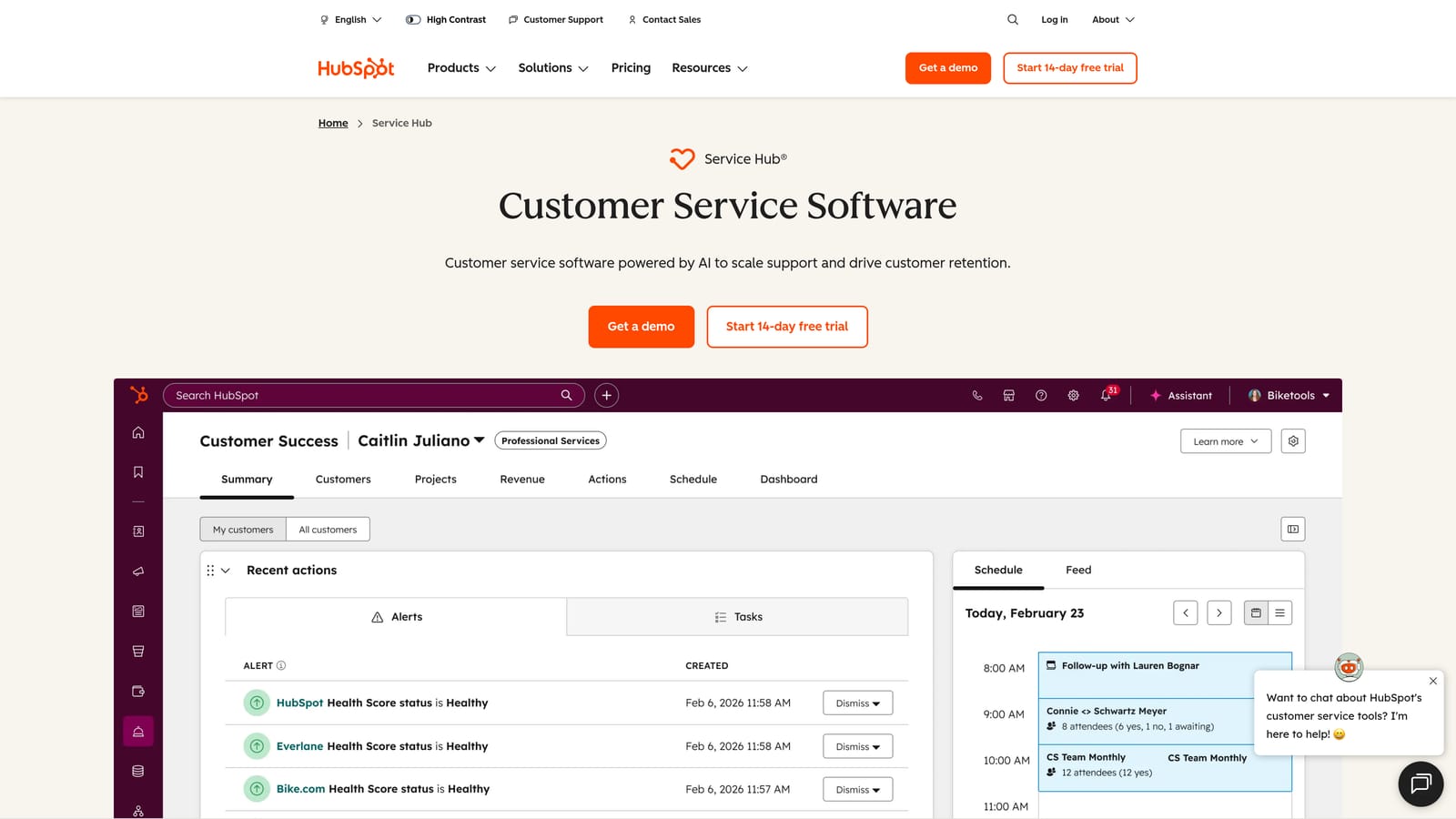
HubSpot Service Hub is a support platform built into HubSpot's CRM, where every ticket automatically ties to contact and deal records.
Where This Tool Shines
The core value proposition here is simplicity of connection. Because Service Hub lives inside HubSpot, support data doesn't need to be piped anywhere — it's already sitting next to marketing engagement history, sales deal stages, and contact lifecycle data. For teams that want cross-functional visibility without integration complexity, this is a meaningful advantage.
Customer health scores built from CRM data give support and CS teams a shared language with sales, making retention conversations much more grounded.
Key Features
Ticket Pipeline Reporting: Tracks tickets with full deal and contact context visible at every stage.
Multi-Survey Analytics: CSAT, NPS, and CES surveys with response tracking and trend analysis.
Rep Performance Dashboards: Response time, resolution rate, and workload metrics at the individual and team level.
Customer Health Scores: Built from CRM data, connecting support behavior to broader account health signals.
Knowledge Base Performance: Tracks article views, search terms, and deflection rates for self-service content.
Best For
Teams already using HubSpot for sales or marketing who want to extend that investment into support. The value compounds significantly the more of HubSpot's suite you're using.
Pricing
Free tier available. Starter plans begin at approximately $15 per seat per month; Professional from approximately $90 per seat per month.
7. Kustomer
Best for: High-volume consumer brands tracking customers across many touchpoints with omnichannel analytics
Kustomer is a CRM-style support platform with a unified customer timeline and strong omnichannel analytics, particularly suited to brands managing large volumes across diverse channels.
Where This Tool Shines
Kustomer's timeline view is its signature feature. Rather than organizing data by ticket, it organizes by customer, showing every interaction across email, chat, social, phone, and SMS in chronological order. For brands where a single customer might contact support through multiple channels in a single week, this view is far more useful than a traditional ticket queue.
Analytics built on this model naturally capture the full customer journey rather than isolated interactions, making it easier to identify patterns across touchpoints.
Key Features
Unified Customer Timeline: Consolidates every interaction across all channels into a single customer-centric view.
Omnichannel Resolution Analytics: Tracks conversation and resolution metrics across email, chat, social, phone, and SMS simultaneously.
AI Routing and Deflection Reporting: Measures AI performance on routing accuracy and deflection rates with clear reporting.
Custom KPI Dashboards: Real-time and historical reporting configurable to the metrics your team prioritizes.
Purchase History Context: Order and transaction data surfaces within analytics for brands where purchase behavior is relevant to support trends.
Best For
High-volume consumer brands, particularly in e-commerce and retail, where customers contact support across many channels and a customer-centric analytics view matters more than a ticket-centric one.
Pricing
Starts at approximately $89 per user per month at the Enterprise tier, positioning it toward established teams with significant support volume.
8. Help Scout
Best for: Smaller teams that want clean, actionable analytics without configuration complexity
Help Scout is a lightweight, team-friendly helpdesk with clean reporting on happiness scores, conversation trends, and team productivity — minimal setup required.
Where This Tool Shines
Help Scout's appeal is deliberate simplicity. The dashboards are clean, the data is immediately readable, and almost nothing requires configuration before it's useful. For smaller teams that don't have time to build analytics infrastructure, this out-of-the-box clarity is a real advantage.
Happiness scores (Help Scout's CSAT equivalent) are tracked at the conversation level, giving teams specific context on what drove a positive or negative rating rather than just an aggregate number.
Key Features
Happiness Scores: Conversation-level CSAT tracking with context on what drove each rating.
Team and Individual Productivity Reports: Response time, conversation volume, and resolution metrics without complex setup.
Response Time and Trend Tracking: Monitors how quickly teams respond and how conversation volume shifts over time.
Docs Analytics: Tracks knowledge base article performance including views, search terms, and helpfulness ratings.
No-Configuration Dashboards: Useful reporting is available immediately without admin work or custom report building.
Best For
Small to mid-sized teams, particularly those without dedicated support operations resources, who want honest, readable analytics without enterprise complexity. Not the right fit for teams that need deep customization or cross-functional business intelligence.
Pricing
Standard plan starts at approximately $22 per user per month, making it one of the more accessible full-featured options for smaller teams.
Which Support System Fits Your Team?
The right platform depends heavily on what you actually need analytics to do. Operational reporting and business intelligence are very different asks, and most platforms are better at one than the other.
If you're a B2B SaaS team that wants support data to inform retention, product decisions, and revenue conversations, Halo AI is built specifically for that use case. The smart inbox surfaces business intelligence alongside tickets rather than requiring you to build it yourself, and the AI-first architecture means it improves continuously without manual retraining.
For enterprise teams already deep in the Salesforce ecosystem, Service Cloud's CRM-native analytics are hard to match. HubSpot Service Hub offers similar cross-functional value for teams already running HubSpot for sales and marketing. Zendesk remains the go-to for organizations that need highly configurable reporting and have the resources to build it out properly.
Intercom is the strongest option for product-led growth companies that want support and product engagement data in a single platform. Freshdesk hits a practical sweet spot for SMB and mid-market teams that want AI-assisted insights without enterprise pricing. Kustomer is built for high-volume consumer brands where omnichannel tracking matters most. And Help Scout is the cleanest choice for smaller teams that want useful analytics without any configuration overhead.
Your support team shouldn't scale linearly with your customer base. Let AI agents handle routine tickets, guide users through your product, and surface business intelligence while your team focuses on complex issues that need a human touch. See Halo in action and discover how continuous learning transforms every interaction into smarter, faster support.