9 Best Support Team Burnout Solutions to Protect Your Agents in 2026
Support team burnout solutions are essential for protecting agents from overwhelming workloads and repetitive tasks that drive turnover and diminish service quality. This guide explores nine proven strategies—from automation tools that deflect routine inquiries to workforce management systems ensuring fair ticket distribution—helping support leaders reduce burnout while maintaining high-performance teams in 2026.
 Grant CooperFounder13 min read
Support team burnout isn't just an HR problem—it's a business crisis. Your agents are drowning in repetitive tickets, juggling increasingly complex customer issues, and watching their queue numbers climb faster than they can respond. The result? Sky-high turnover rates, declining service quality, and teams stretched so thin that even your best performers are quietly updating their LinkedIn profiles.
But here's the thing: most support burnout isn't caused by difficult customers or challenging problems. It's caused by soul-crushing repetition and poor workload distribution. Your agents didn't sign up to answer "How do I reset my password?" for the hundredth time this week—they want to solve real problems and help customers succeed.
The right tools can transform this dynamic entirely. Modern automation platforms can deflect routine inquiries before they reach human agents, workforce management systems can ensure fair ticket distribution, and wellness platforms can provide the mental health support your team desperately needs. Here are the top solutions specifically designed to combat support team burnout and build a healthier, more sustainable operation.
1. Halo AI
Best for: Teams drowning in repetitive tickets who need intelligent automation that actually learns and improves
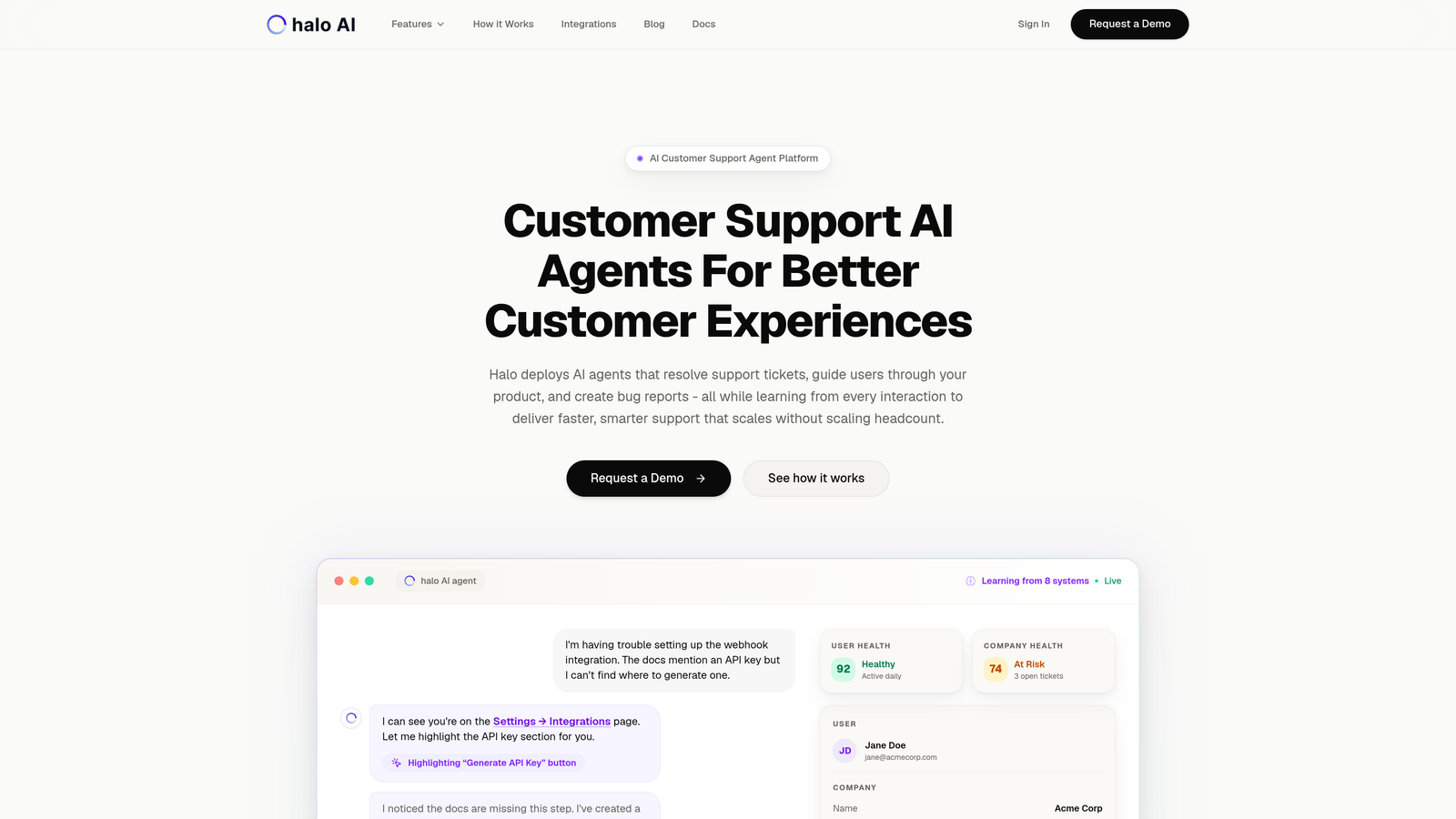
Halo AI is an AI-first customer support platform that autonomously resolves tickets while continuously learning from every interaction, fundamentally reducing the repetitive workload crushing your human agents.
Where This Tool Shines
Unlike traditional helpdesk AI that's bolted onto existing systems, Halo is built from the ground up as an intelligent agent platform. It doesn't just match keywords—it understands context, sees what users see on your product pages, and resolves issues with the kind of nuanced understanding that typically requires human intervention.
The continuous learning architecture means every resolved ticket makes the system smarter. Your AI agents aren't static—they're constantly improving their understanding of your product, your customers, and the most effective resolution paths. This creates a virtuous cycle where automation handles more over time, not less.
Key Features
Autonomous Ticket Resolution: AI agents handle complete ticket lifecycles from initial inquiry through resolution, learning from every interaction to improve future responses.
Page-Aware Context: The chat widget sees exactly what users see on your product, enabling visual guidance and context-aware troubleshooting that feels remarkably human.
Smart Inbox with Business Intelligence: Beyond support metrics, Halo surfaces customer health signals, revenue intelligence, and anomaly detection across your entire business stack.
Automatic Bug Ticket Creation: When AI agents identify product issues, they automatically create detailed bug reports in your development workflow tools like Linear.
Intelligent Human Escalation: Complex issues seamlessly hand off to human agents with complete context, so your team only handles conversations that genuinely need their expertise.
Best For
B2B companies and product teams with high volumes of repetitive support tickets, particularly those using helpdesk systems like Zendesk, Freshdesk, or Intercom. Ideal for teams that want automation to actually reduce workload rather than just reorganize it.
Pricing
Contact for pricing based on ticket volume and feature requirements.
2. Zendesk AI
Best for: Existing Zendesk customers looking to add native AI capabilities without platform switching
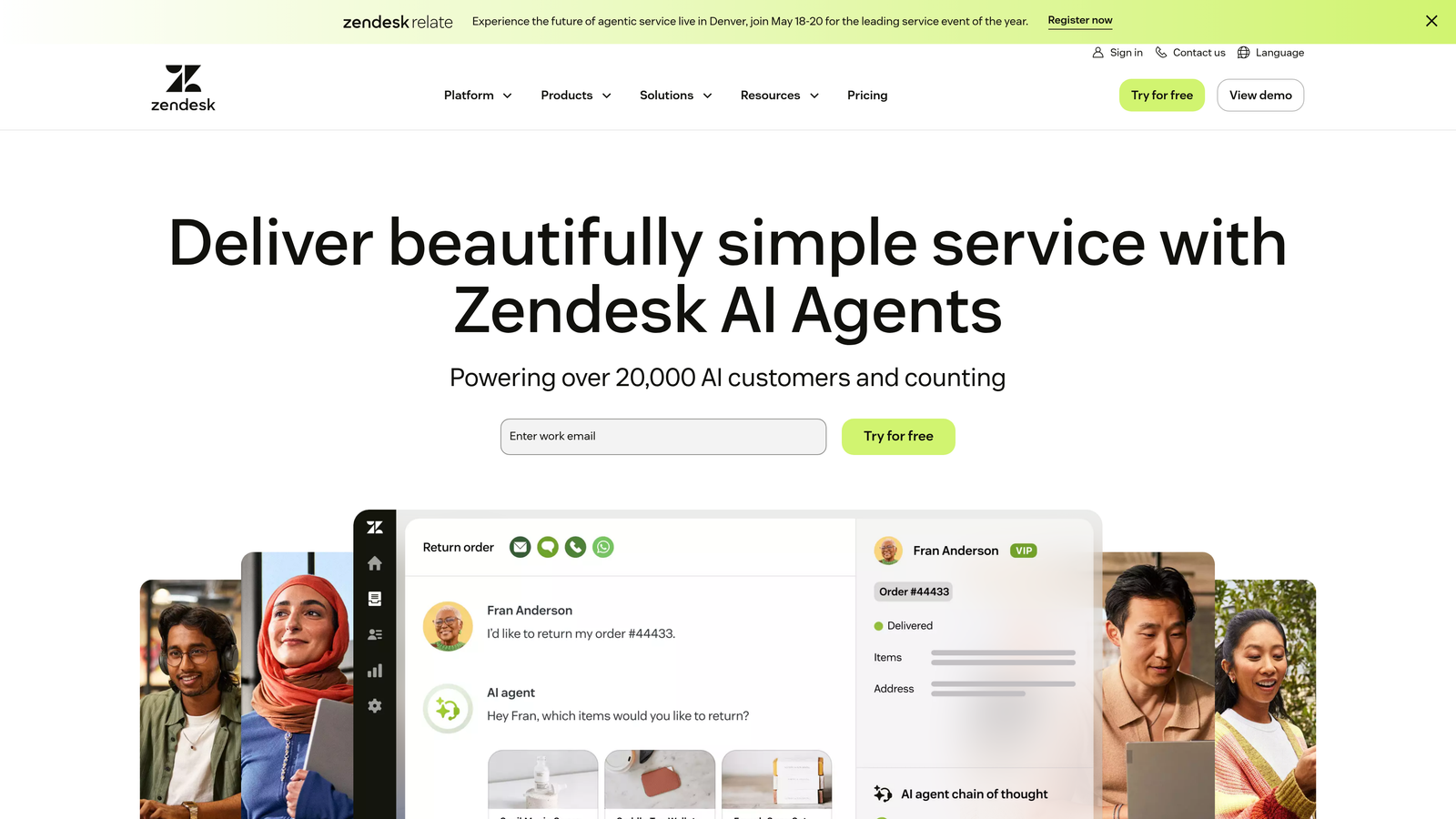
Zendesk AI brings native artificial intelligence capabilities directly into the Zendesk ecosystem, offering intent detection, automated responses, and intelligent routing to reduce agent workload.
Where This Tool Shines
If you're already invested in the Zendesk ecosystem, their AI capabilities integrate seamlessly without requiring your team to learn new interfaces or migrate data. The platform analyzes incoming tickets to understand customer intent and sentiment, then routes them intelligently or triggers automated responses for common scenarios.
The AI-powered agent assistance features are particularly valuable for reducing burnout—they surface relevant knowledge articles and suggest responses in real-time, cutting down the mental load of constantly searching for information while handling multiple conversations.
Key Features
Intent and Sentiment Detection: Automatically categorizes incoming tickets and identifies customer emotional state to prioritize urgent or frustrated customers appropriately.
Automated Ticket Responses: Generates contextual responses for common inquiries, allowing agents to review and send with minimal editing rather than writing from scratch.
AI-Powered Agent Assistance: Surfaces relevant knowledge base articles and suggests next steps during active conversations, reducing time spent searching for information.
Advanced Analytics and Reporting: Identifies trends in ticket types, resolution times, and customer satisfaction to help managers optimize workflows and staffing.
Seamless Ecosystem Integration: Works natively within Zendesk's interface without requiring separate logins or context switching between platforms.
Best For
Support teams already using Zendesk who want to reduce agent workload through automation without the complexity of integrating third-party AI solutions.
Pricing
Included with Suite plans starting at $55 per agent per month. Advanced AI capabilities available as add-on for higher-tier plans.
3. Intercom Fin
Best for: Companies with comprehensive help centers who want conversational AI that sounds genuinely human
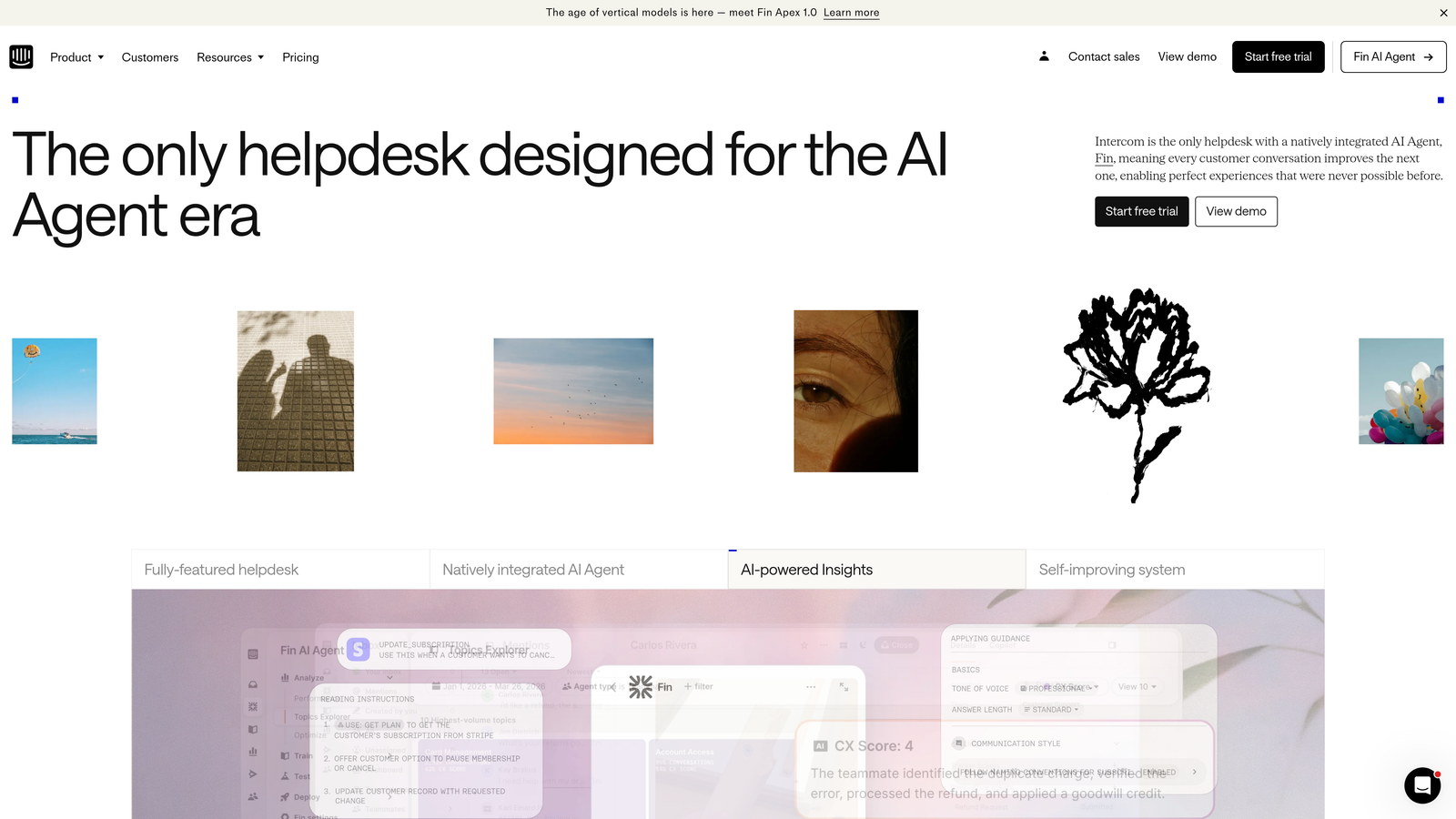
Intercom Fin is a conversational AI agent powered by GPT-4 that trains itself on your help center content to resolve customer questions autonomously with natural, human-like conversations.
Where This Tool Shines
Fin excels at having actual conversations rather than just matching keywords to canned responses. The GPT-4 foundation means it can understand nuanced questions, provide contextual answers, and even handle follow-up questions without breaking the conversational flow. This creates a customer experience that feels helpful rather than robotic.
The automatic training on your help center content means setup is remarkably fast—you're not spending weeks training the AI or building decision trees. Point it at your documentation, and it starts resolving questions immediately while learning which answers work best over time.
Key Features
GPT-4 Powered Conversations: Advanced language model enables natural, contextual responses that adapt to how customers actually phrase their questions.
Automatic Help Center Training: Fin continuously learns from your knowledge base without requiring manual configuration or decision tree building.
Seamless Human Handoff: When conversations exceed AI capability, they transfer to human agents with complete context and conversation history.
Resolution Rate Tracking: Detailed analytics show which questions Fin handles successfully and where human intervention is most needed.
Multi-Language Support: Handles customer conversations in multiple languages, reducing the need for specialized language support agents.
Best For
Companies with well-maintained help centers and high volumes of common questions that can be answered from existing documentation. Particularly effective for SaaS products with clear how-to content.
Pricing
Pay-per-resolution model at $0.99 per resolved conversation, allowing you to scale costs with actual automation value delivered.
4. Assembled
Best for: Support teams struggling with uneven workload distribution and unpredictable staffing needs
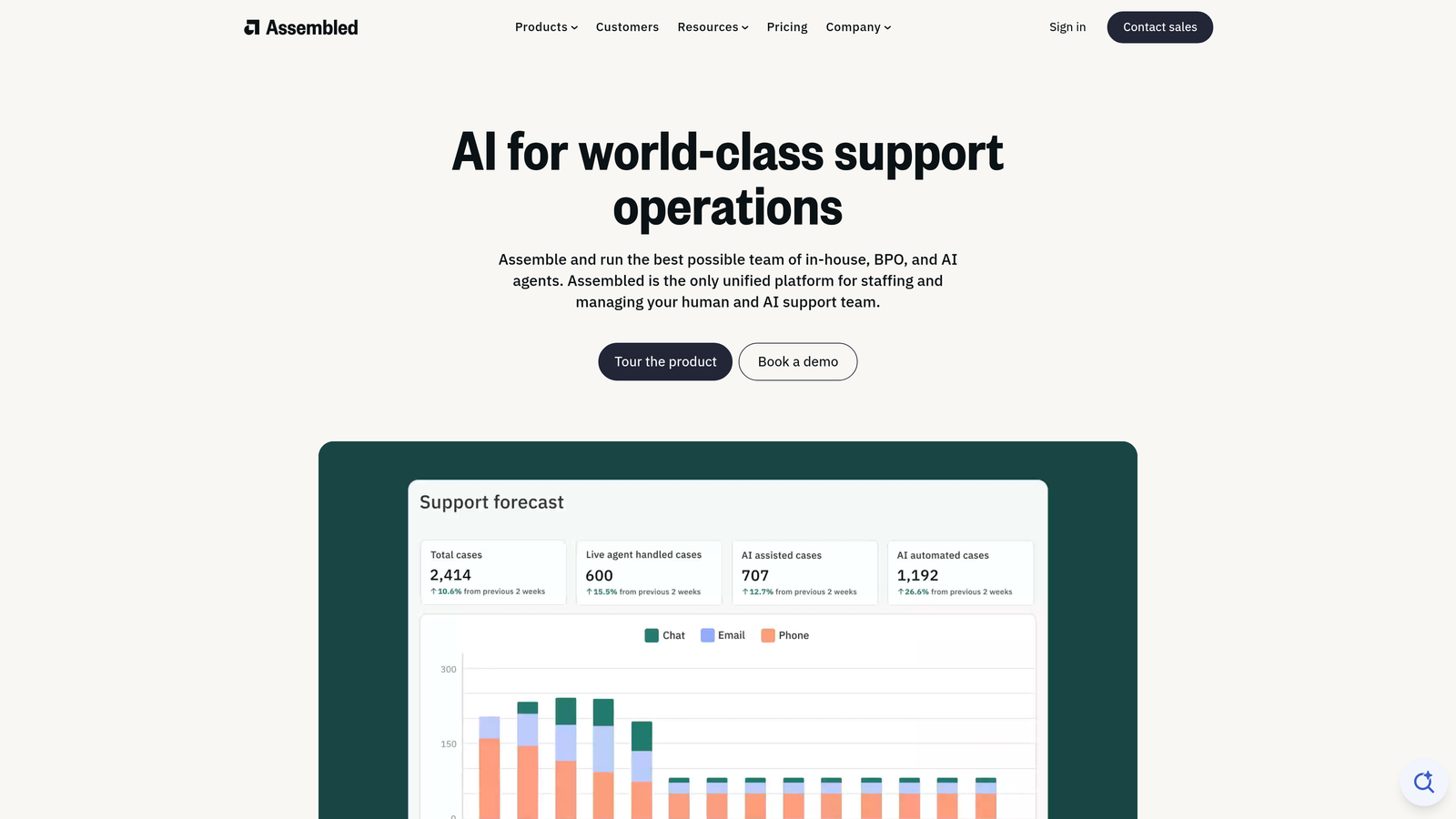
Assembled is a workforce management platform designed specifically for support teams, providing AI-powered demand forecasting, intelligent scheduling, and real-time capacity management to prevent agent overload.
Where This Tool Shines
Burnout often stems from poor workload distribution—some agents drowning while others have capacity, or entire teams getting slammed during unpredicted volume spikes. Assembled solves this by using historical data and AI forecasting to predict exactly when you'll need coverage, then automatically generates schedules that match staffing to demand.
The real-time capacity management features let managers see exactly who's available, who's approaching overload, and where to route incoming tickets to maintain balance. This prevents the common scenario where your best performers get crushed with tickets while newer agents sit idle.
Key Features
AI-Powered Demand Forecasting: Analyzes historical ticket patterns to predict volume spikes across channels, enabling proactive staffing adjustments.
Automated Schedule Generation: Creates optimized agent schedules that match coverage to predicted demand while respecting individual preferences and constraints.
Real-Time Staffing Adjustments: Provides live visibility into current capacity and enables quick schedule modifications when actual demand deviates from forecasts.
Cross-Channel Capacity Planning: Manages staffing across email, chat, phone, and social media to ensure balanced coverage regardless of channel mix.
Major Helpdesk Integrations: Connects directly with Zendesk, Intercom, and other platforms to pull actual ticket data for accurate forecasting.
Best For
Medium to large support teams experiencing variable ticket volumes, particularly those supporting multiple time zones or channels with unpredictable demand patterns.
Pricing
Contact for pricing based on team size and feature requirements.
5. Klaus
Best for: Teams where quality assurance creates additional workload rather than reducing it
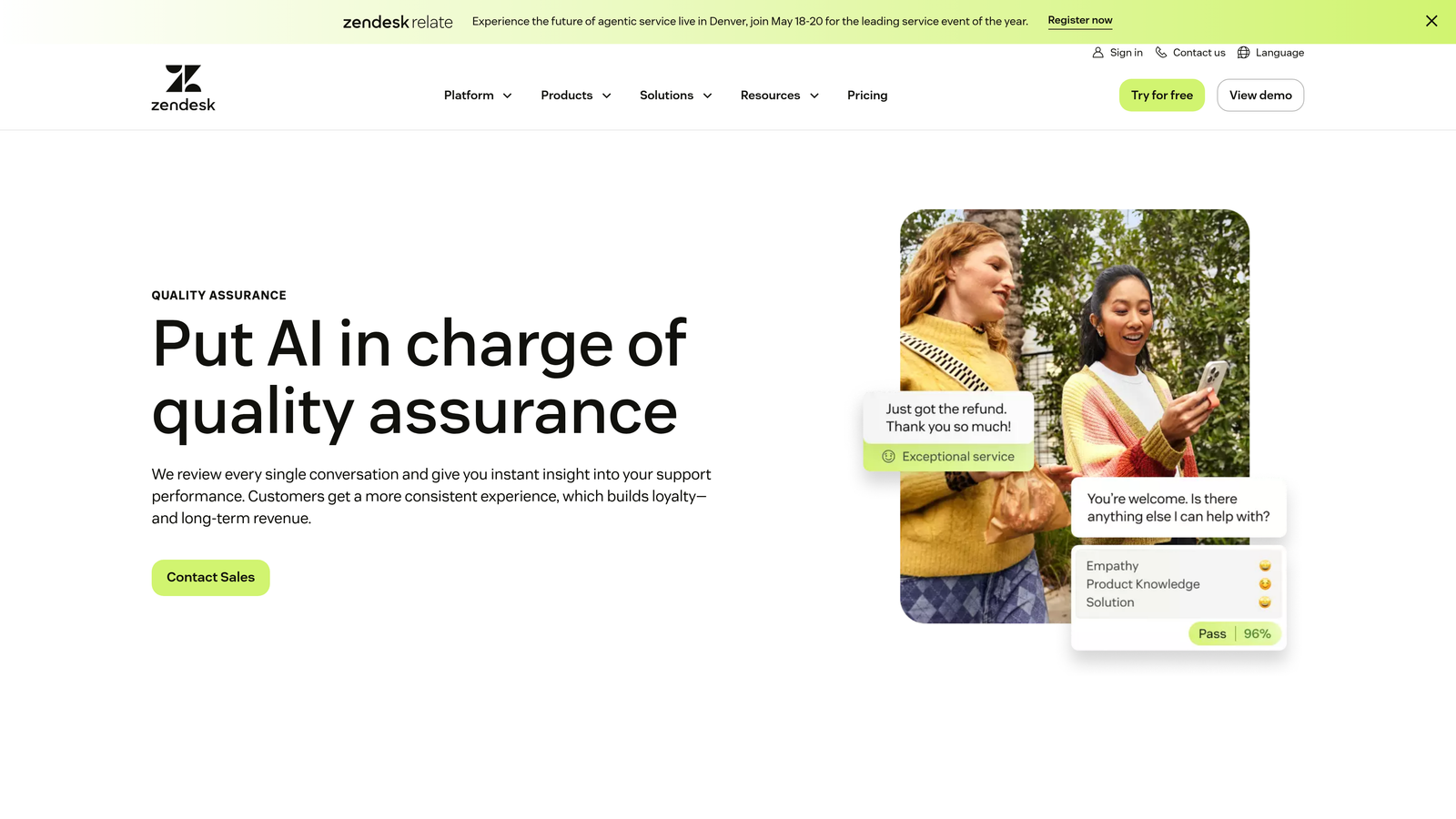
Klaus is an AI-powered quality assurance platform that automatically reviews support conversations, identifying coaching opportunities without adding the manual review burden that often contributes to manager burnout.
Where This Tool Shines
Traditional QA processes often make burnout worse—managers spend hours manually reviewing conversations while agents stress about arbitrary review selections. Klaus flips this by using AI to automatically score every conversation, identifying patterns and coaching opportunities without requiring managers to review everything manually.
The platform focuses on constructive feedback rather than punitive scoring. It highlights what agents are doing well alongside improvement areas, creating a coaching culture that reduces stress rather than amplifying it through constant evaluation anxiety.
Key Features
AI-Powered Conversation Scoring: Automatically evaluates support interactions against your quality standards, providing consistent assessment across all conversations.
Automatic Quality Sampling: Intelligently selects representative conversations for human review rather than random sampling, ensuring managers focus on meaningful feedback opportunities.
Coaching and Feedback Workflows: Structured tools for delivering constructive feedback and tracking improvement over time without creating administrative burden.
Performance Trend Analysis: Identifies patterns in agent performance and common issue types to inform training priorities and process improvements.
Integration with Major Support Platforms: Works seamlessly with Zendesk, Intercom, Front, and other helpdesks to analyze conversations where they naturally occur.
Best For
Support teams that want to maintain quality standards without the manager burnout that comes from manual conversation review, or teams where agents feel stressed by inconsistent QA practices.
Pricing
Contact for pricing based on team size and conversation volume.
6. Guru
Best for: Teams where agents waste time searching for answers across scattered documentation
Guru is a knowledge management platform with AI-powered suggestions that surfaces the right information to agents in real-time, dramatically reducing the time spent hunting for answers across multiple systems.

Where This Tool Shines
Few things burn out support agents faster than knowing the answer exists somewhere but spending ten minutes searching for it while a customer waits. Guru solves this by bringing knowledge directly to agents wherever they work—suggesting relevant articles as they type responses, surfacing information based on conversation context, and eliminating the context switching that kills productivity.
The verification workflows ensure information stays accurate without requiring constant manual updates. When content becomes outdated, Guru flags it for review, preventing the frustration of finding an article only to discover it's no longer correct.
Key Features
AI-Powered Knowledge Suggestions: Analyzes conversation context and suggests relevant articles before agents even search, reducing time spent looking for information.
Browser Extension for In-Context Access: Brings knowledge directly into your helpdesk, Slack, and other tools without requiring agents to switch between applications.
Verification Workflows for Accuracy: Automatically flags outdated content for review and tracks which articles are verified as current and accurate.
Analytics on Knowledge Usage: Shows which articles are most helpful, which questions lack documentation, and where knowledge gaps create support friction.
Slack and Helpdesk Integrations: Works seamlessly within the tools your team already uses, from Zendesk to Intercom to Slack channels.
Best For
Support teams with extensive documentation spread across multiple systems, or growing teams where newer agents struggle to find information that experienced agents know by heart.
Pricing
Free plan available for small teams. Paid plans start at $10 per user per month with advanced features and integrations.
7. Tymeshift
Best for: Zendesk teams needing workforce management without platform switching complexity
Tymeshift is a workforce management solution built specifically for Zendesk, offering automatic time tracking, schedule optimization, and workload visibility without leaving your helpdesk environment.
Where This Tool Shines
Tymeshift eliminates the manual time tracking and schedule management overhead that often falls on support managers. It automatically tracks what agents are working on within Zendesk, provides real-time adherence monitoring to identify when schedules aren't matching reality, and optimizes shift planning based on actual historical demand patterns.
The native Zendesk integration means there's no separate system to log into, no manual data entry, and no reconciling information between platforms. Everything happens within the interface your team already knows, reducing the learning curve and adoption friction.
Key Features
Automatic Activity Tracking in Zendesk: Monitors agent activity without requiring manual time entry, providing accurate data on how time is actually spent.
Real-Time Adherence Monitoring: Shows when agents are available, on break, or handling tickets versus scheduled expectations, enabling quick adjustments.
Shift Scheduling and Optimization: Creates schedules that match coverage needs while respecting agent preferences and availability constraints.
Forecasting Based on Historical Data: Uses past ticket patterns to predict future staffing needs and prevent both understaffing and overstaffing scenarios.
Native Zendesk Integration: Operates entirely within Zendesk's interface without requiring separate logins or platform switching.
Best For
Support teams using Zendesk who need workforce management capabilities without the complexity and cost of enterprise WFM platforms.
Pricing
Starts at $15 per user per month with straightforward pricing based on team size.
8. Modern Health
Best for: Companies ready to address the mental wellness side of burnout with comprehensive support
Modern Health is a comprehensive employee mental wellness platform providing personalized access to therapy, coaching, and self-guided resources to address burnout proactively before it escalates.
Where This Tool Shines
You can optimize workflows and automate tickets all day, but sometimes burnout requires actual mental health support. Modern Health provides the full spectrum—from licensed therapy for serious mental health concerns to professional coaching for career development and stress management to self-guided programs for building resilience.
The personalized care matching ensures employees connect with providers who understand their specific challenges, whether that's the emotional toll of handling difficult customers or the stress of constant performance pressure. The platform removes common barriers to seeking help by making everything accessible through a single, confidential interface.
Key Features
Personalized Care Matching: Connects employees with therapists and coaches based on their specific needs, preferences, and availability rather than generic assignments.
Licensed Therapist Access: Provides video sessions with licensed mental health professionals for employees dealing with anxiety, depression, or burnout symptoms.
Professional Coaching Sessions: Offers career and wellness coaching for employees who need support but aren't seeking clinical therapy.
Self-Guided Digital Programs: Includes meditation, stress management, and resilience-building resources employees can access on their own schedule.
Manager Training Resources: Equips managers with tools to recognize burnout warning signs and have supportive conversations with struggling team members.
Best For
Companies that recognize burnout as a holistic wellness issue requiring mental health support alongside operational improvements. Particularly valuable for high-stress support environments.
Pricing
Contact for employer pricing based on company size and selected service levels.
9. Officevibe
Best for: Managers who need to identify burnout warning signs before they become resignation letters
Officevibe is an employee engagement platform with pulse surveys and anonymous feedback tools that help managers spot burnout indicators early, when intervention can still make a difference.
Where This Tool Shines
Burnout doesn't happen overnight, but it often goes unnoticed until someone quits. Officevibe creates continuous feedback loops through weekly pulse surveys that track engagement trends over time. The anonymous feedback channels give agents a safe way to voice concerns about workload, processes, or team dynamics before they reach a breaking point.
The manager dashboards translate survey data into actionable insights rather than overwhelming spreadsheets. You can see which team members are trending downward in engagement, what specific issues are affecting morale, and whether your interventions are actually working.
Key Features
Weekly Pulse Surveys: Short, focused questions delivered regularly to track engagement trends without creating survey fatigue.
Anonymous Feedback Channels: Provides safe ways for employees to raise concerns about workload, management, or team issues without fear of retaliation.
Engagement Trend Tracking: Visualizes how team morale and engagement change over time, highlighting warning signs before they become crises.
Manager Dashboards and Insights: Translates survey data into specific, actionable recommendations for improving team health and addressing concerns.
One-on-One Meeting Tools: Structures regular check-ins with conversation prompts and tracking to ensure managers actually follow through on engagement initiatives.
Best For
Support managers who want to move from reactive crisis management to proactive burnout prevention through continuous team health monitoring.
Pricing
Free plan available for basic features. Paid plans start at $5 per user per month with advanced analytics and customization.
Building Your Burnout Prevention Strategy
The most effective approach to support team burnout combines tools from multiple categories rather than relying on a single solution. Think of it as a three-layer defense: automation to reduce repetitive workload, workforce management to ensure fair distribution, and wellness platforms to support the human element.
For small teams under ten agents, start with automation and engagement monitoring. A platform like Halo AI or Intercom Fin can immediately deflect routine tickets, while Officevibe helps you catch burnout warning signs early. This combination addresses both the workload problem and gives you visibility into team health.
Mid-sized teams of 10-50 agents need to add workforce management to prevent uneven distribution. Assembled or Tymeshift ensures your automation gains don't just benefit some agents while others still drown. Pair this with knowledge management like Guru to eliminate the time waste of searching for answers.
Larger teams above 50 agents should consider the full stack: automation for ticket deflection, workforce management for capacity planning, quality assurance that doesn't create manager burden, and mental wellness support for agents dealing with high-stress situations. The investment pays for itself through reduced turnover alone.
When evaluating these tools, prioritize measurable impact. Track ticket deflection rates, average handle time, agent satisfaction scores, and turnover before and after implementation. The best burnout solutions show improvement across multiple metrics, not just one.
Your support team shouldn't scale linearly with your customer base. Let AI agents handle routine tickets, guide users through your product, and surface business intelligence while your team focuses on complex issues that need a human touch. See Halo in action and discover how continuous learning transforms every interaction into smarter, faster support.