9 Best Support Team Collaboration Software Tools in 2026
Broken workflows, lost context, and repeated customer explanations are signs your team needs better support team collaboration software. This guide evaluates nine tools — from AI-powered helpdesks to shared inboxes and cross-functional bug trackers — based on integration depth, real-time collaboration, and scalability, helping support teams of any size eliminate friction and deliver faster, more consistent customer resolutions.
 Matt PattoliFounder14 min read
Support teams don't fail because of bad agents. They fail because of broken collaboration. Context gets lost between shifts, bugs go unreported, escalations disappear into inboxes, and customers end up explaining the same problem three times to three different people. The right support team collaboration software stitches together your agents, your product team, and your customers into a single, coherent workflow.
This list covers nine tools that genuinely improve how support teams work together — from AI-powered ticket resolution to shared inboxes, internal knowledge bases, and cross-functional bug tracking. Each tool was evaluated on integration depth, real-time collaboration features, scalability, and how well it reduces the friction that slows support teams down.
Whether you're running a lean startup support function or managing a multi-tier enterprise helpdesk, there's a tool here that fits. We'll start with the most AI-forward option and work through the broader ecosystem.
1. Halo AI
Best for: B2B SaaS teams that want AI to handle tier-1 support while surfacing business intelligence
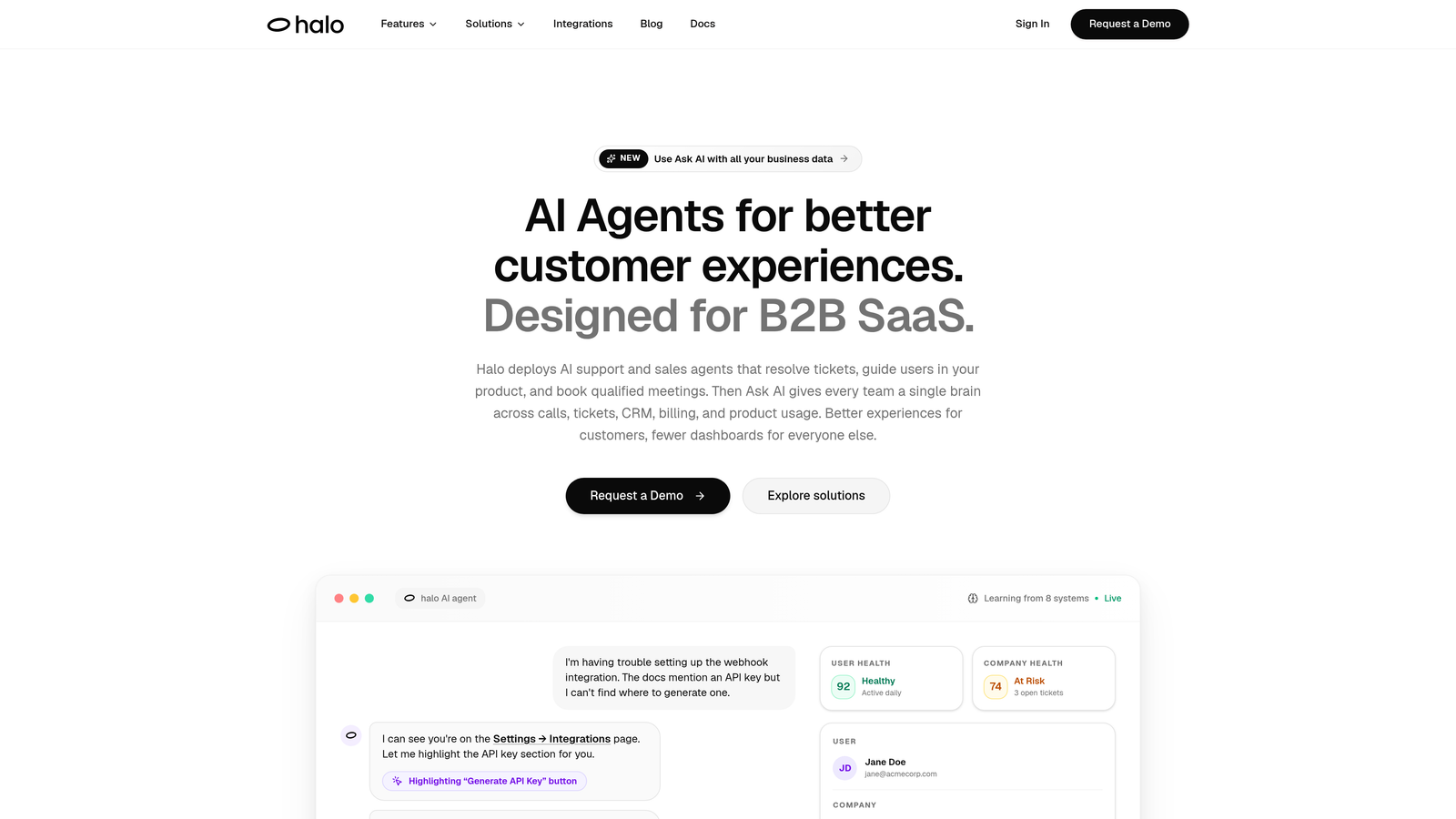
Halo AI is an AI-first customer support platform that deploys autonomous agents to resolve tickets, guide users through your product with page-aware context, and automatically create bug reports — all while feeding business intelligence back to your team.
Where This Tool Shines
Most support platforms treat AI as a bolt-on feature. Halo was built AI-first, which means the architecture is designed for autonomous operation rather than assisted operation. Its AI agents can resolve support tickets end-to-end without human intervention, then hand off cleanly to a live agent when the issue genuinely requires one. That distinction matters: it's not just routing tickets faster, it's closing them without adding headcount.
The page-aware chat widget is particularly notable for SaaS teams. Rather than delivering generic help content, it understands what the user is currently viewing in your product and delivers contextually relevant guidance. Combined with the smart inbox's business intelligence layer — which surfaces customer health signals, revenue anomalies, and usage patterns from support data — Halo positions support as a product signal engine, not just a cost center.
Key Features
Autonomous AI Agents: Resolves support tickets without human intervention, with clean escalation to live agents for complex issues that require judgment.
Page-Aware Chat Widget: Understands what the user is currently viewing in your product and delivers contextually relevant guidance rather than generic help content.
Auto Bug Ticket Creation: Automatically routes identified issues directly to engineering tools like Linear, bridging the gap between support and product development.
Smart Inbox with Business Intelligence: Surfaces customer health scores, revenue anomalies, and usage patterns directly from support interaction data.
Native Integration Stack: Connects out of the box with Linear, Slack, HubSpot, Intercom, Stripe, Zoom, PandaDoc, and Fathom for a fully connected support workflow.
Best For
B2B SaaS companies looking to scale support without scaling headcount. Particularly well-suited for product-led growth teams where support context and product usage data need to flow together, and for teams currently using a patchwork of tools that don't communicate with each other.
Pricing
Contact for pricing. Halo is designed for B2B SaaS teams and offers custom packages based on team size and integration requirements.
2. Zendesk
Best for: Mid-market and enterprise teams needing robust SLA management and a deep integration ecosystem
Zendesk is one of the most established helpdesk platforms, offering advanced ticketing, SLA management, and a large app marketplace for teams that need proven infrastructure at scale.

Where This Tool Shines
Zendesk's strength is its maturity. The ticketing engine is battle-tested, the SLA management is granular, and the app marketplace gives enterprise teams the flexibility to build exactly the workflow they need. For organizations with complex support structures — multiple tiers, multiple products, multiple regions — that reliability is genuinely valuable.
The side conversations feature is a standout collaboration tool. Agents can loop in internal teams or external partners directly within a ticket without the customer seeing the exchange. This keeps context attached to the ticket rather than scattered across email threads or Slack channels.
Key Features
Advanced Ticket Routing: Skill-based assignment and SLA tracking ensure tickets reach the right agent within defined time windows.
Side Conversations: Loop in internal teams or external partners without leaving the ticket or exposing the conversation to the customer.
Macro-Based Automation: Standardize common responses and workflows with one-click macros that reduce repetitive agent work.
App Marketplace: Over 1,000 integrations available, covering virtually every CRM, communication, and analytics tool.
Zendesk AI: AI-assisted responses and suggested articles surface relevant knowledge during active ticket resolution.
Best For
Mid-market and enterprise support teams with established workflows, compliance requirements, or complex multi-tier support structures. Teams already invested in the Salesforce or Atlassian ecosystems will find Zendesk integrates cleanly.
Pricing
Starts at approximately $55/agent/month for the Suite Team plan. Enterprise plans are available with custom pricing based on scale and features required.
3. Intercom
Best for: SaaS companies that want proactive customer engagement alongside reactive support
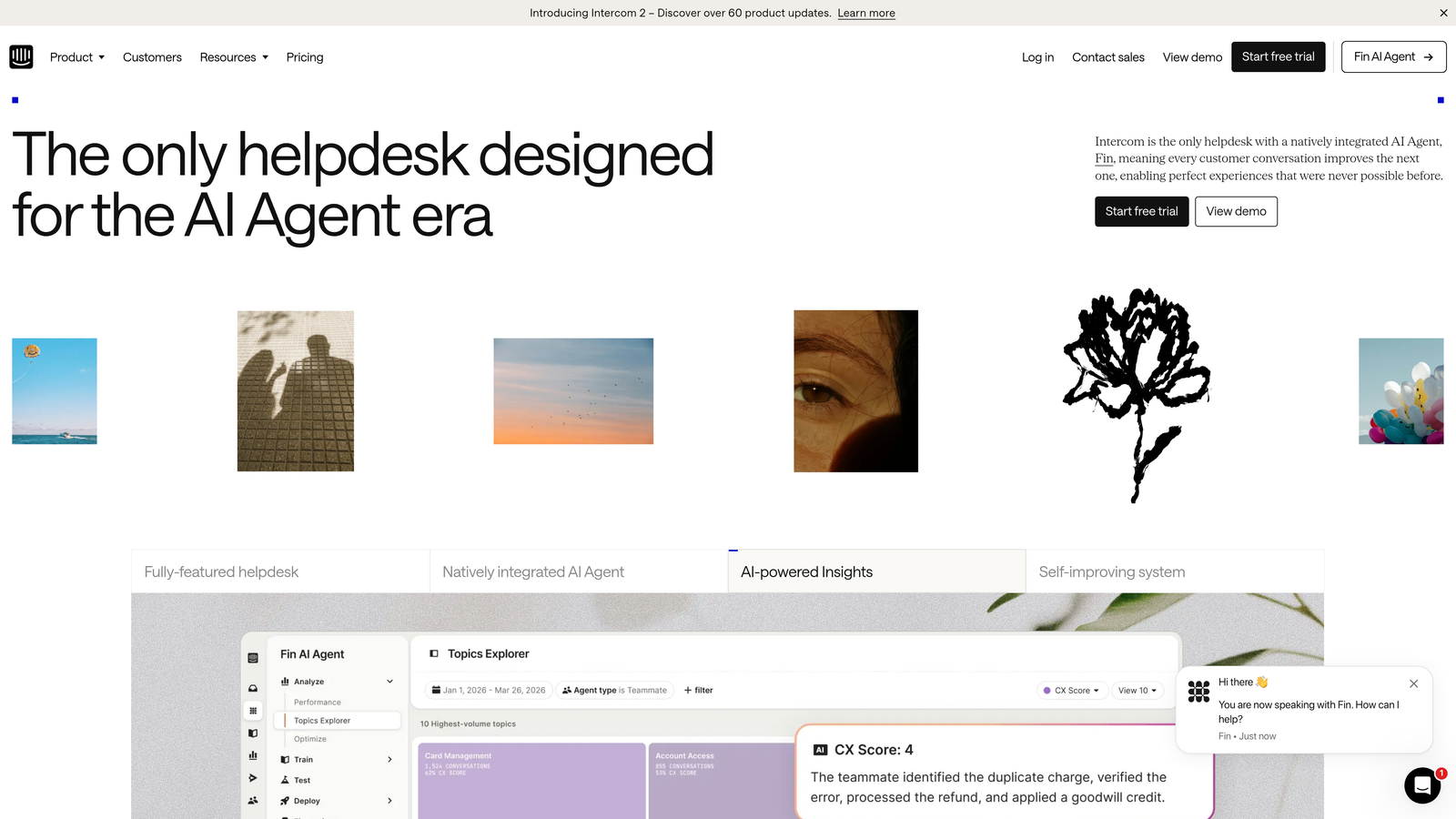
Intercom is a conversation-first platform that combines proactive in-app messaging, AI-powered support, and team collaboration features for companies focused on customer engagement across the full lifecycle.
Where This Tool Shines
Intercom's philosophy is different from traditional helpdesks: rather than waiting for customers to submit tickets, it helps teams reach customers proactively with in-app messages, product tours, and automated flows. For SaaS companies where onboarding and activation are as important as issue resolution, that orientation is a genuine advantage.
Fin, Intercom's AI agent, handles first-response resolution across chat and email. The team inbox features — assignment rules, snooze, priority sorting, and internal @mentions — make it a solid collaborative environment for support teams handling high conversation volumes.
Key Features
Fin AI Agent: Automated first-response resolution across chat and email, with escalation to human agents when needed.
Team Inboxes: Assignment rules, snooze functionality, and priority sorting keep conversation queues organized across the team.
In-App Messaging and Product Tours: Proactively engage customers at key moments in their product journey without waiting for a support request.
Internal Notes and @Mentions: Collaborate within conversations without the customer seeing the internal discussion.
CSAT Reporting: Built-in conversation data and satisfaction reporting without requiring a separate analytics tool.
Best For
SaaS teams where support and customer success overlap, particularly those running product-led growth motions where proactive engagement is part of the retention strategy.
Pricing
Starts at approximately $39/seat/month. Pricing scales with usage and features, so high-volume teams should model costs carefully before committing.
4. Freshdesk
Best for: Teams that need collaborative ticket resolution with strong collision detection and shared ownership
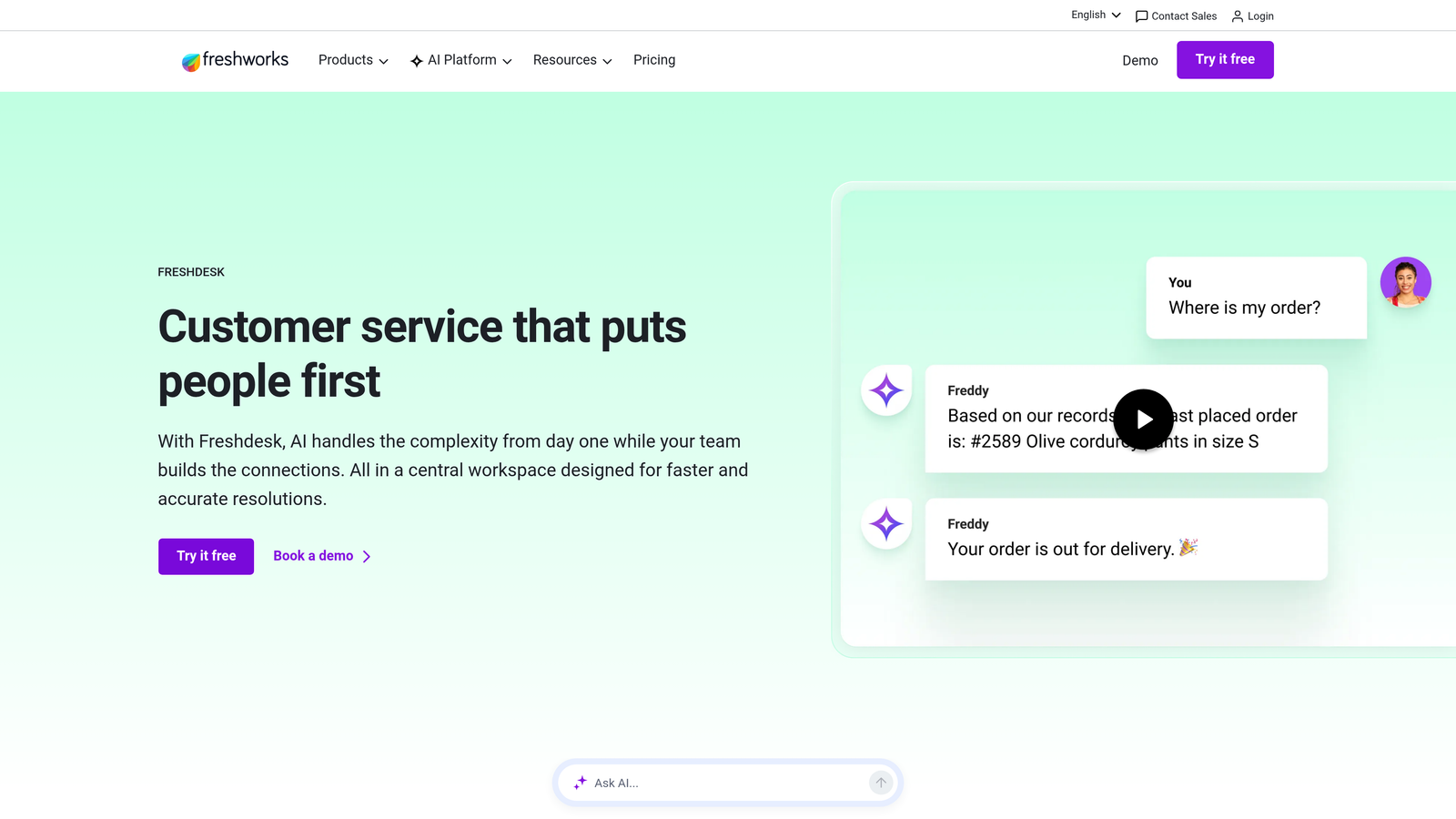
Freshdesk is a helpdesk platform built with collaborative ticket resolution at its core, offering collision detection, team huddles, and shared ownership features that prevent duplicated effort and keep agents coordinated.
Where This Tool Shines
Freshdesk solves a problem most helpdesks ignore: what happens when two agents start working on the same ticket simultaneously? Collision detection alerts agents in real time when a colleague is already handling a ticket, preventing duplicate responses and wasted effort. It's a small feature that has an outsized impact on team coordination in busy queues.
The team huddle feature is equally practical. Agents can start an internal discussion directly within a ticket thread without the conversation bleeding into the customer-facing reply. For tickets that require input from multiple team members before resolution, this keeps all context in one place.
Key Features
Collision Detection: Real-time alerts when another agent is already working on a ticket, preventing duplicate responses and coordination failures.
Team Huddle: In-ticket internal discussions that stay separate from the customer thread, keeping collaboration context attached to the right ticket.
Shared Ownership: Assign tickets to multiple team members when resolution requires coordinated effort across roles or expertise areas.
Freddy AI: Suggested responses, ticket summarization, and sentiment detection to reduce manual agent workload.
Omnichannel Inbox: Unified inbox covering email, chat, phone, and social media channels.
Best For
Growing teams that need collaborative features without enterprise pricing. Freshdesk's free tier and competitive paid plans make it accessible for startups and SMBs that outgrow basic email-based support.
Pricing
Free tier available for up to 10 agents. Paid plans start at approximately $15/agent/month, making it one of the more accessible options in this category.
5. Linear
Best for: Engineering teams and support teams that need a fast, clean bridge between bug reports and sprint planning
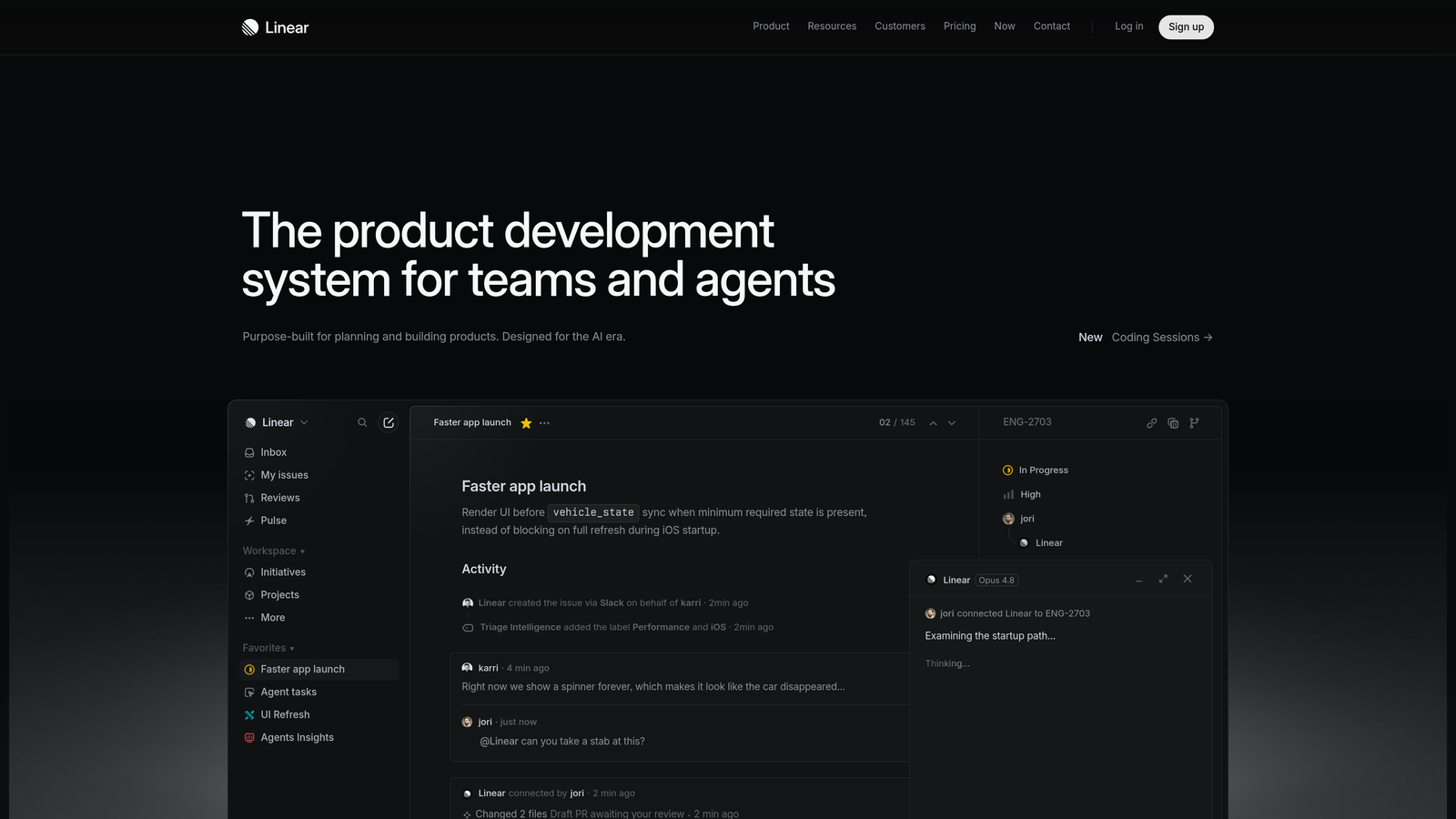
Linear is a fast, keyboard-first issue tracking tool used by engineering teams and increasingly the bridge that connects support-reported bugs to product development cycles.
Where This Tool Shines
Linear isn't a support tool — it's what happens after the support team identifies a bug. The gap between "a customer reported this" and "engineering is working on it" is where many support workflows break down. Linear closes that gap with clean issue creation, triage views, and direct links to GitHub pull requests and commits, so engineering teams can see exactly what support escalated and why.
For teams using Halo AI, the native integration means bug tickets are created automatically from support conversations without any manual handoff. That removes an entire category of coordination overhead that typically falls on support leads to manage.
Key Features
Fast Issue Creation: Keyboard-first UX optimized for engineering workflows, with minimal friction from bug identification to tracked issue.
Cycle and Project Tracking: Maps bugs and feature requests to sprint planning so support-reported issues don't fall outside the development cycle.
GitHub and GitLab Integration: Links issues directly to pull requests and commits for full traceability from customer report to code fix.
Triage Views: Helps engineering teams prioritize support-reported bugs by severity and customer impact.
API and Native Integrations: Connects with support platforms including Halo AI for automated bug ticket creation from support conversations.
Best For
Engineering-led companies where support-to-product feedback loops matter. Particularly valuable when paired with a support platform that can automatically create Linear issues from customer conversations.
Pricing
Free for small teams. Paid plans start at approximately $8/user/month, making it cost-effective even for teams adding it as a secondary integration tool.
6. Slack
Best for: Real-time escalation routing, cross-functional coordination, and rapid knowledge sharing across distributed teams
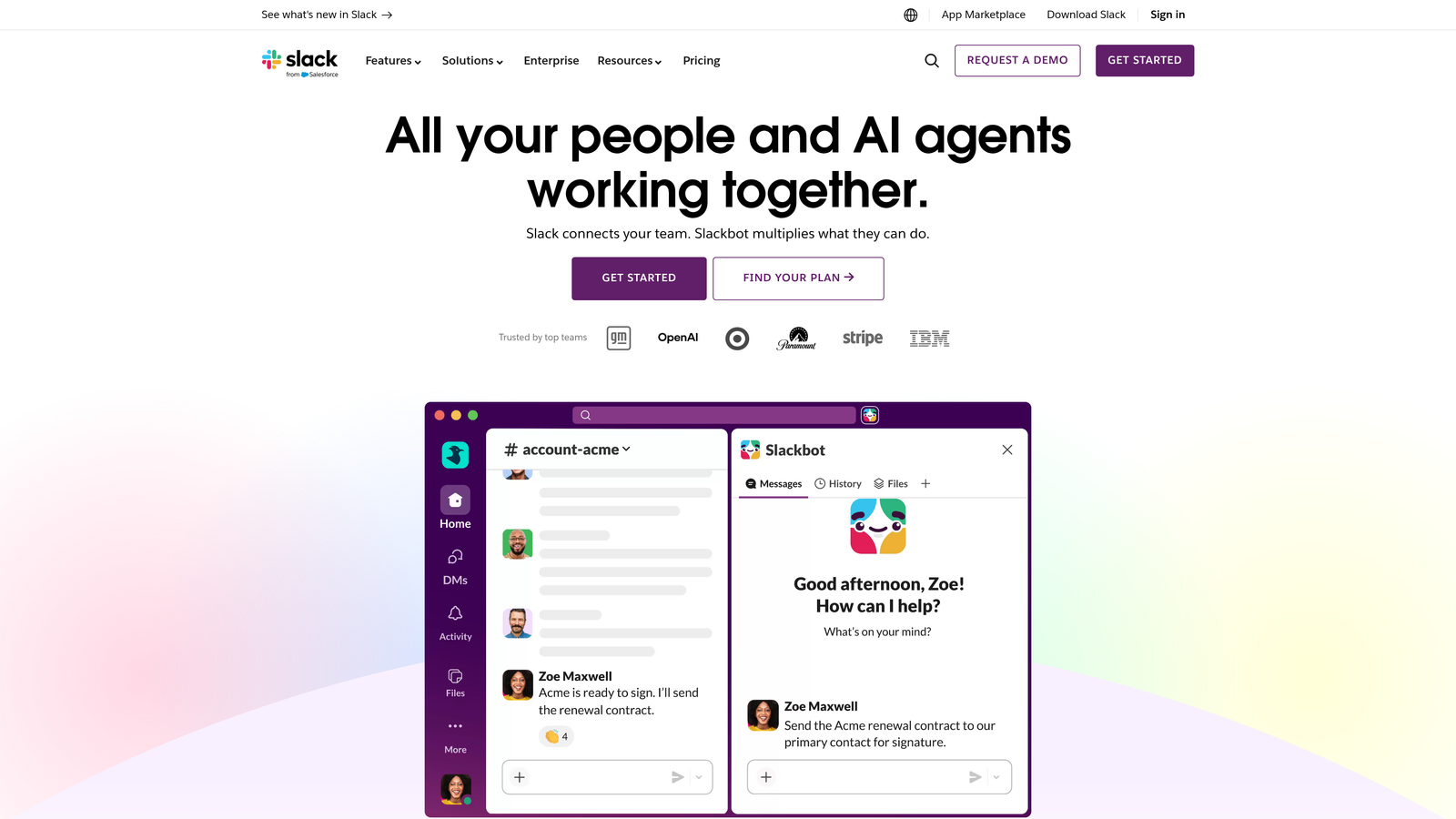
Slack is the de facto standard for real-time internal communication, used by support teams for escalation routing, cross-functional collaboration with engineering and product, and rapid knowledge sharing.
Where This Tool Shines
Slack's value for support teams isn't in managing tickets — it's in everything that happens around tickets. Escalation channels, incident coordination, product team pings, shift handoff notes: all of this happens faster and with more context in Slack than in email. The channel-based structure lets teams separate escalations, incidents, and general communication without everything collapsing into one noisy inbox.
Slack Connect extends this to external partners and enterprise customers, enabling collaborative channels with third parties without requiring everyone to use the same support tool. For teams managing complex B2B accounts, this is a meaningful capability.
Key Features
Channel-Based Organization: Separate channels for escalations, incidents, team communication, and product feedback keep conversations organized by purpose.
Slack Connect: Collaborate with external partners and enterprise customers in shared channels without requiring a common platform.
Workflow Builder: Automate escalation notifications and triage routing without writing code.
Integration Depth: Connects with virtually every support, CRM, and product tool, making it the connective tissue of most modern support stacks.
Huddles: Quick voice and video sync for real-time coordination without scheduling a formal meeting.
Best For
Any support team working cross-functionally with engineering, product, or customer success. Slack is most valuable as a coordination layer alongside a dedicated helpdesk, not as a replacement for one.
Pricing
Free tier available with message history limits. Pro plan starts at approximately $7.25/user/month. Most teams will find the Pro plan necessary for meaningful workflow automation.
7. Notion
Best for: Building internal knowledge bases, escalation playbooks, and onboarding runbooks that agents can actually find and use
Notion is a flexible docs-and-database workspace widely used by support teams to build internal knowledge bases, escalation playbooks, and onboarding runbooks that stay current and accessible.
Where This Tool Shines
Support teams often have knowledge scattered across Google Docs, email threads, Confluence pages nobody updates, and the heads of senior agents. Notion gives teams a flexible structure to consolidate that knowledge into something agents can actually navigate. Its database features work particularly well for organizing SOPs by product area, ticket type, or escalation path.
The collaborative editing, @mention system, and permissions controls make it practical for teams where managers, product owners, and support leads all contribute to documentation. AI-powered search in recent versions has meaningfully improved how quickly agents can surface the right answer mid-conversation.
Key Features
Flexible Page and Database Structure: Organize SOPs, FAQs, and product knowledge in whatever structure makes sense for your team's workflow.
AI-Powered Search and Content Generation: Natural language search and AI writing assistance speed up knowledge retrieval and documentation creation.
Template Library: Pre-built templates for common support documentation formats reduce setup time for new knowledge base sections.
Collaborative Editing with Comments: @mentions and inline comments support team review workflows without requiring a separate feedback tool.
Permissions System: Granular control over what agents, managers, and stakeholders can view or edit within the workspace.
Best For
Support teams that need a central knowledge hub and don't want to maintain a separate wiki. Works especially well for teams with strong async documentation cultures or distributed agents across time zones.
Pricing
Free tier available. Plus plan starts at approximately $10/user/month, with Business and Enterprise plans available for larger teams with advanced permission needs.
8. Loom
Best for: Async video documentation of complex issues, agent training, and nuanced technical communication
Loom is an async video messaging tool that support teams use to document complex issues, train new agents, and communicate nuanced technical problems faster than text threads allow.
Where This Tool Shines
Some support problems are genuinely hard to describe in text. A screen recording that shows exactly what's happening — with the agent narrating the context — communicates in 90 seconds what would take five back-and-forth messages to establish. Loom removes that friction for both internal documentation and customer-facing communication.
For distributed support teams, Loom is particularly valuable for agent training and shift handoffs. New agents can watch recordings of how experienced agents handle specific ticket types, and managers can leave video feedback on resolved tickets without scheduling a call. Loom's acquisition by Atlassian suggests deeper Jira and Confluence integrations may be on the horizon.
Key Features
One-Click Screen and Camera Recording: Capture issue documentation and walkthroughs with minimal setup, directly from the browser.
Auto-Generated Transcripts: Searchable transcripts and captions make video content retrievable without watching the full recording.
Comment and Reaction Features: Async team feedback on recordings without requiring a synchronous meeting.
Viewer Engagement Analytics: See whether recipients actually watched the video and how far they got, useful for training and customer communication follow-up.
Integration with Slack, Notion, and Atlassian Tools: Embed videos directly in workflows rather than sharing links out of context.
Best For
Support teams with distributed or async-first workflows, teams onboarding new agents frequently, and any team dealing with technically complex products where text descriptions of bugs or workflows fall short.
Pricing
Free tier available with recording limits. Business plan starts at approximately $12.50/user/month with unlimited recordings and advanced analytics.
9. Guru
Best for: Teams with large, frequently updated knowledge bases where agents need answers surfaced in context, not searched manually
Guru is an AI-powered knowledge management platform that surfaces verified knowledge cards to support agents in context — inside the tools they're already using — reducing time spent searching for answers mid-conversation.
Where This Tool Shines
The core problem Guru solves is agent context-switching. When an agent needs to find an answer, leaving the active conversation to search a knowledge base introduces delay and breaks focus. Guru's browser extension proactively surfaces relevant knowledge cards based on what the agent is currently working on — the ticket content, the conversation thread, the customer's question — without requiring a manual search.
The verification workflow is equally important. Knowledge bases degrade quickly when there's no system for flagging outdated content. Guru's verification system prompts subject matter experts to review cards on a schedule, ensuring agents aren't citing information that's three product versions old.
Key Features
Browser Extension with Proactive Surfacing: Automatically surfaces relevant knowledge cards based on the ticket or conversation the agent is currently handling, without requiring a manual search.
Slack Integration: Search the knowledge base directly from a Slack conversation without switching to a separate tool.
Verification Workflows: Flags outdated content for expert review on a defined schedule, keeping knowledge accurate as products evolve.
AI-Powered Search: Natural language queries across the entire knowledge base return relevant results without requiring exact keyword matches.
Usage Analytics: Shows which knowledge cards are used most frequently and where agents consistently get stuck, pointing to knowledge gaps worth filling.
Best For
Support teams with large, complex knowledge bases that agents struggle to navigate quickly. Particularly valuable for teams using Zendesk, Intercom, or Freshdesk who want knowledge surfaced in context rather than in a separate tab.
Pricing
Starts at approximately $10/user/month. Enterprise pricing is available for larger teams with advanced security and integration requirements.
Which Tool Is Right for Your Team?
No single tool solves every collaboration challenge a support team faces. The strongest stacks tend to combine a core helpdesk or AI support layer with a real-time communication tool, a knowledge base, and a bug-tracking integration that connects support to engineering.
For teams primarily focused on reducing ticket volume and agent load, Halo AI or Zendesk should anchor the stack. Halo is the stronger choice if you want AI-first architecture with business intelligence built in; Zendesk is the safer choice if you need a proven enterprise platform with a large app ecosystem.
If cross-functional collaboration between support and product is the pain point, Linear and Slack fill that gap well. Linear gives engineering a structured place to receive and prioritize support-reported bugs; Slack keeps the real-time coordination layer connected across teams.
Teams struggling with knowledge consistency will find Guru or Notion more impactful than any new ticketing system. Guru works best when agents need answers surfaced in context during active conversations. Notion works best when the team needs a central, flexible documentation hub they can build and maintain collaboratively.
The practical starting point: assess where your team loses the most time. Is it in repetitive ticket resolution? Context-switching between tools? Escalations that never reach engineering? Knowledge that nobody can find? The answer points directly to which category of tool to prioritize first.
Your support team shouldn't scale linearly with your customer base. See Halo in action and discover how autonomous agents, page-aware chat, and a continuous learning architecture can transform support from a reactive cost center into a product signal engine that gets smarter with every interaction.