9 Best Support Team Collaboration Tools in 2026
Discover the 9 best support team collaboration tools in 2026 that help customer service teams eliminate scattered conversations and duplicate work. This comprehensive guide evaluates platforms that enable agents to share knowledge, coordinate responses, and resolve tickets faster through seamless collaboration—whether you're scaling a startup support team or optimizing enterprise workflows.
 Grant CooperFounder9 min read
When support tickets pile up and customers expect instant responses, your team's ability to work together seamlessly becomes your competitive advantage. The right collaboration tools eliminate the chaos of scattered conversations, duplicate efforts, and lost context that plague growing support teams.
This guide covers the top support team collaboration tools that help agents share knowledge, coordinate responses, and resolve issues faster—whether you're a startup scaling your first support operation or an enterprise streamlining complex workflows.
1. Halo AI
Best for: Teams wanting AI-powered support with intelligent routing and business intelligence
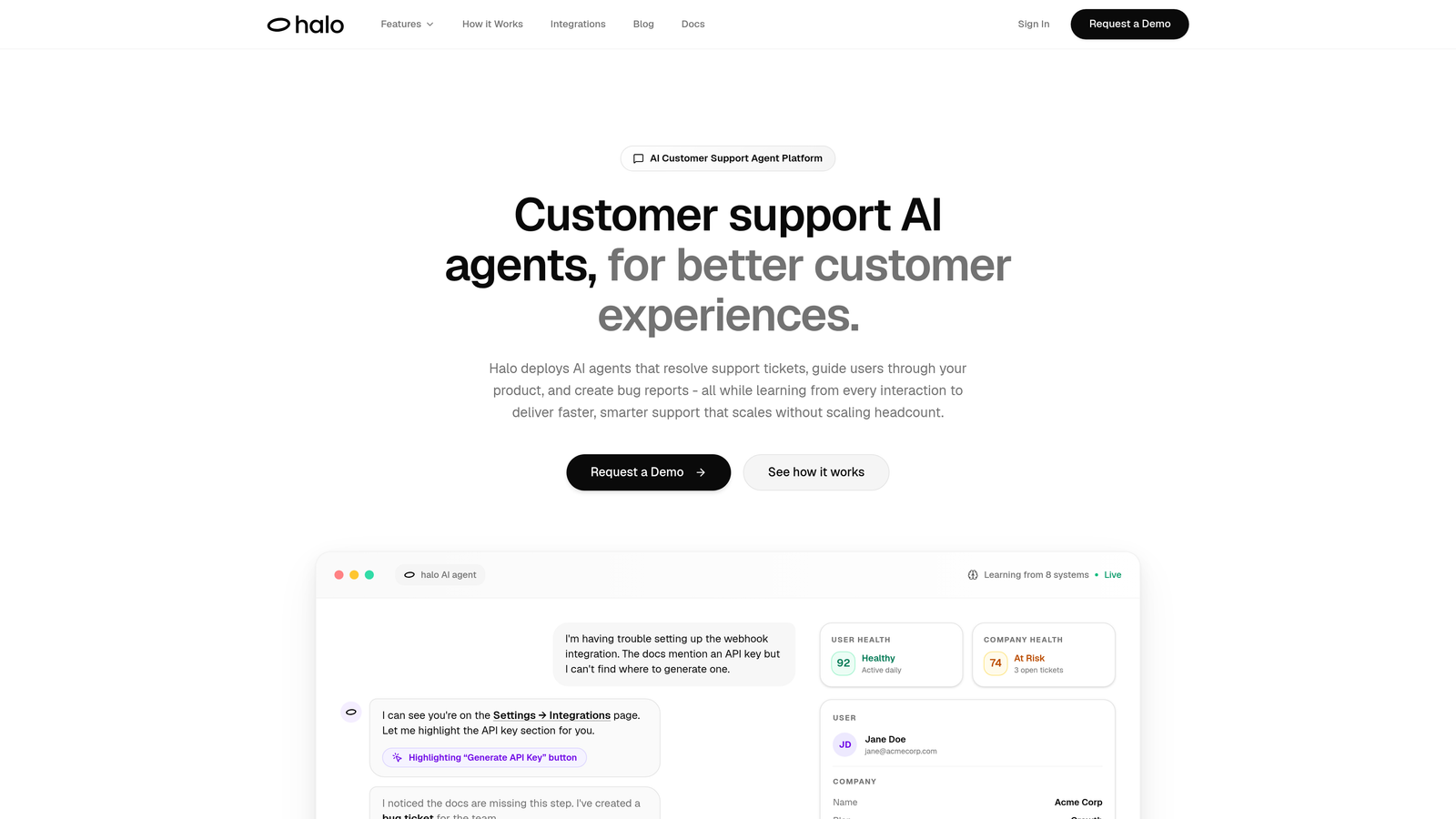
Halo AI is an AI-powered customer support platform that combines intelligent agents with team collaboration features designed for modern support operations.
Where This Tool Shines
Halo AI stands out by providing page-aware context that lets your entire team see exactly what customers see in your product. This visual understanding eliminates the back-and-forth of "what screen are you on?" and helps agents resolve issues faster.
The platform's continuous learning approach means every resolved ticket makes your AI agents smarter, while the smart inbox surfaces business intelligence like customer health signals and revenue insights that go beyond traditional support metrics.
Key Features
AI Agents for Ticket Resolution: Autonomous agents handle routine inquiries and learn from every interaction to improve over time.
Page-Aware Context Sharing: Team members see the exact UI state customers are experiencing for faster troubleshooting.
Smart Inbox with Business Intelligence: Goes beyond ticket metrics to surface customer health signals and anomaly detection.
Auto Bug Ticket Creation: Automatically creates engineering tickets with full context for seamless handoffs.
Live Agent Handoff: Smooth escalation to human agents with complete conversation history and context.
Best For
B2B companies and product teams looking to scale support without scaling headcount. Particularly valuable for teams using helpdesk systems like Zendesk, Freshdesk, or Intercom who want AI-first capabilities rather than bolt-on automation.
Pricing
Contact for pricing based on team size and feature requirements.
2. Slack
Best for: Real-time team communication with extensive app integrations
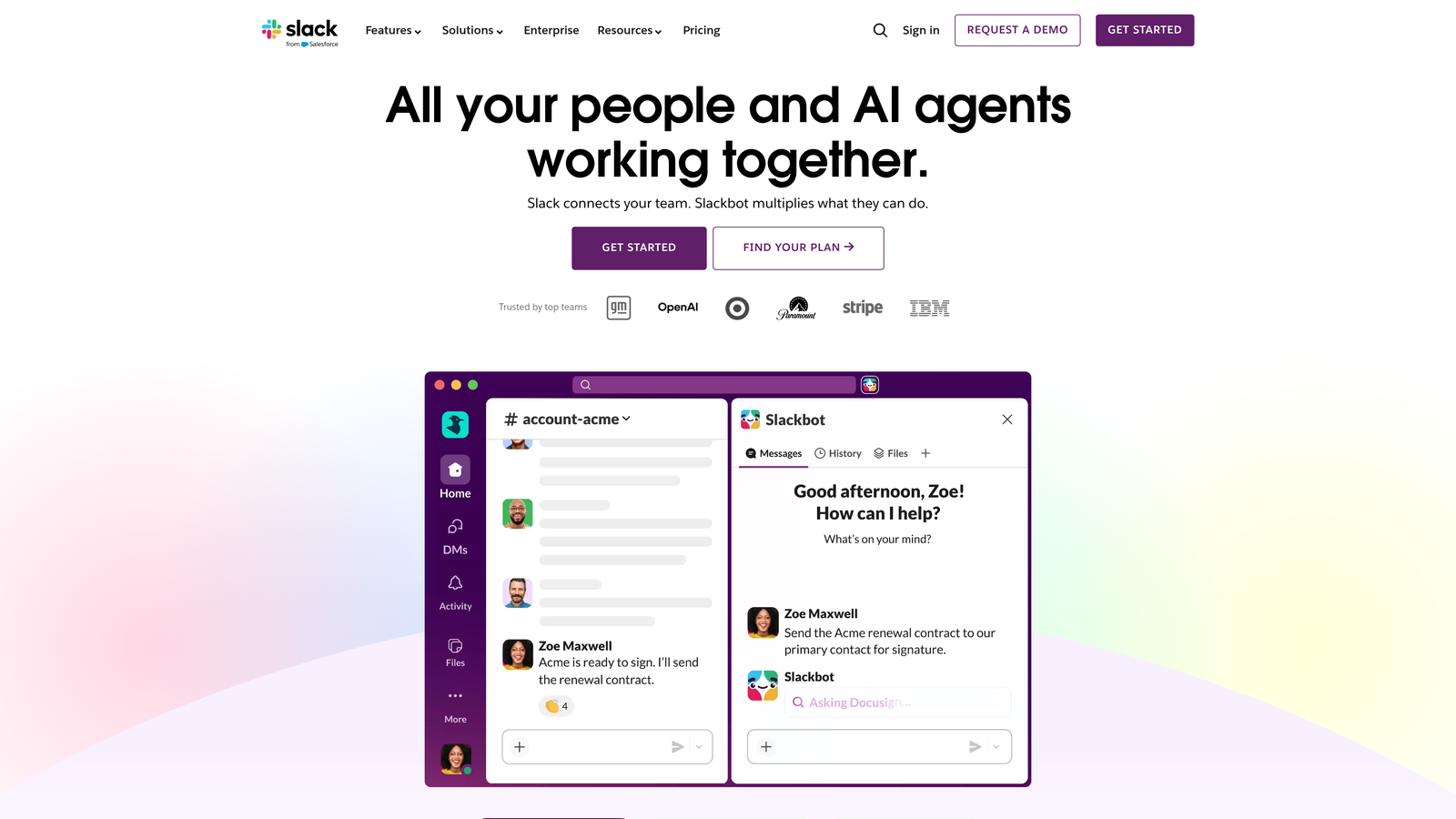
Slack is a channel-based messaging platform that has become the de facto standard for team communication across industries.
Where This Tool Shines
Slack excels at organizing support conversations by topic, customer tier, or team specialty through dedicated channels. This structure prevents important discussions from getting lost in general chat while keeping relevant stakeholders in the loop.
The platform's 2,600+ integrations mean you can pull in notifications from your helpdesk, CRM, and monitoring tools without leaving the conversation. This centralization reduces context switching and keeps teams focused.
Key Features
Organized Channels: Create dedicated spaces for different support topics, shifts, or customer segments.
Huddles: Quick voice or video discussions without scheduling formal meetings.
Workflow Builder: Automate routine tasks like ticket escalation notifications or shift handoffs.
Extensive Integrations: Connect to major helpdesks, monitoring tools, and business applications.
Searchable History: Find past conversations and shared solutions quickly with powerful search.
Best For
Support teams that value real-time communication and need tight integration with their existing tech stack. Works especially well for distributed teams across time zones.
Pricing
Free plan available with limited message history. Pro plan starts at $8.75 per user per month.
3. Microsoft Teams
Best for: Enterprise teams already using Microsoft 365 ecosystem
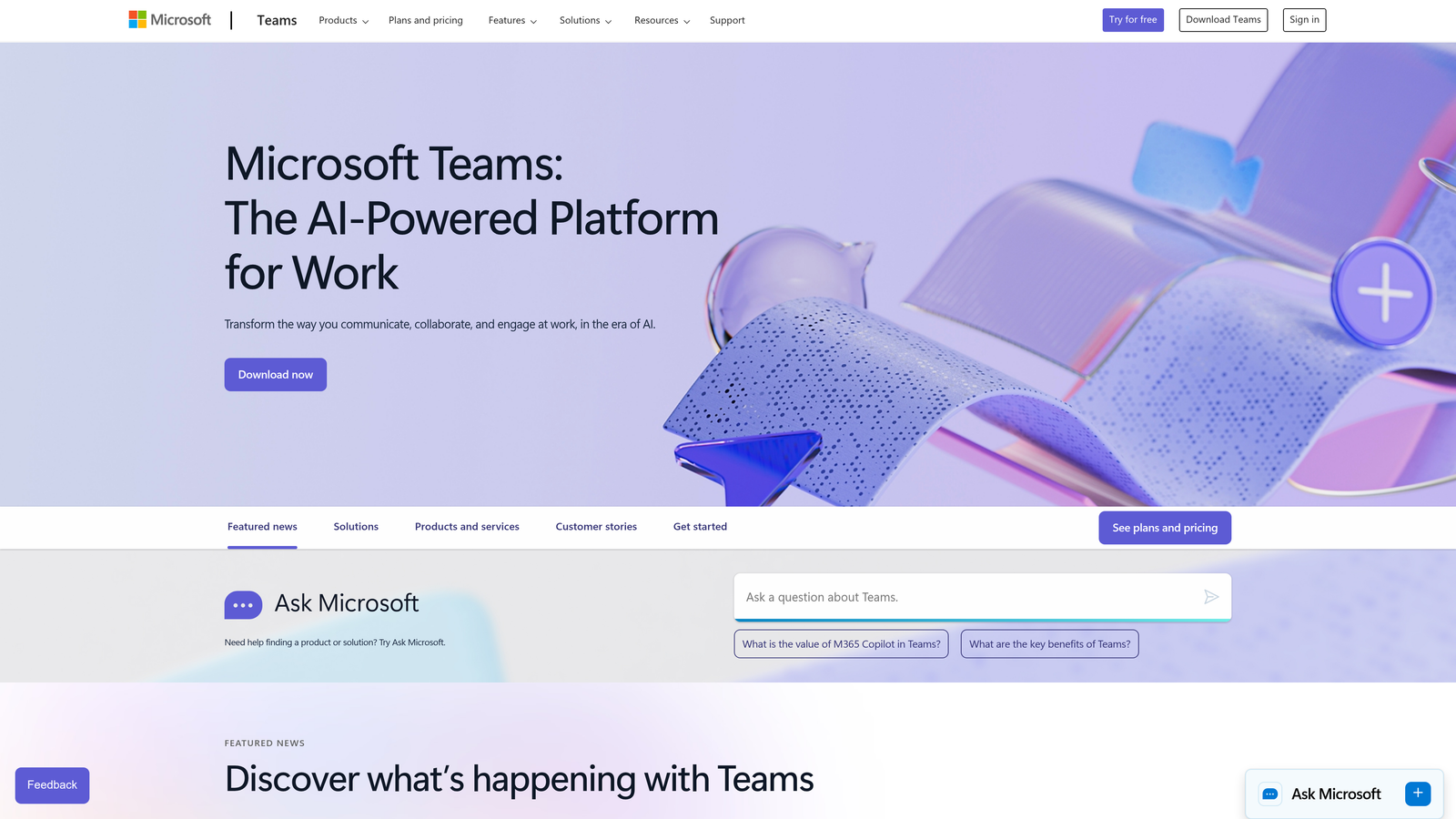
Microsoft Teams is an enterprise collaboration hub that combines chat, video meetings, and file collaboration within the Microsoft 365 suite.
Where This Tool Shines
Teams integrates deeply with the Microsoft ecosystem, making it powerful for organizations already using Office 365. Support teams can collaborate on Excel spreadsheets for escalation tracking or co-author Word documents for knowledge base articles without switching applications.
The platform's enterprise-grade security and compliance features make it attractive for regulated industries where data governance matters as much as collaboration speed.
Key Features
Integrated Video Conferencing: Built-in meetings for team huddles or customer screen shares.
Real-Time Document Collaboration: Co-author Office files directly within conversations.
Threaded Conversations: Keep discussions organized within channels for better context.
SharePoint Integration: Centralized knowledge management with version control.
Enterprise Security: Advanced compliance, data loss prevention, and retention policies.
Best For
Enterprise support organizations with existing Microsoft 365 investments. Particularly valuable for teams handling sensitive customer data requiring strict compliance controls.
Pricing
Free plan available. Microsoft 365 Business Basic starts at $6 per user per month.
4. Zendesk
Best for: Teams wanting collaboration features built into their helpdesk
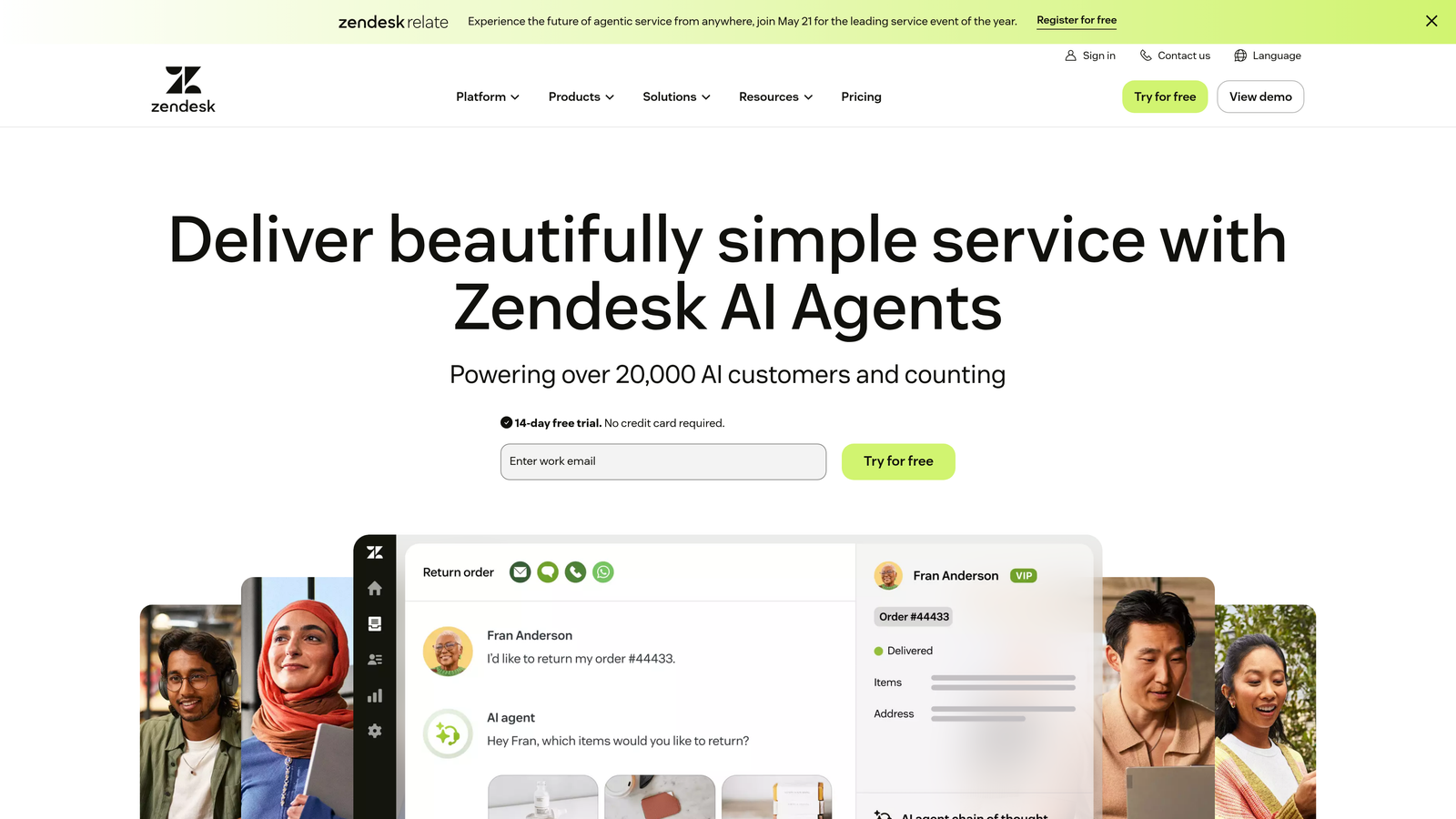
Zendesk is a customer service platform with native collaboration features designed specifically for support workflows.
Where This Tool Shines
Zendesk keeps collaboration context directly within tickets through internal notes, eliminating the need to jump between tools. When an agent needs input from another team member, they can add context without the customer seeing the internal discussion.
The platform's collision detection prevents the embarrassing scenario where two agents respond to the same ticket simultaneously, while shared views give managers visibility into team workload distribution.
Key Features
Internal Notes: Add team context and discussion directly within customer tickets.
Side Conversations: Loop in other teams or departments without cluttering the main ticket thread.
Shared Views: Team-wide visibility into workload, priority queues, and ticket distribution.
Light Agents: Give non-support team members limited access for cross-functional collaboration.
Collision Detection: Alerts when multiple agents are viewing or responding to the same ticket.
Best For
Support teams that prefer keeping collaboration within their ticketing system rather than managing separate communication tools. Works well for teams with complex routing and escalation needs.
Pricing
Suite Team plan starts at $55 per agent per month with core collaboration features.
5. Intercom
Best for: Conversational support with intelligent routing and team inbox
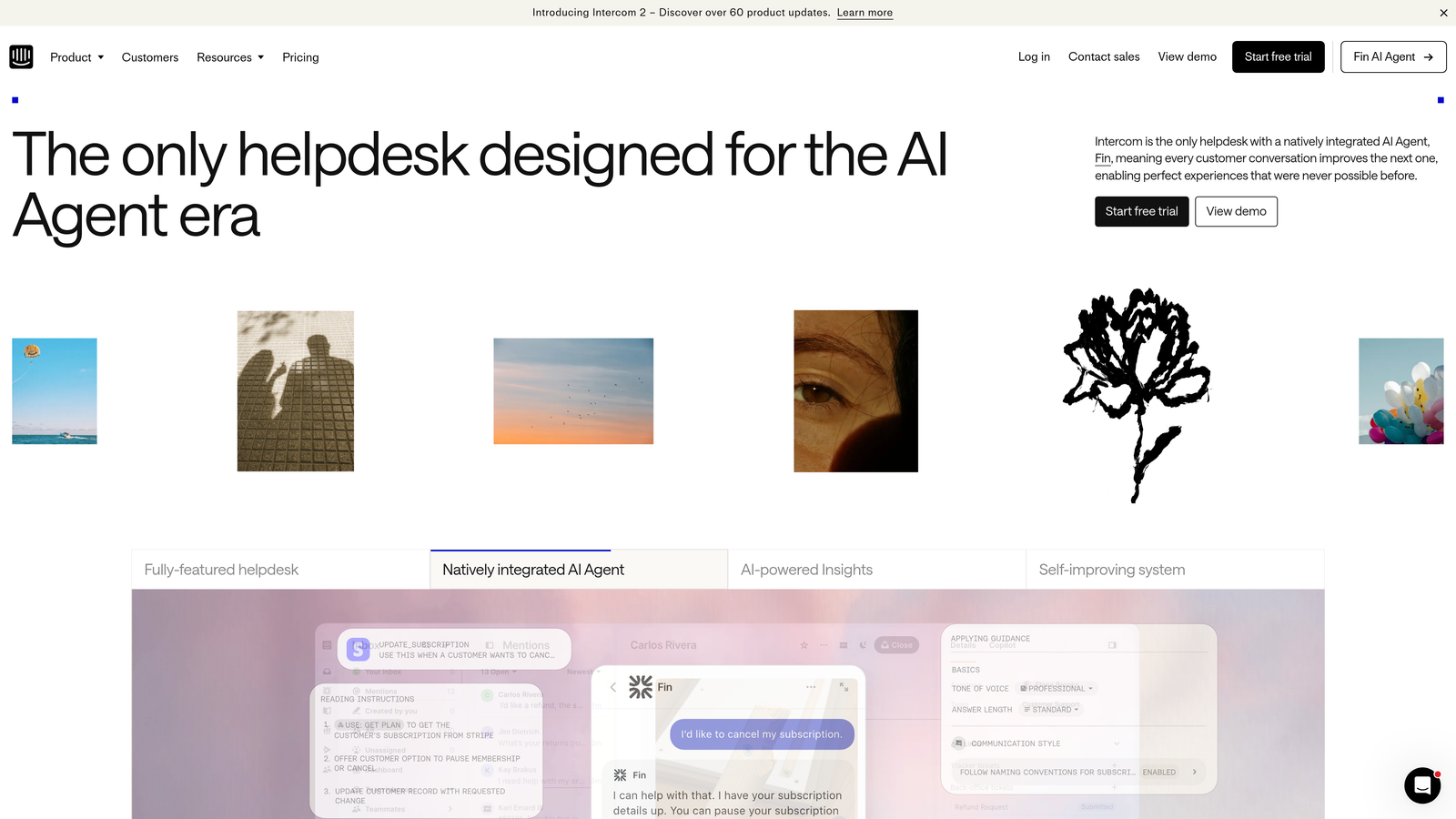
Intercom is a conversational support platform that combines live chat, email, and messaging in a shared team inbox.
Where This Tool Shines
Intercom's intelligent routing ensures conversations reach the right team member based on expertise, availability, or workload. Round-robin and load-balanced distribution prevent any single agent from getting overwhelmed while others have capacity.
The platform's real-time collision detection shows when teammates are viewing or typing responses to the same conversation, preventing duplicate efforts and ensuring customers receive coordinated responses.
Key Features
Shared Team Inbox: Centralized view of all customer conversations with clear assignment.
Teammate Mentions: Tag specific team members in internal notes for quick input.
Intelligent Routing: Automatic assignment based on skills, availability, or workload balance.
Saved Replies: Team-wide templates ensure consistent messaging across agents.
Collision Detection: See when teammates are actively working on the same conversation.
Best For
Product-led companies that want conversational support with smart automation. Particularly effective for SaaS teams handling high volumes of similar inquiries.
Pricing
Essential plan starts at $39 per seat per month for core collaboration features.
6. Front
Best for: Teams wanting collaborative email without forwarding chaos
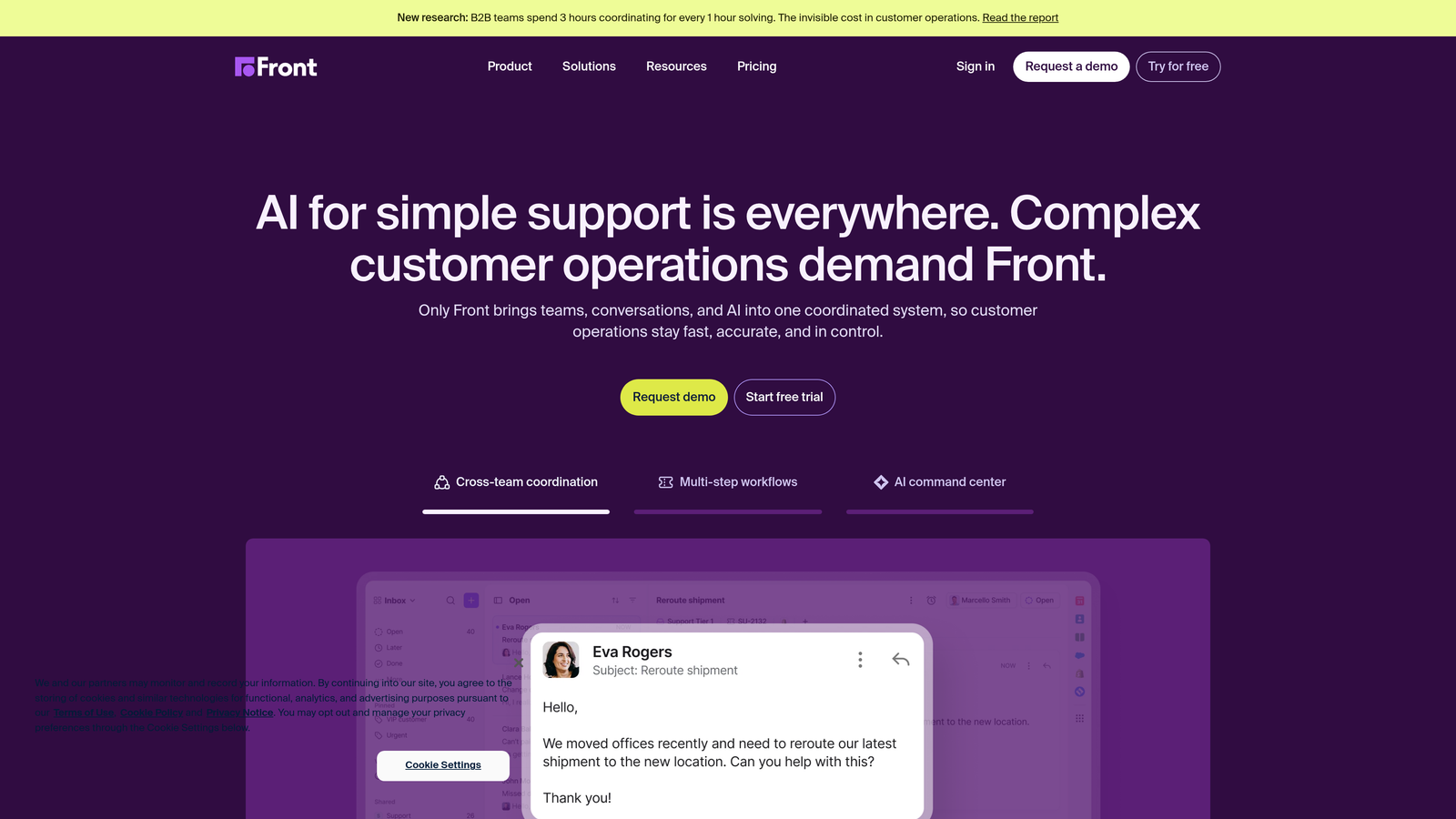
Front is a shared inbox platform that transforms email into a collaborative workspace for support teams.
Where This Tool Shines
Front eliminates the nightmare of forwarded emails and CC chains by giving teams shared access to inboxes without complicated email rules. Multiple agents can work from the same support email address while maintaining clear ownership and avoiding duplicate responses.
The platform's real-time draft collaboration lets team members see what colleagues are typing before they hit send, enabling quick reviews and preventing conflicting messages from reaching customers.
Key Features
Shared Inboxes: Team access to email addresses without forwarding or complex permissions.
Draft Collaboration: See teammate drafts in real-time before they send.
Internal Comments: Discuss any message with your team without cluttering the customer thread.
Assignment Workflows: Clear ownership with tagging and routing rules.
Team Analytics: Track response times, resolution rates, and workload distribution.
Best For
Support teams still heavily reliant on email who want modern collaboration features. Ideal for B2B companies where email remains the primary support channel.
Pricing
Starter plan begins at $19 per seat per month for core shared inbox features.
7. Notion
Best for: Centralizing team knowledge and support documentation
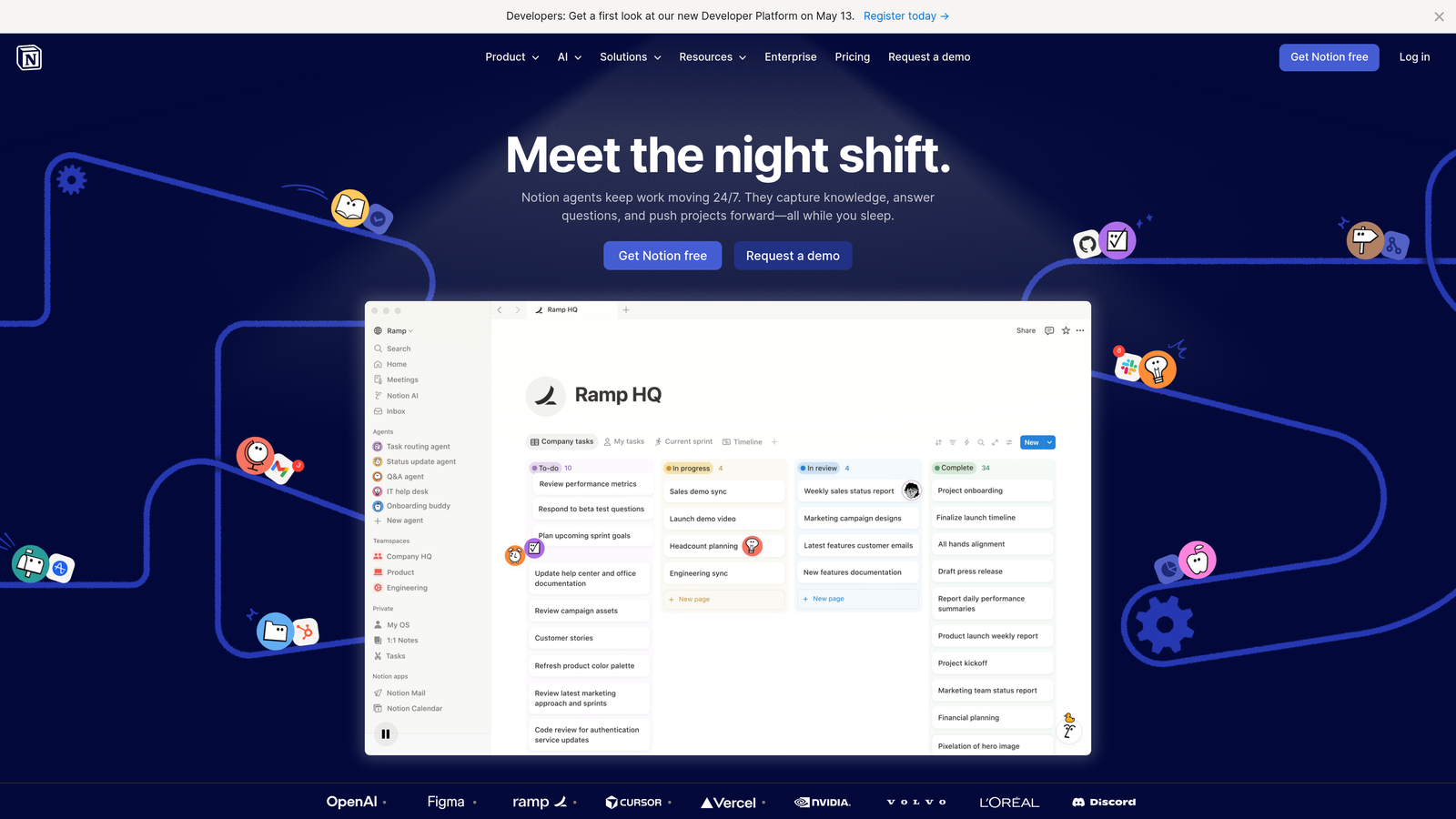
Notion is an all-in-one workspace for team documentation, wikis, and knowledge management.
Where This Tool Shines
Notion excels at creating living documentation that grows with your team. Support playbooks, troubleshooting guides, and escalation procedures stay current because they're easy to update collaboratively rather than locked in static documents.
The platform's database views let you organize support processes in multiple ways—view your knowledge base as a list, board, or table depending on what you need. This flexibility helps teams structure information however makes most sense for their workflows.
Key Features
Collaborative Wikis: Build comprehensive support playbooks with real-time team editing.
Comments and Mentions: Discuss documentation changes and tag teammates for input.
Database Views: Organize processes, FAQs, and workflows in customizable formats.
Templates: Create consistent documentation structures across your knowledge base.
Integration Capabilities: Connect to Slack and other tools for seamless workflows.
Best For
Teams building comprehensive internal knowledge bases and support documentation. Particularly valuable for scaling teams that need consistent onboarding materials.
Pricing
Free for individuals. Plus plan starts at $10 per user per month for team features.
8. Loom
Best for: Async video communication for complex issue handoffs
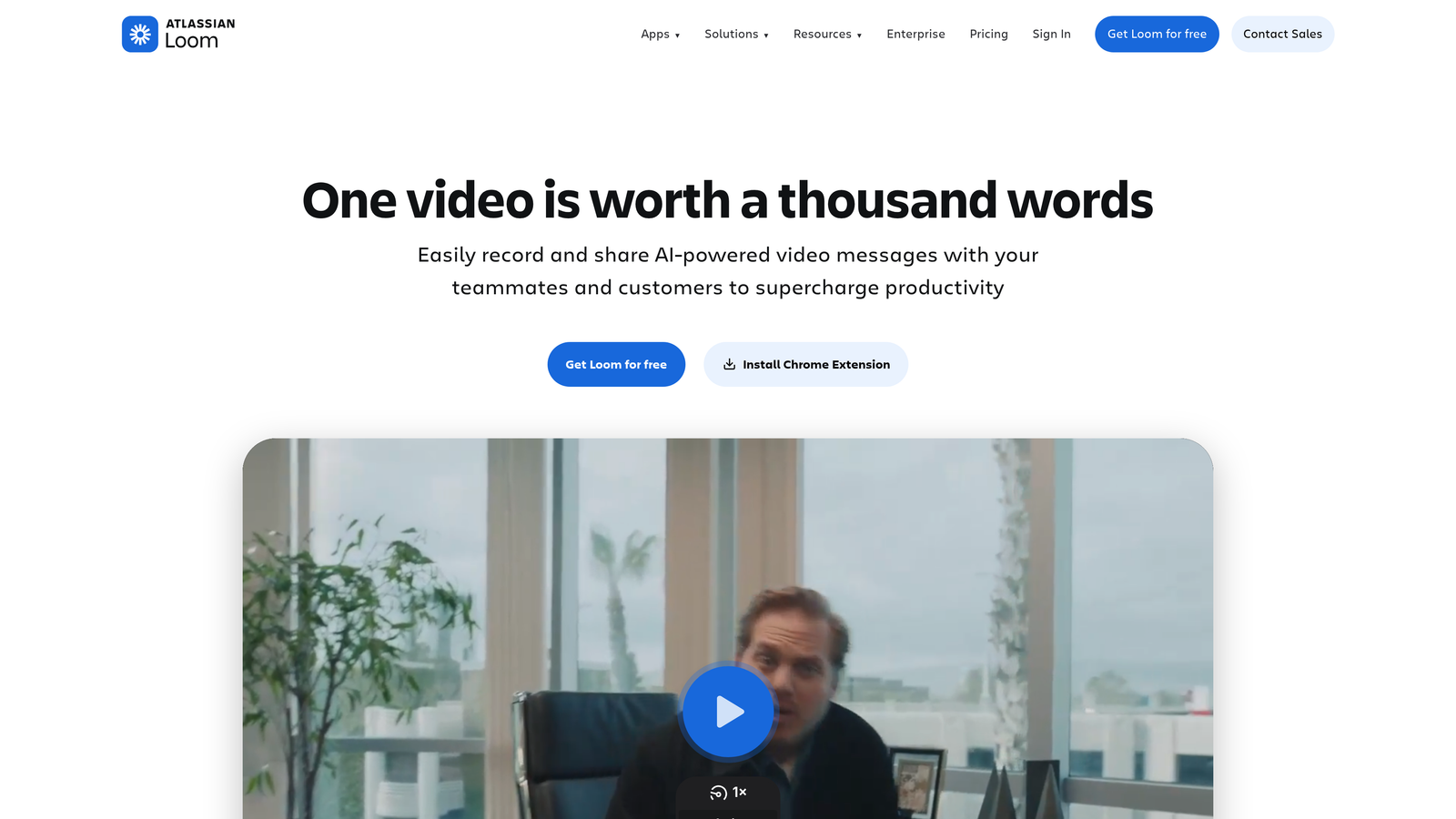
Loom is an async video messaging platform that enables screen recordings for team communication.
Where This Tool Shines
Loom transforms complex support handoffs by letting agents record their screen and voice to explain nuanced issues. Instead of writing lengthy explanations of a bug or unusual customer scenario, agents can show exactly what happened in a two-minute video.
The platform's automatic transcription and chapters make videos searchable and skimmable, so teammates can quickly find the relevant section without watching the entire recording. This efficiency makes video practical for everyday collaboration, not just special cases.
Key Features
Screen and Camera Recording: Capture issue walkthroughs with visual context.
Shareable Links: Send videos instantly without file uploads or email attachments.
Comments and Reactions: Team members can respond at specific timestamps.
Automatic Transcription: Search video content and jump to specific moments.
Video Library: Organize recordings for team training and knowledge sharing.
Best For
Distributed support teams across time zones needing rich async communication. Especially valuable for technical support requiring detailed visual explanations.
Pricing
Free plan available with recording limits. Business plan starts at $15 per creator per month.
9. Linear
Best for: Streamlining support-to-engineering collaboration
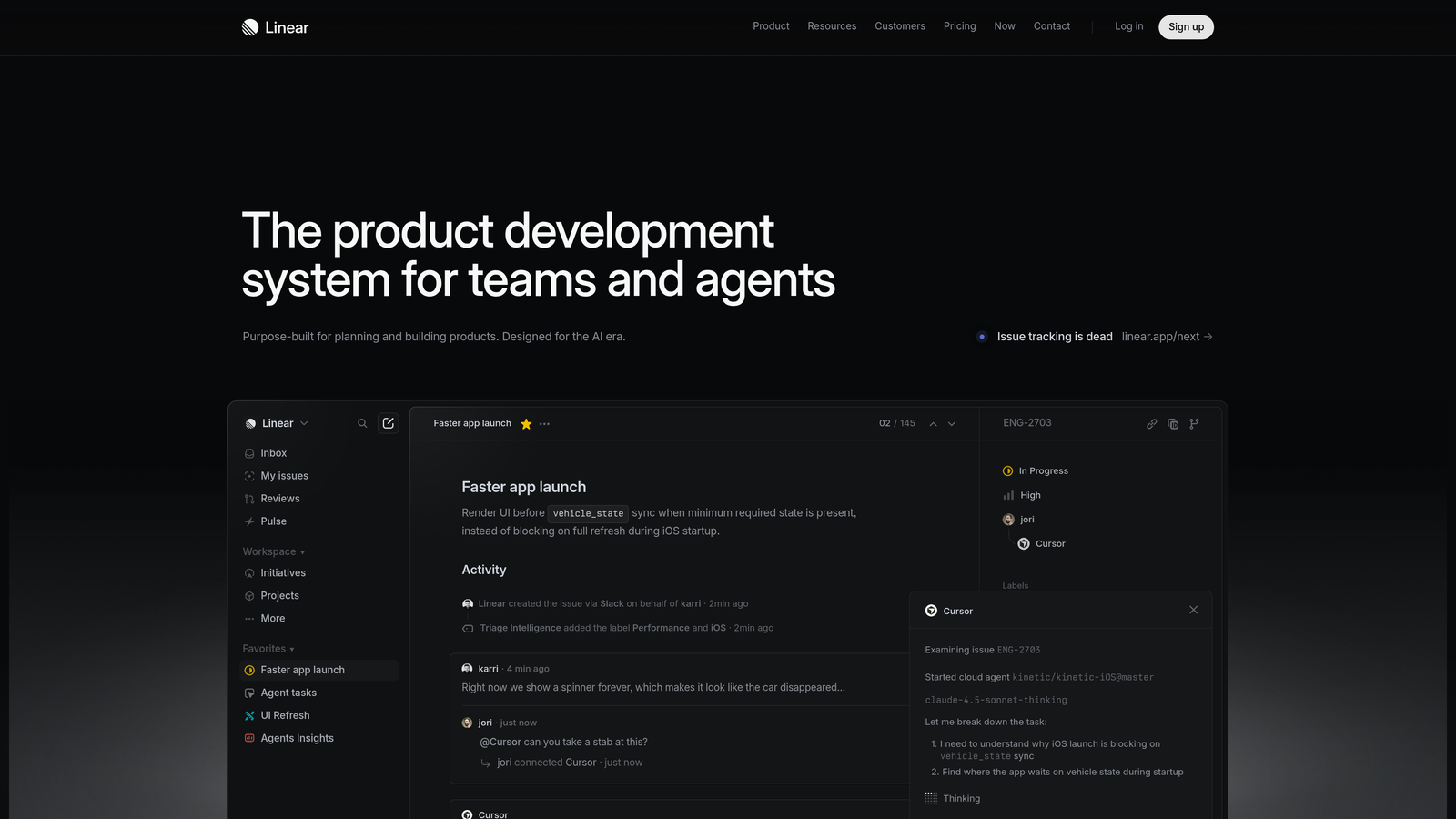
Linear is an issue tracking tool designed for fast, keyboard-driven workflows between support and engineering teams.
Where This Tool Shines
Linear bridges the gap between customer-facing support and engineering teams with streamlined bug reporting that preserves context. Support agents can create engineering tickets with all relevant customer information without learning complex development workflows.
The platform's cycles and roadmaps give support teams visibility into when reported bugs will be fixed, enabling proactive customer follow-up rather than endless "checking with engineering" responses. This transparency improves both team coordination and customer communication.
Key Features
Streamlined Bug Reporting: Create engineering tickets from support with full customer context.
Cycles and Roadmaps: Visibility into development progress for customer follow-up.
Helpdesk Integrations: Connect to Slack, Zendesk, and Intercom for seamless workflows.
Keyboard-Driven Interface: Fast navigation and ticket creation without mouse clicks.
Automatic Status Updates: Sync engineering progress back to support for customer communication.
Best For
Product-focused companies where support and engineering collaborate frequently on bug reports and feature requests. Ideal for teams wanting faster handoffs than traditional project management tools.
Pricing
Free for small teams. Standard plan starts at $8 per user per month.
Making the Right Choice
Choosing the right collaboration tools depends on your team's size, existing tech stack, and primary pain points. For teams wanting AI-powered coordination with intelligent routing and business intelligence, Halo AI offers a modern approach that continuously learns from every interaction. Slack and Microsoft Teams excel at real-time communication across your entire organization. Zendesk and Intercom provide collaboration features built directly into ticket workflows, keeping context where it matters most.
Front transforms email into a collaborative space for teams still heavily reliant on that channel. Notion centralizes team knowledge and creates living documentation that grows with your operation. Loom enables rich async video handoffs for distributed teams. Linear bridges the gap between support and engineering with streamlined bug reporting and transparent progress tracking.
Most successful teams combine two or three of these tools rather than relying on a single solution. Start with your biggest collaboration bottleneck—whether that's scattered conversations, lost context, or slow cross-team handoffs—and expand from there.
Your support team shouldn't scale linearly with your customer base. Let AI agents handle routine tickets, guide users through your product, and surface business intelligence while your team focuses on complex issues that need a human touch. See Halo in action and discover how continuous learning transforms every interaction into smarter, faster support.