9 Best Support Team Productivity Software Tools in 2026
This guide evaluates nine of the best support team productivity software tools available in 2026, comparing them on automation depth, integration breadth, ease of adoption, and real-world impact on resolution speed — so support leaders can find the right fit whether they run a lean startup team or a large enterprise operation.
 Matt PattoliFounder14 min read
Support teams are under more pressure than ever. Ticket volumes keep climbing, customer expectations for fast resolution are higher, and headcount budgets rarely keep pace. The right productivity software doesn't just help agents work faster — it fundamentally changes what's possible: automating repetitive tickets, surfacing context agents need instantly, and giving managers the visibility to continuously improve.
This list covers nine tools that genuinely move the needle for support team productivity in 2026. We evaluated each on automation depth, integration breadth, ease of adoption, and real impact on resolution speed. Whether you're running a lean startup support team or scaling an enterprise operation, there's a fit here.
Tools covered range from AI-native platforms built to resolve tickets autonomously, to helpdesk workhorses, to specialized tools for knowledge management, analytics, and team collaboration. If you're also exploring support automation software for growing companies or comparing AI-first vs. AI-enabled support, those resources pair well with this guide.
1. Halo AI
Best for: B2B SaaS teams that want AI to autonomously resolve tickets and scale support without growing headcount.
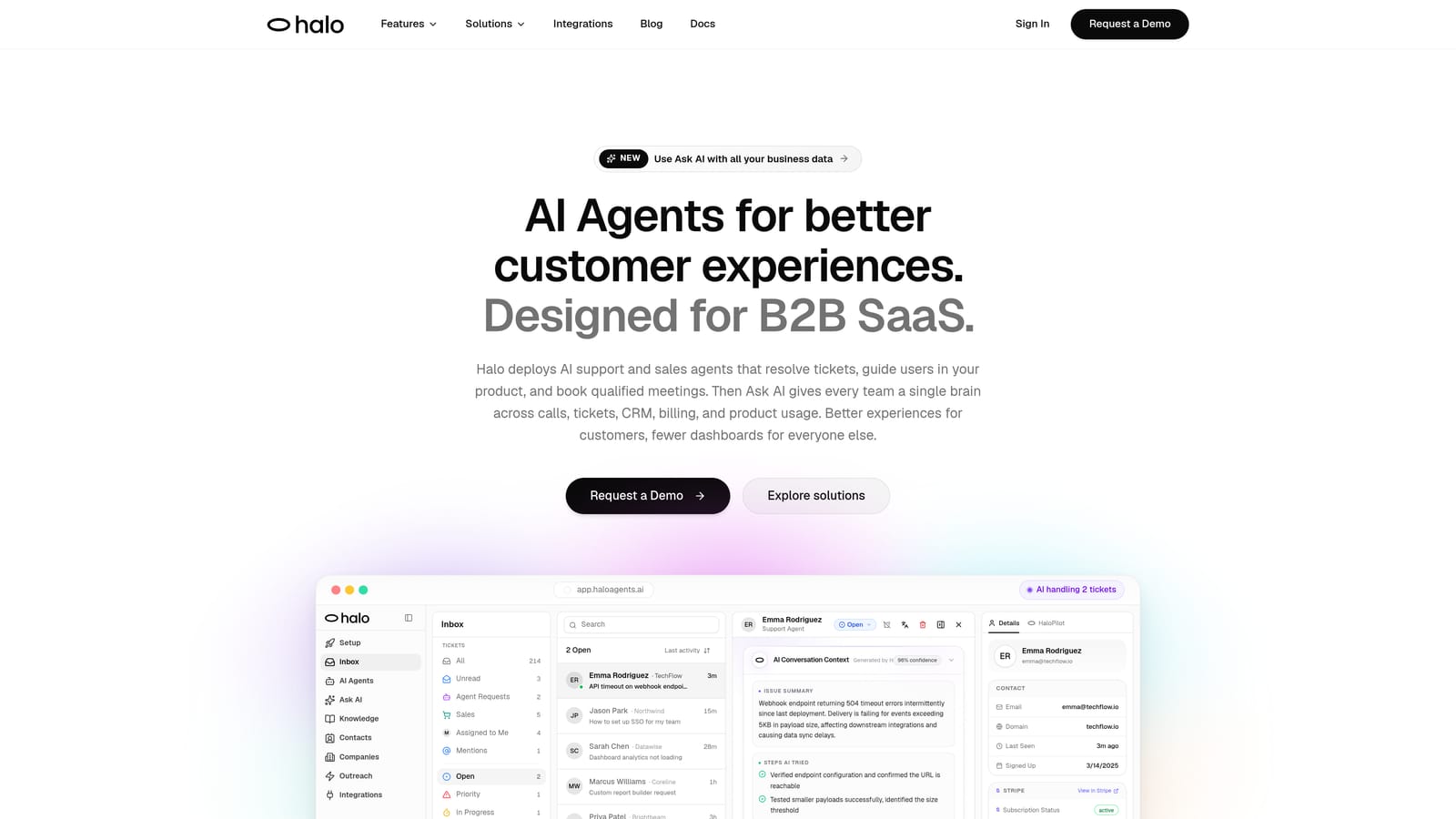
Halo AI is an AI-native customer support platform that deploys autonomous agents to resolve tickets, guide users through your product with page-aware context, and surface business intelligence — all while learning from every interaction.
Where This Tool Shines
The core distinction with Halo is architecture. Most platforms are traditional helpdesks with AI features layered on top. Halo was built AI-first, which means the intelligence isn't a bolt-on — it's the foundation. The system learns from every resolved interaction, which means it gets meaningfully smarter over time rather than staying static.
The page-aware chat widget is particularly useful for SaaS teams. The AI sees what the user is looking at in real time, so guidance is precise and contextual rather than generic. When a ticket does need a human, live agent handoff is smooth, and the agent receives full context without starting from scratch.
Key Features
Autonomous AI Agents: Resolve support tickets without human intervention, handling routine and repetitive volume so agents can focus on complex cases.
Page-Aware Chat Widget: The AI understands what the user is currently viewing in your product, enabling precise in-product guidance rather than generic help articles.
Smart Inbox with Business Intelligence: Goes beyond ticket management to surface customer health signals, revenue intelligence, and anomaly detection — turning support data into strategic insight.
Auto Bug Ticket Creation: Automatically writes bug reports directly to Linear when users report issues, eliminating manual handoff steps between support and engineering.
Full-Stack Integrations: Connects across Slack, HubSpot, Intercom, Stripe, Zoom, PandaDoc, and Fathom for a unified operational picture.
Best For
B2B SaaS companies and product teams that want to scale support capacity without scaling headcount. Especially strong for teams already using Linear for engineering issue tracking, given the native auto bug ticket integration.
Pricing
Contact for pricing. Halo is designed for B2B SaaS teams and pricing is tailored to team size and usage. Reach out directly at haloagents.ai for a conversation.
2. Zendesk
Best for: Enterprise and mid-market teams that need a proven, deeply customizable helpdesk with extensive reporting.
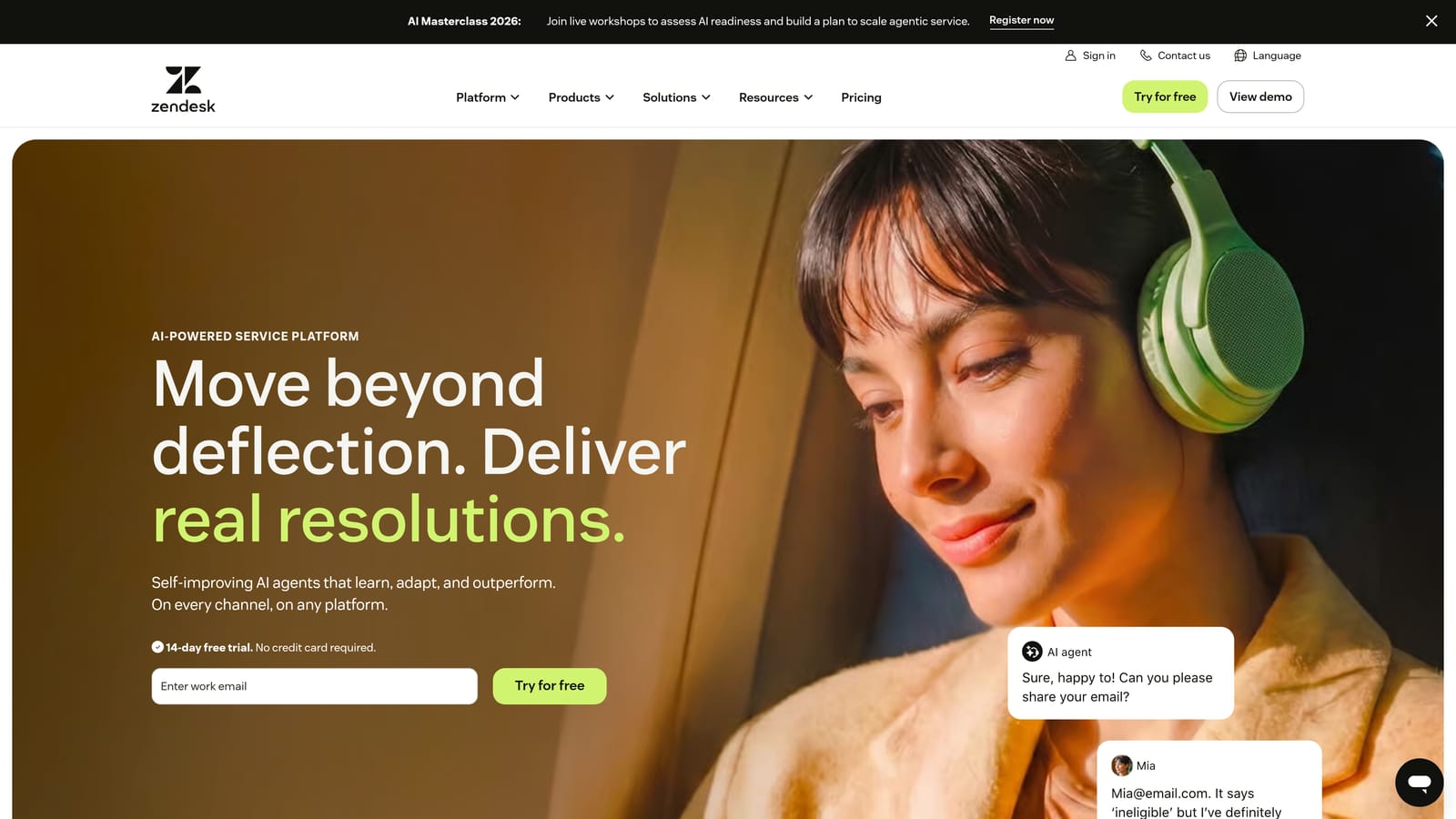
Zendesk is one of the most established helpdesk platforms on the market, offering comprehensive ticketing, SLA management, and a large app ecosystem built up over many years.
Where This Tool Shines
Zendesk's depth is its biggest asset. The platform handles complex routing logic, multi-tier SLA tracking, and escalation workflows in ways that few competitors match. For enterprise teams with sophisticated operational requirements, that maturity is genuinely valuable.
The reporting and analytics layer is also strong. Managers get dashboards covering ticket volume, agent performance, SLA compliance, and CSAT trends. The app marketplace extends the platform significantly, with integrations covering most tools a support team would use.
Key Features
Ticket Routing and SLA Management: Robust workflow engine for routing tickets, managing SLA tiers, and automating escalations based on priority and time.
Zendesk AI: AI-assisted replies and ticket deflection capabilities built into the platform, with ongoing development in the AI layer.
Reporting and Analytics: Comprehensive dashboards covering team performance, SLA compliance, and customer satisfaction metrics.
App Marketplace: Hundreds of integrations available, covering CRMs, communication tools, billing platforms, and more.
Omnichannel Support: Handles email, chat, phone, and social channels within a single unified workspace.
Best For
Enterprise support operations and mid-market teams with complex routing requirements, multi-channel needs, and a preference for a platform with long-term market presence and a large integration ecosystem.
Pricing
Starts at approximately $19 per agent per month for basic plans. Enterprise plans with advanced AI and customization features are significantly higher. Pricing scales with seat count and feature tier.
3. Intercom
Best for: SaaS teams that want to blend proactive customer engagement with reactive support in a single platform.
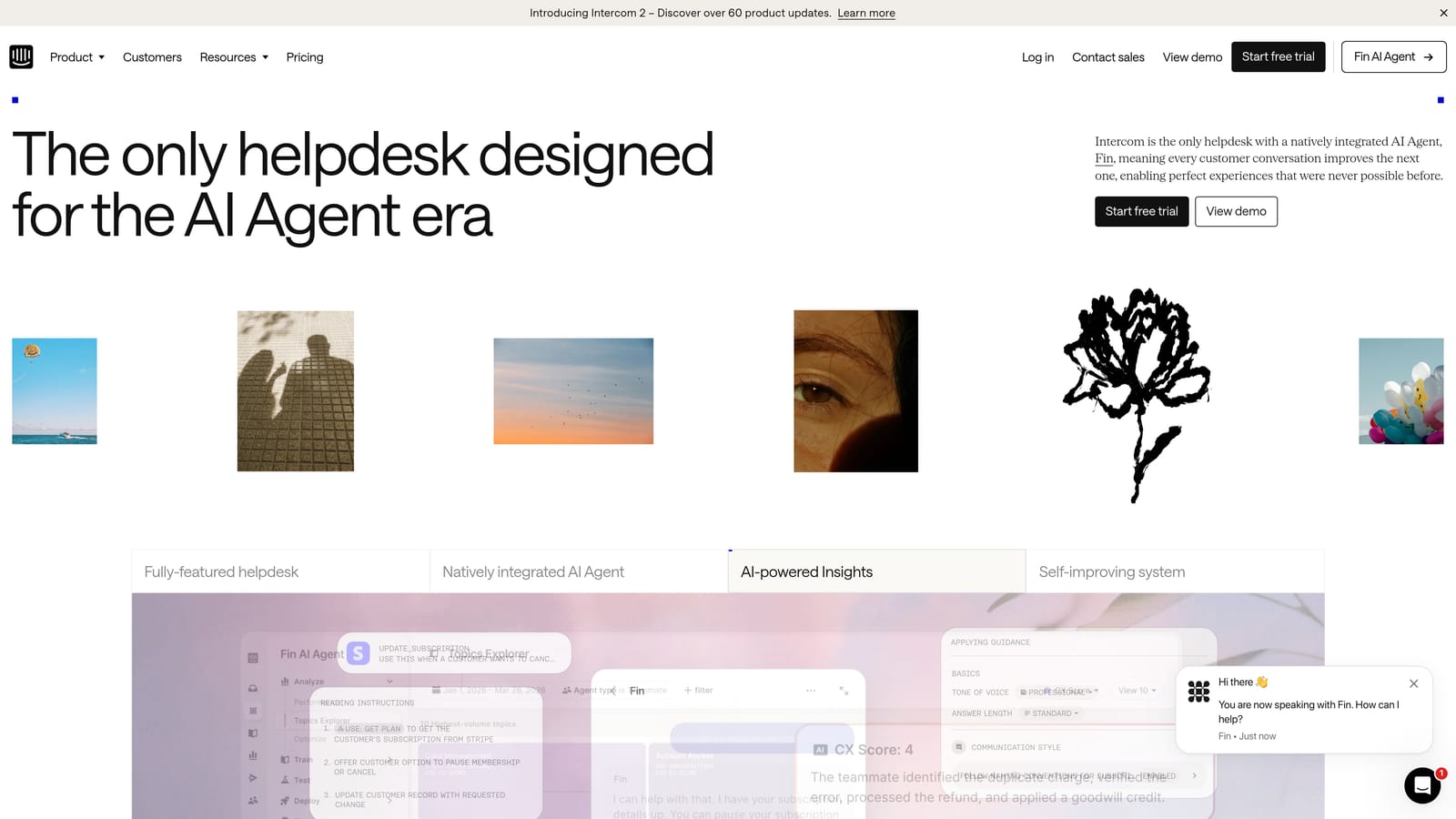
Intercom is a messenger-first support platform that combines in-product chat, proactive messaging, and AI-assisted support in one unified workspace.
Where This Tool Shines
Intercom's strength is the combination of support and customer success touchpoints in one place. Where most helpdesks are reactive, Intercom enables proactive outreach — triggered messages, product tours, onboarding flows — alongside traditional ticket handling. For SaaS companies that view support and success as closely linked, that's a meaningful distinction.
Fin AI, Intercom's AI resolution layer, handles a meaningful share of incoming conversations autonomously. The shared inbox is clean and well-designed, and the customer data platform provides behavioral segmentation that helps teams prioritize high-value conversations.
Key Features
Fin AI: Automated conversation resolution that handles common questions without agent involvement, with smooth handoff when human expertise is needed.
In-Product Messenger: Embeds directly in your product with proactive messaging capabilities for onboarding, feature announcements, and support.
Shared Inbox: Conversation routing and assignment with a clean, modern interface designed for fast response times.
Customer Data Platform: Behavioral segmentation and customer attributes that give agents immediate context on who they're talking to.
Help Center and Bot Builder: Self-service knowledge base and customizable bot flows included in the platform.
Best For
SaaS companies that want to unify support, onboarding, and proactive engagement in one tool. Particularly well-suited for teams where the line between support and customer success is intentionally blurred.
Pricing
Starts at approximately $39 per seat per month. AI resolution volume has usage-based pricing components, so costs can scale with conversation volume. Worth modeling carefully before committing.
4. Freshdesk
Best for: Growing teams that need solid helpdesk fundamentals at accessible pricing without a steep learning curve.
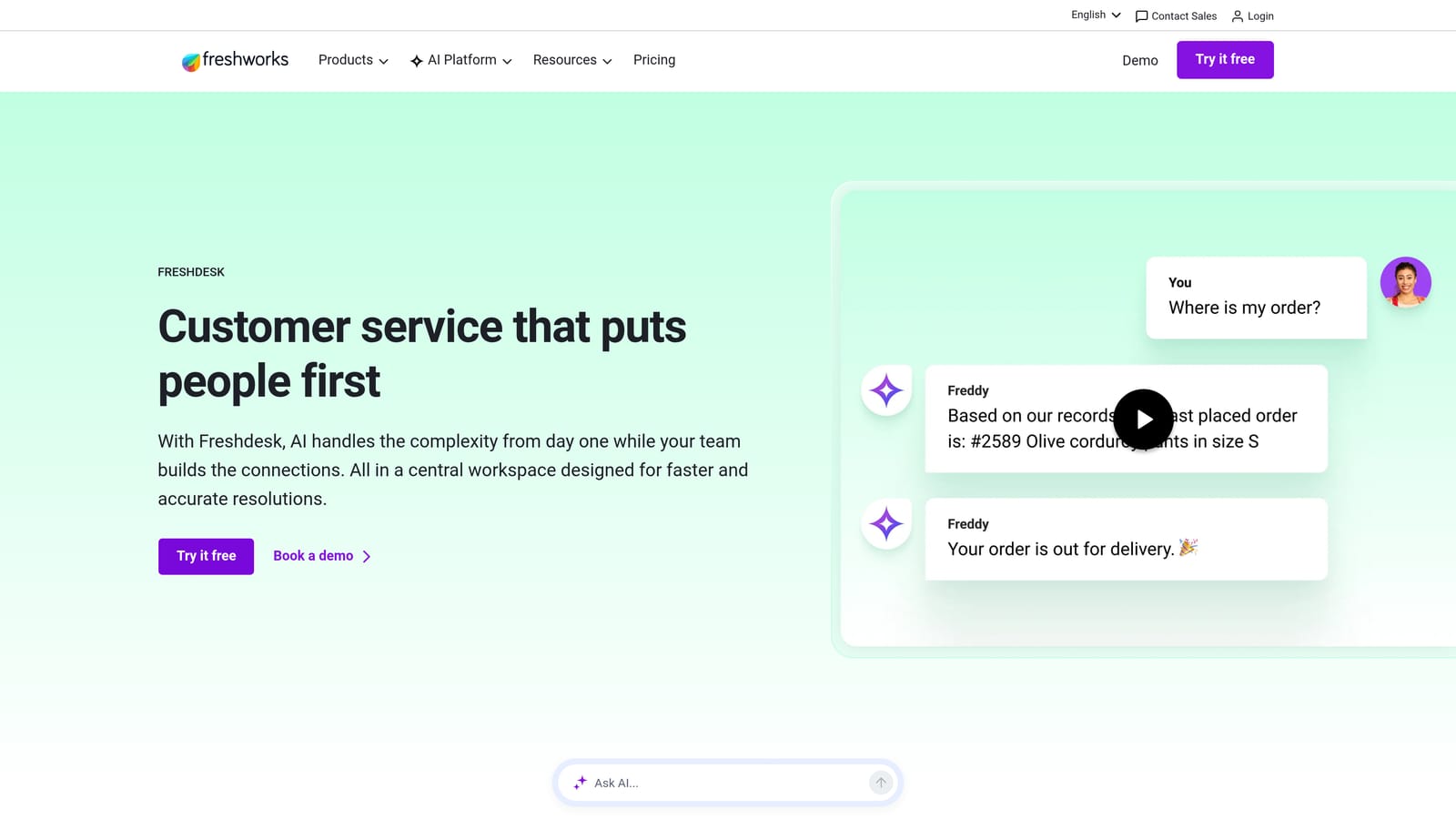
Freshdesk is a helpdesk platform by Freshworks offering multi-channel ticketing, automation workflows, and AI capabilities at competitive pricing for teams that don't need enterprise complexity.
Where This Tool Shines
Freshdesk's reputation is built on being genuinely easy to get up and running. Onboarding is faster than most comparable platforms, the interface is intuitive, and the core ticketing functionality covers what most growing support teams actually need. For SMBs moving off email-based support for the first time, it's a strong starting point.
The automation layer handles ticket routing and assignment rules well, and Freddy AI adds ticket suggestions and automated responses without requiring significant configuration. Collision detection is a practical feature that prevents two agents from accidentally working the same ticket simultaneously.
Key Features
Multi-Channel Ticketing: Consolidates email, chat, phone, and social support into a single inbox with unified routing.
Freddy AI: AI layer providing ticket suggestions, automated responses, and predictive support capabilities built into the platform.
Automation Rules: Configurable routing and assignment automation for ticket triage without manual intervention.
Collision Detection: Alerts agents when another team member is already viewing or responding to a ticket, preventing duplicate effort.
Marketplace Integrations: Connects with popular SaaS tools including CRMs, billing platforms, and communication tools.
Best For
SMBs and growing teams that want a reliable, easy-to-adopt helpdesk without the complexity or cost of enterprise platforms. Also a good fit for teams that need a free tier to start and room to grow.
Pricing
Free plan available for up to 10 agents. Paid plans start at approximately $15 per agent per month, making it one of the more accessible options in this list for budget-conscious teams.
5. Guru
Best for: Support teams losing significant time searching for accurate answers across scattered internal documentation.
Guru is an AI-powered knowledge management platform that surfaces verified answers directly inside agents' existing workflows, whether that's a browser, Slack, or a helpdesk.

Where This Tool Shines
The core problem Guru solves is institutional knowledge being scattered and hard to find under pressure. When an agent is mid-conversation with a customer, they shouldn't have to dig through Confluence, a Google Drive folder, and three Slack threads to find the right answer. Guru brings verified knowledge cards into whatever tool the agent is already using, in real time.
The knowledge verification workflow is what keeps the content trustworthy over time. Subject matter experts are assigned to review and re-verify cards on a schedule, so agents aren't surfacing outdated information. The analytics layer shows which knowledge gaps agents hit most often, which helps managers prioritize content creation.
Key Features
AI-Powered Search: Surfaces relevant knowledge cards in real time based on the context of the conversation the agent is handling.
Browser Extension: Brings Guru's knowledge base into any tool — helpdesk, CRM, email — without switching tabs or applications.
Knowledge Verification Workflows: Assigns content ownership and review schedules to keep information accurate and up to date.
Slack and Helpdesk Integrations: Delivers in-context answers inside the tools agents are already using throughout their day.
Knowledge Gap Analytics: Tracks which searches return no results or low-confidence answers, highlighting content priorities for the team.
Best For
Support teams at companies with complex products, frequent policy changes, or large knowledge bases where finding the right answer quickly is a consistent bottleneck for agents.
Pricing
Starts at approximately $10 per user per month. Enterprise pricing is available for larger teams with advanced needs. Free trial available.
6. Assembled
Best for: Mid-market and enterprise support operations that need precise workforce planning and real-time staffing visibility.
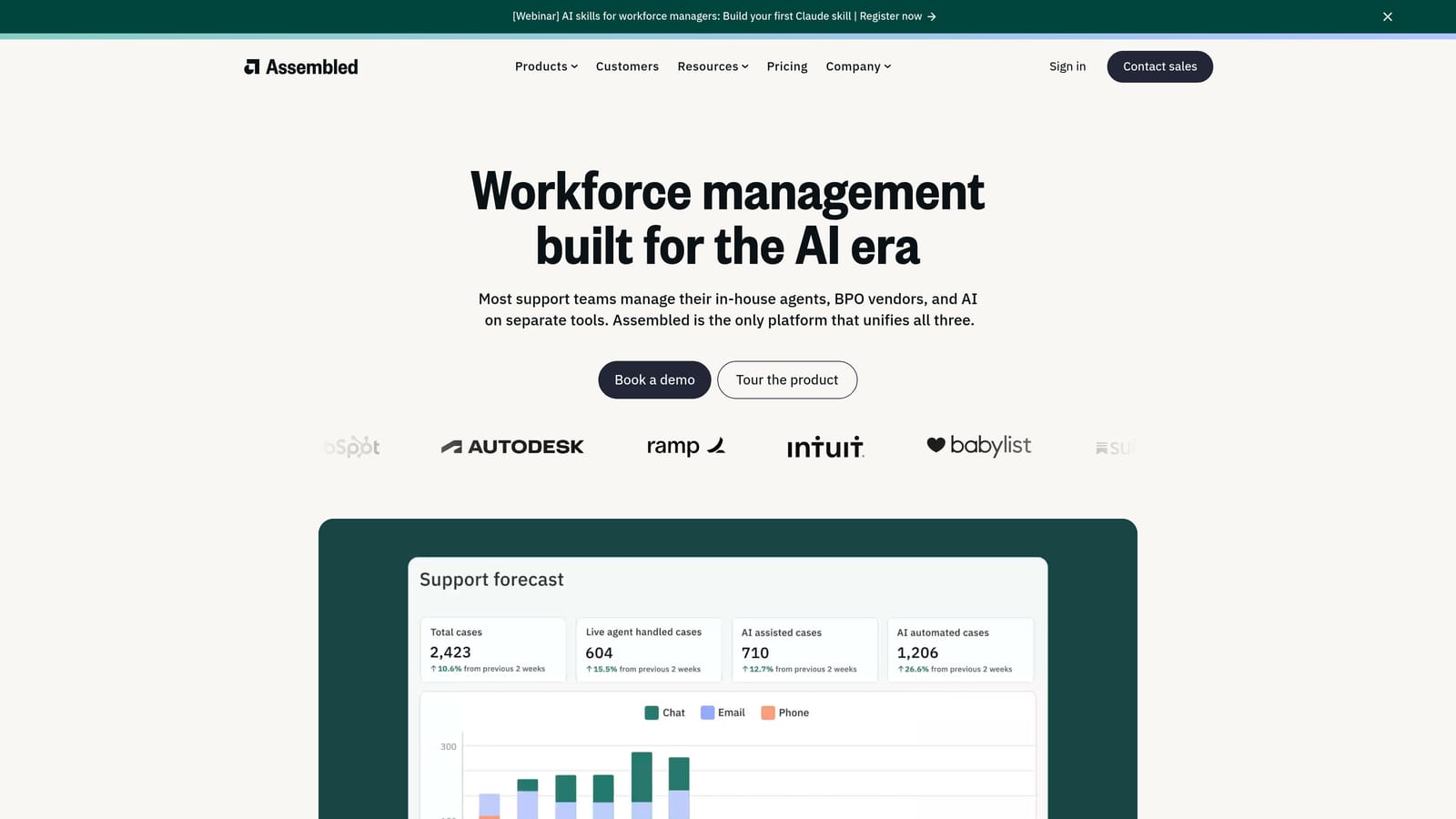
Assembled is a workforce management platform built specifically for support teams, covering volume forecasting, agent scheduling, and real-time adherence tracking.
Where This Tool Shines
Most helpdesks tell you what happened — Assembled helps you prepare for what's coming. The forecasting engine uses historical ticket volume patterns to predict staffing needs, which means managers can schedule with confidence rather than guessing. For teams managing multiple shifts, channels, or time zones, that predictive layer is operationally significant.
Real-time adherence monitoring is the other standout capability. Managers can see whether agents are on the right task at the right time during live operations, which closes a visibility gap that most support platforms simply don't address. Capacity planning tools also let teams model headcount scenarios before making hiring decisions.
Key Features
Volume Forecasting: Predicts incoming ticket volume based on historical patterns across channels, helping teams staff appropriately in advance.
Agent Scheduling: Full shift management including time-off tracking, schedule publishing, and coverage gap identification.
Real-Time Adherence: Live visibility into whether agents are on the right tasks during active operations, with alerts for deviations.
Capacity Planning: Scenario modeling to project headcount needs based on projected volume growth or service level targets.
Helpdesk Integrations: Connects with Zendesk, Intercom, Salesforce, and Slack to pull live data into the forecasting and scheduling engine.
Best For
Mid-market and enterprise support operations with multiple agents, complex scheduling requirements, or a need to justify staffing decisions with data. Less relevant for very small teams where scheduling complexity is minimal.
Pricing
Contact for pricing. Assembled targets mid-market and enterprise operations, so pricing reflects that segment. Reach out directly for a quote based on team size and requirements.
7. Klaus (Zendesk QA)
Best for: Support leaders who want to move from sampled quality reviews to AI-powered scoring across every single conversation.
Klaus, now integrated into Zendesk as Zendesk QA, is an AI-powered quality assurance tool that scores 100% of support conversations automatically rather than relying on manual sampling.
Where This Tool Shines
Traditional QA processes review a small percentage of conversations — often just enough to satisfy a process requirement rather than generate meaningful insight. Klaus changes that by applying AI scoring to every conversation, which means outliers, coaching opportunities, and quality trends surface that would otherwise stay hidden in the volume.
The coaching workflow is well-designed. QA findings link directly to agent feedback, so the path from "identified issue" to "coaching conversation" is short. Agent performance dashboards give team leads a clear view of trends over time rather than point-in-time snapshots.
Key Features
AI-Powered AutoQA: Automatically scores all conversations against quality criteria — not just a sampled subset — giving complete visibility into team performance.
Customizable Scorecards: Quality criteria are configurable to match your team's specific standards, tone guidelines, and resolution expectations.
Agent Performance Dashboards: Trend tracking across individual agents and the team as a whole, with historical comparison built in.
Coaching Workflows: Links QA findings directly to structured agent feedback, shortening the loop between quality identification and improvement.
Multi-Platform Integrations: Works with Zendesk, Intercom, Freshdesk, and other major helpdesks, so it's not limited to Zendesk environments.
Best For
Support teams with enough volume that manual QA sampling feels inadequate, and team leads who want data-driven coaching rather than subjective performance conversations.
Pricing
Now part of Zendesk QA, with pricing bundled into Zendesk plans or available as a standalone product. Contact Zendesk for current pricing based on your team configuration.
8. Linear
Best for: Support teams that need a clean, fast handoff path for customer-reported bugs into engineering workflows.
Linear is a fast, keyboard-driven issue tracking platform popular with engineering teams — and increasingly relevant for support operations that need a reliable bug escalation path.
Where This Tool Shines
Linear's relevance to support productivity is specific but important: the handoff from customer-reported issue to engineering ticket is often slow, manual, and inconsistently executed. Linear's clean interface and API make it easy for support tools to write issues automatically, which eliminates a friction point that costs time on both sides of the handoff.
For teams using Halo AI, this integration is native — bug tickets are created in Linear automatically when users report issues, without any manual steps. Even without that automation, Linear's speed and clarity make it a better engineering collaboration surface than most alternatives, which matters when support needs a quick answer on a reported bug's status.
Key Features
Fast Issue Creation: Keyboard-driven interface with shortcuts that make creating and updating issues significantly faster than traditional project management tools.
Team and Project Organization: Priority levels, status tracking, and team assignments keep engineering workflows organized and visible to support.
API and Integrations: Allows support tools to write issues automatically, enabling zero-touch bug ticket creation from customer conversations.
Cycle and Roadmap Views: Sprint planning visibility that helps support understand when reported bugs are likely to be addressed.
Slack and GitHub Integrations: Keeps the full development workflow connected for cross-functional visibility.
Best For
Support teams at software companies where customer-reported bugs are a regular part of the ticket mix, and where a clean, fast handoff to engineering is a recurring operational need.
Pricing
Free plan available. Paid plans start at approximately $8 per user per month, making it one of the more affordable tools in this list relative to the workflow value it provides.
9. Slack
Best for: Teams that need a reliable, well-integrated hub for internal escalations, engineering collaboration, and cross-functional context sharing.
Slack is the team communication platform that serves as connective tissue for support escalations, engineering collaboration on customer issues, and cross-functional context sharing across most modern support stacks.
Where This Tool Shines
Slack's value to support teams isn't as a ticket-handling tool — it's as the internal coordination layer that makes everything else work faster. Escalation channels keep complex issues visible to the right people. Engineering can respond to customer-reported bugs in context. Leadership gets alerts when anomalies occur. Most support and engineering tools integrate with Slack natively, which means it becomes the ambient awareness layer for the whole operation.
Workflow Builder adds meaningful automation without requiring engineering resources. Support teams use it to automate escalation notifications, route urgent alerts to on-call channels, and trigger handoff processes when specific conditions are met.
Key Features
Organized Channels: Dedicated channels for escalations, team communication, and cross-functional collaboration keep context organized and searchable.
Workflow Builder: No-code automation for routine notifications, escalation routing, and handoff triggers without engineering involvement.
Broad Integration Ecosystem: Connects with virtually every support, engineering, and business tool in a modern stack, making it the natural hub for cross-system alerts.
Huddles and Clips: Quick synchronous or async communication options for fast coordination without scheduling a full meeting.
Conversation Search: Searchable history across all channels functions as informal institutional knowledge for recurring issues and past decisions.
Best For
Any support team working alongside engineering, product, or customer success functions where internal coordination is a daily operational need. Essentially universal at this point — the question is how well your team uses it, not whether to use it.
Pricing
Free plan available with message history limits. Pro plan starts at approximately $7.25 per user per month. Business+ and Enterprise Grid plans available for larger organizations with advanced security and compliance requirements.
Which Tool Is Right for Your Team?
The honest answer is that no single tool covers everything — the most productive support teams in 2026 are building stacks where each layer does its job well and hands off cleanly to the next.
Here's a quick orientation by use case. If you want AI to autonomously resolve tickets and scale without adding headcount, start with Halo AI. If you need a proven enterprise helpdesk with deep customization and reporting, Zendesk is the benchmark. For SaaS teams that want to blend proactive engagement with support, Intercom is a strong fit. SMBs looking for solid fundamentals at accessible pricing should evaluate Freshdesk first.
For specific functional gaps, the remaining tools each solve a distinct piece of the puzzle. Guru addresses knowledge surfacing and search time. Assembled handles workforce planning and staffing intelligence. Klaus brings AI-powered quality assurance to the entire conversation volume. Linear creates a clean bug escalation path to engineering. Slack ties everything together as the internal coordination layer.
The pattern across the highest-performing support teams is consistent: AI handles repetitive volume, agents focus on complex cases that need human judgment, and managers have the data to keep improving both. That's not a vision for the future — it's how well-architected support stacks are operating right now.
Your support team shouldn't scale linearly with your customer base. Let AI agents handle routine tickets, guide users through your product, and surface business intelligence while your team focuses on complex issues that need a human touch. See Halo in action and discover how continuous learning transforms every interaction into smarter, faster support.
If you're still mapping out your approach, the guides on automated customer service software comparisons and helpdesk automation software pricing are useful next steps.