11 Best Support Team Productivity Tools in 2026
Discover the 11 best support team productivity tools in 2026 that help overwhelmed teams resolve tickets faster while maintaining quality. This comprehensive guide evaluates automation platforms, collaboration tools, and analytics solutions based on integration capabilities, adoption ease, and measurable impact on resolution times—perfect for both startup and enterprise support operations looking to work smarter, not harder.
 Matt PattoliFounder14 min read
Support teams are under constant pressure to do more with less—resolve tickets faster, maintain quality, and keep customers happy while headcount stays flat. The right productivity tools can transform a reactive support operation into a proactive, efficient machine.
This guide covers the best tools for automating repetitive work, streamlining collaboration, and giving your team the insights they need to work smarter. We've evaluated each tool based on integration capabilities, ease of adoption, and measurable impact on resolution times and team efficiency. Whether you're scaling a startup support team or optimizing an enterprise operation, you'll find tools here that fit your workflow.
1. Halo AI
Best for: Teams wanting AI agents that autonomously resolve tickets and learn from every interaction
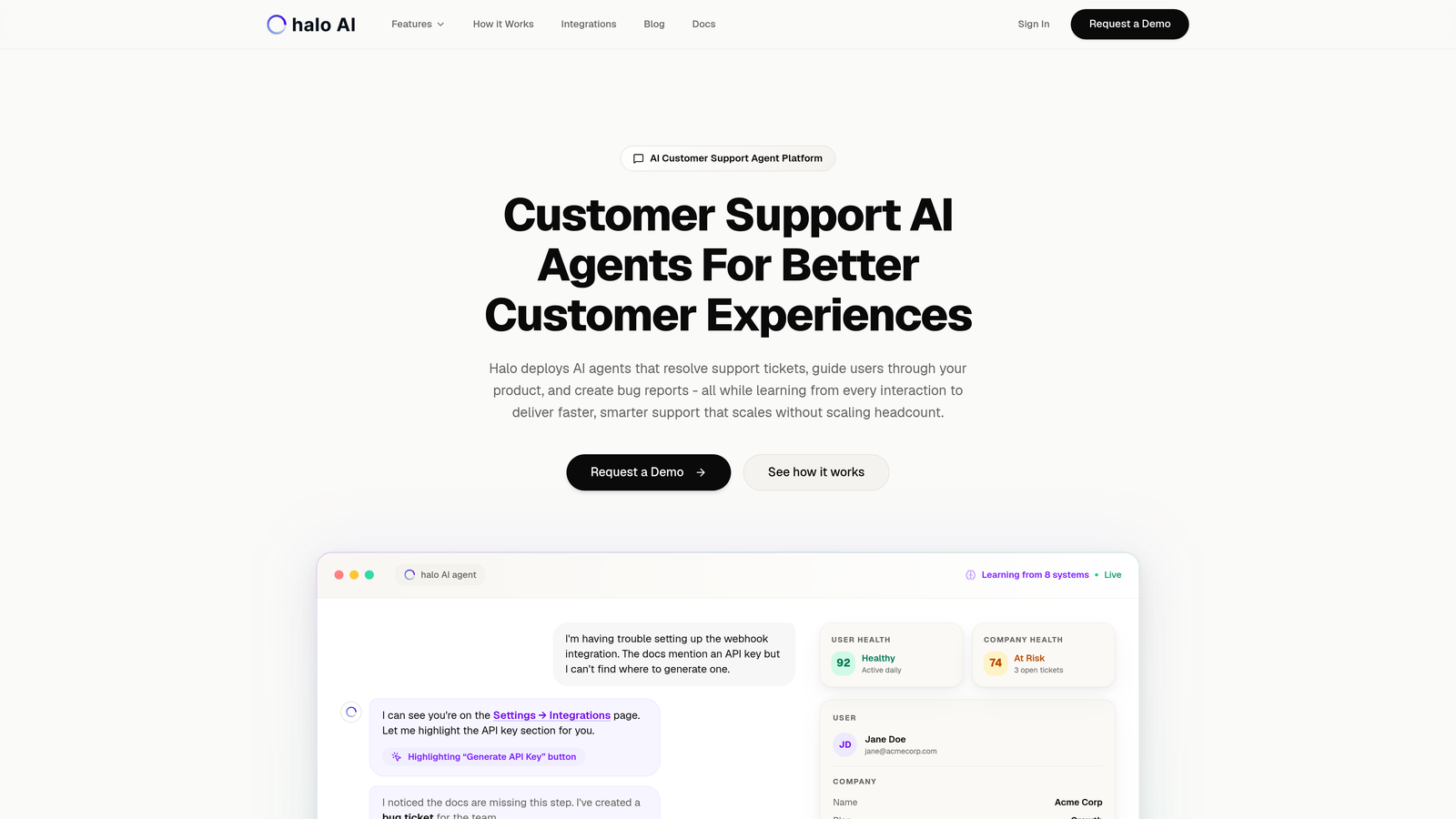
Halo AI deploys intelligent agents that handle support tickets, guide users through your product, and create bug reports while continuously improving from each customer interaction.
Where This Tool Shines
Unlike traditional helpdesks with bolt-on AI features, Halo is built AI-first from the ground up. The platform sees what your users see through page-aware context, enabling agents to provide visual guidance and troubleshoot based on actual user behavior rather than just ticket descriptions.
The continuous learning architecture means your support gets smarter over time without manual intervention. Every resolved ticket, every escalation, every customer interaction feeds back into the system's intelligence, creating a support operation that improves automatically.
Key Features
Autonomous AI Agents: Handle ticket resolution end-to-end without human intervention for routine issues.
Page-Aware Chat Widget: Provides visual UI guidance based on what users actually see in your product.
Smart Inbox with Business Intelligence: Surfaces customer health signals, revenue intelligence, and anomaly detection beyond basic support metrics.
Auto Bug Ticket Creation: Automatically generates engineering tickets in Linear when product issues are detected.
Live Agent Handoff: Seamlessly escalates complex issues to human agents with full context transfer.
Best For
B2B SaaS companies looking to scale support without scaling headcount. Particularly valuable for product teams using helpdesk systems like Zendesk, Freshdesk, or Intercom who want AI that integrates across their entire business stack including Slack, HubSpot, Stripe, and engineering tools.
Pricing
Contact for pricing. The platform is designed for teams serious about AI-first support transformation rather than incremental automation.
2. Zendesk
Best for: Enterprise teams needing comprehensive omnichannel support with advanced workflow automation
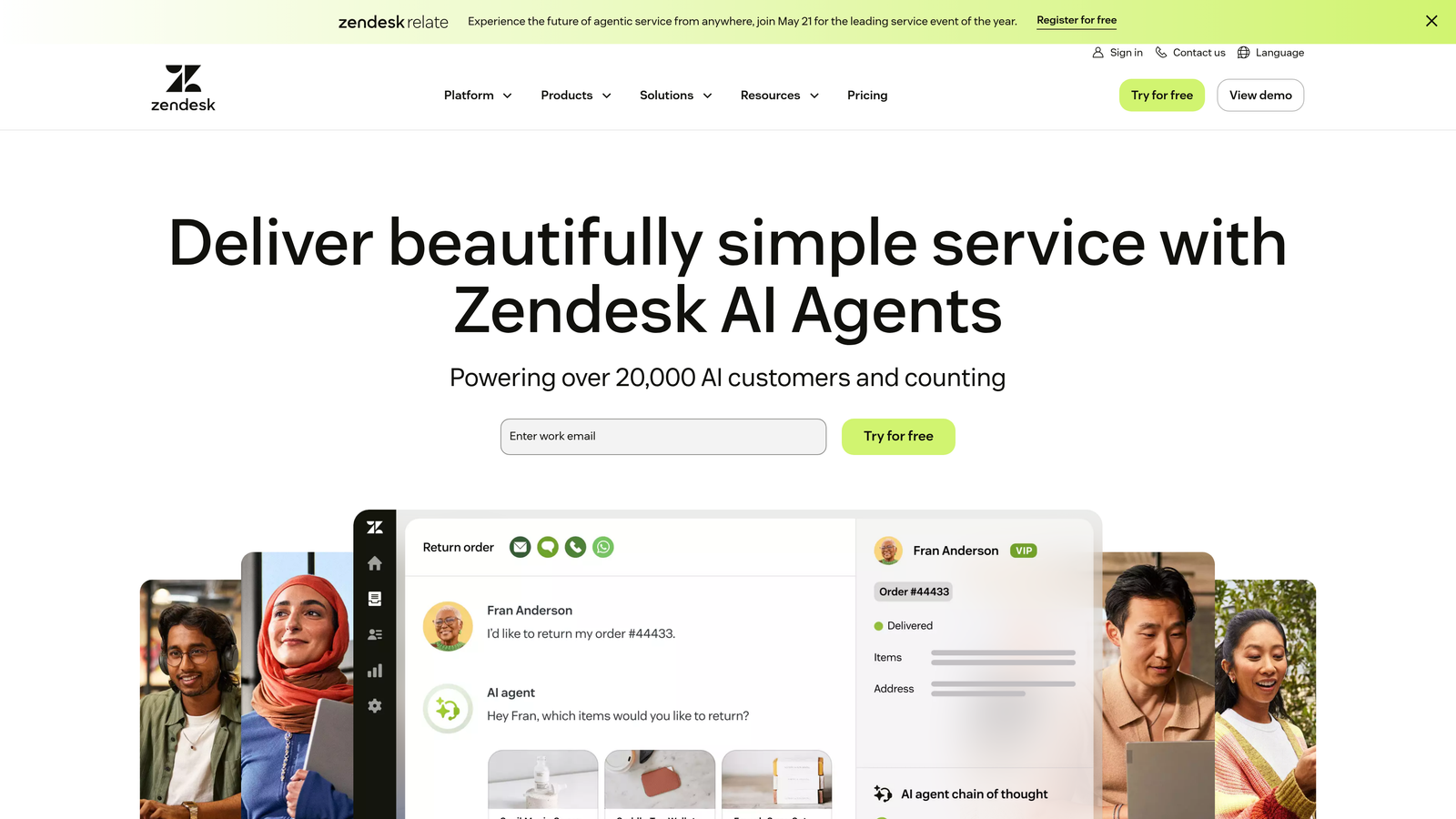
Zendesk is the established leader in customer service platforms, offering robust ticket management across email, chat, phone, and social channels with extensive customization options.
Where This Tool Shines
Zendesk handles complexity at scale better than almost any platform. If you're managing support across multiple brands, languages, and channels with hundreds of agents, the depth of workflow customization and reporting becomes invaluable.
The app marketplace ecosystem is massive—over 1,200 integrations mean you can connect virtually any tool in your tech stack. This extensibility makes Zendesk a central hub rather than an isolated support silo.
Key Features
Omnichannel Ticket Management: Unified interface for managing customer conversations across all communication channels.
Customizable Workflow Automation: Build complex routing rules, macros, and triggers to automate repetitive tasks.
Advanced Analytics and Reporting: Deep insights into team performance, customer satisfaction, and operational metrics.
Extensive App Marketplace: Access to thousands of pre-built integrations and custom apps.
AI-Powered Answer Bot: Automated responses for common questions based on knowledge base content.
Best For
Enterprise organizations with complex support operations spanning multiple channels and geographies. Teams that need granular control over workflows and have the resources to invest in proper implementation and ongoing administration.
Pricing
Starts at $55/agent/month for Suite Team. Enterprise plans with advanced features require custom pricing. The total cost of ownership can climb significantly with add-ons and integrations.
3. Intercom
Best for: Product-led companies wanting conversational support that drives user engagement and onboarding
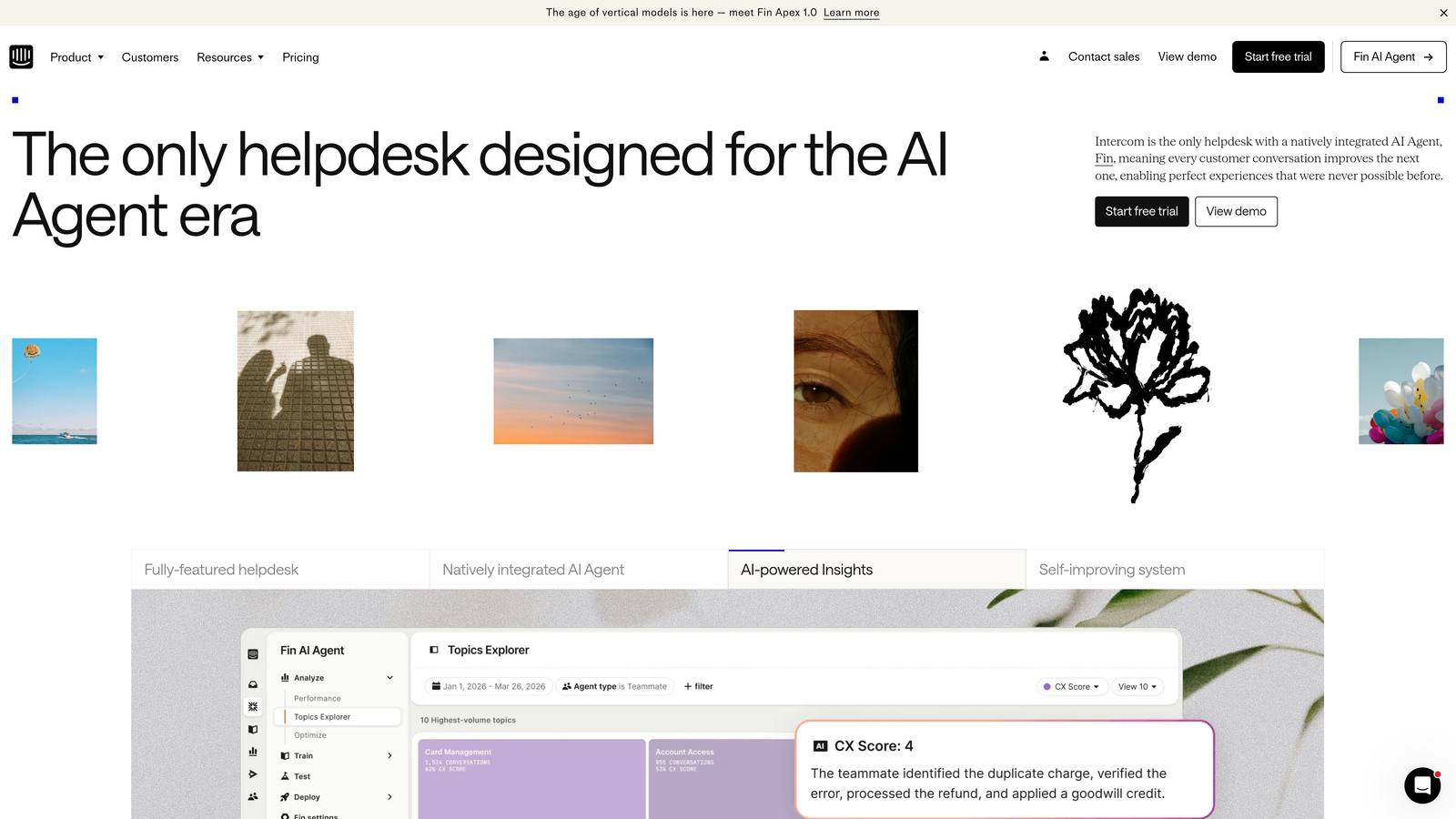
Intercom combines messenger, bots, and help center into a unified platform designed for proactive, personalized customer engagement throughout the product lifecycle.
Where This Tool Shines
Intercom excels at blending support with product experience. The in-app messenger doesn't feel like a traditional support widget—it's a communication channel that can deliver onboarding tours, feature announcements, and targeted messages alongside support conversations.
The platform's strength lies in contextual engagement. You can trigger messages based on user behavior, segment customers by product usage or account value, and create automated workflows that feel personal rather than robotic.
Key Features
In-App Messaging and Chat: Native messenger that lives inside your product for seamless customer communication.
Custom Bot Workflows: Build automated conversation paths for common questions and tasks.
Product Tours and Onboarding: Guide new users through features with targeted, triggered messages.
Shared Inbox with Team Collaboration: Collaborate on conversations with internal notes and assignments.
Customer Data Platform Integration: Rich customer profiles combining support history with product usage data.
Best For
SaaS companies where support and product teams work closely together. Ideal for businesses that view support as part of the customer journey rather than a separate cost center, and want to reduce support volume through proactive engagement.
Pricing
Starts at $74/month for Essential plan. Pricing scales with features and seat count, with Pro and Premium tiers offering advanced automation and customization. Can become expensive as your team grows.
4. Freshdesk
Best for: Growing teams needing intuitive ticketing and automation without enterprise complexity or pricing
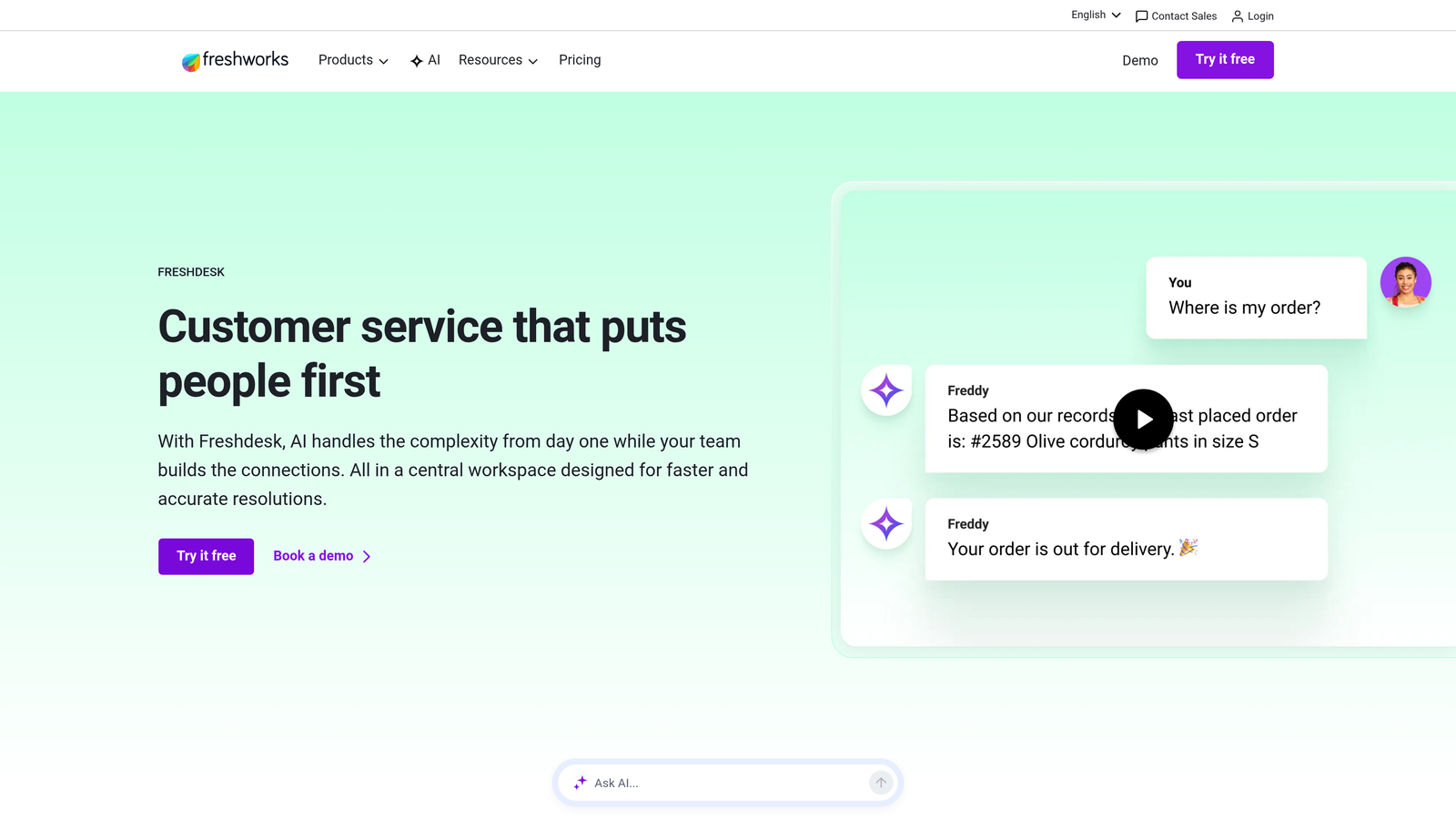
Freshdesk delivers cloud-based helpdesk functionality with a clean interface, smart automation, and self-service tools designed for teams scaling their support operations.
Where This Tool Shines
Freshdesk hits the sweet spot between simplicity and capability. The interface is immediately intuitive—new agents can start resolving tickets within hours rather than days of training. Yet beneath that simplicity lies powerful automation through scenario-based workflows.
The free tier is genuinely useful, not just a trial disguised as freemium. Small teams can run their entire support operation on Freshdesk's free plan, then upgrade smoothly as they grow without switching platforms.
Key Features
Multi-Channel Ticketing: Consolidate email, phone, chat, social, and web tickets into a single queue.
Scenario Automations: Create if-then rules that automatically route, prioritize, and respond to tickets based on conditions.
SLA Management: Set response and resolution time targets with automatic escalations for violations.
Knowledge Base Builder: Create self-service articles with categorization, search, and analytics on usage.
Team Collaboration Tools: Internal notes, ticket assignments, and team huddles for complex issues.
Best For
Startups and mid-market companies that need professional helpdesk capabilities without the enterprise price tag or complexity. Teams that value quick implementation and ease of use over extensive customization options.
Pricing
Free tier available for up to 10 agents. Growth plan starts at $15/agent/month with expanded features. The pricing remains competitive even at higher tiers, making it budget-friendly for growing teams.
5. Help Scout
Best for: Teams prioritizing personal, human customer interactions through email-based support
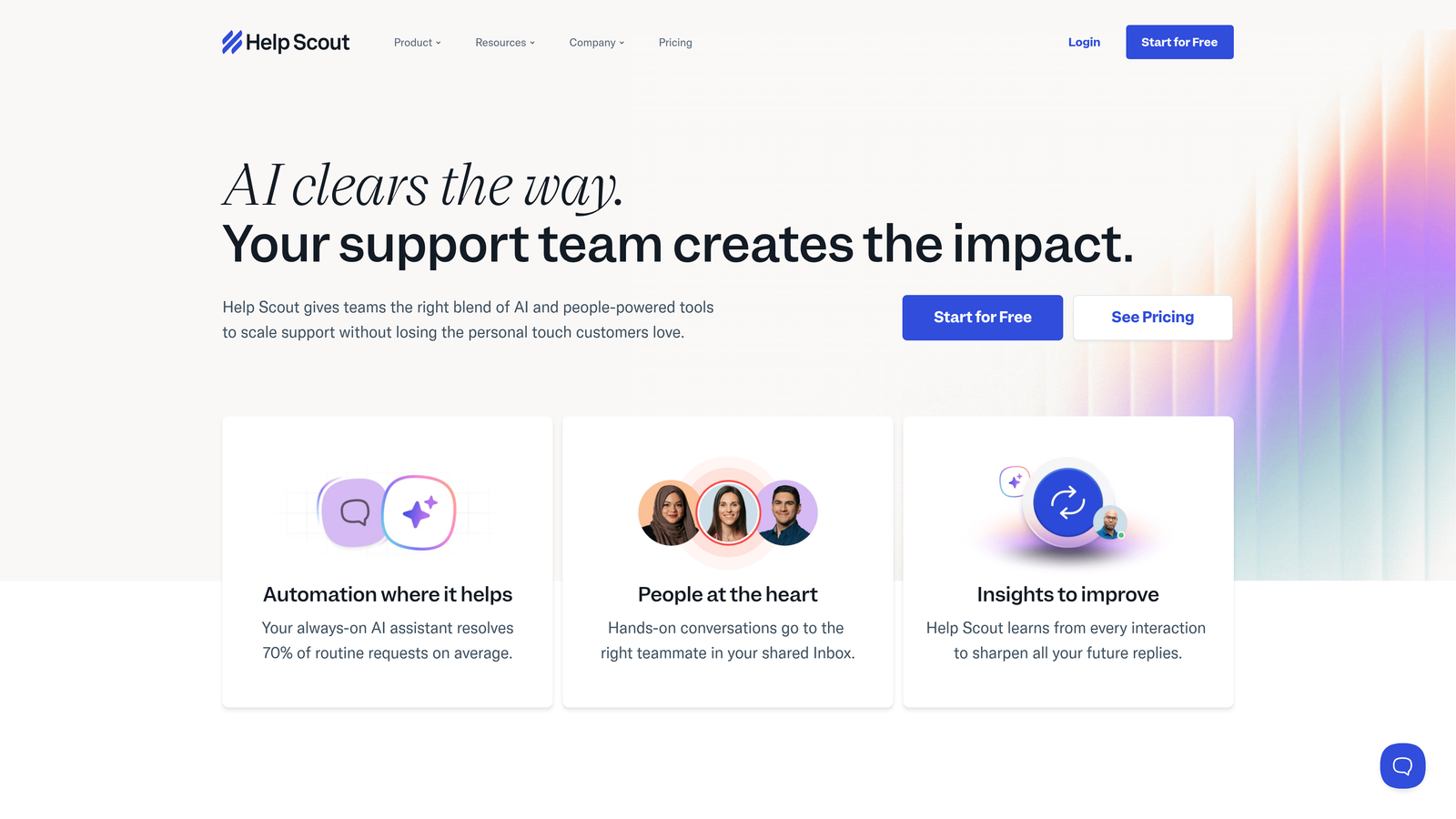
Help Scout centers around shared inboxes designed to make email support feel like personal one-on-one conversations rather than ticket numbers in a queue.
Where This Tool Shines
Help Scout deliberately avoids the complexity and jargon of traditional helpdesks. There are no "tickets"—just conversations. The interface resembles a familiar email client, reducing the learning curve to nearly zero for new team members.
The collision detection feature prevents the embarrassing situation where multiple agents respond to the same customer. Combined with saved replies and workflows, your team maintains consistency without sacrificing the personal touch that builds customer loyalty.
Key Features
Shared Inbox with Collision Detection: Multiple team members can monitor conversations without duplicate responses.
Docs Knowledge Base: Create searchable help documentation with categories and SEO optimization.
Beacon Widget for Websites: Embeddable search and contact widget that surfaces relevant help articles before customers email.
Customer Profiles and History: See complete conversation history and customer context in one view.
Saved Replies and Workflows: Maintain consistency with templated responses and automated routing rules.
Best For
Small to medium businesses that handle support primarily through email and want to maintain a personal, human brand voice. Companies that view support as relationship-building rather than volume processing.
Pricing
Starts at $20/user/month for Standard plan. Plus tier at $40/user/month adds advanced features like live chat and custom fields. Straightforward pricing without hidden costs or mandatory add-ons.
6. Slack
Best for: Real-time team collaboration and internal communication across support and cross-functional teams
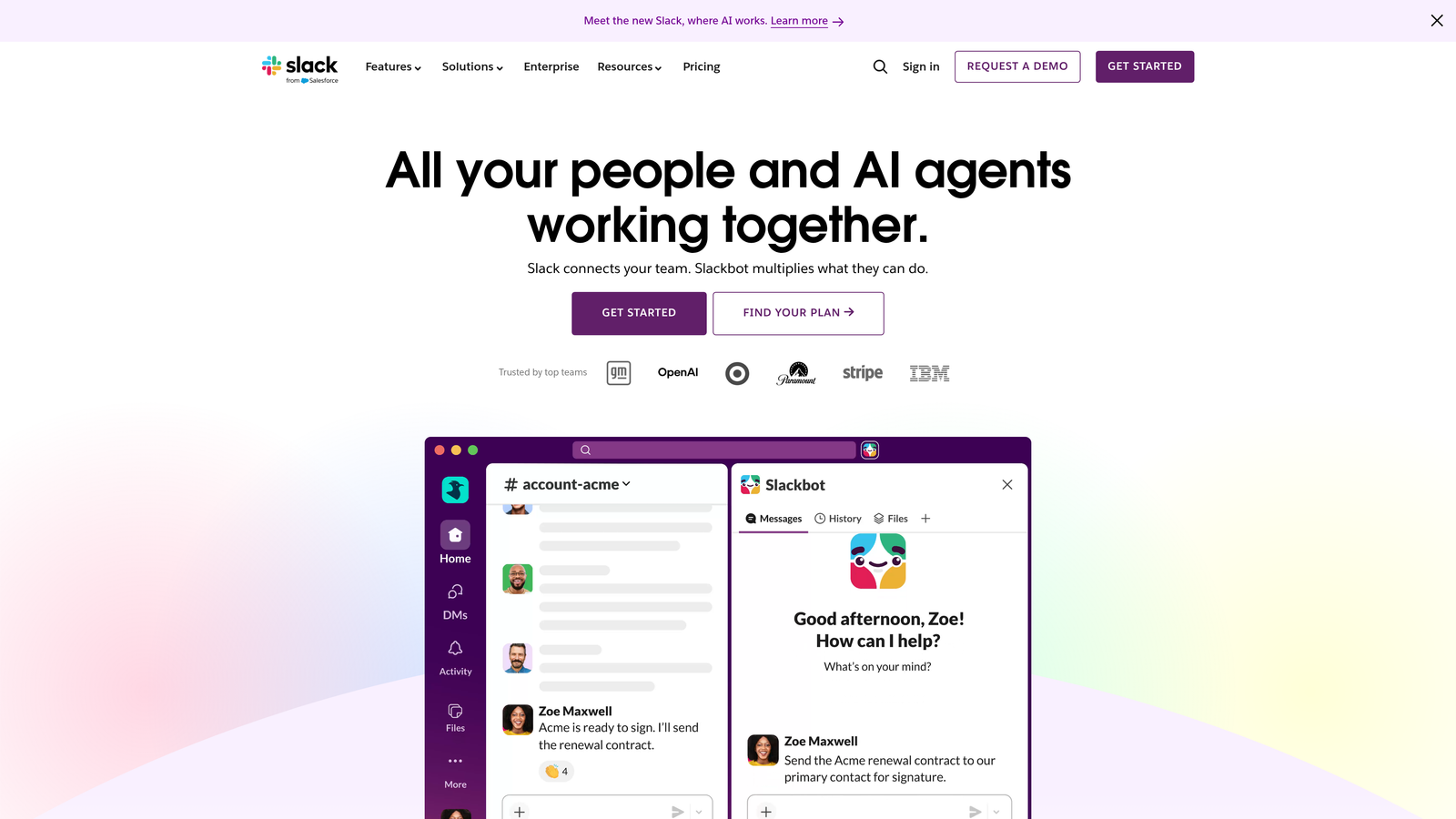
Slack has become the default team communication platform, enabling instant messaging, file sharing, and workflow automation that keeps support teams connected and responsive.
Where This Tool Shines
Slack transforms how support teams collaborate internally. Instead of long email chains or walking to desks, agents can quickly loop in product managers, engineers, or senior agents through mentions and channels. The searchable message history becomes institutional knowledge that doesn't live in one person's head.
The integration ecosystem is what makes Slack truly powerful for support teams. Connect your helpdesk, monitoring tools, and customer data platforms to get alerts, updates, and context without leaving the conversation flow.
Key Features
Organized Channels: Create dedicated spaces for teams, topics, or major customers to keep conversations focused.
Direct Messaging and Huddles: Quick one-on-one communication and impromptu voice calls for urgent issues.
Extensive Integration Ecosystem: Connect thousands of apps to automate workflows and surface information.
Searchable Message History: Find past conversations, decisions, and shared files instantly.
Workflow Builder: Create custom automation for routine tasks without coding.
Best For
Any support team working remotely or across multiple locations. Particularly valuable for teams that need tight collaboration between support, engineering, and product to resolve complex customer issues quickly.
Pricing
Free tier available with limited message history. Pro plan starts at $7.25/user/month with unlimited history and advanced features. Business+ and Enterprise Grid available for larger organizations with compliance needs.
7. Notion
Best for: Building internal knowledge bases, SOPs, and documentation in a flexible workspace
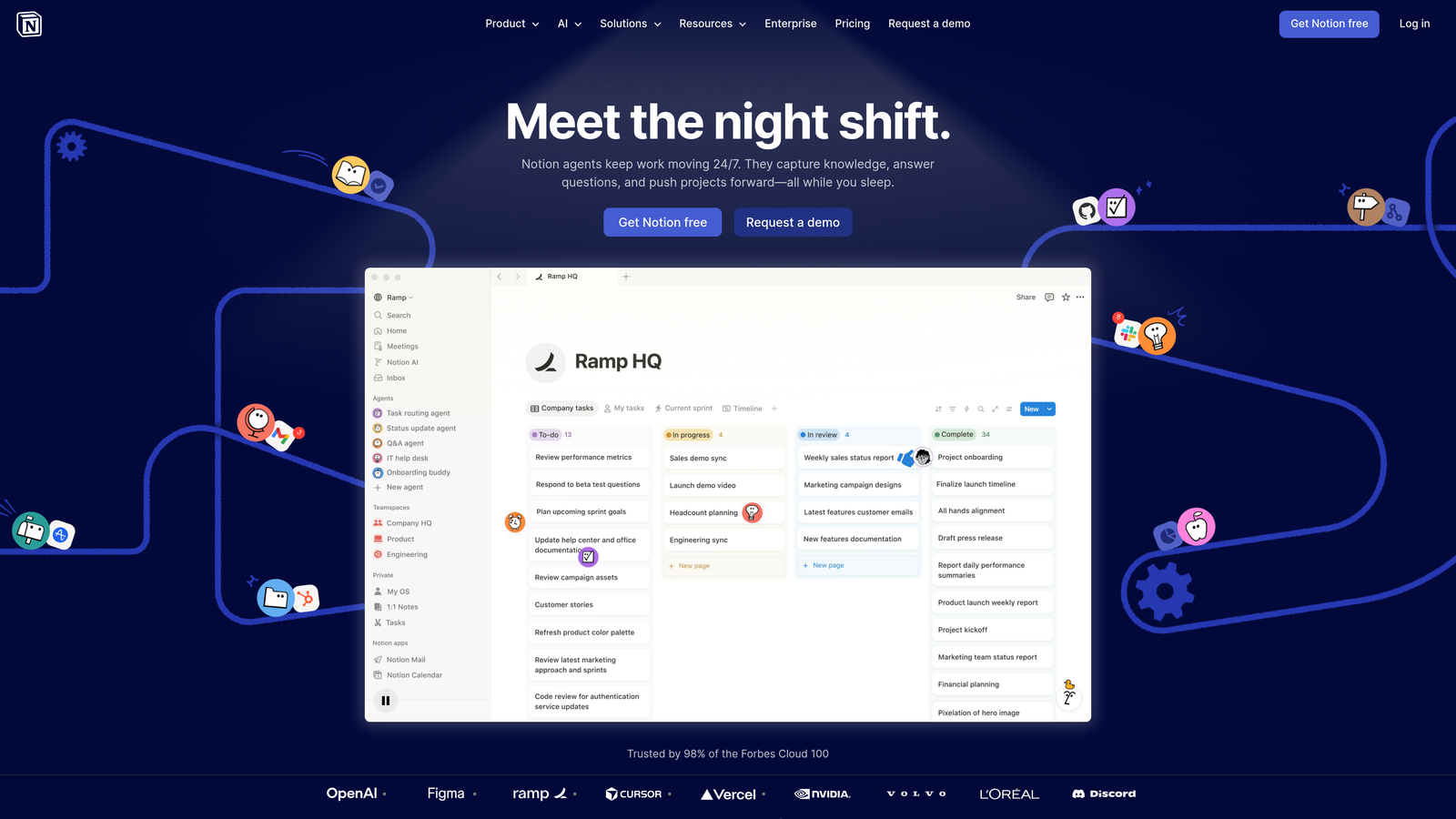
Notion provides an all-in-one workspace where support teams can create wikis, document processes, manage projects, and centralize information in a highly customizable structure.
Where This Tool Shines
Notion's flexibility is its superpower. Unlike rigid knowledge base tools, you can structure information exactly how your team thinks. Create nested pages for different product areas, embed databases for tracking common issues, and link related documentation seamlessly.
The real-time collaboration means your knowledge base stays current. Multiple team members can update SOPs, add troubleshooting steps, or document new features simultaneously. Templates ensure consistency while allowing customization for different use cases.
Key Features
Flexible Page and Database Structure: Organize information hierarchically with unlimited nesting and cross-linking.
Team Wikis and Documentation: Create comprehensive knowledge repositories with rich formatting and media.
Templates for Common Workflows: Standardize how teams document processes, incidents, and solutions.
Real-Time Collaboration: Multiple users can edit simultaneously with change tracking and comments.
API for Integrations: Connect Notion to other tools in your stack for automated updates.
Best For
Support teams that need internal documentation beyond what customer-facing help centers provide. Ideal for teams building playbooks, onboarding materials, and process documentation that evolves frequently.
Pricing
Free tier available for individuals. Plus plan starts at $8/user/month for teams with unlimited blocks and file uploads. Business and Enterprise tiers add advanced permissions and controls.
8. Loom
Best for: Async video communication that reduces back-and-forth on complex support issues
Loom enables quick screen and camera recordings that you can share instantly via link, perfect for explaining complex issues or providing visual walkthroughs to customers and teammates.
Where This Tool Shines
Some support issues require showing rather than telling. Loom lets agents record their screen while walking through a solution, then share the link immediately. This async approach saves time compared to scheduling screen shares and creates reusable content.
The viewer engagement analytics tell you exactly when someone watched your video, which parts they rewatched, and where they dropped off. This feedback helps you improve explanations and know when customers actually consumed your guidance.
Key Features
Screen and Camera Recording: Capture your screen, webcam, or both simultaneously with one click.
Instant Shareable Links: Videos process immediately and generate links you can paste anywhere.
Viewer Engagement Analytics: See who watched, completion rates, and which sections got attention.
Comments and Reactions: Viewers can leave timestamped comments and emoji reactions for feedback.
Video Trimming and Editing: Cut unnecessary sections and add calls-to-action without complex editing software.
Best For
Support teams handling technical products where visual demonstration clarifies issues faster than text. Particularly useful for remote teams that can't easily jump on synchronous calls with customers or colleagues.
Pricing
Free tier available with 25 videos per person. Business plan starts at $12.50/user/month with unlimited videos, advanced analytics, and custom branding. Enterprise options available for larger organizations.
9. Linear
Best for: Streamlining bug reports and feature requests from support to engineering teams
Linear is a modern issue tracking tool built for speed, helping product teams manage bugs, features, and improvements with a keyboard-first interface that feels fast and focused.
Where This Tool Shines
Linear eliminates the friction in support-to-engineering handoffs. The interface is blazingly fast—creating issues, adding context, and setting priorities happens in seconds rather than navigating through complex forms. This speed matters when you're documenting customer-reported bugs while they're on a call.
The GitHub and GitLab integrations create automatic links between customer issues and code changes. Support teams can see when bugs get fixed and automatically update customers, closing the feedback loop without manual tracking.
Key Features
Fast, Keyboard-First Interface: Create and manage issues with keyboard shortcuts for maximum speed.
Cycles and Roadmaps: Track progress in sprint cycles and visualize product roadmaps.
GitHub and GitLab Integration: Automatically link issues to pull requests and commits.
Automated Workflows: Set up rules for auto-assignment, status updates, and notifications.
Triage and Prioritization Tools: Quickly sort incoming issues and assign urgency levels.
Best For
Product-focused companies where support and engineering work closely together. Teams that want a modern, fast alternative to traditional project management tools like Jira that feel slow and overcomplicated.
Pricing
Free tier available for small teams. Standard plan starts at $8/user/month with unlimited issues and advanced features. Plus and Enterprise tiers add enhanced security and admin controls.
10. Guru
Best for: Surfacing verified knowledge directly in agent workflows through browser extensions
Guru brings your knowledge base into the tools your team already uses, delivering verified answers through browser extensions and integrations without forcing context switches.
Where This Tool Shines
Guru solves the problem of knowledge living in one place while agents work in another. The browser extension surfaces relevant answers based on what you're viewing—whether that's a support ticket, customer profile, or product page. This contextual delivery means agents don't waste time searching.
The verification workflow ensures accuracy. Knowledge owners get notified when their content needs review, creating accountability for keeping information current. Analytics show which knowledge gets used most, helping you identify gaps and prioritize updates.
Key Features
Browser Extension for In-Context Answers: Access knowledge without leaving your current workflow or application.
Verification Workflows: Assign knowledge owners and automate review cycles to maintain accuracy.
Slack and Helpdesk Integrations: Surface answers directly in communication and support tools.
AI-Powered Suggestions: Get recommended knowledge based on conversation context and patterns.
Analytics on Knowledge Usage: Track which content gets accessed and identify knowledge gaps.
Best For
Support teams with extensive knowledge bases who struggle with agents actually finding and using documented information. Companies where knowledge accuracy is critical and needs regular verification.
Pricing
Free tier available for small teams. Builder plan starts at $10/user/month with advanced features and integrations. Expert tier adds AI capabilities and advanced analytics.
11. Klaus
Best for: Systematic conversation review, quality assurance, and agent coaching
Klaus enables support leaders to implement structured quality assurance programs with customizable scorecards, targeted reviews, and coaching workflows that improve team performance.
Where This Tool Shines
Klaus makes quality assurance scalable and consistent. Instead of ad-hoc feedback or managers reviewing conversations whenever they have time, Klaus creates systematic review processes with random sampling and targeted checks for new agents or complex issues.
The correlation between internal quality scores (IQS) and customer satisfaction (CSAT) gives you leading indicators of customer experience. You can identify agents who need coaching before CSAT scores drop, and recognize top performers with data-driven evidence.
Key Features
Customizable Scorecards: Create review criteria that match your quality standards and brand voice.
Random and Targeted Review Assignments: Automatically distribute conversations for review based on rules you define.
Agent Feedback and Coaching: Deliver structured feedback with examples and improvement suggestions.
CSAT and IQS Correlation: See how internal quality scores predict customer satisfaction ratings.
Helpdesk Integrations: Pull conversations directly from Zendesk, Intercom, Front, and other platforms.
Best For
Support teams focused on maintaining high quality at scale. Companies where brand voice consistency matters and managers need data to guide coaching conversations rather than relying on gut feel.
Pricing
Contact for pricing. Klaus typically works with teams serious about implementing formal QA programs rather than casual quality monitoring.
Making the Right Choice
Your productivity stack depends on where your team loses the most time. If ticket volume overwhelms your agents, AI-first automation through Halo AI delivers immediate efficiency gains by handling routine issues autonomously while learning from every interaction.
Enterprise teams managing complex omnichannel operations across multiple brands will find Zendesk or Intercom comprehensive enough to centralize everything. Growing teams on tighter budgets should start with Freshdesk or Help Scout—both offer professional capabilities without enterprise complexity or pricing.
The supporting tools matter just as much as your primary helpdesk. Slack keeps your team connected for real-time collaboration. Notion centralizes your internal knowledge and SOPs. Loom cuts down lengthy explanations with quick video walkthroughs. Linear streamlines the support-to-engineering handoff so bugs actually get fixed. Guru surfaces verified answers without forcing agents to search. Klaus ensures quality stays consistent as you scale.
Start by identifying your biggest time sink. Is it repetitive tickets that could be automated? Knowledge scattered across tools? Slow escalations to engineering? Quality inconsistency across agents? Pick the tool category that addresses that specific bottleneck, implement it properly, then layer in complementary tools.
Your support team shouldn't scale linearly with your customer base. Let AI agents handle routine tickets, guide users through your product, and surface business intelligence while your team focuses on complex issues that need a human touch. See Halo in action and discover how continuous learning transforms every interaction into smarter, faster support.