9 Best Support Ticket Analysis Tools for Smarter Customer Insights in 2026
Support ticket analysis tools transform overwhelming volumes of customer tickets into actionable insights about pain points, product issues, and team performance. This guide evaluates the nine best platforms for 2026 based on analysis depth, automation capabilities, and integration flexibility, helping support teams spot trends early, identify coaching opportunities, and make data-driven resource decisions before minor issues escalate into major crises.
 Matt PattoliFounder11 min read
Every support ticket tells a story—but when you're drowning in hundreds or thousands of them daily, those stories blur into noise. Support ticket analysis tools cut through that noise, transforming raw ticket data into actionable intelligence about customer pain points, product issues, and team performance.
The right tool helps you spot trends before they become crises, identify coaching opportunities, and make data-driven decisions about where to focus your resources. We've evaluated the leading options based on analysis depth, automation capabilities, integration flexibility, and real-world usability to help you find the perfect fit for your support operation.
1. Halo AI
Best for: Teams wanting AI that analyzes tickets while autonomously resolving them
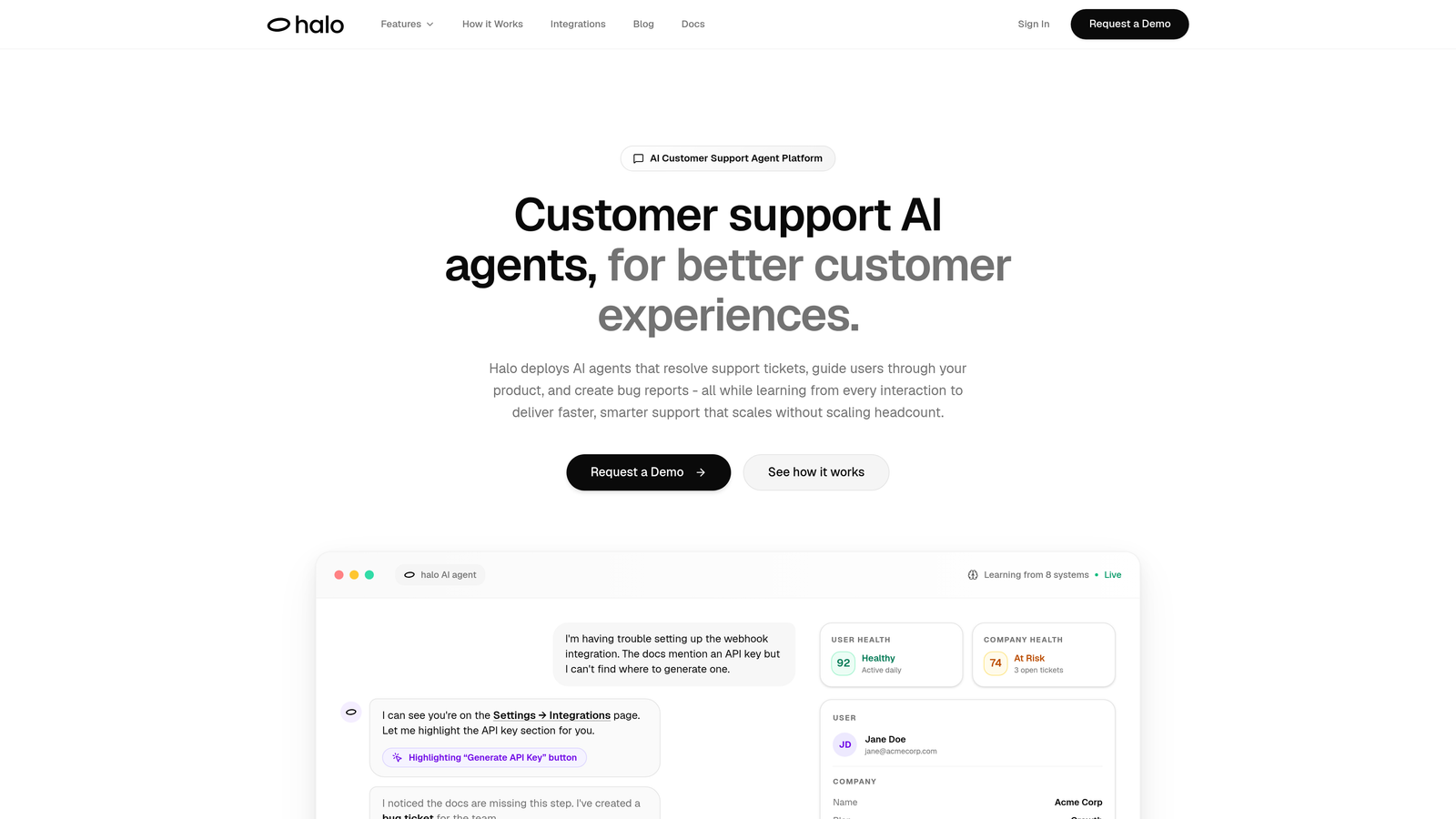
Halo AI takes a fundamentally different approach than traditional ticket analysis tools—it doesn't just report on what happened, it actively resolves tickets while learning from every interaction.
Where This Tool Shines
Unlike analytics overlays that sit on top of existing helpdesks, Halo operates as an AI-native platform where analysis and action happen simultaneously. The smart inbox doesn't just categorize tickets—it surfaces customer health signals, revenue intelligence, and anomaly detection in real-time.
What sets Halo apart is its page-aware context. The AI sees what your users see, which means it can provide visual guidance and create accurate bug reports with screenshots automatically. This contextual awareness makes the analysis far more precise than tools relying solely on text.
Key Features
Smart Inbox Analytics: Real-time customer health signals and business intelligence that go beyond basic ticket metrics.
Autonomous Resolution: AI agents that resolve tickets independently while escalating complex issues to humans with full context.
Trend Detection: Automatic categorization that identifies patterns across your entire support operation without manual tagging.
Revenue Intelligence: Connects ticket data to business outcomes through integrations with Stripe, HubSpot, and your CRM.
Multi-System Integration: Pulls data from Linear, Slack, Intercom, Zoom, PandaDoc, and Fathom for comprehensive insights.
Best For
Product teams and B2B companies that want analysis to drive action, not just reports. Particularly valuable if you're tired of helpdesk tools that require constant manual categorization and want AI that gets smarter with every ticket it handles.
Pricing
Contact for pricing. Demo available to see the smart inbox and autonomous resolution capabilities in action.
2. Zendesk Explore
Best for: Zendesk users needing native analytics without third-party integrations
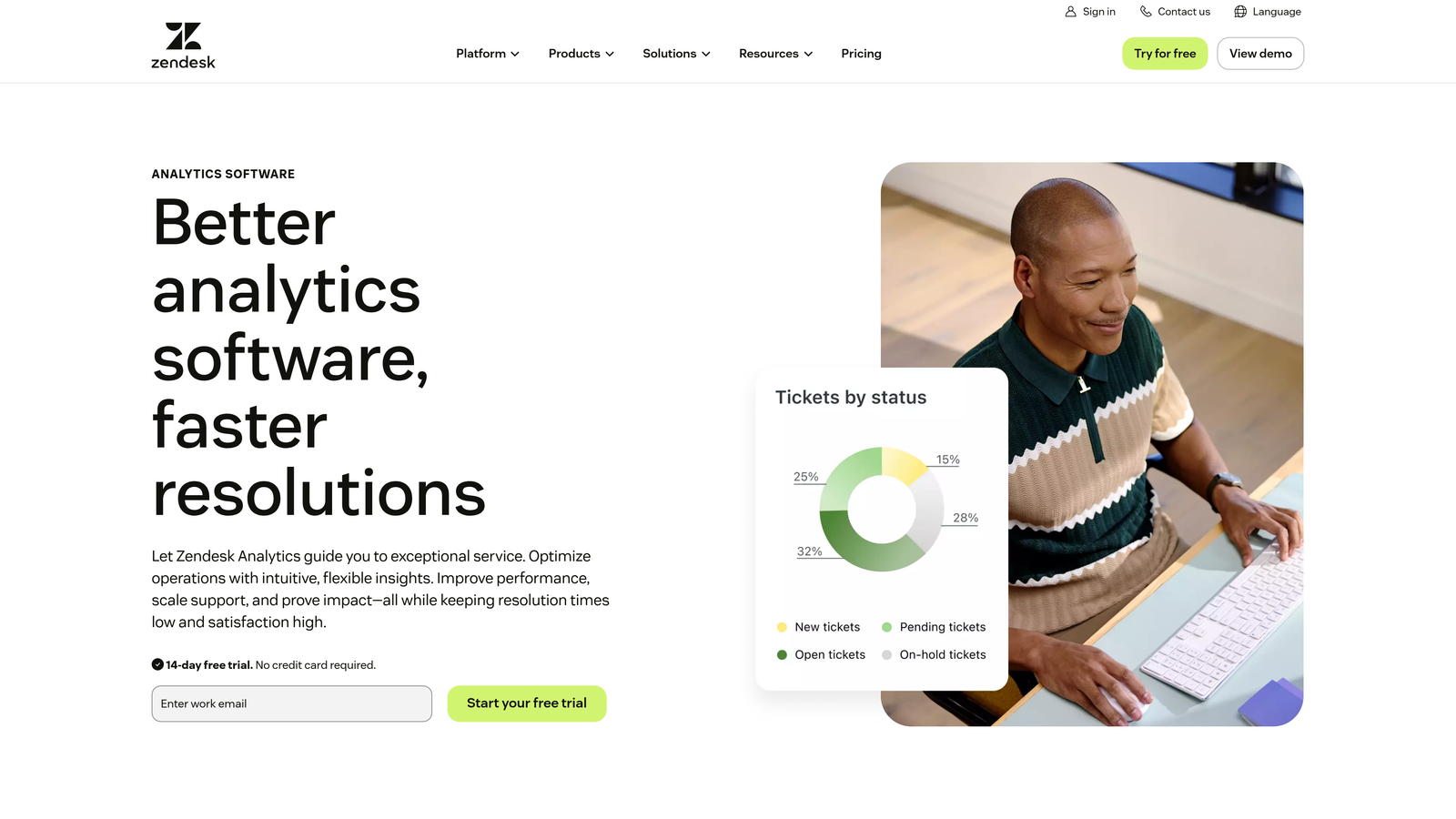
Zendesk Explore is the built-in analytics engine for Zendesk Support, offering pre-configured dashboards and custom reporting capabilities.
Where This Tool Shines
If you're already using Zendesk, Explore eliminates the integration headache. Everything lives in one ecosystem, which means no data syncing delays or authentication hassles. The pre-built dashboards follow support industry best practices, so you can start extracting insights immediately.
The drag-and-drop report builder makes it accessible for non-technical team leads who want custom views without writing SQL queries. You can slice ticket data by virtually any attribute Zendesk tracks, then schedule those reports to land in stakeholders' inboxes automatically.
Key Features
Pre-Built Dashboards: Industry-standard reports for first response time, resolution time, CSAT, and agent performance.
Custom Report Builder: Drag-and-drop interface for creating tailored views without technical expertise.
Omnichannel Consolidation: Combines data from email, chat, phone, and social channels in unified reports.
Scheduled Delivery: Automatic report generation and distribution to keep leadership informed.
Historical Analysis: Access to complete ticket history for trend identification over time.
Best For
Teams already committed to the Zendesk ecosystem who want reliable, straightforward analytics without adding another vendor to manage.
Pricing
Included with Zendesk Suite plans. Standalone pricing starts at $9 per agent per month.
3. Freshdesk Analytics
Best for: Freshdesk users seeking performance tracking with minimal setup
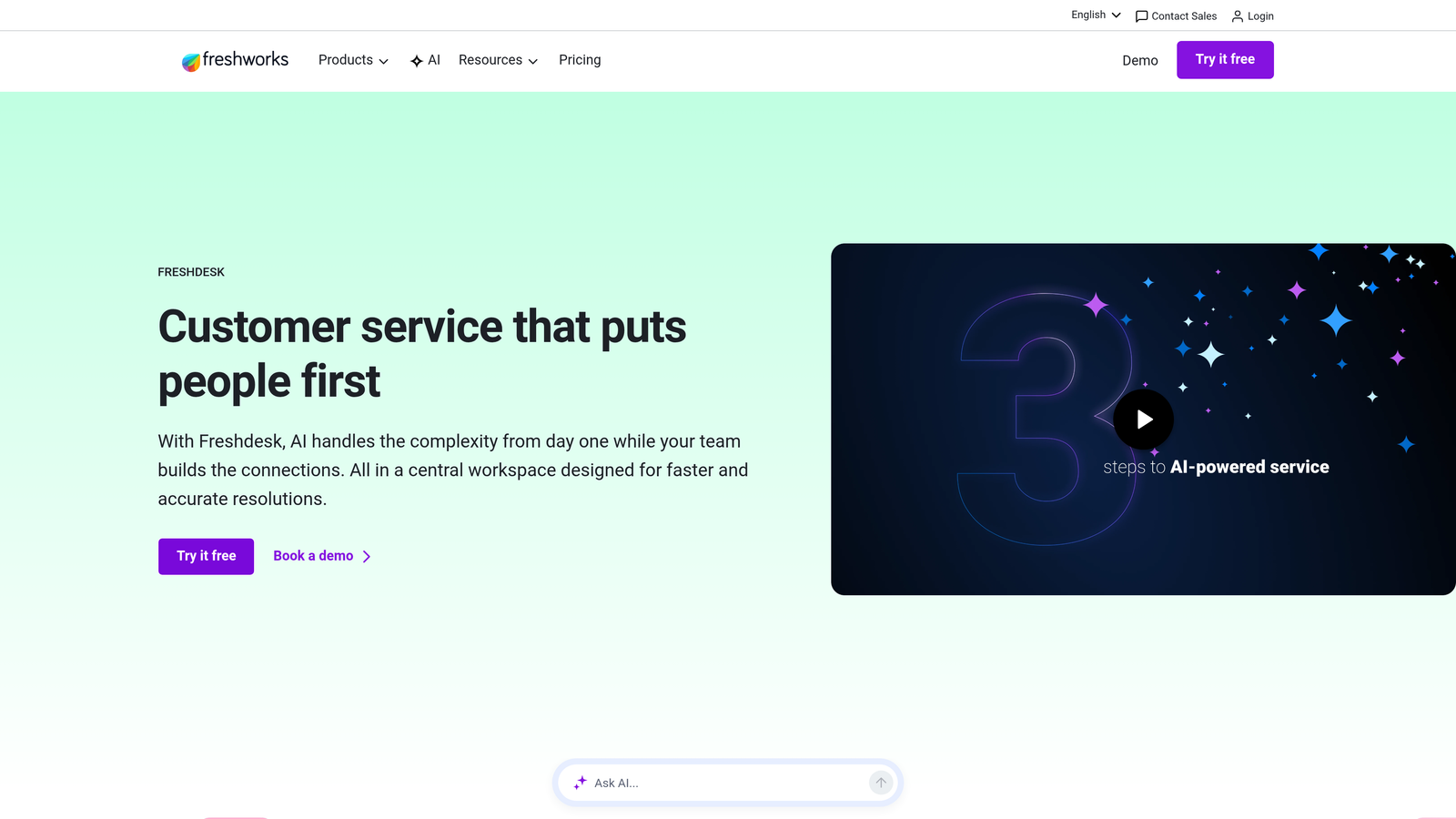
Freshdesk Analytics provides curated reports and drill-down capabilities built directly into the Freshdesk platform.
Where This Tool Shines
Freshdesk takes the guesswork out of what metrics matter by offering curated report templates for common support scenarios. The drill-down functionality lets you start with high-level trends and click through to individual tickets causing specific patterns.
The agent performance scorecards are particularly useful for team leads managing remote support teams. You can quickly identify who's crushing their SLAs and who needs coaching, all without exporting data to spreadsheets.
Key Features
Curated Reports: Pre-configured analytics for ticket volume, response times, resolution rates, and customer satisfaction.
Drill-Down Analysis: Click through from summary metrics to underlying ticket details.
Agent Scorecards: Individual performance tracking with gamification elements to motivate teams.
SLA Breach Alerts: Real-time notifications when tickets approach or violate service level agreements.
Export Options: Schedule reports or export data for external analysis and stakeholder presentations.
Best For
Small to mid-sized teams using Freshdesk who want actionable insights without complex configuration or data science expertise.
Pricing
Basic analytics included with all Freshdesk plans. Advanced analytics features available on Pro tier at $49 per agent per month and above.
4. Intercom Reporting
Best for: Product-led companies analyzing conversational support interactions
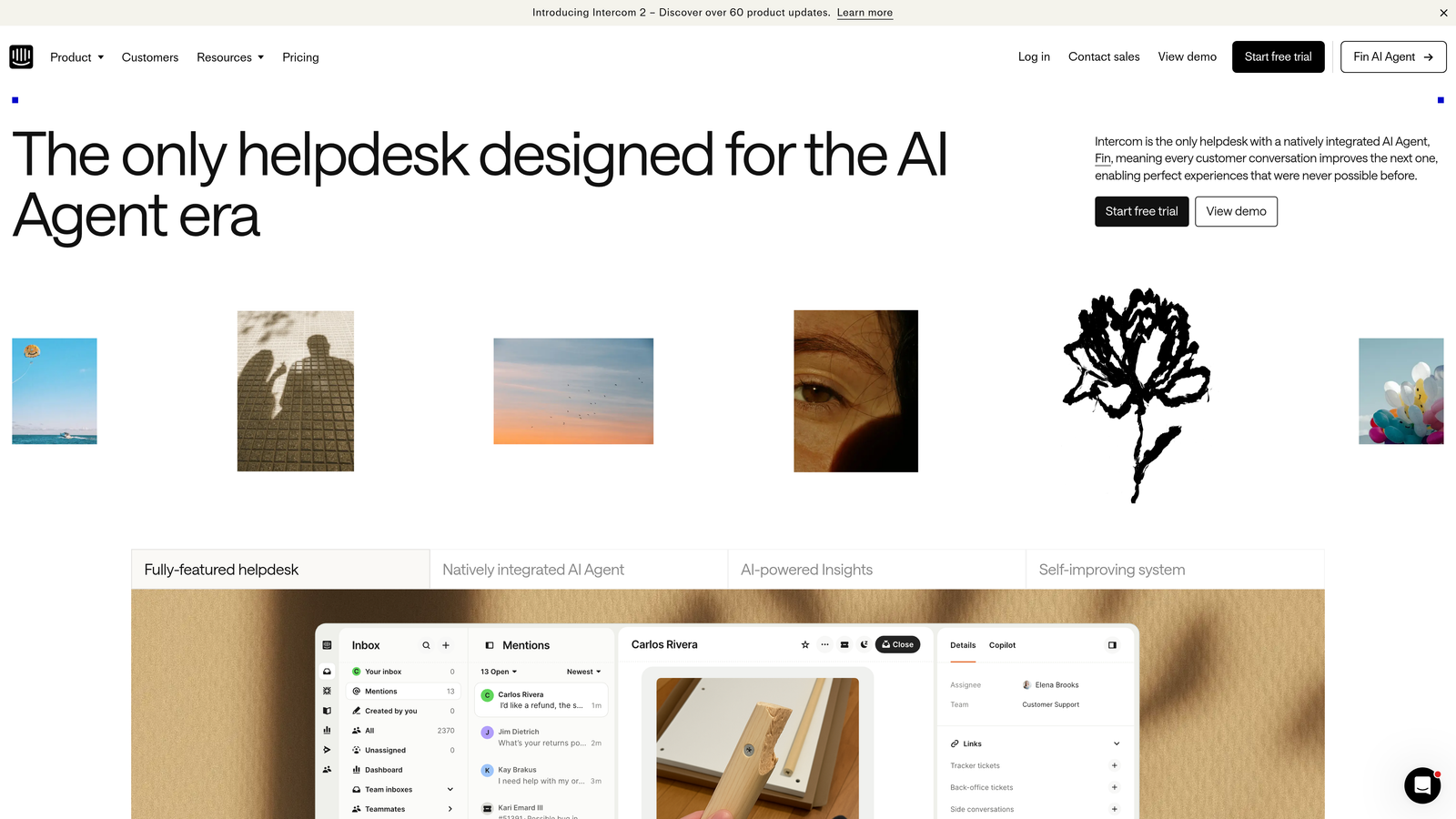
Intercom Reporting focuses on conversation analytics for teams using Intercom's messenger-based support platform.
Where This Tool Shines
Intercom's approach differs from traditional ticket systems because it tracks conversations, not tickets. This matters for product-led companies where support happens in-app and feels more like messaging than formal ticket submission.
The real-time conversation metrics help you understand not just resolution speed but engagement patterns—how many messages it takes to solve issues, where users drop off, and which automation flows actually work. The bot analytics show exactly where automated responses succeed and where they frustrate users.
Key Features
Conversation Metrics: Real-time tracking of message volume, response times, and resolution patterns.
Custom Attributes: Tag conversations with product events and user properties for contextual analysis.
Team Performance: Individual and team-level insights into conversation handling and efficiency.
Bot Analytics: Detailed reporting on automation performance and user satisfaction with bot interactions.
Engagement Funnels: Track how support conversations influence product adoption and feature usage.
Best For
SaaS companies with in-app support where the line between product usage and support blurs, and you need to understand both simultaneously.
Pricing
Reporting included with Intercom plans starting at $39 per seat per month.
5. Salesforce Service Analytics
Best for: Enterprise teams needing deep CRM integration and AI predictions
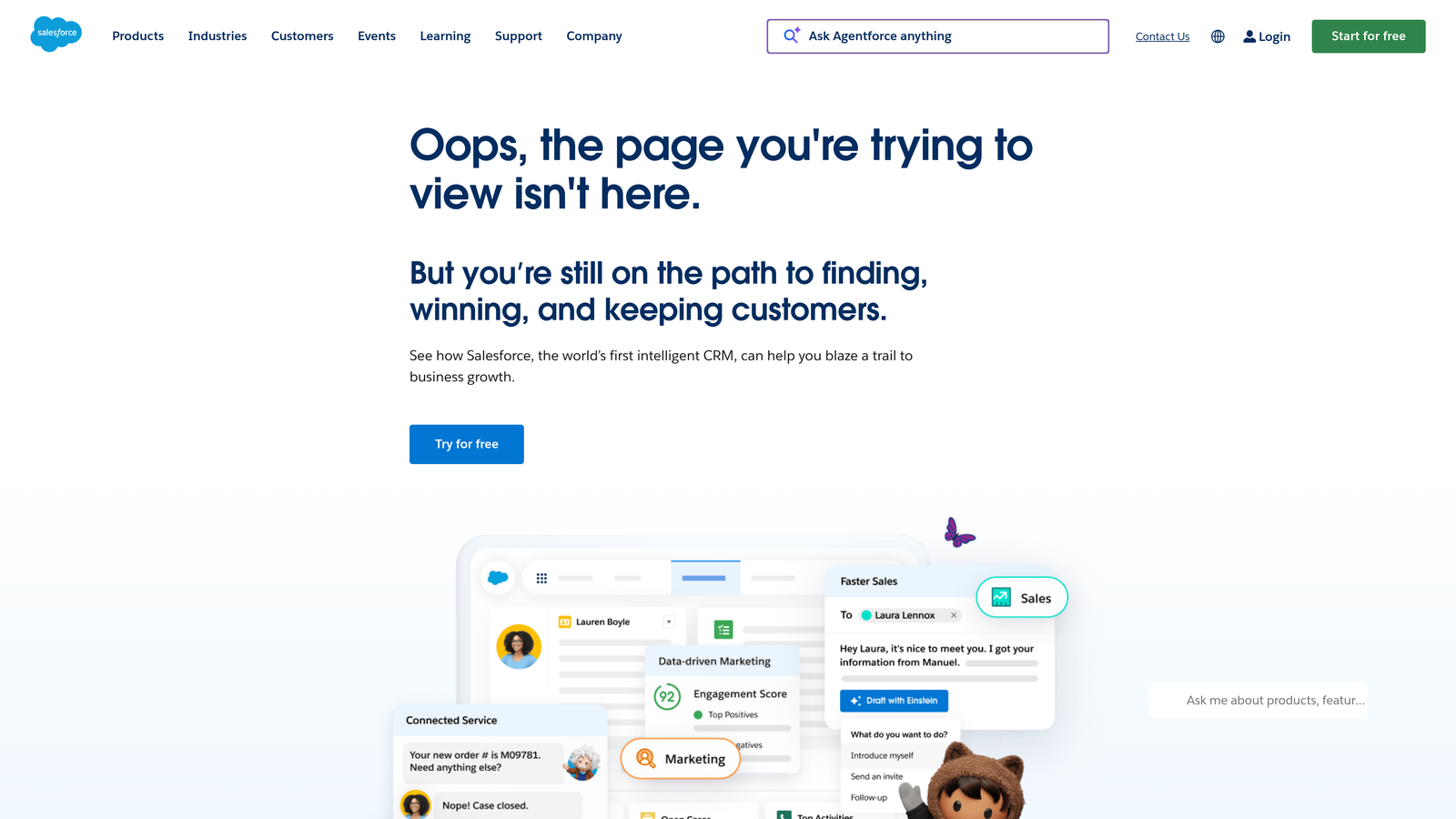
Salesforce Service Analytics brings enterprise-grade analytics with Einstein AI capabilities to Service Cloud users.
Where This Tool Shines
The power here is context. Because Service Cloud sits inside Salesforce, your ticket analysis automatically includes account value, purchase history, contract details, and every other data point your organization tracks. This means you can identify which issues affect your highest-value customers or which product lines generate disproportionate support costs.
Einstein AI adds predictive elements—case classification suggestions, escalation likelihood scores, and recommended solutions based on historical patterns. For large enterprises with complex customer relationships, this level of integration is difficult to replicate with standalone tools.
Key Features
Einstein AI Classification: Automatic case categorization and routing predictions based on content analysis.
CRM Context: Complete customer relationship data embedded in every support analytics view.
Pre-Built KPI Dashboards: Executive-level reporting on service health, agent productivity, and customer satisfaction.
Cross-Object Reporting: Analyze support data alongside sales, marketing, and product information.
Mobile Analytics: Full dashboard access from Salesforce mobile app for on-the-go decision making.
Best For
Enterprise organizations already using Salesforce CRM who need support analytics that connect directly to revenue, account health, and broader business operations.
Pricing
Service Cloud Enterprise starts at $165 per user per month. Einstein AI features require additional licensing.
6. Supportlogic
Best for: Enterprise teams focused on escalation prevention and account health
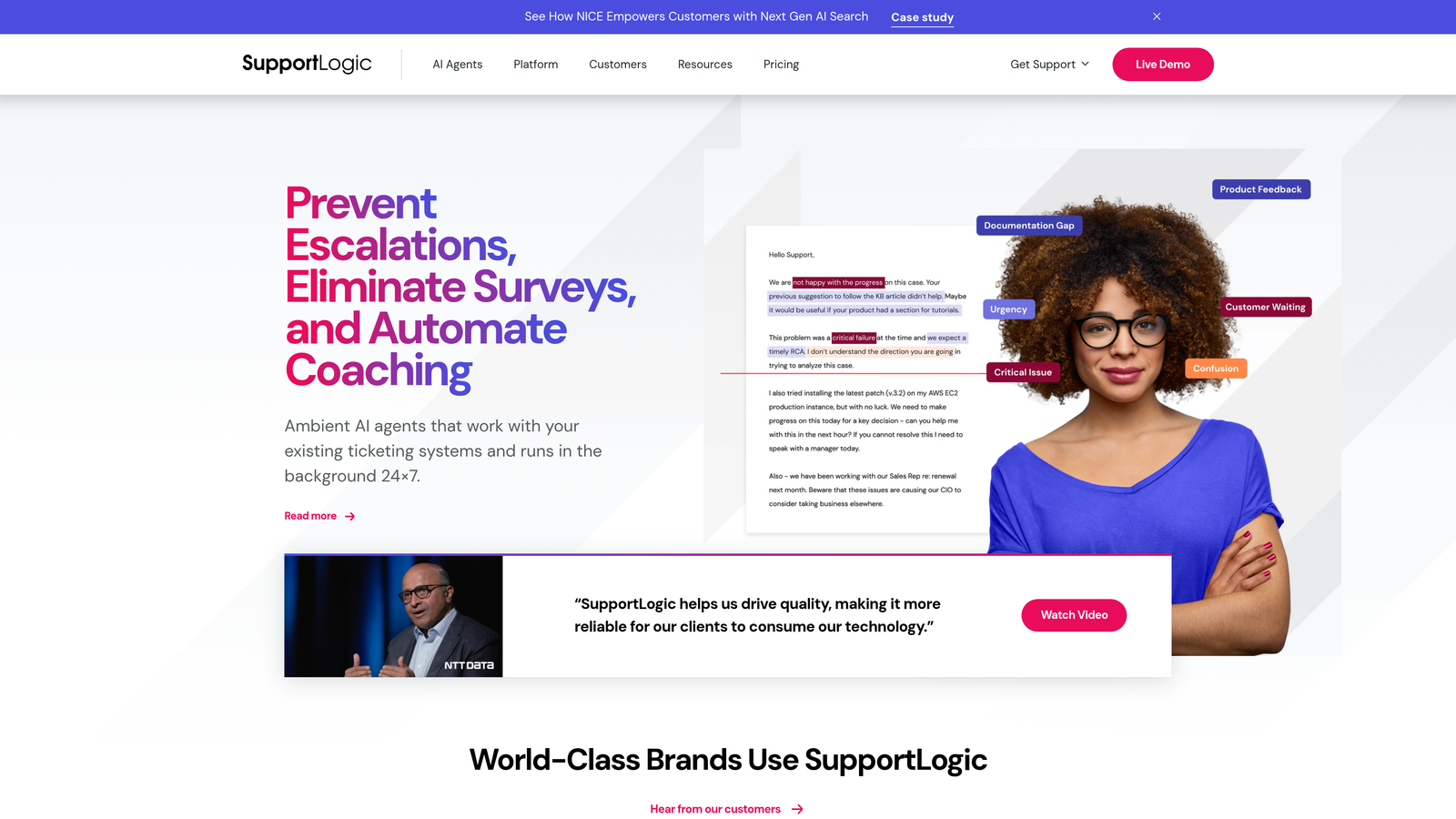
Supportlogic layers AI-powered sentiment analysis and predictive analytics over existing helpdesk platforms like Zendesk, Salesforce, and Freshdesk.
Where This Tool Shines
Think of Supportlogic as an early warning system. It analyzes ticket sentiment in real-time, flagging conversations that show signs of escalation before customers explicitly ask for managers. The account health scoring aggregates all support interactions for each customer, giving your success team visibility into brewing problems.
Because it works as an overlay, you don't have to migrate from your current helpdesk. It pulls data from your existing system, applies its AI models, then surfaces insights through alerts and dashboards. This makes it particularly appealing for enterprises with established helpdesk investments.
Key Features
Sentiment Prediction: Real-time analysis of ticket tone and escalation likelihood using natural language processing.
Account Health Scoring: Aggregate support experience metrics rolled up to the account level.
Multi-Platform Support: Works with Zendesk, Salesforce Service Cloud, Freshdesk, and other major helpdesks.
Proactive Alerts: Automatic notifications when sentiment deteriorates or patterns indicate churn risk.
Quality Monitoring: Automated conversation reviews that identify coaching opportunities at scale.
Best For
Enterprise support teams managing high-value accounts where preventing escalations and identifying at-risk customers justifies the investment in specialized AI analysis.
Pricing
Enterprise pricing model. Contact Supportlogic for customized quote based on ticket volume and features needed.
7. Klaus (Zendesk QA)
Best for: Quality assurance focused teams wanting systematic conversation reviews
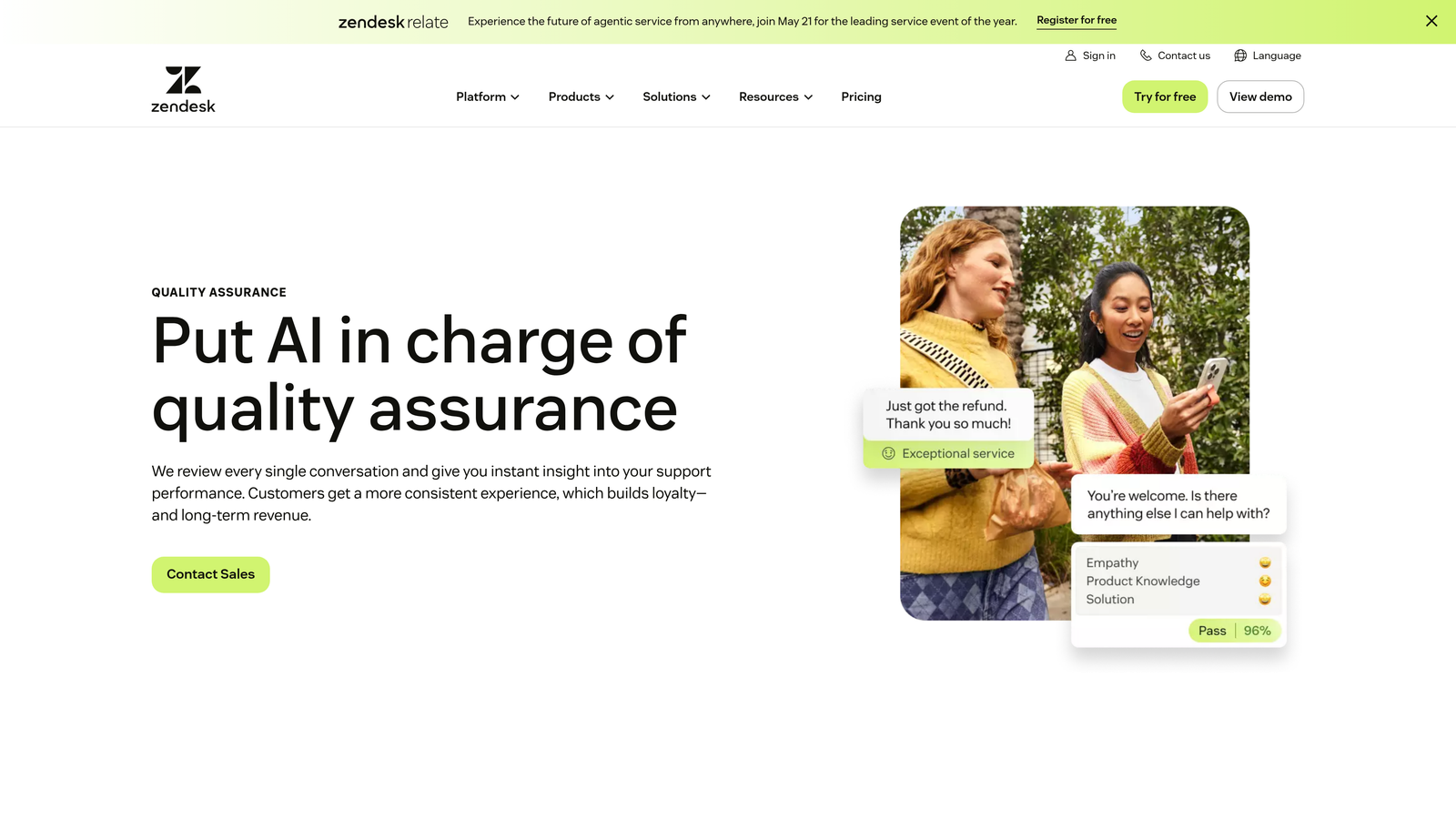
Klaus specializes in quality assurance for customer conversations, using AI to sample tickets and streamline coaching workflows.
Where This Tool Shines
Manual QA doesn't scale, but completely automated analysis misses nuance. Klaus strikes a balance by using AI to intelligently sample which conversations deserve human review, then making those reviews fast through browser extensions and customizable scorecards.
The CSAT correlation analysis is particularly valuable—it shows you which specific behaviors and conversation patterns actually drive customer satisfaction scores. This transforms QA from subjective judgment into data-backed coaching that improves real outcomes.
Key Features
AI Conversation Sampling: Smart selection of representative tickets for review instead of random or manual sampling.
Customizable Scorecards: Build review criteria that match your team's specific quality standards and brand voice.
Coaching Workflows: Built-in feedback delivery and improvement tracking for individual agents.
CSAT Correlation: Identify which conversation elements statistically correlate with satisfaction scores.
Browser Extension: Review conversations without leaving your helpdesk interface.
Best For
Support leaders who believe quality matters more than speed alone and want systematic, scalable ways to maintain conversation standards as teams grow.
Pricing
Starts at $15 per user per month. Now owned by Zendesk with deeper native integration coming.
8. Idiomatic
Best for: Product teams consolidating feedback across support and survey channels
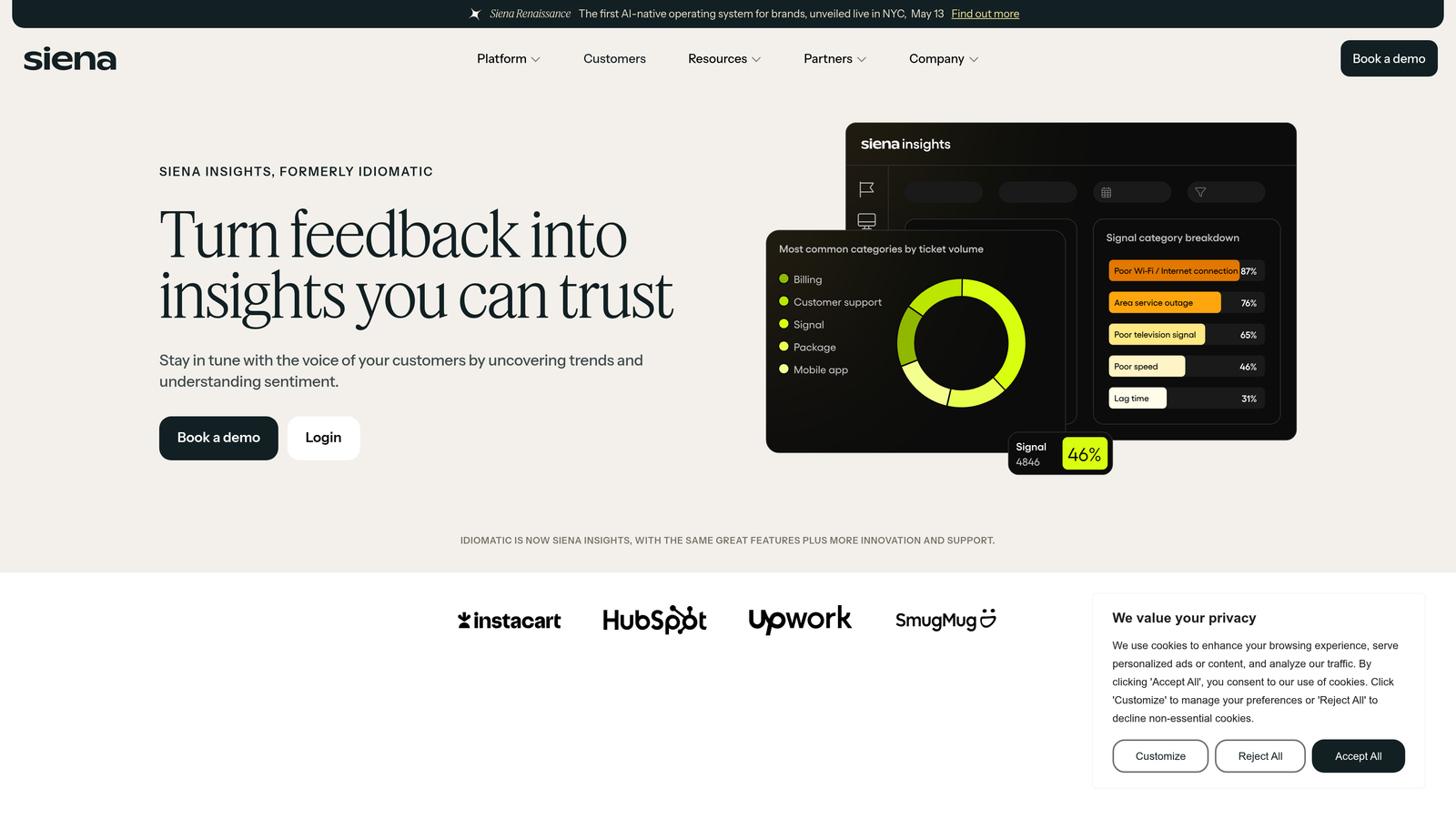
Idiomatic analyzes voice-of-customer feedback across support tickets, surveys, reviews, and social media to identify recurring themes.
Where This Tool Shines
Support tickets are just one feedback channel. Idiomatic's strength is consolidating signals from everywhere customers talk about your product—CSAT surveys, app store reviews, social mentions, and support conversations—then categorizing everything using a taxonomy you control.
The custom taxonomy creation means you're not stuck with generic categories like "billing issue" or "technical problem." You can create product-specific tags that match how your organization actually thinks about customer feedback, then track those themes over time across all channels.
Key Features
Custom Taxonomy: Build feedback categories that match your product and organization's specific needs.
Multi-Channel Consolidation: Analyze support tickets alongside surveys, reviews, and social media in one view.
Trend Detection: Automatic alerts when specific themes spike across any channel.
Product Feedback Tagging: Identify feature requests and product issues buried in support conversations.
Helpdesk Integration: Connects to major support platforms to pull ticket data automatically.
Best For
Product-focused companies that treat support tickets as one of many customer feedback sources and need unified analysis across all channels.
Pricing
Usage-based pricing model. Contact Idiomatic for quote based on feedback volume and data sources.
9. Metabase
Best for: Technical teams wanting complete control over support data analysis
Metabase is an open-source business intelligence platform that connects directly to your support database for unlimited custom analysis.
Where This Tool Shines
Every specialized support analytics tool makes assumptions about what metrics matter. Metabase makes zero assumptions—it connects to your database and lets you ask any question your data can answer. The visual query builder makes it accessible to non-technical users, while SQL mode gives developers complete flexibility.
The self-hosted option means you can run it for free if you have infrastructure expertise. Even the cloud version costs significantly less than specialized support analytics platforms, making it attractive for bootstrapped companies or teams with tight budgets.
Key Features
Free Self-Hosted Option: Run Metabase on your own infrastructure without licensing costs.
Visual Query Builder: Create complex analyses through drag-and-drop interface without writing code.
SQL Mode: Full SQL access for technical users who need custom queries and advanced analysis.
Dashboard Embedding: Embed analytics directly into internal tools or customer-facing portals.
Universal Database Connector: Works with any database your support platform uses.
Best For
Technical teams with database access who want maximum flexibility and control, or budget-conscious startups willing to invest setup time for ongoing cost savings.
Pricing
Free for self-hosted deployments. Metabase Cloud starts at $85 per month for up to 5 users, scaling with team size.
Making the Right Choice
Your ideal support ticket analysis tool depends on what you actually need the data to do. If you're looking for analysis that stays inside your existing helpdesk ecosystem, Zendesk Explore or Freshdesk Analytics deliver solid reporting without adding complexity. Teams already using those platforms should start there before considering external tools.
For enterprise organizations where preventing escalations justifies dedicated investment, Supportlogic's predictive capabilities and account health scoring provide early warning systems that can save high-value customer relationships. Similarly, if quality assurance drives your support strategy, Klaus offers systematic conversation reviews that scale beyond manual spot-checking.
Product-led companies using conversational support should lean toward Intercom Reporting, which tracks engagement patterns that traditional ticket metrics miss entirely. If you're consolidating feedback across multiple channels—support, surveys, reviews—Idiomatic's multi-source analysis creates a complete voice-of-customer picture.
Technical teams with database access and tight budgets can build exactly what they need using Metabase, trading setup time for ongoing flexibility and cost savings. And for Salesforce enterprises, Service Analytics with Einstein AI provides the deep CRM integration that standalone tools can't match.
But here's the fundamental question: do you want a tool that just analyzes what happened, or one that takes action based on those insights? Halo AI represents a different category entirely—an AI-native platform where analysis and resolution happen simultaneously. The smart inbox doesn't just report on customer health signals and revenue intelligence; it uses those insights to resolve tickets autonomously while escalating complex issues with full context.
Your support team shouldn't scale linearly with your customer base. Let AI agents handle routine tickets, guide users through your product, and surface business intelligence while your team focuses on complex issues that need a human touch. See Halo in action and discover how continuous learning transforms every interaction into smarter, faster support.