9 Best Support Ticket Analytics Software for Data-Driven Teams in 2026
Support ticket analytics software turns customer conversation data into actionable insights that help teams identify bottlenecks, predict churn, and measure performance with precision. This comprehensive guide evaluates nine leading platforms for 2026—from AI-native solutions to specialized analytics add-ons—based on analytical depth, implementation ease, integrations, and value across different team sizes, helping you move from reactive guesswork to proactive, data-driven support decisions.
 Grant CooperFounder12 min read
Every support ticket tells a story—but without the right analytics, those stories stay buried in your inbox. Support ticket analytics software transforms raw conversation data into actionable insights: identifying bottlenecks, predicting customer churn, spotting product issues before they escalate, and measuring team performance with precision. Whether you're drowning in ticket volume or simply want to move from reactive to proactive support, the right tool makes the difference between guessing and knowing.
This guide covers nine standout platforms for 2026, ranging from AI-native solutions with built-in intelligence to specialized analytics add-ons for existing helpdesks. We've evaluated each based on depth of analytics, ease of implementation, integration capabilities, and value for different team sizes.
1. Halo AI
Best for: Teams wanting analytics embedded in an AI-first support platform that resolves tickets autonomously
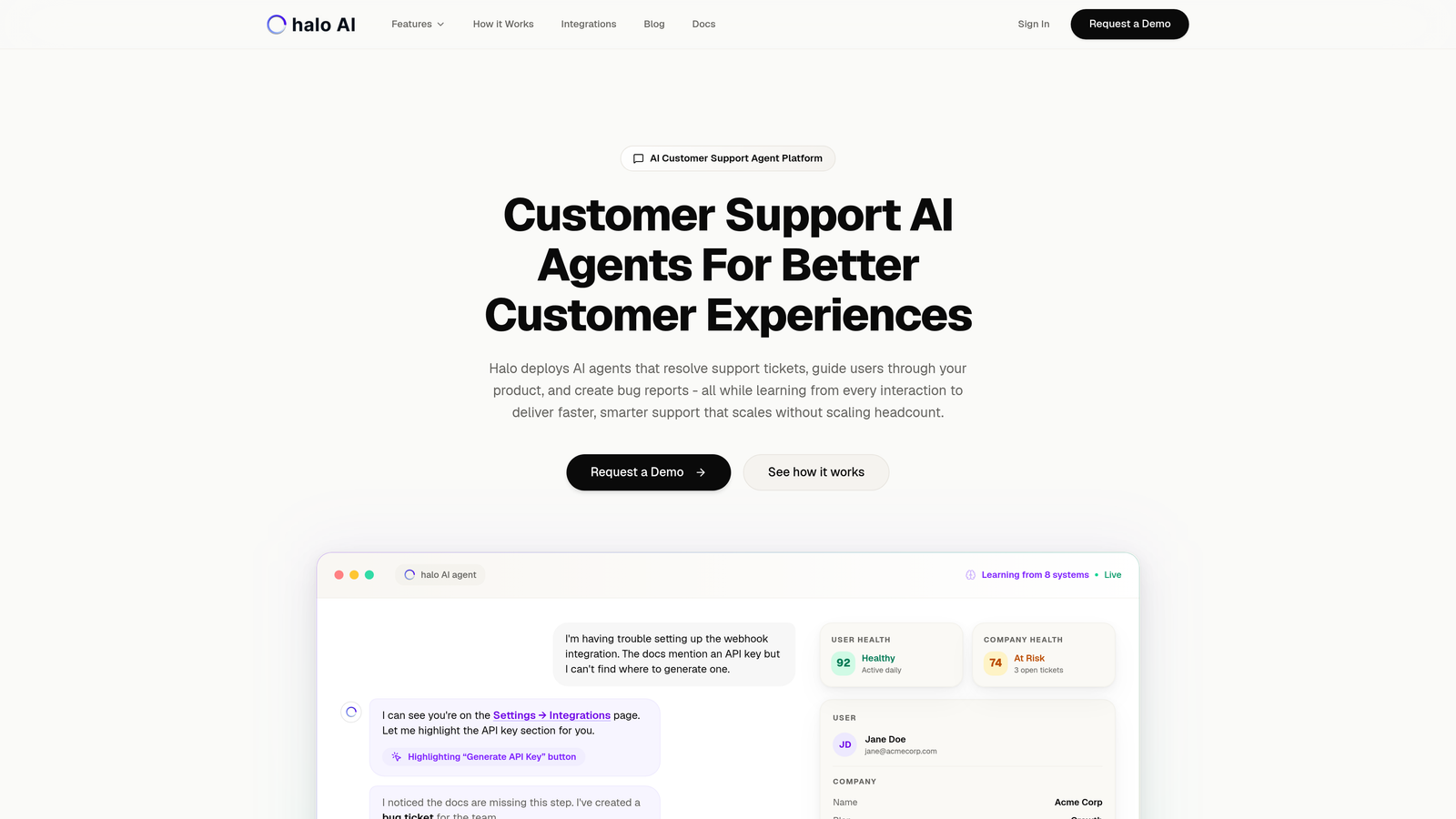
Halo AI is an AI-native customer support platform where business intelligence analytics are built directly into the support workflow rather than bolted on afterward.
Where This Tool Shines
Unlike traditional helpdesks where analytics are a separate reporting layer, Halo generates insights while AI agents actively resolve tickets. The platform sees what users see through page-aware context, creating a unique advantage for spotting UI confusion patterns or product issues that traditional ticket text alone would miss.
The smart inbox provides real-time business intelligence dashboards that surface customer health signals, revenue intelligence, and anomaly detection. This means your team isn't just reviewing what happened last week—they're getting alerts about emerging issues as they develop.
Key Features
Smart Inbox with Business Intelligence: Real-time dashboards that surface patterns across ticket resolution, customer health, and product usage.
Customer Health Signals: Predictive indicators that identify accounts at risk based on support interaction patterns and sentiment shifts.
Anomaly Detection: Automated alerts when ticket patterns deviate from normal, helping catch product bugs or feature confusion early.
Page-Aware Context: The platform captures what users are looking at when they ask for help, creating richer data for identifying UI bottlenecks.
Cross-System Integrations: Connects to Linear, Slack, HubSpot, Intercom, Stripe, Zoom, and more to enrich analytics with context from your entire business stack.
Best For
B2B product teams and growing SaaS companies who want analytics that inform action, not just retrospective reporting. Particularly valuable if you're tired of analytics living in a separate dashboard that nobody checks until there's already a problem.
Pricing
Contact for pricing. The platform positions itself as an alternative to traditional helpdesk-plus-analytics combinations rather than an add-on.
2. Zendesk Explore
Best for: Zendesk users needing native analytics without third-party integrations
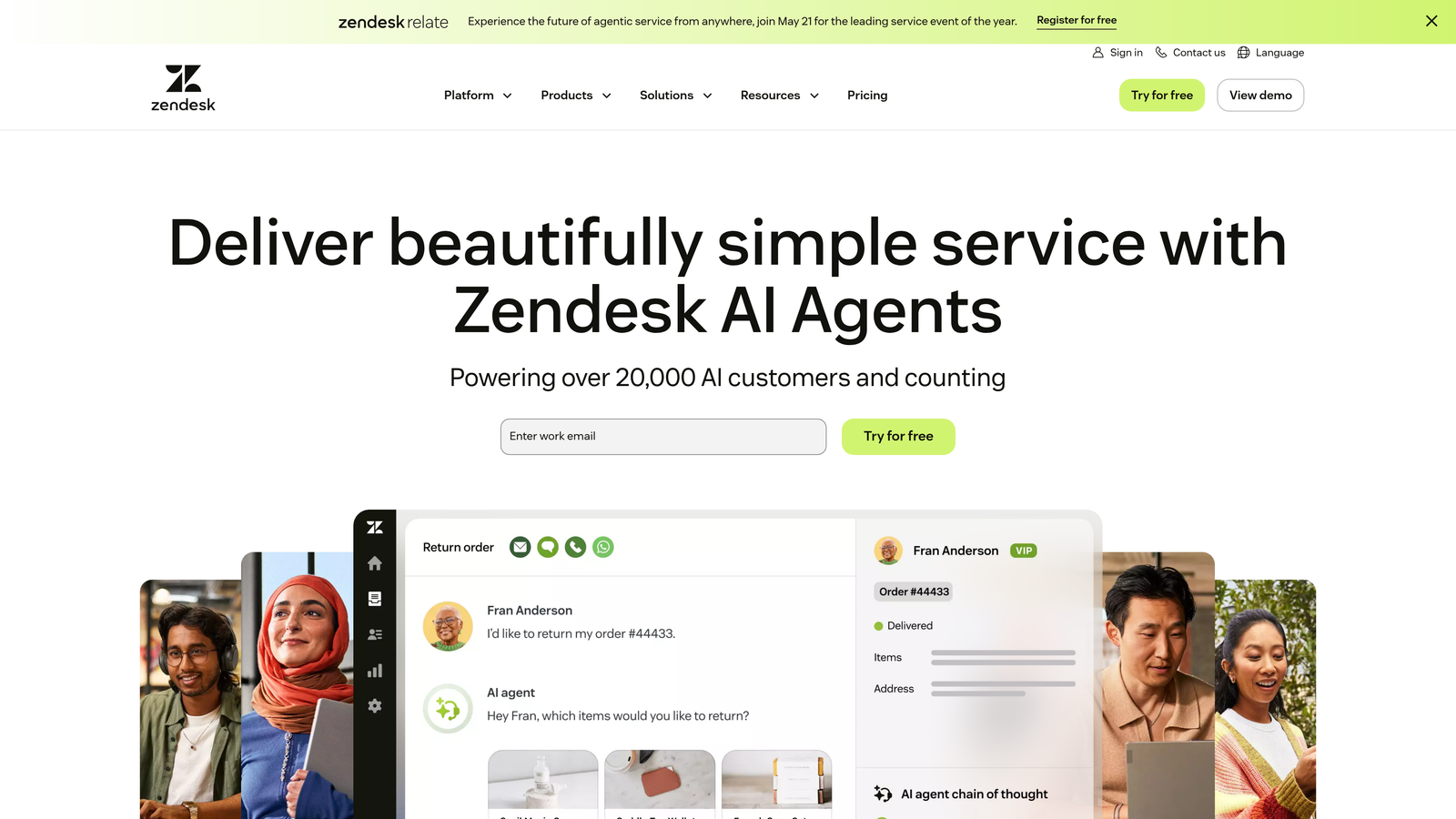
Zendesk Explore is the built-in analytics and reporting tool for the Zendesk ecosystem, offering pre-built dashboards and custom report creation.
Where This Tool Shines
If you're already invested in Zendesk, Explore eliminates the integration headaches that come with third-party analytics tools. The pre-built dashboard library covers the most common support metrics out of the box, so teams can start measuring performance immediately without building reports from scratch.
The cross-channel analytics capability is particularly strong for teams managing email, chat, phone, and social media support from a single platform. You get unified visibility rather than channel-specific silos.
Key Features
Pre-Built Dashboard Library: Ready-made reports for ticket volume, resolution time, customer satisfaction, and agent performance.
Custom Report Builder: Drag-and-drop interface for creating tailored reports without SQL knowledge.
Cross-Channel Analytics: Unified metrics across email, live chat, phone calls, and social media interactions.
Scheduled Report Delivery: Automated email distribution of reports to stakeholders on custom schedules.
Agent Performance Tracking: Individual and team-level productivity metrics with drill-down capabilities.
Best For
Zendesk customers who want analytics deeply integrated with their helpdesk rather than managing a separate tool. Works well for mid-sized teams who need both standard metrics and the flexibility to build custom views.
Pricing
Included in Zendesk Suite plans. Available as a standalone add-on starting at $9 per agent per month for teams using Zendesk Support without the full Suite.
3. Freshdesk Analytics
Best for: Freshdesk users wanting curated reports with minimal setup effort
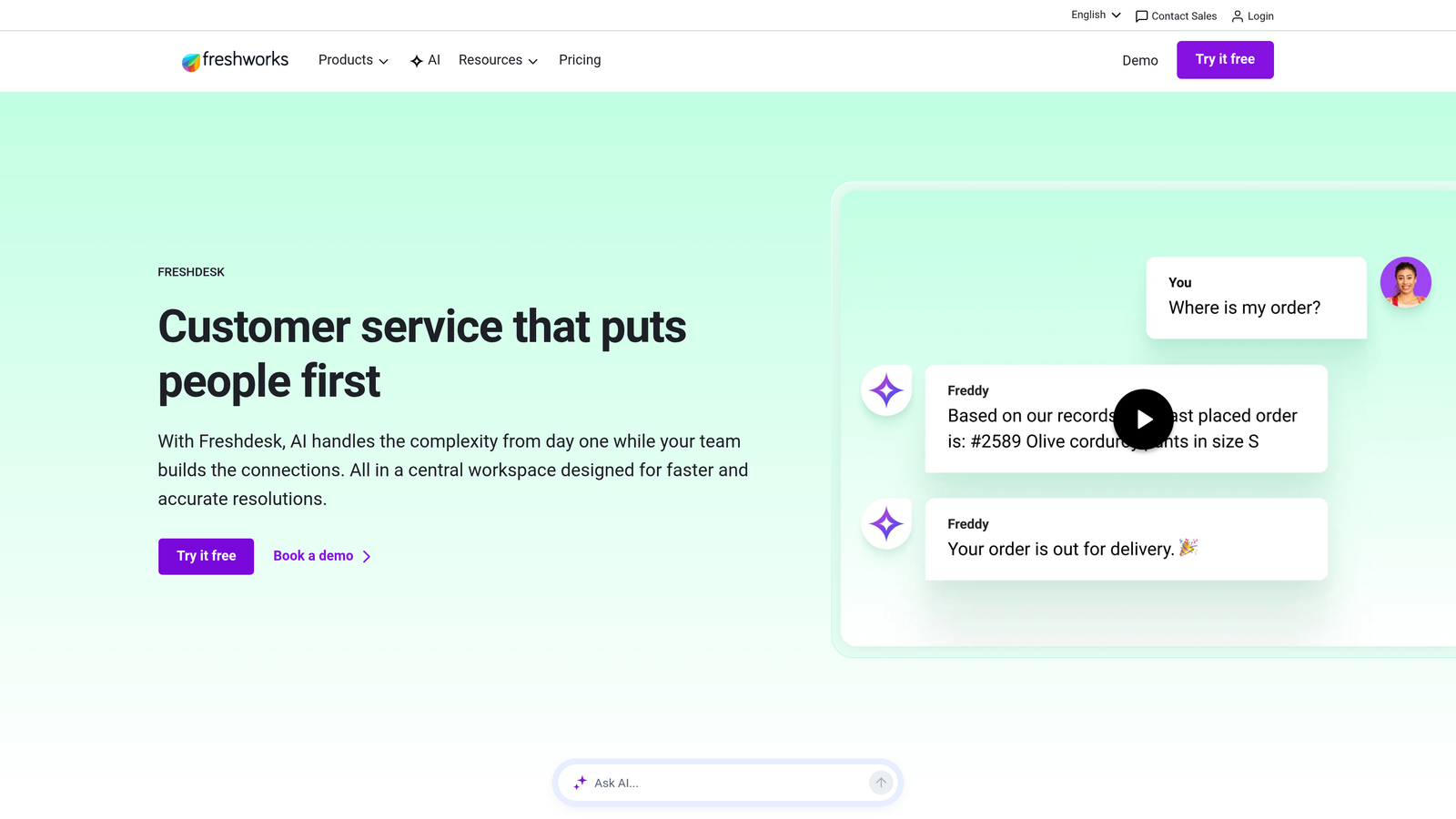
Freshdesk Analytics is the built-in reporting suite for Freshdesk, offering curated report libraries and trend analysis tools.
Where This Tool Shines
Freshdesk Analytics emphasizes speed to insight with a curated library of reports that cover the most common support scenarios. Teams can deploy meaningful dashboards in hours rather than days, making it ideal for growing companies that need analytics without dedicating resources to report building.
The SLA performance tracking is particularly robust, with visual indicators that make it easy to spot which tickets are approaching breaches before they happen. This proactive visibility helps teams prioritize effectively during high-volume periods.
Key Features
Curated Report Library: Pre-configured reports for common helpdesk metrics including volume trends, response times, and resolution rates.
SLA Performance Tracking: Visual dashboards showing SLA compliance rates with drill-down to at-risk tickets.
Customer Satisfaction Trends: CSAT and NPS tracking with trend analysis over custom time periods.
Agent Workload Reports: Productivity metrics showing ticket distribution, resolution rates, and workload balance across team members.
Export and Scheduling: Automated report delivery and export options for sharing with stakeholders outside the platform.
Best For
Freshdesk customers who want analytics that work immediately without extensive configuration. Particularly suited to teams that value simplicity over deep customization.
Pricing
Included in Freshdesk Pro plans at $49 per agent per month and Enterprise plans. Not available in the free or lower-tier Growth plan.
4. Intercom Reporting
Best for: Product-led teams managing conversational support across bots and human agents
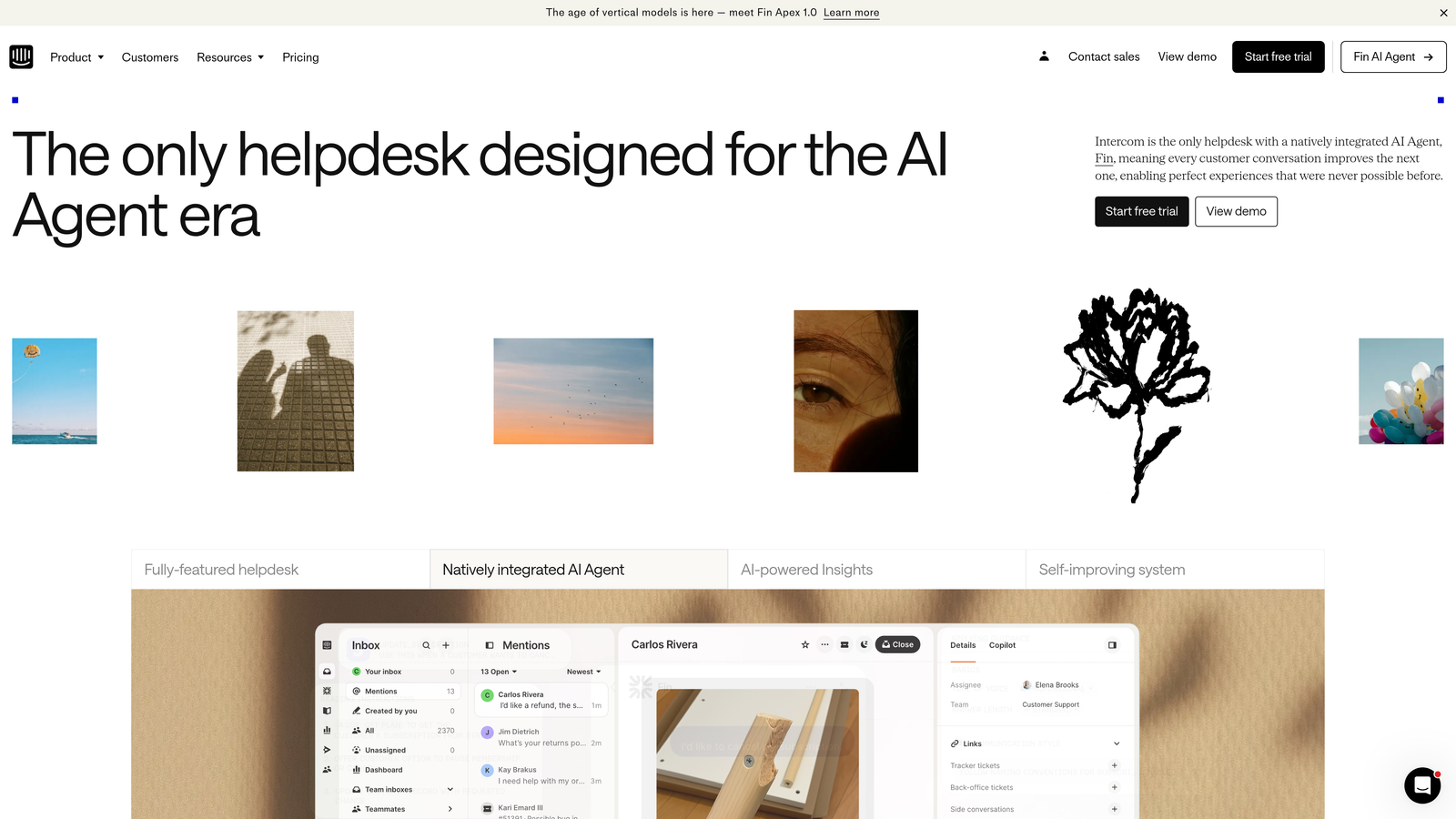
Intercom Reporting provides unified analytics across conversations, automated bots, and support tickets within the Intercom platform.
Where This Tool Shines
Intercom's analytics excel at showing the complete customer journey across touchpoints. You can see how bot interactions flow into human conversations, which messages drive the most engagement, and where customers drop off in self-service flows. This holistic view is rare among helpdesk analytics tools.
The bot performance and deflection metrics are particularly valuable for teams investing in automation. You get clear data on which bot flows successfully resolve issues versus which ones frustrate users and create more tickets.
Key Features
Conversation Analytics: Metrics on conversation volume, resolution rates, and response times across all channels.
Bot Performance Tracking: Deflection rates, completion rates, and user satisfaction scores for automated workflows.
Customer Journey Mapping: Visualization of how customers move between self-service, bot interactions, and human support.
Team Inbox Insights: Performance metrics for your support team including response times and resolution rates.
Custom Report Builder: Flexible reporting tools for creating tailored views of your support data.
Best For
Product-led SaaS companies using Intercom for in-app messaging and conversational support. Especially valuable if you're investing in chatbots and need to measure their impact on ticket deflection.
Pricing
Included in Intercom plans starting at $74 per month. Analytics depth increases with higher-tier plans, with advanced reporting features in Professional and Enterprise tiers.
5. Klaus
Best for: Quality-obsessed teams focused on agent coaching and conversation excellence
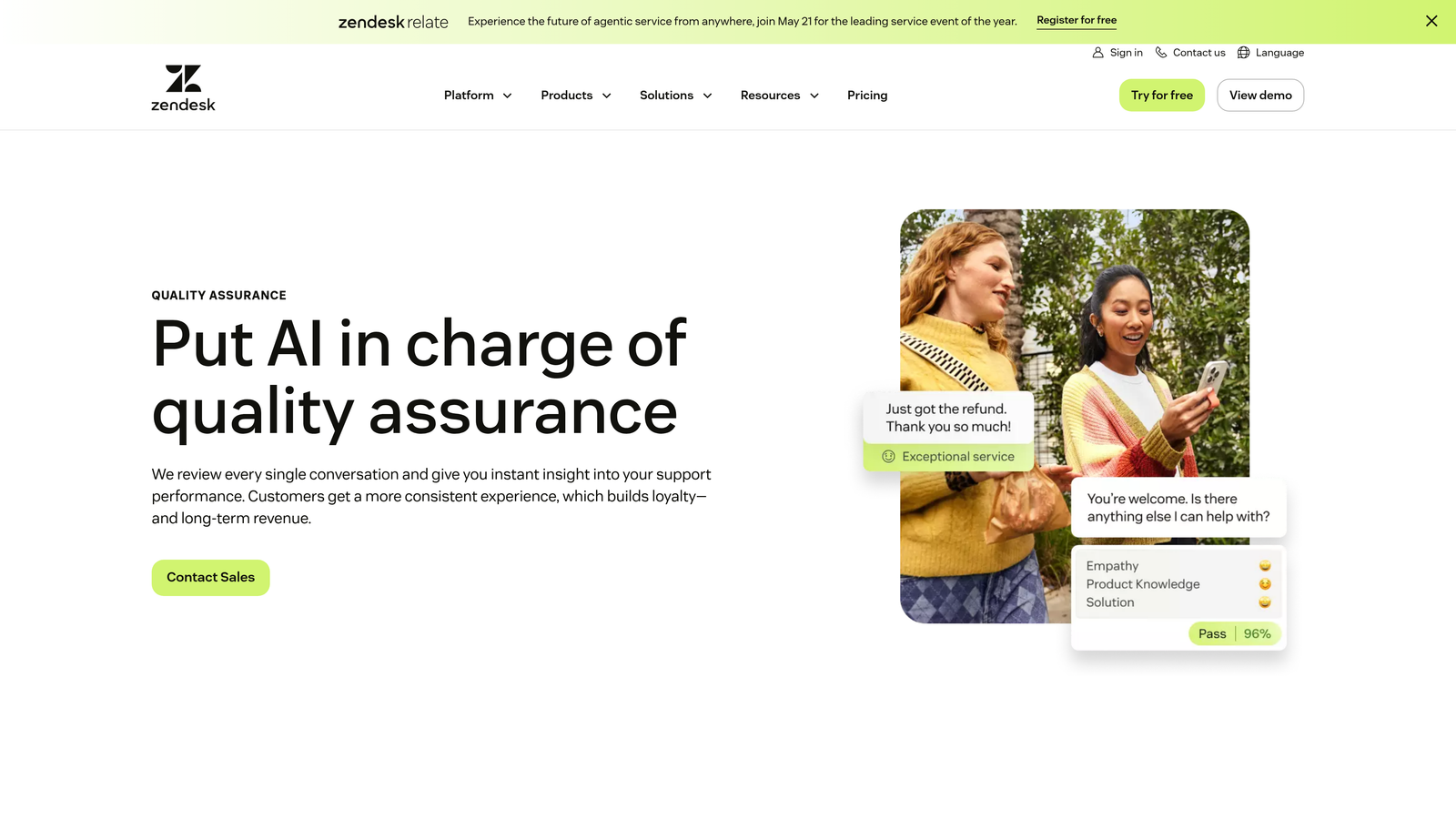
Klaus is an AI-powered conversation review platform that combines quality assurance scoring with coaching workflows and training gap identification.
Where This Tool Shines
Klaus shifts analytics from "what happened" to "how well did we handle it." The AI-powered quality scoring automatically samples conversations and evaluates them against your standards, eliminating the manual burden of reviewing tickets one by one. This means you can maintain quality oversight at scale without drowning managers in review work.
The coaching workflow integration is where Klaus really differentiates itself. Quality scores don't just sit in a dashboard—they trigger feedback loops, training assignments, and development conversations. This closes the gap between identifying problems and actually improving performance.
Key Features
AI-Powered Quality Scoring: Automated evaluation of conversations against customizable quality criteria.
Automated Conversation Sampling: Smart selection of representative tickets for review rather than random sampling.
Agent Coaching Workflows: Built-in tools for delivering feedback, assigning training, and tracking improvement over time.
Training Gap Identification: Analytics that surface common mistakes or knowledge gaps across your team.
Helpdesk Integrations: Connects to Zendesk, Intercom, Freshdesk, Front, and other major platforms.
Best For
Support leaders who view quality assurance as a continuous improvement process rather than a compliance checkbox. Particularly valuable for teams where conversation quality directly impacts customer retention.
Pricing
Contact for pricing based on team size and helpdesk integration needs. Free trial available to test the platform with your actual support data.
6. Geckoboard
Best for: Teams wanting simple, visual dashboards that pull metrics from multiple sources
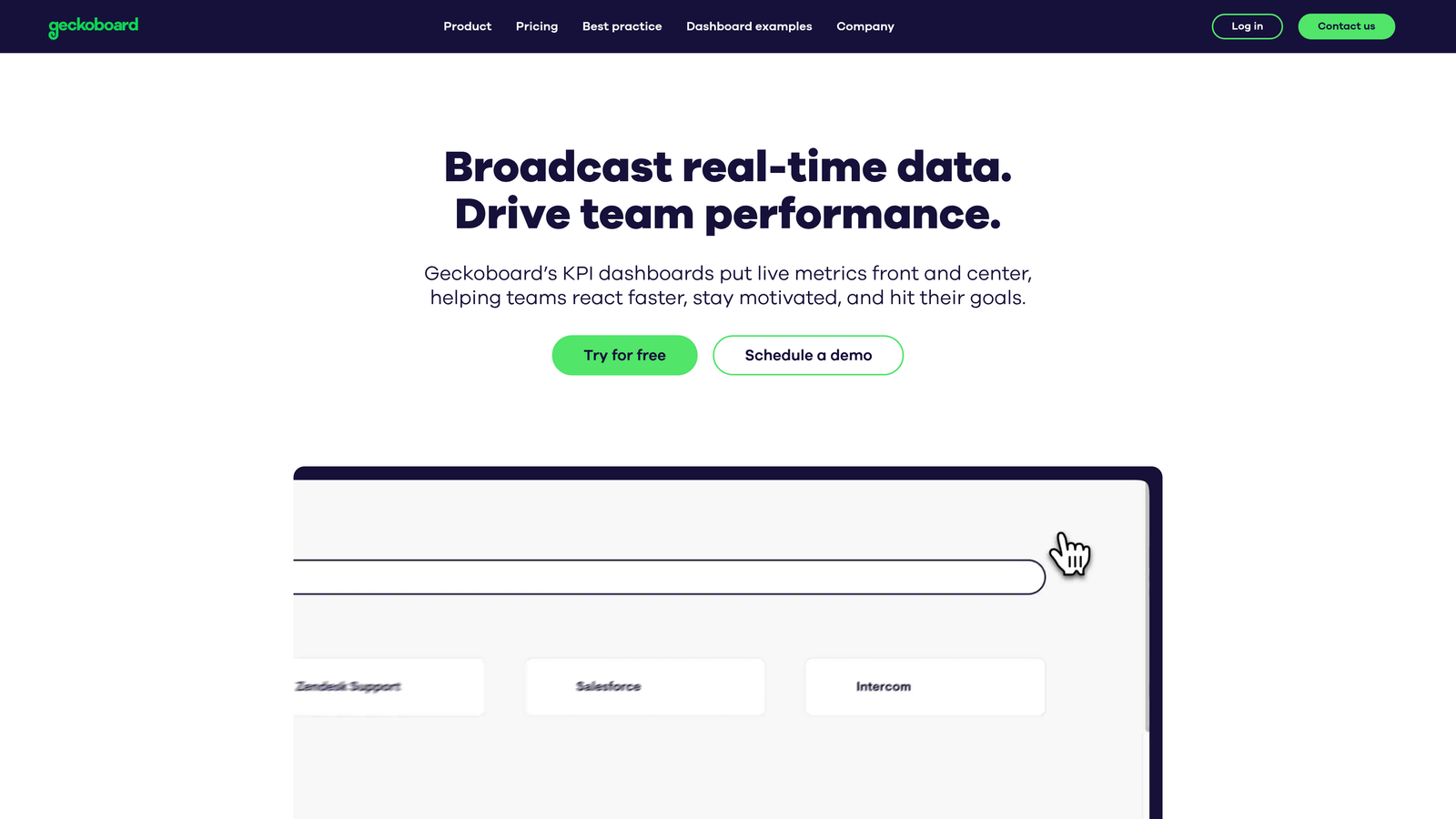
Geckoboard is a real-time dashboard tool that aggregates support metrics from helpdesks and other business tools into unified, TV-ready displays.
Where This Tool Shines
Geckoboard excels at making metrics visible and accessible to the entire team. The TV-ready dashboard design means you can put support performance on screens throughout your office, creating transparency and shared accountability. This visibility often drives behavior change more effectively than buried reports.
The no-code dashboard builder makes it easy for non-technical team members to create and modify dashboards without involving engineering. If your support metrics are scattered across Zendesk, Intercom, Google Sheets, and other tools, Geckoboard brings them into one view.
Key Features
TV-Ready Dashboard Design: Large, clear visualizations optimized for display on office screens and monitors.
80+ Data Source Integrations: Connects to Zendesk, Freshdesk, Intercom, Help Scout, and dozens of other business tools.
No-Code Dashboard Builder: Drag-and-drop interface for creating custom dashboards without technical skills.
Real-Time Data Refresh: Live updates so your team always sees current metrics rather than stale snapshots.
Goal Tracking: Visual indicators showing progress toward targets with status alerts.
Best For
Teams that value visibility and simplicity over deep analytical capabilities. Works well for companies that want support metrics displayed alongside sales, marketing, and product data in unified dashboards.
Pricing
Starts at $49 per month for one dashboard. Additional dashboards cost $19 each per month. All plans include unlimited data sources and users.
7. Metabase
Best for: Technical teams wanting direct SQL access to support data and self-hosted options
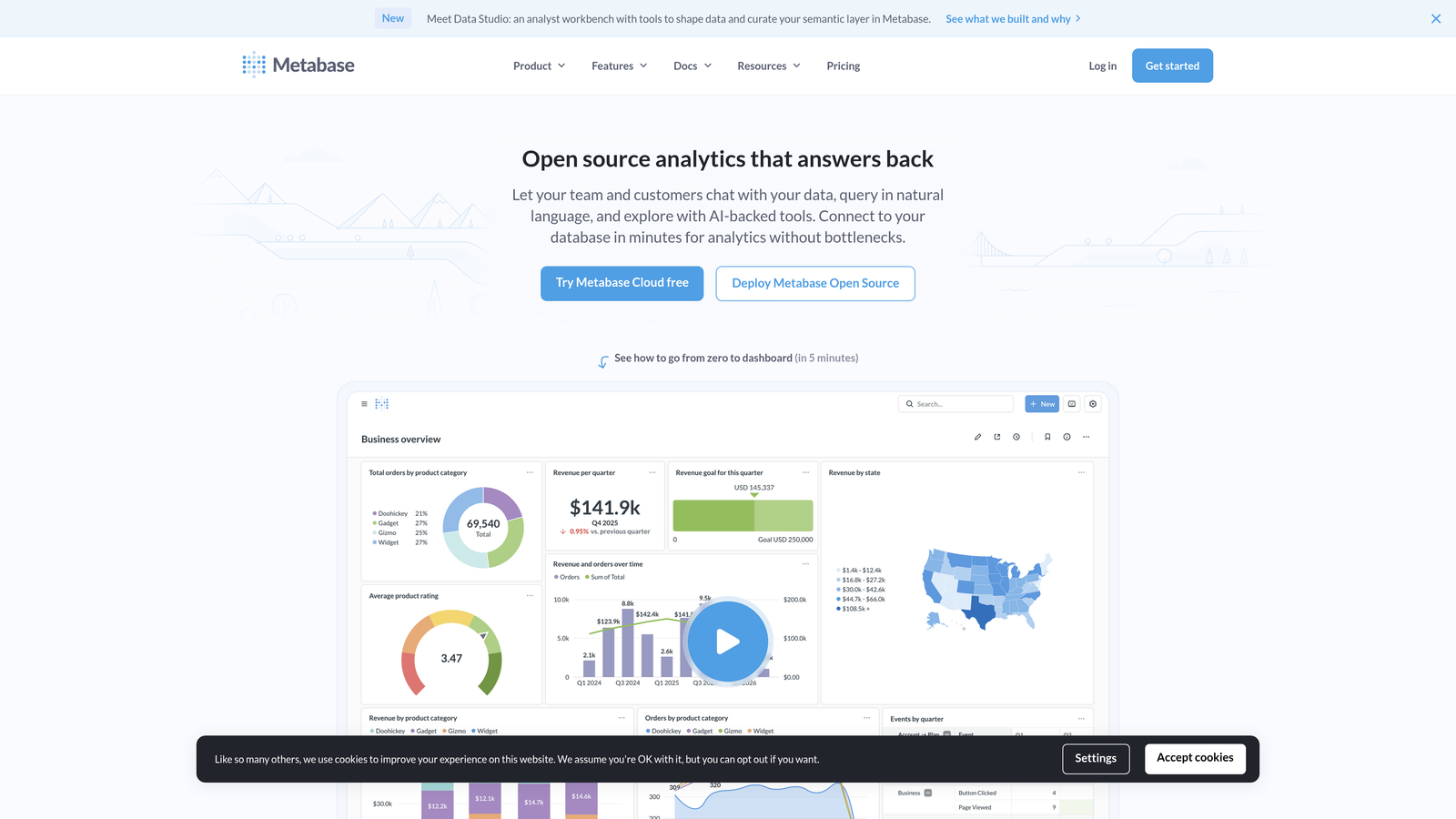
Metabase is an open-source business intelligence tool that provides both SQL query capabilities and no-code visualization builders for analyzing support data.
Where This Tool Shines
Metabase gives technical teams complete control over their analytics without vendor lock-in. The ability to write SQL queries directly against your support database means you're never limited by pre-built reports or constrained by what the vendor thinks you should measure. This flexibility is invaluable for teams with unique workflows or complex reporting needs.
The self-hosted deployment option appeals to companies with strict data governance requirements. Your support data never leaves your infrastructure, eliminating concerns about third-party access to sensitive customer information.
Key Features
Direct Database Connections: Query your support database directly using SQL without going through API limitations.
Dual Query Options: Write SQL for complex analysis or use the visual query builder for simpler reports.
Self-Hosted or Cloud: Deploy on your own infrastructure or use Metabase's cloud hosting.
Embeddable Dashboards: Share interactive dashboards with stakeholders or embed them in internal tools.
Open-Source Foundation: Free core product with optional paid features for larger teams.
Best For
Engineering-led support teams or companies with data analysts who want to build custom analytics without vendor constraints. Particularly suited to teams already comfortable with SQL and database management.
Pricing
Free for the open-source version with unlimited users and dashboards. Pro plans start at $85 per month for additional features like advanced permissions and priority support.
8. Playvox
Best for: Contact centers needing workforce engagement alongside quality assurance and performance analytics
Playvox is a workforce engagement platform that combines quality assurance scorecards, coaching workflows, and performance analytics with workforce scheduling capabilities.
Where This Tool Shines
Playvox addresses the full spectrum of contact center management, not just analytics. The integration of quality scoring, coaching, scheduling, and gamification creates a comprehensive system for managing large support teams. This holistic approach eliminates the need to stitch together multiple point solutions.
The gamification and leaderboard features drive engagement in ways that traditional analytics dashboards don't. When agents can see how they rank and earn recognition for improvement, quality scores become motivational rather than punitive.
Key Features
Quality Assurance Scorecards: Customizable evaluation forms for measuring conversation quality across multiple dimensions.
Workforce Scheduling: Forecasting and scheduling tools that optimize agent coverage based on ticket volume patterns.
Agent Coaching Workflows: Structured processes for delivering feedback and tracking development plans.
Gamification and Leaderboards: Recognition systems that make quality improvement engaging and visible.
Performance Benchmarking: Compare individual and team metrics against historical performance and industry standards.
Best For
Mid-sized to large contact centers where workforce management and quality assurance are equally important. Particularly valuable for teams managing 20+ agents across multiple shifts.
Pricing
Contact for pricing based on team size and feature requirements. Playvox typically sells to contact centers with at least 15-20 agents.
9. SupportLogic
Best for: Enterprise teams focused on predicting escalations and preventing customer churn
SupportLogic is an enterprise signal extraction platform that uses AI to predict escalations, identify churn risk, and surface proactive intervention opportunities from support interactions.
Where This Tool Shines
SupportLogic shifts support analytics from reactive reporting to predictive intelligence. The platform analyzes sentiment shifts across the entire ticket lifecycle, identifying subtle signals that a case is heading toward escalation before the customer explicitly complains. This early warning system allows teams to intervene proactively rather than reactively.
The account health scoring goes beyond individual tickets to provide a holistic view of customer relationships. By analyzing patterns across all support interactions for an account, SupportLogic surfaces risks that individual ticket metrics would miss.
Key Features
Sentiment Analysis: Tracks emotional tone across the entire ticket conversation, not just initial contact.
Escalation Prediction: AI models that identify tickets likely to escalate based on language patterns and interaction history.
Account Health Scoring: Aggregated risk scores for customer accounts based on support interaction patterns.
Proactive Case Management: Alerts and workflows that trigger intervention before situations deteriorate.
Enterprise Integrations: Deep connections with Salesforce, Zendesk, ServiceNow, and other enterprise platforms.
Best For
Enterprise B2B companies where customer retention is critical and the cost of churn is high. Particularly valuable for teams supporting complex products where support interactions are early indicators of account health.
Pricing
Contact for enterprise pricing. SupportLogic typically serves companies with substantial support volumes and high customer lifetime values.
Making the Right Choice
The best support ticket analytics software depends on whether you need analytics as a standalone layer or prefer intelligence built directly into your support workflow.
Choose Halo AI if you want analytics embedded in an AI-first support platform that resolves tickets while generating insights. The page-aware context and business intelligence signals offer capabilities that traditional helpdesk-plus-analytics combinations can't match.
Go with Zendesk Explore or Freshdesk Analytics if you're already committed to those ecosystems and want native integration without third-party complexity. Intercom Reporting fits product-led teams with conversational support needs who care about bot deflection rates as much as agent performance.
Klaus excels for quality-obsessed teams where conversation excellence drives retention. Geckoboard suits teams needing simple, visual dashboards that pull metrics from multiple sources. Technical teams with SQL skills will appreciate Metabase's flexibility and self-hosting options.
Contact centers managing large teams should explore Playvox for its workforce engagement capabilities. Enterprise teams focused on preventing escalations will find SupportLogic's predictive capabilities valuable, particularly when customer lifetime values justify the investment.
The fundamental question is this: Do you want to analyze what happened last week, or do you want intelligence that helps you prevent problems this week? Your support team shouldn't scale linearly with your customer base. Let AI agents handle routine tickets, guide users through your product, and surface business intelligence while your team focuses on complex issues that need a human touch. See Halo in action and discover how continuous learning transforms every interaction into smarter, faster support.