9 Best Support Ticket Automation Software in 2026
Support ticket automation software transforms customer service by handling repetitive inquiries automatically, intelligently routing complex issues, and enabling support teams to focus on high-value customer interactions. This comprehensive comparison reviews nine leading platforms for 2026, from AI-native autonomous agents to workflow automation tools, helping you select the ideal solution based on your team's specific requirements and budget constraints.
 Grant CooperFounder10 min read
Support teams are drowning in repetitive tickets while customers expect instant resolutions. The right automation software can handle routine inquiries, route complex issues intelligently, and free your team to focus on high-value interactions that actually need human expertise.
This guide compares the leading support ticket automation platforms—from AI-native solutions to workflow-focused tools—to help you find the best fit for your team's needs and budget.
1. Halo AI
Best for: Teams seeking autonomous AI agents that resolve tickets independently and learn continuously
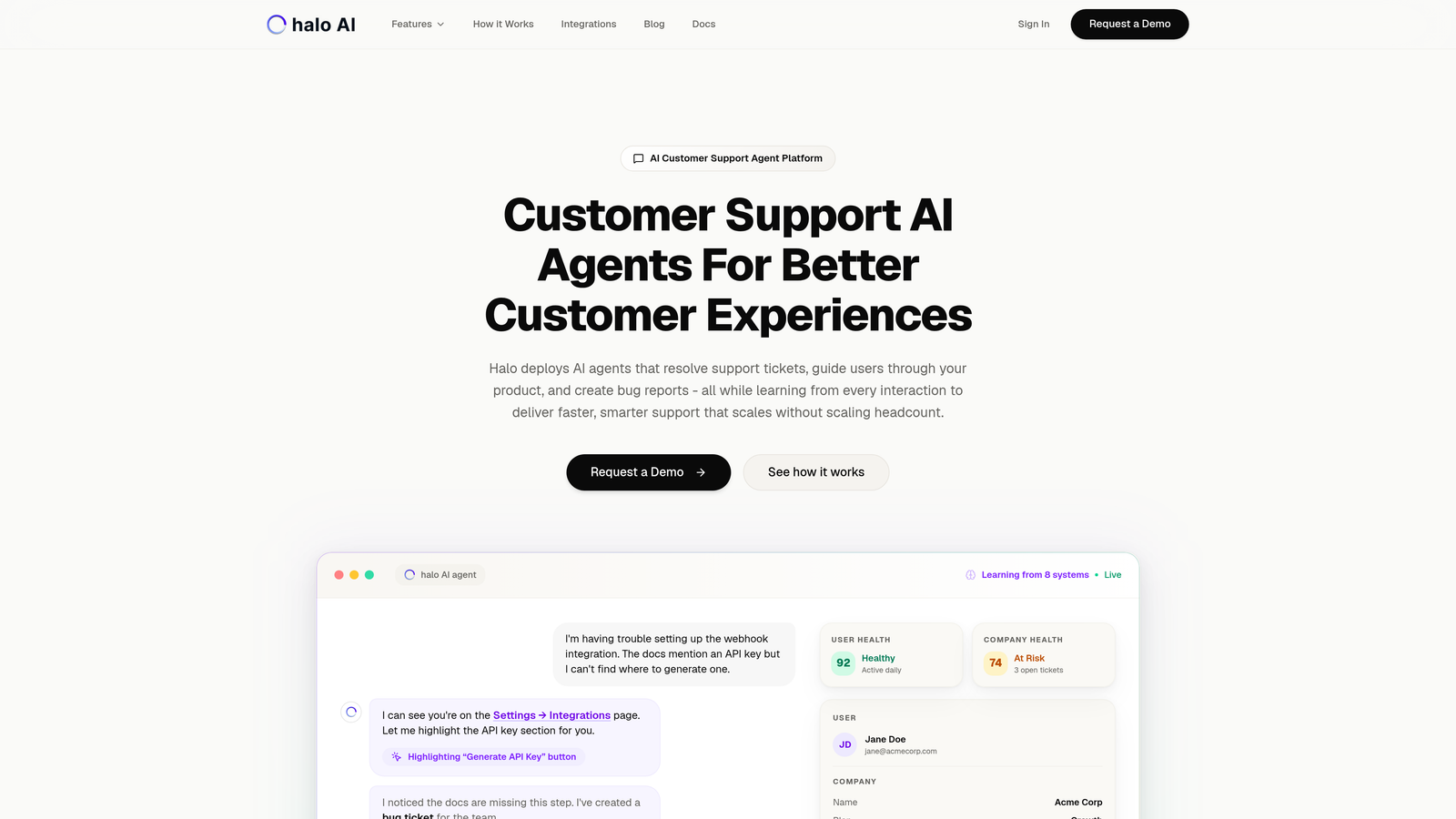
Halo AI takes a fundamentally different approach to support automation by deploying AI agents that autonomously resolve tickets rather than simply routing them or suggesting responses.
Where This Tool Shines
Unlike traditional helpdesks that bolt AI onto existing workflows, Halo is built AI-first. The platform sees what your users see through page-aware context, allowing it to provide visual guidance and contextual support that understands the exact screen state causing confusion.
Every interaction teaches the system something new. This continuous learning means your support gets smarter over time without manual training or rule updates. The platform connects across your entire business stack—Linear, Slack, HubSpot, Intercom, Stripe—to provide business intelligence beyond just ticket metrics.
Key Features
Autonomous AI Agents: Resolve support tickets independently without human intervention for routine issues.
Page-Aware Chat Widget: Understands visual UI context to guide users through your product with precision.
Auto Bug Ticket Creation: Detects issues and automatically creates tickets in Linear with full context.
Smart Inbox with BI: Surfaces customer health signals, revenue intelligence, and anomaly detection.
Live Agent Handoff: Seamlessly escalates complex issues to human agents with full conversation context.
Best For
B2B SaaS companies and product teams that need support to scale without scaling headcount. Particularly valuable for teams currently using Zendesk, Freshdesk, or Intercom who want AI that actually resolves issues rather than just assisting agents.
Pricing
Contact for pricing. The platform is designed for teams ready to move beyond per-seat models to resolution-focused support.
2. Zendesk
Best for: Enterprise organizations requiring extensive customization and complex workflow automation
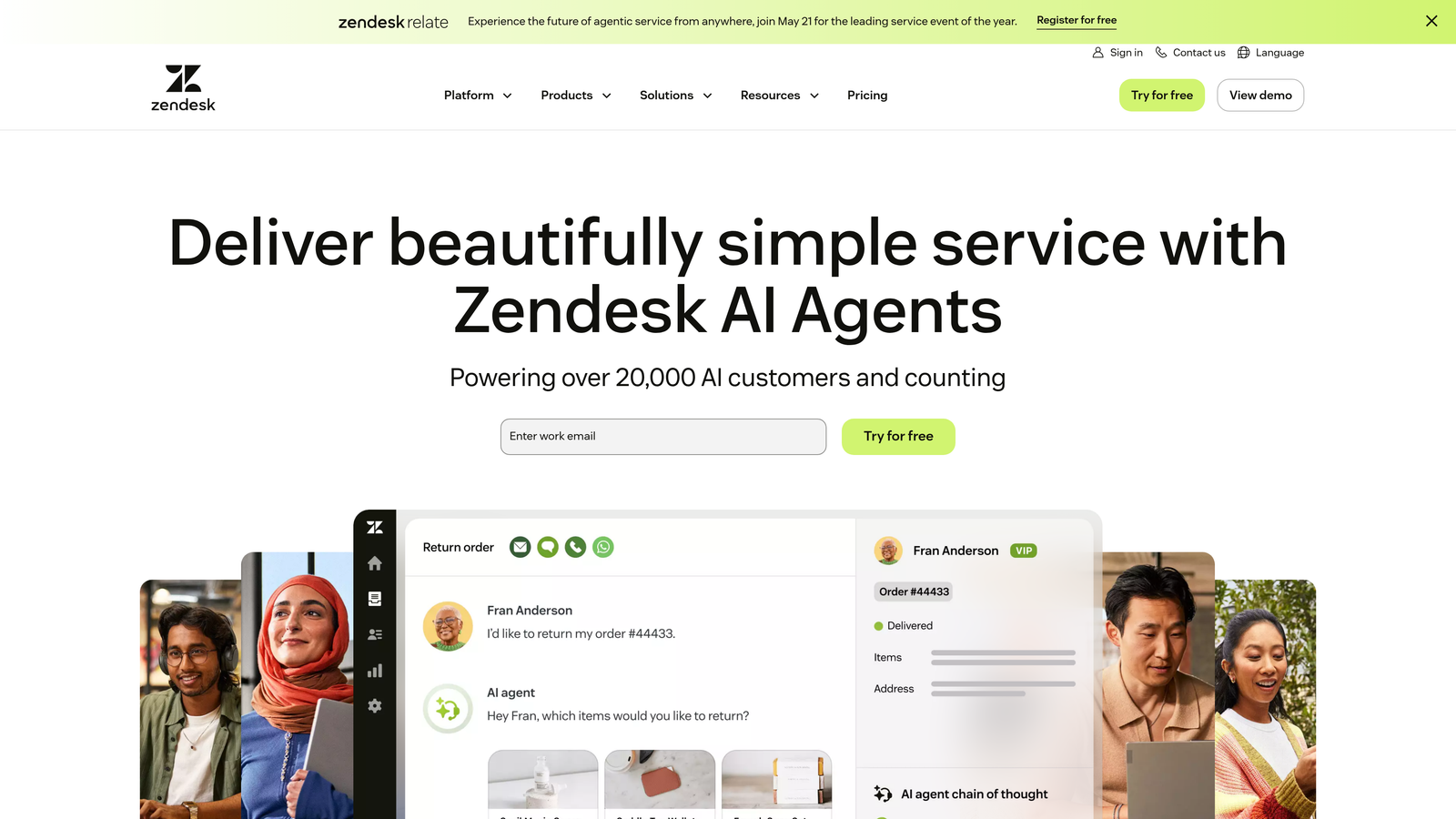
Zendesk is the enterprise-grade powerhouse with comprehensive automation capabilities and a massive integration ecosystem.
Where This Tool Shines
Zendesk's trigger and automation engine handles remarkably complex scenarios. You can build multi-step workflows triggered by nearly any ticket event, customer action, or time-based condition. The platform has been refined over years to handle enterprise-scale operations with thousands of agents.
The marketplace offers over 1,500 integrations, meaning you can connect Zendesk to virtually any tool in your stack. This depth makes it particularly strong for organizations with established tech ecosystems that need their helpdesk to play well with existing systems.
Key Features
Advanced Trigger System: Create sophisticated automation rules based on conditions, actions, and time-based triggers.
Answer Bot: AI-powered bot suggests help center articles and can auto-resolve simple tickets.
Custom Workflow Builder: Visual interface for designing multi-step support processes.
Omnichannel Routing: Automatically route tickets from email, chat, phone, and social media based on rules.
Marketplace Integrations: Connect to 1,500+ apps through pre-built integrations and APIs.
Best For
Large enterprises with complex support operations, multiple brands, and established tech stacks. Teams that need extensive customization and have the resources to configure sophisticated workflows.
Pricing
Starts at $55/agent/month for Suite Team. Enterprise plans with advanced automation features require custom pricing.
3. Freshdesk
Best for: Mid-market teams wanting powerful automation without enterprise complexity or cost
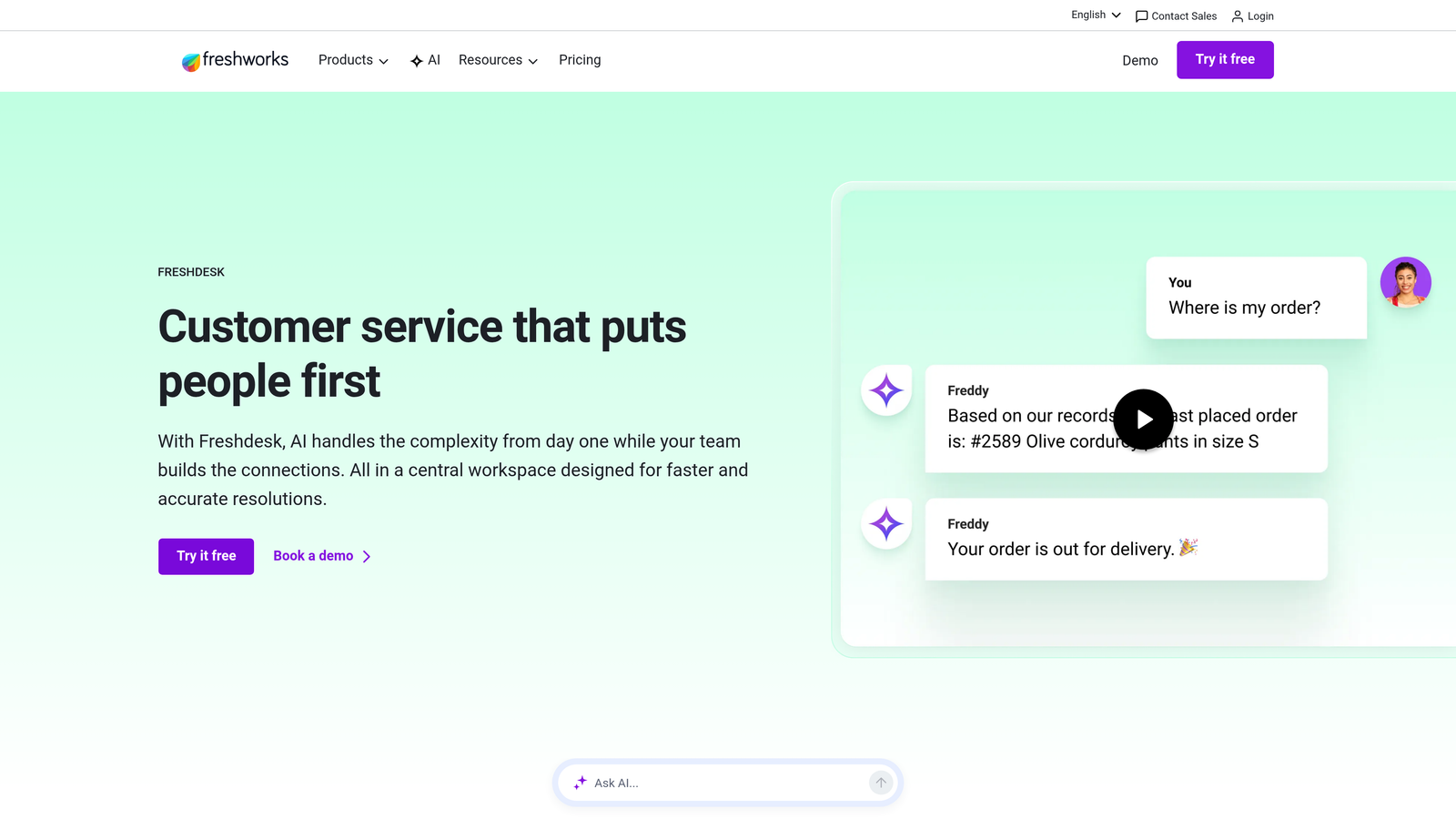
Freshdesk delivers feature-rich automation through Freddy AI and scenario-based workflows at accessible price points.
Where This Tool Shines
Freddy AI automatically classifies incoming tickets by category, sentiment, and urgency—saving agents from manual triage work. The system learns from your team's past resolutions to suggest relevant responses and next actions.
Scenario automations let you chain multiple actions together based on complex conditions. Think of it like creating "if this, then that" recipes for support—but with the ability to handle intricate multi-step processes that adapt based on customer responses.
Key Features
Freddy AI Classification: Auto-categorizes tickets by topic, sentiment, and priority level.
Scenario Automations: Build multi-step workflows that execute conditional logic and branching paths.
Canned Responses with Variables: Template responses that dynamically insert customer and ticket data.
SLA Management: Automated escalations and notifications based on response time violations.
Parent-Child Ticketing: Automatically link related tickets and coordinate resolution across dependencies.
Best For
Growing companies that need sophisticated automation capabilities without Zendesk's price tag. Teams handling moderate to high ticket volumes who want AI assistance without full autonomous resolution.
Pricing
Free tier available for up to 10 agents. Pro plan starts at $49/agent/month with full automation features.
4. Intercom
Best for: Product-focused companies wanting conversational support with autonomous AI resolution
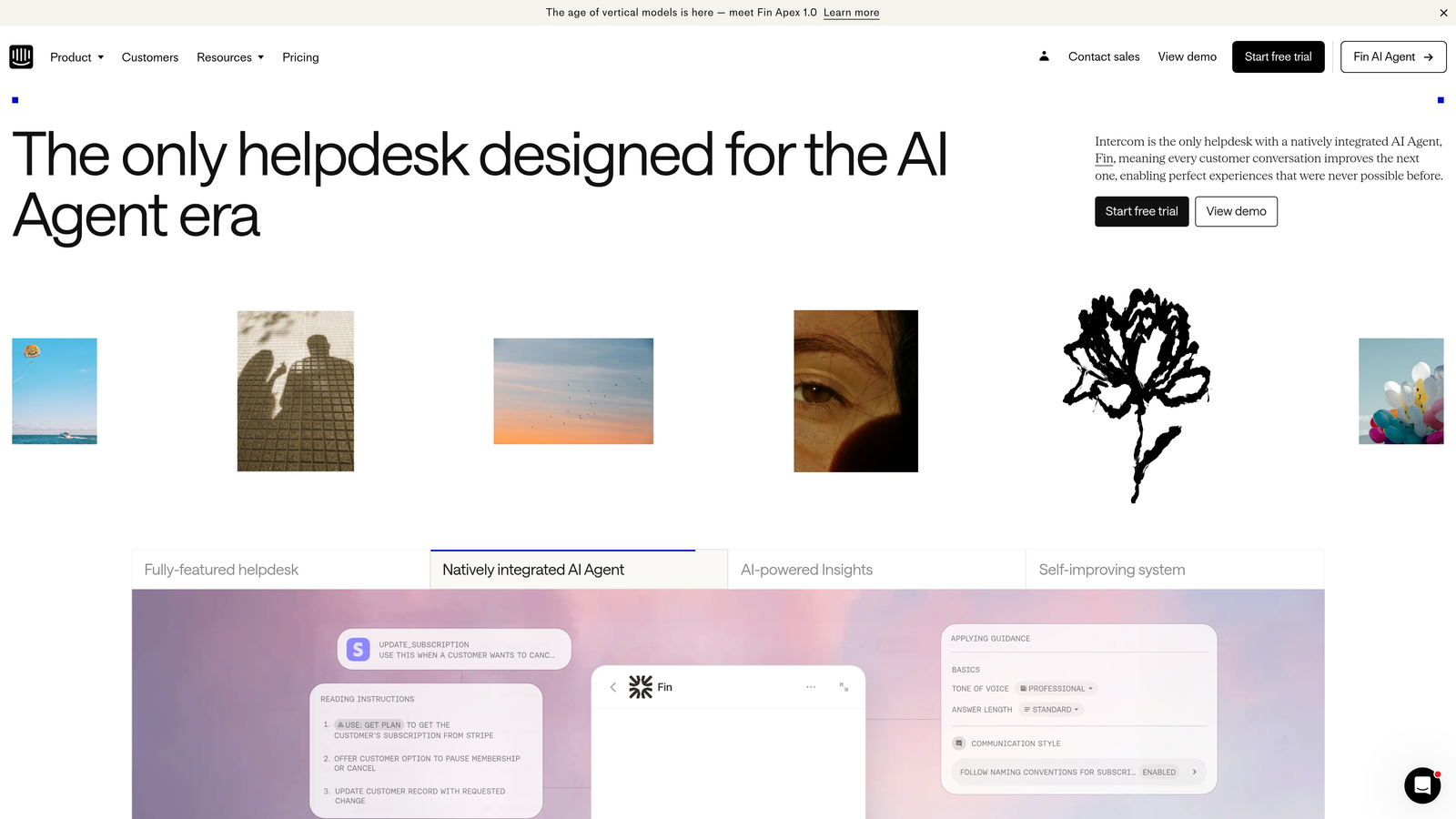
Intercom combines conversational support with Fin AI agent for autonomous ticket resolution and in-app messaging.
Where This Tool Shines
Fin AI agent can autonomously resolve customer questions by pulling from your knowledge base, providing accurate answers without human intervention. The resolution-based pricing model means you only pay when Fin successfully handles a conversation.
Intercom excels at proactive support through product tours and targeted in-app messages. You can automate outreach based on user behavior, preventing tickets before they happen by guiding users at critical moments in their journey.
Key Features
Fin AI Agent: Autonomous resolution of customer inquiries with confidence scoring and source citations.
Custom Bot Builder: Create conversation flows with branching logic and conditional paths.
Product Tours: Automated in-app guidance triggered by user behavior or segment membership.
Unified Inbox: Manage conversations across chat, email, and in-app messages in one interface.
Resolution Bot: Automatically marks conversations as resolved when customers confirm their issue is fixed.
Best For
SaaS companies that want to blend support with product engagement. Teams focused on reducing ticket volume through proactive education and self-service.
Pricing
Starts at $39/seat/month for core platform. Fin AI agent costs $0.99 per resolution with volume discounts.
5. HubSpot Service Hub
Best for: Companies already using HubSpot CRM wanting unified customer data across support and sales
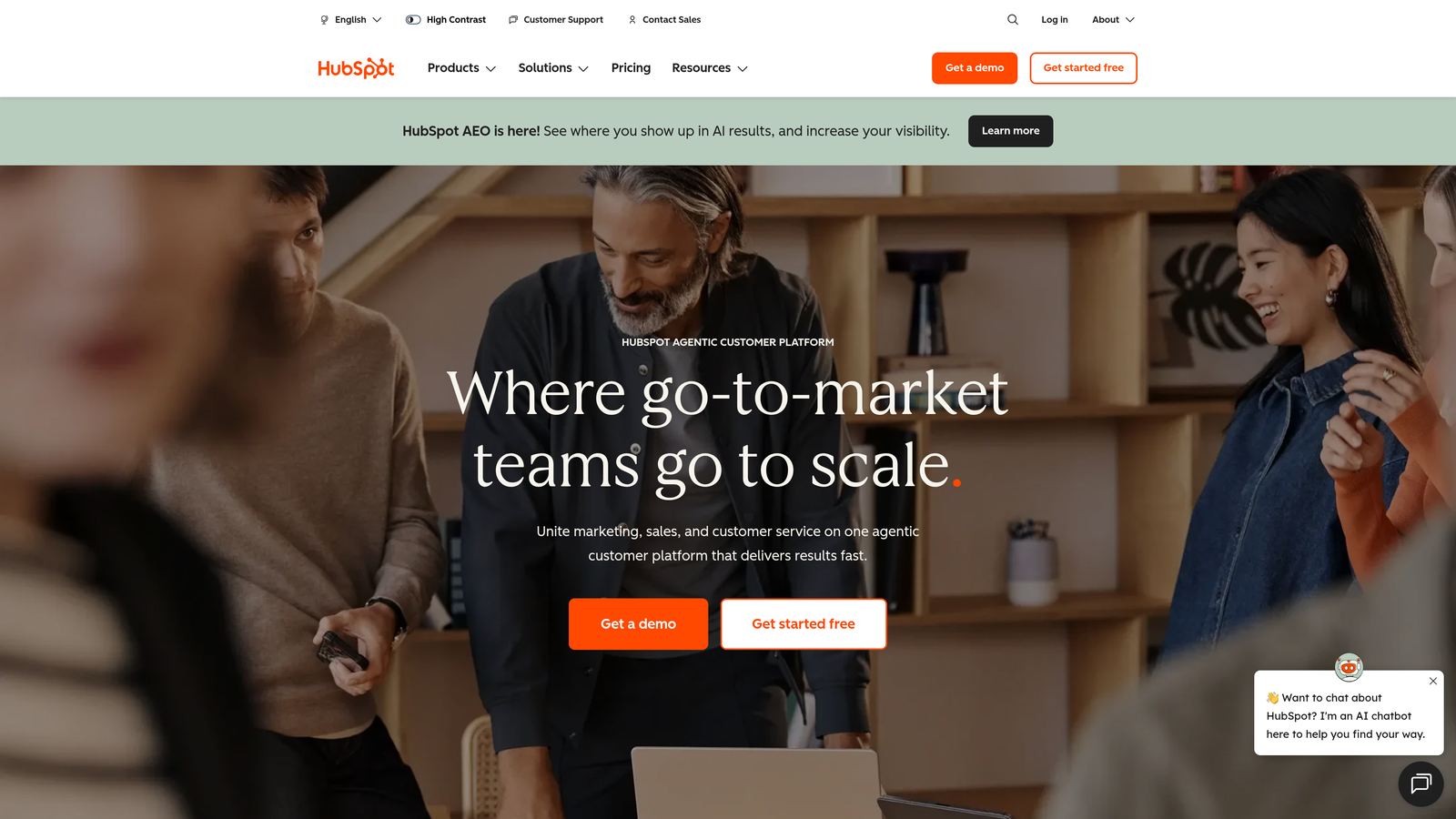
HubSpot Service Hub integrates support automation directly with your CRM, connecting ticket resolution to the full customer lifecycle.
Where This Tool Shines
Service Hub's real power comes from unified customer data. Your support team sees every sales interaction, marketing touchpoint, and product usage signal when handling tickets. Automation workflows can trigger based on CRM data—like escalating tickets from high-value accounts or routing based on customer lifecycle stage.
The knowledge base includes AI-powered search that learns from successful resolutions. When customers find answers themselves, the system tracks which articles prevented tickets, helping you optimize self-service content.
Key Features
Ticket Automation Workflows: Trigger actions based on ticket properties, customer data, or CRM events.
Knowledge Base with AI Search: Self-service portal with intelligent article recommendations.
Customer Feedback Automation: Automatically send surveys and track CSAT/NPS based on ticket resolution.
Unified CRM Data: Access complete customer history across sales, marketing, and service.
Conversation Routing: Assign tickets based on agent availability, expertise, and customer attributes.
Best For
Companies already invested in the HubSpot ecosystem. Teams that need support data to inform sales and marketing strategies, or vice versa.
Pricing
Free tier available with basic features. Professional plan starts at $90/month for 5 users, with additional seats at $18/month.
6. Zoho Desk
Best for: Budget-conscious teams wanting AI-powered automation with multi-brand support capabilities
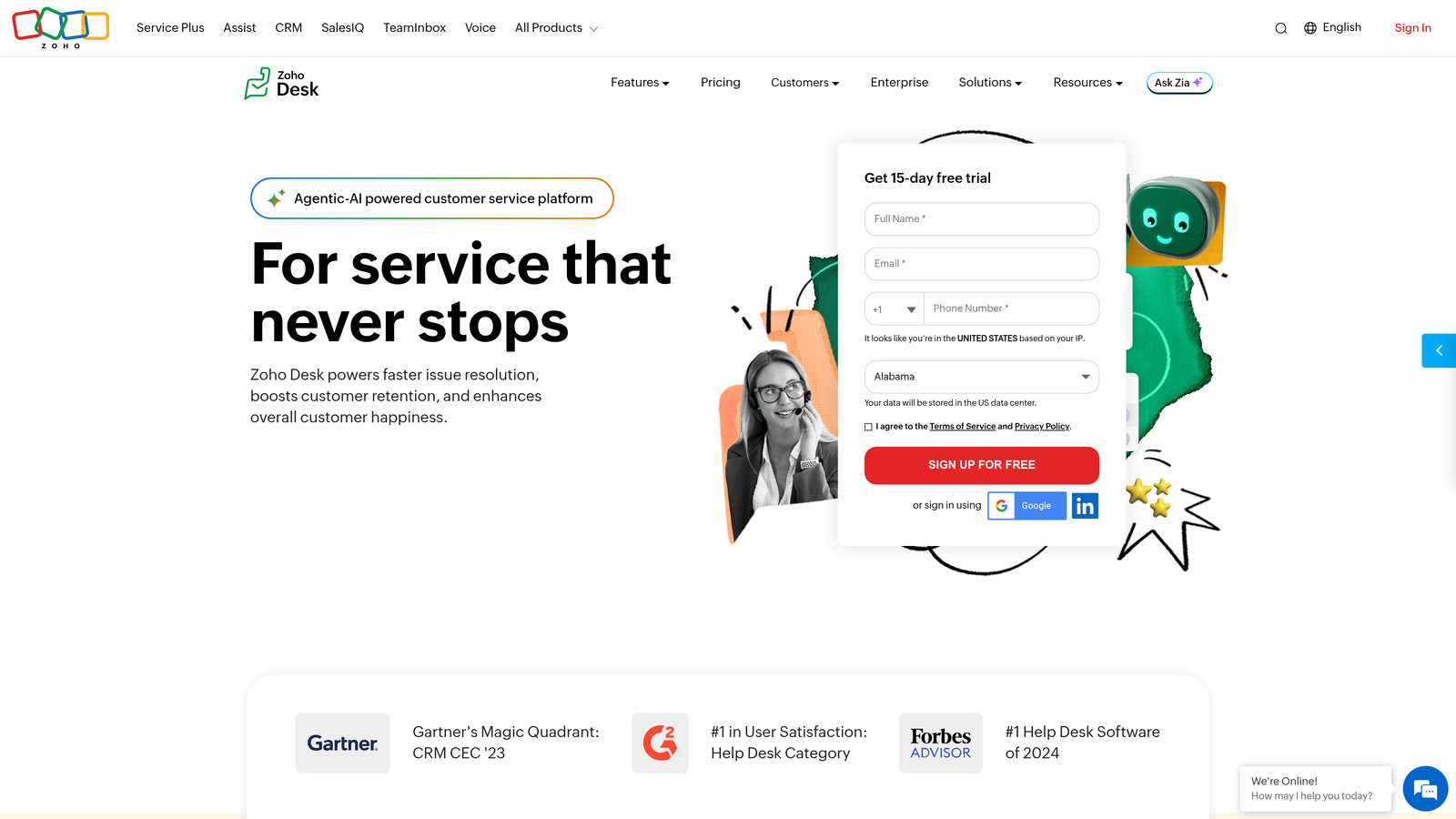
Zoho Desk delivers Zia AI assistant and blueprint workflow automation at remarkably affordable price points.
Where This Tool Shines
Zia AI performs sentiment analysis on incoming tickets, automatically flagging frustrated customers for priority handling. The system also auto-tags tickets based on content analysis, eliminating manual categorization work that typically consumes agent time.
Blueprint automation lets you design process workflows that guide agents through resolution steps. Think of it as creating a playbook that automatically enforces your support methodology—ensuring consistency even as your team scales.
Key Features
Zia AI Assistant: Sentiment analysis, auto-tagging, and response suggestions powered by machine learning.
Blueprint Workflows: Visual process designer that enforces multi-step resolution procedures.
Multi-Brand Help Centers: Manage separate knowledge bases and portals for different brands or products.
Time and Action Rules: Automate ticket actions based on time elapsed or specific trigger events.
Zoho Ecosystem Integration: Deep connections to Zoho CRM, Analytics, Projects, and other Zoho apps.
Best For
Small to mid-sized companies managing multiple brands or products. Teams already using Zoho's suite who want tight integration across business functions.
Pricing
Free for up to 3 agents. Professional plan at $23/agent/month includes full automation features.
7. Help Scout
Best for: Customer-centric teams wanting automation that preserves human warmth and brand voice
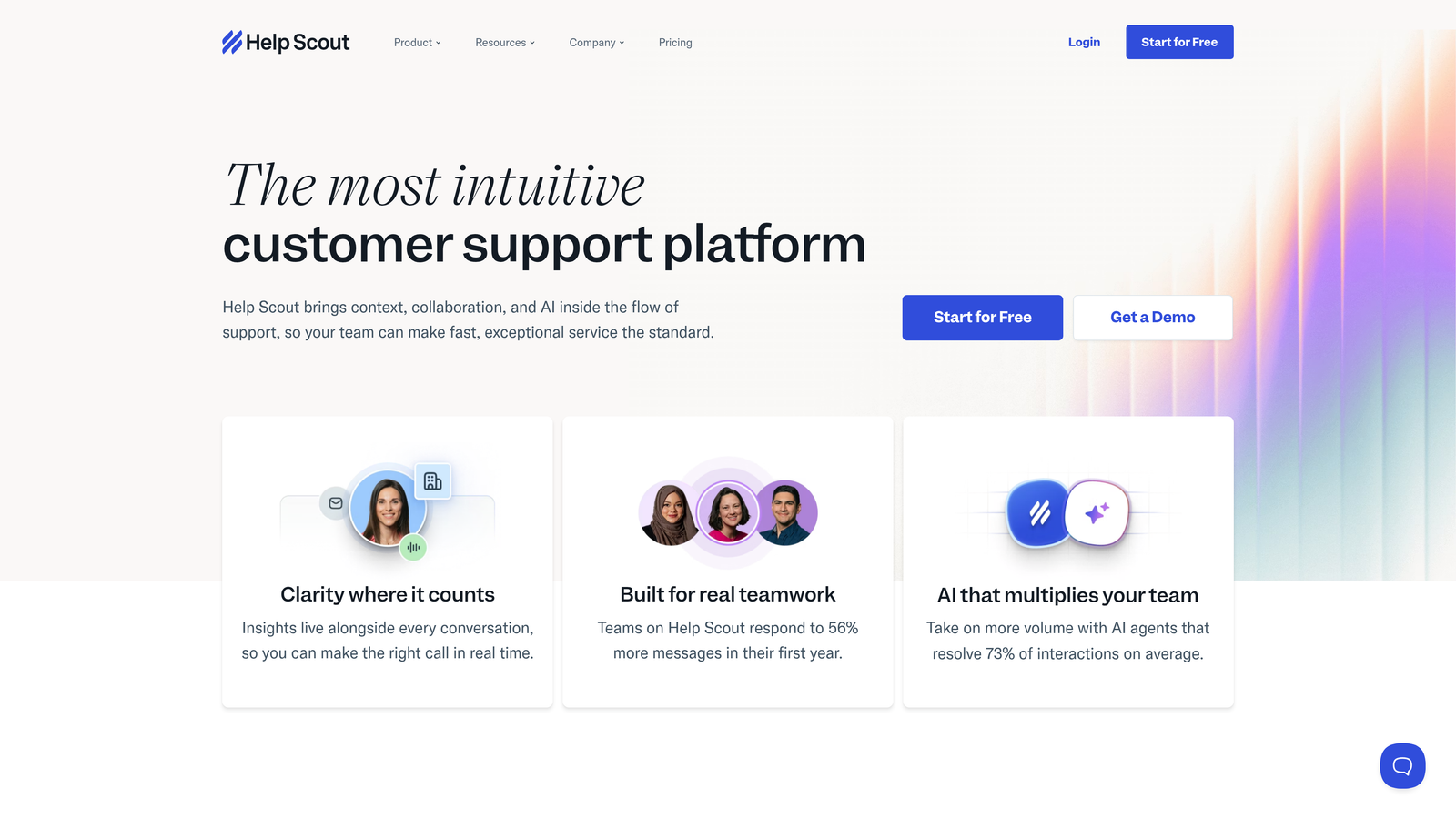
Help Scout focuses on maintaining personal connections while automating repetitive work through AI drafts and workflow automation.
Where This Tool Shines
Help Scout's AI drafts don't just suggest generic responses—they learn your brand voice and writing style. The system analyzes how your team communicates and generates draft replies that sound authentically like your company, not a robot.
Beacon provides in-app self-service that feels integrated into your product. Customers can search your knowledge base, contact support, or browse help articles without leaving your application—reducing ticket volume while maintaining a seamless experience.
Key Features
AI Drafts: Generate response suggestions that match your team's tone and brand voice.
Automated Workflows: Create conditional automation rules based on ticket properties and customer data.
Beacon Widget: Embedded help widget for in-app self-service and support access.
Collision Detection: Prevent duplicate work by alerting agents when teammates are viewing the same ticket.
Customer Satisfaction Automation: Automatically send happiness ratings and compile feedback reports.
Best For
Companies that prioritize customer experience and brand voice. Teams that want automation to enhance rather than replace human connection.
Pricing
Starts at $20/user/month for the Standard plan with core automation features.
8. Gorgias
Best for: E-commerce businesses needing deep Shopify integration and order-related automation
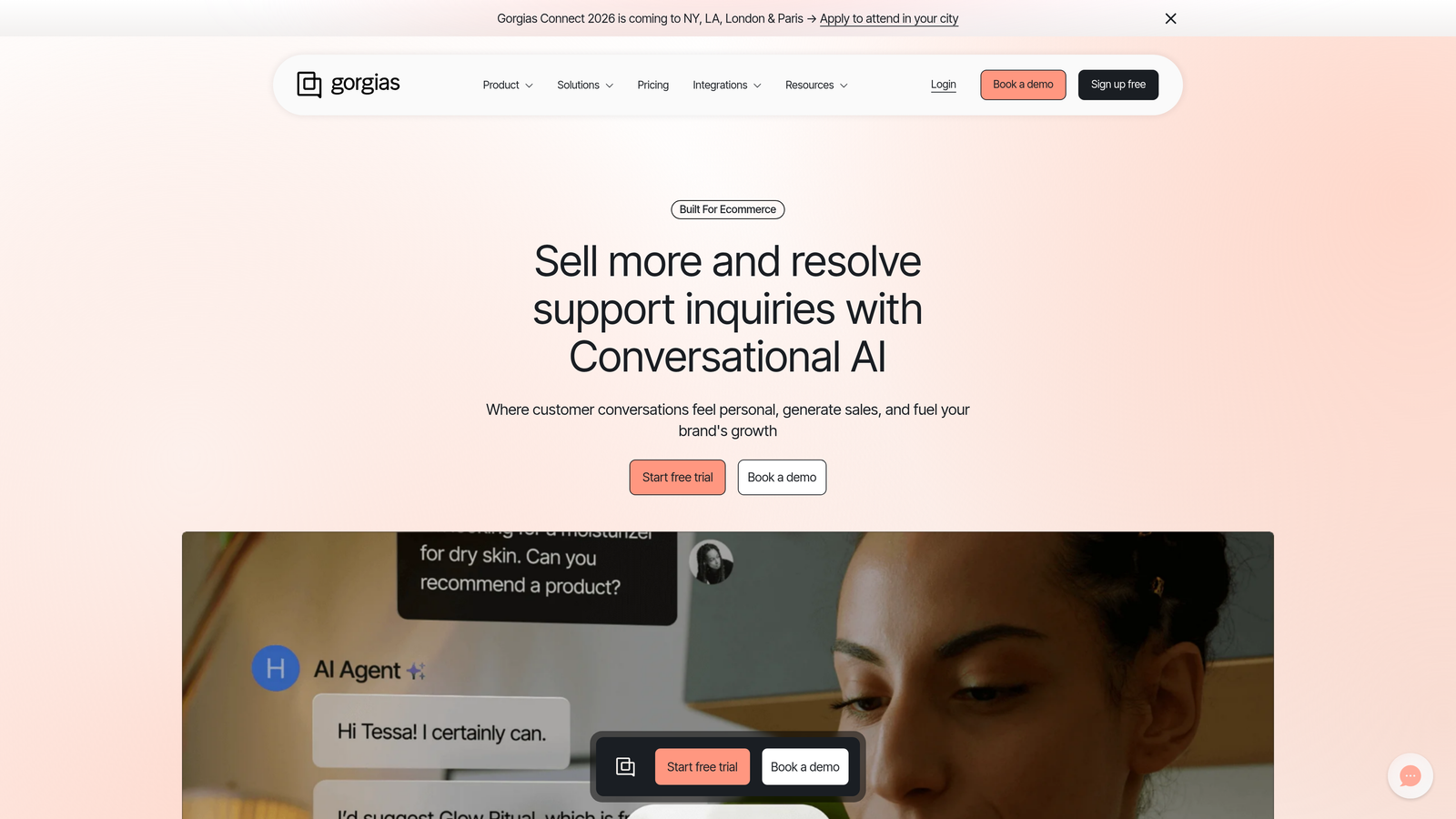
Gorgias is purpose-built for e-commerce with automation specifically designed for order management and product inquiries.
Where This Tool Shines
Gorgias connects directly to Shopify, allowing agents to view order details, process refunds, and modify subscriptions without leaving the helpdesk. One-click actions handle common requests like order cancellations or address changes instantly.
The platform's intent detection automatically identifies common e-commerce queries—"where is my order," "how do I return this," "change my subscription"—and can auto-respond with personalized information pulled from your store data. Revenue attribution tracking shows which support interactions led to purchases, proving support's business impact.
Key Features
One-Click Shopify Actions: Refund orders, cancel subscriptions, or update addresses directly from tickets.
Macros with Order Variables: Template responses that automatically insert customer-specific order information.
Intent Detection: Automatically identify and categorize common e-commerce inquiry types.
Revenue Attribution: Track sales generated through support conversations and recommendations.
Automated WISMO Responses: Instantly answer "where is my order" questions with tracking information.
Best For
E-commerce brands on Shopify, BigCommerce, or Magento. Teams handling high volumes of order-related inquiries and returns.
Pricing
Starts at $10/month for 50 tickets. Scales to $750/month for 6,000 tickets with volume-based pricing tiers.
9. Kayako
Best for: Teams wanting customer journey visualization with context-aware automation triggers
Kayako takes a journey-based approach to support automation, triggering actions based on customer context and interaction history.
Where This Tool Shines
Kayako visualizes the complete customer journey, showing every touchpoint from first contact through current issue. This timeline view helps agents understand context instantly, while automation can trigger based on journey stage—like escalating tickets from customers who've had multiple recent issues.
Real-time customer activity tracking shows what users are doing on your site or in your app while they're contacting support. This live context allows automation to route tickets based on the customer's current state, not just their initial message.
Key Features
Customer Journey Timeline: Visualize complete interaction history across all channels in chronological order.
Context-Aware Triggers: Automate actions based on customer journey stage and behavior patterns.
Collaborative Ticketing: Internal notes, @mentions, and team collaboration features for complex issues.
Multi-Channel Automation: Unified workflows across email, chat, phone, and social media.
Real-Time Activity Tracking: See what customers are doing on your site during support interactions.
Best For
Companies with complex customer journeys who need support automation informed by full interaction history. Teams prioritizing collaborative resolution of multi-faceted issues.
Pricing
Contact for pricing. Typically positioned for mid-market to enterprise customers.
Making the Right Choice
The best support ticket automation software depends on what you're trying to achieve. For autonomous AI agents that actually resolve tickets independently, Halo AI leads the pack with continuous learning and page-aware context. Enterprise teams needing extensive workflow customization will find Zendesk's depth valuable, while mid-market companies often get better value from Freshdesk's feature-rich platform.
E-commerce businesses should look hard at Gorgias for its Shopify-native automation, and companies already on HubSpot gain significant advantages from unified customer data across Service Hub. Budget-conscious teams can start with Zoho Desk's generous free tier, while those prioritizing brand voice might prefer Help Scout's approach.
Here's the reality: most traditional helpdesks automate routing and suggestions, but still require human agents to actually resolve tickets. If you're ready to move beyond that model, you need AI that can handle resolution autonomously while learning from every interaction.
Your support team shouldn't scale linearly with your customer base. Let AI agents handle routine tickets, guide users through your product, and surface business intelligence while your team focuses on complex issues that need a human touch. See Halo in action and discover how continuous learning transforms every interaction into smarter, faster support.