9 Best Support Ticket Backlog Solutions to Clear Your Queue in 2026
A growing support ticket backlog signals serious problems—frustrated customers, overwhelmed agents, and rising churn rates. This guide evaluates nine support ticket backlog solutions for 2026, comparing approaches from intelligent routing and agent assistance to fully autonomous AI resolution. Each tool is assessed on automation capabilities, integration options, scalability, and proven effectiveness at clearing queues without expanding headcount, helping you transform an unmanageable workflow into an efficient support operation.
 Matt PattoliFounder10 min read
A growing support ticket backlog isn't just an operational headache—it's a warning signal. Frustrated customers waiting days for responses, agents drowning in repetitive questions, and revenue slipping away as churn rates climb. Whether you're facing seasonal spikes, rapid growth, or processes that haven't kept pace with demand, the right solution can transform an overwhelming queue into a manageable workflow.
The tools in this guide represent different approaches to the backlog problem. Some focus on intelligent routing and agent assistance, while others deploy AI agents that resolve tickets autonomously. We've evaluated each based on automation depth, integration capabilities, scalability, and real-world effectiveness at clearing queues without simply adding more headcount.
Here are the top support ticket backlog solutions for 2026.
1. Halo AI
Best for: Companies wanting autonomous ticket resolution that learns and improves continuously
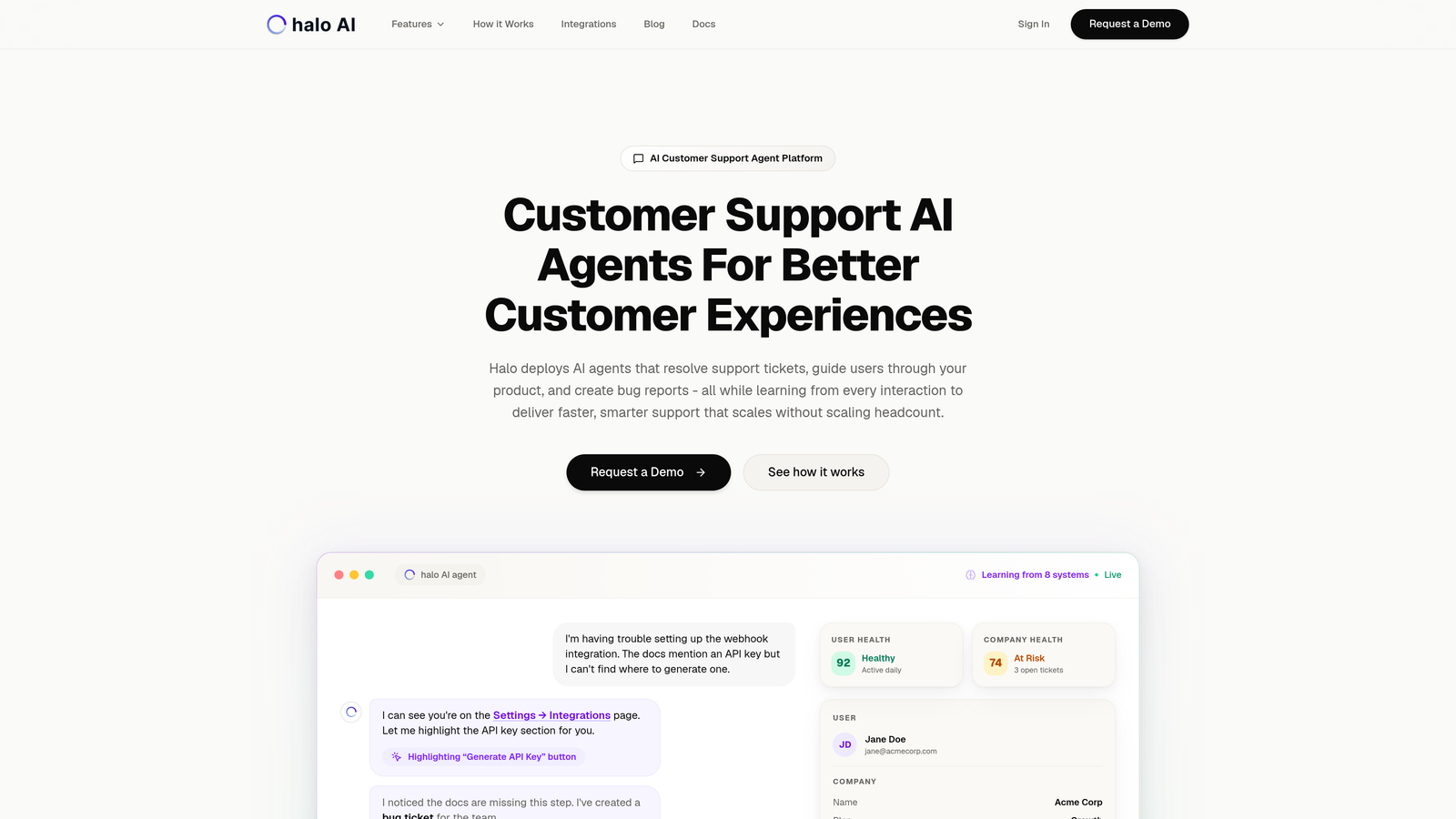
Halo AI takes a fundamentally different approach to support backlogs by deploying AI agents that actually resolve tickets rather than just routing them.
Where This Tool Shines
Unlike traditional helpdesks with AI features bolted on, Halo was built AI-first. The platform doesn't just suggest responses to your agents—it autonomously handles routine tickets while learning from every interaction to get smarter over time.
The page-aware chat widget sees what users see on your product interface, enabling contextual guidance that goes far beyond generic FAQ answers. When issues require human intervention, the handoff is seamless, with full context preserved.
Key Features
Autonomous AI Agents: Resolve tickets without human intervention, handling routine inquiries end-to-end.
Page-Aware Context: Chat widget understands user location in your product for precise visual guidance.
Smart Inbox Intelligence: Surfaces customer health signals and revenue intelligence alongside support data.
Auto Bug Ticket Creation: Integrates with Linear, Slack, and HubSpot to automatically route technical issues.
Continuous Learning: Every interaction improves the AI's understanding and response quality.
Best For
B2B SaaS companies and product teams dealing with repetitive support questions that eat up agent time. Particularly effective for businesses using multiple tools across their stack (helpdesk, CRM, project management) who want unified intelligence rather than siloed systems.
Pricing
Contact for pricing based on ticket volume and integration requirements.
2. Zendesk Advanced AI
Best for: Enterprise teams already invested in the Zendesk ecosystem
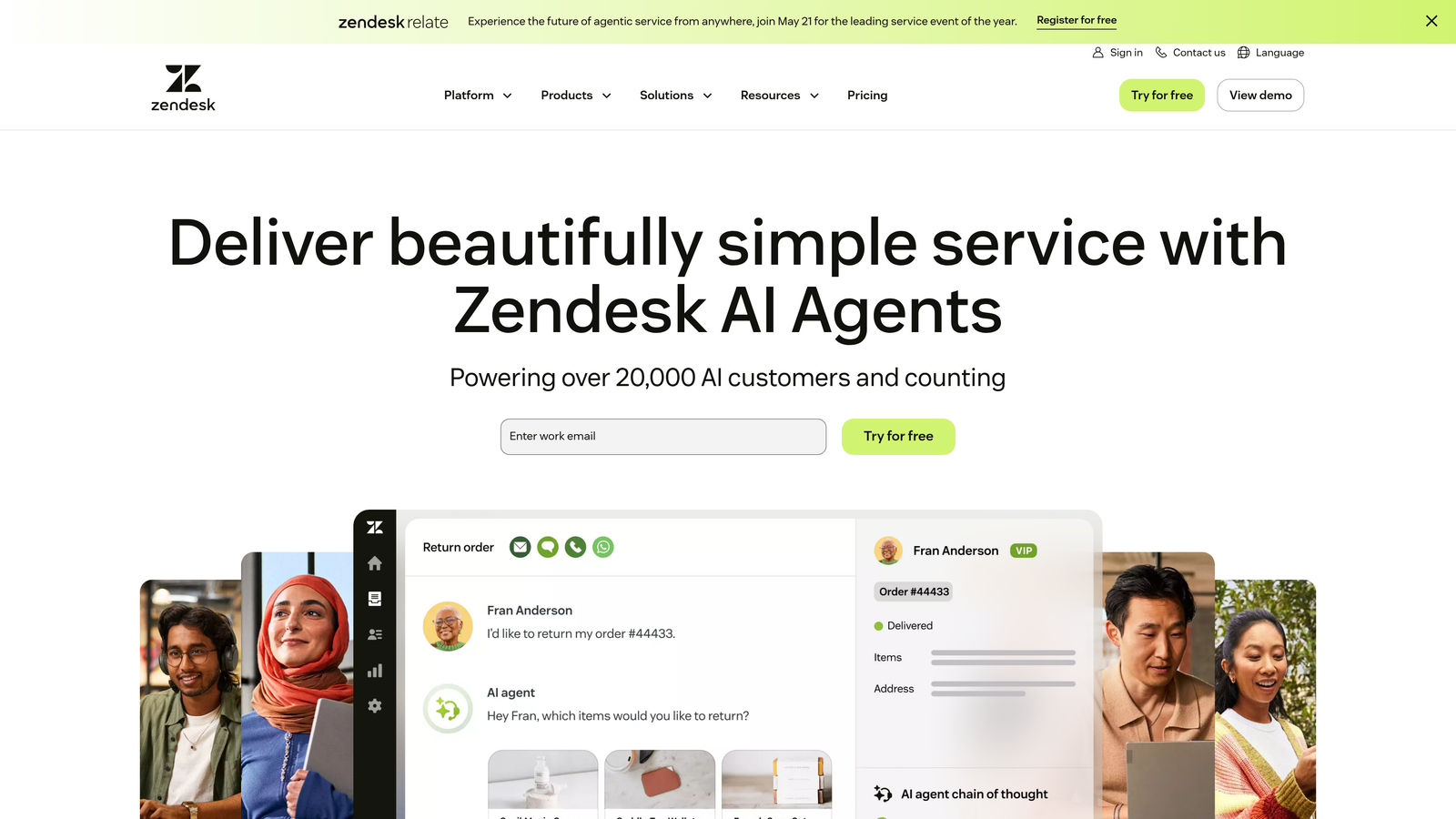
Zendesk Advanced AI adds intelligent automation capabilities to the established Zendesk platform.
Where This Tool Shines
If your team already lives in Zendesk, the Advanced AI add-on integrates seamlessly with your existing workflows. The intelligent triage automatically classifies incoming tickets by topic, urgency, and sentiment, ensuring high-priority issues surface immediately.
The macro recommendations feature analyzes ticket content and suggests relevant saved responses, dramatically speeding up agent response times for common scenarios. Intent detection helps route tickets to the right team before agents even look at them.
Key Features
Intelligent Triage: Automatic ticket classification by topic, priority, and customer sentiment.
AI Response Suggestions: Context-aware recommendations for agent replies based on ticket content.
Macro Recommendations: Suggests relevant saved responses to accelerate resolution.
Intent Detection: Identifies customer needs for accurate routing before human review.
Native Workflow Integration: Works within existing Zendesk automations and business rules.
Best For
Established support teams with significant Zendesk investment who want to enhance agent productivity without platform migration. Works well for companies with mature support processes looking to layer in AI capabilities.
Pricing
Advanced AI add-on starts at $50 per agent per month, requiring a Zendesk Suite plan as the foundation.
3. Intercom Fin AI
Best for: Teams with comprehensive help documentation wanting conversational self-service
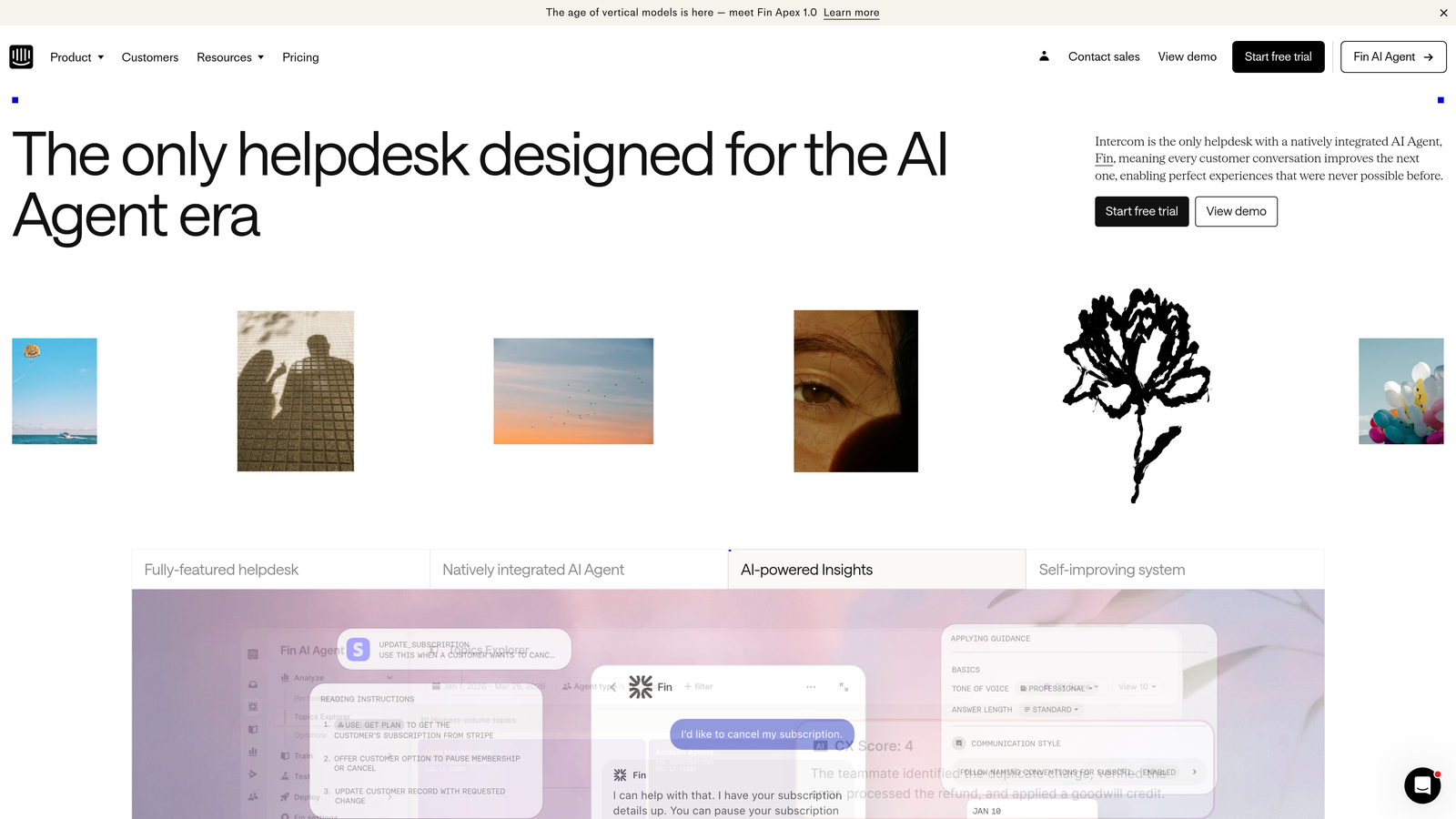
Intercom Fin AI functions as a conversational agent trained on your existing help content and past support conversations.
Where This Tool Shines
Fin excels at deflecting common questions by understanding natural language and finding relevant answers from your knowledge base. The AI doesn't just keyword match—it comprehends complex queries and synthesizes responses from multiple help articles when needed.
The customizable handoff rules let you define exactly when Fin should escalate to a human agent, maintaining control over customer experience while maximizing automation. Multi-language support means one AI agent can serve global customers without separate configurations.
Key Features
Knowledge Base Training: AI learns from help center articles and historical conversation data.
Natural Language Understanding: Handles complex, multi-part customer questions effectively.
Smart Handoff Rules: Customizable escalation triggers for seamless human takeover.
Multi-Language Capability: Supports customer inquiries across multiple languages automatically.
Resolution Analytics: Detailed insights into what Fin resolves versus what requires human intervention.
Best For
Companies with well-maintained help documentation who want to reduce ticket volume through intelligent self-service. Particularly effective for SaaS businesses with clear product documentation and FAQ content.
Pricing
Fin AI charges $0.99 per resolution. Base Intercom plans start at $39 per seat monthly, with Fin as an additional charge.
4. Freshdesk Freddy AI
Best for: Small to mid-sized teams wanting affordable AI-powered helpdesk capabilities
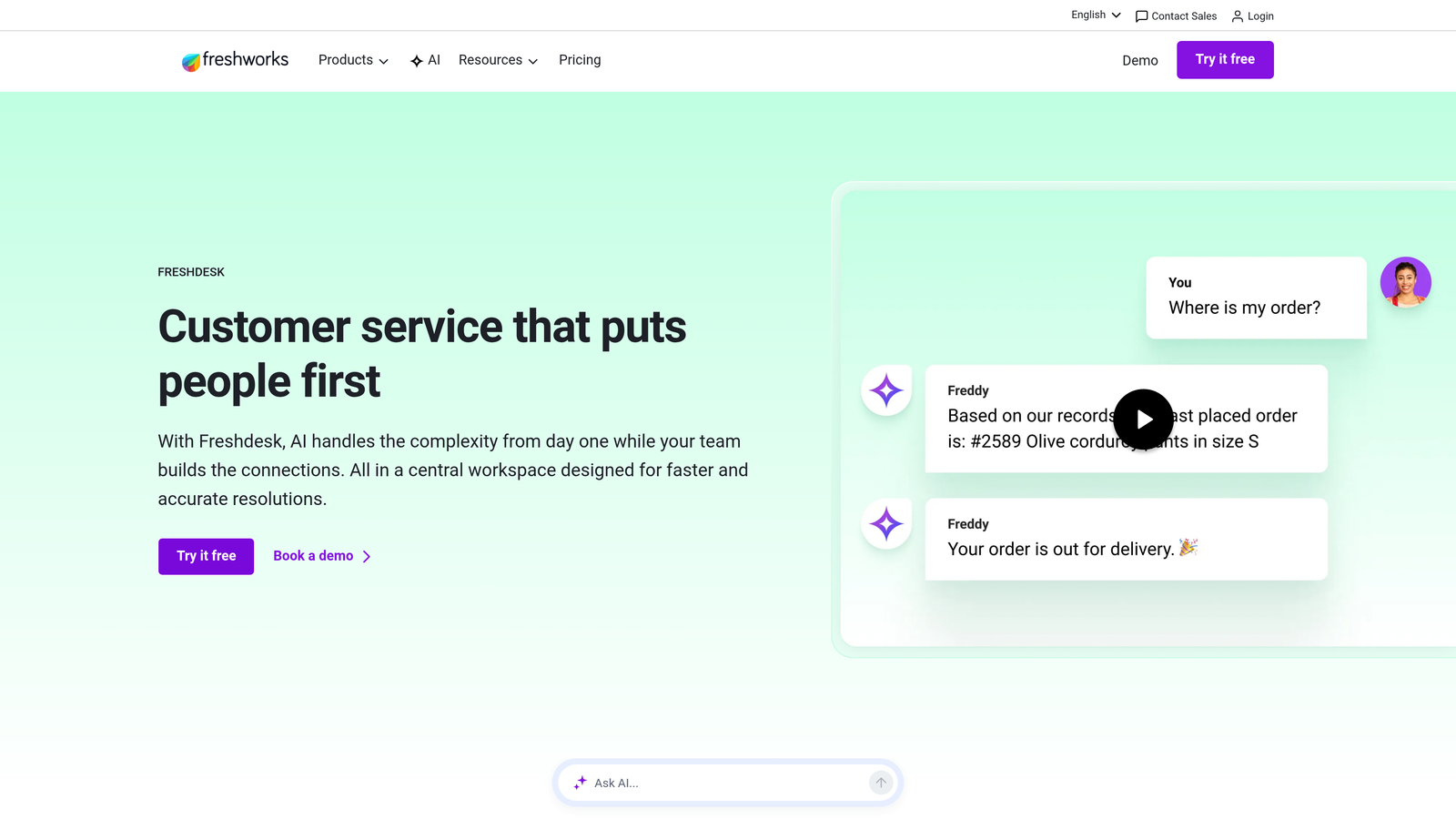
Freshdesk Freddy AI combines traditional helpdesk functionality with AI-driven automation and self-service tools.
Where This Tool Shines
Freddy AI's auto-triage analyzes incoming tickets and automatically assigns them to the right team or agent based on content, priority, and agent expertise. This eliminates the manual sorting that creates bottlenecks during high-volume periods.
The Answer Bot deflects simple questions before they become tickets, while the scenario builder lets you create workflow automations without coding. SLA management with automatic escalation ensures critical issues don't get buried in the backlog.
Key Features
Auto-Triage and Prioritization: Freddy AI automatically routes and prioritizes incoming tickets.
Contextual Response Suggestions: Recommends canned responses based on ticket content and history.
Answer Bot: Self-service deflection tool that resolves common questions before ticket creation.
Workflow Automation Builder: Visual scenario builder for creating custom automation rules.
SLA Management: Automatic escalation when tickets approach breach thresholds.
Best For
Growing support teams that need robust AI features without enterprise pricing. Works well for companies transitioning from basic email support to a structured helpdesk system.
Pricing
Free plan available for basic needs. Pro plan at $49 per agent monthly includes Freddy AI features and automation capabilities.
5. Gorgias
Best for: E-commerce businesses needing order management integrated with support tickets
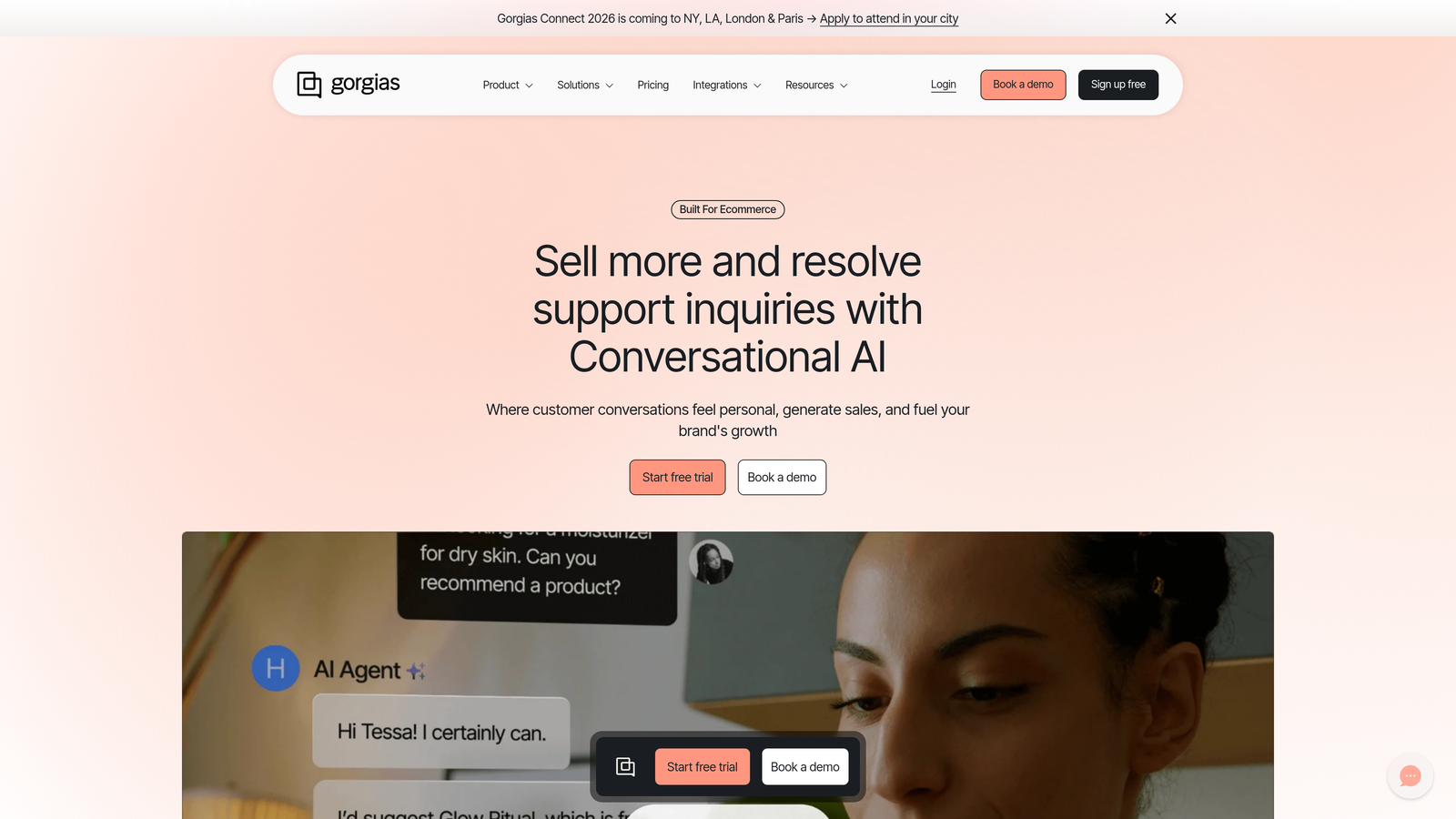
Gorgias specializes in e-commerce support with deep Shopify integration and revenue-focused analytics.
Where This Tool Shines
The platform brings order data directly into the support interface, allowing agents to modify orders, issue refunds, and track shipments without leaving the ticket. This eliminates the tab-switching that slows down e-commerce support teams.
Revenue attribution connects support interactions to customer lifetime value, helping you understand which support investments actually drive sales. Rules-based automation handles common e-commerce inquiries like "Where is my order?" automatically, using real-time shipping data.
Key Features
One-Click Order Management: Modify orders, process refunds, and track shipments within tickets.
Revenue Attribution: Connects support interactions to customer value and sales impact.
E-commerce Automation: Rules-based responses for order status, returns, and shipping questions.
Platform Integrations: Deep connections with Shopify, BigCommerce, and Magento.
Priority Scoring: Sentiment detection and customer value scoring for intelligent routing.
Best For
Online retailers and e-commerce brands where support tickets frequently involve order modifications, shipping questions, or return processing. Most effective for Shopify-based businesses.
Pricing
Starts at $10 monthly for 50 tickets, scaling based on monthly ticket volume with tiered pricing.
6. Help Scout
Best for: Small teams prioritizing simplicity and human-focused customer service
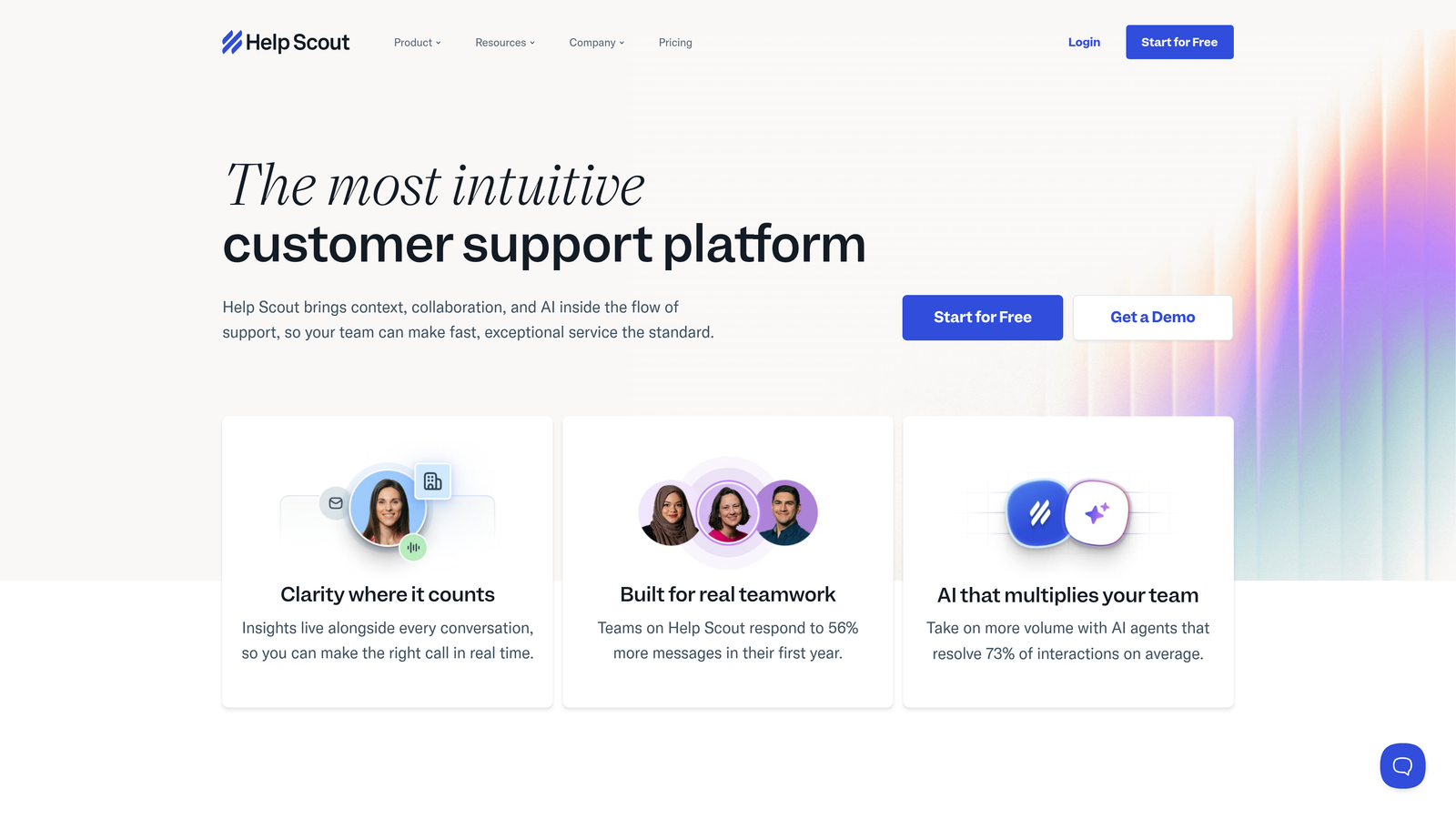
Help Scout provides a straightforward shared inbox with essential automation features and no unnecessary complexity.
Where This Tool Shines
The real-time collision detection prevents multiple agents from responding to the same ticket, eliminating duplicate work that compounds backlog problems. The interface feels like email rather than a complex ticketing system, reducing training time for new team members.
Saved replies handle common questions efficiently while maintaining a personal tone. Workflows automate assignment and tagging based on ticket content, ensuring inquiries reach the right person without manual intervention.
Key Features
Collision Detection: Real-time alerts when multiple agents view the same conversation.
Saved Replies: Template responses for common questions with personalization variables.
Workflow Automation: Automatic assignment, tagging, and routing based on ticket attributes.
Beacon Widget: Embedded help and chat widget for your website or product.
Customer Profiles: Complete conversation history and customer data in one view.
Best For
Small support teams (under 20 people) who value simplicity and personal customer relationships over complex automation. Works well for B2B companies with moderate ticket volumes.
Pricing
Standard plan at $25 per user monthly. Plus plan at $50 per user monthly adds advanced automation and reporting.
7. Kustomer
Best for: Support teams needing unified customer context across all interaction channels
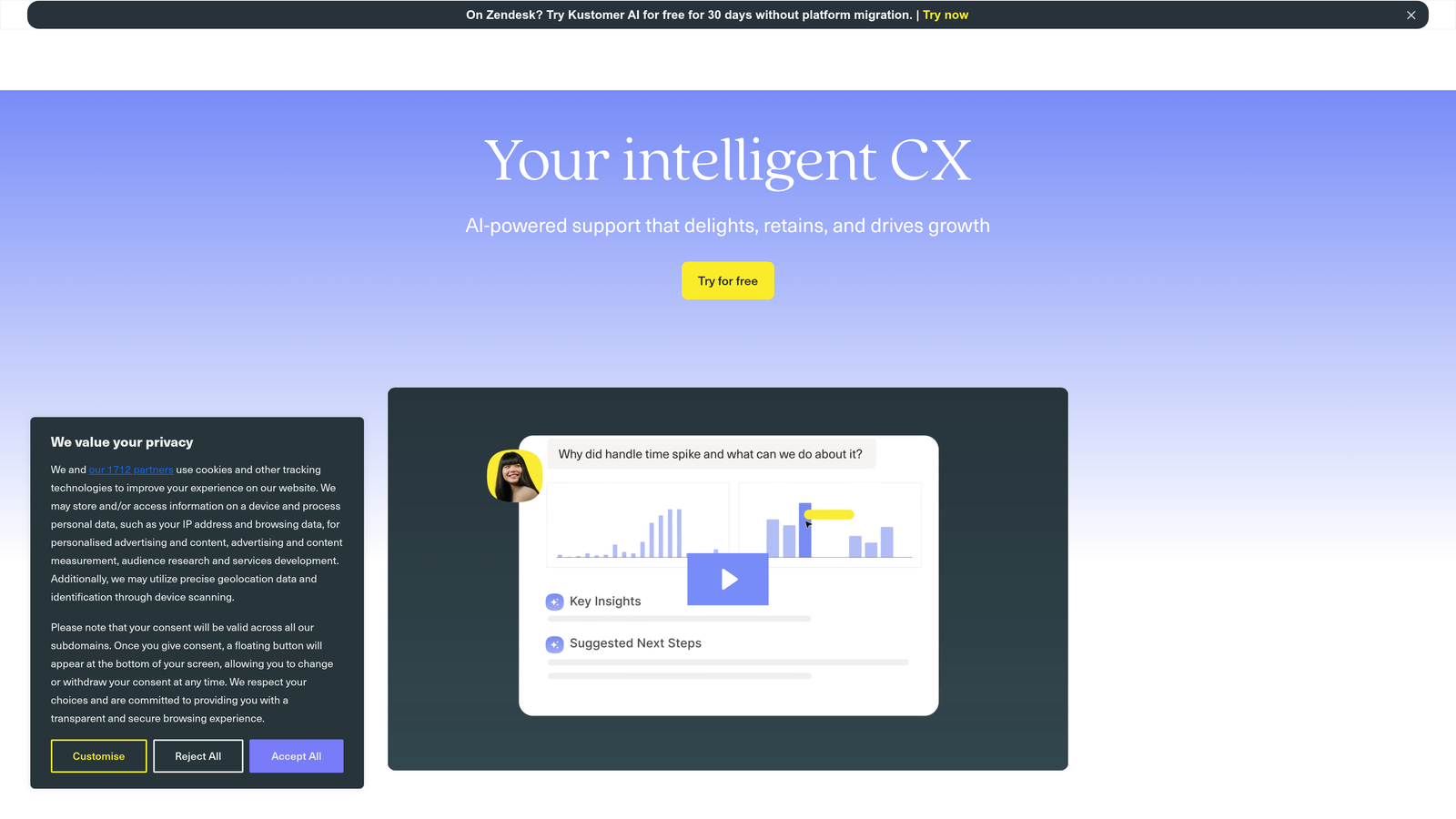
Kustomer positions itself as a CRM-focused support platform with omnichannel capabilities and flexible data modeling.
Where This Tool Shines
The unified customer timeline displays every interaction—email, chat, SMS, social media, phone—in chronological order, eliminating the context-switching that slows down backlog resolution. Agents see the complete customer story instantly rather than piecing together information from multiple systems.
Custom objects let you model your business data however makes sense for your operation, whether that's subscription details, project information, or account hierarchies. Business process automation handles complex multi-step workflows without requiring developer resources.
Key Features
Unified Customer Timeline: Chronological view of all customer interactions across every channel.
AI Classification: Automatic categorization and sentiment analysis of incoming conversations.
Omnichannel Support: Email, chat, SMS, social media, and phone in one interface.
Business Process Automation: Complex workflow automation without coding requirements.
Custom Data Objects: Flexible data modeling to match your specific business needs.
Best For
Mid-market to enterprise companies with complex customer data requirements and multiple support channels. Particularly effective for businesses where support needs deep integration with customer account information.
Pricing
Enterprise plan at $89 per user monthly. Ultimate plan at $139 per user monthly adds advanced AI and automation features.
8. Tidio
Best for: Budget-conscious teams wanting live chat and AI chatbot in one platform
Tidio combines live chat, ticketing, and the Lyro AI chatbot for FAQ automation at accessible pricing.
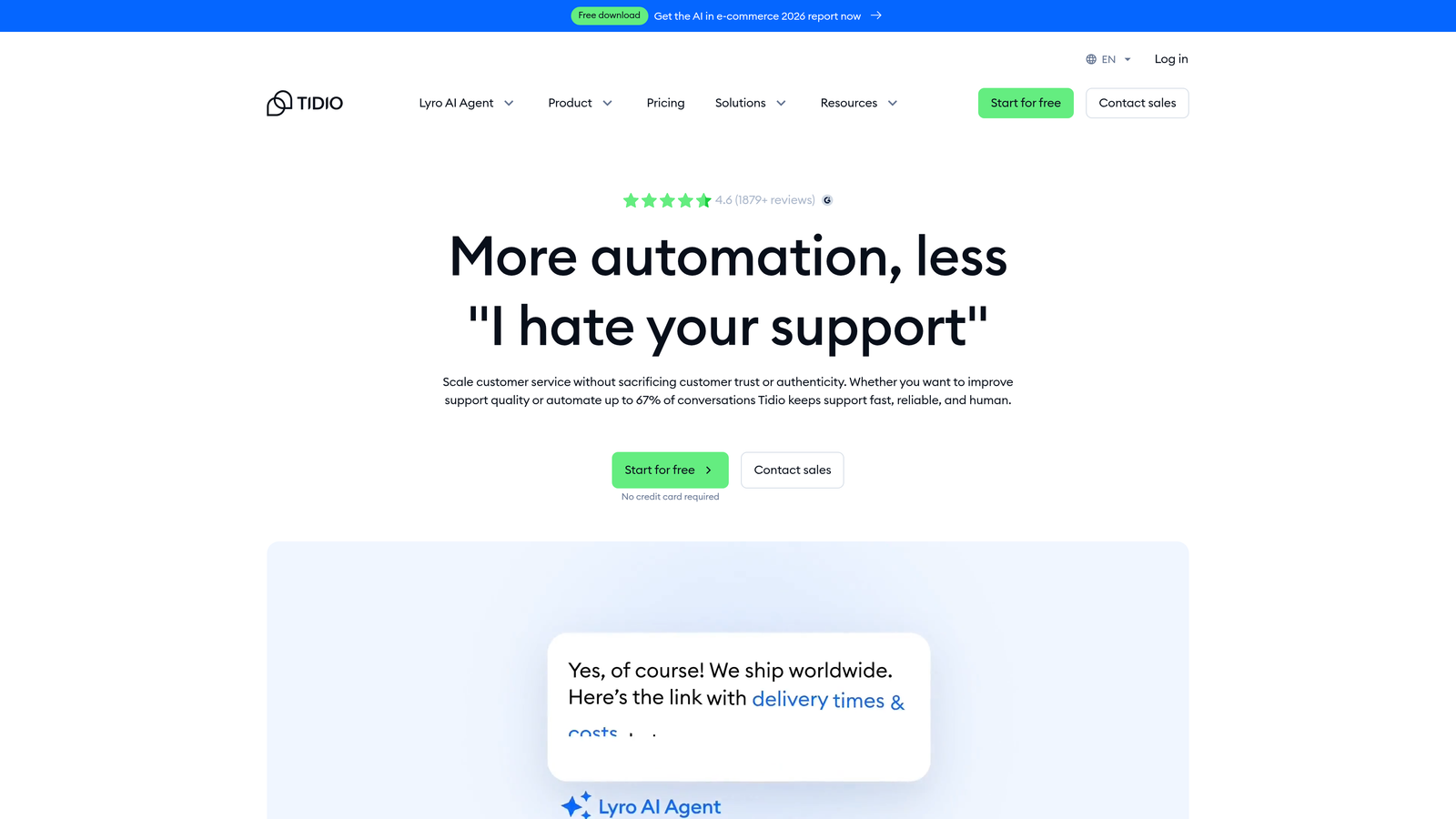
Where This Tool Shines
Lyro AI handles frequently asked questions automatically, deflecting simple inquiries before they reach your team. The visual chatbot builder lets you create custom conversation flows without technical knowledge, using pre-built templates for common scenarios.
Live chat with visitor tracking shows you what pages customers are viewing, enabling proactive support before problems escalate into tickets. The ticketing system manages email inquiries alongside chat conversations in one interface.
Key Features
Lyro AI Chatbot: Automated responses for frequently asked questions and common scenarios.
Visual Flow Builder: Drag-and-drop chatbot creation with ready-made templates.
Live Chat with Tracking: See what pages visitors browse for proactive engagement.
Email Ticketing: Manage email support alongside chat conversations.
E-commerce Integrations: Direct connections with Shopify and WordPress.
Best For
Small businesses and startups needing both live chat and basic ticketing without significant budget. Works well for e-commerce sites wanting to combine sales chat with support functions.
Pricing
Free plan available with basic features. Lyro AI starts at $39 monthly for 50 automated conversations, scaling with usage.
9. Dixa
Best for: Teams handling high volumes across phone, email, chat, and social channels
Dixa provides true omnichannel support with dynamic routing and unified conversation management.
Where This Tool Shines
The single conversation view eliminates channel silos—whether a customer contacts you via phone, email, chat, or social media, agents see everything in one thread. Conversation continuity means customers can start on chat, continue via email, and call later without repeating information.
Skill-based routing automatically directs inquiries to agents with relevant expertise, while queue prioritization ensures urgent issues surface first. Real-time analytics provide visibility into backlog status, agent performance, and resolution trends as they happen.
Key Features
Unified Conversation View: Phone, email, chat, and social in one continuous thread.
Skill-Based Routing: Automatic assignment based on agent expertise and availability.
Queue Prioritization: Intelligent ordering based on urgency, customer value, and wait time.
Real-Time Analytics: Live dashboards for backlog monitoring and agent performance.
CRM Integrations: Native connections with major CRM platforms and business tools.
Best For
Support teams managing high volumes across multiple channels who need sophisticated routing and real-time visibility. Effective for companies where phone support remains a significant channel alongside digital options.
Pricing
Essential plan at $49 per agent monthly. Growth plan at $109 per agent monthly adds advanced routing and analytics.
Making the Right Choice
Your backlog challenge determines which solution makes sense. If you're drowning in repetitive questions that don't require human judgment, autonomous AI agents like Halo AI or conversational deflection tools like Intercom Fin directly address the root cause. If your backlog stems from routing inefficiencies, intelligent triage systems like Zendesk Advanced AI or Kustomer's unified timeline help tickets reach the right person faster.
For e-commerce teams, Gorgias transforms order-related tickets from time sinks into quick resolutions through integrated order management. Small teams prioritizing simplicity over advanced features will find Help Scout or Tidio provide essential automation without overwhelming complexity. Companies managing high volumes across multiple channels need the omnichannel capabilities of Dixa or Kustomer to prevent tickets from slipping through channel gaps.
The critical distinction is between tools that help humans work faster versus tools that resolve issues autonomously. Traditional helpdesks with AI features still require agent action on every ticket—they just make that action more efficient. AI-native platforms fundamentally change the equation by handling routine inquiries end-to-end, freeing your team for complex problems that genuinely need human insight.
Consider your backlog composition. What percentage could be resolved by AI with the right context? What percentage requires human judgment, empathy, or creative problem-solving? The answer shapes whether you need better agent tools or autonomous resolution capabilities.
Your support team shouldn't scale linearly with your customer base. Let AI agents handle routine tickets, guide users through your product, and surface business intelligence while your team focuses on complex issues that need a human touch. See Halo in action and discover how continuous learning transforms every interaction into smarter, faster support.