9 Best Tools for Tracking Support Ticket Resolution Metrics in 2026
Measuring support ticket resolution metrics is essential for understanding customer experience health and team performance. This guide reviews nine specialized platforms that track key indicators like response times, first-contact resolution rates, and resolution patterns—helping support teams identify bottlenecks, reduce churn, and transform ticket data into actionable insights through real-time dashboards and automated reporting.
 Grant CooperFounder11 min read
Your support team closes hundreds of tickets weekly, but are you actually measuring what matters? Resolution metrics reveal the health of your entire customer experience—from how quickly issues get solved to whether they stay solved. The right tracking tool transforms raw ticket data into actionable insights that help you reduce response times, improve first-contact resolution rates, and identify bottlenecks before they become customer churn.
This guide covers nine platforms that excel at measuring support performance, from AI-native solutions that predict resolution patterns to established helpdesks with robust analytics. Whether you need real-time dashboards, historical trend analysis, or automated reporting, you'll find a tool that fits your stack and budget.
1. Halo AI
Best for: Teams wanting predictive intelligence alongside standard resolution metrics
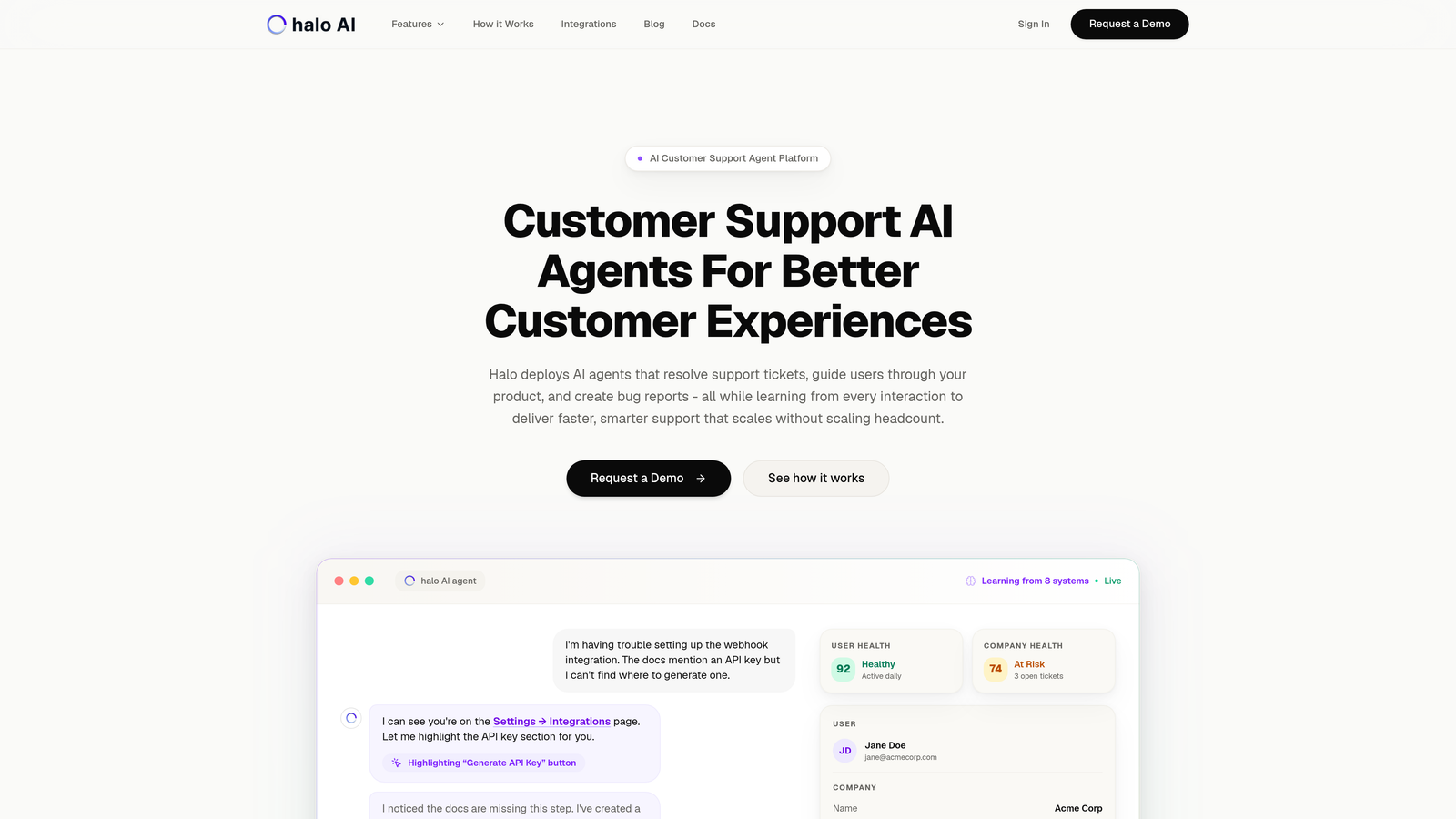
Halo AI is an AI-native customer support platform that tracks resolution metrics while continuously learning from every ticket interaction.
Where This Tool Shines
Unlike traditional helpdesks that bolt analytics onto existing ticketing systems, Halo builds intelligence into the resolution process itself. The platform doesn't just report on what happened—it identifies patterns that predict future issues.
The smart inbox surfaces anomalies before they escalate into major problems. If resolution times suddenly spike for a specific product feature, Halo flags it immediately rather than waiting for your weekly report review.
Key Features
Smart Inbox with Pattern Recognition: Automatically groups similar tickets and identifies resolution bottlenecks as they develop.
Predictive Analytics: Surfaces trends in ticket volume, complexity, and resolution time before they impact your SLA targets.
Customer Health Signals: Connects resolution data to broader customer health indicators like product usage and account status.
Continuous Learning: Every resolved ticket trains the AI to handle similar issues faster, creating a compounding efficiency effect.
Business Intelligence Integration: Links resolution metrics to your broader tech stack including Linear, Slack, HubSpot, and Stripe for context-aware insights.
Best For
B2B companies that need more than historical reporting—teams who want to prevent problems rather than just measure them. Particularly valuable if you're tracking resolution metrics to improve product development or identify revenue-impacting support trends.
Pricing
Contact for pricing. The platform scales with your team size and integration requirements.
2. Zendesk Explore
Best for: Enterprise teams already using Zendesk who need comprehensive cross-channel analytics
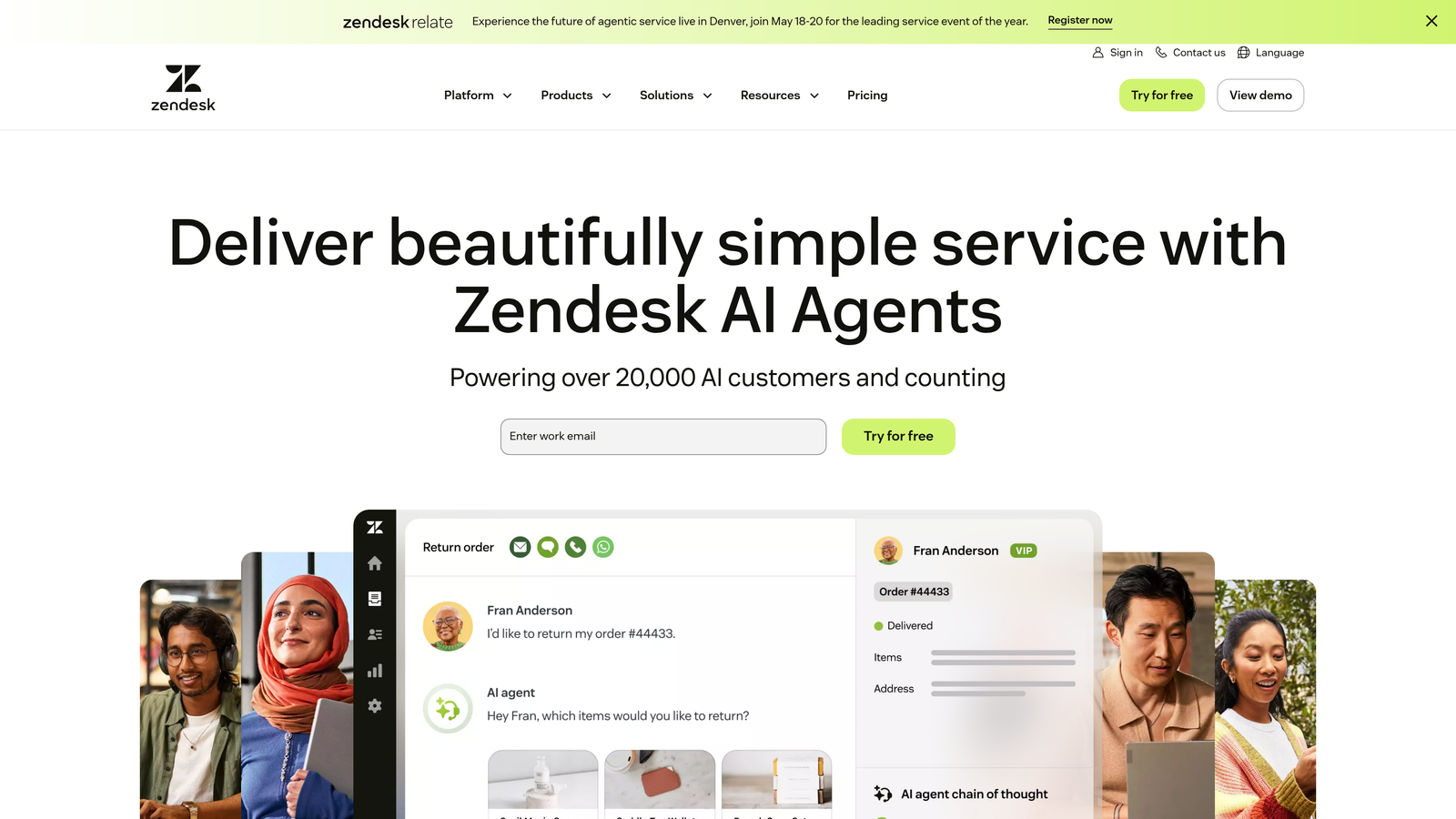
Zendesk Explore is an enterprise analytics platform built directly into the Zendesk ecosystem with pre-built dashboards and custom reporting capabilities.
Where This Tool Shines
If you're already running Zendesk, Explore gives you immediate access to resolution metrics without connecting external tools. The pre-built dashboards cover the metrics most teams track—resolution time, backlog trends, SLA compliance, and agent performance.
The custom report builder lets you drill into specific resolution patterns without writing SQL. You can track how resolution times vary by ticket source, product category, or customer segment using drag-and-drop filters.
Key Features
Pre-Built Dashboards: Instant access to resolution time, backlog size, SLA performance, and first contact resolution rates.
Custom Report Builder: Drag-and-drop interface for creating specific views of your resolution data without technical skills.
Cross-Channel Tracking: Measure resolution metrics across email, chat, phone, and social media in unified reports.
Scheduled Delivery: Automatically send resolution metric reports to stakeholders on daily, weekly, or monthly schedules.
Historical Trending: Compare current resolution performance against previous periods to identify improvement or degradation.
Best For
Established support teams using Zendesk who need robust analytics without adding another vendor. Works well for teams with 20+ agents who need role-based reporting and executive dashboards.
Pricing
Included with Zendesk Suite plans starting at $55 per agent per month. Higher tiers unlock advanced features like custom dashboards and longer data retention.
3. Freshdesk Analytics
Best for: Mid-market teams wanting intuitive reporting with minimal setup time
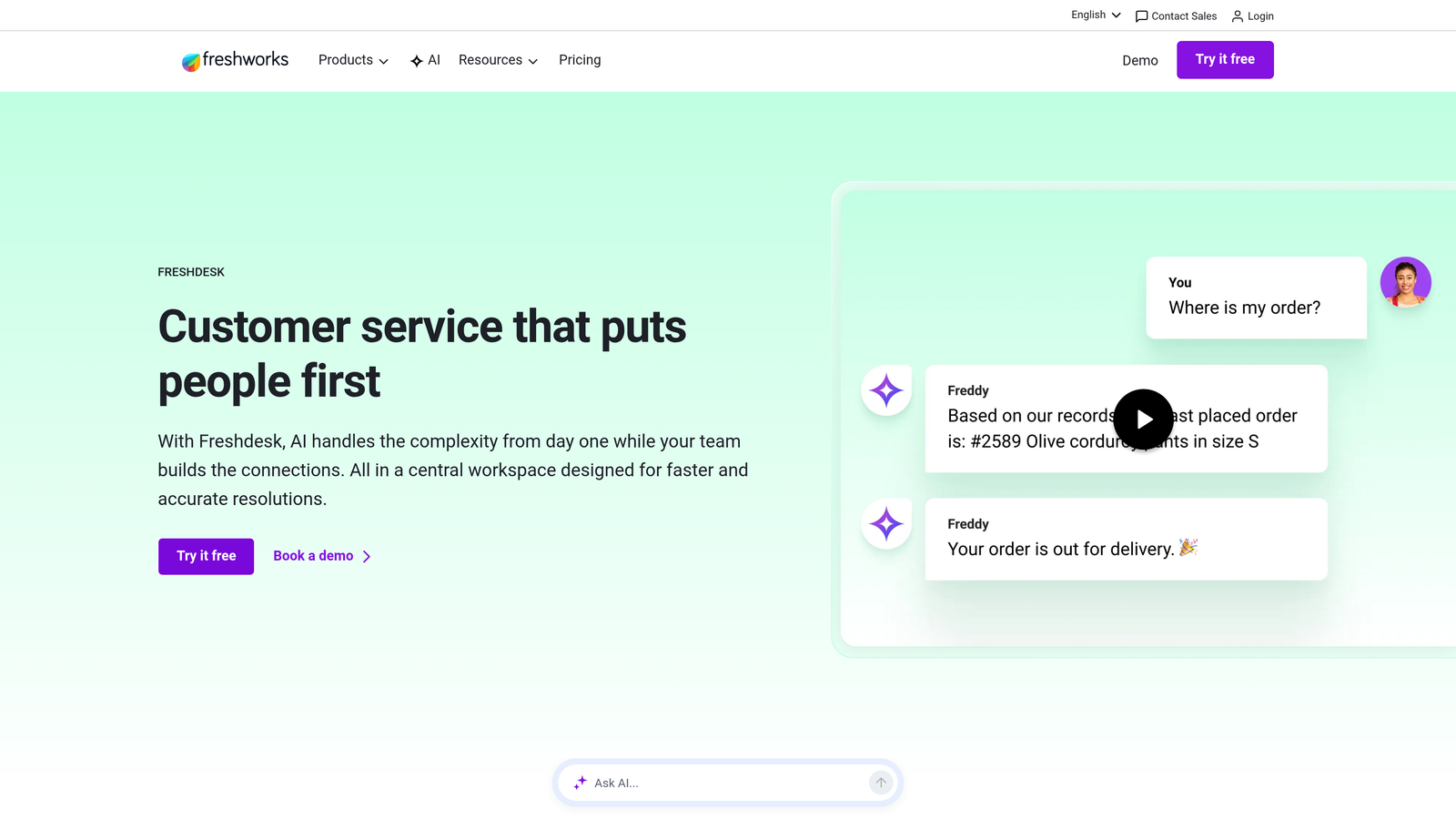
Freshdesk Analytics is a reporting suite designed for support teams who need clear metrics without complexity.
Where This Tool Shines
Freshdesk takes a curated approach to analytics. Rather than overwhelming you with every possible metric, it highlights the resolution data that typically matters most: first contact resolution rate, average resolution time, and agent performance comparisons.
The team leaderboards add a gamification layer that makes resolution metrics visible and motivating. Agents see how their resolution speed and quality compare to teammates, creating healthy competition that improves overall performance.
Key Features
Curated Metric Dashboards: Pre-selected views of FCR, resolution time, reopened tickets, and agent workload distribution.
Team Leaderboards: Gamified displays of agent performance that make resolution metrics engaging rather than intimidating.
Trend Analysis: Period-over-period comparisons that show whether resolution times are improving or declining.
Export Options: Download reports as PDF for presentations or CSV for deeper analysis in spreadsheets.
Mobile Access: Check resolution metrics from the Freshdesk mobile app when you're away from your desk.
Best For
Growing support teams (5-50 agents) who want straightforward reporting without hiring a data analyst. Particularly useful if you're transitioning from spreadsheet-based tracking to automated metrics.
Pricing
Analytics features are included in the Pro plan at $49 per agent per month. The Growth plan ($69/agent/month) adds more advanced reporting capabilities.
4. Intercom Reporting
Best for: Product-led companies tracking resolution metrics across the customer journey
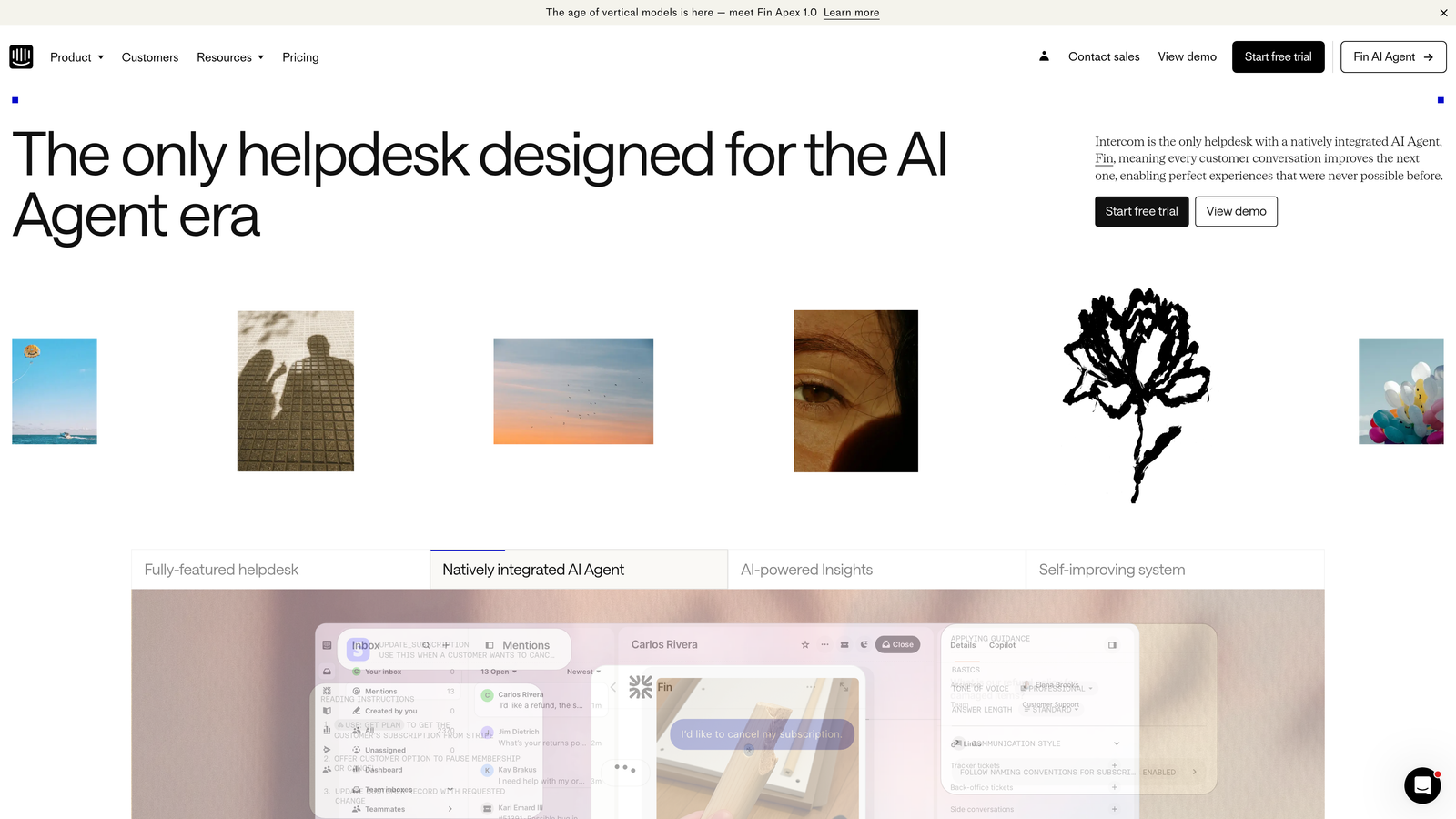
Intercom Reporting is a conversation-centric analytics suite that connects resolution data to customer lifecycle stages.
Where This Tool Shines
Intercom's reporting goes beyond traditional ticket metrics by tracking conversations in context. You can see how resolution times differ between trial users, paying customers, and enterprise accounts—then adjust your support strategy accordingly.
The platform separates bot-resolved conversations from human-handled tickets, giving you clear visibility into which types of issues your automation handles well versus where human agents add the most value.
Key Features
Conversation Type Segmentation: Track resolution metrics separately for chat, email, and in-app messages to identify your fastest channels.
Real-Time Team Dashboards: Monitor current resolution performance as conversations happen rather than waiting for daily reports.
Bot vs. Human Analysis: Compare resolution speed and customer satisfaction between automated and agent-handled conversations.
Custom Report Creation: Build specific views of resolution data filtered by customer segment, conversation topic, or team member.
Journey Stage Tracking: See how resolution times impact conversion rates at different stages of the customer lifecycle.
Best For
SaaS companies using Intercom for customer communication who want resolution metrics integrated with their existing conversation data. Especially valuable if you're measuring how support quality affects product adoption and expansion.
Pricing
Reporting features are included in Intercom plans starting at $74 per month for small teams, with per-seat pricing for larger organizations.
5. Klaus
Best for: Quality-focused teams connecting resolution speed to conversation excellence
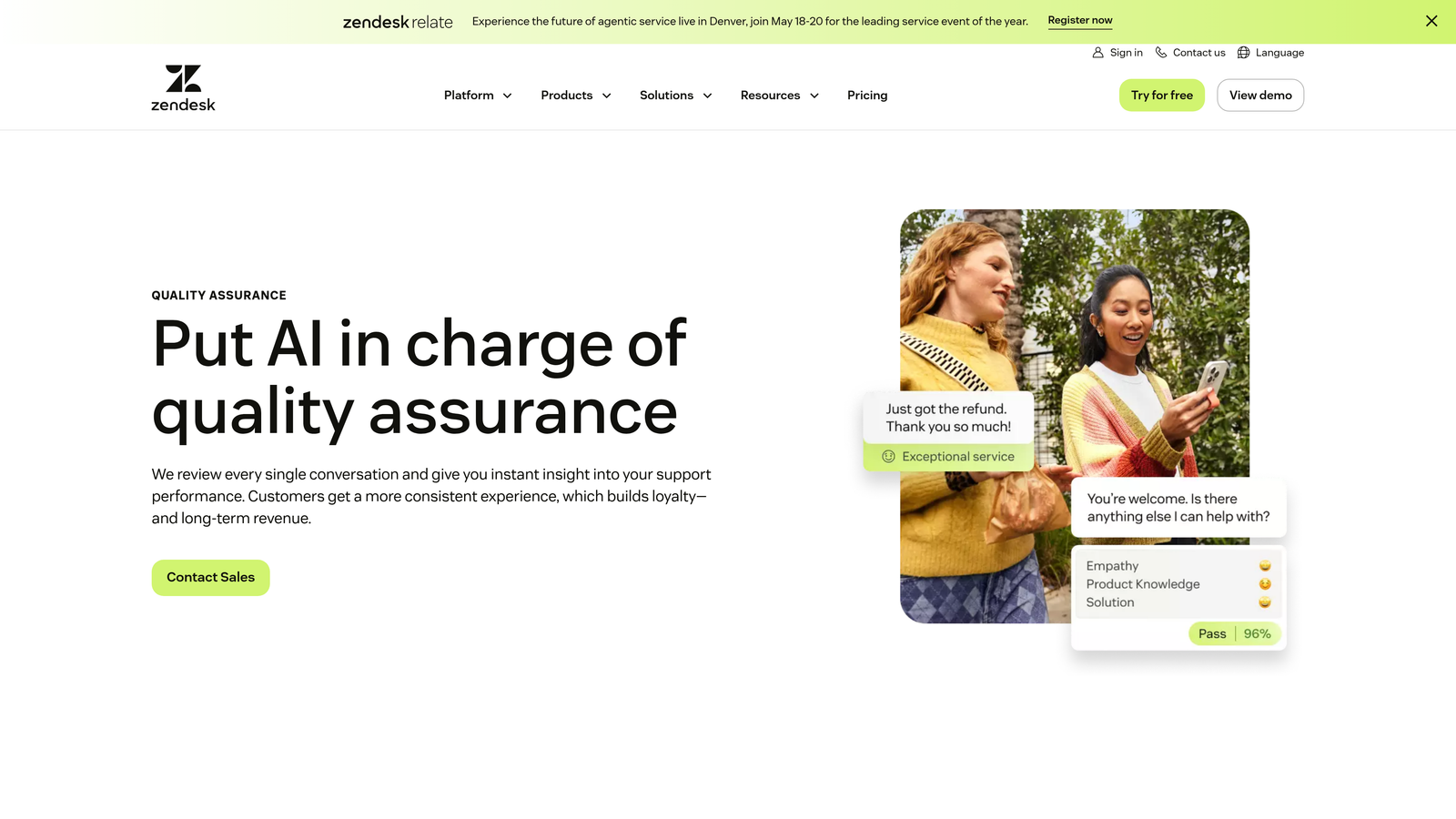
Klaus is a quality management platform that correlates resolution metrics with conversation quality scores.
Where This Tool Shines
Klaus answers the question most resolution metrics miss: are we solving tickets quickly at the expense of quality? The platform scores conversation quality while tracking resolution speed, revealing whether fast closures actually solve customer problems.
The root cause analysis feature identifies why certain ticket types take longer to resolve. Maybe your documentation is unclear, or perhaps specific product issues consistently require escalation. Klaus surfaces these patterns so you can fix systemic problems rather than just measuring symptoms.
Key Features
Quality-Speed Correlation: See which agents resolve tickets quickly while maintaining high conversation quality scores.
Coaching Insights: Identify specific resolution behaviors that lead to faster closures without sacrificing customer satisfaction.
Root Cause Identification: Discover why certain categories of tickets consistently take longer to resolve.
Multi-Platform Integration: Connect to Zendesk, Intercom, Freshdesk, Help Scout, and other helpdesks to centralize quality-resolution analysis.
Automated Reviews: Use AI to flag conversations that might have resolution quality issues for human review.
Best For
Support leaders who believe fast resolution means nothing if customers aren't actually helped. Particularly valuable for teams where ticket reopens suggest quality problems disguised as efficiency.
Pricing
Starts at $15 per user per month. The platform charges based on how many team members need access to quality and resolution analytics.
6. Geckoboard
Best for: Teams wanting live resolution metrics displayed on office dashboards
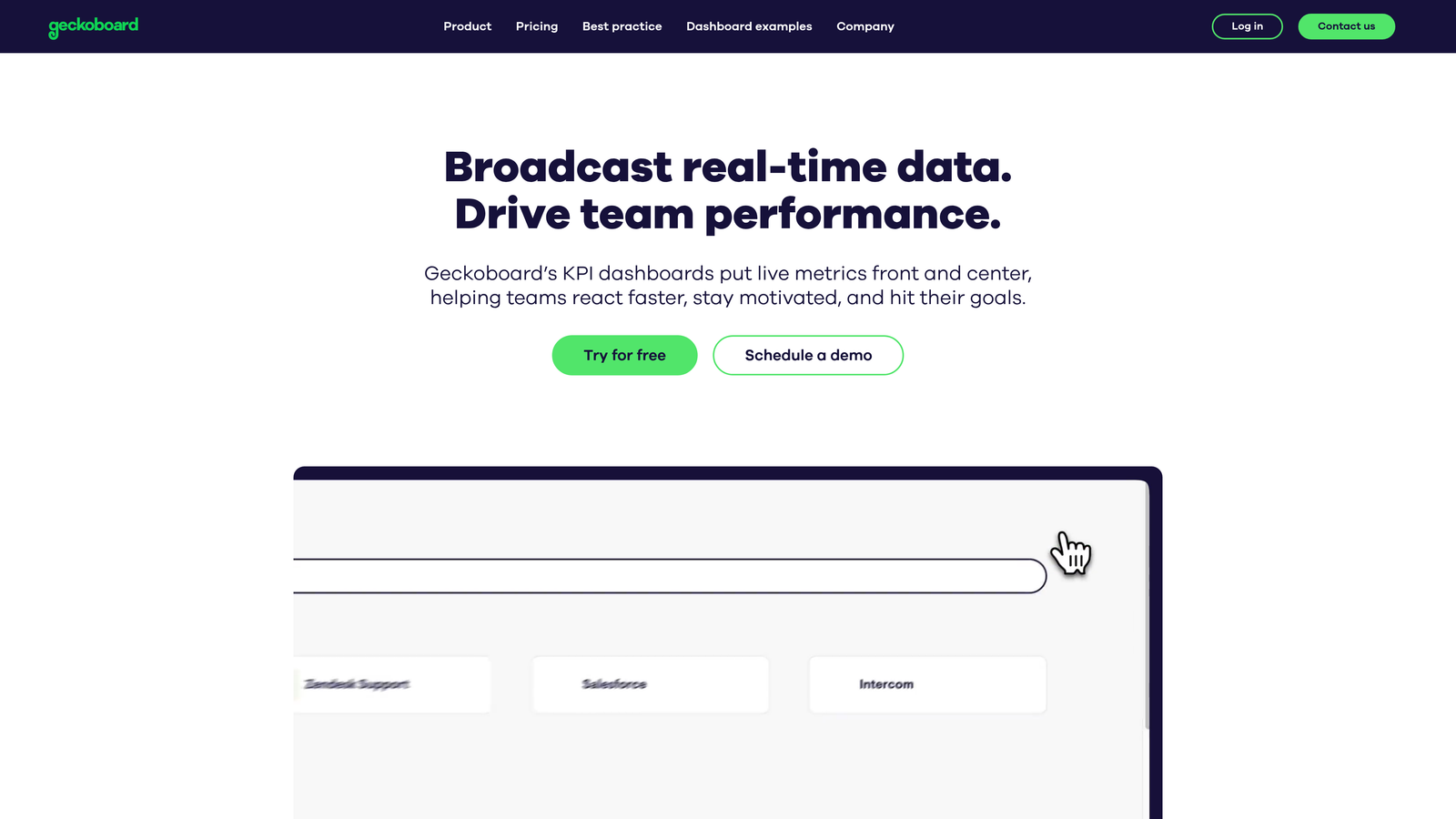
Geckoboard is a real-time dashboard tool that aggregates resolution metrics from multiple support platforms into visual displays.
Where This Tool Shines
Geckoboard excels at making resolution metrics visible and immediate. The TV dashboard mode turns any screen into a live feed of your support performance—current backlog, average resolution time, tickets closed today, and SLA compliance.
The tool connects to over 80 platforms including all major helpdesks, letting you combine resolution data from multiple sources. If you use Zendesk for email support and Intercom for chat, Geckoboard shows unified metrics across both channels.
Key Features
TV Dashboard Mode: Full-screen displays designed for support floor monitors that show live resolution metrics.
80+ Integrations: Connect Zendesk, Freshdesk, Intercom, Help Scout, and other platforms to aggregate cross-system metrics.
Real-Time Updates: Metrics refresh automatically so your team always sees current resolution performance.
Custom Visualizations: Choose from line graphs, bar charts, numbers, and goal trackers to display metrics clearly.
Mobile Access: Check resolution dashboards from your phone when you're not at the office.
Best For
Support teams with physical office space who want resolution metrics constantly visible to agents and managers. Also useful for distributed teams who want a shared view of performance during video standups.
Pricing
Starts at $39 per month for one dashboard. Additional dashboards cost extra, with volume discounts for larger teams.
7. Metabase
Best for: Technical teams wanting complete control over resolution metric definitions
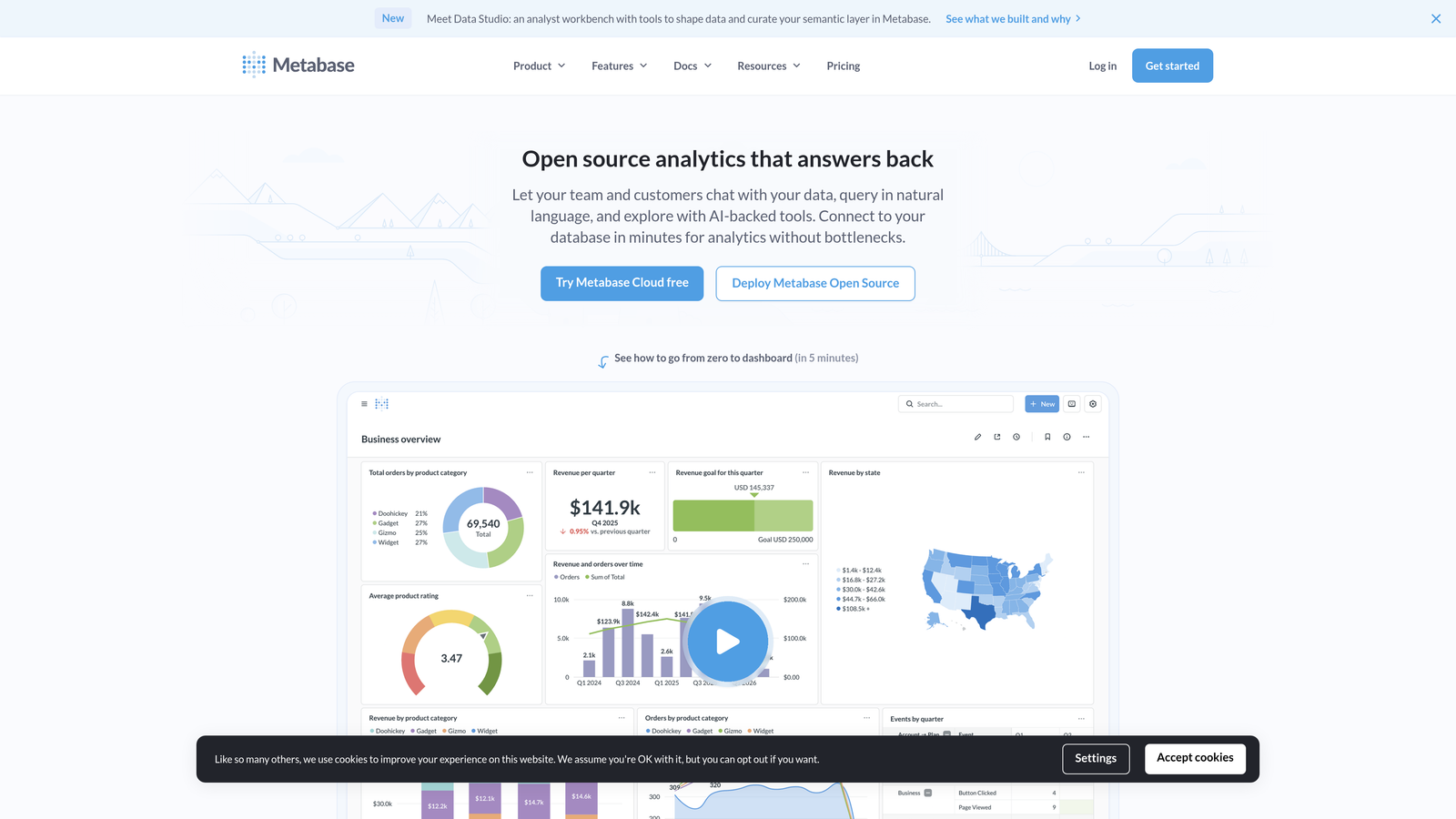
Metabase is an open-source business intelligence tool that lets you query support databases directly for custom resolution analysis.
Where This Tool Shines
Metabase gives technical teams the flexibility to define resolution metrics exactly how they want. If your definition of "resolved" differs from your helpdesk's default—maybe you exclude auto-closed tickets or measure time-to-actual-fix rather than time-to-closure—you can write SQL queries that calculate metrics your way.
The self-hosted option means your resolution data never leaves your infrastructure. For companies with strict data governance requirements, this control matters more than pre-built convenience.
Key Features
Direct Database Queries: Write SQL to pull exactly the resolution data you need without platform limitations.
Self-Hosted Option: Run Metabase on your own servers to maintain complete control over support data.
Custom Metric Definitions: Define resolution time, first contact resolution, and other metrics using your business logic.
Embeddable Dashboards: Share resolution metrics in internal tools or customer-facing portals using iframe embeds.
Automated Exports: Schedule resolution reports to be sent via email or pushed to data warehouses.
Best For
Engineering-led support teams or companies where standard helpdesk analytics don't match your operational definitions. Requires SQL knowledge to unlock full value.
Pricing
Free for self-hosted deployment. Cloud-hosted version starts at $85 per month with additional costs for more users and features.
8. Help Scout Reports
Best for: Small support teams needing essential resolution metrics without complexity
Help Scout Reports is a clean, simple reporting system built into Help Scout's customer support platform.
Where This Tool Shines
Help Scout focuses on the resolution metrics that small teams actually use daily: how long tickets take to resolve, how many get closed each day, and whether customers are happy with the outcomes. The interface shows these core metrics without drowning you in options.
The happiness scores appear directly alongside resolution time data, making it easy to spot when faster closures correlate with lower satisfaction. This connection helps small teams balance efficiency with quality.
Key Features
Resolution Time Reports: Track average and median time to resolve tickets across your team and individual agents.
Volume Tracking: Monitor how many tickets get resolved daily, weekly, and monthly to identify capacity trends.
Happiness Score Integration: See customer satisfaction ratings next to resolution metrics to understand quality alongside speed.
Saved Views: Create filtered reports for specific resolution scenarios and access them quickly without rebuilding queries.
Email Summaries: Receive automated reports of resolution performance delivered to your inbox on your schedule.
Best For
Support teams under 10 agents who need straightforward resolution tracking without enterprise complexity. Ideal if you're currently tracking metrics manually and want to automate without over-investing in analytics infrastructure.
Pricing
Reporting features are included in Help Scout plans starting at $20 per user per month. No separate analytics tier required.
9. Databox
Best for: Executives tracking resolution metrics alongside broader business KPIs
Databox is a dashboard consolidation tool that combines resolution metrics from support platforms with goals and benchmarks.
Where This Tool Shines
Databox positions resolution metrics in business context. Rather than just showing that average resolution time is 4.2 hours, it displays that number against your target of 4 hours and last quarter's performance of 5.1 hours. This framing makes metrics actionable.
The automated reporting sends resolution performance updates to stakeholders without manual work. Your CEO gets a weekly summary of support metrics, your VP of Product sees resolution trends for their features, and your support managers receive daily operational dashboards—all configured once and delivered automatically.
Key Features
Goal Tracking: Set resolution time targets and track actual performance against benchmarks in visual displays.
Automated Reports: Schedule daily, weekly, or monthly resolution metric summaries delivered via email or Slack.
70+ Support Integrations: Connect major helpdesks, quality tools, and customer feedback platforms to unify resolution data.
Mobile App: Check resolution metrics from your phone with native iOS and Android applications.
Comparative Analysis: Display resolution metrics alongside related KPIs like customer churn, product usage, or revenue to identify correlations.
Best For
Leadership teams who need resolution metrics integrated with broader business dashboards. Particularly valuable if you're presenting support performance to executives who care about outcomes more than operational details.
Pricing
Free tier available for basic dashboards. Starter plan begins at $72 per month and includes more data sources and users.
Making the Right Choice
The best resolution metrics tool depends on what you're trying to improve. If you're fighting constant fire drills and need to predict problems before they explode, Halo AI's pattern recognition turns reactive reporting into proactive intelligence. Teams already invested in Zendesk, Freshdesk, or Intercom often get the fastest value from their native analytics—no new vendor relationships, immediate data access, and reporting that matches how you already work.
For quality-obsessed teams, Klaus reveals whether your fast resolution times actually solve customer problems or just close tickets. Technical teams with specific metric definitions benefit from Metabase's SQL flexibility, while small teams appreciate Help Scout's focus on essentials without complexity.
Think about visibility too. If your support floor has monitors, Geckoboard makes metrics impossible to ignore. If your executives need resolution data in board decks, Databox positions support performance alongside business outcomes.
Your support team shouldn't scale linearly with your customer base. Let AI agents handle routine tickets, guide users through your product, and surface business intelligence while your team focuses on complex issues that need a human touch. See Halo in action and discover how continuous learning transforms every interaction into smarter, faster support.