9 Best Support Workflow Automation Software Tools in 2026
Support workflow automation software eliminates repetitive ticket routing, manual triage, and context-switching so support teams can focus on high-value customer conversations. This guide evaluates the 9 best tools available in 2026 across AI capability, integration depth, setup ease, and scalability for B2B teams.
 Matt PattoliFounder13 min read
Support teams are drowning in repetitive tickets, manual routing, and constant context-switching between tools — while customers expect faster resolutions than ever. Support workflow automation software solves this by handling the predictable work automatically: routing tickets, triggering responses, escalating edge cases, and surfacing insights so your team can focus on conversations that actually need a human.
But not all automation tools are built the same. Some bolt automation onto legacy helpdesks. Others are purpose-built AI platforms that learn and improve over time. The right choice depends on your team's size, tech stack, and how deeply you want automation embedded in your support operations.
Here are the top support workflow automation tools available in 2026, evaluated on AI capability, integration depth, ease of setup, and real-world scalability for B2B teams.
1. Halo AI
Best for: B2B SaaS teams that want AI-native support automation with deep product context and business intelligence.
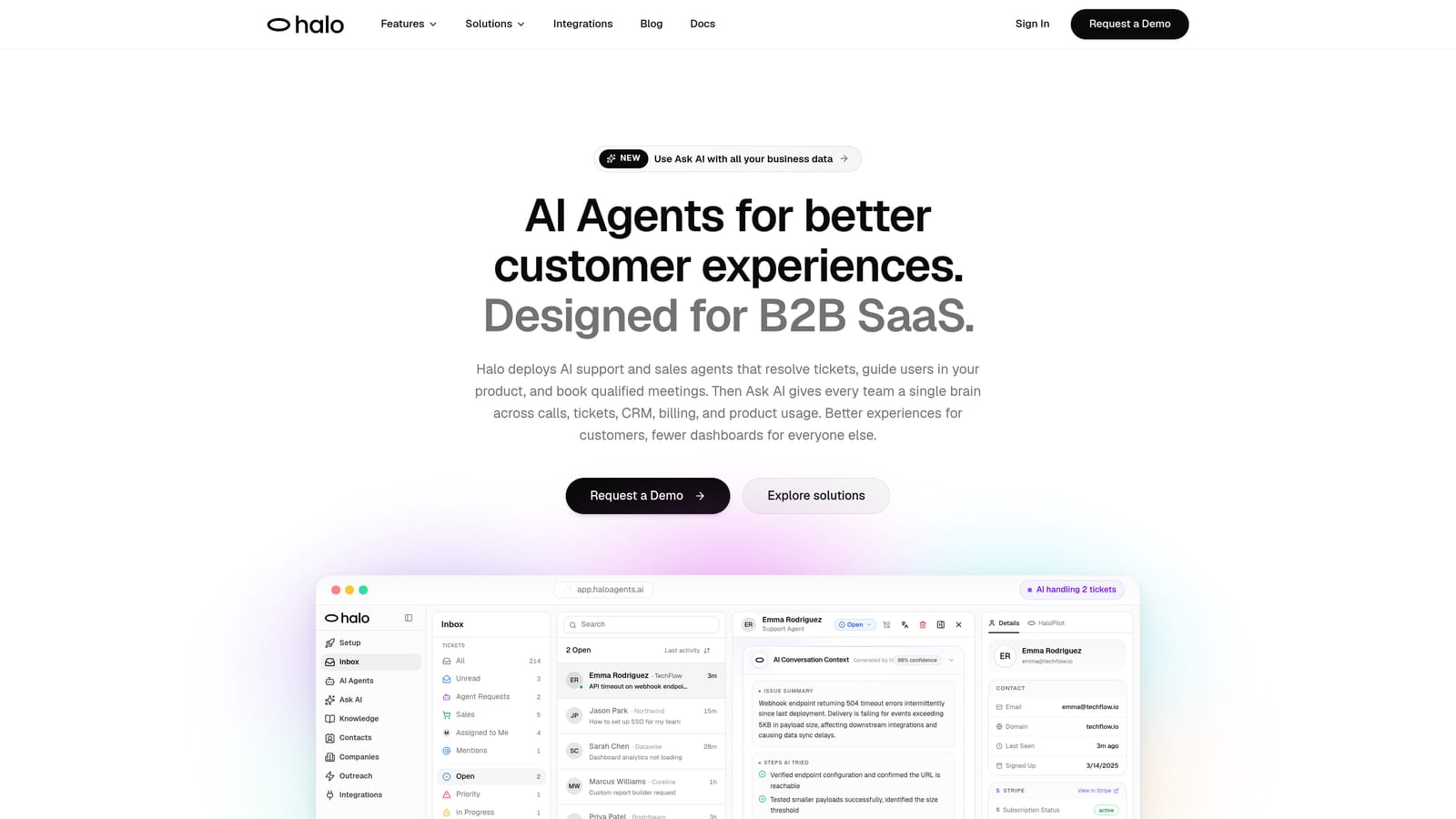
Halo AI is an AI-native customer support platform that deploys intelligent agents to resolve tickets, guide users through your product, and surface business intelligence — all while continuously learning from every interaction.
Where This Tool Shines
What separates Halo from most tools on this list is its architecture. Rather than layering AI onto a legacy ticketing system, Halo was built AI-first. Its agents don't just route tickets to the right queue — they resolve them end-to-end, using context from your entire business stack to give accurate, relevant answers.
The page-aware chat widget is a standout capability: it understands where a user is inside your product and provides visual UI guidance specific to that context. This means users get help that's actually relevant to what they're looking at, not generic knowledge base articles.
Key Features
Autonomous AI Agents: Resolve support tickets end-to-end without human intervention, learning from every interaction to improve over time.
Page-Aware Chat Widget: Detects where a user is in your product and delivers contextually relevant guidance and visual UI walkthroughs.
Smart Inbox with Business Intelligence: Goes beyond ticket metrics to surface customer health signals, revenue anomalies, and actionable insights from support data.
Auto Bug Ticket Creation: Automatically generates and routes bug reports to Linear when issues are detected, closing the loop between support and engineering.
Live Agent Handoff: Escalates complex or sensitive issues to human agents seamlessly, with full conversation context preserved.
Deep Integrations: Connects natively with HubSpot, Slack, Stripe, Zoom, Intercom, PandaDoc, Fathom, and Linear — so support data flows across your entire business stack.
Best For
Halo is purpose-built for B2B SaaS companies and product teams that want support to scale without scaling headcount. It's particularly well-suited for teams already using modern tooling like Linear, HubSpot, and Slack who want their support layer to be a genuine source of business intelligence, not just a ticket queue.
Pricing
Contact for pricing. A demo is available at haloagents.ai.
2. Zendesk
Best for: Enterprise support teams needing mature automation rules, omnichannel coverage, and a large integration marketplace.
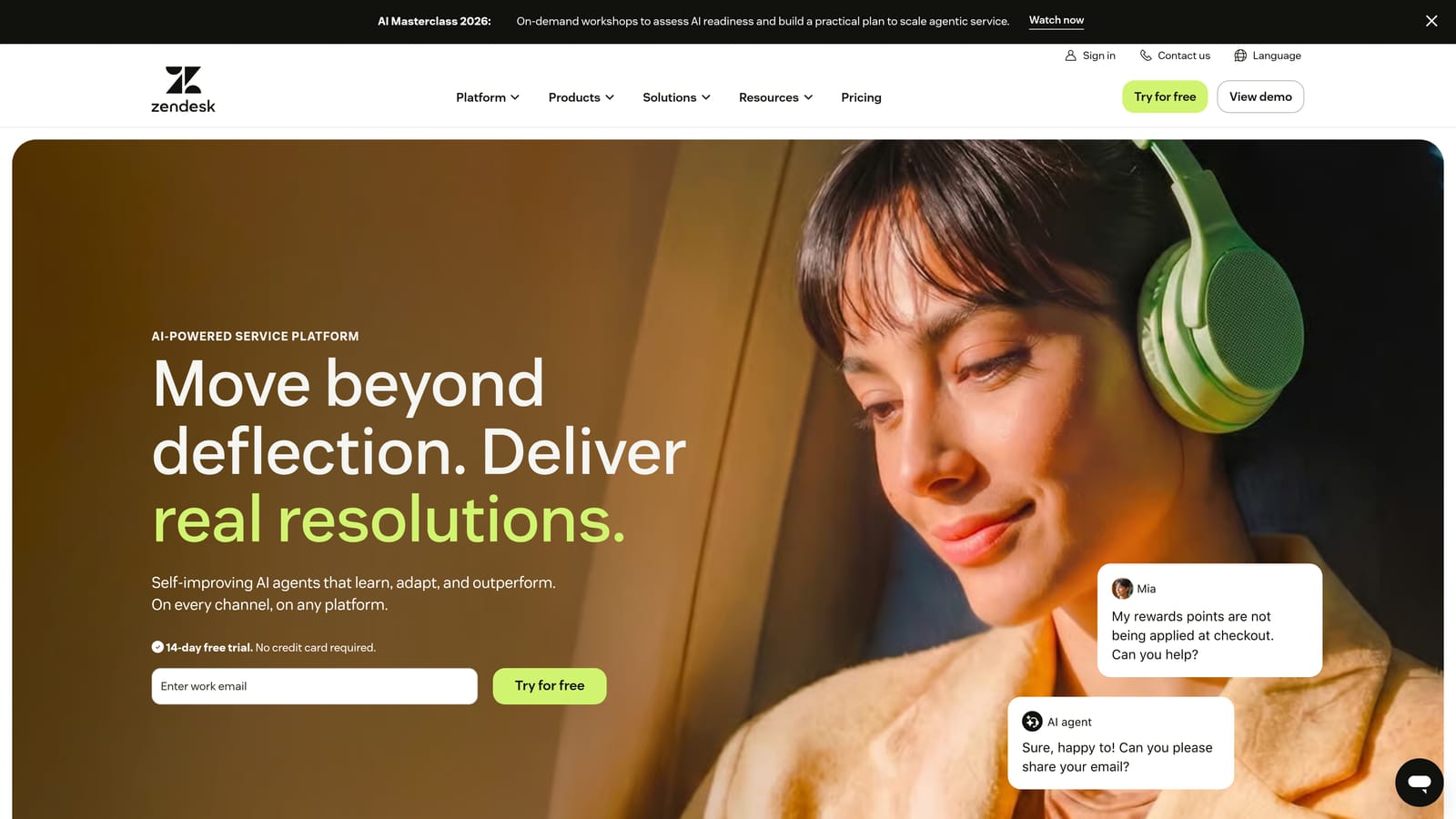
Zendesk is one of the most established helpdesk platforms, offering a mature trigger-based automation engine, AI-powered triage, and a broad ecosystem of third-party integrations.
Where This Tool Shines
Zendesk's automation engine is battle-tested. Its trigger and rule system lets teams build sophisticated routing logic based on ticket properties, customer segments, SLA windows, and more. For enterprise teams with complex escalation paths, this level of configurability is genuinely valuable.
Zendesk AI adds intent detection, intelligent triage, and suggested responses on top of the core platform. It's a meaningful layer of automation, though it's worth noting these capabilities were added to an existing infrastructure rather than built from the ground up as AI-native features.
Key Features
Trigger and Automation Rule Engine: Build complex routing, SLA management, and escalation workflows using a mature if/then rule system.
Zendesk AI: Provides intelligent triage, intent detection, and suggested responses to speed up agent workflows.
Omnichannel Support: Covers email, chat, voice, and social channels from a unified agent workspace.
Integration Marketplace: Access to a large library of third-party app integrations across CRM, e-commerce, and productivity tools.
Advanced Reporting: Customizable dashboards and analytics for tracking support performance and SLA compliance.
Best For
Zendesk is a strong choice for mid-market and enterprise teams with established support operations, complex routing requirements, and a need for deep customization. Teams earlier in their growth journey may find the platform more than they need, and the cost reflects its enterprise positioning.
Pricing
Suite Team starts at approximately $55 per agent per month. Enterprise plans are available with custom pricing.
3. Intercom
Best for: SaaS companies focused on in-product engagement, conversational support, and AI-powered autonomous resolution.
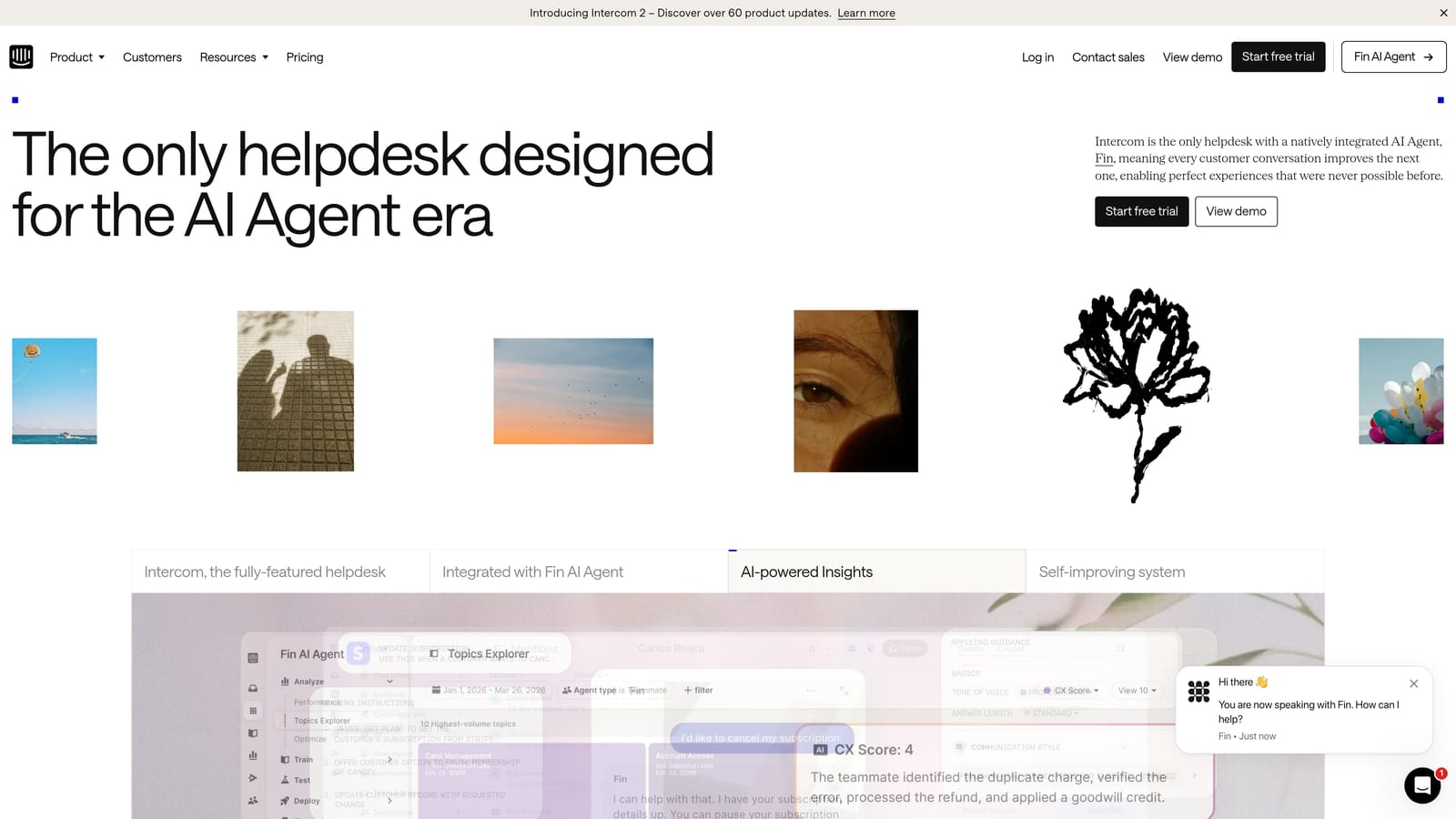
Intercom is a conversational support platform built around an in-app messenger, with Fin AI handling autonomous resolution and a workflow builder for routing and escalation automation.
Where This Tool Shines
Intercom's strength is the in-product experience. Its messenger is deeply embedded in the product surface, making it natural for users to ask questions without leaving the app. Fin, Intercom's AI agent, can resolve common queries autonomously by drawing on your help center content and configured knowledge sources.
The workflow builder gives support and ops teams a visual way to configure routing, tagging, and escalation logic without writing code. It's approachable for non-technical users while still offering meaningful depth for more complex automation scenarios.
Key Features
Fin AI Agent: Autonomously resolves common support queries using your help center and knowledge sources, with handoff to human agents when needed.
In-App Messenger: Delivers support directly inside your product with proactive messaging capabilities for onboarding and engagement.
Workflow Builder: Visual, no-code tool for configuring routing, tagging, and escalation automation across conversations.
Custom Bots and Series: Build automated onboarding flows and engagement sequences alongside support workflows.
Integrated Help Center: Centralized knowledge base connected directly to the messenger and shared inbox.
Best For
Intercom works well for SaaS teams that want conversational support tightly integrated with their product experience. Teams looking for deep business intelligence or complex cross-system automation may find it less suited to those needs.
Pricing
Starts at approximately $39 per seat per month. Fin AI usage is billed separately on a per-resolution basis.
4. Freshdesk
Best for: SMBs and growing teams wanting affordable omnichannel support automation with AI-assisted triage.
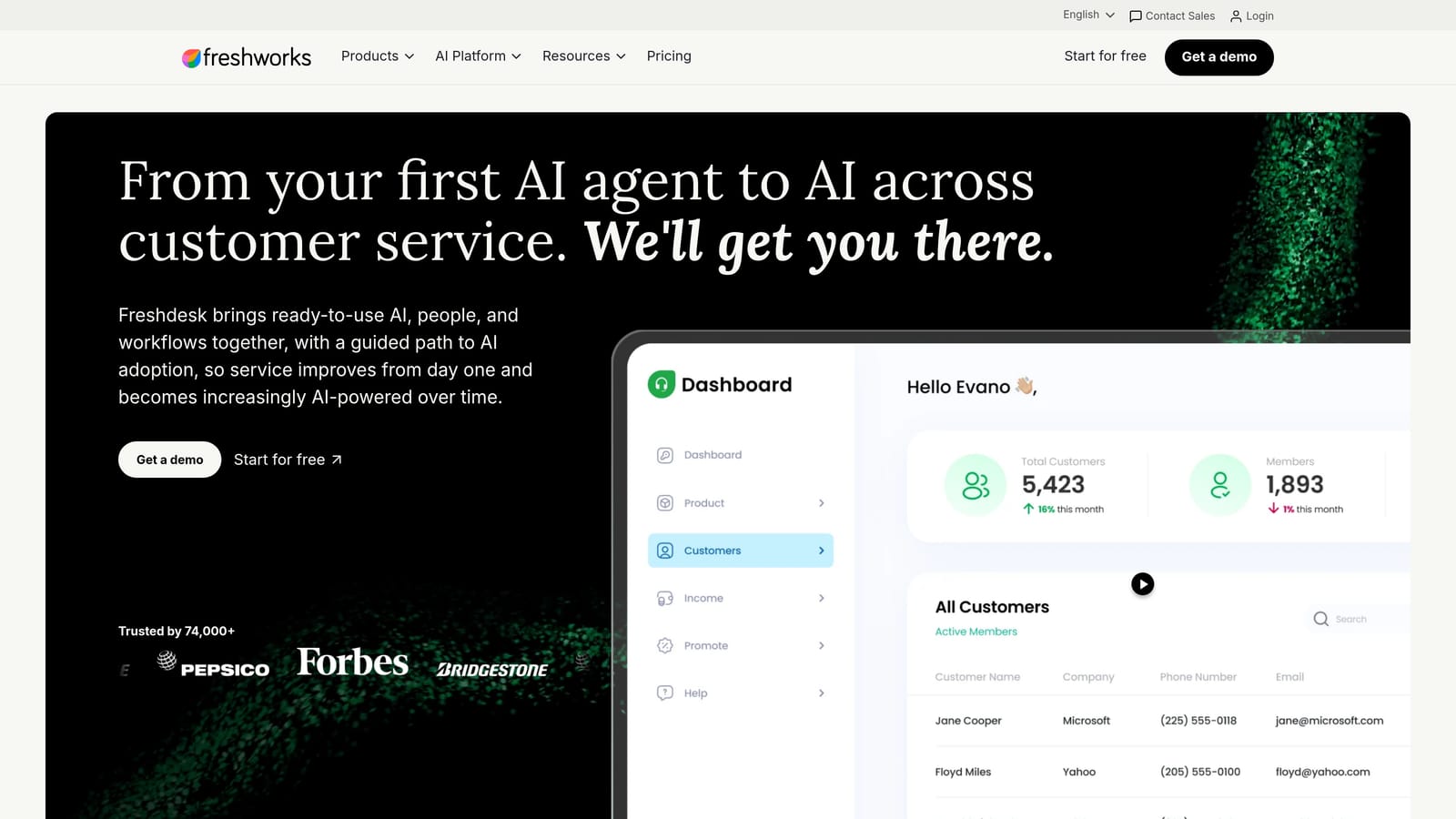
Freshdesk is an SMB-friendly helpdesk platform where Freddy AI powers automation features including auto-triage, suggested responses, and omnichannel workflow management.
Where This Tool Shines
Freshdesk's value proposition is accessibility. It offers a meaningful set of automation capabilities — AI triage, scenario automation, SLA management — at a price point that makes sense for smaller teams. The free plan gives early-stage teams a low-risk entry point to test the platform before committing.
Freddy AI handles the most common automation needs: detecting intent, suggesting responses, and routing tickets to the right team. It's not as deeply AI-native as purpose-built platforms, but it covers the fundamentals well for teams that don't need cutting-edge AI capabilities.
Key Features
Freddy AI: Powers auto-triage, intent detection, and response suggestions across support channels.
Scenario Automation: Configure multi-step workflow triggers to automate repetitive actions across ticket lifecycle stages.
Omnichannel Coverage: Handles email, chat, phone, social, and WhatsApp from a unified inbox.
SLA Management: Set and enforce service level agreements with automated escalation rules.
Marketplace Integrations: Connect with CRM, e-commerce, and productivity tools through the Freshworks marketplace.
Best For
Freshdesk is a practical choice for SMBs and growing support teams that need solid omnichannel coverage and basic AI automation without enterprise-level pricing. Teams with complex AI requirements or deep integration needs may outgrow it.
Pricing
Free plan available for up to 10 agents. Paid plans start at approximately $15 per agent per month.
5. HubSpot Service Hub
Best for: Teams already using HubSpot for sales and marketing who want support automation powered by unified CRM data.
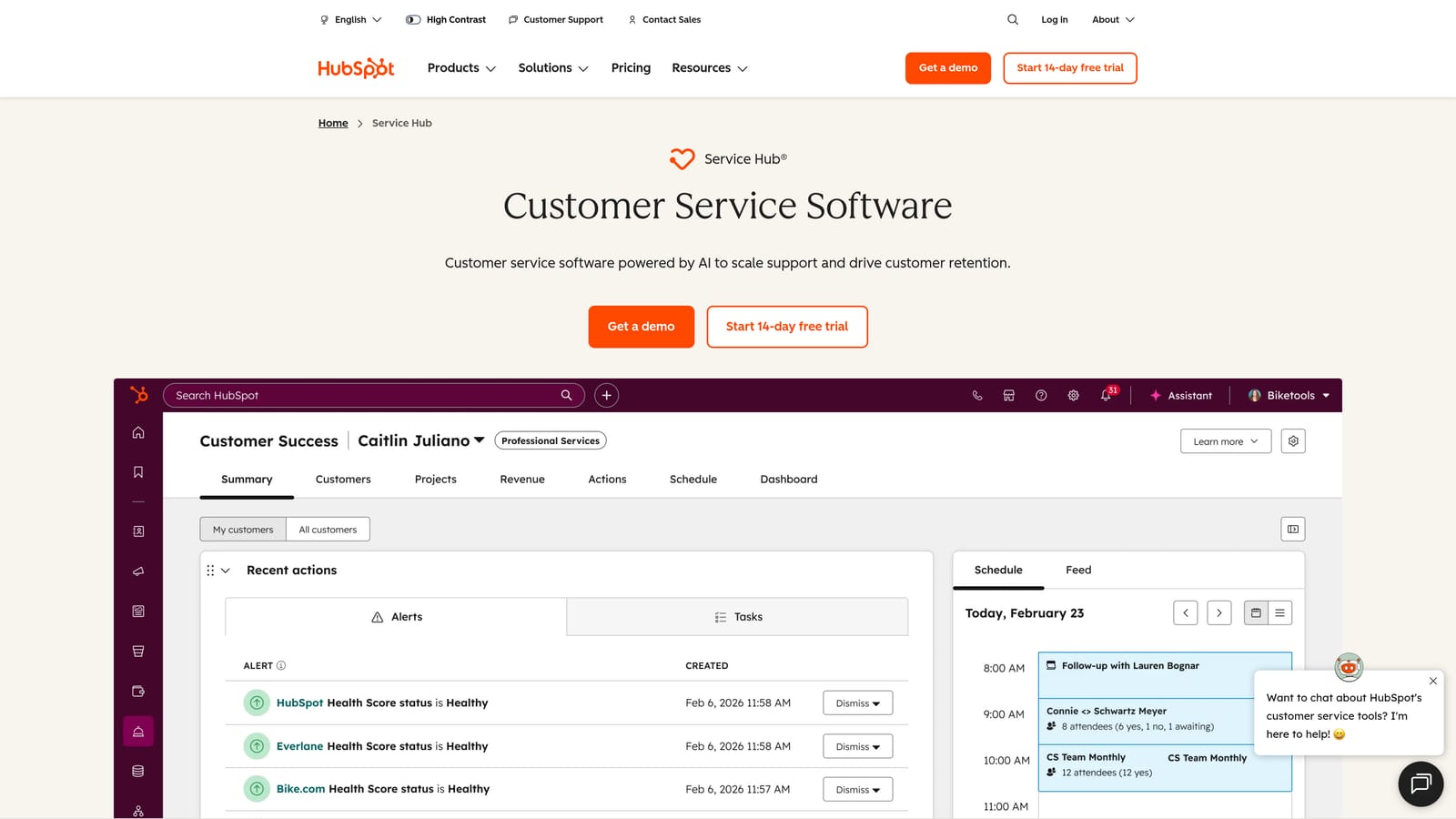
HubSpot Service Hub is a CRM-native support platform where ticket automation is powered by the full HubSpot customer data model, connecting sales, marketing, and support workflows in one system.
Where This Tool Shines
The core advantage here is context. When your support tickets are connected to the same CRM records as your sales deals and marketing contacts, automation can be far more intelligent. You can trigger workflows based on customer lifecycle stage, deal value, product usage, or any other CRM property — not just ticket attributes.
For teams already invested in the HubSpot ecosystem, Service Hub removes the friction of syncing data between separate systems. Everything lives in one place, which simplifies both automation logic and reporting.
Key Features
Ticket Pipeline Automation: Trigger workflow actions based on CRM properties, ticket status, and customer lifecycle data.
Conversational Bots: Deploy chatbots for chat and email deflection using HubSpot's bot builder.
SLA Tracking: Monitor and enforce service level agreements with automated escalation rules.
Customer Portal: Give customers self-service visibility into their support ticket status.
Native CRM Integration: Full, seamless connection with HubSpot CRM, Sales Hub, and Marketing Hub out of the box.
Best For
Service Hub is the obvious choice for teams already running HubSpot for sales and marketing. For teams not in the HubSpot ecosystem, the value proposition is less clear given the cost of the Professional tier.
Pricing
Starter from approximately $15 per month. Professional from approximately $90 per seat per month.
6. Gorgias
Best for: E-commerce brands on Shopify, WooCommerce, or Magento that want order-aware support automation.
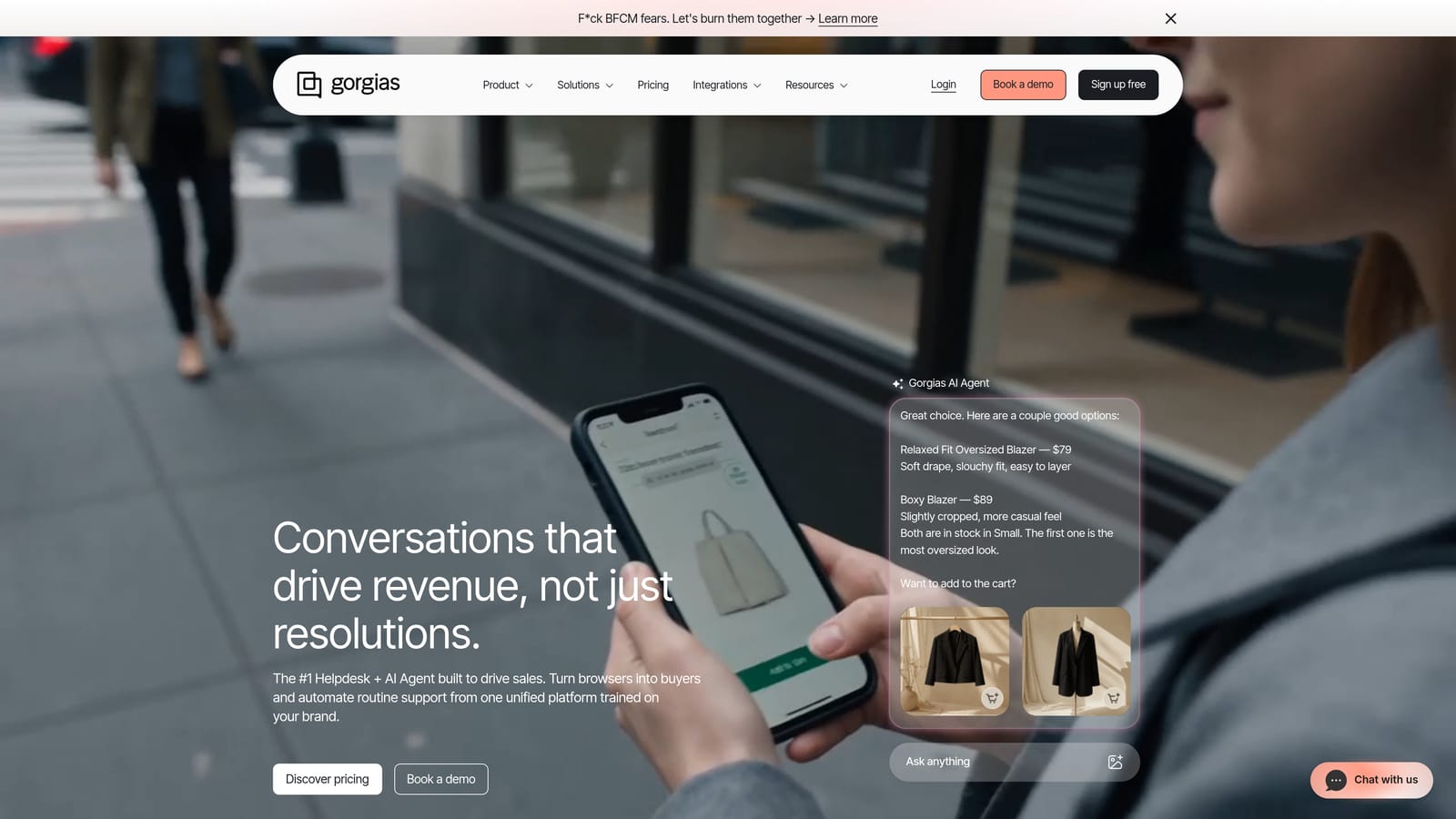
Gorgias is an e-commerce-focused support automation platform with deep commerce platform integrations, allowing automation rules to trigger based on order data, shipping events, and customer purchase history.
Where This Tool Shines
Gorgias does one thing exceptionally well: support automation for e-commerce. Its Shopify integration is particularly deep, pulling in real-time order data so agents and automated rules can act on information like order status, shipping carrier, return eligibility, and customer lifetime value — without switching tabs or querying separate systems.
Auto-close and auto-respond rules can handle a significant portion of common e-commerce queries automatically. "Where's my order?" becomes a resolved ticket without any agent involvement, which can meaningfully reduce support volume for high-transaction brands.
Key Features
Deep Commerce Integration: Native connections with Shopify, WooCommerce, and Magento for order-based automation rules.
Auto-Close and Auto-Respond: Automatically resolve common queries based on order status, intent, and customer data.
Revenue Statistics: Links support interactions to sales impact, helping teams understand the commercial value of support.
Macros and Templates: Speed up high-volume repetitive responses with pre-built reply templates.
Omnichannel Inbox: Manages email, chat, social, and SMS from a unified workspace.
Best For
Gorgias is built for e-commerce brands, full stop. It's less relevant for B2B SaaS teams or businesses without a significant transactional support volume tied to orders and fulfillment.
Pricing
Starts at approximately $10 per month, with ticket-based pricing rather than per-seat billing.
7. Zapier
Best for: Ops teams that need to connect support tools to the rest of their stack without engineering resources.
Zapier is a no-code automation platform widely used to build workflow bridges between support tools, connecting helpdesks, CRMs, project management tools, and communication platforms without writing code.
Where This Tool Shines
Zapier isn't a support platform — it's the glue between them. Think of it as the automation layer that sits above your existing tools, letting you trigger actions across systems that don't natively talk to each other. When a Zendesk ticket gets tagged as a bug, Zapier can automatically create a Linear issue and post a Slack notification to your engineering channel, all without a developer involved.
Its library of 6,000+ app connections makes it genuinely versatile. For support teams dealing with integration gaps between their helpdesk, CRM, and project management tools, Zapier is often the fastest path to a connected workflow.
Key Features
6,000+ App Integrations: Connect virtually any combination of support, CRM, project management, and communication tools.
Multi-Step Zaps: Build complex cross-system workflows that chain multiple actions across different platforms.
Conditional Logic: Use filters, paths, and branching logic to create nuanced routing and automation rules.
Formatter Tools: Transform and reformat data as it moves between systems to ensure clean handoffs.
No-Code Interface: Accessible to ops and support teams without technical backgrounds.
Best For
Zapier is best used as a complement to your primary support platform, not a replacement. It's ideal for teams that need custom integrations quickly and don't have engineering bandwidth to build native connections.
Pricing
Free plan available with limited Zaps. Paid plans start at approximately $19.99 per month.
8. Help Scout
Best for: Small to mid-sized teams that want clean, simple support automation with a deliberately human feel.
Help Scout is a clean, inbox-style support platform with lightweight workflow automation, AI-assisted reply drafting, and a deliberately human-feeling interface designed for teams that value simplicity over feature depth.
Where This Tool Shines
Help Scout's design philosophy is intentionally restrained. Where many platforms compete on feature volume, Help Scout competes on clarity. The shared inbox experience is intuitive, the automation covers the essentials without overwhelming configuration, and the overall feel is closer to a well-organized email client than an enterprise ticketing system.
The AI features are practical rather than flashy: AI Drafts suggests reply content based on conversation context, and AI Summarize gives agents a fast snapshot of long threads without reading every message. These are genuinely useful time-savers rather than marketing-first capabilities.
Key Features
Workflow Automation: Auto-assign, auto-tag, and auto-reply rules for routing and managing incoming conversations.
AI Drafts: Generates suggested reply drafts based on conversation context to speed up agent responses.
AI Summarize: Condenses long conversation threads into quick summaries for faster agent context.
Collision Detection: Alerts agents when another team member is already viewing or replying to a conversation, preventing duplicate responses.
Docs and Beacon: Built-in knowledge base with an embeddable widget for in-app self-service.
Best For
Help Scout is a strong fit for teams that find enterprise helpdesks over-engineered for their needs. It's particularly well-suited to companies where support is a small team with high-quality, relationship-focused interactions rather than high-volume ticket operations.
Pricing
Starts at approximately $22 per user per month.
9. Kustomer
Best for: High-volume support operations with complex customer lifecycle needs and omnichannel automation requirements.
Kustomer is a CRM-native support platform offering a unified customer timeline view with AI-powered workflow automation across channels, built for organizations managing large support volumes and complex customer relationships.
Where This Tool Shines
Kustomer's unified timeline is its defining feature. Every interaction a customer has had across every channel — email, chat, voice, social, SMS — is aggregated into a single chronological view. For support teams handling complex, multi-touch customer relationships, this eliminates the context-gathering that slows down resolution time.
KustomerIQ adds AI capabilities including intent detection, sentiment analysis, and auto-response suggestions. The business rules engine lets teams build sophisticated routing and prioritization logic based on customer lifecycle events, not just ticket properties — which is a meaningful distinction for subscription businesses and high-LTV customer segments.
Key Features
Unified Customer Timeline: Aggregates all customer interactions across every channel into a single chronological view.
AI-Powered Workflow Automation: Triggers automated actions based on customer lifecycle events, sentiment signals, and interaction history.
Omnichannel Support: Manages email, chat, voice, social, and SMS from a single platform.
Business Rules Engine: Sophisticated routing and prioritization logic for complex support operations.
KustomerIQ: Intent detection, sentiment analysis, and auto-response capabilities powered by AI.
Best For
Kustomer is built for organizations with high support volume, complex customer relationships, and a need for omnichannel automation at scale. The pricing reflects its enterprise positioning, making it less accessible for smaller teams.
Pricing
Starts at approximately $89 per user per month, with enterprise pricing available for larger deployments.
Which Tool Is Right for Your Team?
The best support workflow automation software depends on where your team is, what your stack looks like, and how much you want automation to actually do versus simply assist.
If you're a B2B SaaS team that wants AI to handle tickets end-to-end, surface business intelligence, and connect across your entire product and business stack, Halo AI is purpose-built for that use case. It's the only tool on this list that combines page-aware context, autonomous resolution, and cross-system intelligence in a single AI-native platform.
For enterprise teams with complex routing logic and established helpdesk operations, Zendesk or Kustomer offer the maturity and configurability that large organizations typically need. If your team is already deep in the HubSpot ecosystem, Service Hub is the natural fit for connecting sales, marketing, and support data without additional integration work.
E-commerce brands on Shopify or WooCommerce will find Gorgias hard to beat for order-aware automation. Smaller teams that prioritize simplicity and a human feel should look at Help Scout. And if you need to bridge integration gaps between existing tools without writing code, Zapier fills that role better than any dedicated support platform.
Your support team shouldn't scale linearly with your customer base. Let AI agents handle routine tickets, guide users through your product, and surface business intelligence while your team focuses on complex issues that need a human touch. See Halo in action and discover how continuous learning transforms every interaction into smarter, faster support.