9 Best Support Workflow Automation Tools in 2026
Support workflow automation tools help customer service teams eliminate repetitive tasks like ticket routing, status updates, and SLA tracking by handling them automatically. This allows agents to focus on complex customer issues that require human expertise while reducing burnout and improving satisfaction. This guide reviews the 9 best support workflow automation tools for 2026, covering options for startups and enterprises with various budgets and technical requirements.
 Matt PattoliFounder12 min read
Support teams are drowning in repetitive tasks—routing tickets, sending status updates, escalating issues, and tracking SLAs. When agents spend more time on process than people, customer satisfaction suffers and burnout rises.
Support workflow automation tools eliminate this friction by handling routine operations automatically, freeing your team to focus on complex problems that actually need human expertise. This guide covers the top tools for automating your support workflows, from AI-powered ticket resolution to intelligent routing and escalation systems.
Whether you're a growing startup or an enterprise team, you'll find options that match your stack, budget, and automation goals.
1. Halo AI
Best for: Teams wanting AI agents that learn continuously and resolve tickets autonomously
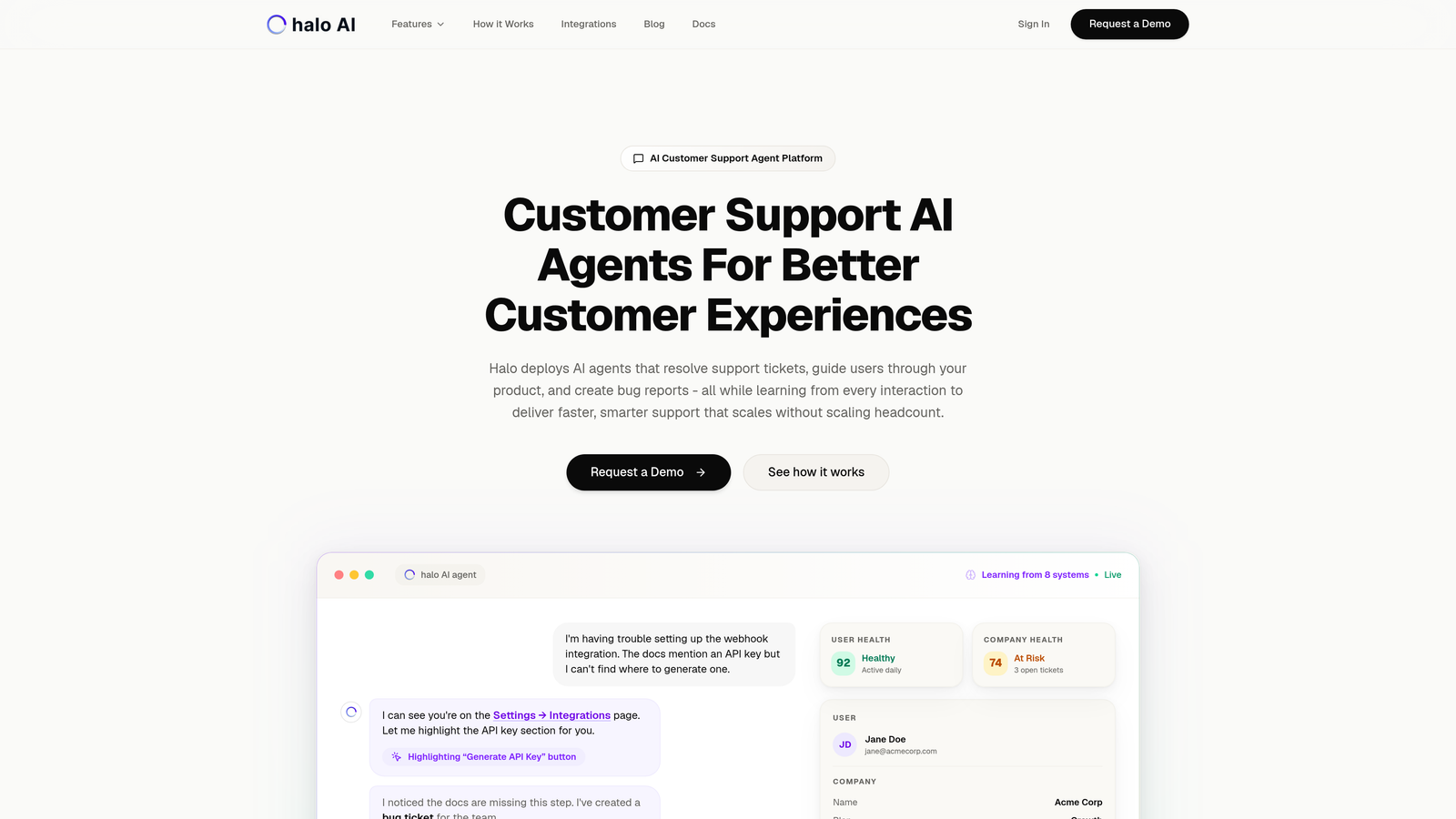
Halo AI is an AI-native support platform that deploys autonomous agents to handle ticket resolution, user guidance, and continuous learning from every interaction.
Where This Tool Shines
Unlike traditional helpdesks that bolt AI onto existing infrastructure, Halo builds intelligence into its core architecture. The platform doesn't just automate tasks—it understands context by seeing what users see on your product pages, then uses that awareness to provide relevant guidance and solutions.
The system learns from every resolution, improving its accuracy over time without requiring constant retraining. This continuous learning approach means your support gets smarter as your product evolves, rather than requiring manual updates to automation rules.
Key Features
Autonomous AI Agents: Resolve support tickets without human intervention while maintaining quality through learned patterns.
Page-Aware Context: Chat widget sees user interface elements to provide visually-guided support that references actual screen elements.
Auto Bug Ticket Creation: Identifies technical issues during support interactions and automatically creates engineering tickets with context.
Live Agent Handoff: Seamlessly escalates complex issues to human agents with full conversation history and context.
Business Intelligence Analytics: Surfaces customer health signals, revenue intelligence, and anomaly detection beyond basic support metrics.
Best For
B2B companies and product teams seeking support automation that scales without scaling headcount. Particularly valuable for teams using Zendesk, Freshdesk, or Intercom who want deeper AI capabilities than their current helpdesk provides.
Pricing
Contact for pricing. Custom implementation based on ticket volume and integration requirements.
2. Zendesk
Best for: Enterprise teams needing mature automation with complex conditional logic and extensive integrations
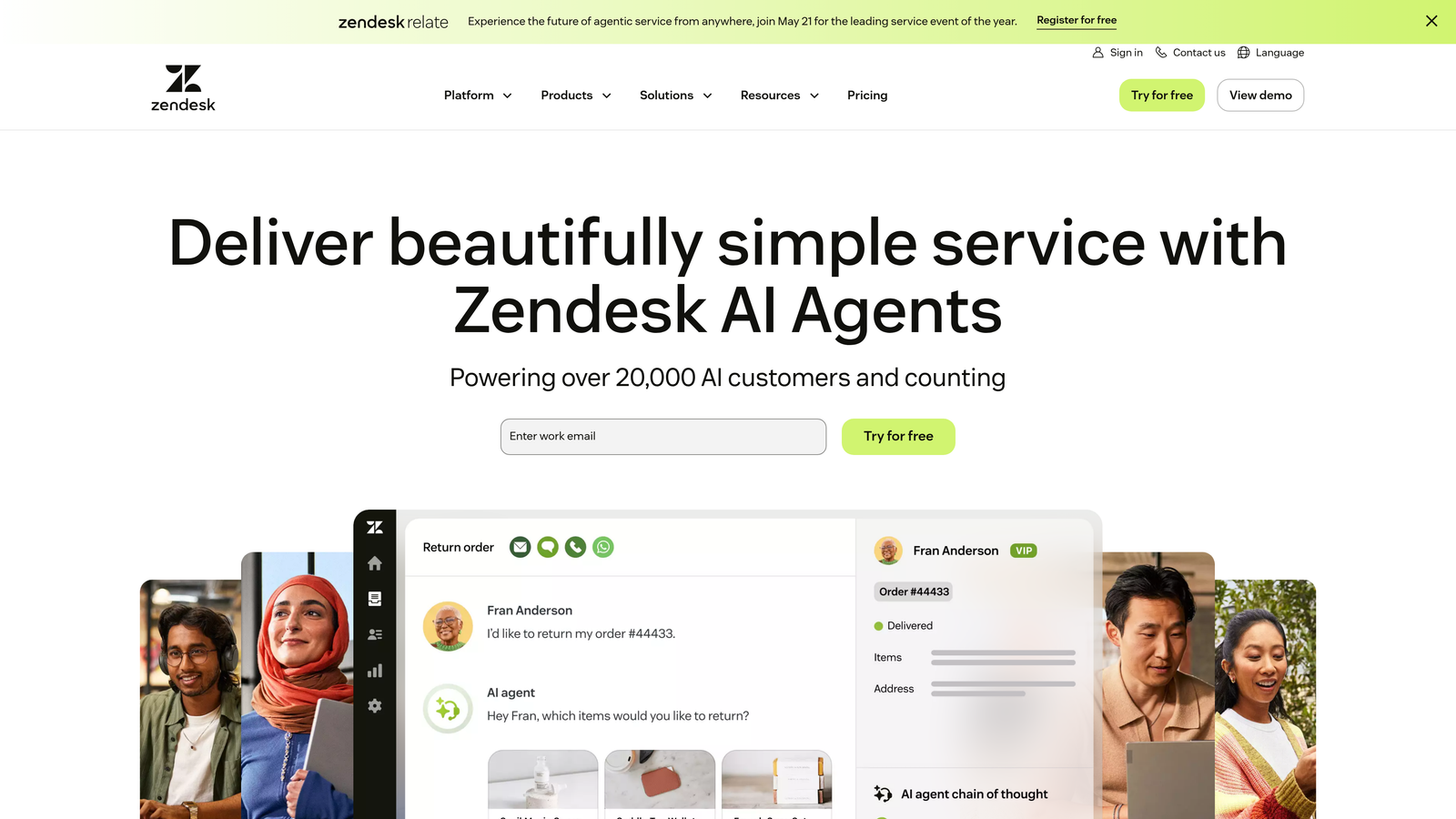
Zendesk is an enterprise helpdesk platform with robust automation triggers, macros, and workflow builders for sophisticated support operations.
Where This Tool Shines
Zendesk's automation engine handles intricate scenarios through its trigger system, which can chain multiple conditions and actions together. You can build workflows that consider ticket properties, customer history, time-based conditions, and external data to route and respond intelligently.
The platform's maturity shows in its app marketplace, where you'll find pre-built integrations for virtually any business tool. This ecosystem depth means you can automate workflows that span multiple systems without custom development.
Key Features
Trigger-Based Automation: Create complex conditional workflows that fire based on ticket updates, time elapsed, or field changes.
Skills-Based Routing: Automatically assign tickets to agents based on language, product expertise, or custom skill tags.
SLA Management Automation: Track response and resolution times with automated escalations when thresholds approach.
Answer Bot: AI-powered deflection suggests help articles before tickets reach agents.
Extensive App Marketplace: Over 1,200 pre-built integrations for connecting Zendesk to your tech stack.
Best For
Large support organizations with complex routing needs, multiple product lines, and enterprise requirements around compliance and reporting. Teams who need deep customization and don't mind the learning curve.
Pricing
Starts at $55/agent/month for Suite Team. Enterprise plans with advanced automation start at $115/agent/month.
3. Freshdesk
Best for: Mid-market teams wanting powerful scenario automations without enterprise complexity or cost
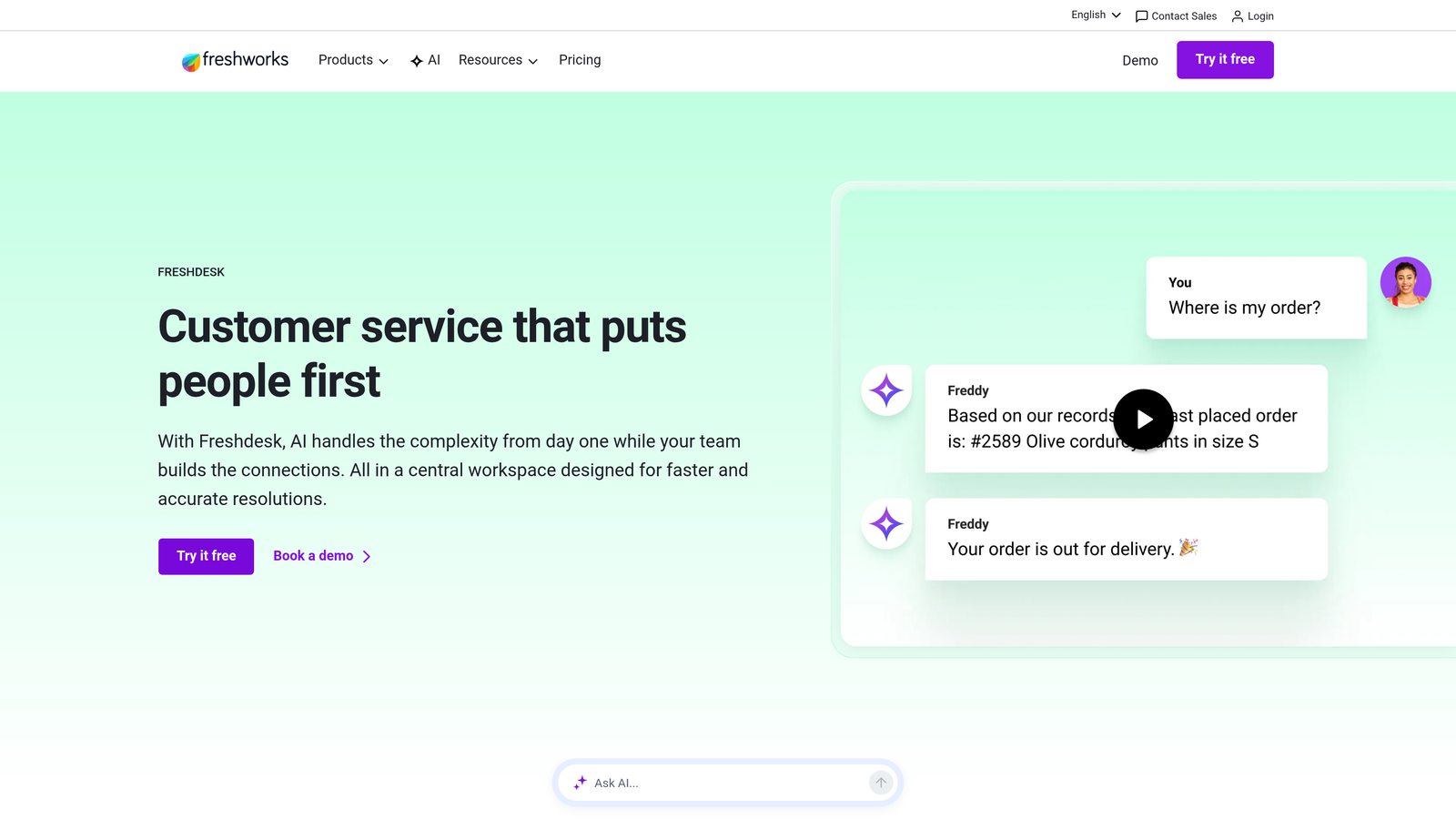
Freshdesk is a mid-market helpdesk with scenario automations that chain multiple actions together for sophisticated workflow management.
Where This Tool Shines
Freshdesk's scenario automations let you build multi-step workflows that execute sequences of actions based on complex conditions. Think of it as creating "if this, then that, then this other thing" chains that handle entire processes automatically.
The platform balances power with usability better than most enterprise tools. You get advanced capabilities like load-balanced assignment and time-triggered automations without needing a dedicated admin to manage them.
Key Features
Scenario Automations: Build multi-step workflows that execute action sequences based on ticket conditions and events.
Freddy AI Classification: Automatically categorizes and tags tickets using machine learning trained on your historical data.
Round-Robin and Load-Balanced Assignment: Distribute tickets evenly across agents or based on current workload.
Time-Triggered Automations: Execute actions after specific time periods, like sending follow-ups or escalating stale tickets.
Canned Responses with Variables: Create template responses that dynamically insert ticket and customer data.
Best For
Growing companies that have outgrown basic helpdesks but aren't ready for enterprise pricing. Teams that want automation sophistication without requiring technical expertise to configure.
Pricing
Free tier available for basic features. Growth plan starts at $15/agent/month with scenario automations included.
4. Intercom
Best for: Product-led companies needing in-app messaging automation and conversational AI resolution
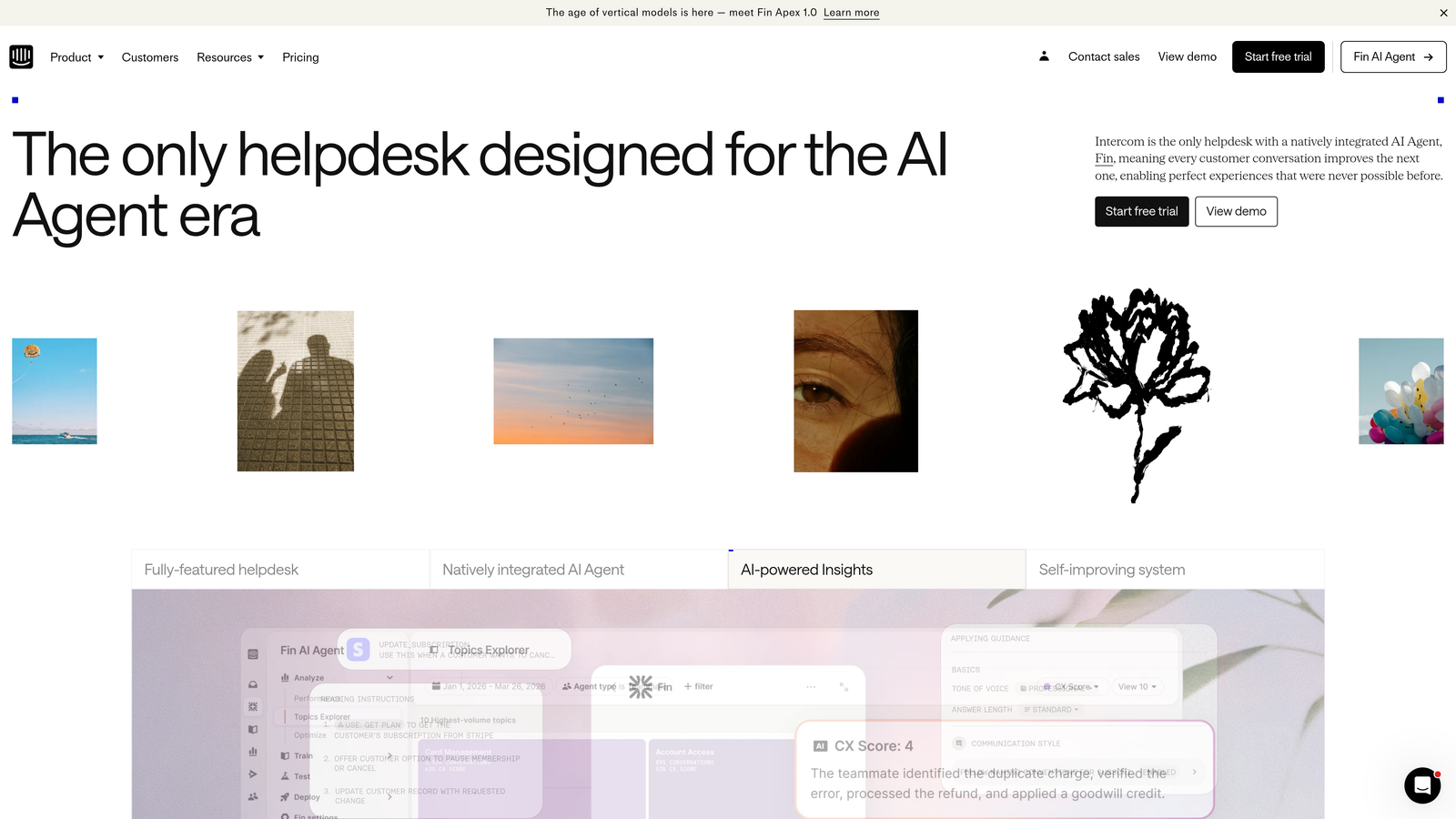
Intercom is a conversational support platform with Fin AI agent and workflow automation built specifically for product-led companies.
Where This Tool Shines
Intercom excels at automating support within your product experience rather than pulling users into external help centers. The Fin AI agent resolves questions using your knowledge base content, handling common inquiries without human intervention.
The visual workflow builder lets you create sophisticated bot conversations that branch based on user responses, qualify leads, route to appropriate teams, and collect information before human handoff. This conversational approach feels more natural than traditional ticket-based automation.
Key Features
Fin AI Agent: Autonomous AI that resolves customer questions using your help content, with per-resolution pricing model.
Visual Workflow Builder: Design conversational flows with branching logic, data collection, and intelligent routing.
In-App Messaging Automation: Trigger proactive messages based on user behavior, product usage, or custom events.
Custom Bot Builders: Create specialized bots for qualification, onboarding, or data collection workflows.
Unified Inbox: Manage conversations across chat, email, and social channels in one interface.
Best For
SaaS companies and product teams that want support embedded directly in the user experience. Particularly valuable when you need to combine support automation with product messaging and user engagement.
Pricing
Starts at $39/seat/month for basic features. Fin AI priced separately per resolution, typically $0.99-$1.50 depending on volume.
5. HubSpot Service Hub
Best for: Teams already using HubSpot CRM who want workflow automation with full customer context
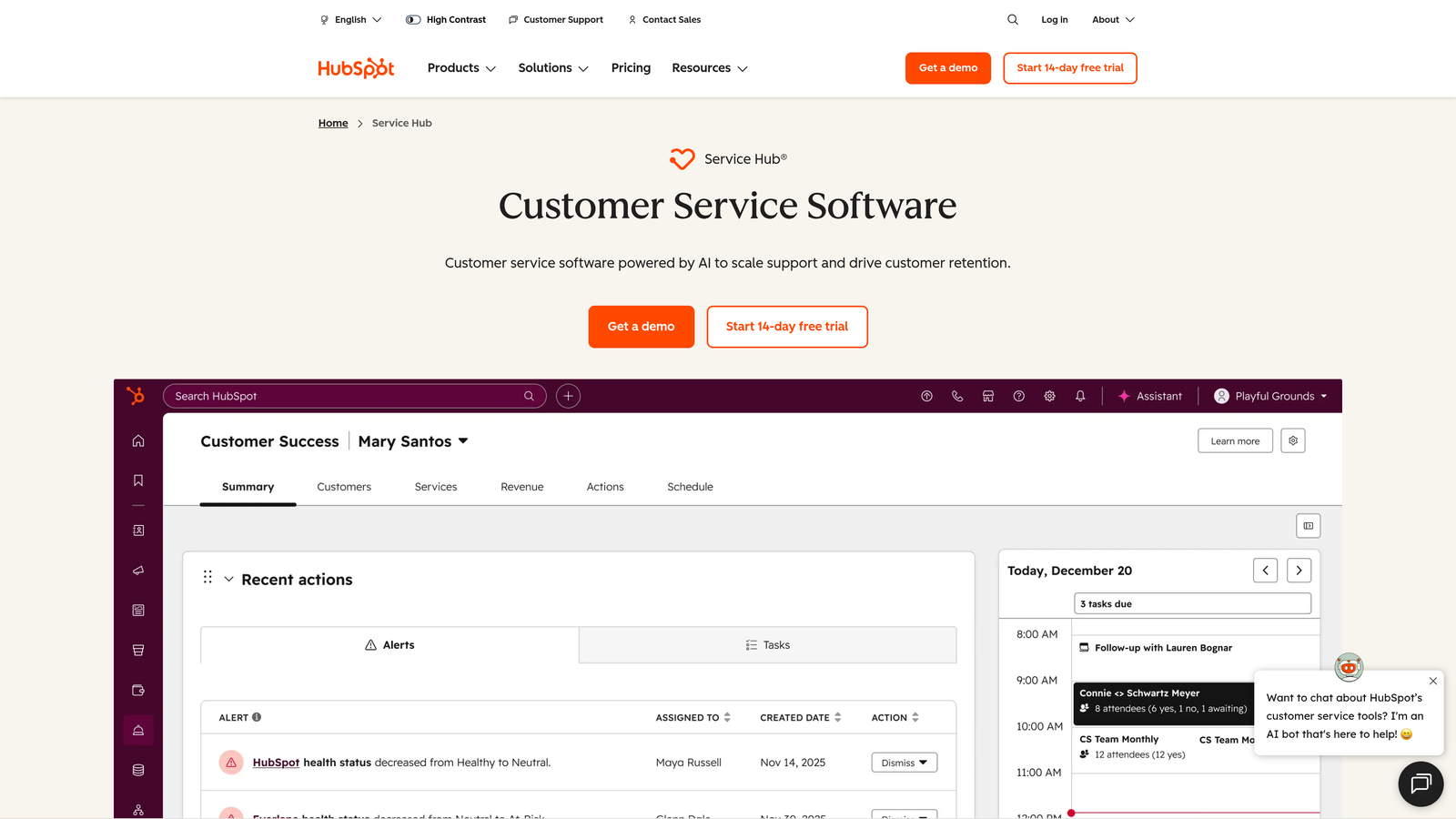
HubSpot Service Hub is a service platform deeply integrated with HubSpot CRM for workflow automation powered by complete customer data.
Where This Tool Shines
Service Hub's real advantage emerges when your sales, marketing, and service data live in the same ecosystem. Workflows can trigger based on deal stage, lifecycle position, or any CRM property, enabling support automation that considers the entire customer relationship.
You can build workflows that treat high-value customers differently, route tickets based on product tier, or automatically create follow-up tasks for account managers when support issues arise. This unified data model eliminates the integration headaches that plague multi-tool stacks.
Key Features
Workflow Automation with CRM Data: Trigger support actions based on any customer property, deal stage, or lifecycle phase.
Property-Based Ticket Routing: Assign tickets using customer attributes like industry, revenue, or product tier.
SLA Automation: Set response and resolution targets that vary by customer segment or issue priority.
AI-Powered Knowledge Base: Search functionality that learns from usage patterns to surface relevant articles.
Customer Feedback Automation: Automatically send surveys, track NPS, and trigger workflows based on satisfaction scores.
Best For
Companies already invested in the HubSpot ecosystem who want to avoid integration complexity. Teams that need support workflows informed by sales and marketing context.
Pricing
Free tools available with basic features. Starter plan from $20/month for two users. Professional plan with advanced automation starts at $100/month.
6. Front
Best for: Collaborative teams managing high email volumes who need intelligent distribution and assignment
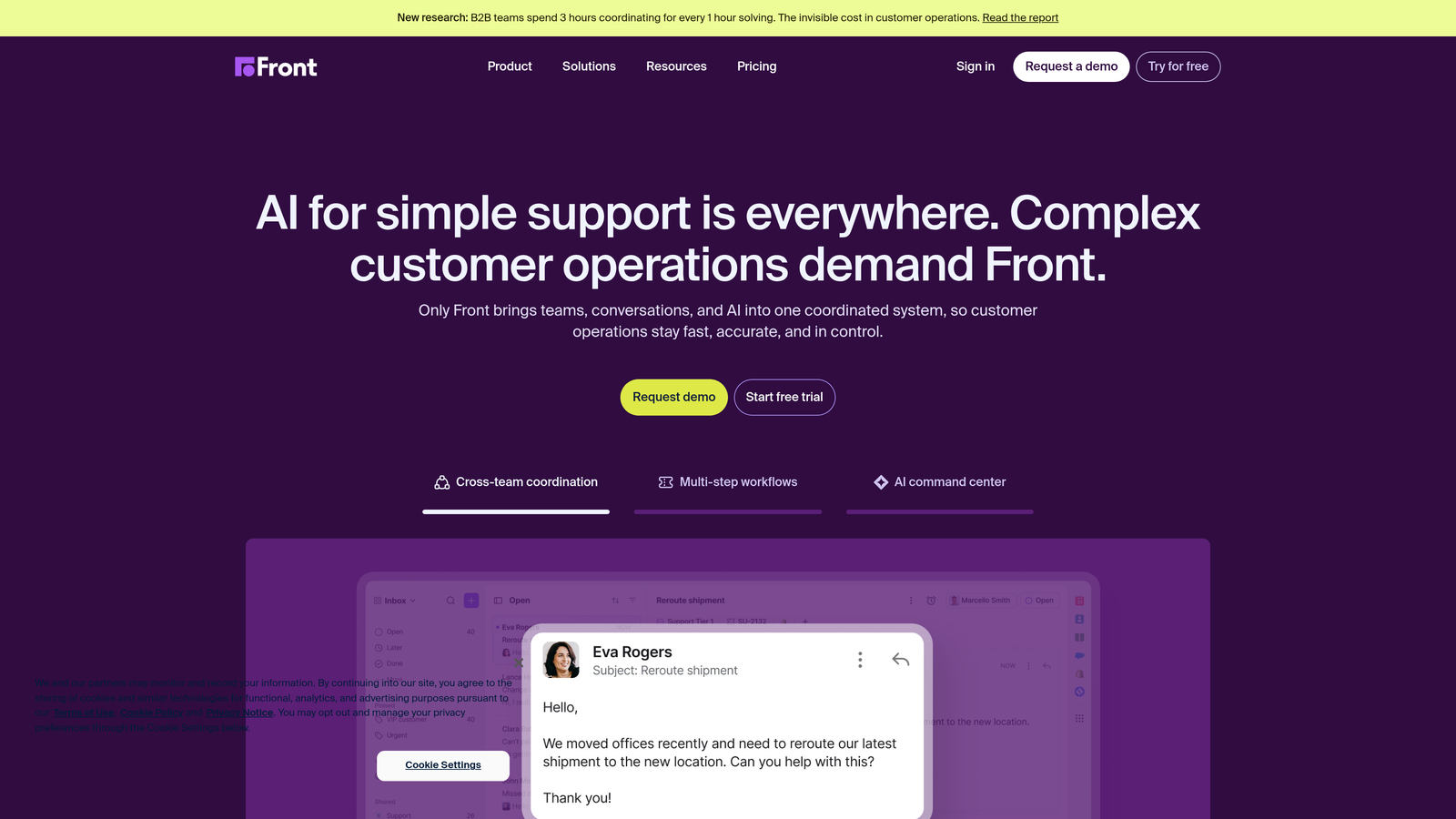
Front is a collaborative inbox platform that automates email workflow distribution, assignment, and escalation for team-based support.
Where This Tool Shines
Front transforms email from individual inboxes into team workflows. Rules automatically route incoming messages to the right team or person based on sender, subject, content, or custom tags. Auto-assignment distributes work based on current workload, preventing bottlenecks.
The platform excels at collaboration workflows where multiple people need visibility into the same conversation. Shared drafts let team members collaborate on responses before sending, while internal comments keep context without cluttering customer-facing threads.
Key Features
Rules-Based Message Routing: Automatically distribute incoming emails to teams or individuals based on configurable criteria.
Auto-Assignment by Workload: Balance message distribution across team members based on current conversation counts.
SLA Breach Alerts: Notify team members when response or resolution deadlines approach or pass.
Shared Draft Collaboration: Multiple team members can contribute to response drafts before sending.
Analytics on Response Patterns: Track team performance, response times, and workload distribution.
Best For
Teams handling support primarily through email who need better distribution than shared Gmail accounts. Companies where collaboration on complex responses is common.
Pricing
Starts at $19/seat/month for Starter plan. Growth plan with advanced automation at $59/seat/month.
7. Help Scout
Best for: Smaller teams wanting clean workflow automation without overwhelming complexity
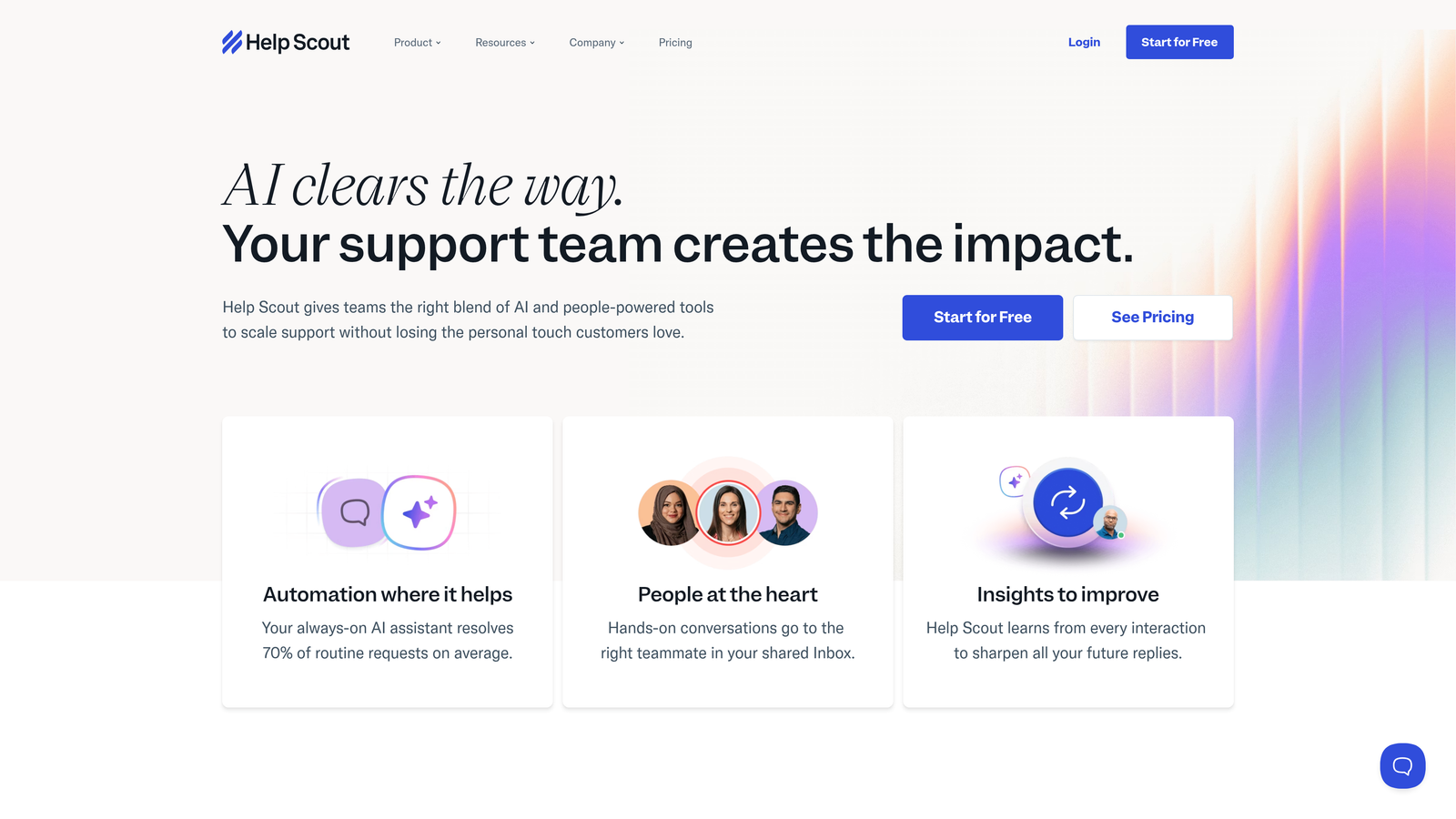
Help Scout is a simple helpdesk with thoughtful workflow automation designed for teams who want power without enterprise overhead.
Where This Tool Shines
Help Scout strips away complexity while retaining essential automation capabilities. The workflow builder uses plain-language conditions that make sense without training—"if customer email contains @enterprise.com, then assign to enterprise team" reads exactly like you'd explain it to a colleague.
The platform focuses on doing core support workflows exceptionally well rather than trying to be everything to everyone. This focused approach means faster setup, easier maintenance, and less time spent managing the tool instead of using it.
Key Features
Automated Workflows with Conditions: Create if-then rules for assignment, tagging, and status changes using intuitive conditions.
Saved Replies with Variables: Build response templates that insert customer name, ticket details, or custom fields automatically.
Beacon for Embedded Support: Add self-service widget to your site that searches help content before creating tickets.
Docs for Self-Service: Knowledge base that integrates with ticket deflection and search.
Customer Satisfaction Automation: Automatically send CSAT surveys after ticket resolution and track trends.
Best For
Small to medium teams that prioritize simplicity and customer experience over feature breadth. Companies that want their helpdesk to feel human rather than corporate.
Pricing
Starts at $22/user/month for Standard plan. Plus plan with advanced automation at $44/user/month.
8. Zapier
Best for: Connecting support tools to the rest of your stack with custom cross-system workflows
Zapier is a no-code automation platform that bridges support tools with your broader tech stack for workflows that span multiple systems.
Where This Tool Shines
Zapier fills the gaps between tools that don't natively integrate. When a support ticket needs to create a task in your project management tool, update a CRM record, notify your Slack channel, and log data in a spreadsheet, Zapier handles the entire sequence without code.
The platform's real value emerges when you need automation that your primary support tool can't handle alone. Multi-step Zaps with conditional logic let you build sophisticated workflows that react to support events and trigger actions across your entire business stack.
Key Features
6,000+ App Integrations: Connect virtually any business tool including all major helpdesks, CRMs, and project management platforms.
Multi-Step Zaps: Chain together sequences of actions across different apps in single automated workflows.
Filters and Conditional Logic: Add if-then branching to execute different actions based on data conditions.
Scheduled Automations: Run workflows on time-based triggers like daily reports or weekly summaries.
Paths for Branching: Create workflows that take different routes based on conditions, handling multiple scenarios in one Zap.
Best For
Teams using multiple tools that need custom integrations without developer resources. Companies that want to automate workflows their primary helpdesk doesn't support natively.
Pricing
Free tier available for basic single-step Zaps. Starter plan from $19.99/month for multi-step workflows. Professional at $49/month for advanced features.
9. Gorgias
Best for: E-commerce teams needing support automation with deep order and customer data integration
Gorgias is an e-commerce-focused helpdesk with native Shopify integration and macros that pull live order data into automated responses.
Where This Tool Shines
Gorgias understands that e-commerce support revolves around orders, shipments, and returns. Macros can automatically insert order status, tracking numbers, or product details into responses without agents manually looking up information. This deep integration eliminates the tab-switching that slows down traditional helpdesks.
The platform's automation rules can trigger based on order properties—automatically prioritizing high-value customers, routing international orders to specific agents, or flagging delayed shipments for proactive outreach. Revenue attribution tracking shows which support interactions influenced purchases, proving support's business impact.
Key Features
E-Commerce Platform Integration: Native connections to Shopify, BigCommerce, and Magento that sync order and customer data in real-time.
Dynamic Order Variables in Macros: Create response templates that automatically populate with current order status, tracking, or product information.
Auto-Tag and Auto-Assign Rules: Categorize and route tickets based on order value, product type, or customer segment.
Revenue Attribution Tracking: Connect support conversations to purchases to measure support's impact on sales.
Self-Service Order Management: Let customers track, modify, or cancel orders through automated flows without agent involvement.
Best For
Online retailers using Shopify, BigCommerce, or Magento who handle high volumes of order-related inquiries. Teams that need support automation built specifically for e-commerce workflows.
Pricing
Starts at $10/month for Starter plan covering 50 tickets. Basic at $60/month for 300 tickets. Pro and Advanced plans scale with ticket volume.
Making the Right Choice
Your support team shouldn't scale linearly with your customer base. The right workflow automation tool eliminates repetitive tasks while maintaining the quality that keeps customers satisfied.
Choose Halo AI if you want AI agents that learn continuously and resolve tickets autonomously, with page-aware context that sees what users see. The platform's intelligence improves over time rather than requiring constant rule updates.
Go with Zendesk when you need enterprise-grade routing capabilities and mature automation that handles complex conditional logic. The extensive app marketplace means you can integrate with virtually any business tool.
Pick Freshdesk for solid mid-market value with scenario-based workflows that chain multiple actions together. You get sophisticated automation without enterprise complexity or cost.
Select Intercom if you're product-led and need in-app automation that feels conversational rather than transactional. Fin AI handles common questions while workflows guide users through your product.
HubSpot Service Hub makes sense when your CRM is already HubSpot and you want support workflows informed by sales and marketing context. The unified data model eliminates integration headaches.
Front works best for collaborative email-heavy teams who need intelligent distribution and shared draft workflows. It transforms individual inboxes into team processes.
Help Scout suits smaller teams wanting simplicity without sacrificing essential automation. The clean interface and plain-language workflows mean less time managing tools.
Zapier fills gaps between tools that don't natively integrate, letting you build custom cross-system workflows without code. Use it alongside your primary helpdesk for automation it can't handle alone.
Gorgias dominates e-commerce support automation with deep Shopify integration and order-aware macros. Revenue attribution proves support's business impact.
Start by mapping your highest-volume repetitive tasks—ticket routing, status updates, escalations, follow-ups. Then match those specific workflows to the tool that automates them most effectively. The best automation tool is the one that eliminates your team's biggest time drains while fitting naturally into your existing stack.
Let AI agents handle routine tickets, guide users through your product, and surface business intelligence while your team focuses on complex issues that need a human touch. See Halo in action and discover how continuous learning transforms every interaction into smarter, faster support.