9 Best Ticket Volume Forecasting Tools in 2026
Discover the 9 best ticket volume forecasting tools in 2026, evaluated for accuracy, integrations, and staffing actionability. This guide covers solutions ranging from AI-native support platforms to enterprise workforce management systems, helping support leaders predict demand surges, eliminate reactive firefighting, and right-size their teams—whether managing a lean Zendesk setup or a complex multi-channel support operation.
 Grant CooperFounder13 min read
If your support team is constantly caught off guard by sudden ticket surges, or overstaffed during quiet periods, you're not alone. Ticket volume forecasting helps support leaders predict incoming demand, staff appropriately, and reduce the reactive firefighting that burns out agents and frustrates customers.
The right tool can shift your support operation from reactive to proactive, giving you visibility into what's coming before it arrives. The tools in this guide range from AI-native support platforms with built-in predictive analytics to dedicated workforce management systems and enterprise BI platforms.
We evaluated each option on forecasting accuracy, ease of setup, integration depth, and how well it translates predictions into actionable staffing decisions. Whether you're running a lean team on Zendesk or scaling a complex multi-channel support org, there's a solution here for you.
1. Halo AI
Best for: B2B SaaS teams wanting forecasting and AI resolution built into one platform
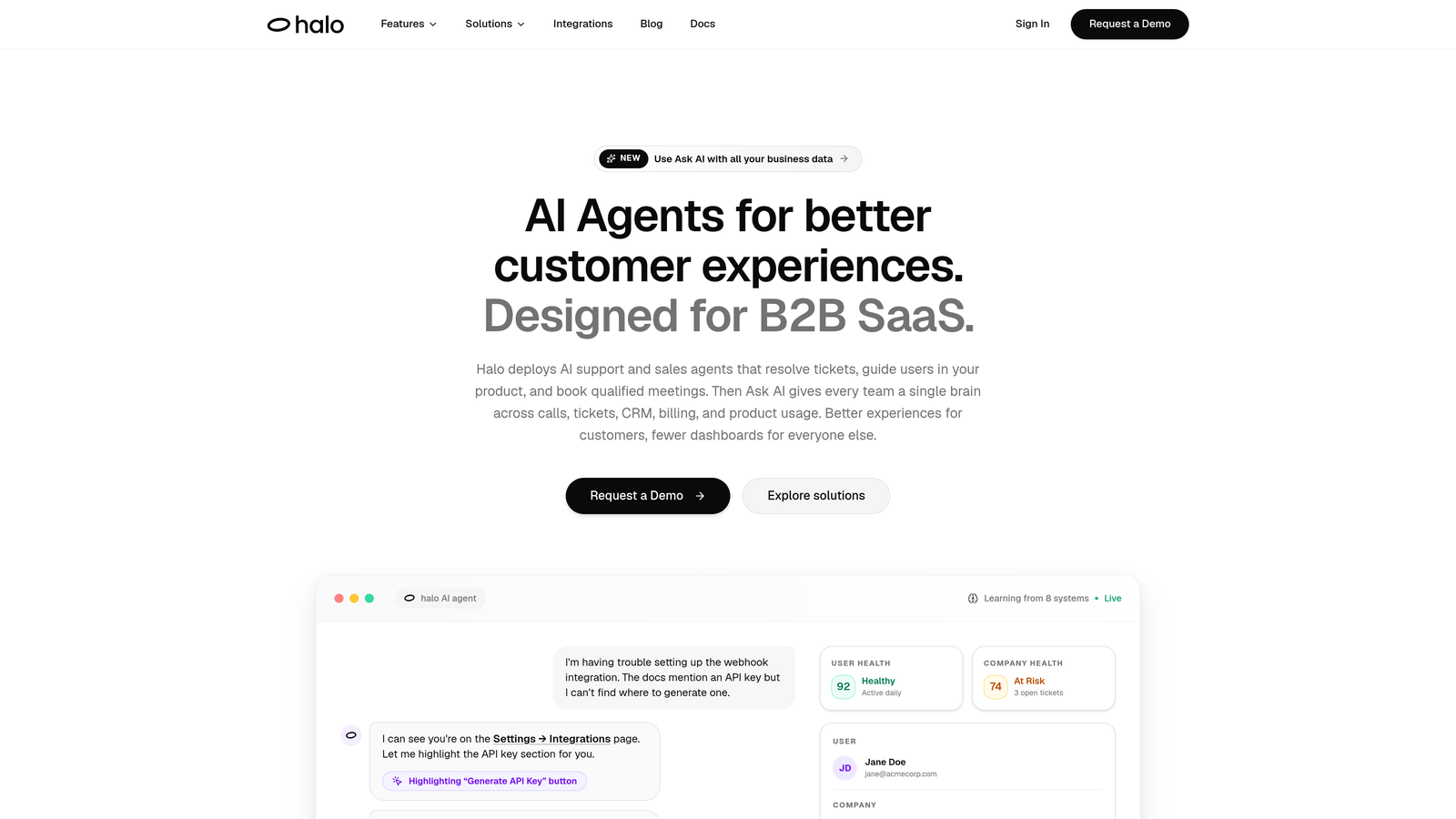
Halo AI is an AI-native customer support platform that combines Smart Inbox analytics, anomaly detection, and business intelligence to make ticket volume forecasting part of your everyday support workflow.
Where This Tool Shines
Most forecasting tools sit outside your support stack, requiring you to export data, build dashboards elsewhere, and then manually translate insights back into action. Halo takes a different approach: the intelligence is embedded directly in the platform, so volume trends, anomaly alerts, and customer health signals surface in context, right where your team is already working.
The anomaly detection capability is particularly valuable for fast-growing teams. Rather than waiting for a weekly report to notice a spike, Halo surfaces unexpected volume increases in real time, giving you a window to act before the backlog grows. Layered on top of that is revenue intelligence and customer health scoring, so you're not just seeing ticket counts but understanding which volume signals carry the most business risk.
Key Features
Smart Inbox Analytics: Business intelligence built into the inbox, surfacing volume trends, customer health signals, and workload patterns without leaving the support interface.
Anomaly Detection: Automatically flags unexpected ticket spikes in real time so teams can respond before a surge becomes a crisis.
Revenue Intelligence: Overlays customer health and revenue data on support volume, helping prioritize which trends matter most to the business.
AI Ticket Resolution: AI agents autonomously resolve routine tickets, which directly reduces the volume that reaches human agents and improves forecast accuracy by smoothing out predictable demand.
Deep Integrations: Connects with Linear, Slack, HubSpot, Intercom, Stripe, Zoom, PandaDoc, and Fathom, giving forecasting context across your entire business stack.
Best For
B2B SaaS teams and product-led growth companies that want forecasting and AI resolution in a single platform, rather than stitching together a helpdesk, a WFM tool, and a BI layer. Particularly strong for teams already using Intercom, HubSpot, or Slack as part of their support workflow.
Pricing
Pricing is not publicly listed. Contact Halo AI directly for a quote tailored to your team size and use case.
2. Zendesk Explore
Best for: Zendesk customers who want ticket volume reporting without leaving their existing platform
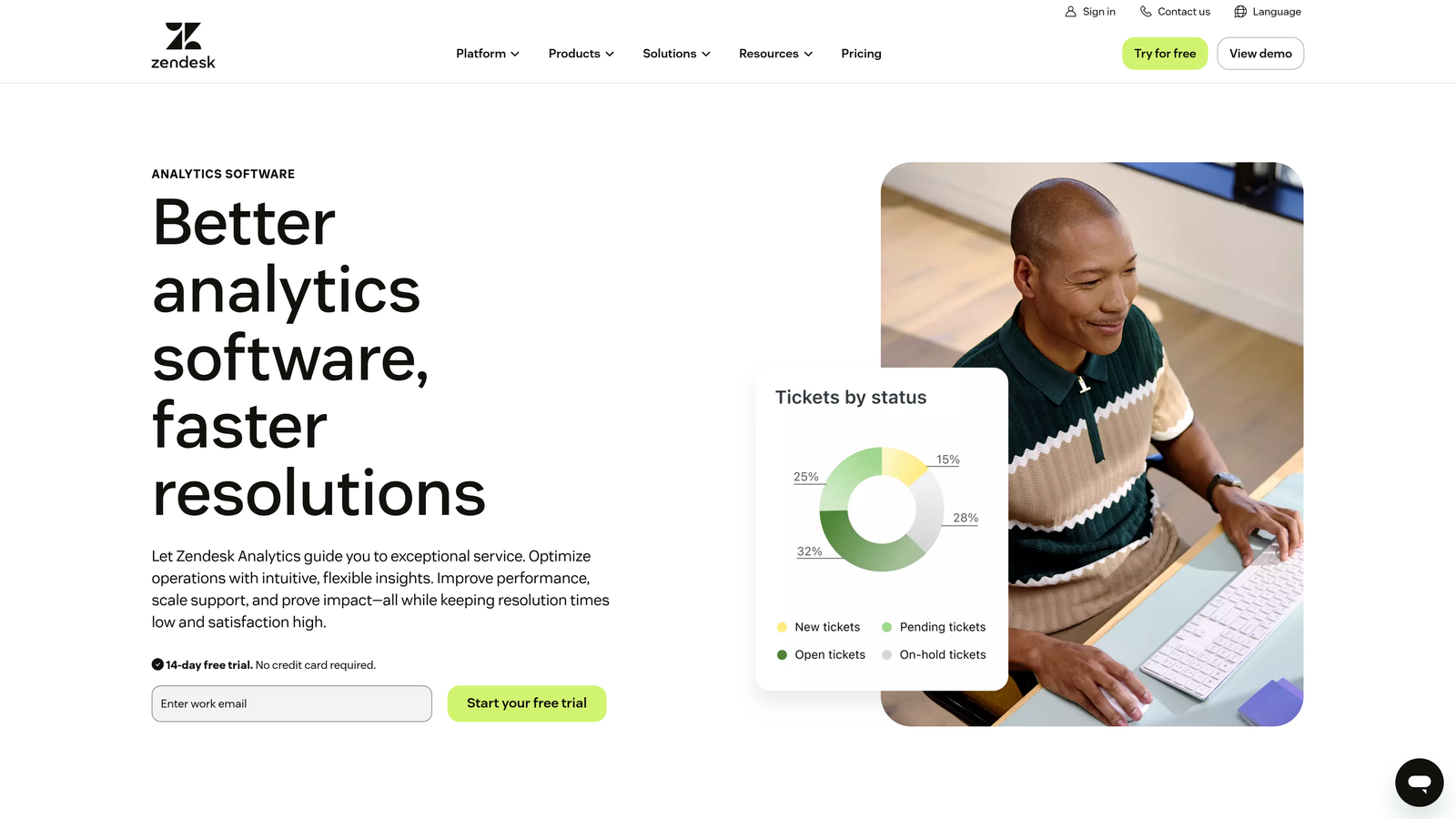
Zendesk Explore is the native analytics layer within Zendesk Suite, offering historical ticket volume reporting, trend dashboards, and a custom report builder for teams already invested in the Zendesk ecosystem.
Where This Tool Shines
The biggest advantage of Zendesk Explore is that it requires zero data pipeline setup. Your ticket data is already in Zendesk, and Explore surfaces it through pre-built dashboards covering volume trends, agent workload, SLA performance, and more. For teams that don't have dedicated data engineers, this is a meaningful time saver.
Where Explore has limitations is in true predictive forecasting. It excels at descriptive analytics, showing you what happened and identifying trends, but translating those trends into forward-looking staffing decisions requires manual interpretation. Teams that need automated forecasting output will likely need to pair it with a WFM tool.
Key Features
Pre-Built Dashboards: Out-of-the-box ticket volume and trend reports that are ready to use from day one with no configuration required.
Custom Report Builder: Drag-and-drop interface for building bespoke forecasting views tailored to your team's specific metrics.
Agent Workload Reporting: Visibility into how volume is distributed across agents and teams to support staffing decisions.
Real-Time and Historical Data: Both live queue visibility and historical trend analysis in a single interface.
Best For
Support teams already on Zendesk Suite who want solid trend reporting and custom dashboards without adding another tool to their stack. Less suited for teams needing automated predictive forecasting or staffing recommendations.
Pricing
Included in Zendesk Suite Growth at $89 per agent per month and above. Advanced Explore features unlock at higher tiers.
3. Freshdesk Analytics
Best for: Freshworks customers wanting unified omnichannel volume reporting across their support stack
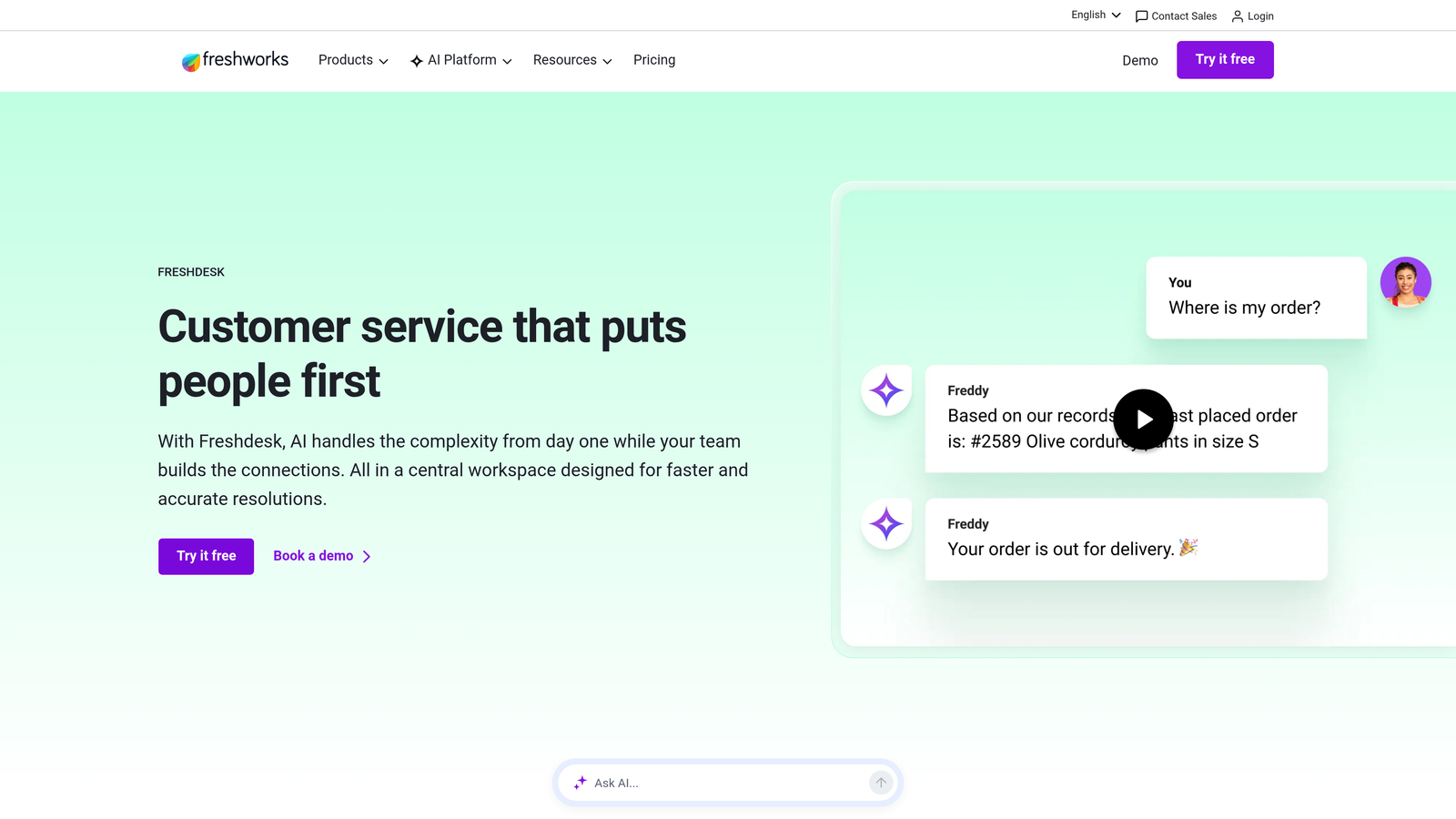
Freshdesk Analytics is the built-in analytics module within Freshdesk, tracking ticket volume trends, agent workload, and support performance across the broader Freshworks product suite.
Where This Tool Shines
If your team uses multiple Freshworks products, Freshdesk Analytics delivers something genuinely useful: a unified view of volume across Freshdesk, Freshchat, and Freshcaller. Rather than toggling between separate dashboards to understand total inbound demand, you get a consolidated picture in one place.
The canned report templates also make setup fast. Teams can get meaningful volume trend reports running within hours rather than days, which matters when you're a lean support operation without dedicated analytics resources. Forecasting is trend-based rather than ML-driven in standard tiers, so teams with complex prediction needs may find it limiting.
Key Features
Omnichannel Volume Reporting: Unified ticket and conversation volume across Freshdesk, Freshchat, and Freshcaller in a single dashboard.
Canned and Custom Report Templates: Pre-built templates for fast setup alongside a custom builder for more specific reporting needs.
SLA and Backlog Trend Tracking: Monitor how volume trends interact with SLA performance and ticket backlog growth over time.
Scheduled Report Delivery: Automatically push reports to stakeholders on a defined schedule, keeping leadership informed without manual effort.
Best For
Teams running the Freshworks suite who want omnichannel volume visibility without additional tooling. A strong fit for small to mid-size support teams that prioritize fast setup over advanced predictive modeling.
Pricing
Included in the Freshdesk Growth plan starting at $15 per agent per month, making it one of the more accessible options on this list.
4. Intercom
Best for: Teams using Intercom for customer messaging who want volume trend visibility by channel and segment
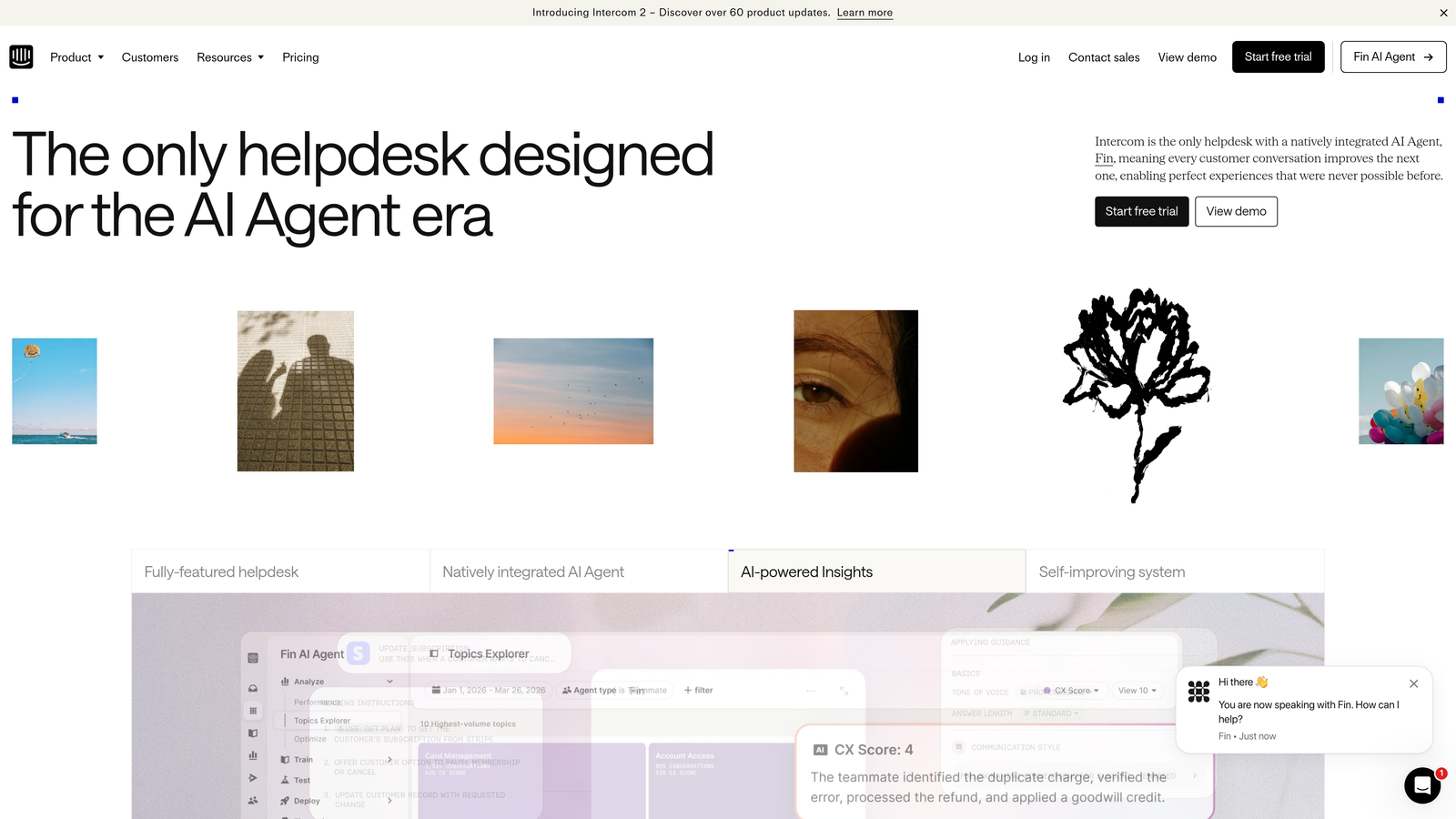
Intercom is a customer messaging platform whose reporting capabilities surface ticket volume trends, AI deflection rates, and conversation data broken down by channel, topic, and customer segment.
Where This Tool Shines
Intercom's reporting strength is in segmentation. You can slice volume data by customer lifecycle stage, conversation topic, or channel, which gives support leaders a more nuanced picture of where demand is coming from and why. This context is particularly useful when trying to forecast volume tied to product launches, onboarding cohorts, or pricing changes.
The AI resolution and deflection rate tracking is also worth noting. As AI handles more of your inbound volume, understanding the split between automated and human-handled conversations becomes critical for accurate staffing forecasts. Intercom surfaces this natively. Like Zendesk Explore, though, it leans descriptive rather than predictive.
Key Features
Volume by Channel and Segment: Break down inbound conversation volume by channel, topic, customer tier, or lifecycle stage for granular trend analysis.
AI Deflection Rate Tracking: Monitor how much volume your AI resolution layer is handling versus routing to human agents.
Customer Lifecycle Overlay: Understand how support volume maps to where customers are in their journey with your product.
Team Inbox Workload Visibility: See how volume is distributed across team inboxes to support real-time staffing decisions.
Best For
Teams already on Intercom who want richer volume segmentation and AI deflection visibility. Not a replacement for dedicated WFM forecasting, but a strong complement to it for trend analysis.
Pricing
Starts at $39 per seat per month on the Essential plan. Advanced reporting features are available on higher tiers.
5. Assembled
Best for: Mid-market and enterprise support teams needing purpose-built ML forecasting with scheduling automation
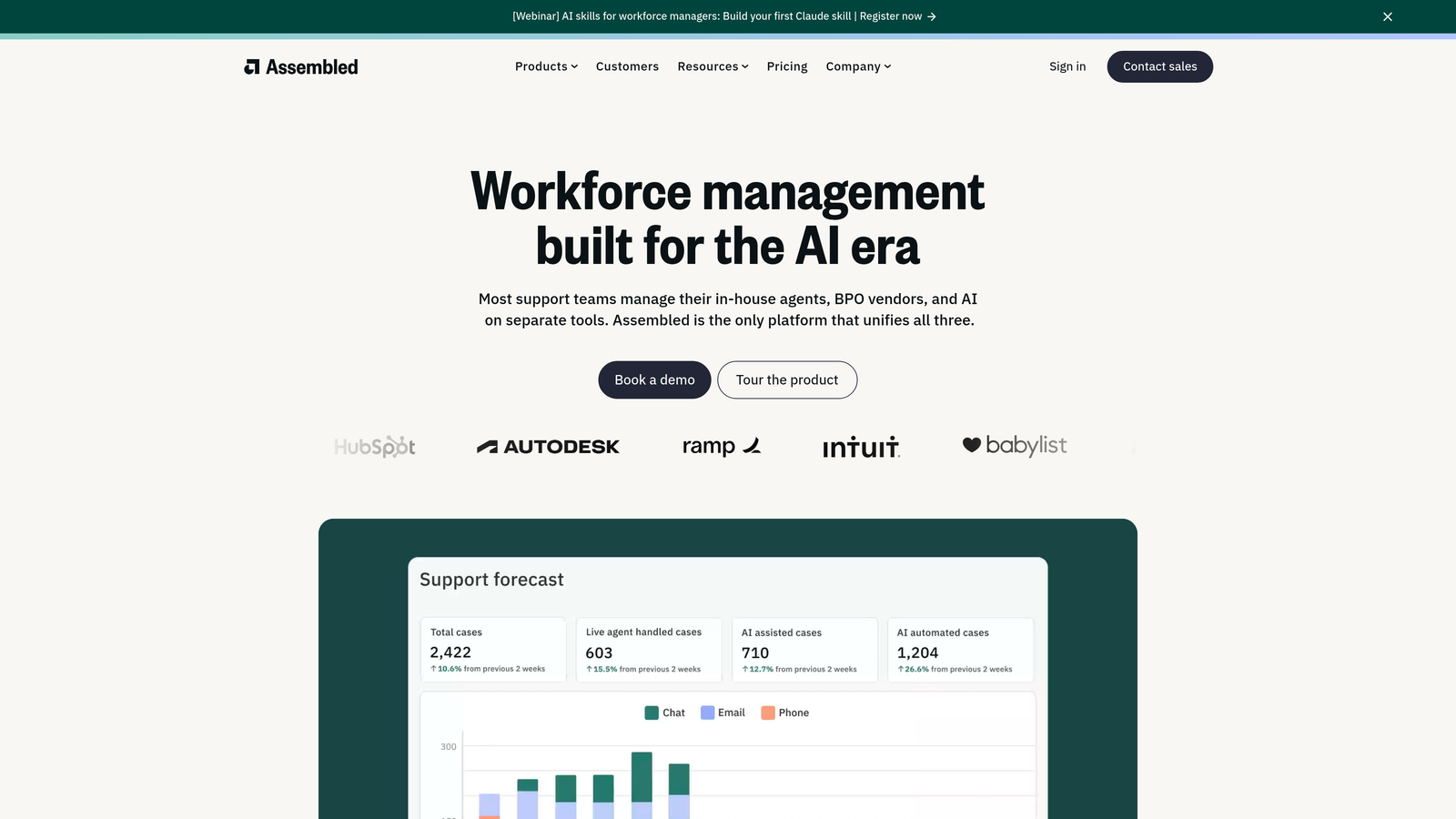
Assembled is a purpose-built workforce management platform for support teams, featuring ML-based ticket volume forecasting, automated scheduling, and real-time staffing adherence in one system.
Where This Tool Shines
Assembled was built specifically for support workforce management, which shows in the depth of its forecasting engine. The ML models learn from historical ticket patterns and surface volume predictions that feed directly into schedule generation, closing the loop between forecasting and staffing action. This is the gap that analytics-only tools leave open.
The real-time adherence monitoring adds another layer of operational control. When intraday volume deviates from the forecast, Assembled surfaces the discrepancy and supports fast adjustments. For teams managing multiple queues, channels, or time zones, this kind of live visibility is difficult to replicate with spreadsheets or basic reporting tools.
Key Features
ML-Based Volume Forecasting: Machine learning models trained on your historical ticket patterns to generate forward-looking volume predictions.
Automated Schedule Generation: Translates forecast output directly into staffing schedules, reducing the manual work of capacity planning.
Real-Time Adherence Monitoring: Tracks whether actual volume and agent activity match the forecast, with intraday adjustment support.
Broad Integrations: Native connections with Zendesk, Salesforce, Intercom, and Kustomer for seamless data sync.
Best For
Mid-market and enterprise support teams with enough historical volume data to train ML models effectively. A strong fit for high-growth tech companies managing complex scheduling across multiple channels or geographies.
Pricing
Pricing is not publicly listed. Assembled targets mid-market and enterprise customers; contact their sales team for a quote.
6. NICE CXone
Best for: Large enterprise contact centers with complex omnichannel forecasting requirements
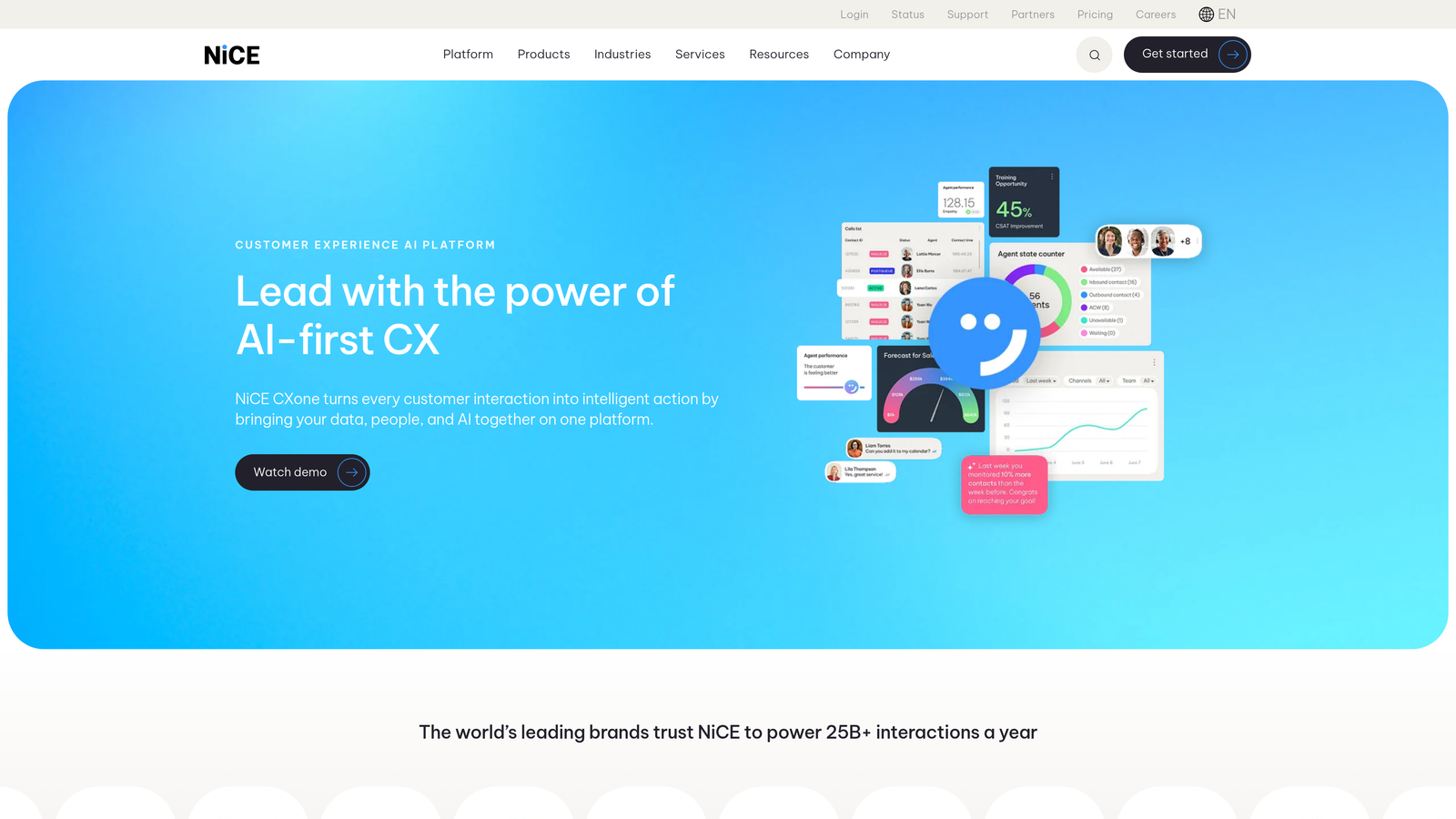
NICE CXone is an enterprise contact center platform with a mature WFM suite featuring AI-enhanced omnichannel volume forecasting across voice, chat, email, and digital channels.
Where This Tool Shines
NICE CXone brings decades of WFM development into a modern cloud platform. The forecasting engine handles both long-range planning and intraday reforecasting, which is critical for large contact centers where even small deviations from plan translate into significant cost or service level impact. The depth of the omnichannel forecasting model, spanning voice alongside digital channels, is a genuine differentiator at this scale.
The enterprise security and compliance features also matter for regulated industries. If your contact center operates in financial services, healthcare, or government, NICE CXone's compliance infrastructure is built for those requirements in a way that lighter WFM tools are not.
Key Features
AI-Enhanced Omnichannel Forecasting: Predictive models that span voice, chat, email, and digital channels in a unified forecasting engine.
Long-Range and Intraday Models: Both strategic capacity planning and real-time intraday adjustment capabilities in one platform.
Omnichannel Scheduling Engine: Staffing and scheduling output that accounts for blended agent workloads across all channels.
Enterprise Security and Compliance: Built-in features for regulated industries with strict data governance requirements.
Best For
Large contact centers with 50 or more agents, complex multi-channel operations, and enterprise compliance requirements. Likely over-engineered for smaller teams or digital-first SaaS support orgs.
Pricing
Enterprise pricing model; contact NICE directly for a custom quote based on your contact center size and channel mix.
7. Playvox Workforce Management
Best for: Digital-first support teams on Zendesk or Salesforce that want modern WFM without legacy complexity
Playvox Workforce Management is a modern WFM platform designed for digital-first support teams, with ticket volume forecasting, scheduling, and QA tightly integrated with Zendesk and Salesforce Service Cloud.
Where This Tool Shines
Playvox positions itself as the alternative to legacy WFM systems like NICE and Verint, offering comparable forecasting and scheduling capabilities with a lighter implementation footprint. For mid-market teams that need real WFM functionality but can't dedicate months to an enterprise rollout, that positioning resonates.
The combination of forecasting, scheduling, real-time management, and QA in a single platform is also worth highlighting. Many support teams manage these functions across separate tools, creating data silos and coordination overhead. Playvox's integrated approach keeps performance data and workforce data in the same system, which simplifies both analysis and accountability.
Key Features
Native Zendesk and Salesforce Integration: Volume forecasting built on direct data connections to Zendesk and Salesforce Service Cloud without manual exports.
Forecast-Driven Scheduling: Shift management and scheduling that flows directly from forecast output.
Real-Time Management and Intraday Reforecasting: Live visibility into adherence and the ability to adjust forecasts as actual volume deviates from plan.
Integrated QA and Performance Management: Quality assurance and agent performance tools in the same platform as forecasting and scheduling.
Best For
Mid-market support teams on Zendesk or Salesforce Service Cloud that want modern WFM capabilities without the complexity and cost of enterprise platforms. A good fit for teams that also want QA in the same system.
Pricing
Pricing is not publicly listed. Contact Playvox for a quote based on team size and feature requirements.
8. Tableau
Best for: Data-mature organizations with dedicated BI teams that need fully custom forecasting models
Tableau is an enterprise BI and data visualization platform that, when connected to support data sources, enables fully custom ticket volume forecasting dashboards and predictive models.
Where This Tool Shines
Tableau's strength is flexibility. There is no ceiling on how sophisticated your forecasting model can become: you can connect to Zendesk, Salesforce, your data warehouse, and custom databases simultaneously, then build dashboards that combine support volume with product usage data, revenue data, or any other signal that matters to your business.
The R and Python integration support means data science teams can embed true statistical forecasting models directly into Tableau dashboards, going well beyond trend lines into proper time-series prediction. The trade-off is that all of this requires meaningful data engineering investment. Tableau is a platform for building forecasting capabilities, not a forecasting tool you can plug in and use out of the box.
Key Features
Universal Data Connectivity: Connect to any data source including Zendesk, Salesforce, Snowflake, and custom databases for unified analysis.
Drag-and-Drop Dashboard Builder: Highly customizable visualization layer with no hard limits on dashboard complexity or design.
Predictive Analytics Extensions: R and Python integration for embedding advanced statistical forecasting models into dashboards.
Enterprise Governance: Role-based permissions, data governance controls, and enterprise-grade sharing for large organizations.
Best For
Organizations with mature data infrastructure, dedicated BI or data engineering resources, and a need for forecasting models that span support data alongside broader business data. Not suited for teams without technical resources to build and maintain the data pipelines.
Pricing
Tableau Creator starts at $75 per user per month. Additional costs may apply for data connectors and server infrastructure depending on your deployment model.
9. Tymeshift (by Zendesk)
Best for: Zendesk-native teams wanting WFM forecasting without the cost of enterprise platforms
Tymeshift is a workforce management tool acquired by Zendesk, offering automatic ticket volume data sync and forecasting tightly embedded within the Zendesk platform.
Where This Tool Shines
The core value proposition of Tymeshift is tight Zendesk integration at an accessible price point. Because it lives inside Zendesk and syncs ticket data automatically, there's no data export workflow, no separate login, and no reconciliation between systems. For teams already on Zendesk that have outgrown manual capacity planning but aren't ready for an enterprise WFM investment, Tymeshift fills that gap cleanly.
The forecasting engine uses historical Zendesk ticket patterns to generate volume predictions that feed into scheduling and shift management, all within the Zendesk interface your agents already use. It won't match the depth of a dedicated WFM platform like Assembled or NICE, but for many growing support teams, it doesn't need to.
Key Features
Automatic Zendesk Data Sync: Ticket volume data flows directly from Zendesk into the forecasting engine with no manual export required.
Historical Pattern Forecasting: Volume predictions built on your actual Zendesk ticket history, updated continuously as new data comes in.
In-Platform Scheduling: Shift management and scheduling tools accessible directly within the Zendesk interface.
Accessible Pricing: Available as a Zendesk add-on at a significantly lower price point than enterprise WFM alternatives.
Best For
Support teams fully committed to the Zendesk ecosystem that need WFM forecasting and scheduling without the complexity or cost of standalone enterprise platforms. A natural step up from spreadsheet-based capacity planning for Zendesk shops.
Pricing
Available as a Zendesk add-on. Contact Zendesk sales for current pricing, as it is bundled through Zendesk's platform rather than sold independently.
Which Tool Is Right for Your Team?
The best ticket volume forecasting tool depends heavily on where you are in your support maturity journey and what problem you're actually trying to solve.
If you're a B2B SaaS team that wants forecasting intelligence built into your support workflow alongside AI ticket resolution, Halo AI is worth a close look. The combination of Smart Inbox analytics, real-time anomaly detection, and autonomous AI resolution in one platform is genuinely differentiated for product-led growth companies.
For teams already on Zendesk, the decision often comes down to depth of need. Zendesk Explore handles trend reporting well at no extra cost. Tymeshift adds WFM forecasting and scheduling within the same environment at a reasonable price. Assembled or Playvox make sense when you need more sophisticated ML-driven forecasting with automated scheduling.
If you're on Freshworks or Intercom, the native analytics modules cover the basics without adding tools. For enterprise contact centers with complex omnichannel operations, NICE CXone is the mature choice. And if your team has strong data engineering resources and wants complete control over your forecasting models, Tableau gives you that flexibility.
The common thread across all of these: forecasting only creates value when it drives action. The best tool is the one your team will actually use to make staffing decisions, not the one with the most impressive feature list sitting unused in a browser tab.
Your support team shouldn't scale linearly with your customer base. Let AI agents handle routine tickets, guide users through your product, and surface business intelligence while your team focuses on complex issues that need a human touch. See Halo in action and discover how continuous learning transforms every interaction into smarter, faster support.