9 Best Tools to Handle Too Many Support Tickets in 2026
When your support queue is growing faster than your team can handle, the right too many support tickets solution can dramatically reduce volume and accelerate resolution without simply adding headcount. This guide reviews nine tools — from autonomous AI agents to self-service deflection platforms — organized by primary strength to help you pinpoint the best fit for your team's specific bottleneck.
 Grant CooperFounder14 min read
When your support queue is growing faster than your team can handle, the answer isn't always hiring more agents. Sometimes it's working smarter. Whether you're fielding hundreds of tickets a day or watching your backlog compound week over week, the right tooling can dramatically reduce volume, accelerate resolution, and surface the patterns driving repeat requests.
This list covers nine tools that directly address ticket overload, from AI agents that resolve issues autonomously to self-service platforms that deflect tickets before they're ever submitted. Each tool takes a different approach, so we've organized them by their primary strength to help you find the right fit for your team's specific bottleneck.
If you're evaluating solutions for a B2B SaaS environment where your support team is stretched thin and ticket complexity is high, pay close attention to tools one through four in particular.
1. Halo AI
Best for: B2B SaaS teams that need autonomous ticket resolution with continuous learning built in.
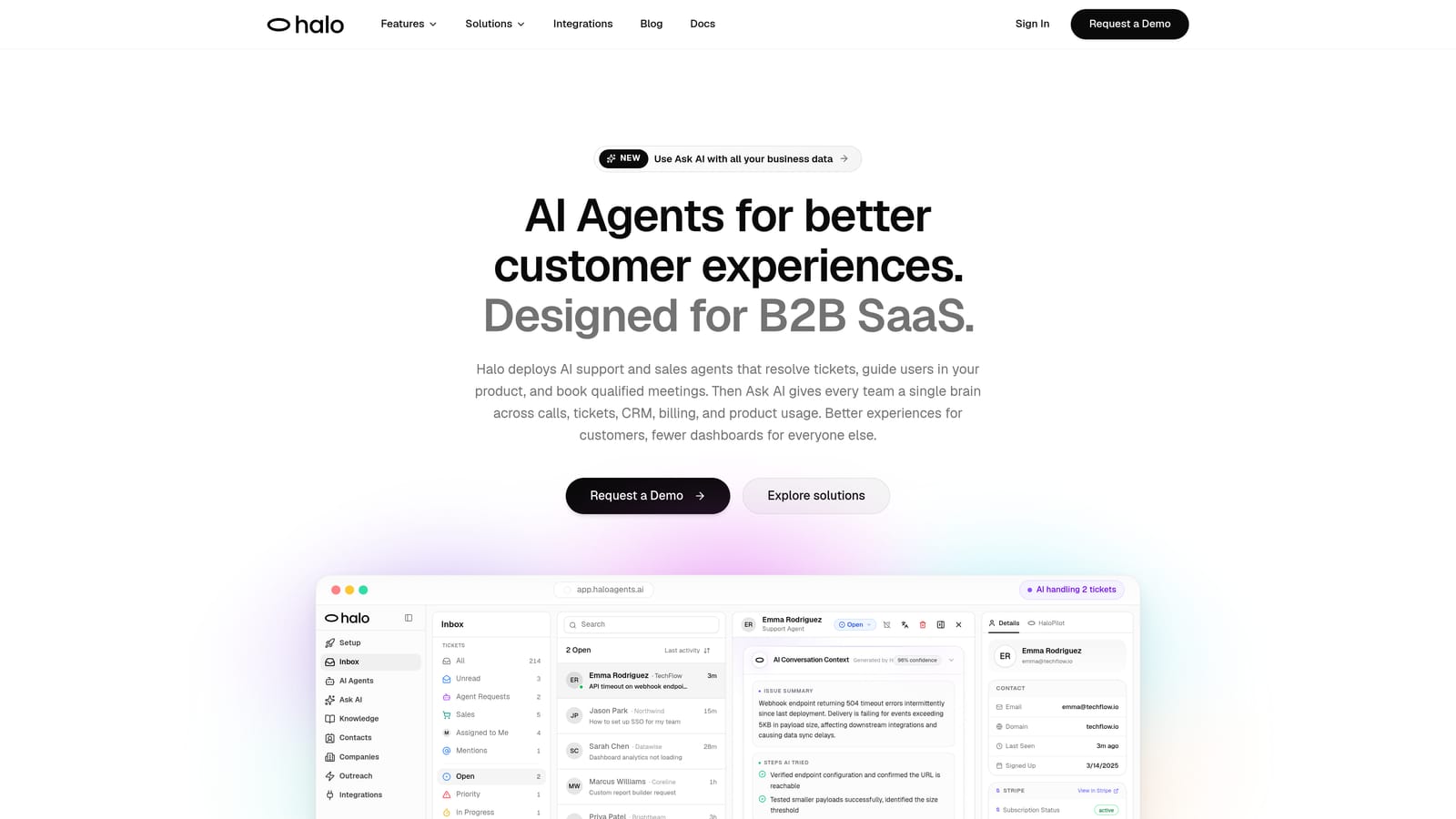
Halo AI is an AI-native customer support platform that deploys autonomous agents to resolve tickets end-to-end, guide users through your product with page-aware context, and surface business intelligence from every support interaction.
Where This Tool Shines
Most AI support tools are bolt-ons. They sit on top of an existing helpdesk and handle the easy stuff, then hand off everything else. Halo is built differently: the AI is the architecture, not a feature layer. That distinction matters when you're dealing with high ticket volume and complex B2B workflows, because the AI doesn't just deflect, it resolves.
The page-aware chat widget is a standout capability. The AI sees what the user is looking at in your product, which means it can provide contextual, step-by-step guidance rather than generic answers. Combine that with continuous learning from every resolved case, and the system genuinely gets smarter over time without manual retraining.
Key Features
Autonomous AI Agents: Resolve tickets end-to-end without human intervention, handling everything from account questions to product walkthroughs.
Page-Aware Chat Widget: The AI sees what the user sees on-screen, enabling contextually accurate guidance rather than generic responses.
Smart Inbox with Business Intelligence: Surfaces customer health signals, anomaly detection, and revenue insights directly from support interactions.
Auto Bug Ticket Creation: Automatically generates structured bug reports and routes them to Linear or Jira, closing the loop between support and engineering.
Live Agent Handoff: Escalates complex issues to human agents with full context preserved, so customers never have to repeat themselves.
Native Integrations: Connects with Zendesk, Intercom, Freshdesk, Slack, HubSpot, Stripe, Zoom, PandaDoc, and Fathom out of the box.
Best For
SaaS companies with growing ticket volumes and limited headroom to hire. Particularly well-suited to product-led growth companies where users need in-app guidance, and to teams that want support interactions to feed back into product and revenue intelligence rather than disappearing into a helpdesk silo.
Pricing
Contact for pricing. A demo is available at haloagents.ai, which is the fastest way to see the platform against your specific use case.
2. Intercom
Best for: Teams that want AI-powered query resolution and proactive messaging in a single platform.
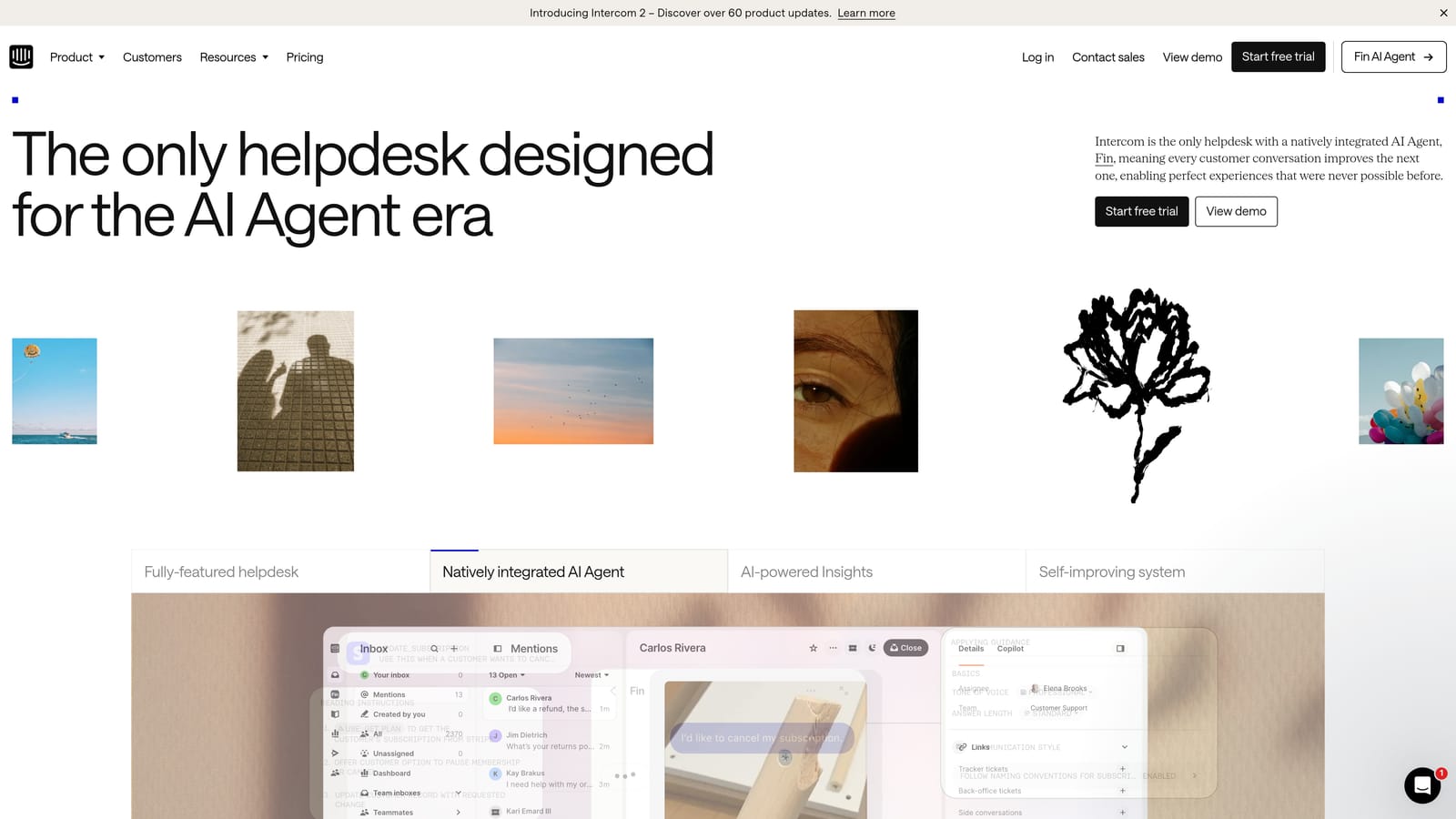
Intercom is a customer messaging platform with Fin, an AI agent built on large language models that can resolve a meaningful portion of inbound queries without human involvement.
Where This Tool Shines
Intercom's strength is the combination of reactive and proactive support in one product. Fin handles inbound queries autonomously, while Intercom's in-app messaging tools let you get ahead of tickets by reaching users before they hit a wall. That two-pronged approach can meaningfully reduce net ticket volume rather than just speeding up resolution.
The unified inbox is well-executed, pulling together chat, email, and in-app conversations into a single view. For teams managing multiple channels, that consolidation alone can reduce the coordination overhead that slows response times.
Key Features
Fin AI Agent: Handles repetitive inbound queries autonomously using your existing help content as its knowledge source.
Proactive Messaging: Reaches users in-app before they submit a ticket, addressing common friction points at the source.
Unified Inbox: Combines chat, email, and in-app conversations into a single agent workspace.
Workflow Automation: Routes, tags, and assigns tickets based on rules you define, reducing manual triage effort.
CSAT and Reporting: Tracks satisfaction scores and resolution metrics with solid built-in reporting.
Best For
Mid-market and enterprise SaaS teams that want a mature, well-integrated platform. Less ideal for budget-constrained teams, since Fin's AI usage is billed per resolution on top of base seat costs, which can add up quickly at scale.
Pricing
Starts at $39 per seat per month. Fin AI usage is billed separately per resolution, so total cost scales with volume.
3. Zendesk
Best for: Large support organizations with complex routing logic and omnichannel requirements.
Zendesk is the industry-standard enterprise helpdesk, offering AI-powered triage, extensive automation, and a mature integration ecosystem built for large-scale support operations.

Where This Tool Shines
Zendesk's depth is its defining characteristic. The automation engine is highly configurable, SLA management is robust, and the marketplace of third-party integrations covers almost any workflow you can imagine. For organizations with multiple support tiers, regional teams, or complex escalation paths, Zendesk has the infrastructure to support it.
The AI features, including intelligent triage, auto-categorization, and sentiment detection, help reduce the manual overhead of managing high ticket volumes. They won't resolve tickets autonomously the way a dedicated AI agent will, but they meaningfully accelerate agent workflows and improve routing accuracy.
Key Features
Zendesk AI: Intelligent triage, auto-categorization, and suggested responses to speed up agent handling.
Advanced Automation: Triggers and rules for routing, tagging, priority assignment, and SLA management.
Omnichannel Support: Handles email, chat, voice, and social channels in a unified platform.
Integration Marketplace: Hundreds of pre-built integrations covering CRM, analytics, billing, and engineering tools.
SLA Management: Granular SLA policies with breach alerts and reporting for compliance-conscious teams.
Best For
Enterprise and upper mid-market teams with established support operations that need a battle-tested platform. Smaller teams may find the configuration complexity and cost hard to justify compared to leaner alternatives.
Pricing
Suite plans start at $55 per agent per month. AI features are available as add-ons and priced separately, so total cost can climb quickly for larger teams.
4. Freshdesk
Best for: Mid-market teams that want omnichannel support and built-in AI at a competitive price point.
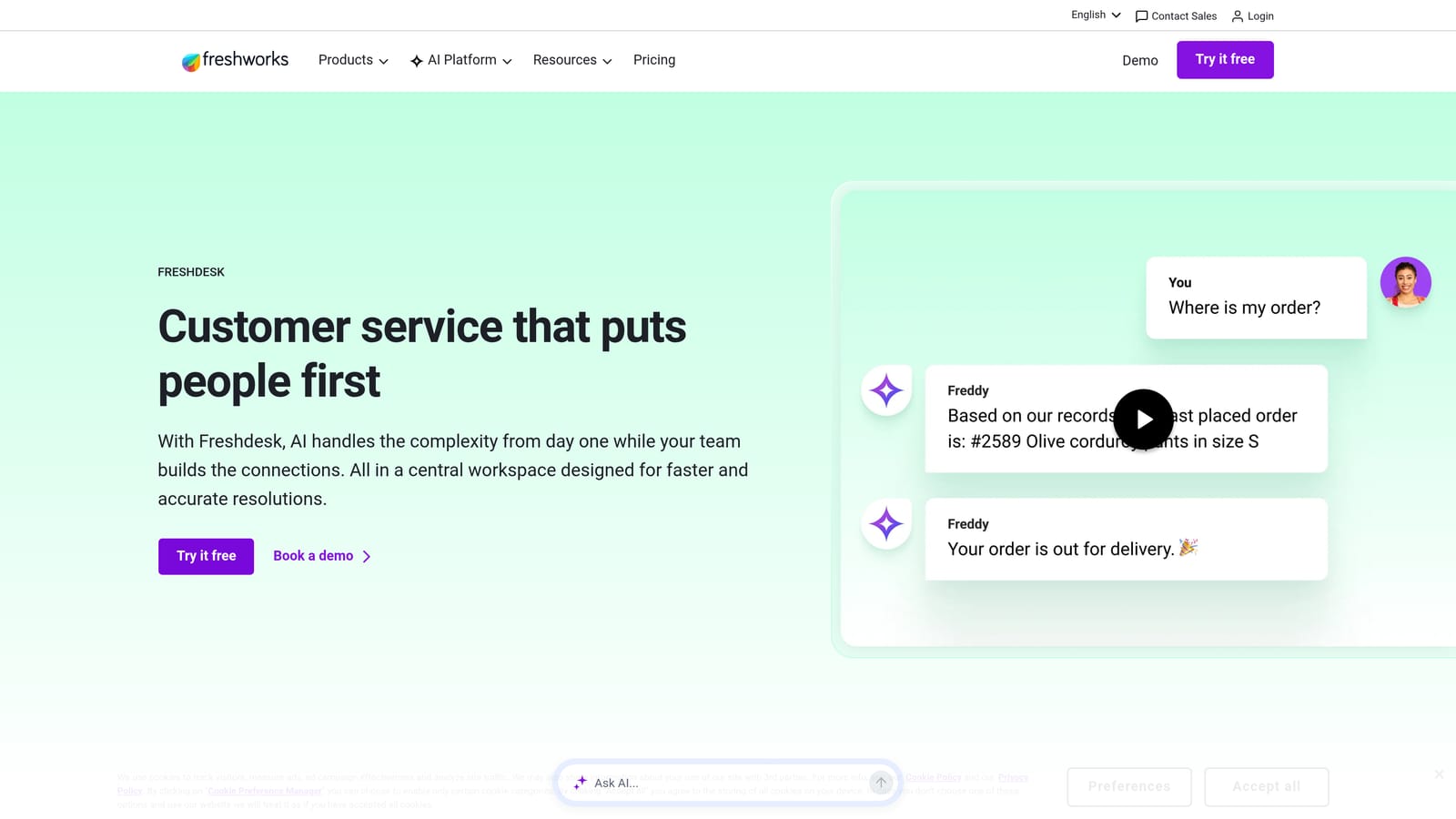
Freshdesk is an all-in-one helpdesk from Freshworks with Freddy AI built in, offering auto-responses, agent assist, and predictive support without the enterprise price tag.
Where This Tool Shines
Freshdesk hits a useful middle ground: enough features to handle serious ticket volume, but without the complexity and cost that makes Zendesk feel overkill for growing teams. Freddy AI handles automated responses on common queries and surfaces suggestions to agents mid-conversation, which speeds up handling time without requiring full AI autonomy.
The collision detection feature is a practical win that often gets overlooked. When multiple agents are viewing the same ticket simultaneously, Freshdesk flags it to prevent duplicate effort, which is a real problem in high-volume environments.
Key Features
Freddy AI: Automated responses, agent suggestions, and predictive support built into the core platform.
Omnichannel Ticketing: Manages email, chat, phone, and social conversations in one place.
Collision Detection: Prevents multiple agents from working the same ticket simultaneously.
Canned Responses and Scenario Automations: Speeds up repetitive responses and multi-step workflows with a single click.
Free Tier: A functional free plan makes it accessible for small teams testing the waters before committing.
Best For
Growing SaaS teams that need a full helpdesk foundation with AI capabilities but aren't ready for enterprise-level spend. The free tier makes it a natural starting point for early-stage teams.
Pricing
Free tier available for basic use. Paid plans start at $15 per agent per month. Freddy AI features unlock on higher tiers.
5. Guru
Best for: Support teams where knowledge gaps and fragmented information are driving ticket volume.
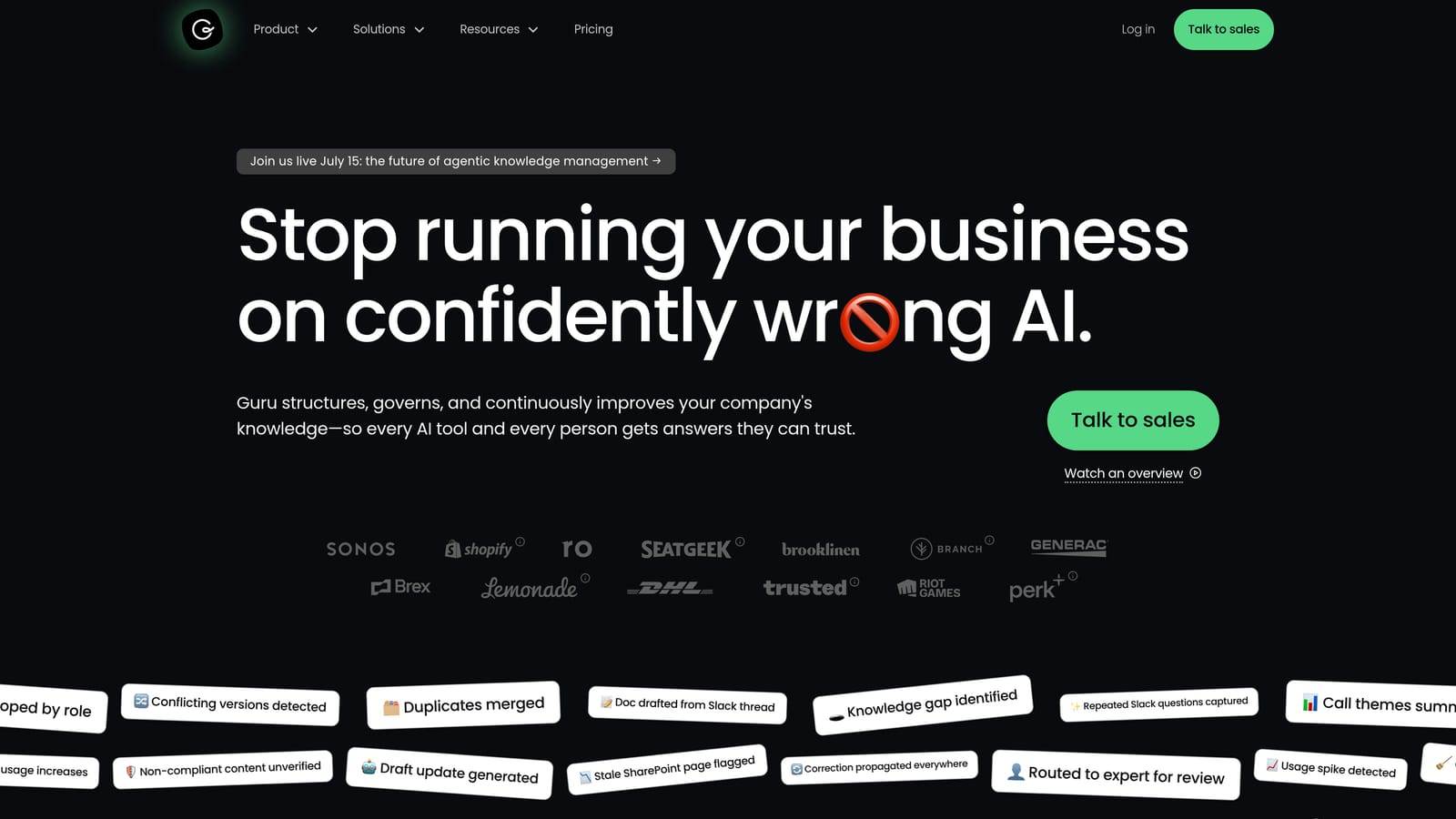
Guru is an AI-powered knowledge management platform that surfaces the right answers inside the tools your support agents already use, reducing tickets caused by agents not having information readily available.
Where This Tool Shines
Not all ticket volume comes from customers. A significant portion comes from agents who don't have fast access to accurate answers, which slows resolution times and increases escalations. Guru tackles that problem directly by embedding knowledge delivery into the agent's existing workflow rather than requiring them to switch tabs and search a separate wiki.
The knowledge verification workflow is a particularly useful feature for teams where information changes frequently. Content owners are prompted to review and confirm accuracy on a schedule, which prevents agents from confidently sharing outdated information.
Key Features
AI-Powered Search: Surfaces relevant knowledge cards from across your knowledge base without requiring exact keyword matches.
Browser Extension: Delivers answers inside Zendesk, Freshdesk, Slack, and other tools without leaving the current tab.
Knowledge Verification: Prompts content owners to review and confirm accuracy on a set schedule.
Usage Analytics: Shows which knowledge cards are being used and where gaps exist, so you can prioritize content creation.
Documentation Integrations: Connects with existing wikis and documentation tools to centralize knowledge without starting from scratch.
Best For
Support teams experiencing slow resolution times due to knowledge fragmentation, particularly during onboarding periods or after rapid product changes. Works best as a complement to a helpdesk, not a standalone solution.
Pricing
Free for up to three users. Paid plans start at $10 per user per month.
6. Notion AI
Best for: Smaller teams already living in Notion who need a lightweight internal knowledge layer.
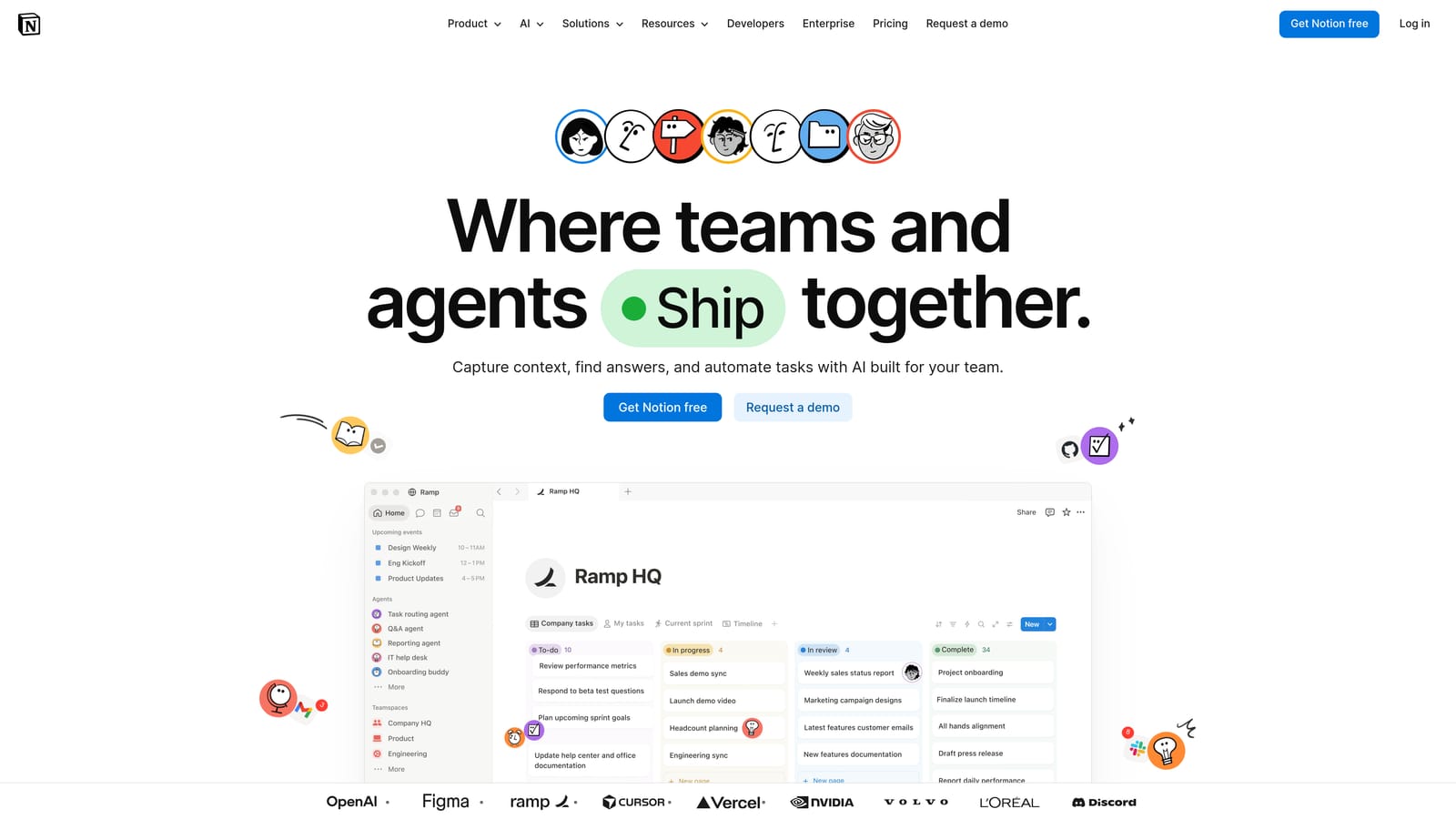
Notion AI adds intelligent search and summarization to your existing Notion workspace, turning your internal wikis into a queryable knowledge base without requiring a separate tool.
Where This Tool Shines
For teams that have already built runbooks, SOPs, and product documentation in Notion, the AI add-on is a low-friction way to make that content more accessible. The Q&A feature lets agents ask natural language questions and get answers pulled directly from existing pages, which is faster than manually searching a large wiki.
The barrier to entry is genuinely low here. If your team is already paying for Notion, adding AI capabilities is a straightforward incremental investment rather than a platform switch. That said, it's worth being realistic: Notion AI is a productivity enhancement, not a ticket resolution engine.
Key Features
AI Search: Finds relevant content across your entire Notion workspace using natural language queries.
Document Summarization: Condenses long runbooks or product docs into quick-reference summaries for agents.
Q&A Feature: Answers questions directly from your existing Notion pages without manual search.
Collaborative Wiki Building: Teams can build and maintain runbooks, SOPs, and escalation guides in a shared environment.
Low Setup Overhead: Works on top of content you've already created, so there's no migration or rebuild required.
Best For
Smaller support teams with fewer than 20 agents who are already Notion users and need to make their internal knowledge more queryable. Not the right choice for high-volume teams that need dedicated knowledge management or ticket resolution capabilities.
Pricing
Notion AI is available as an add-on at $10 per member per month on top of your base Notion plan.
7. Help Scout
Best for: SMB and mid-market teams that want a clean, human-feeling support experience with solid self-service deflection.
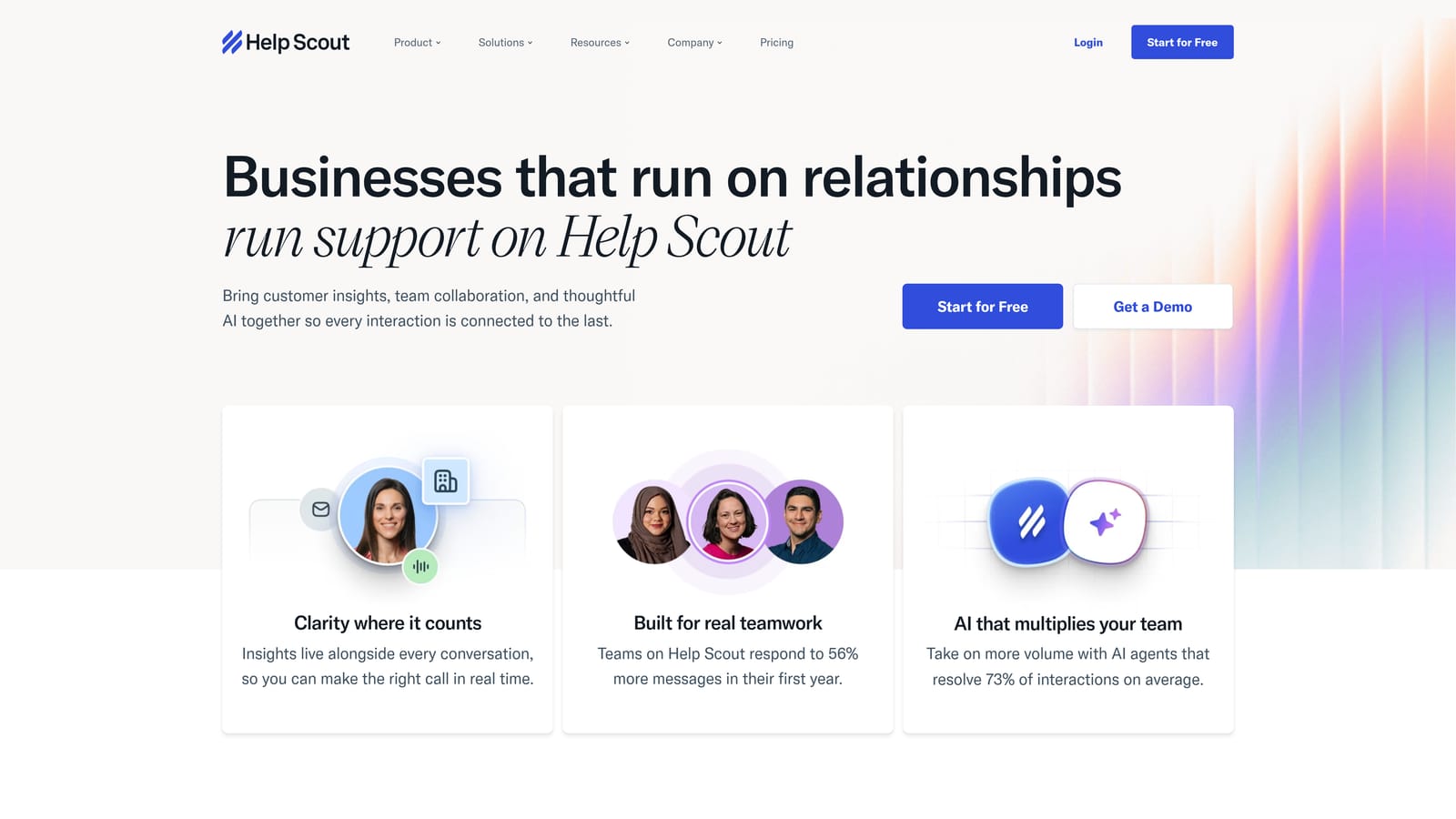
Help Scout is a customer support platform that combines a shared inbox, a self-service Docs portal, and AI-powered workflows in a clean interface that agents genuinely enjoy using.
Where This Tool Shines
Help Scout's Docs feature is one of the more effective self-service deflection tools in this price range. The Beacon widget surfaces relevant articles before a user submits a ticket, which means a portion of your inbound volume never reaches the queue at all. For teams where a meaningful share of tickets are answerable with existing documentation, this can have an outsized impact on workload.
The AI Summarize and AI Drafts features are practical rather than flashy. They help agents respond faster by summarizing long conversation threads and drafting initial replies, which is useful in high-volume environments where context-switching is a constant drain.
Key Features
Docs: Self-service knowledge base that surfaces relevant articles before users submit a ticket.
Beacon: In-app widget with proactive messaging and article search to deflect common queries.
AI Summarize and AI Drafts: Speeds up agent responses by summarizing threads and generating draft replies.
Workflow Automation: Handles tagging, routing, and auto-replies based on configurable rules.
Clean UX: Consistently praised for an interface that reduces agent cognitive load in high-volume environments.
Best For
SMB and mid-market SaaS teams that want a well-rounded helpdesk with strong self-service capabilities and a user experience that doesn't require extensive training to adopt. Less suited to enterprise teams with complex multi-tier routing requirements.
Pricing
Starts at $22 per user per month on the Standard plan. Higher tiers unlock additional AI features.
8. Typeform
Best for: Teams losing time to misrouted tickets and back-and-forth clarification requests.
Typeform is a conversational form builder that reduces ticket noise by capturing structured, complete information upfront, so fewer tickets get misrouted and agents spend less time chasing context.
Where This Tool Shines
Here's a problem that often gets overlooked in the ticket volume conversation: a lot of "tickets" aren't really tickets yet. They're incomplete submissions that require two or three follow-up messages before an agent can actually start working. Typeform addresses this by guiding users through a structured, conversational intake process that collects exactly what's needed before the ticket is created.
The logic branching capability is particularly valuable for teams with multiple product lines or support categories. Rather than sending every user through the same generic form, Typeform routes them through a tailored path based on their answers, which means the ticket arrives pre-categorized and pre-enriched.
Key Features
Conversational Forms: Multi-step, guided intake that prompts users to provide complete information before submitting.
Logic Branching: Routes users through different question paths based on their answers, enabling automatic pre-categorization.
Conditional Questions: Eliminates irrelevant fields so users only see what's applicable to their situation.
Helpdesk Integrations: Connects with Zendesk, HubSpot, Slack, and most helpdesks via Zapier or native integrations.
Embeddable: Can be placed directly in your product or help center for a seamless intake experience.
Best For
Support teams where a significant portion of handling time is spent on clarification and re-routing. Works well as an intake layer on top of any existing helpdesk, particularly for teams with complex product lines or multiple support categories.
Pricing
Free tier available for basic use. Paid plans start at $25 per month.
9. Linear
Best for: SaaS support teams where untracked product bugs are generating recurring ticket spikes.
Linear is an engineering issue tracker that closes the loop between support and product, preventing the recurring ticket spikes that happen when bugs go untracked or fix timelines are invisible to support teams.
Where This Tool Shines
Linear belongs on this list because one of the most common and frustrating sources of ticket volume in SaaS is the same bug generating dozens of contacts over days or weeks. When support and engineering are disconnected, there's no mechanism to stop that cycle. Linear creates that mechanism: bugs get logged, tracked, prioritized, and communicated back to support in a structured way.
For teams using Halo AI, the native integration is worth highlighting specifically. When Halo's AI agent identifies a bug pattern in incoming tickets, it can automatically create a structured Linear issue with full context, no manual handoff required. That's the kind of closed-loop workflow that prevents recurring ticket spikes from becoming a chronic problem.
Key Features
Structured Issue Tracking: Priority, status, and owner visibility so support teams always know where a bug stands.
Support Tool Integration: Connects with support platforms (including Halo AI natively) to auto-create bug tickets from support interactions.
Cycle and Project Planning: Gives support teams visibility into engineering fix timelines so they can set accurate expectations with customers.
Slack and GitHub Integrations: Real-time updates when issue status changes, keeping support informed without requiring manual check-ins.
Fast, Clean UI: Designed for engineering workflows, which means adoption friction is low for technical teams.
Best For
SaaS companies where product bugs are a recurring driver of support volume and where support and engineering teams currently operate without a shared visibility layer. Essential for any team using Halo AI that wants the auto bug ticket creation workflow to function end-to-end.
Pricing
Free for small teams. Paid plans start at $8 per user per month.
Which Tool Is Right for Your Team?
The honest answer is that most teams dealing with serious ticket overload need more than one layer of tooling. A single platform rarely solves the whole problem because ticket volume has multiple root causes: repetitive questions, knowledge gaps, incomplete intake, untracked bugs, and slow resolution all compound each other.
Here's a quick framework for matching your primary bottleneck to the right starting point.
If repetitive questions are flooding your queue: Start with an AI resolution layer. Halo AI and Intercom's Fin are the strongest options here, with Halo offering the deeper B2B SaaS fit and continuous learning architecture.
If slow resolution times are your main problem: Look at knowledge management first. Guru is the most purpose-built option; Notion AI works well if your team is already in that ecosystem.
If bugs are generating recurring contacts: Linear integration is non-negotiable. Pair it with Halo AI's native auto bug ticket creation to close the loop automatically.
If you're starting from scratch with no existing helpdesk: Freshdesk and Help Scout offer the best foundation-to-automation ratio. Both give you a functional platform with AI capabilities at a price that makes sense before you've optimized your workflows.
If incomplete ticket submissions are slowing your agents: Add Typeform as an intake layer on top of whatever helpdesk you're using. It's a lightweight fix with a meaningful impact on agent efficiency.
The most effective setups typically combine at least two layers: an AI resolution layer that handles autonomous ticket closing, and either a self-service or knowledge layer that prevents tickets from being submitted in the first place. That combination addresses both the demand side and the supply side of your queue.
Your support team shouldn't scale linearly with your customer base. Let AI agents handle routine tickets, guide users through your product, and surface business intelligence while your team focuses on complex issues that need a human touch. See Halo in action and discover how continuous learning transforms every interaction into smarter, faster support.